Tus creaciones solo se guardan durante 7 días. Los recursos creados después de actualizar a Membresía se almacenarán de forma permanente.
¡Desbloquea tu potencial creativo y experimenta la magia de Media AI ahora mismo!
Añade un cuerno de unicornio a una foto para ediciones de retrato mágicas y listas para compartir
Usa la IA para añadir un cuerno de unicornio a una foto y convierte selfies, retratos, fotos de mascotas o de niños en ediciones de fantasía caprichosas. Media.io facilita crear desde un look de filtro de unicornio divertido hasta un efecto de cuerno de unicornio con IA más realista directamente en tu navegador.
Escribe tu idea -> La IA la diseña. Pruébalo gratis.
Revisa estas instrucciones de ejemplo y luego ajusta los detalles del prompt para obtener mejores resultados con este Añadir cuerno de unicornio a una foto.
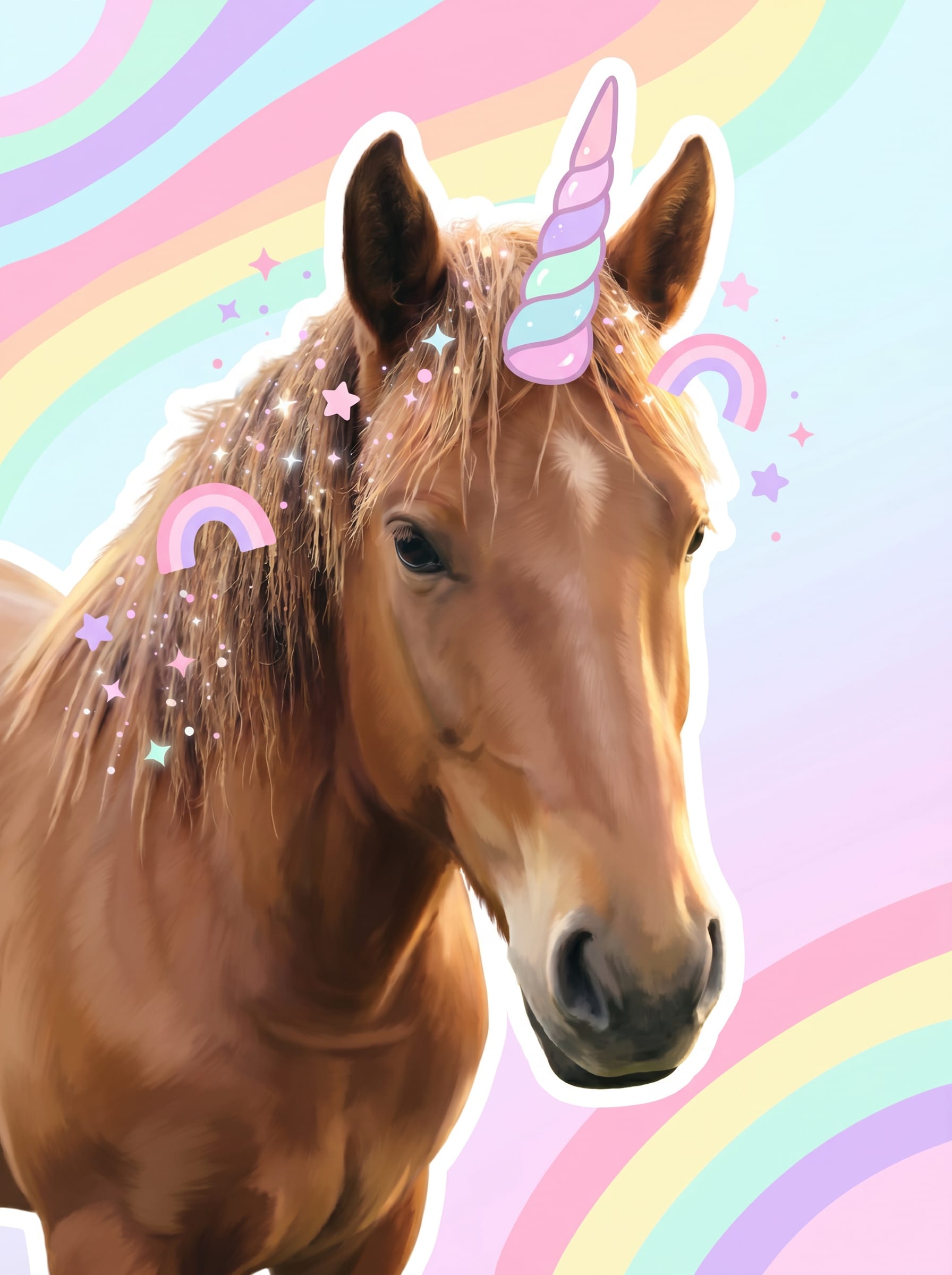
Sticker de unicornio kawaii
Usa la imagen subida como sujeto y añade un lindo cuerno de unicornio en tonos pastel centrado en la frente. Integra pequeños destellos, estrellas Suaves, acentos de arcoíris rosa y lavanda, iluminación brillante y alegre, retoque suave apto para la piel, y una composición de selfie limpia con un acabado estilo sticker divertido.
Filtro de princesa arcoíris
Usa el retrato subido como base y transfórmalo en un look de princesa unicornio arcoíris de ensueño. Añade un cuerno espiral brillante, partículas de purpurina, reflejos arcoíris con destellos, tonos rubor Suave, Gradación de color pastel, un brillo sutil y un estilismo de fantasía caprichoso con un acabado pulido de edición de Belleza.
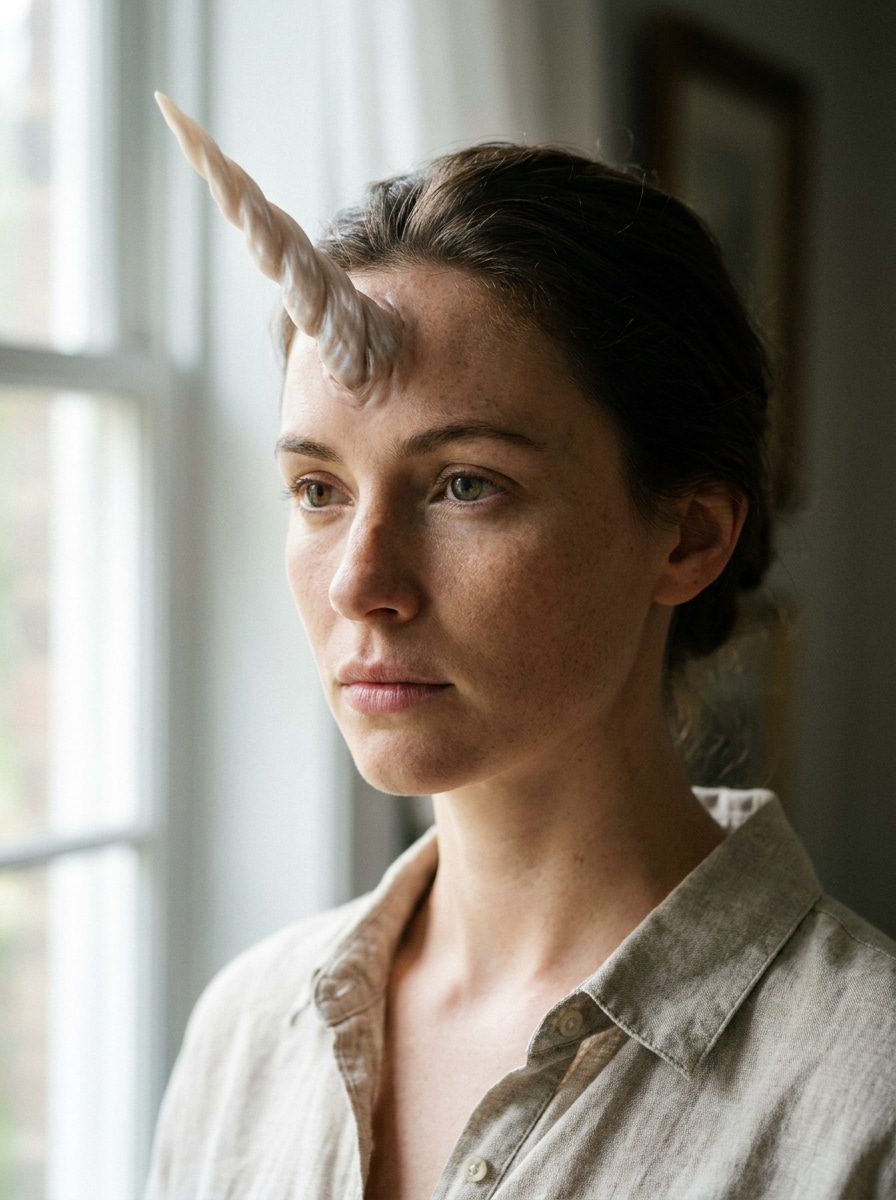
Cuerno de unicornio fotorrealista
Usa la foto subida como sujeto y añade un cuerno de unicornio realista que coincida con el ángulo del rostro, los tonos de piel, las sombras y la iluminación existente de forma natural. Mantén las texturas creíbles, fusiona los bordes sin costuras, conserva los detalles faciales y crea un compuesto de fantasía de alta gama con un toque mágico sutil y pulido.
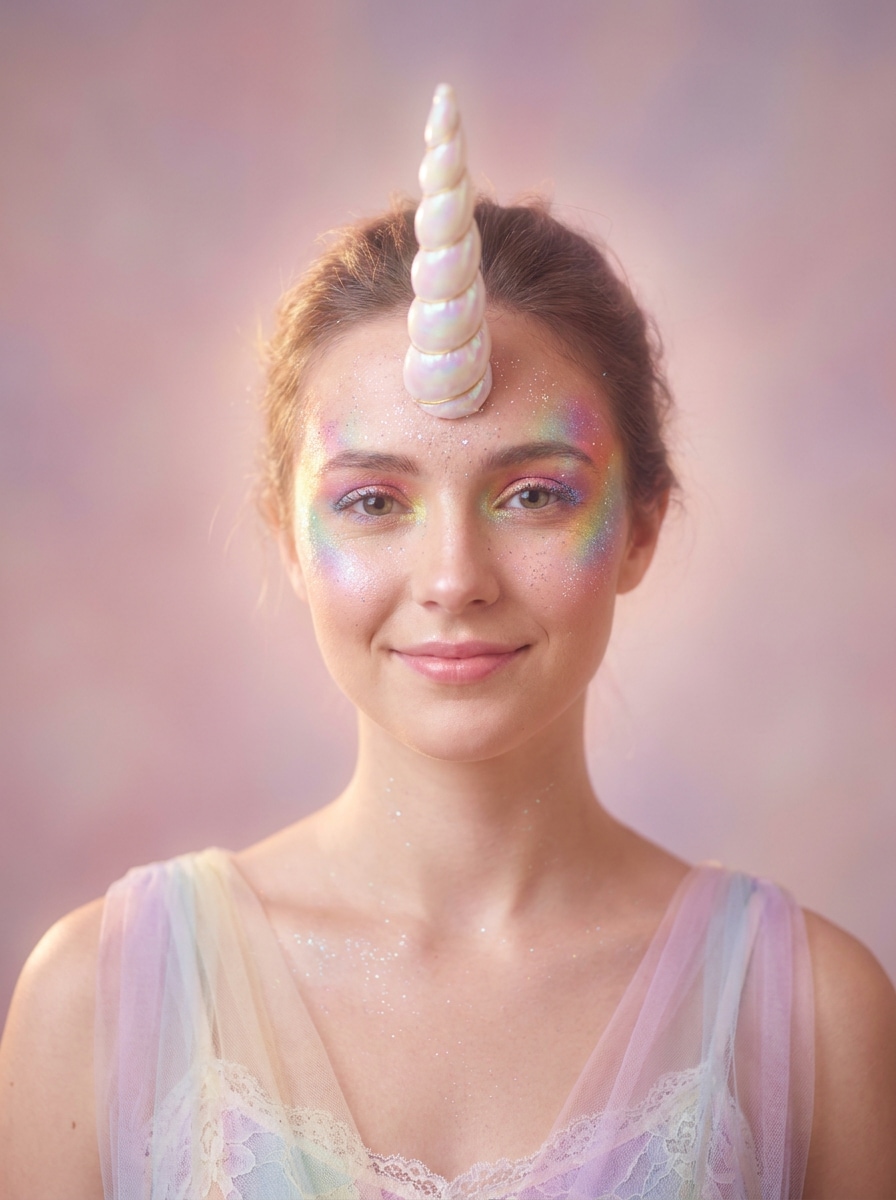
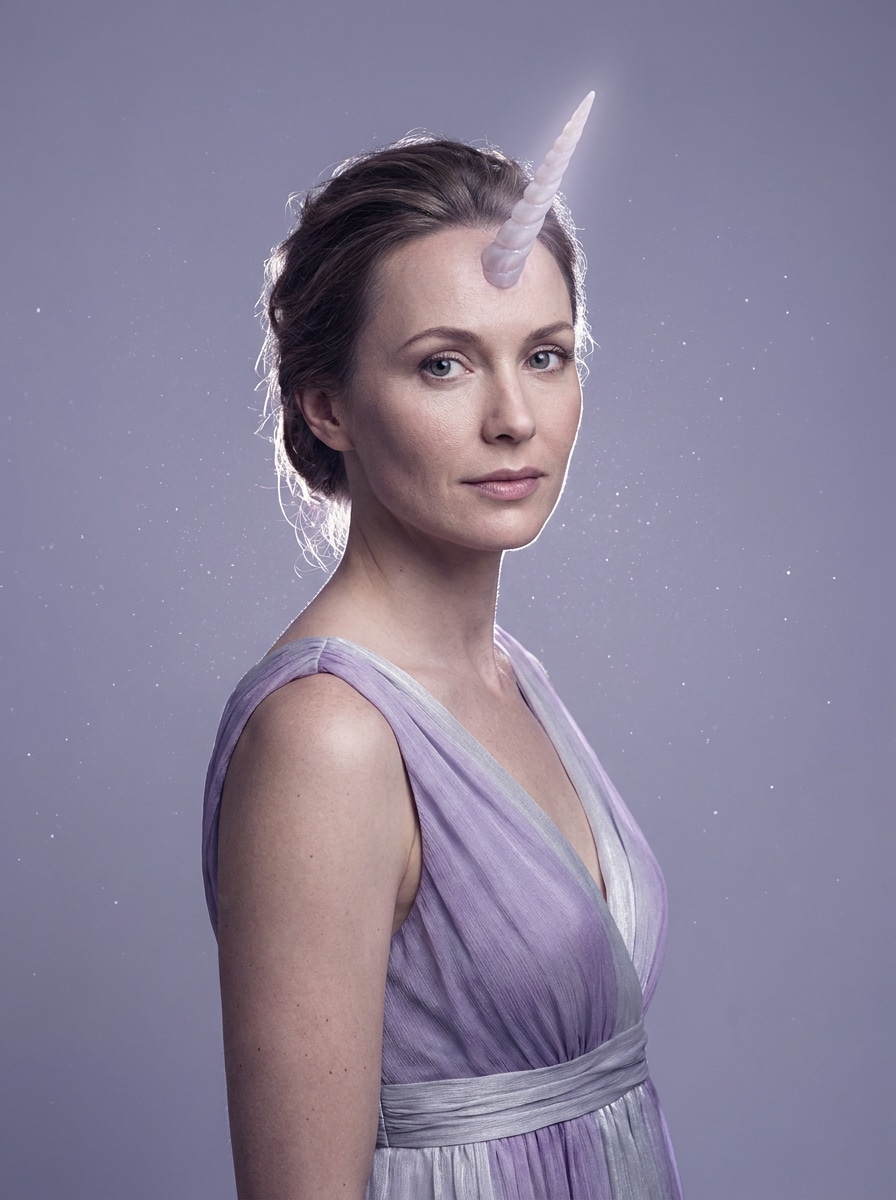
Retrato de estudio encantado
Usa la imagen subida como sujeto y crea un elegante retrato de fantasía con un sutil cuerno de unicornio nacarado. Añade luz de contorno Suave, polvo de destellos flotantes, tonos gráciles de lavanda y plata, textura de piel realista y un acabado de calidad de estudio que se sienta mágico pero refinado.
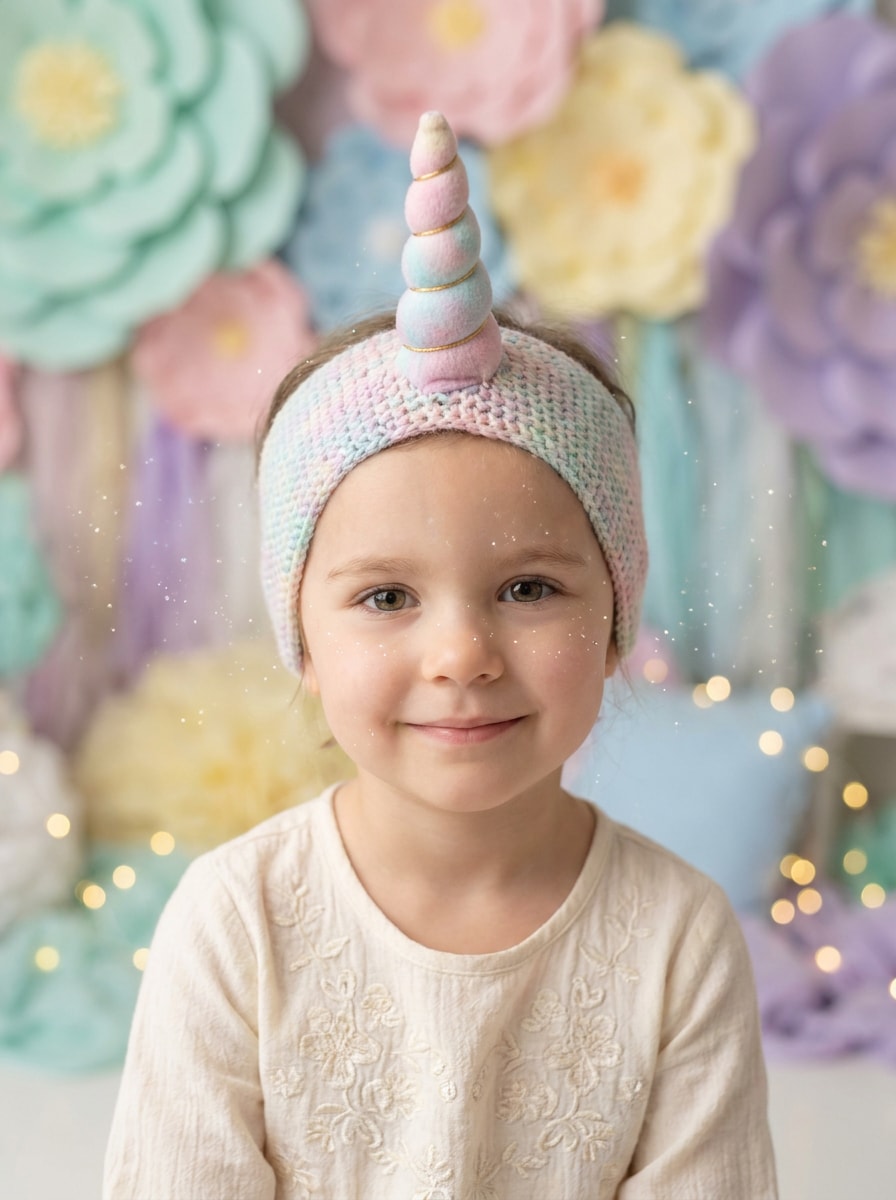
Retrato infantil de unicornio de cuento
Usa el retrato infantil subido como base y añade un cuerno de unicornio Suave con destellos delicados y una paleta pastel de algodón de azúcar. Mantén la expresión natural, preserva los rasgos faciales, añade un ambiente caprichoso de cuento y crea una edición de fantasía apta para toda la familia con un fondo delicado de enfoque Suave.
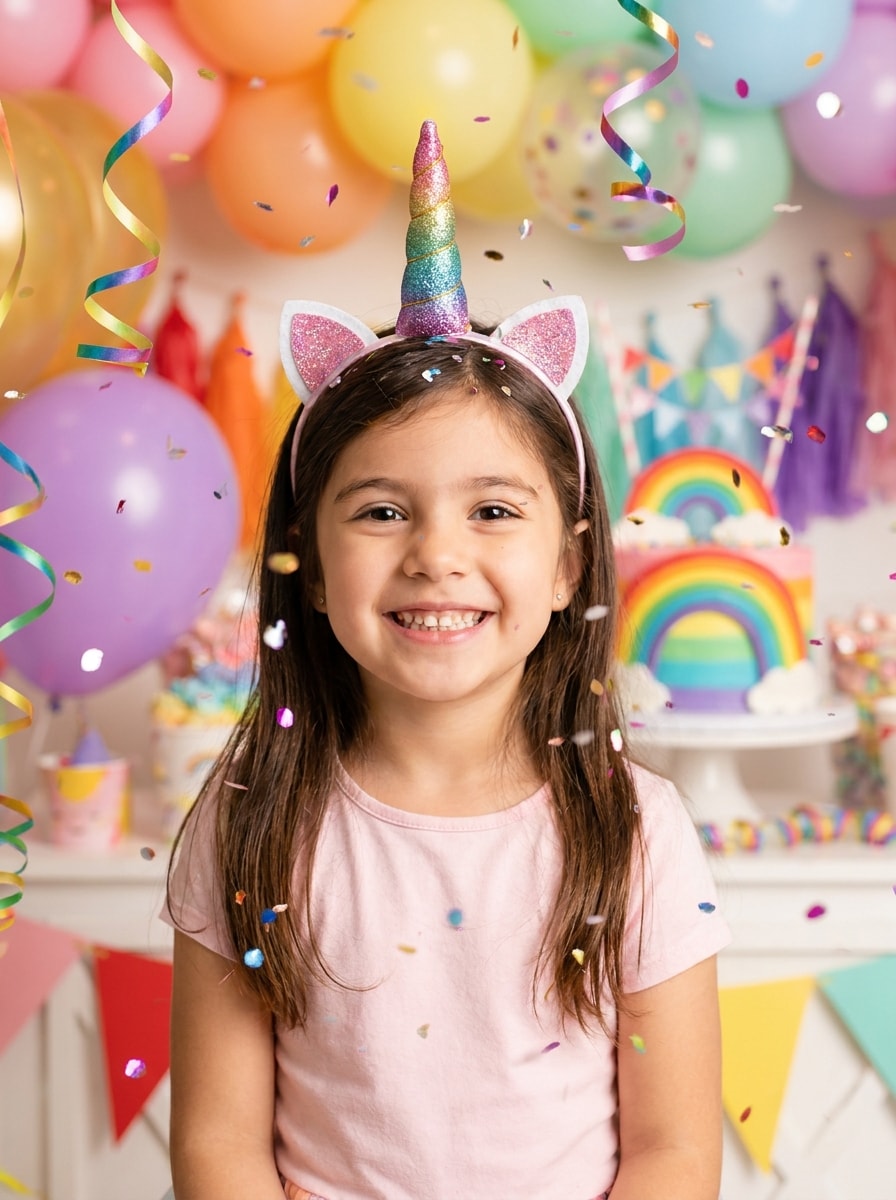
Tema de unicornio para fiesta de cumpleaños
Usa la foto subida como sujeto y añade un cuerno de unicornio festivo con destellos de confeti, acentos de fiesta arcoíris, resplandor Suave y un tratamiento de color brillante y alegre. Mantén el rostro reconocible y crea una edición de celebración divertida perfecta para invitaciones, publicaciones de fiesta o recuerdos de cumpleaños.
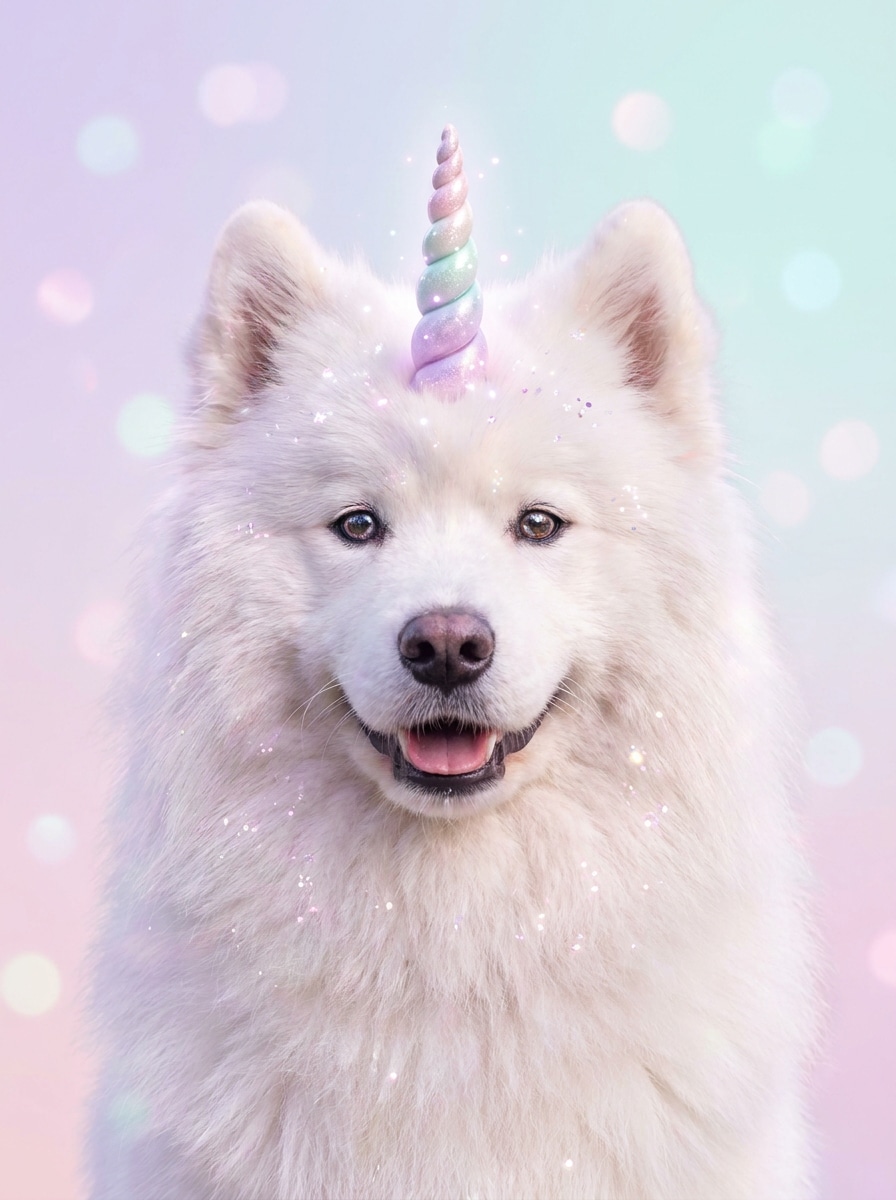
Transformación de mascota en unicornio
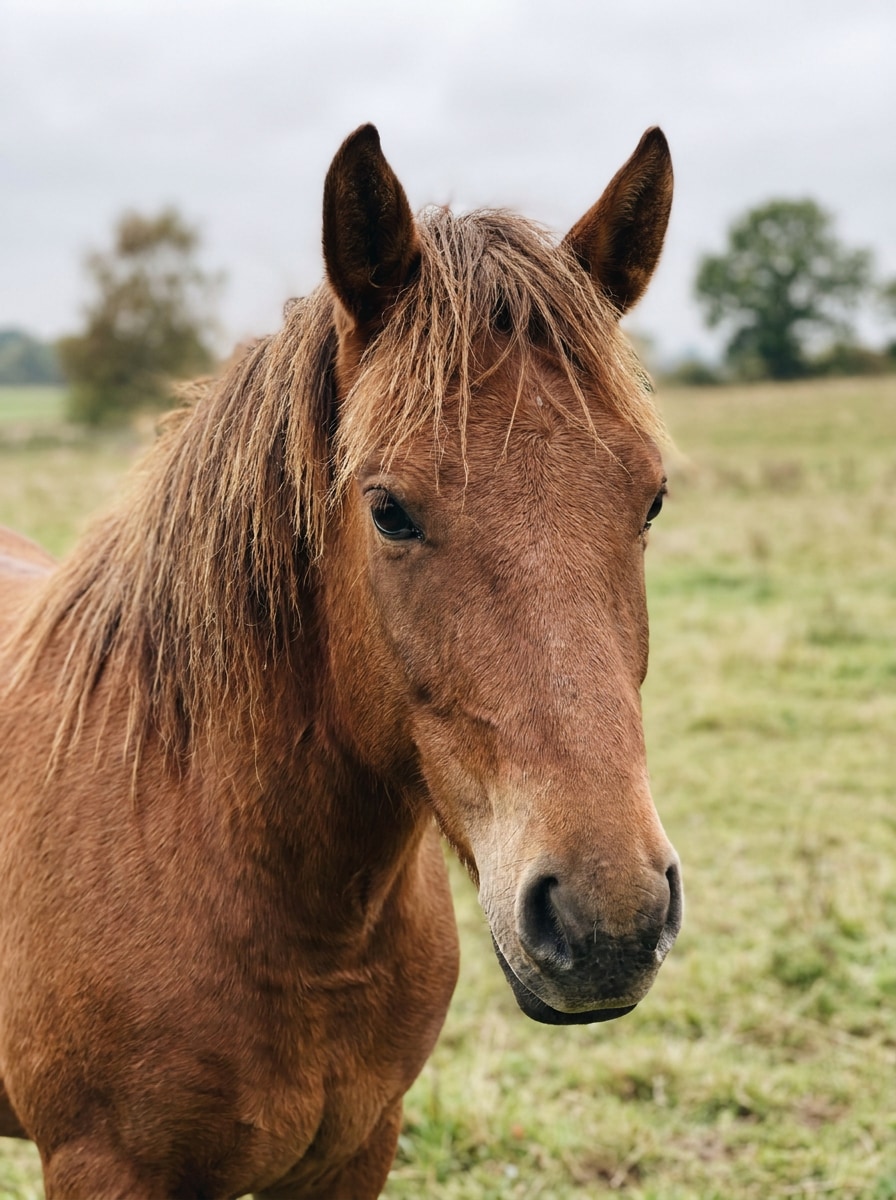
Usa la foto de mascota subida como sujeto y conviértela en un lindo retrato de fantasía con un encantador cuerno de unicornio. Preserva la textura del pelaje y la expresión natural, luego añade purpurina Suave, tonos pastel de ensueño, resplandor delicado y estilización caprichosa para un resultado adorable listo para compartir.
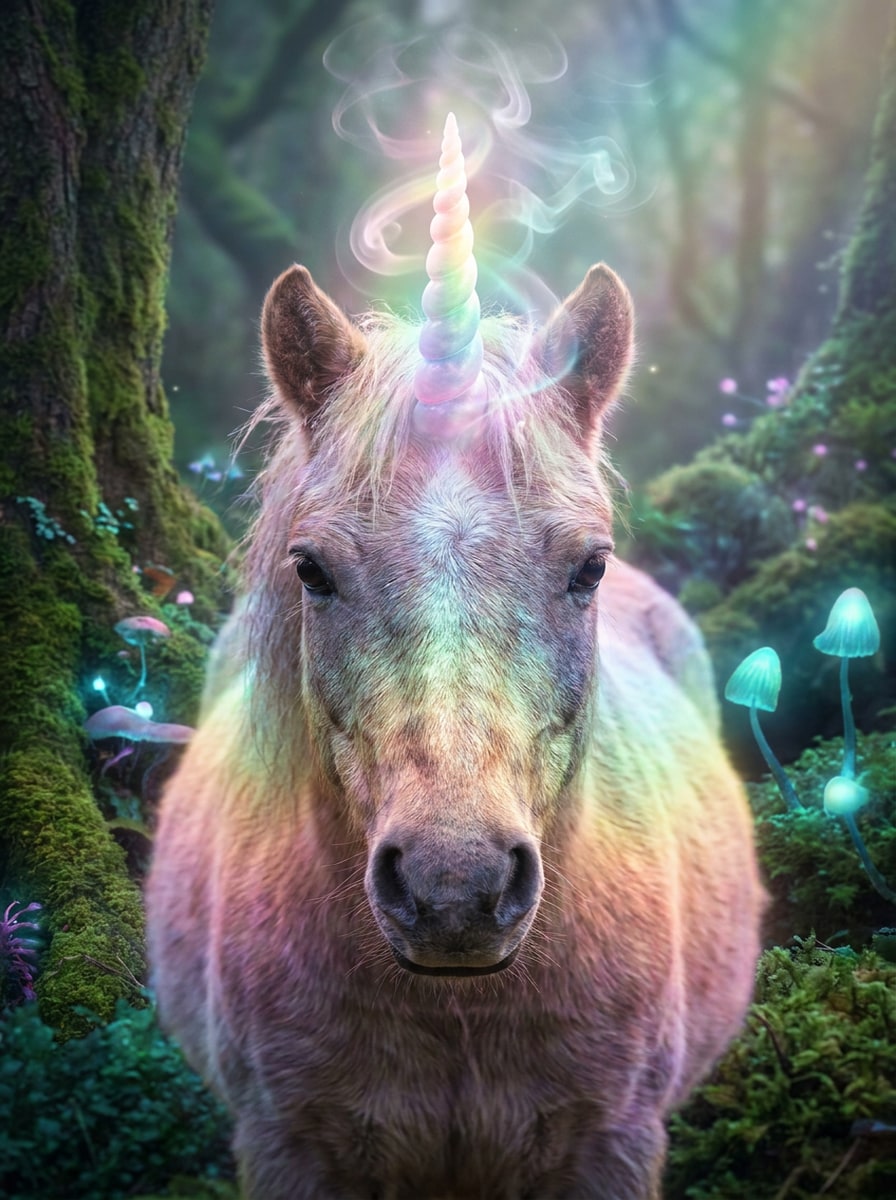
Resplandor de fantasía poni
Usa la foto de animal subida como base y crea un retrato mágico con un cuerno espiral brillante, niebla etérea, iluminación Suave de arcoíris y una atmósfera de fondo de ensueño. Mantén al animal reconocible, conserva el detalle de textura y dale a la edición un acabado de fantasía pulido.
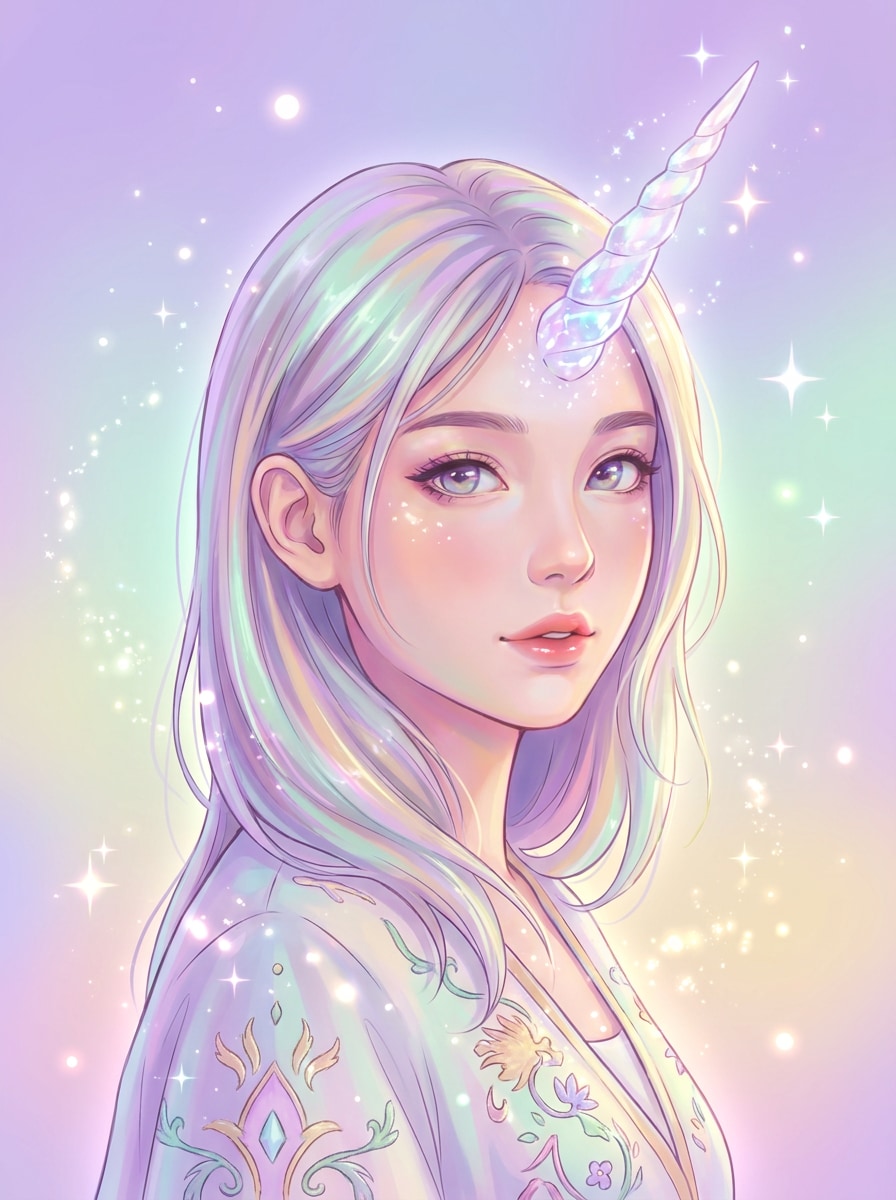
Cosplay de unicornio anime
Usa el retrato subido como sujeto y dale una transformación de unicornio inspirada en el anime. Añade un cuerno brillante, resplandor pastel, destellos mágicos, estilización de color expresiva y un ambiente de fantasía audaz, manteniendo el rostro reconocible y la composición ideal para un Avatar social o imagen de perfil.
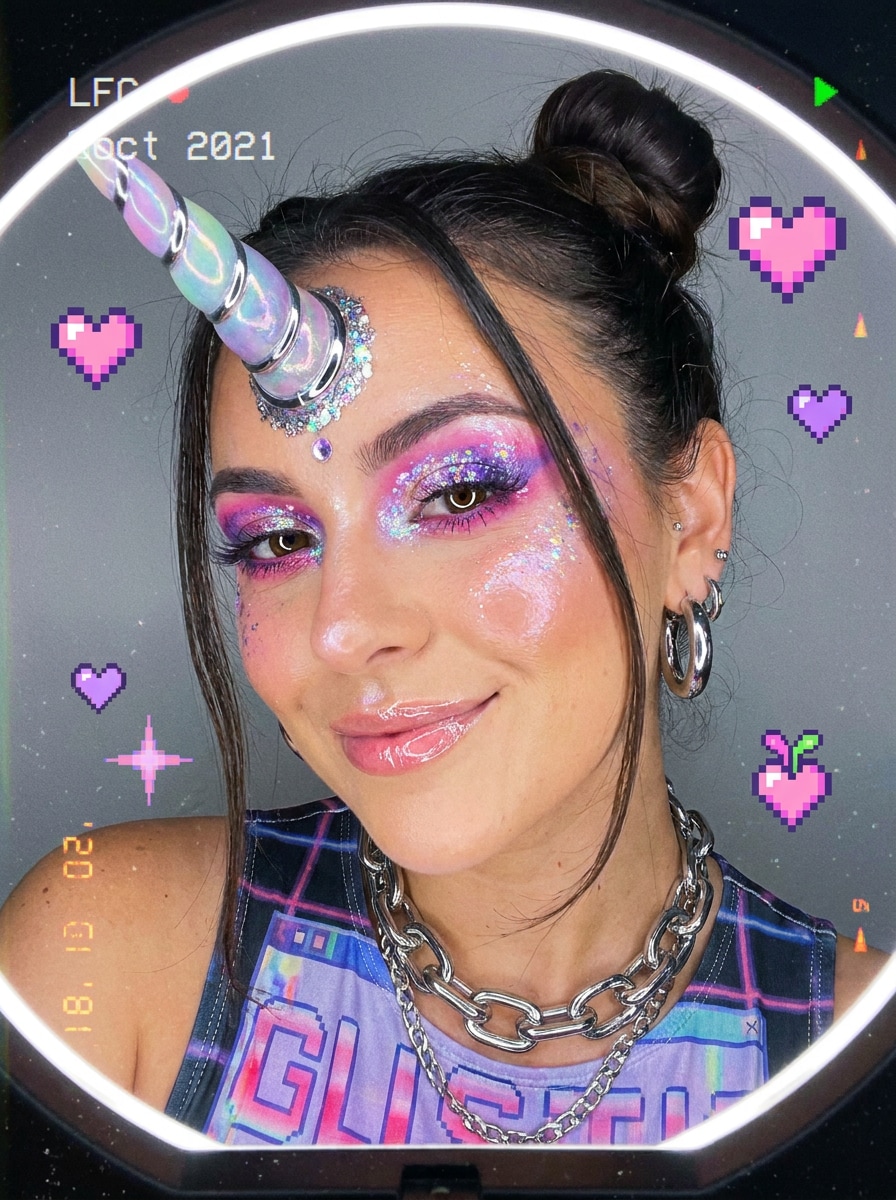
Unicornio con purpurina Y2K
Usa la imagen subida como sujeto y añade un cuerno de unicornio brillante con acentos de purpurina cromada, tonos Y2K rosa-púrpura, reflejos brillantes y energía retro-digital divertida. Mantén la edición limpia y favorecedora, con una composición brillante centrada en el rostro diseñada para compartir en redes sociales de tendencia.
Por qué usar Media.io para ediciones de fotos de unicornio
Transformaciones de fantasía rápidas para selfies, mascotas y fotos de niños
Desde un look divertido de filtro de unicornio facial hasta un retrato pulido, Media.io te permite subir una imagen, describir el estilo que deseas y generar variaciones mágicas rápidamente para publicaciones en redes sociales, fotos de fiestas o recuerdos familiares.
Colocación natural del cuerno que sigue pareciéndose a ti
Una sola idea a menudo necesita más de un look. Media.io ayuda a reinterpretar el mismo efecto de añadir cuerno de unicornio a una foto en diferentes estilos para que cada versión se ajuste mejor al brief del proyecto.
Mantén los visuales finales nítidos para proyectos reales
Cuando una foto con cuerno de unicornio añadido se destina a un uso de publicación real, Media.io ofrece una salida más nítida de hasta 4K, lo que ayuda a que la imagen se mantenga clara en presentaciones, fondos y recursos reutilizados.
Edición fácil en Teléfono o escritorio
Si quieres un ambiente de filtro de unicornio de Snapchat o filtro de unicornio de Instagram sin instalar otra aplicación, Media.io funciona en tu navegador para que puedas editar desde iPhone, Android, Mac o Windows donde sea que surja la inspiración.
Cómo añadir un cuerno de unicornio a una foto online
Convierte tus palabras en visuales impresionantes en tres sencillos pasos y luego continúa refinando el resultado si deseas llevarlo más lejos.
Paso 1
Sube tu imagen de referencia
Sube un selfie claro, retrato, foto de mascota o foto de niños en JPG, PNG o JPEG. Las imágenes frontales con iluminación limpia funcionan mejor cuando quieres añadir un cuerno, destellos u otros accesorios de fantasía de forma natural.
Paso 2
Describe el cambio y configura las opciones
Dile a la IA qué tipo de edición de unicornio deseas, como realista, con purpurina, pastel o inspirada en filtros sociales. Luego elige tu modelo y ajusta la Relación de aspecto, la Resolución y el número de variaciones de imagen a generar.
Paso 3
Genera, descarga y sigue mejorando
Genera tus versiones de unicornio, compara los resultados y descarga tu favorita. Si deseas un resplandor, estilo de cuerno o ambiente de color diferente, edita el prompt y crea variaciones mejoradas en solo unos clics más.
Desbloquea el potencial del filtro de unicornio de Snapchat
Descubre cómo los creadores usan este efecto de Añadir cuerno de unicornio a una foto para contenido, marketing y proyectos personales, y luego adapta cada idea para ajustarla al brief.
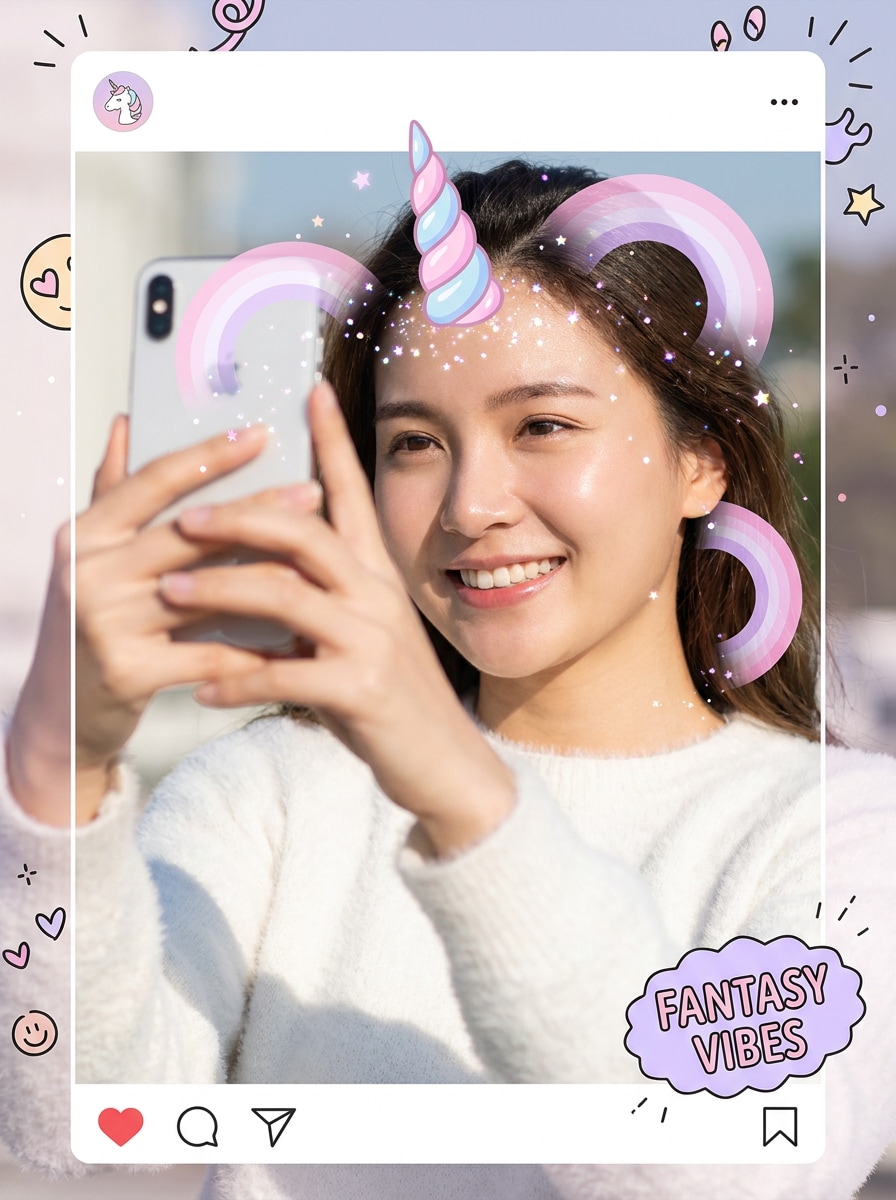
Convierte selfies cotidianos en publicaciones sociales de fantasía
Crea ediciones brillantes y frontales con brillo pastel, destellos y una colocación del cuerno que se siente más pulida que una rápida aplicación para superponer. Es una forma divertida de captar la energía lúdica de una tendencia de filtro de unicornio en Instagram mientras mantienes tu retrato elegante y reconocible.
Haz que las fotos de cumpleaños, fiestas y niños sean más mágicas
Añade un toque caprichoso de cuento a fotos de celebraciones, invitaciones, tarjetas de agradecimiento o álbumes de recuerdos. Una transformación de fantasía Suave puede convertir un retrato simple en un recuerdo temático que se siente especial sin necesidad de una Edición manual compleja.
Crea lindos Avatares de mascotas e imágenes de perfil
Dale a las fotos de perros, ponis o gatos una transformación imaginativa para imágenes de perfil, contenido social o impresiones novedosas. Esto hace de Media.io un práctico editor de fotos de unicornio cuando quieres retratos de mascotas encantadores con detalles limpios y un acabado listo para compartir.
Lo que dicen los usuarios sobre esta herramienta de edición de unicornio
Alyssa M.
Creadora de estilo de vida
"Mucho mejor que las aplicaciones básicas de stickers" Quería algo más lindo que un sticker de unicornio normal pero más realista que un filtro. Media.io integró el cuerno en mi selfie sorprendentemente bien, y los destellos se veían lo suficientemente pulidos para Instagram.
Jordan P.
Propietario de contenido de mascotas
"La foto de mi perro quedó adorable" Subí una foto frontal de mi perro y obtuve varias versiones mágicas en minutos. La textura del pelaje se mantuvo clara, y el efecto de cuerno de unicornio se veía divertido sin cubrir la expresión de mi mascota.
Sofia R.
Madre y organizadora de fiestas
"Perfecto para fotos de cumpleaños" Lo usé para hacer un retrato de cumpleaños temático de unicornio para mi hija. El resultado se veía brillante, dulce y apto para toda la familia, y fue mucho más rápido que intentar superponer decoraciones a mano con una Capa en una aplicación de fotos.
Megan T.
Creadora móvil
"Fácil en iPhone, sin necesidad de aplicación extra" Me gustó que pude hacer toda la edición en mi navegador en el iPhone. Me dio ese ambiente divertido de filtro social, pero con más control sobre el tamaño y estilo de la imagen final.
Explora los efectos de video e imagen con IA más populares
1. ¿Cómo puedo añadir un cuerno de unicornio a una foto en línea?
Sube tu imagen a Media.io, introduce un prompt describiendo el estilo de unicornio que deseas y genera el resultado editado. Dado que es un flujo de trabajo de imagen a imagen, la IA utiliza tu foto original como referencia para que el cuerno, los destellos y los detalles de fantasía puedan seguir al sujeto de forma más natural.
2. ¿Puedo convertir un selfie en una edición realista de unicornio con IA?
Media.io puede convertir un selfie en un retrato de fantasía más realista utilizando tu imagen subida como base y aplicando ediciones guiadas por IA que se ajustan mejor al ángulo facial, la iluminación y la composición. Para obtener el resultado más natural, comienza con una foto clara de frente y describe detalles como la forma sutil del cuerno, el brillo y el tono de color.
3. ¿Existe una herramienta gratuita para añadir un cuerno de unicornio a las fotos?
Los usuarios gratuitos pueden probar Media.io con créditos gratuitos, lo cual es útil si deseas probar un flujo de trabajo para añadir un cuerno de unicornio a una foto antes de suscribirte. Dependiendo de tu plan, las exportaciones pueden incluir una marca de agua, mientras que los planes de pago desbloquean descargas de alta resolución sin marca de agua. Puedes comparar las opciones en la página de precios. Los usuarios gratuitos pueden usar créditos gratuitos. Para un mayor uso, los usuarios pueden suscribirse a un plan en la página de precios. Actualiza a un plan de pago en la página de precios para obtener más créditos y descargas de alta resolución sin marca de agua.
4. ¿Cómo puedo añadir accesorios o efectos especiales a una foto en iPhone?
Abre Media.io en el navegador de tu iPhone, sube tu foto y describe el accesorio o efecto que deseas añadir, como un cuerno, purpurina, brillo de arcoíris o estilo de fantasía. Dado que la herramienta es basada en web, no necesitas una aplicación independiente para crear ediciones con un filtro de unicornio divertido o un estilo de filtro de unicornio de Instagram.
5. ¿La imagen editada mantendrá su calidad y Resolución originales?
Media.io admite múltiples configuraciones de salida, incluyendo opciones de Resolución de 1K, 2K y 4K, para que puedas generar resultados más nítidos para compartir o imprimir. La calidad final depende de tu imagen de origen y la configuración elegida, pero la herramienta está diseñada para preservar el detalle visual al aplicar el efecto de unicornio. Los usuarios gratuitos pueden tener marcas de agua.
6. ¿Puedo añadir un cuerno de unicornio a fotos de mascotas o de niños?
Media.io funciona con selfies, retratos, fotos de mascotas y fotos de niños, por lo que puedes crear ediciones de fantasía divertidas y aptas para toda la familia a partir de muchos tipos de imágenes. Sube una foto clara, mantén el prompt simple y específico, y la IA puede generar variaciones adorables para mascotas, fotos de cumpleaños o retratos con estilo de libro de cuentos.
Más allá de añadir cuerno de unicornio a una foto en línea con IA