Deine Werke werden nur 7 Tage lang gespeichert. Assets, die nach dem Upgrade auf einen Mitgliedschaftstarif erstellt werden, werden dauerhaft gespeichert.
Entfalten Sie Ihr kreatives Potenzial und erleben Sie jetzt die Magie der Media-KI!
Vaporwave Textgenerator für Neon Retro Titel und Cover Art
Fett erstellenvaporwave TextgeneratorBilder aus einer einfachen Aufforderung. Media.io hilft Ihnen, Wörter in neon-, chrome-, Glitch-und Retro-Poster-Bilder für Cover, Miniaturen und Social-Posts umzuwandeln – ideal, wenn Sie mehr als eine einfacheDampfwellengeneratorOder Copy-and-Paste-Textkonverter.
Geben Sie Ihre Idee ein-> KI entwirft sie. Kostenlos zu versuchen.
Überprüfen Sie diese Beispielanweisungen und passen Sie dann die Eingabedetails an, um mit diesem VaporWave-Textgenerator stärkere Ergebnisse zu erzielen.
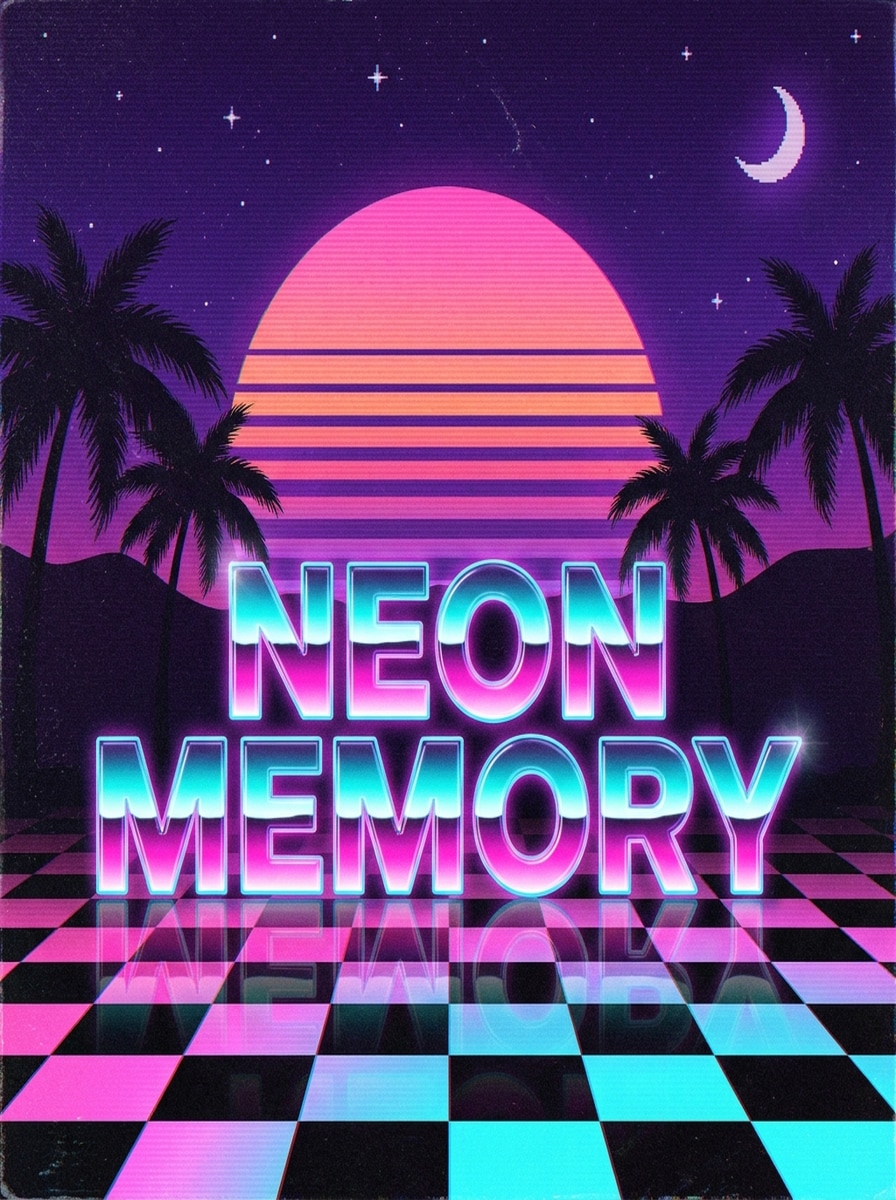
Neon Sonnenuntergang Titel
Erstellen Sie ein quadratisches Vaporwave-Typographie-Poster mit dem Satz "NEON MEMORY" in großen, hochlesbaren Schriftzeichen. Verwenden Sie einen neonrosa und cyan Verlauf mit glänzendem glow, einen retro gestreiften Sonnenuntergang, Palmen-Silhouetten, violetten Dämmerungshimmel, subtile VHS-Grain, Schachbrett-Reflexionen und eine klare Albumcover-Komposition mit nostalgischer 80er-Jahre-Energie.
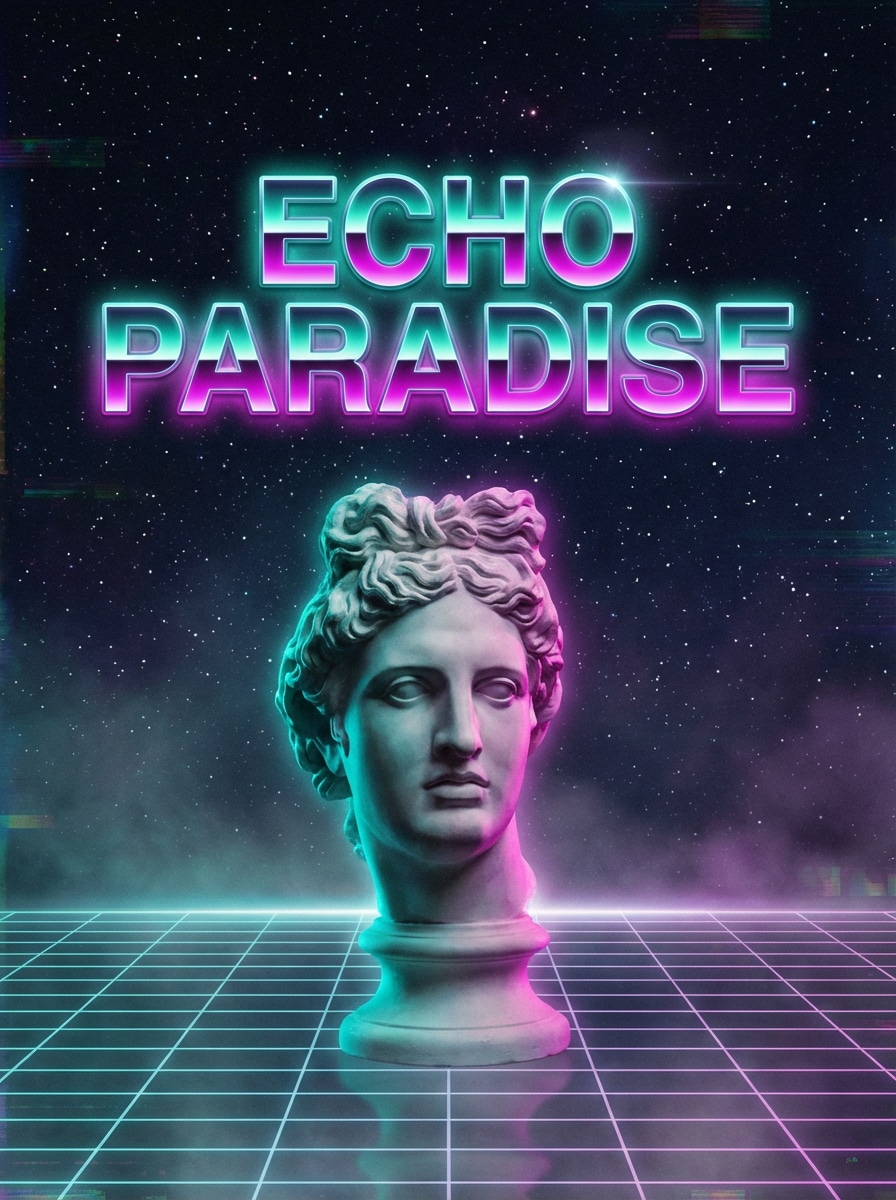
Griechische Statue Vaporwave
Entwerfen Sie eine Vaporwave-Abdeckung mit dem Satz "ECHO PARADISE" im luminous Retro-Typ. Fügen Sie eine griechische Marmorstatue, blau-blaue und magenta Rand Beleuchtung, sterne Mitternacht Hintergrund, Drahtrahmen Gitter Boden, weichen Dunst und elegante Abstände hinzu. Halten Sie den text lesbar, während sich die Szene verträumt, künstlerisch und deutlich nostalgisch anfühlt.
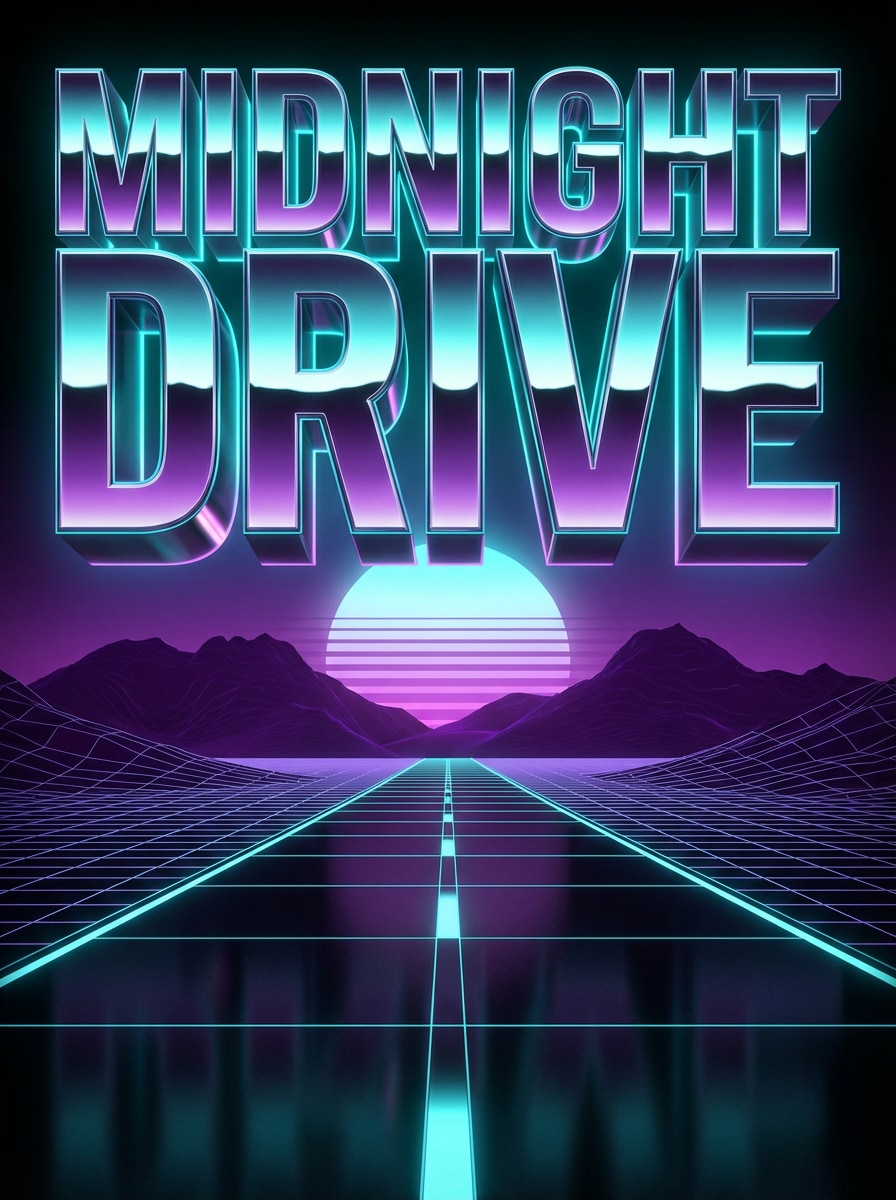
Chrome 3D Schlagzeile
Erstellen Sie ein dramatisches Synthwave-Poster mit den Worten "MIDNIGHT DRIVE" in übergroßen reflektierenden Chrom-3D-Schriftzeichen. Verwenden Sie metallische Oberflächen, cyanes Neon-Randlicht, eine leuchtende Horizontsonne, violette Berge, eine Wireframe-Straße, scharfen Kontrast und filmische Tiefe. Machen Sie die Komposition kühn, poliert und perfekt für eine retro-futuristische Überschrift.
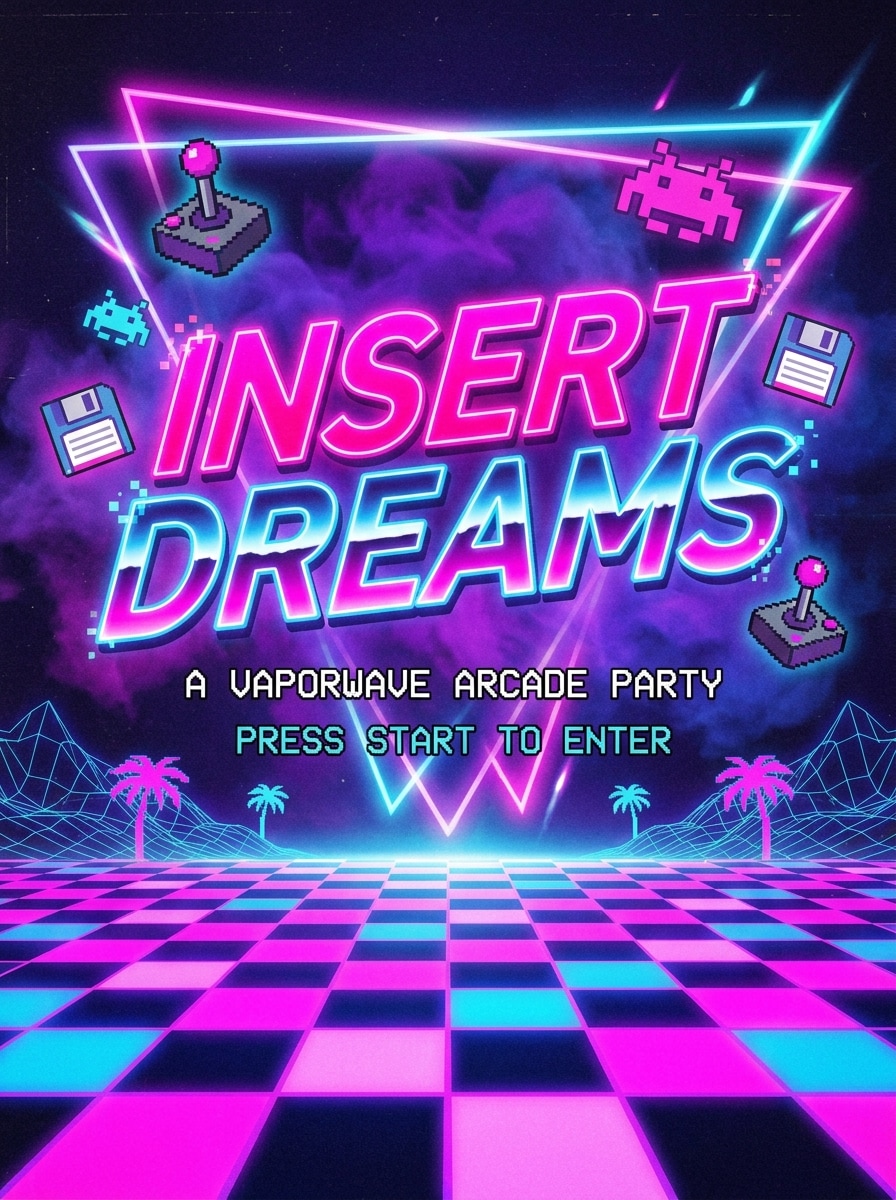
Arcade-Neon-Flyer
Erstellen Sie einen 80er-Jahre-Arcade-inspirierten Vaporwave-Flyer mit dem Satz "INSERT DREAMS" als Haupttitel. Verwenden Sie heißrosa und elektrisch blaue Neonschriftzeichen, Pixel-Akzente, Schachbrettboden, violetten Nebel, leuchtende Umrisse und verspielten Retro-Kontrast. Halten Sie das layout zentriert, posterartig und gut lesbar für eine lustige nostalgische Party-Ästhetik.
VHS-Verzerrungstext
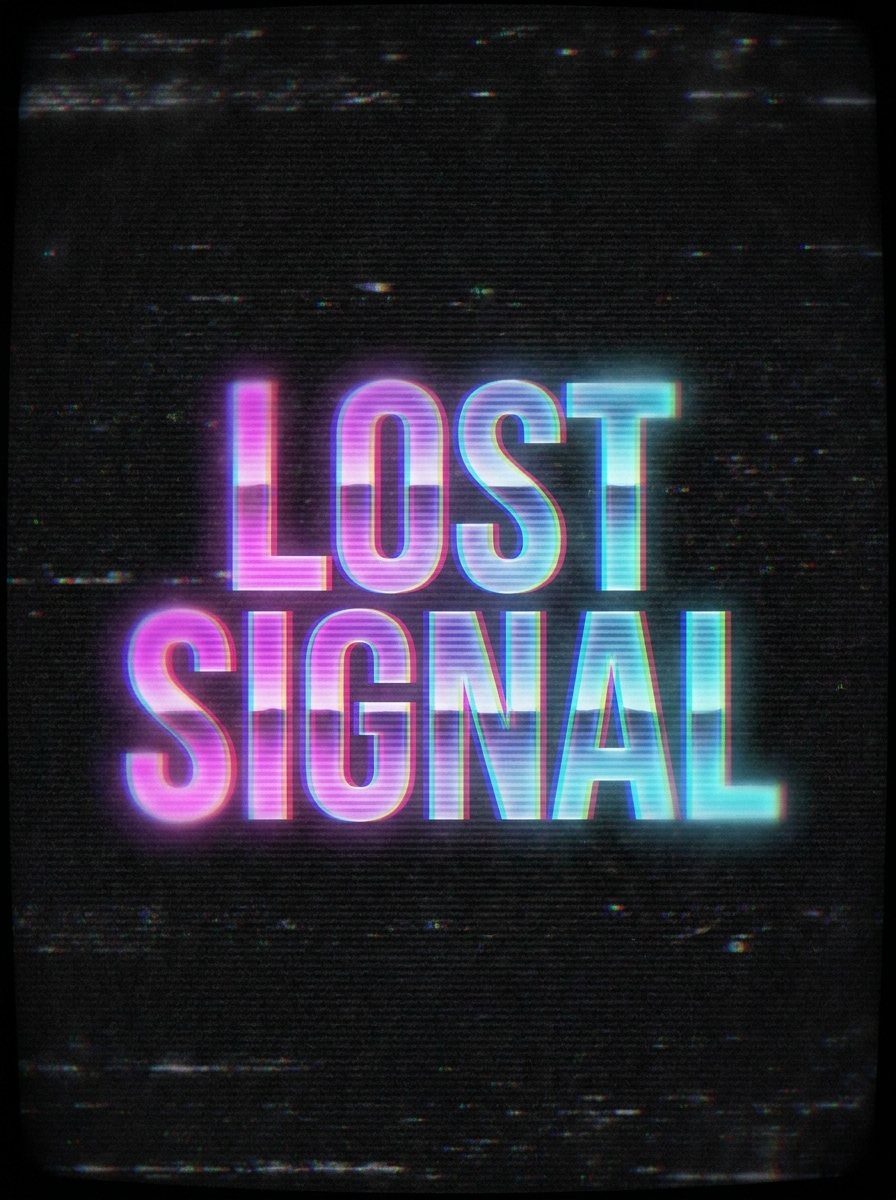
Machen Sie ein dunkles vaporwave Text-Kunstwerk mit der phrase "LOST SIGNAL" in großen Retro-Buchstaben. Wenden Sie VHS-Verzerrung, RGB-Split, CRT-Scanlines, analoge Statik, verblasste Neonverläufe und subtile Unschärfe an. Verwenden Sie einen stimmungsvollen schwarzen Hintergrund mit magenta-und cyan-Highlights, damit der text nostalgisch, glitchy und optisch auffällig anfühlt.
Digitales Fehlerlogo
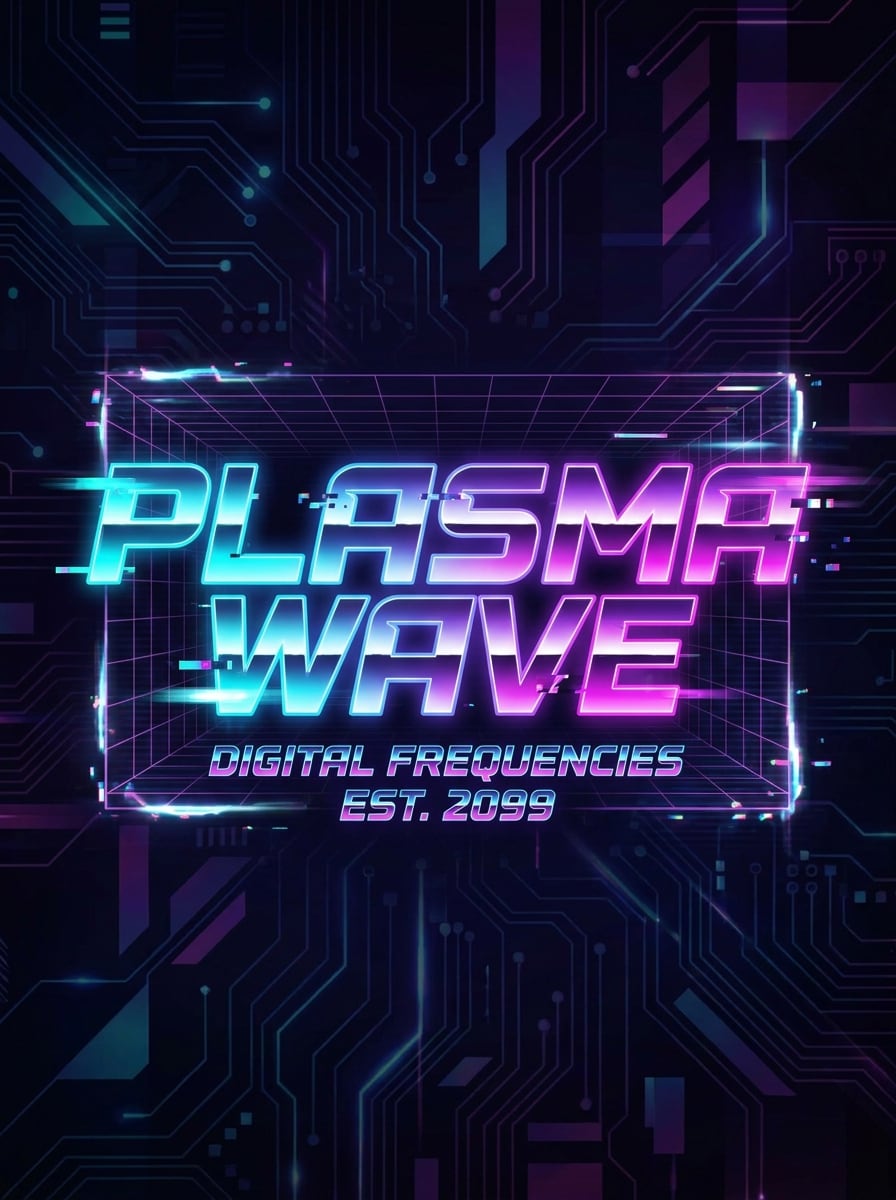
Erstellen Sie ein sozialbereites Vaporwave-Logo mit den Worten "PLASMA WAVE" in futuristischer, fett gedruckter Typographie. Verwenden Sie cyan-, magenta-und violette Verläufe, digitale Fehlerfragmente, light motion blur, Neonkanten und einen eleganten dunklen Hintergrund. Balancieren Sie scharfe Lesbarkeit mit stilvollem digitalem Rauschen für eine moderne Vaporwave-Marke oder Channel-Grafik.
Weiche Pastellästhetik
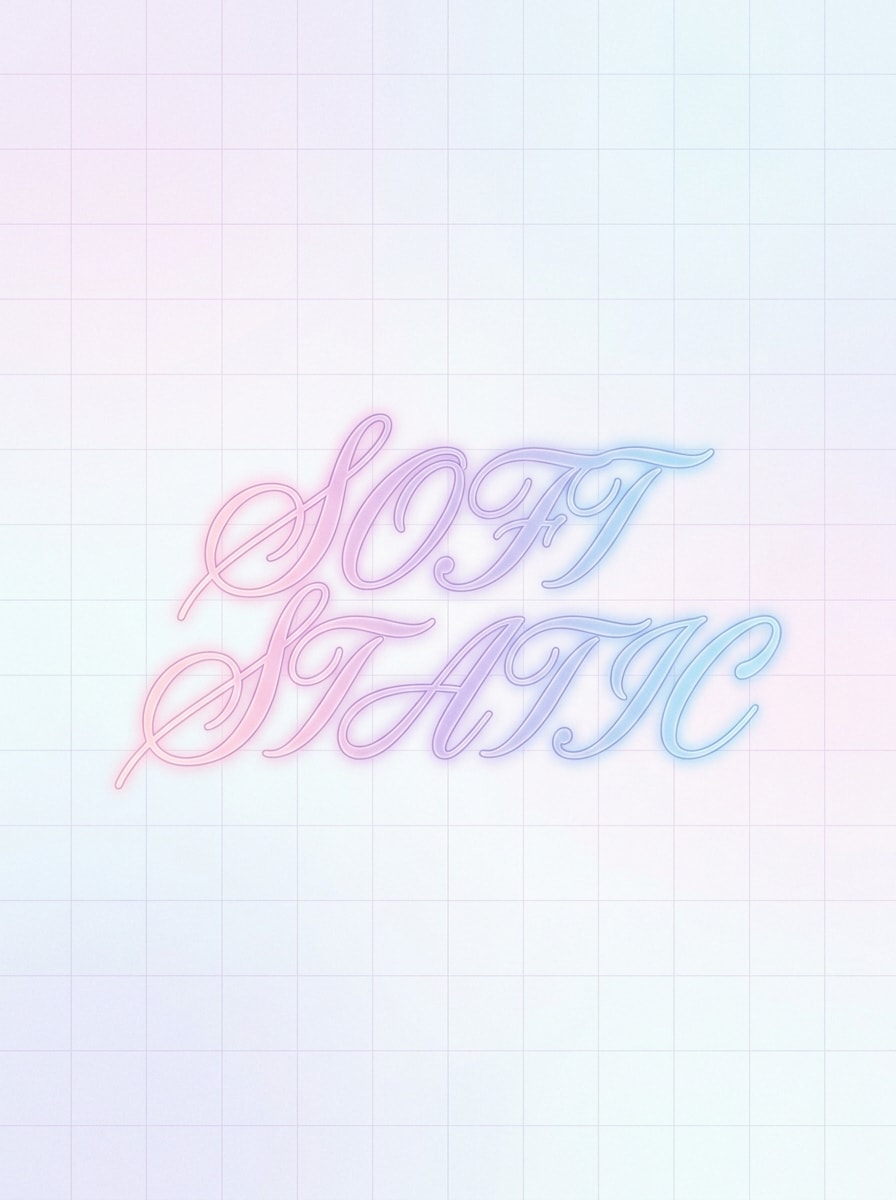
Entwerfen Sie eine minimalistische Vaporwave-Textkomposition mit dem Satz "SOFT STATIC" in eleganten Retro-Schriftzeichen. Verwenden Sie Pastellrosa, Lavendel und Himmelsblau Töne, sanftes Leuchten, sanfte Verläufe, luftigen negativen Raum und eine verträumte Stimmung. Halten Sie den Hintergrund sauber und raffiniert, damit sich das Ergebnis ruhig, ästhetisch und perfekt für Instagram-Grafiken anfühlt.
Japanische Retro-Typographie
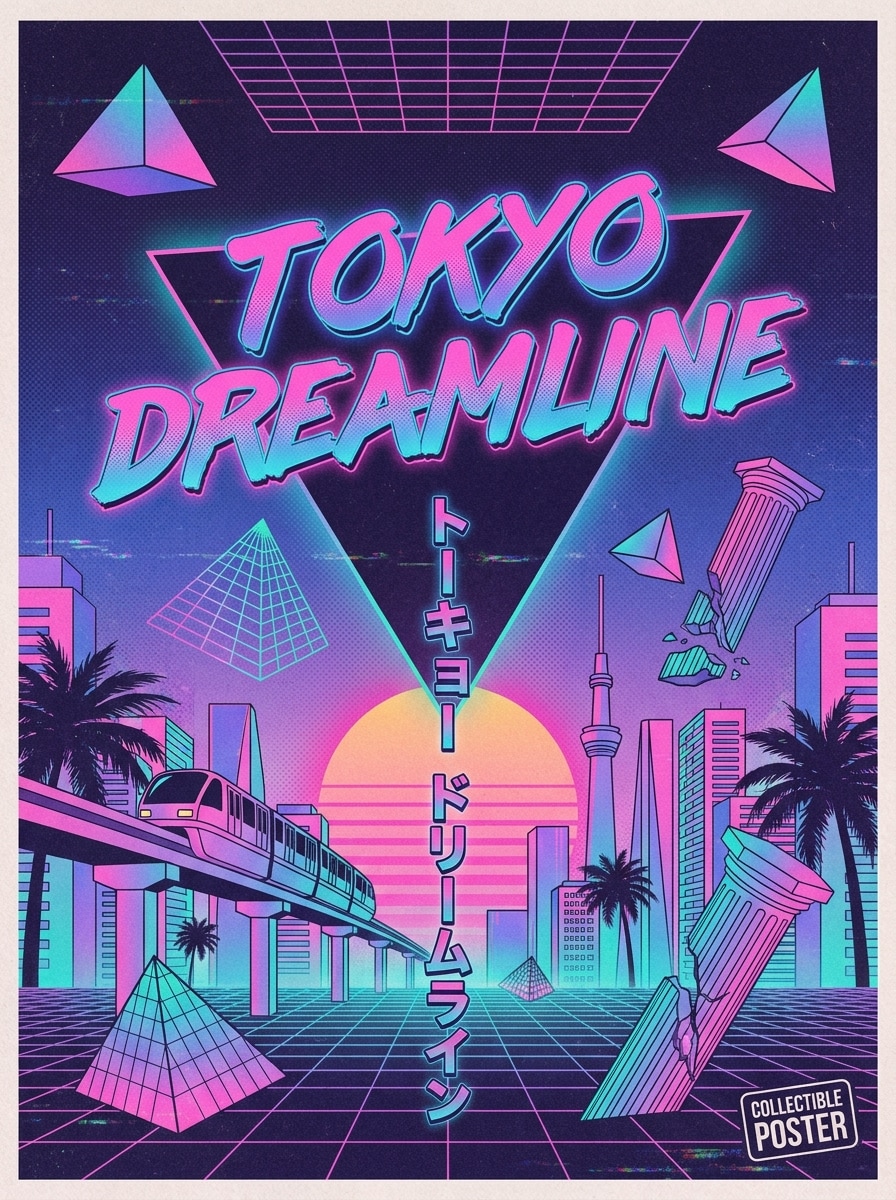
Erstellen Sie ein vaporwave poster mit dem Satz "TOKYO DREAMLINE" mit japanischem Retro-Poster-Einfluss. Verwenden Sie Katakana-inspirierte Layout-Hinweise, neonrosa-zu-blaue Verläufe, geometrische Formen, halbtonige Drucktextur, weiche Papierkörner und ausgewogene Abstände. Der text sollte klar bleiben, während das design sich sammelbar, nostalgisch und optisch reich anfühlt.
Lo-fi Albumtext
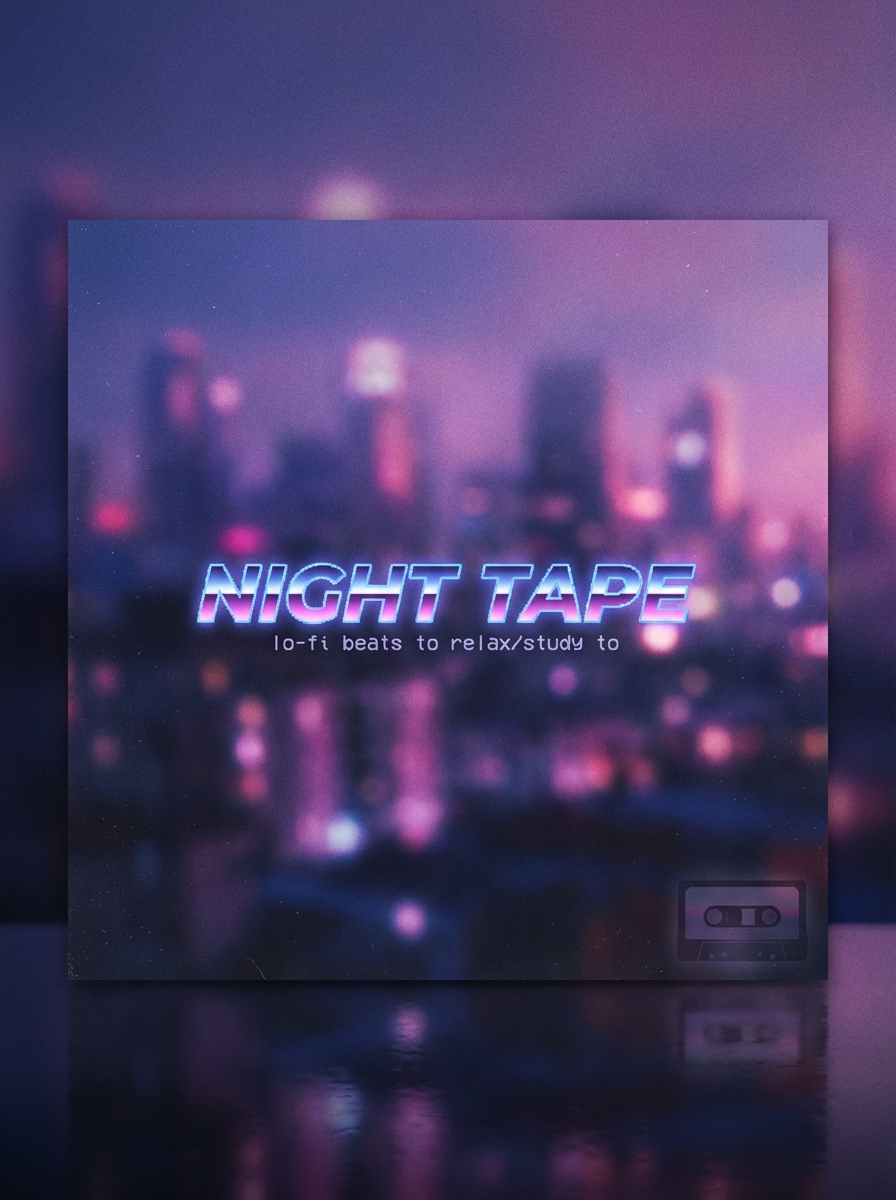
Generieren Sie ein quadratisches Lo-Fi-Albumcover mit dem Titel "NIGHT TAPE" in verträumter Vaporwave-Typografie. Verwenden Sie weiche Stadtlichter, Indigo-und Magenta-Glow, feine Filmkörner, sanften Dunst, subtile Reflexionen und eine sanfte retro-futuristische Stimmung. Halten Sie die Komposition sauber, musikalisch und poliert für Streaming-Artwork oder Playlist-Cover-Design.
DJ Poster Schlagzeile
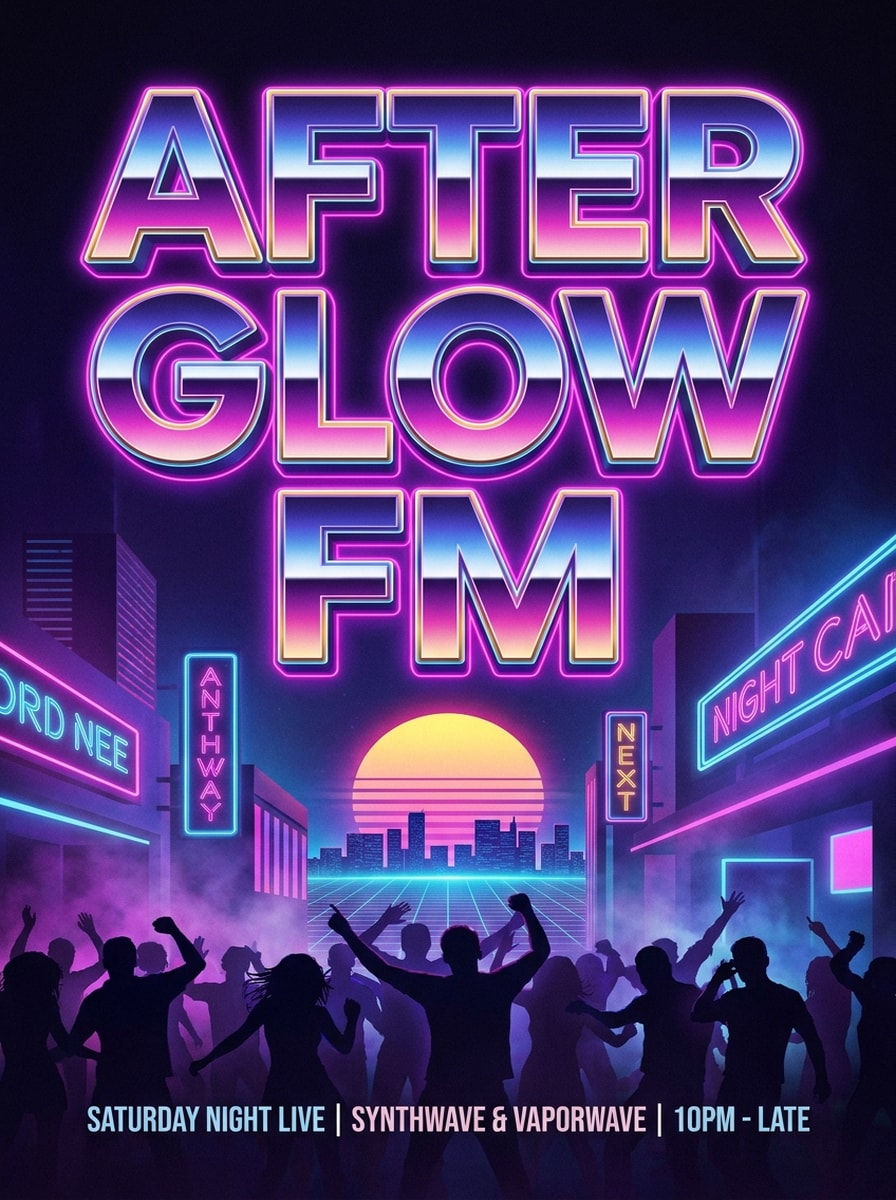
Erstellen Sie ein vertikales Event-Poster mit der phrase "AFTERGLOW FM" im riesigen Vaporwave-Überschriftstext. Verwenden Sie Chromverläufe, Nachtclub-Neonbeleuchtung, Retro-Sonnenuntergangsakzente, leichten Nebel, energische lila-blaue Atmosphäre und starken Kontrast. Fühlen Sie sich wie ein erstklassiger synthwave club flyer mit klarer Lesbarkeit und hoher visueller Wirkung an.
Warum Media.io für Vaporwave Text Art verwenden?
Moderne KI-Modelle für bessere schnelle Ergebnisse
Erstellen Sie detaillierte VaporWave-Textbilder mit fortgeschrittenen Modellen wie Nano Banana Pro, Nano Banana 2, Seedream 5.0 Lite, Seedream 4.0, Imagen 4 und mehr. Dies hilft Ihnen, scharfere neon-, Chrom-, Fehler-und Retro-Poster-Effekte aus einfachen englischen Aufforderungen zu generieren.
Hohe Auflösung mit flexiblen Seitenverhältnissen
Exportieren Sie Ihr Vaporwave-Poster, Miniaturansicht oder Coverart in 1K, 2K oder 4K Qualität. Wählen Sie aus Verhältnissen wie 1:1, 9:16, 16:9, 4:3, 3:4, 3:2 und 2:3, damit Ihr design zu Social-Posts, vertikalen videos, Bannern und druckfertigen layouts passt.
Vielseitige Stile über den einfachen Unicode-Text hinaus
Im Gegensatz zu einem einfachen Copy-and-Paste-Konverter funktioniert Media.io alsvaporwave Bildgeneratorund visual text effect tool. Sie können anime, realistische, 3D-Rendering, cyberpunk, Ölgemälde und Retro-inspirierte looks erstellen, während Ihre Vaporwave-Typografie vorne und in der Mitte bleibt.
Funktioniert Online auf Desktop, Tablet und Telefon
Media.io läuft in Ihrem browser unter Windows, Mac, iOS und Android. Egal, ob Sie einen schnellen Vaporwave-Ästhetikgenerator für einen Beitrag oder ein poliertes Cover-Konzept unterwegs benötigen, Sie können es von fast jedem Gerät generieren und herunterladen.
So verwenden Sie den Vaporwave Text Generator
1
2
3
1
Schritt 1: Öffnen Sie Media.io Vaporwave Text Generator
gehe zuKI Text-zu-Bild-GeneratorUnd öffnen Sie den Vaporwave Textgenerator unter AI-> Text zu Bild. Dieses Online-Tool läuft in Ihrem browser, sodass Sie mit der Erstellung von Retro-Textkunst beginnen können, ohne software auf Ihrem computer, Telefon oder tablet zu installieren.
2
Schritt 2: Geben Sie eine Aufforderung ein
Geben Sie eine detaillierte Eingabeaufforderung ein, z. B. "Erstellen Sie ein chromes Vaporwave-Poster mit dem text Nachtband, neonrosa und cyan Beleuchtung, retro Sonnenuntergang, Gitterboden, VHS-Textur, quadratischer Albumcover-Stil." Passen Sie Ihren bevorzugten Stil, Modell, Auflösung und Seitenverhältnis für das gewünschte Ergebnis an.
3
Schritt 3: Generieren, verfeinern & herunterladen
Klicken Sie auf Generieren, um Ihr VaporWave-Textbild zu erstellen. Verfeinern Sie bei Bedarf die Formulierung, versuchen Sie ein anderes Modell oder ändern Sie das layout und das Verhältnis. Dann laden Sie Ihr endgültiges Bild in hoher Auflösung für social media, Poster, Miniaturen oder cover art herunter.
Freischalten Sie das Potenzial von Vaporwave Generator
Erfahren Sie, wie Schöpfer diesen VaporWave-Textgenerator für Inhalte, marketing und persönliche Projekte verwenden, und passen Sie dann jede Idee an die Zusammenfassung an.
Design Scroll-Stop-Cover und Musikkunst
Verwandeln Sie kurze Titel, Künstlernamen oder Tracknamen in kühne Retro-Grafiken für playlists, EP-Covers und Lo-Fi-Branding. Wenn Sie mehr als eine grundlegendevaporwave generator Bild, Media.io hilft Ihnen, komplette Kunstwerke mit Neonverläufen, Chromtext, Sonnenuntergängen, Statuen und Fehlertexturen zu erstellen.
Erstellen Sie Social-Posts, Miniaturen und Channel-Branding
Verwenden Sie das tool alsvaporwave BilderzeugerFür TikTok-Cover, Instagram-Anführungskarten, YouTube-Miniaturen und Bannergrafiken. Es funktioniert auch gut, wenn Benutzer nach einem vaporwave art generator oder sogar einem vaporwave name generator Stileffekt für Benutzernamen, Titel oder ästhetische Markenwörter suchen.
Machen Sie Retro-Typografie für Poster und Werbeaktionen
Erstellen Sie Event-Flyer, Mode-Promos, Moodboards und digitale Poster mit 80er-Jahre-inspirierten Schriftstellungen. Dies ist besonders nützlich für Leute, die nach einem 80er-Jahre-Vaporwave-Textgenerator suchen, aber tatsächlich exportfertigen Bildtext benötigen, nicht nur Unicode-Zeichen aus tools wie https lingojam com vaporwave text generator.
Was die Benutzer sagen
Jade M.
Indie-Musikproduzent
"Großartig für cover art Ideen"Ich brauchte schnelle Vaporwave-Titelbilder für einzelne Cover, und dadurch war es einfach, Chrom-, Neon-und Glitch-Looks innerhalb von Minuten zu testen. Die Eingabeaufforderungen geben mir viel mehr kreative Kontrolle als ein einfacher Textkonverter.
Ryan T.
YouTube-Ersteller
"Hilfreich für Miniaturen"Ich habe es verwendet, um Retro-Text für Synthwave-Video-Miniaturen zu generieren. Die 16:9-Option sparte Zeit und die Ergebnisse sahen poliert genug aus, um sie ohne zusätzliche Bearbeitung zu verwenden.
Lena S.
Social Media Designer
"Besser als Textkopie-und-einfügen-Tools"Die meisten VaporWave-Textwerkzeuge ändern nur Zeichen. Media.io hat mir tatsächlich geholfen, vollständige Bilder mit Stimmung, Farbe und layout zu erstellen. Das machte einen großen Unterschied für Instagram-Kampagnen.
Markus P.
Veranstaltungsveranstalter
"Fast flyer Konzepte"Ich habe es für Club-Flyer-Schlagzeilen und Poster-Entwürfe verwendet. Die vertikalen Formate und Retro-Prompt-Stile waren genau das, was ich für schnelle Event-Promo-Mockups brauchte.
Entdecken Sie die beliebtesten KI-Video- und Bildeffekte
Ein VaporWave-Textgenerator kann zwei verschiedene tools bedeuten: einen Unicode-Textkonverter, der einfache Zeichen in stilisierten Copy-and-Paste-Text umwandelt, oder ein KI-Bildwerkzeug, das Ihre Worte als visuelle Kunstwerke rendert. Media.io konzentriert sich auf den zweiten Anwendungsfall und hilft Ihnen, Eingaben in Textbilder im Vaporwave-Stil mit neon-, Chrom-, Glitch-und Retro-Ästhetik umzuwandeln.
2. Kann ich text in ein VaporWave-Bild umwandeln, anstatt Unicode-Text zu kopieren und einfügen?
Media.io wurde für die bildbasierte Erstellung entwickelt, sodass Sie eine Eingabeaufforderung eingeben und vollständige VaporWave-Textgrafik für Cover, Poster, Miniaturen und social graphics generieren können. Wenn Sie nach einem VaporWave-Bildgenerator oder einer visuellen alternative zu Unicode-Textwerkzeugen suchen, ist dieser workflow besser geeignet.
3. Ist dieser vaporwave Textgenerator kostenlos zu verwenden?
Ja, kostenlose Nutzer können Media.io mit kostenlosen Gutschriften ausprobieren. Für mehr Generationen oder erweiterte Nutzung können Sie auf der Preisseite aktualisieren. Kostenlose Ausgaben können Wasserzeichen enthalten, während kostenpflichtige Pläne hochauflösende downloads ohne Wasserzeichen unterstützen. Kostenlose Nutzer können kostenlose credits nutzen. Für mehr Nutzung können Benutzer einen plan auf der Preisseite abonnieren. Upgrade auf einen kostenpflichtigen plan auf derPreisseiteFür weitere credits und Wasserzeichen-kostenlose hochauflösende downloads.
4. Wie erstelle ich Neon-oder Chrome-Vaporwave-Text aus einer Eingabeaufforderung?
Beginnen Sie mit einer klaren englischen Eingabeaufforderung, die die gewünschten Wörter, den Textstil, die Farben, die Beleuchtung und den Hintergrund beschreibt. Zum Beispiel: "Erstellen Sie chrome vaporwave Textlesen AFTERGLOW FM, neon pink und cyan Rand light, retro Sonnenuntergang, Gitterboden, VHS Textur, poster Komposition." Media.io ist für englische Eingabeaufforderungen optimiert und unterstützt mehrere Bildmodelle, wodurch es einfacher ist, ein poliertes vaporwave Generator-Bild mit einem starken retro-futuristischen look zu erstellen.
5. Kann ich vaporwave text auf meinem Telefon oder tablet erstellen?
Media.io ist webbasiert und funktioniert auf Geräten mit einem browser, einschließlich Windows, Mac, iOS und Android. Das bedeutet, dass Sie vaporwave Textbild auf einem desktop, Telefon oder tablet erstellen können, ohne software zu installieren.
6. Welche Bildformate und Auflösung kann ich herunterladen?
Media.io unterstützt die Bilderzeugung in 1K-, 2K-und 4K-Auflösungen, je nach Ihrem gewählten workflow und Ihren Einstellungen. Kostenlose Benutzer können Wasserzeichen haben.
Über den KI-gestützten Online-VaporWave-Textgenerator hinaus