Deine Werke werden nur 7 Tage lang gespeichert. Assets, die nach dem Upgrade auf einen Mitgliedschaftstarif erstellt werden, werden dauerhaft gespeichert.
Entfalten Sie Ihr kreatives Potenzial und erleben Sie jetzt die Magie der Media-KI!
Gruseliger Textgenerator für Zalgo, Glitch, Gothic und Spooky Stile
Erstellen Sie in Sekunden unheimlichen, kopierfähigen text für bios, Benutzernamen, Bildunterschriften und Horror-Beiträge. DasGruseliger TextgeneratorHilft Ihnen, glitchy Zalgo, gotische Buchstaben und gruselige Unicode-Stile schnell zu erstellen, sodass Sie passende Bilder mit Media.io kopieren, einfügen, verfeinern und herunterladen können, egal ob Sie eine gruselige Textschrift oder eine gruselige Textschrift möchten.
Geben Sie Ihre Idee ein-> KI entwirft sie. Kostenlos zu versuchen.
Überprüfen Sie diese Beispielanweisungen und passen Sie dann die Eingabedetails an, um mit diesem gruseligen Textgenerator bessere Ergebnisse zu erzielen und Stile zu erkunden, die ähnlich einemscary SchriftgeneratorOder spooky text generator.
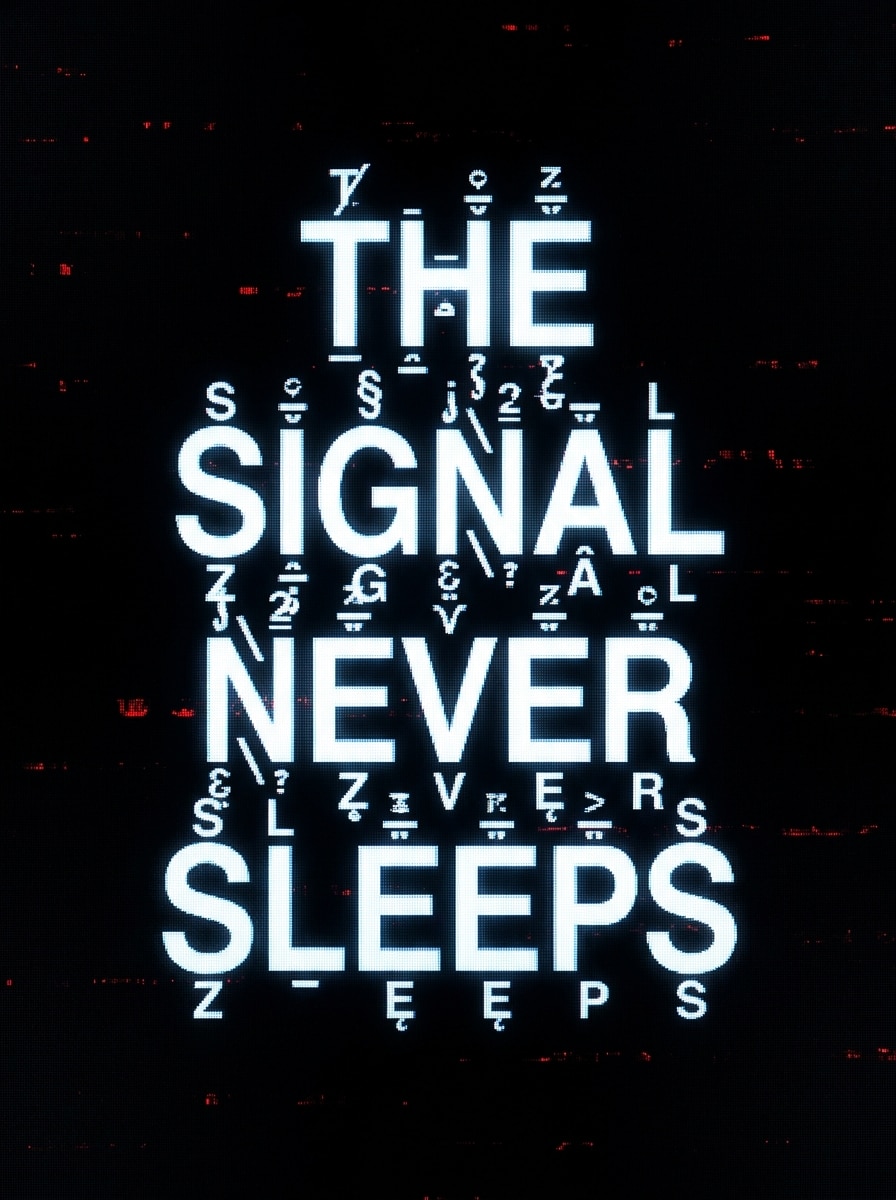
Klassische Zalgo
Erstellen Sie die phrase "Das SIGNAL schläft nie" als klassischer verfluchter Zalgo-Text, der in der Mitte einer dunklen Schnittstelle schwebt, mit geschichteter Unicode-Verzerrung über, durch und unter jedem Zeichen. Verwenden Sie einen schwarzen Hintergrund, kalten weißen text, schwache rote Fehlerakzente, digitales Rauschen, bedrohliche Stimmung und eine klare Darstellung mit hohem Kontrast.
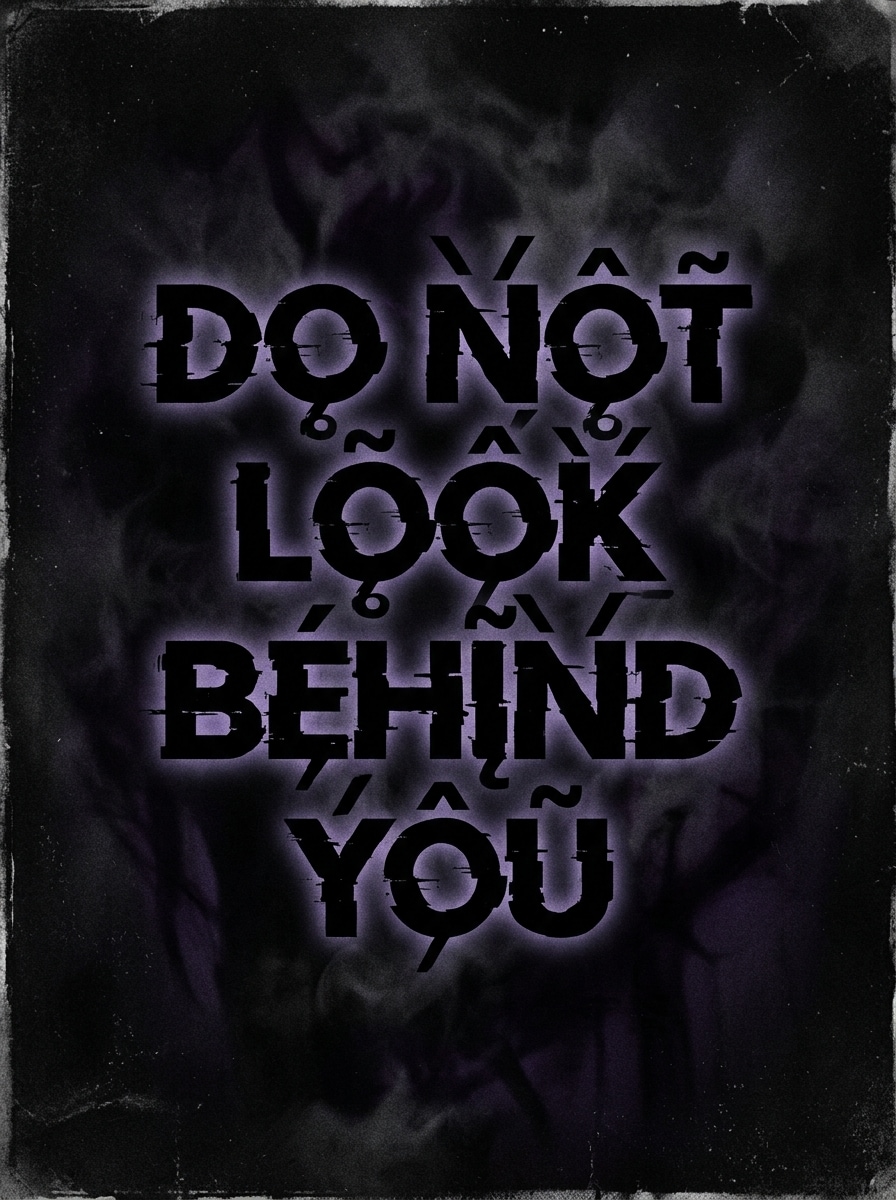
Schwerer leerer Text
Generieren Sie die Wörter „Schau nicht hinter dich "im extremen Void-Textstil mit dicht gestapelter Korruption, aggressiver diakritischer Schichtung und kaum lesbaren Basisbuchstaben. Rahmen Sie es wie eine Horror-Titelkarte auf einem kohleschwarzen Hintergrund mit rauchiger Textur, schwachen violetten Schatten, beunruhigender Atmosphäre und scharfen filmischen Kontrasten.
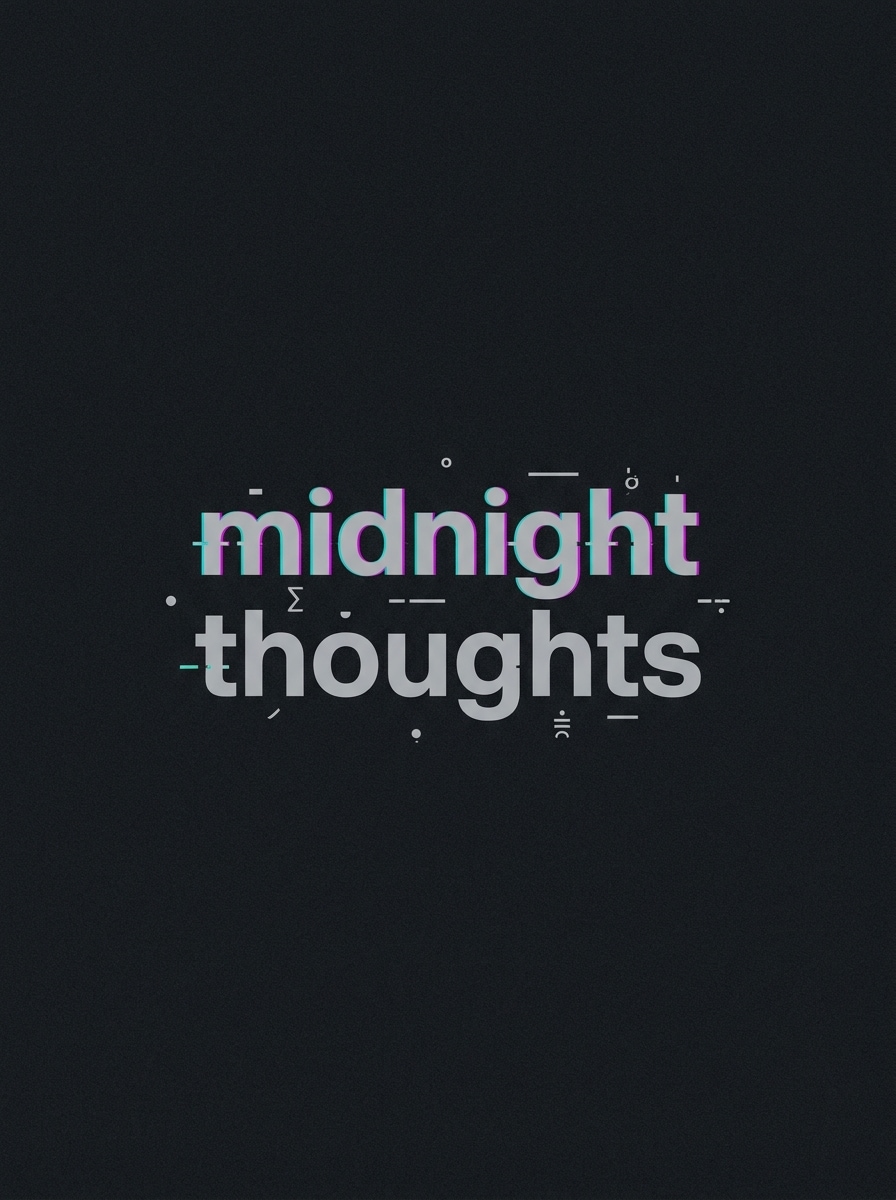
Lichtfehler
Gestalten Sie den Satz „midnight thoughts "in einem subtilen, unheimlichen Glitch-Stil für eine soziale bio, indem Sie spärliche Unicode-Markierungen, klare Lesbarkeit und ein modernes, minimales layout verwenden. Fügen Sie weichen grauen text, eine leichte cyan-magenta-Verschiebung, dunklen Graphithintergrund, geringe Rauschverzerrung, zurückhaltende Stimmung und polierte hochauflösende Typographie hinzu.
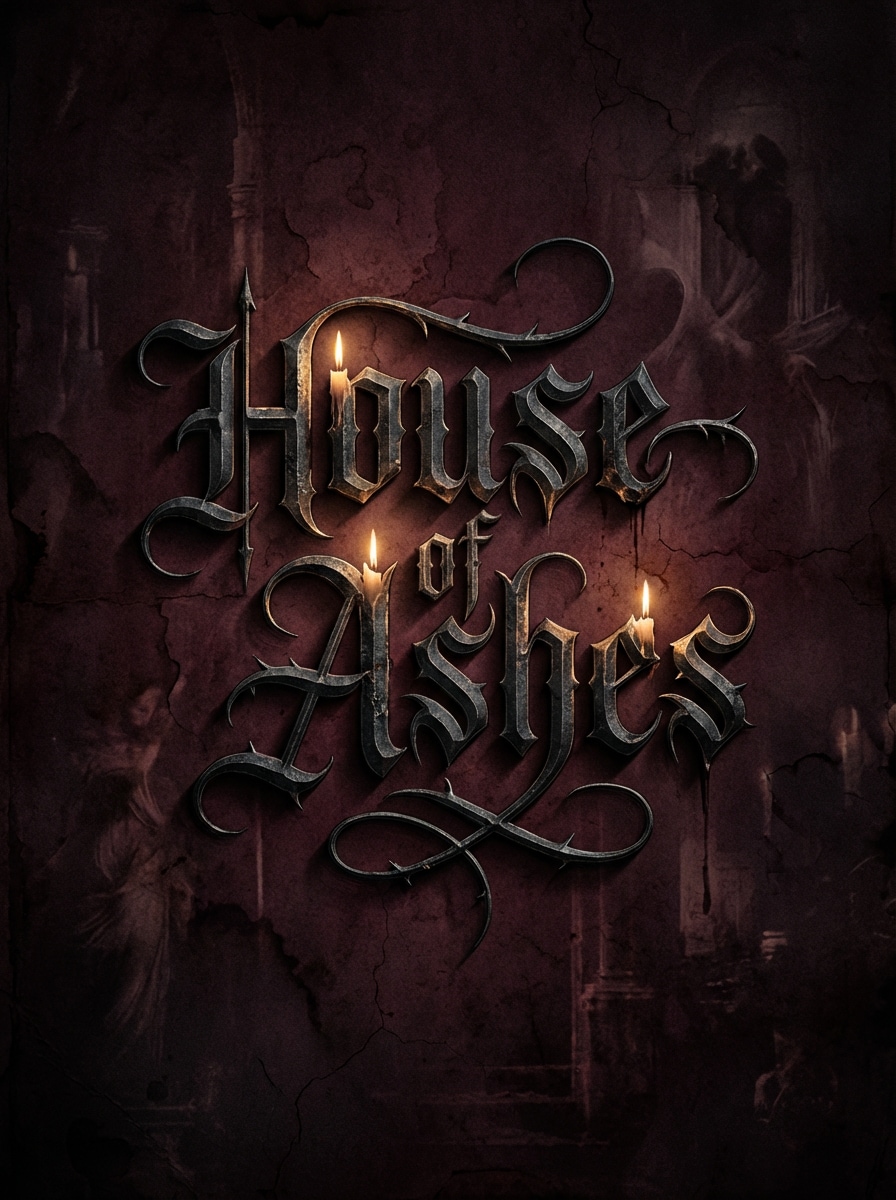
Gothic Blackletter
Verwandeln Sie den Titel "House of Ashes" in einen verzierten gotischen blackletter-inspirierten text mit dramatischen mittelalterlichen Kurven, scharfen flourishes und einer spukenden dunklen Ästhetik. Präsentieren Sie es auf einem tiefen burgundischen und schwarzen Hintergrund mit Kerzenlicht-Highlights, gealterter Pergamentstruktur, stimmungsvollen Schatten und eleganter Horror-Poster-Qualität.
Okulte Symbolmischung
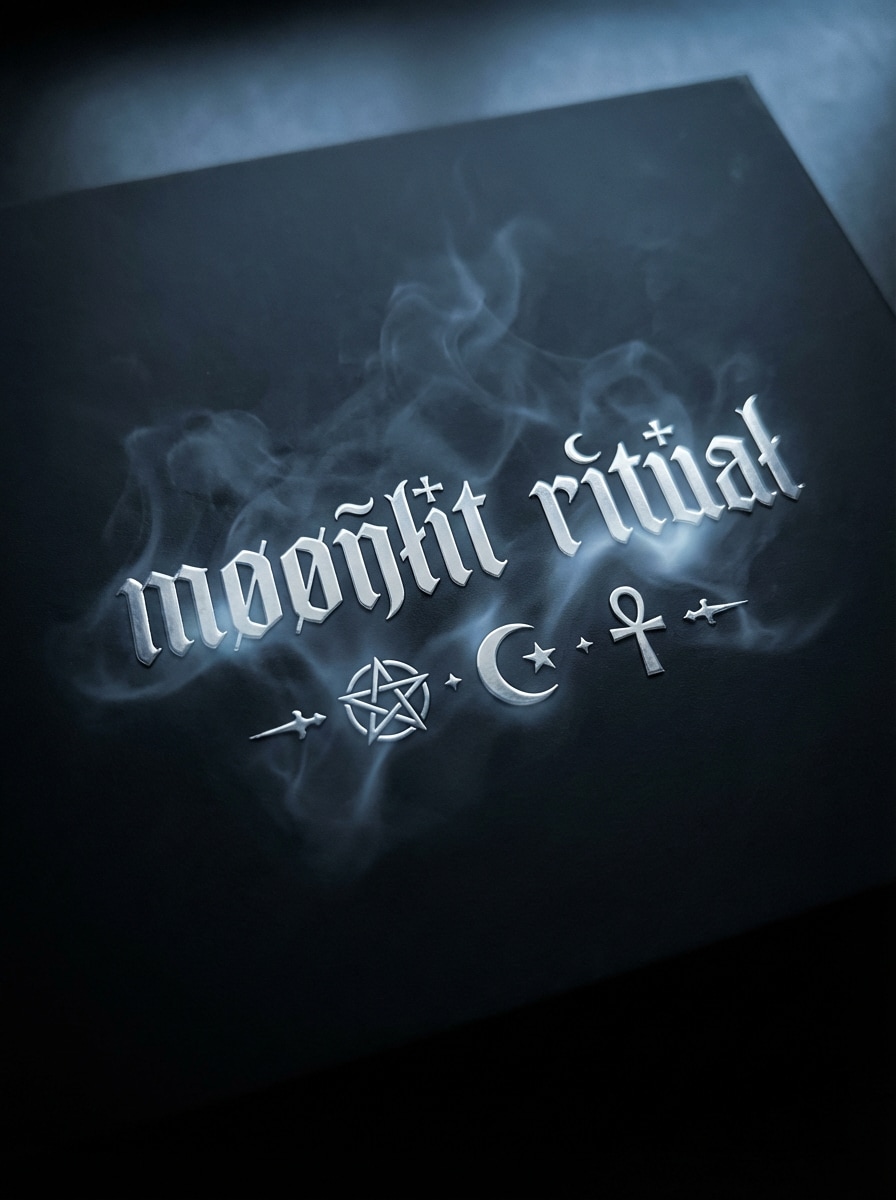
Erstellen Sie die phrase „moonlit ritual "mit unheimlichem Unicode-Stil, gemischt mit okkulten Separatoren, Halbmond-Motiven, subtilen Kreuzen und ausgewogenen Abständen. Verwenden Sie silbernen text auf einem mattschwarzen Hintergrund, schwachen Rauch, kühle blaue Untertöne, mystischen Glanz, zeremonielle Stimmung und raffinierte Komposition, die für dunkle ästhetische Beiträge geeignet ist.
Beerdigung Eleganz
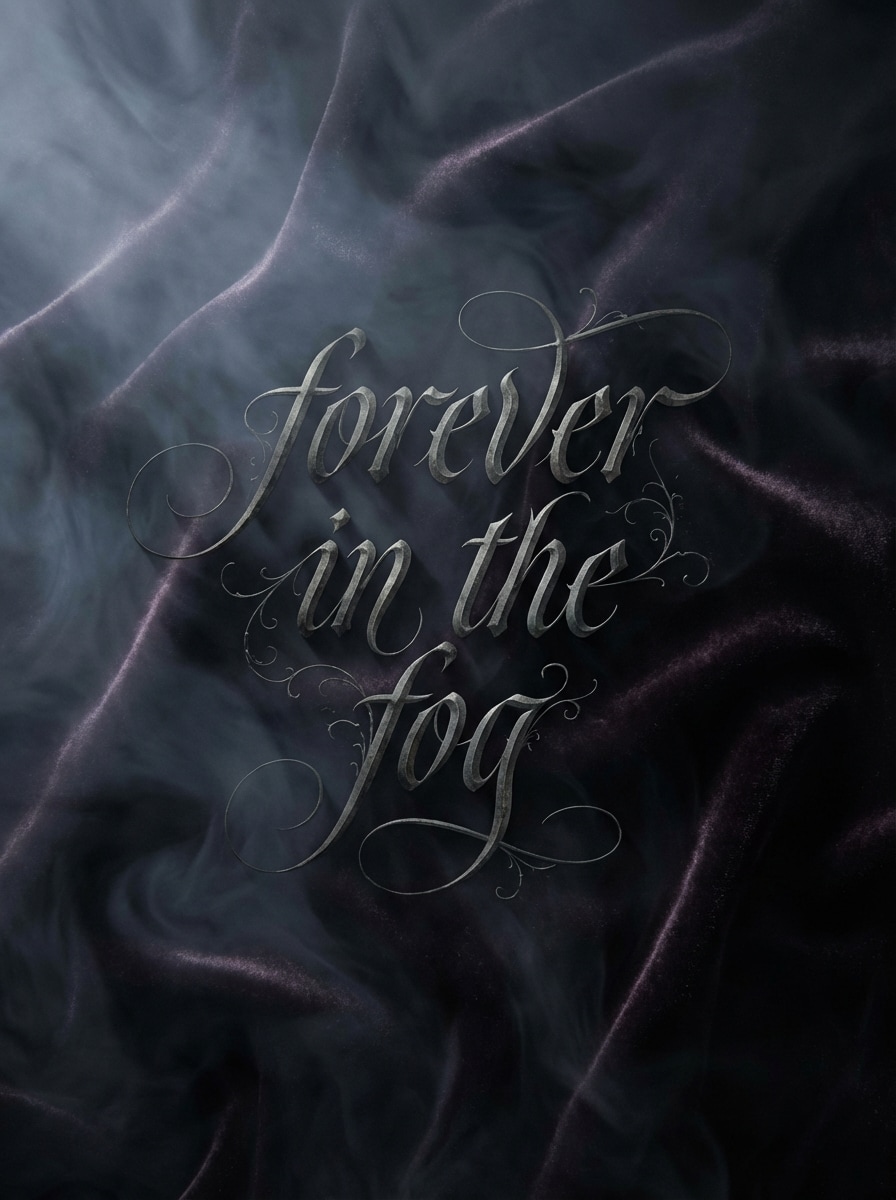
Stilen Sie die Worte "forever in the fog" als eleganten gruseligen text mit raffinierten gotischen Buchstaben, leichten Ziermarken und anmutiger Lesbarkeit. Legen Sie den text über einen entsättigten Schwarz-und-Pflaumen-Hintergrund mit weichem Nebel, samtartiger Textur, geringer dramatischer Beleuchtung, melancholischer Stimmung und luxuriösem redaktionellem finish.
Lösegeld-Note
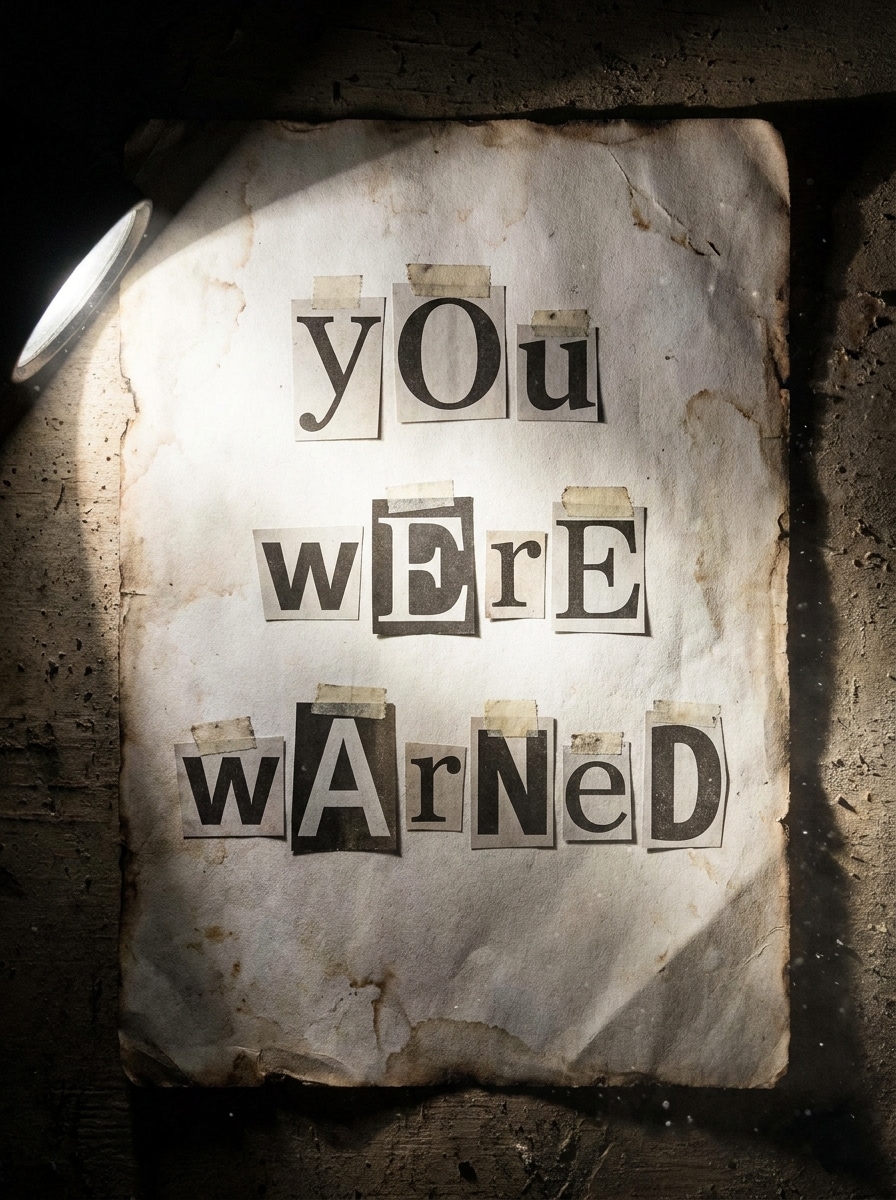
Rendern Sie die phrase „Sie wurden gewarnt "in einem gruseligen Lösegeld-Notiz-Texteffekt mit nicht übereinstimmenden Unicode-Buchstabenvarianten, unregelmäßiger Größe und Ausschnitt-Stil-Abstand. Setzen Sie es gegen eine schmutzige, weiße Papierstruktur mit schattenförmigen Kanten, harter taschenlampenartiger Beleuchtung, grünen details, angespannter Stimmung und starkem Horror-Thriller-Kontrast.
Schädel verziert
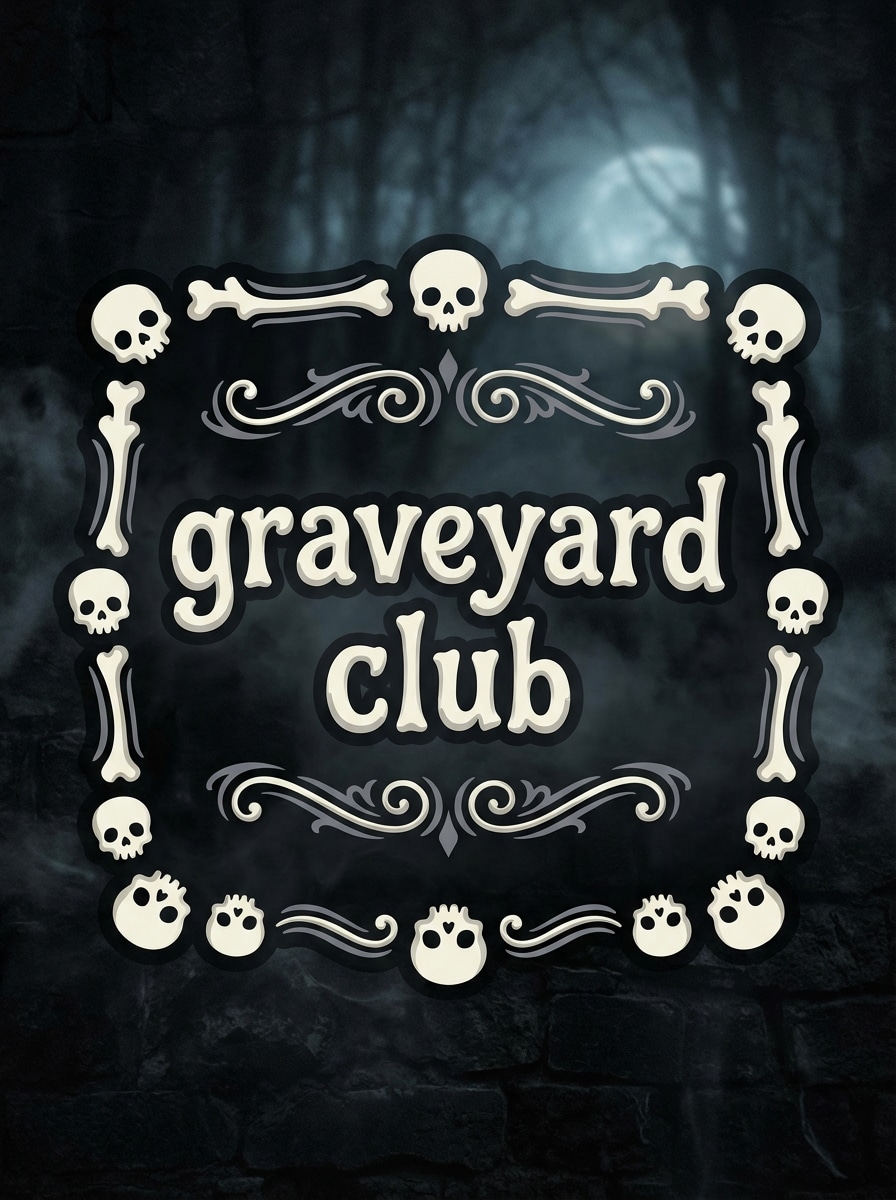
Generieren Sie die Bildunterschrift "graveyard club" mit lesbaren unheimlichen Schriftzeichen, die von schädelartigen Unicode-Symbolen und dekorativen Trennern gerahmt sind. Verwenden Sie knochenweißen text, gedämpfte graue highlights, einen schwarzen Steintextur-Hintergrund, subtilen Nebel, schwachen Mondlicht, spielerischen makaberen Ton und eine klare Komposition, die sich immer noch kopieren und einfügen freundlich anfühlt.
Verzerrte Horror-Bildunterschrift
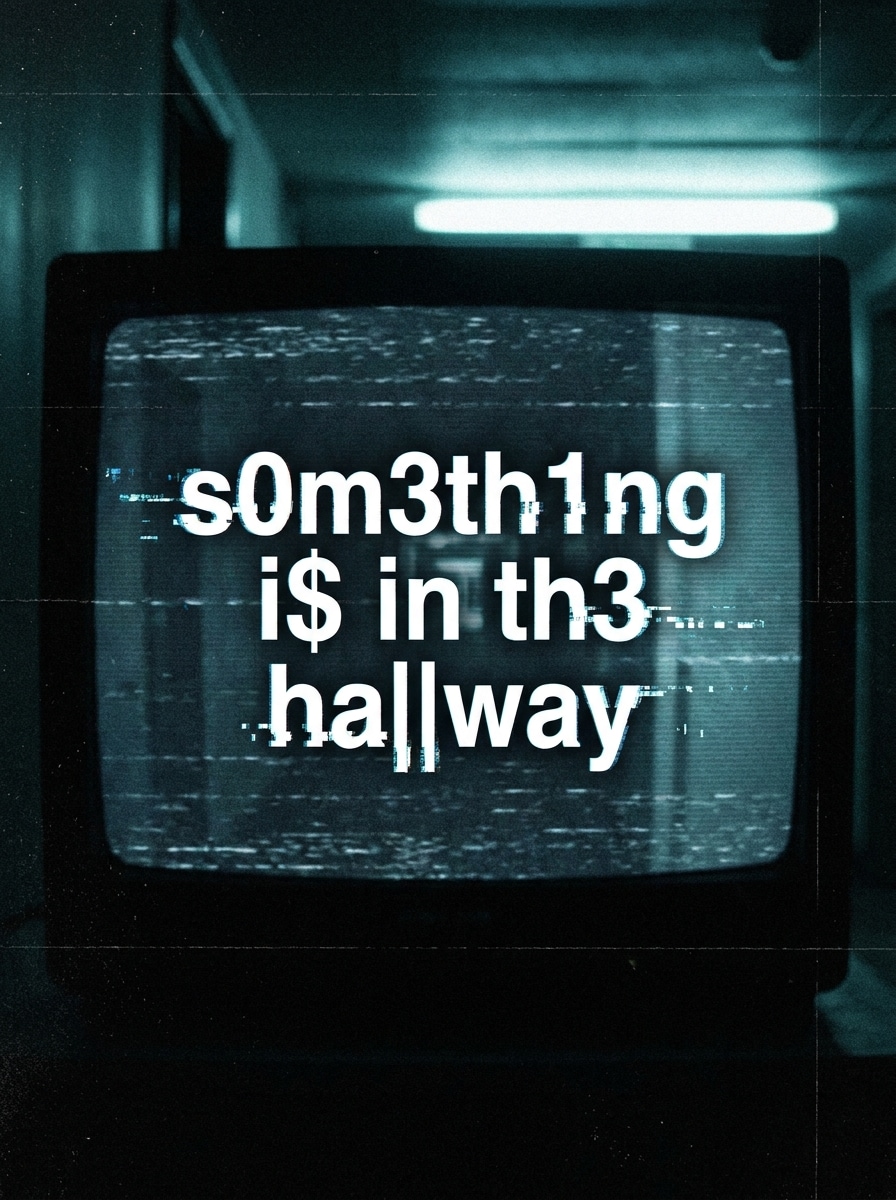
Erstellen Sie die Zeile „Etwas ist im Flur "in einem lesbaren, aber beunruhigenden Horror-Bildunterschrift-Stil mit ungleichmäßigen Abständen, leichten Verzerrungen und korrupten Charakterersetzungen. Präsentieren Sie es auf einem fast schwarzen Hintergrund mit schwacher TV-Statik, kalten fluoreszierenden Farbtönen, klaustrophober Stimmung, subtilen Körnern und scharfen spannungsvollen Details.
Halloween Spooky Text
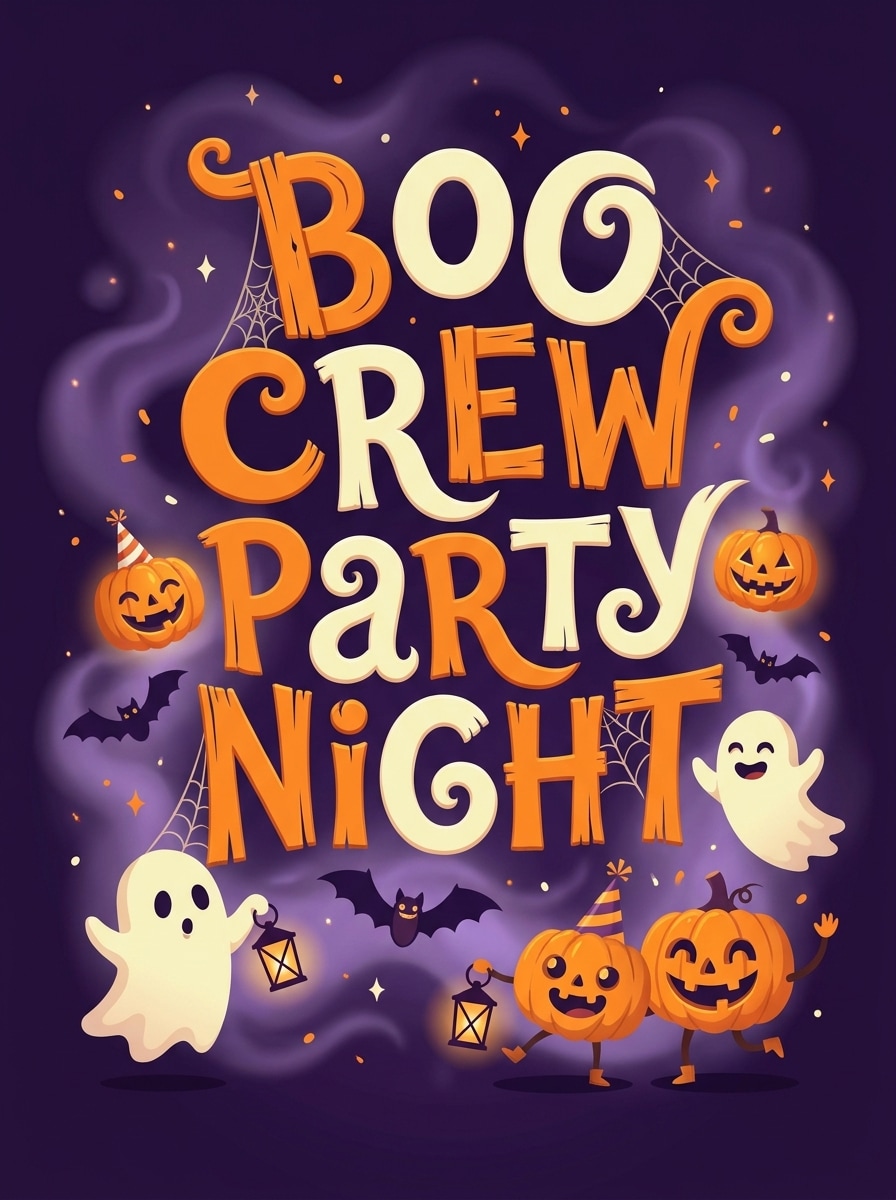
Gestalten Sie den Satz "boo crew party night" in verspielten Halloween-Gruseltext mit skurrilen gruseligen Charakteren, festlichen Verzerrungen und freundlichen spukerischen Stimmungen. Verwenden Sie orangefarbene und hellcremige Buchstaben auf einem mitternachtsvioletten Hintergrund mit weichem Nebel, winzigen funkenähnlichen highlights, saisonalem Charme, lustiger Horror-Energie und polierter posterähnlicher Klarheit.
Warum Media.io für gruselige Textbilder verwenden?
Fortgeschrittene KI-Modelle für Horror-inspirierte Designs
Media.io unterstützt leistungsstarke Bildmodelle wie Nano Banana Pro, Nano Banana 2, Seedream 5.0 Lite und Imagen 4.Gruseliger TextgeneratorIdee in polierte visuelle mockups, Titelkarten und dunkle ästhetische Typographie-Konzepte.
Hochauflösende Exporte für Social und Print
Generieren Sie typographisch inspirierte Bilder in 1K, 2K oder 4K Auflösung mit flexiblen Seitenverhältnissen wie 1:1, 9:16 und 16:9. Das macht es einfach, eine Vorschau eines horror text Generator-Look für Beiträge, Miniaturen, Poster und Inhalte für Mobilgeräte mit einem scary font Generator-Workflow zu sehen.
Vielseitige Stile über grundlegende Texteffekte hinaus
Von realistischem und 3D-Rendering bis hin zu Cyberpunk und Ölmalerei bietet Media.io Schöpfern mehr als nur einfache Textkonvertierung. Sie können ein Horrorfilm-Schriftart-Generator-Konzept, ein Poster-Moodboard oder eine gruselige Markenrichtung mit einer reicheren Stilsteuerung von einem Horror-Schriftart-Generator-Ansatz visualisieren.
Funktioniert Online über Desktop und Mobile
Media.io läuft in Ihrem browser auf Windows, Mac, iPhone, iPad und Android-Geräten. Egal, ob Sie ein unheimliches Textgenerator-Konzept für Instagram stories testen oder dunkle Grafiken auf einem laptop erstellen, Ihr workflow bleibt einfach und zugänglich mit Media.io.
Wie man gruselige Bilder im Textstil Online erstellt
1
2
3
1
Open Media.io AI Bildgenerator
gehe zuKI Text-zu-Bild-GeneratorUnd öffnen Sie den AI-Bildgenerator unter AI-> Text zu Bild. Dieses Online-Tool läuft in Ihrem browser, sodass Sie schnell Bilder basierend auf gruseligen Titelkarten, Fehlerbildunterschriften oder dunklen Typografiekonzepten erstellen können, ohne software zu installieren.
2
Geben Sie eine Eingabeaufforderung oder eine Stilidee ein
Geben Sie eine detaillierte Eingabeaufforderung ein, wie zum Beispiel „Erstellen Sie den Satz 'Das SIGNAL schläft nie' als verfluchter Zalgo-Text auf einem schwarzen Hintergrund mit roten Fehlerakzenten und digitalem Rauschen. " Sie können auch beschreiben ascary Schriftgenerator, gothic header oder American Horror Story-inspirierte Stimmung, dann Stil und Seitenverhältnis anpassen.
3
Generieren, verfeinern & herunterladen
Klicken Sie auf Generieren, um Ihr Bild zu erstellen. Passen Sie den Wortlaut an, wechseln Sie das Modell oder versuchen Sie eine andere Voreinstellung, wenn Sie einen leichteren Fehler, ein stärkeres Schwarzschreiber-Gefühl oder eine klarere lesbare Unterschrift möchten. Dann laden Sie ein hochauflösendes Ergebnis für Social-Beiträge, mockups oder kreative Referenzen herunter.
Freischalten Sie das Potenzial von Scary Text Generator
Erfahren Sie, wie Schöpfer diesen gruseligen Textgenerator für Inhalte, marketing und persönliche Projekte verwenden, und passen Sie dann jede Idee an die Zusammenfassung an.
Stil Bios, Benutzernamen und Unterschriften für soziale Plattformen
Brauchen Sie einen lesbaren, aber unheimlichen look nach Profiltext? Verwenden Sie Media.io, um Konzepte zu visualisieren, die von einemscary text maker, leichte Fehlerbildunterschriften oder eine saubere gruselige Textschriftart, bevor Sie auf Instagram, TikTok, Discord, X oder Gaming-Profilen posten.
Horror-Poster, Miniaturen und ARG-Grafiken erstellen
Schöpfer können eineSchriftgenerator horrorKonzept in filmische Titelkunst, analoge Horror-Überlagerungen oder Trailer-Miniaturansichten. Es ist nützlich, wenn Sie die Stimmung eines Horror-Schriftarten-Generators oder Horror-Film-Schriftarten-Generators wollen, ohne von Grund auf in komplexen Designsoftware zu beginnen.
Erstellen Sie saisonale und fandom-inspirierte Typographie-Konzepte
Von Halloween-Einladungen bis hin zu dunklen Fan-Bearbeitungen: Media.io hilft Ihnen, verspielte gruselige Schlagzeilen, okkulte Worte und dramatische TV-inspirierte looks zu erkunden. Sie können Ideen in Bezug auf Kopieren und Einfügen gruselige Schriften, gruselige Schriften kopieren und einfügen, gruselige Schriften kopieren und einfügen, gruselige Schriften kopieren und einfügen, Horror-Schriften kopieren und einfügen oder sogar eine ahs font generator/american horror story font generator Ästhetik in einem visuellen format testen.
Was die Benutzer sagen
Jade M.
Kurzform-Videoeditor
"Großartig für Horror-Bildunterschriftkonzepte"Ich habe Media.io verwendet, um fehlerhafte Titelkarten und gruselige Bildunterschriftenstile für meine TikTok-Bearbeitungen zu mimieren. Es half mir, mehrere dunkle Ästhetiken schnell zu testen, bevor ich den endgültigen text in meinem editor neu erstellte.
Markus T.
Indie-Spiel-Ersteller
"Schnelle Moodboards für gruselige branding"Ich wollte Referenzen für eine gruselige Textschrift und einen spukenden Menübildschirm. Die Eingabeaufforderungen waren einfach anzupassen und die generierten Bilder gaben mir eine starke Richtung für meine Benutzeroberfläche und Promo-Kunst.
Elena R.
Social Media Designer
"Hilfreich für Halloween-Kampagnen"Besonders nützlich waren die Halloween-und Gothic-Styles. Ich habe mehrere gruselige visuelle Konzepte für Einladungen, Story-Covers und Event-Grafiken erstellt, ohne zusätzliche plugins oder Desktop-Software zu benötigen.
Noah P.
Inhaltsersteller
"Gute balance zwischen Geschwindigkeit und Qualität"Mir gefiel, dass ich mehrere gruselige, textinspirierte Bilder in unterschiedlichen Verhältnissen für Rollen, Miniaturen und Beiträge generieren konnte. Es war schnell, browserbasiert und leicht zu iterieren, bis sich die Stimmung richtig anfühlte.
Entdecken Sie die beliebtesten KI-Video- und Bildeffekte
Ein gruseliger Textgenerator ist ein Werkzeug, mit dem Menschen unheimlich aussehende Buchstaben für bios, Benutzernamen, Bildunterschriften und Horror-Beiträge erstellen können. In der Praxis meinen Benutzer oft Effekte wie Fehlertext, gotisches styling, verfluchten text oder einen gruseligen Textgenerator-Look, der für Inhalte kopiert oder optisch neu erstellt werden kann.
2. Wie erstelle ich Zalgo oder glitch text aus normalen Wörtern?
Beginnen Sie mit einem klaren Satz und beschreiben Sie dann den genauen Effekt, den Sie möchten, wie z. B. Lichtfehler, klassisches Zalgo, gotisches blackletter oder verzerrte Horror-Bildunterschriften. Media.io funktioniert am besten mit detaillierten englischen Eingabeaufforderungen, sodass Sie Ihre Wörter eingeben, Stimmung, Farben, Textur und layout definieren und schnell hochwertige visuelle Konzepte mit einem Horror-Text-Generator oder einem beängstigenden Schriftgenerator-Stil generieren können.
3. Ist dieser gruselige Textgenerator kostenlos zu verwenden?
Media.io bietet kostenlose credits für neue und Gelegenheitsanwender, sodass Sie gruselige und Horror-Textvisuals ausprobieren können, ohne im Voraus zu bezahlen. Wenn Sie mehr Generationen oder zusätzliche Nutzung benötigen, können Sie die Preisseite für verfügbare Pläne überprüfen. Kostenlose Nutzer können kostenlose credits nutzen. Für mehr Nutzung können Benutzer einen plan auf der Preisseite abonnieren. Upgrade auf einen kostenpflichtigen plan auf derPreisseiteFür weitere credits und Wasserzeichen-kostenlose hochauflösende downloads.
4. Kann ich gruselige Texte in Instagram, TikTok oder Discord kopieren und einfügen?
Viele Benutzer suchen nach gruseligen Schriften kopieren und einfügen, gruseligen Schriften kopieren und einfügen oder gruseligen Schriften zum kopieren und einfügen für soziale Plattformen. Media.io ist ein browserbasiertes kreatives tool zum Generieren von Visuellen und Konzepten im Textstil, die über alle Geräte hinweg funktionieren. Es kann Ihnen helfen, designs für Instagram, TikTok, Discord und ähnliche Plattformen vorzusehen.
5. Warum sieht unheimlicher text auf einigen Geräten oder apps anders aus?
Gruselige Texteffekte können unterschiedlich erscheinen, da Plattformen, Browser und Betriebssysteme stilisierte Zeichen und layouts auf unterschiedliche Weise rendern. Da Media.io unter Windows, Mac, iOS und Android im browser läuft, können Sie vor der Veröffentlichung schnell visuelle Ausgaben für mehrere soziale Formate generieren und vergleichen. Media.io ist ein webbasiertes tool, das auf jedem Gerät mit einem browser (Windows, Mac, iOS, Android) funktioniert.
6. Ist creepy text eine echte Schrift oder ein Unicode-Textstil?
In vielen Fällen bezieht sich creepy text online auf einen Unicode-Textstil und nicht auf eine herkömmliche installierte Schriftdatei. Leute können nach Begriffen wie scary text font, horror font generator, horror font copy and paste oder american horror story font generator suchen, aber das Ergebnis sind oft stilisierte Zeichen oder dekorative Texteffekte anstelle eines Standardschriftenpakets.
Über den KI-gestützten Online-Gruseltext-Generator hinaus