Deine Werke werden nur 7 Tage lang gespeichert. Assets, die nach dem Upgrade auf einen Mitgliedschaftstarif erstellt werden, werden dauerhaft gespeichert.
Entfalten Sie Ihr kreatives Potenzial und erleben Sie jetzt die Magie der Media-KI!
KI-Icon-Generator für schnelle, benutzerdefinierte App-und Website-Icons
Erstellen Sie mit Media.io polierte Bilder im Stil von Icons aus text in Sekunden. Erstellen Sie App-Symbole, Website-Symbole, Favicon-Konzepte und Social-Profil-Grafiken in 3D-, minimal-, Verlaufs-, Aufkleber-und Premium-Benutzeroberflächenstilen – keine Designsoftware-Kenntnisse erforderlich.
Geben Sie Ihre Idee ein-> KI entwirft sie. Kostenlos zu versuchen.
Entdecken Sie unsere kuratierte Sammlung vonKI-Icon-GeneratorStile.
Glanzendes 3D im iOS-Stil
Erstellen Sie ein hochwertiges, glänzendes 3D-App-Symbol einer Kaffeetasse, zentriert in einer abgerundeten quadratischen Fliese mit glatten Kanten, weicher Studio-Beleuchtung, subtilen Reflexionen, sanftem drop shadow, warmer brauner und cremiger palette, saubere iOS-inspirierte Schnittstellenästhetik, scharfe details, polierte Oberfläche, hoher Kontrast, moderne app Store-Präsentation.
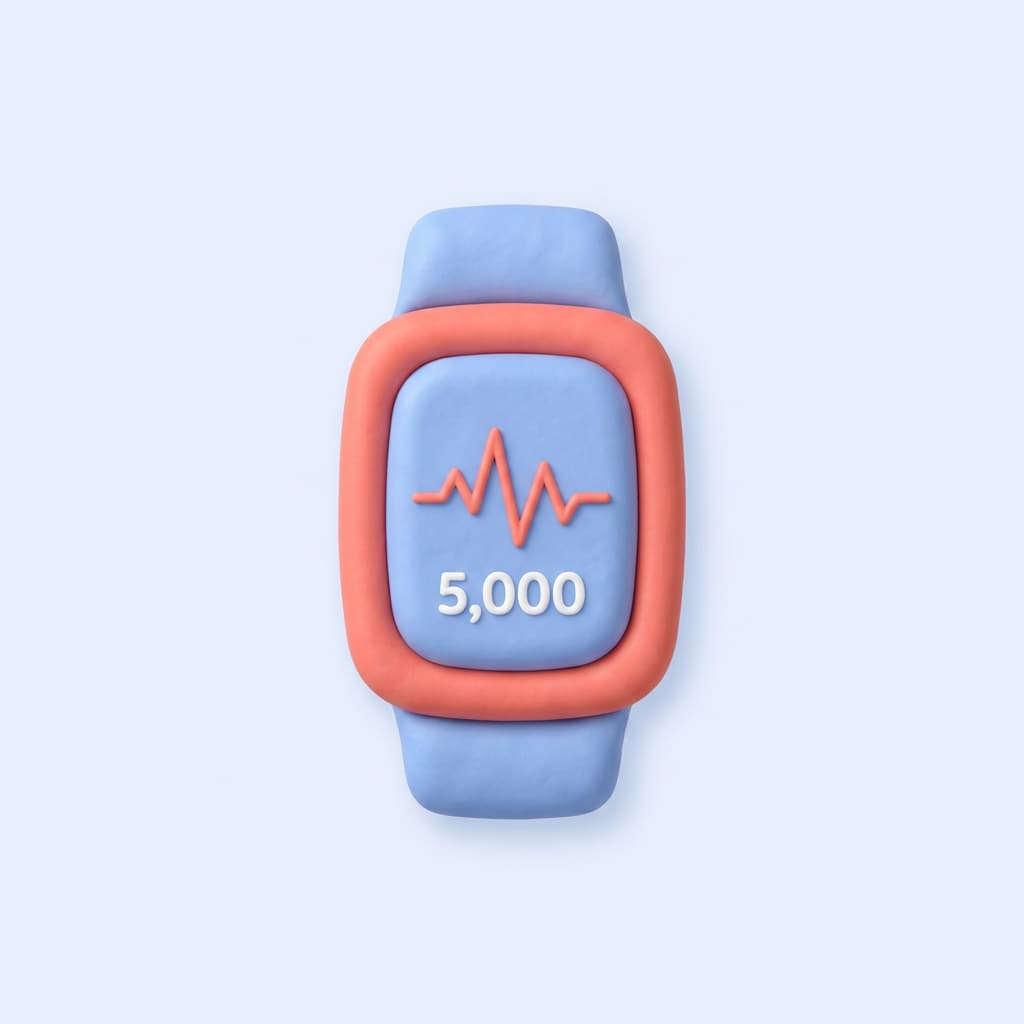
Claymorphismus 3D
Generieren Sie ein weiches claymorphism Fitness-Tracker-Symbol mit abgerundeten tragbaren Formen, Pastellblau und Korallenfarbpalette, mattem taktilem material, sanften Umgebungsschatten, zentrierter Komposition, minimalem Hintergrund, verspielter und dennoch polierter Stimmung, glatter handgefertigter Textur, niedlicher moderner Produktdesign-Look, knackiges Icon-Style-Finish.
Monoline Minimal
Erstellen Sie ein sauberes Monoline-Reisekoffer-Symbol mit einheitlicher Strichbreite, geometrischen Proportionen, ausgewogener zentrierter Komposition, schwarzer Linienkunst auf einem weichen Lichthintergrund, scharfen Kanten, geräumigen negativen Raum, einfachem modernem UI-Systemstil, minimaler professioneller Stimmung, skalierbarem Symbol-Erscheinungsbild, hoher Klarheit und Präzision.
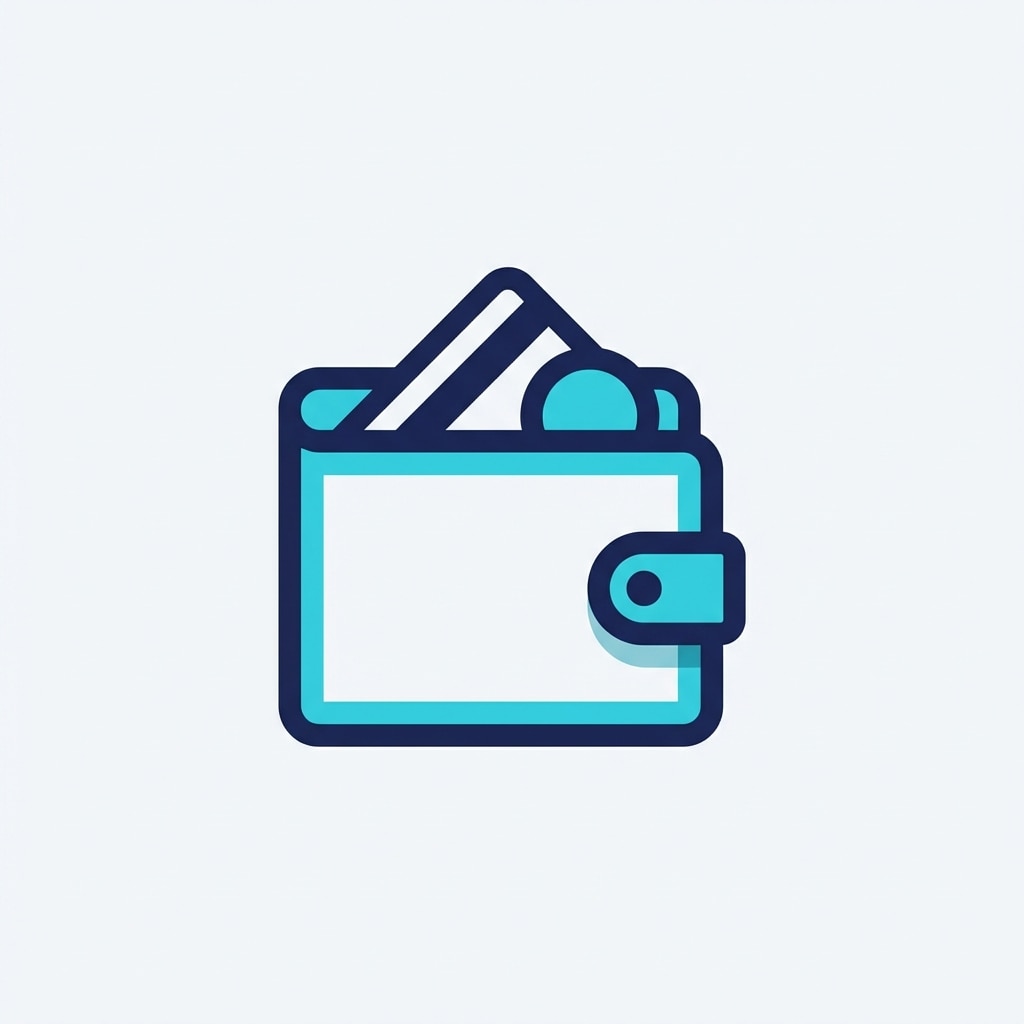
Flache Duotone
Generieren Sie ein flaches Duotone-Geldbörse-Icon für die Fintech-Nutzung, gebaut aus einfachen geometrischen Formen mit scharfen Kanten, marineblaue und cyan Zweifarbenpalette, zentriertes layout, klarer heller Hintergrund, professionelle SaaS-Dashboard-Ästhetik, subtile Tiefentrennung, moderne digitale Produktstimmung, poliert Icon-Stil-Rendering, leicht zu erkennen silhouette.
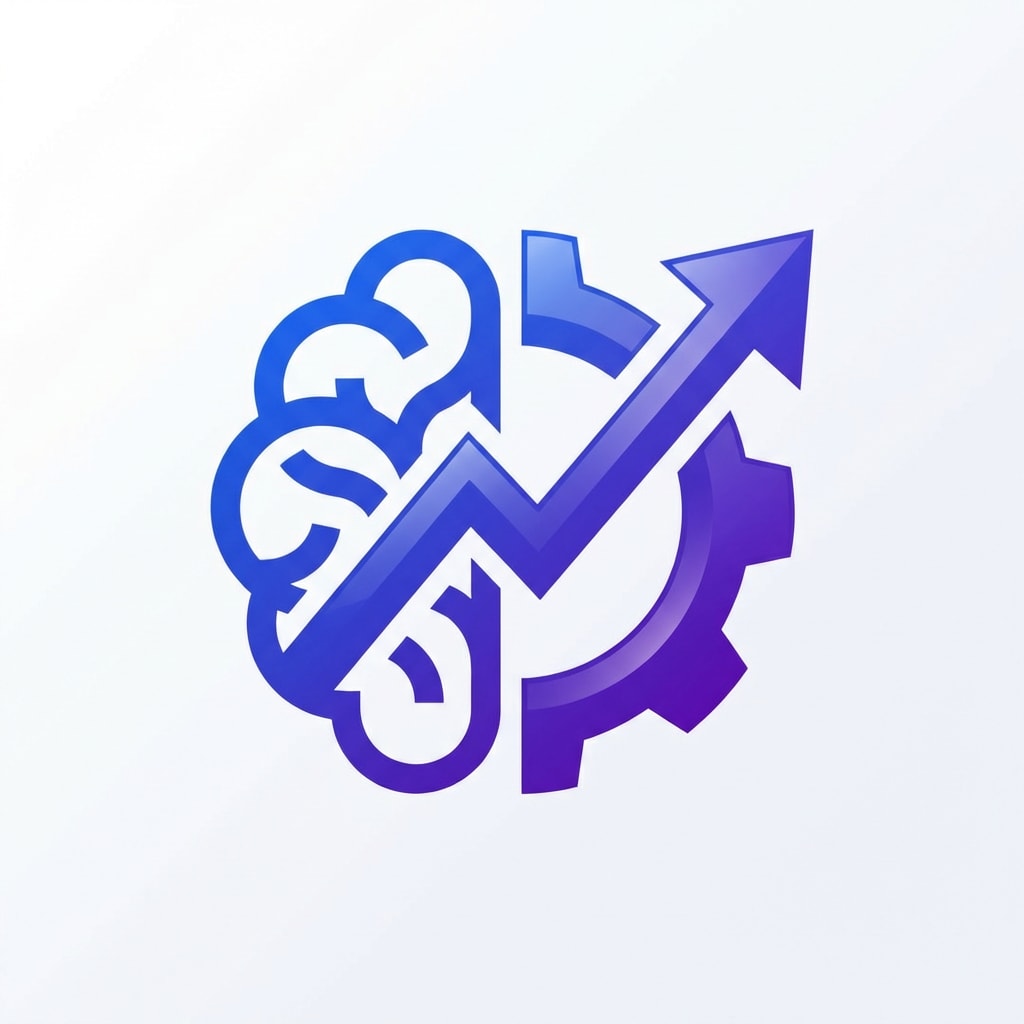
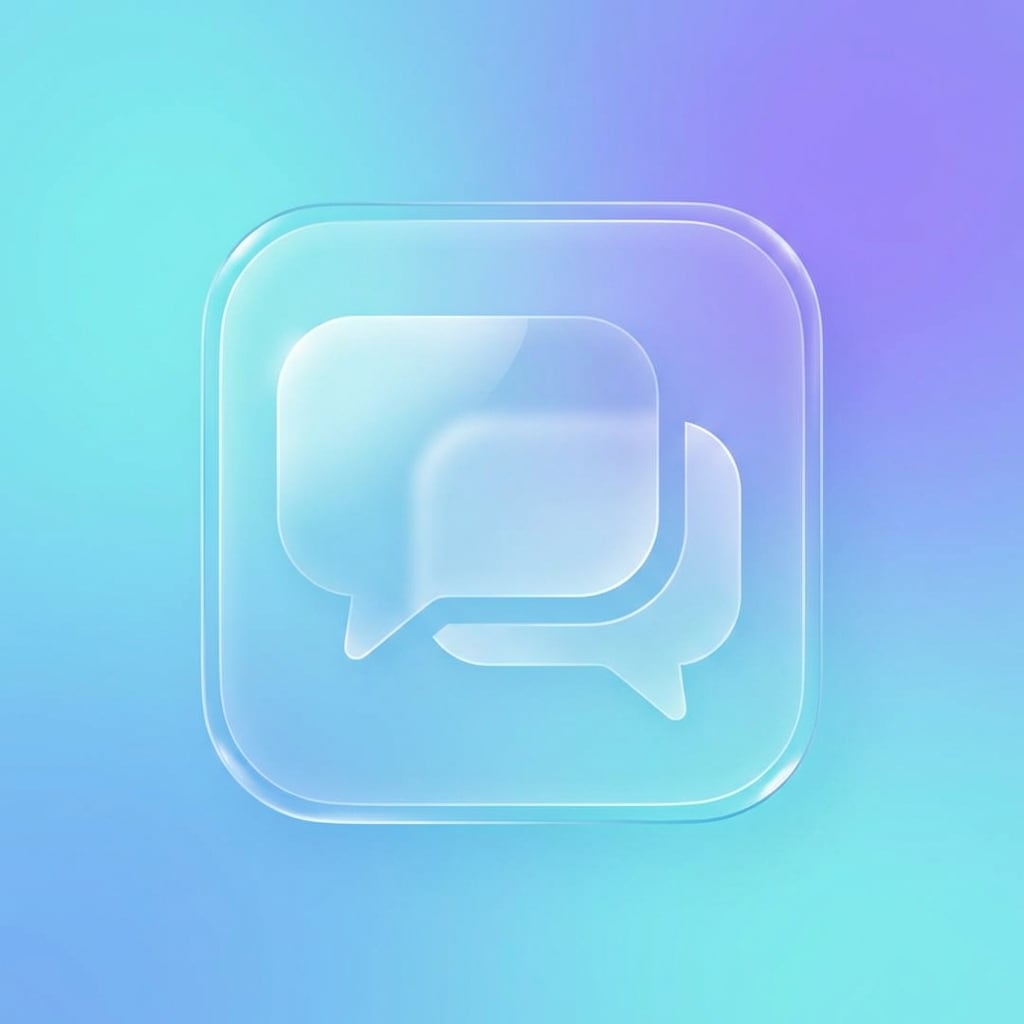
Gradient-Startup-Symbol
Entwerfen Sie ein modernes KI-Produktivitäts-App-Symbol im Startup-Stil mit einem abstrakten geometrischen symbol, zentrierter Komposition, kräftigem blau-violetten Verlauf, glattem glänzenden finish, weichen highlights, klarem Hintergrund, eleganter Markensystem-Ästhetik, denkwürdiger silhouette, erstklassiger Produktdesign-Stimmung, scharfen Kanten, hochdetailliertem symbol, geeignet für App-und Web-Nutzung.
Favicon-Ready-Symbol
Erstellen Sie ein einfaches Favicon-bereites sicheres Cloud-Icon mit einer starken silhouette, minimalen Innendetails, zentrierter Komposition, einer klaren monochromen blauen palette, klaren Vektor-inspirierten Kanten, hellem Hintergrund, sehr erkennbar in kleinen Größen, professioneller Website-Branding-Stimmung, ausgewogenen Proportionen, skalierbarem Icon-Look, klarer und übersichtlicher Präsentation.
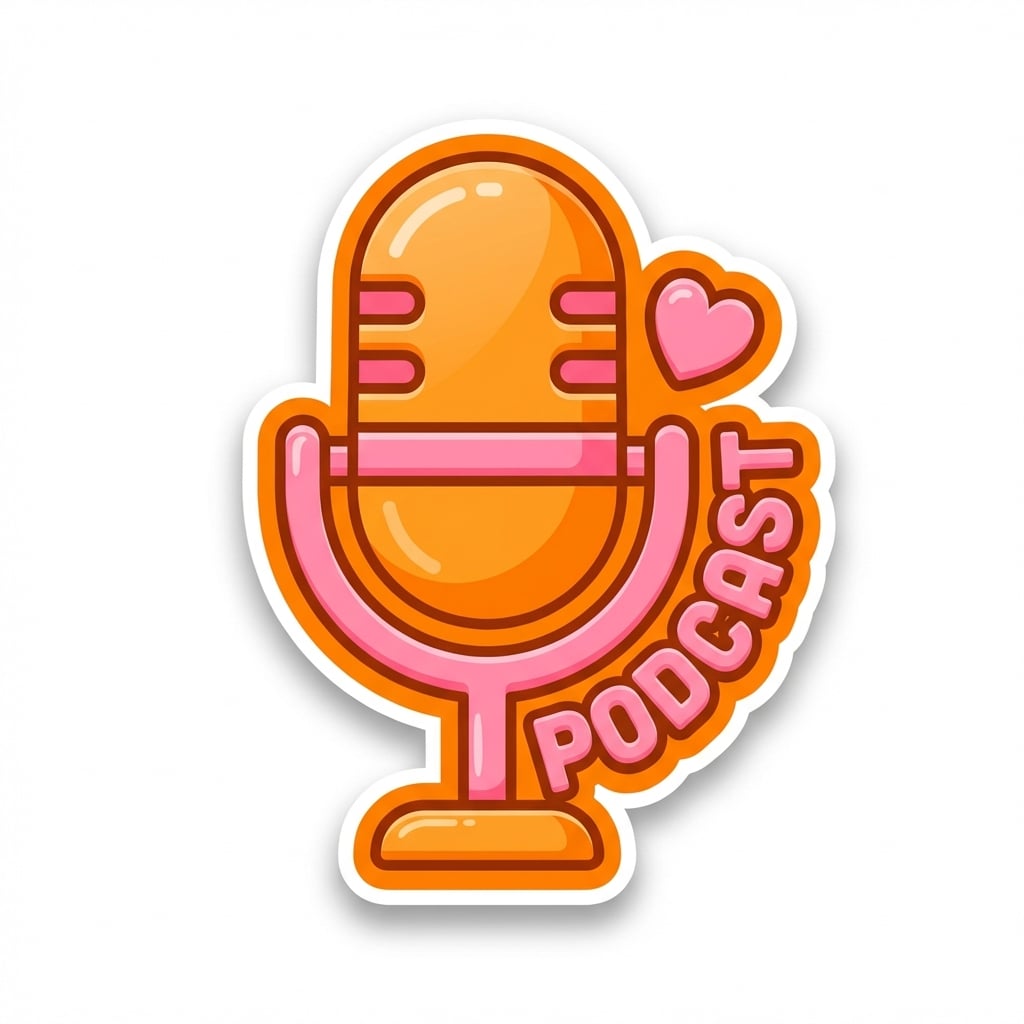
Aufkleber-Symbol
Generieren Sie ein spielerisches Podcast-Mikrofon-Symbol im Sticker-Stil mit fettem Umriss, abgerundeten Formen, leuchtend orangefarbener und rosa palette, zentrierter Komposition, klarem weißen Hintergrund, lustiger Creator-Branding-Stimmung, glänzender Aufkleberoberfläche, weichem Schatten zur Trennung, freundlicher Social-Media-Ästhetik, knackigen Konturen, polierter Icon-Stil-Qualität.
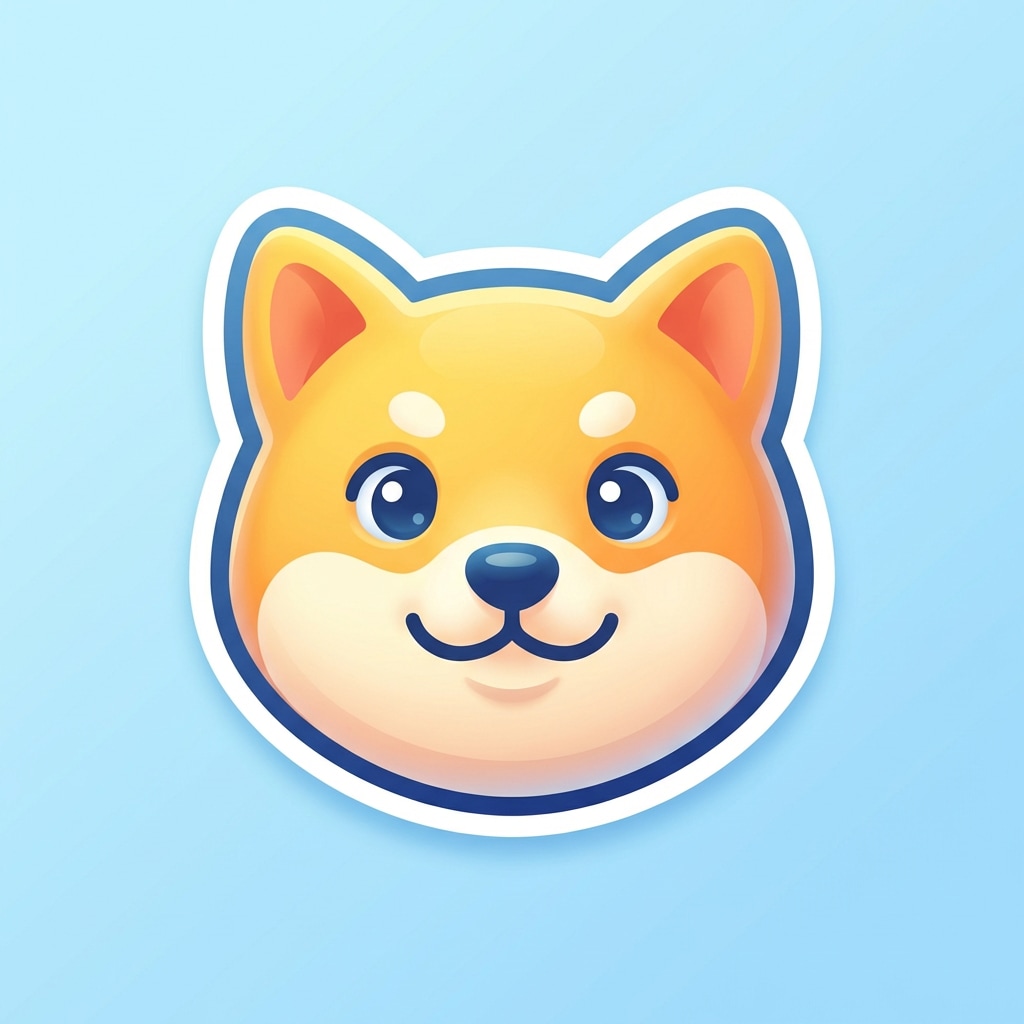
Niedliche Maskottchen Icon
Erstellen Sie ein niedliches Tiergeschäft-Icon im Maskottstil mit einem vereinfachten Tiergesicht, abgerundeten freundlichen Merkmalen, zentrierter Komposition, hellen zugänglichen Farben, weichem Schatten, glatter Aufkleberähnlicher Textur, fröhlicher Stimmung, klarem Hintergrund, geeignet für soziale branding und App-Verwendung, hohe Klarheit, poliertes Ikonendesign mit charmanter Persönlichkeit.
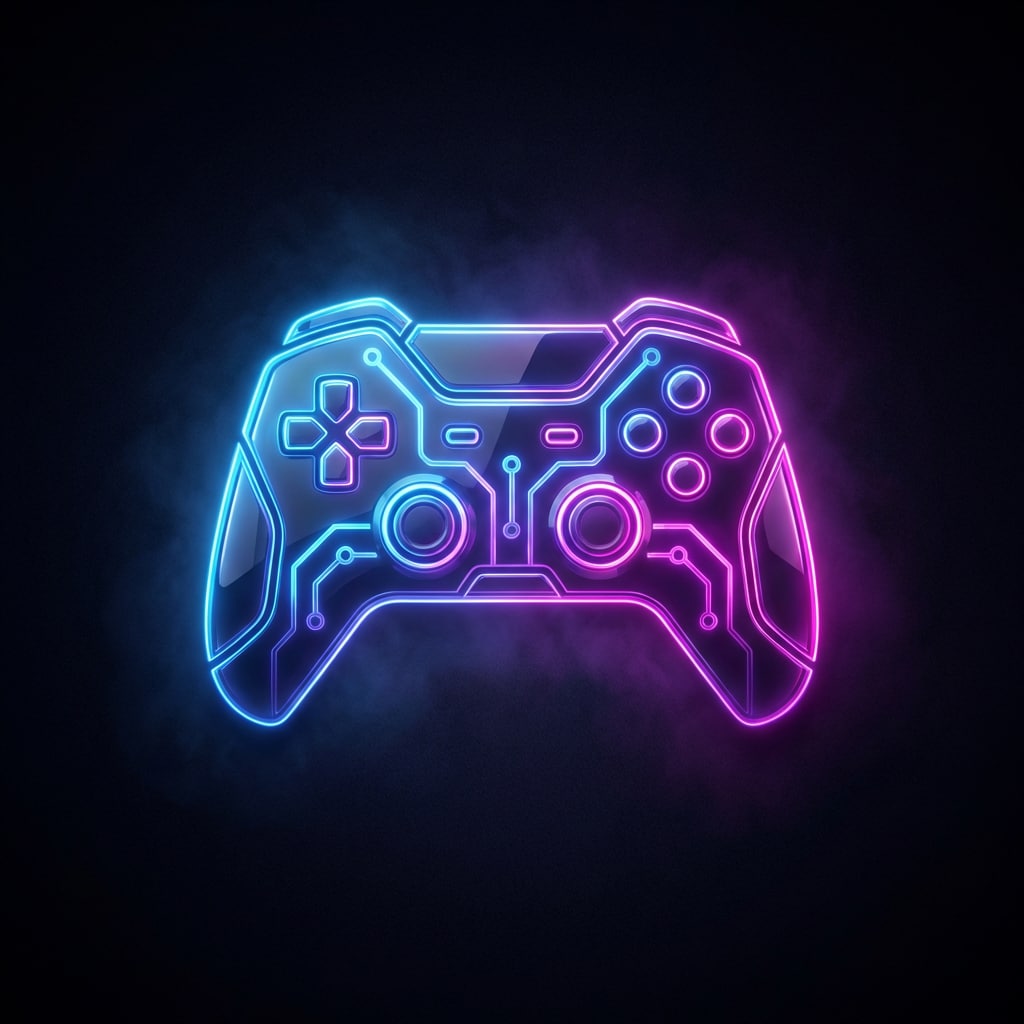
Generieren Sie ein Neon-Cyberpunk-Gaming-Controller-Symbol mit leuchtenden Kanten, zentrierter Komposition, dunklem Hintergrund, lebendigen elektrischen Blau-und Magenta-Akzenten, glänzenden futuristischen Materialien, starkem Kontrast, subtilem Dunst, Premium-Gaming-UI-Ästhetik, scharfer silhouette, dramatischer Beleuchtung, poliertem High-Detail-Symbol mit energischer moderner Tech-Stimmung.
Warum Media.io für die KI-Icon-Generierung verwenden?
Erstellen Sie Symbolkonzepte aus Text in Sekunden
Verwandeln Sie eine kurze Idee in ein poliertes, ikonenartiges Kunstwerk für apps, websites, Präsentationen und soziale Profile. Media.io hilft Nicht-Designern, mehrere visuelle Richtungen schnell und ohne komplexe Designsoftware zu erkunden.
Wählen Sie leistungsstarke KI-Modelle
Generieren Sie mit Flaggschiff-Modellen wie Nano Banana Pro und Nano Banana 2, mit zusätzlicher Unterstützung für Seedream 5.0 Lite, Imagen 4, Seedream 4.0, Nano Banana und mehr für die flexible Bilderstellung im Symbolstil.
Erzeugen Sie hochauflösende Ausgaben
Erstellen Sie klare Ergebnisse in 1K, 2K und 4K Auflösung. Dies ist nützlich, wenn Sie sauberere Bilder im Symbolstil für mockups, pitch decks, Profilgrafiken und digitale Branding-Assets wünschen.
Verwenden Sie es auf jedem Gerät
Media.io läuft in Ihrem browser unter Windows, Mac, iOS und Android. Sie können generierenKI-SymboleVom desktop oder mobile ohne die Installation von schwergewichtigen Designanwendungen.
So verwenden Sie den AI Icon Generator
1
2
3
1
Öffnen Sie Media.io AI Icon Generator
Gehen Sie zu Media.io und öffnen Sie den AI-Icon-Generator unter AI-> Text zu Bild. Dieses Online-Tool läuft in Ihrem browser, sodass Sie auf Ihrem desktop oder Mobiltelefon Bilder im Stil von Icons erstellen können, ohne zusätzliche software zu installieren.
2
Geben Sie eine detaillierte Symbolaufforderung ein
Geben Sie eine detaillierte Eingabeaufforderung ein, z. B. „Erstellen Sie ein glänzendes 3D-Kaffee-App-Symbol, zentriert auf einer abgerundeten quadratischen Fliese, weiche Reflexionen, warme braune palette, sauberes iOS-Finish. " Wählen Sie dann Ihr bevorzugtes Modell, Stil, Auflösung und Seitenverhältnis aus.
3
Generieren, verfeinern & herunterladen
Klicken Sie auf Generieren, um Ihr Symbolkonzept zu erstellen. Verfeinern Sie bei Bedarf die Formulierung für einen minimalistischen, verlaufenden oder aufkleberähnlichen look. Wenn Sie mit dem Ergebnis zufrieden sind, laden Sie das hochauflösende Bild für Ihre app, website oder Branding-Workflow herunter.
"Großartig für schnelle App-Icon-Konzepte"Ich brauchte mehrere Wegbeschreibungen für einen App-Start und Media.io half mir, schnell dorthin zu kommen. Der KI-Icon-Generator gab mir glänzende, minimale und verlaufende Konzepte, die ich sofort vergleichen konnte, ohne komplexe Designsoftware zu öffnen.
Marco Diaz
Produktdesigner
"Nützlich für UI-und Dashboard-Mockups"Ich verwende es, um ikonartige Grafiken für SaaS-Mockups und Präsentationsdecks zu erstellen. Die Eingabeaufforderungen sind einfach zu steuern und die hochauflösende Ausgabe macht es praktisch für schnelle interne Überprüfungen und kreative Erkundung.
Aisha Patel
Inhaltsersteller
"Einfach genug für Nicht-Designer"Ich bin kein designer, deshalb wollte ich etwas Einfaches. Media.io macht es einfach, text in Social-Profil-Symbole und aufkleberähnliche Grafiken umzuwandeln. Es ist viel einfacher, als zu versuchen, eine vollständige Designsuite nur für ein Projekt zu lernen.
Kevin Moore
Startup-Vermarkter
"Hilfreich für Website-und Branding-Ideen"Wir haben Ideen für ein favicon, ein Website-Symbol und ein Markenapp-Symbol an einem Ort getestet. Die Vielfalt der Stile hat uns geholfen, eine Richtung schnell einzugrenzen, besonders wenn wir etwas Sauberes und Produktorientiertes brauchten.
Entdecken Sie die beliebtesten KI-Video- und Bildeffekte
An KI-Icon-GeneratorIst ein Werkzeug, das Bilder im Stil von Symbolen aus Textaufforderungen erstellt. Mit Media.io beschreiben Sie das gewünschte symbol – wie ein App-Symbol, ein Website-Symbol oder eine soziale Grafik – und das tool generiert visuelle Ergebnisse online in Ihrem browser.
2. Wie erstelle ich ein AI-Symbol mit Media.io?
Öffnen Sie Media.io unter AI-> Text zu Bild, geben Sie eine detaillierte Eingabeaufforderung ein, wählen Sie Ihr bevorzugtes Modell und Einstellungen aus und klicken Sie dann auf Generieren. Für beste Ergebnisse beschreiben Sie das Motiv, den Stil, die Komposition, die Farbpalette und das Gesamtbild, das Sie für das Symbol wünschen.
3. Kann KI App-Icons und Website-Icons generieren?
Ja. Media.io kann Bilder im Stil von Icons für App-Konzepte, Website-Grafiken, soziale Profile, Präsentationen und ähnliche digitale Anwendungsfälle generieren. Je nach Projekt können Sie Stile wie 3D-Rendering, realistisch, cyberpunk oder andere saubere, produktorientierte looks auffordern.
4. Kann Media.io Vektor-Icons erstellen?
Media.io generiert Bilder, einschließlich klarer und klarer Bilder im Symbolstil, aber die bereitgestellten Produktinformationen geben keinen Vektorexport an. Wenn Sie einen Vektor-Workflow benötigen, ist es am besten, Media.io als ein schnelles tool zur Ideenerzeugung und Bilderzeugung für Symbolkonzepte und polierte Raster-Ausgaben zu behandeln.
5. Ist der AI icon generator kostenlos zu verwenden?
Kostenlose Benutzer erhalten 3 credits pro Tag, um Media.io auszuprobieren. Kostenlose downloads können Wasserzeichen enthalten, während bezahlte Abonnenten hochauflösende Bilder ohne Wasserzeichen herunterladen können. Wenn Sie mehr Generationen oder sauberere Exportmöglichkeiten benötigen, können Sie die Pläne hier prüfen: https: / /www.media.io/pricing.html
6. Welche Auflösung und welche Geräte unterstützt Media.io für die Generierung von KI-Icons?
Media.io unterstützt die 1K-, 2K-und 4K-Bilderzeugung mit Seitenverhältnissen wie Auto, 1:1, 9:16, 16:9, 4:3, 3:4, 3:2 und 2:3. Es ist ein webbasiertes tool, das auf Windows, Mac, iOS und Android funktioniert, sodass Sie erstellen könnenBenutzerdefinierte Symbole aus textAuf fast jedem Gerät mit einem browser.
Über den KI-gestützten Online-Icon-Generator hinaus