Deine Werke werden nur 7 Tage lang gespeichert. Assets, die nach dem Upgrade auf einen Mitgliedschaftstarif erstellt werden, werden dauerhaft gespeichert.
Entfalten Sie Ihr kreatives Potenzial und erleben Sie jetzt die Magie der Media-KI!
KI-Banner-Generator für benutzerdefinierte Marketing-und Social-Media-Grafiken
Verwandeln Sie einfache Textaufforderungen in originelle Bannerkonzepte für YouTube, LinkedIn, websites, Anzeigen und soziale Kanäle. Media.io hilft Ihnen, polierte, textsichere Bilder in Sekunden mit flexiblen Seitenverhältnissen, hochauflösender Ausgabe und mehreren KI-Stilen für professionelle Kampagnen zu erstellen.
Geben Sie Ihre Idee ein-> KI entwirft sie. Kostenlos zu versuchen.
Entdecken Sie unsere kuratierte Sammlung vonKI-Banner-GeneratorStile.
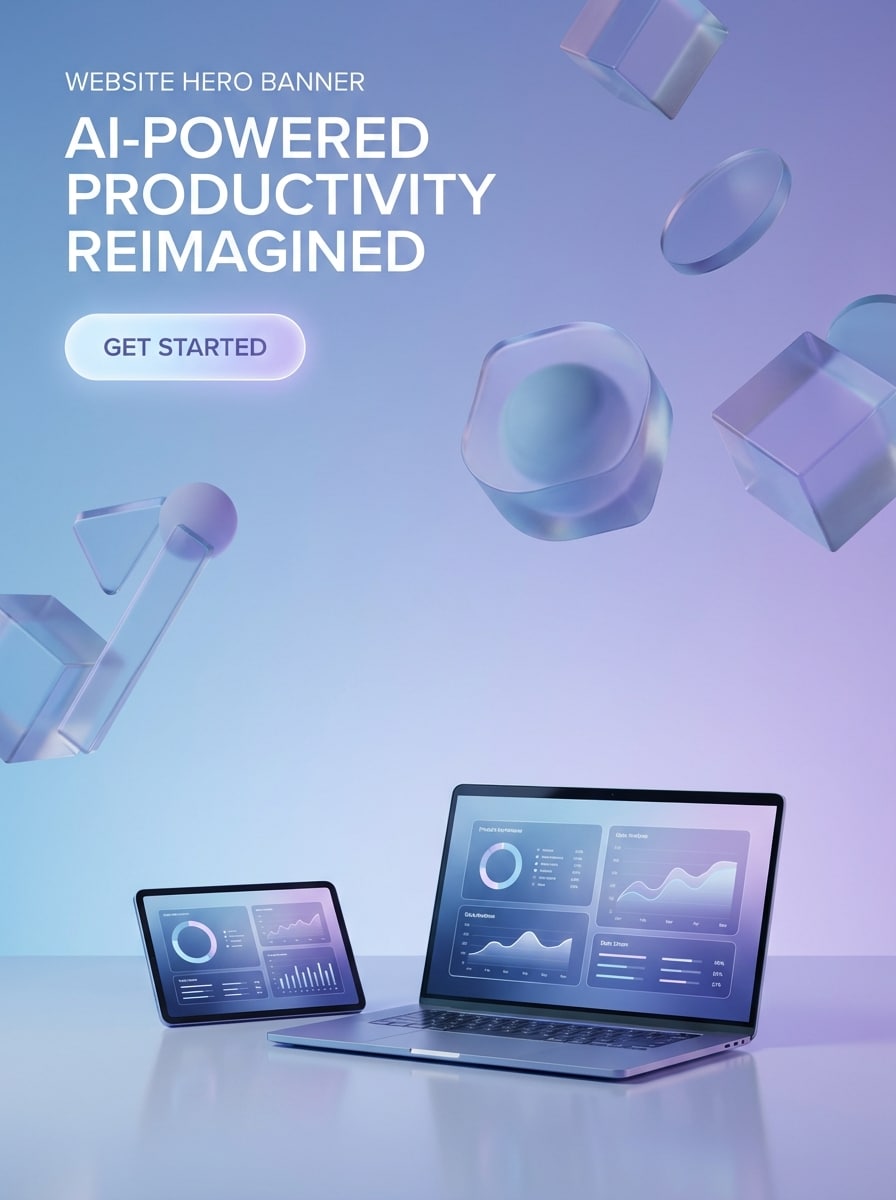
Moderner SaaS-Held
Breites Website-Held-Banner für eine KI-Produktivitätsmarke, sauberes SaaS-Layout mit einem weichen blau-violetten Verlaufshintergrund, schwebende abstrakte 3D-Formen, subtile Glassmorphism-Akzente, polierte Studio-Beleuchtung, Premium-Tech-Stimmung, klarer negativer Raum für eine Überschrift und CTA, scharfe Kanten, hochauflösendes Marketingdesign.
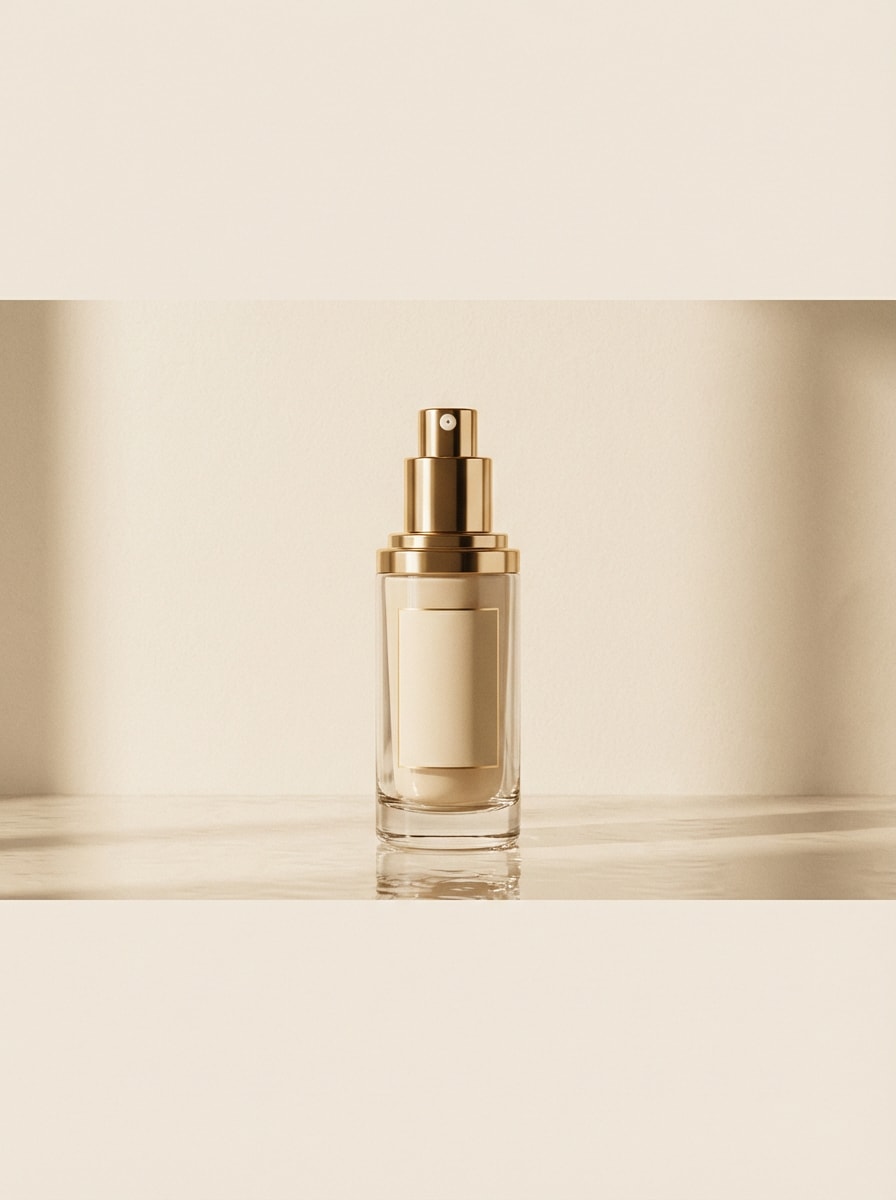
Produktanzeige mit hoher Konvertierung
Luxuriöses E-Commerce-Banner mit einer zentrierten Hautpflegeflasche auf einer reflektierenden Oberfläche, eleganter Beige-und Goldpalette, weicher redaktioneller Beleuchtung, sanften Schatten, raffinierter Komposition, hochwertiger Beauty-Kampagne-Stimmung, sauberer Hintergrundstruktur und großzügiger Raum für Angebotstext, Preise und eine kurze Werbeüberschrift.
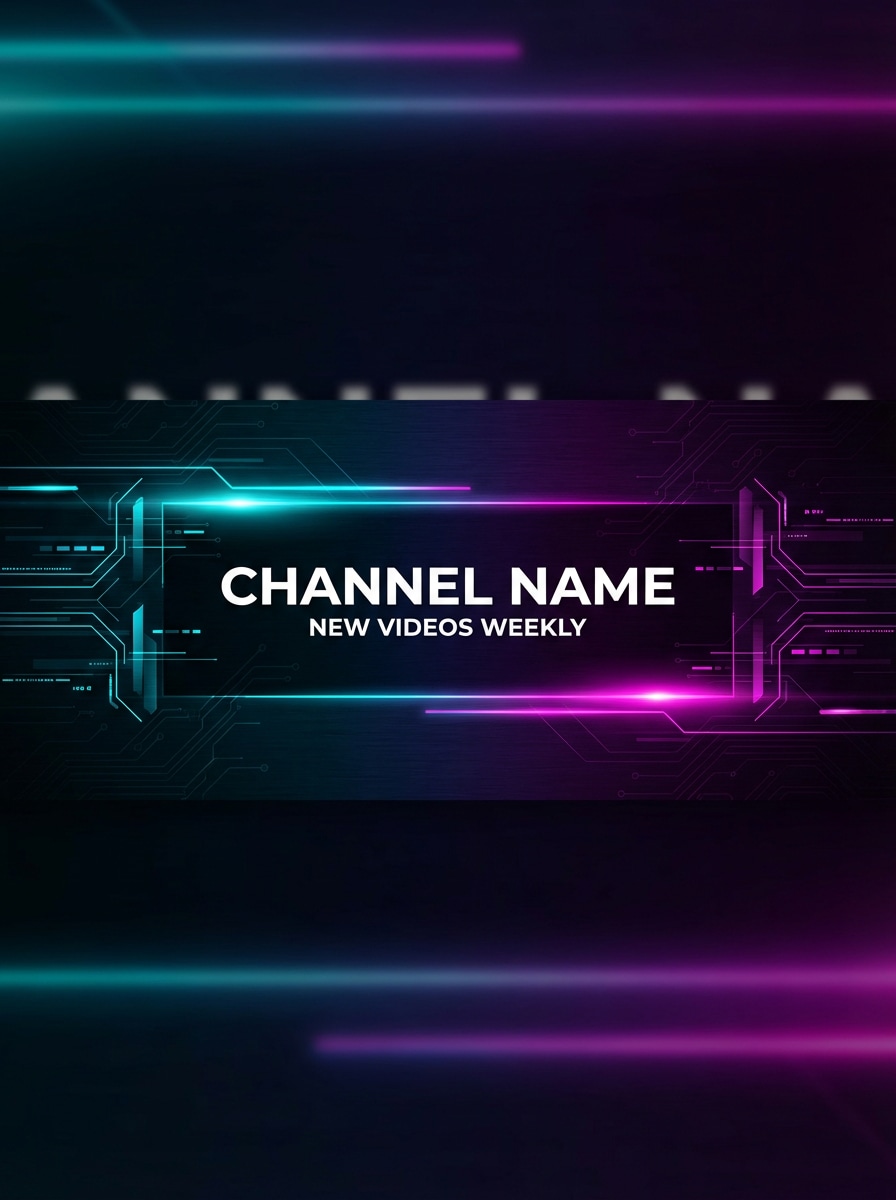
Banner für YouTube-Ersteller
YouTube-Kanal-Banner für einen Tech-Schöpfer, futuristischer dunkler Hintergrund mit Neon-Cyan-und Magenta-Akzenten, subtile Schaltungsmuster, schlanke Lichtstreifen, ausgewogene Seitenelemente, kühne, aber klare Komposition, mittlerer sicherer Bereich für Kanalnamen und Upload-Zeitplan, hoher Kontrast, scharfe Social-Media-Header-Qualität.
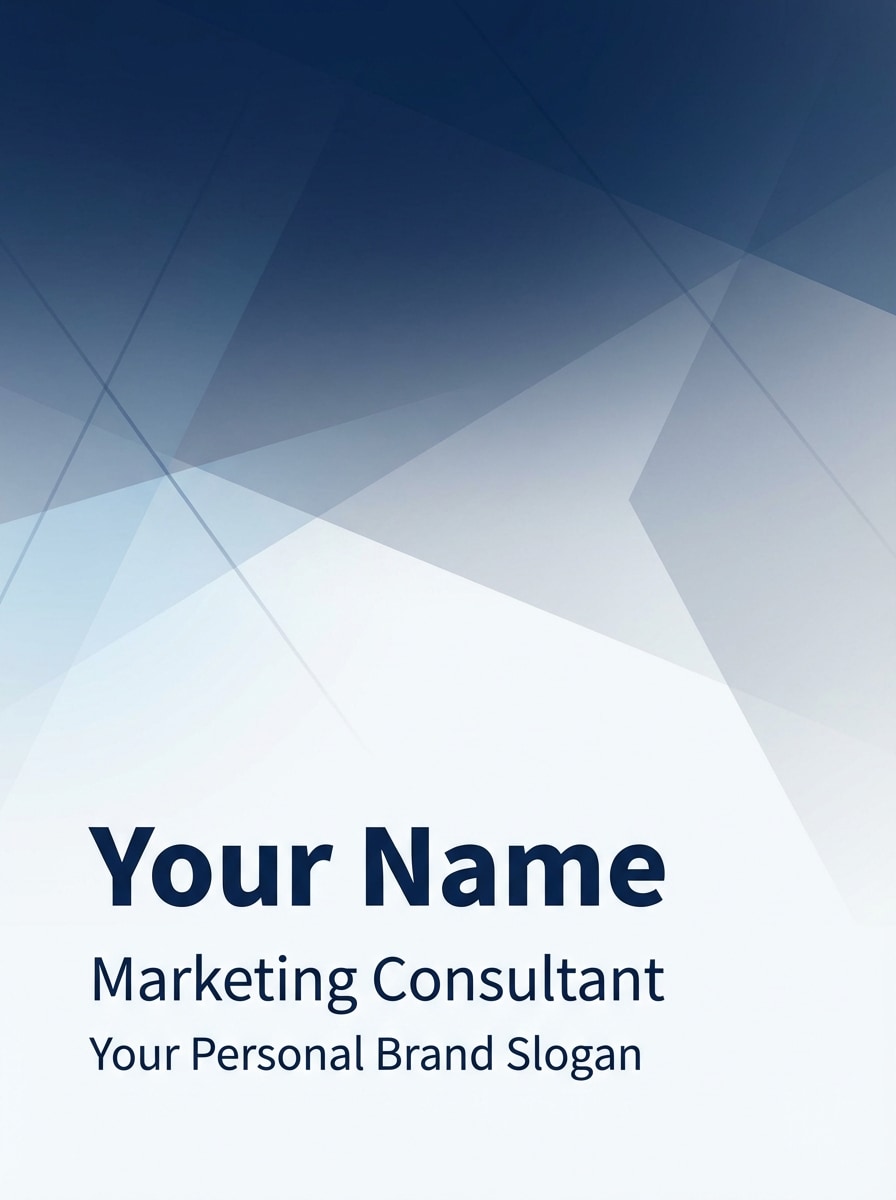
LinkedIn persönliche Markenheader
Professionelles LinkedIn-Banner für einen Marketingberater, minimalistischer Corporate-Stil mit einer weißen und marineblauen palette, subtilen geometrischen abstrakten Elementen, weicher Verlaufstiefe, saubere und glaubwürdige Geschäftsstimmung, starke Lesbarkeit, raffinierte Abstände und textsicherer negativer Raum für name, Titel und persönlichen Markenslogan.
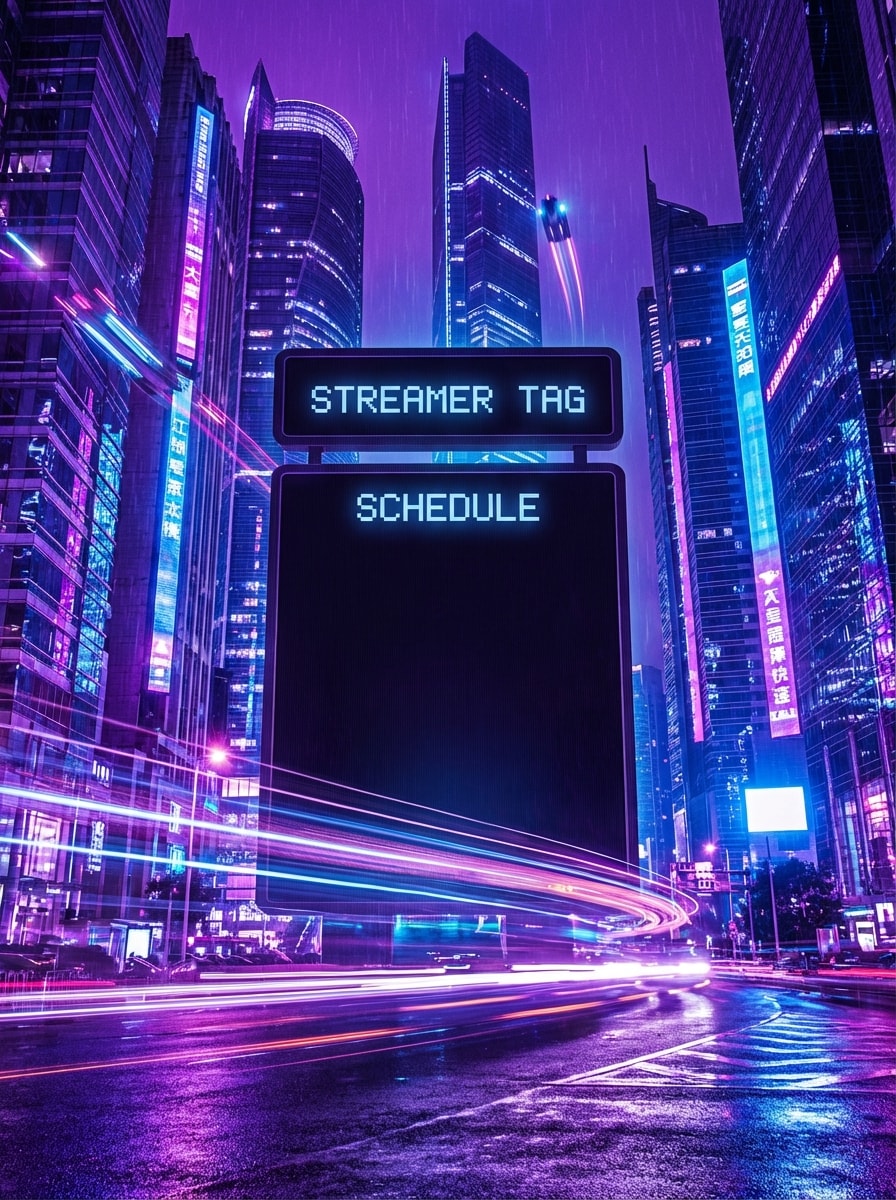
Cyberpunk Stream Banner
Breites Twitch-Banner im Cyberpunk-Gaming-Stil, neonviolett und elektrisch blaues Stadtglow, energische Bewegungsstreifen, kontraststarke Beleuchtung, immersive Atmosphäre, dramatische Perspektive, kräftige Seitenrahmen und ein klarer zentraler Bereich für Streamer-Tag und Zeitplan, poliert für klickbare Creator-Branding.
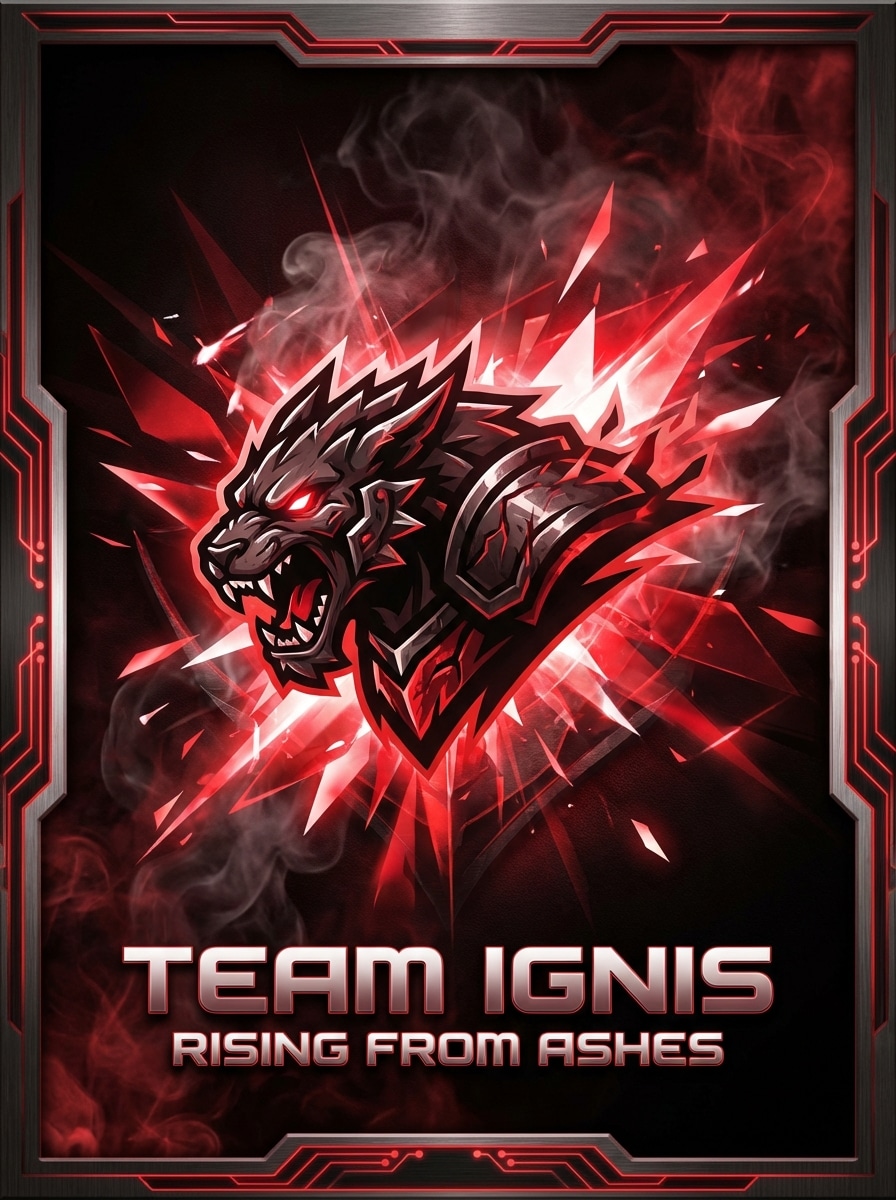
Banner des Esports-Teams
Esports-Team-Banner mit einer intensiven rot-schwarzen palette, metallischen Texturen, Raucheffekten, scharfen Lichtausbrüchen, aggressiver Wettbewerbsstimmung, starkem Mittelpunkt, Logo-Platzierungsbereich und Raum für einen slogan. Schaffen Sie eine erstklassige, wirkungsvolle Gaming-Identität mit klaren details und dramatischer Tiefe.
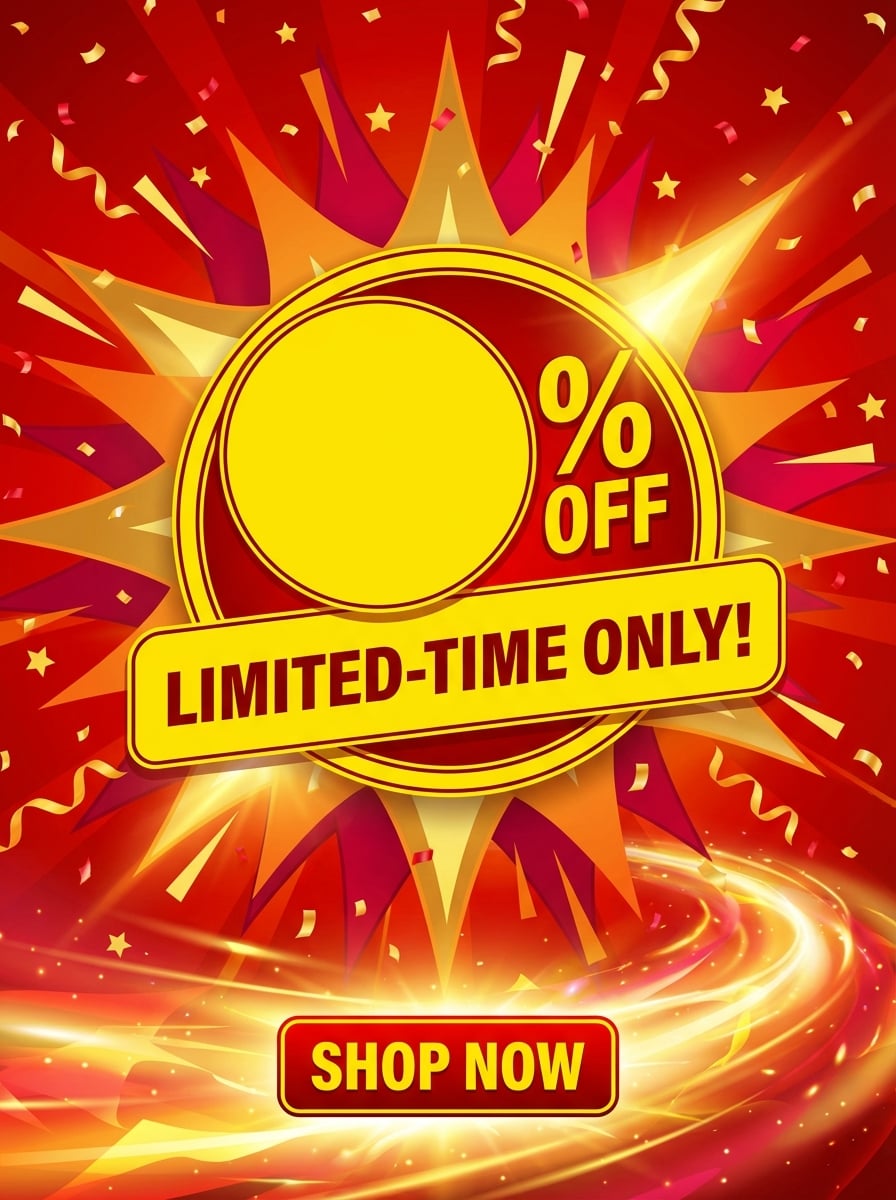
Flash-Sale-Banner
Werbe-Flash-Sale-Banner mit lebendigem roten und gelben Kontrast, dynamischen Burst-Formen, festlichen Konfetti-Akzenten, energiegeladener Einzelhandelsstimmung, sauberer visueller Hierarchie, fett leeren Zonen für Rabattprozentsätze und zeitlich begrenzten text, klarer Beleuchtung und einem scrollenden E-Commerce-Layout, das für Dringlichkeit und conversions entwickelt wurde.
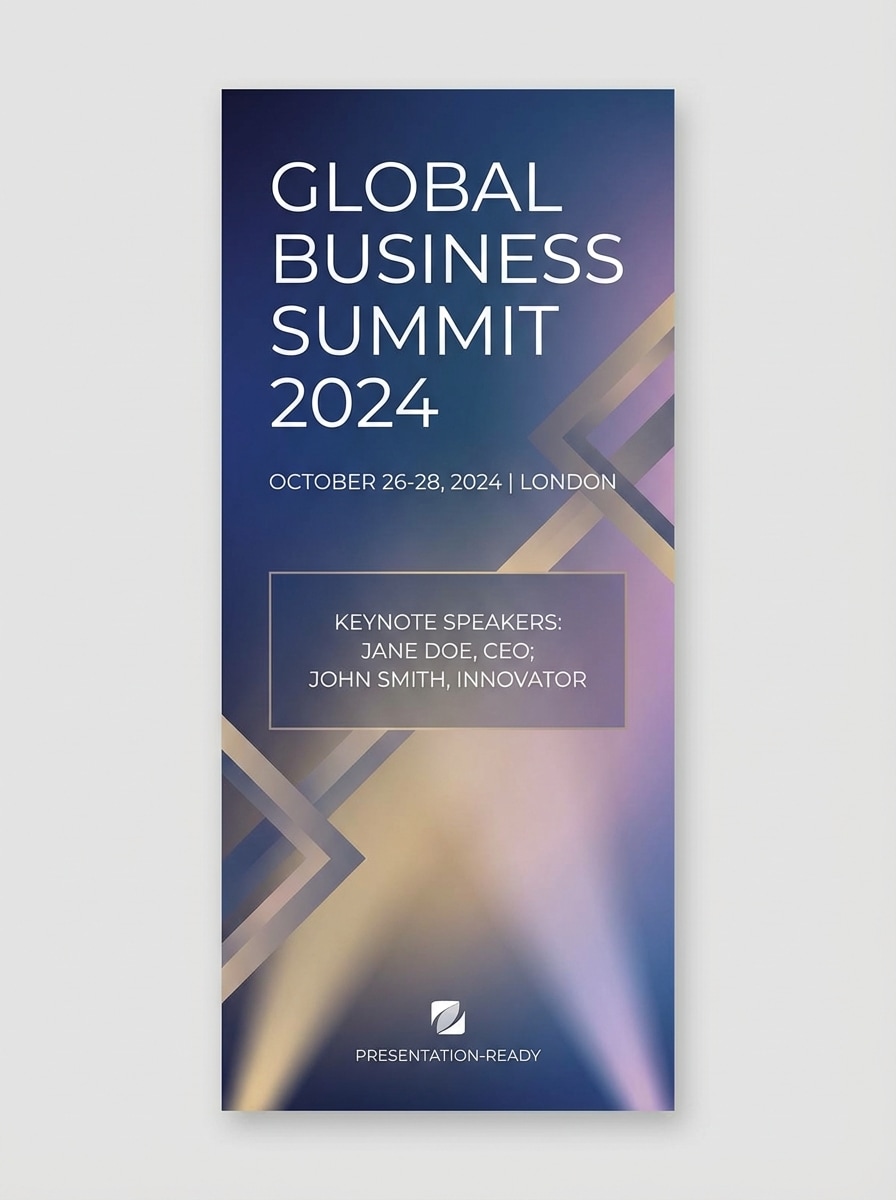
Konferenz Veranstaltung Banner
Corporate event banner für eine Geschäftskonferenz, moderner Verlaufshintergrund mit einem subtilen Bühnenlicht-Ambiente, geometrische Überlagerungen, poliertes Executive-Gefühl, elegante Abstände und organisierte textsichere Bereiche für Veranstaltungsnamen, Datum und Keynote-Redner. Halten Sie den look glaubwürdig, hochwertig und präsentationsbereit.
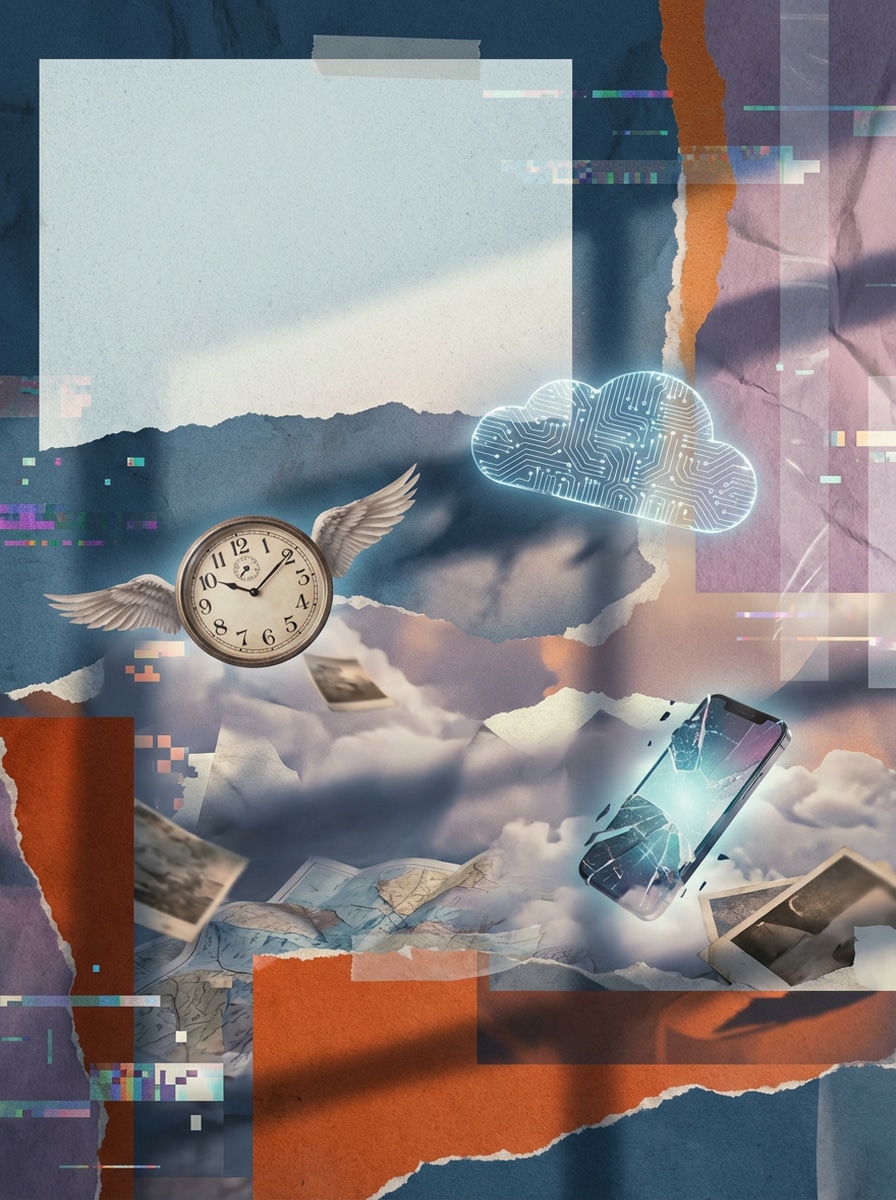
Surrealistisches AI-Collage-Banner
Kreatives Kampagnenbanner im surrealistischen Collage-Stil, geschichtetes Papier und digitale Texturen, traumhafte schwimmende Objekte, künstlerische visuelle Kontraste, redaktionelle Komposition, stimmungsvolle, aber polierte Beleuchtung, unverwechselbares Farbspiel und strategischer negativer Raum für eine kurze Schlagzeile. Machen Sie es neuartig, stilvoll und sehr teilbar.
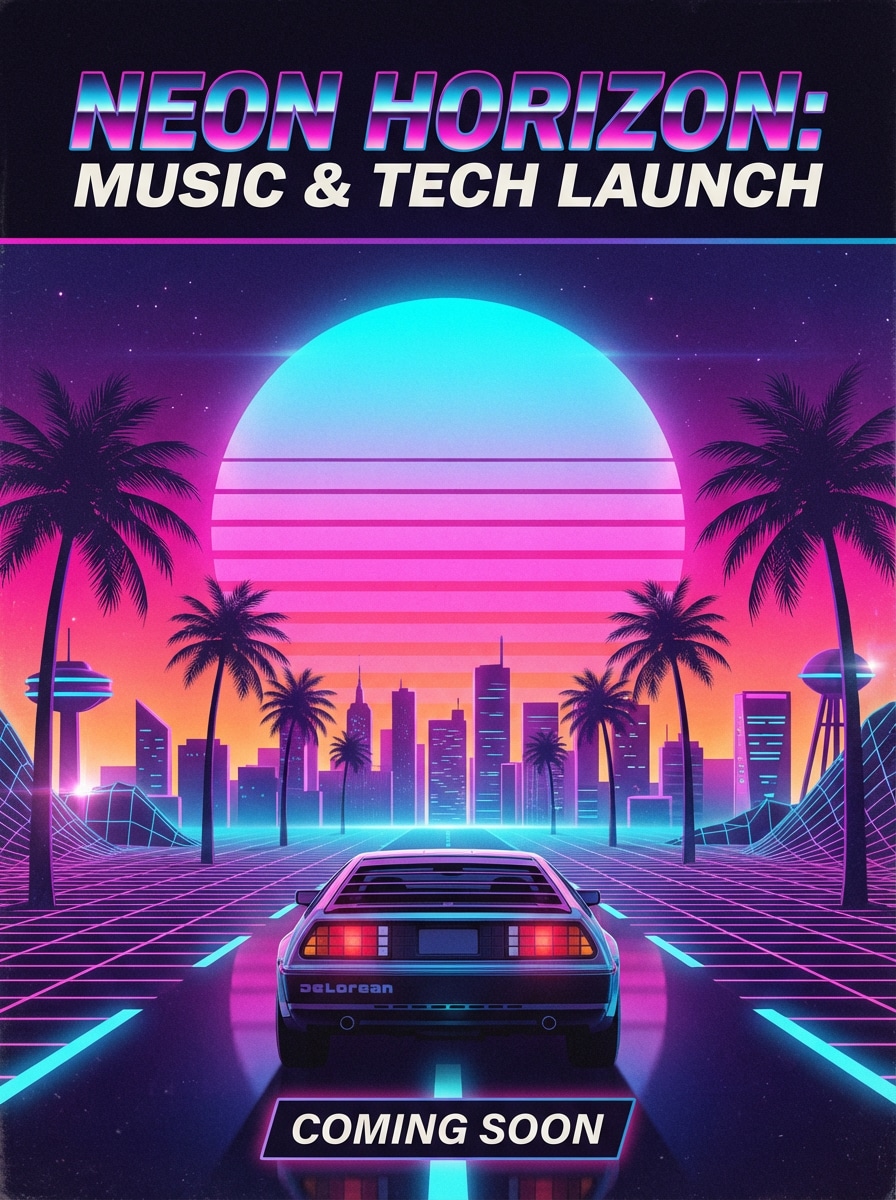
Retro futuristische Poster Banner
Breites futuristisches Retro-Banner mit leuchtendem Sonnenuntergangshorizont, magenta-und cyan-Neonpalette, Synthwave-Rasterperspektive, filmischem glow, nostalgischer Sci-Fi-Stimmung, glatten Verläufen, klarem textsicheren Titelbereich und poster-inspirierter Komposition. Ideal für einen Musikstart oder ein Tech-Event mit kühner visueller Energie.
Warum Media.io für die KI-Bannergenerierung verwenden?
Text in originelle Banner-Konzepte umwandeln
erstellenKI-Banner-GeneratorBilder aus einfachen Eingabeaufforderungen anstatt von sich wiederholenden Vorlagen zu beginnen. Es ist ideal für Website-Helden-Banner, soziale Header, Anzeigenkreative und Markenkampagnen-Mockups.
Flexible Verhältnisse für Banner-Layouts
Wählen Sie aus praktischen Seitenverhältnissen wie 16:9, 9:16, 1:1, 4:3, 3:4, 3:2 und 2:3, um YouTube-Header, LinkedIn-Cover, Website-Banner und Social-Media-Werbegrafiken zu passen.
Hochauflösende Ausgabe für Marketingeinsatz
Generieren Sie Banner in 1K-, 2K-oder 4K-Auflösung für schärfere kreative Präsentationen, Kampagnenentwürfe und polierte Markenassets. Dies hilft Ihremtext zu Bild banner generatorworkflow Bleiben Sie präsentationsbereit.
Fortgeschrittene Modelle und unterschiedliche Styles
Verwenden Sie leistungsstarke Modelle wie Nano Banana Pro, Nano Banana 2, Seedream 5.0 Lite und Imagen 4, mit Stilen wie realistisch, anime, 3D-Rendering, Ölmalerei, cyberpunk und mehr für verschiedene Bannerrichtungen.
So verwenden Sie den AI-Banner-Generator
1
2
3
1
Schritt 1: Öffnen Sie Media.io AI Banner Generator
Gehen Sie zu Media.io und öffnen Sie den AI-Banner-Generator unter AI-> Text zu Bild. Dieses Online-Tool läuft in Ihrem browser, sodass Sie Bannerkonzepte auf Windows, Mac, iPhone, Android oder jedem anderen Gerät mit einem Webbrowser erstellen können.
2
Schritt 2: Geben Sie eine Aufforderung ein
Geben Sie eine detaillierte Eingabeaufforderung ein, wie zum Beispiel: "Breites Website-Held-Banner für eine SaaS-Marke, blauer Verlaufshintergrund, schwebende 3D-Formen, sauberer textsicherer Raum für Überschrift und CTA, poliertes Marketingdesign." Wählen Sie dann Ihren bevorzugten Stil, Modell, Auflösung und Seitenverhältnis für das gewünschte Bannerformat aus.
3
Schritt 3: Generieren, verfeinern & herunterladen
Klicken Sie auf Generieren, um Ihr banner zu erstellen. Verfeinern Sie bei Bedarf die Eingabeaufforderung für eine bessere Komposition, einen besseren Stil oder einen textsicheren Abstand. Wenn Sie mit dem Ergebnis zufrieden sind, laden Sie das hochauflösende Bild für soziale Medien, Anzeigen, Website-Mockups oder Kampagnenplanung herunter.
"Schneller Weg zum Entwurf von Kampagnenbannern"Ich verwende es, um First-Pass-Banner-Konzepte für bezahlte Social-und Website-Promos zu generieren. Die Ausgaben fühlen sich origineller an als nur Vorlagen-Tools, und die Seitenverhältnisoptionen erleichtern das schnelle Testen verschiedener Platzierungen.
Markus Rivera
YouTube-Ersteller
"Hilfreich für channel art Ideen"Der KI-Banner-Generator half mir, aus kurzen Aufforderungen mehrere YouTube-Banner-Anweisungen zu erstellen. Mir gefiel es, dass ich futuristische und Gaming-Stile vorantreiben konnte, während ich dennoch einen sauberen Mittelbereich für meinen Kanalnamen hinterließ.
Priya Nair
Markenberater
"Gut für LinkedIn und business headers"Ich brauchte polierte LinkedIn-Banner-Konzepte für persönliches branding. Media.io lieferte mir professionell aussehende Ergebnisse mit sauberer Komposition, subtilen abstrakten Hintergründen und genügend negativen Raum für Nachrichten.
Daniel Brooks
E-Commerce Designer
"Nützlich für Produkt-Promo-Mockups"Für Flash-Verkäufe und Produkteinführungen eignet sich dieses tool hervorragend zum Erstellen visueller Anweisungen in Minuten. Die höherauflösende Ausgabe und die unterschiedlichen Stile helfen mir, starke Konzepte zu präsentieren, bevor ich zur endgültigen Werbeproduktion wechsel.
Entdecken Sie die beliebtesten KI-Video- und Bildeffekte
Media.io bietet eineKI-Banner-GeneratorDadurch werden Textaufforderungen in ursprüngliche Bannervisuals umgewandelt. Es ist ein Text-zu-Bild-Tool, das zum Erstellen benutzerdefinierter Konzepte für websites, YouTube-Kanäle, LinkedIn-Header, Anzeigen und Social-Media-Grafiken direkt in Ihrem browser entwickelt wurde.
2. Kann KI ein banner aus text generieren?
Ja. Mit Media.io können Sie das gewünschte banner in einer Eingabeaufforderung beschreiben, einen Stil oder ein Modell auswählen, ein Seitenverhältnis festlegen und ein Bannerbild erstellen. Für beste Ergebnisse verwenden Sie klare englische Aufforderungen mit details zu layout, Farben, Beleuchtung, Stimmung und dem gewünschten Platz für den Überschriftstext.
3. Gibt es einen kostenlosen AI-Banner-Generator?
Media.io gibt kostenlosen Benutzern 3 credits pro Tag, sodass Sie die Bannergenerierung ausprobieren können, ohne im Voraus zu bezahlen. Freie Ausgaben können ein Wasserzeichen enthalten. Wenn Sie mehr credits oder wasserzeichenfreie hochauflösende downloads benötigen, können Sie hier upgraden: https: / /www.media.io/pricing.html
4. Wie erstelle ich ein banner mit KI?
Öffnen Sie das Text-zu-Bild-Tool von Media.io, geben Sie eine detaillierte Banneraufforderung ein, wählen Sie ein Modell wie Nano Banana Pro oder Nano Banana 2 aus und wählen Sie dann Ihr bevorzugtes Seitenverhältnis und Ihre bevorzugte Auflösung aus. Generieren Sie das Bild, verfeinern Sie die Eingabeaufforderung bei Bedarf und laden Sie das Endergebnis für Ihre Kampagne oder Ihren Kanal herunter.
5. Welche Größe sollte ein KI-Banner für YouTube oder LinkedIn haben?
Die beste Größe hängt davon ab, wo Sie das banner verwenden möchten. Media.io unterstützt mehrere Seitenverhältnisse, darunter 16:9, 1:1, 4:3, 3:4, 3:2, 2:3, 9:16 und Auto, was das Erstellen von Bildern für YouTube-Header, LinkedIn-Banner, Website-Helden-Abschnitte und andere soziale Platzierungen erleichtert.
6. Kann ich KI-generierte Banner für kommerzielle Projekte verwenden?
Media.io kann Banner generieren, die für marketing-, Branding-und Werbeabläufe geeignet sind, aber Entscheidungen für die kommerzielle Nutzung sollten immer Ihren eigenen Marken-, gesetzlichen und Nutzungsanforderungen entsprechen. Wenn Sie qualitativ hochwertigere downloads ohne Wasserzeichen für professionelle Arbeit benötigen, können Sie kostenpflichtige Pläne hier einsehen: https: / /www.media.io/pricing.html
Über den KI-gestützten Online-Banner-Generator hinaus