Deine Werke werden nur 7 Tage lang gespeichert. Assets, die nach dem Upgrade auf einen Mitgliedschaftstarif erstellt werden, werden dauerhaft gespeichert.
Entfalten Sie Ihr kreatives Potenzial und erleben Sie jetzt die Magie der Media-KI!
Design Op Art mit KI für mutige optische Illusion Poster
Verwandeln Sie einfache Textaufforderungen in Sekunden in auffällige Op-Art. Erstellen Sie schwarz-weiße Spiralen, verzerrte Schachbretter, gewellte Gitter und druckbare geometrische Poster mit dem KI-Bildgenerator von Media.io – ideal für social graphics, Wandkunst und auffällige digitale Hintergründe.
Geben Sie Ihre Idee ein-> KI entwirft sie. Kostenlos zu versuchen.
Entdecken Sie unsere kuratierte Sammlung vondesign op KunstStile.
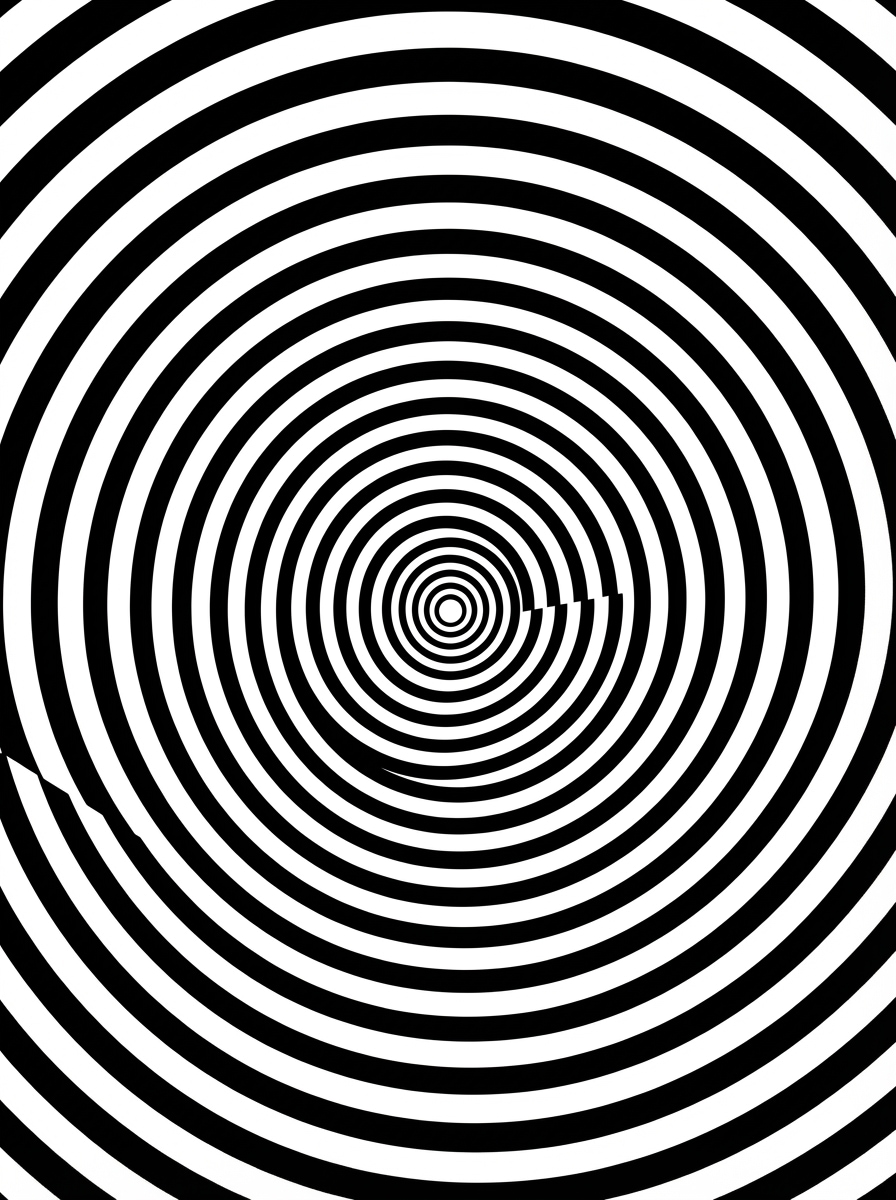
Hypnotische Spirale
Hochkontrastierendes schwarz-weißes Op-Art-Poster mit einer zentrierten hypnotischen Spirale, die sich sanft von der Mitte aus erweitert, rasierscharfer vektorartiger Linienarbeit, perfekte radiale Symmetrie, sauberer negativer Raum, scharfe Kanten, dramatische optische Illusionsenergie, minimale palette, druckbare Komposition in Galeriequalität mit einem polierten modernen finish.
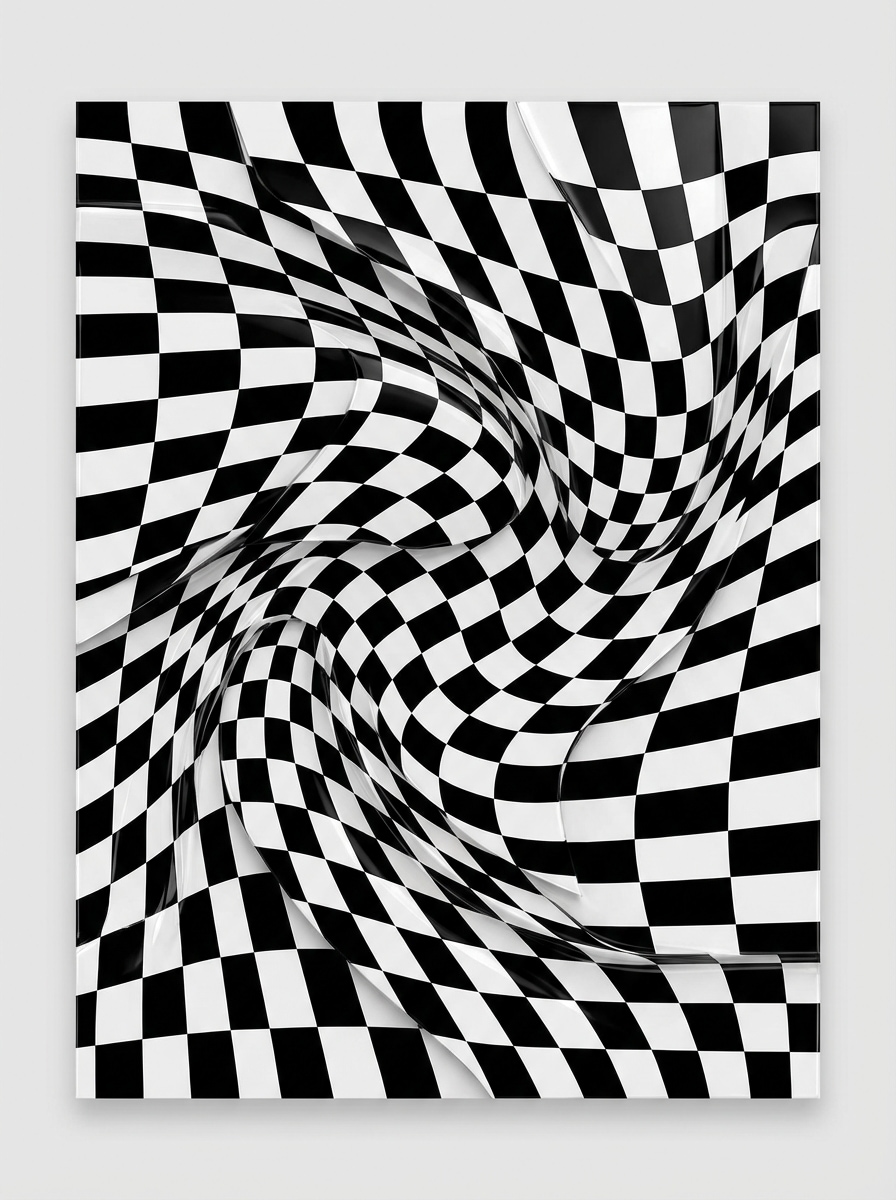
verzerrtes Schachbrett
Erstellen Sie ein schwarz-weißes Op-Art-Design mit einem Schachbrettmuster, das in eine fließende 3D-Oberfläche verzerrt ist, starke Tiefenillusion, präzise geometrische Kanten, glänzenden visuellen Rhythmus, sanfte Wellenverzerrung, ausgewogene Komposition, kräftigen Kontrasten, posterbereitem layout und einer sauberen modernen Ästhetik, die sich dynamisch und architektonisch anfühlt.
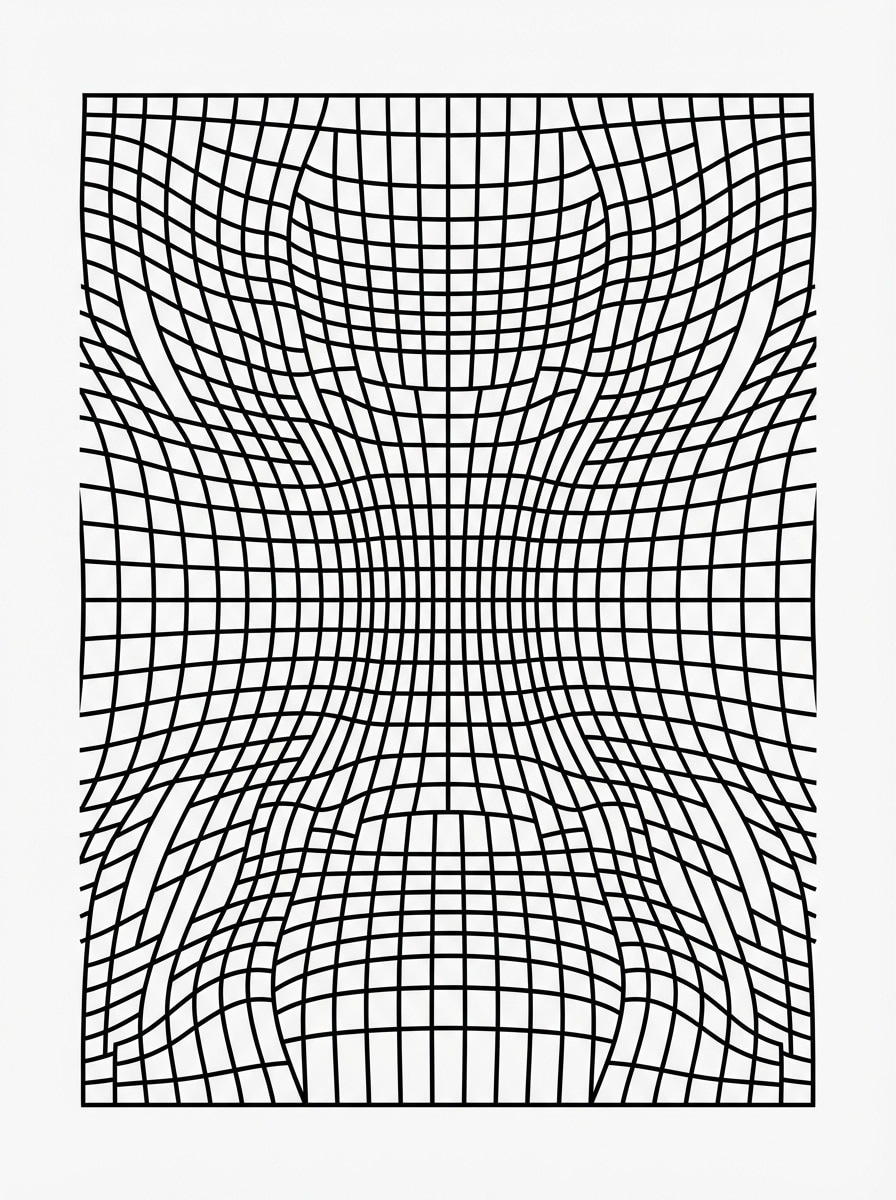
Wellengitterverzerrung
Generieren Sie ein geometrisches Op-Art-Bild aus einem verzerrten wellenartigen Raster, hohem Schwarz-Weiß-Kontrast, gleichmäßig beabstandeten Linien, die sich wie Stoff in Bewegung biegen, subtiler tunnelartiger Tiefe, klaren grafischen Details, minimalistischem Hintergrund, eleganter Symmetrie und einem raffinierten redaktionellen Poster-Look, der für Print-oder Digitalgestaltung geeignet ist.
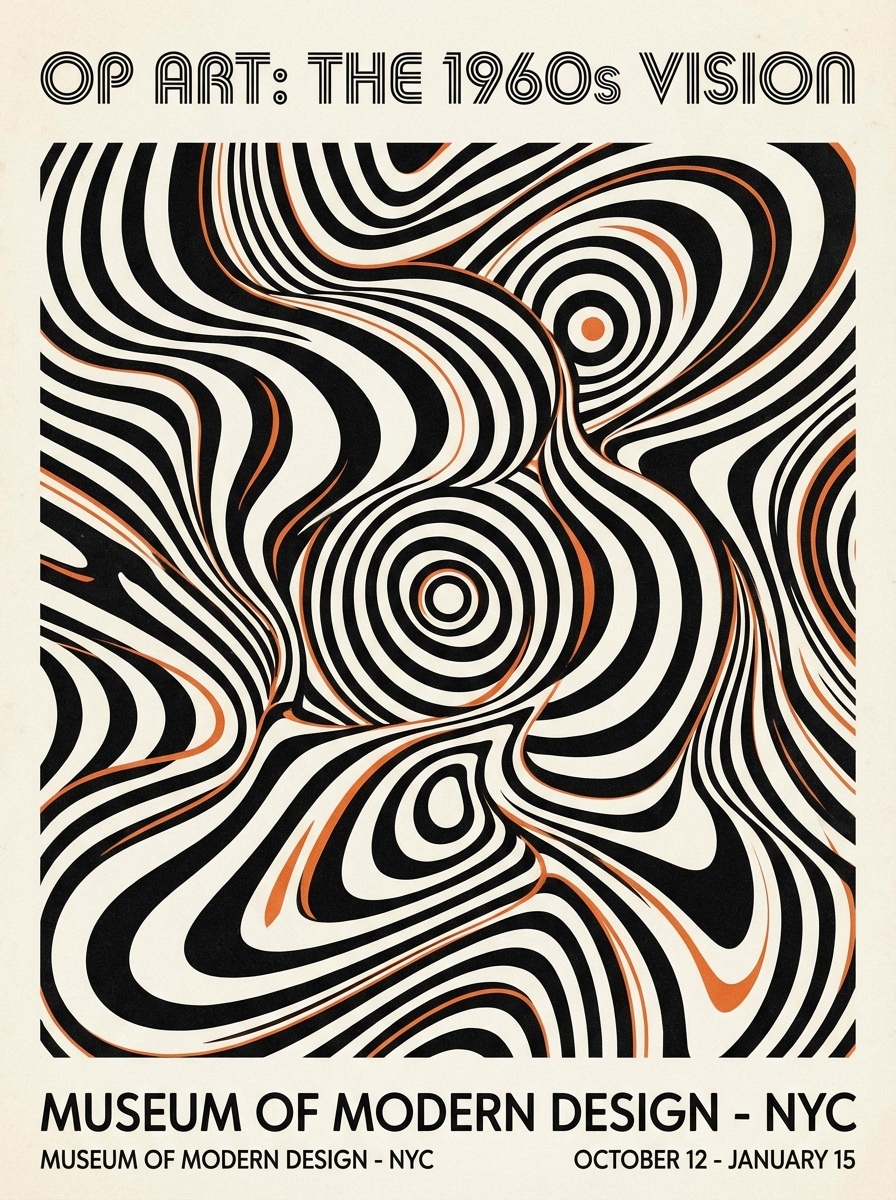
Retro Mod Poster Illusion
Entwerfen Sie ein Retro-1960er-Jahre-inspiriertes Op-Art-Poster mit kräftigen schwarz-weißen Illusionsformen, fließenden Kurven, konzentrischen Formen, subtilen orangefarbenen Akzentdetails, ausgewogenem redaktionellem layout, klaren Rändern, Mid-Century-Stimmung, scharfer druckartiger Textur und einem stilvollen Museumsplakat-Finish, das sich sowohl nostalgisch als auch zeitgenössisch anfühlt.
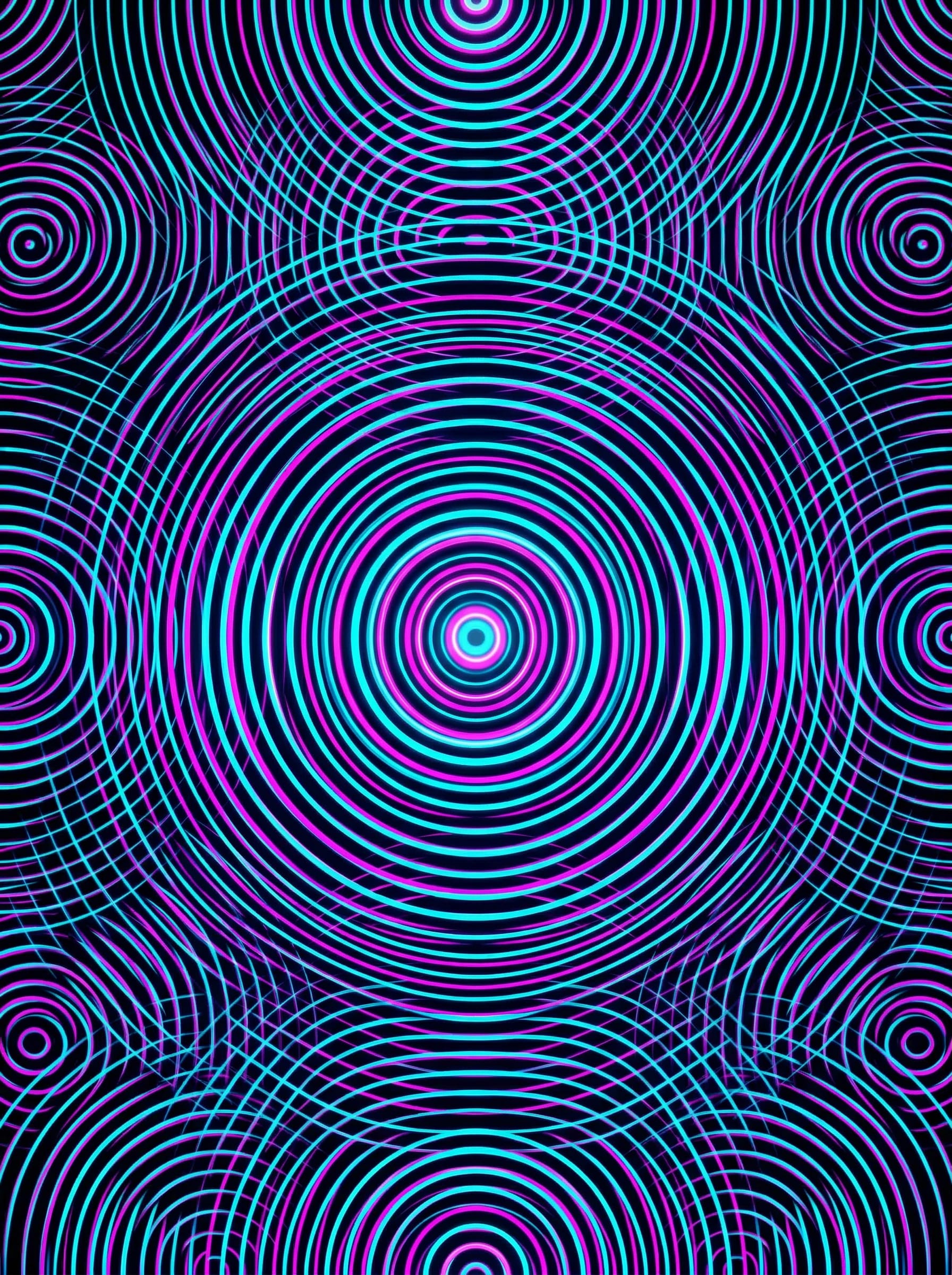
Neon Ripple Illusion
Erstellen Sie eine moderne Op-Art-Ripple-Komposition mit einer tiefschwarzen Basis, Neon-Cyan-und Magenta-Akzenten, wiederholten kreisförmigen Wellenmustern, intensiven optischen Vibrationen, scharfen geometrischen Wiederholungen, glänzenden digitalen Poster-Finish, zentriertem Fokalrhythmus, futuristischer Stimmung und klaren hochauflösenden Details für soziale Beiträge oder Hintergründe.
Warum Media.io zum Gestalten von Op Art verwenden?
Schnelle Text-zu-Bild-Erstellung
Eine schriftliche Idee indesign op KunstKonzepte in Sekunden, ohne Spiralen, Raster oder Illusionsmuster von hand zu skizzieren.
Hochauflösende Poster-Ausgänge
Generieren Sie klare Bilder in 1K, 2K oder 4K, sodass Sie druckbare optische Illusionsplakate, Hintergründe und präsentationsfertige Grafiken einfacher erstellen können.
Flexible Seitenverhältnisse für jedes Layout
Wählen Sie aus Porträt-, Landschafts-, Quadrat-und druckfreundlichen Formaten wie 1:1, 3:4, 4:3, 9:16 und 16:9 für soziale Inhalte oder Wandkunst.
Mehrere KI-Modelle für kreative Steuerung
Nutzen Sie fortgeschrittene Modelle wie Nano Banana Pro und Nano Banana 2, um sie zu erkundentext zu Bild op artStile, von der monochromen Geometrie bis zur optischen Illusionskunst mit Neonakzent.
So entwerfen Sie Op Art auf Media.io
1
2
3
1
Schritt 1: Öffnen Sie Media.io Text to Image
gehe zuKI Text-zu-Bild-GeneratorUnd öffnen Sie das Text-zu-Bild-Tool unter AI-> Bildgenerator. Dieses Online-Tool läuft in Ihrem browser, sodass Sie anfangen können, optische Illusionskunst auf dem desktop oder Mobiltelefon zu erstellen, ohne irgendetwas zu installieren.
2
Schritt 2: Eingeben Sie eine Eingabeaufforderung oder hochladen
Geben Sie eine detaillierte Eingabeaufforderung ein, wie zum Beispiel "Hochkontrastierendes schwarz-weißes Op-Art-Poster mit verzerrtem Schachbrett und starker Tiefenillusion." Passen Sie die Stil-, Seitenverhältnis-und Auflösungseinstellungen an Ihre poster-, Wallpaper-oder Social-Design-Anforderungen an.
3
Schritt 3: Generieren, verfeinern & herunterladen
Klicken Sie auf Generieren. Passen Sie Ihre Eingabeaufforderung bei Bedarf an, um Symmetrie, Kontrast oder geometrische Verzerrungen zu verfeinern. Dann laden Sie Ihr hochauflösendes Op-Art-Bild zum Drucken, Posten oder zur Verwendung in kreativen Projekten herunter.
Entdecken Sie, wie Schöpfer und Profis unsere KI-gestützte Design-Op-Art nutzen, um ihre kreativen Arbeitsabläufe zu verändern und einzigartige Ideen zum Leben zu erwecken.
Erstellen Sie schnell druckbare Wandkunst
Entwerfen Sie mutige optische Illusionsplakate für Heimdekoration, Studioräume, Klassenzimmer oder Pop-up-Displays. Media.io hilft Ihnen, polierte Schwarz-Weiß-Op-Art zu erstellen, die sauber, modern und druckfertig aussieht.
Scroll-stoppende soziale Grafiken erstellen
Verwenden Sie Spiralen, Schachbretter und Ripple-Effekte, um auffällige Hintergründe für Instagram-Beiträge, Reels-Cover, Pinterest-Pins und digitale Kampagnen zu erstellen. Kontraststarke Op-Art erregt natürlich Aufmerksamkeit in schnell bewegten feeds.
Design-Hintergründe für Branding und Layouts
Erstellen Sie nahtlose oder im Poster-Stil geometrische Illusionskunst für Präsentationen, Website-Abschnitte, Albumkunst, Flyer und Produktmockups. Es ist eine schnelle Möglichkeit, eine unverwechselbare visuelle Identität ohne manuelle illustration zu schaffen.
Was die Benutzer sagen
Maya Chen
Poster-Designer
"Großartig für druckbare Illusionsplakate"Ich habe Media.io verwendet, um Op-Art-Konzepte für eine Posterserie zu entwerfen, und die Ergebnisse waren beeindruckend scharf. Die Schwarz-Weiß-Muster kamen sauber genug heraus, um fast sofort auf Drucklayouts zu testen.
Jordan Ellis
Soziale Medien kreativ
"Schneller Weg, um kräftige Hintergründe zu machen"Ich brauchte optische Illusionsbilder mit hohem Kontrast für kurze Inhalte, und das sparte mir viel Zeit. Die wellenförmigen Raster-und Spiralaufforderungen funktionierten besonders gut für social graphics.
Priya Raman
Kunstlehrer
"Hilfreich für inspiration im Klassenzimmer"Die meisten Online-Op-Art-Ressourcen basieren auf Tutorials, daher ist es wirklich nützlich, ein KI-Tool zu haben, das sofort Beispiele generiert. Ich kann mehrere geometrische Mustervariationen für die Unterrichtsplanung in Minuten erstellen.
Leo Martinez
Freiberuflicher Markendesigner
"Nützlich für die Konzepterforschung"Wenn ich einen Retro-Mod-Look oder einen modernen optischen Illusionshintergrund möchte, gibt mir Media.io schnell jede Menge Richtung. Es ist Teil meines frühen Konzeptworkflows für redaktionelle und Branding-Projekte geworden.
Entdecken Sie die beliebtesten KI-Video- und Bildeffekte
Häufig gestellte Fragen zum Entwerfen von Op Art mit KI
1. Kann ich OP-Kunstdesigns kostenlos mit KI erstellen?
Ja. Media.io free Benutzer können mit verfügbaren kostenlosen credits op art designs erstellen. Wenn Sie mehr Generationen benötigen oder hochauflösende downloads ohne Wasserzeichen wünschen, können Sie Pläne auf derPreisseite. Kostenlose Benutzer können kostenlose credits nutzen. Für mehr Nutzung können Benutzer einen plan auf der Preisseite abonnieren.
2. Wie schreibe ich eine gute Eingabeaufforderung für einen Op-Art-Bildgenerator?
Für stärkere Ergebnisse beschreiben Sie das Muster, die Zusammensetzung, den Kontrast und den beabsichtigten look klar. Zum Beispiel:Schwarz-Weiß optische illusion posterMit einer zentrierten Spirale, scharfen geometrischen Linien, hohem Kontrast, klarer Symmetrie und druckbaren Details. Media.io ist für englische Eingabeaufforderungen optimiert, was hilft, genauere Op-Art-Ausgaben zu produzieren. Dies hilft Ihnen, Design-Op-Art-Ergebnisse konsistenter zu erstellen.
3. Kann KI optische Schwarz-Weiß-Illusionsmuster genau erzeugen?
Ja. Media.io kann genau generierenSchwarz-Weiß op artStilen wie Spiralen, Schachbretter, gewellte Gitter und konzentrische Illusionen. Die Verwendung einer detaillierten Eingabeaufforderung verbessert Struktur, Kontrast und Musterklarheit, insbesondere wenn Sie ein klares Ergebnis im Poster-Stil wünschen. Verfügt über **Nano Banana Pro** (KI-Modell der nächsten generation) und **Nano Banana 2** (schnellere generation, verbesserte kreative Funktionen). Außerdem unterstützt Seedream 5.0 Lite, Soul Character (hyperrealistisch), Nano Banana, Seedream 4.0 und Imagen 4. Dies hilft Ihnen, Design-Op-Art-Ergebnisse konsistenter zu erstellen.
4. Welche Bildqualität oder Auflösung kann ich für den Druck von op art exportieren?
Media.io unterstützt die 1K-, 2K-und 4K-Bilderzeugung, was für druckbare Op-Art-Poster und hochdetaillierte Grafiken hilfreich ist. Kostenlose Benutzer können Wasserzeichen haben. Dies hilft Ihnen, Design-Op-Art-Ergebnisse konsistenter zu erstellen.
5. Kann ich op art auf meinem Telefon, tablet oder desktop erstellen?
Ja. Media.io ist ein webbasierter KI-Bildgenerator, der auf jedem Gerät mit einem browser funktioniert, einschließlich Windows, Mac, iPhone, iPad und Android-Geräten. Sie können Op-Art auf Mobilgeräten, Tablets oder Desktops erstellen, ohne software zu installieren. Media.io ist ein webbasiertes tool, das auf jedem Gerät mit einem browser (Windows, Mac, iOS, Android) funktioniert. Dies hilft Ihnen, Design-Op-Art-Ergebnisse konsistenter zu erstellen.
6. Wie lange dauert es, um text in ein Op-Art-Design zu verwandeln?
In der Regel dauert es nur kurze Zeit, um ein Op-Art-Bild zu generieren, nachdem Sie Ihre Eingabeaufforderung eingegeben und Einstellungen ausgewählt haben. Mit Modellen wie Nano Banana Pro und Nano Banana 2 können Sie schnell mehrere optische Illusionskonzepte testen und das, das Ihnen am besten gefällt, verfeinern. Verfügt über **Nano Banana Pro** (KI-Modell der nächsten generation) und **Nano Banana 2** (schnellere generation, verbesserte kreative Funktionen). Außerdem unterstützt Seedream 5.0 Lite, Soul Character (hyperrealistisch), Nano Banana, Seedream 4.0 und Imagen 4. Dies hilft Ihnen, Design-Op-Art-Ergebnisse konsistenter zu erstellen.