Deine Werke werden nur 7 Tage lang gespeichert. Assets, die nach dem Upgrade auf einen Mitgliedschaftstarif erstellt werden, werden dauerhaft gespeichert.
Entfalten Sie Ihr kreatives Potenzial und erleben Sie jetzt die Magie der Media-KI!
Kostenloser Wortkunst-Generator für Retro-Text, Wortwolken & KI-Typografie
Blickfang erzeugenWortkunstin Sekunden mit Media.io. Verwenden Sie diesword art generator kostenlosUm text in Retro-90er-Jahre-WordArt, formbasierte Wortwolken und stilvolle KI-Typografie online umzuwandeln. Geben Sie einfach Ihre Wörter ein, wählen Sie einen look aus und generieren Sie herunterladbare designs für Social-Posts, Schulprojekte, branding, Etiketten oder Drucken.
Geben Sie Ihre Idee ein-> KI entwirft sie. Kostenlos zu versuchen.
Entdecken Sie unsere kuratierte Sammlung von word art generator kostenlose Stile, basierend auf einemKI Wortkunst-GeneratorDas macht es einfach, Ihren text anzupassen.
Klassischer Regenbogen-Chrom
Erstellen Sie kühnen text im WordArt-Stil aus den 1990er Jahren mit einem Regenbogenverchromten Verlauf, glänzenden abgeschrägten Kanten, gekrümmter Perspektive, hellen highlights und einem klaren weißen Hintergrund. Machen Sie die Beschriftung verspielter, nostalgisch, kontrastreich und poliert wie klassische Office-Präsentationsgrafik, mit scharfen Kanten und aufkleberartiger Ausschnittqualität.
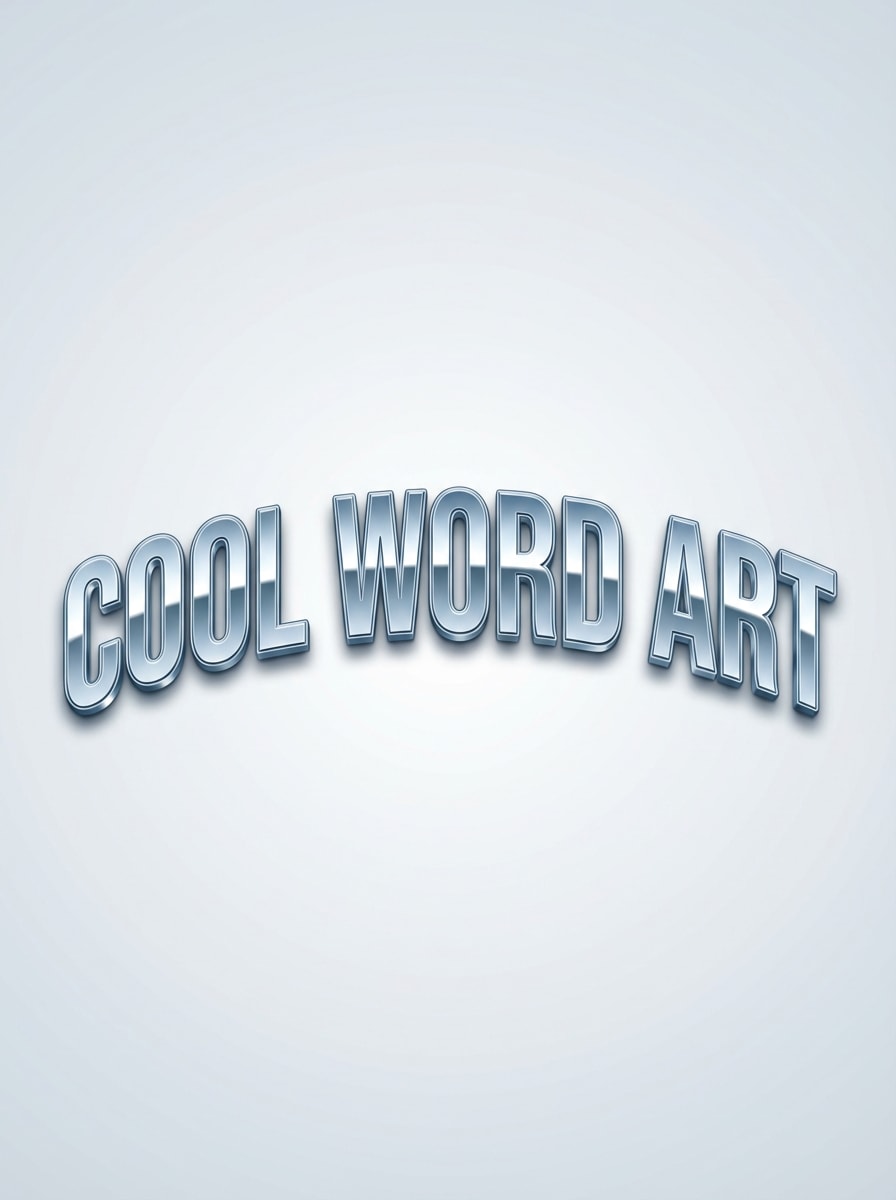
Blauer metallischer Bogentext
Erstellen Sie gebogene blaue metallische Wortkunst-Typographie mit glänzenden abgeschrägten Buchstaben, reflektierenden highlights, glatter Bogenkomposition und einem minimal klaren Hintergrund. Verwenden Sie eine kühle silberblaue palette, subtile Schatten, Retro-Präsentationsgrafik und hochauflösende Details, damit sich der text herunterladbar, klar und sofort als klassische Wortkunst erkennbar anfühlt.
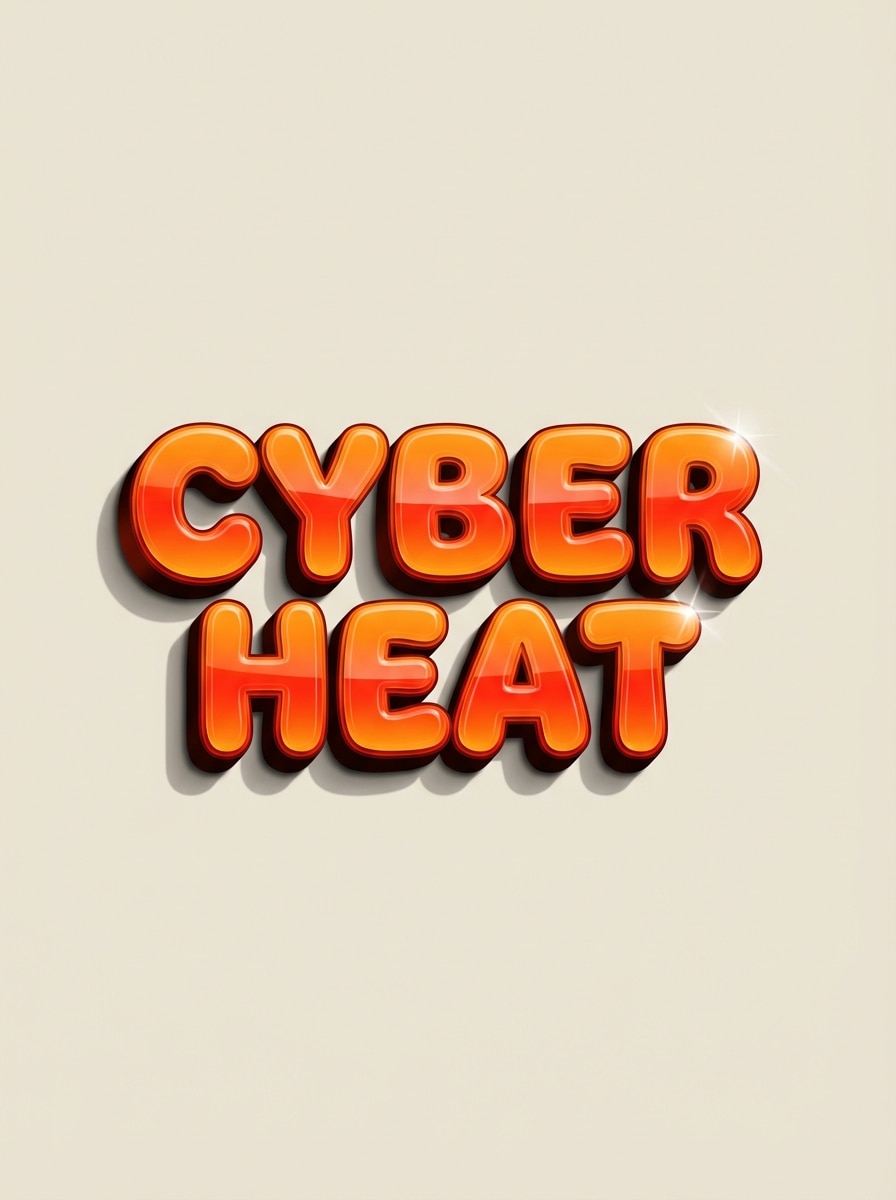
Flamme Gradient 2000er Jahre Text
Entwerfen Sie kühnen Y2K-inspirierten Wortkunsttext mit einem orangefarbenen bis roten Flammenverlauf, glänzender 3D-Schräge, dramatischen drop shadow und verspielter Energie aus der Internetzeit. Zentrieren Sie die Komposition auf einem einfachen Hintergrund, halten Sie die Schrift dick und lebendig und betonen Sie glänzende Oberflächen, lebendige Wärme und saubere Ausschnittqualität für einen nostalgischen Texteffekt aus den frühen 2000er Jahren.
Herzform Wortwolke
Erstellen Sie eine herzförmige Wortwolke mit den mitgelieferten Wörtern, mit ausgewogenen Typografiegrößen, glatten Abständen und einer lebendigen rosa und roten Farbpalette. Halten Sie die Komposition symmetrisch, sauber und druckbar, mit scharfen vektorartigen Kanten, einem hellen weißen Hintergrund und einer erhebenden, nachdenklichen Stimmung, die für Geschenke, Klassenzimmerkunst oder besondere Anlässe geeignet ist.
Porträt Wortwolke
Erstellen Sie ein Wortkunstdesign im Porträtstil, in dem angeordnete Worte eine menschliche Gesichtssilhouette füllen. Verwenden Sie elegante Typographie-Hierarchie, weiche monochrome oder gedämpfte Farbtöne, eine saubere Posterkomposition und raffinierte Abstände. Das Ergebnis sollte sich künstlerisch, lesbar, modern und galeriewert anfühlen, mit einer ruhigen Stimmung und hochauflösenden Details auf einem einfachen Hintergrund.
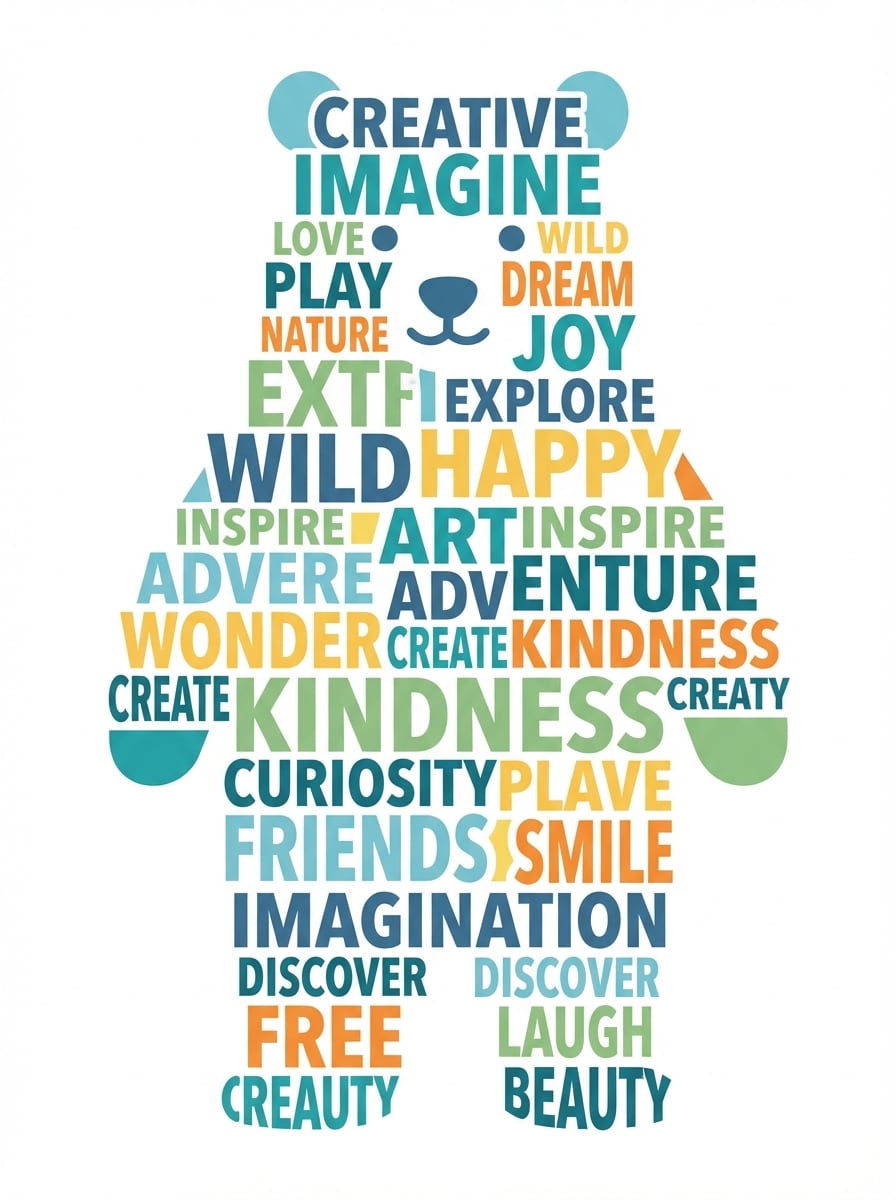
Tiersilhouette Wortwolke
Erstellen Sie eine Wortwolke innerhalb einer Tiersilhouette mit unterschiedlichen Schriftgrößen, verspielter moderner Typografie und einer harmonischen Farbpalette. Halten Sie die Silhouettenform klar und erkennbar, das layout ausgewogen und den Hintergrund sauber für ein druckbares design. Ziel ist eine freundliche, kreative Stimmung mit scharfen Kanten und polierter Wortplatzierung.
Minimale Zitat Poster
Entwerfen Sie ein modernes minimalistisches typografisches poster mit einem kurzen Zitat, fettem sans Serif-Schriftzug, redaktioneller Ausrichtung, großzügigen Leerzeichen und einem weichen Creme-Hintergrund. Halten Sie die Komposition raffiniert und soziale Medien-bereit, mit subtilen Kontrasten, klaren Linien, ausgewogener Hierarchie und einer erstklassigen Ästhetik, die sich sowohl künstlerisch als auch leicht lesbar anfühlt.
Pastell Blasen Buchstaben Kunst
Erstellen Sie verspielte Blasenbuchstaben-Wortkunst in weichen Pastellfarben mit abgerundeten Formen, subtilen highlights und einer lustigen Aufkleberähnlichen Ästhetik. Verwenden Sie sanfte Schatten, eine fröhliche Komposition und einen hellen, klaren Hintergrund. Machen Sie die Typographie süß, jugendlich und poliert, mit glatten Kanten und hochauflösenden Details für social graphics oder name art.
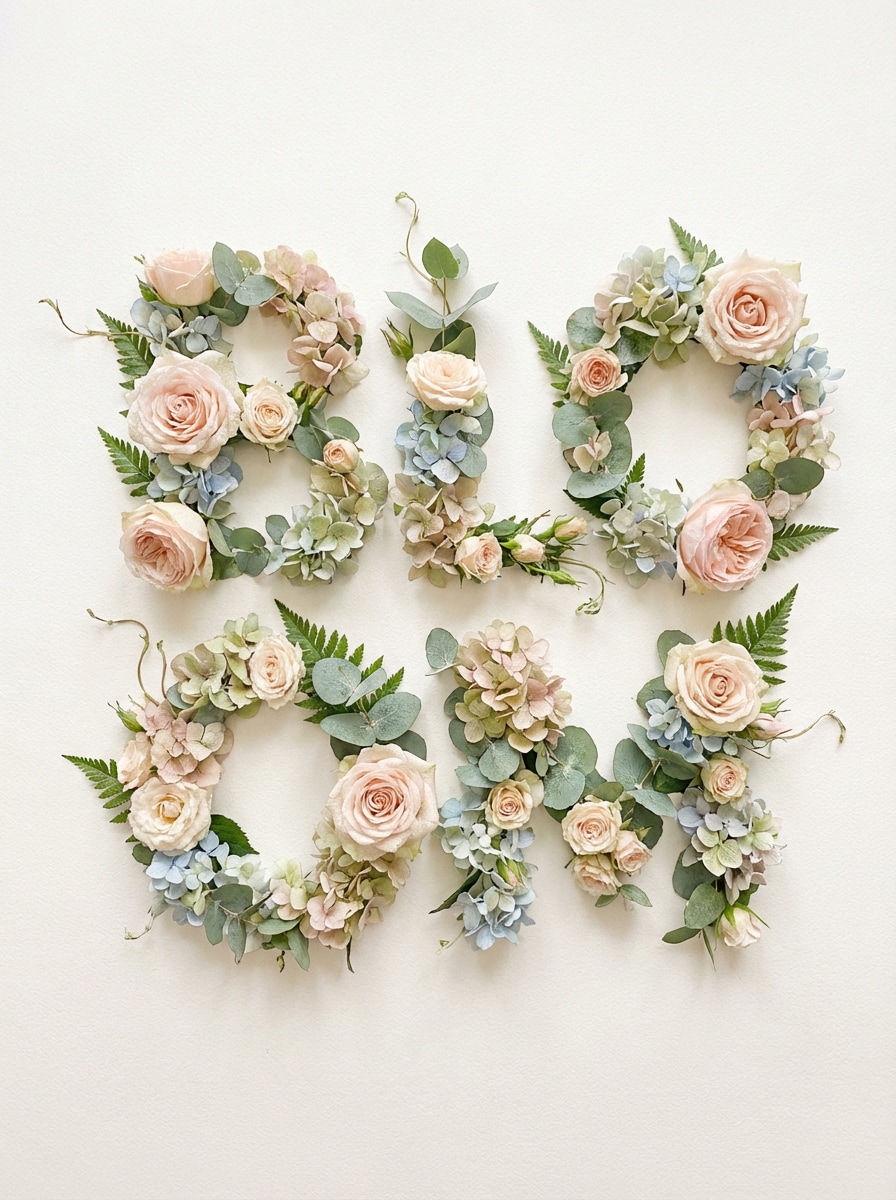
Blumenwortkunst
Generieren Sie dekorative Wortkunst, in der die Buchstaben aus Blumen und Blättern gebildet werden, mit eleganten botanischen Texturen, weichen natürlichen Farben und einer luftigen Premium-Komposition. Verwenden Sie zarte Blütenblätterdetails, ausgewogene Beleuchtung und ein anmutiges layout auf einem klaren Hintergrund, um eine künstlerische Typografie zu schaffen, die sich saisonal, raffiniert und sehr teilbar anfühlt.
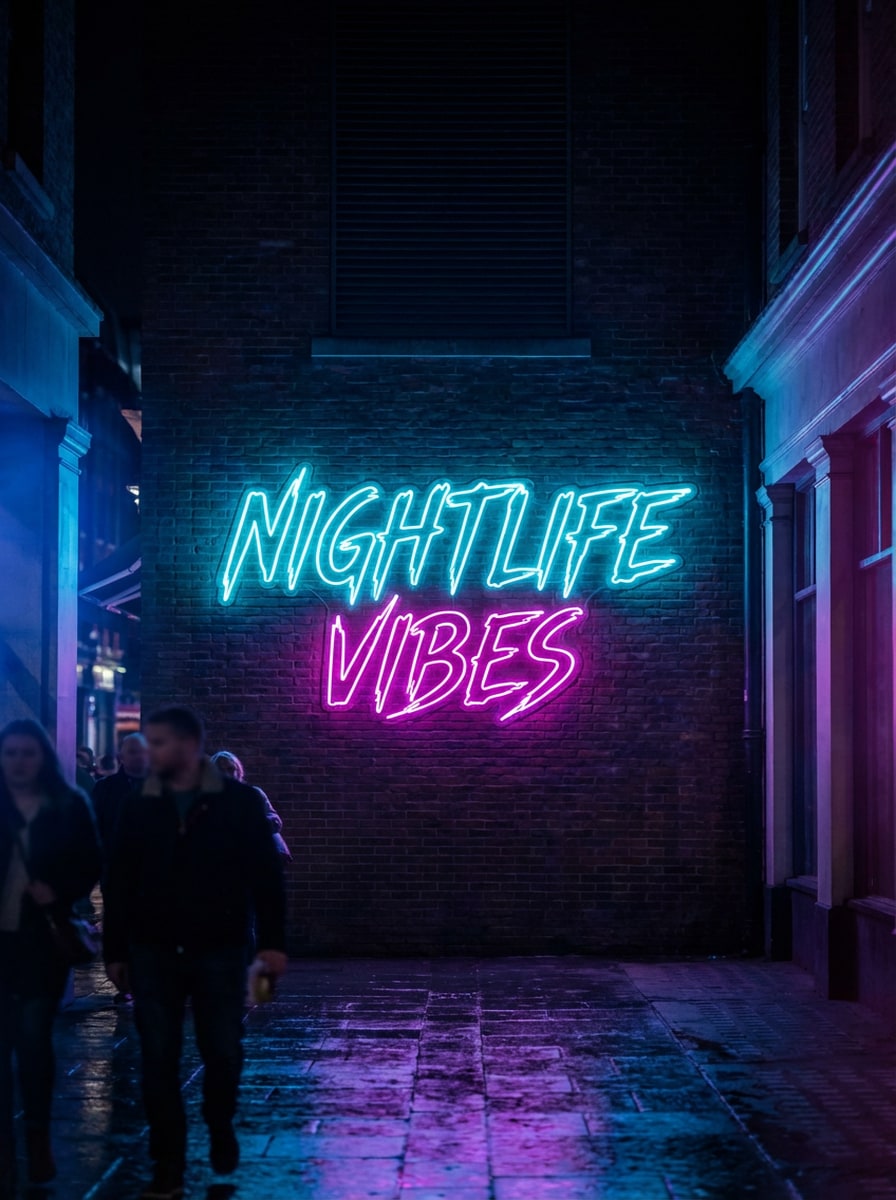
Neon Zeichen Wort Kunst
Erzeugen Sie realistische Neonschildtypographie mit leuchtenden Röhren, lebendiger Cyan-und Magenta-Beleuchtung und einem dunklen, stimmungsvollen Hintergrund. Zentrieren Sie den text wie ein stilvolles Schild, fügen Sie weiches Licht und subtile Reflexionen hinzu und schaffen Sie eine moderne Nachtlebensatmosphäre. Halten Sie die Schrift scharf, leuchtend, dramatisch und in hoher Auflösung für einen herausragenden visuellen Effekt.
Warum Media.io für kostenlose Wortkunst-Generierung verwenden?
Moderne KI-Modelle für kreative Textkunst
Generieren Sie alles von Retro-Texteffekten bis hin zu künstlerischer Typografie mit fortgeschrittenen Modellen wie Nano Banana Pro, Nano Banana 2, Seedream 5.0 Lite und Imagen 4. Dies gibt Ihnen mehr kreative Reichweite als eine grundlegendeonline Wortkunst-Generatoroder einfachKunst Wortgenerator.
Hochauflösende Downloads
Erstellen Sie Wortbild in 1K, 2K oder 4K Auflösung, ideal für soziale Beiträge, Präsentationen, Klassenzimmermaterialien und druckbare designs. Egal, ob Sie ein Zitatposter, einen kühnen 90er-Jahre-Word-Art-Generator-Look oder wirkungsvolle Bilder aus einem Word-Text-Art-Generator wünschen, die Ausgabe bleibt klar und sauber.
Flexible Seitenverhältnisse für jeden Anwendungsfall
Wählen Sie aus Auto, 1:1, 9:16, 16:9, 4:3, 3:4, 3:2 und 2:3, um Instagram-Beiträge, stories, YouTube-Miniaturen, Poster und mehr zu passen. Es ist eine einfache Möglichkeit, Wortkunst mit einemword art generator kostenlos onlineFür unterschiedliche layouts ohne zusätzliche Bearbeitung.
Funktioniert in jedem Browser auf jedem Gerät
Media.io ist webbasiert, sodass Sie Wortkunst auf Windows, Mac, iPhone, iPad oder Android ohne software installieren können. Öffnen Sie diesen Online-Word-Kunst-Generator kostenlos in Ihrem browser, geben Sie Ihre Texteingabe ein und erstellen Sie von fast überall.
So verwenden Sie den kostenlosen Word Art Generator
1
2
3
1
Open Media.io AI Bildgenerator
Gehen Sie zu Media.io und öffnen Sie den AI-Bildgenerator unter AI-> Text zu Bild. Dieses Online-Tool läuft in Ihrem browser, sodass Sie Wortkunst auf dem desktop oder Mobilgerät erstellen können, ohne zusätzliche software zu installieren.
2
Geben Sie eine Aufforderung ein und wählen Sie einen Stil
Geben Sie eine detaillierte Eingabeaufforderung ein, z. B. „Erstellen Sie Retro-90er-Jahre-Chrom-WordArt-Text mit einem Regenbogenverlauf, einer glänzenden Schräge, einer gebogenen Perspektive und einem weißen Hintergrund. " Dann wählen Sie Ihr bevorzugtes Seitenverhältnis und Modell für den gewünschten look.
3
Generieren, verfeinern & herunterladen
Klicken Sie auf Generieren, um Ihre Wortkunst zu erstellen. Verfeinern Sie bei Bedarf die Eingabeaufforderung für eine Form Wortwolke, Zitat poster oder neon Typographie Stil. Sobald Sie mit dem Ergebnis zufrieden sind, laden Sie Ihr hochauflösendes Bild zum Teilen, Drucken oder design herunter.
Was die Benutzer über dieses Wort Art Generator sagen
Emily R.
Lehrer
"Großartig für Klassenzimmer-Poster"Ich habe Media.io verwendet, um herzförmige Wortkunst und Zitatgrafiken für meine Klassentafeln zu erstellen. Die Eingabeaufforderungen waren einfach anzupassen und die Bilder kamen sauber genug heraus, um gedruckt zu werden.
Markus T.
Inhaltsersteller
"Perfekt für retro text trends"Ich wollte ein Word-Art-Generator-Gefühl aus den 90er Jahren für soziale Beiträge, und das kam überraschend nahe mit nur einer detaillierten Aufforderung. Die Chrom-und Schrägeffekte sahen kühn und sehr teilbar aus.
Sofia L.
Kleinunternehmer
"Schnelle Möglichkeit, Typographie-Ideen zu testen"Ich mag es, dass ich verschiedene Text-Art-Looks ausprobieren kann, ohne komplexe Designsoftware zu öffnen. Es ist nützlich für schnelle Marken-Moodboards, Promo-Grafiken und ästhetische wortbasierte Grafiken.
Daniel K.
Student
"Einfach auf Telefon und laptop"Ich habe zuerst Wortkunst auf meinem Handy gemacht und die endgültige version später auf meinem laptop heruntergeladen. Der Browser-Workflow ist einfach und die unterschiedlichen Seitenverhältnisse haben sowohl für slides als auch für Instagram geholfen.
Entdecken Sie die beliebtesten KI-Video- und Bildeffekte
1. Wie erstelle ich meine eigene Wortkunst online kostenlos?
Mit Media.io können Sie den KI-Bildgenerator in Ihrem browser öffnen, eine Eingabeaufforderung eingeben, die den gewünschten Stil beschreibt, und innerhalb von Sekunden ein textbasiertes Bild erstellen. Es fungiert wie ein flexibler word art generator KI und ermöglicht es Ihnen, mit verschiedenen layouts und looks zu experimentieren. Kostenlose Nutzer erhalten 3 credits pro Tag. Wenn Sie mehr Generationen oder wasserzeichenfreie hochauflösende downloads benötigen, können Sie hier aktualisieren: https: / /www.media.io/pricing.html
2. Ist Media.io ein kostenloser word art generator online?
Ja, Media.io bietet kostenlose tägliche Nutzung für die KI-Bilderzeugung. Kostenlose Benutzer erhalten 3 credits pro Tag, um Stile wie Retro-Texteffekte, Zitattypografie oder künstlerische KI-Textvisuals mit diesem KI-Wortkunstgenerator auszuprobieren. Einige freie Exporte können Wasserzeichen enthalten. Weitere credits und wasserzeichenfreie hochauflösende downloads finden Sie unter https: / /www.media.io/pricing.html
3. Kann ich mit diesem tool retro 90er oder Microsoft WordArt-Text erstellen?
Ja. Media.io ist ein Text-zu-Bild-Tool, mit dem Sie Retro-Looks wie Chromverläufe, glänzende Schrägen, gebogenen text oder Y2K-inspirierte Schriftzeichnungen in Ihrer Aufforderung beschreiben können. Für beste Ergebnisse schreiben Sie Ihre Eingabeaufforderung auf Englisch und seien Sie spezifisch über Farbe, Beleuchtung, Textur und layout, damit die word art generator AI Ihre Ideen genau interpretieren kann.
4. Kann ich mit Media.io eine Wortwolke in einer Form erstellen?
Sie können Media.io auffordern, forminspirierte Wortbildbilder wie herzförmige layouts, Porträtsilhouetten oder Textkompositionen mit tierischem Thema zu erstellen. Da es sich um einen KI-Text-zu-Bild-Workflow und nicht um einen manuellen Etikettengenerator oder einen Drag-and-Drop-Word-Cloud-Editor handelt, hängen die Ergebnisse von der schnellen Klarheit und visuellen interpretation ab.
5. Welche Auflösungen und Seitenverhältnisse unterstützt Media.io für word Art-Bilder?
Media.io unterstützt die 1K-, 2K-und 4K-Bilderzeugung, was für social graphics, Präsentationen und druckfreundliche designs nützlich ist. Sie können auch aus mehreren Seitenverhältnissen wählen, einschließlich Auto, 1:1, 9:16, 16:9, 4:3, 3:4, 3:2 und 2:3, wenn Sie es als word art generator kostenlos online verwenden.
6. Ist es sicher, einen Online-Word-Art-Generator auf Media.io zu verwenden?
Media.io ist eine webbasierte Plattform, die über einen browser auf Windows, Mac, iOS und Android funktioniert. Für die Privatsphäre werden hochgeladene Bilder nach 7 Tagen automatisch von den Servern gelöscht. Wenn Sie mit diesem Online-Word-Art-Generator nur Textaufforderungen für die Word-Art-Generierung verwenden, können Sie direkt online arbeiten, ohne software zu installieren.
Beyond AI-Powered Online Word Art Generator kostenlos