Deine Werke werden nur 7 Tage lang gespeichert. Assets, die nach dem Upgrade auf einen Mitgliedschaftstarif erstellt werden, werden dauerhaft gespeichert.
Entfalten Sie Ihr kreatives Potenzial und erleben Sie jetzt die Magie der Media-KI!
Dark AI Bildgenerator für Gothic, Noir und Fantasy Kunst
Verwandeln Sie kurze Ideen in auffällige dunkle Bilder mit Media.iodark AI-Bildgenerator. Erstellen Sie gotische Porträts, Neo-Noir-Straßen, Horrorposter und dunkle Fantasy-Szenen in Sekunden mit filmischer Beleuchtung, reichen Schatten und hochdetaillierten Ergebnissen.
Geben Sie Ihre Idee ein-> KI entwirft sie. Kostenlos zu versuchen.
Entdecken Sie unsere kuratierte Sammlung vondark AI-BildgeneratorStile.
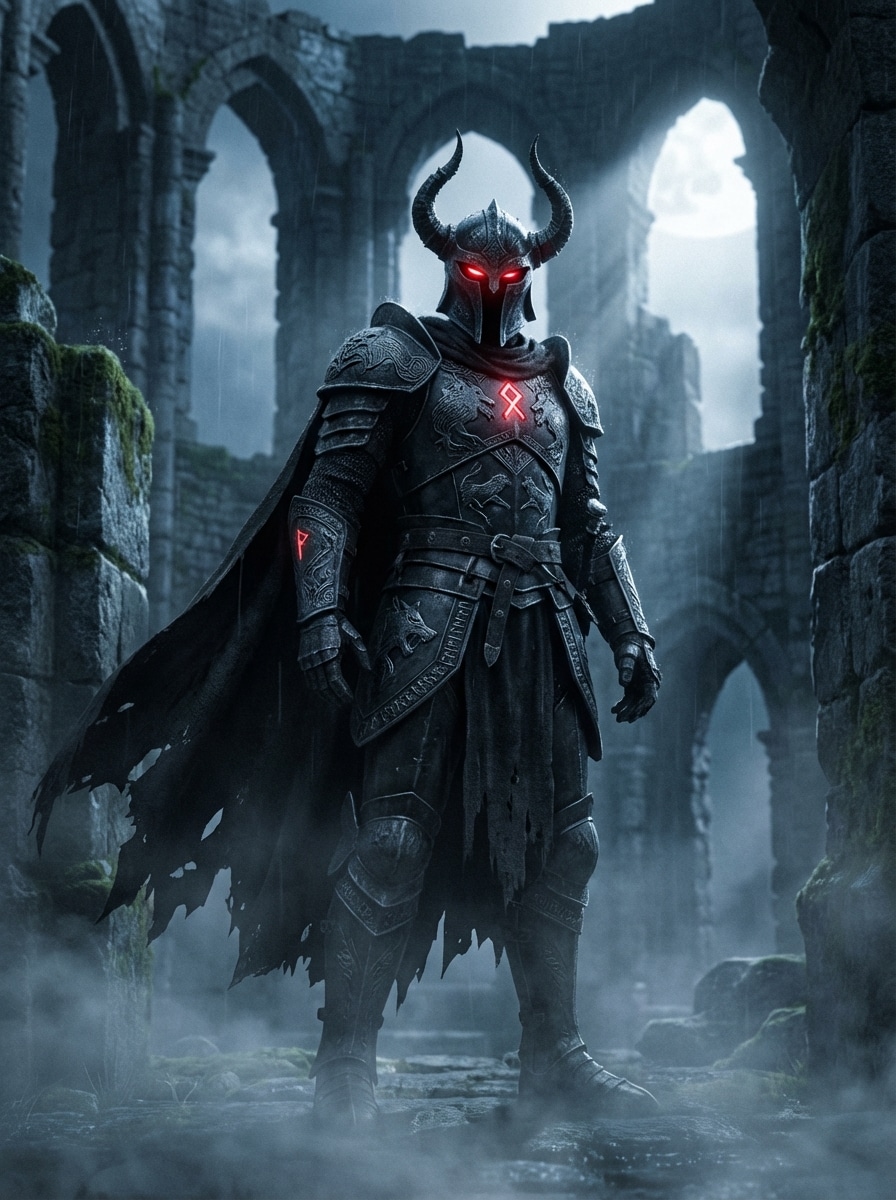
Dunkle Fantasie-Krieger
Schaffen Sie einen filmischen dunklen Fantasy-Krieger, der in einem zerstörten Steinschloss steht, mit geschwärzter Rüstung mit gravierten Metalltexturen, leuchtenden karminroten Augen, treibendem Nebel um die Stiefel, Mondlicht von hinten, dramatischen hochkontrastierenden Schatten, kalter Blau-Grau-Palette mit roten Akzenten, epischer Komposition, ultra-detailliertem Realismus.
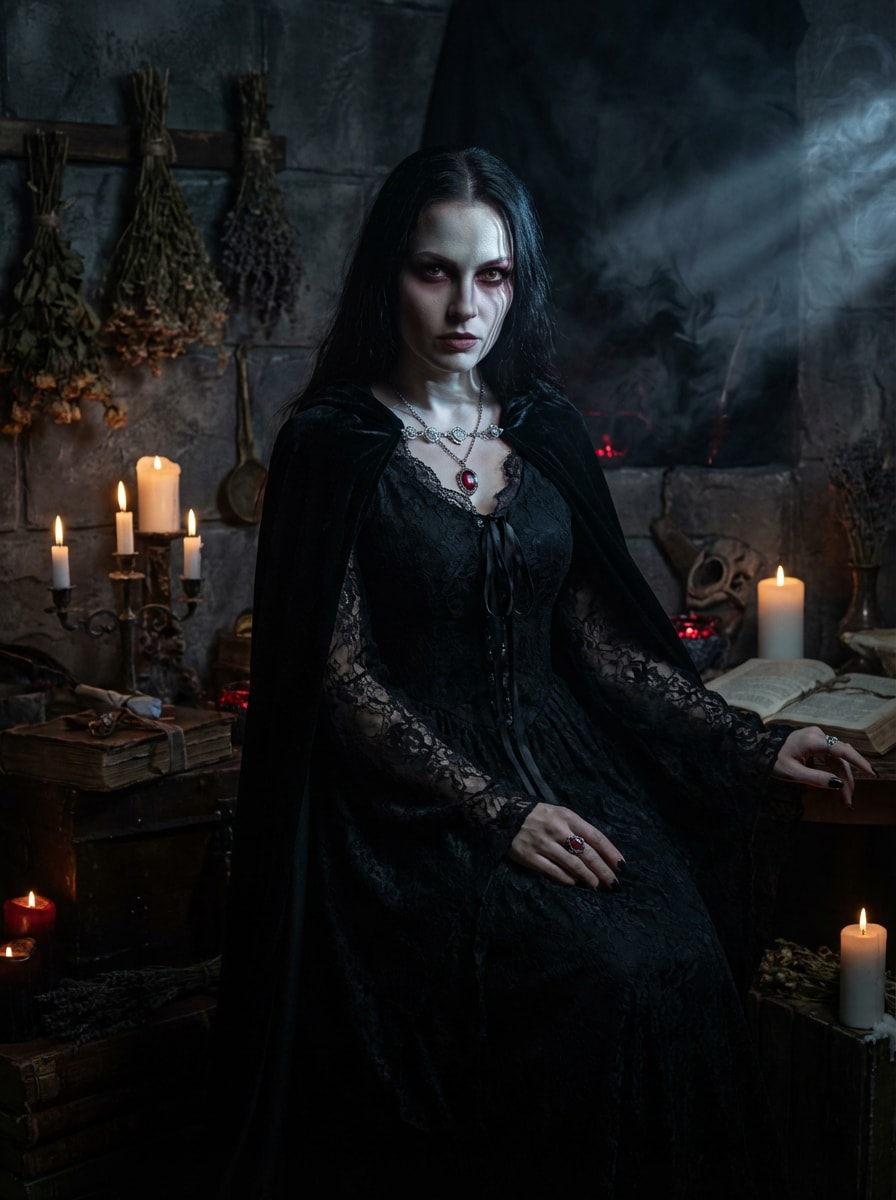
Gotische Zauberin
Generieren Sie ein gotisches Porträt einer Zauberin in einer Ritualkammer bei Kerzenlicht, gekleidet in einem schwarzen Spitzenkleid mit Samtdetails, silbernes Mondlicht, das über ihr Gesicht fällt, dunklen rauchigen Hintergrund, antike Texturen, elegante und doch unheimliche Stimmung, tiefe Schatten, subtile rote Akzente, reichhaltiger Kontrast, hochdetaillierter filmischer Fantasy-Realismus.
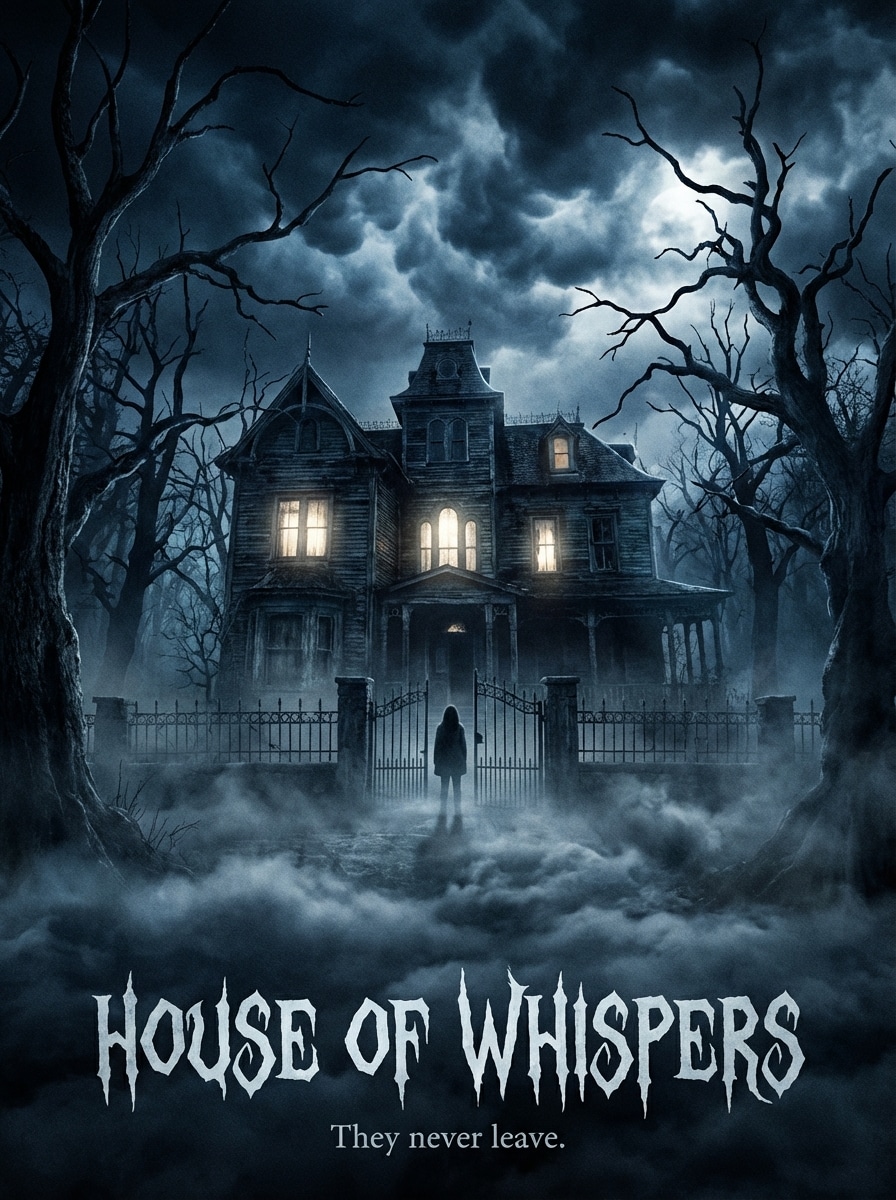
Kino-Horror-Poster
Erstellen Sie ein filmisches Horror-Poster mit einem Spukhaus tief im Wald in der Nacht, leuchtenden Fenstern, starkem rollendem Nebel, verdrehten Bäumen, bedrohlicher Wolkendecke, blau-schwarzer Farbpalette, dramatischen breiten Rahmen, realistischen Holz-und Steintexturen, intensiver Atmosphäre, scharfen details, stimmungsvoller Beleuchtung, Komposition in Posterqualität.
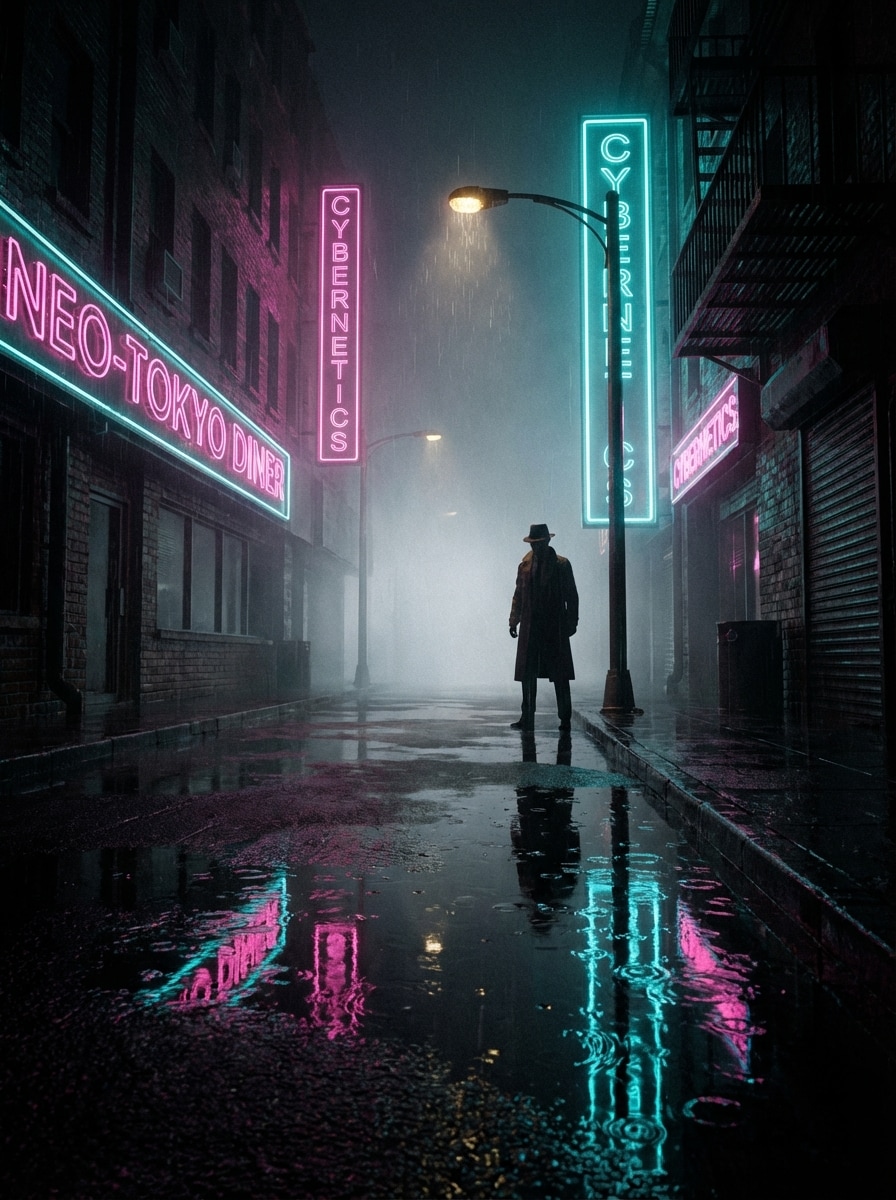
Neo-Noir Straßenszene
Erzeugen Sie eine Neo-Noir-Stadtstraße in der Nacht mit regengetränktem Bürgersteig, Neonreflexen in Rosa und cyan, einer einsamen Figur in einem Trenchcoat unter einer Straßenlaterne, dichtem Nebel, tiefen schwarzen Schatten, filmischer Perspektive, glänzenden urbanen Texturen, spannender Stimmung, hohen Details, realistischer Beleuchtung, dunkler stilvoller Atmosphäre.
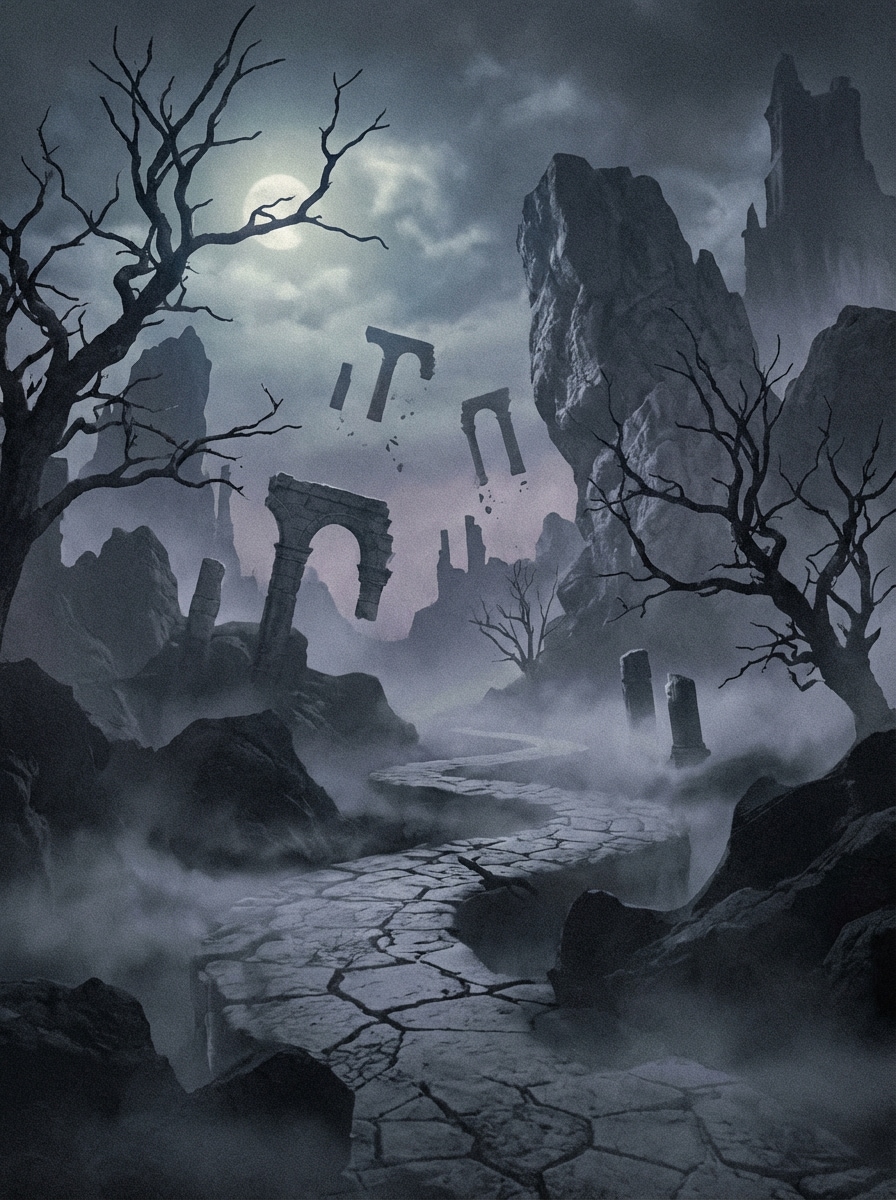
Albtraum Traumlandschaft
Schaffen Sie eine heimtückische Albtraum-Traumlandschaft mit verdrehten Bäumen, schwimmenden Ruinen, blassem Mondlicht, tiefem Bodennebel, rissigen Steinpfade, surrealistischem Maßstab, kalter entsättigter palette, geschichteten Schatten, traumhafter Komposition, immersiver dunkler Fantasy-Stimmung, feinen Umgebungsdetails, filmischer Tiefe und einer geheimnisvollen außerirdischen Atmosphäre.
Warum Media.io für dunkle KI-Bilder verwenden?
Gebaut für filmische dunkle Stile
erstellendark AI-BildgeneratorDas Ergebnis ist eine Vielzahl von looks, von gotischen Porträts und Horror-Plakaten bis hin zu Noir-Szenen und dunkler Fantasy-Kunst. Wechseln Sie einfach Stile und verfeinern Sie Ihre Stimmung, Beleuchtung und Atmosphäre mit flexiblen Textaufforderungen.
Hohe Auflösung bis 4K
Generieren Sie stimmungsvolle Bilder in 1K, 2K oder 4K, ideal für Poster, content design, Miniaturen und branding. Media.io unterstützt auch beliebte Seitenverhältnisse wie 1:1, 9:16, 16:9, 4:3 und 3:4 für eine plattformfähige Ausgabe.
Schnelle Generation mit fortschrittlichen Modellen
Verwenden Sie leistungsstarke Modelle wie Nano Banana Pro und Nano Banana 2, um kurze Ideen schnell in polierte Bilder umzuwandeln. Es ist ein reibungsloser Weg zu erstellenFilmdunkle KI-BilderOhne einen komplexen desktop workflow.
Funktioniert auf jedem Gerät im Browser
Media.io läuft online, sodass Sie erstellen könnengothic AI BildgeneratorUnd Grafiken im Noir-Stil auf Windows, Mac, iPhone, iPad oder Android-Geräten. Es ist keine installation erforderlich, um mit der Erzeugung zu beginnen.
So verwenden Sie den Dark AI Image Generator
1
2
3
1
Schritt 1: Öffnen Sie Media.io AI Image Generator
gehe zuKI Text-zu-Bild-GeneratorUnd öffnen Sie den AI-Bildgenerator unter AI-> Text zu Bild. Dieses Online-Tool läuft in Ihrem browser, sodass Sie mit der Erstellung von dark fantasy, gothic oder Noir-inspirierten Kunstwerken beginnen können, ohne software zu installieren.
2
Schritt 2: Geben Sie eine Aufforderung ein
Geben Sie eine detaillierte Eingabeaufforderung ein, wie zum Beispiel "Eine Neo-Noir-Stadtstraße in der Nacht mit Regen, Neonreflektionen und einer einsamen Figur im tiefen Schatten." Wählen Sie Ihr bevorzugtes Modell, Stil, Seitenverhältnis und Auflösungseinstellungen für den gewünschten dunklen AI-Kunstlook aus.
3
Schritt 3: Generieren, verfeinern & herunterladen
Klicken Sie auf Generieren. Passen Sie Ihre Eingabeaufforderung bei Bedarf an, um Stimmung, Beleuchtung oder Details anzupassen, und laden Sie dann Ihr hochauflösendes Bild für soziale Beiträge, Poster, kreative Projekte oder Moodboards herunter.
Freisetzen Sie das Potenzial von Dark AI Image Generator
Entdecken Sie, wie Schöpfer und Profis unseren KI-gestützten Dark AI Image Generator nutzen, um ihre kreativen Arbeitsabläufe zu transformieren und einzigartige Ideen zum Leben zu erwecken.
Design Scroll-Stopping Social Visuals
Erstellen Sie dramatische gotische Porträts, dunkle Fantasy-Charaktere und Horror-inspirierte Poster für TikTok, Instagram, Pinterest und YouTube-Miniaturen. Stimmungsvolle Beleuchtung und hoher Kontrast helfen Ihren Inhalten, sich in überfüllten visuellen feeds schnell abzuheben.
Konzeptkunst für Geschichten und Spiele erstellen
Verwenden Sie den dunklen KI-Bildgenerator, um Bösewichte, verfluchte Welten, spukerische Orte und filmische Nachtszenen zu visualisieren. Es ist eine praktische Möglichkeit für Autoren, Indie-Spieleteams und Fantasy-Schöpfer, Ideen schnell in Kunstrichtung umzuwandeln.
Basteln Marken Moodboards und Poster
Agenturen, Designer und Marketer können in wenigen Minuten noir-Kampagnen, gotische redaktionelle Konzepte oder stimmungsvolle Event-Poster erstellen. Es ist nützlich, um visuelle Richtungen zu testen, bevor Sie in die Vollproduktion gehen.
Was Benutzer über diesen dunklen KI-Bildgenerator sagen
Maya R.
Inhaltsersteller
"Perfekt für stimmungsvolle soziale Bilder"Ich habe es verwendet, um Gothic-und Neo-Noir-Bilder für kurze Inhalte zu erstellen, und die Ergebnisse sahen sofort poliert aus. Die Schatten, die Beleuchtung und die Farbstimmung waren viel näher an dem, was ich wollte, als mit allgemeinen Text-zu-Bild-Tools.
Ethan L.
Indie-Spiel-Autor
"Großartig für dunkle Fantasy-Konzepte"Dies half mir, grobe Geschichtenideen sehr schnell in dunkle Fantasy-Charakterkunst und unheimliche Umgebungen umzuwandeln. Besonders gefiel mir, wie einfach es war, Aufforderungen zu wiederholen und mehr filmische Ergebnisse zu erzielen.
Sofia K.
Grafikdesigner
"Nützlich für Kampagnen-Moodboards"Ich habe Noir-Poster-Konzepte und Horror-Key-Art für einen Client-Pitch getestet. Die Bildqualität war stark und die Seitenverhältnisoptionen erleichterten das Erstellen von assets für mehrere layouts.
Daniel P.
Digitaler Künstler
"Schnell und anfängerfreundlich"Ich wollte einen dunklen KI-Kunstgenerator, der keine komplizierte Einrichtung erforderte. Media.io war einfach im browser zu bedienen, und selbst kurze Eingabeaufforderungen erzeugten dramatische Bilder mit solidem Kontrast und Atmosphäre.
Entdecken Sie die beliebtesten KI-Video- und Bildeffekte
Häufig gestellte Fragen zum Dark AI Image Generator
1. Ist dieser dunkle AI-Bildgenerator kostenlos zu verwenden?
Ja, kostenlose Nutzer können den dark AI image generator mit kostenlosen credits ausprobieren. Wenn Sie mehr Generationen benötigen oder zusätzliche Vorteile wünschen, können Sie diePreisseite. Kostenlose downloads können ein Wasserzeichen enthalten, während kostenpflichtige Pläne hochauflösende downloads ohne Wasserzeichen unterstützen. Kostenlose Nutzer können kostenlose credits nutzen. Für mehr Nutzung können Benutzer einen plan auf der Preisseite abonnieren.
2. Wie schreibe ich eine gute Aufforderung für dunkle KI-Kunst?
Für bessere dunkle KI-Kunst beschreiben Sie das Motiv, die Einstellung, die Beleuchtung, die Stimmung, die Farben und das Detailniveau. Erwähnen Sie zum Beispiel Elemente wie Mondlicht, Nebel, tiefe Schatten, schwarzen Samt, Neonreflexionen oder filmischen Kontrast. Media.io ist für englische Eingabeaufforderungen optimiert, sodass klare und spezifische Formulierungen in der Regel die Ergebnisse verbessern. Dies hilft Ihnen, dark ai image Generator-Ergebnisse konsistenter zu erstellen.
3. Kann ich gothic-, Horror-oder Dark-Fantasy-Bilder aus text erstellen?
Ja. Der Text-zu-Bild-Workflow von Media.io unterstützt eine breite Palette von Stilen, sodass Sie gotische Porträts, Horror-Poster, Noir-Stadtszenen und dunkle Fantasy-Kunstwerke aus einer schriftlichen Aufforderung erstellen können. Sie können auch mit verschiedenen Modellen und Seitenverhältnissen experimentieren, um zu Ihrem Konzept zu passen. Dies hilft Ihnen, dark ai image Generator-Ergebnisse konsistenter zu erstellen.
4. Welche Bildqualität und Auflösung kann ich herunterladen?
Media.io unterstützt die Bilderzeugung in 1K, 2K und 4K Auflösung. Je nach Bedarf können Sie auch zwischen Seitenverhältnissen wie 1:1, 9:16, 16:9, 4:3, 3:4, 3:2 und 2:3 für soziale Inhalte, Hintergrundbilder, Poster oder Präsentationsbilder wählen. Kostenlose Benutzer können Wasserzeichen haben. Dies hilft Ihnen, dark ai image Generator-Ergebnisse konsistenter zu erstellen.
5. Funktioniert es auf Mobilgeräten, Tablets und Desktops?
Ja. Media.io ist ein browserbasierter KI-Bildgenerator, der auf Windows-, Mac-, iOS-und Android-Geräten funktioniert. Das bedeutet, dass Sie dunkle KI-Bilder auf dem desktop, tablet oder Mobiltelefon erstellen können, ohne zusätzliche software zu installieren. Media.io ist ein webbasiertes tool, das auf jedem Gerät mit einem browser (Windows, Mac, iOS, Android) funktioniert. Dies hilft Ihnen, dark ai image Generator-Ergebnisse konsistenter zu erstellen.
6. Wie schnell erzeugt der Text-zu-Bild-Generator Ergebnisse?
Media.io bietet fortschrittliche Modelle wie Nano Banana Pro und Nano Banana 2 an, wobei sich Nano Banana 2 auf eine schnellere Generierung und verbesserte kreative Funktionen konzentriert. Die tatsächliche Geschwindigkeit kann je nach Modell und Einstellungen variieren, die Sie wählen. Verfügt über **Nano Banana Pro** (KI-Modell der nächsten generation) und **Nano Banana 2** (schnellere generation, verbesserte kreative Funktionen). Außerdem unterstützt Seedream 5.0 Lite, Soul Character (hyperrealistisch), Nano Banana, Seedream 4.0 und Imagen 4. Dies hilft Ihnen, dark ai image Generator-Ergebnisse konsistenter zu erstellen.