

MV Agent
Audio hochladen
Hochladen
Laden Sie eine Audiodatei hoch, die zwischen 1 Sekunde und 3 Minuten lang ist.
Bilder hochladen
Hochladen
Unterstützte Upload-Formate: jpg, png, jpeg.
Tipps
0/2000
Tipp: Verwenden Sie Tipps in englischer Sprache für bessere Ergebnisse.
720P
16:9
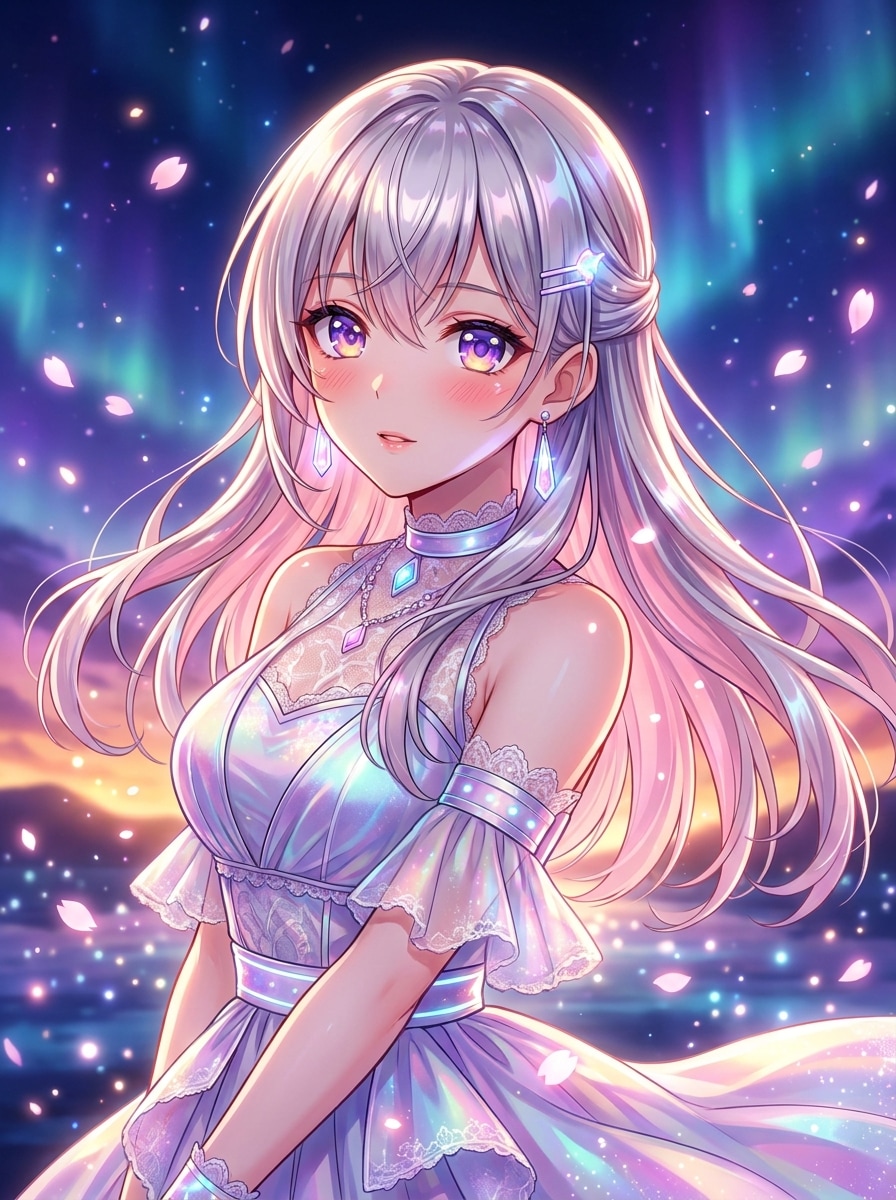
Beispielbild

Turn Your Audio Into a Stunning Anime Music Video

Bring your favorite songs to life with the Media.io AI Music Video Generator designed for anime lovers. Upload your track and a single image or MV cover, then watch as the tool animates your imagination into an expressive anime-style motion video. No animation skills are required-just creativity and emotion. The AI syncs beats, colors, and scenes automatically to create an authentic anime-inspired atmosphere.

Generate Anime Music Video Now

Upload an image and music file to see how your anime vision comes alive instantly.

Sample Anime Music Video Preview
AI generated anime MV scene example
Anime Beat Demo
wave
wave
0:09
Play Sample Video ↗
Experience How Media.io AI Brings Anime Music to Life
✓ Beat Sync Animation ✓ Expressive Character Motion ✓ Stylized Lighting Effects ✓ Instant Online Rendering

Why Choose Media.io for Anime Music Video Creation

Effortless Anime Visual Generation

Media.io simplifies anime-style video creation by allowing users to convert their audio and a single image into a dynamic animated sequence. The AI captures rhythm and mood to craft story-like scenes automatically. You won't need timeline edits or compositing tools to achieve a professional look. The platform generates consistent style textures that mirror Japanese animation tones.

Audio-Synchronized Motion for Authentic Feel

The system analyzes beat progression and melody to match visual transitions exactly to the rhythm. It identifies energetic parts of the music and enhances them with animated effects. This ensures the resulting clip moves fluidly from intro to chorus and captures emotional highlights. The process gives any fan track or remix a polished aesthetic similar to commercial anime MVs.

Flexible Creative Input Options

You can upload custom audio files, select a visual cover, or describe your idea in a prompt for more stylization. The workflow supports scene-based storytelling or simple reactive visuals depending on what fits your music. The flexibility makes it easy for singers, DJs, or editors to experiment with different anime character moods. Each render remains consistent with your chosen art direction.

Optimized for Quick Sharing and Promotion

Media.io outputs ready-to-share anime music videos in popular formats for digital platforms. Artists can instantly post on YouTube, Instagram Reels, or TikTok without extra rendering steps. The lightweight design keeps color clarity even in compressed uploads. It is an excellent option for independent creators looking to boost engagement through visually captivating short clips.

How to Make an Anime Music Video with Media.io

01

1. Upload Your Song or Audio Track

Start by uploading your original song, cover, or remix in MP3 or WAV format. The AI reads tempo, melody, and intensity to design matching visual segments automatically.

02

2. Add Image or Cover Art

Provide a portrait, anime scene, or MV cover to set the visual tone. You can also enter a descriptive prompt for additional creative direction that aligns with your theme.

03

3. Generate and Download Your AI Anime Video

Click generate to let Media.io animate your image to the rhythm of your audio. Preview the result, make adjustments if needed, and export your anime music video in HD format.

What Creators Say About the Anime Music Video Generator

user
Aya L.

Indie Singer-Songwriter

star star star star star

"A Quick Way to Visualize My Songs" I tried the Media.io anime MV generator to visualize a new song without an animator. It perfectly matched the beats and lighting changes with my melody. The anime-inspired style looked natural, not like a random filter. Generating footage took only a few minutes and helped me post a full video on YouTube quickly.

user
Marcus R.

Music Producer

star star star star star

"Intuitive AI Anime Video Maker" This AI anime video maker is incredibly sharp at reading tracks and finding rhythm breaks. It transformed my chill electronic beat into a moody anime scene that feels cinematic. I like how the result smoothly transitions across scenes. It's ideal for sharing loops and teasers on social media without heavy editing.

user
Lina T.

Cosplay Content Creator

star star star star star

"Perfect for My Character Songs" I use the anime music clip creator for my cosplay character themes. Uploading a single portrait image gave me an animated video that matches colors and emotional cues. The AI art quality feels consistent across different moods, from energetic fight scenes to romantic slow songs. It helps me connect with fans in a more creative way.

user
Dev K.

Video Editor

star star star star star

"Fast Anime Style Video Generator" The workflow is smooth from start to finish. The anime style video generator translates static visuals into dynamic motion perfectly synced with beats. It removes repetitive editing steps like keyframing transitions manually. I now create short anime previews for clients within minutes, keeping project timelines tight and efficient.

Frequently Asked Questions About Anime Music Videos

1. Can I Use Any Type of Music to Make an Anime Video?

Yes, Media.io supports nearly all popular audio formats, including MP3, WAV, and AAC. You can select any music genre such as pop, rock, or lo-fi beats. The AI automatically identifies tempo and rhythm to tailor anime visuals accordingly. This flexibility allows both professionals and beginners to create distinct styles.

No, the platform is designed for creators of all skill levels. You simply upload your media, optionally type a prompt, and let the AI engine animate everything for you. The intuitive workflow removes the need for manual animation or frame adjustments. It's a fast and friendly solution even for non-editors.

Yes, you can influence the anime video's style by choosing specific images, color themes, or prompts. The AI learns from your input to adapt motion intensity and tone. You can test multiple versions until you find the right visual story. Each result preserves your chosen identity while staying within anime aesthetics.

Media.io allows commercial use depending on your generated content and rights to the original audio. As long as you own the uploaded music or have permission, you can publish videos commercially. It is ideal for indie artists and labels looking to expand their visual content library. The platform ensures that exports are of professional quality for distribution.

Rendering time depends on the length of your audio and visual complexity. Short songs may complete in a few minutes, while longer tracks take slightly more. The online engine manages all rendering on the cloud so your device stays free. You can preview results instantly after generation for further refinement.

Media.io Online AI Tools Quality Rating:
vote 4.7 (162,357 Votes)







