Deine Werke werden nur 7 Tage lang gespeichert. Assets, die nach dem Upgrade auf einen Mitgliedschaftstarif erstellt werden, werden dauerhaft gespeichert.
Entfalten Sie Ihr kreatives Potenzial und erleben Sie jetzt die Magie der Media-KI!
Schlangenidentifikator per Bild für schnellere visuelle Artbestimmungen
Verwenden Sie diesen Schlangenidentifikator, um ein klares Foto hochzuladen und übersichtlichere, leichter zu prüfende Schlangenbilder zu erstellen. Media.io unterstützt Schlangenidentifikation, Bildverbesserung und mobilfreundliche Arbeitsabläufe, wenn Sie eine Schlange anhand eines Bildes identifizieren, Schlange aus einem Bild identifizieren möchten, Details klarer erkennen oder unscharfe Aufnahmen vor einer genaueren Prüfung verbessern möchten. Dieser Arbeitsablauf ist besonders nützlich für die Schlangenidentifikation anhand von Fotos.
Geben Sie Ihre Idee ein -> KI gestaltet sie. Kostenlos ausprobieren.
Sehen Sie sich diese Beispielanweisungen an und passen Sie dann die Eingabedetails an, um bessere Ergebnisse mit diesem Schlangenidentifikator zu erzielen. Media.io funktioniert am besten, wenn Sie die Markierungen, den Winkel und die Fotoqualität beschreiben, die Sie für eine schnellere visuelle Überprüfung verbessern möchten.
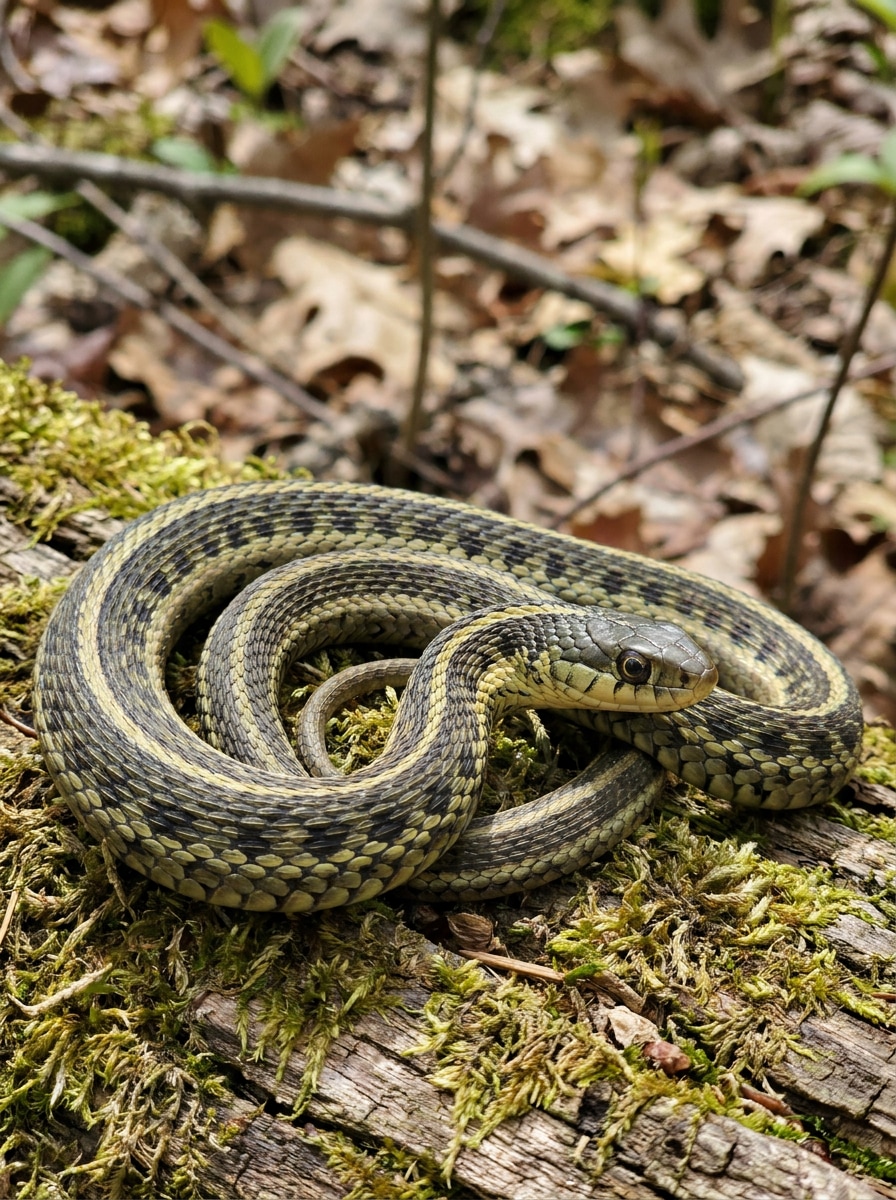
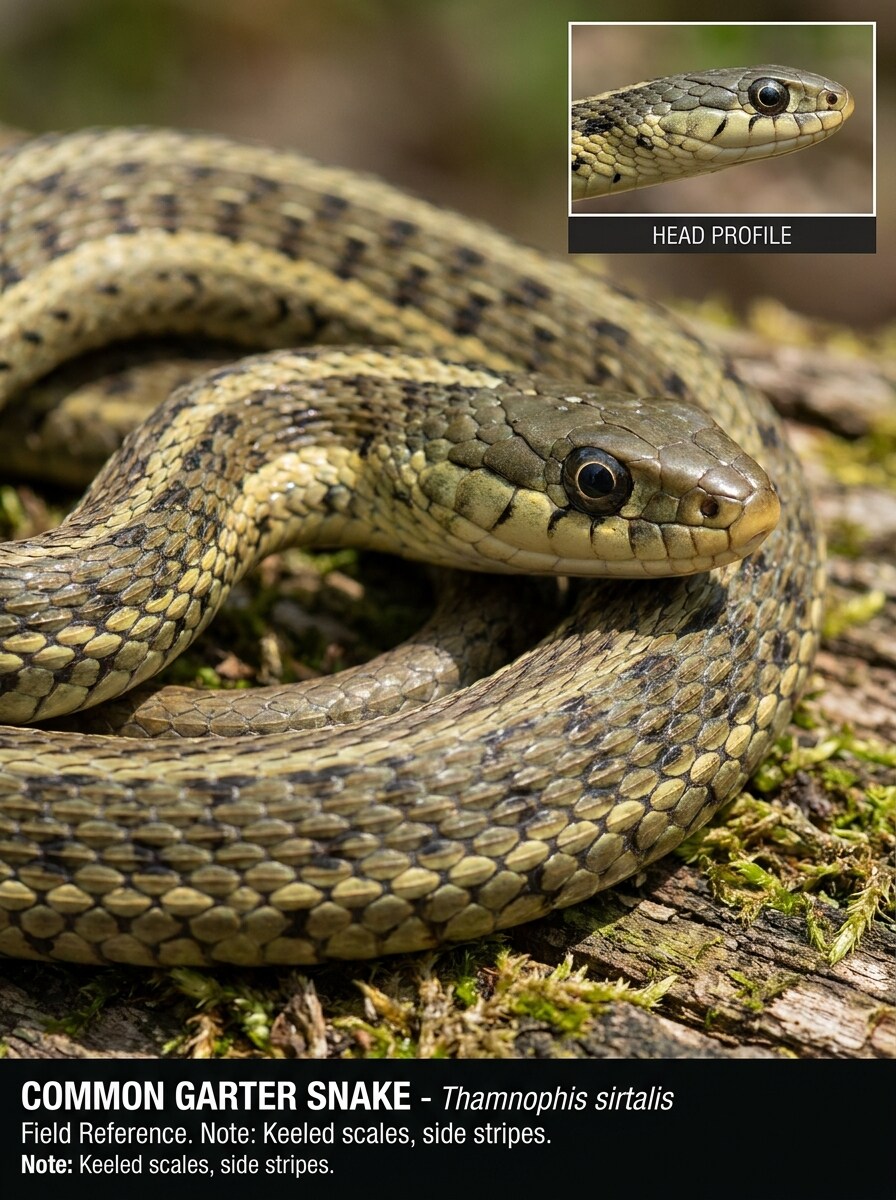
Naturalistisches Fotokarte
Verwenden Sie das hochgeladene Bild als Motiv und verwandeln Sie es in eine saubere Feldführer-Fotokarte für Naturgeschichte. Halten Sie die Schlange anatomisch realistisch, schärfen Sie die Schuppentextur, bewahren Sie das echte Muster und die Farbe, vereinfachen Sie den Hintergrund und lassen Sie subtilen Platz für eine Bildungsbeschriftung. Sanftes Tageslicht, neutrale Palette, klare Details, vertrauenswürdige Stimmung für Wildtierdokumentation.
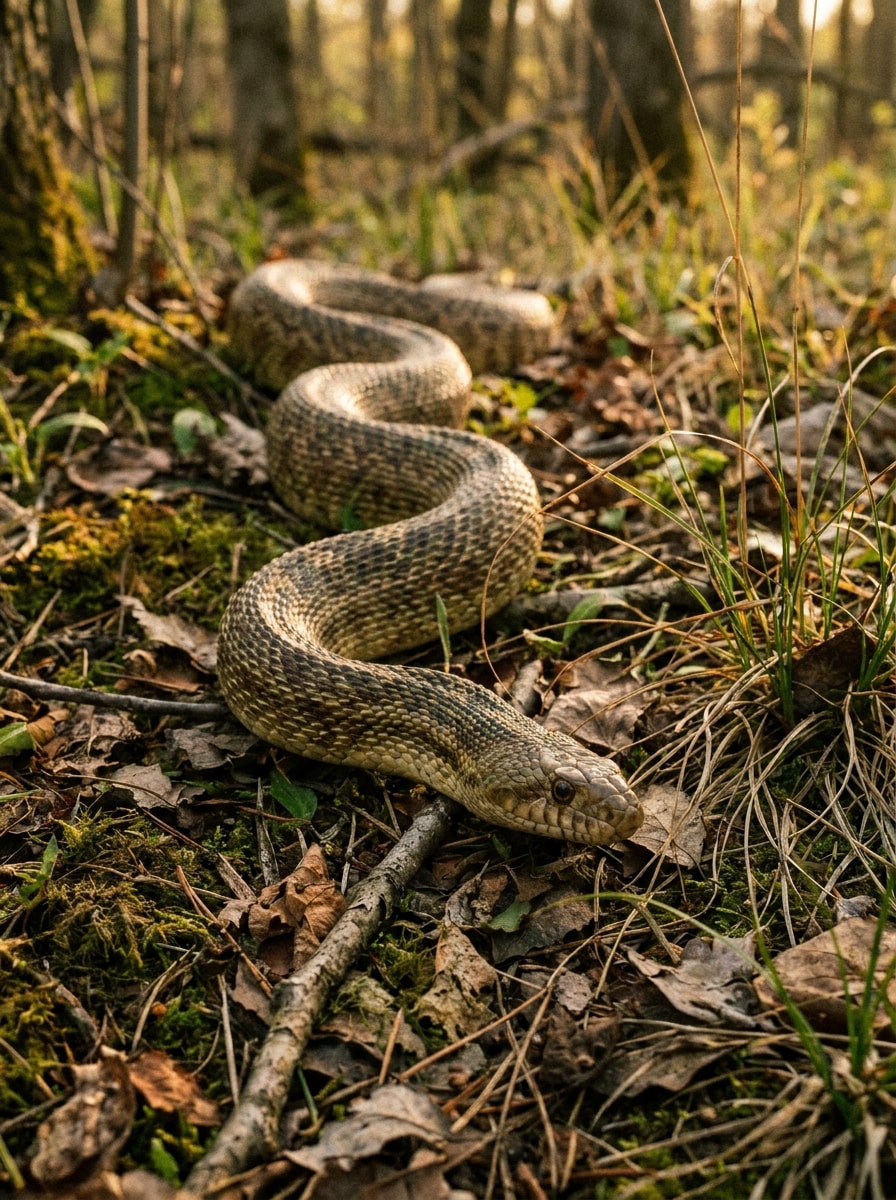
Habitat-Dokumentaraufnahme
Verwenden Sie das hochgeladene Bild als Motiv und verwandeln Sie es in eine filmische Wildtier-Dokumentaraufnahme. Platzieren Sie die Schlange natürlich in einem realistischen Habitatkontext, halten Sie Schuppenmuster und Körperhaltung korrekt, fügen Sie reiche Umgebungstextur, gerichtetes Goldstunden-Licht und eine ruhige Beobachtungsstimmung hinzu. Hohe Detailgenauigkeit, keine Fantasieelemente, echter ökologischer Realismus.
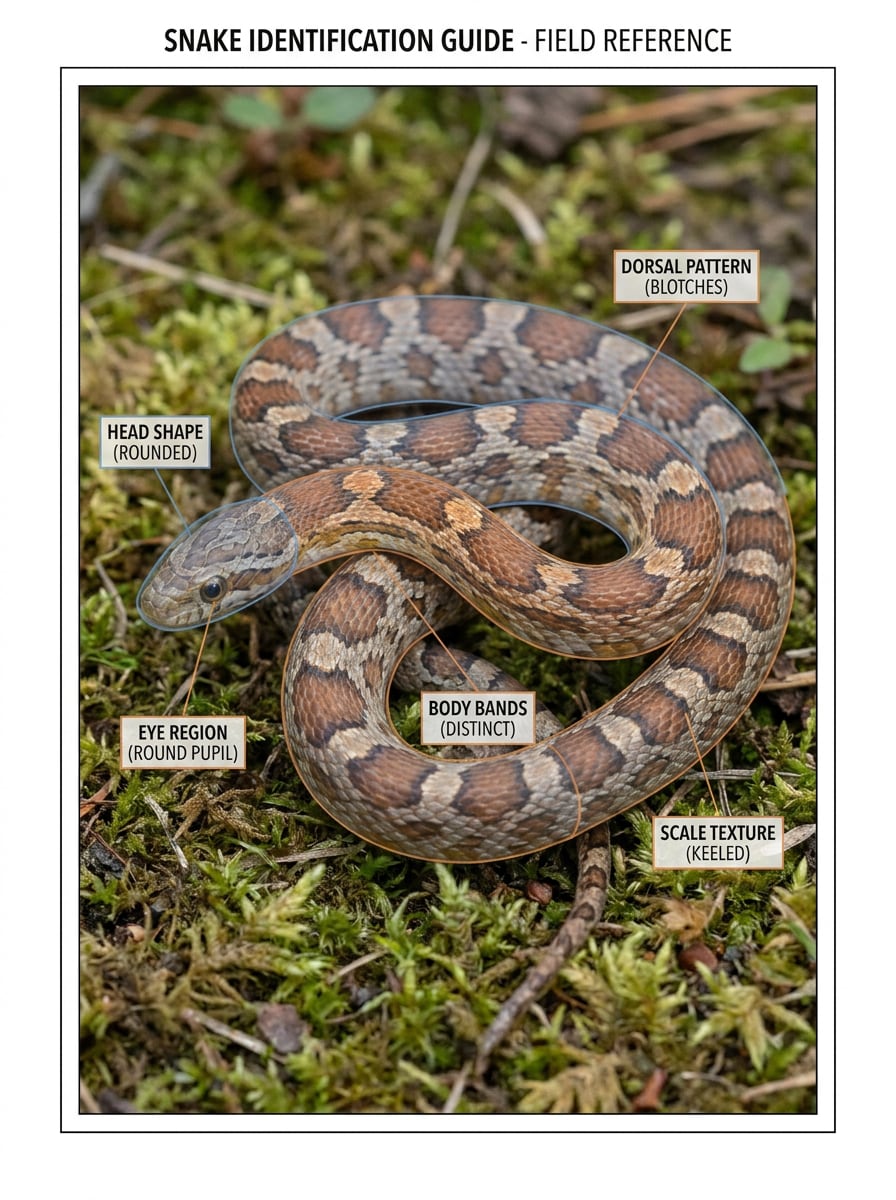
Musterhervorhebungs-Overlay
Verwenden Sie das hochgeladene Bild als Motiv und verbessern Sie es für eine klare Identifikation. Erhöhen Sie die Sichtbarkeit von Schuppenreihen, Bändern, Flecken, Kopfform und Augenbereich, während die Schlange realistisch bleibt. Fügen Sie subtile visuelle Betonung um diagnostische Markierungen hinzu, sorgen Sie für sauberen Kontrast, kontrollierte Schärfung, neutrale Töne und ein analytisches Bildungsgefühl.
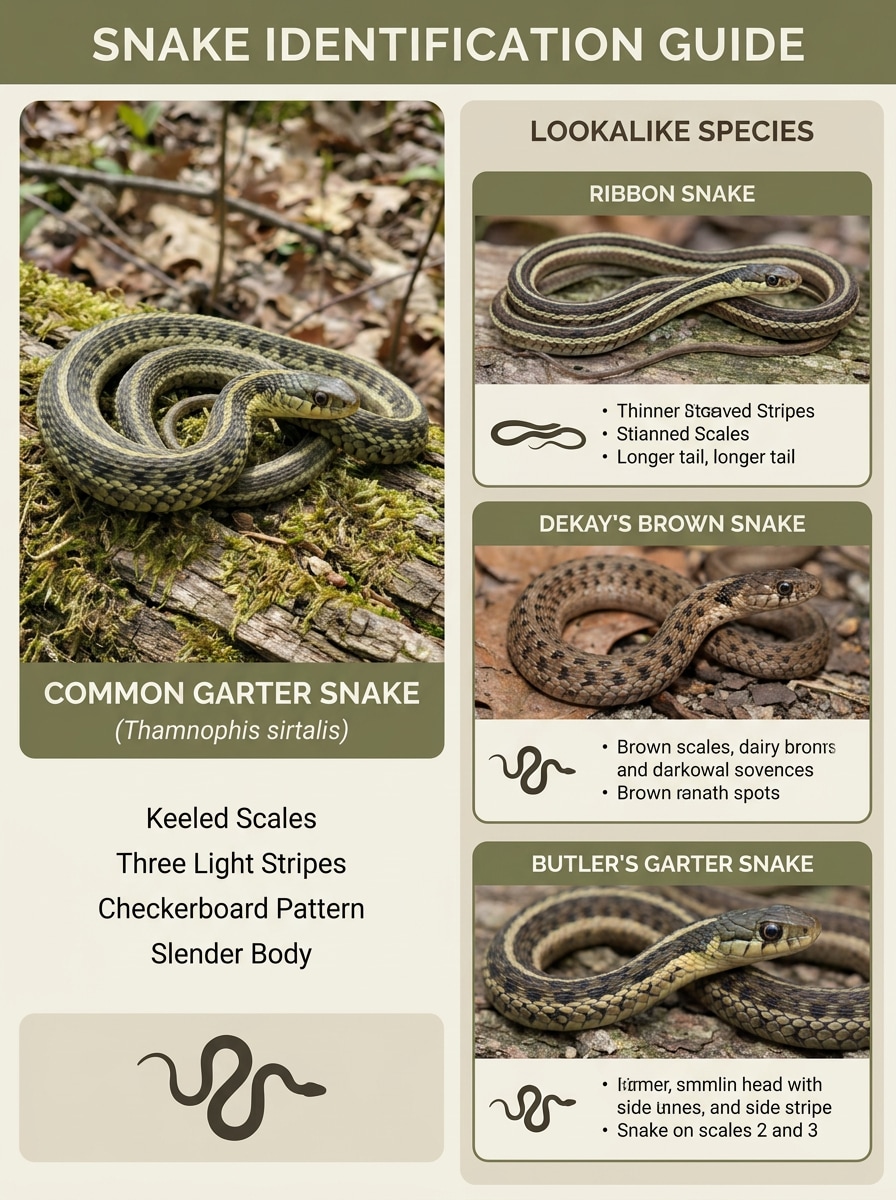
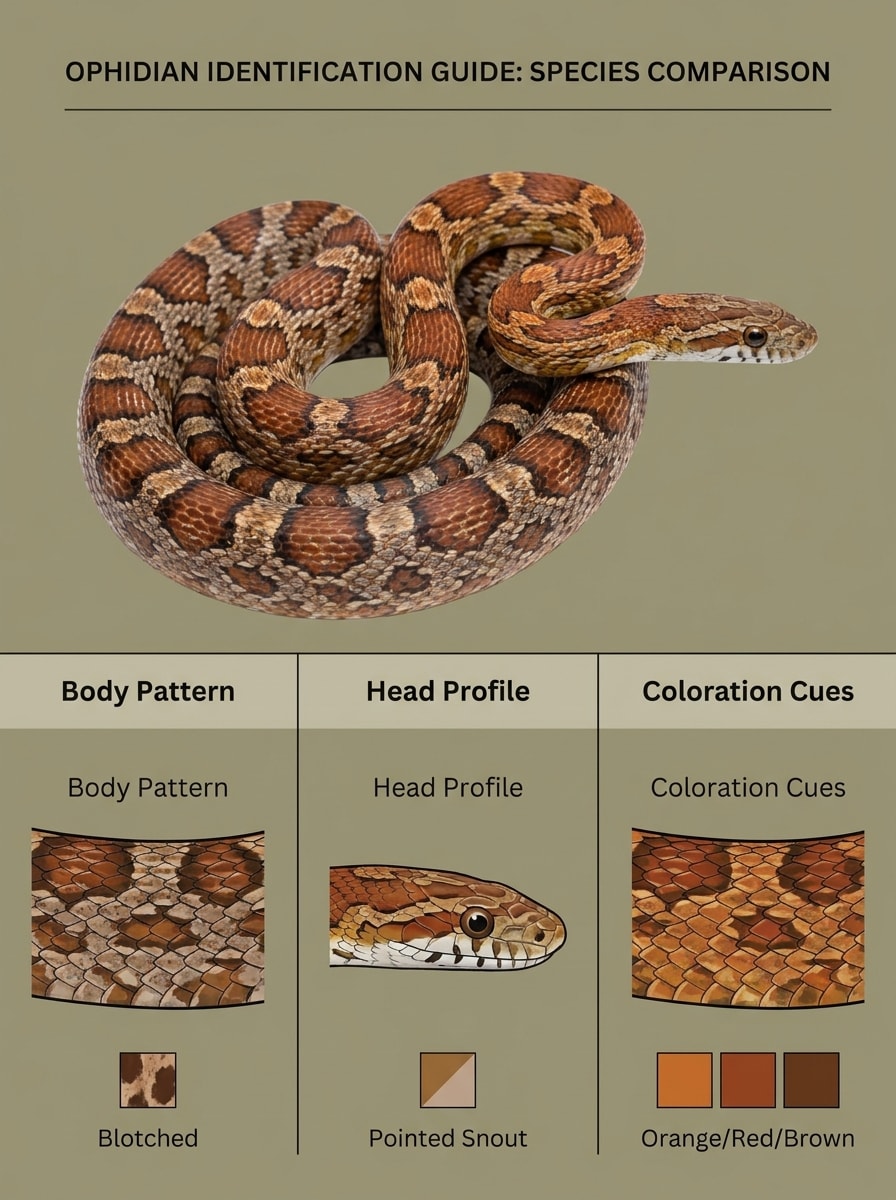
Vergleichskarte nebeneinander
Verwenden Sie das hochgeladene Bild als Hauptmotiv und wandeln Sie es in eine pädagogische Vergleichskarte um. Halten Sie die Schlange realistisch, betonen Sie unterscheidende Markierungen und Silhouette, schaffen Sie strukturierten Platz für Lookalike-Arten-Panels und verwenden Sie ein sauberes redaktionelles Layout, ausgewogene Beleuchtung, gedämpfte natürliche Töne und eine klare identifikationsorientierte Stimmung.
Enthüllungs-Karussell-Cover
Verwenden Sie das hochgeladene Bild als Motiv und lassen Sie es wie ein wirkungsvolles soziales Enthüllungs-Cover aussehen, das fragt, welche Art es sein könnte. Isolieren Sie die Schlange klar, erhöhen Sie den Kontrast ohne Verlust des Realismus, halten Sie Musterdetails lesbar und bauen Sie eine spannungsgeladene, aber lehrreiche Komposition mit kühnem negativen Raum und dramatischer natürlicher Beleuchtung auf.
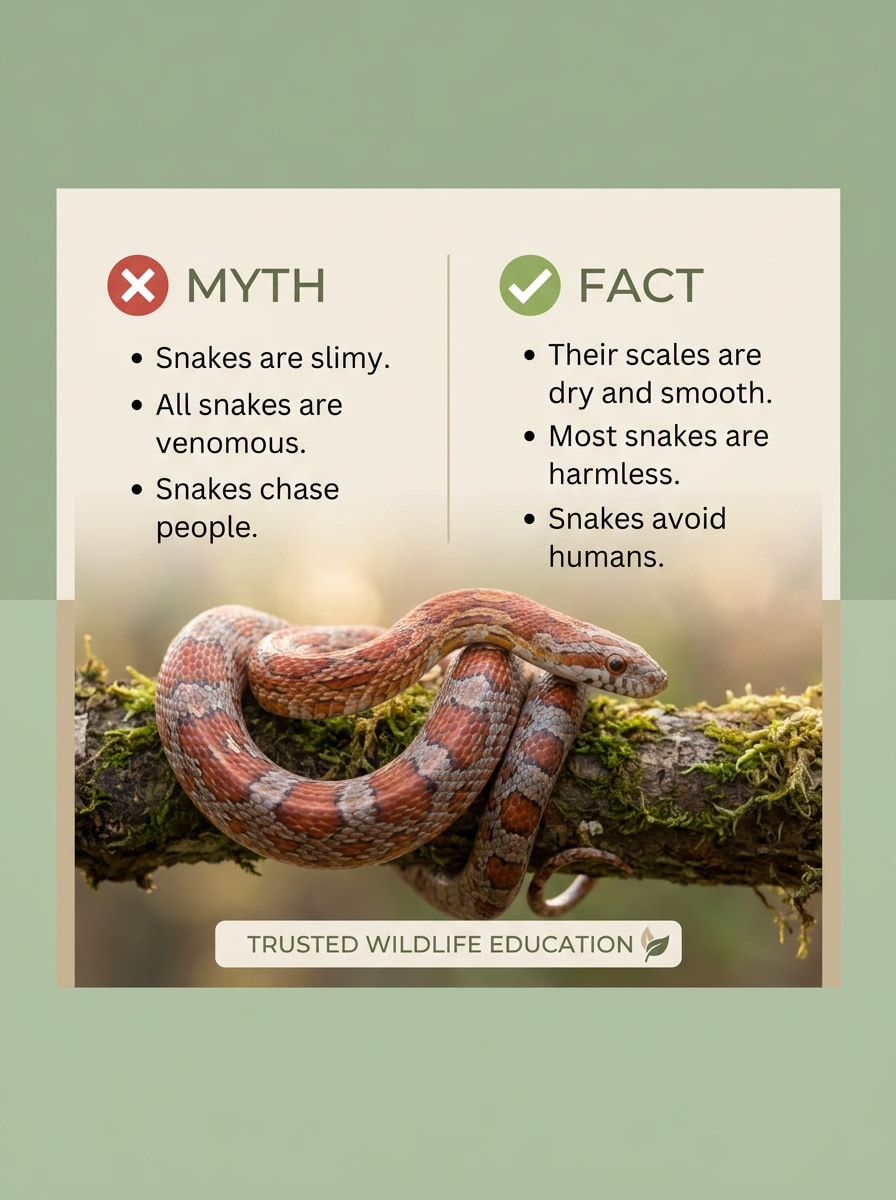
Mythos vs. Fakt Visualisierung
Verwenden Sie das hochgeladene Bild als Motiv und verwandeln Sie es in eine saubere pädagogische Mythos-versus-Fakt-Visualisierung. Bewahren Sie realistische Anatomie, schärfen Sie wichtige Markierungen, ordnen Sie die Komposition so an, dass Textblöcke möglich sind, und verwenden Sie eine wissenschaftsorientierte Designsprache mit weichem Kontrast, natürlichen Farben und einer ruhigen, informativen Social-Media-Ästhetik.
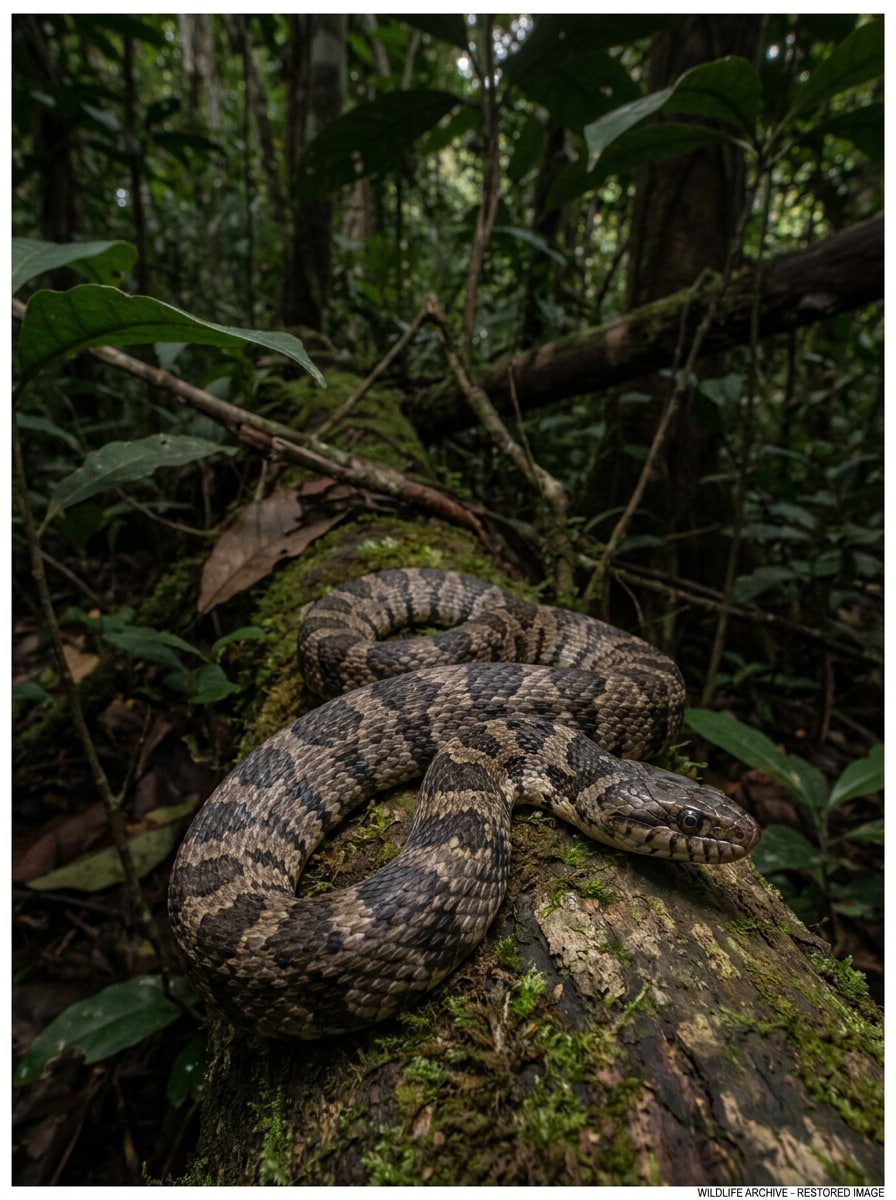
Schwachlicht-Wiederherstellung
Verwenden Sie das hochgeladene Bild als Motiv und stellen Sie Details aus einem dunklen Schlangenfoto wieder her. Heben Sie Schatten vorsichtig an, reduzieren Sie Rauschen, bewahren Sie natürliche Farben und verbessern Sie die Sichtbarkeit von Schuppen, Bändern und Kopfkonturen für eine einfachere Überprüfung. Halten Sie das Ergebnis realistisch, ausgewogen und im Feld verwendbar ohne übermäßig bearbeiteten Glanz oder künstliche Textur.
Unschärfe-Korrektur Identifikationshilfe
Verwenden Sie das hochgeladene Bild als Motiv und verbessern Sie ein unscharfes Schlangenfoto für eine einfachere Erkennung. Wenden Sie realistische Schärfung an, verfeinern Sie Kanten, bewahren Sie Schuppentextur und stellen Sie wichtige Musterdetails rund um Kopf und Körper wieder her. Halten Sie Farben natürlich, vermeiden Sie künstliche Artefakte und behalten Sie einen praktischen, beweisorientierten Wildtier-Referenzlook bei.
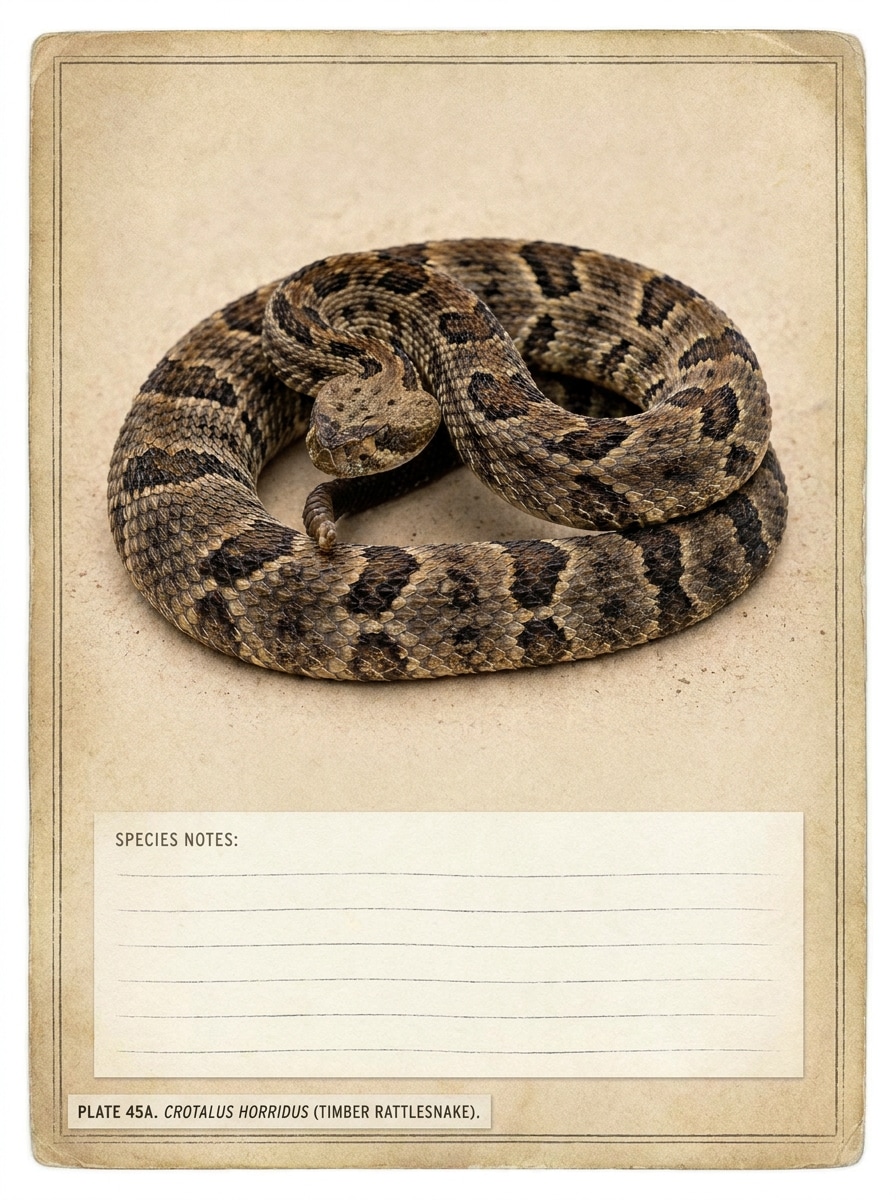
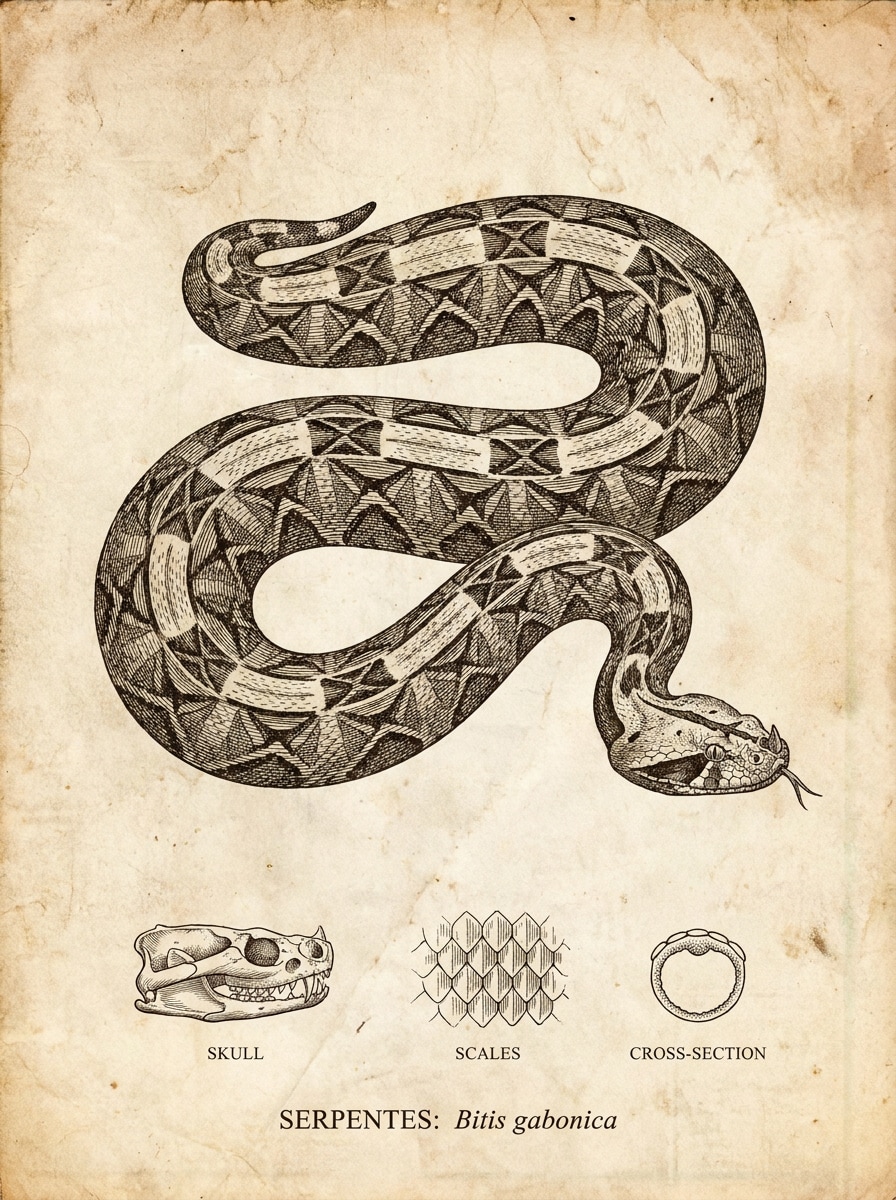
Museum-Tafel-Illustration
Verwenden Sie das hochgeladene Bild als Motiv und wandeln Sie es in eine wissenschaftliche Vintage-Tafel-Illustration um. Halten Sie Anatomie und Musterung respektvoll und genau, vereinfachen Sie den Hintergrund, verwenden Sie feine gravierte Details, gedämpfte Papiertöne und eleganten Layout-Abstand. Das Ergebnis sollte archivisch, pädagogisch und für Artenstudie-Visualisierungen geeignet wirken.
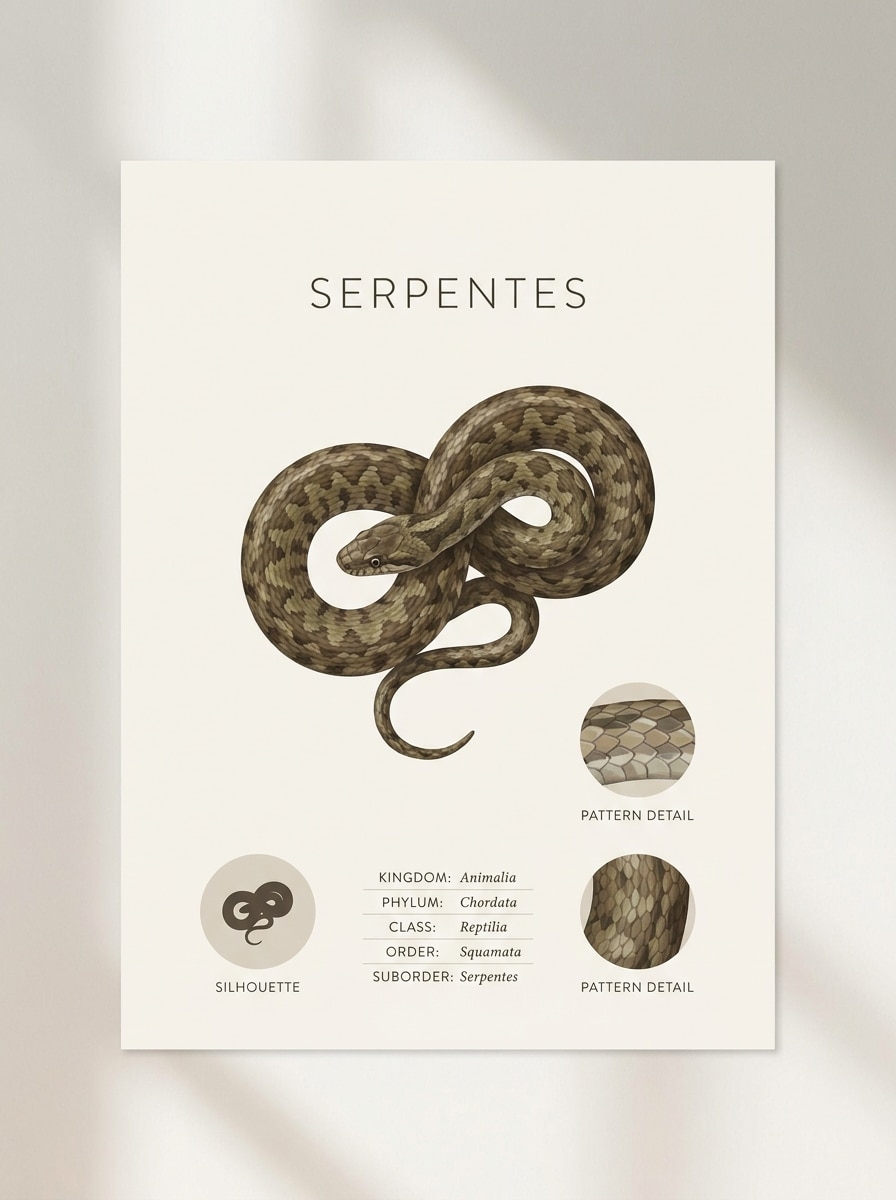
Minimales Taxonomie-Poster
Verwenden Sie das hochgeladene Bild als Motiv und verwandeln Sie es in ein minimales pädagogisches Poster. Bewahren Sie realistische Darstellung, während Sie Silhouette, Muster und Körperverlauf betonen. Verwenden Sie ein sauberes taxonomieinspiriertes Layout, modernes redaktionelles Spacing, weiches neutrales Licht, zurückhaltendes Erdton-Farbschema und eine polierte Museum-trifft-Design-Studio-Stimmung.
Warum Media.io für die Überprüfung von Schlangenfotos verwenden
Klarere Markierungen aus realen Uploads
Referenzbasierte Arbeit braucht mehr als eine lockere Stiländerung. Media.io hilft dabei, wichtige Identitätsdetails erkennbar zu halten, während der visuelle Look des Schlangenidentifikators überarbeitet wird, sodass das Ergebnis persönlich statt generisch wirkt.
Den richtigen Stil für jede Version finden
Wenn die künstlerische Ausrichtung noch offen ist, ermöglicht Media.io das Testen mehrerer Looks rund um dieselbe visuelle Idee des Schlangenidentifikators, was es einfacher macht, den richtigen Stil zu finden, ohne von vorne anfangen zu müssen.
Hochauflösende Bilder für den echten Einsatz erstellen
Wenn das endgültige visuelle Element des Schlangenidentifikators über eine kleine Vorschau hinaus wiederverwendet wird, hilft Media.io dabei, schärfere Ergebnisse bis zu 4K zu liefern, damit das Bild bei der praktischen Design- und Präsentationsarbeit zuverlässiger bleibt.
Den Arbeitsablauf geräteübergreifend am Laufen halten
Kreative Arbeit bleibt selten auf einem Bildschirm. Media.io hält den Arbeitsablauf des Schlangenidentifikators in Ihrem Browser, sodass Sie auf dem Telefon beginnen und auf dem Desktop beenden können, ohne zusätzliche Software installieren zu müssen.
So verwenden Sie diesen Schlangenidentifikator mit Bildern
Verwandeln Sie Ihre Worte in drei einfachen Schritten in beeindruckende Visualisierungen und verfeinern Sie das Ergebnis weiter, wenn Sie es noch weiterentwickeln möchten.
Schritt 1
Laden Sie Ihr Referenzbild hoch
Laden Sie ein klares Schlangenfoto, eine Nahaufnahme, einen Wegschnappschuss oder ein anderes Quellbild im JPG-, PNG- oder JPEG-Format hoch. Für bessere Ergebnisse, wenn Sie Schlange anhand eines Fotos identifizieren möchten, wählen Sie ein Bild, auf dem Kopf, Körpermuster und die umgebende Beleuchtung gut sichtbar sind.
Schritt 2
Beschreiben Sie die Änderung und legen Sie Optionen fest
Teilen Sie Media.io mit, was Sie benötigen, z. B. Musterverbesserung, Unschärfebehebung, dokumentarischer Realismus oder ein Vergleichskarten-Layout. Wählen Sie dann Ihr bevorzugtes Modell und passen Sie Seitenverhältnis, Bildqualität, Auflösung oder die Anzahl der Variationen an Ihren Arbeitsablauf an.
Schritt 3
Generieren, herunterladen und weiter verbessern
Erstellen Sie das Ergebnis, vergleichen Sie Versionen und laden Sie die klarste Visualisierung zur weiteren Überprüfung herunter. Falls nötig, verfeinern Sie den Prompt, versuchen Sie eine weitere Verbesserungsrunde oder generieren Sie eine neue Variante, die Markierungen für die bildbasierte Identifikation leichter erkennbar macht.
Das Potenzial der Schlangenidentifikation erschließen
Sehen Sie, wie Ersteller diesen Schlangenidentifikator für Inhalte, Marketing und persönliche Projekte verwenden, und passen Sie jede Idee an den Auftrag an. Media.io hilft dabei, alltägliche Uploads in klarere Visualisierungen für Überprüfung und Vergleich umzuwandeln.
Wegfotos vor einer genaueren Überprüfung verbessern
Eine schnelle Handyaufnahme ist nicht immer ideal zur Erkennung, aber Media.io kann Kontrast und Details verbessern, sodass Wanderer, Camper und Hausbesitzer bessere Schlangenidentifikationsbilder zur Überprüfung haben, wenn sie eine Schlange anhand eines Fotos identifizieren oder Markierungen und Körperform genauer studieren möchten.
Vergleichende Lernvisualisierungen erstellen
Lehrer, Naturseiten und Wildtierbildner können einen Upload in Vergleichsgrafiken umwandeln, die wahrscheinliche Lookalikes, häufige Musterunterschiede und wichtige visuelle Hinweise zeigen. Media.io macht es praktisch, Schlangenidentifikation mit Bildern aufzubauen, Schlangenidentifikationsfotos in Folien oder Karussells zu verwenden und sogar Referenzbeispiele wie ein Schlangenei-Identifikationsdiagramm oder einen Schlangenhaut-Identifikationsleitfaden zu organisieren.
Sicherere Bildungsinhalte über Lookalikes erstellen
Wenn Ihr Publikum nach Fragen zu giftig-versus-ungiftig sucht, kann Media.io die Fotoklarheit und das Layout verbessern, sodass visuelle Hinweise leichter zu besprechen sind. Dies unterstützt Erklärungen rund um giftige Schlangen wie man sie identifiziert, hilft Lesern, Schlangen anhand von Fotoreferenzen zu identifizieren, und kann auch verwandte Themen wie Schlangenhaut-Identifikator-Vergleiche unterstützen, ohne das Ergebnis als Notfall- oder Expertenersatz darzustellen.
Was Benutzer sagen
Maya R.
Naturbloggerin
„Hilfreich zum Aufräumen von Feldaufnahmen" Ich habe es auf einem dunklen Wegfoto verwendet und das wiederhergestellte Musterdetail war viel leichter zu lesen. Es hat meine eigene Recherche nicht ersetzt, aber es gab mir ein klareres Bild zum Vergleich mit regionalen Referenzen.
Derrick L.
Outdoor-Pädagoge
„Gut für Vergleichsgrafiken" Die nebeneinander angeordneten Kartenstile sind nützlich zum Unterrichten von Lookalike-Arten. Ich kann eine Referenzaufnahme hochladen und sie schnell in etwas verwandeln, das sich mehr wie eine Feldführer-Visualisierung für den Unterricht anfühlt.
Sonia P.
Mobile Content Creatorin
„Einfach auf meinem Handy zu bedienen" Ich wollte eine Schlange auf einem Foto identifizieren, das ich draußen gemacht hatte, und der Browser-Workflow war auf dem Handy einfach. Die Verbesserungswerkzeuge halfen dabei, die Markierungen klarer zu machen, bevor ich das Bild mit anderen geteilt habe.
Ethan C.
Wildtierhobbyst
„Schnelle Ergebnisse für Bildungsbeiträge" Ich verwende es gerne, um saubere Mythos-vs.-Fakt- und Poster-Visualisierungen aus meinen Schlangenfotos zu erstellen. Es ist besonders nützlich, wenn ich realistische Details möchte, ohne zusätzliche Zeit mit manueller Bearbeitung zu verbringen.
Entdecken Sie die beliebtesten KI-Video- und Bildeffekte
1. Kann ich ein Bild einer Schlange hochladen, um sie zu identifizieren?
Media.io unterstützt Bild-zu-Bild-Uploads in JPG, PNG und JPEG, sodass Sie ein Schlangenfoto hochladen und eine klarere Visualisierung zur Überprüfung erstellen können. Viele Benutzer verwenden es für die Online-Schlangenidentifikation per Bild, um Markierungen zu verbessern oder sauberere Schlangenidentifikationsfotos für Vergleich und Diskussion vorzubereiten.
2. Gibt es eine kostenlose Schlangenidentifikator-App?
Media.io bietet neuen Benutzern kostenlose Credits an, sodass Sie den Workflow ausprobieren können, ohne im Voraus zu bezahlen. Wenn Sie mehr Nutzung, höhervolumigen Zugang oder wasserzeichenfreie Downloads benötigen, können Sie die Preisseite prüfen. Da Media.io im Browser läuft, behandeln viele Benutzer es wie ein flexibles Online-Tool zur Schlangenidentifikation, ohne eine separate Installation zu benötigen.
3. Wie genau ist ein Schlangenidentifikator anhand eines Fotos?
Die Genauigkeit hängt stark von der Fotoqualität, sichtbaren Markierungen, Beleuchtung, Winkel und davon ab, ob wichtige Merkmale wie Kopf und Körpermuster klar sind. Media.io kann das Bild zur Überprüfung verbessern, aber jedes KI-unterstützte Ergebnis sollte nur als informativ behandelt werden, insbesondere bei sicherheitsrelevanten Fällen mit möglichen Giftschlangenarten.
4. Welche Art von Schlangenbild eignet sich am besten zur Identifikation?
Das beste Bild ist ein klares, gut beleuchtetes Foto, das Kopf, Körpermuster und Gesamtform ohne starke Unschärfe oder Verdeckung zeigt. Wenn Sie Bilder zur Schlangenidentifikation haben, beginnen Sie mit dem, das die meisten sichtbaren Markierungen zeigt. Media.io kann auch dunklere oder weichere Aufnahmen für eine bessere Schlangenidentifikation per Bild verbessern und Ihnen helfen, eine Schlange auf einem Bild klarer zu identifizieren.
5. Kann ich eine Schlangenidentifikations-App auf iPhone und Android verwenden?
Media.io ist webbasiert und funktioniert daher auf jedem Gerät mit einem Browser, einschließlich iPhone, Android, Windows und Mac. Das macht es praktisch, ob Sie die Schlangenidentifikation online von einem Handy-Foto im Feld durchführen möchten oder Schlangenidentifikationsbilder zu Hause auf dem Desktop überprüfen müssen.
6. Wie schnell kann KI eine Schlange auf einem Bild identifizieren?
Die Ergebnisse sind in der Regel schnell, sobald Sie das Bild hochladen und Ihre Verbesserungs- oder Transformationseinstellungen auswählen, obwohl die genaue Geschwindigkeit je nach Bildkomplexität und ausgewählten Optionen variieren kann. Media.io ist für einen schnellen visuellen Workflow konzipiert, wenn Sie Schlangen anhand von Fotos identifizieren, Versionen vergleichen oder Schlangen aus Foto-Uploads identifizieren und das klarste Ergebnis herunterladen möchten.
Über den KI-gestützten Online-Schlangenidentifikator hinaus