Deine Werke werden nur 7 Tage lang gespeichert. Assets, die nach dem Upgrade auf einen Mitgliedschaftstarif erstellt werden, werden dauerhaft gespeichert.
Entfalten Sie Ihr kreatives Potenzial und erleben Sie jetzt die Magie der Media-KI!
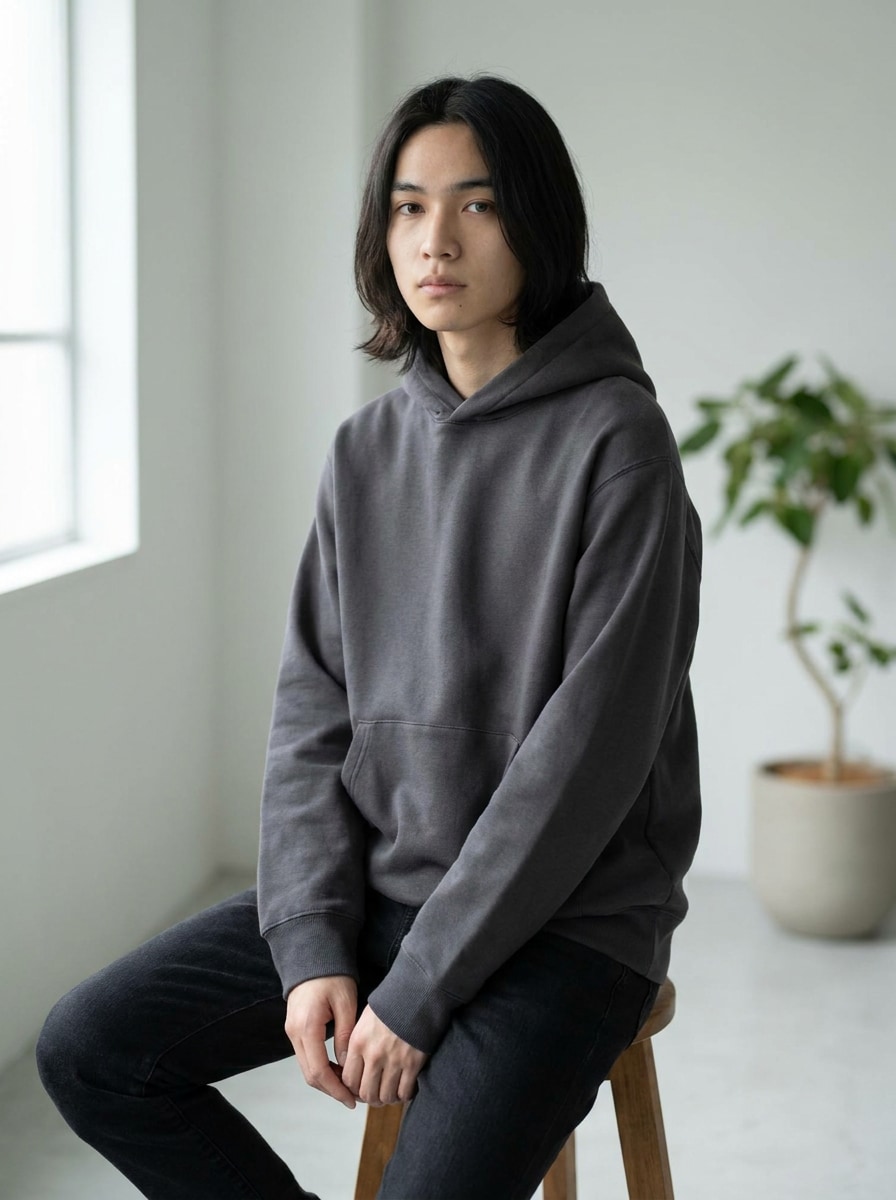
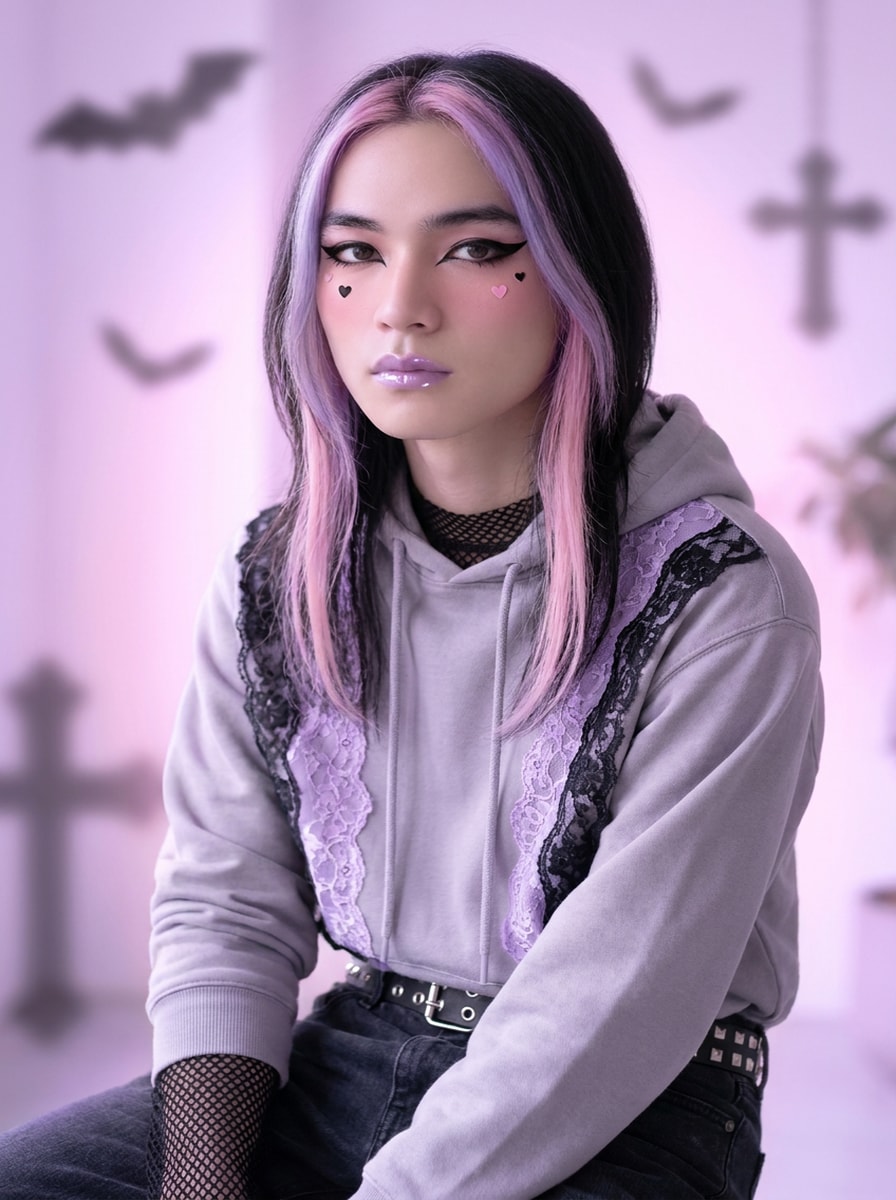
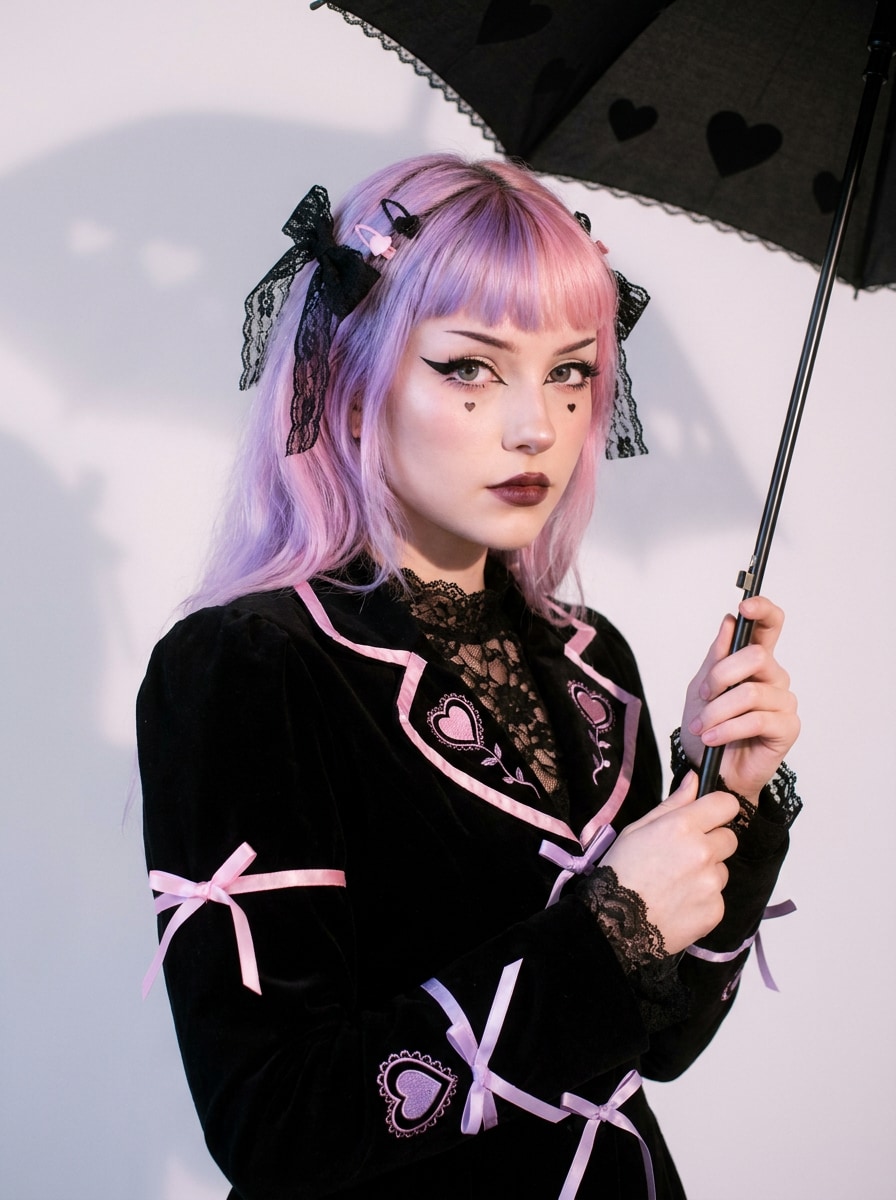
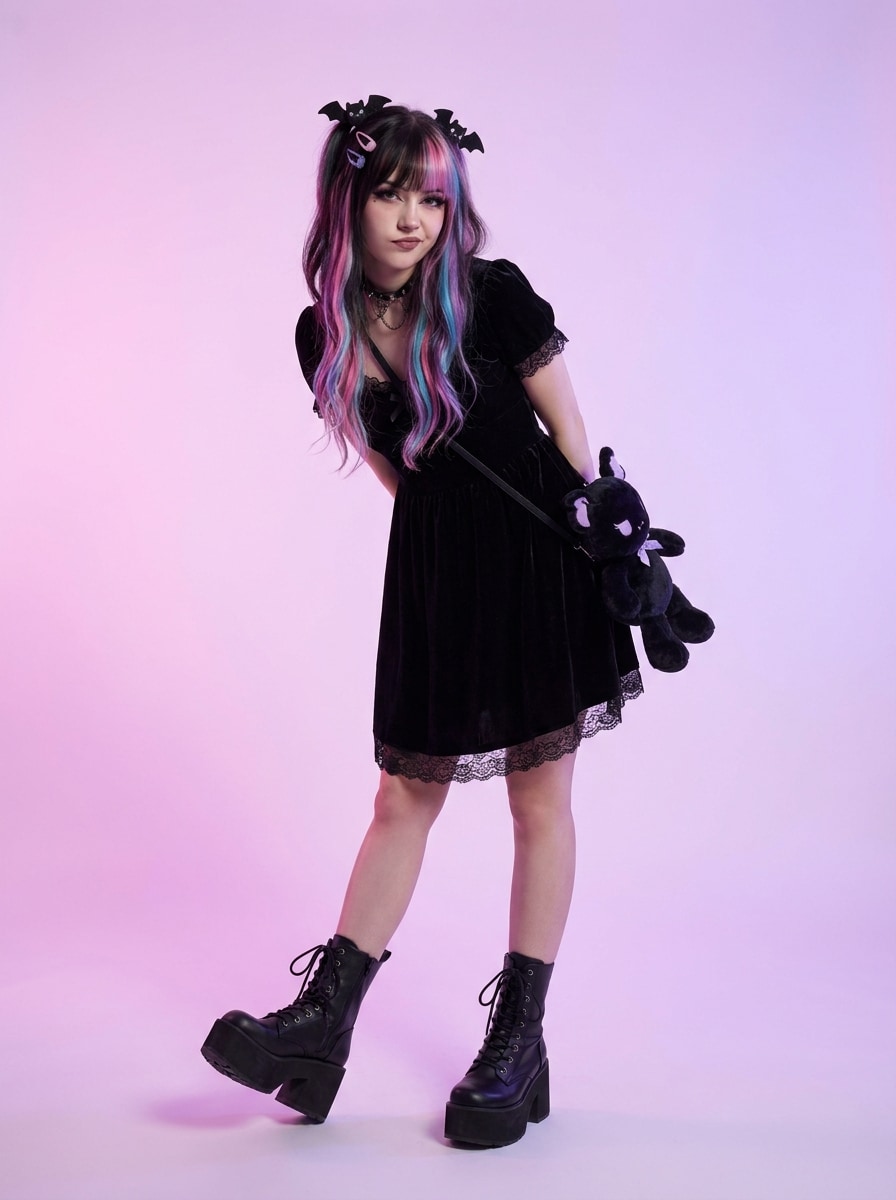
Verwandle jedes Foto schnell in einen Pastel-Goth-Ästhetik-Look
Erstelle ein Pastel-Goth-Ästhetik-Bild aus deinem Foto in wenigen Minuten. Nutze Media.io, um einen Pastel-Goth-Filter anzuwenden und ein sanft-dunkles Porträt, einen Avatar, ein Outfit-Foto oder eine Zimmer-Neugestaltung mit Pink-, Lavendel-, Mint- und Schwarz-Styling zu erstellen, das niedlich, kantig und bereit zum Teilen wirkt.
Gib deine Idee ein -> KI gestaltet sie. Kostenlos ausprobieren.
Schau dir diese Beispielanweisungen an und passe die Details an, um mit dieser Pastel-Goth-Ästhetik in Media.io bessere Ergebnisse zu erzielen.
Sanftes Pastel-Goth-Selfie
Verwende das hochgeladene Bild als Motiv und transformiere es in ein Pastel-Goth-Porträt mit Lavendel- und Babyrosa-Tönen, schwarzem Eyeliner, sanftem Rouge, kleinen Herzakzenten, glänzenden Lippen, diffusem Glühlicht, glatter Hauttextur und einer stilvollen redaktionellen Komposition mit niedlich-aber-dunkler Modeenergie.
Kawaii-Goth-Porträt
Verwende das hochgeladene Foto als Motiv und style es in ein Kawaii-Pastel-Goth-Porträt mit Rosa- und Fliedertönen, schwarzen Spitzenaccessoires, Choker-Details, glänzenden Augen, sticker-ähnlichen Herzen und Sternen, sanftem Neonglühen, plüschigen Texturen und einem verträumten Social-Media-Beauty-Look um.
Dunkel-Niedlicher Studio-Look
Verwende das hochgeladene Porträt und verwandle es in ein niedliches, dunkles Studio-Bild mit Pastell-Pink- und Violett-Hintergründen, schwarzen Samtakzenten, sanfter Konturierung, stimmungsvollem, aber verspieltem Ausdruck, bonbonfarbenen Highlights, kontrolliertem Kontrast und einem polierten, magazinartigen Finish voller Textur und Tiefe.
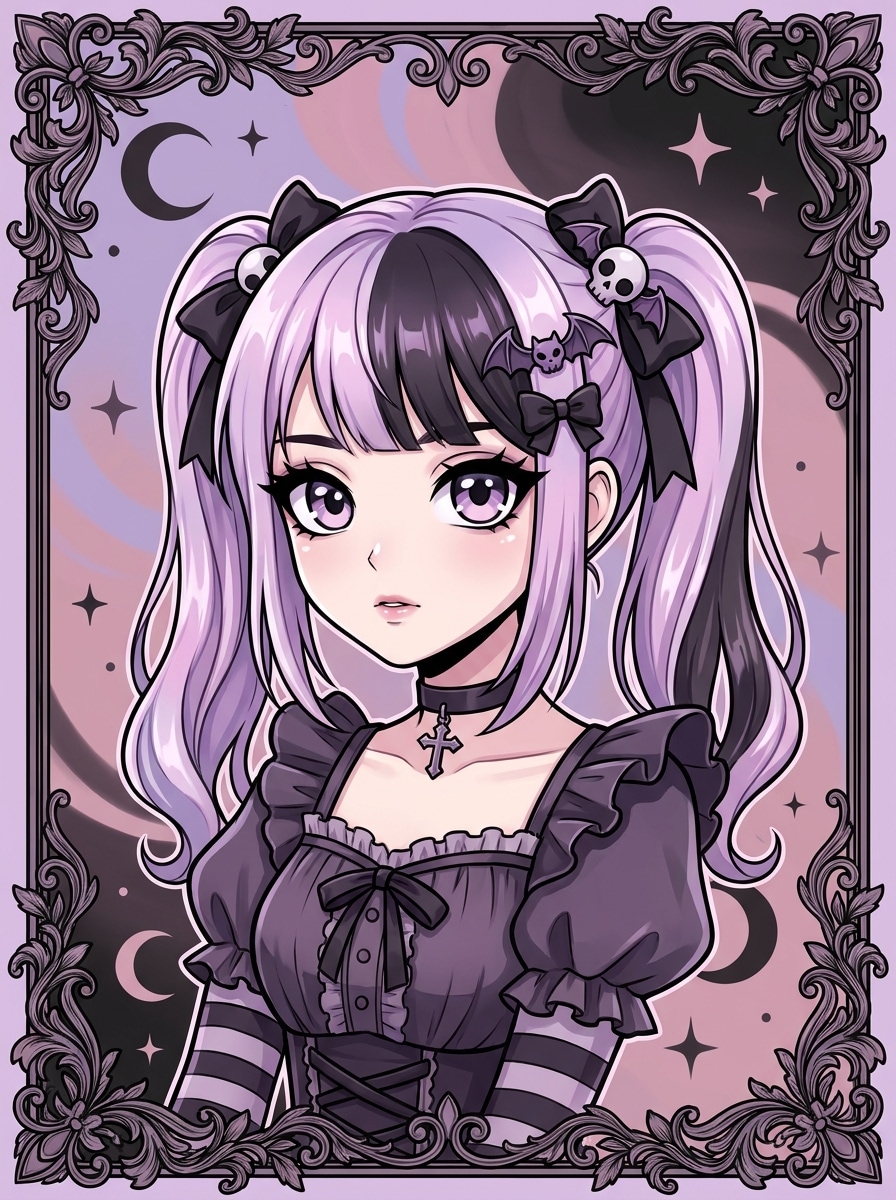
Pastel-Goth-Anime-Avatar
Verwende das hochgeladene Bild als Identitätsreferenz und transformiere es in einen anime-inspirierten Pastel-Goth-Avatar mit übergroßen ausdrucksstarken Augen, Flieder-Pink-Schwarz-Palette, gotischen Haarklammern, sauberer Linienzeichnung, glänzender Schattierung, sanften Verläufen und einer charmanten Profilbild-Komposition.
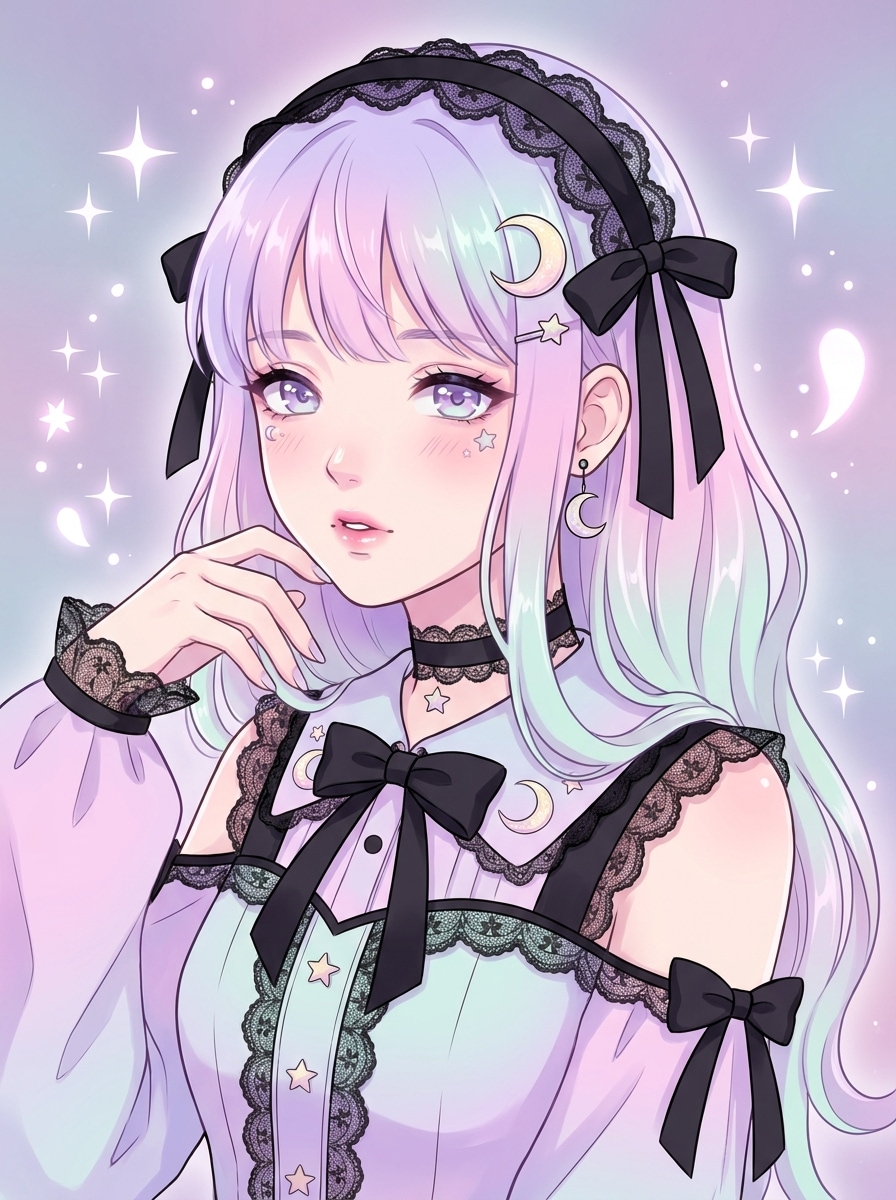
Manga-Goth-Dreamcore
Verwende das hochgeladene Foto als Basis und konvertiere das Motiv in einen Manga-Stil Pastel-Goth-Charakter mit Pastellverläufen, schwarzen Bändern, Glitzern, Mondmotiven, knackiger Cel-Schattierung, verträumter Atmosphäre und Modedetails, die sanfte Süße mit gotischer Schärfe verbinden.
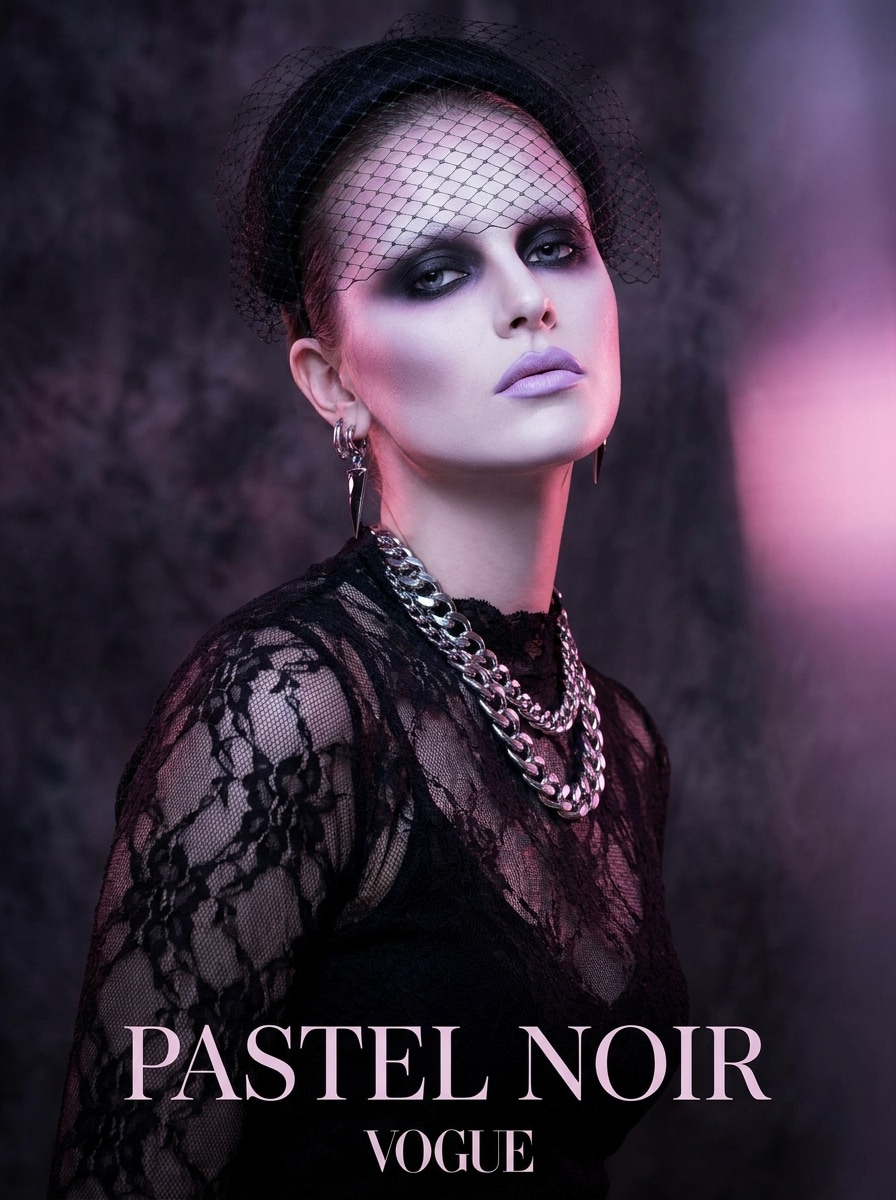
Runway-Pastel-Goth
Verwende das hochgeladene Porträt und verleihe ihm ein High-Fashion-Pastel-Goth-Redaktions-Makeover mit dramatischem Make-up, Pastell-Pink- und Violett-Beleuchtung, schwarzen Spitzentexturen, luxuriösem Styling, glänzender Magazin-Retusche, scharfer Komposition und selbstbewusster Runway-Energie, die für Moodboards und Social-Media-Posts geeignet ist.
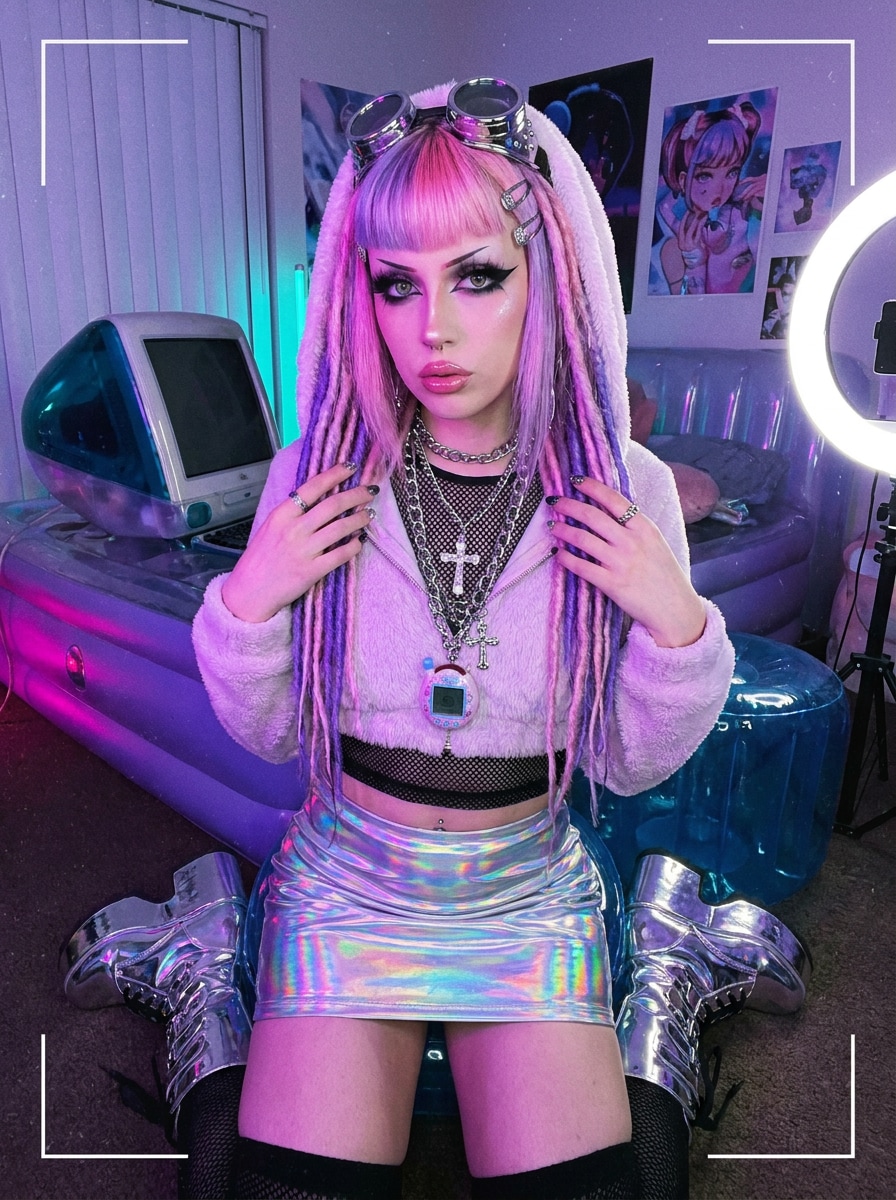
Y2K-Pastel-Goth
Verwende das hochgeladene Bild als Motiv und wende einen Y2K-inspirierten Pastel-Goth-Stil mit Chrom-Accessoires, Babyrosa- und Violett-Tönen, dunklem Eyeliner, verspielten Cyber-Details, glänzenden Texturen, nostalgischer Modehaltung und lebendigem, aber ausgewogenem Kontrast für ein auffälliges Makeover an.
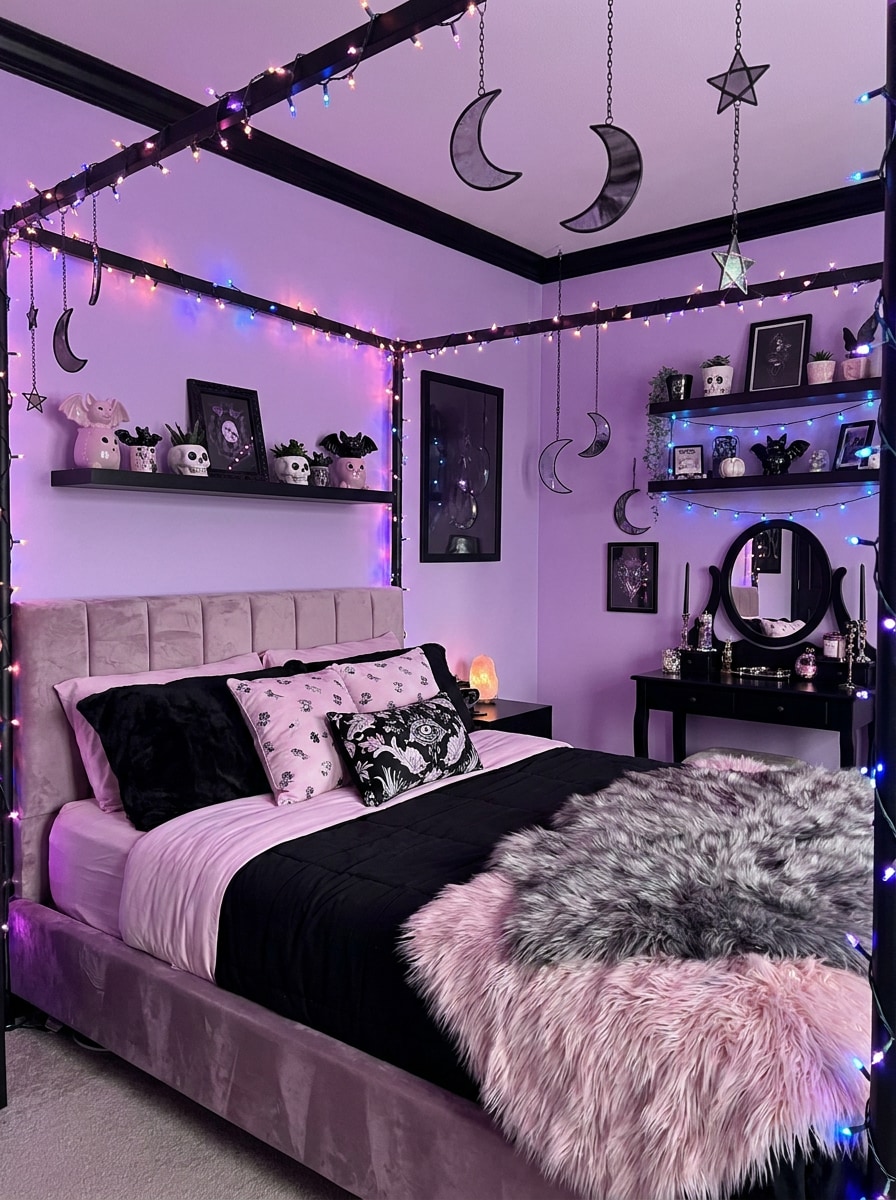
Pastel-Goth-Schlafzimmer
Verwende das hochgeladene Zimmerfoto und transformiere es in ein Pastel-Goth-Schlafzimmer mit Lavendelwänden, schwarzen Dekorakzenten, plüschigen Texturen, Mond- und Sternornamente, sanftem LED-Glühen, niedlicher gotischer Dekoration, gemütlicher Stimmung und einer ausgewogenen Inneneinrichtungskomposition mit präzisen Details.
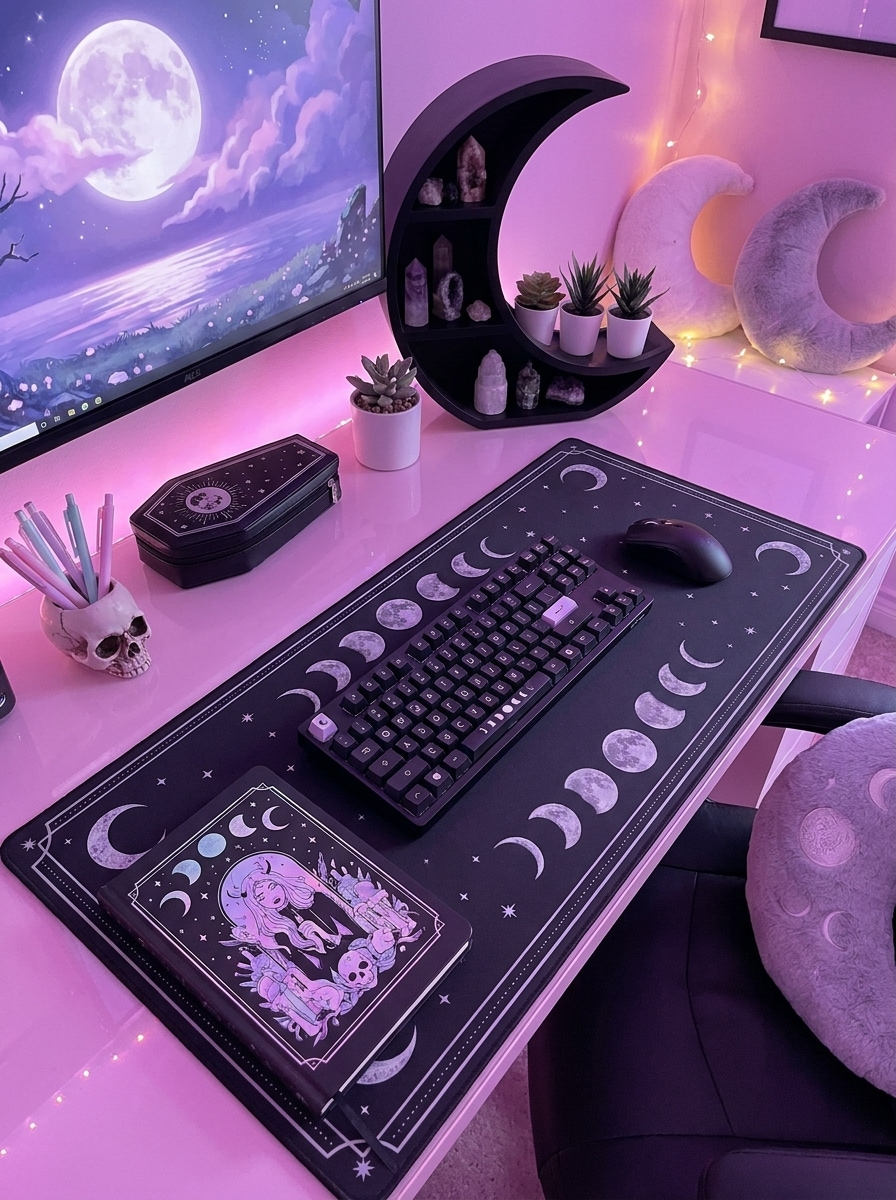
Schreibtisch-Setup Pastel-Goth
Verwende das hochgeladene Schreibtisch-Setup-Foto und style es mit Pink-Lila-Umgebungsbeleuchtung, schwarzen Accessoires, niedlichem gotischen Schreibwaren, Monddetails, verträumten Highlights, glatten reflektierenden Oberflächen und einer sauberen modernen Komposition um, die sich gemütlich, kreativ und leicht kantig anfühlt.
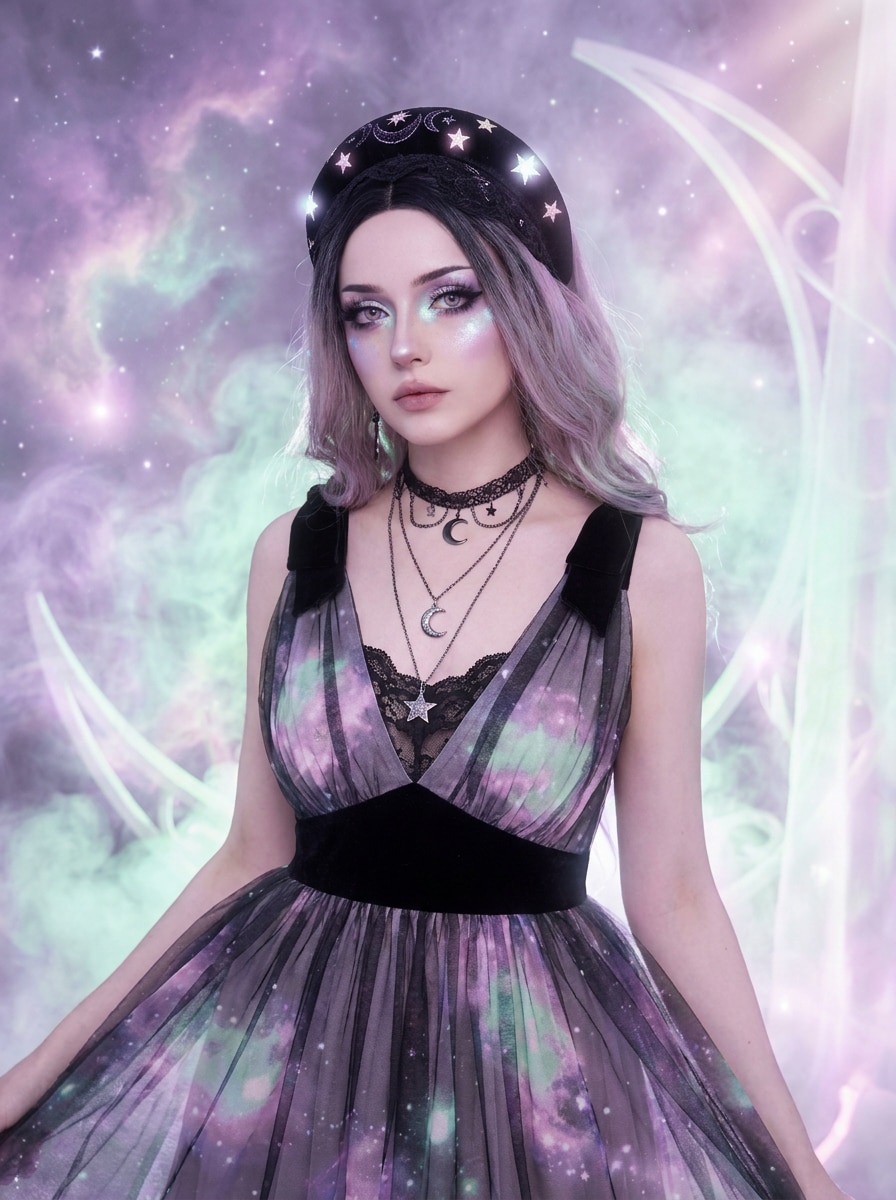
Himmlisches Pastel-Goth
Verwende das hochgeladene Bild als Motiv und transformiere es in eine himmlische Pastel-Goth-Szene mit Mondmotiven, Sterndetails, Pastell-Nebelton, dunklen Akzenten, mystischem Glühen, ätherischem Dunst und einer kantigen Fantasiestimmung, die das erkennbare Motiv dennoch bewahrt.
Warum Media.io für eine Pastel-Goth-Fototransformation nutzen
Behalte deine Identität, während du die gesamte Atmosphäre veränderst
Beginne mit einem echten Selfie, einer Avatar-Basis, einem Outfit-Foto oder einem Zimmerfoto, und Media.io nutzt referenzbasierte Bearbeitung, um erkennbare Details beizubehalten, während das Bild in einen sanft-dunklen KI-Pastel-Goth-Filter-Stil verwandelt wird.
Ein Motiv in mehrere Stile umarbeiten
Wenn das Bild für eine echte Veröffentlichung gedacht ist, liefert Media.io eine sauberere Ausgabe bis zu 4K, damit die Pastel-Goth-Ästhetik in Folien, Hintergrundbildern und wiederverwendeten kreativen Assets klar bleibt.
Sauberere Ausgabe bis zu 4K generieren
Wenn ein visuelles Pastel-Goth-Ästhetik-Bild für eine echte Veröffentlichung bestimmt ist, liefert Media.io eine schärfere Ausgabe bis zu 4K, was hilft, das Bild in Präsentationen, Hintergründen und wiederverwendeten Assets klar zu halten.
Den Workflow über Geräte hinweg am Laufen halten
Kreative Bearbeitung wechselt oft zwischen Geräten, und Media.io hält den Workflow in deinem Browser, sodass du einen Cute-Goth-Filter-Look auf dem Handy erstellen und später auf dem Desktop verfeinern kannst, ohne zusätzliche Software zu installieren.
So erstellst du ein Pastel-Goth-Bild aus deinem Foto
Verwandle deine Worte in drei einfachen Schritten in beeindruckende Visuals und verfeinere das Ergebnis weiter, wenn du es vertiefen möchtest.
Schritt 1
Lade dein Referenzbild hoch
Beginne mit einem klaren Selfie, Zimmerfoto, Outfit-Foto oder einer Avatar-Basis im JPG-, PNG- oder JPEG-Format. Gute Beleuchtung und sichtbare Details helfen Media.io, den Stil präziser anzuwenden und das Motiv oder die Szene leicht erkennbar zu halten.
Schritt 2
Beschreibe die Änderung und lege Optionen fest
Gib den gewünschten Look ein, z. B. einen Pastell-Dunkel-Ästhetik-Filter mit Pink-, Flieder-, Mint-, Schwarz-Akzenten, verträumtem Glühen oder Kawaii-Goth-Details. Wähle dann das Modell und passe Seitenverhältnis, Auflösung und die Anzahl der Bildvariationen an.
Schritt 3
Generieren, Herunterladen und Weiterverbessern
Generiere deine Bearbeitung, vergleiche die Variationen und lade das Ergebnis herunter, das dir am besten gefällt. Du kannst den Prompt verfeinern, eine andere visuelle Richtung ausprobieren oder weitere Versionen für Profilbilder, Moodboards, Zimmerdekor-Konzepte und Social-Content erstellen.
Das Potenzial des KI-Pastel-Goth-Filters entfalten
Sieh, wie Kreative diese Pastel-Goth-Ästhetik für Content, Marketing und persönliche Projekte nutzen, und passe jede Idee an dein Briefing an.
Selfies für Social-Profile neu gestalten
Verwandle alltägliche Porträts in polierte sanft-dunkle Bearbeitungen mit Fliederlicht, schwarzen Details und niedlichen Accessoires. Media.io hilft dir, Profilfotos, Reel-Cover und Creator-Branding mit einem markanten alternativen Look zu erstellen, während deine echten Gesichtszüge erkennbar bleiben.
Charakter-Avatare und Moodboard-Kunst erstellen
Nutze einen Upload, um anime-inspirierte Icons, verträumte Redaktionsporträts oder Kawaii-Goth-Konzepte für Fan-Pages, Streaming-Grafiken und persönliches Branding zu erkunden. Ein gut ausgerichteter Pastel-Goth-Filter in Media.io hilft dir, plattformübergreifend kohärente Visuals zu erstellen, einschließlich einer subtilen Pink-Goth-Foto-Filter-Atmosphäre, wenn es zum Konzept passt.
Zimmer, Outfits und Ästhetik-Konzepte transformieren
Gehe über Porträts hinaus, indem du Schlafzimmerfotos, Schreibtisch-Setups und Modeaufnahmen in koordinierte Pastell-und-Schwarz-Szenen bearbeitest. Media.io erleichtert es, Dekorideen, Content-Themen oder eine Pastell-Dunkel-Ästhetik-Filter Richtung zu testen, bevor du postest, veröffentlichst oder neu gestaltest.
Was Nutzer über dieses Style-Tool sagen
Maya R.
Beauty-Content-Creatorin
„Perfekt für sanft-dunkle Selfie-Bearbeitungen" Ich wollte einen verträumten Pink-und-Schwarz-Look, ohne alles manuell bearbeiten zu müssen. Die Ergebnisse wirkten sofort stilvoll, und ich konnte schnell verschiedene Porträt-Atmosphären aus demselben hochgeladenen Selfie testen.
Jordan K.
Digitaler Künstler
„Großartig für Avatare und Charakter-Konzepte" Ich habe es genutzt, um ein normales Porträt in ein Pastel-Goth-Avatar-Konzept zu verwandeln. Die Farbrichtung war stark, und es hat mir Zeit gespart, als ich Moodboards für das Charakter-Design erstellt habe.
Elena T.
Lifestyle-Bloggerin
„Nützlich über Porträts hinaus" Ich habe es an einem Schlafzimmerfoto und einem Schreibtisch-Setup ausprobiert, nicht nur an Selfies. Es war überraschend gut darin, eine kohärente niedlich-trifft-dunkle Ästhetik für Pinterest-artiges Content-Planning zu erstellen.
Chris L.
Social-Media-Manager
„Schnelle Variationen für Kampagnen-Visuals" Die Batch-Variationen haben mir geholfen, mehrere Looks schnell zu überprüfen. Das machte es einfacher, das stärkste Bild für Social-Posts und Cover-Grafiken auszuwählen, ohne den gesamten Workflow zu wiederholen.
Entdecken Sie die beliebtesten KI-Video- und Bildeffekte
1. Was ist eine Pastel-Goth-Ästhetik-Fotobearbeitung?
Eine Pastel-Goth-Ästhetik-Fotobearbeitung verbindet sanfte Pastellfarben wie Pink, Lavendel oder Mint mit dunkleren gotischen Elementen wie schwarzen Akzenten, Eyeliner, Spitze, himmlischen Motiven oder stimmungsvoller Beleuchtung. Mit Media.io kannst du ein Foto hochladen und es in diesen niedlich-trifft-dunklen Look für Porträts, Avatare, Outfits oder Zimmerszenen umgestalten.
2. Wie kann ich ein Bild online in eine Pastel-Goth-Ästhetik verwandeln?
Lade ein JPG-, PNG- oder JPEG-Bild in Media.io Image-to-Image hoch und beschreibe dann den gewünschten Stil mit Details wie Pink- und Fliedertönen, schwarzem Kontrast, verträumtem Glühen, Kawaii-Goth-Accessoires oder redaktionellem Make-up. Du kannst das Ergebnis auch in Richtung eines Pastel-Goth-Filters, eines Pink-Goth-Foto-Filter-Looks oder eines weicheren Pastell-Dunkel-Ästhetik-Filter-Gefühls lenken. Wähle danach dein bevorzugtes Modell, Seitenverhältnis und Auflösung, generiere dann das Bild und verfeinere es, bis es deiner Idee entspricht.
3. Kann ich Media.io Image-to-Image kostenlos nutzen?
Kostenlose Nutzer können Media.io Image-to-Image mit kostenlosen Credits ausprobieren. Je nach deinem Plan können kostenlose Ausgaben Wasserzeichen enthalten, während zahlende Abonnenten wasserzeichenfreie hochauflösende Bilder herunterladen können. Weitere Nutzungsdetails findest du auf der Preisseite.
4. Welche Arten von Fotos eignen sich am besten für einen Pastel-Goth-Filter oder -Generator?
Klare, gut beleuchtete Fotos funktionieren in der Regel am besten. Für Porträts verwende ein nach vorne gerichtetes oder leicht angewinkelte Bild, auf dem Gesichtsdetails sichtbar sind. Für Zimmer- oder Outfit-Bearbeitungen lade ein scharfes Bild mit genügend Platz und erkennbaren Objekten hoch. Media.io nutzt dein Referenzbild, um die Transformation zu leiten, daher liefern sauberere Quellfotos tendenziell konsistentere Pastel-Goth-Ästhetik-Ergebnisse.
5. Kann ich Pastel-Goth-Porträts, Avatare und Zimmerbilder mit einem Tool erstellen?
Media.io Image-to-Image kann mit verschiedenen visuellen Typen arbeiten, sodass du ein Selfie für eine Porträtbearbeitung, eine Charakterbasis für ein Avatar-Konzept oder ein Zimmerfoto für ein Innenraum-Makeover hochladen kannst. Das macht Media.io nützlich, wenn du einen einzigen Workflow für persönliche Fotos, Social-Grafiken und ästhetische Design-Experimente möchtest.
6. Wird meine Pastel-Goth-Bildausgabe hochauflösend sein?
Media.io bietet 1K-, 2K- und 4K-Auflösungsoptionen für die Image-to-Image-Generierung. Das gibt dir Flexibilität, egal ob du einen schnellen Social-Post, ein saubereres Profilbild oder eine detailliertere Datei für Cover, Poster und Moodboard-artige Visuals benötigst. Kostenlose Nutzer können Wasserzeichen haben.
Jenseits des KI-gestützten Online-Pastel-Goth-Ästhetik