Deine Werke werden nur 7 Tage lang gespeichert. Assets, die nach dem Upgrade auf einen Mitgliedschaftstarif erstellt werden, werden dauerhaft gespeichert.
Entfalten Sie Ihr kreatives Potenzial und erleben Sie jetzt die Magie der Media-KI!
Erstellen Sie ein Kerzen-Mockup mit KI für Etiketten und Verpackungen
Verwandeln Sie ein echtes Kerzenfoto in ein professionelles Kerzen-Mockup für Gläser, Dosen, Schachteln und Marken-Etiketten. Media.io hilft Ihnen, hochwertige Produktvisualisierungen schnell zu erstellen – egal ob Sie einen kostenlosen Kerzen-Mockup-Test, E-Commerce-Bilder oder präsentationsfertige Szenen für Kunden benötigen.
Geben Sie Ihre Idee ein -> KI gestaltet sie. Kostenlos ausprobieren.
Sehen Sie sich diese Beispielanweisungen an und passen Sie dann die Prompt-Details an, um bessere Ergebnisse mit diesem Kerzen-Mockup in Media.io zu erzielen.
Neutrales Glasglas-Produktfoto
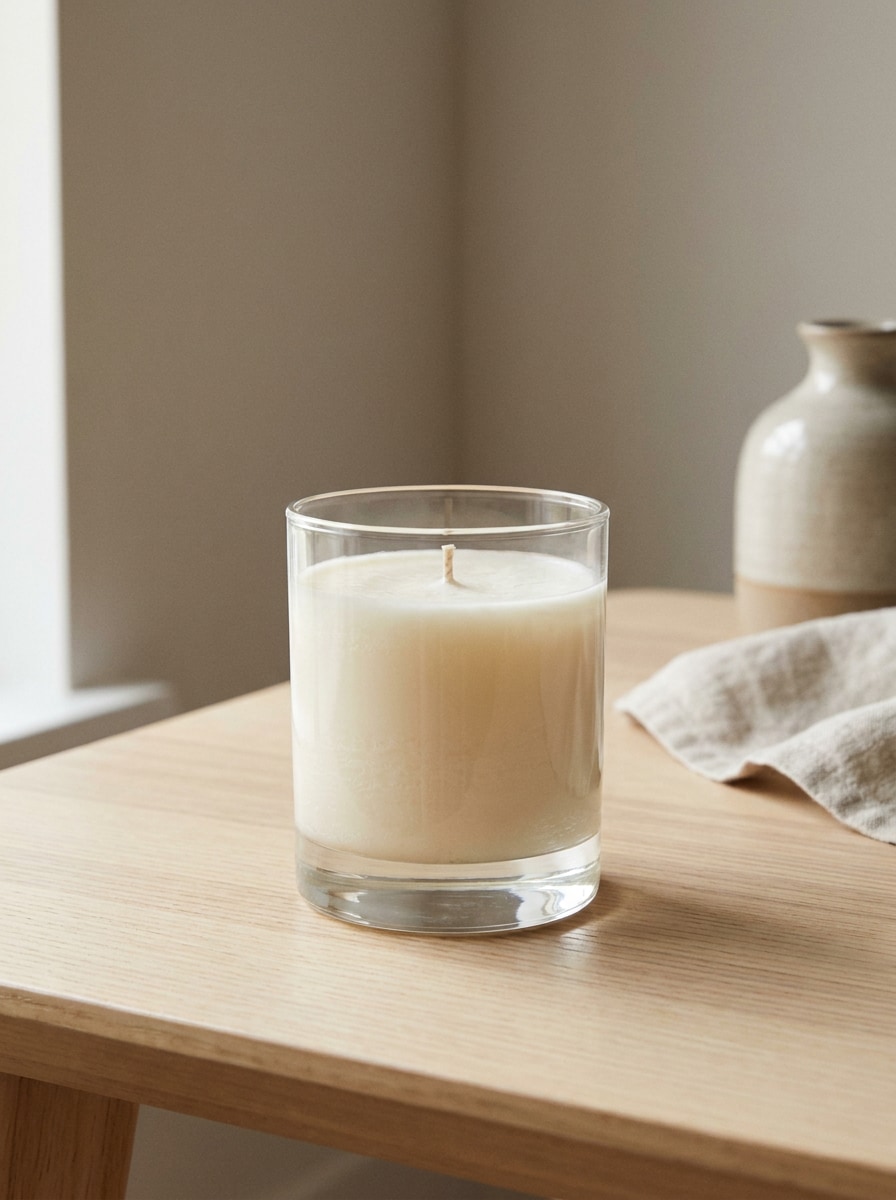
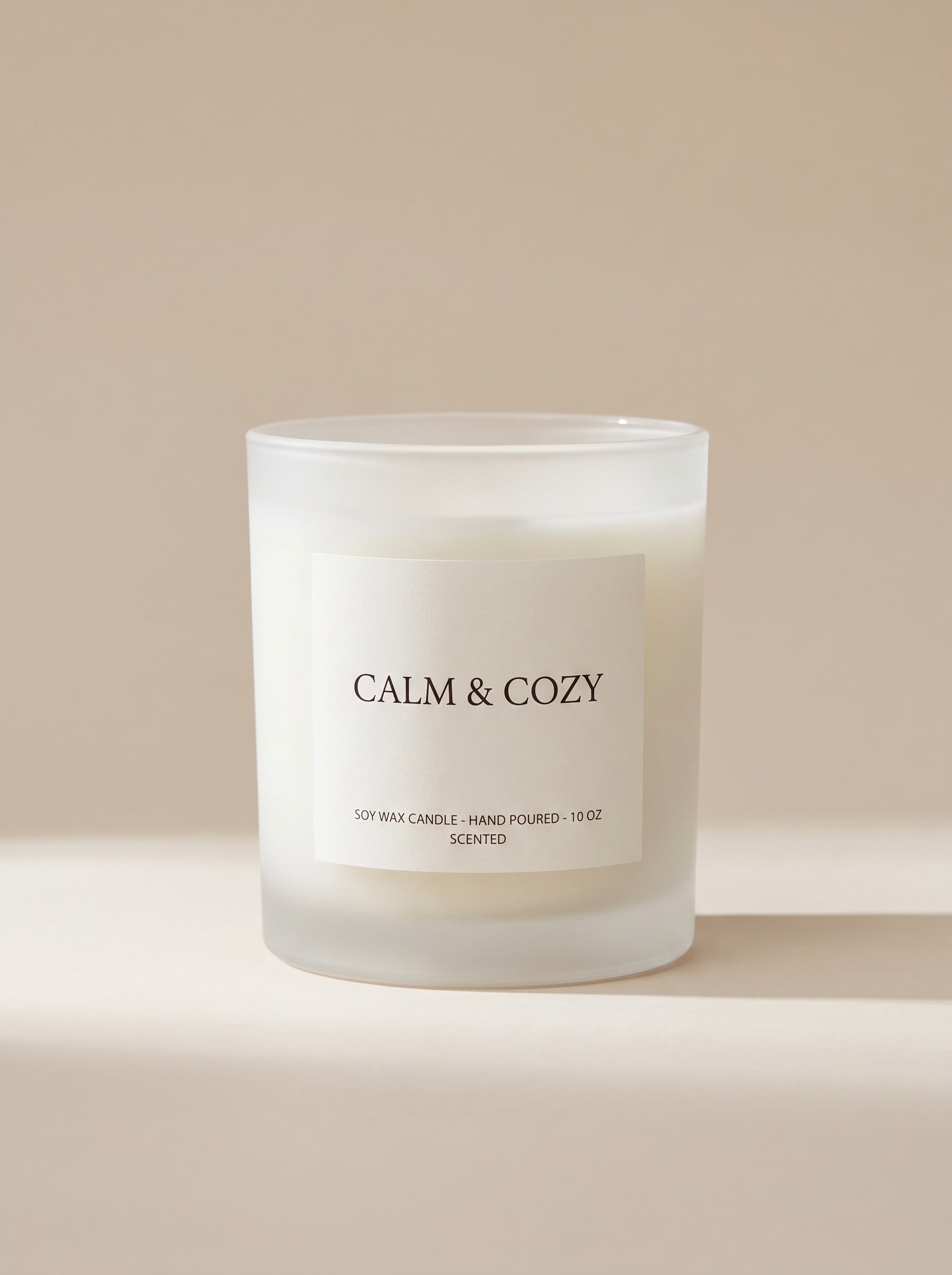
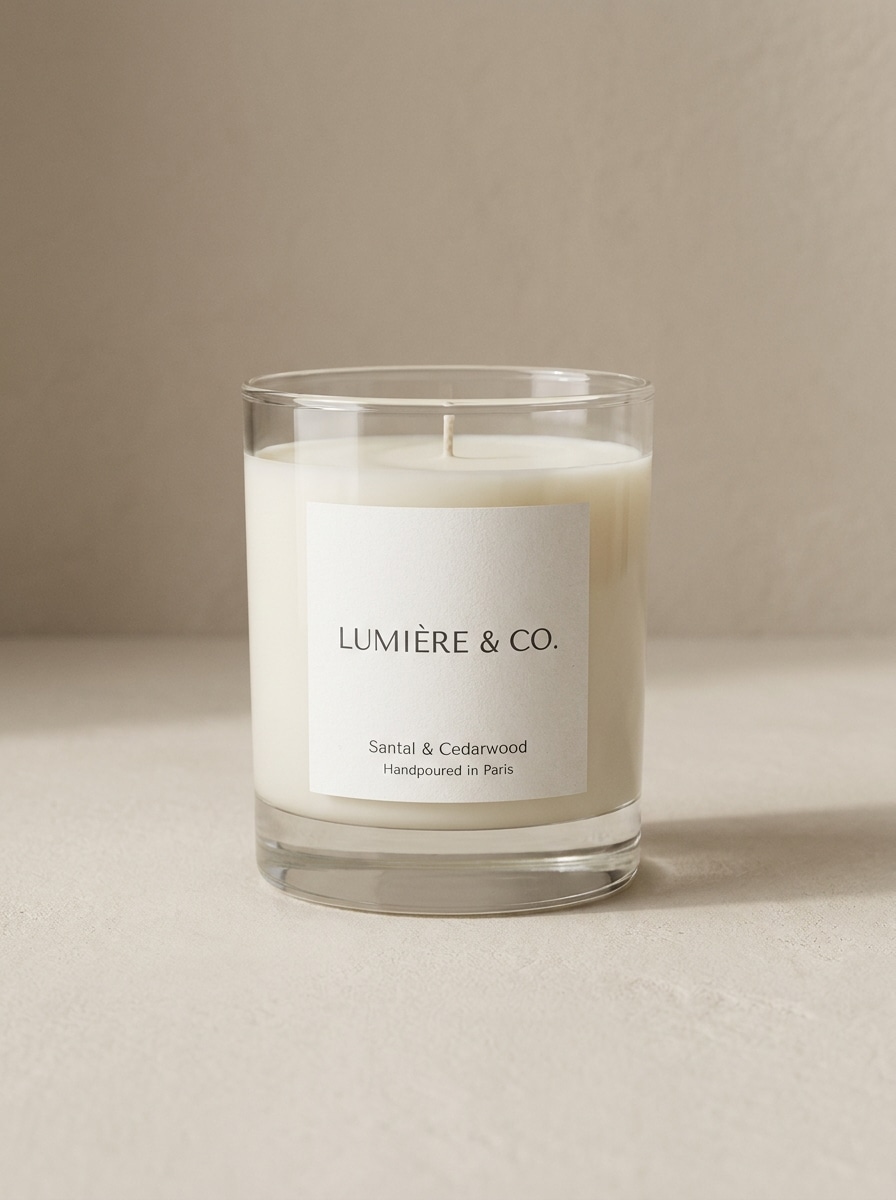
Verwenden Sie das hochgeladene Bild als Hauptkerzenprodukt und verwandeln Sie es in ein fotorealistisches Mockup mit klarem oder mattiertem Glasglas, zentriert auf einem weichen beigefarbenen Studiohintergrund. Halten Sie das Etikett scharf und lesbar, fügen Sie sanfte natürliche Schatten, saubere Reflexionen, Premium-Minimalismus-Styling und eine E-Commerce-gerechte frontale Komposition hinzu.
E-Commerce-Mockup mit weißem Hintergrund
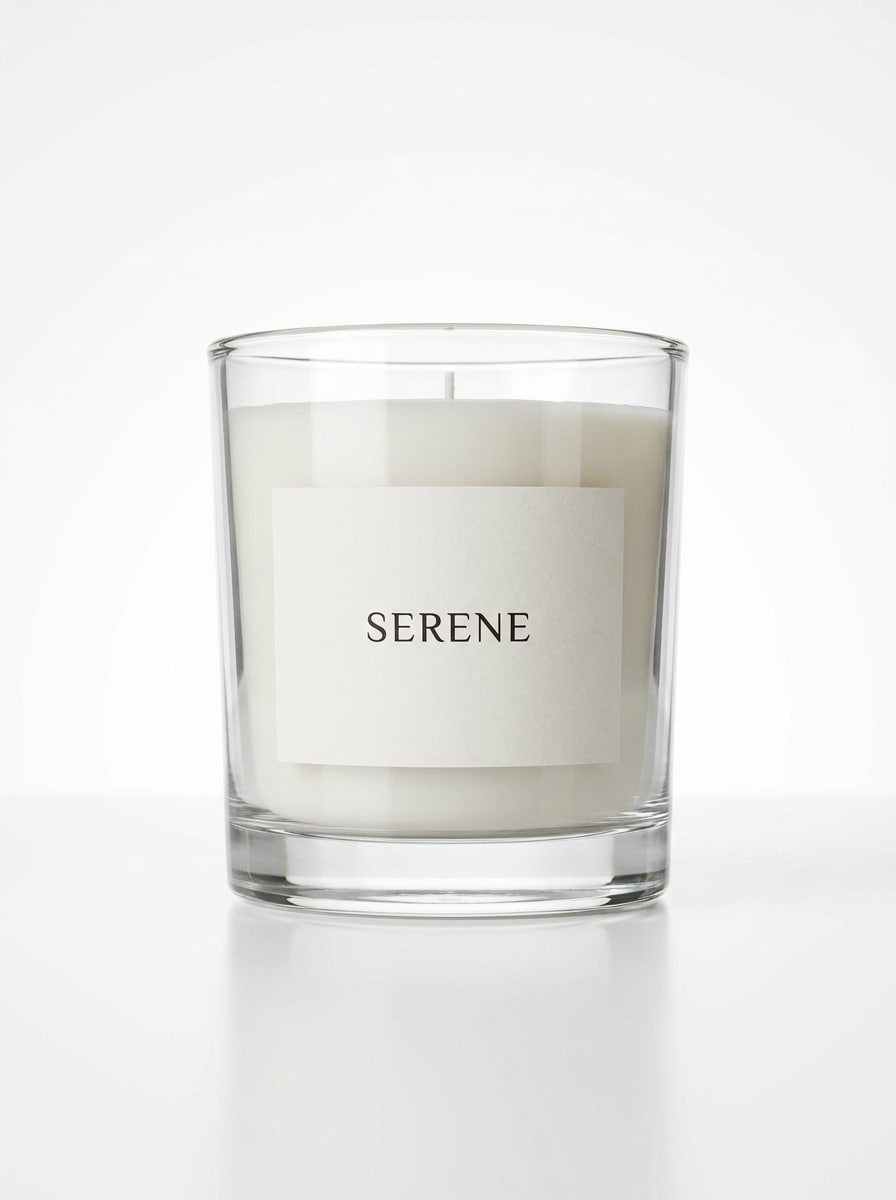
Verwenden Sie das hochgeladene Kerzenbild als Motiv und konvertieren Sie es in ein sauberes Studio-Mockup auf einem reinweißen Hintergrund. Bewahren Sie die realistische Glasform und Etikettenplatzierung, fügen Sie knackige Beleuchtung, weichen Bodenschatten, subtile Reflexionen, scharfe Verpackungsdetails und ein hochwertiges Online-Shop-Produktfoto-Look hinzu.
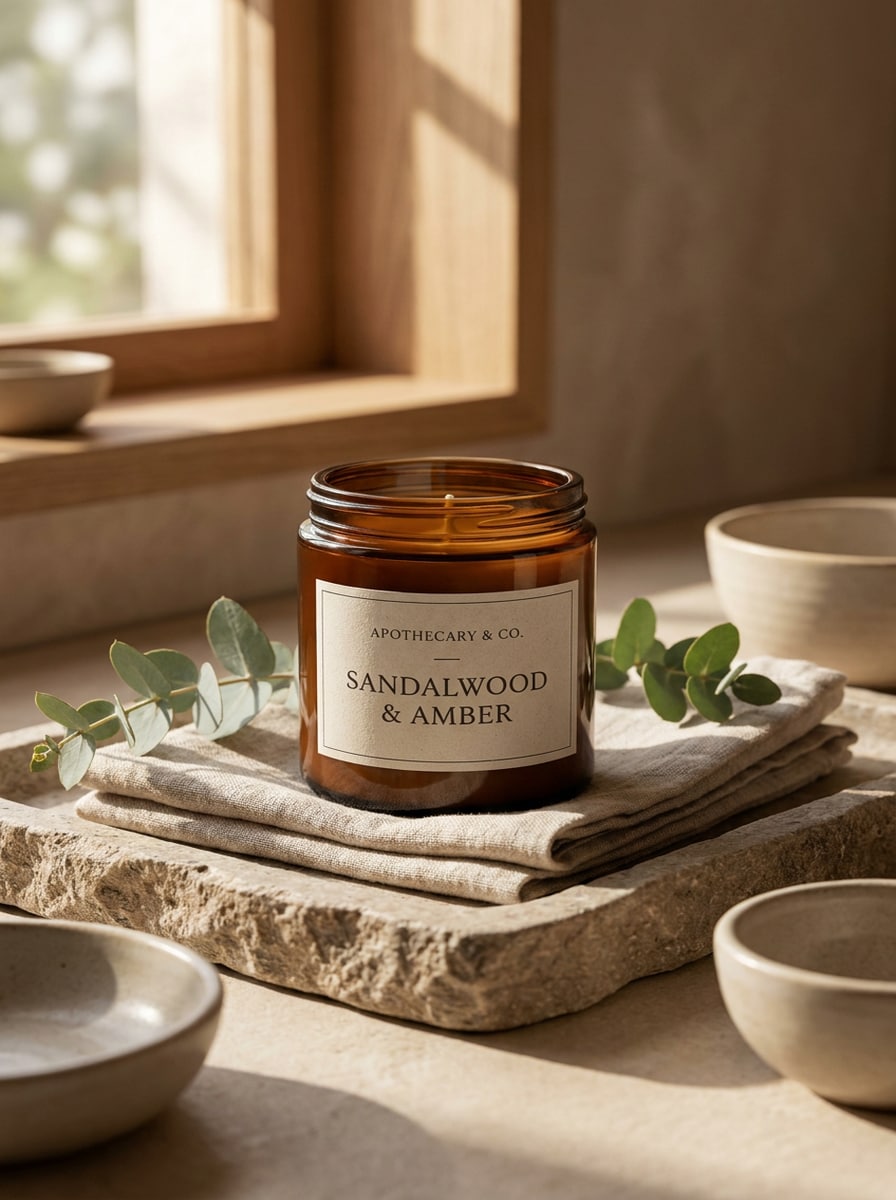
Spa-Apotheken-Ästhetik
Verwenden Sie das hochgeladene Kerzenfoto und gestalten Sie es als luxuriöses Apotheken-Produktbild um. Platzieren Sie es in einem eleganten Spa-Setting mit gefalteten Handtüchern, einem Steintablett, Eukalyptus-Akzenten, warmem natürlichem Licht, Bernsteinglas-Reichtum, verfeinertem Serifenbranding und einer ruhigen Wellness-Stimmung mit hochwertigen Texturen.
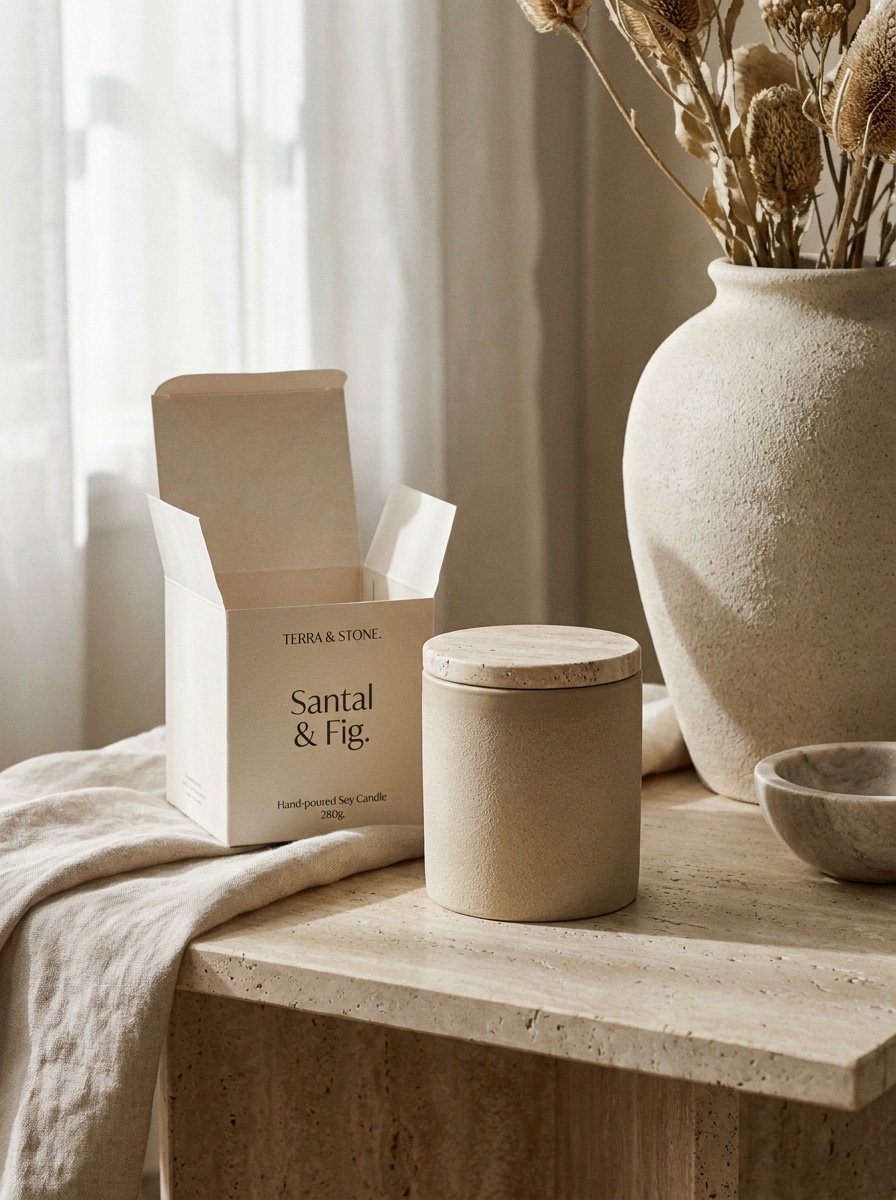
Boutique-Wohndekor-Szene
Verwenden Sie die hochgeladene Kerze als Hauptprodukt und verwandeln Sie sie in ein hochwertiges Wohndekor-Mockup. Inszenieren Sie es auf einer Travertin-Oberfläche mit Keramikvase-Styling, weichem Leinenstoff, diffusem Tageslicht, subtilen botanischen Requisiten und einer gehobenen Boutique-Komposition, die das Branding sichtbar und realistisch hält.
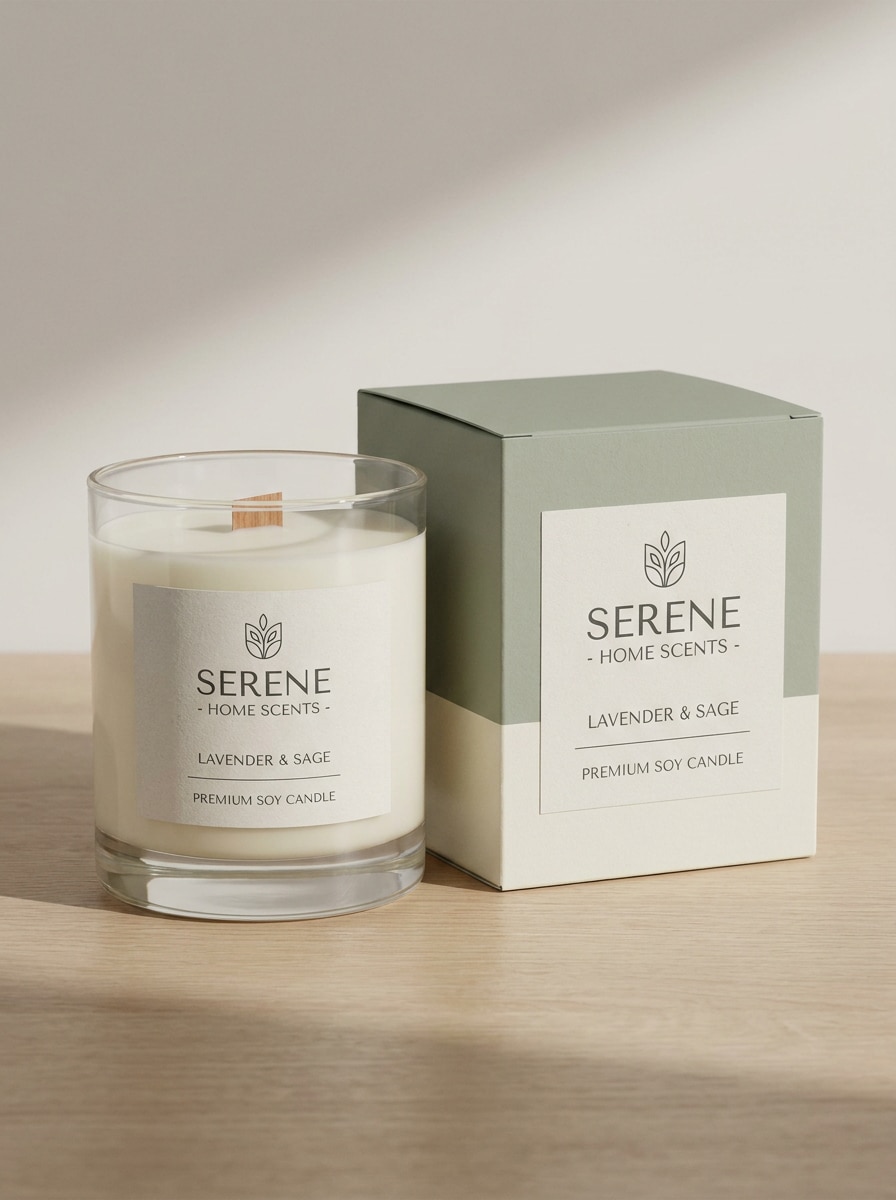
Kerzenbox und Glasset
Verwenden Sie das hochgeladene Kerzenprodukt als Referenz und erstellen Sie ein koordiniertes Glas-und-Box-Verpackungs-Mockup. Fügen Sie eine passende Steckbox neben der Kerze hinzu, richten Sie das Branding auf beiden Oberflächen aus, bewahren Sie realistische Proportionen, verwenden Sie weiches Studioliclit, saubere Schatten und ein hochwertiges Einzelhandels-Display-Layout.
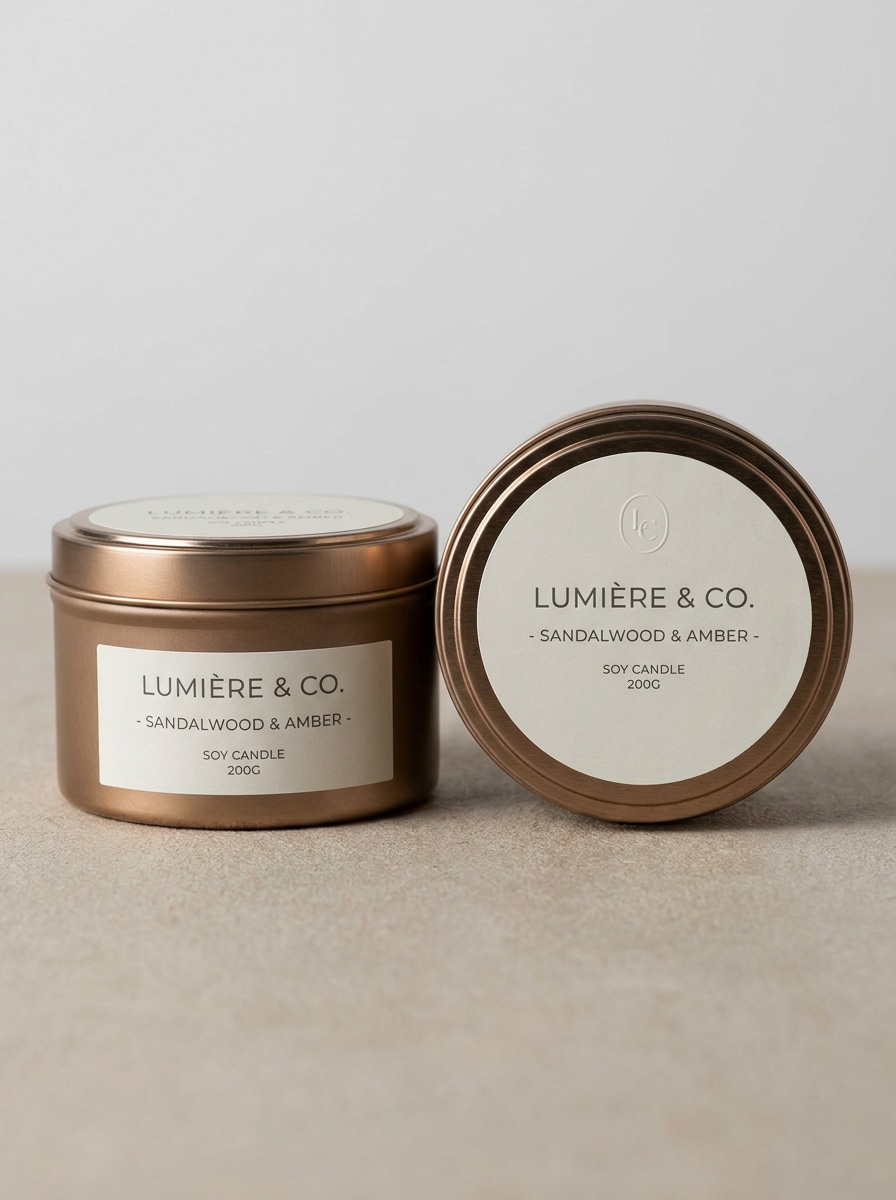
Blechdosen-Kerzenverpackung
Verwenden Sie das hochgeladene Bild und verwandeln Sie es in ein poliertes rundes Blechdosen-Kerzen-Mockup mit Marken-Deckel und Seitenetikett. Zeigen Sie eine hochwertige Metalltextur, sauberen minimalen Hintergrund, Präsentation von oben und im Winkel, realistische Glanzlichter, subtile Schatten und ein modernes Verpackungsdesign, das für Produktlaunches geeignet ist.
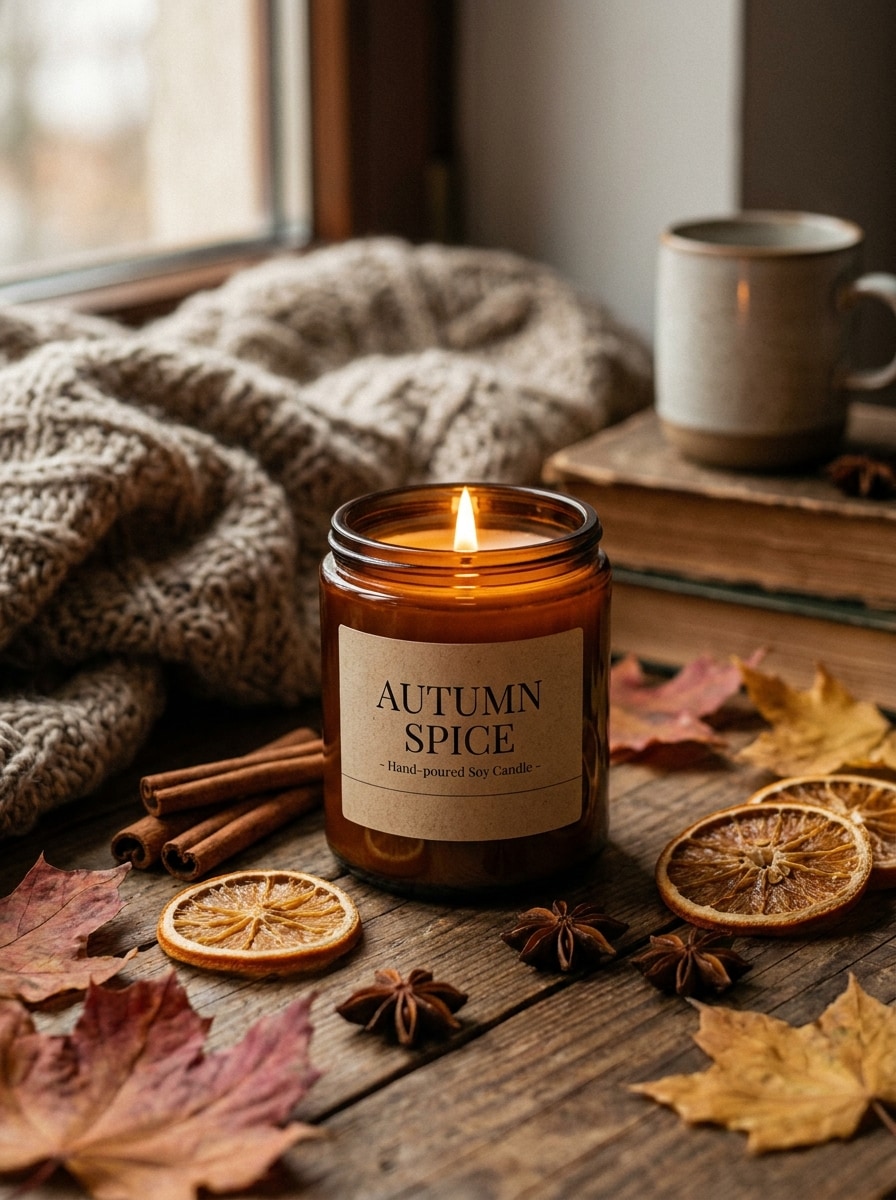
Herbstduft-Kerzenszene
Verwenden Sie die hochgeladene Kerze als Motiv und konvertieren Sie sie in ein gemütliches Herbst-Produkt-Mockup. Fügen Sie Zimtstangen, getrocknete Blätter, warme Braun- und Bernsteintöne, sanfte stimmungsvolle Beleuchtung, realistisches saisonales Styling und eine hochwertige Duft-Story-Komposition hinzu, die Glas und Etikett noch klar sichtbar lässt.
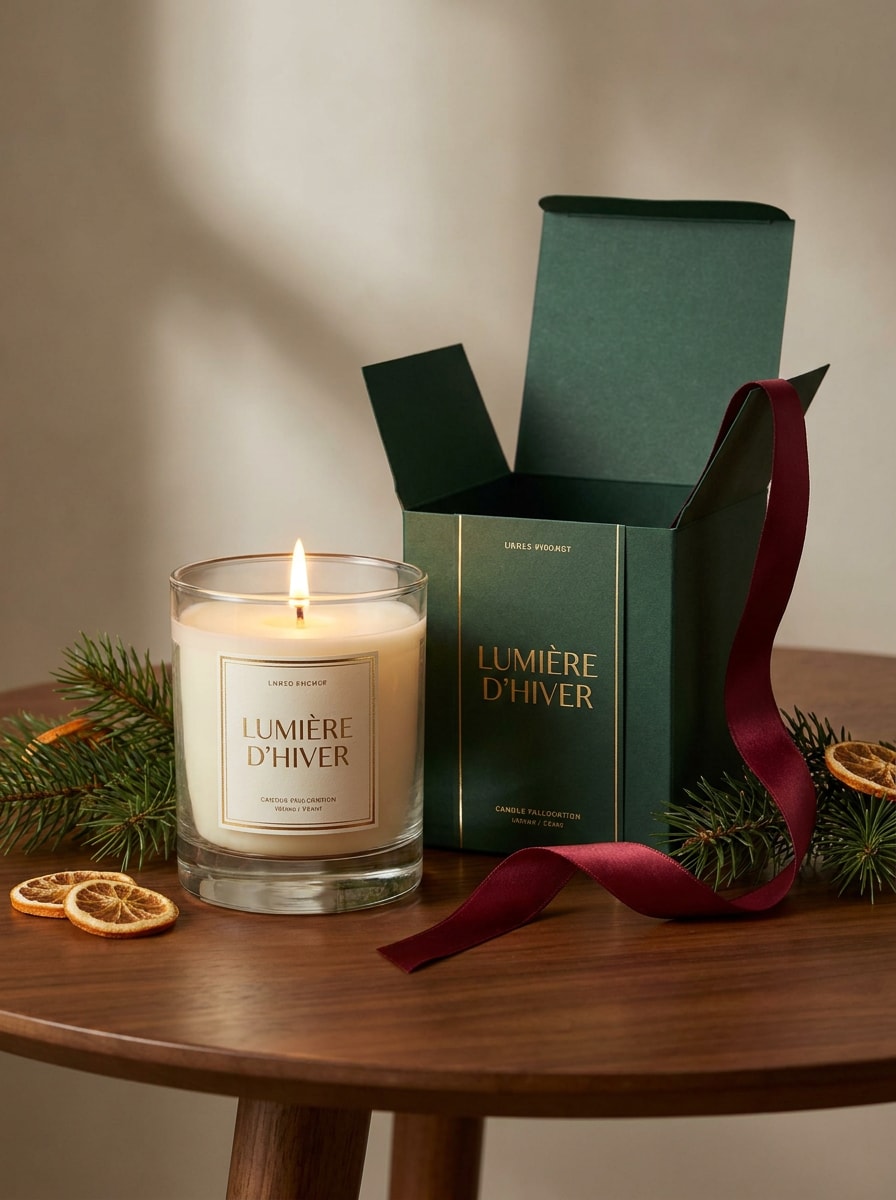
Weihnachtsgeschenk-Kerzen-Mockup
Verwenden Sie das hochgeladene Kerzenfoto und gestalten Sie es als festliches geschenkfertiges Mockup. Fügen Sie eine elegante Markenbox, Banddetails, subtile Tannenakzente, warmes Leuchten, eine verfeinerte Weihnachtspalette und eine hochwertige Einzelhandelsszene hinzu, die festlich wirkt und gleichzeitig Verpackungsoberflächen realistisch und lesbar hält.
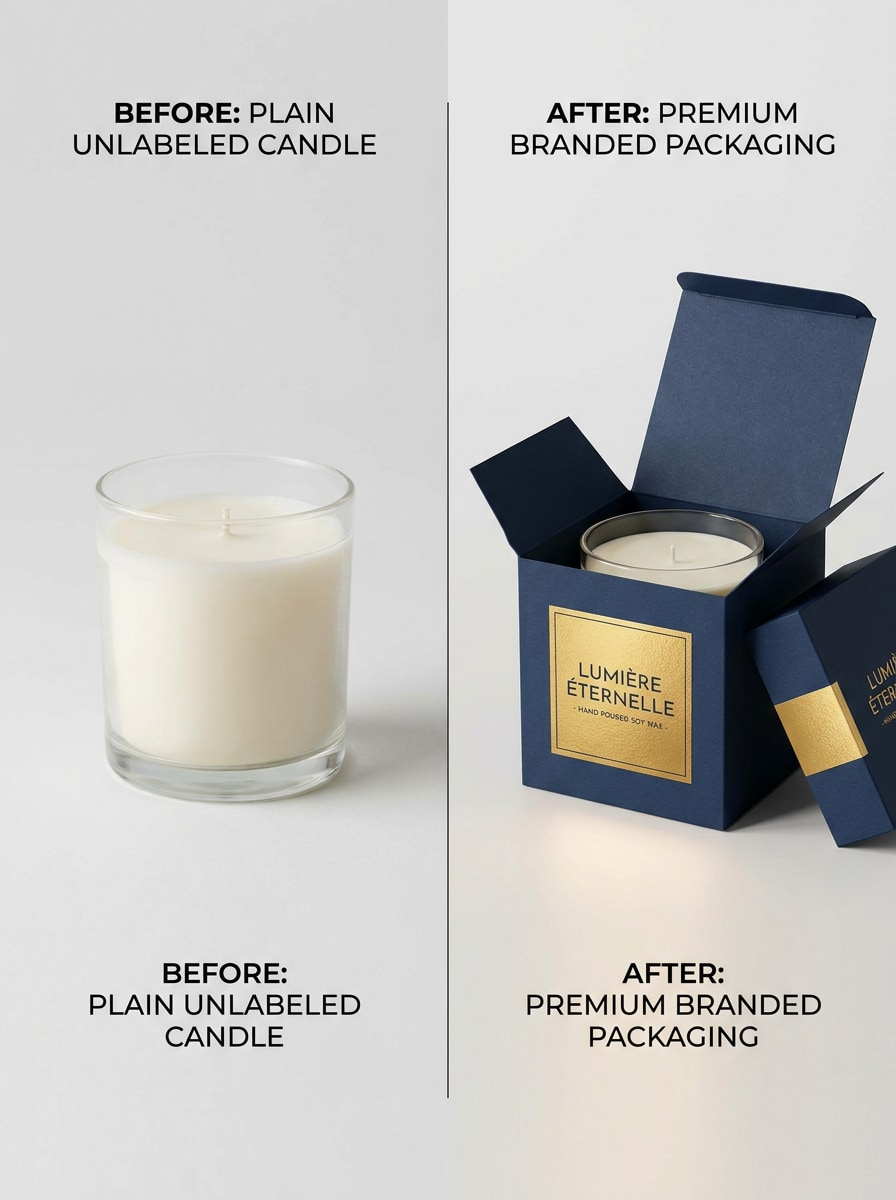
Vorher-Nachher-Etikett-Upgrade
Verwenden Sie das hochgeladene einfache Kerzenfoto und verwandeln Sie es in ein Side-by-Side-Marken-Transformations-Mockup. Halten Sie eine Version einfach und werten Sie die andere mit einem Premium-Etikett, besserer Beleuchtung, poliertem Verpackungsdetail und einem marketingfreundlichen Vergleichslayout auf, das die visuelle Verbesserung klar zeigt.
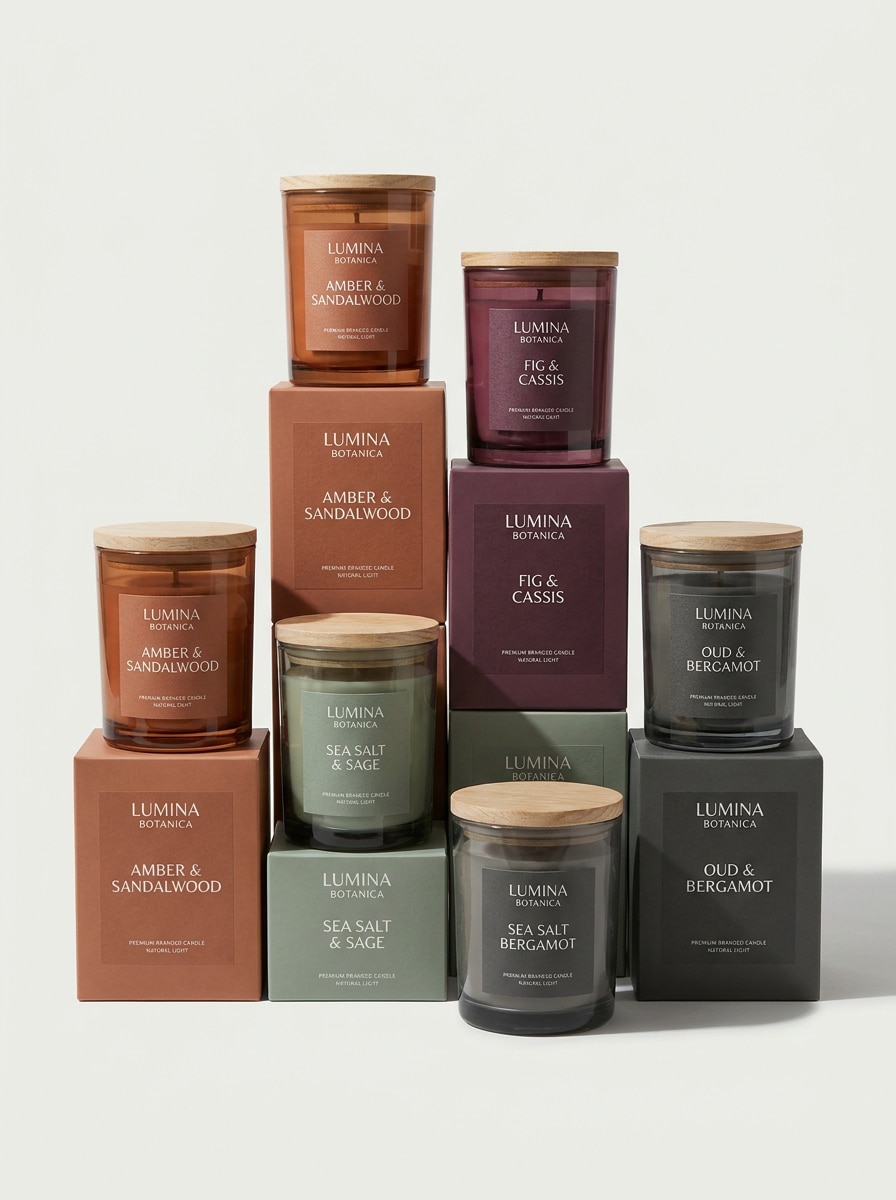
Individuelle Duftvariantenserie
Verwenden Sie das hochgeladene Kerzenbild als Basisprodukt und erstellen Sie eine kohärente Multi-Duft-Mockup-Serie. Generieren Sie passende Gläser mit farbcodierten Etiketten, konsistentem Marken-Layout, hochwertiger Kataloganordnung, weichen Schatten, ausgewogenen Abständen und realistischen Verpackungsdetails für eine vollständige Produktlinien-Präsentation.
Warum Media.io für Kerzenverpackungs-Mockups verwenden
Echte Produktfotos schnell in Markenszenen verwandeln
Mit Media.io können Sie ein Kerzenfoto, Verpackungskonzept oder Entwurfsetikett hochladen und in ein poliertes Mockup für Gläser, Dosen oder Schachteln verwandeln.
Verschiedene Looks erkunden, ohne die Richtung zu verlieren
Verschiedene Ausgaben erfordern unterschiedliche Ästhetik. Media.io hilft Ihnen, verschiedene Behandlungen desselben Kerzen-Mockup-Konzepts zu erkunden, damit das endgültige Visual schneller den richtigen Ton trifft.
Etikettensichtbarkeit und Layout für Produktlistings kontrollieren
Projektformate können sich schnell ändern. Media.io hilft dabei, ein Kerzen-Mockup für Bildschirme, Cover, Karten und verwandte Mockup-Verwendungen anzupassen, sodass Sie eine starke visuelle Richtung effektiver über verschiedene Lieferobjekte hinweg wiederverwenden können.
Sauberere Ausgabe bis zu 4K generieren
Manche Visuals müssen mehr tun, als in einer Vorschau gut auszusehen. Media.io hilft dabei, sauberere Kerzen-Mockup-Bilder mit Ausgaben bis zu 4K zu generieren, sodass das Endergebnis in Hintergrundbildern, Decks und Präsentations-Mockups besser standhält.
So erstellen Sie ein Kerzen-Mockup in Media.io
Verwandeln Sie Ihre Worte in beeindruckende Visuals in drei einfachen Schritten und verfeinern Sie das Ergebnis danach weiter, wenn Sie es weiterentwickeln möchten.
Schritt 1
Referenzbild hochladen
Beginnen Sie mit einem klaren Kerzenfoto, Etikettenkonzept, Glasaufnahme oder Verpackungsbild im JPG-, PNG- oder JPEG-Format. Ein sauberes frontales Produktbild gibt der KI eine stärkere Basis für realistisches Branding, Beleuchtung und Mockup-Platzierung.
Schritt 2
Änderung beschreiben und Optionen festlegen
Geben Sie den gewünschten Stil ein, z. B. ein Kerzenglас-Mockup, eine luxuriöse Spa-Szene, ein E-Commerce-Packshot mit weißem Hintergrund oder eine Box-und-Glas-Präsentation. Wählen Sie dann Ihr Modell und passen Sie Seitenverhältnis, Bildanzahl und Auflösung für das endgültige Layout an.
Schritt 3
Generieren, Herunterladen und Weiterverbessern
Erstellen Sie mehrere Versionen, vergleichen Sie die stärksten Szenen und laden Sie das Mockup herunter, das am besten zu Ihrem Shop, Portfolio oder Kundendeck passt. Sie können den Prompt verfeinern, Details neu generieren oder neue Verpackungslooks testen, bis das Branding richtig wirkt.
Das Potenzial des kostenlosen Kerzen-Mockups entfalten
Sehen Sie, wie Ersteller dieses Kerzen-Mockup für Inhalte, Marketing und persönliche Projekte verwenden, und passen Sie jede Idee an Ihre Anforderungen an.
Bessere E-Commerce-Produktbilder lancieren
Erstellen Sie saubere Storefront-Visuals aus einem einzigen Produktfoto, anstatt jedes Mal ein vollständiges Shooting zu inszenieren. Media.io macht es praktisch, Etikettenplatzierung, Hero-Images und hochwertige Verpackungslooks zu testen, bevor Sie in die finale Fotografie investieren.
Neue Duftkollektion mit Zuversicht präsentieren
Erstellen Sie konsistente Mockup-Sets für saisonale Drops, Wellness-Linien oder Boutique-Kollektionen. Mit Media.io hilft das Zeigen von Gläsern, Dosen und Schachteln in einem polierten visuellen System Kunden und internen Teams, das Branding schneller zu bewerten und Entscheidungen mit weniger Hin-und-Her zu treffen.
Schnelle Marken-Proofs ohne PSD-Vorlagen erstellen
Wenn Sie normalerweise nach kostenlosen Kerzen-Mockups suchen, aber mehr Kontrolle benötigen, bietet Media.io einen schnelleren Weg, benutzerdefinierte Szenen aus einem hochgeladenen Produktbild zu generieren. Sie können luxuriöse, minimale oder Lifestyle-Präsentationen erkunden, die zu Ihrer Markenrichtung passen.
Was Nutzer sagen
Ava Martinez
Kleine Kerzen-Unternehmerin
„Toll für schnelle Markenvorschauen" Ich habe ein einfaches Glasfoto hochgeladen und polierte Mockups erhalten, die für meine Shop-Startseite bereit aussahen. Es hat mich davor bewahrt, mehrere Vorlagendateien zu kaufen, nur um Etikettenideen zu testen.
Jordan Lee
Freiberuflicher Verpackungsdesigner
„Nützlich für Kundenpräsentationen" Die Box-und-Glas-Variationen halfen mir, mehrere Richtungen an einem Nachmittag zu präsentieren. Ich mag es, dass ich ein einfaches Referenzbild in etwas verwandeln kann, das einem endgültigen Markenkonzept viel näher kommt.
Priya Shah
E-Commerce Creative Manager
„Saubere Ergebnisse für Produktlistings" Szenen mit weißem Hintergrund und Lifestyle-Szenen kamen beide stark heraus. Das Etikett blieb lesbar, und die höher aufgelösten Exporte sahen in unseren Listing-Entwürfen viel professioneller aus.
Mason Brooks
Boutique-Wellness-Markeninhaber
„Einfache Möglichkeit, Premium-Ästhetik zu testen" Ich habe ein Kerzenfoto verwendet, um Spa-, Herbst- und Weihnachtsstile auszuprobieren, bevor ich meine saisonale Kampagnenrichtung gewählt habe. Diese Art von Geschwindigkeit ist mit traditionellen Mockup-Workflows schwer zu erreichen.
Entdecken Sie die beliebtesten KI-Video- und Bildeffekte
Ein Kerzen-Mockup-Generator ist ein Tool, das Ihnen hilft, ein Produktfoto oder Verpackungskonzept in ein stilisiertes Präsentationsbild zu verwandeln. Mit Media.io können Sie ein Referenzbild hochladen und Kerzenglас-, Etiketten-, Dosen- oder Verpackungsvisuals für Branding, E-Commerce-Listings und Präsentationen erstellen.
2. Kann ich kostenlos ein Kerzen-Mockup erstellen?
Media.io bietet kostenlose Credits an, sodass Sie einen kostenlosen Kerzen-Mockup-Workflow ausprobieren können, bevor Sie upgraden. Die kostenlose Nutzung kann Wasserzeichen enthalten, während kostenpflichtige Pläne wasserzeichenfreie hochauflösende Downloads und mehr Credits freischalten; Sie können die Optionen auf der Preisseite vergleichen.
3. Kann ich mein vorhandenes Kerzenfoto in ein Mockup verwandeln?
Diese Seite ist für die Bild-zu-Bild-Erstellung konzipiert, sodass Sie ein vorhandenes Kerzenfoto im JPG-, PNG- oder JPEG-Format hochladen und das Ergebnis mit einem Prompt steuern können. Media.io macht es einfach, eine einfache Produktaufnahme in ein markiertes Kerzen-Etiketten-Mockup, eine Lifestyle-Szene oder ein Verpackungskonzept zu verwandeln.
4. Kann ich ein Kerzen-Etiketten-Mockup und Verpackungs-Mockup in einem Design erstellen?
Media.io kann ein hochgeladenes Referenzbild verwenden, um Visuals zu generieren, die sowohl die Kerze selbst als auch zugehörige Verpackungen zeigen, z. B. eine passende Box oder ein koordiniertes Produktset. Das ist besonders nützlich, wenn Sie eine einheitliche Präsentation über Etikettendesign, Einzelhandelsverpackung und Marketingvorschauen hinweg wünschen.
5. Welche Dateiqualität oder Auflösung kann ich für Produktlistings exportieren?
Media.io unterstützt Auflösungsoptionen von 1K, 2K und 4K, was hilfreich ist, wenn Sie schärfere Visuals für Produktlistings, Decks oder Detailüberprüfungen benötigen. Kostenlose Benutzer können Wasserzeichen haben.
6. Funktioniert das Kerzen-Mockup-Tool auf Mobilgeräten und Desktop?
Media.io funktioniert in modernen Browsern auf Desktop und Mobilgeräten, sodass Sie Designs erstellen und überarbeiten können, ohne umfangreiche Software zu installieren. Als webbasiertes Tool läuft Media.io auf Geräten mit einem Browser, einschließlich Windows, Mac, iOS und Android.