Deine Werke werden nur 7 Tage lang gespeichert. Assets, die nach dem Upgrade auf einen Mitgliedschaftstarif erstellt werden, werden dauerhaft gespeichert.
Entfalten Sie Ihr kreatives Potenzial und erleben Sie jetzt die Magie der Media-KI!
AI Demon Filter for Realistic, Stylized, and Social-Ready Portraits
Create a bold demon filter look from your own photo in minutes. Media.io transforms selfies and portraits into realistic horror, glam devil, fantasy, or anime edits while keeping your face recognizable for avatars, posts, and dramatic before-and-after reveals. This workflow is especially useful for devil filter.
Review these example directions, then tailor the details to get stronger results with this demon filter in Media.io.
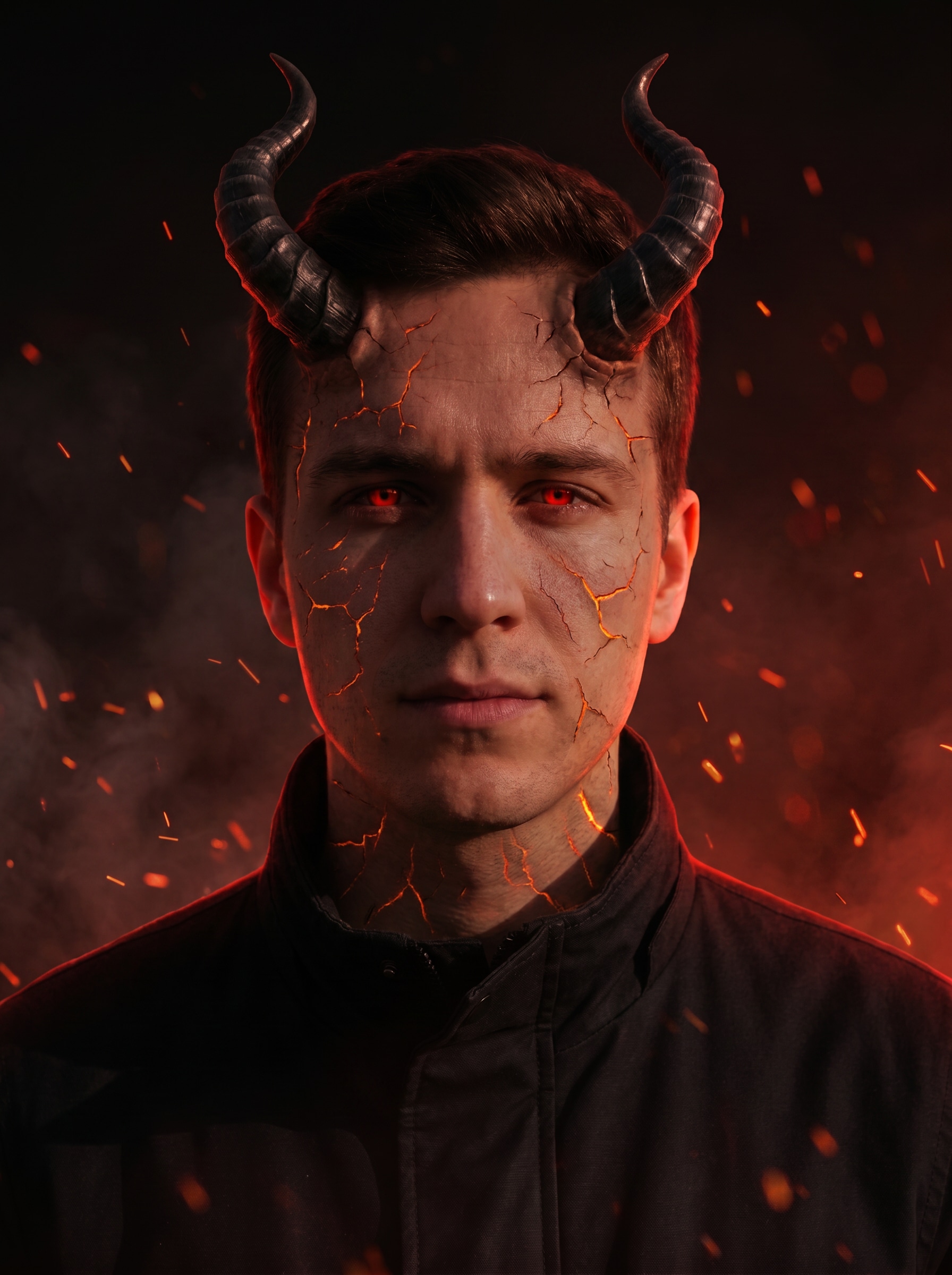
Infernal Red Glow
Use the uploaded image as the subject and transform it into a cinematic demon portrait while preserving facial identity. Add curved obsidian horns, glowing red eyes, subtle cracked skin, drifting embers, and a smoky black background with dramatic red rim lighting, sharp facial detail, moody contrast, and photorealistic texture.
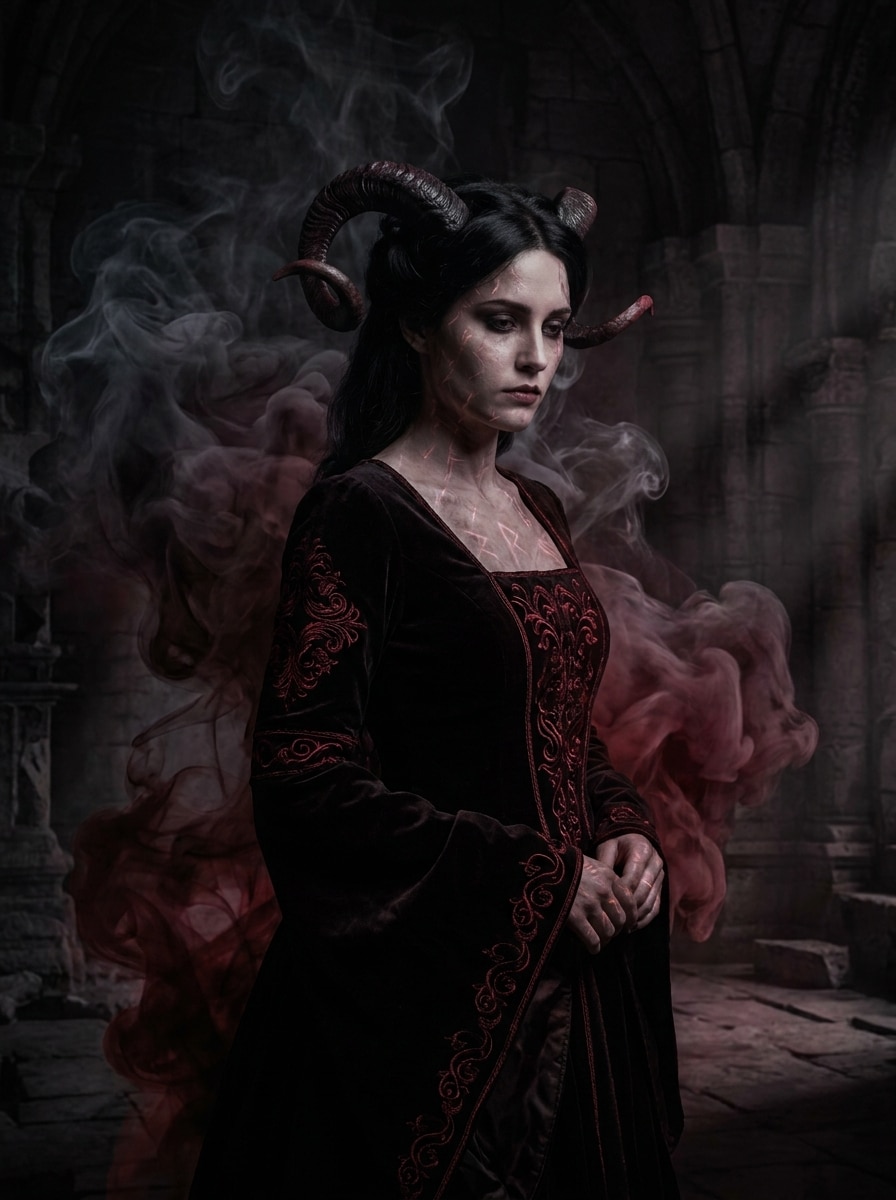
Dark Fantasy Demon
Use the uploaded portrait as the base and restyle it as dark fantasy demon art with the subject still recognizable. Add elegant horns, deep shadows, black-and-crimson tones, mystical smoke, rich skin texture, soft infernal glow, and a dramatic concept-art atmosphere with refined detail and depth.
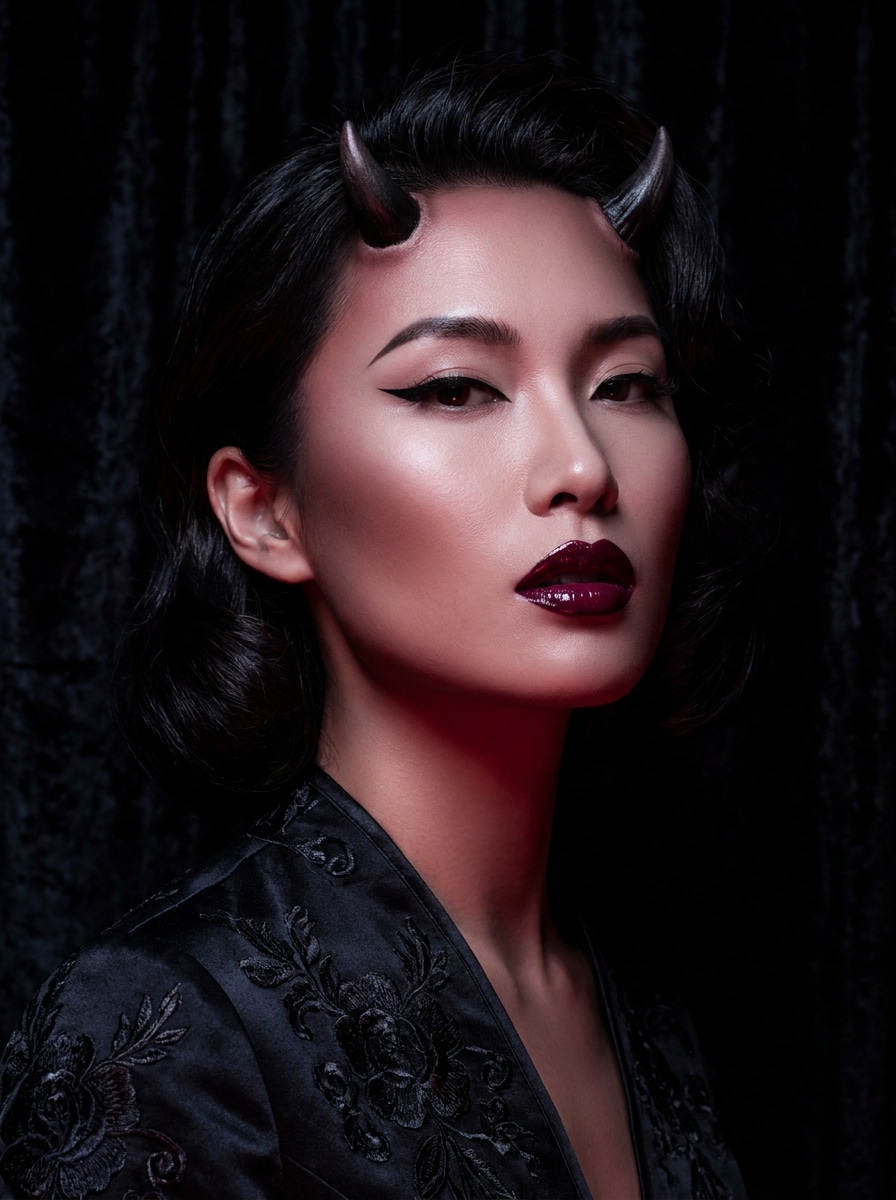
Glam Devil Makeup
Use the uploaded image as the subject and create a polished glam devil makeover. Keep the face recognizable while adding smooth skin, sculpted cheekbones, sharp eyeliner, glossy lips, tiny horns, a soft red glow, and high-fashion beauty lighting with a sleek black-and-burgundy palette.
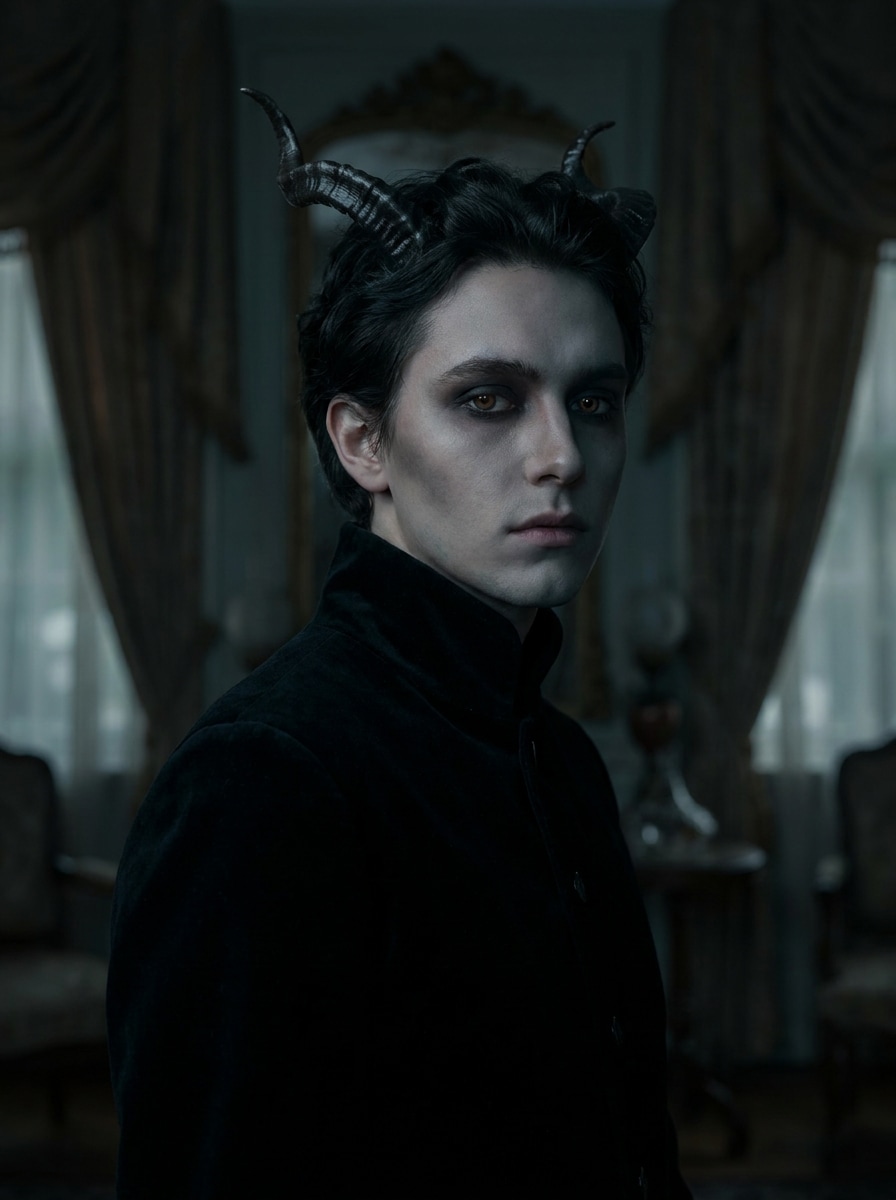
Soft Gothic Demon
Use the uploaded portrait as the subject and turn it into a soft gothic demon look. Preserve core identity, add delicate horns, smoky eye makeup, cool shadowing, velvet-black textures, faint glowing eyes, and an editorial finish with muted crimson accents, soft depth, and elegant mood.
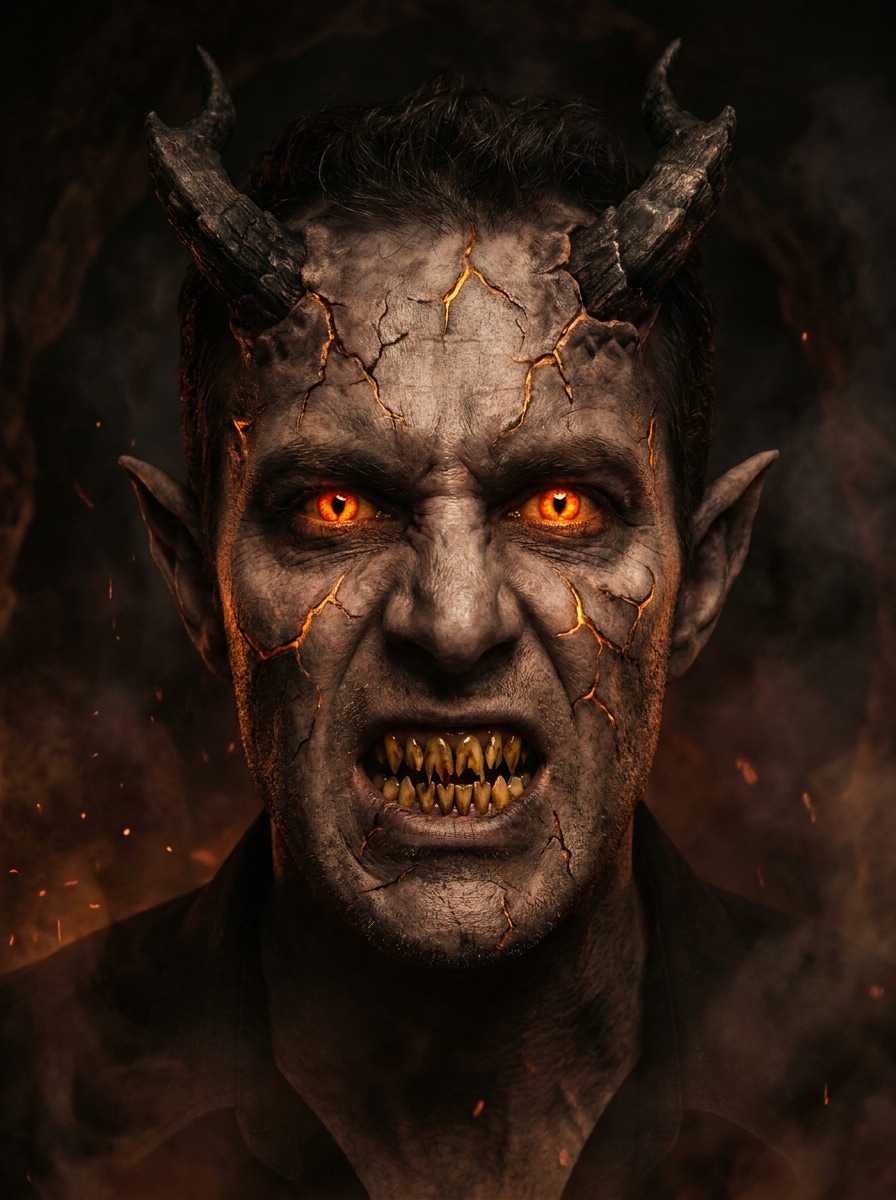
Full Face Demon Mutation
Use the uploaded photo as the base and create a dramatic monster-style demon transformation while keeping the person identifiable. Add glowing eyes, jagged teeth, cracked skin, pointed ears, pronounced horns, dark smoke, and a hellish atmosphere with photoreal detail, intense texture, and strong shadows.
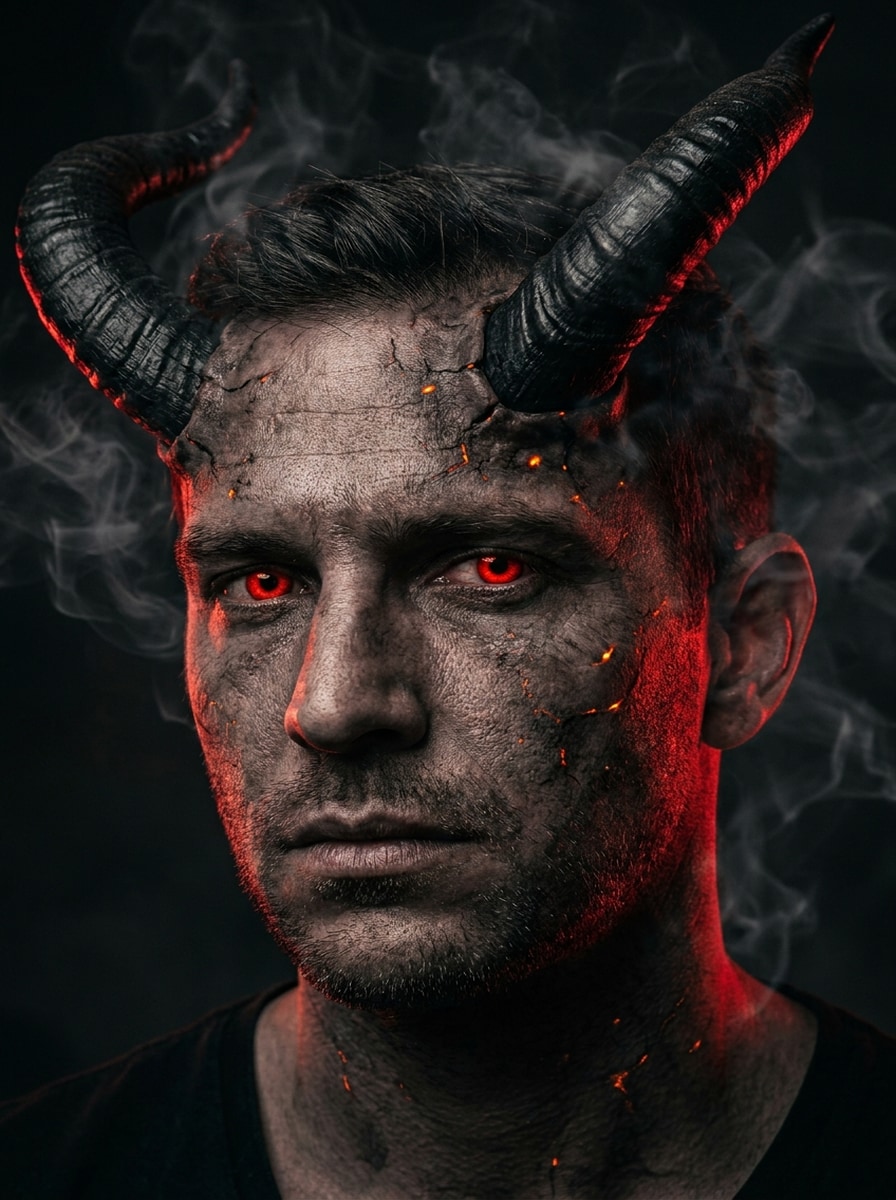
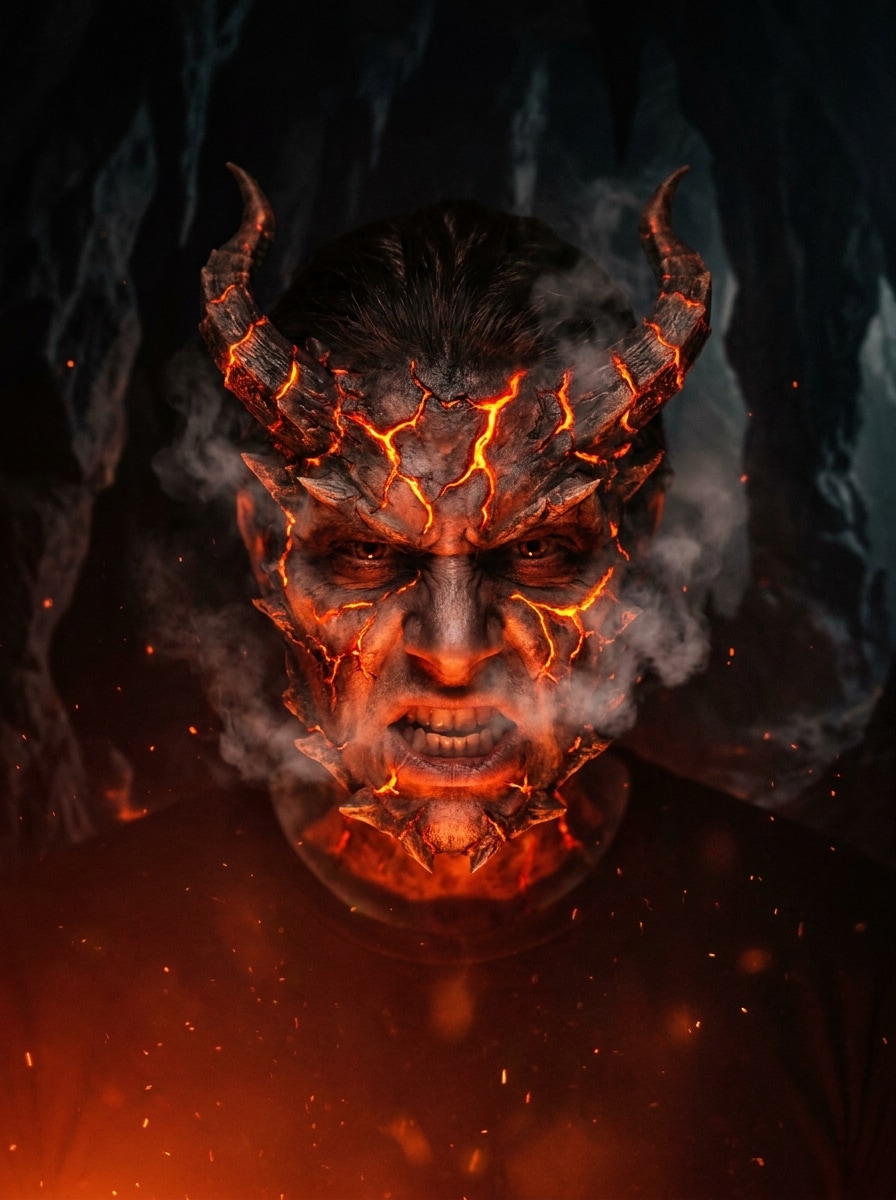
Demonic Rage Form
Use the uploaded portrait as the subject and transform it into a fierce demonic rage form. Keep recognizable identity cues while adding glowing lava-like cracks, intense expression, horned silhouette, smoke plumes, charred textures, and cinematic horror lighting with red-orange highlights against deep shadows.
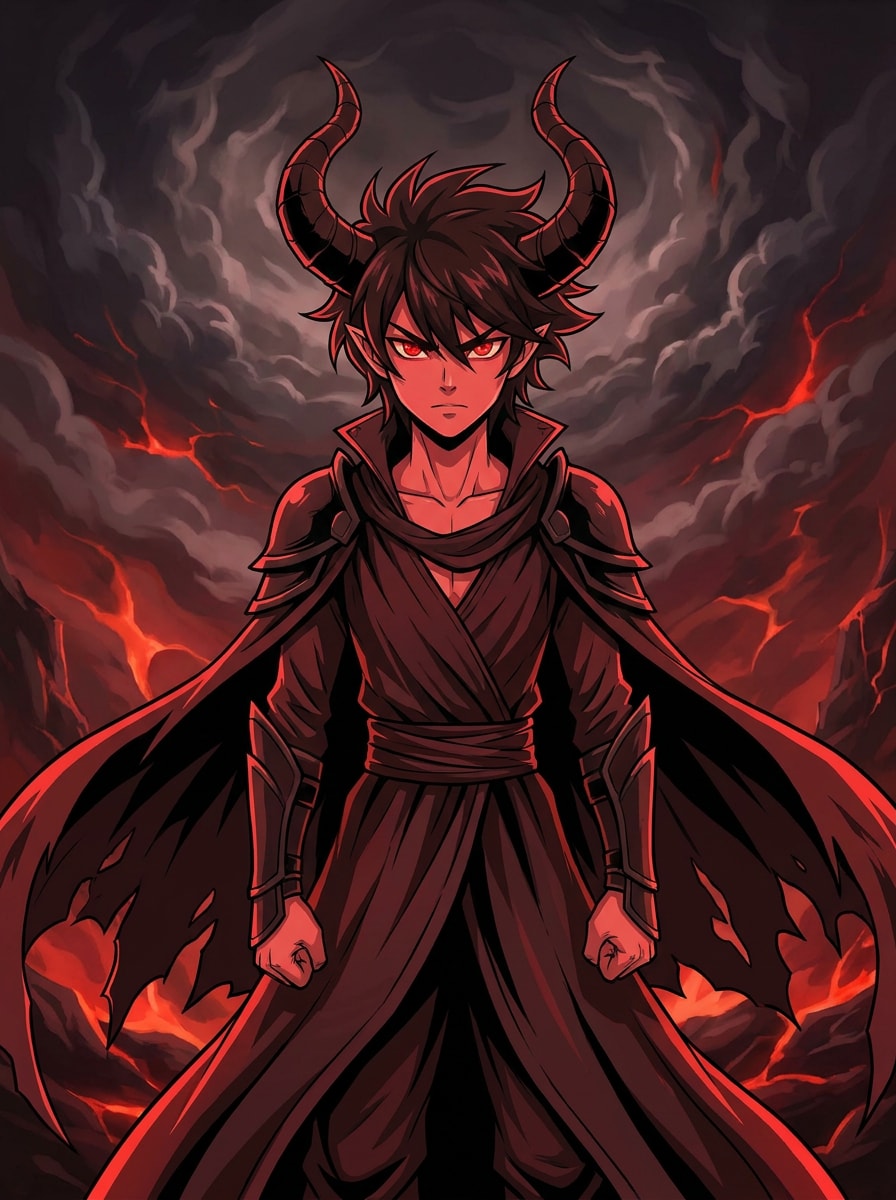
Anime Demon Character
Use the uploaded image as the reference and convert it into an anime demon character. Preserve hairstyle and recognizable facial cues while adding stylized horns, glowing eyes, cel-shaded rendering, vivid red-and-black tones, dramatic fantasy background, crisp linework, and energetic character-poster composition.
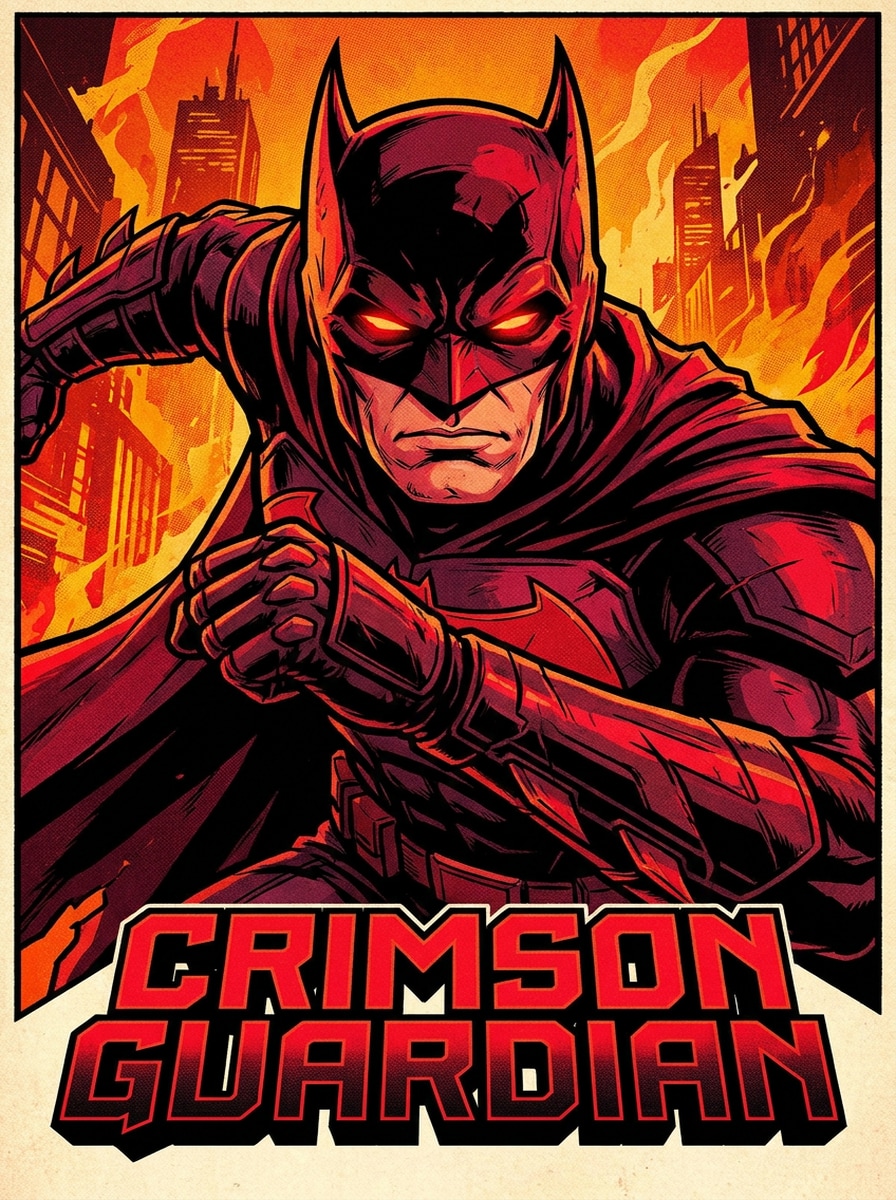
Comic Book Demon Hero
Use the uploaded portrait as the hero reference and transform it into a comic-style demon character. Keep the subject recognizable, add glowing eyes, stylized horns, bold ink contours, graphic shadows, black-and-crimson tones, and a dynamic illustrated composition with strong contrast and heroic energy.
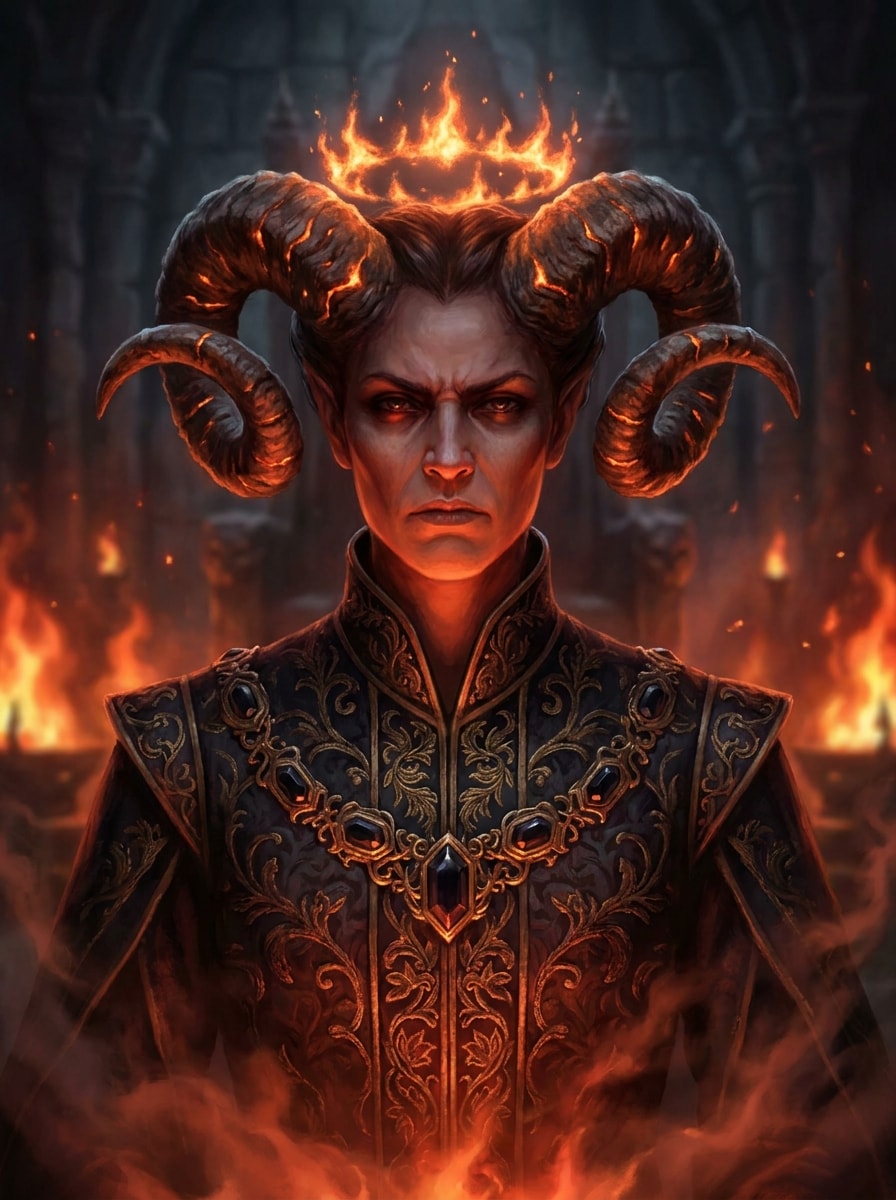
Royal Hellfire Demon
Use the uploaded image as the subject and create a regal infernal character portrait. Preserve the face while adding ornate horns, ember crown effects, luxurious dark costume textures, molten highlights, rich crimson glow, and a majestic fantasy composition with layered smoke and high-detail character art.
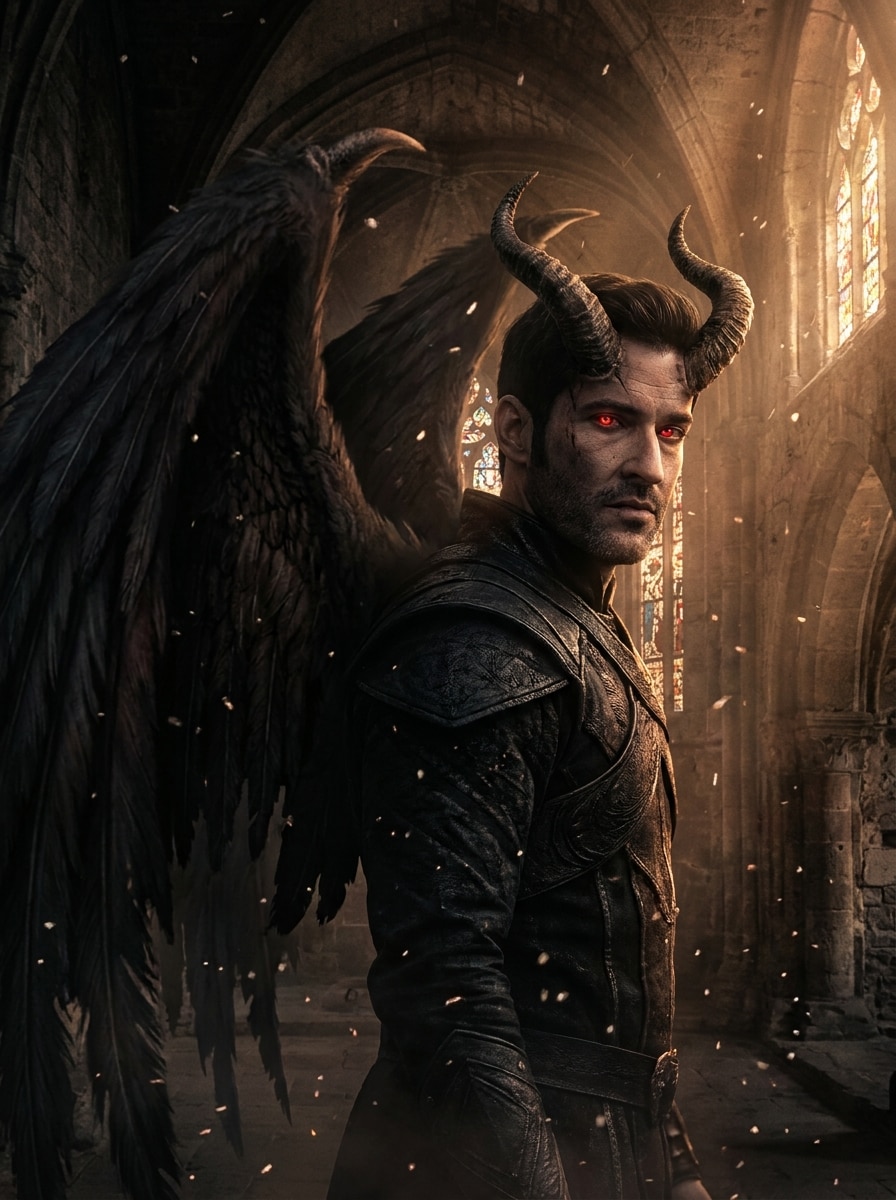
Winged Fallen Demon
Use the uploaded portrait as the base and transform it into a winged fallen demon. Keep the person recognizable, add dark wings in the background, glowing eyes, curved horns, ash particles, moody backlight, and epic gothic fantasy styling with layered depth, cool shadows, and subtle ember accents.
Why Use Media.io for Demon Photo Transformations
Preserve Identity While Changing the Look
For selfie edits, avatars, or a demon portrait filter, Media.io uses reference-based image transformation to add horns, glowing eyes, and dark styling without losing the person’s core facial identity, so the final image feels dramatic while still clearly looking like.
Switch Between Horror, Glam, Fantasy, and Anime Styles
Different outputs call for different aesthetics. Media.io helps you explore varied treatments of the same demon filter visual concept so the final visual lands in the right tone faster.
Create High-Resolution Images for Real Use
When a demon filter visual is headed for real publishing use, Media.io gives you sharper output up to 4K, which helps the image stay clear across presentations, backgrounds, and reused assets.
Create in Browser Across Devices
Some demon filter visual concepts get drafted on the go and finished later at a desk. Media.io keeps that process online, so you can return to the same workflow without extra installs or setup.
How to Make a Demon Filter Effect Online
Turn your words into stunning visuals in three simple steps, then continue refining the result if you want to take it further.
Step 1
Upload Your Reference Image
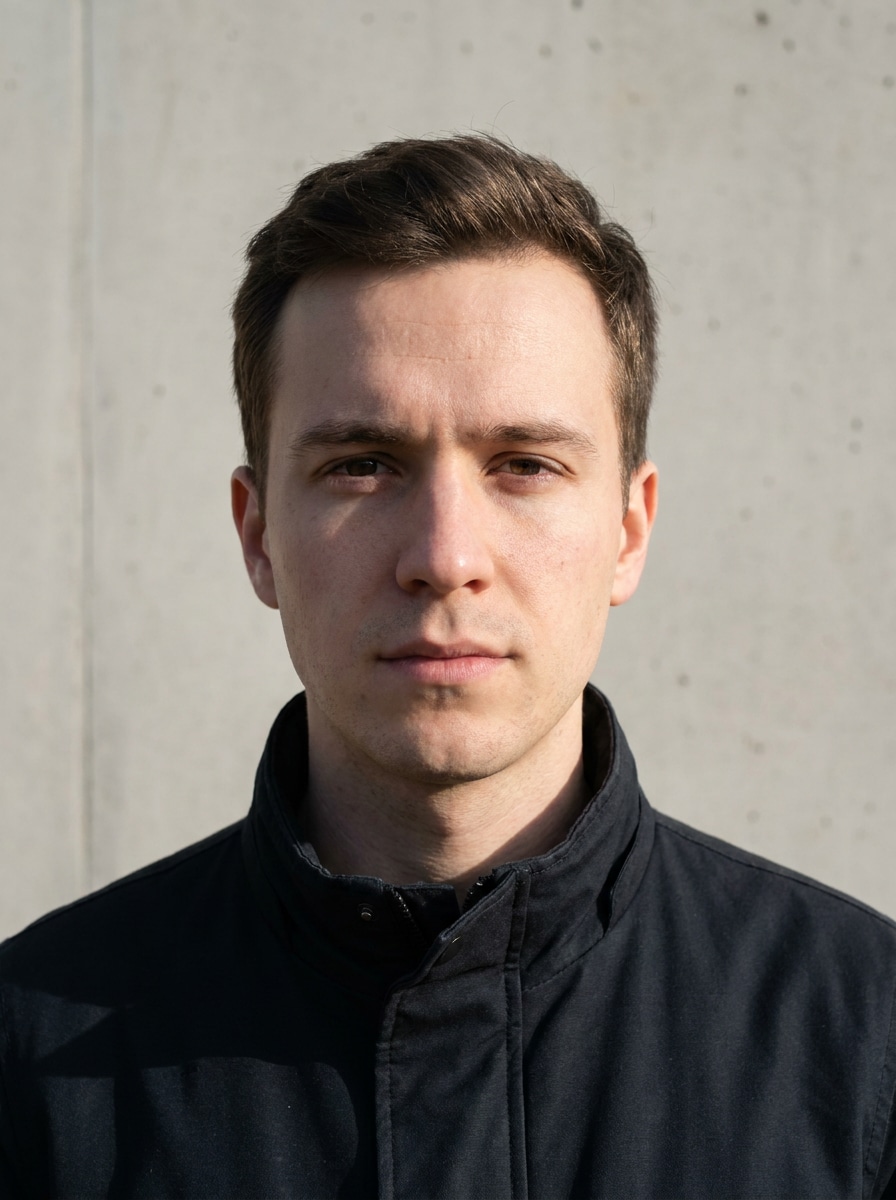
Start with a clear selfie, portrait, or profile photo in JPG, PNG, or JPEG. A well-lit image with visible facial features gives Media.io a stronger base for transformations like a realistic demon edit, glam devil look, or dramatic horror portrait.
Step 2
Describe the Change and Set Options
Enter the style you want, such as horns, glowing eyes, cracked skin, anime rendering, or dark fantasy lighting. Then choose your model and adjust aspect ratio, resolution, and image count to match social posts, avatars, or poster-style outputs.
Step 3
Generate, Download, and Keep Improving
Create your demon variations, compare the results, and download your favorite version. If you want a stronger or softer effect, edit the prompt, regenerate new looks, or keep refining details until the portrait matches your exact mood and style.
See how creators use this Demon Filter for content, marketing, and personal projects, then adapt each idea to fit the brief.
Create Scroll-Stopping Social Reveal Content
Turn a simple selfie into a dramatic before-and-after transformation for TikTok, Reels, or Shorts. Media.io helps you create dark cinematic edits that feel more customizable than a basic snapchat demon filter or demon filter snapchat effect, while still being fast enough for trend-driven posting.
Design Distinctive Avatars and Profile Art
Build a bold character look for gaming profiles, creator branding, or seasonal icons. Media.io lets you keep your identity recognizable while adding horns, glowing eyes, or gothic styling, giving a cleaner result than a generic filter demon or filter devil overlay.
Explore Fantasy Character Concepts From Your Own Portrait
Use one photo to test polished beauty-horror looks, darker monster forms, or anime-inspired edits. Media.io is ideal for cosplay planning, mood boards, and creators who want an AI demon face filter result, a demon slayer filter vibe, or a stylized character portrait without manual digital painting.
What Users Say About Media.io's Demon Transformations
Maya R.
Short-Form Content Creator
"Great for dramatic social edits" I wanted a fast demon look for a before-and-after reel, and this gave me much more control than a basic app filter. The face still looked like me, and the red lighting and horn details came out surprisingly polished.
Jordan T.
Gaming Streamer
"Perfect for profile art and thumbnails" I used it to make a darker fantasy version of my profile picture. Being able to test different styles from subtle devil makeup to full demon mode made it easy to find a look that fit my channel branding.
Elena V.
Cosplay Hobbyist
"Useful for concept previews" Before buying costume pieces, I tried several demon portrait ideas from my selfie. The glam and gothic options helped me plan makeup and accessories, and the results felt detailed enough to use as a visual reference.
Chris L.
Digital Artist
"Good variety from one photo" What I liked most was the range. I could go realistic, horror-heavy, or anime-inspired using the same reference image. It is a fast way to generate character concepts without losing the original likeness.
A demon filter for photos is an AI image-to-image effect that transforms an uploaded portrait with features such as horns, glowing eyes, darker skin textures, smoke, or fantasy lighting. On Media.io, it works more like a guided portrait transformation than a simple sticker overlay, so you can create anything from a subtle filter devil look to a dramatic horror character.
2. How do I turn a picture into a demon online?
Upload a clear JPG, PNG, or JPEG portrait to Media.io, then describe the demon style you want, such as realistic horror, glam, gothic, or anime. After that, choose your model and image settings, generate the result, and refine the prompt if you want stronger horns, different lighting, or a more cinematic background.
3. Can I use an AI demon filter for free?
Free users can try Media.io with free credits. If you need more generations or want watermark-free high-resolution downloads, you can compare plans on the pricing page.
4. Will the demon effect keep my face recognizable?
It can, especially when you upload a clear portrait and use prompts that ask Media.io to preserve facial identity. Media.io is designed for reference-based transformations, so you can add demon traits while still keeping key features, expressions, and overall likeness visible in the final image.
5. Can I create a realistic demon face or a stylized anime demon?
Media.io supports multiple image-to-image styles, so you can generate a realistic horror portrait, a beauty-led devil makeover, or an anime demon character from the same photo. That flexibility makes it useful whether you want a photoreal effect, a demon slayer filter-inspired look, a graphic fantasy illustration, or even a playful search-style concept like dirt devil swivel glide vision adapted into a surreal visual prompt.
6. Does the demon photo filter work on iPhone and Android?
Media.io is web-based, so it works on iPhone, Android, Mac, Windows, and other devices with a browser. You can upload a selfie, generate a demon transformation, and download the result without installing a dedicated app, whether you were searching for a demon filter snapchat alternative or a broader browser-based tool.