Deine Werke werden nur 7 Tage lang gespeichert. Assets, die nach dem Upgrade auf einen Mitgliedschaftstarif erstellt werden, werden dauerhaft gespeichert.
Entfalten Sie Ihr kreatives Potenzial und erleben Sie jetzt die Magie der Media-KI!
KI-Blumenfeld-Filter für verträumte, realistische Porträt-Transformationen
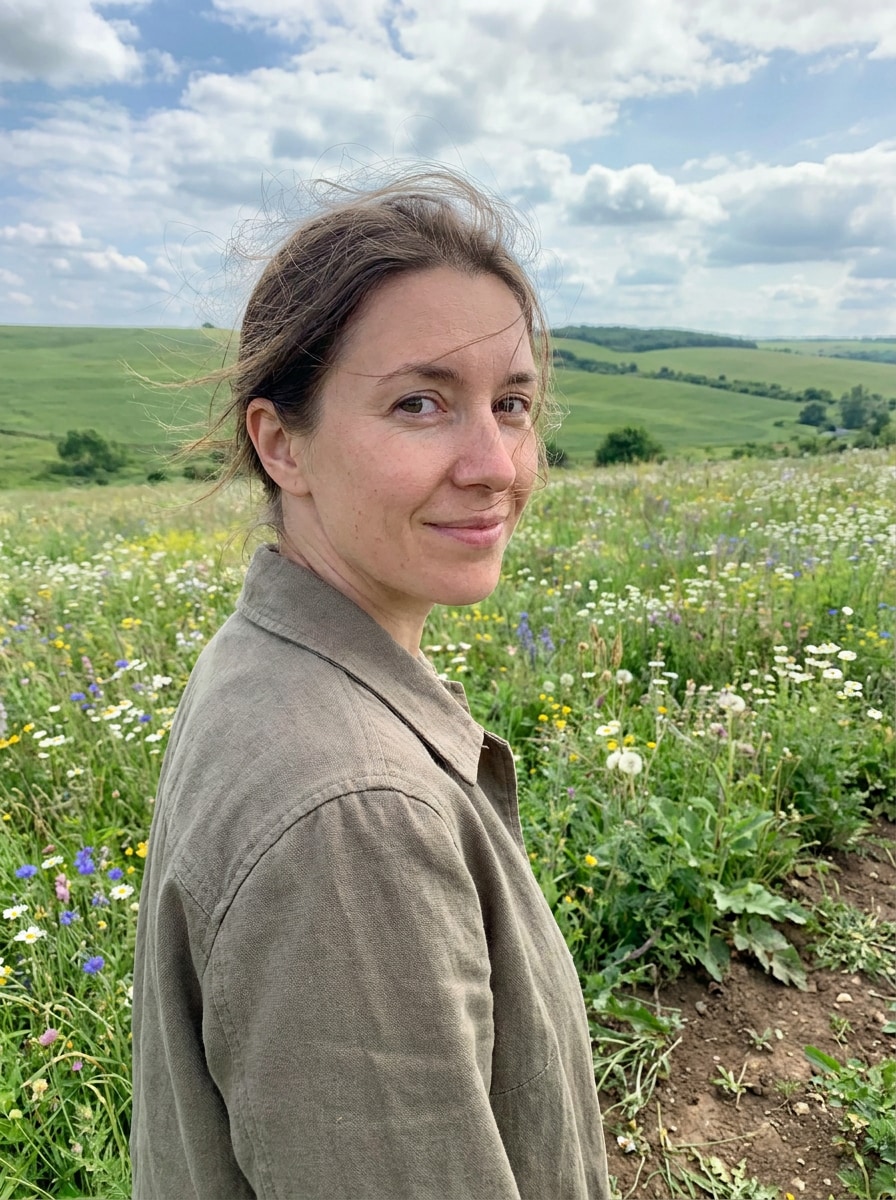
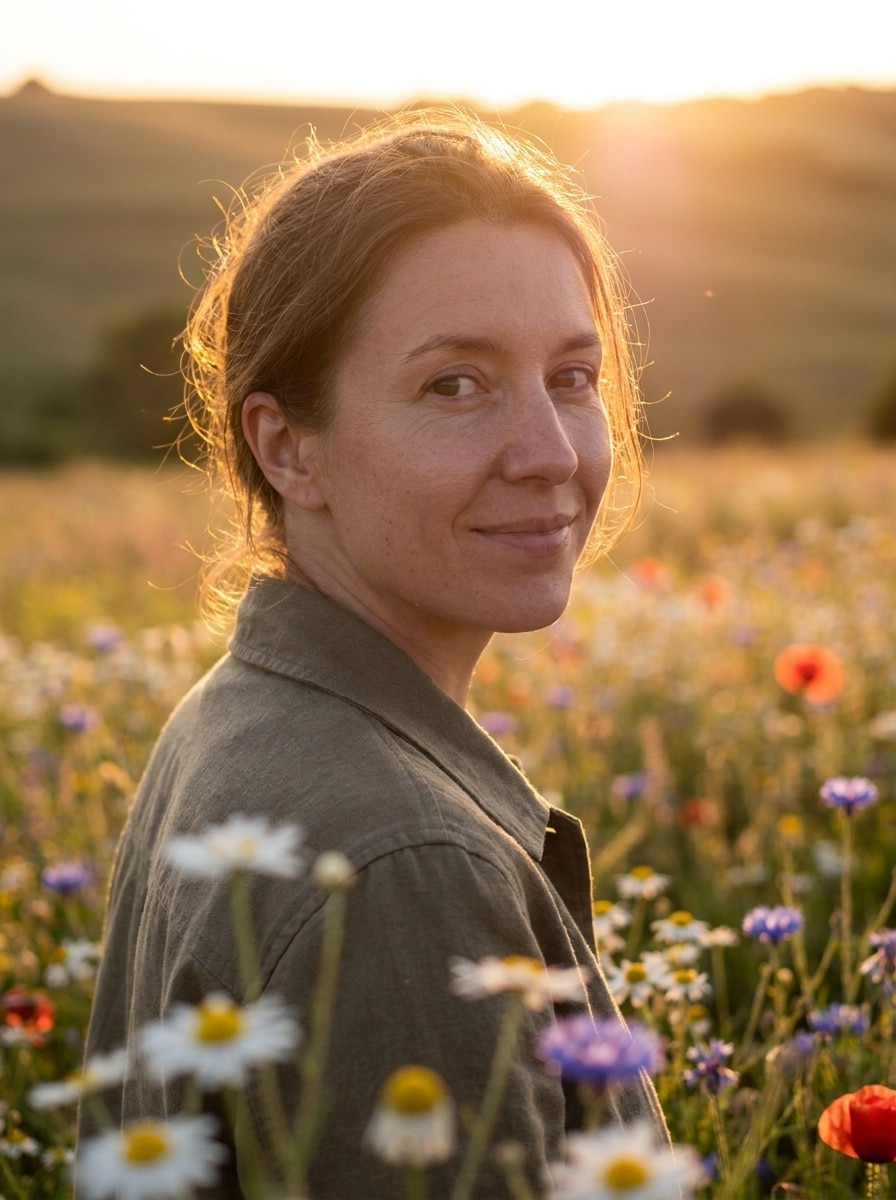
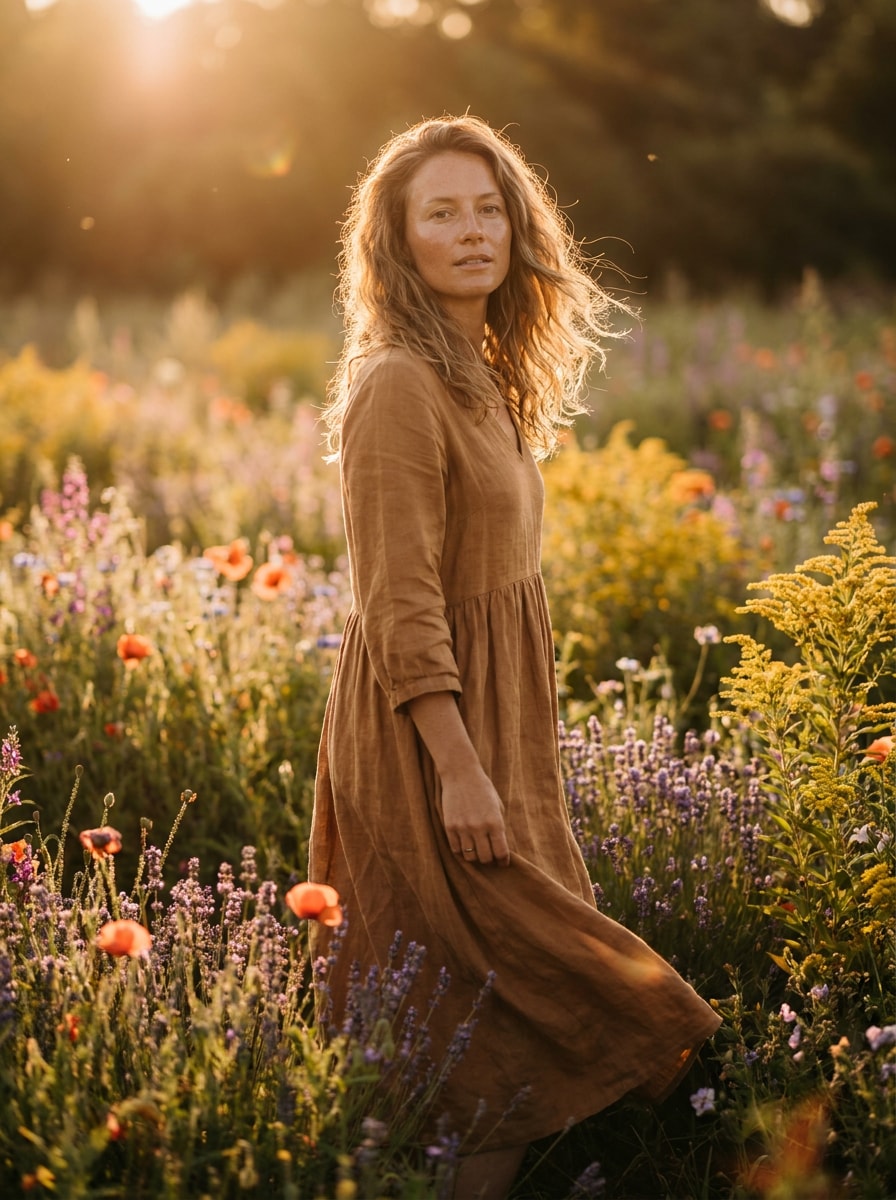
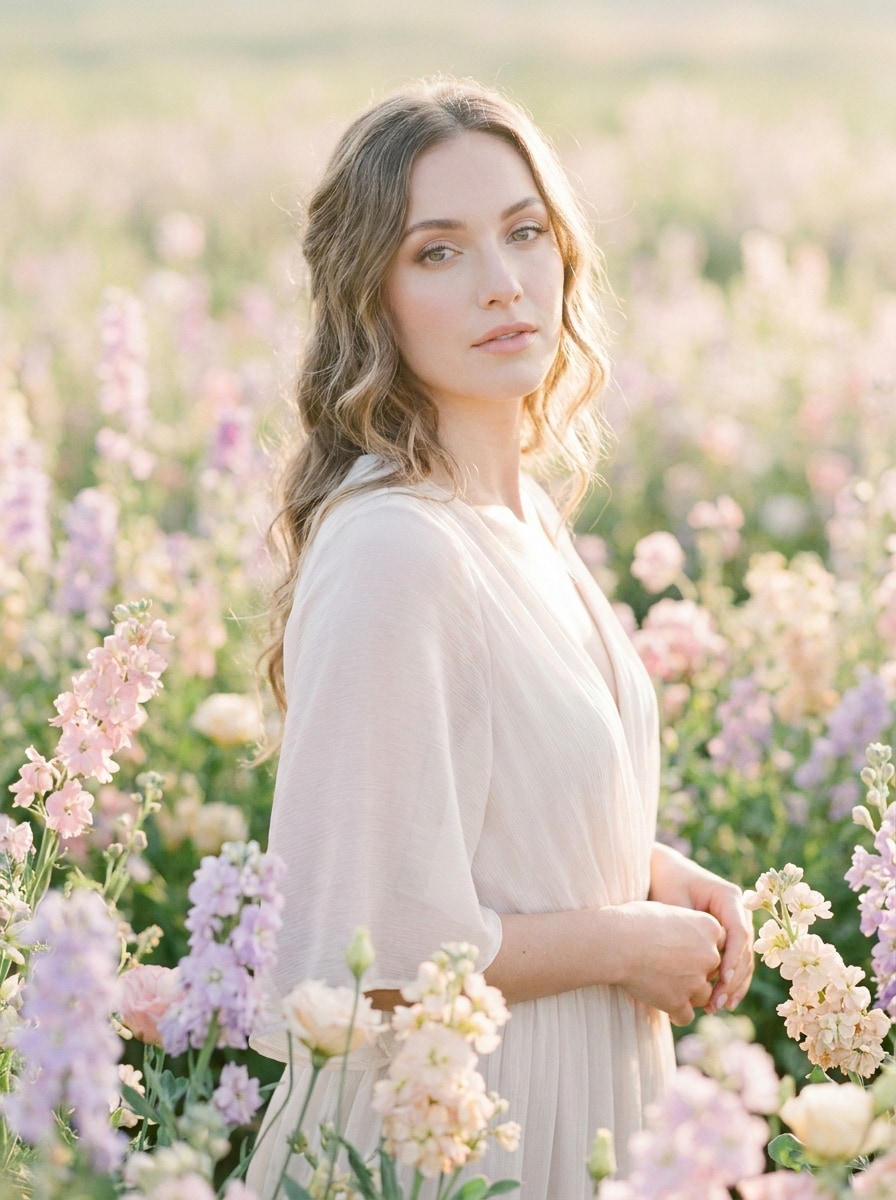
Verwandeln Sie jedes Porträt in eine blühende Wiesenlandschaft mit Media.io’s KI-Blumenfeld-Filter. Erstellen Sie sanfte Pastellbearbeitungen, realistische Wildblumen-Looks oder einen romantischen Blumenhintergrund-Filter-Effekt online, während Ihr Motiv klar, natürlich und teilbar bleibt.
Geben Sie Ihre Idee ein -> KI gestaltet sie. Kostenlos testen.
Prüfen Sie diese Beispiel-Anweisungen und passen Sie die Details an, um bessere Ergebnisse mit Media.io’s Blumenfeld-Foto-Filter.
Goldene Stunde Blumenfeld
Verwenden Sie das hochgeladene Bild als Motiv und verwandeln Sie es in ein realistisches Porträt, das bei goldener Stunde in einem sonnenbeschienenen Blumenfeld steht – mit warmem, bernsteinfarbenem Licht, weichem Lens-Glow, blühenden Wildblumen im Vorder- und Hintergrund, natürlicher Hautstruktur, geringer Tiefenschärfe und romantischer, cineastischer Stimmung.
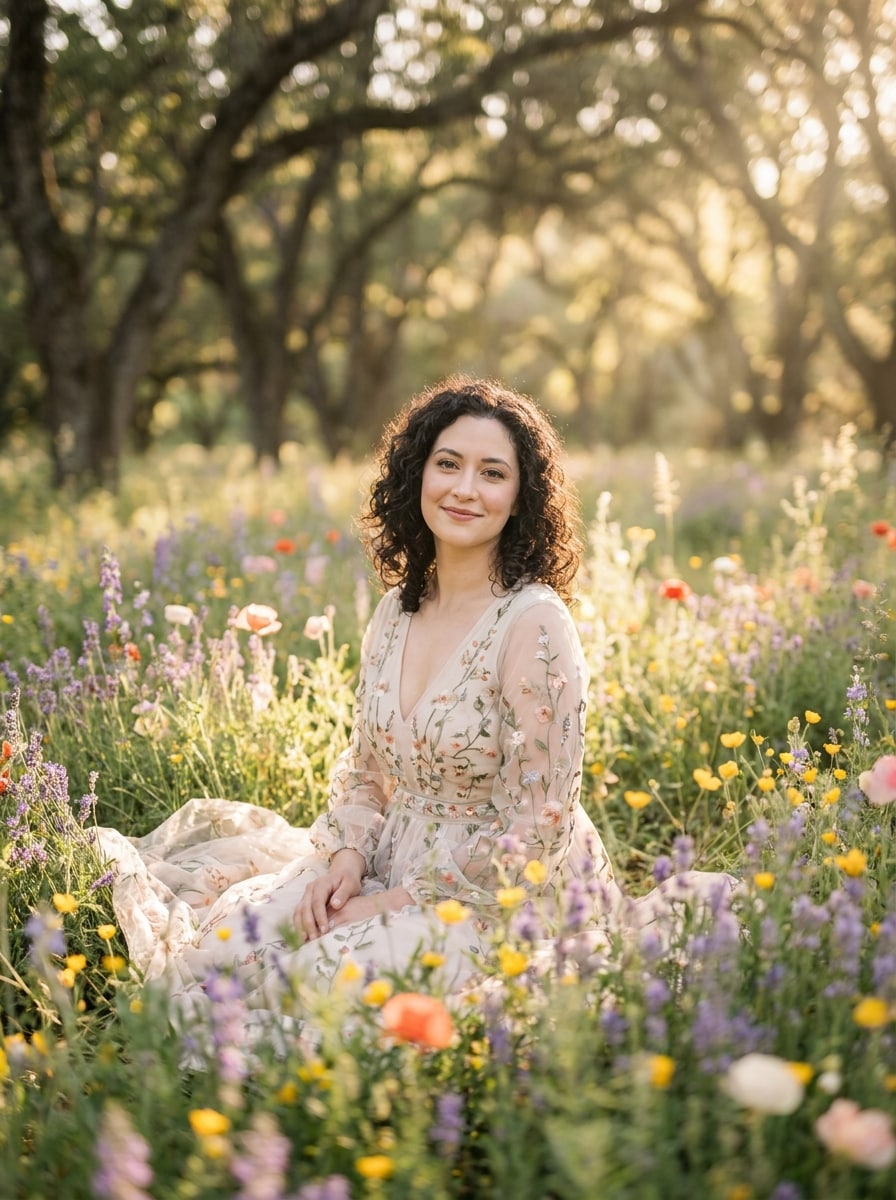
Sanfte Pastellwiese
Verwenden Sie das hochgeladene Porträt als Motiv und gestalten Sie es zu einer verträumten Pastellblumenwiese um – mit rosa, lavendel, pfirsichfarbenen und cremeweißen Blüten, diffusem Frühlingslicht, luftiger Atmosphäre, sanften Schatten, sanftem Hintergrundblur, feiner floraler Textur und ruhiger, eleganter Stimmung.
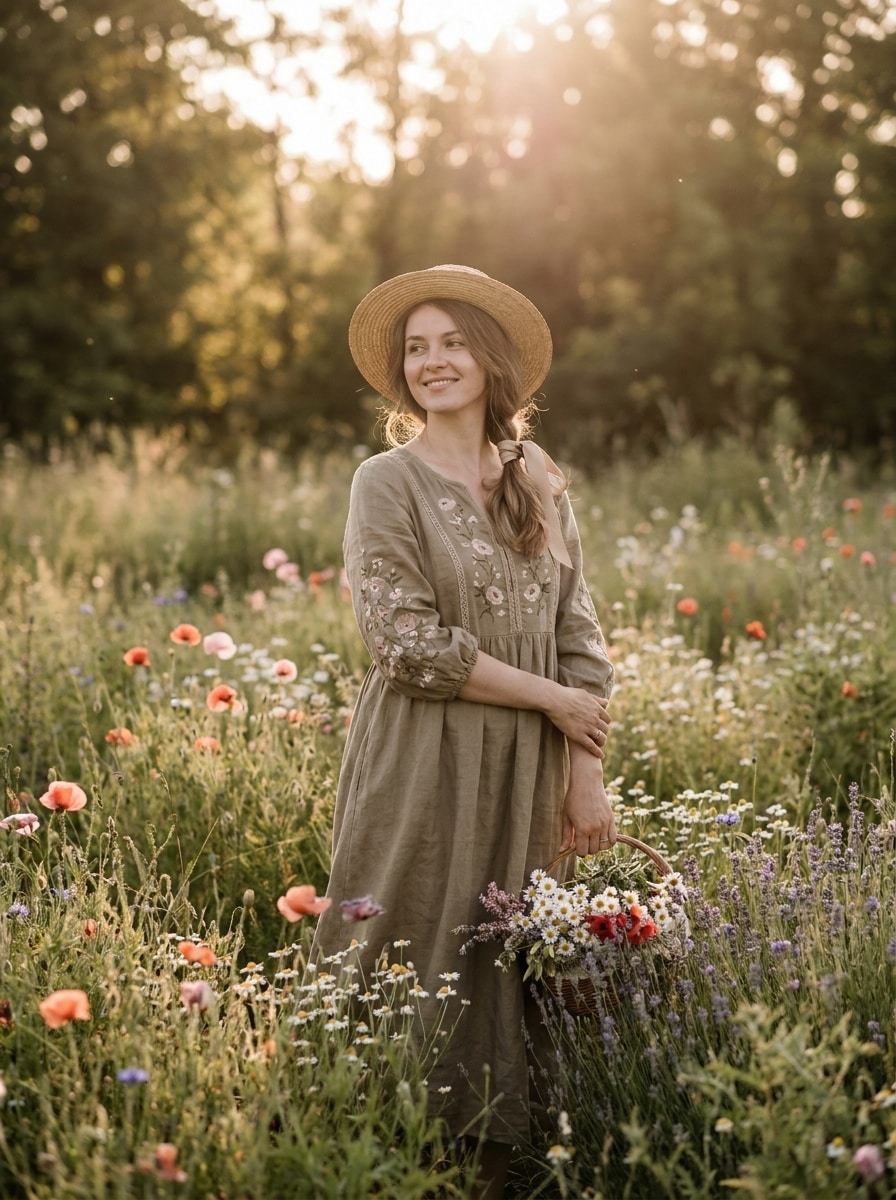
Cottagecore Blumenfeld
Verwenden Sie das hochgeladene Bild als Motiv und erzeugen Sie einen Cottagecore-Porträt-Look in einem üppigen Wildblumenfeld mit natürlichem Sonnenlicht, erdigen Grüntönen, creme- und gelbfarbenen Blüten, zarter floraler Textur, sanfter romantischer Bearbeitung, leicht vintage Farblook und realistischer Gesichtswiedergabe.
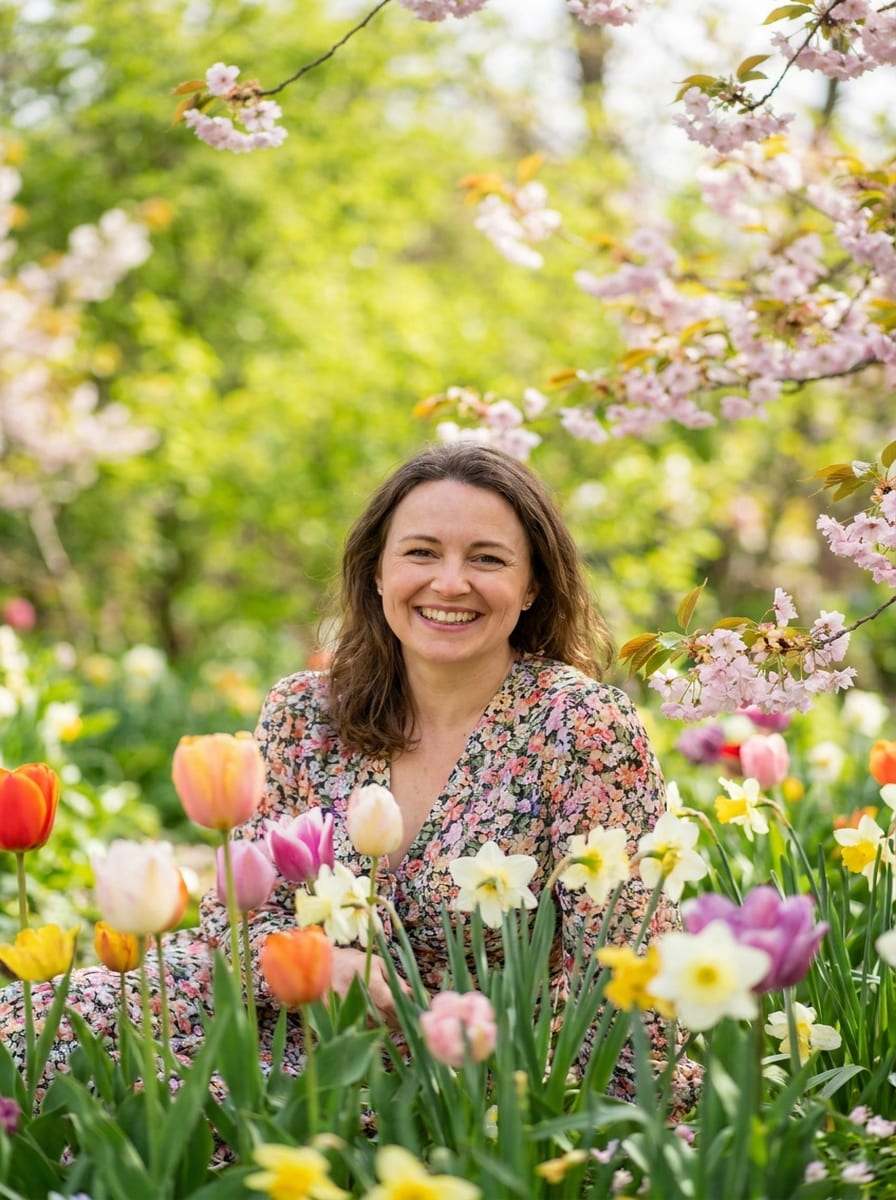
Frühlingsblüte-Porträt
Verwenden Sie das hochgeladene Porträt als Motiv und fügen Sie einen lebhaften Frühlingsblumenfeld-Hintergrund hinzu, gefüllt mit bunten Blüten, frischem Tageslicht, klaren Gesichtsdetails, fröhlicher Stimmung, ausgewogener Sättigung, realistischer Perspektive, sanfter Tiefe und einem perfekt bearbeiteten Social-Media-Porträt-Finish.
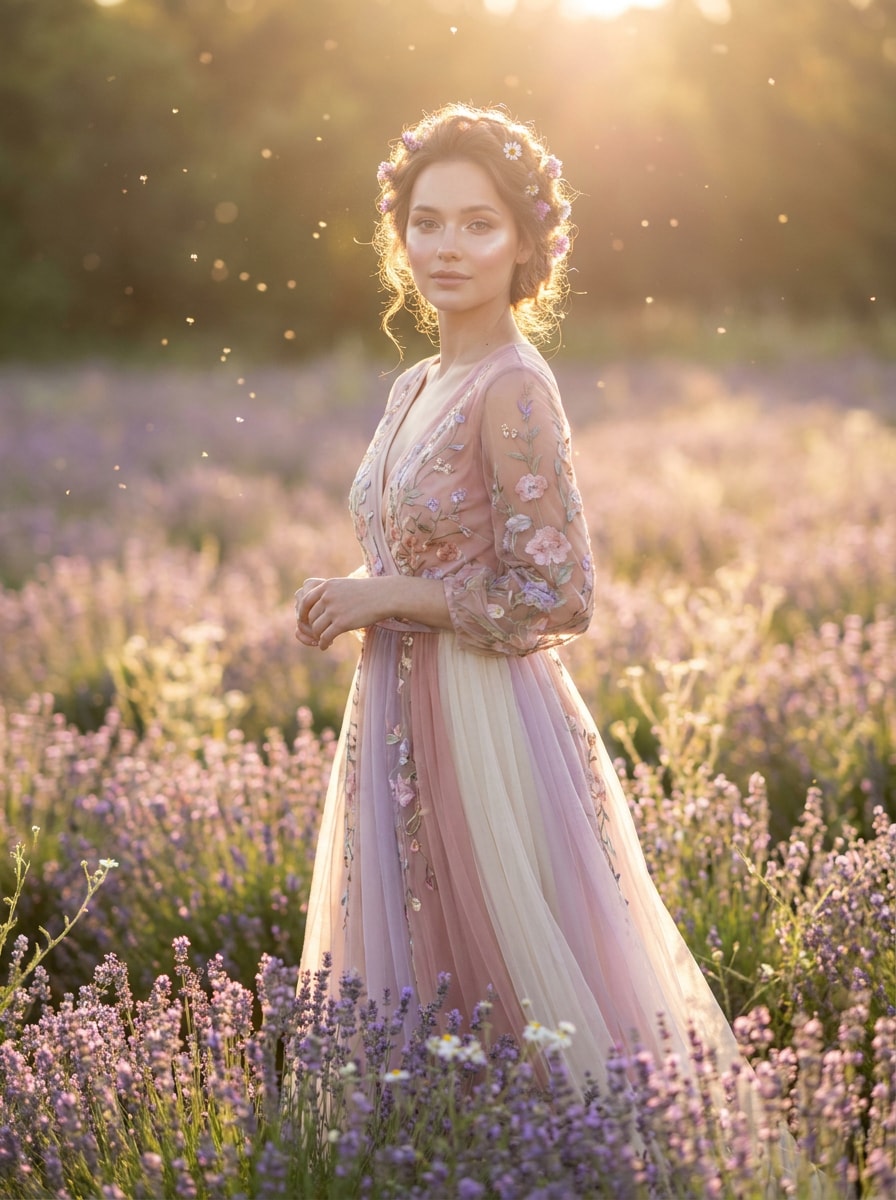
Ätherischer Blütenglanz
Verwenden Sie das hochgeladene Bild als Motiv und erstellen Sie ein ätherisches Blumenfeld-Porträt mit leuchtendem Gegenlicht, schwebendem Pollen, weichem Schleier, blühenden Florals, pastellenen Highlights, eleganter realistischer Bearbeitung, strahlenden Hauttönen und einer verträumten Atmosphäre, wobei das Motiv weiterhin erkennbar bleibt.
Märchenwiese
Verwenden Sie das hochgeladene Porträt als Motiv und stellen Sie es in einer märchenhaften Wiese dar, gefüllt mit gestapelten Blumen, verträumten Lichtstrahlen, fantasievoller aber glaubhafter Farbgestaltung, weichem Fokus, detaillierten Vordergrundblüten, eleganter Komposition und einem magischen, aber fotorealistischen Finish.
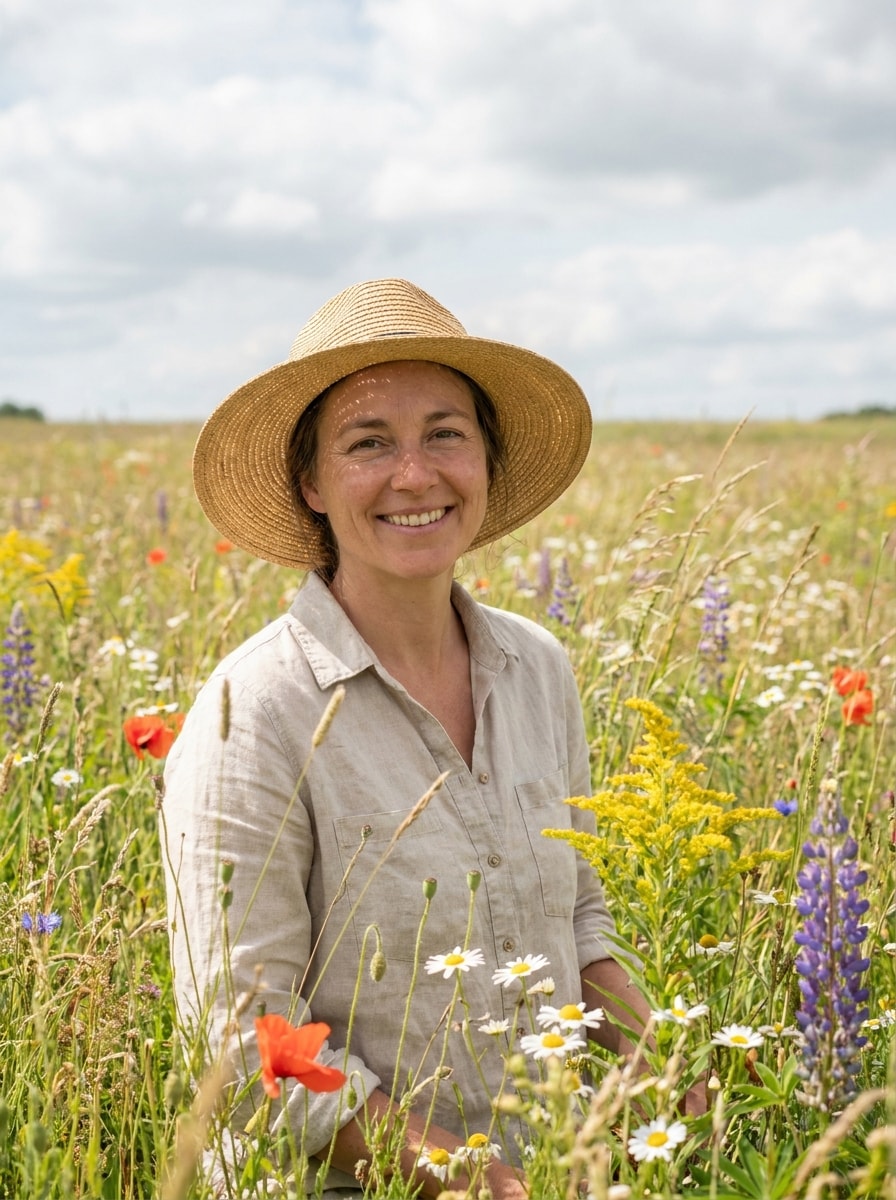
Realistisches Wildblumenfeld
Verwenden Sie das hochgeladene Bild als Motiv und lassen Sie es so aussehen, als wäre es in einem echten Wildblumenfeld fotografiert – mit natürlichem Tageslicht, authentischer Wiesentextur, ausgewogener Blütendichte, realistischen Schatten, natürlichen Gesichtsdetails, klaren Farben und glaubhafter Outdoor-Tiefe.
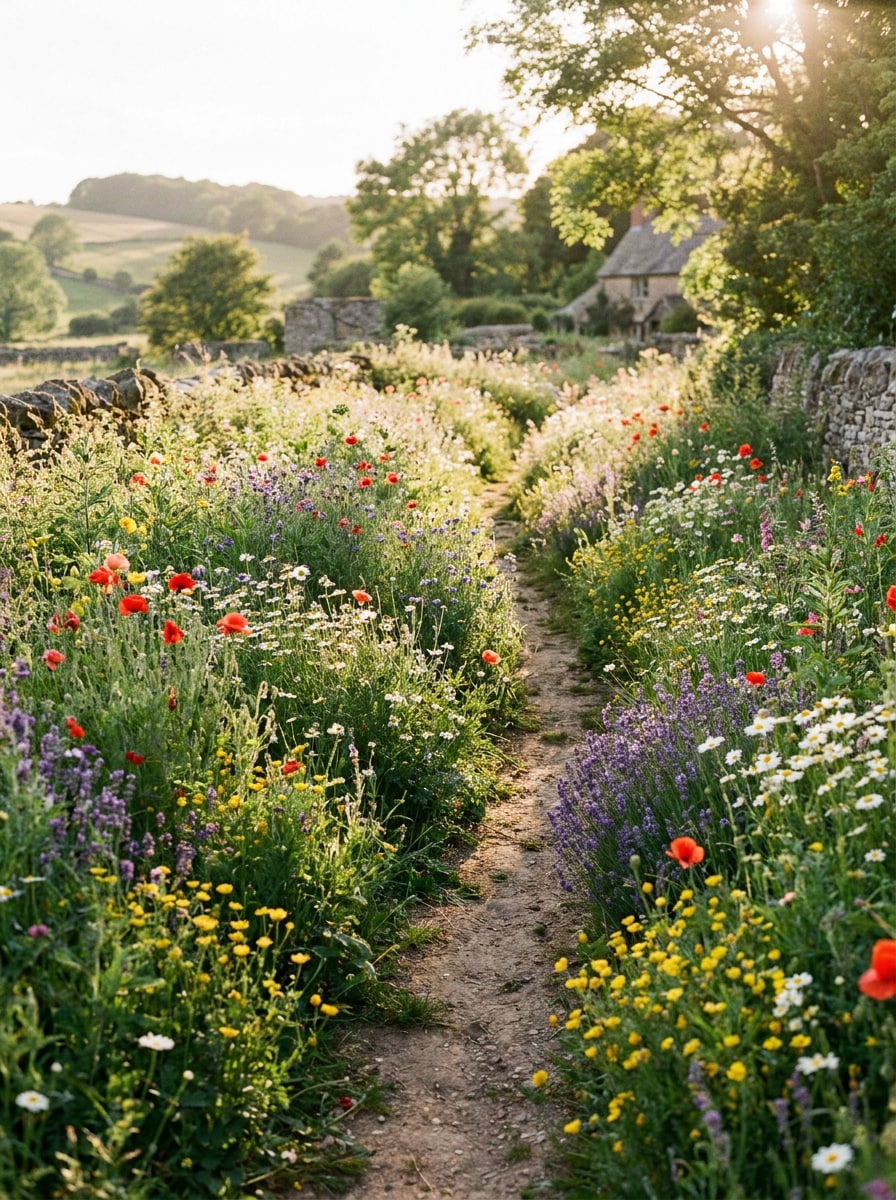
Blumenweg auf dem Land
Verwenden Sie das hochgeladene Porträt als Motiv und platzieren Sie es in einer realistischen Blumenweg-Landschaft auf dem Land – mit dichten Blüten am Weg, natürlicher Perspektive, sanfter sonnenverwöhnter Atmosphäre, cineastischem Rahmen, reichhaltigen botanischen Details und beruhigender Outdoor-Stimmung mit erhaltener Identität.
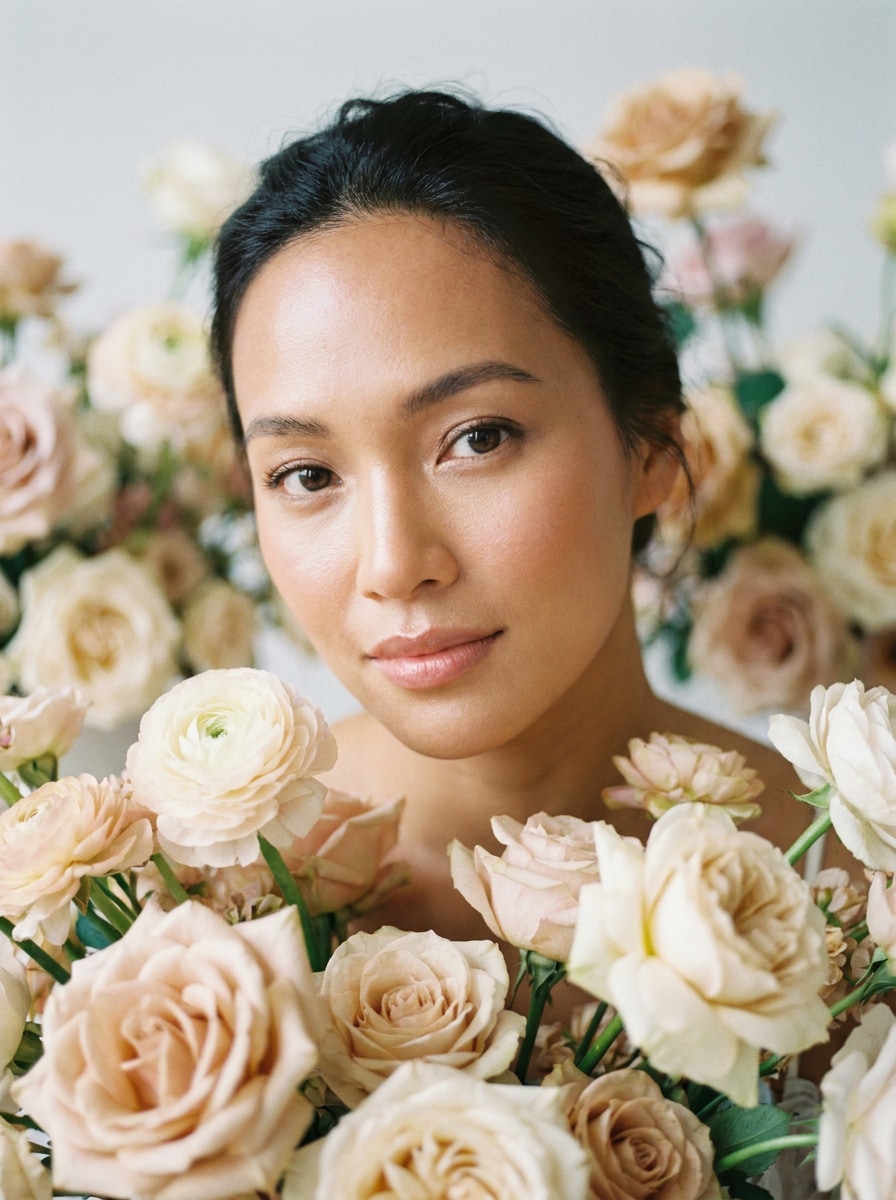
Florales Nahaufnahme-Porträt
Verwenden Sie das hochgeladene Nahaufnahme-Porträt als Motiv und umgeben Sie es mit Blumen im Vorder- und Hintergrund – mit geringer Tiefenschärfe, strahlenden Hauttönen, romantischer Komposition, sanftem natürlichem Licht, klaren Augen, hochwertigem Editorial-Finish und luxuriösem Blumenrahmen.
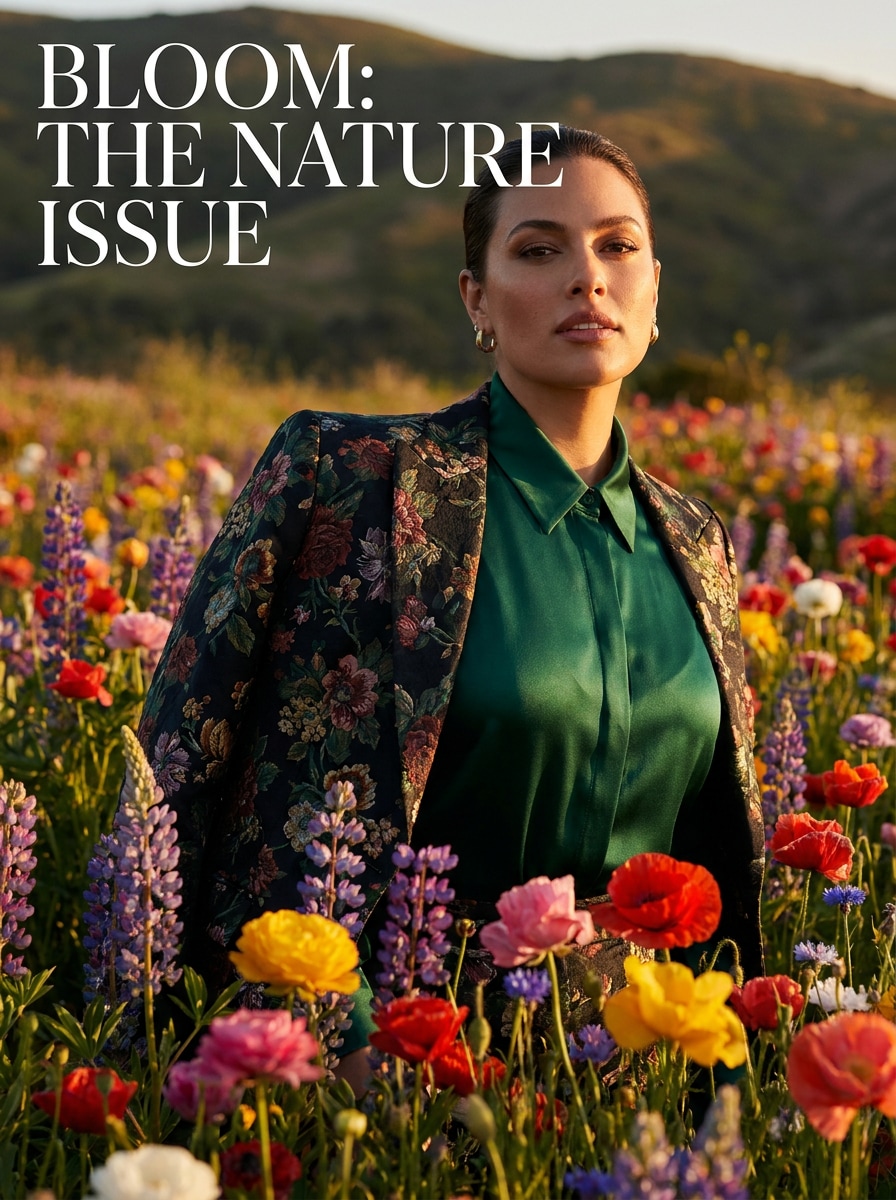
Lebhafte Blüten Editorial
Verwenden Sie das hochgeladene Bild als Motiv und verwandeln Sie es in ein ausdrucksstarkes Blumenfeld-Fashion-Editorial – mit gesättigten Blumenfarben, dramatischer Komposition, hochwertigem Fashion-Licht, starkem Kontrast, realistischer Textur, eleganter Pose und poliertem Magazin-Finish.
Warum Media.io für Blumenfeld-Porträtbearbeitungen nutzen
Halten Sie Ihr Motiv in jeder floralen Transformation klar
Porträts sollen weiterhin wie die Person auf dem Foto aussehen. Media.io verwendet referenzbasierte Bildbearbeitung, um erkennbare Gesichtszüge zu bewahren und gleichzeitig einen Wildblumenfilter-Look hinzuzufügen, sodass das Ergebnis verträumt und künstlerisch wirkt, ohne die Identität zu verlieren.
Wechseln Sie zwischen realistischen, pastellen und Cottagecore-Stilen
Unterschiedliche Ausgaben verlangen verschiedene Ästhetiken. Media.io unterstützt Sie bei der Erkundung vielfältiger Umsetzungen desselben Blumenfeld-Filter-Konzepts, damit das finale Bild schneller den richtigen Ton trifft.
Erstellen Sie hochauflösende Bilder für echte Anwendungen
Manche floralen Bearbeitungen müssen mehr bieten als nur eine kleine Vorschau. Media.io hilft Ihnen, schärfere Blumenfeld-Filter-Ergebnisse bis zu 4K zu erstellen, sodass das Bild zuverlässig für Präsentationen, Designentwürfe und polierte Social-Posts verwendet werden kann.
Bearbeiten Sie schnell im Browser auf jedem Gerät
Kreative Bearbeitungen wechseln während des Tages oft zwischen Geräten. Media.io hält die KI-Blumenfeld-Workflow im Browser, damit Sie auf dem Handy beginnen, am Laptop fortfahren und ohne zusätzliche Software abschließen können.
So erstellen Sie ein Blumenfeld-Porträt online
Verwandeln Sie Ihre Worte in beeindruckende Visuals in drei einfachen Schritten und verfeinern Sie das Ergebnis weiter, wenn Sie möchten.
Schritt 1
Laden Sie Ihr Referenzbild hoch
Starten Sie mit einem klaren Porträt als JPG, PNG oder JPEG. Ein gut beleuchtetes Bild mit sichtbarem Gesicht und einfacher Komposition bietet der KI eine solide Grundlage, um Ihr Foto in eine florale Outdoor-Szene zu verwandeln.
Schritt 2
Beschreiben Sie die Veränderung und wählen Sie Optionen aus
Fügen Sie ein Prompt hinzu, der Ihren gewünschten Look beschreibt, wie ein Blumenfeld-Foto-FilterPastellwiese, Cottagecore-Porträt oder realistischer Blumenhintergrund. Wählen Sie Ihr Modell und passen Sie Seitenverhältnis, Auflösung oder Bildanzahl an.
Schritt 3
Generieren, herunterladen und weiter verbessern
Erstellen Sie mehrere Versionen, vergleichen Sie, welche das Motiv und die Blumen am besten ausbalancieren, und laden Sie Ihr bevorzugtes Ergebnis herunter. Sie können das Prompt verfeinern, einen anderen floralen Stil ausprobieren oder mehr Varianten für Social Posts und Drucke generieren.
Entdecken Sie das Potenzial des Blumenhintergrund-Filters
Sehen Sie, wie Kreative den Blumenfeld-Filter von Media.io für Content, Marketing und persönliche Projekte nutzen und passen Sie jede Idee für Ihren Bedarf an.
Romantische Porträt-Upgrades für Social-Profile
Aktualisieren Sie Selfies oder Profilbilder mit einer blühenden Wiesen-Szenerie, warmem Licht und sanftem Hintergrundblur. Mit dem Blumenfeld-Foto-Filter von Media.io lassen sich auffällige florale Porträts für Instagram, TikTok oder Messenger Apps erstellen – ganz ohne Outdoor-Shooting.
Saisonale Inhalte für Frühlingskampagnen und Karten
Gestalten Sie fröhliche Visuals für Frühlingsaktionen, Grußkarten, Einladungen oder persönliche Bekanntmachungen. Media.io kann einen Frühlingsblumen-Filteranwenden, der ein gewöhnliches Porträt in ein warmes Saisonbild verwandelt – gestylt, zeitgemäß und direkt teil- oder druckbar.
Editorial-Fotos ohne Location-Shooting
Kreative, Fotografen und kleine Marken können magazin-inspirierte Blütenporträts einfach durch einen Upload produzieren. Media.io ermöglicht das schnelle Testen verträumter Hintergründe, lebendiger Blumenrahmen oder sanfter Blumenwiesen-FilterLooks, wenn Sie auf ein poliertes Bild mit kleinerem Budget angewiesen sind.
Was Nutzer über diesen floralen Porträt-Effekt sagen
Olivia Chen
Lifestyle Creator
„Mein Selfie sah aus wie ein echtes Outdoor-Shooting.“ Ich habe ein einfaches Porträt hochgeladen und als Ergebnis eine sanft sonnige Wiesen-Szene erhalten, die überraschend natürlich wirkte. Das Gesicht blieb erkennbar und die Blumen sahen nicht aufgeklebt aus.
Maya Robinson
Etsy Verkäuferin
„Ideal für saisonale Shop-Visuals.“ Ich nutzte es zur Erstellung von Frühlingsporträts für Produkt-Promos und Karten. Die unterschiedlichen Seitenverhältnisse waren sehr hilfreich und ich konnte schnell verschiedene florale Stile testen.
Sofia Martinez
Fotografie-Studentin
„Schnell, hübsch und leicht zu verfeinern.“ Die realistische Blumenfeld-Option gab mir exakt die Stimmung, die ich für ein Uni-Projekt wollte. Ich habe einige Varianten gemacht, das Prompt etwas angepasst und ein poliert fertiges Bild erhalten.
Ava Patel
Social Media Managerin
„Nützlich sowohl am Desktop als auch am Handy.“ Ich habe florale Porträts zuerst auf meinem Laptop getestet und später weitere Versionen am Handy heruntergeladen. Es war praktisch für schnelle Kampagnen-Entwürfe und Profilbild-Konzepte.
Entdecken Sie die beliebtesten KI-Video- und Bildeffekte
Ein KI-Blumenfeld-Filter ist ein Bild-zu-Bild-Effekt, der ein hochgeladenes Porträt in eine blühende Outdoor-Szene verwandelt. Mit Media.io können Sie ein normales Foto in eine verträumte Wiese, einen realistischen Blumenhintergrund oder eine sanfte Porträtbearbeitung umwandeln, wobei das Motiv im Fokus bleibt.
2. Wie erstelle ich aus einem Foto ein Blumenfeld-Porträt?
Laden Sie ein klares JPG, PNG oder JPEG-Porträt bei Media.io hoch und geben Sie ein Prompt für Ihre gewünschte Blumen-Szene wie realistische Wiese, Pastellblüten oder einen romantischen Frühlingslook ein. Sie können Optionen wie Seitenverhältnis oder Auflösung anpassen und Variationen generieren, bis der gewünschte Stil erreicht ist.
3. Kann ich den KI-Blumenfeld-Filter kostenlos nutzen?
Media.io bietet kostenlose Credits, um den Effekt vor dem Abonnement zu testen. Kostenlose Exporte enthalten möglicherweise ein Wasserzeichen, während bezahlte Tarife mehr Nutzung und HD-Downloads ohne Wasserzeichen freischalten. Vergleichen Sie die Optionen auf der Preisseite.
4. Bleibt mein Gesicht und Detail erkennbar durch den Filter?
Media.io ist für referenzbasierte Bearbeitung entwickelt – das hochgeladene Porträt steuert das Ergebnis. Dadurch bleiben Gesicht, Pose und Schlüsseldetails erkennbar, während Hintergrund und Stil in eine florale Szene übergehen – besonders bei einem klaren, gut beleuchteten Bild.
5. Kann ich einen realistischen Blumenfeld-Hintergrund statt eines Cartoon-Effekts erstellen?
Media.io unterstützt fotorealistische Bild-Transformationen, sodass Sie ein glaubwürdiges Blumenfeld statt eines stark illustrierten Looks erschaffen können. Für realistische Ergebnisse verwenden Sie ein Prompt, das natürliches Tageslicht, authentische Wiesentextur, weiche Tiefenschärfe und realistische Schatten erwähnt.
6. Funktioniert der Blumenfeld-KI-Filter auf Mobilgeräten und Desktop?
Media.io ist webbasiert und funktioniert daher auf Handy, Tablet und Computer im Browser. Egal ob Windows, Mac, iPhone, iPad oder Android – Sie können ein Porträt hochladen, die florale Transformation anwenden und das Ergebnis online herunterladen.
Über den KI-gestützten Online-Blumenfeld-Filter hinaus