Deine Werke werden nur 7 Tage lang gespeichert. Assets, die nach dem Upgrade auf einen Mitgliedschaftstarif erstellt werden, werden dauerhaft gespeichert.
Entfalten Sie Ihr kreatives Potenzial und erleben Sie jetzt die Magie der Media-KI!
Meerjungfrauenschwanz zum Foto hinzufügen mit realistischen KI-Fantasy-Bearbeitungen
Verwende Media.io, um einen Meerjungfrauenschwanz zum Foto hinzuzufügen in wenigen Minuten. Dieser browserbasierte Meerjungfrau-Foto-Editor hilft dir, Fotos in Meerjungfrau-Looks zu verwandeln mit realistischer Schwanzanpassung, Ozean-Beleuchtung und ausgefeiltem Fantasy-Styling für Selfies, Porträts und Gruppenfotos.
Gib deine Idee ein -> KI gestaltet sie. Kostenlos ausprobieren.
Sieh dir diese Beispielanweisungen an und passe die Prompt-Details an, um bessere Ergebnisse mit diesem Werkzeug zum Hinzufügen eines Meerjungfrauenschwanzes zu erzielen, einschließlich Ideen, die du mit einem KI-Meerjungfrauenschwanz-Filter verfeinern kannst.
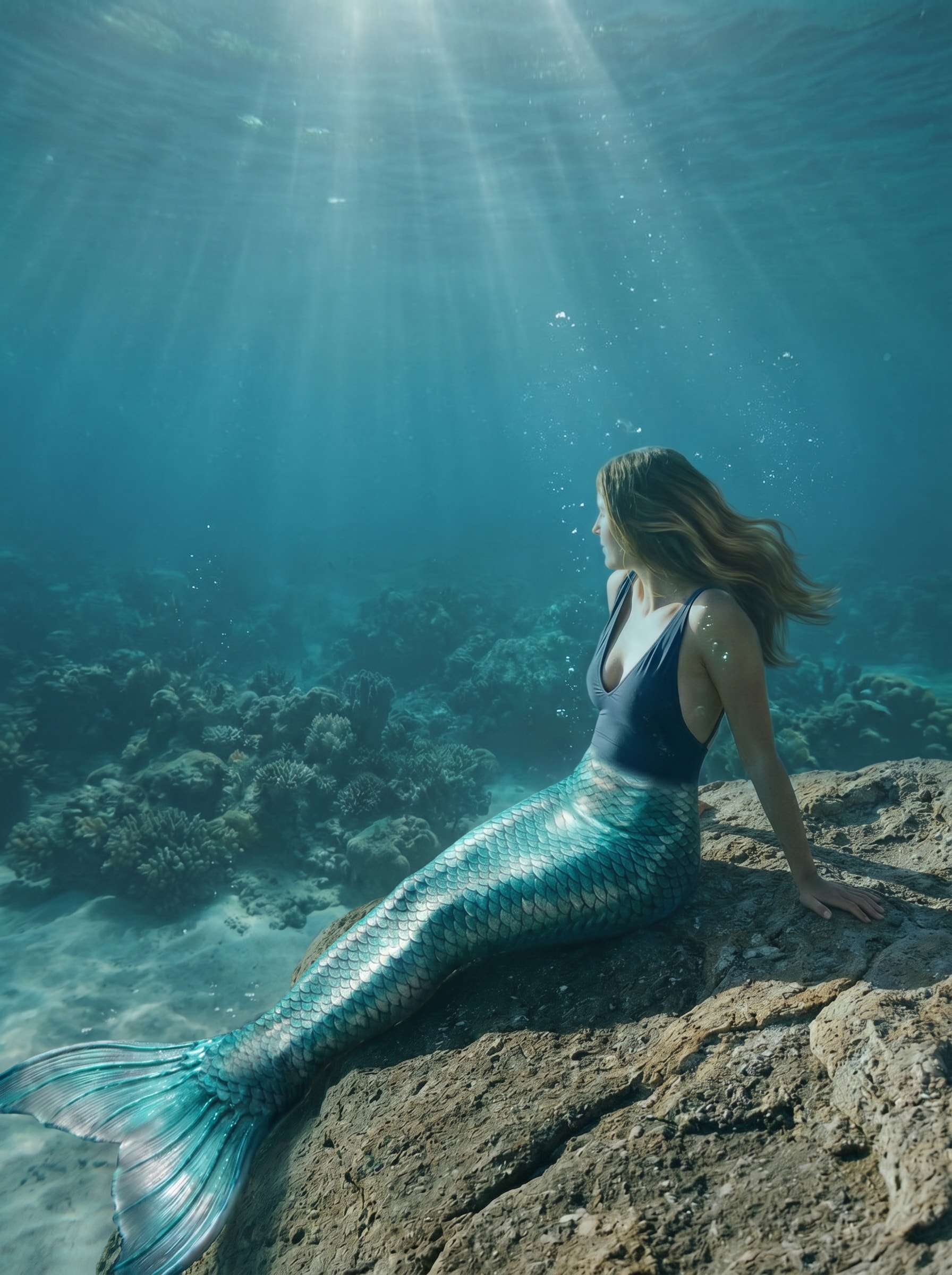
Fotorealistischer Ozean-Meerjungfrau
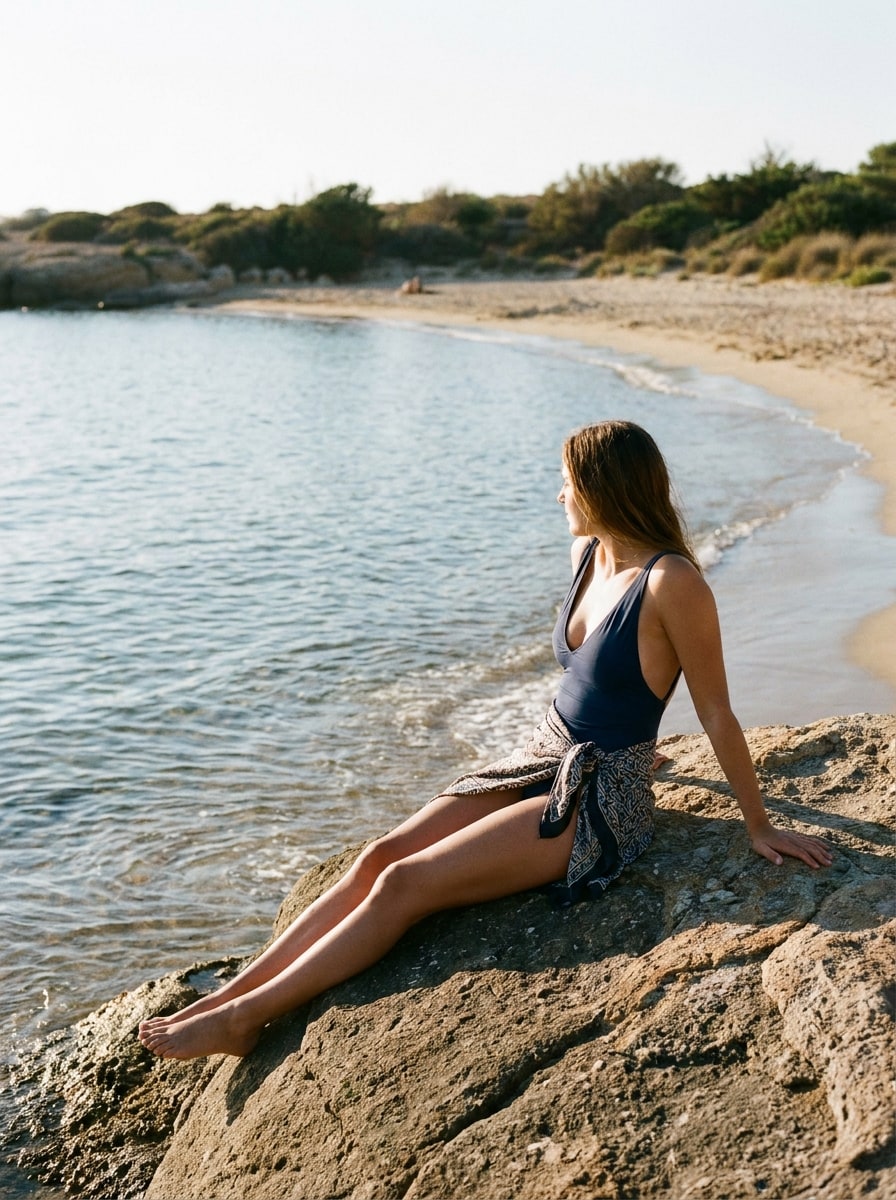
Verwende das hochgeladene Bild als Motiv und verwandle den Unterkörper in einen realistischen schimmernden Meerjungfrauenschwanz mit geschichteten blaugrünen und silbernen Schuppen, natürlicher Anatomie, nassen Haut-Highlights, sanft fließendem Haar, zarten Unterwasser-Lichtstrahlen, subtilen Blasen und einer filmischen blaugrünen Farbgebung, während Gesicht und Pose erhalten bleiben.
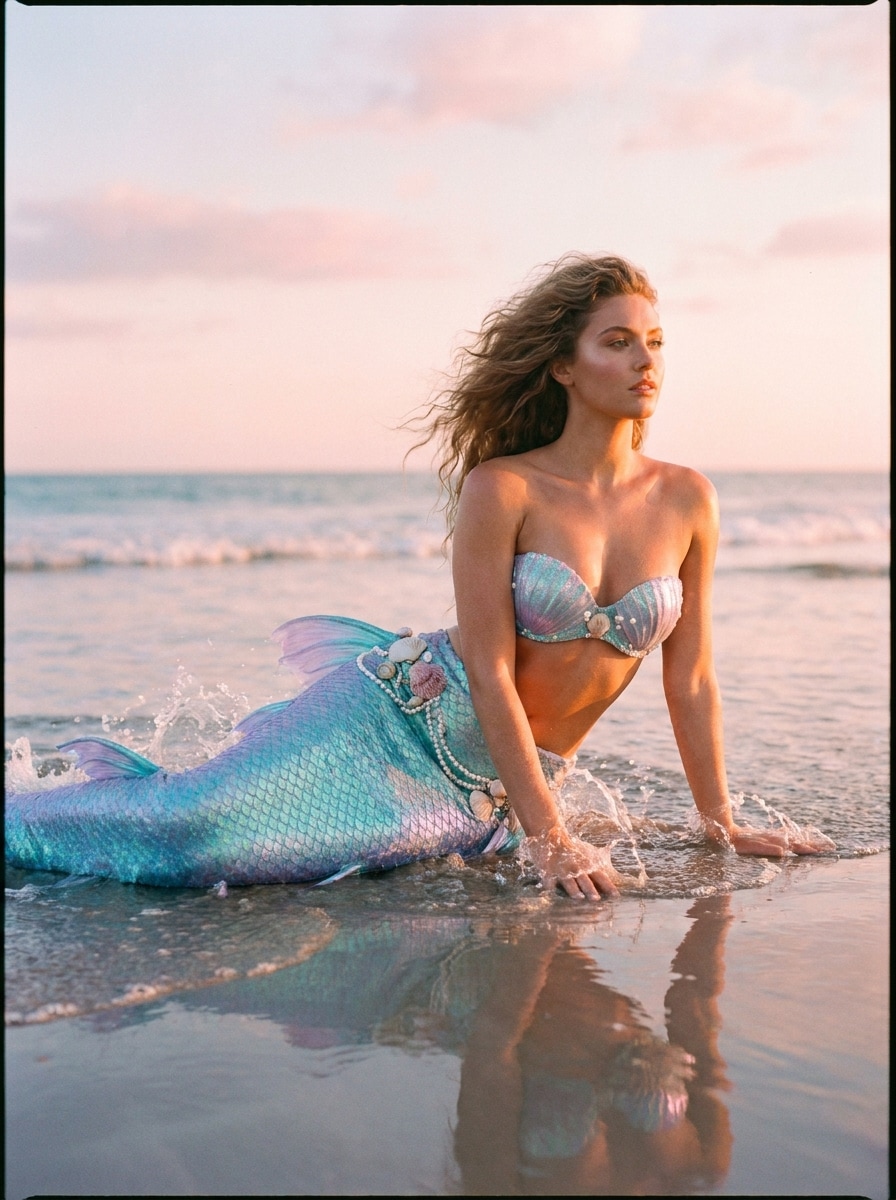
Strand-zu-Meerjungfrau-Bearbeitung
Verwende das hochgeladene Strandfoto als Grundlage und ersetze die Beine durch einen eleganten irisierenden Meerjungfrauenschwanz in Türkis- und Lavendeltönen, füge subtile Wasserspritzer, Muschel-Akzente, sonnenbeleuchteten Hautglanz, sanfte Meeresbrise im Haar und realistische Beleuchtung hinzu, die zur ursprünglichen Meeresszene passt.
Glitzer-Schwanz-Glamour
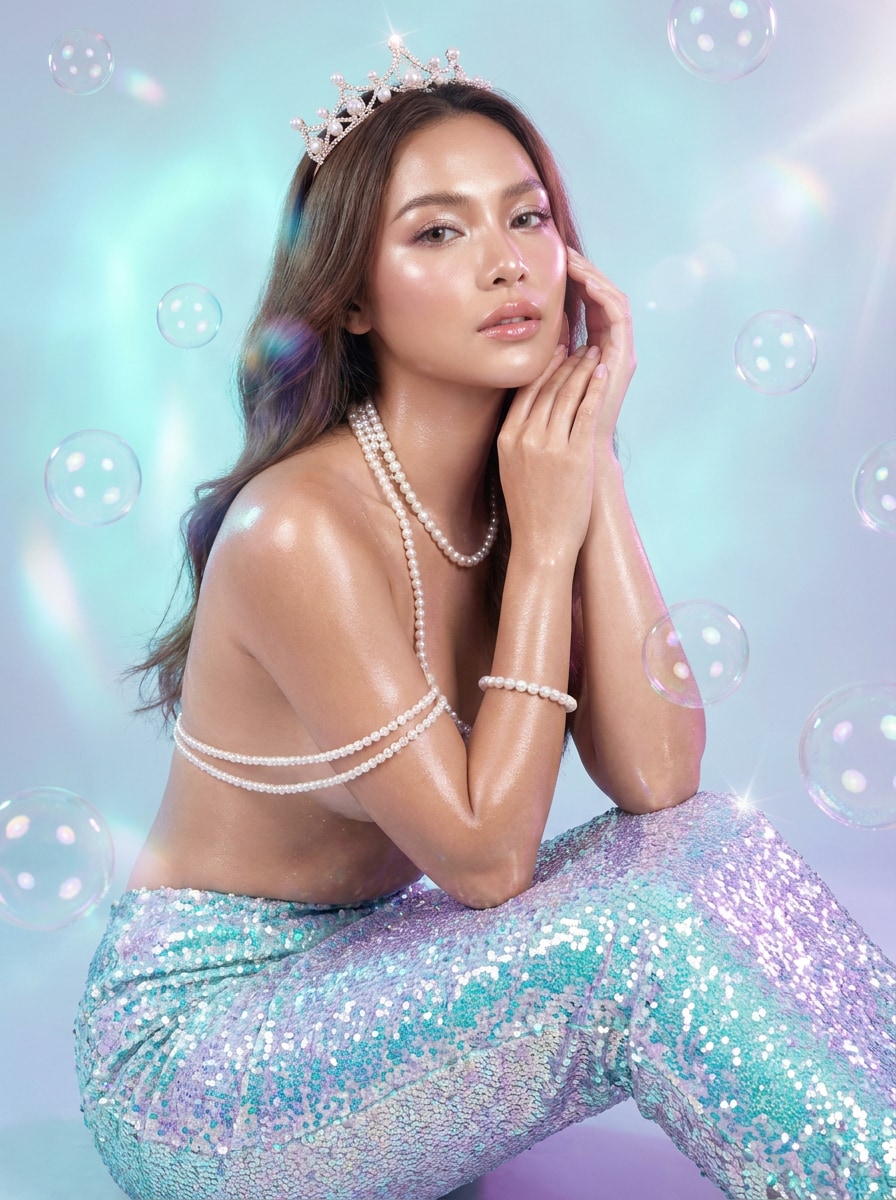
Verwende das hochgeladene Porträt als Motiv und erstelle eine glamouröse Meerjungfrau-Verwandlung mit einem glitzernden Glitzerschwanz, glänzender Haut, Perlen-Accessoires, schimmernder Aqua- und Lila-Beleuchtung, schwebenden Blasen, verfeinerten Beauty-Retuschen und einem polierten, social-media-reifen Fantasy-Look, der die Gesichtsidentität erkennbar hält.
Prinzessinnen-Meerjungfrau-Porträt
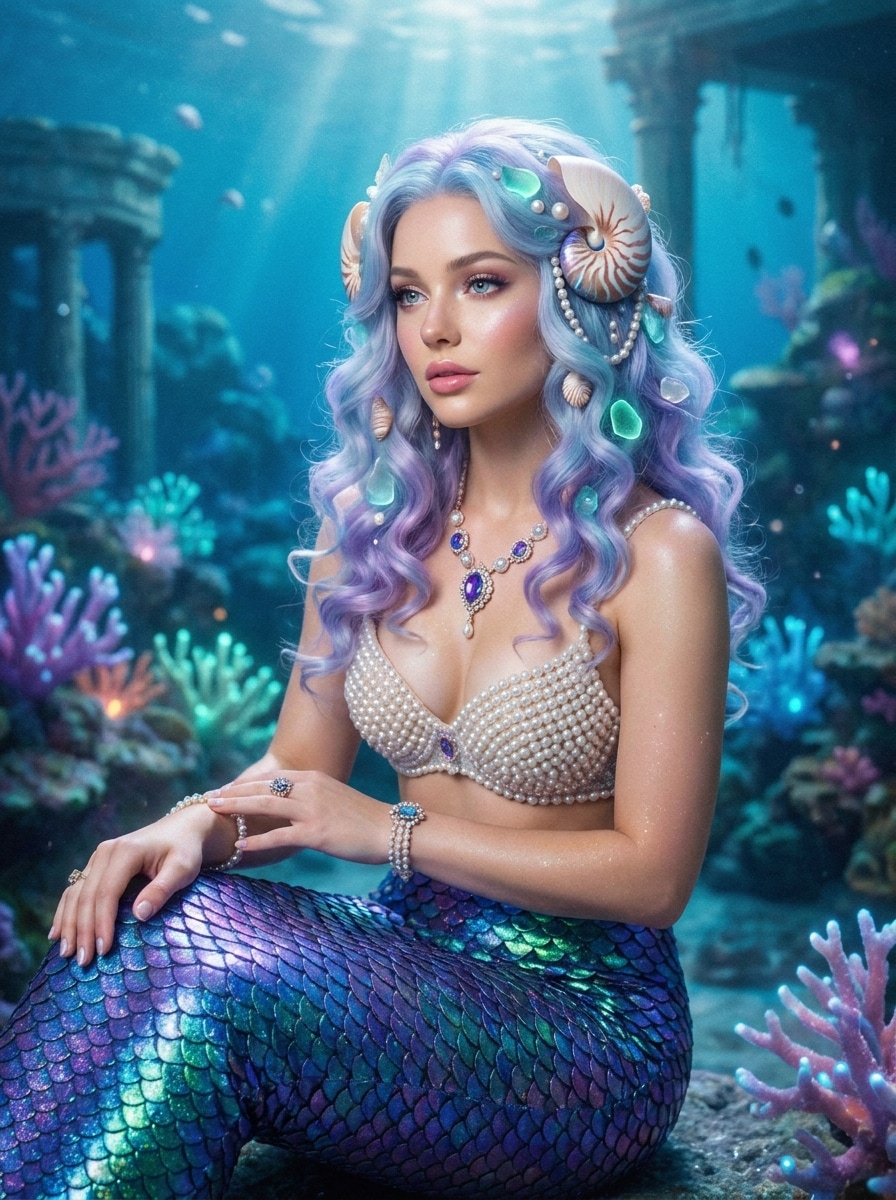
Verwende das hochgeladene Selfie oder Porträt als Referenz und verwandle es in ein prinzessinnenhaftes Meerjungfrau-Bild mit einem edelsteingetönten Schwanz, sanften Locken, Muschel- und Perlen-Accessoires, leuchtender Haut, traumhaftem Unterwasserglanz, eleganter Haltung und einer majestätischen Fantasy-Stimmung, während die Gesichtszüge der Person erhalten bleiben.
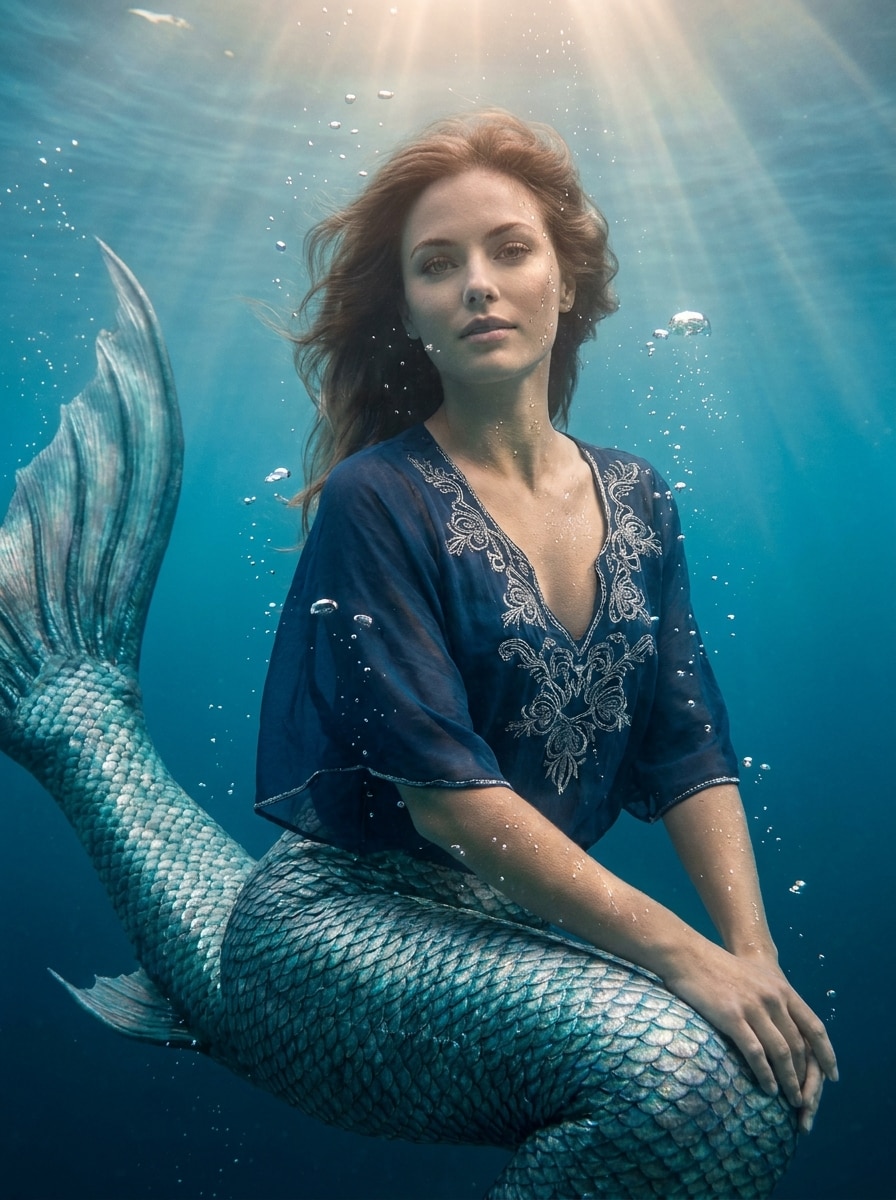
Kinematografische Tiefsee-Meerjungfrau
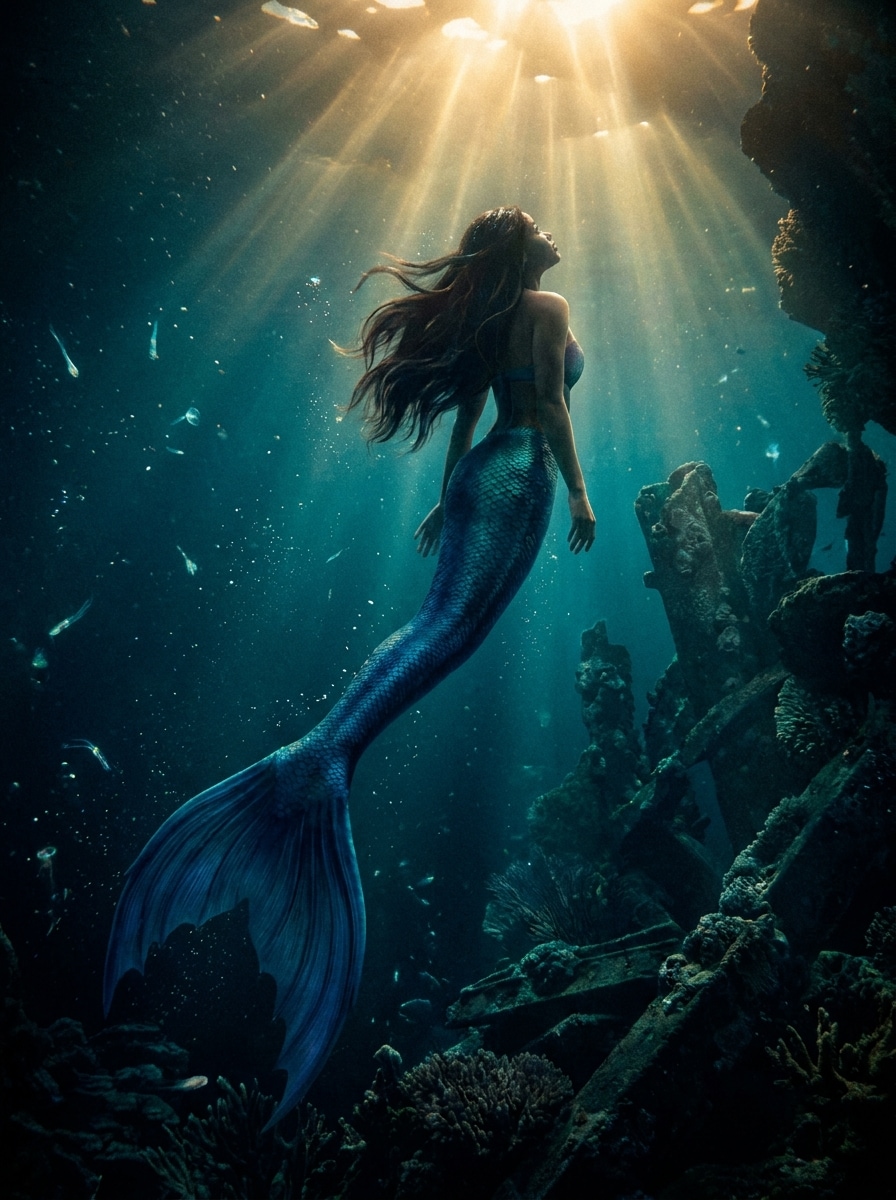
Verwende das hochgeladene Bild als Hauptmotiv und verwandle es in eine kinematografische Unterwasser-Meerjungfrau-Szene mit einem dramatischen tiefblauen Schwanz, schwebendem Haar, schwebenden Partikeln, starken Kontrast-Lichtstrahlen, satten Schatten, realistischer Schuppenstruktur und filmischem Blaugrün-Grading für einen immersiven Fantasy-Effekt.
Sonnenbeschienene Lagune Meerjungfrau
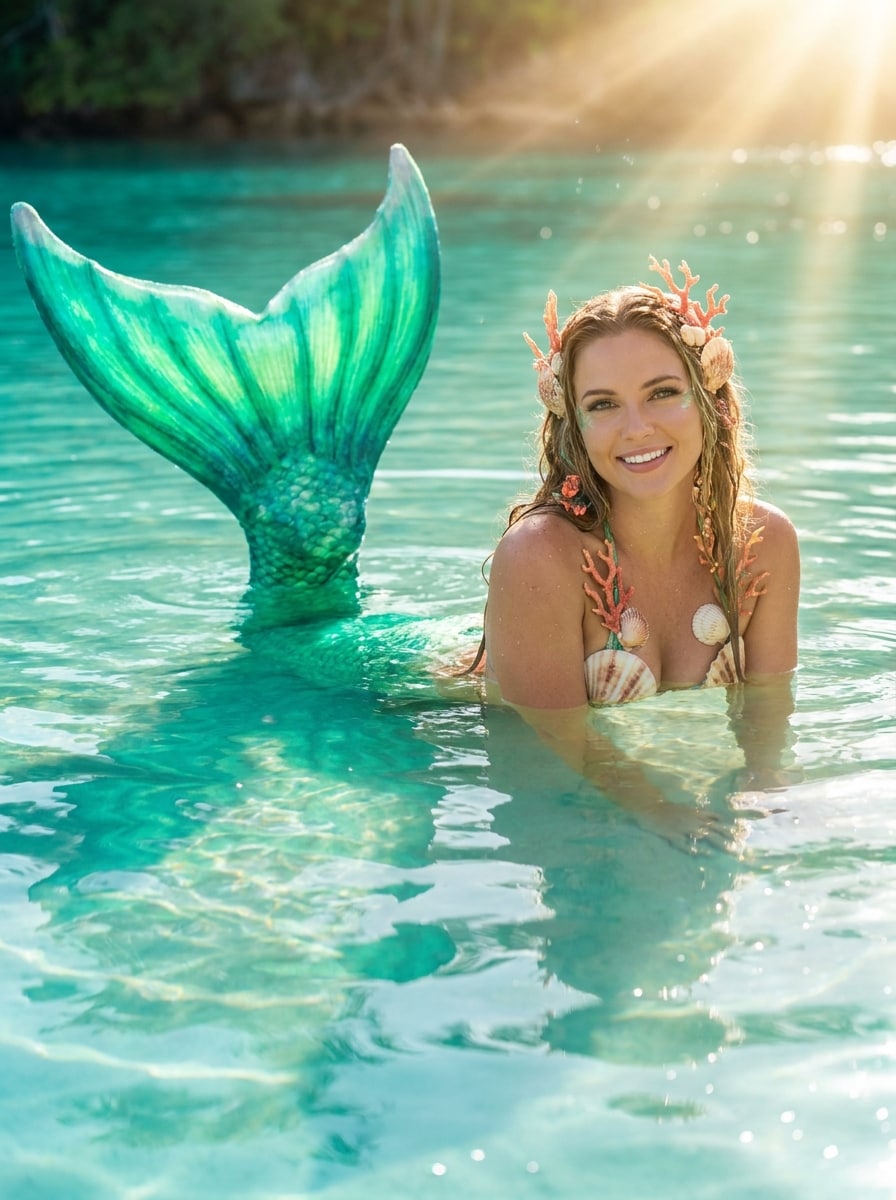
Verwende das hochgeladene Foto als Motiv und verwandle es in ein helles tropisches Lagunen-Meerjungfrau-Porträt mit einem leuchtenden Smaragd-Schwanz, klaren Aqua-Reflexionen, Korallen-Akzenten, warmen Sonnenstrahlen, frischer Urlaubsstimmung, glitzernder Wassertextur und realistischer Umgebungsbeleuchtung, die sich natürlich mit der Pose verbindet.
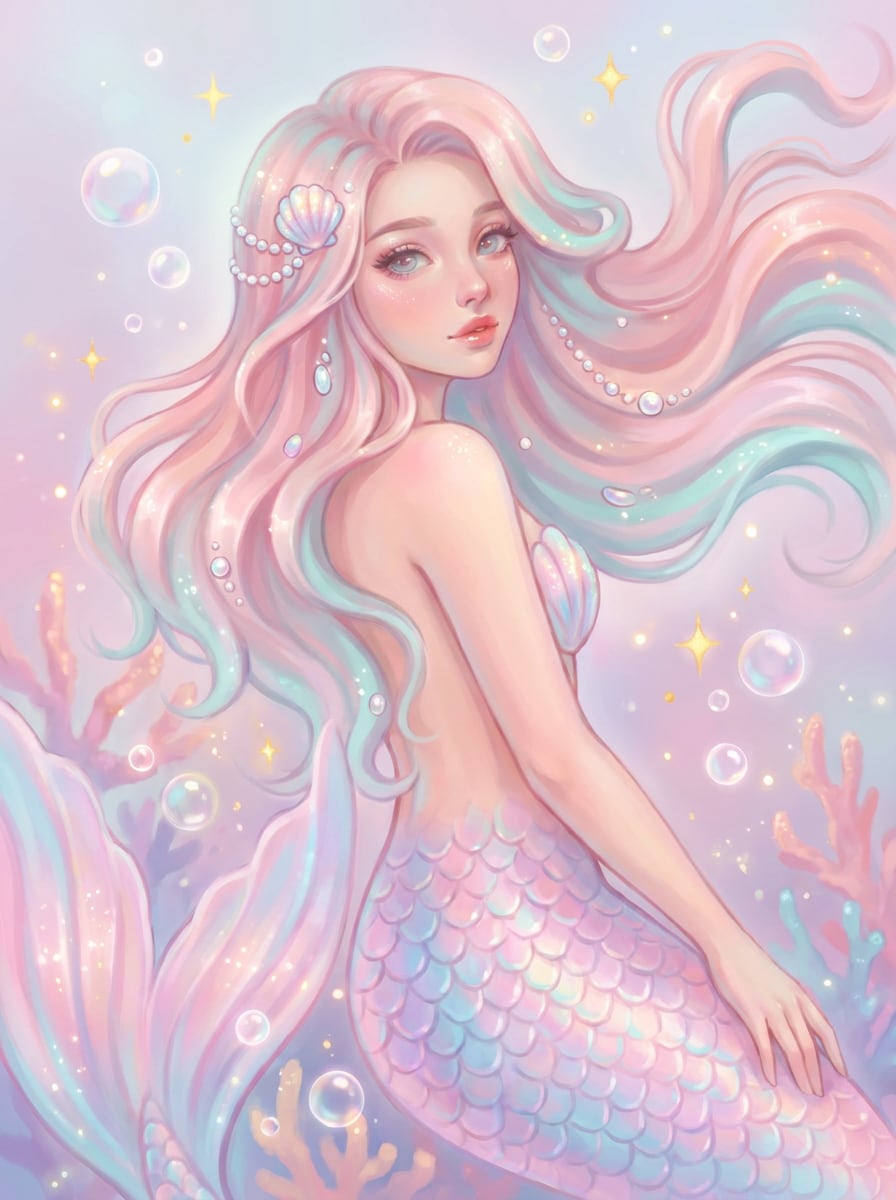
Pastell-Fee-Meerjungfrau
Verwende das hochgeladene Bild als Grundlage und erstelle eine niedliche Pastell-Meerjungfrau-Bearbeitung mit einem sanften rosa und aquafarbenen Schwanz, zarten Glitzern, traumhaftem Glanz, fließenden Haar-Akzenten, verspieltem Fantasy-Styling, leichten Blasen und einer süßen, luftigen Stimmung, die das Motiv natürlich und erkennbar aussehen lässt.
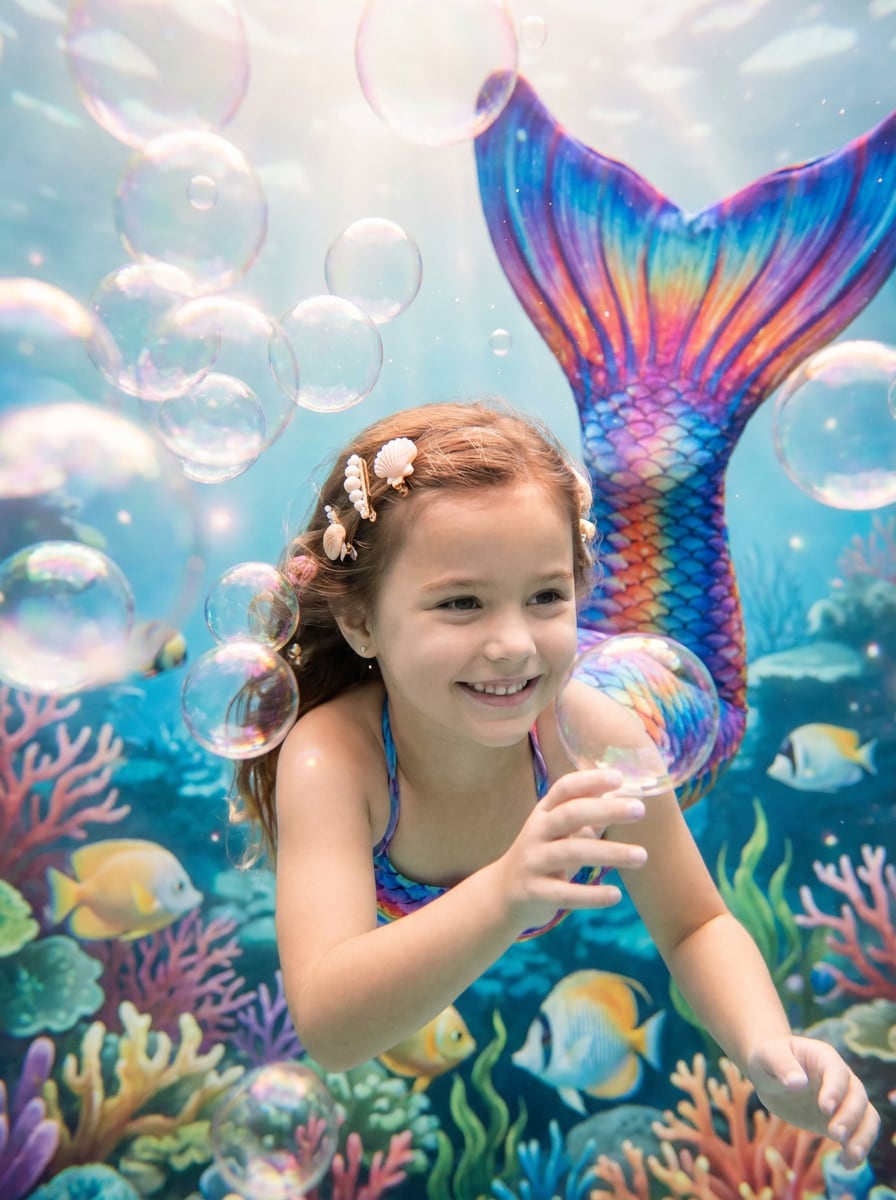
Kinder-Meerjungfrau-Verkleidung
Verwende das hochgeladene Kinderfoto als Referenz und füge einen verspielten, bunten Meerjungfrauenschwanz mit leuchtenden Schuppen, fröhlichen Blasen, Muschel-Dekorationen, sanftem magischem Glanz, fröhlichem Unterwasser-Styling und sauberen, familienfreundlichen Fantasy-Details hinzu, während das Gesicht des Kindes und der ursprüngliche fröhliche Ausdruck erhalten bleiben.
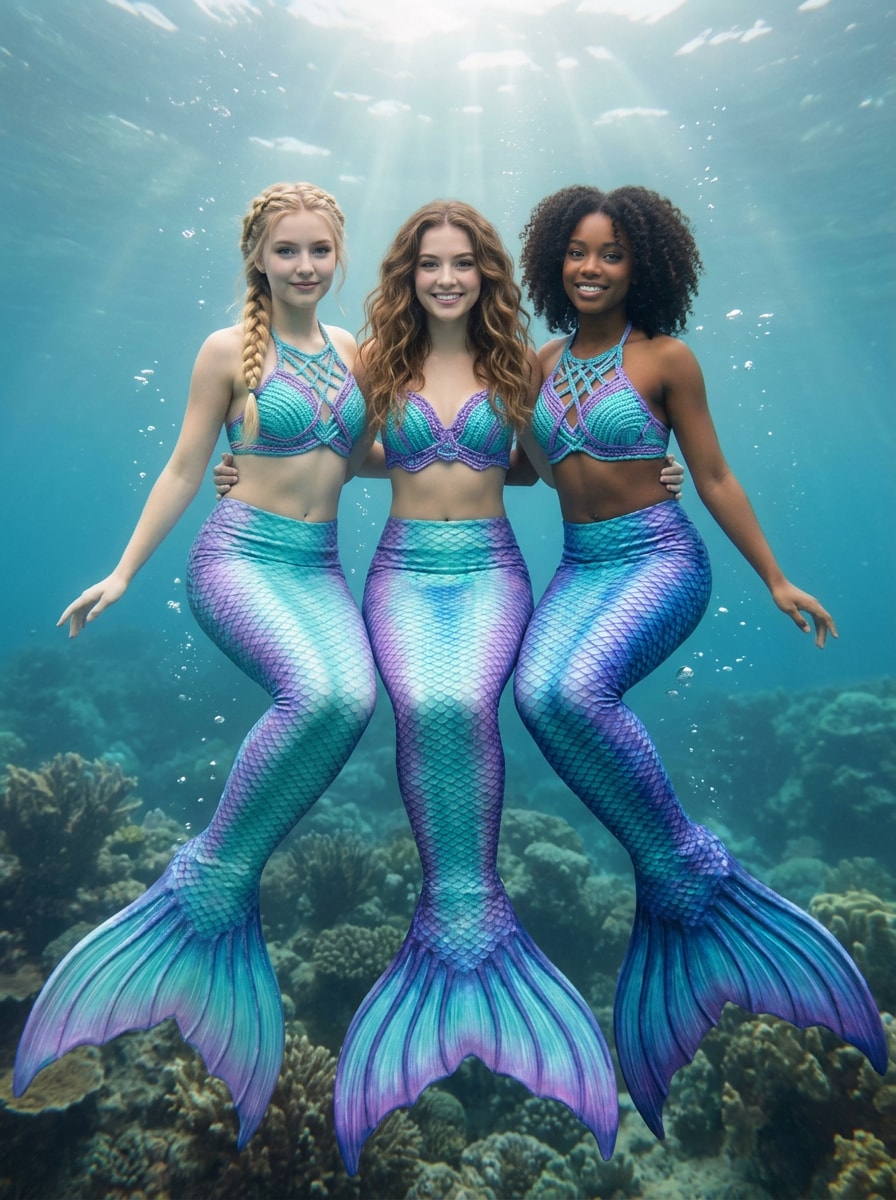
Beste-Freunde-Meerjungfrau-Bearbeitung
Verwende das hochgeladene Gruppenfoto als Referenz und verwandle jede Person in einen koordinierten Meerjungfrau-Look mit passenden, aber abwechslungsreichen Schwänzen, einheitlichen Aqua- und Violett-Tönen, konsistenter Unterwasserbeleuchtung, subtilen Blasen, poliertem Fantasy-Styling und erhaltenen Gesichtern, damit jedes Motiv leicht erkennbar bleibt.
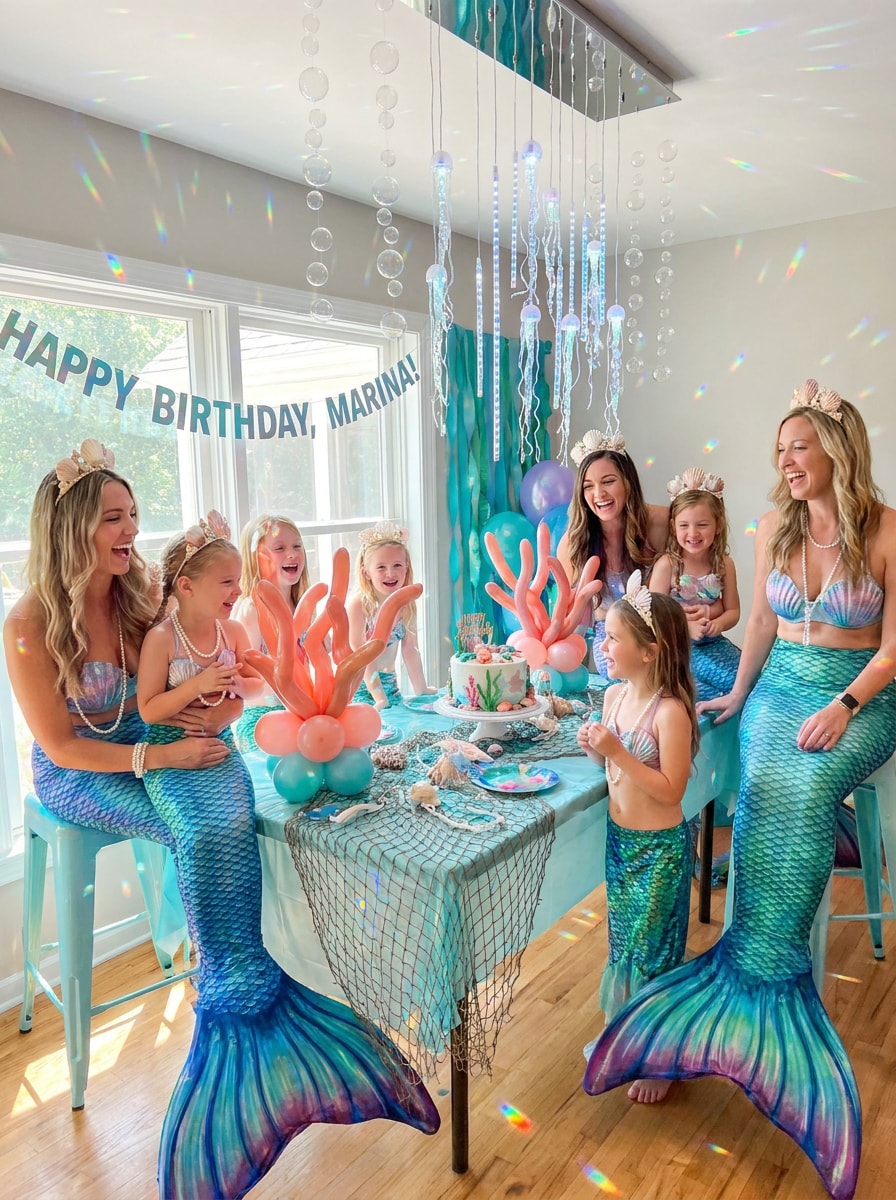
Geburtstagsfeiern-Meerjungfrau-Thema
Verwende das hochgeladene Partyfoto als Grundlage und verwandle es in eine festliche Meerjungfrau-Fantasy mit eleganten Schwänzen, Muschel-Accessoires, Ozean-Glitzereffekten, koordinierten Unterwasser-Dekorationen, heller festlicher Beleuchtung und realistischer Einbindung, die die Personen, Ausdrücke und die Partystimmung erhält.
Warum Media.io verwenden, um Meerjungfrauenschwänze realistisch hinzuzufügen
Erkennbare Meerjungfrau-Verwandlungen aus deinem eigenen Foto
Für Social-Media-Posts, Markenkonzepte oder visuelle Mockups, die noch wie die Originalperson aussehen müssen, hilft Media.io dabei, erkennbare Merkmale zu bewahren, während der Gesamtstil des Hinzufügens eines Meerjungfrauenschwanzes in ein poliertes Fantasy-Ergebnis umgewandelt wird.
Den richtigen Stil für jede Version finden
Wenn die Gestaltungsrichtung noch offen ist, ermöglicht Media.io das Testen mehrerer Looks rund um dieselbe Idee, was es einfacher macht, den richtigen Stil zu finden, ohne von vorne zu beginnen.
Endgültige Bilder für echte Projekte scharf halten
Wenn ein bearbeitetes Foto für die tatsächliche Veröffentlichung vorgesehen ist, liefert Media.io eine schärfere Ausgabe bis zu 4K, was dazu beiträgt, dass das Bild bei Präsentationen, Hintergründen und wiederverwendeten Ressourcen klar bleibt.
Schnelle Browser-Bearbeitung ohne manuelle Compositing
Einige Konzepte werden unterwegs entworfen und später am Schreibtisch fertiggestellt. Media.io hält diesen Prozess online, sodass du zum gleichen Workflow zurückkehren kannst, ohne zusätzliche Installationen oder Einrichtungen.
So verwandelst du dein Foto in eine Meerjungfrau
Verwandle deine Worte in atemberaubende Bilder in drei einfachen Schritten und verfeinere das Ergebnis dann weiter, wenn du es noch weiter entwickeln möchtest.
Schritt 1
Lade dein Referenzbild hoch
Beginne mit einem klaren Selfie, Porträt, Strandfoto oder Gruppenbild im JPG-, PNG- oder JPEG-Format. Ganzkörper- oder sitzende Fotos geben der KI in der Regel mehr Raum, den Schwanz natürlich zu platzieren und einzublenden.
Schritt 2
Beschreibe die Änderung und lege Optionen fest
Teile dem Tool den gewünschten Meerjungfrau-Stil mit, z. B. realistische Ozeanschuppen, pastell-fantasiehaften Glamour oder tropische Lagunen-Beleuchtung. Wähle dann dein Modell und passe Seitenverhältnis, Auflösung und Bildanzahl für das endgültige Aussehen an.
Schritt 3
Generieren, herunterladen und weiter verbessern
Erstelle mehrere Versionen, vergleiche, wie der Schwanz sich mit Pose und Beleuchtung verbindet, und lade dein Lieblingsergebnis herunter. Du kannst den Prompt weiter verfeinern, neue Variationen generieren oder die Bearbeitung fortsetzen, um ein noch stärkeres Fantasy-Ergebnis zu erzielen.
Das Potenzial des Meerjungfrau-Foto-Editors entfalten
Sieh, wie Kreative dieses Werkzeug für Inhalte, Marketing und persönliche Projekte nutzen, und passe jede Idee an deinen Bedarf an.
Scroll-stoppende soziale Profile erstellen
Verwandle ein alltägliches Porträt in einen polierten Fantasy-Avatar für TikTok, Instagram oder Messaging-Apps. Mit Media.io kann ein realistischer Unterwasser-Look, schimmernde Schuppen und schmeichelhafte Beleuchtung dein Profilbild kreativ wirken lassen, ohne deine erkennbaren Merkmale zu verlieren.
Strand-, Urlaubs- und Cosplay-Fotos aufwerten
Meeresporträts und Kostümfotos eignen sich perfekt für eine glaubwürdige, ozeaninspirierte Verwandlung. Verwende Media.io als Meerjungfrau-Foto-Editor, um einen zum Schauplatz passenden Schwanz hinzuzufügen, und verbessere dann die Stimmung mit Lagunenfarben, Glitzern oder kinematografischen Wassereffekten für ein immersiveres Ergebnis.
Gruppen- und Partyfotos magischer gestalten
Geburtstagsfotos, Beste-Freunde-Porträts und Bilder von thematischen Events können alle einen koordinierten Unterwasser-Touch erhalten. Dies ist besonders nützlich, wenn du Fotos in Meerjungfrau-Kunst für Einladungen, Erinnerungstafeln oder lustige teilbare Posts mit einem konsistenten Fantasy-Stil verwandeln möchtest.
Was Nutzer über ihre Meerjungfrau-Bearbeitungen sagen
Chloe R.
Lifestyle-Kreative
„Viel realistischer als Sticker-Apps" Ich wollte etwas Besseres als eine einfache Meerjungfrau-Sticker-App, und dieser hat den Schwanz tatsächlich mit meiner Pose und Beleuchtung verbunden. Das Ergebnis sah poliert genug für Instagram aus.
Maya T.
Party-Planerin
„Toll für thematische Geburtstagsfotos" Wir haben es für ein Geburtstagsfoto verwendet und der Unterwassereffekt kam wunderschön heraus. Es ließ alle erkennbar und ließ das gesamte Foto koordiniert statt übermäßig bearbeitet wirken.
Jordan P.
Cosplay-Hobbyist
„Einfacher Browser-Workflow" Ich mochte, dass ich es auf meinem Laptop verwenden konnte, ohne etwas installieren zu müssen. Hochladen, Prompt eingeben, generieren und anpassen – es war schnell und die Fantasy-Details sahen überraschend überzeugend aus.
Elena S.
Mutter
„Spaßige und familienfreundliche Ergebnisse" Ich habe ein Meerjungfrau-Porträt aus dem Foto meiner Tochter erstellt und es kam hell, magisch und niedlich heraus. Das Gesicht blieb klar erkennbar und das endgültige Bild war gut genug zum Drucken.
Entdecken Sie die beliebtesten KI-Video- und Bildeffekte
Häufig gestellte Fragen zum Verwandeln von Fotos in Meerjungfrauen
1. Wie kann ich online einen Meerjungfrauenschwanz zu einem Foto hinzufügen?
Lade ein klares JPG-, PNG- oder JPEG-Bild auf Media.io hoch und beschreibe dann den gewünschten Meerjungfrau-Look, z. B. einen realistischen Schwanz, Unterwasserbeleuchtung oder einen tropischen Fantasy-Stil. Media.io verwendet dein Referenzfoto, um eine transformierte Version zu erstellen, die das Motiv erkennbar hält und gleichzeitig den neuen Effekt hinzufügt.
2. Was ist ein KI-Meerjungfrau-Filter?
Ein KI-Meerjungfrau-Filter ist ein Foto-Transformationseffekt, der künstliche Intelligenz verwendet, um ein echtes Bild in ein meerjungfrau-thematisches Porträt oder eine Szene umzugestalten. Anstatt einen flachen Sticker über das Bild zu legen, kann Media.io das hochgeladene Foto mit einem Schwanz, Fantasy-Styling und Beleuchtung neu interpretieren, die sich natürlicher einfügt.
3. Kann ich ein Selfie oder ein Ganzkörperbild in eine realistische Meerjungfrau verwandeln?
Media.io funktioniert sowohl mit Selfies als auch mit Ganzkörperfotos, obwohl Bilder mit einer sichtbaren Pose der KI in der Regel mehr Kontext für die Gestaltung eines glaubwürdigen Schwanzes geben. Für ein realistischeres Ergebnis verwende ein klares Foto mit guter Beleuchtung und beschreibe Details wie Schuppenfarbe, Stimmung und Unterwasseratmosphäre.
4. Funktioniert der Meerjungfrau-Effekt auch bei Gruppenfotos?
Ja, Gruppenfotos können gut funktionieren, besonders wenn Gesichter und Körperpositionen deutlich sichtbar sind. Media.io unterstützt referenzbasierte Transformation, sodass du koordinierte Meerjungfrau-Variationen für mehrere Personen erstellen kannst, während Beleuchtung und Gesichtsidentität im Endbild konsistenter bleiben.
5. Gibt es eine kostenlose Möglichkeit, einem Bild einen Meerjungfrauenschwanz hinzuzufügen?
Media.io bietet kostenlose Credits an, damit du eine Meerjungfrau-Transformation ausprobieren kannst, bevor du ein Upgrade durchführst. Wenn du mehr Generierungen oder wasserzeichenfreie Downloads benötigst, kannst du die Preisseite für verfügbare Pläne prüfen.
6. Kann ich das bearbeitete Meerjungfrau-Foto in hoher Auflösung herunterladen?
Media.io unterstützt 1K-, 2K- und 4K-Ausgabeoptionen, sodass du eine Auflösung wählen kannst, die für soziale Netzwerke, Profilbilder oder den Druck geeignet ist. Kostenlose Nutzer erhalten möglicherweise Wasserzeichen.
Über die KI-gestützte Online-Funktion zum Hinzufügen eines Meerjungfrauenschwanzes hinaus