Deine Werke werden nur 7 Tage lang gespeichert. Assets, die nach dem Upgrade auf einen Mitgliedschaftstarif erstellt werden, werden dauerhaft gespeichert.
Entfalten Sie Ihr kreatives Potenzial und erleben Sie jetzt die Magie der Media-KI!
Fügen Sie mit KI Blasen zu Fotos hinzu – für verspielte, saubere Bearbeitungen
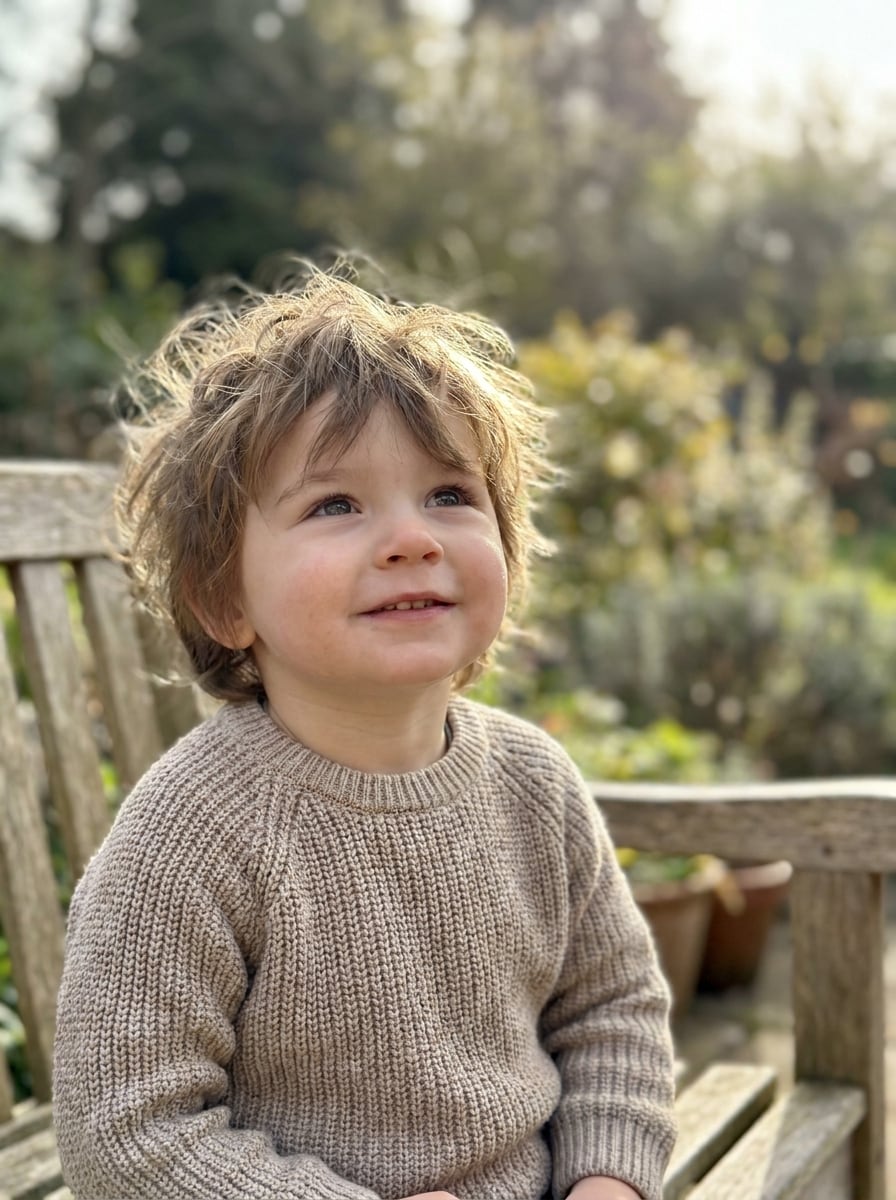
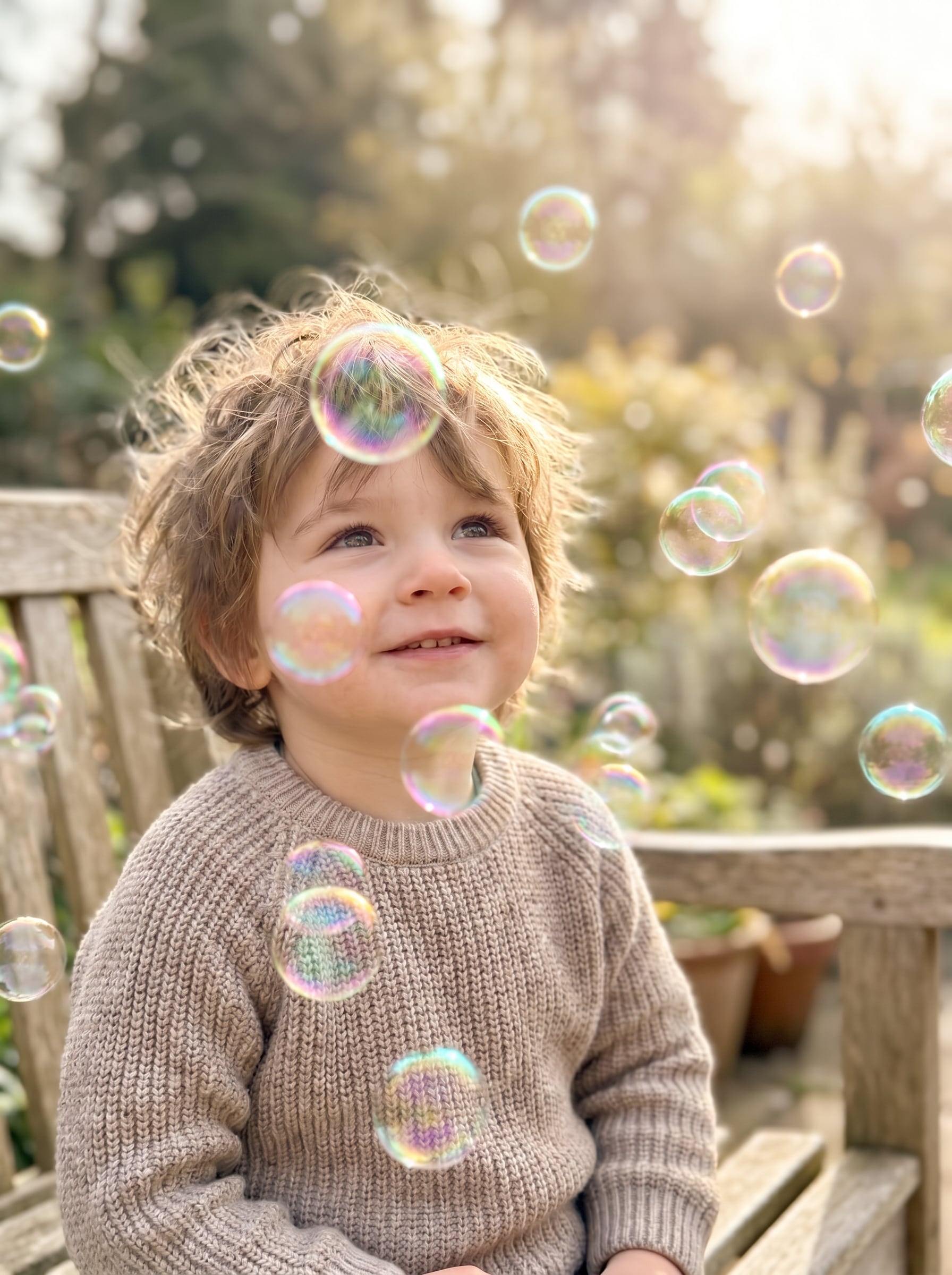
Verwenden Sie Media.io, um Blasen zu Fotos hinzuzufügen Szenen, Porträts und Memes in wenigen Minuten zu gestalten. Laden Sie Ihr Bild hoch, beschreiben Sie Seifenblasen, Unterwassereffekte oder Comic-Sprechblasen, und erzeugen Sie dann polierte Ergebnisse mit diesem KI-Blasen-Fotoeditor auf dem Desktop oder iPhone.
Geben Sie Ihre Idee ein -> KI gestaltet sie. Kostenlos ausprobieren.
Sehen Sie sich diese Beispielanweisungen an und passen Sie dann die Prompt-Details an, um bessere Ergebnisse mit dem Media.io-Workflow „Blasen zu Fotos hinzufügen" zu erzielen.
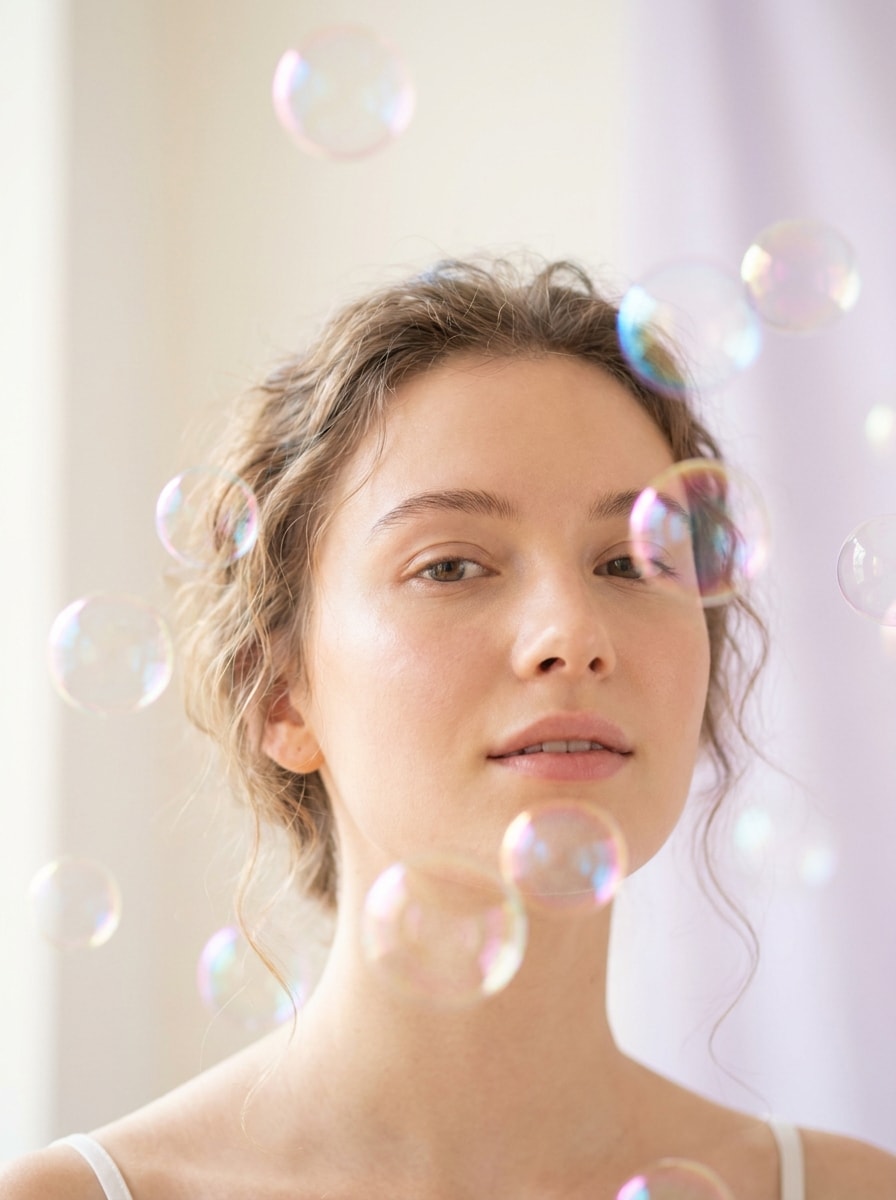
Verträumtes Seifenblasen-Porträt
Verwenden Sie das hochgeladene Bild als Motiv und verwandeln Sie es in ein verträumtes Porträt mit weichen, schwebenden, transparenten Seifenblasen um Gesicht und Schultern, pastellfarbenen Regenbogenreflexionen, sanftem Leuchten, geringer Schärfentiefe, cremigem Bokeh, natürlichen Hauttönen, luftiger Komposition und einem polierten, hochrealistischen Finish.
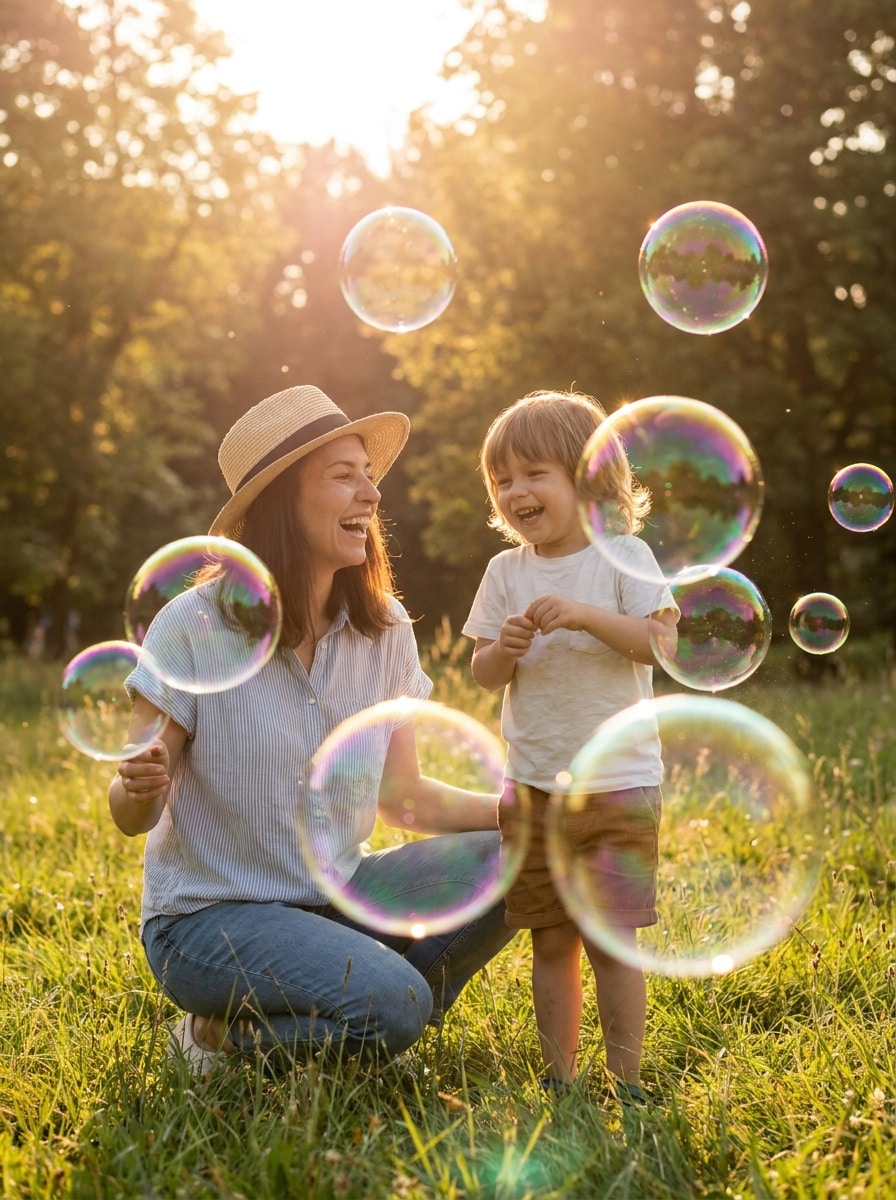
Sonnendurchflutete Blasen im Freien
Verwenden Sie das hochgeladene Außenfoto und fügen Sie helle, sonnendurchflutete Seifenblasen hinzu, die durch die Szene treiben – mit realistischen Reflexionen, subtilen Regenbogen-Highlights, natürlicher Perspektive, lebhafter Anordnung, warmem Nachmittagslicht, verspielter, familienfreundlicher Stimmung, knackigen Texturen und einem sauberen hochauflösenden Finish, das sich natürlich in die Umgebung einfügt.
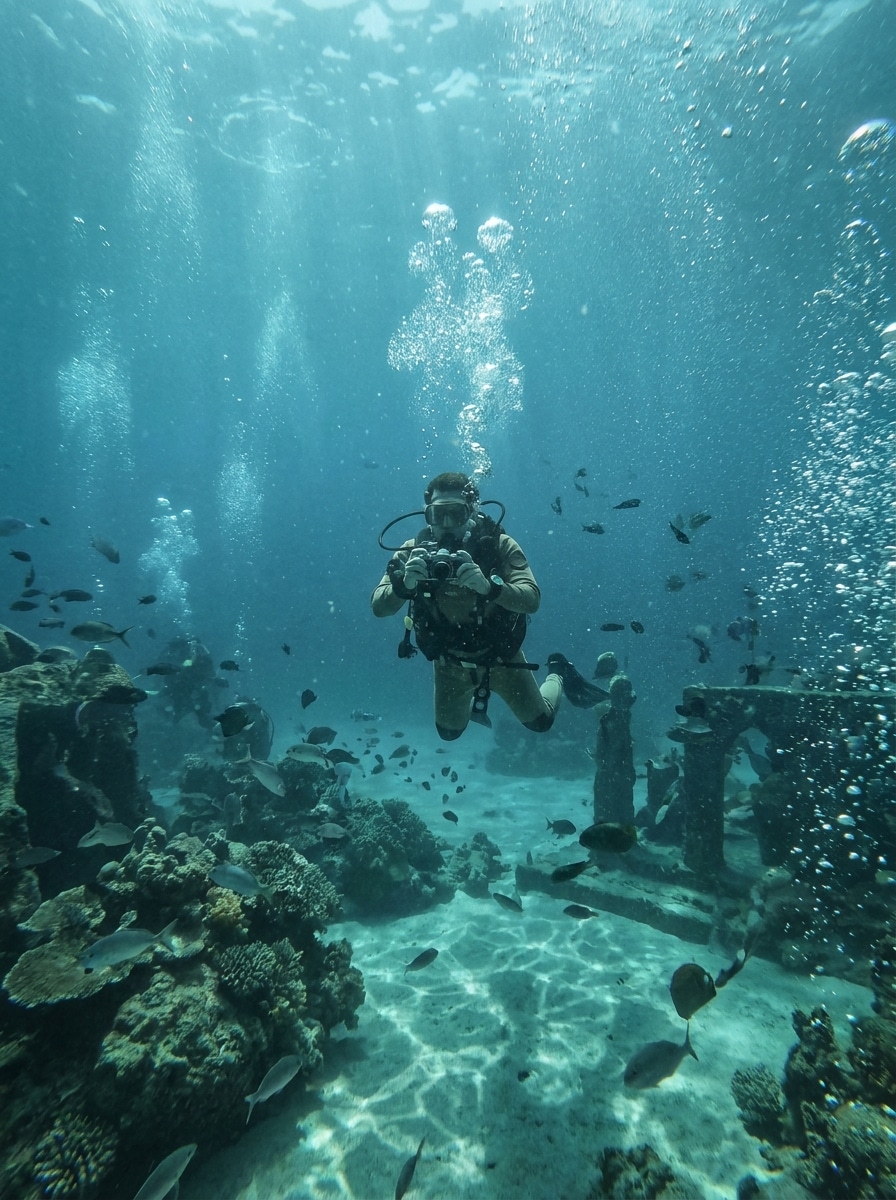
Unterwasser-Blaseneffekt
Verwenden Sie das hochgeladene Bild als Basis und verwandeln Sie die Szene mit aufsteigenden Unterwasserblasen, geschichteter Partikeltiefe, subtiler blaugrüner Tönung, weichem kaustischen Licht, realistischer Brechung, immersiver Unterwasserstimmung, erhaltener Motivklarheit und sanftem atmosphärischen Übergang für eine filmreife Unterwasserillusion.
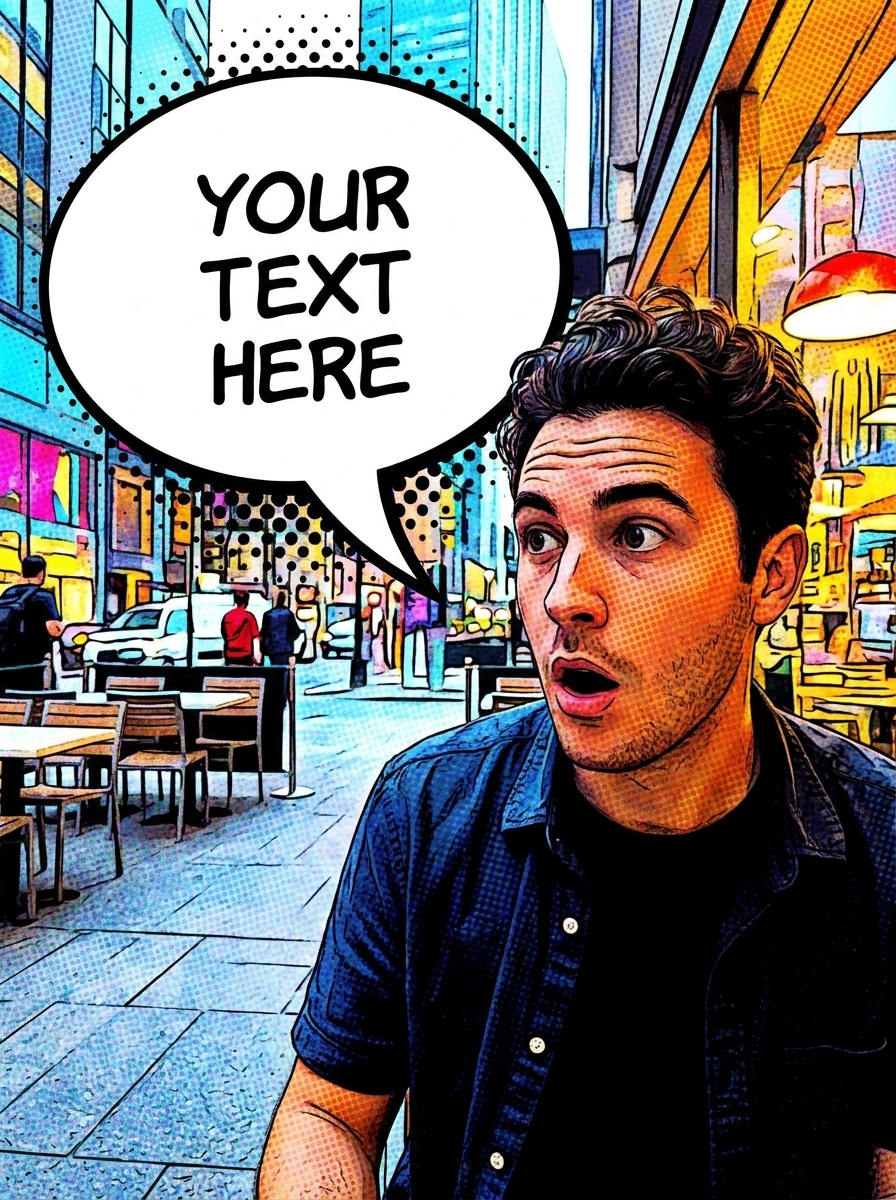
Comic-Sprechblase
Verwenden Sie das hochgeladene Foto und fügen Sie in der Nähe des Motivs eine auffällige Sprechblase im Comic-Stil hinzu – mit weißer Füllung, knackiger schwarzer Umrandung, sauberer Schwanzplatzierung, ausgewogenem Negativraum für Text, hellem hochkontrastigem Finish, lesbarer mobilfreundlicher Komposition und einer lustigen redaktionellen Comic-Stimmung, ohne das Hauptgesicht zu verdecken.
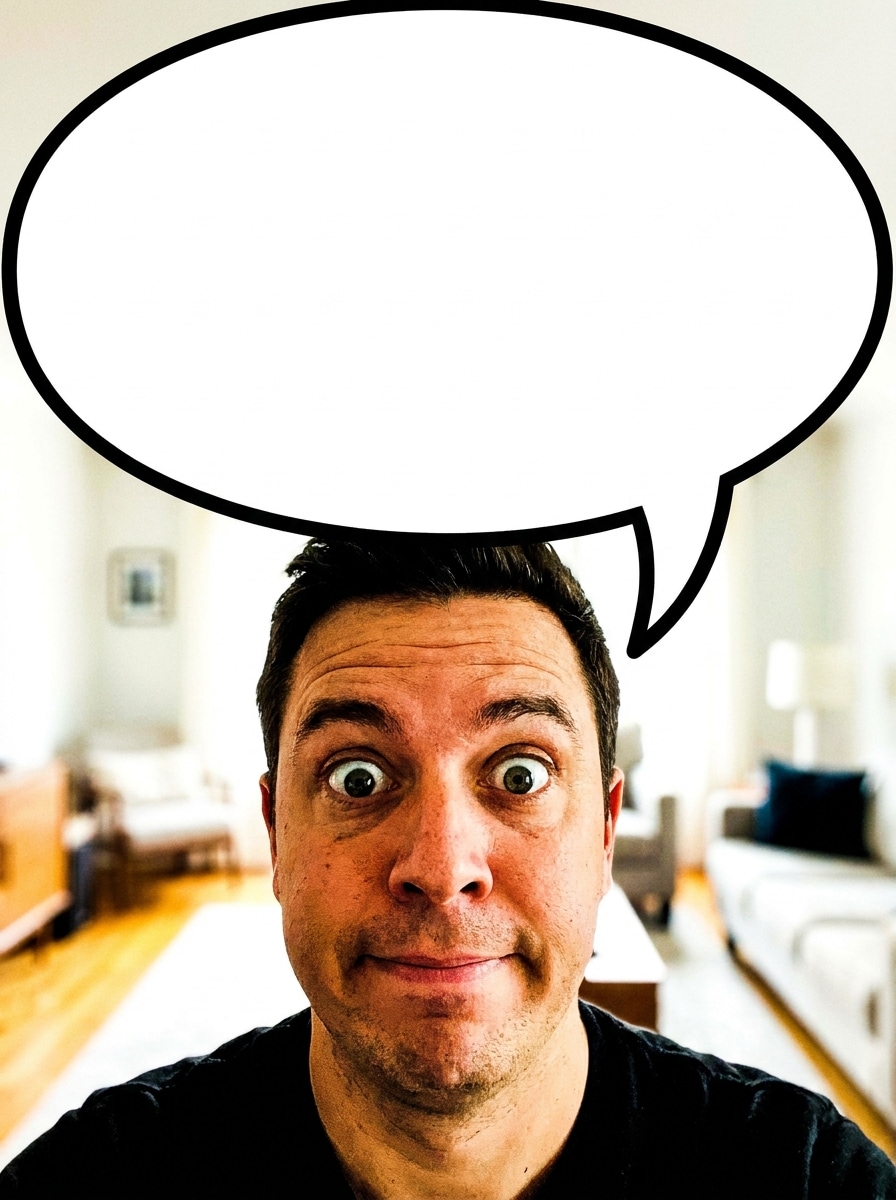
Meme-Reaktionsblase
Verwenden Sie das hochgeladene Bild als Motiv und verwandeln Sie es in eine lustige Meme-Bearbeitung mit einer überdimensionierten Reaktionssprechblase, starker Umrandung, fettem weißem Innenraum, freiem Textraum, kräftigem Kontrast, mobiloptimierter Lesbarkeit, ausdrucksstarker Platzierung und einem sauberen, social-media-fertigen Layout für schnelles Teilen.
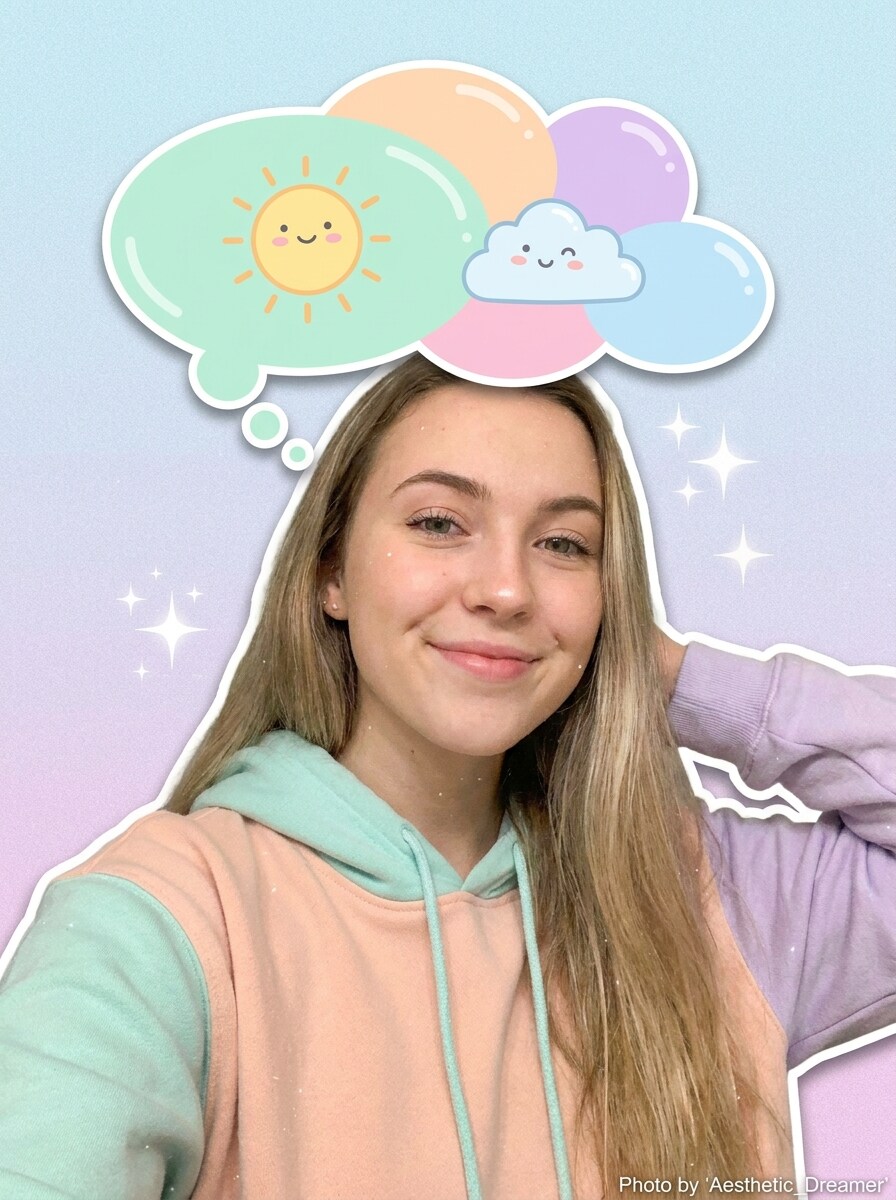
Gedankenblasen-Sticker
Verwenden Sie das hochgeladene Selfie und fügen Sie über dem Motiv einen niedlichen Gedankenblasen-Sticker hinzu – mit runden Cartoon-Kreisen, sanfter Pastellpalette, leichtem Schatten, glatter glänzender Textur, verspielter jugendzentrierter Stimmung, aufgeräumter Komposition und ausreichend freiem Raum für eine kurze Gedankenüberschrift oder einen Witz.
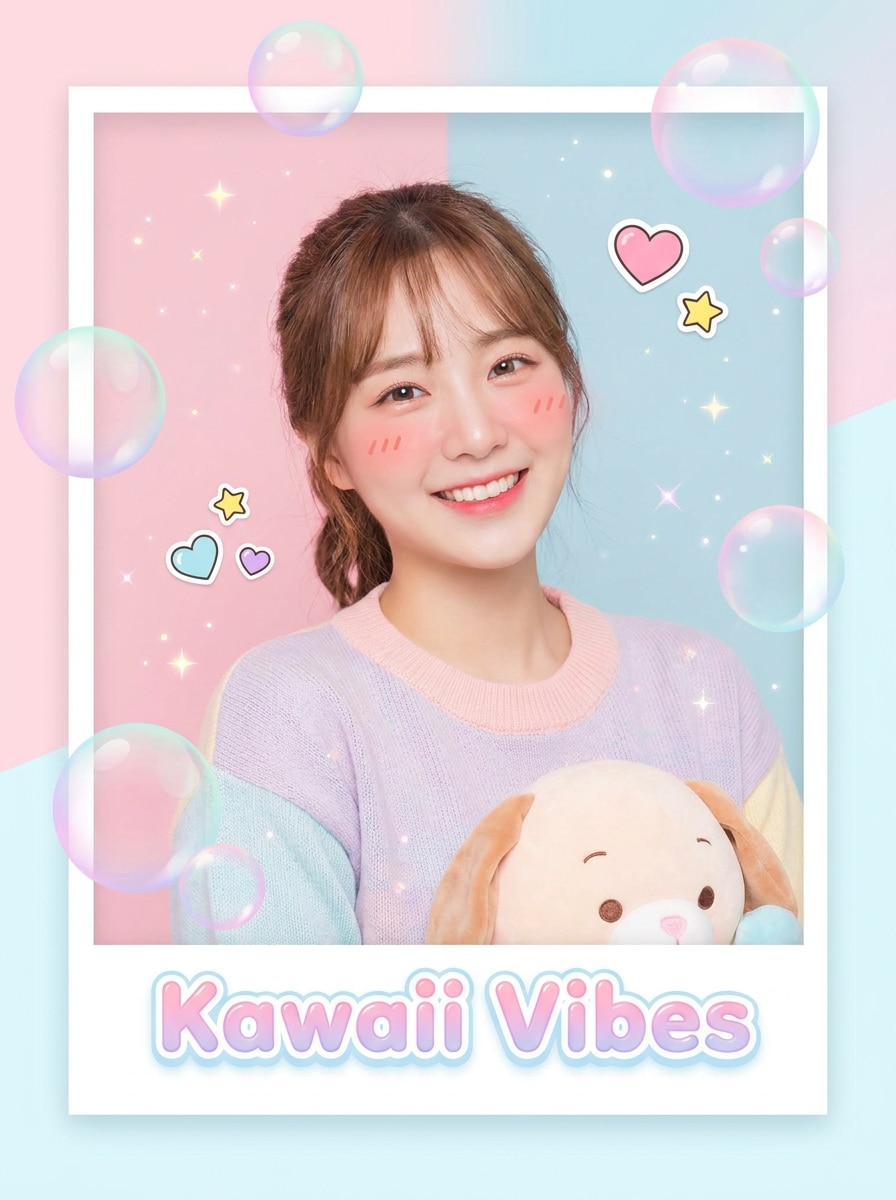
Kawaii-Blasen-Overlay
Verwenden Sie das hochgeladene Bild und verschönern Sie es mit Kawaii-Pastellblasen, kleinen Glitzern, rosatonfarbenen Highlights, sanftem leuchtenden Glanz, glatten stickerartigen Akzenten, sauberem modernen Rahmen, heller fröhlicher Stimmung und einer polierten Beauty-Social-Ästhetik, die das ursprüngliche Motiv klar erkennbar lässt.
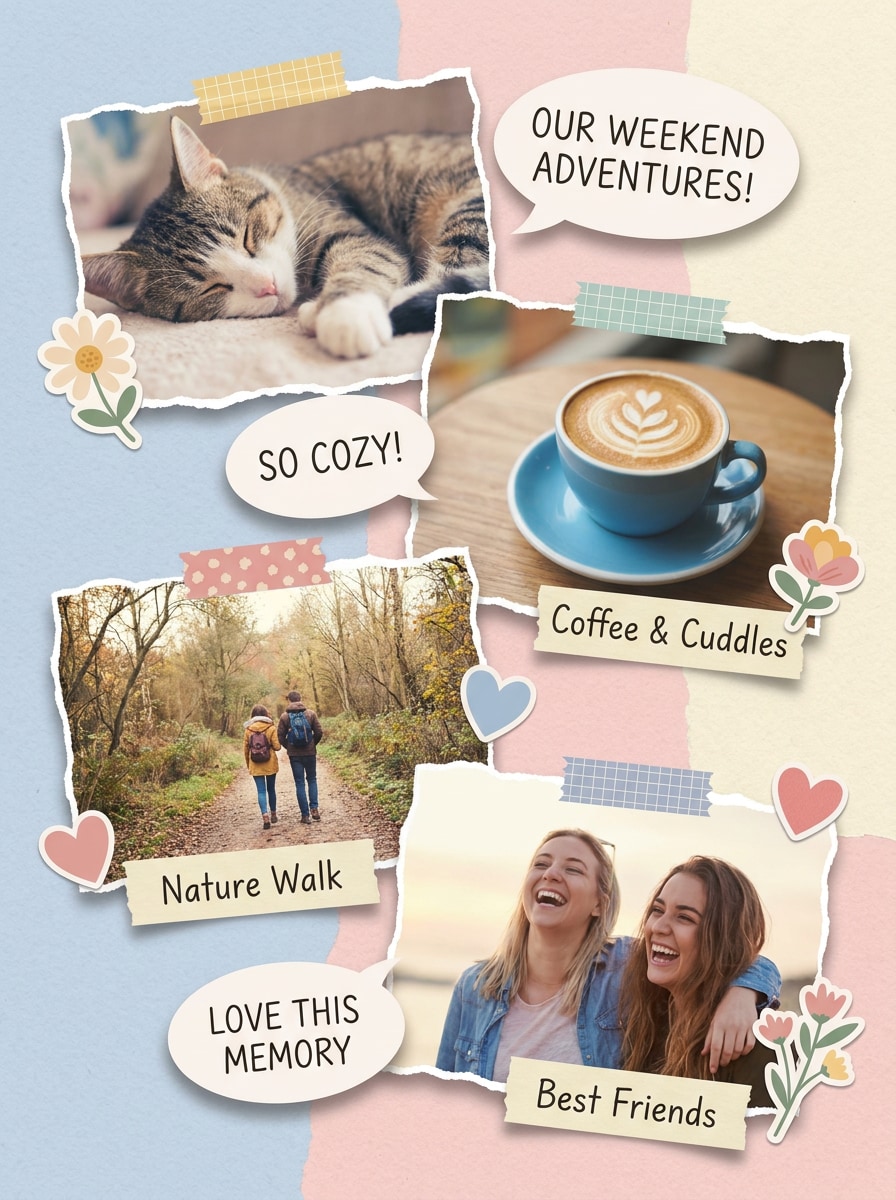
Scrapbook-Blasenbeschriftung
Verwenden Sie das hochgeladene Foto und gestalten Sie es mit scrapbook-inspirierten Sprechblasen, handgeschriebenen Beschriftungsbereichen, geschichteten Sticker-Elementen, pastellfarbenen Papiertexturen, ausgewogener Collageplatzierung, gemütlicher handwerklicher Stimmung, weicher Schattentiefe und einem Pinterest-Stil-Layout, das verspielt, aber dennoch ordentlich und lesbar wirkt.
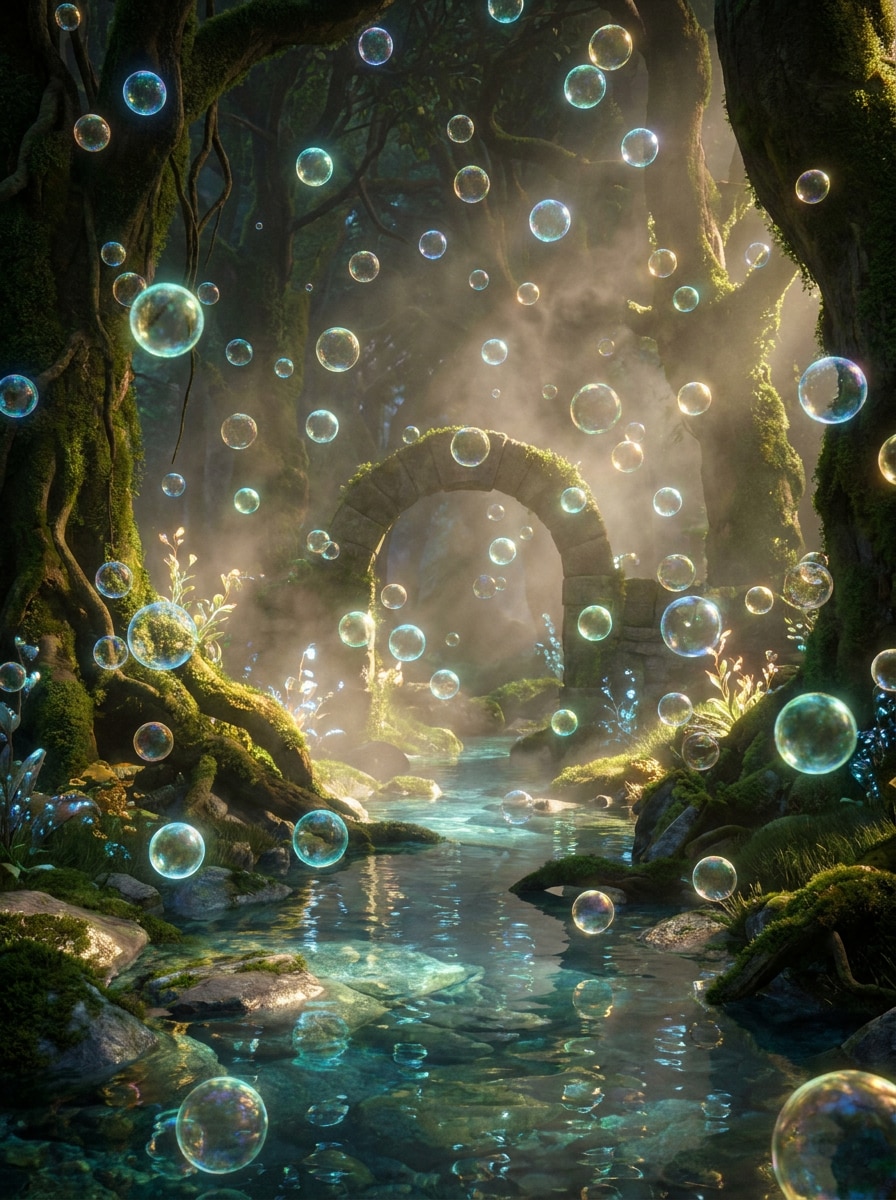
Magische schwebende Blasen
Verwenden Sie das hochgeladene Bild als Szene und fügen Sie magische schwebende Blasen mit filmischer Beleuchtung, ätherischem Leuchten, geschichteter Tiefe, eleganten Farbreflexionen, sanftem Dunst, fantasy-inspirierter Atmosphäre, realistischer Integration mit dem Motiv und einem erstklassigen polierten Finish hinzu, das verzaubernd statt cartoonartig wirkt.
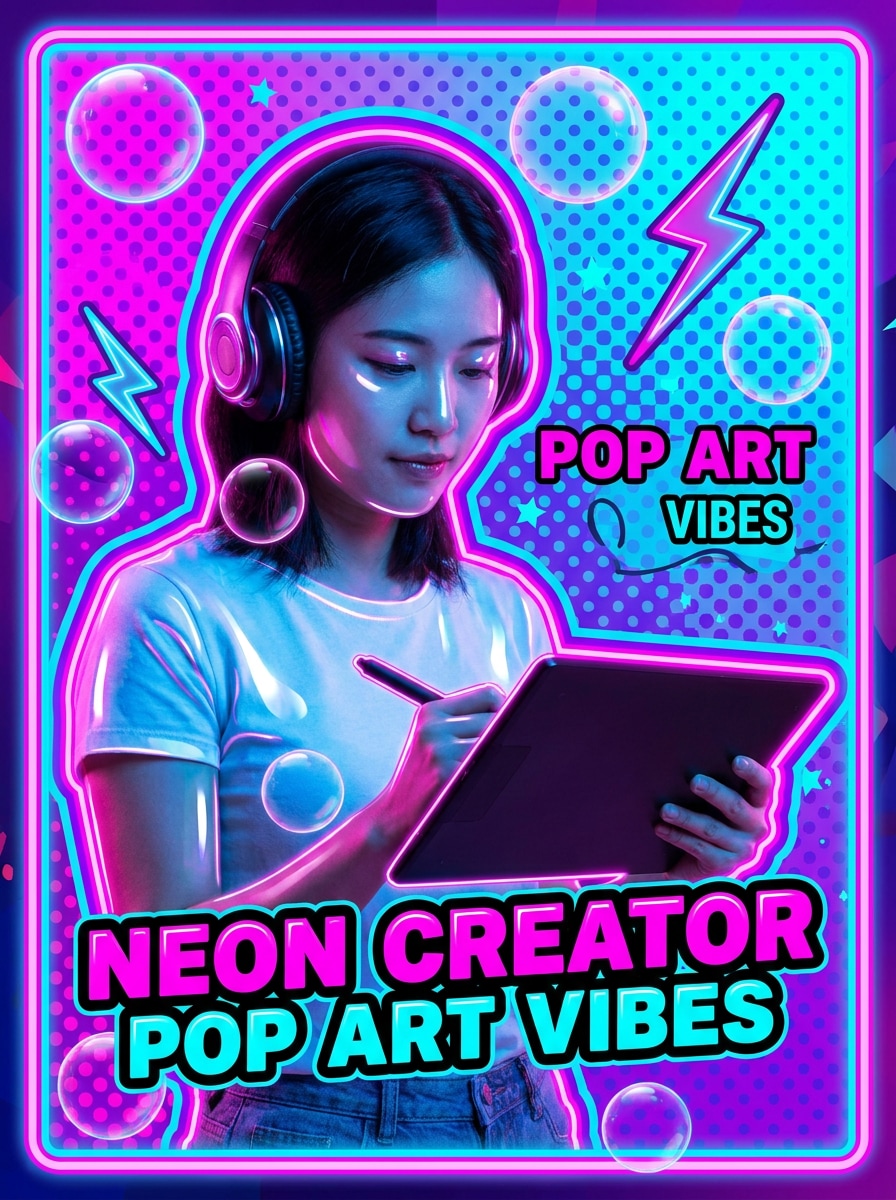
Neon-Blasen-Pop-Art
Verwenden Sie das hochgeladene Foto und verwandeln Sie es mit Neon-Blasenelementen, lebendigen Umrissen, glänzenden Oberflächen, kräftigem Pop-Art-Kontrast, gesättigter Rosa-Blau-Palette, energetischer Creator-Stimmung, fetter grafischer Komposition und einem scharfen thumbnail-freundlichen Finish, das für kurzformatige Social-Media-Inhalte konzipiert ist.
Warum Media.io verwenden, um einen Blasen-Fotoeffekt zu erstellen
Ein echtes Foto hochladen und das Motiv erkennbar halten
Für Porträts, Charakterkunst oder Markenvisuals, die noch erkennbar wirken müssen, hilft Media.io dabei, die wesentlichen Identitätsmerkmale zu bewahren und gleichzeitig das fertige „Blasen zu Fotos hinzufügen"-Ergebnis zu verfeinern – sodass die Bearbeitung poliert statt übertrieben wirkt.
Verschiedene Looks erkunden, ohne die Richtung zu verlieren
Wenn der Stil Teil des Entscheidungsprozesses ist, hilft Media.io dabei, mehrere Richtungen auf Basis desselben „Blasen zu Fotos hinzufügen"-Ausgangspunkts zu vergleichen, was die kreative Auswahl effizienter macht.
Sauberere Details mit Auflösungs- und Modelleinstellungen erzielen
Wenn ein „Blasen zu Fotos hinzufügen"-Ergebnis für den echten Veröffentlichungseinsatz bestimmt ist, bietet Media.io eine schärfere Ausgabe bis zu 4K, die dafür sorgt, dass das Bild in Präsentationen, Hintergründen und wiederverwendeten Assets klar bleibt.
Im Browser auf allen Geräten erstellen
Manche „Blasen zu Fotos hinzufügen"-Konzepte werden unterwegs entworfen und später am Schreibtisch fertiggestellt. Media.io hält diesen Prozess online, sodass Sie zum selben Workflow zurückkehren können, ohne zusätzliche Installationen oder Einrichtungen.
So fügen Sie in Media.io Blasen zu einem Foto hinzu
Verwandeln Sie Ihre Worte in drei einfachen Schritten in beeindruckende Visuals und verfeinern Sie das Ergebnis anschließend nach Belieben.
Schritt 1
Referenzbild hochladen
Beginnen Sie mit einem klaren Porträt, Selfie, Außenaufnahme, Meme-Basis oder Produktbild. Laden Sie Ihre JPG-, PNG- oder JPEG-Datei hoch, damit das Tool das ursprüngliche Motiv und die Szene als Grundlage für die Blasenbearbeitung verwenden kann.
Schritt 2
Änderung beschreiben und Optionen festlegen
Tippen Sie ein, was Sie hinzufügen möchten, z. B. realistische Seifenblasen, Unterwasserblasen, eine Gedankenblase oder eine Comic-Sprechblase. Wählen Sie dann Ihr bevorzugtes Modell und passen Sie Seitenverhältnis, Auflösung und Bildanzahl an Ihren endgültigen Verwendungszweck an.
Schritt 3
Generieren, herunterladen und weiter verbessern
Generieren Sie mehrere Versionen, vergleichen Sie Blasenplatzierung und Überblendung, und laden Sie das beste Ergebnis herunter. Falls nötig, verfeinern Sie den Prompt, probieren Sie einen anderen Stil aus oder erstellen Sie neue Variationen, bis die Bearbeitung zu Ihrem Beitrag, Meme oder Design passt.
Sehen Sie, wie Ersteller Media.io nutzen, um Fotos für Inhalte, Marketing und persönliche Projekte Blasen hinzuzufügen, und passen Sie jede Idee an Ihre Aufgabe an.
Porträts leichter und verträumter wirken lassen
Fügen Sie schwebende transparente Overlays zu Selfies, Kinderfotos oder Lifestyle-Porträts für ein weiches, magisches Finish hinzu. Media.io erleichtert die Erstellung dieses polierten dekorativen Looks ohne komplexe ebenenbasierte Bearbeitung, und ein Seifenblasenfilter-Stil kann dazu beitragen, dass das Bild luftig und verträumt wirkt.
Alltägliche Fotos in Memes oder Comic-Posts verwandeln
Verwenden Sie Sprech- oder Gedankenblasen, um Reaktionsbilder, vorgetäuschte Gespräche und humorvolle Social-Media-Inhalte zu erstellen. Media.io bietet Erstellern eine schnelle Möglichkeit, lesbare Bearbeitungen zu produzieren, die sauberer aussehen als manuelle Sticker-Platzierung.
Social-Media-Grafiken mit einem mobilfreundlichen Look gestalten
Erstellen Sie Scrapbook-Layouts, Beschriftungsblasen oder helle Pop-Art-Overlays für Stories, Thumbnails und Promos. Dieser Workflow ist nützlich, wenn Sie eine schnelle Blasen-Fotoeffekt zu erstellen wünschen, die modern, visuell und einfach zu teilen ist.
Was Nutzer über Media.io-Blasenbearbeitungen sagen
Jasmine P.
Lifestyle-Erstellerin
„Großartig für verträumte Porträt-Overlays" Ich wollte weiche schwebende Blasen um mein Selfie, und Media.io hat es einfach gemacht. Die Ergebnisse sahen natürlich aus, anstatt aufgeklebt zu wirken, und ich konnte einige Versionen generieren, bevor ich mein Favorit heruntergeladen habe.
Marco T.
Meme-Seiten-Manager
„Schnelle Sprechblasenbearbeitungen für Social-Media-Beiträge" Ich verwende es, um Reaktionsfotos in Comic-Memes zu verwandeln. Die Blasenplatzierung ist sauberer als bei den meisten schnellen Editoren, und der mobile Workflow ist einfach genug, um ihn zwischen Beiträgen zu nutzen.
Elena R.
Designerin für kleine Unternehmen
„Hilfreich für verspielte Kampagnengrafiken" Wir haben Blasen-Overlays für eine Kinderwerbung und ein Saisonplakat getestet. Die Möglichkeit, unser eigenes Bild hochzuladen und den Stil zu steuern, hat Zeit gespart, und der finale Export sah für die Veröffentlichung scharf aus.
Noah C.
Student-Creator
„Einfach auf Handy und Laptop" Ich habe es zuerst auf meinem iPhone ausprobiert und dann dieselbe Idee auf meinem Laptop verfeinert. Es war unkompliziert, von niedlichen Seifenblasen zu einer witzigen Gedankenblase zu wechseln, ohne von vorne anfangen zu müssen.
Entdecken Sie die beliebtesten KI-Video- und Bildeffekte
1. Wie kann ich online kostenlos Blasen zu einem Foto hinzufügen?
Sie können Ihr Bild zu Media.io hochladen, den gewünschten Blasenstil beschreiben und die Bearbeitung mit verfügbaren kostenlosen Credits generieren. Kostenlose Nutzer sehen möglicherweise Wasserzeichen, während kostenpflichtige Pläne mehr Credits und wasserzeichenfreie hochauflösende Downloads auf der Preisseite bieten.
2. Kann ich mit KI Sprechblasen und Text zu einem Foto hinzufügen?
Media.io unterstützt die Bild-zu-Bild-Bearbeitung, sodass Sie ein Foto hochladen und es auffordern können, Comic-Sprechblasen, Gedankenblasen oder dekorative Overlays hinzuzufügen. Es ist eine praktische Wahl, wenn Sie einen KI-Blasen-Fotoeditor für Meme-Layouts, Bildunterschriften oder verspielte Erzählvisuals wünschen.
3. Wie füge ich auf meinem iPhone eine Blase zu einem Foto hinzu?
Öffnen Sie Media.io in Ihrem iPhone-Browser, laden Sie ein klares Bild hoch und geben Sie einen Prompt ein, der die gewünschten Blasen beschreibt, z. B. Seifenblasen, Unterwasserblasen oder eine Comic-Sprechblase. Wählen Sie dann Ihre Bildeinstellungen, generieren Sie das Ergebnis und laden Sie die Version herunter, die zu Ihrem Beitrag passt.
4. Welche Arten von Blasen kann ich einem Bild hinzufügen?
Sie können in einem Workflow mehrere Stile erstellen, darunter realistische Seifenblasen, Unterwasser-Blaseneffekte, Sprechblasen, Gedankenblasen, Scrapbook-Beschriftungsblasen und helle grafische Overlays. Diese Flexibilität macht Media.io sowohl für verträumte Porträtbearbeitungen als auch für Comic-Social-Media-Grafiken nützlich.
5. Bleibt das bearbeitete Foto nach dem Hinzufügen von Blasen qualitativ hochwertig?
Media.io bietet Auflösungsoptionen von 1K bis 4K, sodass Ihr Endbild nach dem Hinzufügen von Overlays oder Sprechblasen scharf bleiben kann. Sie können auch das Seitenverhältnis für verschiedene Layouts anpassen, was hilft, Kompositionen für Stories, Beiträge, Cover oder druckfertige Assets sauberer zu halten. Kostenlose Nutzer sehen möglicherweise Wasserzeichen.
6. Wie lange dauert es, eine Blasen-Fotobearbeitung zu generieren?
Die meisten Media.io-Bearbeitungen dauern nach dem Hochladen des Fotos und dem Absenden des Prompts nur kurze Zeit, obwohl die Dauer je nach Modellauswahl, Auflösung und Anzahl der generierten Bilder variieren kann. Viele Nutzer beginnen mit einigen Variationen und verfeinern dann das beste Ergebnis.
Über das KI-gestützte Online-Tool „Blasen zu Fotos hinzufügen" hinaus