Deine Werke werden nur 7 Tage lang gespeichert. Assets, die nach dem Upgrade auf einen Mitgliedschaftstarif erstellt werden, werden dauerhaft gespeichert.
Entfalten Sie Ihr kreatives Potenzial und erleben Sie jetzt die Magie der Media-KI!
Feenflügel zu Fotos hinzufügen für magische, natürlich aussehende Porträt-Bearbeitungen
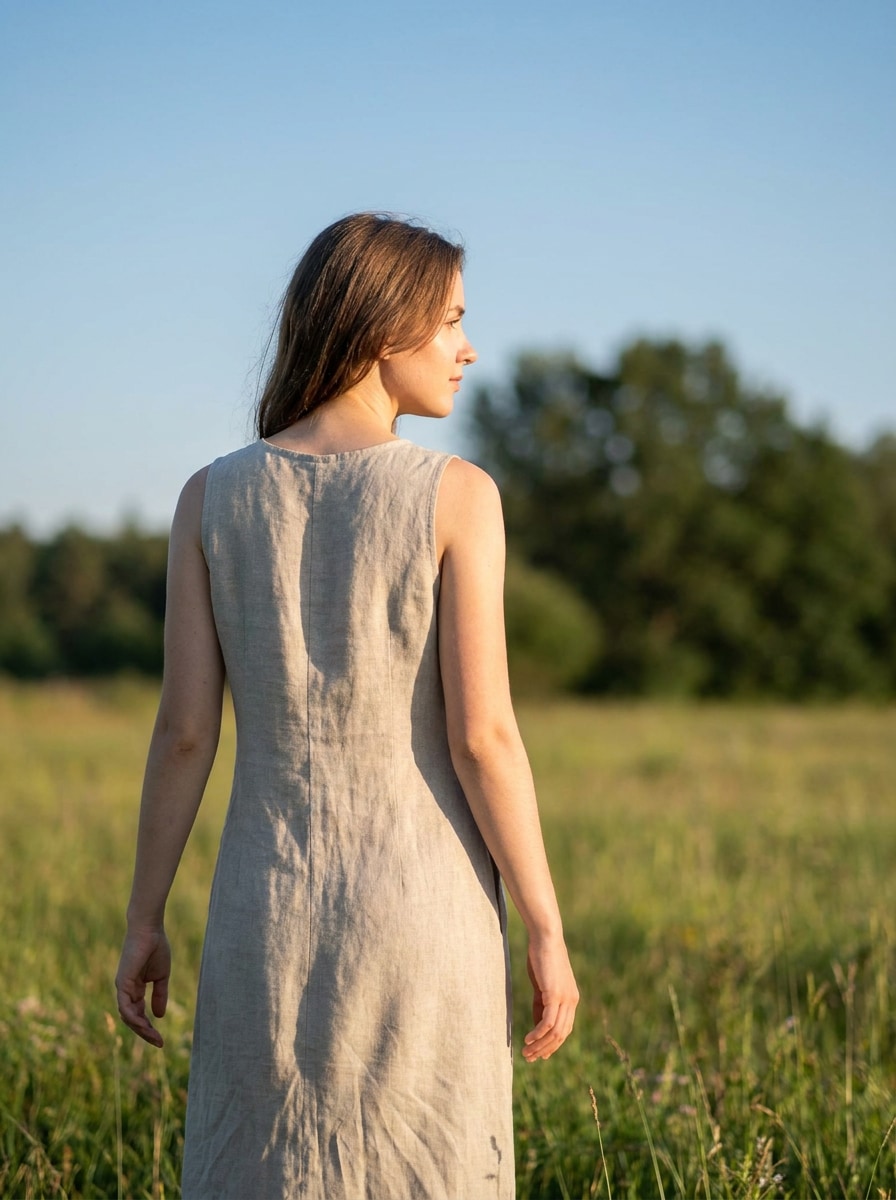
Verwenden Sie Media.io, um Feenflügel zu Fotos hinzuzufügen Porträts online in wenigen Minuten. Laden Sie ein Bild hoch, wählen Sie einen leuchtenden Schmetterlings-, gefiederten oder verträumten Fantasy-Stil und erstellen Sie einen natürlich aussehenden Fee-Fotoeffekt mit diesem schnellen Feenflügel-Fotoeditor.
Geben Sie Ihre Idee ein -> KI gestaltet sie. Kostenlos ausprobieren.
Schauen Sie sich diese Beispielanweisungen an und passen Sie die Details an, um bessere Ergebnisse mit dem KI-Feenflügel-Effekt von Media.io zu erzielen.
Leuchtende transparente Flügel
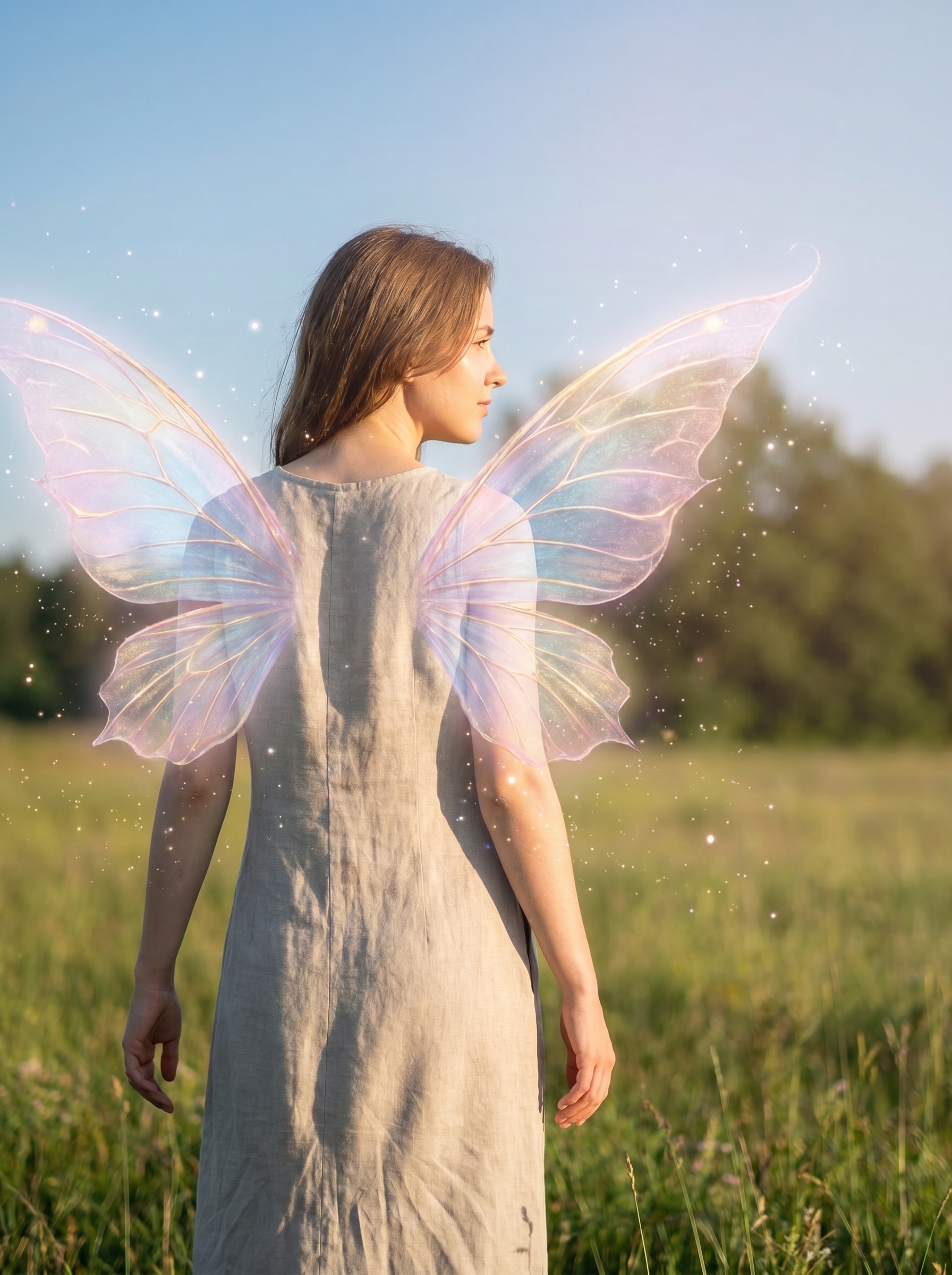
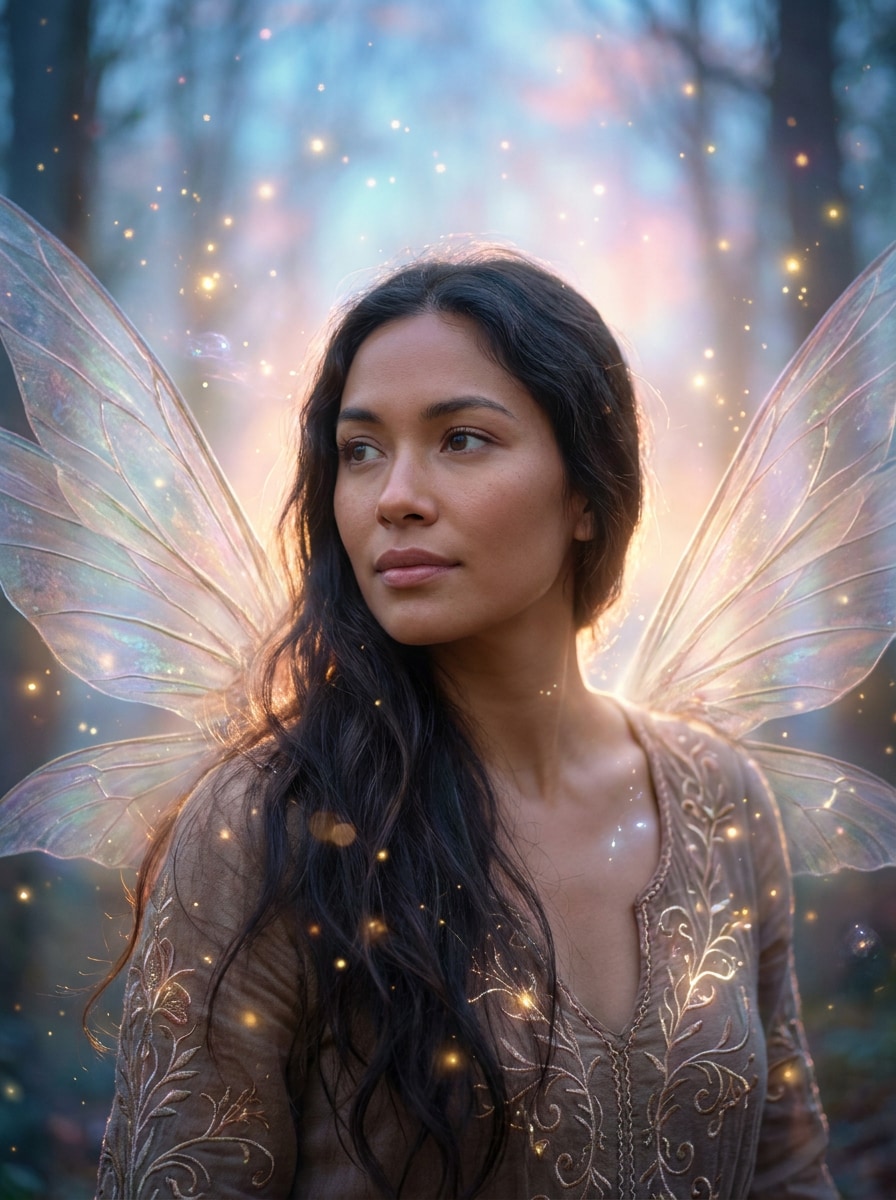
Verwenden Sie das hochgeladene Bild als Motiv und fügen Sie halbtransparente Feenflügel hinter den Schultern mit einem sanften Pastellleuchten, schwebenden Glitzerfunken, subtilen magischen Partikeln, sanftem Gegenlicht, natürlichen Hauttönen, realistischer Schattenplatzierung, verträumter Fantasy-Stimmung und präzisen Porträtdetails hinzu, die das Gesicht erkennbar halten.
Verzauberte Waldfee
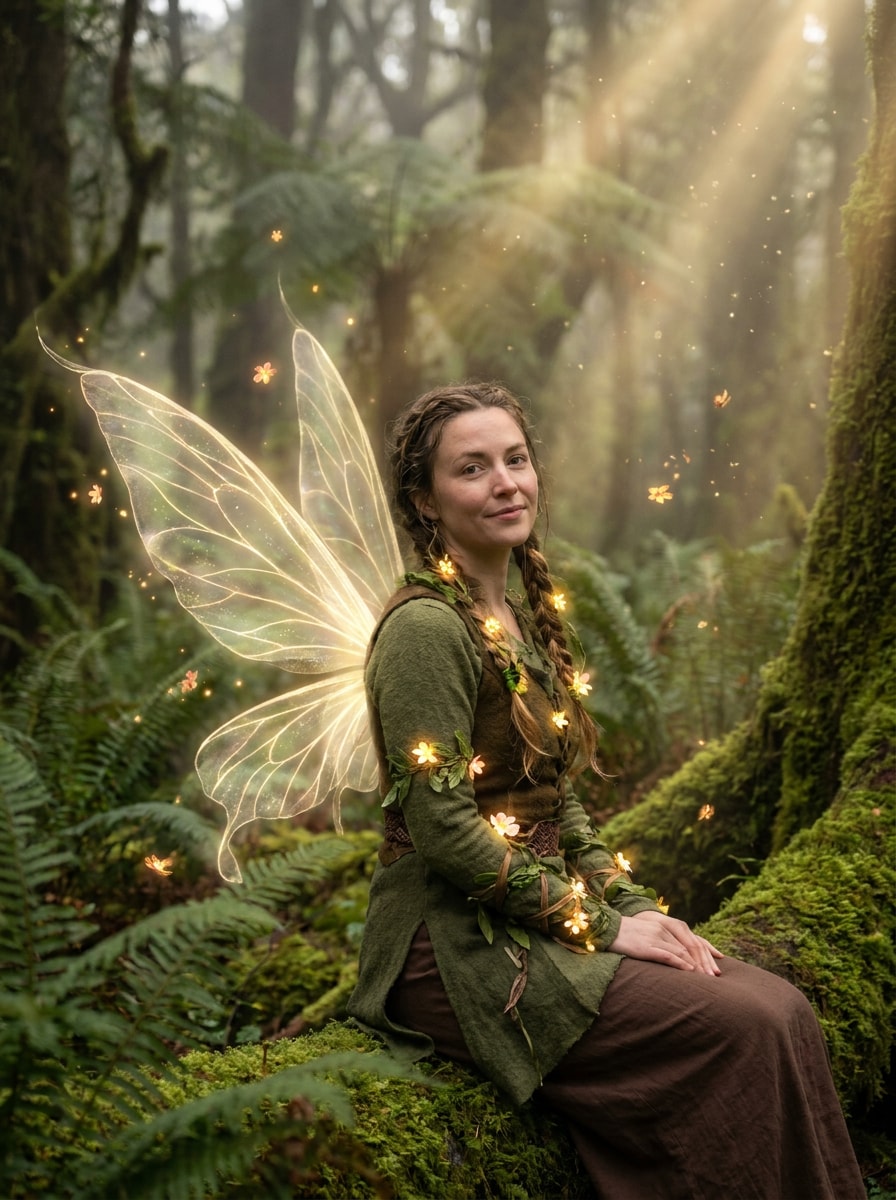
Verwenden Sie das hochgeladene Bild als Motiv und verwandeln Sie es in ein verzaubertes Waldfee-Porträt mit zarten leuchtenden Flügeln, moosigen Waldfarben, sanftem Nebel, warmen goldenen Lichtstrahlen, kleinen floralen Akzenten, kinematischer Tiefe, realistischen Texturen und einem magischen, aber glaubwürdigen Porträtfinish.
Pastellfarbene Schmetterlingsflügel
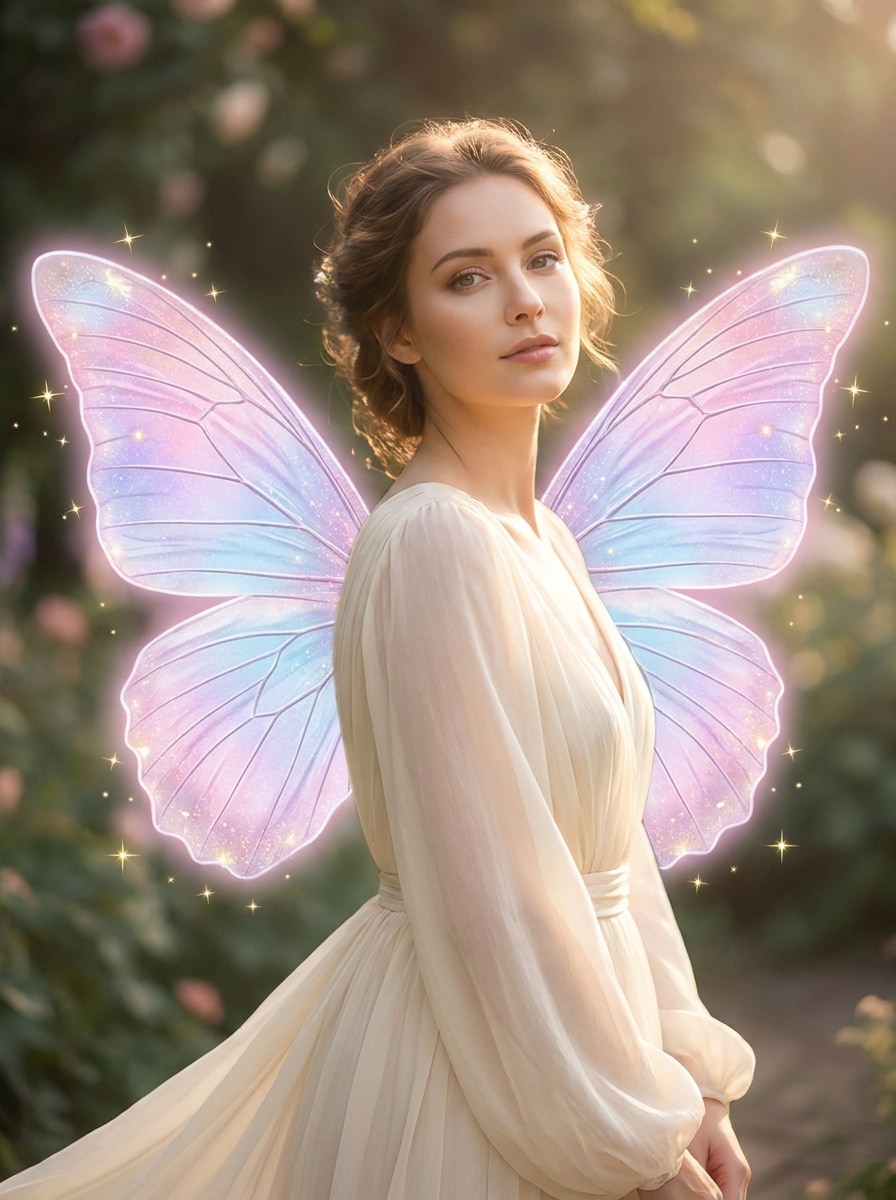
Verwenden Sie das hochgeladene Bild als Motiv und fügen Sie große schmetterlingsartige Feenflügel in Rosa-, Lavendel- und Hellblau-Verläufen hinzu, mit sanftem Schimmer, eleganten Glitzerfunken, glatten Hautdetails, realistischer Körperausrichtung, luftiger Beleuchtung und einer sanften Pastell-Fantasy-Ästhetik, die die ursprüngliche Person noch erkennen lässt.
Irisierendes Monarch-Fantasy
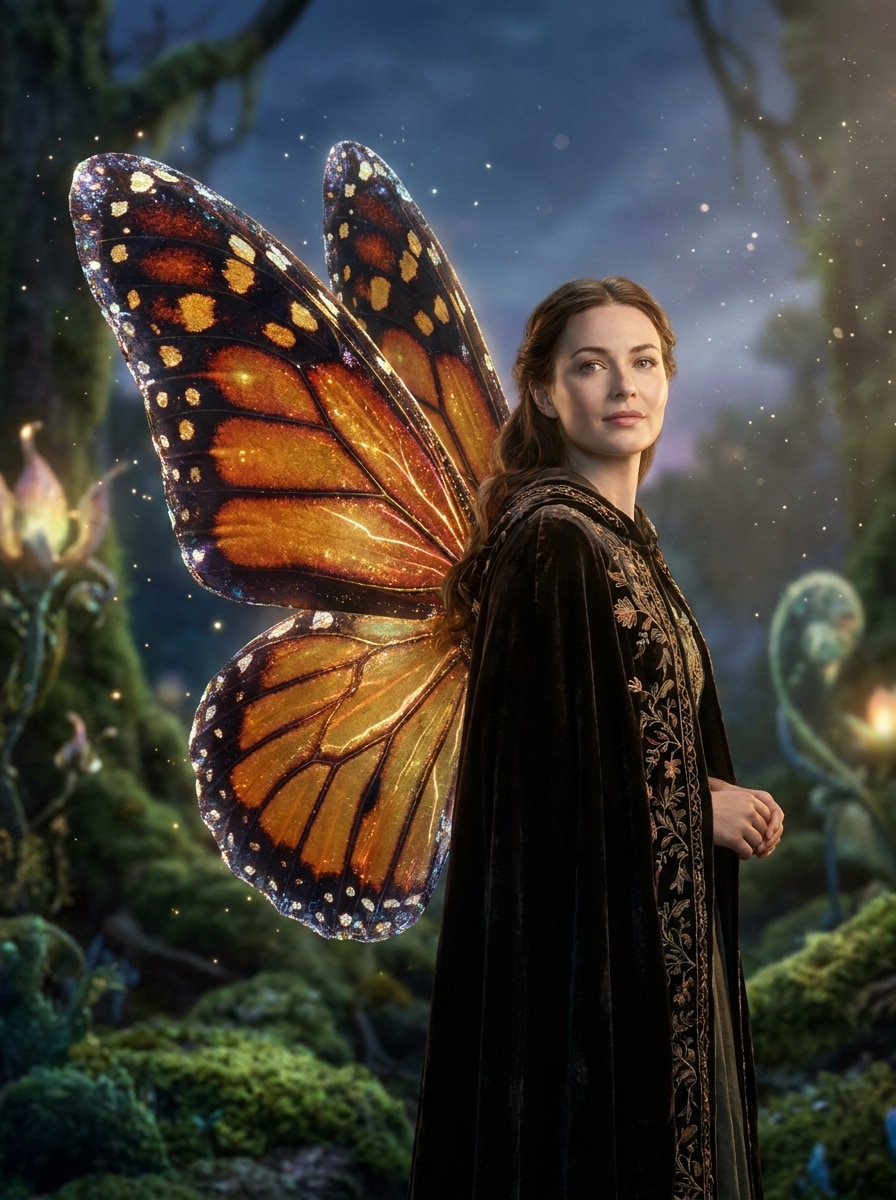
Verwenden Sie das hochgeladene Bild als Motiv und erstellen Sie irisierende Schmetterlingsflügel, inspiriert von Monarchmustern, mit schimmernden Rändern, leuchtenden Partikeln, polierter Schönheitsbeleuchtung, glänzender, aber realistischer Textur, warmem Fantasy-Glamour und natürlicher Einblendung, sodass das Porträt erkennbar und elegant bleibt.
Sanfte Federfeenflügel
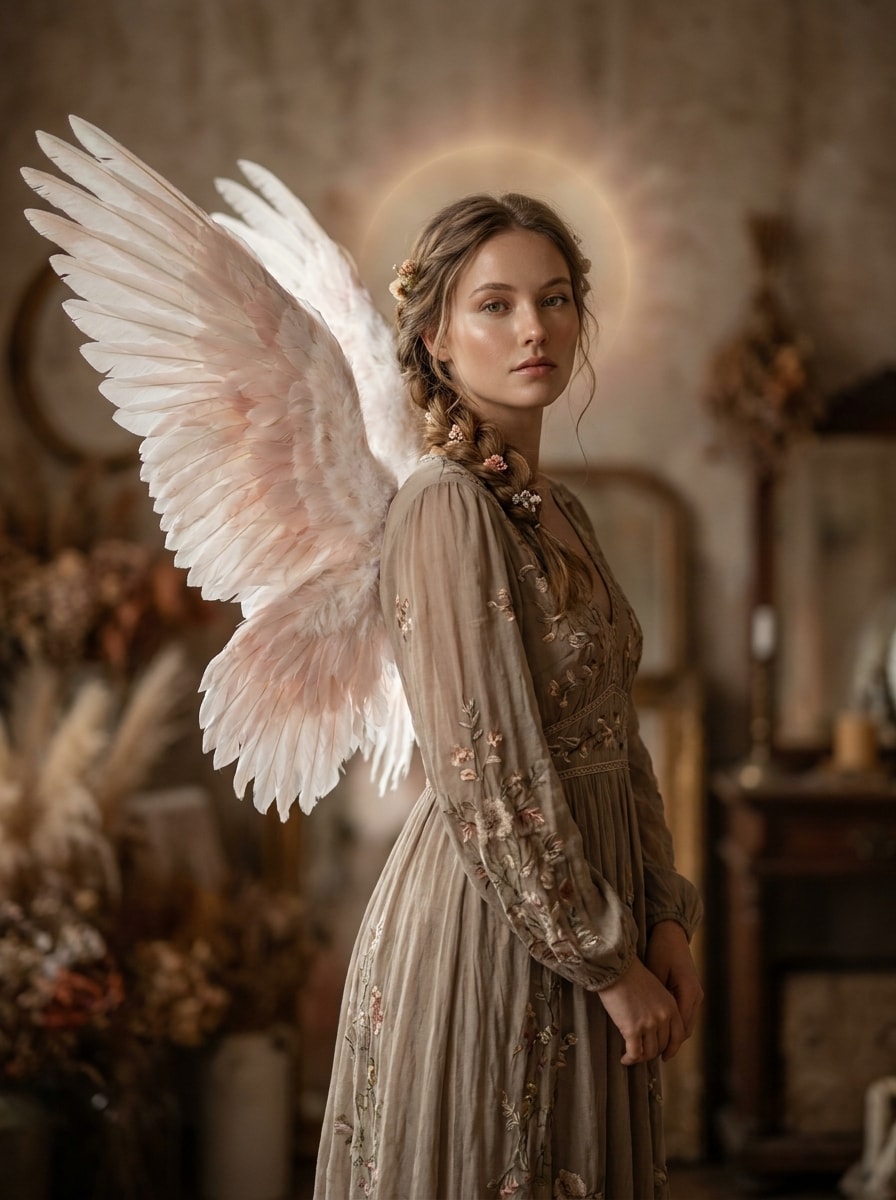
Verwenden Sie das hochgeladene Bild als Motiv und fügen Sie elegante gefiederte Feenflügel in Weiß- und Rosatönen hinzu, mit einem subtilen Heiligenschein-Leuchten, sauberer Porträtretusche, realistischer Federtextur, sanften Schatten, ruhiger romantischer Stimmung und hochwertigem redaktionellem Styling, das die Pose natürlich hält.
Goldene Lichtflügel
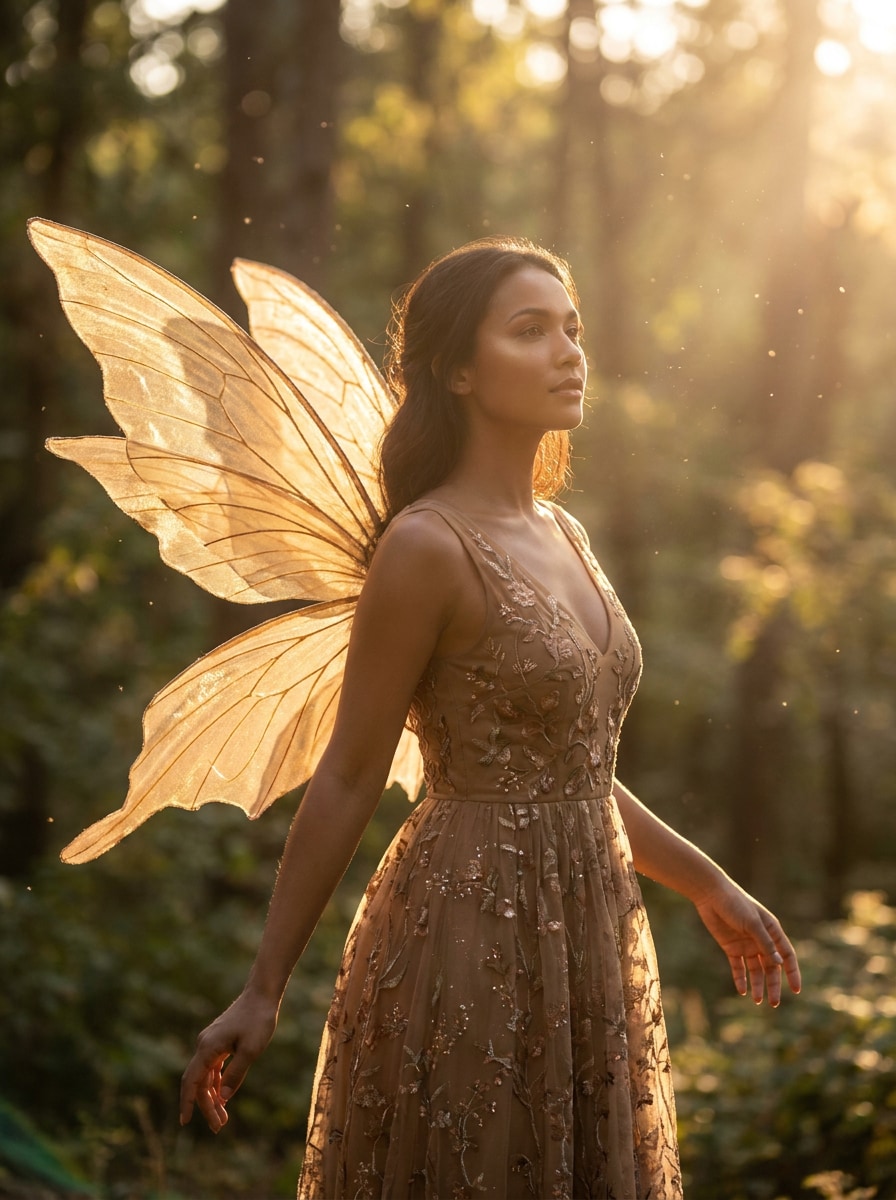
Verwenden Sie das hochgeladene Bild als Motiv und fügen Sie strahlende goldene Feenflügel mit sonnenbeschienem Schimmer, schwebenden Staubpartikeln, warmen, vorteilhaften Hauttönen, sanftem Leuchten um den Körper, natürlicher Schulterausrichtung und einem leuchtenden Fantasy-Porträtlook hinzu, der glamourös und dennoch realistisch wirkt.
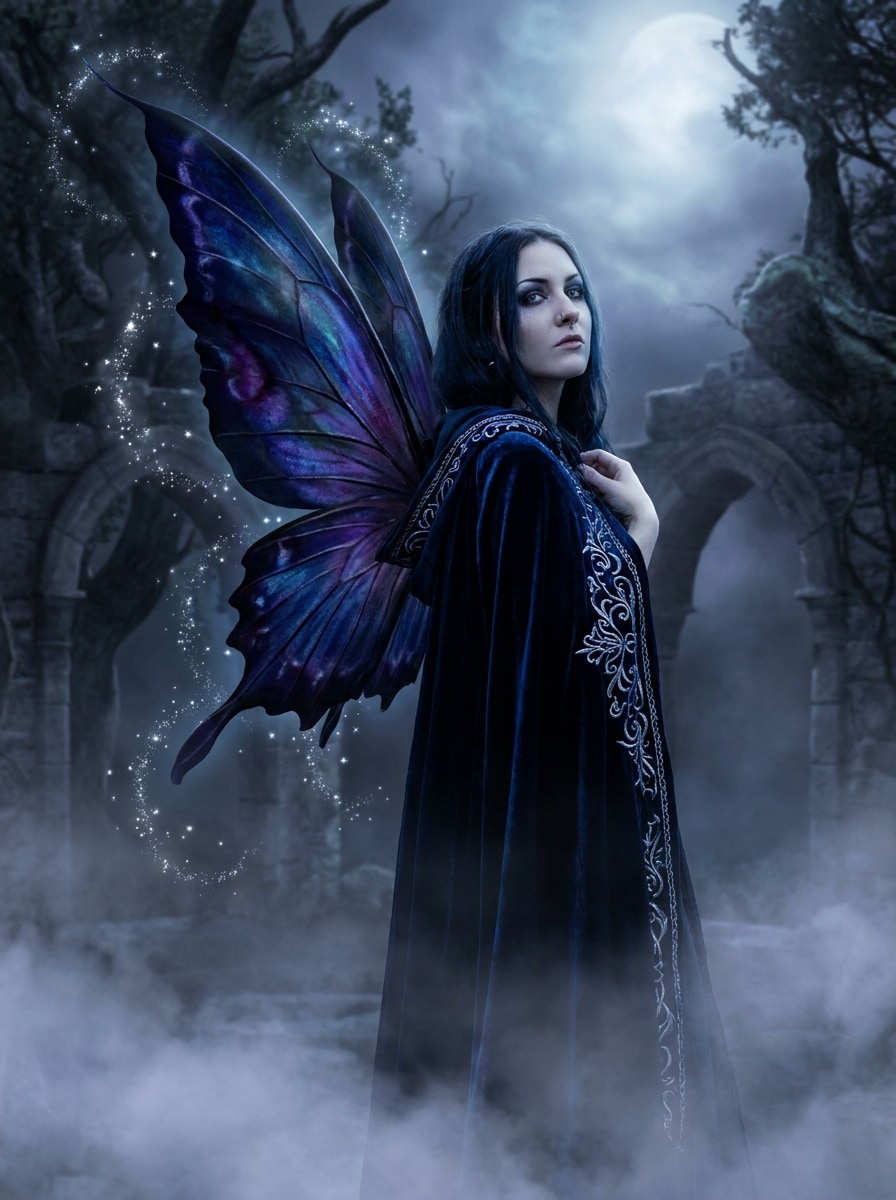
Mondbeglänzte gotische Flügel
Verwenden Sie das hochgeladene Bild als Motiv und fügen Sie dunkle Feenflügel mit einer mondbeglänzten mystischen Atmosphäre, tiefen Blau- und Violetttönen, silbernen Glitzerfunken, sanftem Nebel, dramatischer, aber realistischer Beleuchtung, verfeinerten Flügeldetails und einer eleganten gotischen Fantasy-Stimmung hinzu, ohne die Gesichtsklarheit zu verlieren.
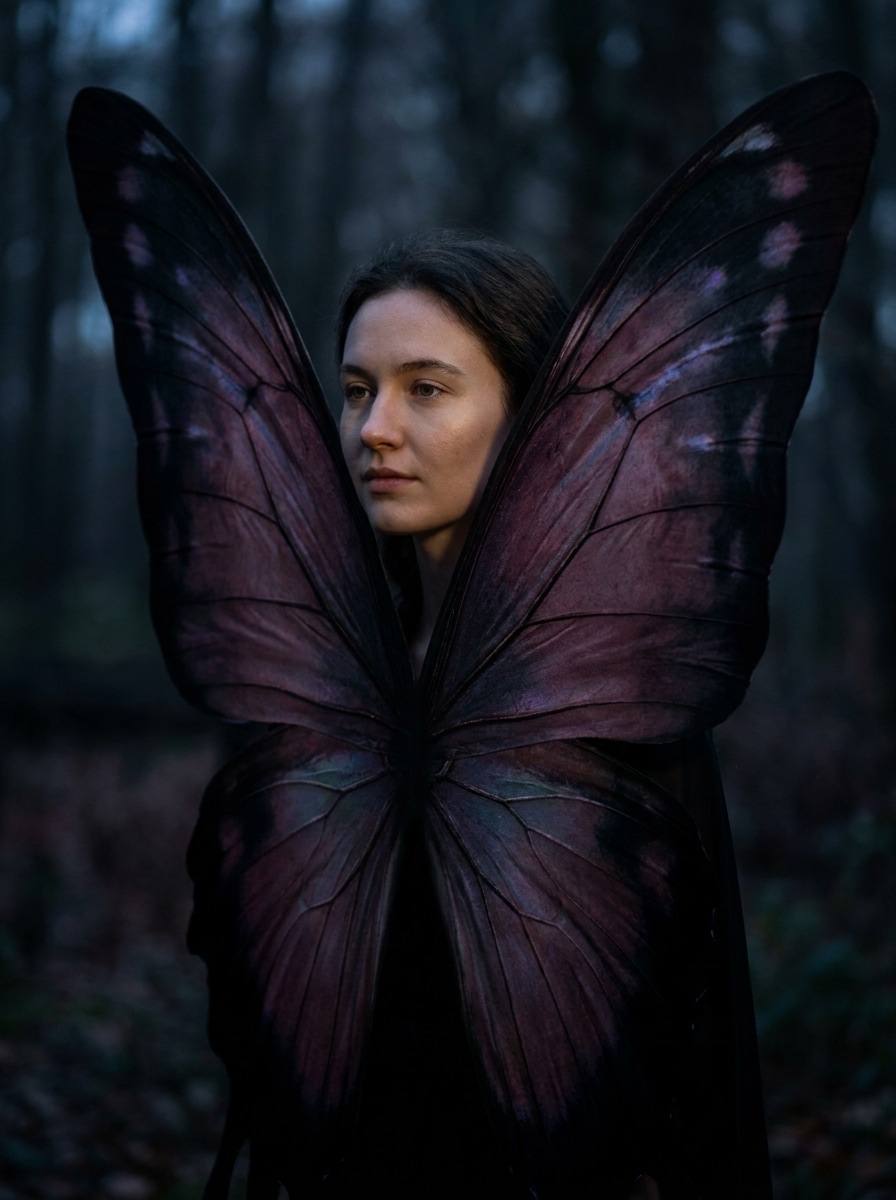
Schatten-Schmetterlingsfee
Verwenden Sie das hochgeladene Bild als Motiv und erstellen Sie dramatische Schatten-Schmetterlingsflügel in satten Pflaumen- und Schwarztönen, mit subtiler Irisierung, stimmungsvoller Fantasy-Beleuchtung, detaillierten Flügeladern, kinematischem Kontrast und realistischer Porträtintegration für eine dunkle, stilvolle Transformation.
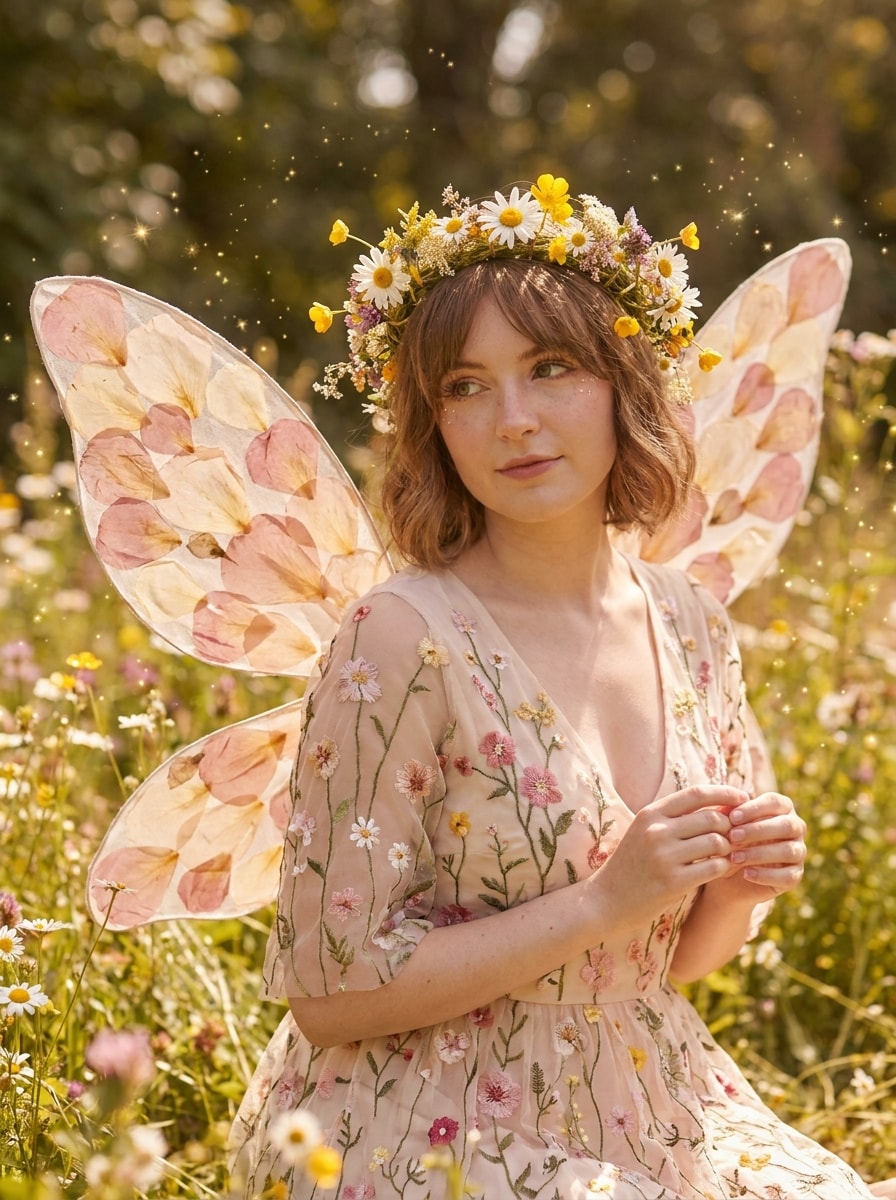
Cottagecore-Blumenfee
Verwenden Sie das hochgeladene Bild als Motiv und verwandeln Sie es in ein Cottagecore-Blumenfee-Porträt mit blütenblattartigen Flügeln, Gänseblümchen und Wildblumen, warmem Tageslicht, sanften Rosatönen, fantasievollen Glitzerfunken, natürlichen Texturen und einer charmanten Märchenstimmung, die das ursprüngliche Gesicht und die Haltung beibehält.
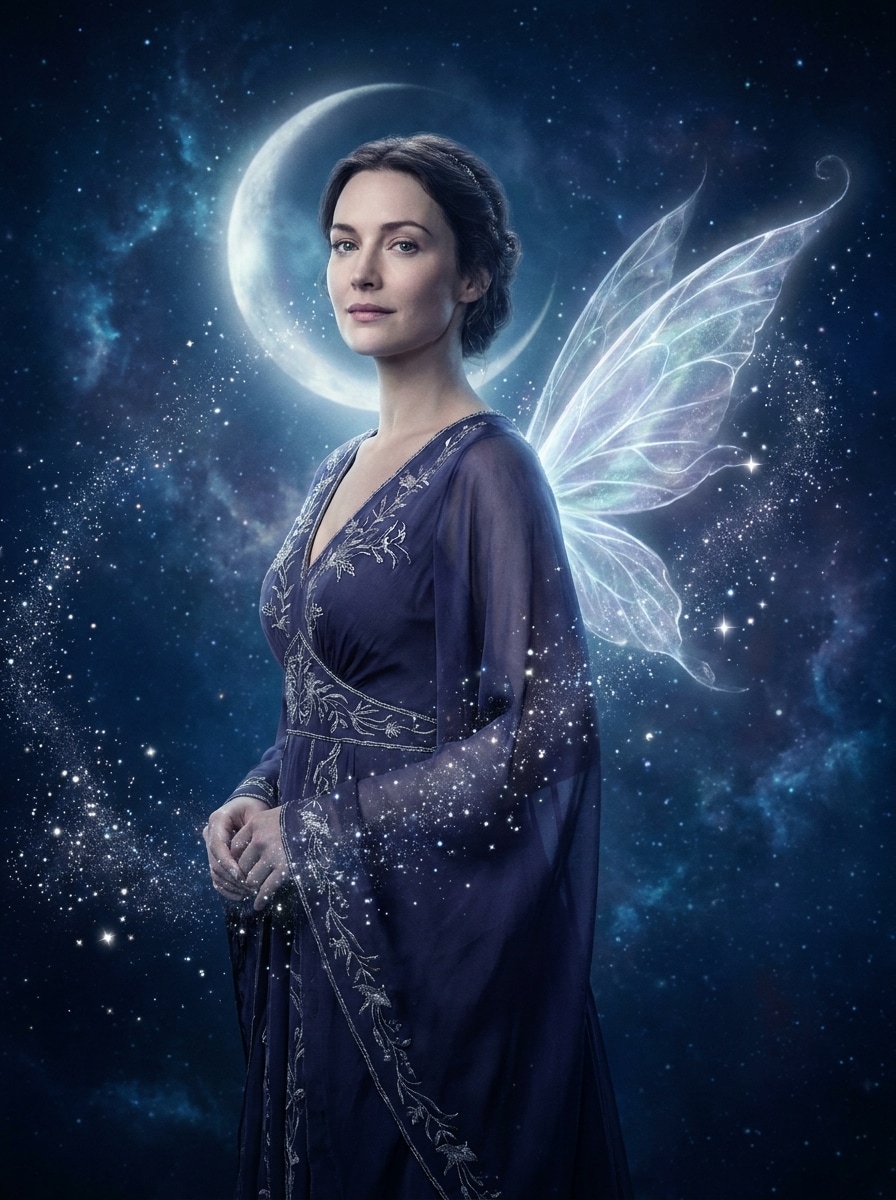
Himmlische Feenaura
Verwenden Sie das hochgeladene Bild als Motiv und fügen Sie leuchtende Feenflügel mit einer verträumten Sternaura, mondbeglänzten Indigo- und Silberfarben, sanft leuchtenden Partikeln, ätherischer Atmosphäre, glatter Porträtbeleuchtung und identitätserhaltendem Realismus für eine polierte himmlische Fantasy-Bearbeitung hinzu.
Warum Media.io für einen KI-Feenflügel-Effekt
Ergebnisse um ein Referenzmotiv personalisieren
Für Porträts, Selfies und Social-Media-Beiträge verwendet Media.io Ihr hochgeladenes Bild als klare Referenz, sodass Flügel natürlich um Ihr echtes Gesicht und Ihre Pose herum eingeblendet werden.
Zwischen Fee-Stilen wechseln ohne manuelle Compositing-Arbeit
Wenn der Stil Teil des Entscheidungsprozesses ist, hilft Media.io dabei, mehrere Richtungen aus derselben Feenflügel-zu-Foto-Basis zu vergleichen, was die kreative Auswahl effizienter macht.
Hochauflösende Bilder für den praktischen Einsatz erstellen
Wenn das fertige Feenflügel-Foto über eine kleine Vorschau hinaus wiederverwendet wird, liefert Media.io schärfere Ergebnisse bis zu 4K, sodass das Bild in praktischen Design- und Präsentationsarbeiten zuverlässiger bleibt.
Auf jedem Gerät mit einem schnellen Browser-Workflow erstellen
Ob Sie Feenflügel-Fotos auf einem Laptop erkunden oder Entwürfe von Ihrem Telefon aus prüfen, Media.io hält alles browserbasiert, sodass Sie dengeräteübergreifend denselben Workflow leichter fortsetzen können.
So fügen Sie online Feenflügel zu einem Foto hinzu
Verwandeln Sie Ihre Worte in drei einfachen Schritten in beeindruckende Bilder und verfeinern Sie das Ergebnis anschließend nach Belieben.
Schritt 1
Laden Sie Ihr Referenzbild hoch
Beginnen Sie mit einem klaren Porträt, Selfie oder Ganzkörperbild im JPG-, PNG- oder JPEG-Format. Fotos mit sichtbaren Schultern, Armen oder Rückenbereich geben der KI normalerweise eine bessere Positionierung für Flügel und eine natürlichere Fantasy-Transformation.
Schritt 2
Beschreiben Sie die Änderung und legen Sie Optionen fest
Geben Sie den gewünschten Look ein, z. B. leuchtende Schmetterlingsflügel, sanfte Federflügel oder einen dunklen mondbeglänzten Fee-Stil. Wählen Sie dann Ihr Modell und passen Sie Seitenverhältnis, Qualität, Auflösung oder die Anzahl der Variationen an, die Sie generieren möchten.
Schritt 3
Generieren, herunterladen und weiter verbessern
Erstellen Sie Ihr geflügeltes Porträt, vergleichen Sie die Ergebnisse und laden Sie die Version herunter, die Ihnen am besten gefällt. Falls nötig, verfeinern Sie den Prompt, generieren Sie neue Variationen oder bearbeiten Sie das Bild weiter für eine stärkere Fantasy-Stimmung und eine sauberere Flügelplatzierung.
Sehen Sie, wie Ersteller Media.io nutzen, um Feenflügel zu Fotos für Inhalte, Marketing und persönliche Projekte hinzuzufügen, und passen Sie jede Idee an Ihre Anforderungen an.
Scroll-stoppende Fantasy-Profilbilder erstellen
Verwandeln Sie ein alltägliches Selfie in ein bezauberndes Porträt für TikTok, Instagram oder Discord. Mit Media.io kann eine sanfte Flügelüberlagerung, Glitzerfunken und verträumte Beleuchtung einen kinematischen Fee-Look erzeugen, während Ihr Gesicht erkennbar bleibt.
Märchenbuch-thematische Geburtstags- oder Event-Grafiken gestalten
Erstellen Sie fantasievolle Porträts für Einladungen, digitale Karten, Party-Poster oder fee-thematische Feiern. Media.io macht es einfach, ein hochgeladenes Bild in ein poliertes magisches Design zu verwandeln, das verschiedenen Layouts, Stimmungen und Fantasy-Styling-Anforderungen entspricht.
Vorher-Nachher-Reels mit viralem Potenzial erstellen
Fantasy-Verwandlungen funktionieren oft gut in Kurzvideos, besonders wenn das ursprüngliche Gesicht noch erkennbar aussieht. Verwenden Sie Media.io, um auffällige Enthüllungsbearbeitungen mit Schmetterlings-, himmlischen oder Cottagecore-Flügeln für ansprechendere Social-Media-Beiträge zu erstellen.
Was Nutzer sagen
Sophie Lane
Lifestyle-Erstellerin
„Wunderschöne Fantasy-Bearbeitungen schnell erstellt" Ich wollte ein verträumtes Fee-Porträt für Instagram, ohne Photoshop lernen zu müssen. Media.io machte es einfach, ein Selfie hochzuladen, einen Flügelstil auszuwählen und ein poliertes Ergebnis zu erhalten, das immer noch wie ich aussah.
Marcus Chen
Social-Media-Manager
„Großartig für schnelle Kampagnengrafiken" Wir haben es für eine fantasy-thematische Promo verwendet und die Porträtbearbeitungen kamen überraschend natürlich heraus. Die Möglichkeit, verschiedene Seitenverhältnisse auszuprobieren und mehrere Versionen zu generieren, hat viel Zeit gespart.
Elena Brooks
Event-Planerin
„Perfekt für thematische Einladungen" Ich brauchte magische Porträts für ein Feengeburtstags-Einladungsset, und dieses Tool hat geliefert. Die gefiederten und Schmetterlingsflügel-Optionen sahen elegant aus, und der Workflow war einfach genug, um alles in einer Sitzung fertigzustellen.
Jade Morrison
Cosplay-Enthusiastin
„Hält das Motiv erkennbar" Viele KI-Porträt-Tools verändern Ihr Gesicht zu sehr, aber dieses hat meinen Ausdruck und meine Pose intakt gelassen. Ich habe einen starken Fantasy-Look erhalten, ohne die Identität des Originalfotos zu verlieren.
Entdecken Sie die beliebtesten KI-Video- und Bildeffekte
1. Wie kann ich online Feenflügel zu einem Foto hinzufügen?
Laden Sie Ihr Porträt auf Media.io hoch, geben Sie einen Prompt ein, der den gewünschten Flügelstil beschreibt, und generieren Sie das bearbeitete Bild in Ihrem Browser. Dieser Bild-zu-Bild-Workflow ist für Fantasy-Porträtveränderungen konzipiert, sodass Sie leuchtende, Schmetterlings-, gefiederte oder himmlische Flügel hinzufügen können, während das ursprüngliche Motiv als Referenz erhalten bleibt.
2. Kann ich kostenlos Feenflügel zu einem Bild hinzufügen?
Kostenlose Nutzer können Media.io mit kostenlosen Credits ausprobieren, was nützlich ist, wenn Sie einen Fee-Flügel-Look testen möchten, bevor Sie ein Abonnement abschließen. Je nach Plan können kostenlose Downloads ein Wasserzeichen enthalten, während kostenpflichtige Pläne mehr Nutzung und wasserzeichenfreie hochauflösende Exporte bieten. Sie können die Optionen auf der Preisseite vergleichen.
3. Wird die KI mein Gesicht und meine Pose natürlich aussehen lassen?
Media.io ist für referenzbasierte Bildbearbeitung konzipiert, sodass Ihr hochgeladenes Foto das endgültige Ergebnis leitet. Das hilft Media.io, die Gesichtsidentität und die Gesamtpose beizubehalten, während Fantasy-Elemente um den Körper herum hinzugefügt werden, besonders wenn Sie ein klares Porträt mit sichtbaren Schultern und einem detaillierten Prompt verwenden.
4. Welche Arten von Feenflügel-Stilen kann ich auswählen?
Sie können viele Looks mit Media.io erstellen, darunter transparente leuchtende Flügel, pastellfarbene Schmetterlingsflügel, gefiederte Engelflügel, mondbeglänzte dunkle Fantasy-Flügel, Cottagecore-Blumenfeeflügel und himmlische Stile. Diese Flexibilität macht das Tool sowohl für sanfte Porträt-Verwandlungen als auch für dramatischere magische Transformationen nützlich.
5. Wie lange dauert es, eine Feenflügel-Fotobearbeitung zu generieren?
Die meisten Bearbeitungen dauern nach dem Hochladen Ihres Bildes und dem Einreichen des Prompts nur kurze Zeit, was Media.io viel schneller macht als manuelles Compositing für diese Art von Effekt. Die genaue Geschwindigkeit kann je nach gewähltem Modell, Ihren Einstellungen und der Anzahl der gleichzeitig generierten Bildvariationen variieren.
6. Kann ich diesen Feenflügel-Fotoeditor auf meinem Telefon verwenden?
Sie können das Ergebnis des Feenflügel-zu-Foto in Media.io anpassen, indem Sie Thema, Farbpalette, Layout, Illustrationsstil und Leerraum direkt im Prompt anpassen.
Über KI-gestützte Online-Feenflügel-zu-Foto-Funktion hinaus