Deine Werke werden nur 7 Tage lang gespeichert. Assets, die nach dem Upgrade auf einen Mitgliedschaftstarif erstellt werden, werden dauerhaft gespeichert.
Entfalten Sie Ihr kreatives Potenzial und erleben Sie jetzt die Magie der Media-KI!
Geburtstagshut mit realistischen KI-Party-Bearbeitungen zum Bild hinzufügen
Verwenden Sie Media.io, um einen Geburtstagshut zum Bild hinzuzufügen Dateien in Sekunden mit realistischer KI-Überblendung oder schnellen Aufkleber-Bearbeitungen. Laden Sie ein Porträt, ein Haustierfoto oder ein Gruppenfoto hoch, beschreiben Sie den gewünschten Look und erstellen Sie online lustige Feierbilder mit einem KI-Partyhut-Workflow anstelle komplizierter Bearbeitung. Es kann auch beim Geburtstags-Partyhut-Fotoeditor helfen.
Geben Sie Ihre Idee ein -> KI gestaltet sie. Kostenlos ausprobieren.
Sehen Sie sich diese Beispielanweisungen an und passen Sie dann die Details an, um bessere Ergebnisse von Media.io zu erzielen, wenn Sie einen Geburtstagshut zu einem Bild hinzufügen oder eine stilisiertere Geburtstagsbearbeitung erstellen.
Bunter Kegelhut
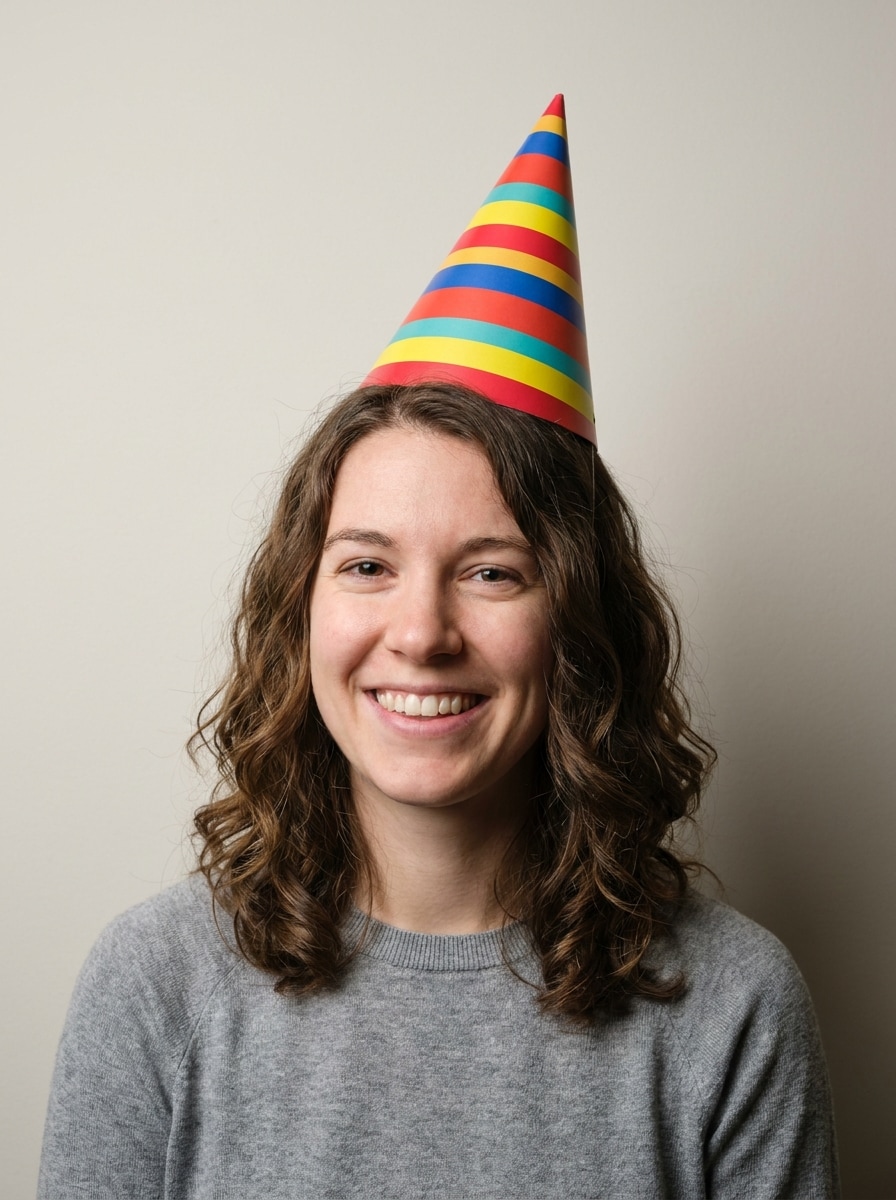
Verwenden Sie das hochgeladene Bild als Motiv und fügen Sie einen hellen kegelförmigen Geburtstagshut auf dem Kopf hinzu, passend zum Gesichtswinkel und zur Frisur. Verwenden Sie festliche rote, gelbe, blaue und blaugrüne Streifen, weiche Schatten, saubere Kanten, realistische Beleuchtung und eine fröhliche Partystimmung mit natürlicher Überblendung.
Glitzer-Partyhut
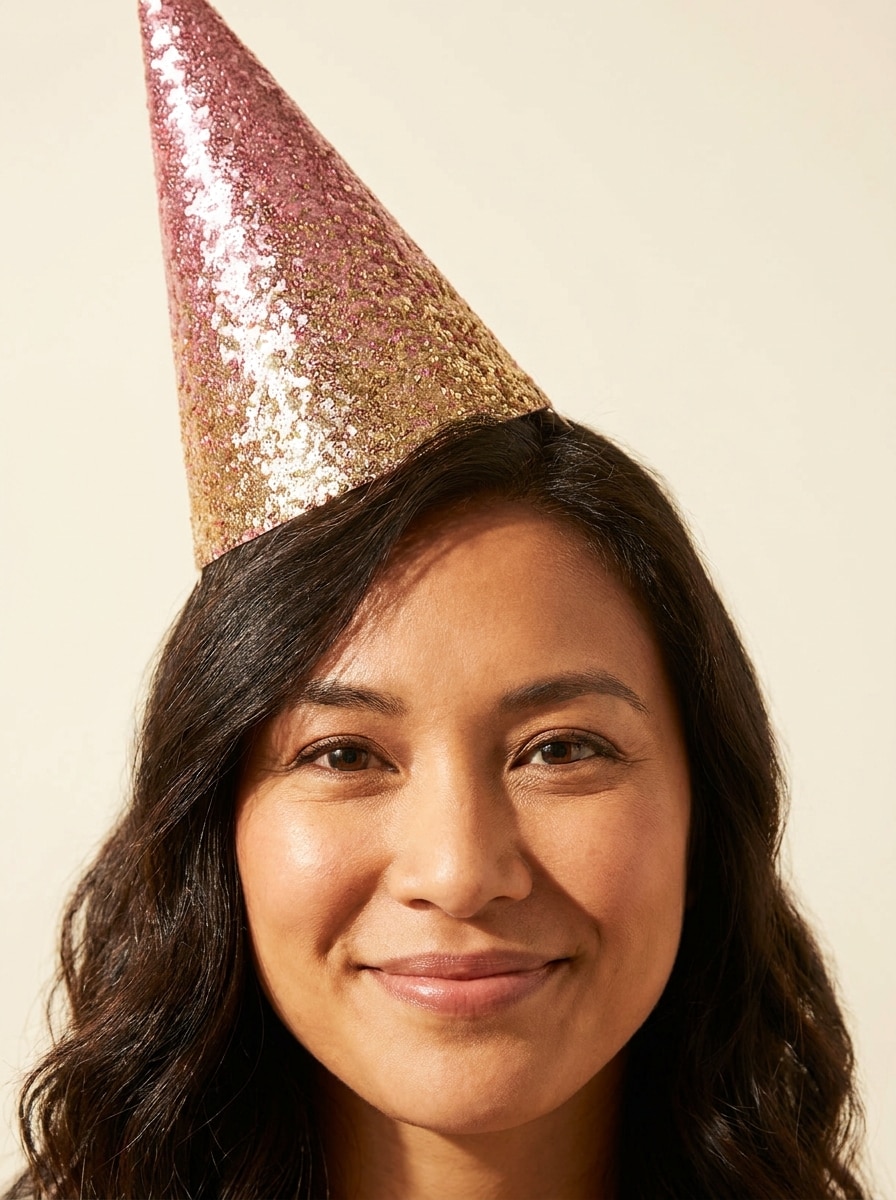
Verwenden Sie das hochgeladene Bild als Motiv und platzieren Sie einen funkelnden Glitzer-Geburtstagshut auf dem Kopf mit realistischer Passform und weicher Haarüberlappung. Verwenden Sie rosa und goldenen Schimmer, reflektierende Textur, subtile Glitzerdetails, vorteilhafte Porträtbeleuchtung, elegante Partystimmung und nahtlose fotorealistische Integration.
Pastell-Kawaii-Hut
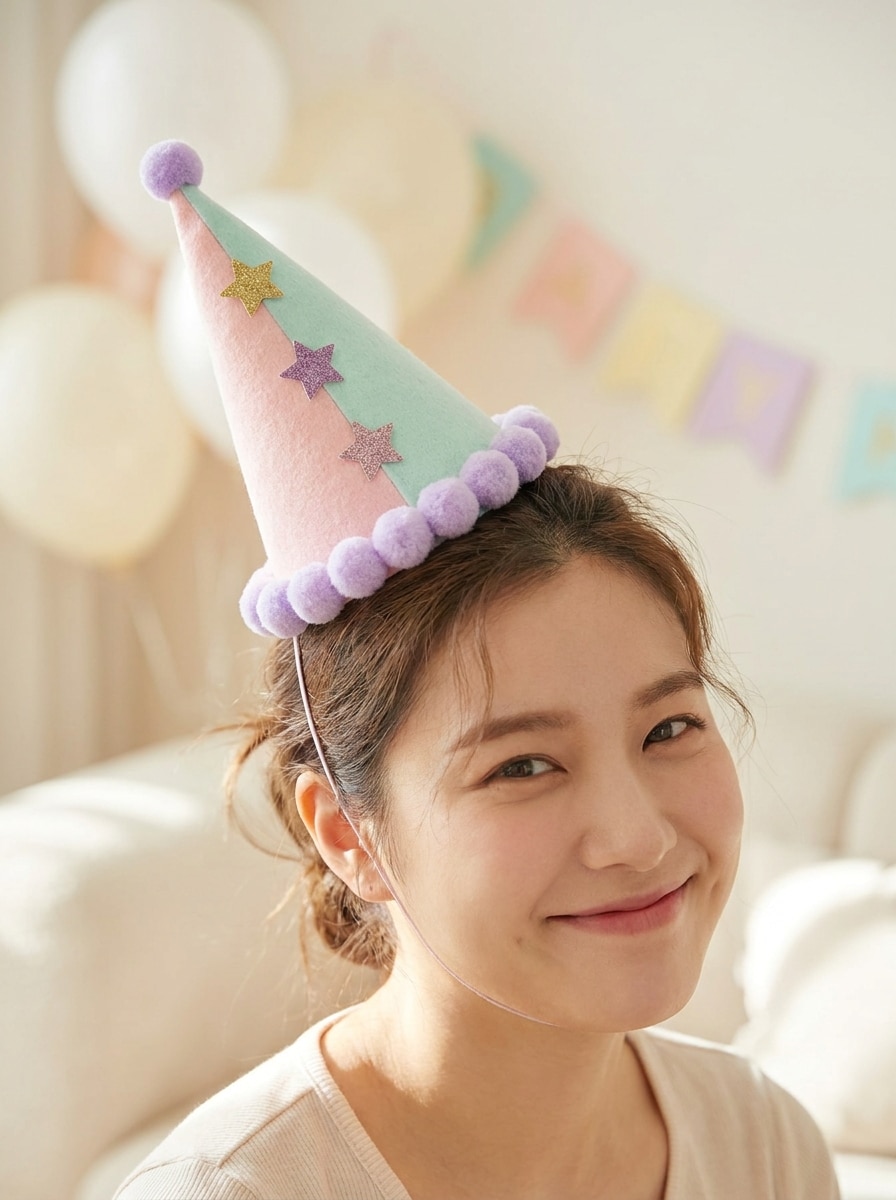
Verwenden Sie das hochgeladene Bild als Motiv und verwandeln Sie es mit einem niedlichen Pastell-Geburtstagshut in sanften Rosa-, Lavendel- und Minztönen. Fügen Sie kleine Sterne und Pompon-Besatz hinzu, halten Sie den Hut am Kopfwinkel ausgerichtet, verwenden Sie helle, luftige Beleuchtung und schaffen Sie eine verspielte, social-media-taugliche Feierstimmung.
Konfetti-Feierhut
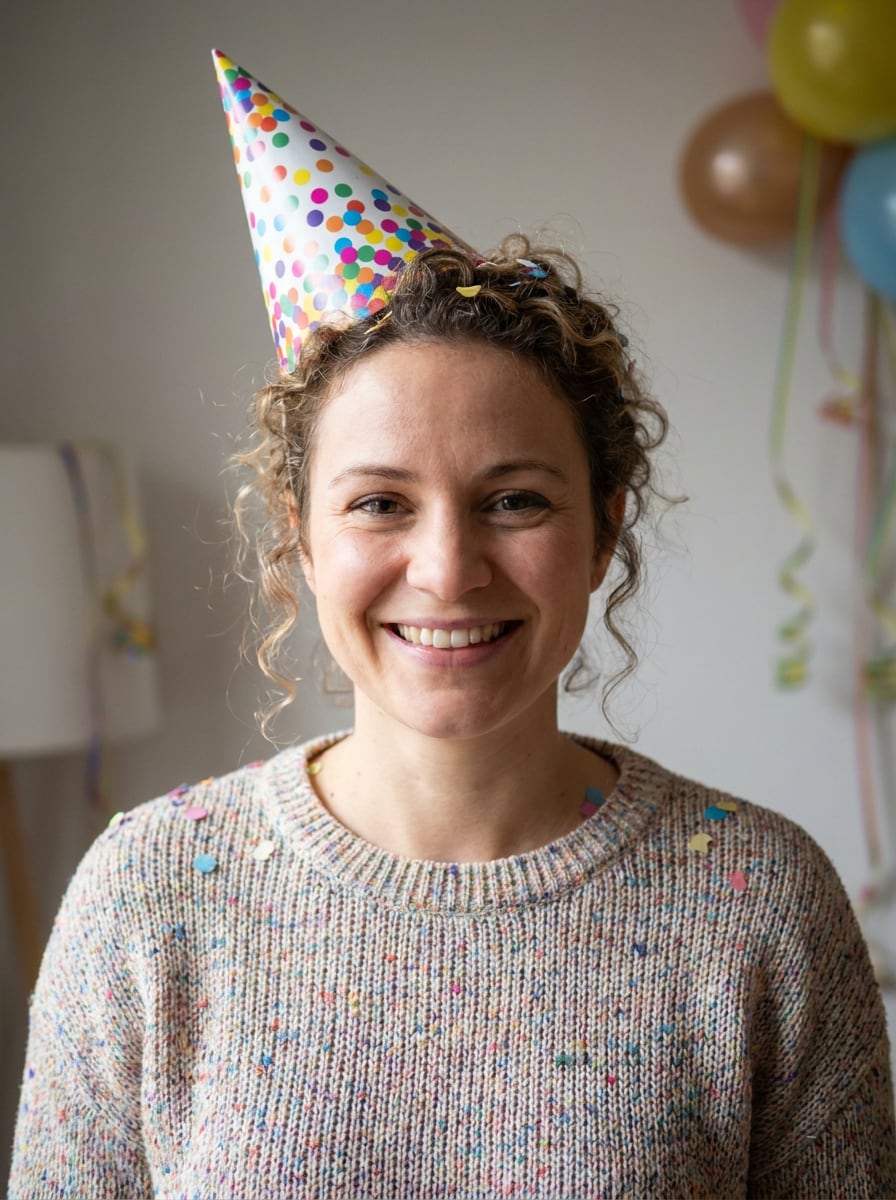
Verwenden Sie das hochgeladene Bild als Motiv und fügen Sie einen festlichen Geburtstagshut mit Konfetti-Mustern und buntem Besatz hinzu. Passen Sie den Hut an die Kopfposition an, behalten Sie realistische Schatten und Textur bei und fügen Sie ein lebhaftes Feiergefühl mit sauberer Komposition und hellem Kontrast hinzu.
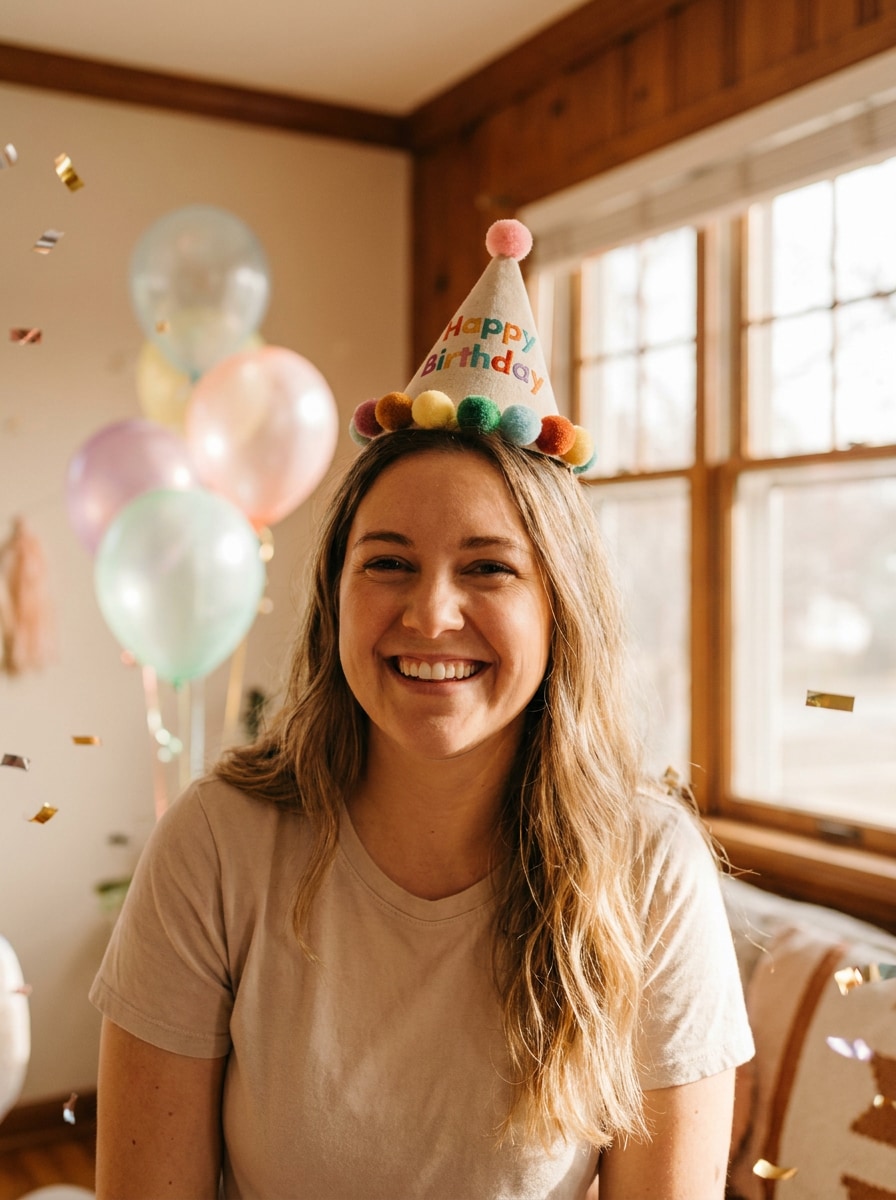
Fotoreale Partyhut-Überblendung
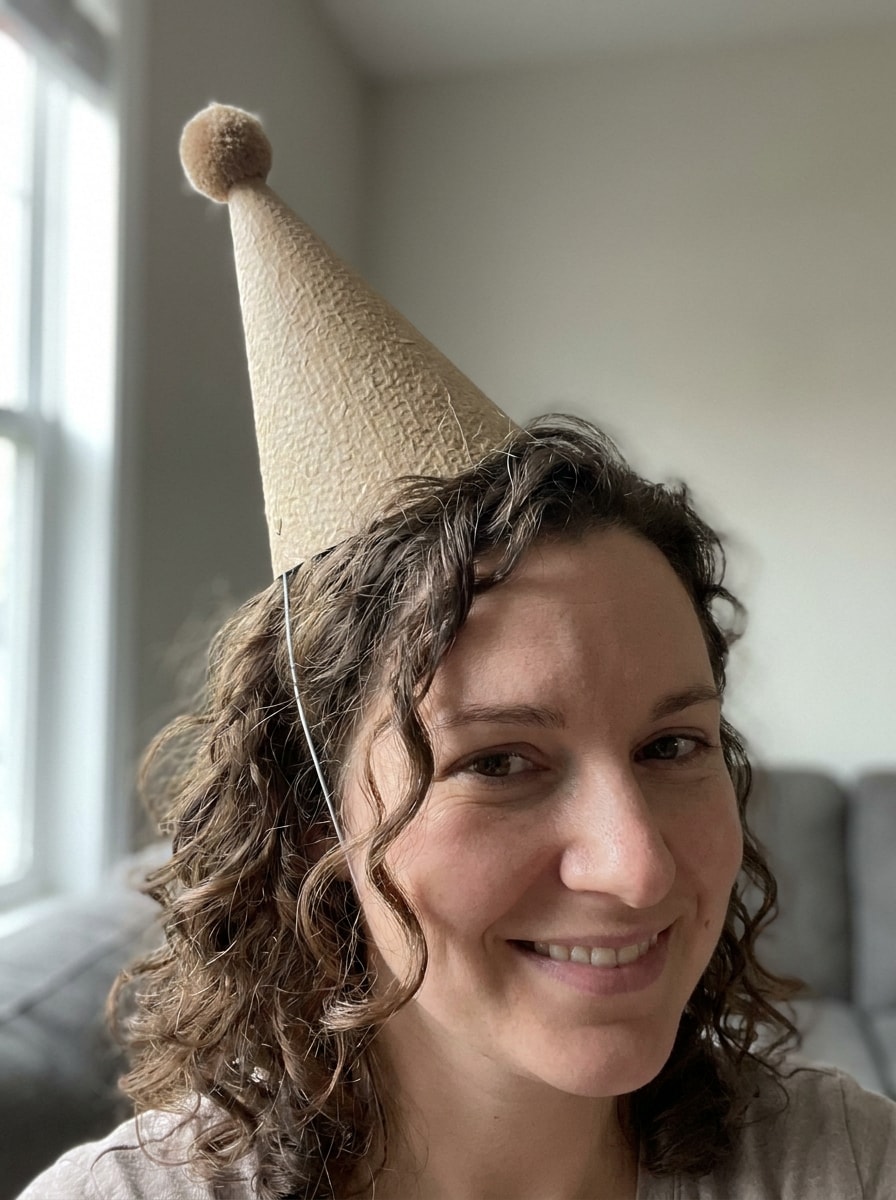
Verwenden Sie das hochgeladene Bild als Motiv und lassen Sie es so aussehen, als würden sie wirklich einen Geburtstags-Partyhut tragen. Passen Sie Perspektive, Beleuchtungsrichtung, Schattenabfall, Haarüberlappung und Materialtextur an, damit der Hut natürlich in das Originalfoto übergeht und ein nahtloses, realistisches Ergebnis erzielt.
Eleganter minimaler Hut
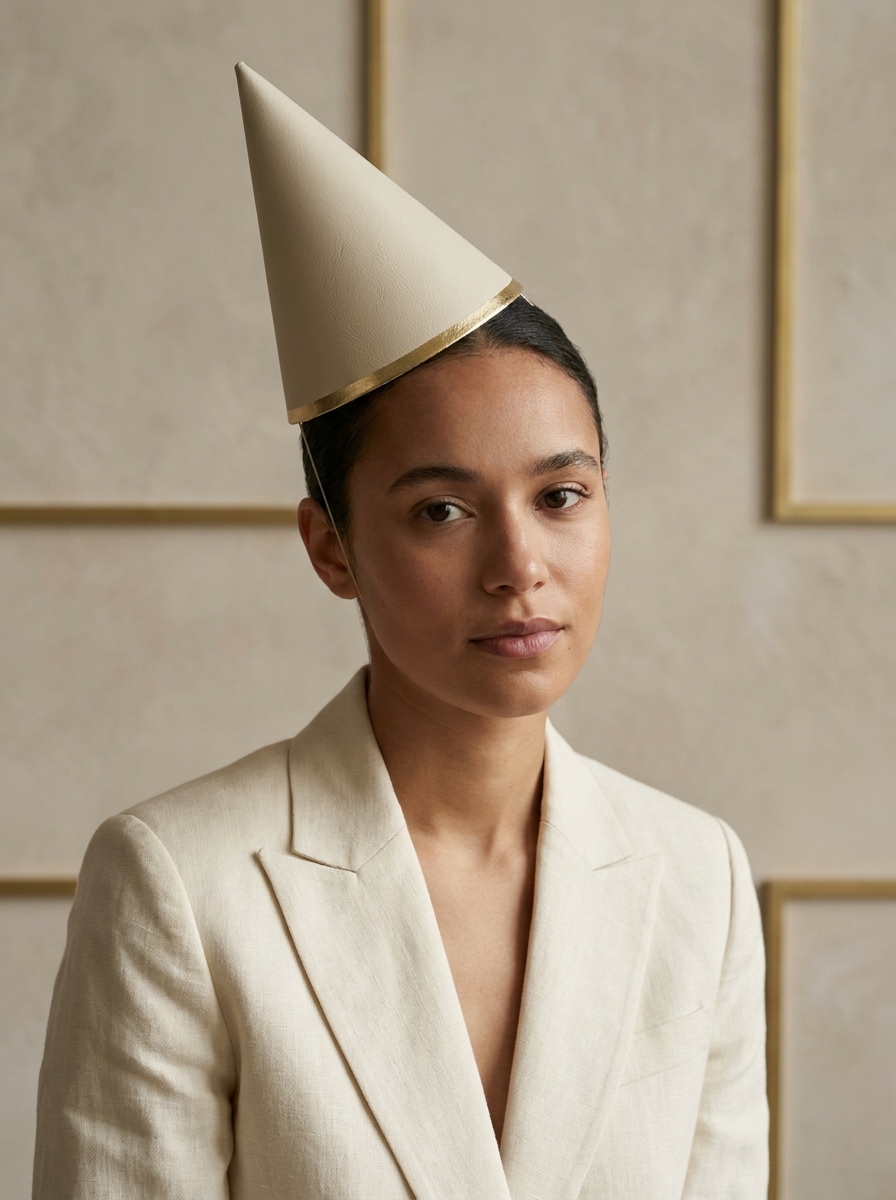
Verwenden Sie das hochgeladene Bild als Motiv und fügen Sie einen einfachen, eleganten Geburtstagshut mit raffinierter Textur und neutralen festlichen Tönen hinzu. Halten Sie das Design minimal, passen Sie es natürlich an die Kopfform an, verwenden Sie weiche Premium-Beleuchtung und erstellen Sie ein poliertes Porträt, das für stilvolle Geburtstagspostings geeignet ist.
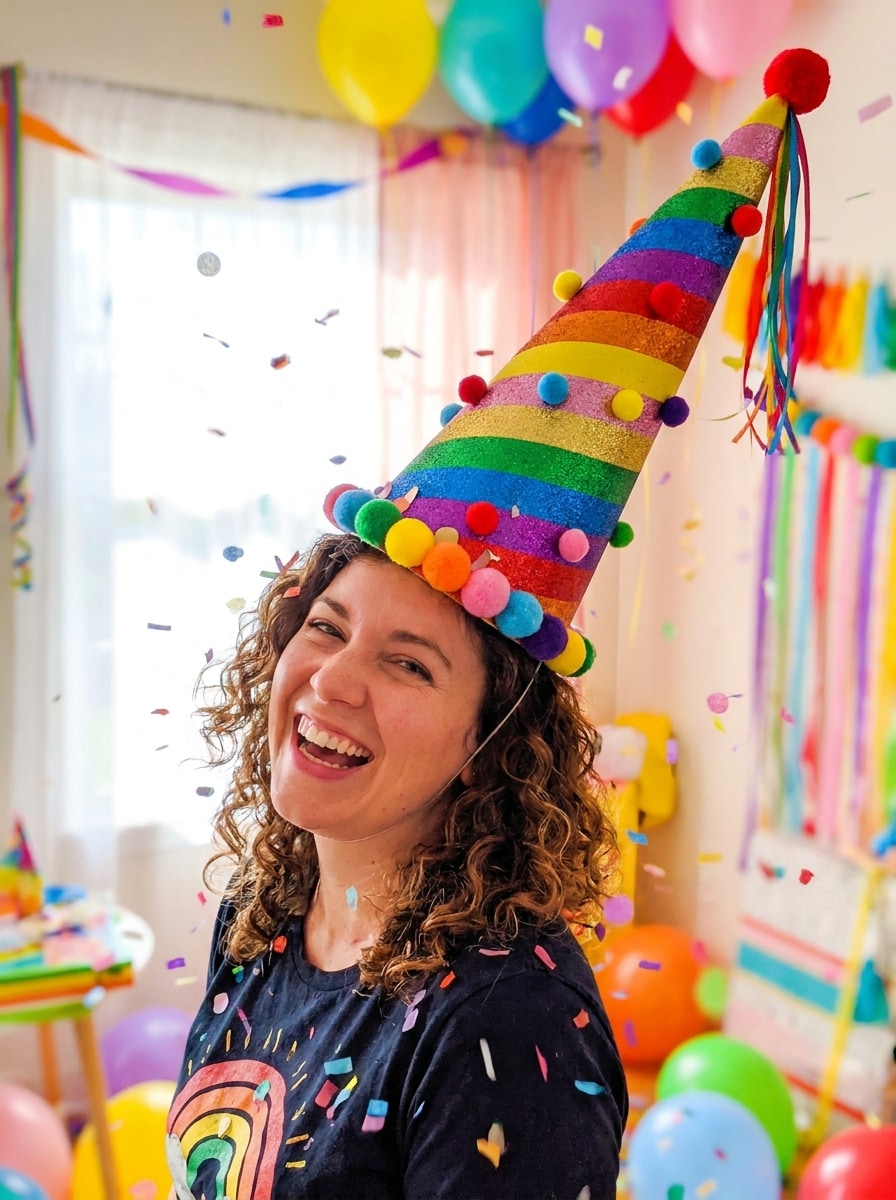
Übergroßer lustiger Geburtstagshut
Verwenden Sie das hochgeladene Bild als Motiv und fügen Sie einen komisch übergroßen Geburtstagshut für eine humorvolle Party-Bearbeitung hinzu. Halten Sie die Platzierung auf dem Kopf glaubwürdig, verwenden Sie lebhafte Farben, verspielte Größenverhältnisse, helle Beleuchtung, saubere Kanten und ein lustiges, social-media-freundliches Vorher-Nachher-Transformationsgefühl.
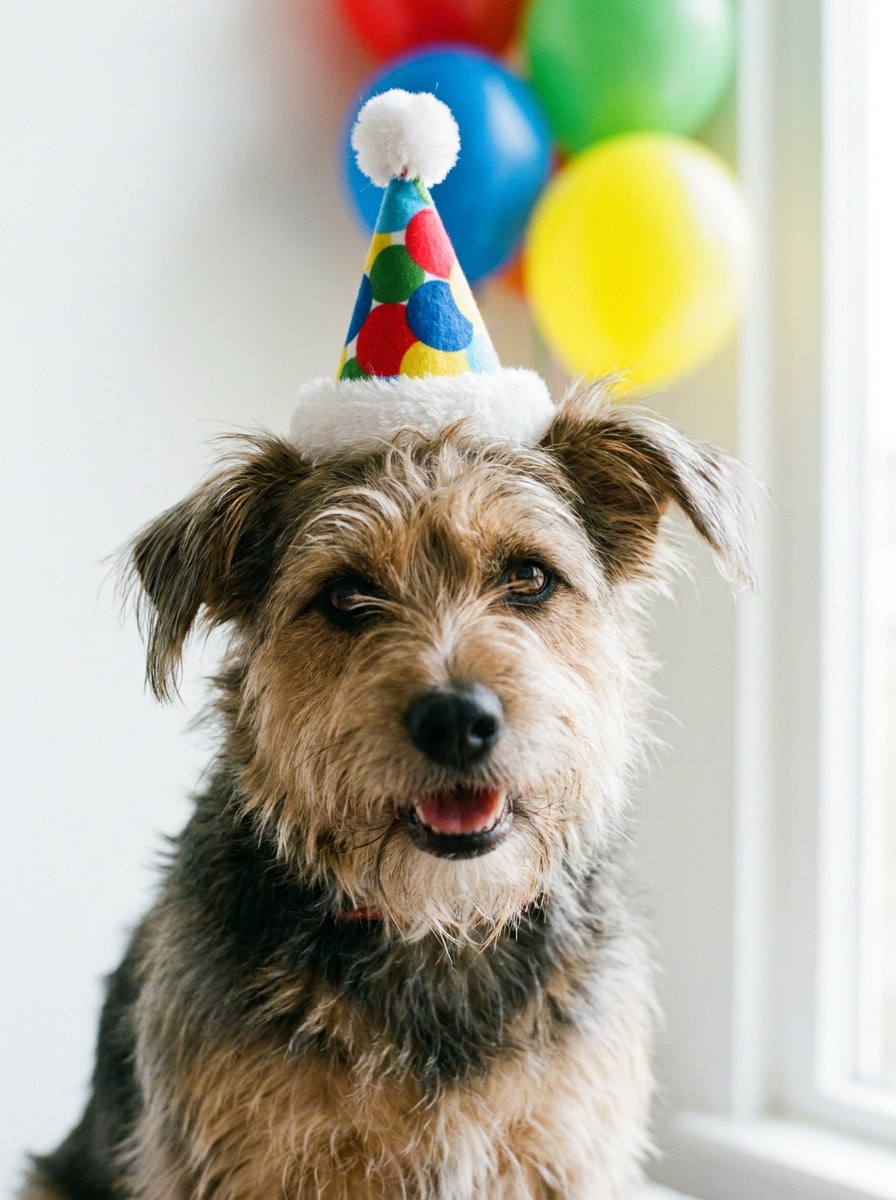
Haustier-Geburtstagshut
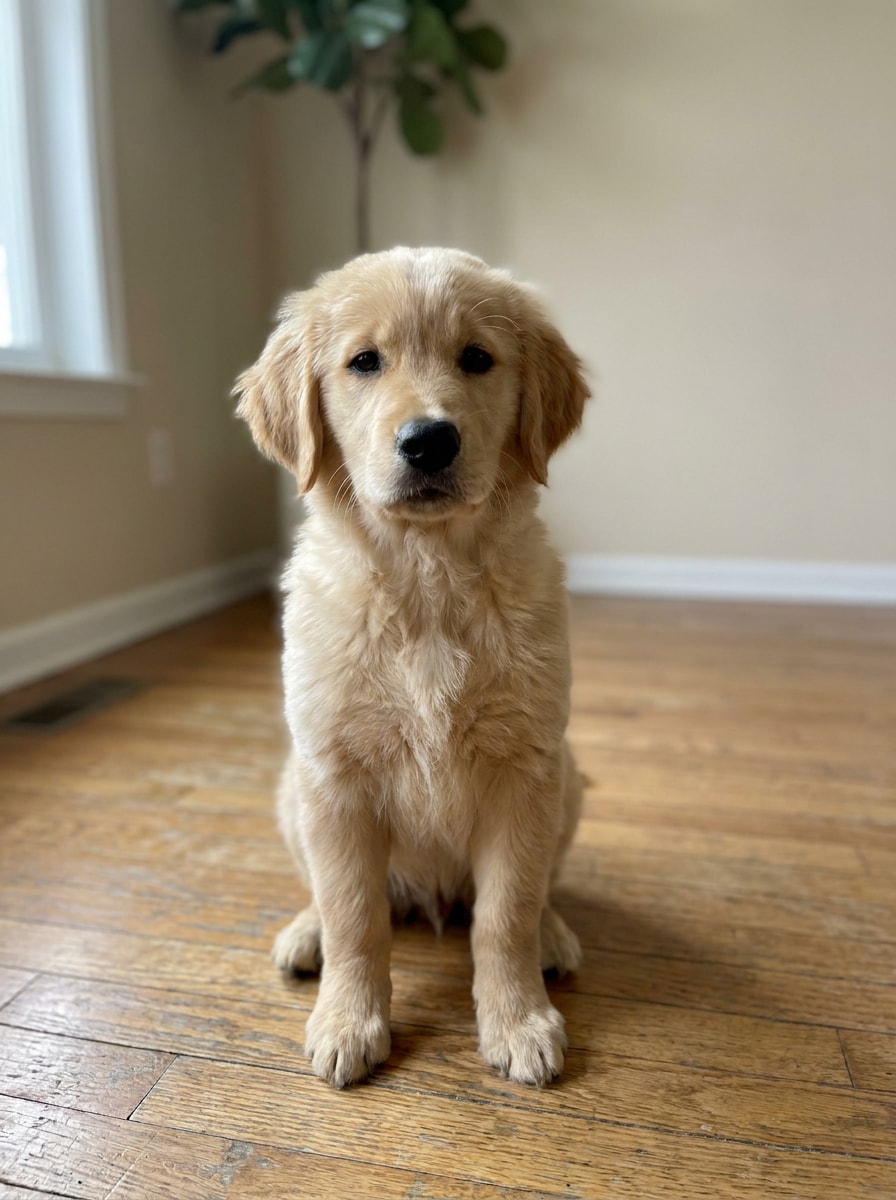
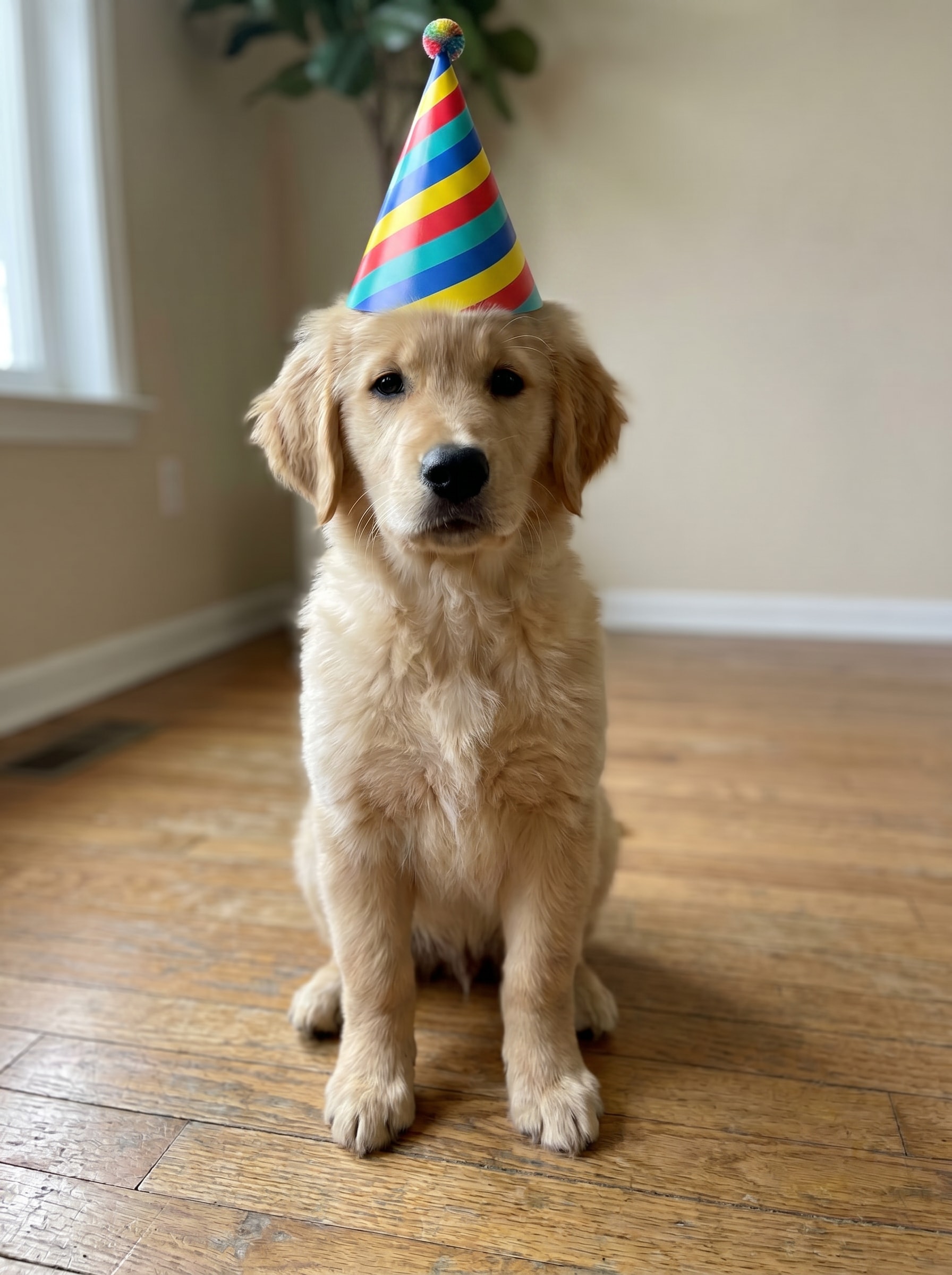
Verwenden Sie das hochgeladene Bild als Motiv und platzieren Sie einen kleinen, entzückenden Geburtstagshut auf dem Kopf des Haustieres mit einem natürlichen Winkel und sanfter Fellinteraktion. Fügen Sie helle festliche Farben, weiche Besatzdetails, saubere realistische Überblendung und eine warme, verspielte Stimmung hinzu, die perfekt für teilbare Haustier-Feierfotos ist.
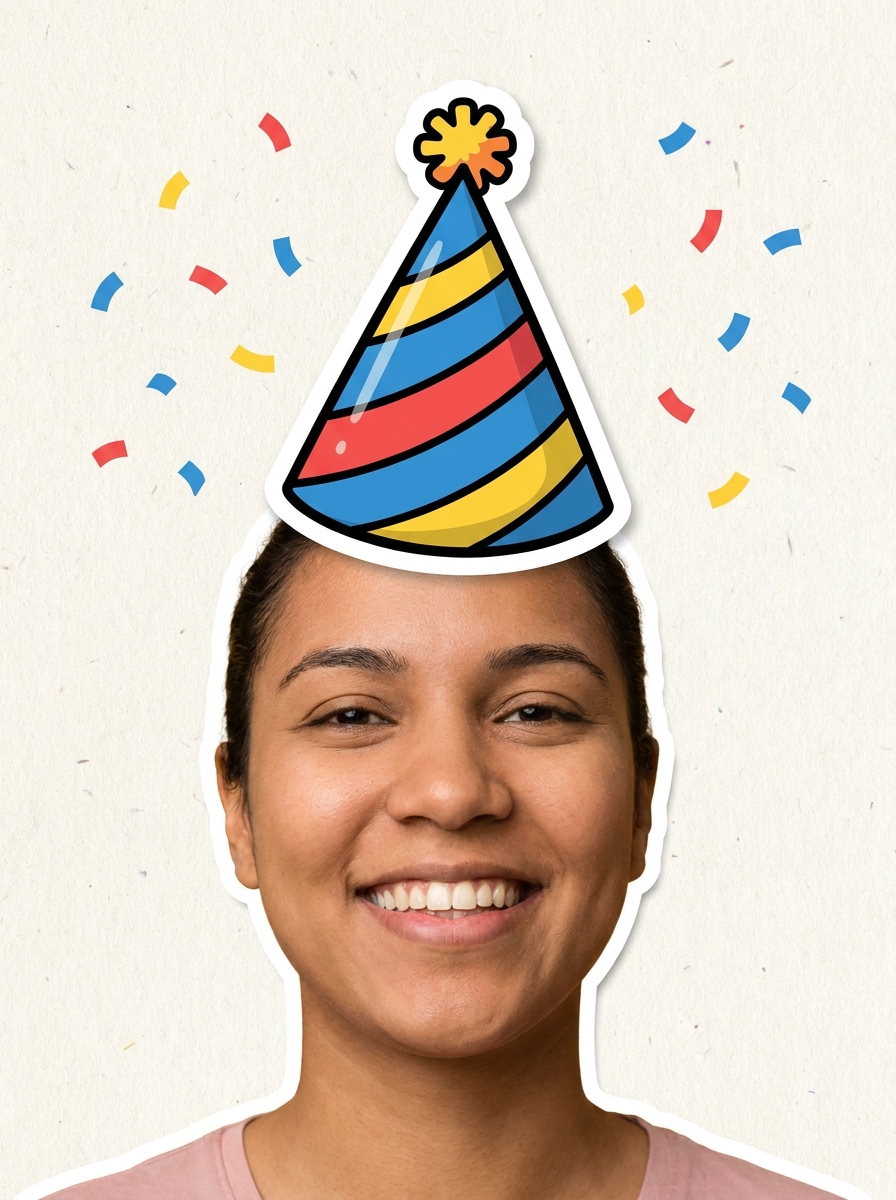
Aufkleber-Ausschnitt-Hut
Verwenden Sie das hochgeladene Bild als Motiv und fügen Sie einen knackigen Geburtstagshut-Aufkleber mit einer fetten Kontur und sauberem Ausschnitt-Stil hinzu. Platzieren Sie ihn deutlich über dem Kopf, verwenden Sie helle Feierfarben, starken Kontrast, transparente Randverbundqualität und eine lustige Scrapbook-ähnliche Social-Post-Ästhetik.
Ballon- und Hut-Kombination
Verwenden Sie das hochgeladene Bild als Motiv und fügen Sie einen festlichen Geburtstagshut sowie subtile Ballon- und Konfetti-Akzente um den Rahmen hinzu. Halten Sie den Hut natürlich am Kopf ausgerichtet, bewahren Sie realistische Beleuchtung und erstellen Sie eine farbenfrohe, ausgewogene Feierbearbeitung, die poliert und teilungsbereit wirkt.
Warum Media.io verwenden, um einen Partyhut zu einem Bild hinzuzufügen
Ergebnisse rund um ein Referenzmotiv personalisieren
Von schnellen Memes bis zu polierten Porträts ermöglicht Ihnen Media.io, zwischen einem einfachen Partyhut-Filter-Stil und tieferer KI-Bearbeitung zu wechseln, sodass Sie Geburtstagshut-Foto-Projekte hinzufügen können, die verspielt, sauber oder überraschend lebensecht wirken.
Den richtigen Stil für jede Version finden
Wenn die kreative Richtung noch in der Entwicklung ist, macht es Media.io einfach, mehrere Looks rund um dasselbe Geburtstagskonzept zu testen. Das hilft, die kreative Richtung breiter zu gestalten, ohne so viel Nacharbeit hinzuzufügen.
Endgültige Bilder für echte Projekte scharf halten
Für Bilder, die in Präsentationen, Hintergrundbildern oder Social-Media-Assets wiederverwendet werden müssen, liefert Media.io klarere Ergebnisse bis zu 4K. Das bedeutet, dass Ihre Geburtstagshut-Bearbeitung scharf und nutzbar bleibt, auch über einen gelegentlichen Post hinaus.
Funktioniert reibungslos auf Telefon, Tablet oder Desktop
Kreative Arbeit bleibt selten auf einem Bildschirm. Media.io hält den Workflow zum Hinzufügen eines Geburtstagshuts zu einem Bild in Ihrem Browser, sodass Sie auf dem Telefon beginnen und auf dem Desktop fertigstellen können, ohne zusätzliche Software installieren zu müssen.
So fügen Sie online einen Geburtstagshut zu einem Bild hinzu
Verwandeln Sie Ihre Worte in beeindruckende Bilder in drei einfachen Schritten und verfeinern Sie das Ergebnis anschließend, wenn Sie es weiter verbessern möchten.
Schritt 1
Laden Sie Ihr Referenzbild hoch
Beginnen Sie mit einem klaren JPG-, PNG- oder JPEG-Porträt, Haustierfoto oder Gruppenfoto. Wenn Sie möchten, einen Geburtstagshut zu einem Bild hinzufügen überzeugend wirken, wählen Sie ein Bild, bei dem Kopf, Haaransatz und Beleuchtung für die KI leicht erkennbar sind.
Schritt 2
Beschreiben Sie die Änderung und legen Sie Optionen fest
Teilen Sie Media.io mit, ob Sie einen Geburtstagshut zu einem Bild mit realistischer Überblendung, Glitzer-Stil, niedlichem Pastell-Look oder Aufkleber-Effekt hinzufügen möchten. Wählen Sie dann Ihr Modell und passen Sie Seitenverhältnis, Bildanzahl oder Auflösung für das gewünschte Ergebnis an.
Schritt 3
Generieren, herunterladen und weiter verbessern
Erstellen Sie mehrere Variationen, vergleichen Sie, wie jeder Hut zum Gesichtswinkel passt, und laden Sie Ihr Lieblingsresultat herunter. Verfeinern Sie bei Bedarf den Prompt, probieren Sie einen anderen Stil aus oder generieren Sie neu, bis Ihre festliche Bearbeitung genau richtig aussieht.
Das Potenzial des Hinzufügens eines Geburtstagshuts zu einem Bild entfalten
Sehen Sie, wie Ersteller Media.io verwenden, um Geburtstagshut-Bearbeitungen für Inhalte, Marketing und persönliche Projekte hinzuzufügen, und passen Sie jede Idee an Ihre Aufgabe an.
Alltägliche Porträts in Geburtstagsposts verwandeln
Werten Sie Selfies, Familienfotos oder Büroheadshots mit einem festlichen Kegelhut auf, bevor Sie sie auf Instagram, TikTok oder in Stories veröffentlichen. Dies ist ideal, wenn Sie möchten, einen Partyhut schnell zu einem Foto hinzuzufügen und dabei Beleuchtung und Gesichtsdetails natürlich wirken zu lassen.
Haustier- und Babyfotos teilbarer machen
Niedliche Feierbearbeitungen funktionieren besonders gut für Haustiere und kleine Kinder. Mit Media.io können Sie einen Partyhut zu einem Bild mit verspielten Farben, weichem Besatz und ausgewogener Platzierung hinzufügen, die das Gesicht einrahmt, ohne das Bild überladen wirken zu lassen.
Lustige Gruppenbearbeitungen für Einladungen und Chats erstellen
Verwenden Sie einen Upload-Workflow in Media.io, um Partyhüte zu Foto-Szenen für Geburtstagseinladungen, WhatsApp-Grüße oder Team-Shoutouts hinzuzufügen. Sie können auch einen Geburtstagshut zu einem Bild hinzufügen Gruppenfotos mit übergroßen, Glitzer- oder Aufkleber-Hüten, um sie lebendiger, persönlicher und unvergesslicher zu machen.
Was Nutzer sagen
Alyssa M.
Lifestyle-Erstellerin
„Schnell und überraschend realistisch" Ich brauchte eine schnelle Möglichkeit, einen Geburtstagshut zu einem Bild für eine Instagram Story hinzuzufügen, und Media.io hat es einfach gemacht. Die realistische Version passte den Kopfwinkel viel besser als eine normale Aufkleber-App.
Jordan T.
Haustier-Account-Inhaber
„Großartig für Haustier-Geburtstagsbearbeitungen" Ich habe es verwendet, um Geburtstagshüte zu Fotos meines Hundes hinzuzufügen, und die Ergebnisse waren entzückend. Die Fell-Überblendung sah sauber aus, und ich mochte es, einige verschiedene Stile generieren zu können.
Priya S.
Eventplanerin
„Nützlich für Einladungen und Social-Media-Grafiken" Dieser Online-Geburtstagshut-Fotoeditor hat mir geholfen, verspielte Einladungsbilder zu erstellen, ohne schwere Design-Software öffnen zu müssen. Ich konnte von meinem Telefon aus in nur wenigen Minuten hochladen, bearbeiten und herunterladen.
Marcus L.
Gelegenheitsnutzer
„Einfach genug für jeden" Ich wollte nur einen Partyhut zu einem Foto für einen Familienwitz hinzufügen, aber das Tool gab mir sowohl Aufkleber-Stil- als auch realistische Optionen. Es fühlte sich viel einfacher an als manuelle Fotobearbeitung.
Entdecken Sie die beliebtesten KI-Video- und Bildeffekte
Häufig gestellte Fragen zum Hinzufügen eines Geburtstagshuts zu einem Foto
1. Wie kann ich online einen Geburtstagshut zu einem Bild hinzufügen?
Media.io kann hochwertige Geburtstagshut-Bearbeitungen mit ausreichend Detail für das Teilen, Präsentationen oder weitere Bearbeitung generieren. Kostenlose Downloads können ein Wasserzeichen enthalten.
2. Kann ich kostenlos einen Geburtstagshut zu einem Foto hinzufügen?
Kostenlose Nutzer können Media.io mit Credits ausprobieren, was hilfreich ist, wenn Sie nur einen Geburtstagshut zu einem Foto hinzufügen müssen, um schnell etwas zu posten oder zu grüßen. Bezahlte Pläne auf der Preisseite ermöglichen mehr Nutzung, mehr Credits und wasserzeichenfreie hochauflösende Exporte.
3. Wie lange dauert die Bearbeitung eines Bildes?
Die meisten Geburtstagshut-Bearbeitungen sind schnell, da Media.io den Prozess einfach hält: Bild hochladen, den Hut beschreiben und Variationen generieren. Die genaue Zeit hängt von der Auflösung und der Anzahl der erstellten Versionen ab, aber das Tool ist für schnelle Online-Bearbeitung statt langer manueller Nachbearbeitung ausgelegt.
4. Kann KI den Geburtstagshut realistisch auf dem Kopf wirken lassen?
Media.io ist webbasiert, sodass Sie keine App installieren müssen, um einen Partyhut zu einem Bild hinzuzufügen. Öffnen Sie es in Ihrem Browser, laden Sie das Bild hoch, generieren Sie die Bearbeitung und speichern Sie das Ergebnis von dem Gerät, das Sie bereits verwenden.
5. Muss ich eine App herunterladen, um einen Partyhut zu einem Bild hinzuzufügen?
Media.io ist webbasiert, sodass Sie keine App installieren müssen, um einen Partyhut zu einem Bild hinzuzufügen. Sie können es in einem Browser öffnen, Ihr Bild hochladen, die Bearbeitung generieren und das Ergebnis online von Ihrem üblichen Gerät speichern. Media.io ist ein webbasiertes Tool, das auf jedem Gerät mit einem Browser funktioniert (Windows, Mac, iOS, Android).
6. Kann ich diesen Geburtstagshut-Fotoeditor auf iPhone und Android verwenden?
Media.io kann hochwertige Bilder mit hinzugefügtem Geburtstagshut mit ausreichend Detail für das Teilen, Präsentationen oder weitere Bearbeitung generieren. Kostenlose Nutzer können Wasserzeichen haben.
Über das KI-gestützte Online-Hinzufügen eines Geburtstagshuts zu einem Bild hinaus