
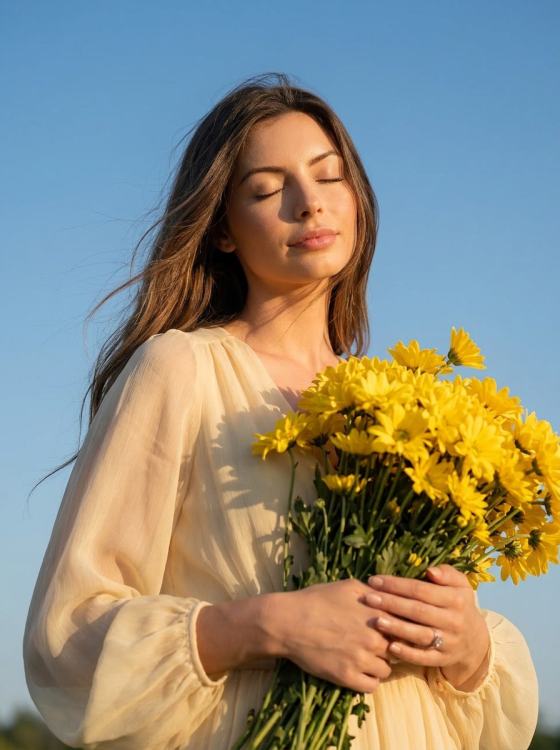
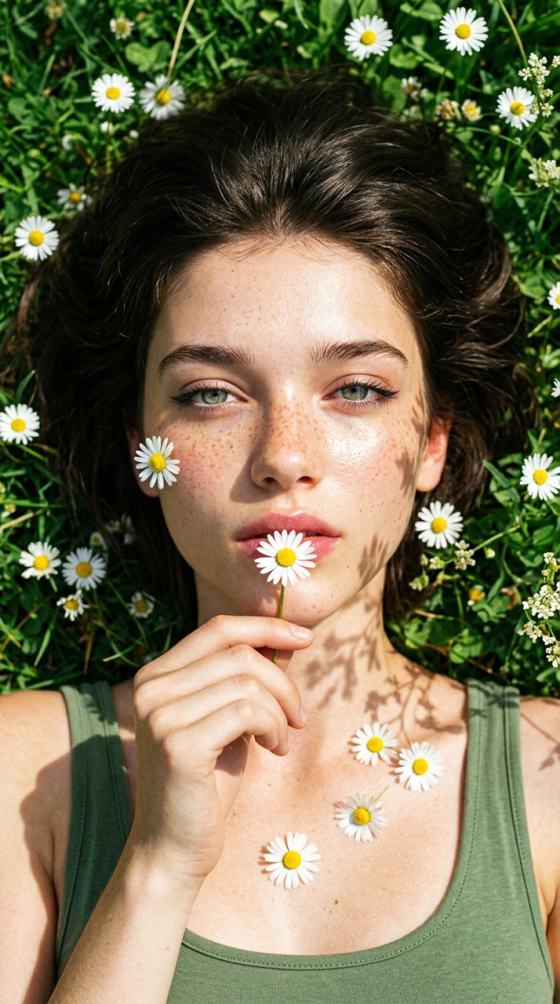

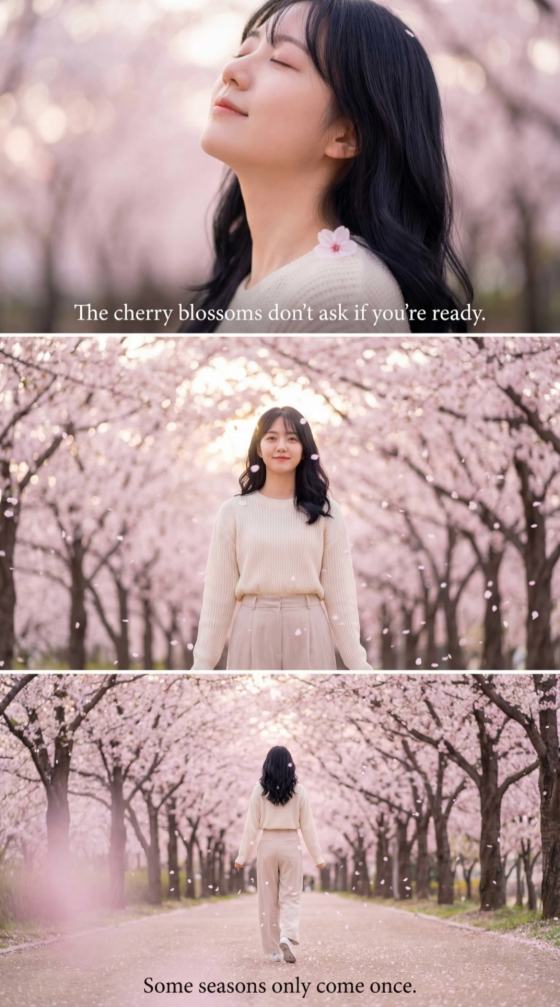








KI-Frühlingsherausforderung

Erstelle beeindruckende Frühlingsvideos und Fotos mit KI auf Media.io und gewinne über 14.000 Credits.

So nimmst du teil:
Veröffentliche in „AI Spring“ im Explore-Bereich und tritt dem Discord bei (Video ≥720p, ≥5s; Bild ≥720p).

🏆 Preise:
▪ 3 Gewinner × 2.000 KI-Credits (Video);
▪ 5 Gewinner × 1.000 KI-Credits (Video);
▪ 10 Gewinner × 300 KI-Credits (Bild);
▪ Alle Nutzer erhalten täglich kostenlose KI-Credits beim Login.
Hinweis: Pro Autor nur ein Preis; doppelte Gewinne gehen an den nächsten Teilnehmer.
Alle Details zur Challenge ansehen

📄 Inhaltsanforderungen:
KI-Erstellung: Mindestens 80 % des Videos müssen mit KI erstellt sein; Inhalte müssen mit Media.io produziert werden.
Thema: Nur Frühling.
Originalität: Muss original sein; kein Kopieren von Prompts anderer.
Bewertung: Relevanz, Engagement, Emotion, Kreativität, Stil, Storytelling und Tiefe.
Regeln: Beachte die Community-Richtlinien und Nutzungsbedingungen von Media.io.

📅 Zeitplan
▪ Einsendungen: 2026.03.17 – 2026.03.31 (GMT+8)
▪ Auswahlphase: 2026.04.01 – 2026.04.10 (GMT+8)
▪ Ende: 2026.04.10 (Ergebnisse innerhalb von 14 Werktagen)
Alle Einreichungen

How to Make Viral Spring AI Videos & Photos Online and Join the Challenge?

01

Step 1: Create

Use Media.io's AI tools (i.e AI Image to video, text to video, image to image, text to image, video to video) to generate a spring-inspired video or photo. No experience needed — just your imagination and a prompt.

02

Step 2: Publish to AI Spring Challenge and Join Discord

Go to Public Visibility > Enable it > Select AI Spring Challenge to publish your creation, and join our discord community, then you are in the challenge.

03

Step 3: Collect Votes & Win Credits

Log in daily to claim your bonus credits. Publish more videos and get friends to like your post to win up to 2000 AI Credits. Learn the tips and everything about the AI spring challenge.

🏅 Why Join the Spring Creator Challenge

Video-First, Maximum Rewards

Create AI spring videos and unlock up to 3.6× more credits than photo entries. Media.io's text-to-video and image-to-video tools are built for stunning seasonal content. Add blooming floral effects, vibrant sunbeams, and lush green filters to your content without switching tools.

Free to Create, Big to Win

Sign up for free daily credits. Video entries compete for the Grand Spring Video Prize (2,000 credits). Every participant earns bonus credits just for joining. In addition to that, we're crowning 18 winners in total: 3 Grand Prize · 5 Video Gold · 10 Photo Gold — more chances to win, more reasons to create.

AI That Preserves Your Creative Vision

Our advanced AI models maintain natural lighting, organic motion, and true-to-life color — perfect for capturing the delicate beauty of spring blooms, golden hour, and morning dew.

Natural & Photorealistic Results

Our spring AI video and photo generator preserves your original facial features and scene integrity. Enjoy flawless integration of blooming cherry blossoms and spring lighting that looks completely natural.

Join 500,000+ Creators Embracing the AI Spring Trend

user
@sarah_smiles

Social Media Influencer

star star star star star

"Revived my gloomy winter feed instantly." My photos were looking too dull from the cold months. The spring AI photo generator instantly revived my pictures with beautiful warm lighting and blooming flowers. It completely saved my content calendar!

user
@creator_dan

Video Editor

star star star star star

"Hours of editing reduced to just one click." Adding realistic seasonal elements used to take hours in After Effects. Media.io's AI spring video generator added floating cherry blossoms and dynamic lighting in exactly one click.

user
@chloe_vlogs

Lifestyle Vlogger

star star star star star

"Caught the blooming trend and went viral!" I wanted to jump on the blooming flower trend on TikTok. The AI spring effect made my regular walking video look like a magical springtime fairy tale. The engagement has been insane!

user
@emma_p

Small Business Owner

star star star star star

"Professional spring promo with zero design skills." I have no design skills, but I wanted a spring-themed product promo. This spring AI photo generator let me just upload my product and effortlessly transformed the background into a lush spring garden.

FAQs About the AI Spring Creator Challenge

1. What is the Bloom with AI Spring Creator Challenge?

The Spring Creator Challenge is Media.io's seasonal creative contest running March 17–31, 2026 (GMT+8). Creators use AI video and photo generation tools to produce spring-themed content, share it in the Explore Plaza, and compete for AI credit prizes up to 2,000 credits.

Sign up on Media.io to receive free daily credits. Choose a spring template or enter your own prompt, select a spring theme track, and generate your video or photo instantly — no downloads or design skills required. Due to the different AI models, it may cost different AI credits for generation.

You can use any of Media.io's AI tools including text-to-video, image-to-video, AI video effects, text-to-image, image-to-image, and AI photo effects — all available directly in your browser.

In 2026, trending spring AI aesthetics include: cherry blossom slow-motion videos, dreamy spring nature timelapses, spring golden-hour portrait effects, urban spring bloom transitions, and fantasy spring world text-to-video generations.

Yes! Photo creators can win the Creative Gold Award (300 credits × 10 winners). However, video creators earn up to 3.6× more credits — so we encourage everyone to try AI video generation!

Video and image entries published to the AI Spring zone and join the discord community are eligible for the awards. Final selection is made by the Media.io design team based on engagement, creativity, AI execution quality, and spring theme alignment. Full rules: [Spring Challenge Official Rules].

Winner announcements and the awards showcase take place on April 10, 2026 on the Media.io Explore Plaza and discord community.

Visit Media.io's home interface, log in to your account, and you will see the banner "daily free credits" > tap on "Claim Now" to get free credits.

Each video must be an original, independently created work posted separately. For the submission bonus, we only count the number of videos submitted under the same registered email and WSID. Submissions from different emails or WSIDs will not be counted together. Re-uploads, clips, or edits of the same video do not count as separate entries. Qualified videos must meet the basic requirements of this challenge, including topic, format, and content.

Likes on your single best video submission at deadline (2026.3.31, GMT+8).
We count likes based on "AI Spring Challenge" Zone for your single work.

1. Before you tap on Generate button, you can see the "Public Visibility", make sure it has enabled, then select the "AI Spring Challenge".
2. If you have finished generating the content, you can see the icon to post in Explore while previewing the result.

