AI Product Demo Video Maker -
Turn Product Pages Into Feature-Led Video Ads
A product demo video maker should do more than place product photos on a timeline. Paste a product URL or upload product images, and Media.io's URL to Ads workflow extracts product details, selling points, use cases, and setup cues, then helps generate demo-style scripts, avatar/style settings, product scenes, captions, and review-friendly video ads.















Show what the product does before buyers have to imagine it.
Demo intent is practical: shoppers want to see the feature sequence, setup steps, close-up proof, size context, and everyday use case before they click. This product demo video generator turns product-source details into tutorials, walkthroughs, showcases, feature explainers, comparison clips, lifestyle demos, and retargeting creative without making every SKU start from a blank editor.

Portable Blender
shopify.com/products/blender

Red Shoulder Bag
shopify.com/products/red-shoulder-bag

Legend Premium Beer
temu.com/products/legend-energy-drink

World Cup Potato Chips
tiktokshop.com/products/world-cup-potato-chips

Glow Serum
tiktokshop.com/products/serum

Matcha Latte App
appstore.com/app/matcha-latte

Luxury Chronograph Watch
ebay.com/itm/luxury-chronograph-watch
Product demos break when the feature story is buried in the listing.
Product pages often have the right facts: specs, benefits, images, bundles, use cases, and offer copy. The missing work is turning those facts into a clear demo order, a tutorial rhythm, credible proof, and a script that stays useful without drifting into unsupported claims.
FEATURE ORDER
Benefits are listed everywhere, but a demo needs a viewing order: problem, feature, proof, use case, and next step.
SETUP STEPS
A product that requires assembly, charging, pairing, cleaning, or first use needs a tutorial path, not just beauty shots.
USE-CASE FIT
The same product may need a quick ad demo, a how-to clip, a storefront explainer, and a feature showcase.
CLAIM REVIEW
Feature-heavy demos can sound too absolute unless scripts are checked before the final video is rendered.
From product listing to demo, tutorial, and walkthrough.
A URL-first workflow for ecommerce product education.
Media.io's URL to Ads workflow starts with product context: gallery images, feature bullets, usage notes, setup cues, offer copy, and sellable benefits. From there, it helps shape demo angles, creator roles, vertical settings, scripts, and policy-aware wording for paid ads, product pages, and social commerce.
Start with product facts before writing the demo.
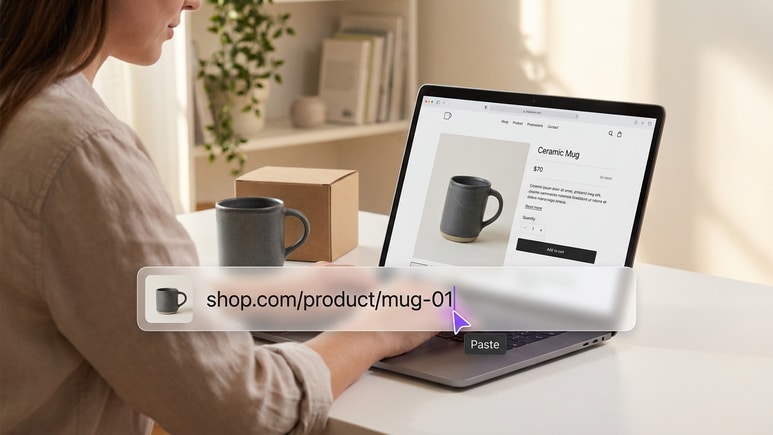
A useful product demo starts with the real listing, not a generic prompt. Paste a URL or upload images so the workflow can extract titles, descriptions, gallery assets, feature bullets, use-case cues, offer context, and sellable benefits before the first scene is written.
✓Extract product names, descriptions, gallery images, offer cues, and sellable benefits
✓Map product features to demo scenes, tutorial steps, and buyer questions
✓Use URL context to brief a product feature video generator without rebuilding the basics
Create demos for features, setup, and everyday use.
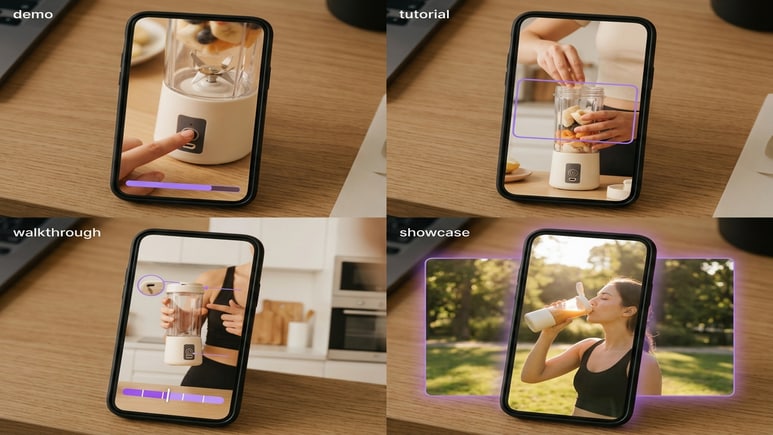
A demo video ad generator should help one product explain itself in several ways: quick feature reveal, step-by-step tutorial, lifestyle use case, product comparison, offer reminder, or retargeting proof. Build variants that change the teaching angle instead of only changing the template.
✓Create tutorials, product walkthroughs, feature spotlights, close-up demos, and comparison clips
✓Adapt pacing for TikTok/Reels-style ads, product-page videos, affiliate posts, and paid tests
✓Use product showcase video generator angles when the goal is to make features easy to scan
Set the tutorial format before generation starts.
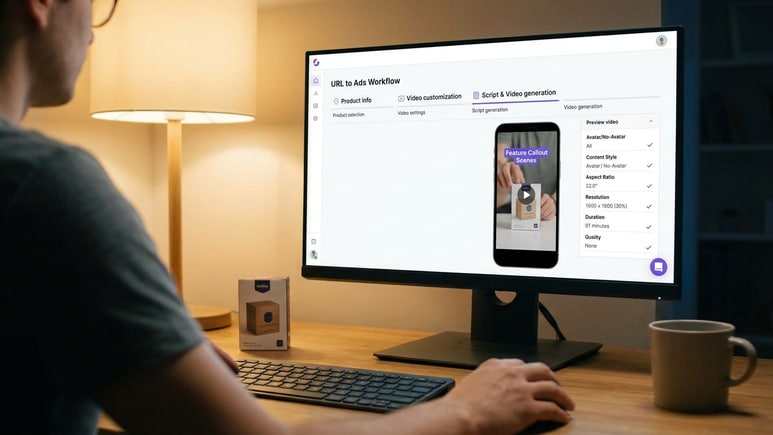
Use Media.io as a product walkthrough video generator when the product needs guided explanation but the team does not want to manage a full edit. Choose no-avatar mode or an AI/avatar role, pick the content style, and set aspect ratio, resolution, duration, and quality before generating the script and video.
✓Move through product selection, video settings, script generation, and video generation in order
✓Control avatar/no-avatar mode, style, ratio, resolution, duration, and output quality
✓Review the generated script before rendering, editing, or regenerating the final product demo
Keep feature claims useful, specific, and review-friendly.
Demo copy can drift into "solves everything", "guaranteed", or unsupported comparison language. Media.io helps flag risky wording early so product scripts stay persuasive before the video is rendered.
✓Screen for absolute wording, exaggerated claims, and unsupported product promises
✓Suggest safer alternatives that keep the offer clear without making guarantees
✓Keep product facts, demo order, offer language, and CTA consistent across variants
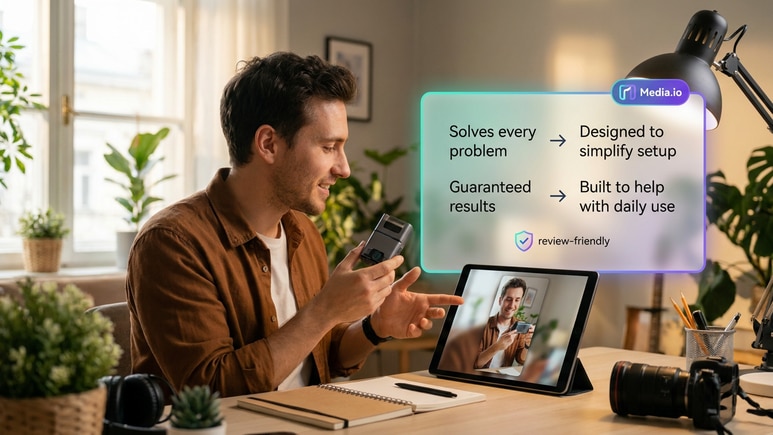
How URL to Ads turns a product page into a demo video.
The public flow follows the same creation order: pull product facts and selling points, set the product demo format, then generate a script and render the video for review, sharing, or publishing.
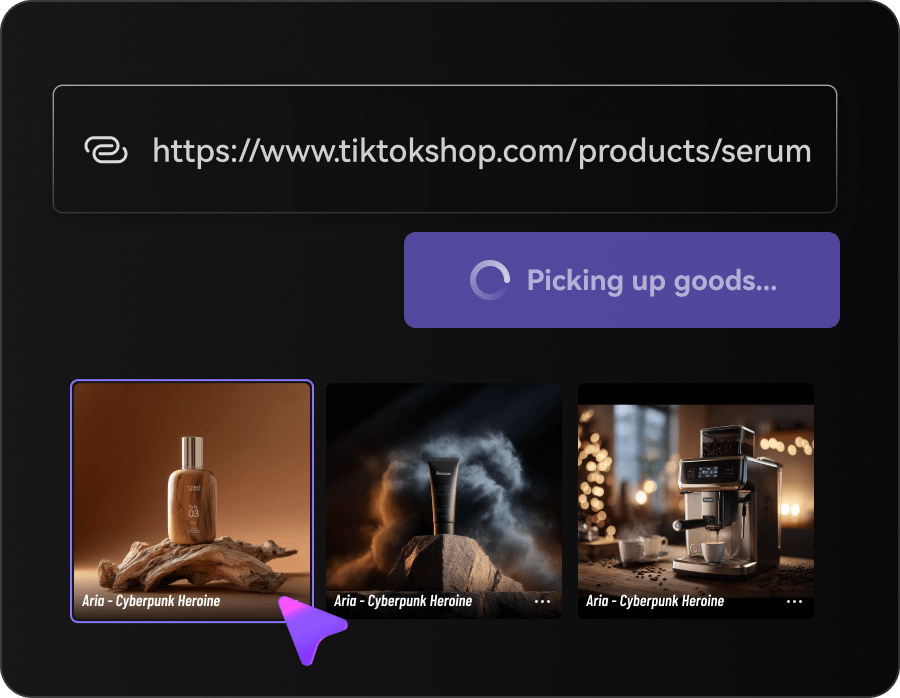
Fetch product information and selling points
Paste a product URL, upload product images, or reuse a saved product. Media.io extracts the product name, title, description, gallery, offer cues, feature details, use-case hints, and sellable benefits before script generation.
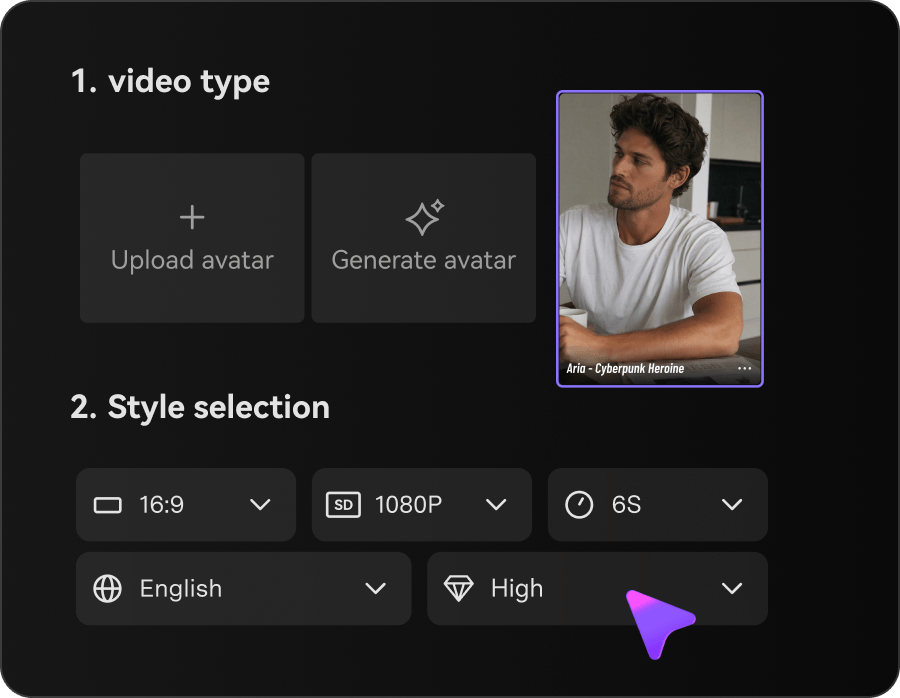
Customize avatar, style, and video settings
Choose no-avatar mode or an AI/avatar role from the library, upload, or generation options. Then select the style, aspect ratio, resolution, duration, and quality for the demo video ad.
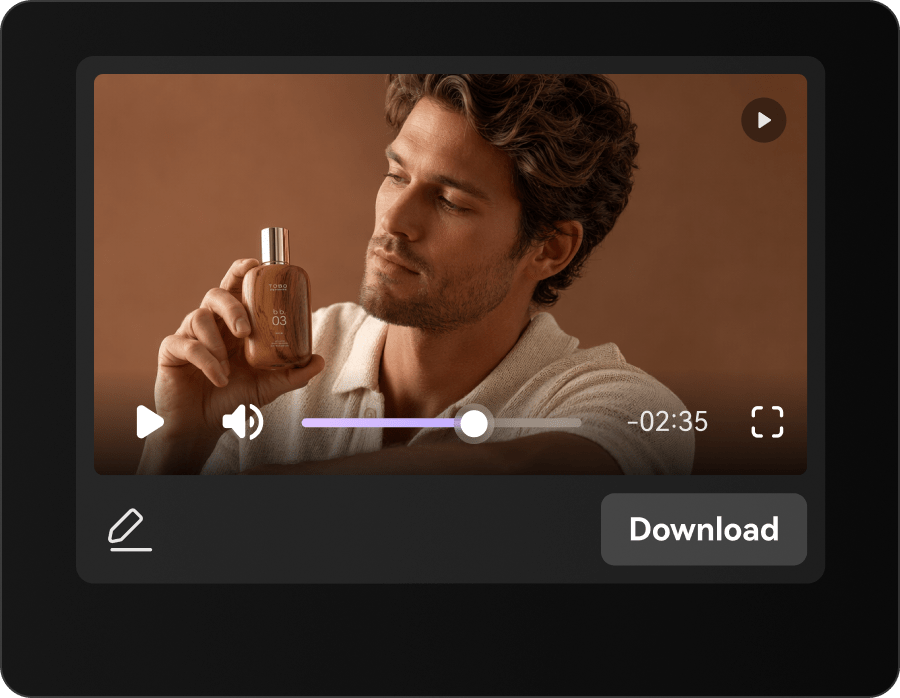
Generate the script, then the video
Click Generate Script to create the storyboard and script from the product details and settings. Review or edit the script, then click Generate Video and use result actions such as download, share, publish, edit, regenerate, enhance, or erase.
Built for teams that need product demos before the next content sprint
URL to Ads fits sellers and creators who already have product pages, images, specs, usage notes, or sample shots, and need a faster path from product source to demo ad, tutorial clip, walkthrough video, or feature showcase.
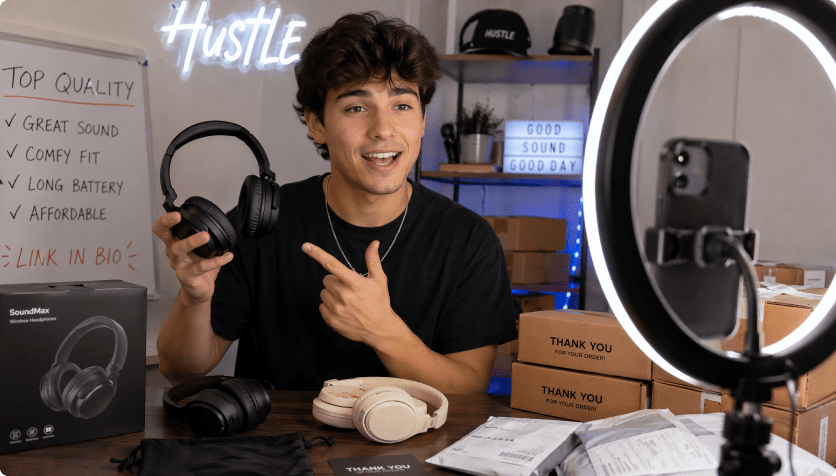
DTC product marketers
Turn launches, bundles, and feature updates into demo scripts before the team books creators or studio time.
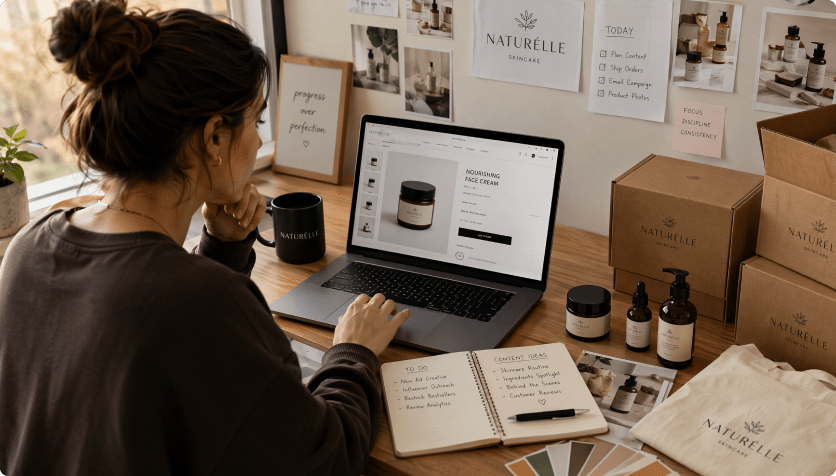
Marketplace sellers
Turn product listings from Amazon, eBay, Etsy, Temu, TikTok Shop, Mercado Libre, or SHEIN into demo-style video drafts.
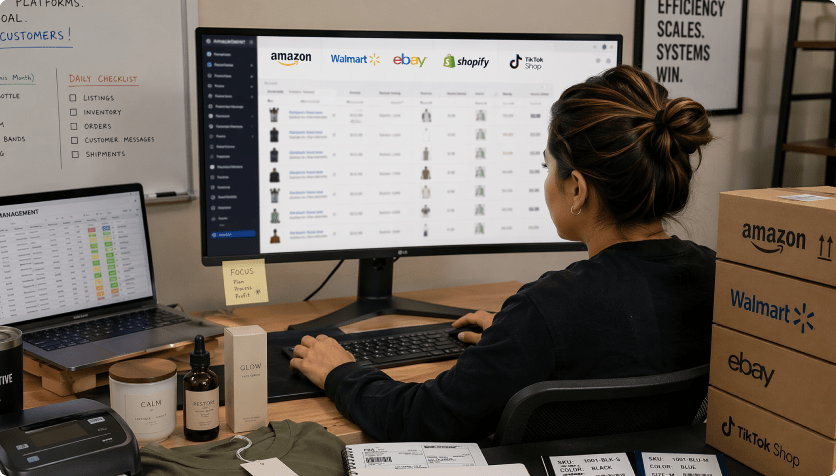
Dropshipping test stores
Validate whether the main function, before-and-after angle, or setup step makes the product understandable before scaling creative spend.
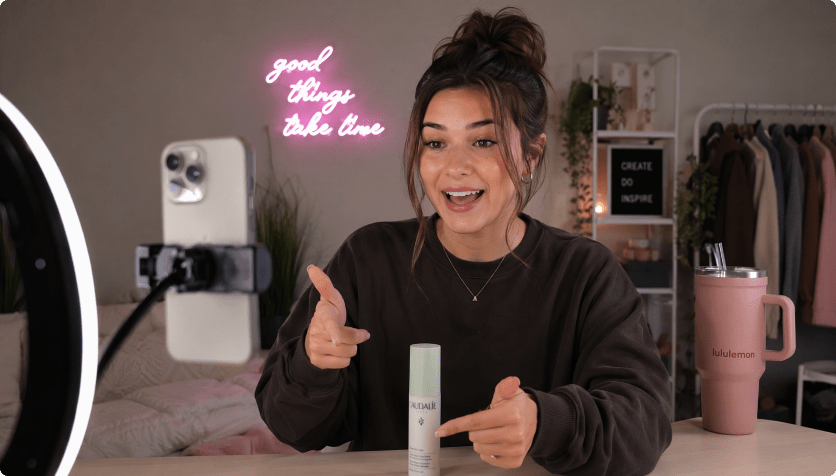

Product demo templates vs. URL-first demo generation
Template-first demo video makers

- Pick a layout before the product page has been interpreted
- Copy specs, feature bullets, use cases, and offers into fields by hand
- Use the same demo rhythm even when setup, benefit, or buyer question differs
- Leave tutorial steps, feature proof, and CTA language disconnected
- Check risky "solves everything" or "guaranteed" wording after export
- Refresh product education videos by duplicating timelines manually
AI URL to Ads for Product Demos
- Start with a product URL or uploaded product images
- Extract product names, descriptions, gallery assets, benefits, and offer cues
- Turn feature bullets, use cases, and setup cues into demo scenes
- Set avatar, style, ratio, duration, resolution, and quality before rendering
- Review and edit the generated demo script while changes are easy
- Render, download, share, publish, edit, regenerate, enhance, or erase results
What teams want from AI product demo generation.
The request is specific: clearer feature order, faster tutorial scripts, credible use-case proof, and fewer videos that look polished but fail to answer how the product actually works.


The listing has the specs, but it does not tell me which feature to show first. I want the first draft to organize the benefit, demo shot, and proof point before I brief a creator.

For demo ads, the first seconds matter because shoppers need to see the product doing something useful. Starting from the product link helps us test feature hooks without rewriting from scratch.

Some products need a short walkthrough before the value is obvious. A URL-based demo draft helps show the setup, close-up feature, and use case without turning each listing into a mini shoot.

Creator footage works best when the product logic is already clear. I want drafts that tell the creator what to demonstrate, what to hold close, and which claim lines to keep softer.

I do not need a cinematic launch film for every item. I need quick, editable demo drafts that explain the main function and why the product is worth trying.

A product link should give me the first structure: hook, feature, tutorial step, proof, and next action. Then I can add my own voice instead of starting from a blank script.
Product Demo Video Maker FAQs
What is a product demo video maker?
A product demo video maker helps sellers turn product information into short videos that show what the product does, how it works, why the feature matters, and what the buyer should do next. Media.io's URL to Ads workflow starts from a product URL or uploaded images, extracts product details and selling points, lets you customize the video setup, generates a script, then renders a demo ad draft without starting from a blank editor.
How does URL to Ads create product demo videos from URLs?
Paste a product URL or upload product images. The workflow reads visible product details, gallery assets, offer cues, feature bullets, use-case hints, and selling points, then uses your avatar, style, and video settings to generate a script and video. In short, it turns the product source into a product demo video ad instead of asking you to describe every scene manually.
Can I use it as a product tutorial video generator?
Yes. Use it as a product tutorial video generator when shoppers need to see setup, first use, cleaning, pairing, assembly, or a feature sequence. Strong product images, clear descriptions, and usage notes help the generated tutorial script feel more specific.
How is this different from template-based product demo video makers?
Template-based editors usually start with a layout, placeholder clips, or manual text fields. URL to Ads starts with the product source, then moves through product extraction, video customization, script generation, and video generation so the draft is tied to the actual product, feature claims, use cases, and selling points.
Can it work as a product walkthrough video generator?
Yes. It can work as a product walkthrough video generator for products that need a guided sequence: show the need, introduce the feature, demonstrate the step, add close-up proof, and end with a clear next action. You can choose avatar/no-avatar mode, style, ratio, resolution, duration, and quality before rendering.
What kinds of product demo video ads can it make?
It can support feature explainers, setup demos, comparison clips, close-up product showcases, lifestyle use cases, testimonial-style proof, problem-solution ads, and retargeting reminders. As a how to use product video generator, the goal is to show the action sequence clearly enough that shoppers understand the product faster.
Do I need video editing skills?
No. The workflow is designed for sellers, marketers, and creators who need ad drafts without managing a professional editing timeline. You still control the product source, avatar/no-avatar choice, style, aspect ratio, resolution, duration, quality, and script review, while the guided flow handles the heavy assembly work.
Can I edit the AI-written product demo script before rendering?
Yes. You can review the AI-written storyboard and script before the final render. Edit weak lines, regenerate sections, change the language, or remove phrases that sound too aggressive for your product category. Language options include English, Korean, Spanish, German, Chinese, Portuguese, French, and Japanese.
Does review-friendly copy guarantee ad approval?
No tool can guarantee ad approval on any platform. Media.io's policy-aware script review is designed to reduce common risks by flagging exaggerated claims, absolute wording, sensitive phrasing, and unsupported product promises before rendering, so your product demo video drafts start from cleaner copy.
More AI tools for product demo creative

 4.7 (162,357 Votes)