

Agente de MV
Enviar Áudio
Enviar
Envie um arquivo de áudio com duração de 1 segundo a 3 minutos.
Carregue uma imagem
Enviar
Formatos de upload suportados: jpg, png, jpeg.
Prompt
0/2000
Dica: Use dicas em inglês para obter melhores resultados.
720P
16:9
Imagem de amostra

AI Beat Sync Video Generator for Perfect Rhythm Visuals

Bring your music to life with perfectly timed visuals using Media.io's Beat Sync Video Generator. Upload your song or soundtrack and pair it with an image, portrait, or MV cover to create a video that moves seamlessly to your rhythm. The AI precisely analyzes your audio beats and generates visuals that pulse, flash, and shift in sync. Whether you are promoting a track, designing performance art, or creating a social post, this tool helps you produce stunning beat-matched videos in seconds.

Make a Beat Sync Video

No editing skills required-AI syncs your visuals automatically.

Example Beat Sync Video Output
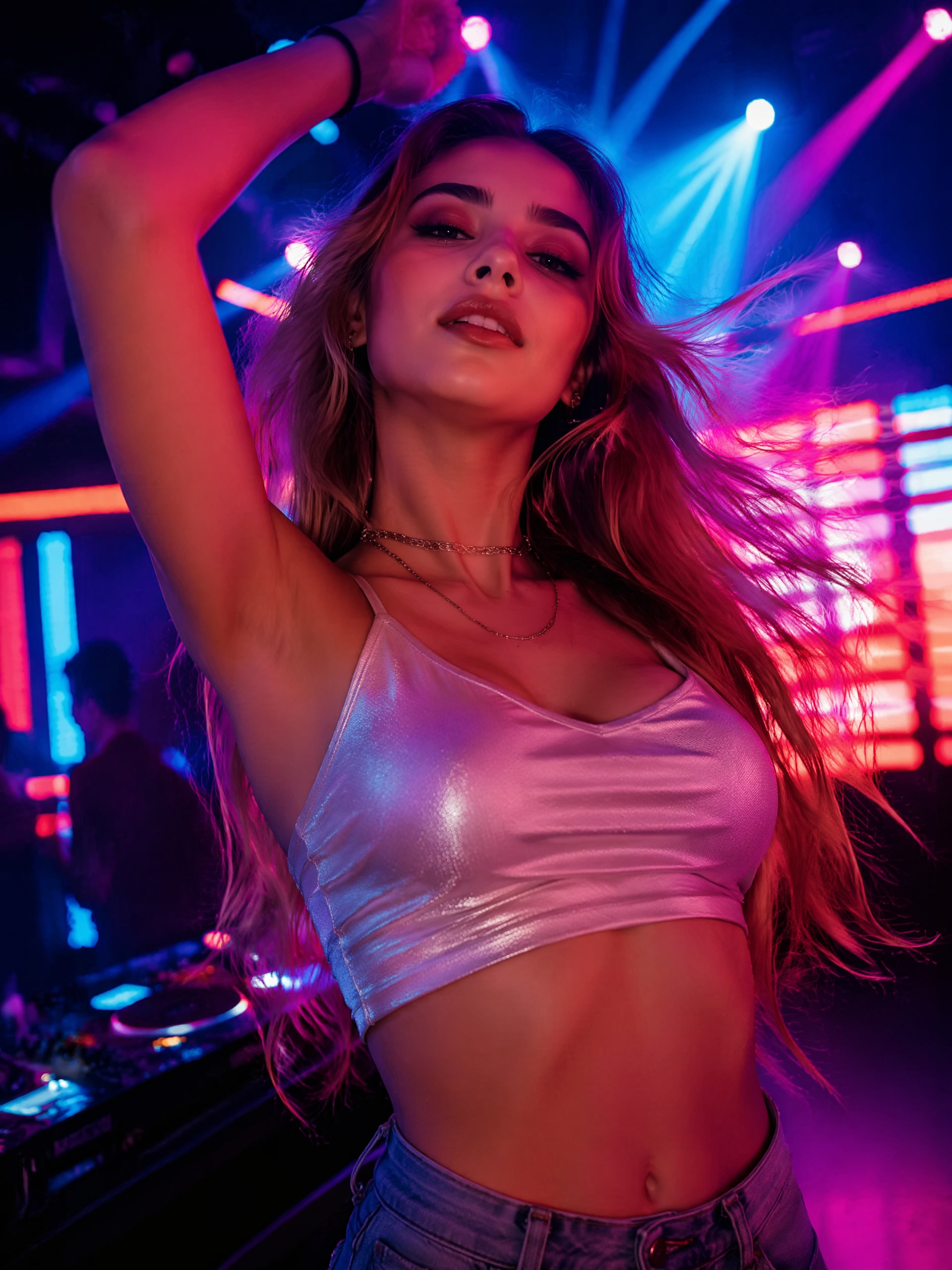
AI beat sync video sample frame
Sample track to visualize beat syncing
wave
wave
0:09
Try With Your Own Track ↗
See How AI Syncs Visuals to Every Beat
✓ Free Trial ✓ No Watermark ✓ Fast Render ✓ Audio Reactive

Why Choose Media.io for Beat Sync Videos

Automatic Beat Detection and Visual Alignment

Media.io's AI analyzes each beat and transition in your music with precision. Instead of manually timing clips in a traditional editor, the system automatically syncs visual movements to every rhythm and drop. This ensures smoother timing, balanced motion, and perfectly reactive visuals. The result is an immersive experience that feels handcrafted yet effortless to produce.

Flexible Image and Audio Input Workflow

Upload any compatible audio file and a single photo, portrait, or MV cover to start generating. This flexibility allows musicians, digital artists, or marketers to turn still visuals into engaging beat reactive videos in minutes. You can keep your brand's aesthetic consistent while experimenting with fresh sounds or moods. The process is intuitive and requires zero editing background.

Ideal for Social and Promotional Content

A beat sync video instantly grabs attention on platforms like TikTok, Instagram, and YouTube Shorts. The synchronized rhythm and movement make your posts feel professional and dynamic. Use this tool to highlight a new song, album teaser, or brand anthem. With automatic output sizing and social-ready formats, Media.io empowers you to publish right after generation.

High-Quality Rendering and Creative Control

Media.io provides optimized rendering that balances motion intensity and visual smoothness. Users can choose a creative theme or enter a short prompt to influence the AI's style. Each output maintains sharpness, color fidelity, and beat consistency even when exported for multiple devices. This gives creators both efficiency and creative freedom within a single workflow.

How to Make a Beat Sync Video in Minutes

01

1. Upload Your Music or Audio

Select your desired track in MP3, WAV, or M4A format. The AI analyzes rhythm, tempo, and amplitude to prepare precise sync points for the visuals.

02

2. Add a Visual or MV Cover

Upload an image, portrait, or background cover that represents your theme. The AI will animate or transition it along the detected beats to enhance your story.

03

3. Generate and Download

Click Generate to let Media.io create your beat reactive video. After processing, preview and download instantly for sharing on streaming or social platforms.

What Creators Say About Media.io

user
Liam Brooks

Electronic Music Producer

star star star star star

"Fastest Way to Produce AI Beat Matched Videos" I have tested several beat sync tools, but Media.io provides the most accurate timing. My visuals match every kick and snare without manual editing. It delivers consistent results even on complex tracks with shifting BPM. For anyone producing short clips or promotional teasers, this AI beat sync feature saves hours of work.

user
Ava Lee

Content Creator

star star star star star

"Perfect for Music Rhythm Video Reels" I use the audio react video generator for Instagram Reels to highlight playlists. Media.io makes it easy to animate a still image to the song's rhythm. The crisp transitions and well-balanced flashes make my videos look professionally edited. It's intuitive, accessible, and ideal for creators who want quick, stylish output without complex software.

user
Noah Grant

Marketing Videographer

star star star star star

"Ideal for Beat Matched Promo Campaigns" The AI beat sync generator helps me produce motion ads that pulse perfectly with branded jingles. The results stay consistent across different scenes and voiceovers. It's great for YouTube and TikTok placements where timing is crucial. This audio-reactive approach adds a modern edge to otherwise static visuals.

user
Sophia Carter

Indie Musician

star star star star star

"My Favorite AI MV Creator for Quick Visuals" Media.io's AI MV creator is my go-to for releasing singles on social media. Uploading a cover and track is effortless, and within a minute I get a video tuned precisely to my song's mood. I love how it captures every rhythm shift and beat drop automatically. It allows me to promote music visually without waiting for traditional editing.

Frequently Asked Questions About Beat Sync Videos

1. How Does the AI Detect Beats in a Song?

Media.io's algorithm scans for tempo, amplitude patterns, and transient points in your uploaded audio. It registers rhythm peaks and synchronizes motion changes to those times. This ensures frame-perfect transitions that align directly with beats and drops. The detection process happens automatically and adapts to different music genres and intensities.

Yes, you can upload popular formats such as JPG, PNG, and WebP. The AI adapts each still image into dynamic movement patterns responding to the rhythm. For the best results, choose high-quality images with clear subjects or contrasting colors. The system maintains your resolution and ensures clean visual effects after processing.

Media.io offers watermark-free exports for premium users, and basic plans include discreet branding. This ensures your final clip stays ready for public or commercial use. The AI generator applies rendering optimizations so the absence of a watermark never affects visual quality. Users can preview before download to confirm output settings.

Yes, the AI lets you input a short prompt or select style themes before generation. This adjusts animation speed, lighting pulses, and overall tone. You can experiment with minimalist or high-energy modes depending on your project. Each variation retains perfect timing with the underlying rhythm.

Beat sync videos work great for music promotions, lyrical teasers, or rhythm visualization on social platforms. They also enhance podcast intros, DJ loops, and live performance backgrounds. The automatically synced motion keeps viewers engaged longer and boosts retention metrics. Creators use them to deliver energy and emotion visually, synchronized to every sound.

Media.io Online AI Tools Quality Rating:
vote 4.7 (162,357 Votes)







