
Melhor Movimento, Não Apenas Melhor Visual
Um bom prompt de vídeo Seedance 2.0 faz mais do que descrever uma cena. Ele orienta movimento, timing, ação e ritmo, ajudando a IA a gerar clipes que parecem vivos em vez de estáticos.
 Seedance 2.0
Procurando prompts eficientes para Seedance 2.0? Esta página foca no que os usuários realmente precisam: prompts de vídeo utilizáveis para criação de texto-para-vídeo e imagem-para-vídeo. Aprenda a fórmula correta, copie exemplos comprovados e gere movimentos mais suaves, melhores movimentos de câmera e vídeos de IA mais consistentes com Media.io.
Grátis para testar online. Copie, cole, personalize e crie.
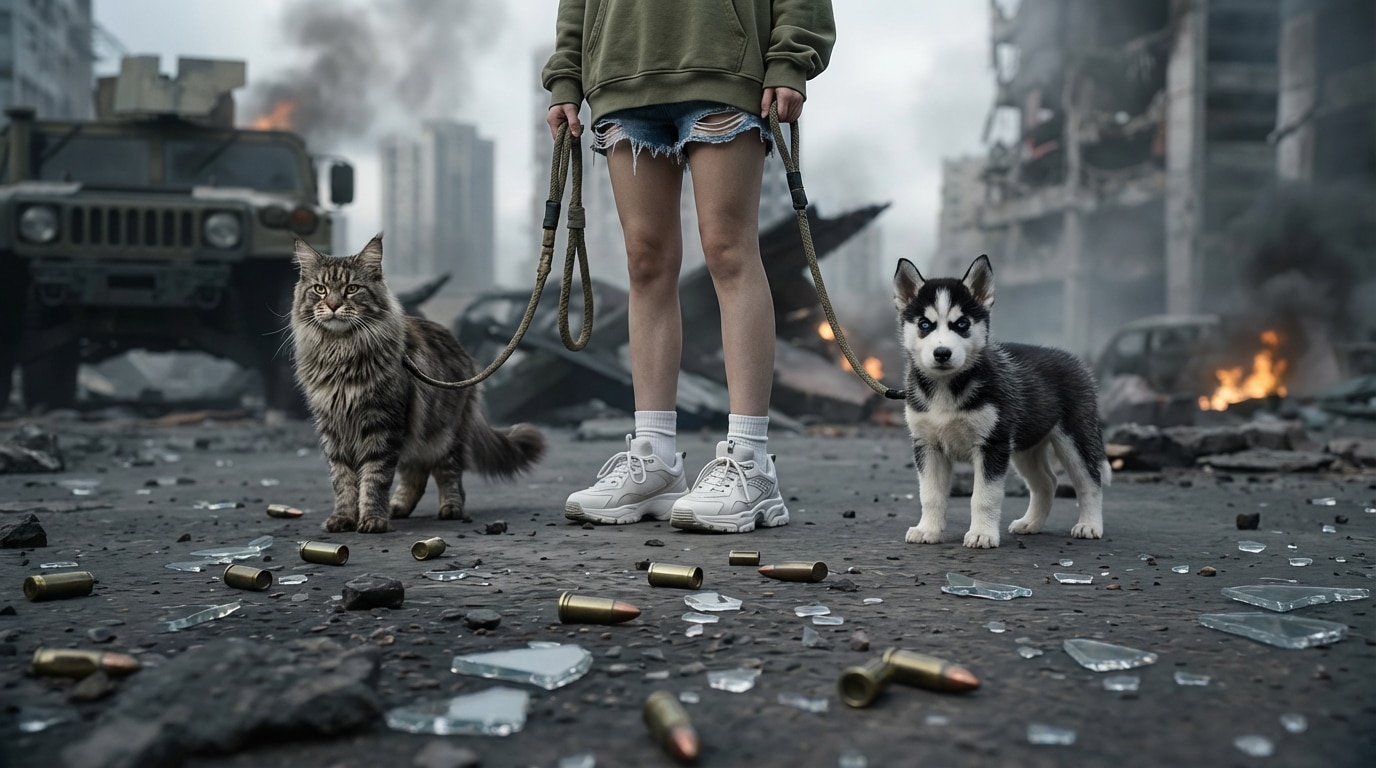
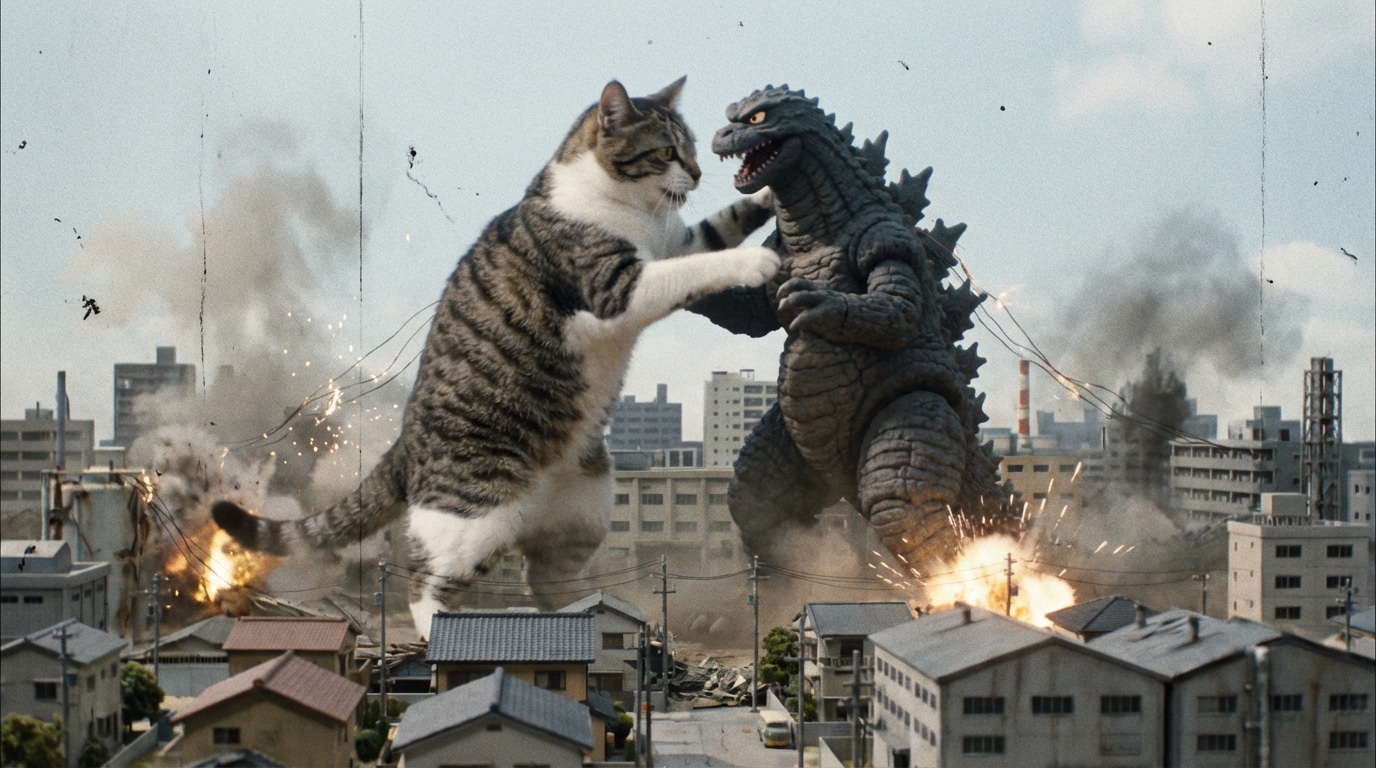
| Estilo | Prompt de Vídeo Seedance 2.0 | Copiar-Colar |
|---|---|---|
|
Introdução Cinematográfica de Personagem
#texto para vídeo
#dolly lento para frente
#cinematográfico
|
Uma jovem está sozinha numa rua da cidade chuvosa à noite, reflexos de néon no pavimento molhado, ela levanta a cabeça lentamente e olha à distância, vento suave movimentando cabelo e casaco, atmosfera cinematográfica, movimento de câmera dolly lento para frente, profundidade de campo rasa, iluminação azul e magenta dramática, aparência de filme realista, movimento natural suave, altamente detalhado. |
|
|
Cena de Luta Anime
#vídeo de ação
#movimento dinâmico
#estilo anime
|
Dois guerreiros anime se enfrentam em um telhado destruído ao pôr do sol, um deles avança com uma espada brilhante enquanto o outro salta para trás para bloquear, efeitos dramáticos de vento, poeira e detritos voando, câmera acompanhando rápido, linhas de movimento fortes, céu laranja intenso, ação anime de alta energia, movimento suave dos personagens, impacto cinematográfico, detalhes nítidos. |
|
|
Tomada Comercial de Produto
#vídeo publicitário
#revelação de produto
#iluminação de estúdio
|
Um frasco de perfume premium gira lentamente sobre uma plataforma reflexiva brilhante, névoa fina no fundo, destaques dourados atravessando o vidro, atmosfera de luxo elegante, câmera macro close-up, tomada de órbita lenta, fundo limpo de estúdio preto, holofote cinematográfico suave, visual comercial polido, movimento suave, estilo publicitário de alto padrão. |
|
|
Animação de Retrato Imagem-para-Vídeo
#imagem para vídeo
#movimento de retrato
#rosto natural
|
Anime o retrato naturalmente: movimento sutil dos olhos, piscadas suaves, sorriso leve, leve giro de cabeça à direita, cabelo movendo ao vento, câmera lentamente se aproxima, preservar identidade facial original, textura de pele realista, tom emocional calmo, iluminação de retrato cinematográfica, movimento suave e estável, sem distorção. |
|
|
Paisagem com Drone
#tomada ampla
#movimento de drone
#vídeo de viagem
|
Um drone voa sobre um dramático vale montanhoso ao nascer do sol, nuvens baixas entre os picos, rio refletindo luz dourada abaixo, composição cinematográfica ampla, movimento aéreo suavemente para frente, atmosfera majestosa, gradação de cor natural, profundidade expansiva, movimento ambiental realista, estilo filme de viagem. |
|
|
Clipe de Passarela de Moda
#passarela
#tomada de acompanhamento
#editorial
|
Uma modelo de moda caminha com confiança pela passarela moderna, tecido fluindo em cada passo, flashes fotográficos brilhantes na plateia, ambiente luxuoso, câmera recua suavemente em frente à modelo, iluminação editorial de alta moda, ritmo elegante, estilo cinematográfico premium, movimento corporal estável, textura detalhada de tecido. |
|
Um bom prompt de vídeo Seedance 2.0 faz mais do que descrever uma cena. Ele orienta movimento, timing, ação e ritmo, ajudando a IA a gerar clipes que parecem vivos em vez de estáticos.
Usar indicações como dolly lento para frente, tomada de acompanhamento, tomada ampla, ou close-up dá ao Seedance 2.0 uma intenção cinematográfica mais clara e melhora a consistência dos frames.
Seja começando do zero ou animando uma imagem, o prompt certo ajuda a controlar movimento do sujeito, transição de cena, mudança de iluminação e tom emocional com mais confiabilidade.
Em vez de adivinhar, comece com fórmulas de prompts que já incluem sujeito, ação, ambiente, movimento de câmera, iluminação e estilo. Então adapte para seu próprio conceito de vídeo.
Comece com quem ou o que aparece no clipe e depois diga exatamente o que acontece. Verbos claros como caminhar, virar, dançar, abrir, voar ou sorrir dão à IA uma direção de movimento melhor.
Diga ao Seedance 2.0 como a câmera deve se mover e como é o ambiente. Use frases como pan lento à esquerda, close-up com câmera na mão, dolly cinematográfico para frente, contraluz ao pôr do sol, rua chuvosa ou luz de estúdio suave.
Cole o prompt no seu fluxo de trabalho de vídeo IA, visualize o resultado e refine pontos fracos como suavidade do movimento, consistência do sujeito, direção de câmera ou clima. Pequenas mudanças de palavras geralmente levam a vídeos muito melhores.

Criador de Vídeo Curto

“Estes prompts finalmente parecem feitos para vídeo, não para imagens.” Eu sempre encontrava prompts Seedance que eram na verdade prompts de imagem. Este guia é diferente. O movimento de câmera e a linguagem da ação fizeram meus clipes parecerem muito mais intencionais rapidamente.

Especialista em Vídeo IA
“Os exemplos copiar-colar realmente funcionam.” Usei o prompt comercial de produto como base para um conceito de anúncio e só troquei o produto e o clima. Isso economizou muita tentativa e erro e me deu um vídeo muito mais suave.

Cineasta Independente
“Ótimo para refinamento de imagem-para-vídeo também.” O prompt de animação de retrato me ajudou a preservar a identidade facial enquanto adicionava movimento realista. Isso é exatamente o que a maioria dos usuários Seedance 2.0 busca resolver.

Estratégia Criativa
"Finalmente um guia de prompt alinhado com a intenção do vídeo."A maioria das páginas mistura conselhos de prompt de imagem em tópicos de vídeo. Este é muito mais limpo e prático porque se concentra na ação, movimento, ritmo e linguagem da câmera desde o início.
Uma fórmula prática do Seedance 2.0 prompt é:Assunto + ação + ambiente + movimento da câmera + iluminação + humor + estilo. Essa estrutura ajuda o modelo a entender o que aparece e como o vídeo deve se mover.
Sim, quando os usuários pesquisam por prompts do Seedance 2.0, eles geralmente querem dizerPromptos de vídeoPara fluxos de trabalho de texto para vídeo ou imagem para vídeo. É por isso que o movimento, o tempo e a linguagem da câmera são muito mais importantes do que palavras de estilo apenas para imagens.
Adicione frases específicas, comodolly lento para frente, tomada de acompanhamento, close-up, Iluminação da Hora Dourada, Profundidade de campo cinematográfica, eMovimento natural suave. Esses detalhes ajudam a criar mais clipes semelhantes a filmes.
Com certeza. Para imagem-a-vídeo, concentre o seu prompt emMovimento sutil, expressão facial, movimento da câmera, animação do ambiente e preservação da identidade. Isso geralmente funciona melhor do que sobrecarregar o prompt com muitos efeitos visuais.
Muitas solicitações falham porque descrevem apenas uma bela imagem, não uma cena em movimento. Vídeo prompts PrecisaAção, direção do movimento, ritmo e linguagem do tiro. Sem isso, a saída muitas vezes parece rígida ou inconsistente.
Você pode levar essas ideias imediatas em fluxos de trabalho do Media.io, comoGeração de vídeo por IA, imagem para vídeo, aprimoramento de vídeo e extensão de vídeoPara refinar e publicar melhores clipes online gerados por IA.
 4.7 (162.357 votos)


