Selecione / @ personagem, descreva a cena que você deseja gerar.
0/2000
9:16
1K
1
Modo Ilimitado do Banana Pro
Criações
Hub de Ideias
Como funciona
Todos
Recursos populares
Ver tudo
Desafio Criativo de Halloween
Ver tudo
História de Frutas com IA
Ver tudo
Vídeo de História com IA
Ver tudo
Vídeos Virais Hoje
Ver tudo
Vídeos de Produto com IA
Ver tudo
Personagem AI
Ver tudo
Tendências de Dança
Ver tudo
GPT Image 2
Ver tudo
Seedance 2.0
Ver tudo
Correspondência de Celebridade por IA
Ver tudo
Dicas de Poses para Casais
Ver tudo
Prompts de Poses de Garota AI Estética
Ver tudo
Sugestões de Pose de Garoto Elegante com IA
Ver tudo
Lista de geração
As criações são armazenadas por apenas 7 dias. Os recursos criados após o upgrade para um plano de assinatura serão armazenados permanentemente.
Desbloqueie seu potencial criativo e experimente a magia da IA de mídia hoje!
Identificador de Rochas e Minerais para Análise Rápida de Pedras por Foto
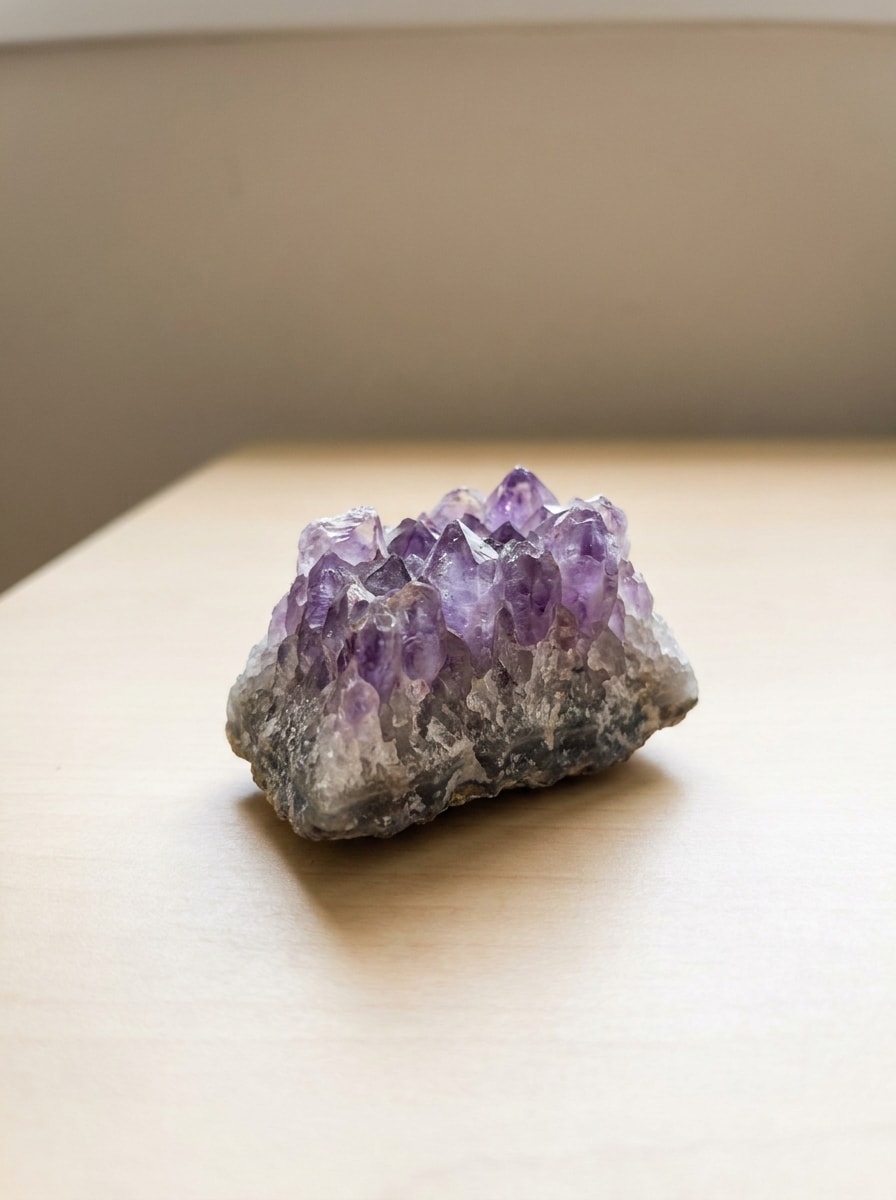
Envie uma foto nítida de uma pedra e use o Media.io como um identificador de rochas e minerais para criar imagens de análise visual mais limpas e legíveis. Ele auxilia na comparação de minerais, visuais de geologia com legendas e telas de resultados refinadas para identificação de minerais online, compartilhamento entre colecionadores ou referência educacional. Também é uma opção prática como ferramenta de identificação de minerais.
Digite sua ideia -> A IA cria o design. Grátis para experimentar.
Revise estes exemplos de instruções e, em seguida, personalize os detalhes do prompt para obter resultados mais precisos com este identificador de rochas e minerais e fluxo de trabalho de identificador de minerais online no Media.io. Criadores frequentemente o utilizam para gráficos de identificação de minerais com imagens.
Espécime Segurado à Mão com Luz Natural
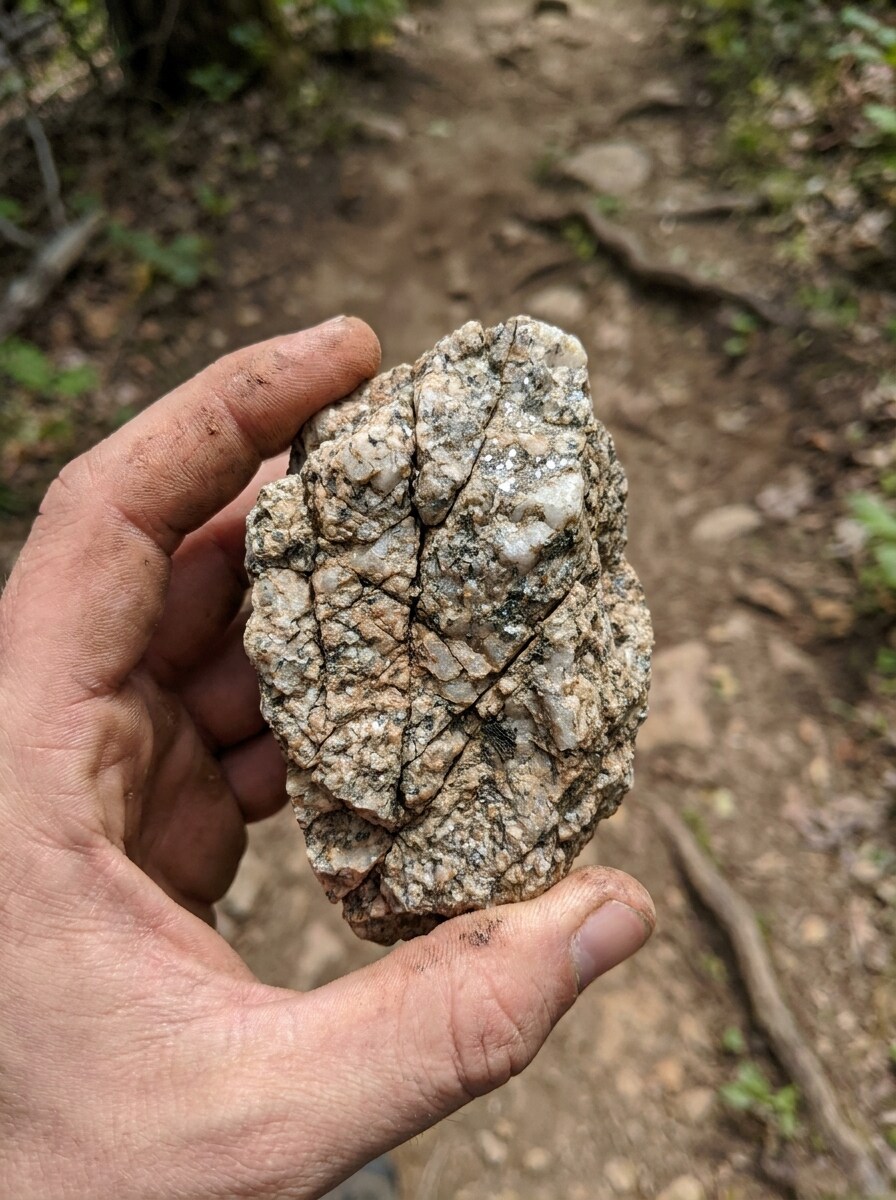
Use a imagem enviada como tema e transforme-a em um visual de identificação realista no estilo de guia de campo. Mantenha a forma do espécime reconhecível, realce granulação, linhas de fratura e textura da superfície, adicione luz natural suave do dia, desfoque de fundo externo terroso e um visual de aplicativo de geologia confiável com detalhes educacionais nítidos.
Foto de Catálogo com Fundo Branco
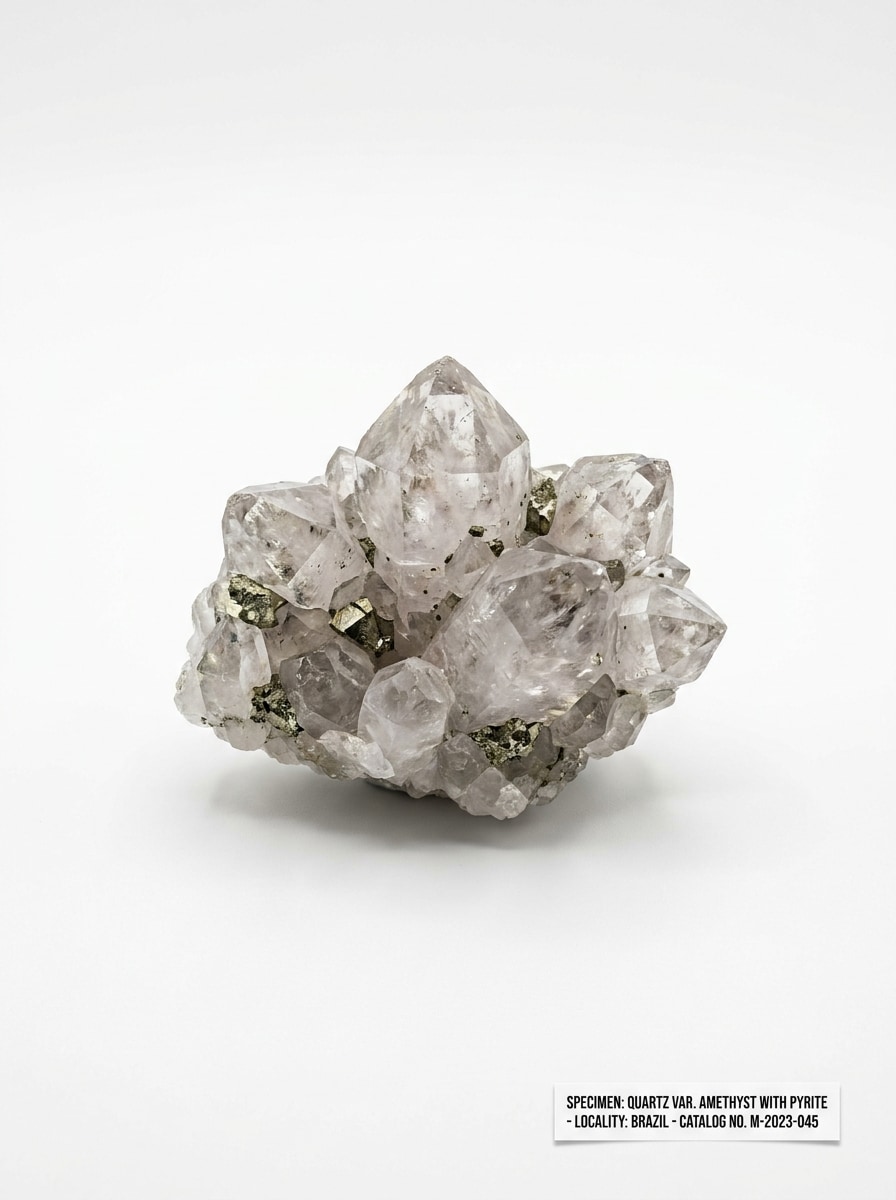
Use a foto da pedra enviada como referência e reestilize-a em uma imagem limpa de catálogo de espécimes. Preserve os contornos principais, melhore a nitidez das bordas, revele textura e brilho, posicione-a sobre um fundo branco puro e crie um visual de referência museológica com iluminação equilibrada e apresentação científica precisa.
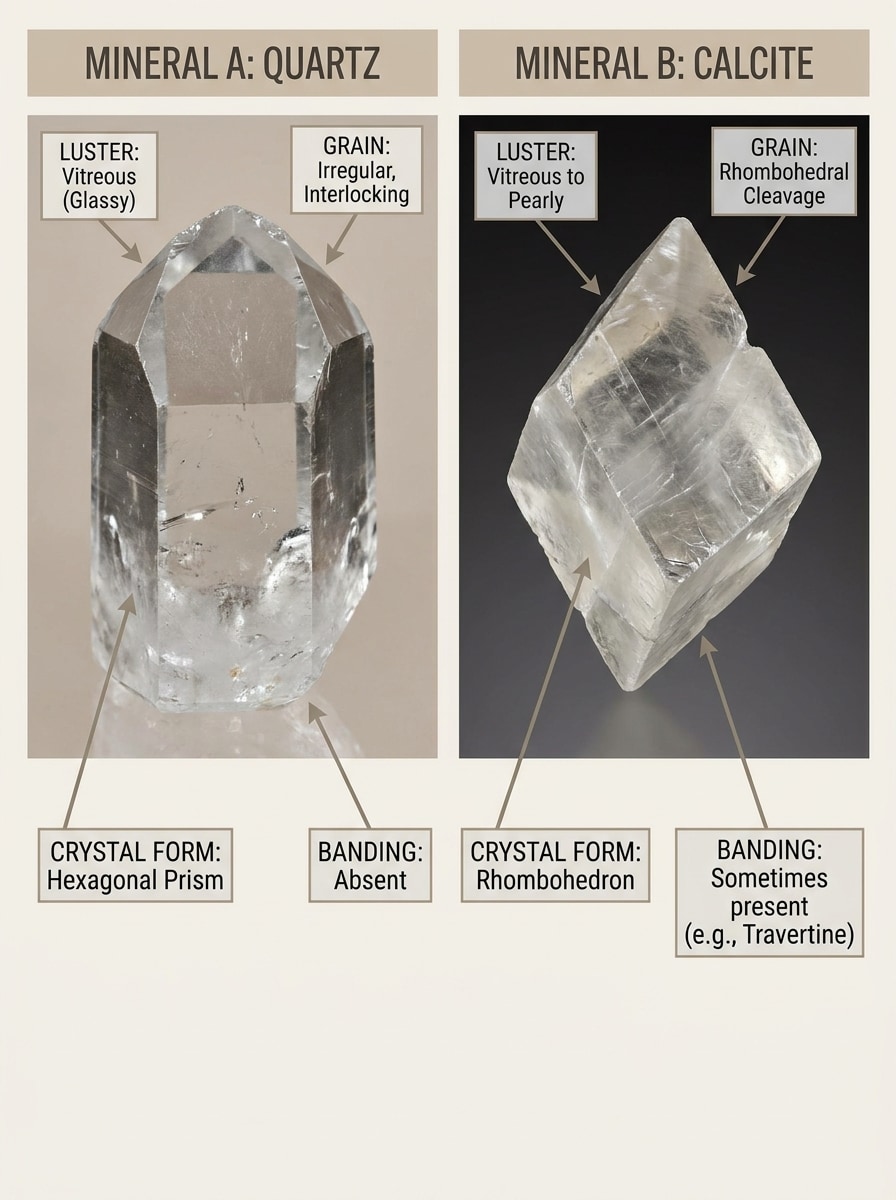
Comparação Visual de Itens Semelhantes
Use a imagem de rocha enviada como espécime principal e transforme-a em um gráfico educacional comparativo. Posicione a pedra de referência ao lado de uma correspondência visualmente semelhante, destaque diferenças em cor, bandamento, clivagem, brilho e granulação, e crie um layout de infográfico refinado para comparação visual rápida.
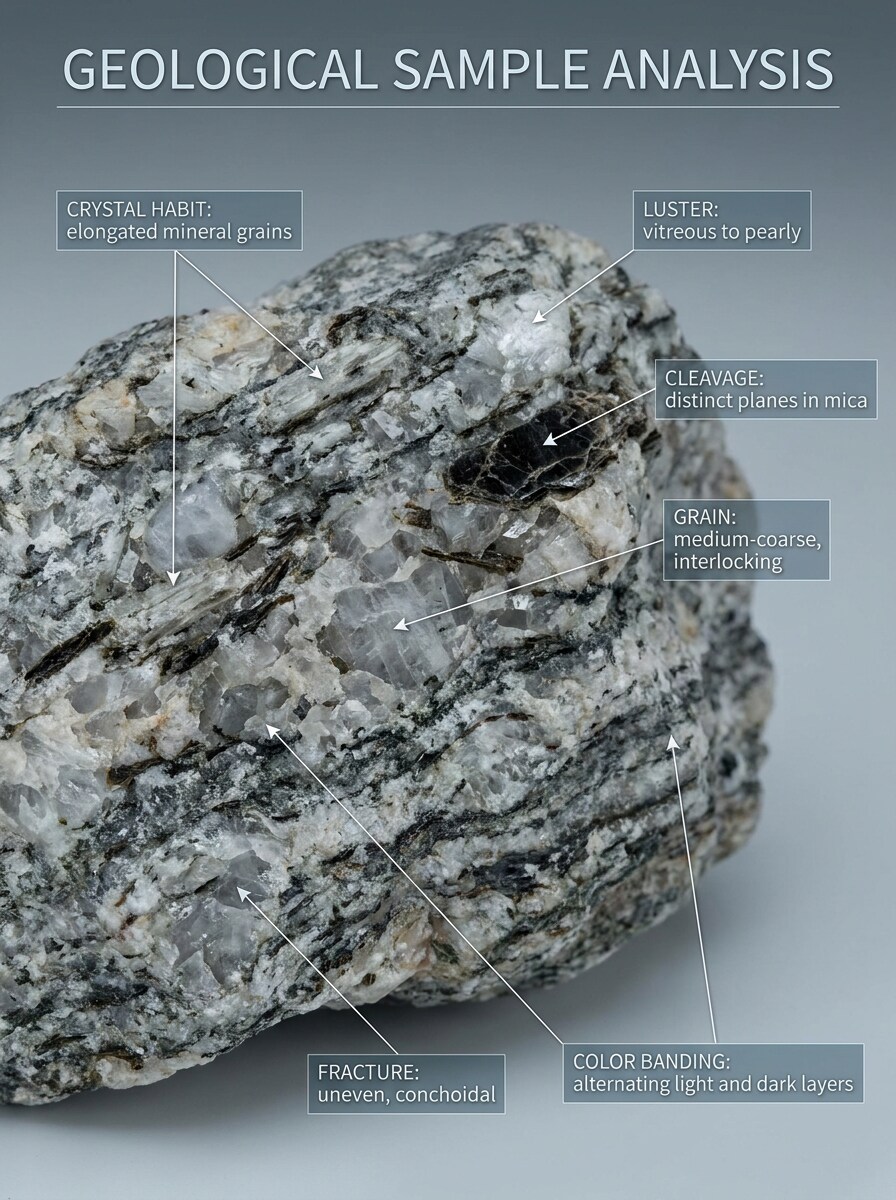
Características Diagnósticas Anotadas
Use a foto do espécime enviada e converta-a em uma imagem educacional de análise em close. Mantenha a rocha reconhecível enquanto adiciona anotações sutis para hábito cristalino, brilho, clivagem, bandamento de cor, tamanho de grão e cintilação, com uma sobreposição moderna de guia de campo e hierarquia visual científica clara.
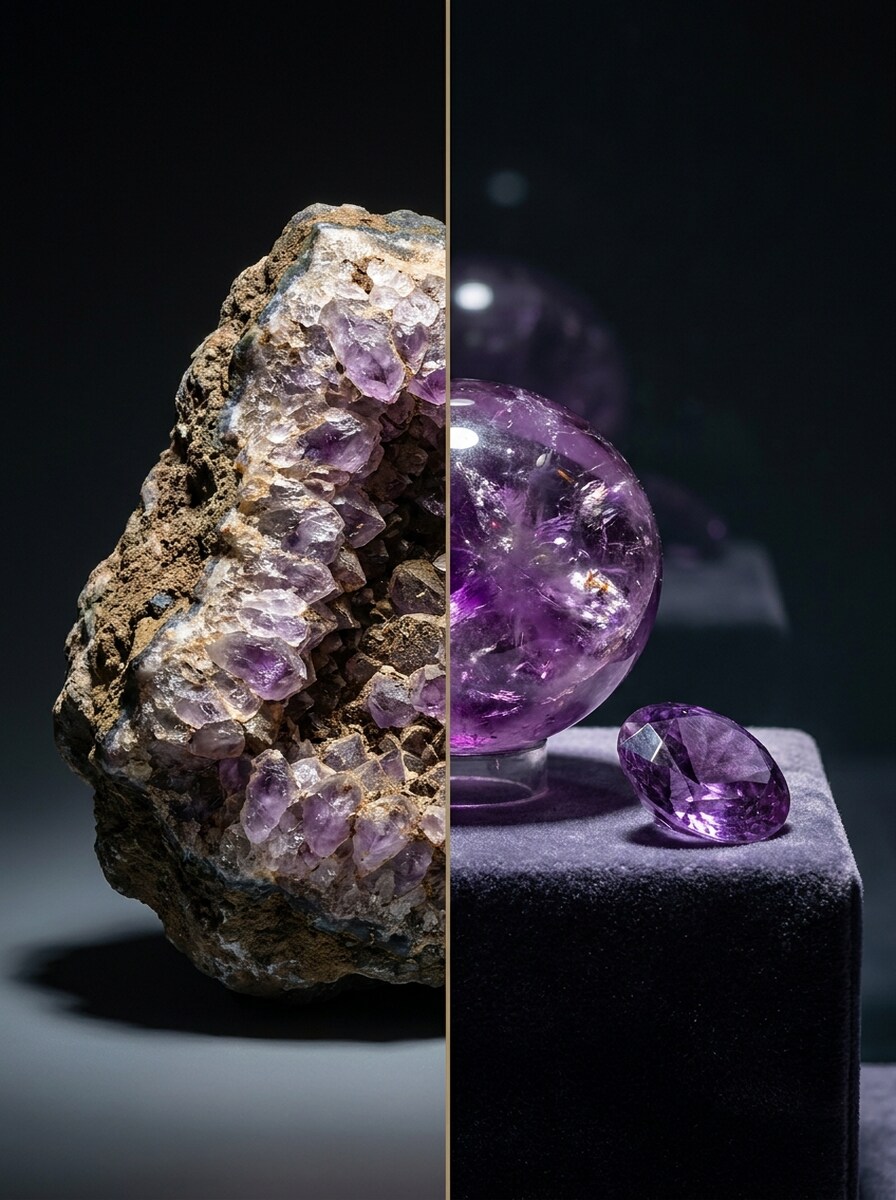
Transformação de Bruto para Polido
Use a pedra bruta enviada como tema e crie uma imagem de transformação em quadro dividido. Mostre o espécime bruto original de um lado e uma versão polida no estilo colecionador do outro, com iluminação dramática, porém realista, rico contraste de textura e uma revelação premium de antes e depois.
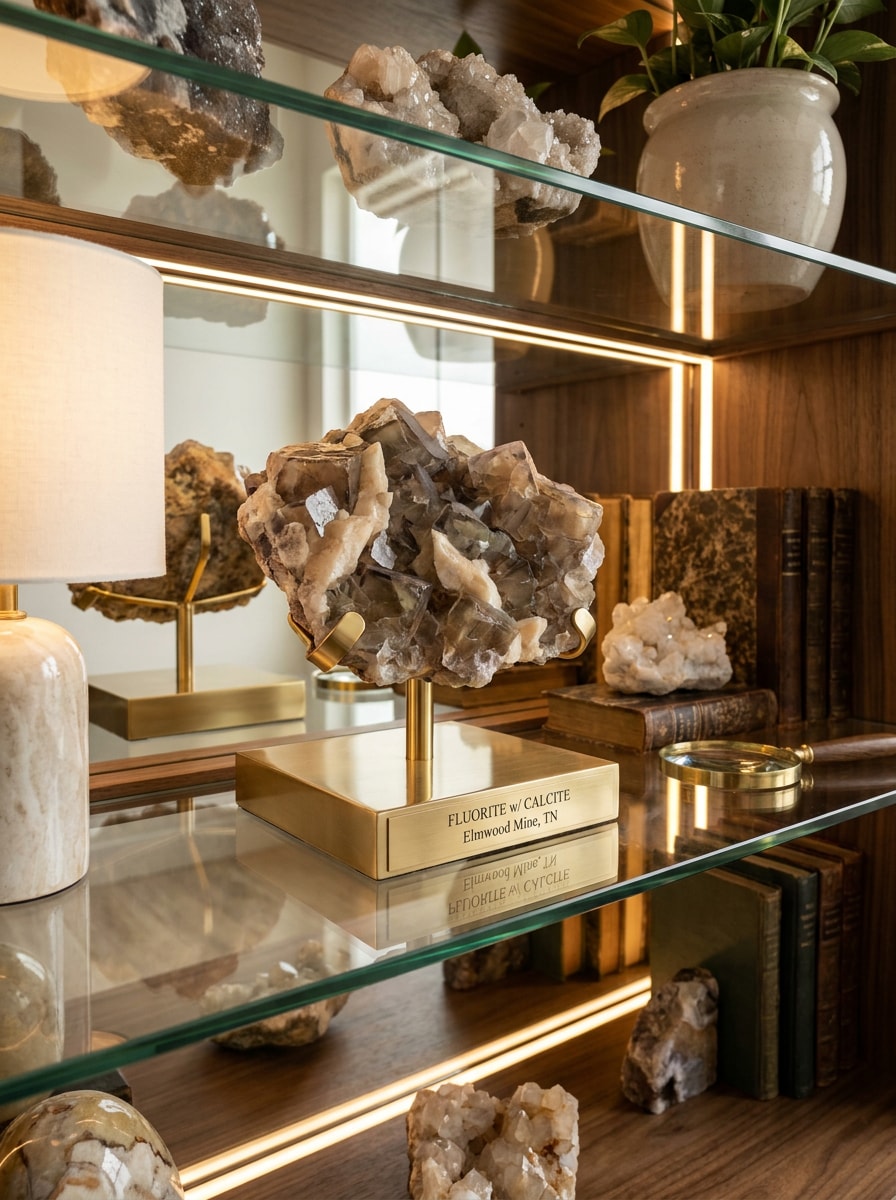
Exposição em Prateleira de Cristais
Use a foto do mineral enviada como referência e reestilize-a em uma cena de exposição premium para colecionadores. Preserve a identidade do espécime, melhore o brilho e a definição das bordas, posicione-o em uma configuração de prateleira elegante com iluminação quente, sombras naturais e um visual refinado de foto de exposição.
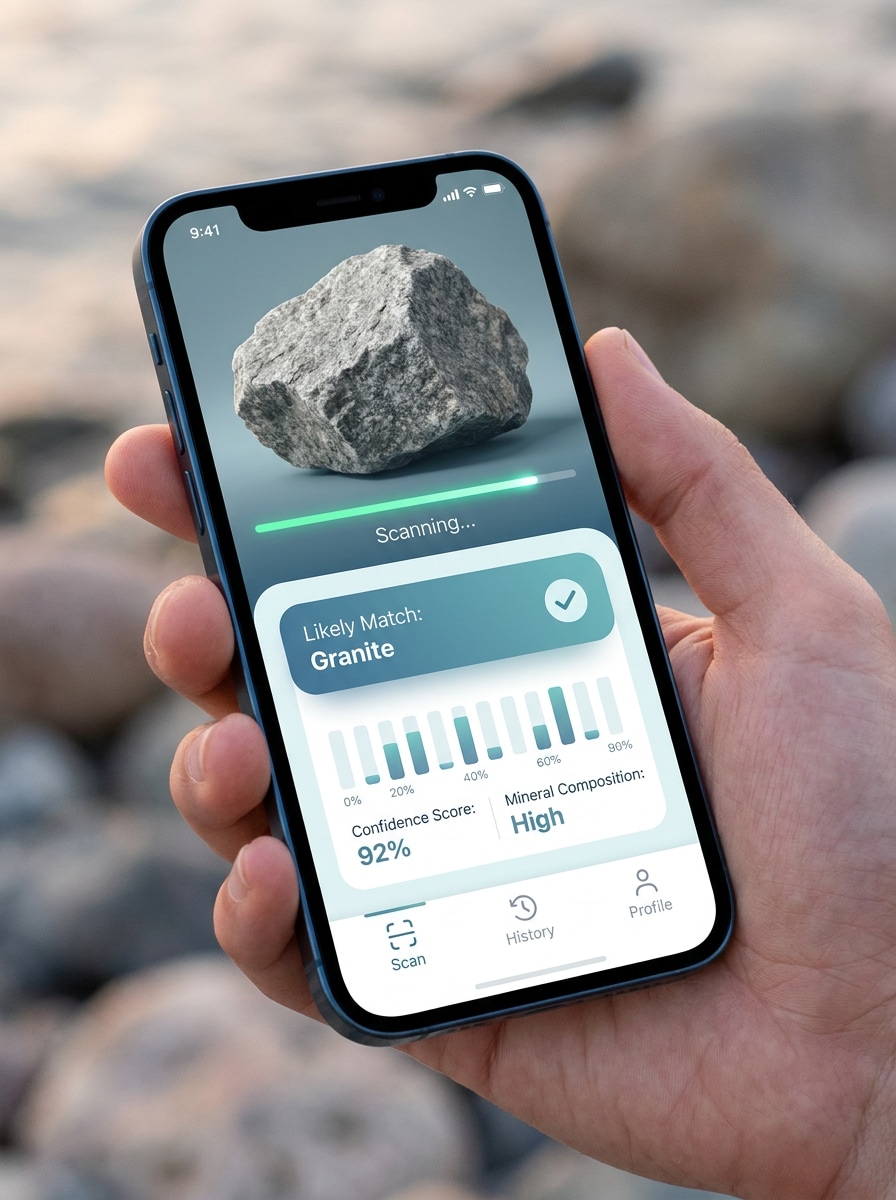
Da Imagem Enviada à Tela de Resultado
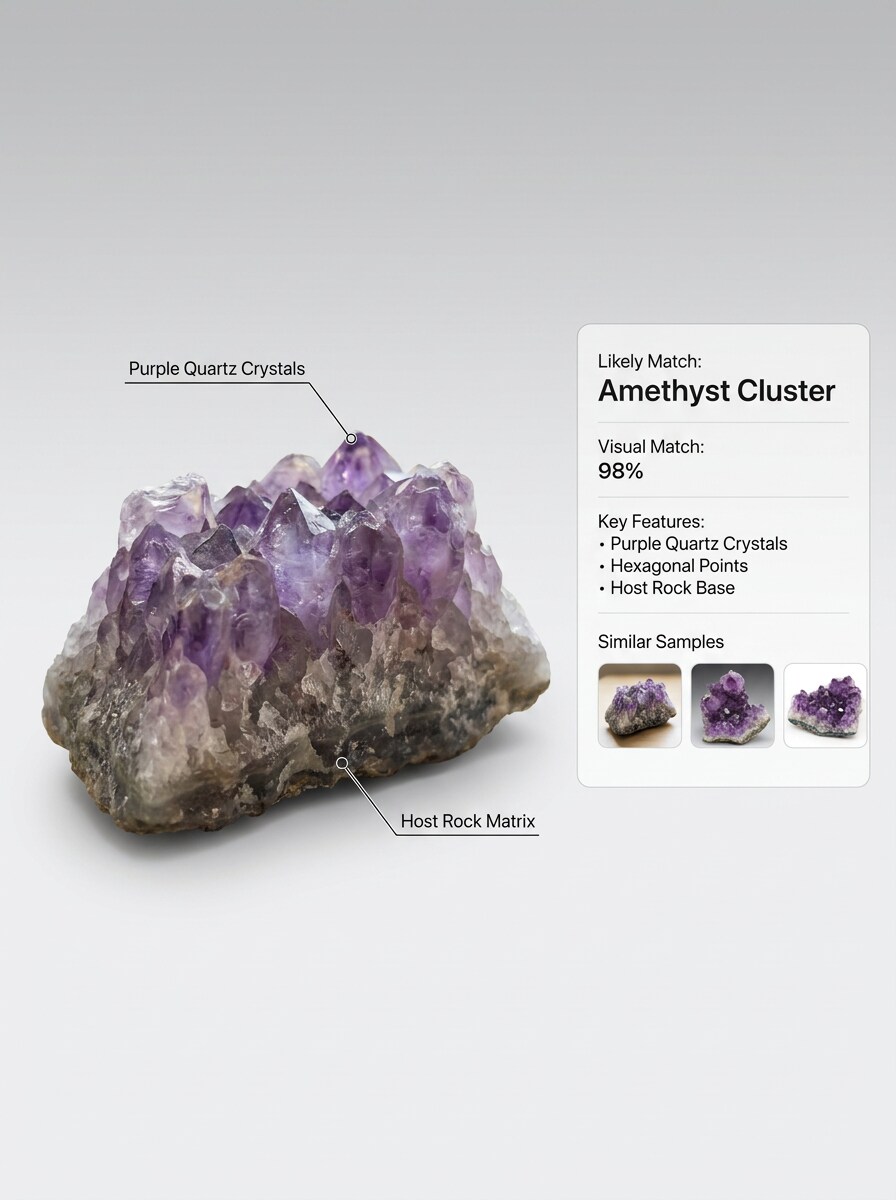
Use a imagem da pedra enviada e transforme-a em uma tela de resultado de identificação móvel moderna. Mostre a foto original, o progresso da varredura, o cartão de correspondência mais provável e elementos de interface no estilo de confiança, mantendo o espécime visível e o design confiável, minimalista e fácil de entender.
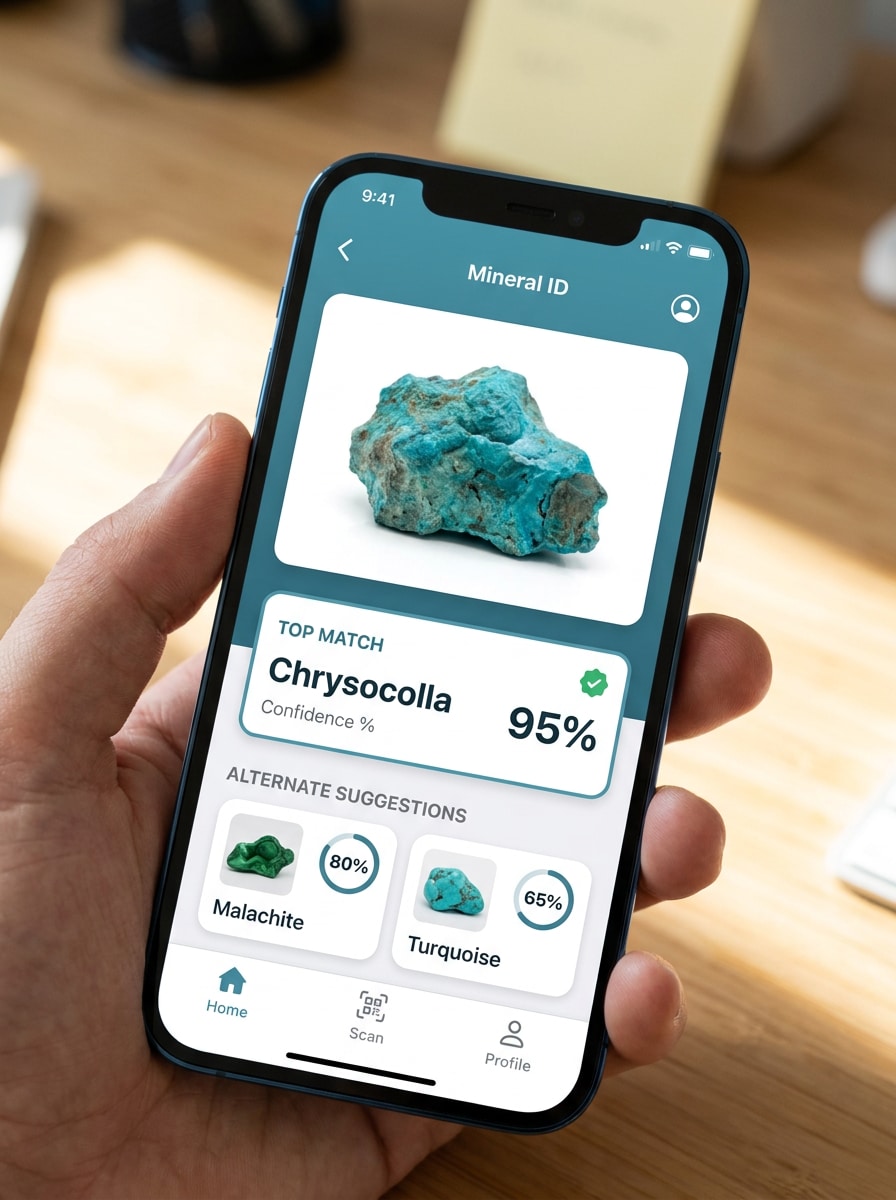
Sobreposição de Pontuação de Confiança
Use a foto do mineral enviada como tema e crie uma imagem de resultado com possíveis correspondências. Mantenha a pedra reconhecível enquanto adiciona uma sobreposição limpa para a melhor correspondência, opções alternativas e pistas visuais como cintilação, brilho metálico ou bandamento, em um estilo de interface calmo em azul-verde.
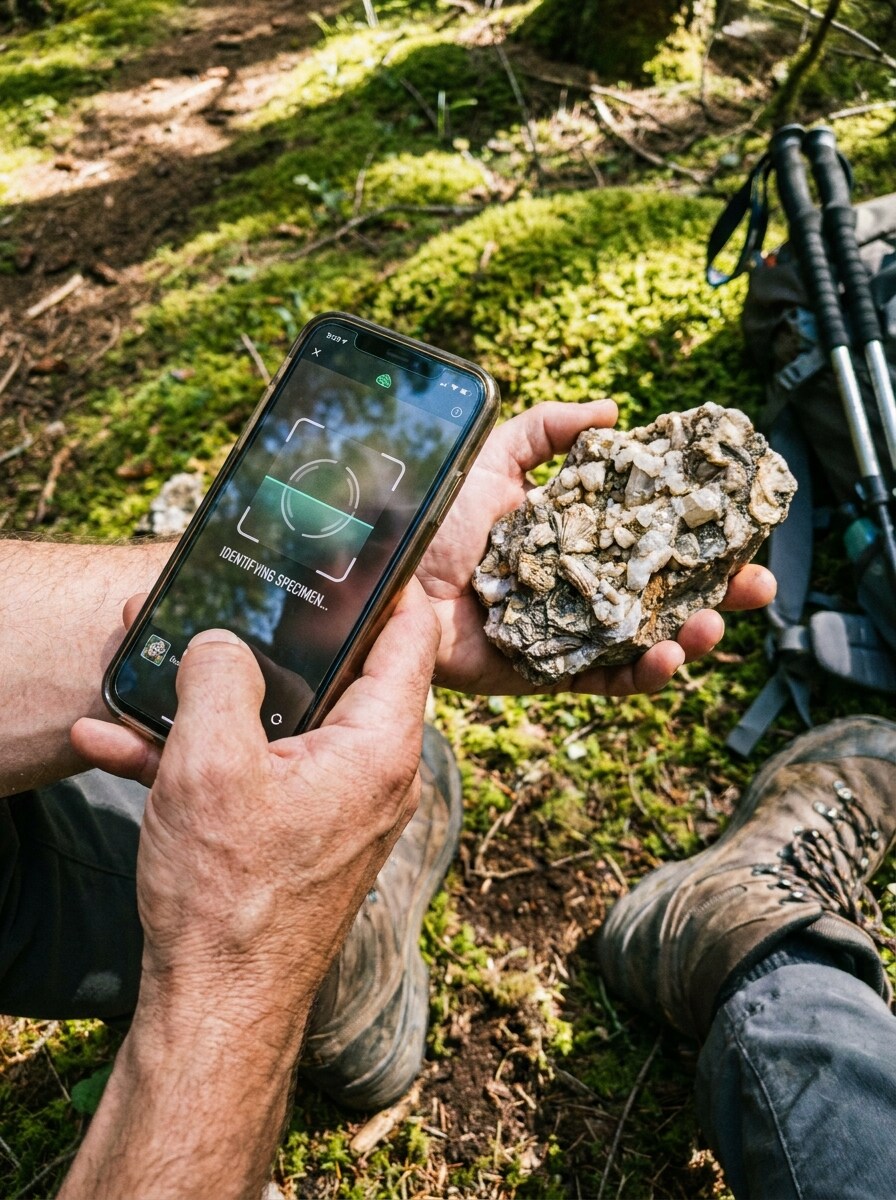
Cena de Descoberta em Trilha
Use a rocha enviada como espécime descoberto em uma imagem narrativa ao ar livre. Mostre-a sendo escaneada por um celular durante uma trilha, preserve sua cor e forma, adicione terreno natural, luz do dia e um visual aventureiro de aprendizado de geologia que pareça autêntico, informativo e pronto para redes sociais.
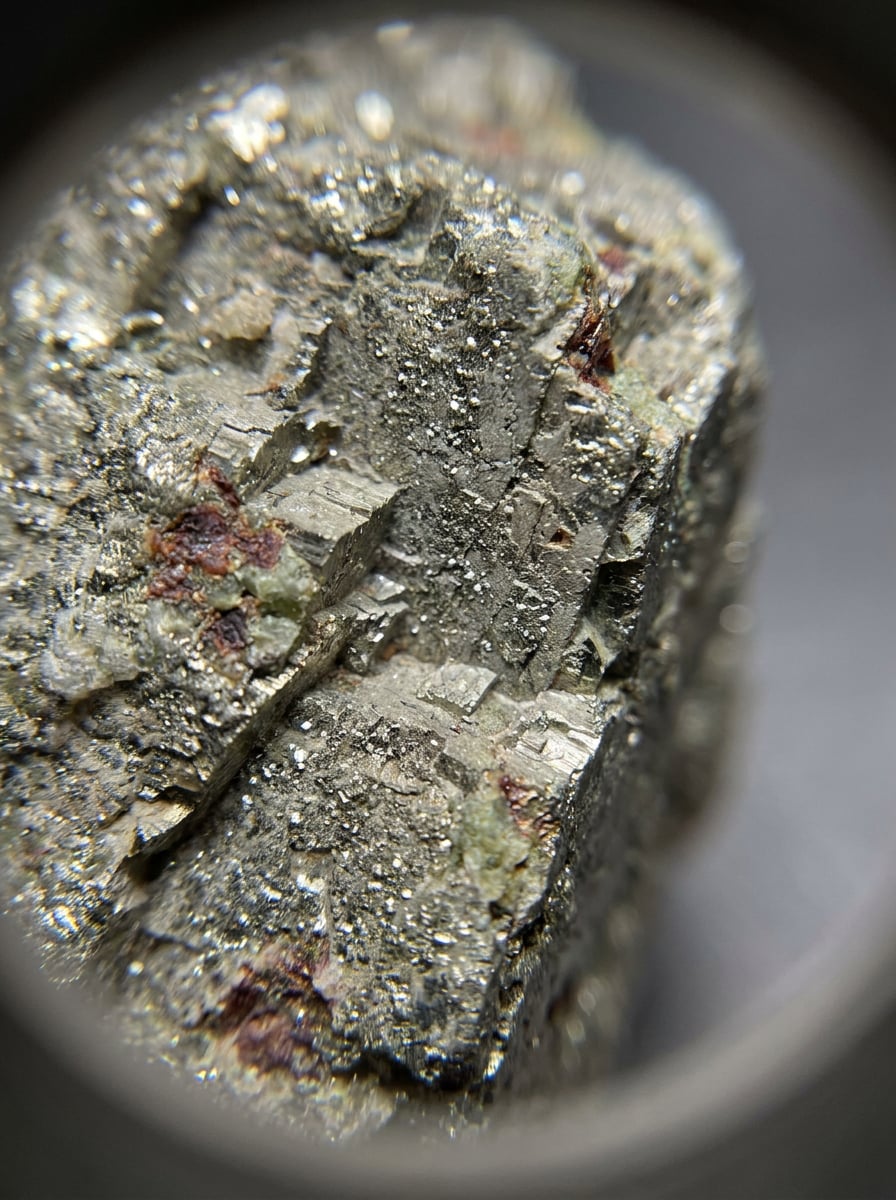
Estudo de Textura em Macro
Use a imagem do espécime enviada e transforme-a em um estudo macro extremo para inspeção mais detalhada. Amplie cintilação, clivagem, granulação, bordas de cristais e inclusões de cor, mantendo o mineral crível, com iluminação científica, detalhes ultra-nítidos e um visual analítico focado para comparação mais próxima.
Por Que Usar o Media.io para Fluxos de Trabalho com Fotos de Rochas e Minerais
Mantenha o Tema Reconhecível em Novos Estilos
O Media.io permite que você envie uma foto real de rocha ou cristal e a reestilize em um visual de guia de campo, cartão comparativo ou cena de colecionador, mantendo o espécime reconhecível.
Retrabalhе um Tema em Múltiplos Estilos
Quando um resultado precisa manter vínculo com o tema original, o Media.io ajuda a preservar características reconhecíveis enquanto adapta o estilo visual geral do identificador de rochas e minerais para uso em redes sociais, branding ou mockups.
Gere Resultados Mais Nítidos em até 4K
Quando um visual de identificador de rochas e minerais está destinado a publicação real, o Media.io fornece saída mais nítida em até 4K, o que ajuda a manter a imagem clara em apresentações, fundos e recursos reutilizados.
Trabalhe em Qualquer Navegador Durante Pesquisas em Campo ou na Mesa
Seja explorando visuais de identificador de rochas e minerais em um laptop ou verificando rascunhos pelo celular, o Media.io mantém tudo baseado no navegador para que você possa retomar o mesmo fluxo de trabalho em diferentes dispositivos com mais facilidade.
Como Usar Este Identificador de Rochas e Minerais
Transforme suas palavras em visuais impressionantes em três etapas simples e continue refinando o resultado se quiser aprimorá-lo ainda mais.
Etapa 1
Envie Sua Imagem de Referência
Envie uma foto nítida de sua rocha, cristal, minério ou pedra no formato JPG, PNG ou JPEG. Uma imagem centralizada com textura visível, cintilação, fratura, bandamento ou brilho metálico fornece ao Media.io uma base mais sólida para análise visual no estilo geológico.
Etapa 2
Descreva a Alteração e Defina as Opções
Diga ao Media.io o que você deseja criar, como uma foto de catálogo, comparação anotada, estudo de textura macro ou tela de resultado no estilo de aplicativo. Em seguida, escolha o modelo e ajuste a proporção, qualidade, resolução e número de variações para corresponder ao seu fluxo de trabalho.
Etapa 3
Gere, Baixe e Continue Melhorando
Gere múltiplas versões, compare qual visual melhor explica o espécime e baixe o que deseja manter. Você pode refinar o prompt, experimentar outro estilo ou criar gráficos de acompanhamento para comparações de itens semelhantes e compartilhamento educacional.
Desbloqueie o Potencial da Identificação de Minerais
Veja como criadores usam este identificador de rochas e minerais para conteúdo, marketing e projetos pessoais e adapte cada ideia para atender ao briefing.
Compare Achados Semelhantes Antes de Definir uma Classificação
Transforme uma foto enviada em visuais lado a lado que ajudam a revisar possíveis correspondências como quartzo, calcita, pirita, obsidiana, jaspe ou superfícies de geodo. Isso é especialmente útil para hobbyistas que desejam um ponto de partida mais claro antes de usar um guia manual de identificação de minerais, verificar a identificação de pedra de jaspe ou confirmar a identificação de rocha geodo com testes de campo.
Crie Visuais de Geologia Compartilháveis para Aulas, Clubes ou Publicações nas Redes Sociais
Crie imagens de espécimes anotadas, mockups de tela de resultado e comparações refinadas de bruto versus acabado que explicam brilho, bandamento, granulação e forma cristalina de relance. O Media.io funciona bem para explicadores de identificação de rochas geológicas, comunidades de colecionadores, conteúdo educacional e casos de identificação de rochas brilhantes onde a clareza visual é fundamental.
Melhore Fotos Difíceis de Ler de Trilhas, Quintais ou Coleções Antigas
Se a sua imagem original estiver escura, desorganizada ou com iluminação irregular, o Media.io pode reestilizá-la em um visual mais limpo para identificação de rochas metálicas, identificação de mineral de quartzo, identificação de rocha geodo ou pesquisa de identificação de ouro em minério. O resultado é mais fácil de revisar, comparar e apresentar, seja para identificar ouro em minério, verificar identificação de rocha prateada metálica brilhante ou estudar superfícies de rochas metálicas.
O Que os Usuários Dizem
Alyssa M.
Hobbyista de Coleta de Rochas
"Ótimo para visuais de espécimes mais claros" Usei após uma caminhada no fim de semana para transformar fotos borradas do celular em imagens comparativas mais limpas. Os layouts lado a lado facilitaram muito a revisão de possíveis correspondências de minerais antes de consultar meu livro de campo.
Darren P.
Professor de Ciências da Terra
"Útil para gráficos de geologia em sala de aula" Os estilos anotados são úteis para mostrar aos alunos o que procurar em brilho, granulação e hábito cristalino. Gosto de poder gerar versões diferentes para slides, materiais didáticos e perguntas rápidas de discussão.
Mina R.
Vendedora e Colecionadora de Cristais
"Facilita a compreensão de pedras brutas" Envio peças brutas e crio visuais no estilo catálogo polido para anúncios e publicações de colecionadores. Me ajuda a apresentar textura e brilho muito melhor do que as fotos originais do rolo da câmera.
Jason T.
Colecionador Iniciante de Minerais
"Maneira simples de organizar fotos de pedras" Ainda estou aprendendo o básico, então transformar meus achados em imagens rotuladas ou no estilo comparativo realmente ajuda. Parece mais acessível do que tentar descobrir tudo de memória.
Explore os efeitos de vídeo e imagem de IA mais quentes
Perguntas Frequentes sobre o Identificador de Rochas e Minerais
1. Como funciona um identificador de rochas e minerais com IA a partir de uma foto?
Um identificador de rochas e minerais com IA funciona analisando a imagem enviada e usando pistas visuais como cor, textura, brilho, granulação, bandamento e forma geral para gerar uma imagem de resultado mais clara ou uma saída no estilo comparativo. Com o Media.io, você envia uma foto de pedra e cria visuais aprimorados como close-ups anotados, fotos de catálogo ou telas de correspondência provável que apoiam a revisão de geologia baseada em fotos. Funciona melhor como auxílio visual para identificação de minerais online, especialmente quando intemperismo, iluminação ou materiais semelhantes dificultam a identificação exata a partir de uma única imagem.
2. Posso identificar uma rocha ou mineral online gratuitamente?
O Media.io oferece créditos gratuitos, para que você possa experimentar um fluxo de trabalho baseado em navegador para identificação de minerais online sem começar com um plano pago. Se precisar de mais uso ou downloads de alta resolução sem marca d'água, você pode verificar a página de preços para opções de assinatura.
3. Qual é a precisão de um identificador de rochas a partir de uma única imagem?
Uma única imagem pode ser útil para correspondência visual, mas a precisão depende muito da qualidade da foto e de se o espécime possui características distintivas. O Media.io pode ajudá-lo a criar visualizações mais claras para revisão de identificação de minerais, porém alguns casos, como identificação de rocha prateada metálica brilhante, identificação de rocha preta brilhante com cintilação de hematita ou superfícies intemperizadas, ainda podem precisar de contexto adicional além de uma foto. Em geologia, dureza, traço, fratura e onde a amostra foi encontrada podem ser importantes quando dois materiais parecem semelhantes.
4. Que tipo de foto oferece o melhor resultado de identificação de minerais?
Os melhores resultados geralmente vêm de uma foto nítida e bem iluminada com a pedra centralizada em um fundo simples. A luz natural do dia ou iluminação suave ajuda a revelar cintilação, bandamento, bordas de cristais e brilho metálico, o que é útil para tarefas como verificações de identificação de ouro em minério, identificação de rocha geodo ou identificação de mineral de quartzo. Tente evitar sombras fortes, filtros excessivos, desfoque de movimento ou fundos carregados que ocultam o espécime.
5. Esta ferramenta consegue diferenciar rocha, mineral, cristal e pedra preciosa?
O Media.io pode ajudá-lo a criar visuais que tornam essas categorias mais fáceis de comparar, pois rochas, minerais, cristais e pedras preciosas frequentemente mostram diferentes texturas, estruturas e detalhes de apresentação em fotos. Por exemplo, uma rocha mista bruta pode parecer diferente de um espécime de mineral único, enquanto uma gema polida ou uma imagem original de identificação de pedra polida pode precisar de uma visualização mais limpa no estilo de exposição. O Media.io é mais eficaz para comparação e apresentação baseadas em imagens, não como substituto para todos os testes de laboratório ou campo.
6. Um identificador de rochas e minerais funciona no iPhone, Android e desktop?
O Media.io é baseado na web, portanto funciona no iPhone, Android, tablets, Windows e Mac, desde que você tenha um navegador. Isso o torna prático para envios rápidos em campo e para revisão subsequente de identificação de rochas geológicas em uma tela de desktop maior posteriormente.
Além do Identificador de Rochas e Minerais Online com IA