Selecione / @ personagem, descreva a cena que você deseja gerar.
0/2000
9:16
1K
1
Modo Ilimitado do Banana Pro
Criações
Hub de Ideias
Como funciona
Todos
Recursos populares
Ver tudo
Desafio Criativo de Halloween
Ver tudo
História de Frutas com IA
Ver tudo
Vídeo de História com IA
Ver tudo
Vídeos Virais Hoje
Ver tudo
Vídeos de Produto com IA
Ver tudo
Personagem AI
Ver tudo
Tendências de Dança
Ver tudo
GPT Image 2
Ver tudo
Seedance 2.0
Ver tudo
Correspondência de Celebridade por IA
Ver tudo
Dicas de Poses para Casais
Ver tudo
Prompts de Poses de Garota AI Estética
Ver tudo
Sugestões de Pose de Garoto Elegante com IA
Ver tudo
Lista de geração
As criações são armazenadas por apenas 7 dias. Os recursos criados após o upgrade para um plano de assinatura serão armazenados permanentemente.
Desbloqueie seu potencial criativo e experimente a magia da IA de mídia hoje!
Identificador de Selos para Reconhecimento Rápido de Selos por Foto Online
Use este identificador de selos para analisar fotos de selos enviadas no seu navegador e criar visuais mais nítidos e amigáveis para colecionadores em pesquisas. Melhore imagens desfocadas ou desbotadas, compare selos parecidos e crie referências no estilo de digitalização para identificação de selos, revisão de catálogos e fluxos de verificação de valor sem instalar um aplicativo. Também é adequado para tarefas baseadas em fotos, como identificação de selos postais, uma pesquisa online de identificador de selos, ou para tentar identificar selos a partir de registros fotográficos com mais clareza. Este fluxo de trabalho é especialmente útil para identificação de selos de prata.
Digite sua ideia -> A IA cria o design. Grátis para experimentar.
Revise estes exemplos de instruções e personalize os detalhes do prompt para obter melhores resultados com este Identificador de Selos para pesquisa de colecionadores, um fluxo de trabalho de identificador de selos com IA, ou uma verificação rápida de "qual é este selo" a partir de uma imagem enviada. Esta configuração funciona bem para identificação de selos.
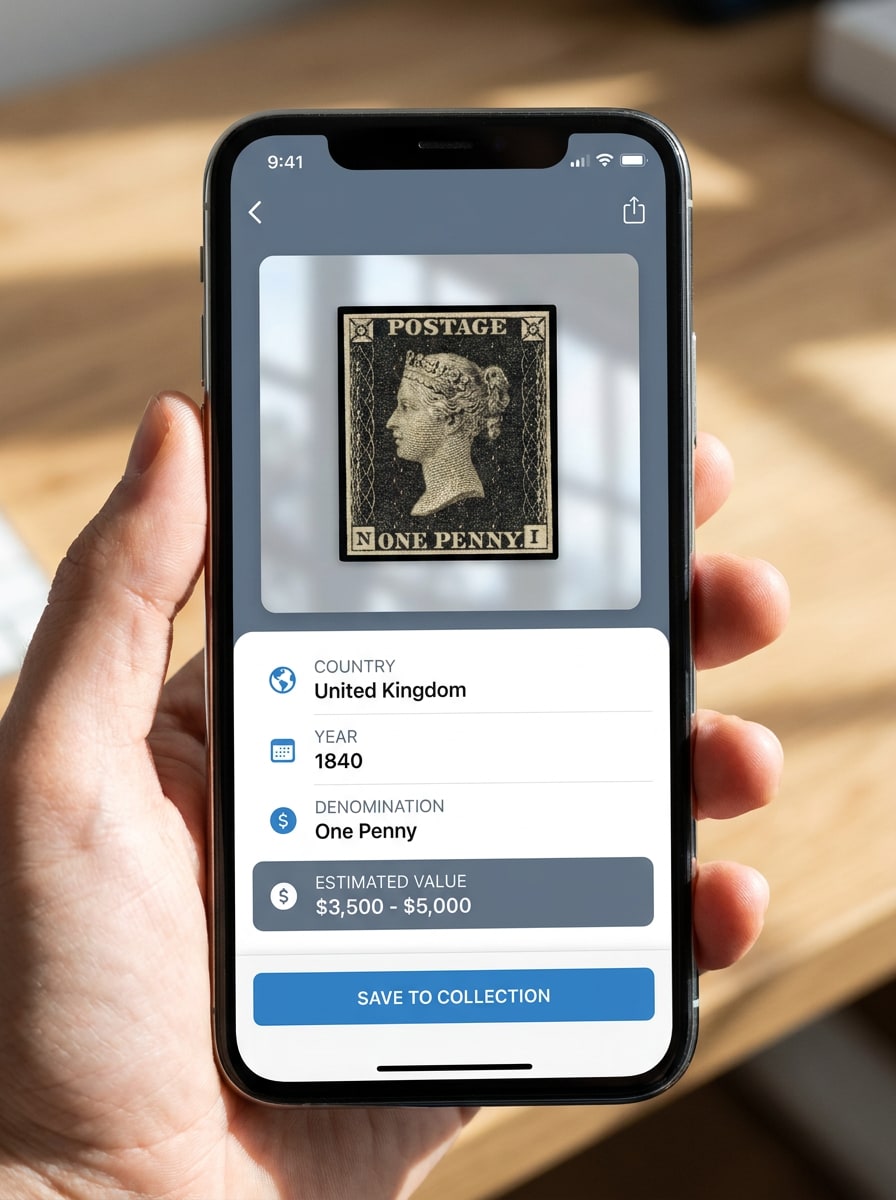
Resultado de Digitalização em Aplicativo
Use a imagem do selo enviada como assunto e transforme-a em uma tela de resultado limpa de aplicativo para colecionadores. Mostre a foto do selo em destaque com um recorte refinado, painéis de interface neutros, tipografia nítida, iluminação suave de estúdio, sombras sutis e um cartão de resultado listando possíveis pistas sobre país, ano, denominação e valor estimado.
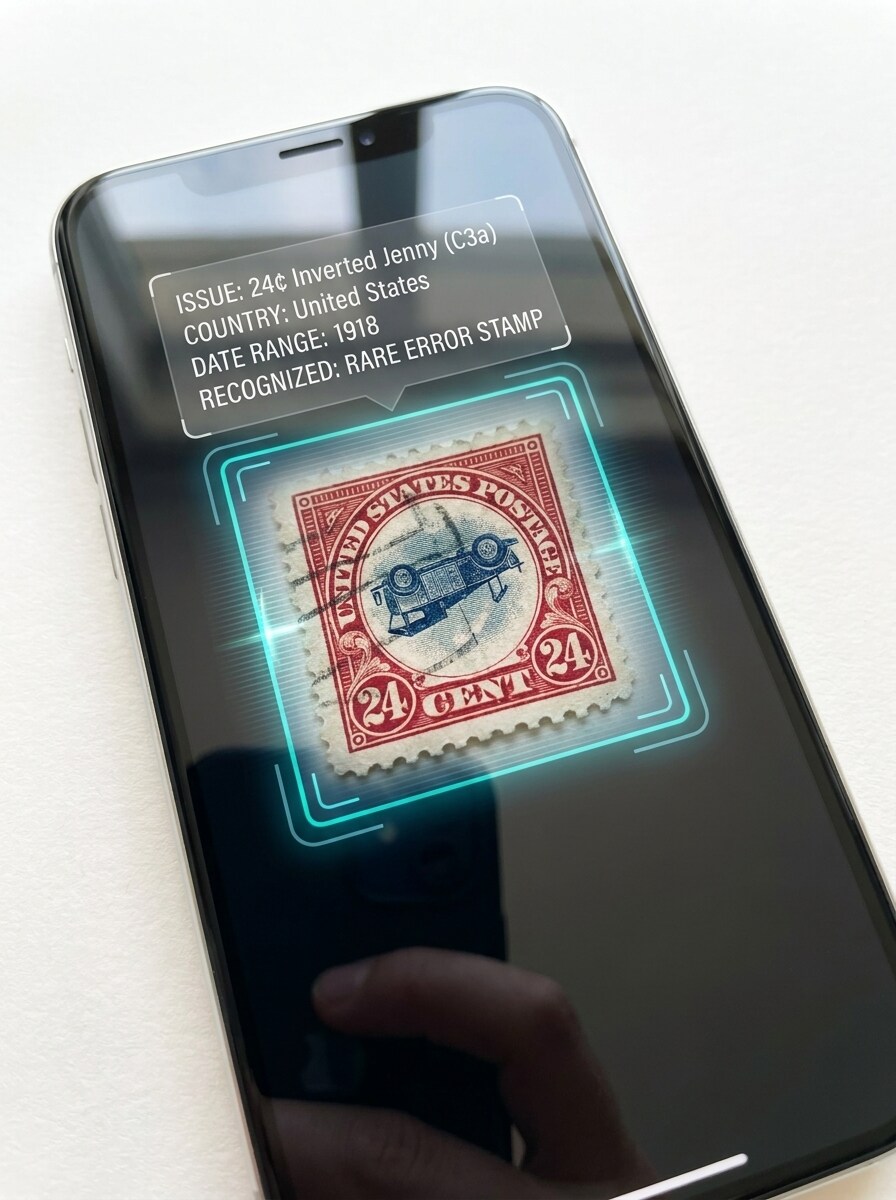
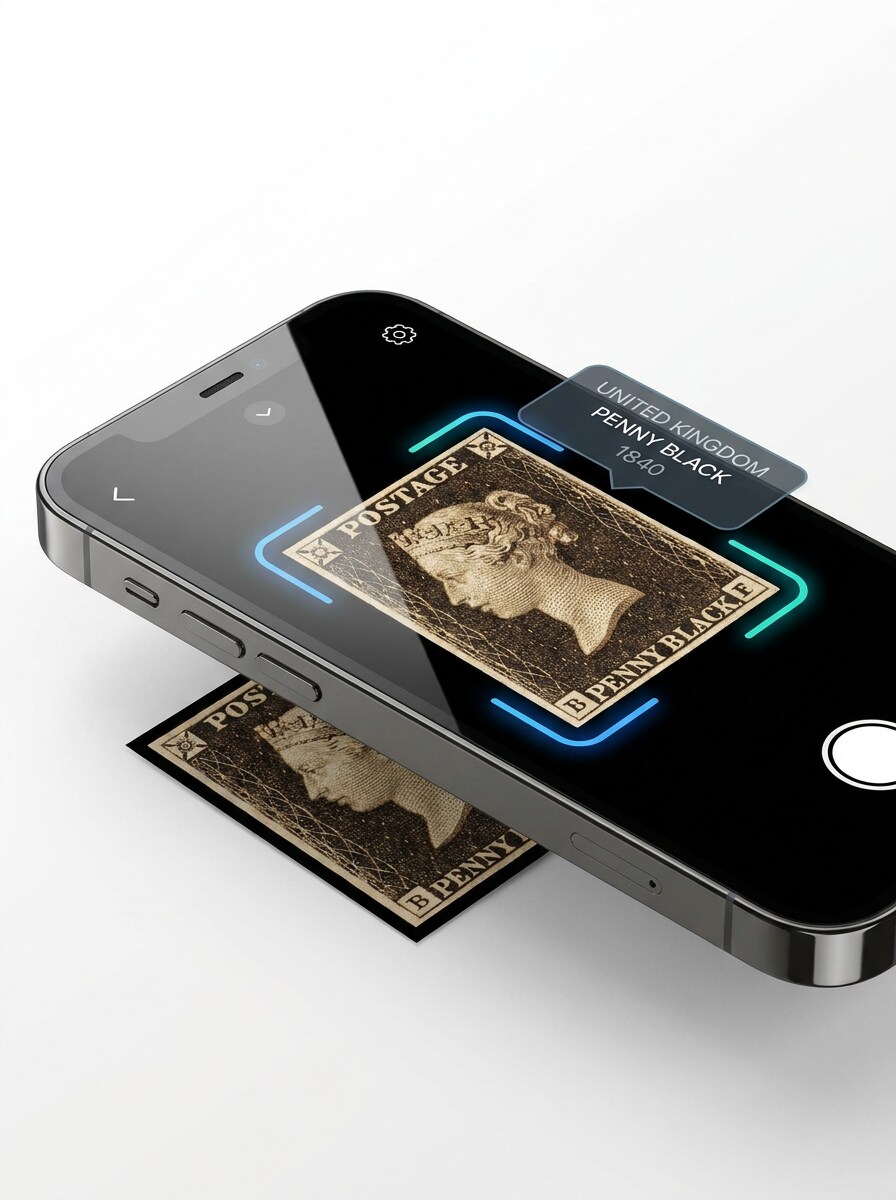
Reconhecimento de Selos pela Câmera do Celular
Use a imagem do selo enviada como assunto e transforme-a em uma cena de digitalização por smartphone. Apresente o selo dentro de um quadro de câmera destacado com uma sobreposição de reconhecimento instantâneo, fundo claro e limpo, reflexos realistas, bordas nítidas, atmosfera de tecnologia para colecionadores e trechos de resultados fáceis de ler sobre emissão, país e faixa de datas.
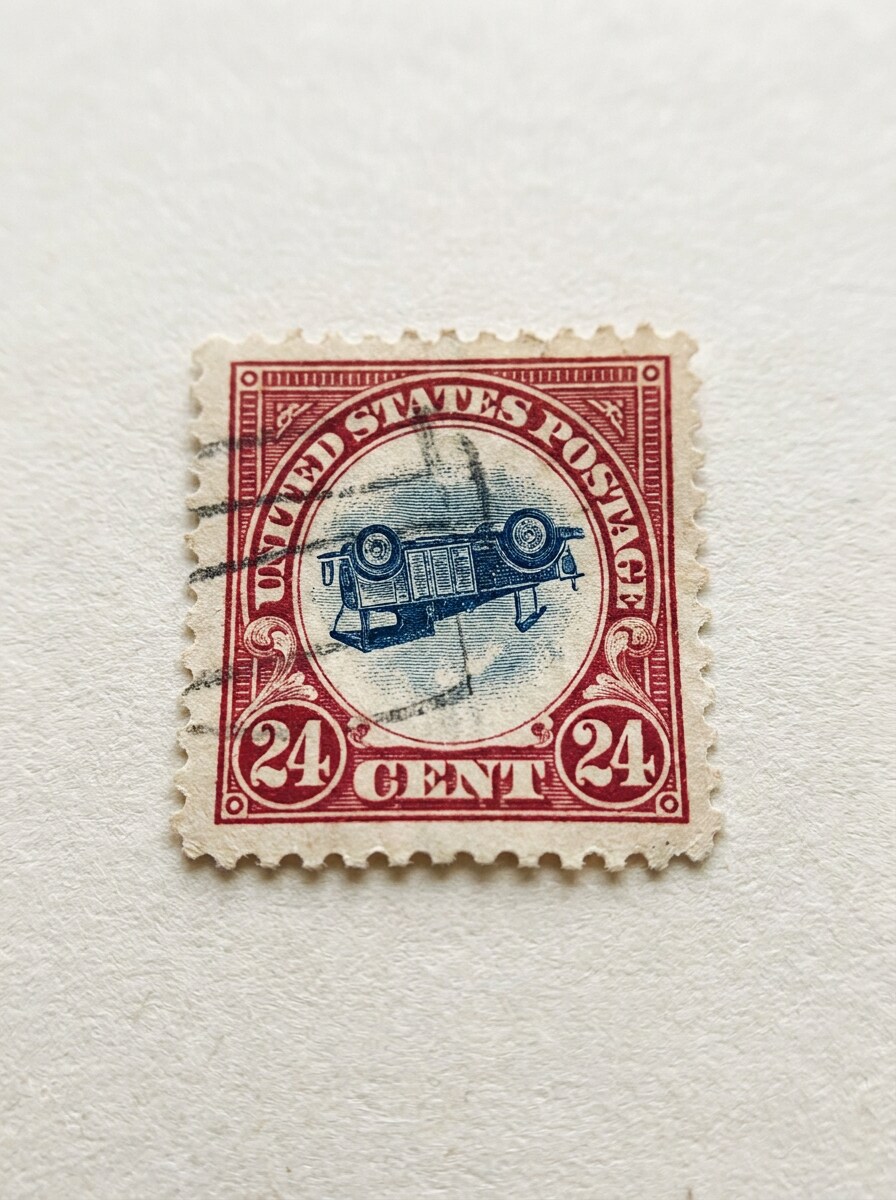
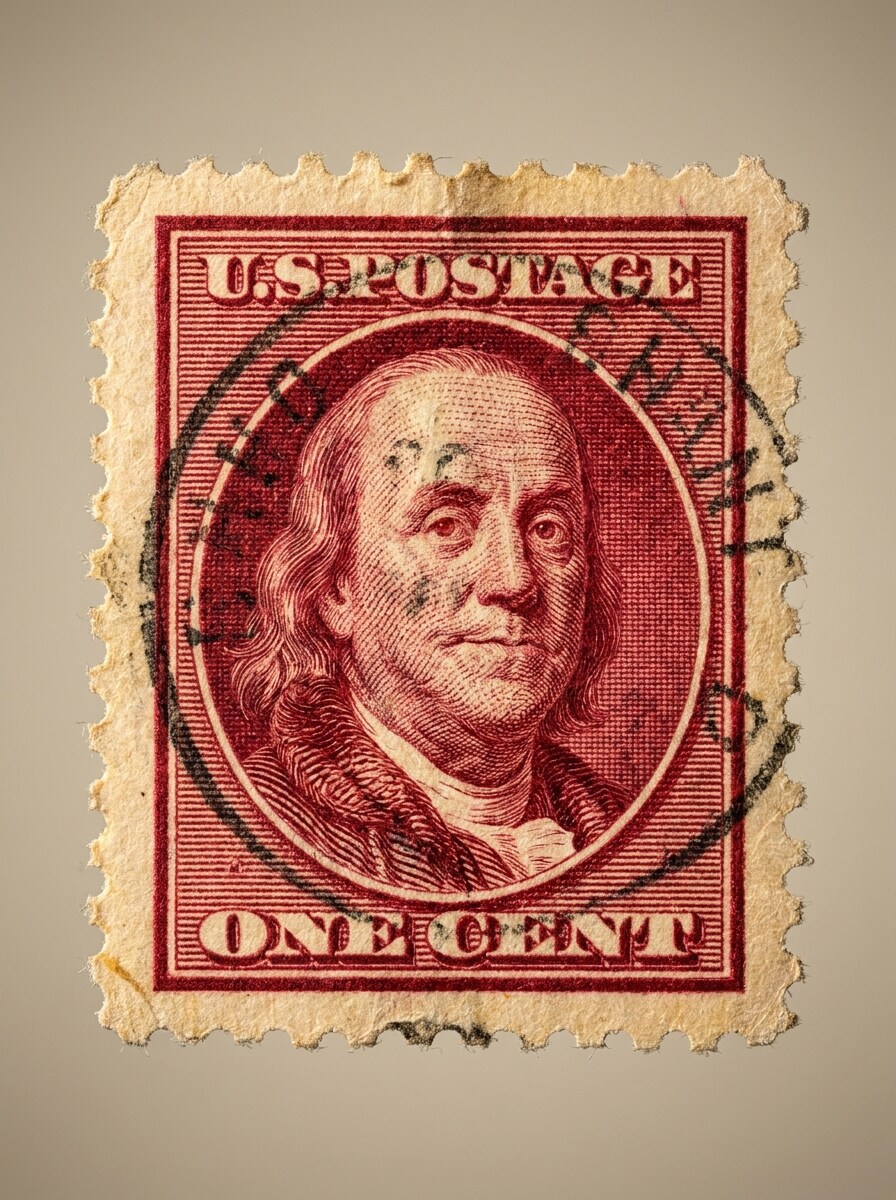
Close-Up Macro de Selos Postais
Use a imagem do selo enviada como assunto e aprimore-a em um close-up macro de qualidade museológica. Enfatize linhas gravadas, perfurações, marcas de cancelamento, textura do papel e textos impressos minúsculos com contraste controlado, iluminação arquivística quente, separação rasa de profundidade e uma sensação cuidadosa de pesquisa para colecionadores.
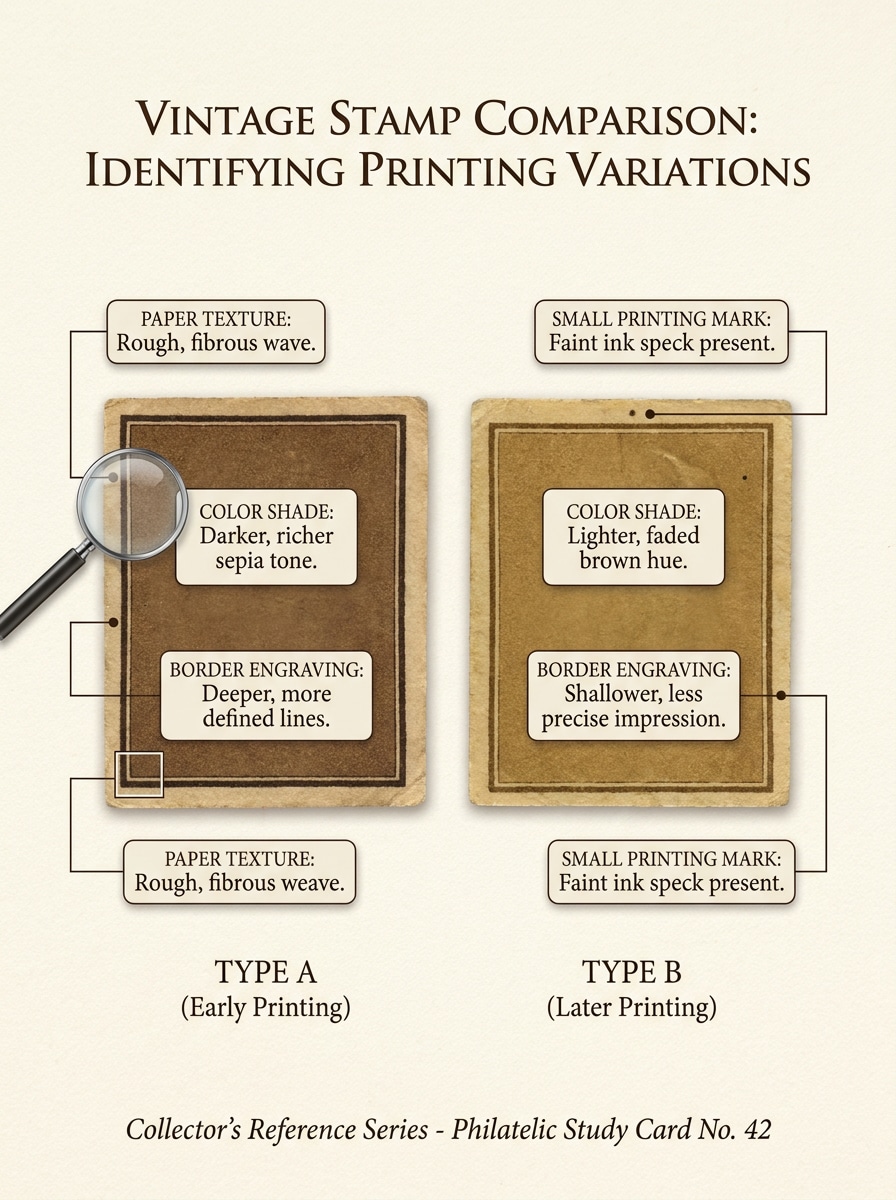
Comparação de Variações em Par Lado a Lado
Use a imagem do selo enviada como referência principal e crie um gráfico educativo de comparação lado a lado. Emparelhe-o com uma variação visualmente semelhante, anote as diferenças em tonalidade, gravura de borda, textura do papel e marcas de impressão, e mantenha o layout limpo, equilibrado e fácil de inspecionar para colecionadores.
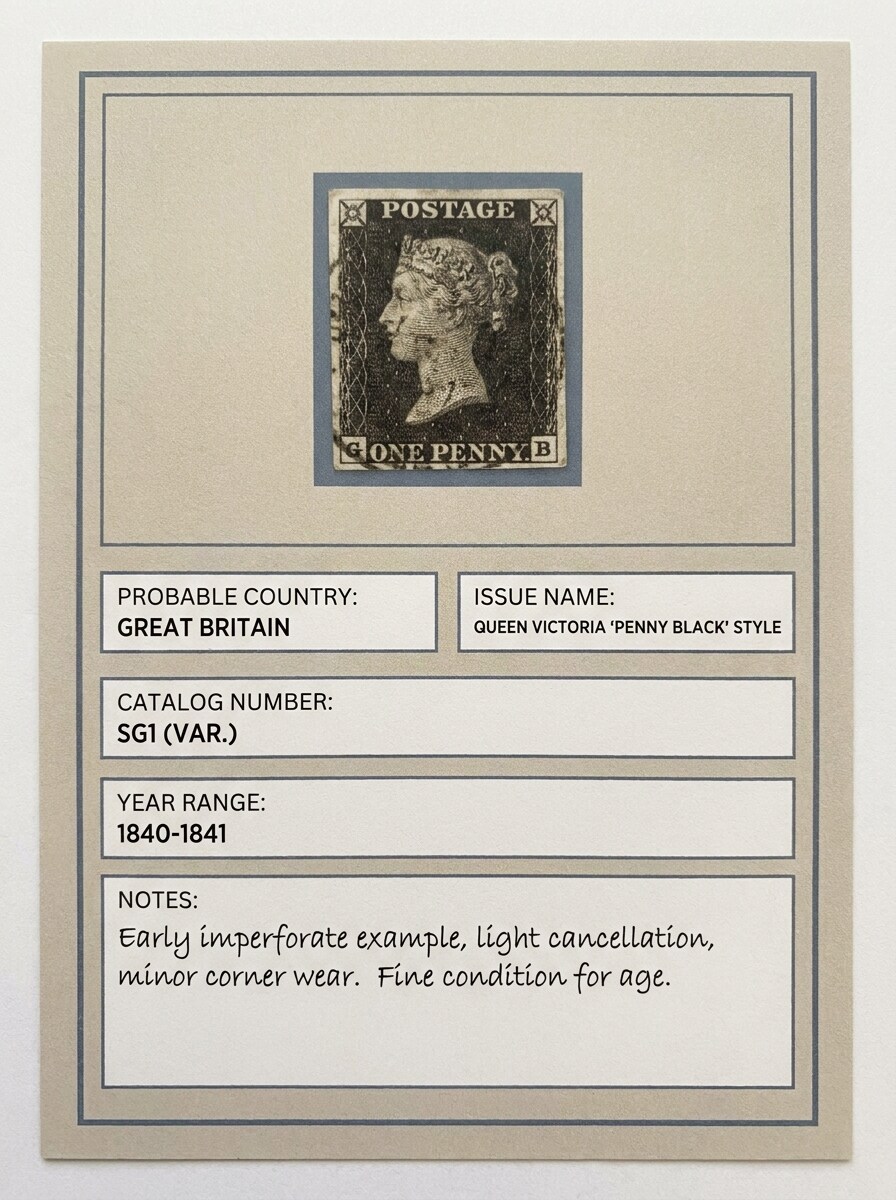
Cartão de Correspondência de Catálogo de Selos
Use a imagem do selo enviada como assunto e transforme-a em um cartão de identificação no estilo de catálogo. Inclua uma grande área de digitalização, campos de informações refinados, texturas arquivísticas sutis, rótulos limpos para país provável, nome da emissão, número de catálogo e faixa de anos, com uma apresentação polida de referência para colecionadores.
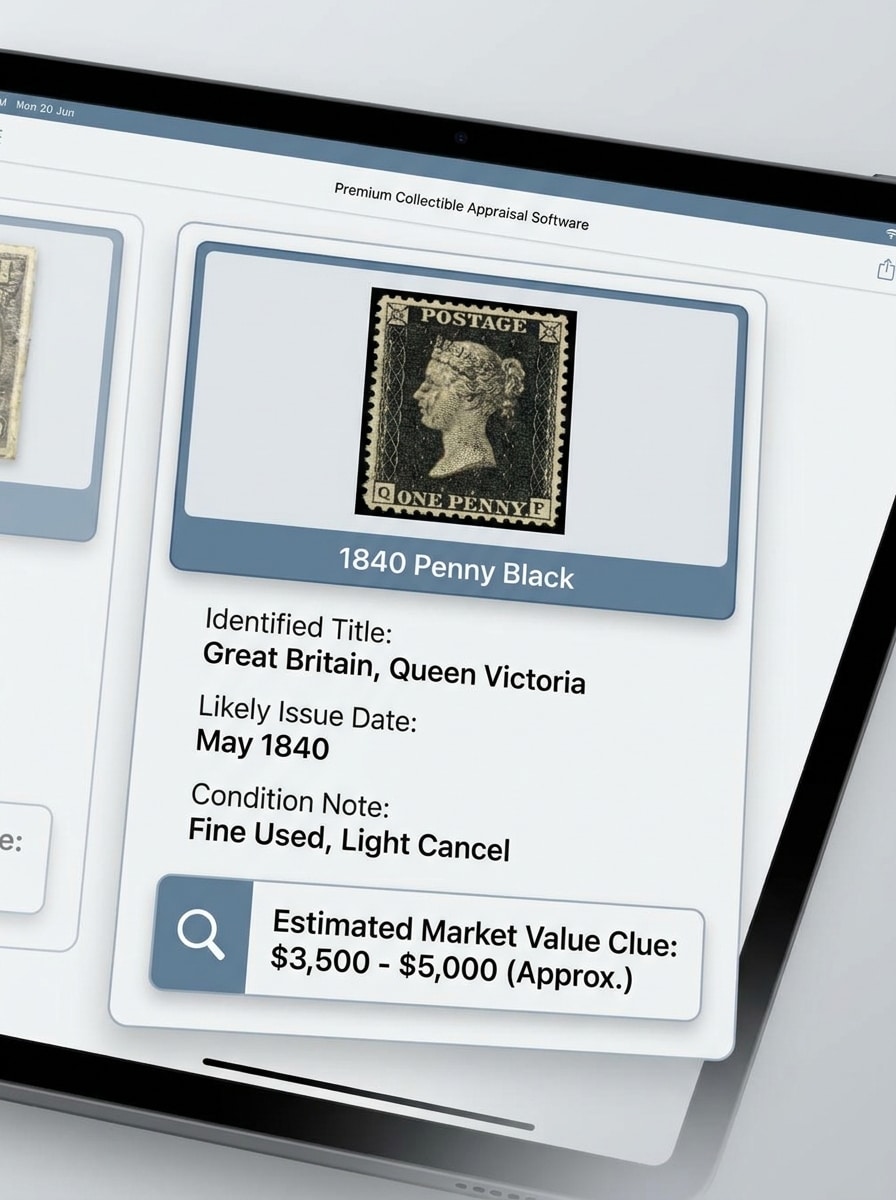
Instantâneo de Valor Estimado
Use a imagem do selo enviada como assunto e converta-a em um painel de resultado polido no estilo de avaliação. Exiba a miniatura do selo com uma nota de condição limpa, provável data de emissão e área de pista de valor estimado, usando estilo moderno de aplicativo para itens colecionáveis, sombras suaves, tons neutros brilhantes e detalhes nítidos e legíveis.
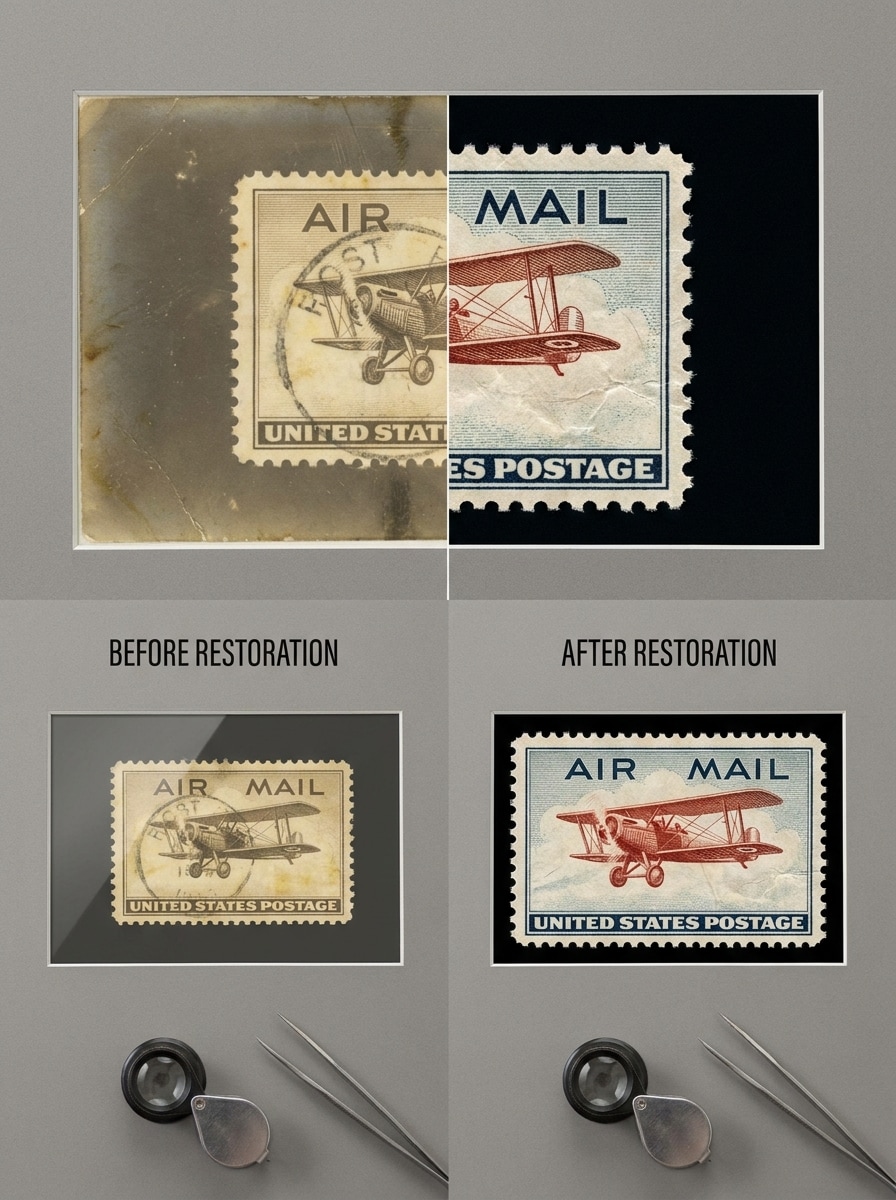
Limpeza de Foto Antiga de Selos
Use a imagem do selo enviada como assunto e melhore uma foto antiga ou desbotada de selos para facilitar a inspeção. Aumente a clareza, reduza o brilho excessivo, afie as bordas, restaure o contraste e torne o texto fino mais legível, preservando a textura autêntica do papel e as marcas de idade em uma apresentação realista de antes e depois.
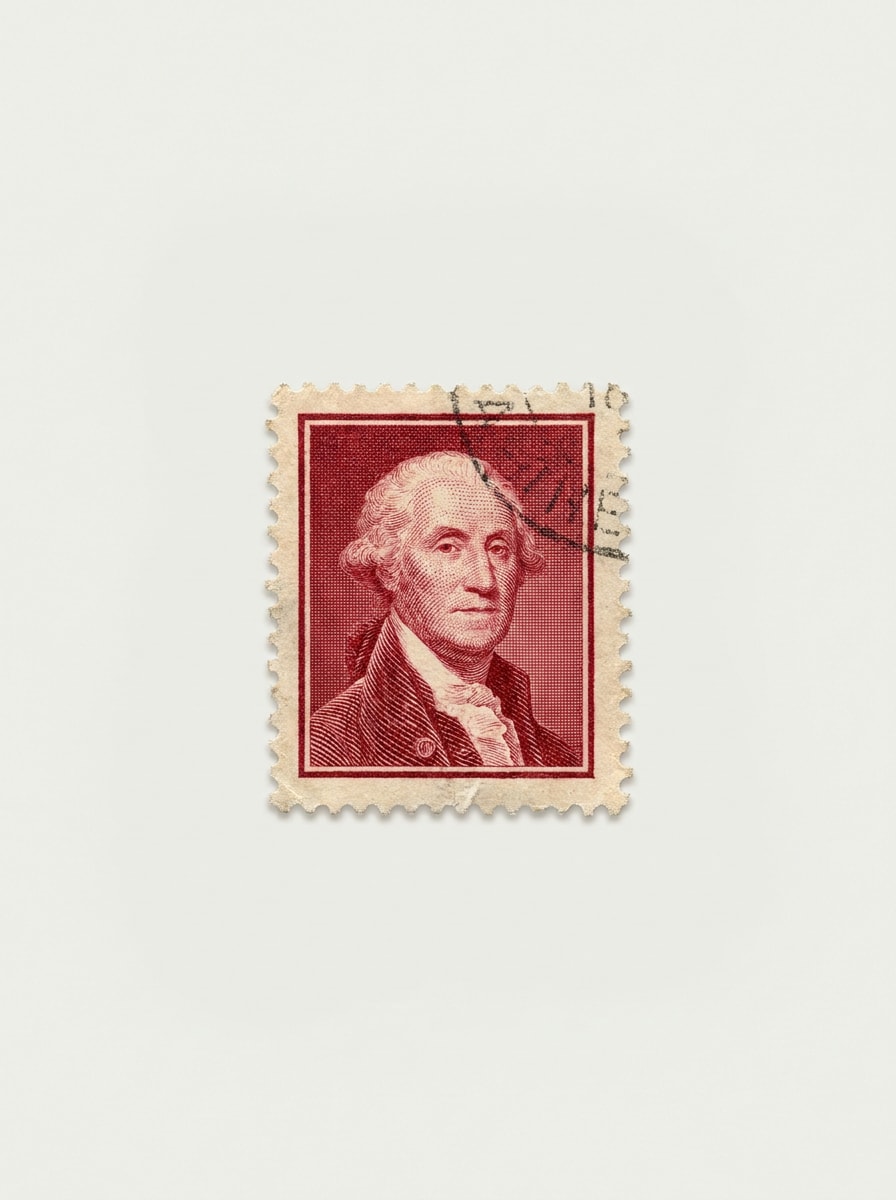
Remoção de Fundo para Digitalização de Selos
Use a imagem do selo enviada como assunto e isole-o de uma página de álbum ou superfície carregada. Preserve as delicadas perfurações e bordas, coloque o selo sobre um fundo neutro e limpo, melhore a separação de foco e mantenha o resultado realista, organizado e otimizado para revisão mais clara baseada em digitalização.
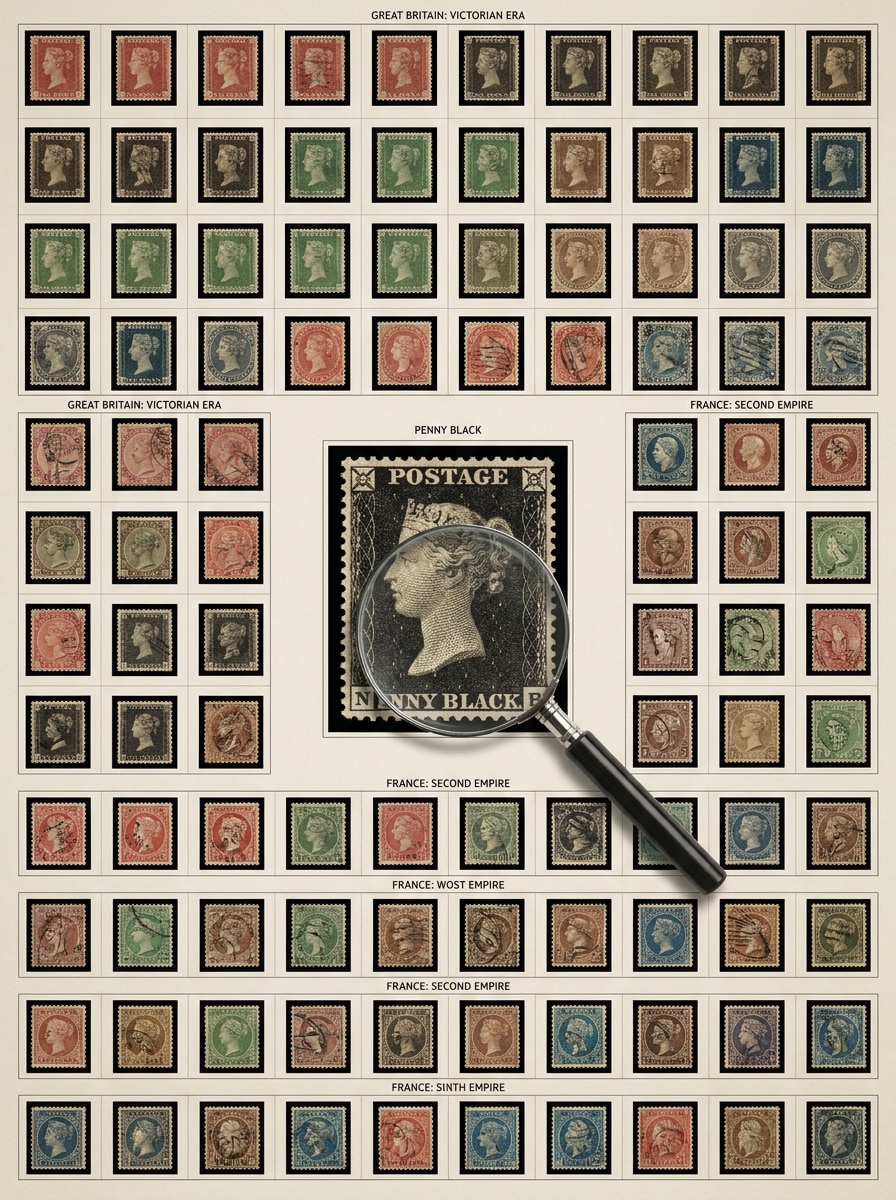
Grade de Organização por País e Era
Use a imagem do selo enviada como um assunto principal dentro de um layout de quadro de organização. Disponha-o com selos complementares por país e era, adicione rótulos sutis, mantenha uma sensação de design arquivístico e use iluminação equilibrada, cores históricas suaves e uma composição limpa e organizada para estudo de colecionadores.
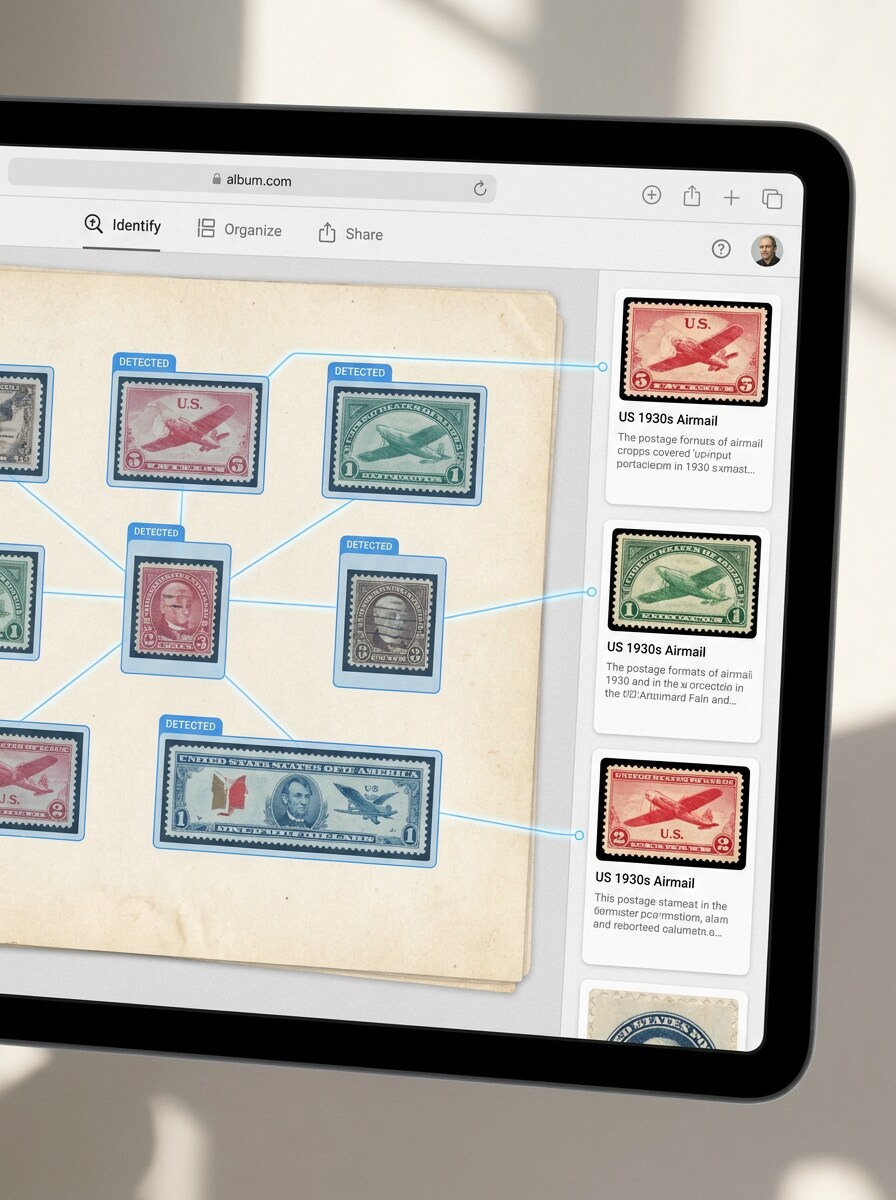
Visualização de Detecção de Página de Álbum
Use a imagem enviada como referência principal de página de álbum e transforme-a em um conceito de detecção de múltiplos selos. Destaque vários selos com caixas delimitadoras claras, visualizações de recorte e mini painéis de resultado, mantendo a página realista, nítida, organizada e adequada para uma demonstração de fluxo de trabalho para colecionadores.
Por que Usar o Media.io para Fotos de Selos e Imagens de Referência para Colecionadores
Imagens de Referência mais Nítidas para Selos Desbotados ou com Muito Brilho
Quando um resultado precisa estar vinculado ao assunto original, o Media.io ajuda a preservar características reconhecíveis enquanto adapta o estilo visual geral do identificador de selos para uso em redes sociais, branding ou mockup. Criadores frequentemente o utilizam para identificador de selos mundiais.
Explore Diferentes Estilos Sem Perder a Direção
Uma única ideia frequentemente precisa de mais de um estilo. O Media.io ajuda a reinterpretar o mesmo visual do identificador de selos em diferentes estilos para que cada versão possa se adequar melhor ao briefing do projeto. Esta configuração funciona bem para identificador de selos de 3 centavos Washington.
Crie Imagens de Alta Resolução para Uso Real
Alguns resultados precisam fazer mais do que parecer bem em uma prévia. O Media.io ajuda a gerar visuais mais nítidos do identificador de selos com saída de até 4K para que a imagem final se mantenha em papéis de parede, apresentações e mockups. Criadores frequentemente o utilizam para identificador de selos postais dos EUA.
Fluxos de Trabalho de Selos no Navegador Sem Baixar Aplicativos
Para criadores que alternam entre dispositivos móveis e desktops, o Media.io mantém a criação visual do identificador de selos no navegador, tornando o fluxo de trabalho prático onde quer que você esteja trabalhando. Este fluxo de trabalho é especialmente útil para identificação de selos dos EUA.
Como Usar Este Identificador de Selos com IA a Partir de uma Foto Enviada
Transforme suas palavras em visuais impressionantes em três etapas simples e continue refinando o resultado se quiser ir mais longe.
Passo 1
Envie Sua Imagem de Referência
Comece com uma foto clara, digitalização ou imagem de página de álbum do selo que deseja inspecionar. Arquivos JPG, PNG e JPEG funcionam bem, especialmente quando a denominação, os detalhes da borda e as marcas de cancelamento estão visíveis.
Passo 2
Descreva a Alteração e Defina as Opções
Diga ao Media.io o que você quer fazer, como limpar o brilho, isolar o selo, criar um cartão de catálogo ou criar um layout de comparação. Em seguida, escolha seu modelo e ajuste a proporção, resolução e quantidade de imagens para o resultado.
Passo 3
Gere, Baixe e Continue Melhorando
Crie seu visual editado do selo, compare as variações e baixe aquele que melhor suporte sua pesquisa. Você pode refinar o prompt, gerar resultados mais limpos ou criar versões adicionais para revisão e compartilhamento lado a lado.
Veja como criadores e colecionadores usam este Identificador de Selos para pesquisa, conteúdo e projetos pessoais e adapte cada ideia ao briefing.
Transforme Fotos de Álbum em Referências de Pesquisa Mais Claras
Colecionadores frequentemente começam com fotos casuais que são muito escuras, reflexivas ou cheias de detalhes para uma inspeção minuciosa. O Media.io ajuda a converter essas imagens em visuais mais nítidos e organizados que apoiam a identificação de selos, correspondência de catálogos e discussões mais fáceis com outros entusiastas.
Compare Emissões Semelhantes Antes de Fazer uma Correspondência no Catálogo
Muitos selos parecem quase idênticos até que você inspecione a tonalidade da cor, linhas de moldura, perfurações ou marcas de impressão. Crie gráficos de comparação lado a lado que tornem as pequenas diferenças mais fáceis de ver ao trabalhar em um projeto de identificador de selos mundiais ou em um fluxo de trabalho especializado de revisão de selos dos EUA.
Crie Cartões de Verificação de Valor para Notas de Colecionadores e Preparação para Revenda
Se sua próxima pergunta é quanto vale este selo, o Media.io pode transformar um único envio em um painel de resultado organizado com notas de condição, prováveis detalhes de emissão e formatação no estilo de avaliação. Isso facilita a organização da pesquisa antes de listar, negociar ou buscar confirmação de um especialista.
O que os Usuários Dizem sobre o Media.io para Fluxos de Trabalho de Imagens de Selos
Daniel R.
Colecionador de Selos Mundiais
"Útil para comparações mais nítidas de selos" Usei o Media.io para limpar fotos antigas de selos e criar cartões de comparação lado a lado. Isso tornou as pequenas diferenças em bordas e cores muito mais fáceis de revisar antes de consultar os catálogos.
Megan T.
Entusiasta Casual de Filatelia
"Fluxo de trabalho fácil no navegador" Eu queria um fluxo de trabalho de identificador de selos com IA no navegador em vez de baixar outro aplicativo. Enviar uma foto e transformá-la em uma imagem de resultado no estilo de digitalização foi rápido e simples.
Luis P.
Revendedor Online
"Ótimo para preparação de listagens" Antes de postar selos colecionáveis para venda, uso o Media.io para isolar cada selo e criar visuais mais limpos. Os layouts no estilo de avaliação também me ajudam a organizar minhas anotações.
Sharon K.
Pesquisadora de Selos dos EUA
"Útil para fotos mais antigas" Algumas das minhas imagens estavam desbotadas e tiradas sob iluminação inadequada. O Media.io me ajudou a melhorar a clareza o suficiente para ler mais detalhes e continuar minha pesquisa de identificação de selos postais dos EUA.
Explore os efeitos de vídeo e imagem de IA mais quentes
Perguntas Frequentes sobre o Identificador de Selos
1. Existe um site para identificar selos gratuitamente?
O Media.io funciona como uma ferramenta baseada em navegador, então você pode enviar fotos de selos e começar com créditos gratuitos sem instalar um aplicativo. Se você precisar de mais uso, pode revisar as opções de planos na página de preços, incluindo upgrades para mais créditos e downloads em alta resolução sem marca d'água. Também pode ajudar com identificador de selos dos EUA.
2. A IA pode identificar um selo a partir de uma foto?
A IA pode ajudar a analisar uma foto de selo transformando-a em um visual mais claro e amigável para pesquisa, apoiando a revisão baseada em fotos. Com o Media.io, você pode enviar uma imagem, aprimorar pequenos detalhes, isolar o selo ou criar layouts de comparação que facilitem a identificação de acompanhamento em um fluxo de trabalho de identificador de selos com IA ou de identificador de selos postais. Também suporta identificador de selos antigos.
3. Qual é a precisão de um identificador de selos online?
A precisão depende muito da qualidade da imagem enviada e de quão visíveis estão o nome do país, a denominação, o design da borda e os detalhes de condição do selo. O Media.io ajuda melhorando a clareza da imagem e criando visuais de referência mais limpos, o que pode apoiar uma identificação de selos mais segura, identificação de selos postais e trabalho de comparação.
4. Posso enviar uma imagem de selo desfocada ou antiga para identificação?
O Media.io suporta imagens JPG, PNG e JPEG enviadas, então você pode trabalhar com fotos de selos mais antigas, desbotadas ou levemente desfocadas. Seu fluxo de trabalho de imagem para imagem é útil para aguçar detalhes, reduzir o brilho e criar visuais mais limpos para um processo de busca de selos por foto ou quando você precisa identificar selos a partir de uploads de fotos com mais facilidade.
5. Um identificador de selos também estima o valor do selo?
O Media.io pode ajudá-lo a criar cartões de resultado no estilo de avaliação e visuais de selos mais claros que apoiam a pesquisa de valor, incluindo prováveis detalhes de emissão e notas de condição. Isso o torna útil se seu objetivo é organizar uma revisão de "qual é este selo" antes de decidir quanto vale este selo.
6. Posso usar um identificador de selos no meu celular ou desktop?
O Media.io é baseado na web, então funciona em celulares, tablets, laptops e desktops através de um navegador. Isso o torna prático seja para uma visualização rápida de scanner de selos online pelo celular ou para um espaço de trabalho maior para comparações detalhadas de colecionadores no desktop.