Selecione / @ personagem, descreva a cena que você deseja gerar.
0/2000
9:16
1K
1
Modo Ilimitado do Banana Pro
Criações
Hub de Ideias
Como funciona
Todos
Recursos populares
Ver tudo
Desafio Criativo de Halloween
Ver tudo
História de Frutas com IA
Ver tudo
Vídeo de História com IA
Ver tudo
Vídeos Virais Hoje
Ver tudo
Vídeos de Produto com IA
Ver tudo
Personagem AI
Ver tudo
Tendências de Dança
Ver tudo
GPT Image 2
Ver tudo
Seedance 2.0
Ver tudo
Correspondência de Celebridade por IA
Ver tudo
Dicas de Poses para Casais
Ver tudo
Prompts de Poses de Garota AI Estética
Ver tudo
Sugestões de Pose de Garoto Elegante com IA
Ver tudo
Lista de geração
As criações são armazenadas por apenas 7 dias. Os recursos criados após o upgrade para um plano de assinatura serão armazenados permanentemente.
Desbloqueie seu potencial criativo e experimente a magia da IA de mídia hoje!
Crie um Mockup Realista de iPad Online para Apps, Sites e Portfólios
Transforme sua captura de tela ou design em um mockup de ipad polido em segundos. O Media.io ajuda você a criar cenas de estúdio, lifestyle e ambiente de trabalho para demos de aplicativos, apresentações para clientes e visuais de portfólio, incluindo estilos de mockup de tablet ipad e layouts premium prontos para apresentação sem precisar do Photoshop.
Digite sua ideia -> A IA cria o design. Grátis para experimentar.
Revise estes exemplos de instruções e personalize os detalhes do prompt para obter resultados mais precisos com este gerador de mockup de iPad do Media.io.
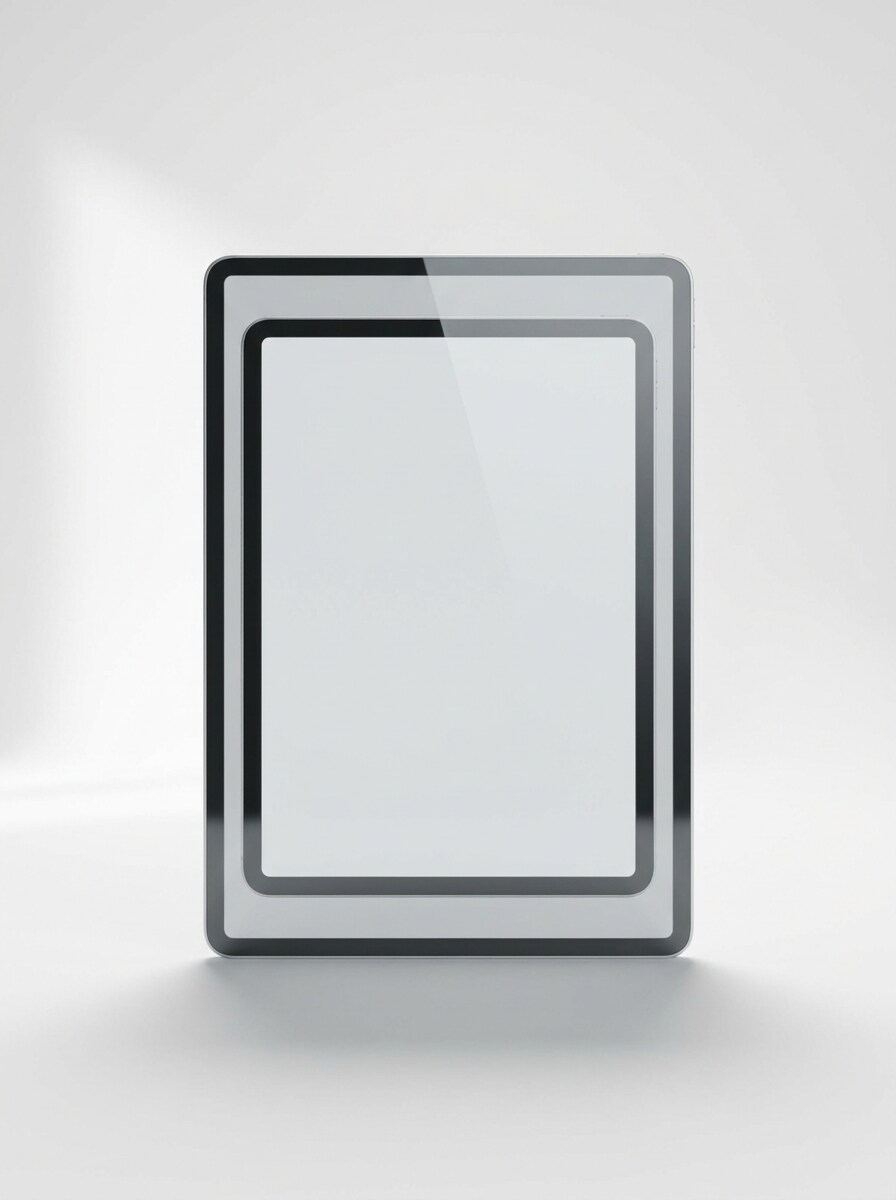
Vista Frontal com Fundo Branco Limpo
Use a imagem enviada como conteúdo da tela e transforme-a em um mockup realista de iPad com vista frontal centralizado em um fundo branco de estúdio limpo, com sombra suave, bordas metálicas nítidas, reflexo natural de vidro, iluminação equilibrada de luz do dia, composição premium minimalista e apresentação de produto em alta resolução.
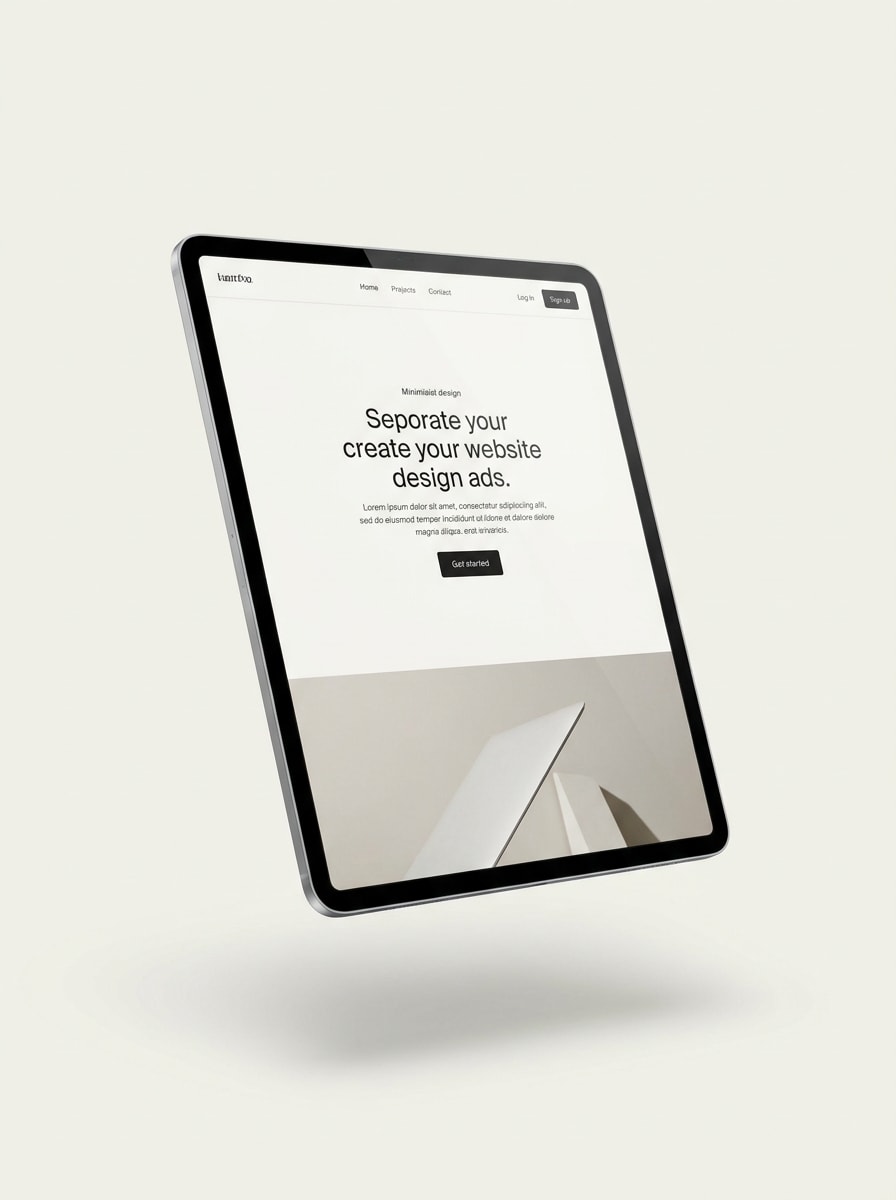
Dispositivo Flutuante com Sombra Suave
Use a imagem enviada como conteúdo da tela e transforme-a em um mockup de iPad flutuante em leve perspectiva, suspenso sobre um fundo claro minimalista com sombra natural suave, reflexos elegantes, iluminação moderna premium, textura metálica lisa e uma composição hero clean no estilo SaaS.
Cena de Lifestyle com Dispositivo na Mão
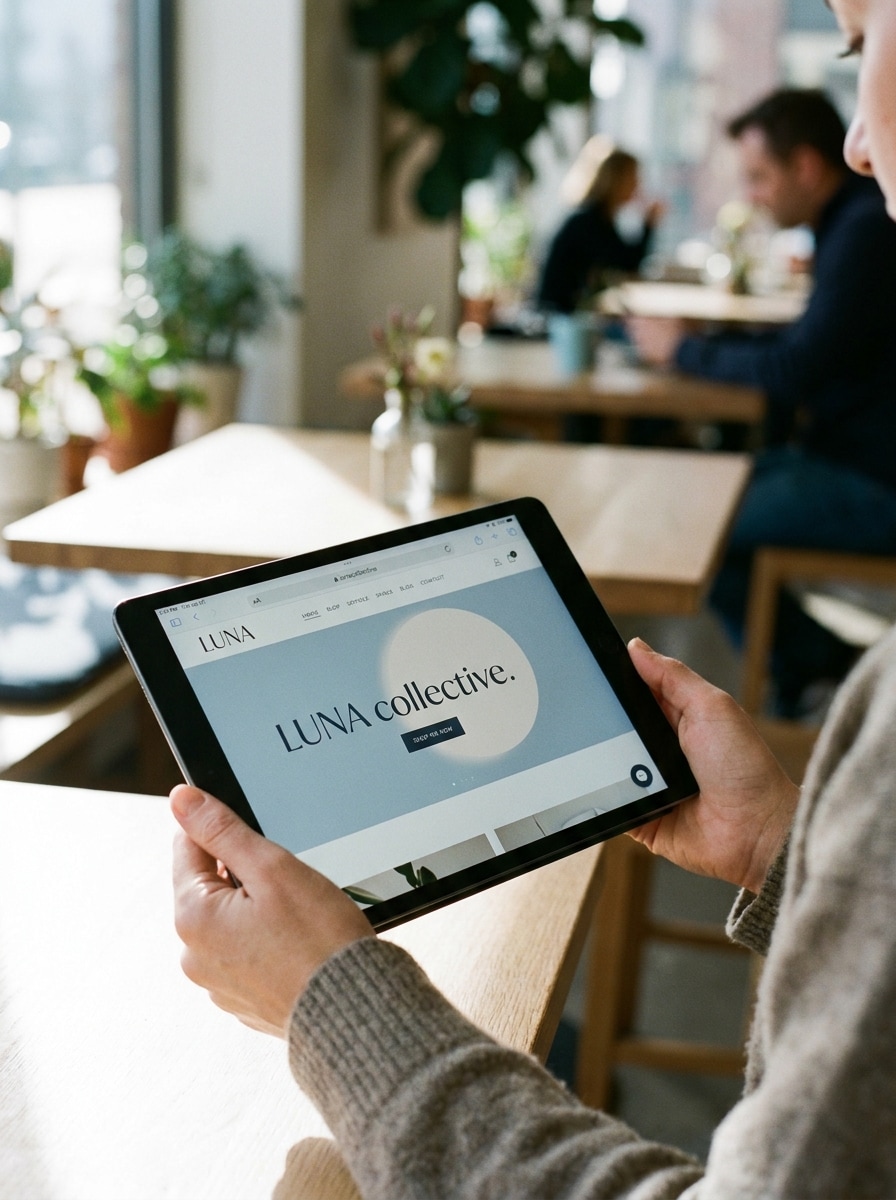
Use a imagem enviada como conteúdo da tela e transforme-a em um mockup realista de iPad segurado naturalmente com uma mão, com a tela claramente visível, luz suave do dia, profundidade de campo rasa, tons editoriais suaves, detalhes de textura de pele e uma composição moderna de lifestyle para uso em redes sociais ou portfólio.
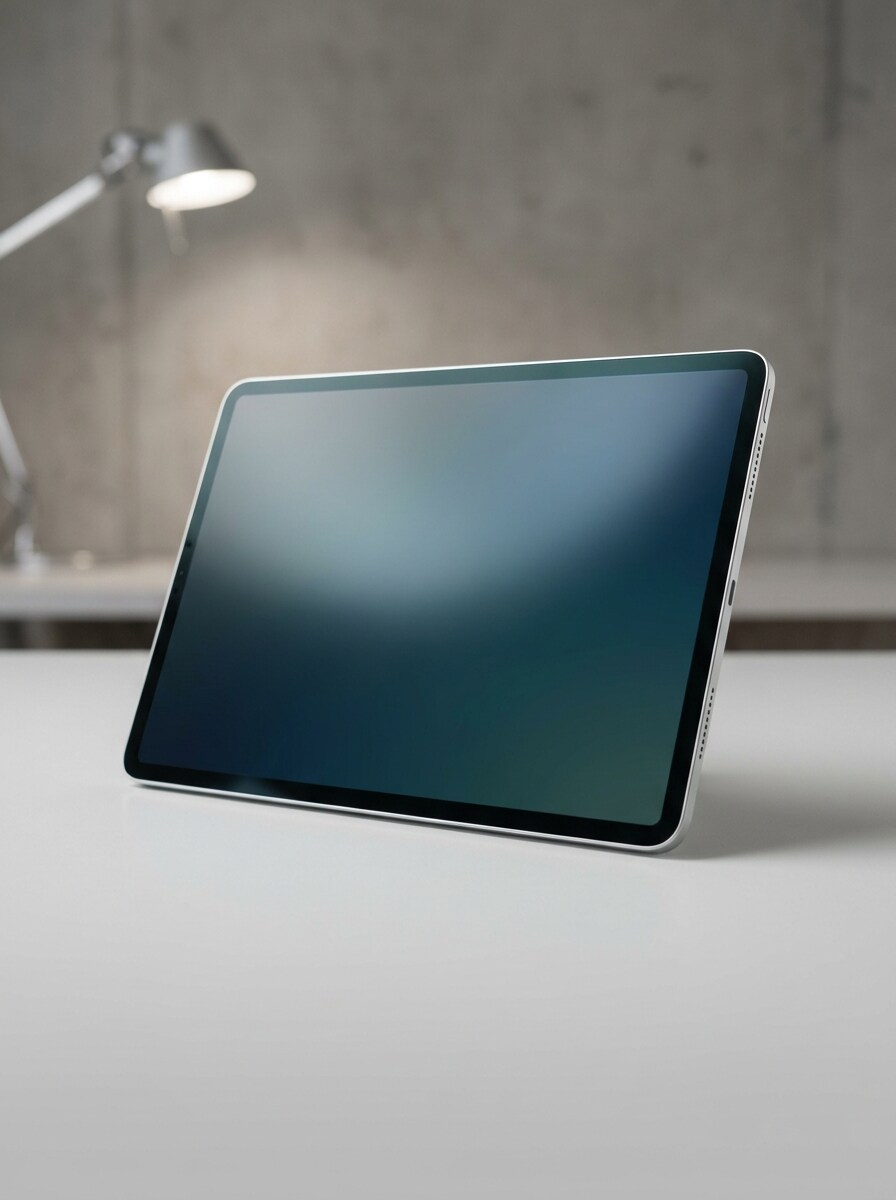
Mesa de Designer
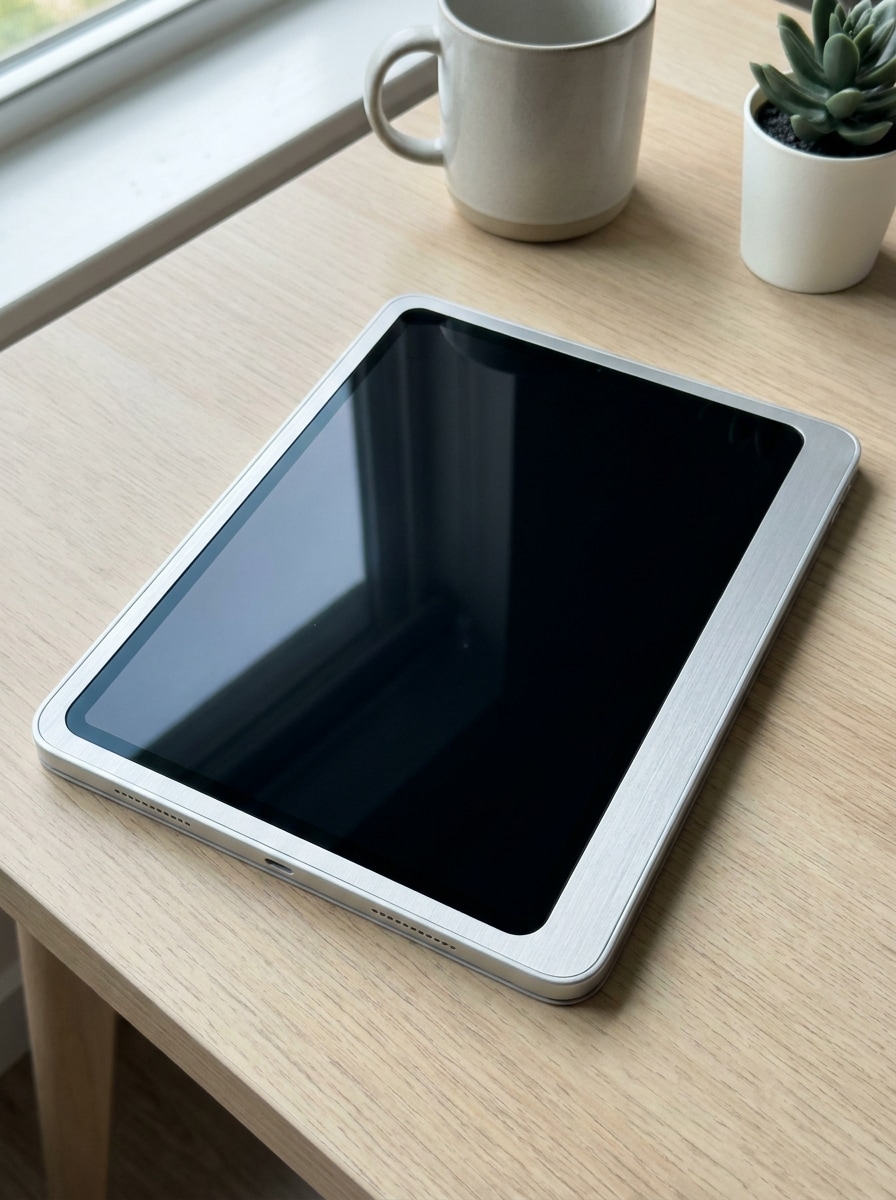
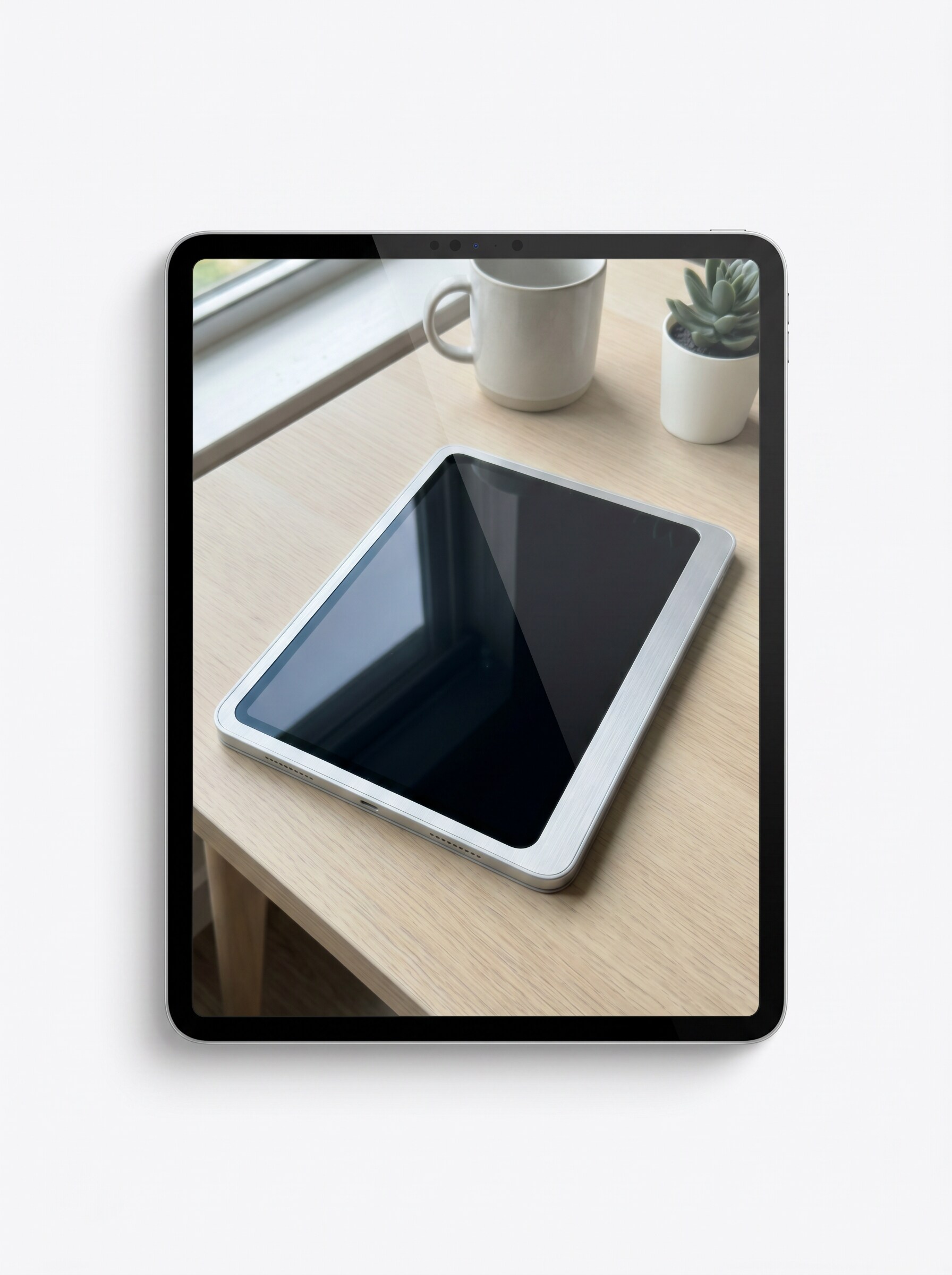
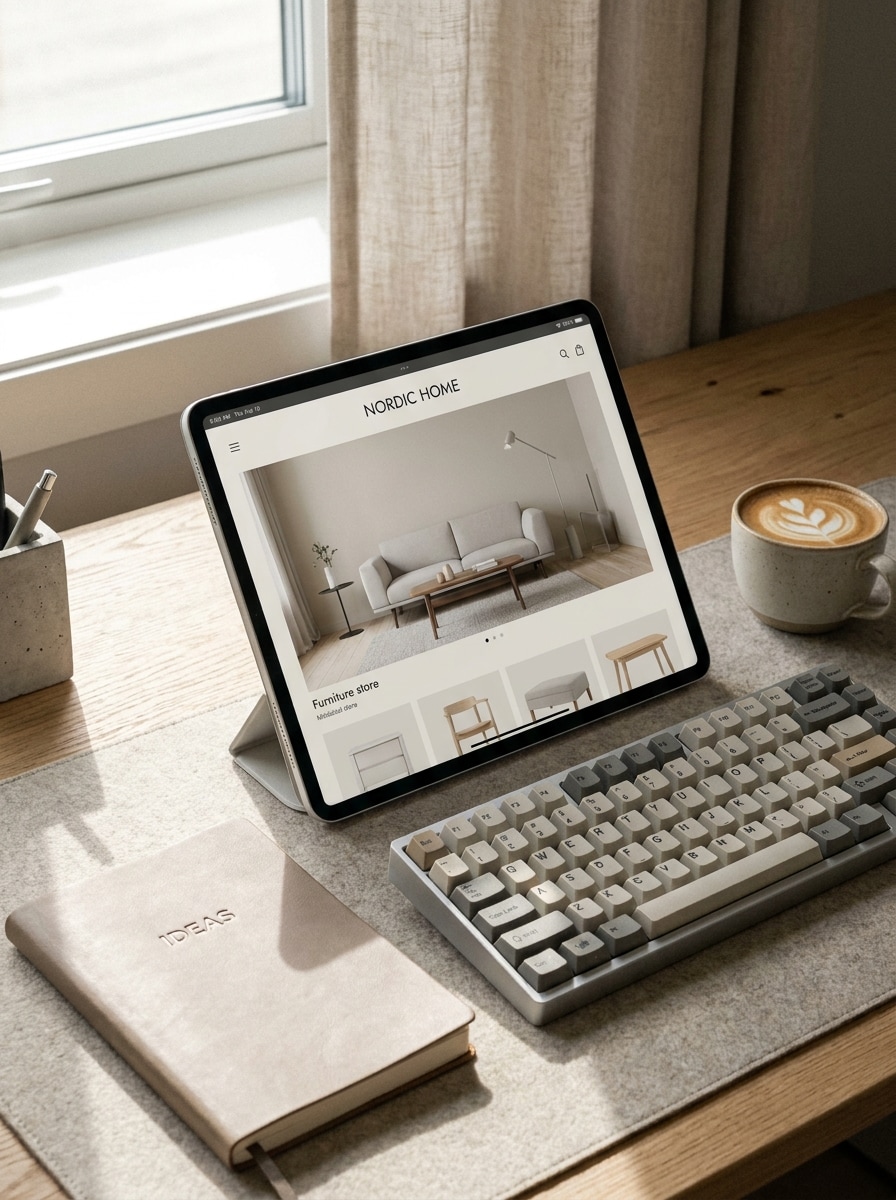
Use a imagem enviada como conteúdo da tela e transforme-a em um mockup de iPad posicionado em uma elegante mesa de designer com teclado, caderno e xícara de café, luz suave de janela, paleta neutra de bege e cinza, sombras realistas, textura premium de ambiente de trabalho e um clima criativo tranquilo.
Vitrine com Gradiente do iPad Pro
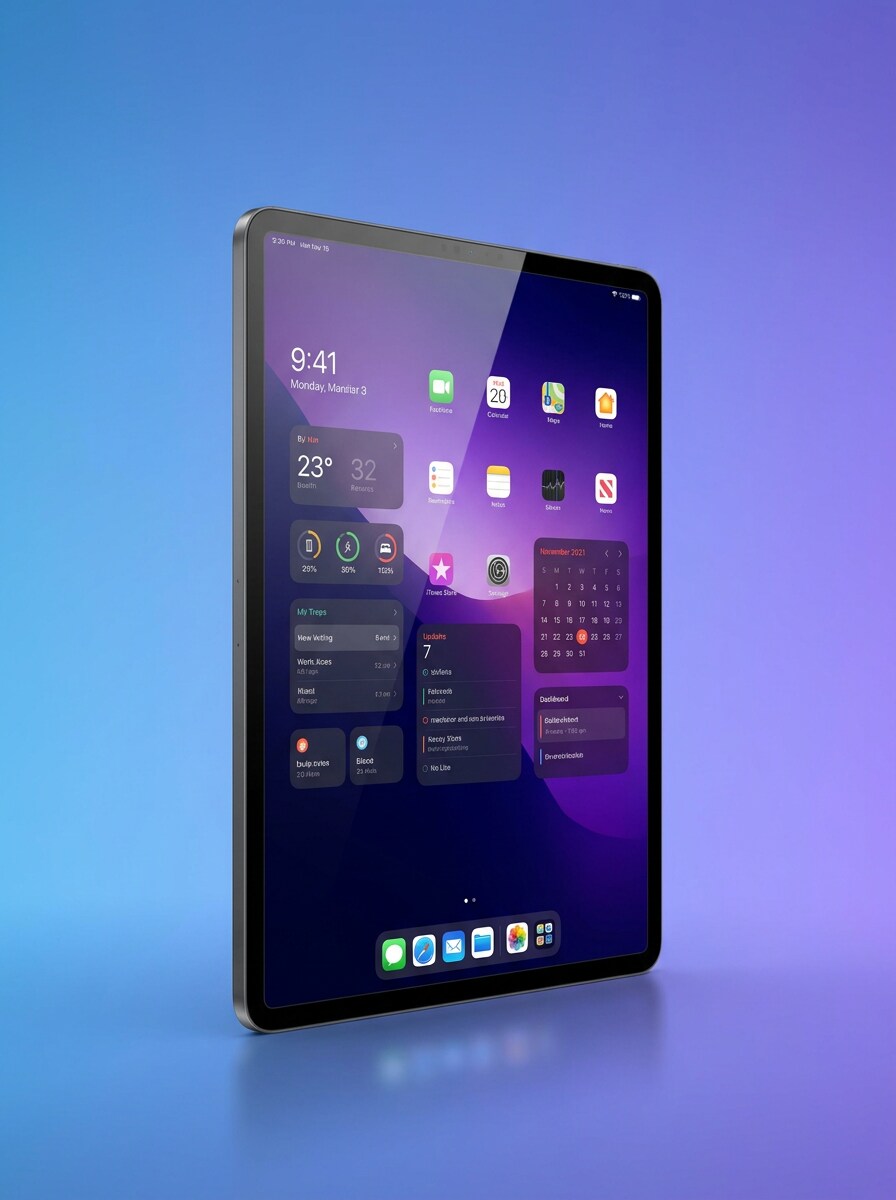
Use a imagem enviada como conteúdo da tela e transforme-a em um mockup premium de ipad pro com detalhe nítido de moldura, reflexo sutil de vidro, leve perspectiva angulada, fundo elegante com gradiente de azul a violeta, iluminação polida e um estilo de apresentação refinado para lançamentos de aplicativos de alto nível.
Vitrine Multi-Dispositivo
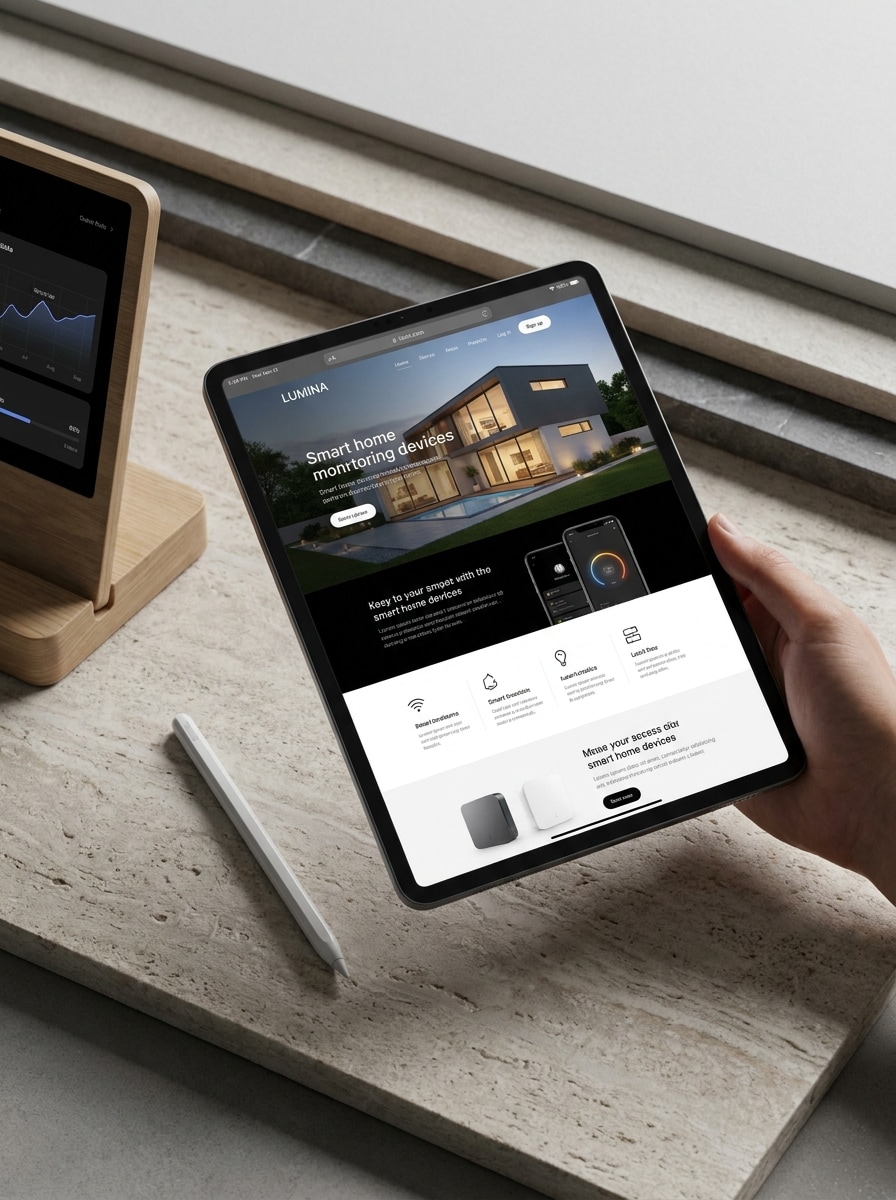
Use a imagem enviada como conteúdo principal da tela e transforme-a em uma apresentação premium de produto com um iPad como dispositivo principal, apoiado por elementos digitais complementares sutis, composição elegante, iluminação moderna, reflexos equilibrados e hierarquia visual forte para materiais de lançamento ou para clientes.
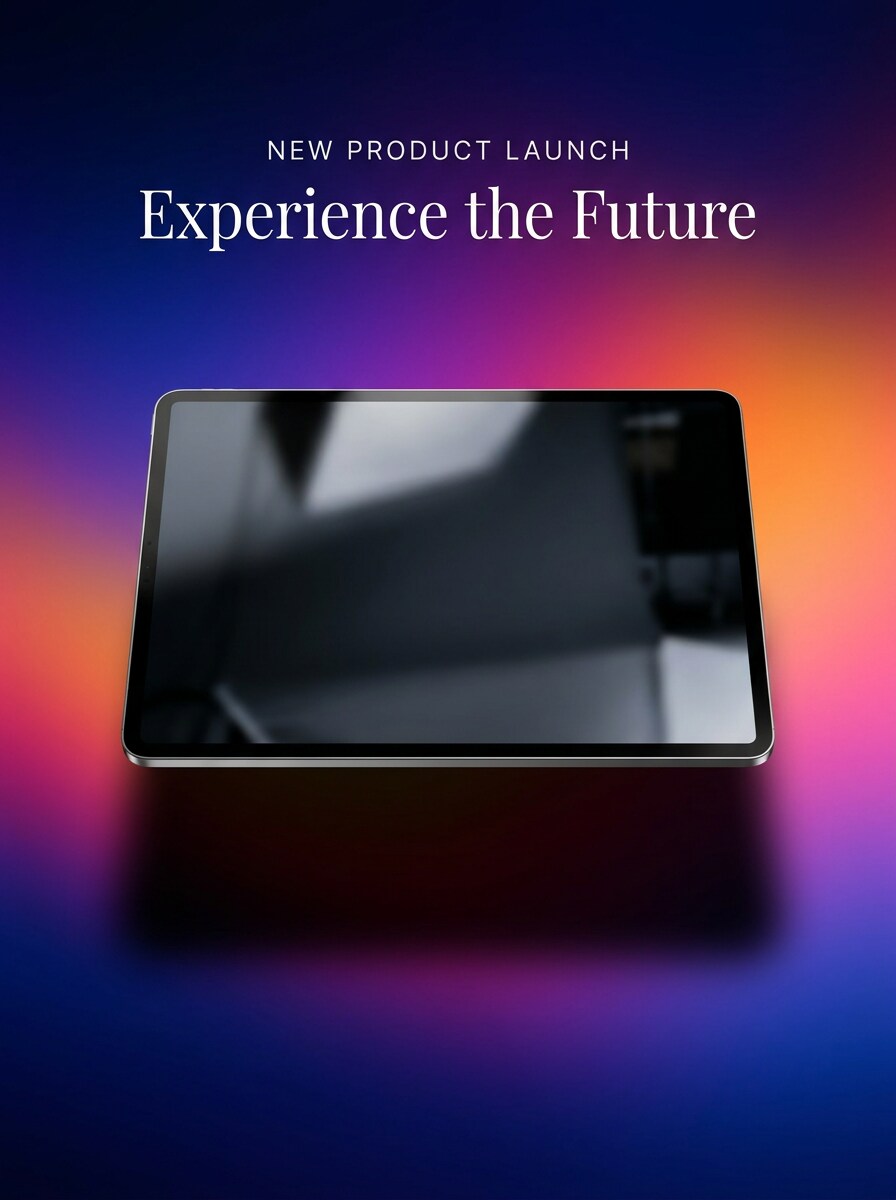
Visual de Lançamento com Gradiente
Use a imagem enviada como conteúdo da tela e transforme-a em um mockup de lançamento de iPad marcante centralizado em um fundo vibrante com gradiente, com reflexos polidos, sombra suave dramática, cores saturadas mas elegantes, composição pronta para marketing e iluminação premium que faz o design se destacar instantaneamente.
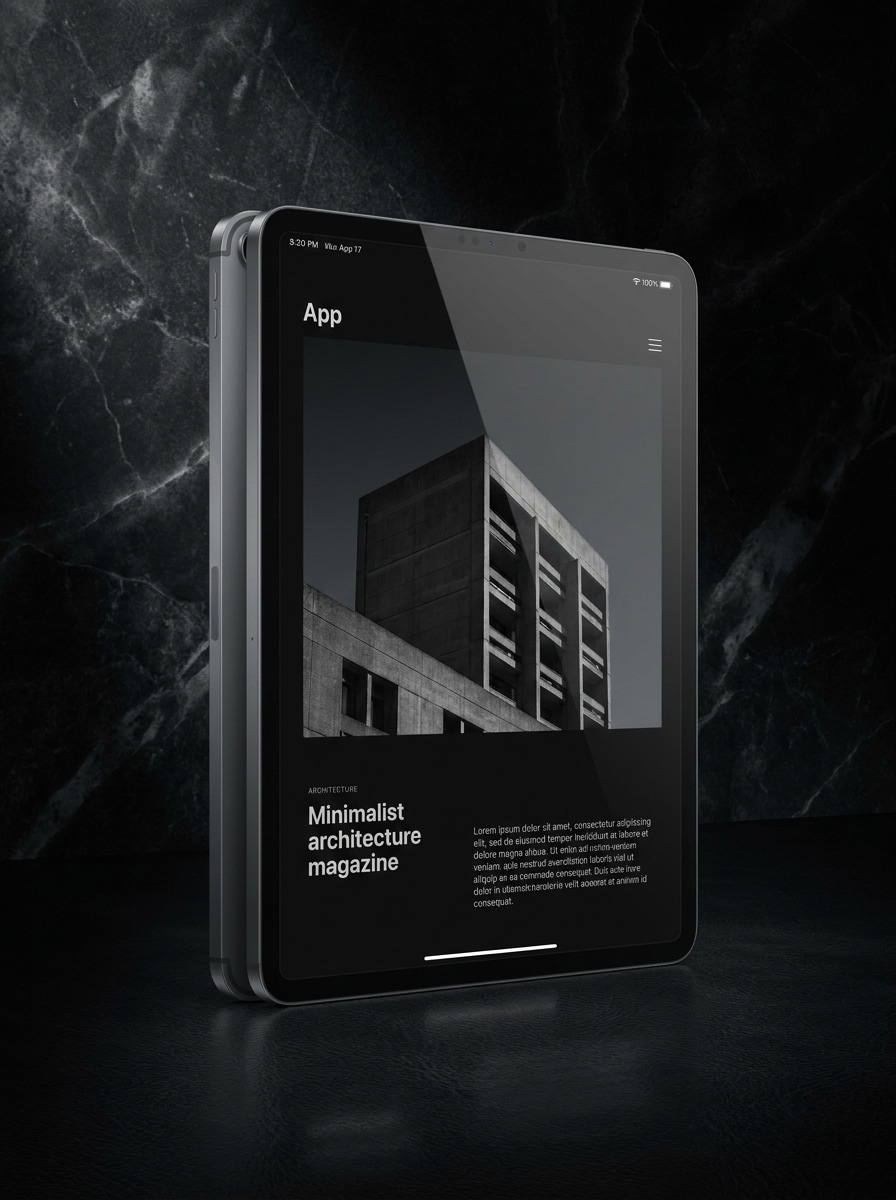
Mockup Premium em Modo Escuro
Use a imagem enviada como conteúdo da tela e transforme-a em um mockup premium de iPad escuro sobre um fundo luxuoso em carvão, com destaques controlados, iluminação cinematográfica, reflexos sutis, alto contraste, bordas metálicas refinadas e um visual editorial elegante ideal para apresentações de UI em modo escuro.
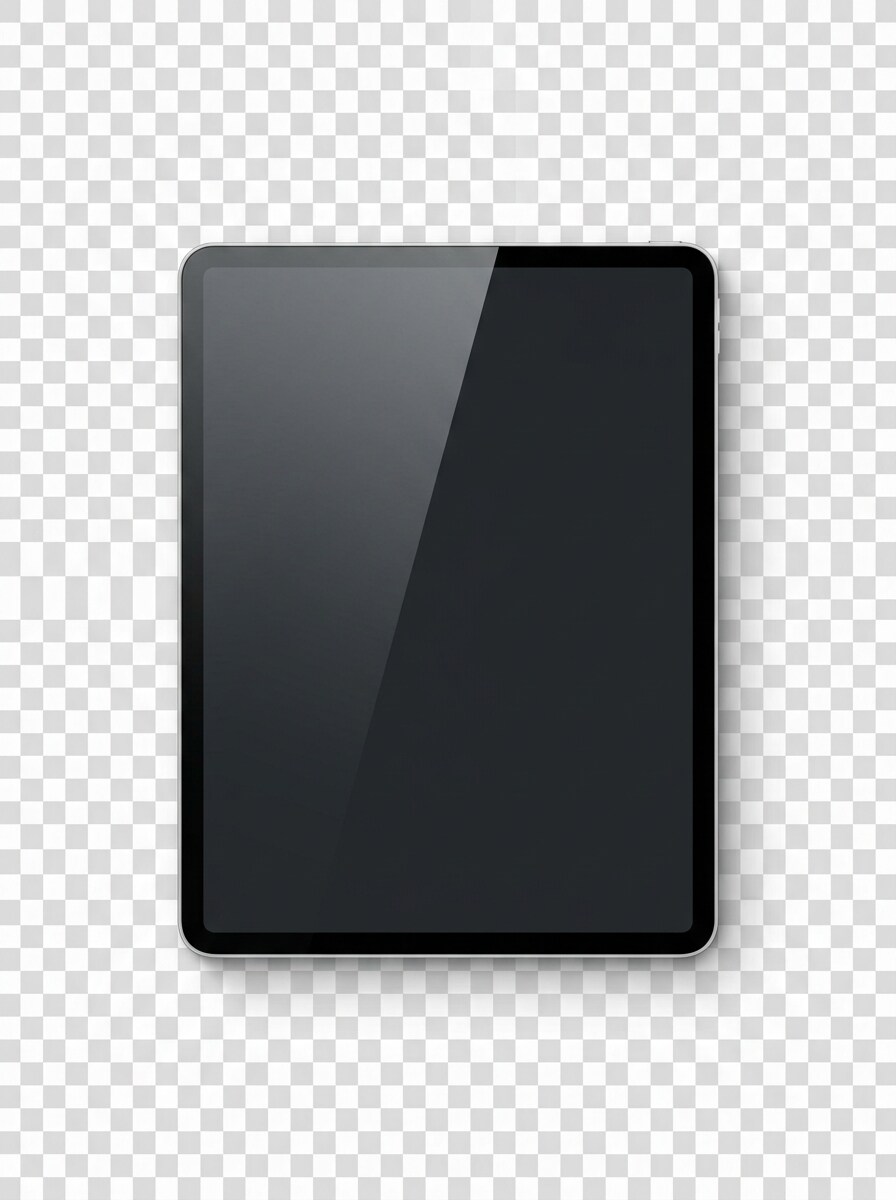
Recorte com Fundo Transparente
Use a imagem enviada como conteúdo da tela e transforme-a em um mockup isolado de iPad com fundo transparente, bordas de recorte limpas, reflexos naturais do dispositivo, separação realista de sombra, estilo de produto com vista frontal e clareza pronta para marketplace para uso flexível em anúncios, listagens e composições.
Mockup Dinâmico com Perspectiva Angulada
Use a imagem enviada como conteúdo da tela e transforme-a em um mockup de iPad em três quartos angulado com iluminação refinada, reflexos equilibrados, fundo neutro minimalista, profundidade marcante, enquadramento limpo da tela e uma composição dinâmica pronta para portfólio que dá à interface uma aparência mais tridimensional.
Por Que Usar o Media.io para Mockups de iPad
Preserve a Identidade Enquanto Muda o Visual
Para lançamentos de aplicativos, atualizações de portfólio ou prévias para clientes, o Media.io permite que você envie um design de tela e o transforme em uma cena realista de mockup de ipad em minutos, obtendo visuais prontos para apresentação sem precisar construir arquivos PSD com camadas manualmente.
Escolha o Estilo Certo para Cada Versão
Em ciclos de revisão no desktop, tablet ou celular, o Media.io funciona no navegador para que você possa criar um fluxo de trabalho com gerador de ipad em qualquer lugar, comparar variações, baixar resultados e continuar refinando sem instalar softwares de design.
Controle resolução e enquadramento para apresentações mais nítidas
Um conceito frequentemente precisa se adaptar a mais de um canal, e o Media.io facilita isso ao ajudá-lo a adaptar os mesmos mockups de ipad para postagens em redes sociais, apresentações e materiais promocionais sem precisar começar do zero a cada vez.
Gere Resultados Mais Nítidos em até 4K
Para trabalhos que vão além de uma pequena prévia, o Media.io ajuda você a criar um mockup de i pad mais nítido com resolução de saída de até 4K, garantindo que a imagem final seja mais confiável para apresentações reais a clientes, visuais de marketing e portfólios de design.
Como Criar Mockups para iPad no Media.io
Transforme suas palavras em visuais impressionantes em três passos simples e continue refinando o resultado se quiser ir mais longe.
Passo 1
Envie Sua Imagem de Referência
Envie uma captura de tela nítida, interface de aplicativo, design de site ou página de produto nos formatos JPG, PNG ou JPEG. Uma imagem de origem clara fornece ao Media.io um material melhor para construir uma apresentação realista de iPad com posicionamento limpo da tela e detalhes convincentes.
Passo 2
Descreva a Alteração e Configure as Opções
Insira um prompt detalhado descrevendo a cena desejada, como uma foto de dispositivo em estúdio, vista de lifestyle com o dispositivo na mão ou configuração de ambiente de trabalho. Em seguida, escolha seu modelo e ajuste a proporção, qualidade e quantidade de imagens para corresponder ao resultado de mockup de i pad desejado.
Passo 3
Gere, Baixe e Continue Melhorando
Gere várias versões, compare o enquadramento e o realismo e baixe o resultado que mais gostou. Você pode refinar o prompt para um ângulo de dispositivo, fundo ou clima diferente e criar novas variações para anúncios, apresentações ou páginas de portfólio.
Veja como os criadores usam esta ferramenta de mockup de iPad do Media.io para conteúdo, marketing e projetos pessoais e adapte cada ideia ao seu briefing.
Apresente telas de aplicativos com uma aparência premium de produto
Mostre fluxos de onboarding, dashboards ou páginas de funcionalidades em cenas elegantes de dispositivos com aparência pronta para lançamento. Isso funciona bem para equipes de SaaS, desenvolvedores independentes e designers que desejam uma apresentação de tela de iPad mais refinada ou o visual de mockup de ipad pro em vez de uma simples captura de tela.
Crie apresentações para clientes e estudos de caso de portfólio mais polidos
Transforme capturas brutas de UI em visuais refinados para propostas, projetos no Behance ou revisões internas. Com o Media.io, uma moldura realista de tablet ajuda seu trabalho a parecer mais acabado, especialmente quando você precisa de mockups para ipad em estilos de estúdio, ambiente de trabalho ou editorial.
Crie materiais de marketing para listagens, anúncios e sites
Use cenas de dispositivos para promover templates, produtos digitais e experiências web em landing pages e lojas virtuais. De uma vitrine minimalista de tablet a um mockup dinâmico de tablet ipad, o Media.io ajuda a adaptar o estilo visual ao seu público e campanha.
O Que os Usuários Dizem Sobre Esta Ferramenta de Mockup de iPad
Maya Chen
Designer de UI
"Forma rápida de apresentar interfaces" Usei para transformar telas de produtos simples em mockups polidos para páginas de portfólio de ipad. Os estilos de ambiente de trabalho e flutuante ficaram surpreendentemente refinados, e não precisei do Photoshop para obter um resultado pronto para o cliente.
Jordan Ellis
Fundador de Startup
"Útil para gráficos de lançamento" Precisávamos de um visual de apresentação de iPad online para nossa landing page e deck de investidores. O Media.io facilitou o envio de capturas de tela, o teste de algumas cenas e a obtenção de um resultado realista muito mais impactante do que uma simples captura de tela plana.
Sofia Ramirez
Vendedora em Marketplace
"Ótimo para listagens de produtos" Vendo templates digitais, então prévias limpas de dispositivos são importantes. Gostei de poder criar um recorte transparente e também uma cena de lifestyle a partir do mesmo design. Economizou tempo e deixou minhas listagens com aparência mais profissional.
Liam Brooks
Web Designer Freelancer
"Útil tanto no desktop quanto no tablet" Testei isso como um fluxo de trabalho rápido de mockup de iPad tanto no notebook quanto no tablet. Os prompts me deram variações sólidas, e as imagens finais foram realistas o suficiente para estudos de caso em sites e apresentações para clientes.
Explore os efeitos de vídeo e imagem de IA mais quentes
1. Como posso criar um mockup de iPad online a partir de uma captura de tela?
Envie sua captura de tela para o Media.io e insira um prompt descrevendo a cena desejada, como uma foto limpa de estúdio, vista do dispositivo na mão ou configuração de mesa. A ferramenta suporta arquivos JPG, PNG e JPEG, para que você possa transformar uma captura de tela plana em um mockup de ipad online diretamente no seu navegador.
2. Existe um gerador gratuito de mockup de iPad que posso usar?
O Media.io oferece créditos gratuitos para que você possa testar um fluxo de trabalho de mockup de ipad grátis antes de assinar um plano pago. O uso gratuito pode incluir marcas d'água, enquanto os planos pagos oferecem mais créditos e downloads em alta resolução sem marca d'água. Você pode comparar as opções na página de preços.
3. Posso criar um mockup de iPad Pro sem o Photoshop?
O Media.io é baseado na web, então você pode criar uma cena de mockup de ipad pro sem o Photoshop ou softwares de design instalados. Envie sua captura de tela, descreva o estilo desejado, escolha configurações como proporção ou resolução e gere um visual polido do dispositivo online.
4. Qual tamanho de imagem funciona melhor para um mockup de tela de iPad?
Uma imagem de origem clara e em alta resolução funciona melhor, pois detalhes mais nítidos geralmente produzem uma área de tela final mais limpa. O Media.io também permite escolher configurações de qualidade de saída, incluindo 1K, 2K e 4K, o que ajuda quando você precisa de um mockup de dispositivo para portfólios, anúncios ou decks de apresentação.
5. Posso enviar meu próprio design de aplicativo ou site para o mockup?
O Media.io suporta o envio de sua própria UI de aplicativo, layout de site ou outra referência de design nos formatos JPG, PNG e JPEG. Isso o torna útil para trabalhos de vitrine de aplicativos, visuais de site em tablet e mockups personalizados para páginas de produtos de ipad ou revisões de clientes, tudo a partir de um navegador no seu dispositivo preferido.
6. O mockup ficará realista o suficiente para uso com clientes ou portfólio?
Pode ficar, especialmente quando você começa com uma captura de tela nítida e usa um prompt detalhado que define a cena, o ângulo, a iluminação e o clima.