Selecione / @ personagem, descreva a cena que você deseja gerar.
0/2000
9:16
1K
1
Modo Ilimitado do Banana Pro
Criações
Hub de Ideias
Como funciona
Todos
Recursos populares
Ver tudo
Desafio Criativo de Halloween
Ver tudo
História de Frutas com IA
Ver tudo
Vídeo de História com IA
Ver tudo
Vídeos Virais Hoje
Ver tudo
Vídeos de Produto com IA
Ver tudo
Personagem AI
Ver tudo
Tendências de Dança
Ver tudo
GPT Image 2
Ver tudo
Seedance 2.0
Ver tudo
Correspondência de Celebridade por IA
Ver tudo
Dicas de Poses para Casais
Ver tudo
Prompts de Poses de Garota AI Estética
Ver tudo
Sugestões de Pose de Garoto Elegante com IA
Ver tudo
Lista de geração
As criações são armazenadas por apenas 7 dias. Os recursos criados após o upgrade para um plano de assinatura serão armazenados permanentemente.
Desbloqueie seu potencial criativo e experimente a magia da IA de mídia hoje!
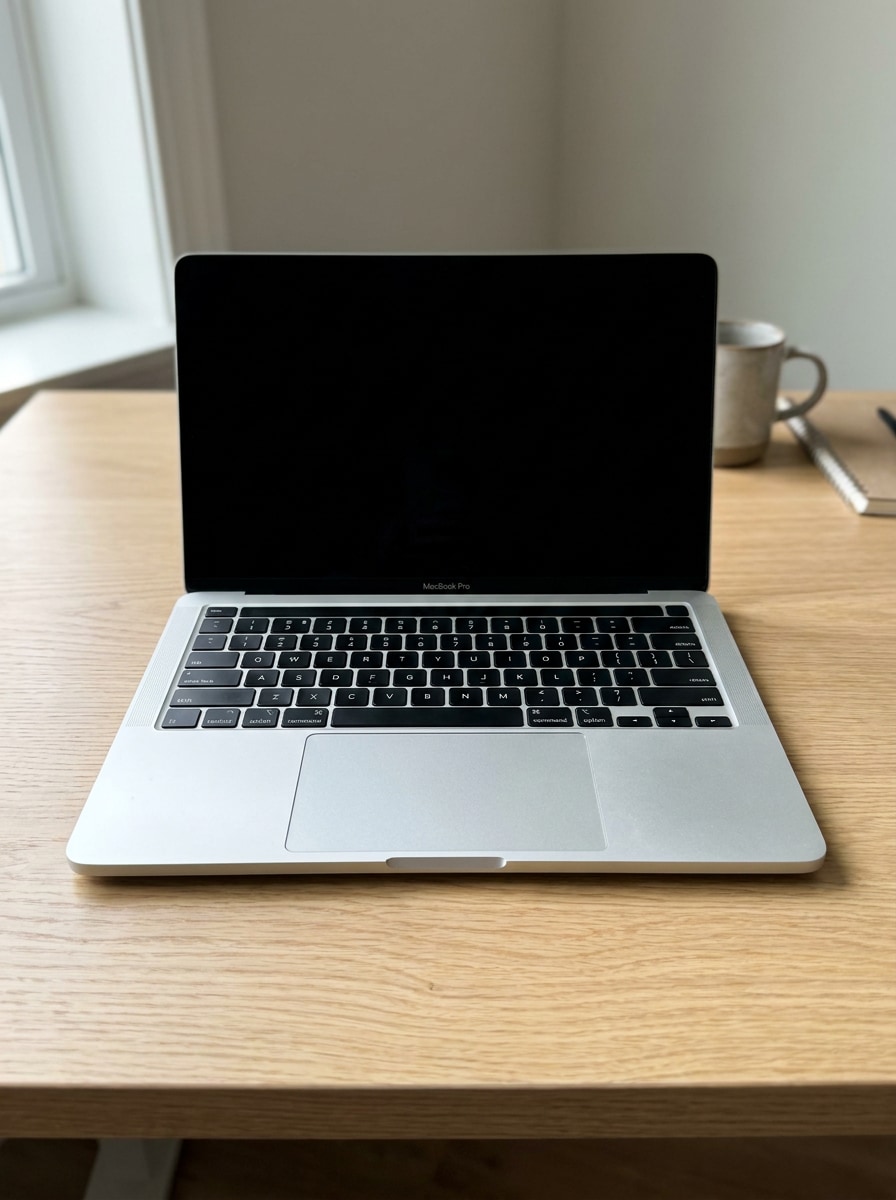
Crie um Mockup Realista de MacBook Online a Partir do Seu Design
Transforme uma captura de tela, UI ou site em um mockup de macbook sofisticado em minutos. O Media.io ajuda você a criar cenas realistas de dispositivos, fotos de estúdio limpas e visuais prontos para apresentação no seu navegador, sem Photoshop ou Figma, com estilos flexíveis para portfólios, e-commerce, apresentações para clientes ou um fluxo de trabalho rápido de mockup de mac.
Digite sua ideia -> A IA cria o design. Gratuito para experimentar.
Revise estes exemplos de instruções e personalize os detalhes do prompt para obter resultados mais precisos com este mockup de MacBook ou template de macbook no Media.io.
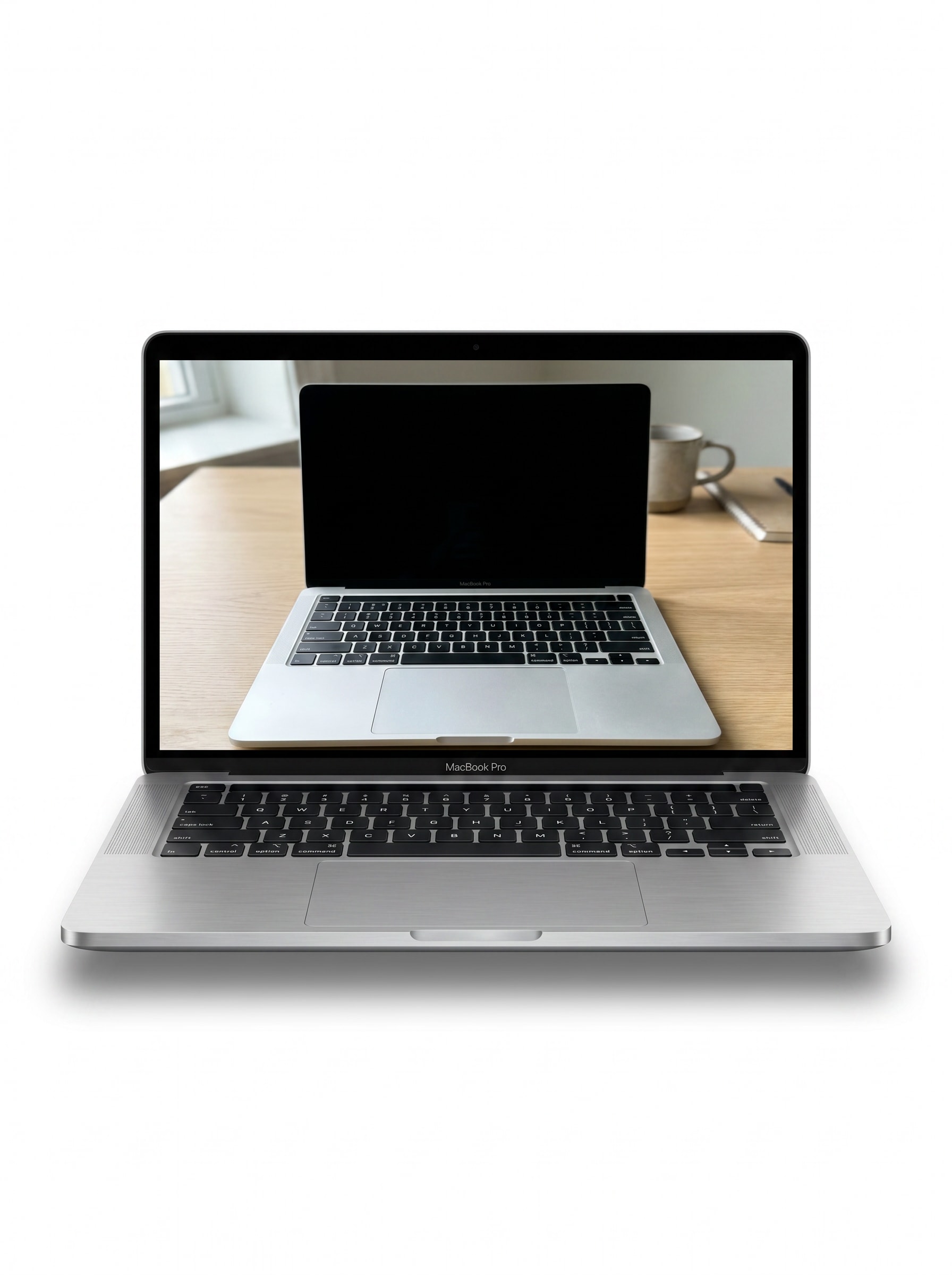
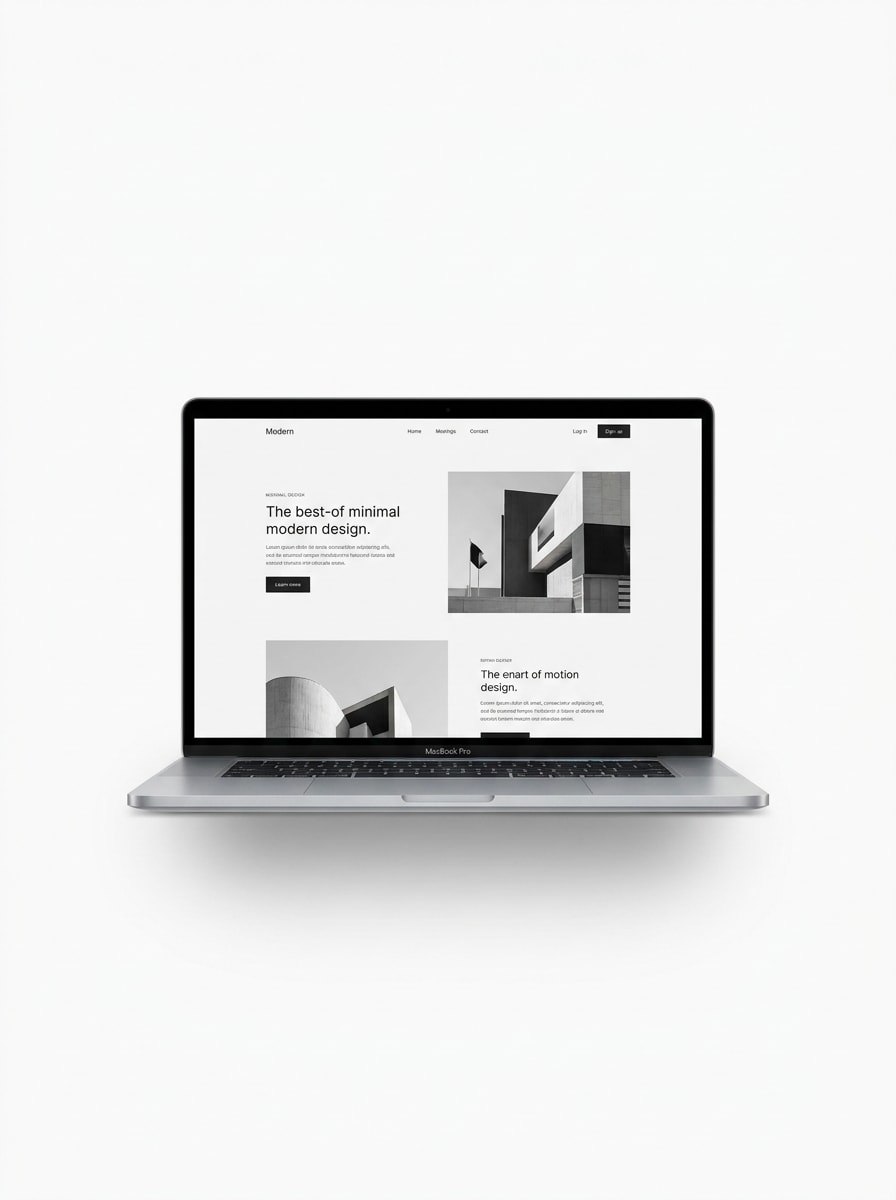
Vista Frontal com Fundo Limpo
Use a imagem enviada como conteúdo da tela e transforme-a em um mockup de MacBook realista com visão frontal sobre um fundo de estúdio branco puro, composição centralizada, sombra suave sob o dispositivo, textura detalhada de alumínio, visibilidade nítida da tela, estética minimalista e apresentação comercial refinada.
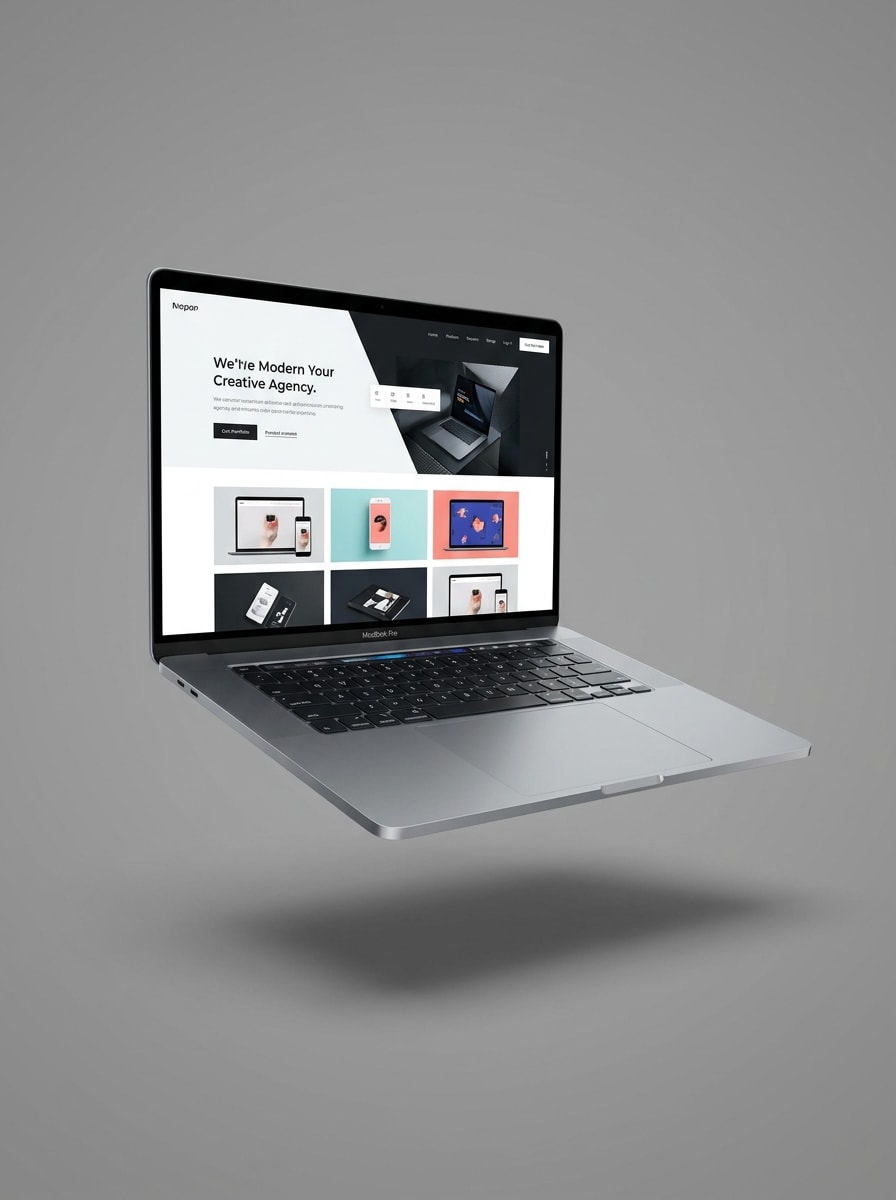
Mockup de Dispositivo Flutuante
Use a imagem enviada como conteúdo da tela e insira-a em um mockup de MacBook Pro flutuante, isolado em um fundo neutro com iluminação premium de foto de produto, sombra suave, bordas finas de alumínio, nitidez de tela aguçada, reflexos refinados e um visual moderno de publicidade tecnológica.
Cena de Configuração de Mesa
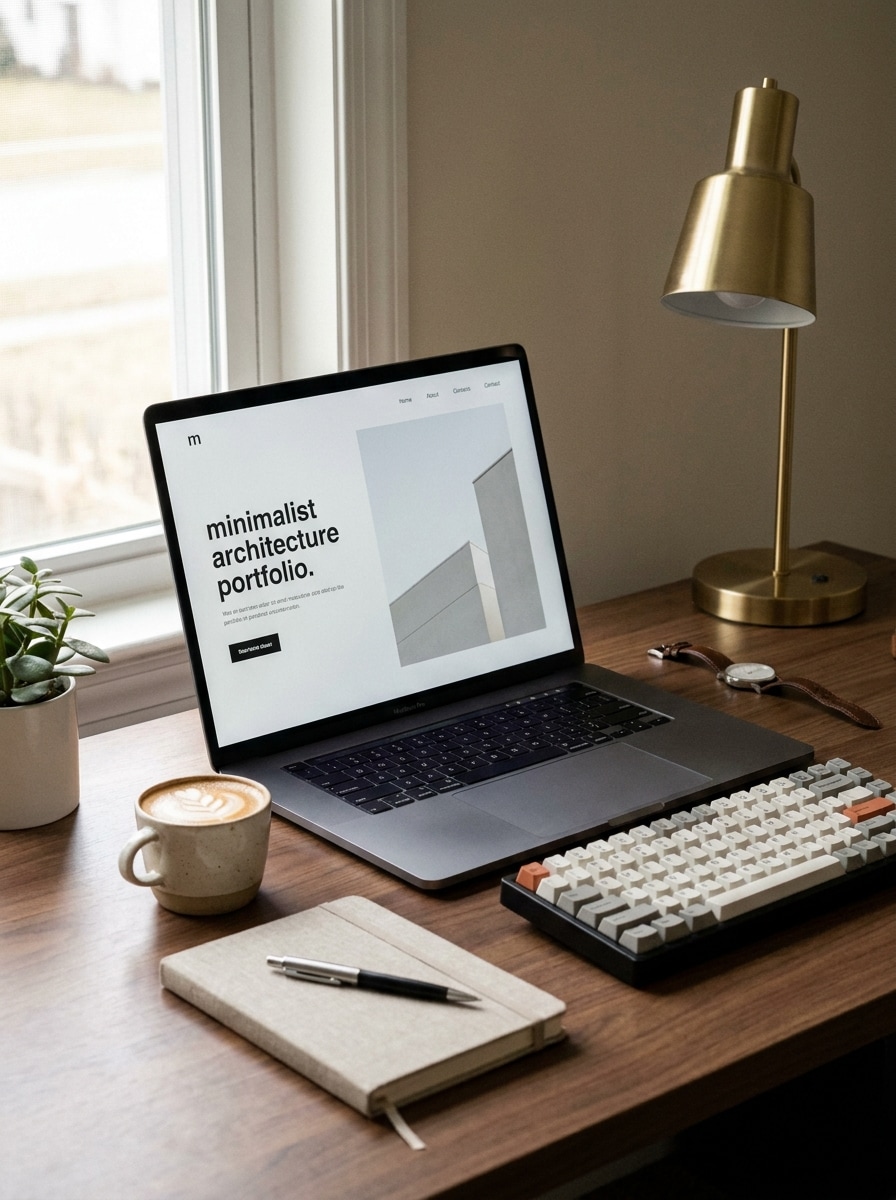
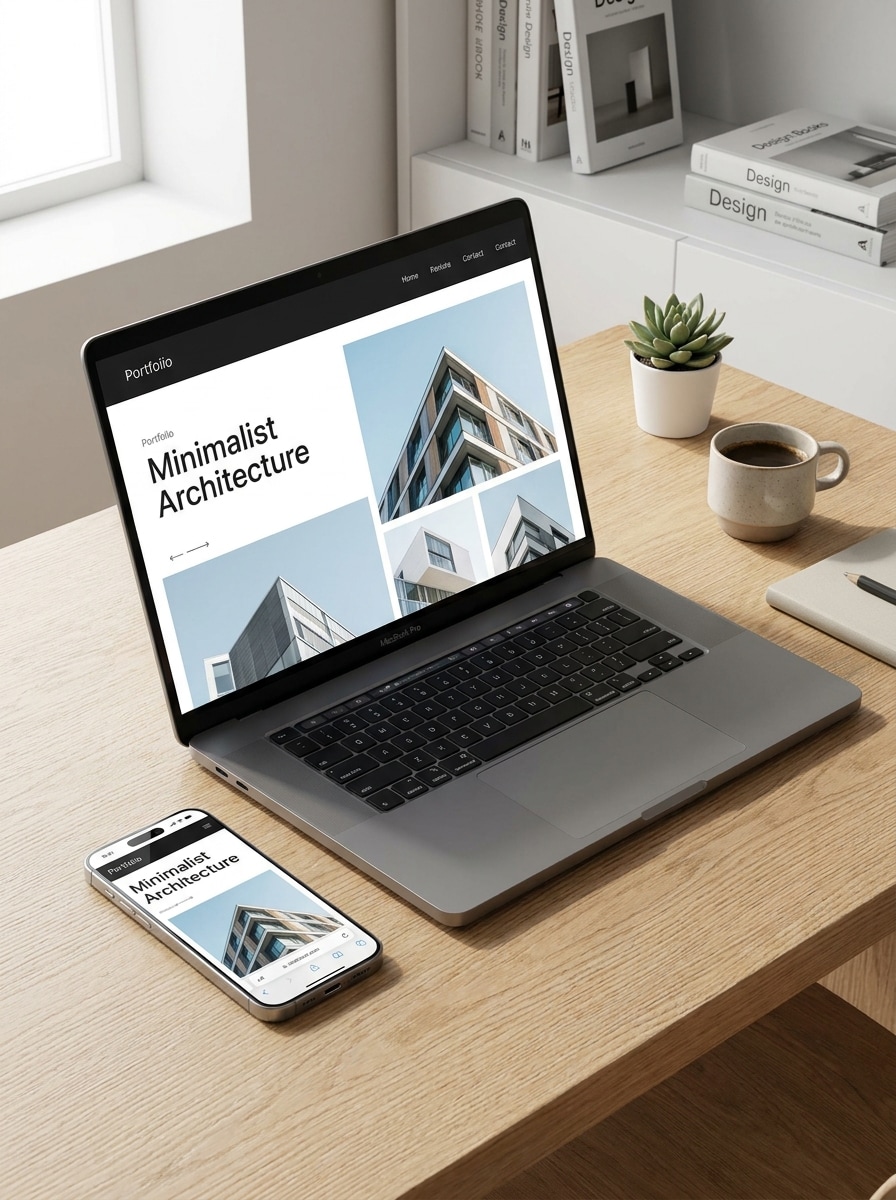
Use a imagem enviada como conteúdo da tela e transforme-a em uma cena realista de MacBook em uma mesa de trabalho moderna, estilizada com um caderno, teclado, xícara de café e acessórios sutis, luz natural suave de janela, profundidade de campo rasa, tons neutros quentes e um visual de estilo de vida refinado.
Configuração de Estúdio Criativo
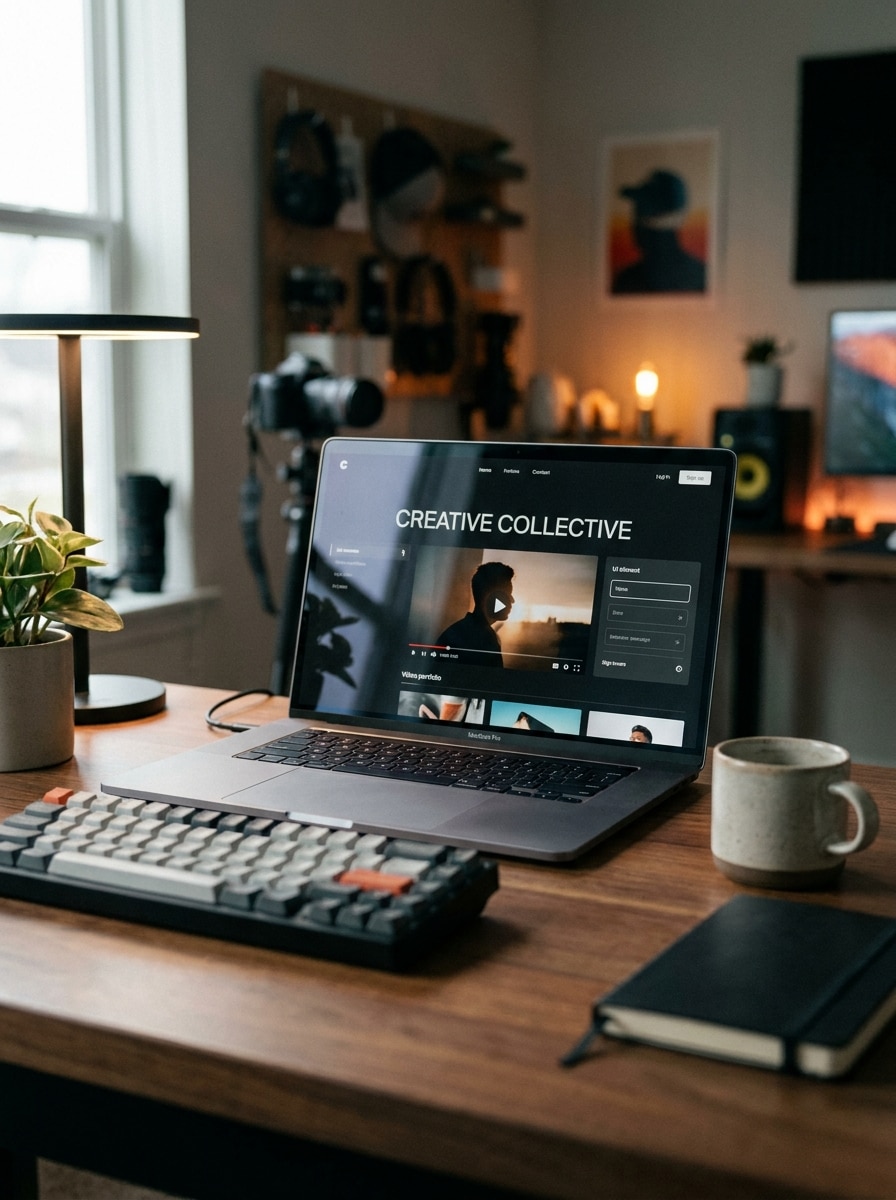
Use a imagem enviada como conteúdo da tela e posicione-a em um MacBook dentro de um espaço de trabalho de estúdio criativo com iluminação ambiente sutil, acessórios de mesa elegantes, desfoque suave ao fundo, reflexos realistas na tela, atmosfera moderna de criador de conteúdo e uma composição premium pronta para redes sociais.
Cena Luxuosa Escura
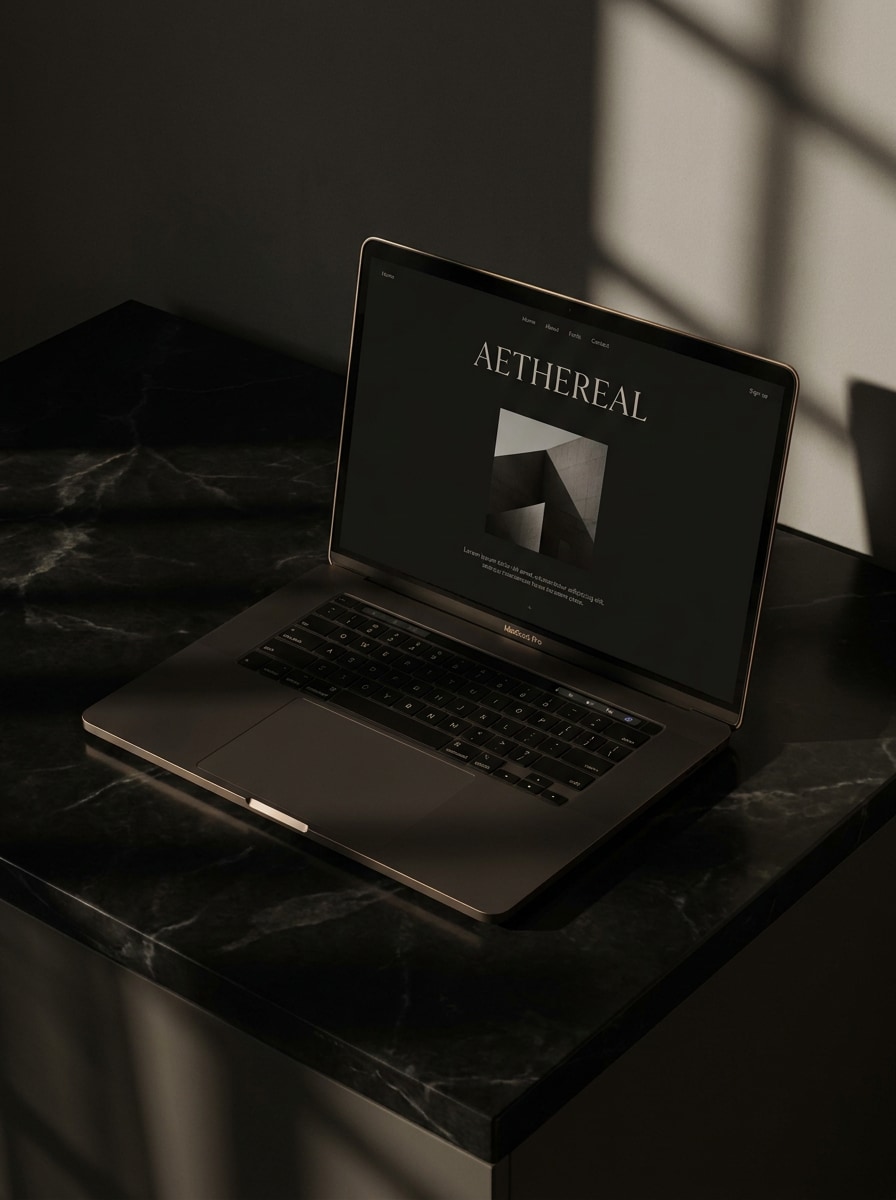
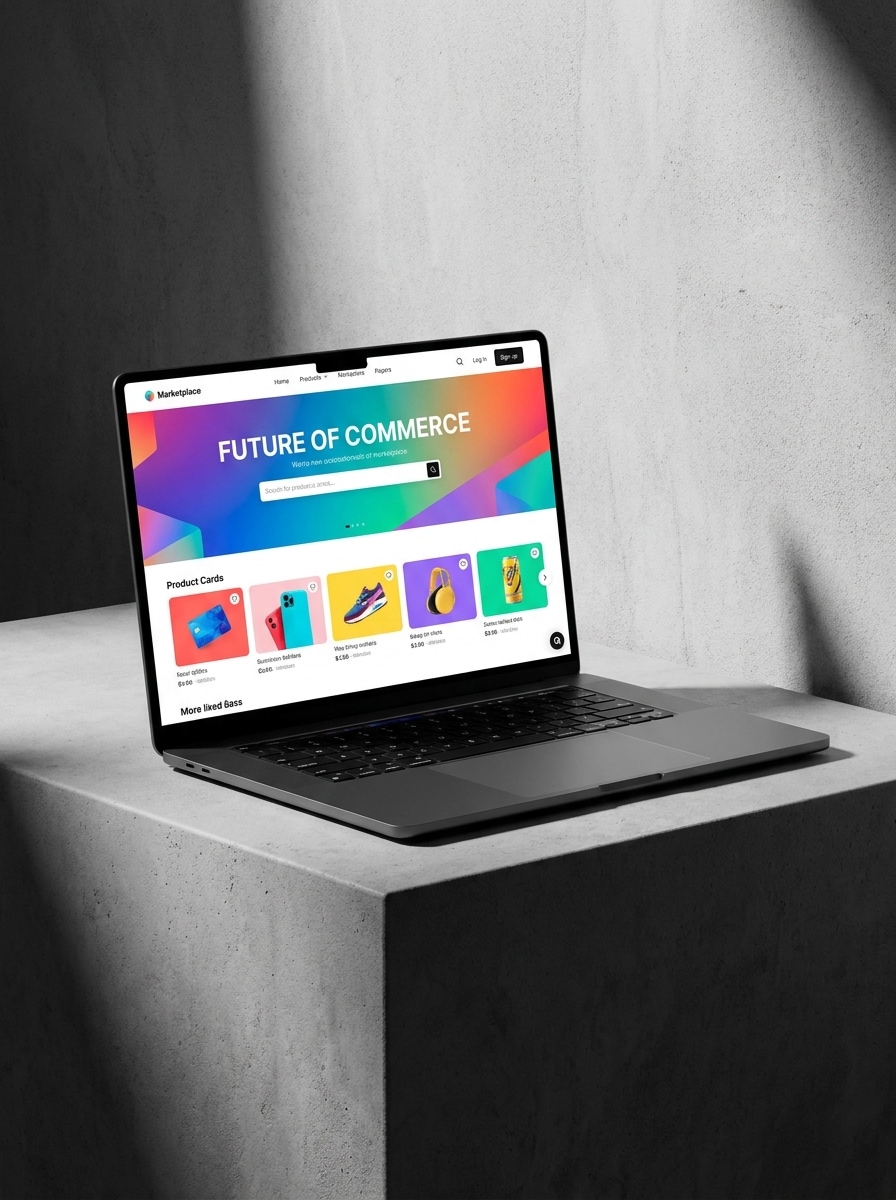
Use a imagem enviada como conteúdo da tela e transforme-a em um mockup de MacBook premium escuro com iluminação dramática e sombria, sombras elegantes, superfície em carvão ou preta, reflexos sutis de luxo, composição levemente angulada, alto contraste e uma atmosfera sofisticada de apresentação de marca.
Mockup Editorial Monocromático
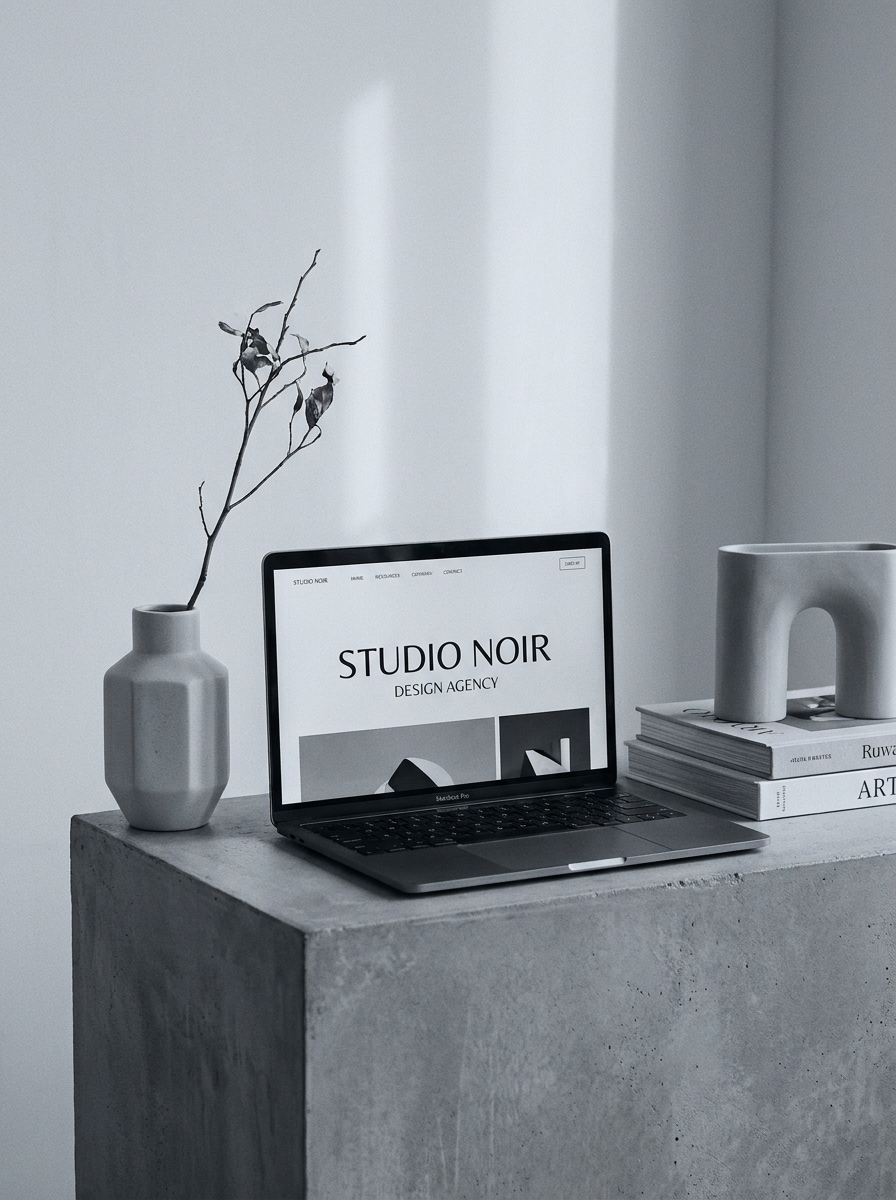
Use a imagem enviada como conteúdo da tela e reestilize-a em um mockup de MacBook editorial monocromático com props minimalistas, geometria limpa, sombras suaves, direção de arte inspirada em revistas sofisticadas, paleta em escala de cinza fria, espaço negativo equilibrado e uma atmosfera refinada de vitrine de produtos moderna.
Exposição de Produto em Ângulo
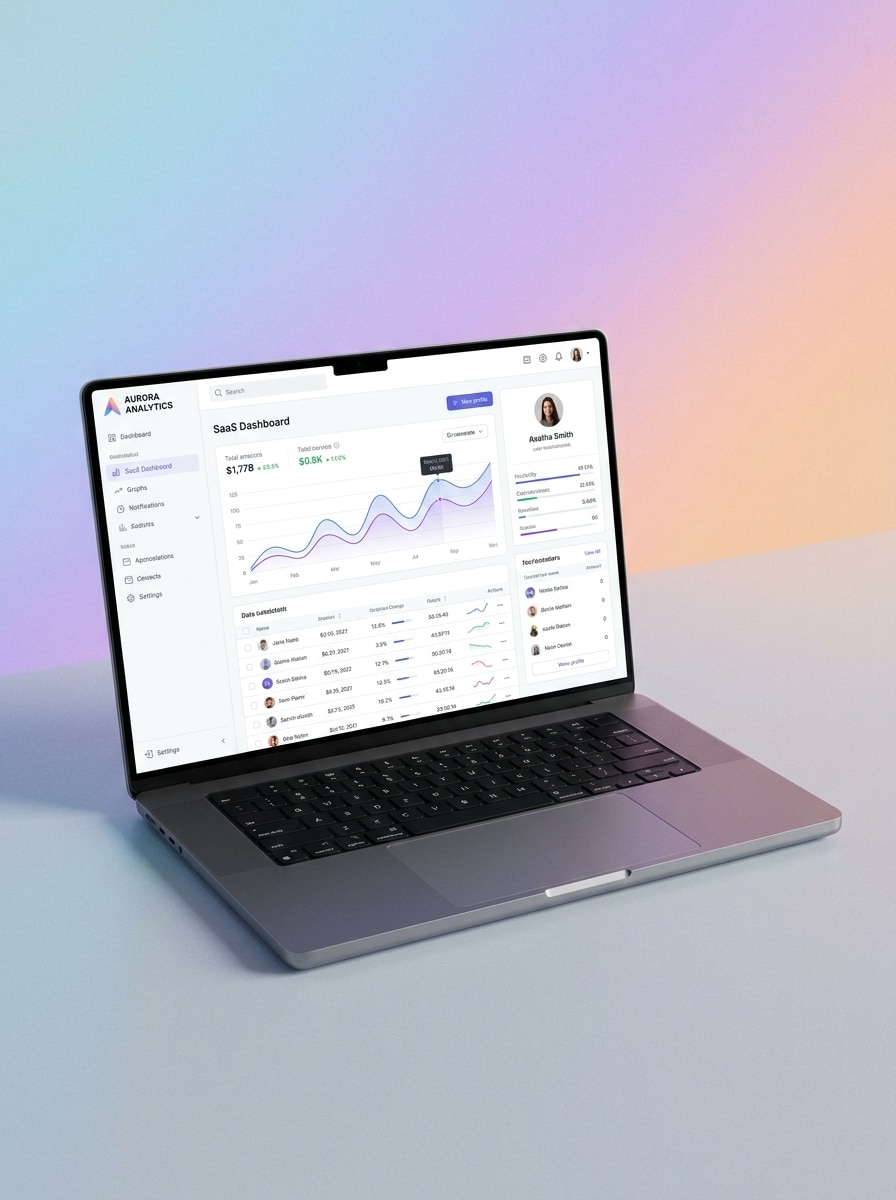
Use a imagem enviada como conteúdo da tela e insira-a em um mockup de MacBook Pro angulado projetado para apresentação de produtos, com fundo de gradiente suave, detalhe de tela em alta resolução, reflexos delicados, acabamento premium em alumínio e uma composição moderna de vitrine SaaS.
Combinação de Dispositivos Responsivos
Use a imagem enviada como conteúdo principal do site e transforme-a em uma cena de mockup responsivo com MacBook e smartphone juntos, fundo moderno e limpo, composição equilibrada, telas nítidas, iluminação suave, texturas premium dos dispositivos e um estilo profissional de apresentação de web design.
Recorte com Fundo Transparente
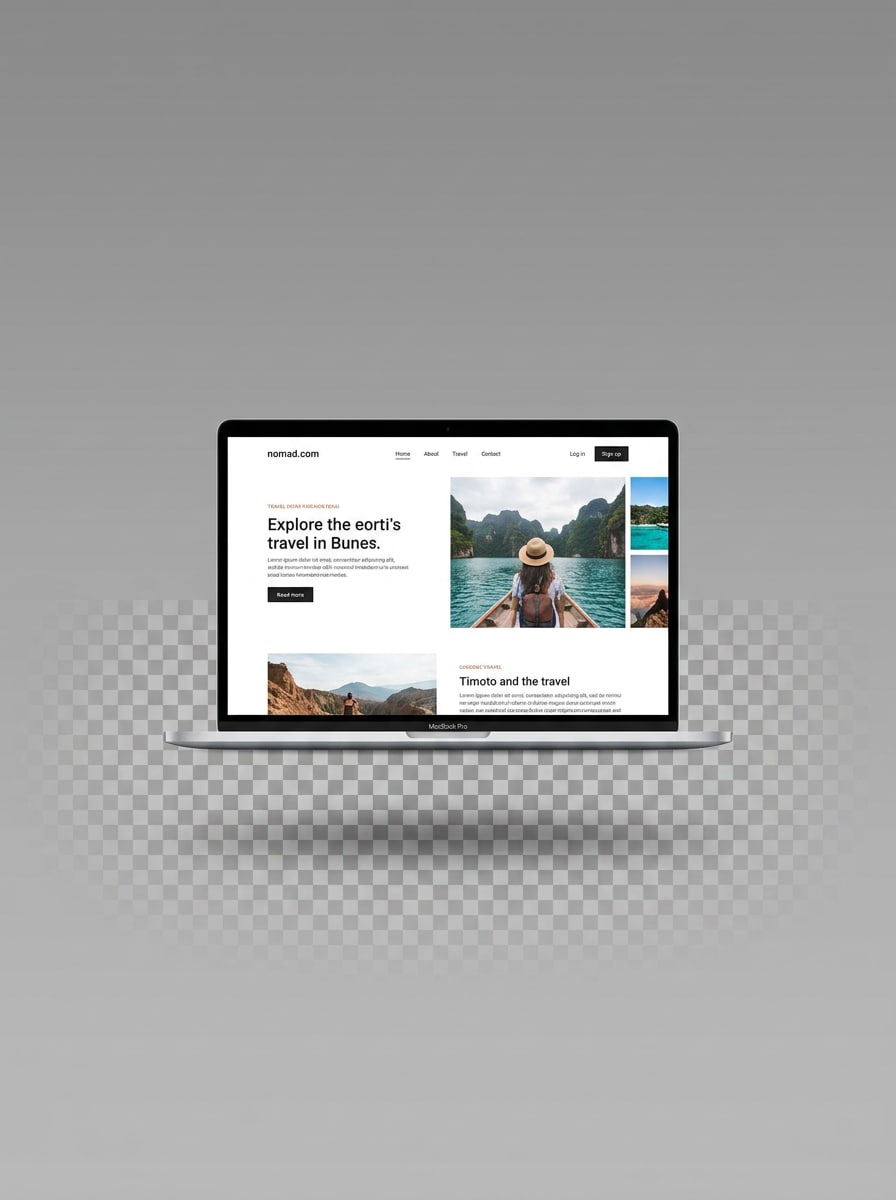
Use a imagem enviada como conteúdo da tela e gere um mockup de MacBook isolado com visual de fundo transparente, enquadramento centralizado do dispositivo, bordas limpas, sombra realista suave, tela nítida, iluminação neutra e um estilo de ativo comercial ideal para listagens e gráficos em camadas.
Perspectiva Otimizada para Miniaturas
Use a imagem enviada como conteúdo da tela e transforme-a em um mockup de MacBook marcante com um ângulo de perspectiva forte otimizado para miniaturas, fundo sem elementos desnecessários, alto contraste, conteúdo visível na tela, iluminação limpa, bordas nítidas e uma apresentação chamativa pronta para marketplaces.
Por que Usar o Media.io para Criar Mockups de MacBook
Crie mockups rapidamente sem instalar o Photoshop ou o Figma
Para edições baseadas em upload, o Media.io mantém o sujeito de referência visualmente consistente enquanto altera a direção final do mockup de macbook, tornando mais fácil gerar e usar cenas personalizadas com confiança.
Explore Diferentes Estilos Sem Perder a Direção
Quando o estilo faz parte do processo de decisão, o Media.io ajuda a comparar múltiplas direções a partir da mesma base de mockup de macbook, tornando a seleção criativa mais eficiente.
Controle a qualidade e o layout para resultados prontos para apresentação
Um único conceito pode ir mais longe com o Media.io, que ajuda a adaptar o mesmo mockup de macbook para posts em redes sociais, slides de apresentação e layouts promocionais sem reconstruir toda a cena do zero.
Gere Resultados Mais Nítidos em até 4K
Para trabalhos de design que precisam se destacar além de uma prévia pequena, o Media.io ajuda a produzir visuais mais nítidos em até 4K, para que o mockup de mac final ou mockup de laptop imac seja mais confiável para apresentações e uso criativo prático.
Como Criar um Mockup de MacBook a Partir da Sua Captura de Tela
Transforme suas palavras em visuais impressionantes em três etapas simples e continue refinando o resultado se quiser ir além.
Passo 1
Envie Sua Imagem de Referência
Envie uma captura de tela clara, prévia de site, design de UI ou imagem de laptop existente nos formatos JPG, PNG ou JPEG. Uma imagem de origem limpa ajuda a IA a posicionar seu conteúdo com mais precisão dentro de uma cena realista de MacBook.
Passo 2
Descreva a Alteração e Defina as Opções
Insira um prompt descrevendo a cena desejada, como vista frontal, dispositivo flutuante, configuração de área de trabalho ou estilo premium escuro. Em seguida, escolha o modelo preferido, a proporção, a resolução e o número de variações de imagem a serem geradas.
Passo 3
Gere, Baixe e Continue Aprimorando
Gere múltiplas variações de mockup, compare os resultados e baixe a versão que melhor se adapta ao seu portfólio, página de e-commerce ou apresentação para clientes. Se necessário, refine o prompt e crie estilos mais refinados a partir do mesmo design.
Veja como criadores usam este mockup de MacBook para conteúdo, marketing e projetos pessoais e adapte cada ideia para o briefing.
Apresente sites e dashboards SaaS com mais sofisticação
Exiba landing pages, dashboards de produtos e telas de integração dentro de cenas realistas de laptop prontas para estudos de caso, páginas de lançamento e apresentações para investidores. O Media.io ajuda a transformar capturas de tela simples em apresentações Mac refinadas e uma narrativa visual mais impactante.
Crie visuais para marketplace e e-commerce com aparência mais limpa
Gere renders de dispositivos isolados, fotos de produtos com visão frontal ou cenas de perspectiva marcante para imagens de lojas e listagens digitais. Esses visuais refinados ajudam modelos web, kits de UI, ativos de design ou uma prévia de template de macbook limpo a parecerem mais premium e fáceis de avaliar.
Crie mockups de portfólio prontos para clientes em minutos
Freelancers e agências podem transformar um design em múltiplos estilos de apresentação para propostas, projetos no Behance ou posts em redes sociais. Com o Media.io, você pode criar rapidamente uma variação de mockup de mac para diferentes moods de marca e públicos, em vez de editar manualmente arquivos em camadas.
O que os Usuários Dizem Sobre a Criação de Mockups no Media.io
Lena Brooks
Designer de UI
"Muito mais rápido do que procurar templates" Eu costumava gastar muito tempo procurando a cena certa de MacBook. Com o Media.io, faço upload da minha tela e gero vários mockups refinados em minutos. É especialmente útil para estudos de caso e apresentações de landing pages.
Owen Patel
Profissional de Marketing de Startup
"Ótimo para materiais de lançamento e anúncios" Precisávamos de visuais de laptop para anúncios de produtos sem abrir o Photoshop. O fluxo de trabalho no navegador é simples, e os resultados ficam limpos o suficiente para posts em redes sociais, criativos de anúncios e materiais de pitch.
Marina Costa
Web Designer Freelance
"Útil para prévias para clientes" Os clientes respondem melhor quando veem o site deles dentro de uma cena realista de dispositivo em vez de uma captura de tela simples. Gosto de poder testar estilos minimalistas, de lifestyle e premium a partir do mesmo design enviado.
Jayden Kim
Criativo de E-commerce
"Útil para imagens de listagem de produtos" Os estilos de mockup isolados são práticos para miniaturas de marketplace e páginas de produtos digitais. Consigo gerar apresentações de dispositivos nítidas e limpas rapidamente e adaptá-las para diferentes layouts sem softwares adicionais de mockup.
Explore os efeitos de vídeo e imagem de IA mais quentes
1. Como posso transformar uma captura de tela em um mockup de MacBook?
Envie sua captura de tela ou design para o Media.io e insira um prompt descrevendo a cena de MacBook desejada, como uma visão limpa de estúdio, configuração de área de trabalho ou foto de produto em ângulo. O Media.io usa seu upload como referência, para que você possa transformar uma captura de tela simples em um mockup de macbook realista em poucos passos. A ferramenta é baseada na web e funciona em dispositivos com um navegador moderno, incluindo Windows, Mac, iOS e Android.
2. Posso criar um mockup de MacBook online gratuitamente?
O Media.io oferece créditos gratuitos para que você possa experimentar a criação de um mockup de macbook online sem pagar antecipadamente. O uso gratuito pode incluir marcas d'água, enquanto os planos pagos desbloqueiam mais créditos e downloads em alta resolução sem marca d'água. Você pode comparar essas opções na página de preços.
3. Preciso do Photoshop ou do Figma para criar um mockup de MacBook Pro?
Não. O Media.io é baseado na web, então você pode criar um mockup no estilo MacBook diretamente no seu navegador sem instalar o Photoshop ou o Figma. Isso torna o Media.io útil para apresentações rápidas, visuais de marketing e prévias para clientes quando você deseja uma alternativa mais ágil ao fluxo de trabalho tradicional com templates em camadas.
4. Quais formatos de imagem posso enviar para um mockup de laptop?
O Media.io suporta uploads em JPG, PNG e JPEG para geração de imagem para imagem. Você pode usar uma captura de tela de site, interface de aplicativo, exportação de design ou outra imagem de origem como referência para o seu mockup de laptop ou cena de mockup de Mac.
5. O resultado do mockup terá alta resolução para apresentações ou e-commerce?
O Media.io suporta opções de resolução em 1K, 2K e 4K, o que é útil quando você precisa de visuais mais nítidos para apresentações, listagens de e-commerce, páginas de produtos ou miniaturas de portfólio. Você também pode ajustar as proporções para melhor se adequar a slides, imagens de lojas e layouts de redes sociais. Usuários gratuitos podem ver marcas d'água.
6. Posso gerar diferentes estilos de mockup de MacBook a partir de um único design?
O Media.io funciona em navegadores modernos em desktop e dispositivos móveis, para que você possa criar e revisar um mockup de MacBook, conceito de template de macbook ou apresentação semelhante de dispositivo sem instalar softwares pesados.