As criações são armazenadas por apenas 7 dias. Os recursos criados após o upgrade para um plano de assinatura serão armazenados permanentemente.
Desbloqueie seu potencial criativo e experimente a magia da IA de mídia hoje!
Aplique um Filtro de Foto Infravermelha para Transformações Surreais com Aparência de Câmera
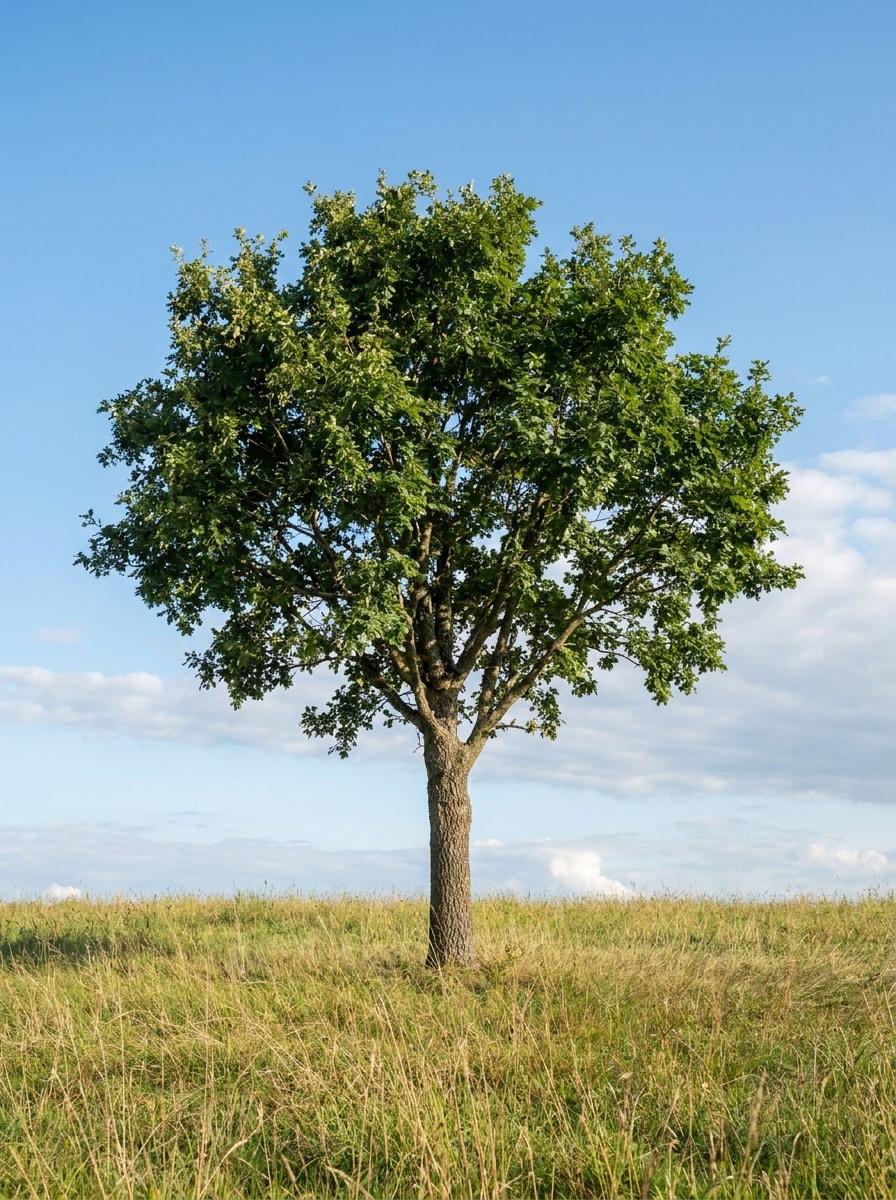
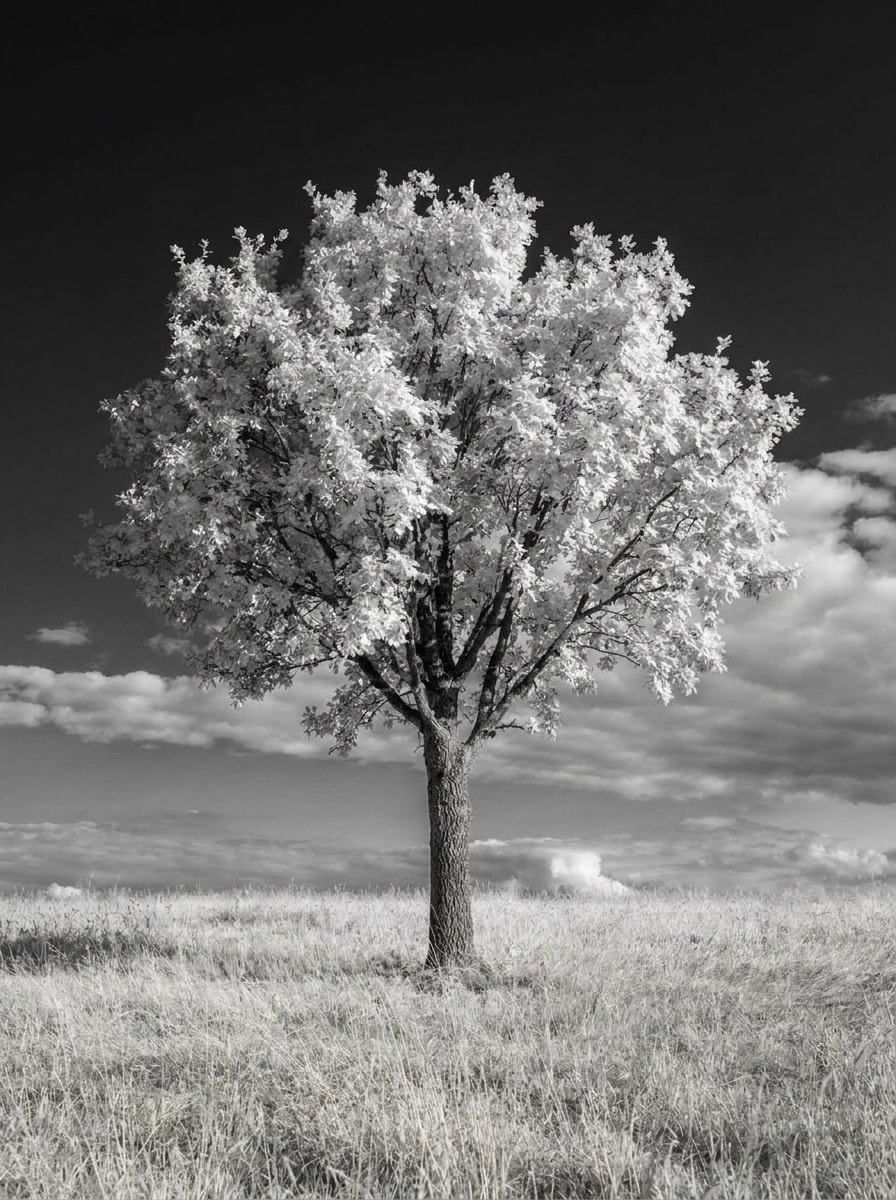
Transforme uma imagem comum em uma foto no estilo infravermelho com folhagens brilhantes, céus escuros e contraste cinematográfico. O Media.io permite criar umfiltro de foto infravermelharealista, desde IR em preto e branco atéfiltro infravermelho de falsa corem diferentes estilos, rápido no desktop ou no celular.
Digite sua ideia -> A IA cria para você. Experimente grátis.
Revise estes exemplos de direções e, em seguida, ajuste os detalhes do comando para obter resultados ainda melhores com este filtro de foto infravermelha.
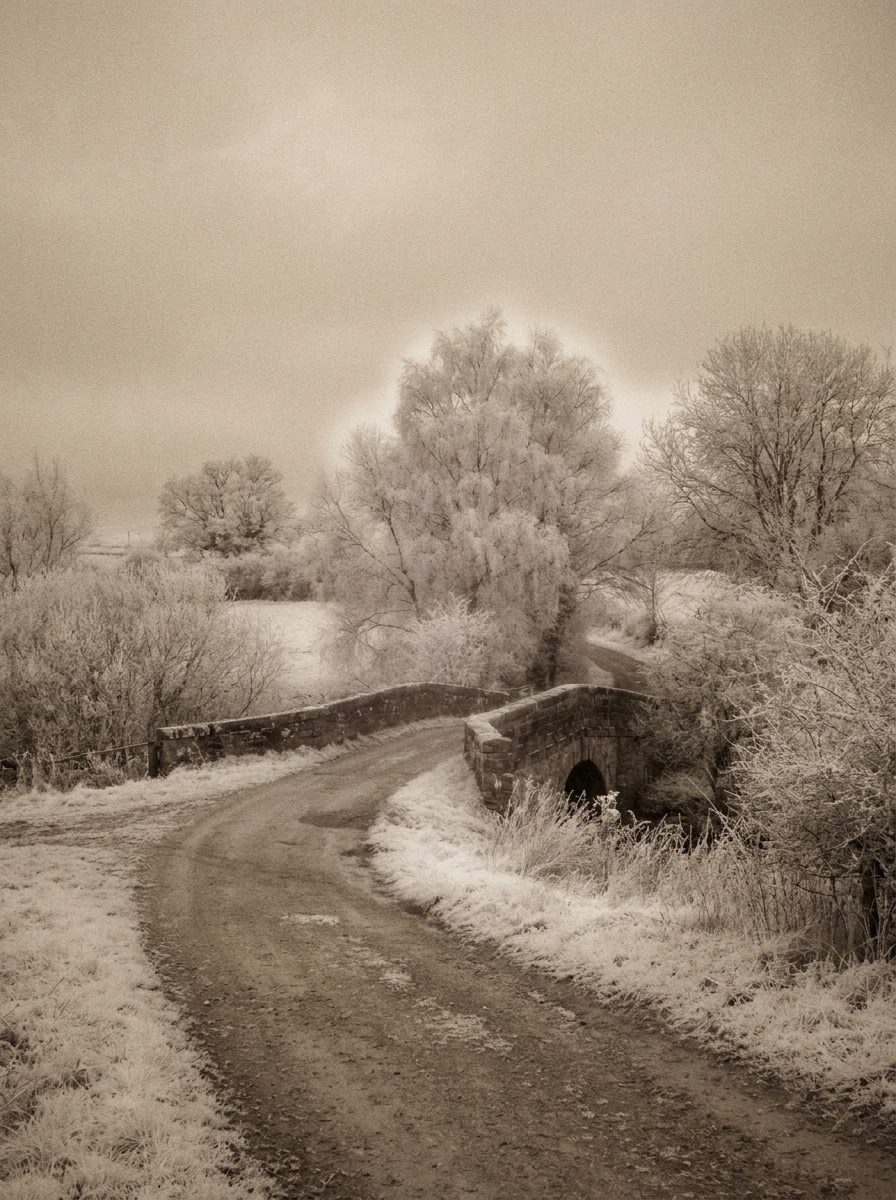
IR Preto e Branco
Utilize a imagem enviada como assunto e transforme-a em uma clássica foto de paisagem infravermelha em preto e branco. Crie folhagens brancas brilhantes, céus escuros marcantes, contraste tonal intenso, detalhes nítidos nas bordas, textura fotográfica realista, exposição equilibrada e um clima artístico atemporal com profundidade natural.
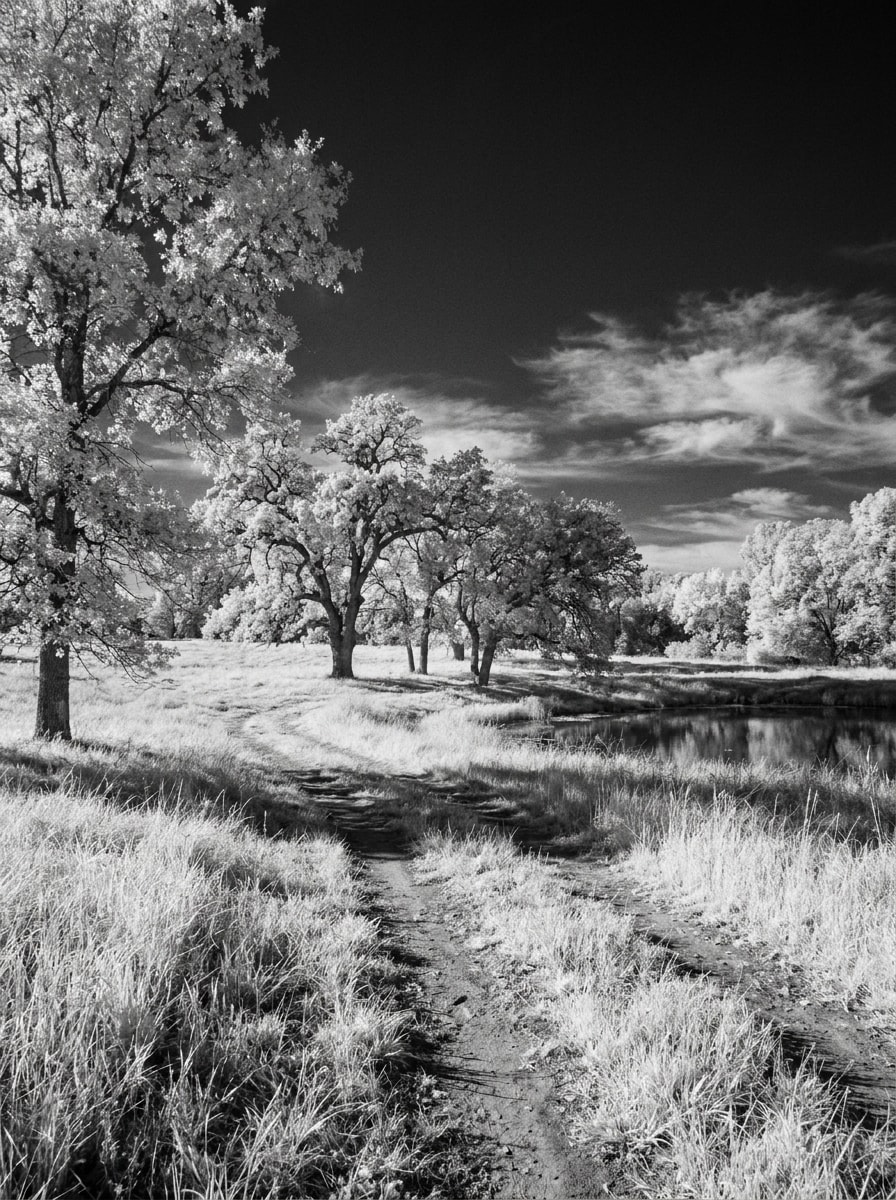
Infravermelho com Contraste Profundo
Use a foto externa enviada como base e aplique um visual de câmera infravermelha dramático. Deixe a vegetação brilhante e luminosa, aprofunde o céu para um tom de carvão intenso, aumente a separação tonal, preserve a direção realista da luz e adicione detalhes nítidos para um resultado impactante no estilo galeria.
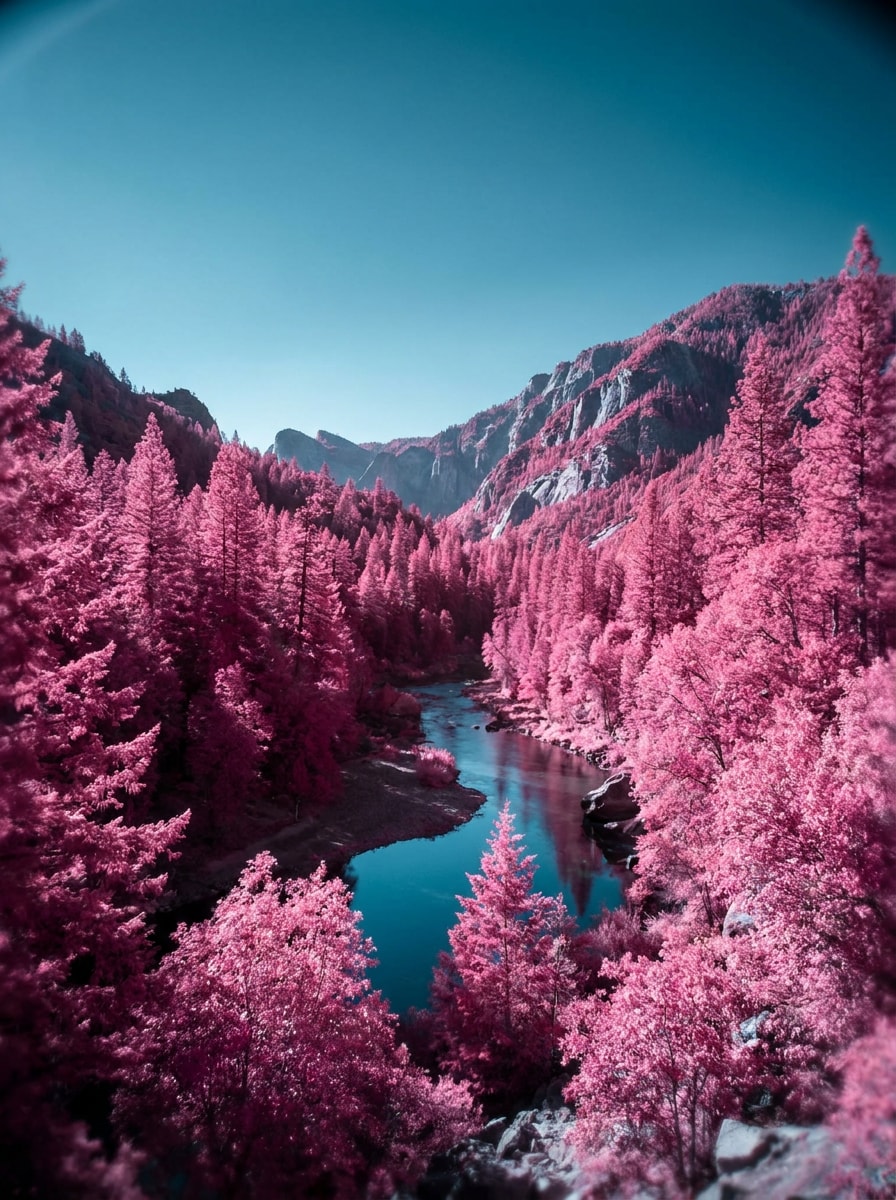
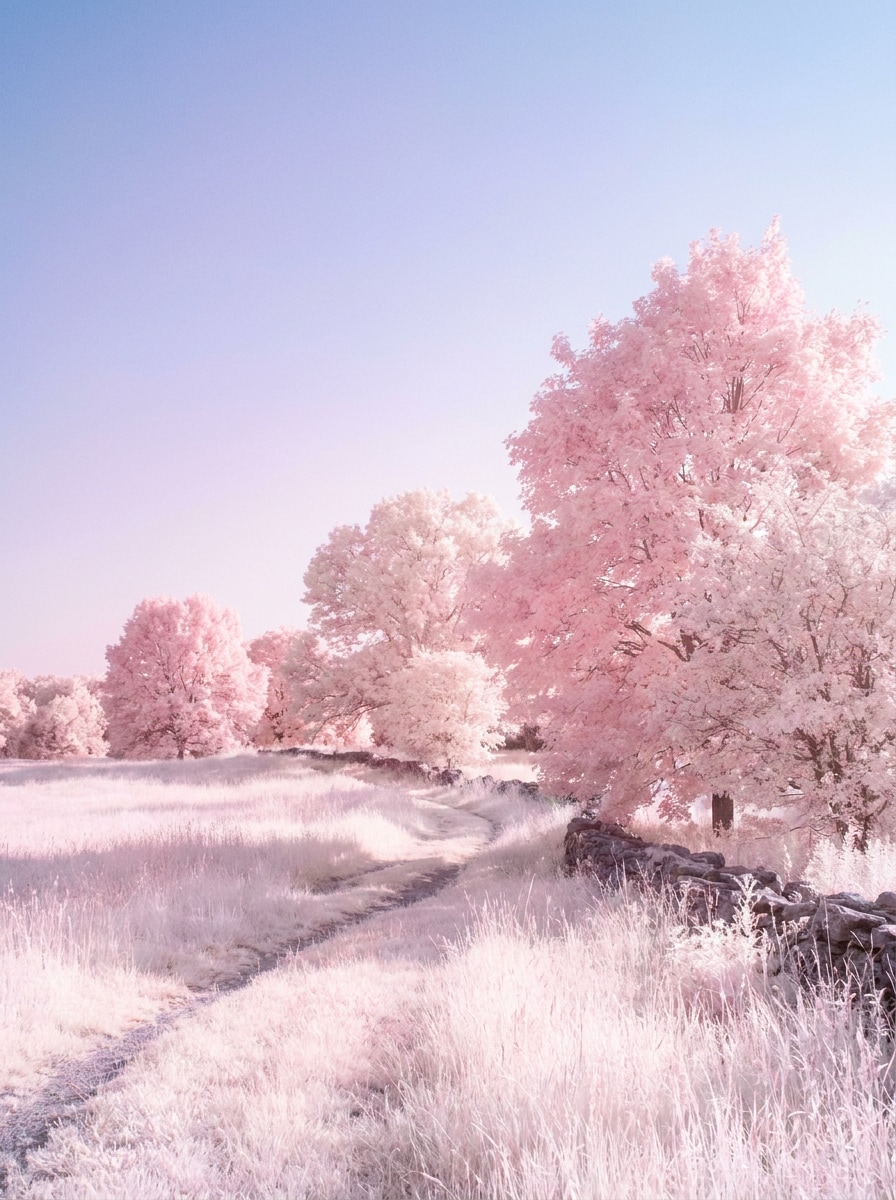
IR com Folhagem Rosa
Use a imagem enviada como foco e converta-a em uma cena de infravermelho de falsa cor vibrante. Transforme árvores e plantas em tons de rosa e magenta, mantenha o céu em azul-ciano frio, preserve realces e sombras realistas e crie um clima externo surreal porém fotográfico com detalhes limpos.
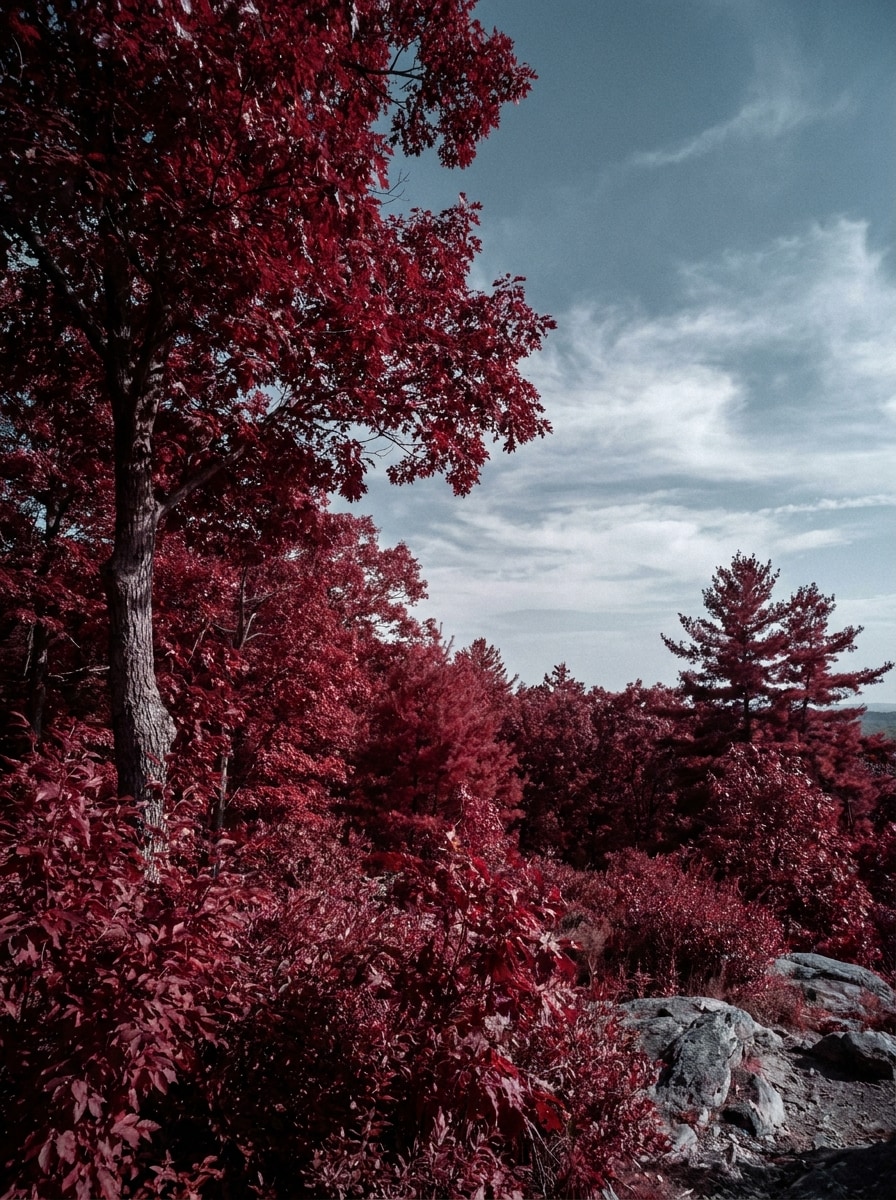
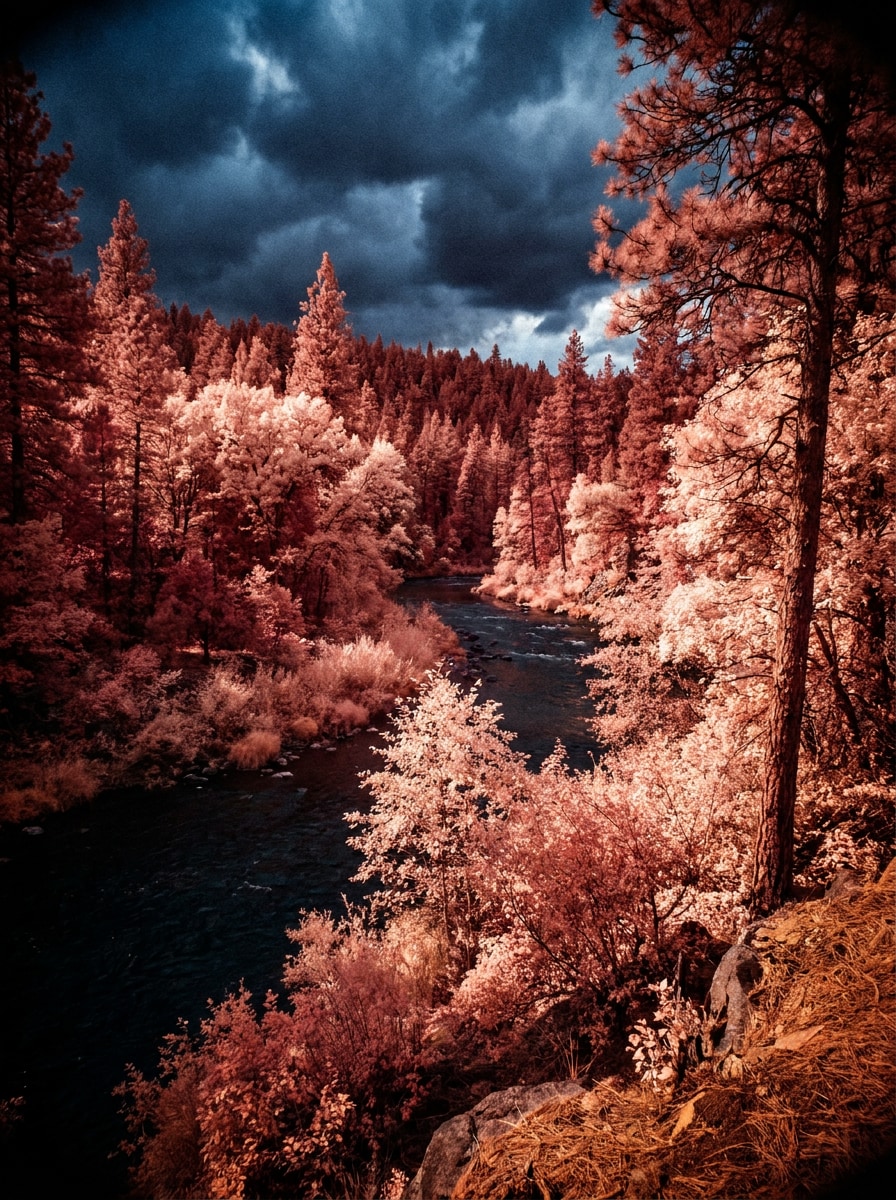
IR com Folhagem Vermelha
Use a foto externa enviada e aplique uma transformação de infravermelho de canal vermelho marcante. Mostre a vegetação em tons intensos de carmim e escarlate, separe o céu com tons azulados mais frios, mantenha as sombras críveis e preserve detalhes realistas da câmera para uma fotografia de natureza dramática e artística.
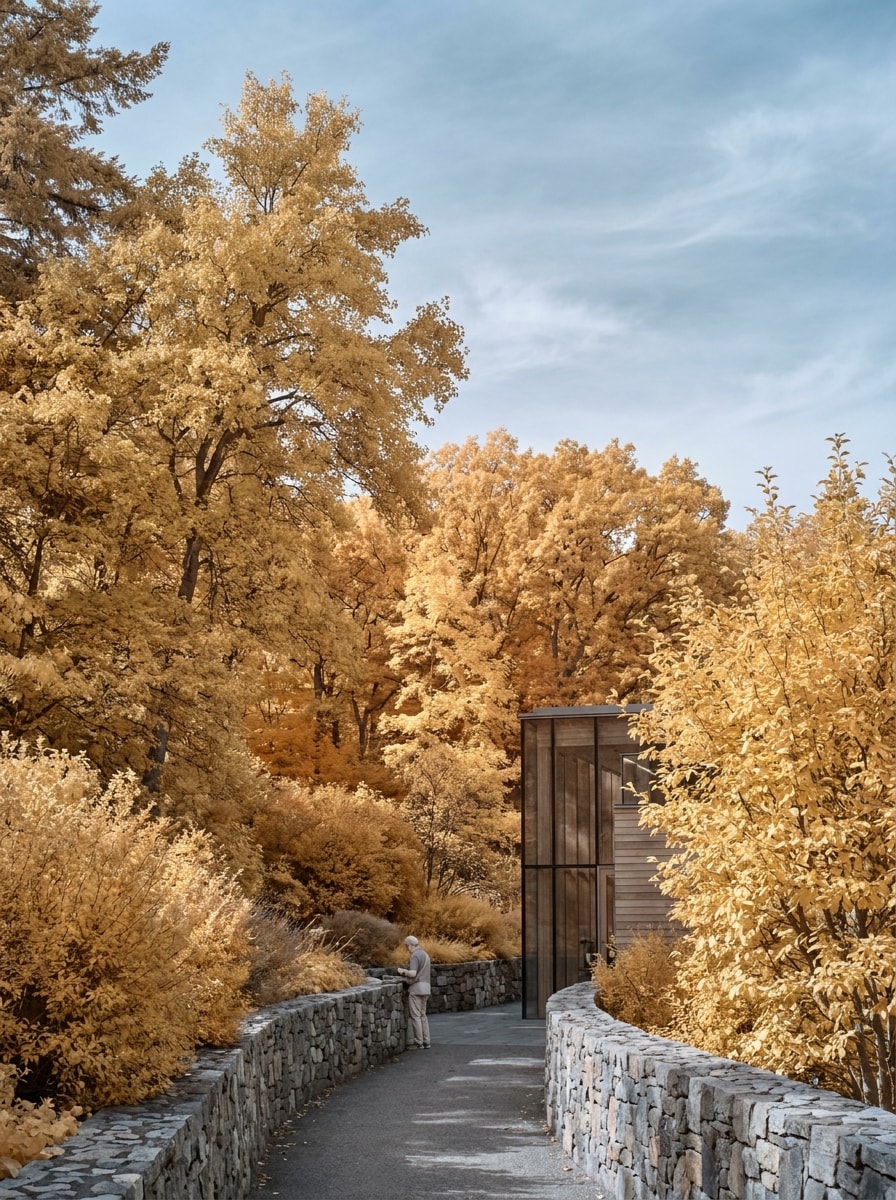
Visual IR Chrome Amarelo
Use a imagem enviada como referência e transforme-a em uma edição de falsa cor inspirada em cromado IR. Deixe a folhagem em tons quentes de amarelo e dourado, mantenha o céu suavemente azul, preserve iluminação e textura realistas e crie uma foto artística refinada com transições suaves e apelo visual moderno.
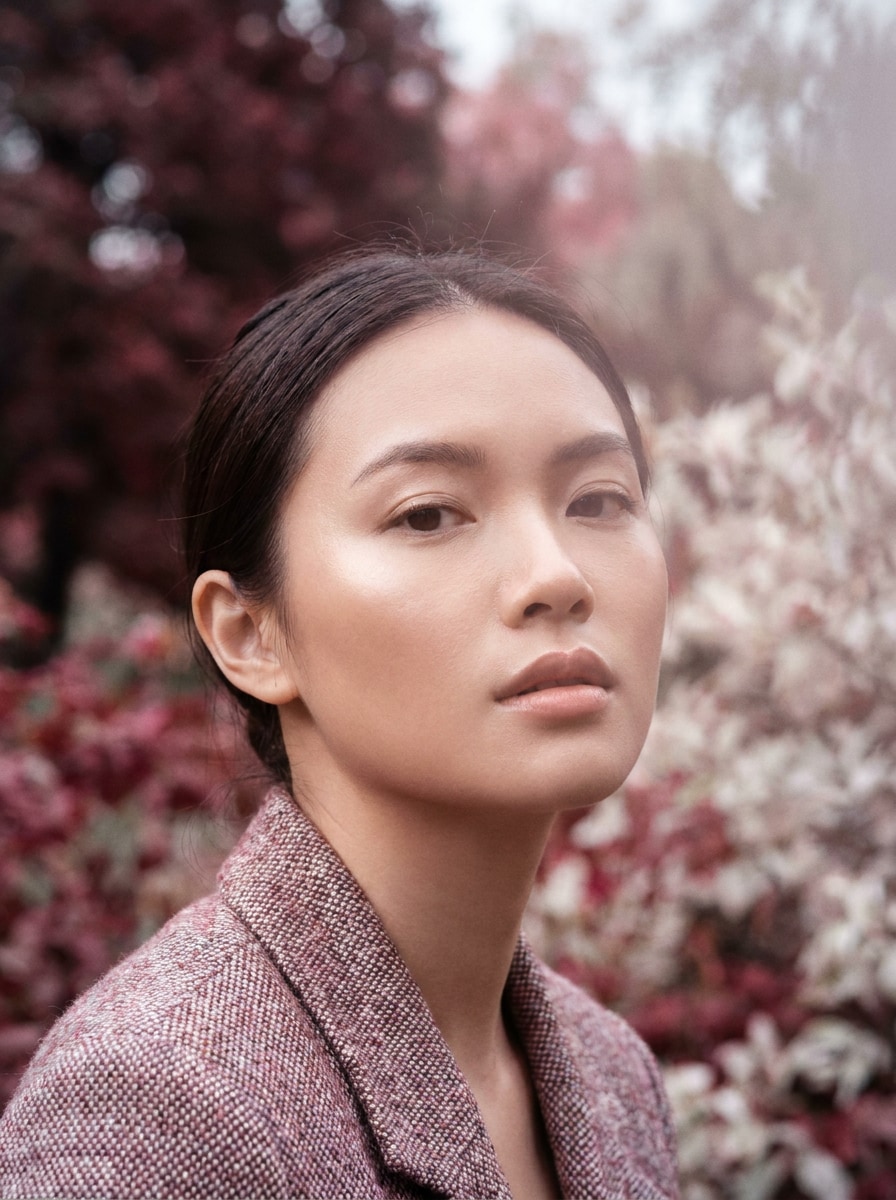
Retrato Infravermelho com Pele Suave
Utilize o retrato enviado como assunto e aplique um filtro cinematográfico de retrato infravermelho. Mantenha os traços faciais realistas, suavize a pele com um brilho luminoso delicado, desature suavemente o fundo, controle o contraste e adicione luz editorial premium para um resultado sofisticado de filtro de retrato infravermelho.
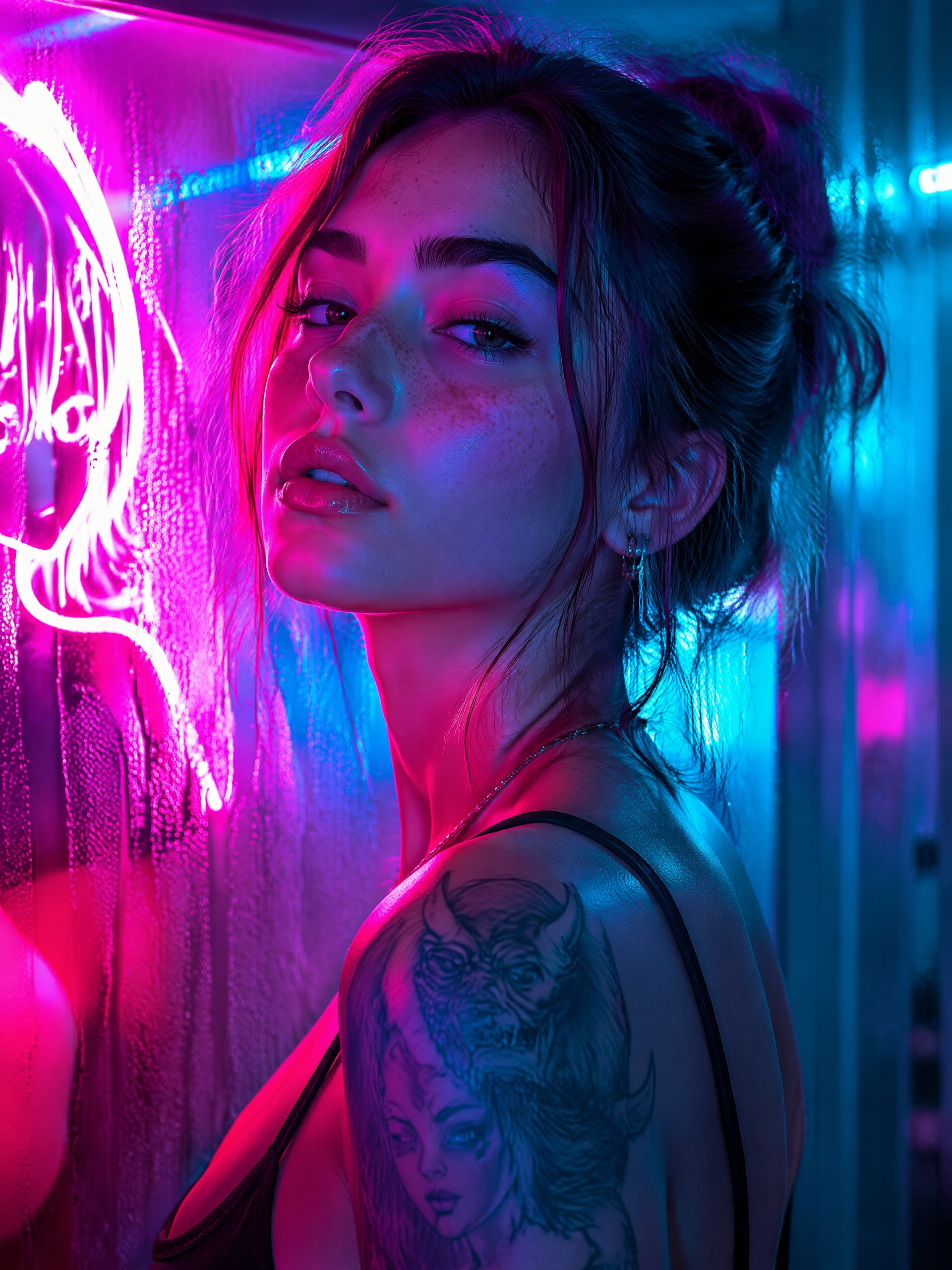
Retrato IR Neon Surreal
Use o retrato enviado e transforme-o em uma imagem infravermelha neon estilizada. Misture tons de magenta e ciano na cena, adicione brilhos destacados, aprofunde o contraste, preserve a identidade facial e crie um retrato surreal e refinado com acabamento vibrante pronto para redes sociais.
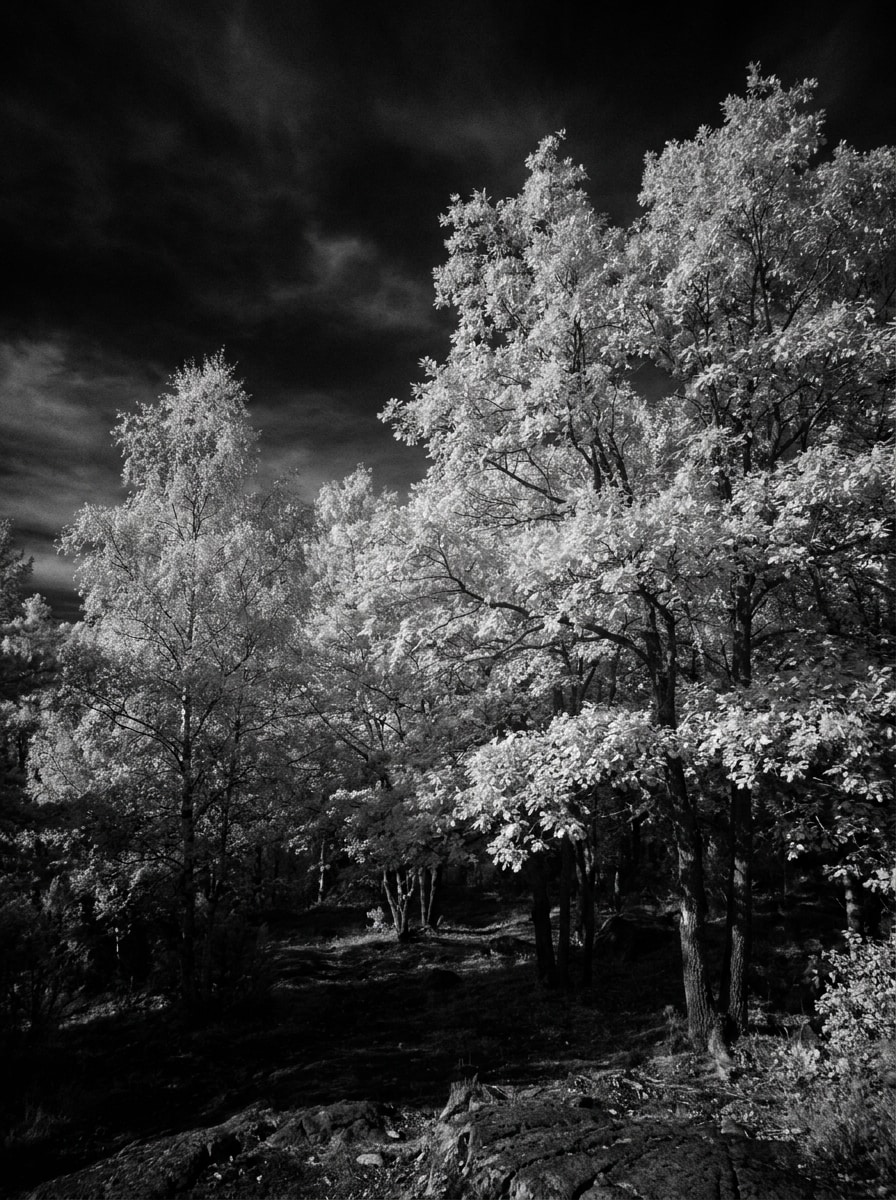
Granulação de Filme Infravermelho
Utilize a foto enviada como fonte e recrie um clima de filme infravermelho analógico. Realce a folhagem para tons brancos, suavize a nitidez digital, adicione granulação e halo sutis, mantenha o contraste natural porém marcado e produza um visual nostálgico de câmera com textura realista e transição tonal suave.
Visual com Filtro Vermelho Profundo
Use a imagem enviada como base e simule um filtro estilo infravermelho vermelho profundo. Enriqueça a vegetação com tons quentes de vermelho, escureça áreas mais frias, mantenha o realismo geral intacto e adicione um leve caráter analógico para que a foto pareça uma transformação marcante de filtro baseado em câmera.
IR de Verão dos Sonhos
Use a foto de verão enviada e a transforme em uma edição infravermelha de atmosfera suave. Faça árvores e grama brilharem em branco ou rosa pastel, suavize o gradiente do céu, amacie os realces e crie uma imagem elegante e compartilhável com separação de cores frescas da estação.
Por que Usar o Media.io para Edições de Fotos no Estilo Infravermelho
Transforme Fotos Comuns em Imagens no Estilo IR Rapidamente
Em vez de precisar de uma câmera convertida, o Media.io permite que você envie uma foto comum e aplique umfiltro AI infravermelhoem minutos. Isso significa testes de conceito mais rápidos para paisagens, retratos e posts sociais, com uma transformação clara de antes e depois.
Combine o Estilo Certo para Cada Versão
Quando o estilo faz parte da decisão, o Media.io ajuda a comparar múltiplas direções partindo do mesmo filtro infravermelho, tornando a seleção criativa mais eficiente.
Mantenha o Resultado Final Nítido para Projetos Reais
Quando um filtro de foto infravermelha vai ser usado em publicações reais, o Media.io fornece saídas mais nítidas com resolução até 4K, ajudando a imagem a se manter clara em apresentações, fundos e ativos reutilizados.
Prossiga com o Workflow Entre Dispositivos
O trabalho criativo raramente fica em uma só tela. O Media.io mantém o fluxo de filtro infravermelho no seu navegador, para que você inicie pelo celular e termine no desktop sem precisar instalar softwares extras.
Como Criar um Efeito de Foto Infravermelha Online
Transforme suas palavras em imagens incríveis em três passos simples e continue refinando o resultado se quiser avançar mais.
Passo 1
Envie Sua Imagem de Referência
Comece por uma foto clara em JPG, PNG ou JPEG. Cenas externas com árvores, grama, céu ou retratos próximos à luz natural funcionam especialmente bem, se você quer folhagens brilhantes, céus escuros ou umefeito de câmera infravermelha.
Passo 2
Descreva a Mudança e Defina as Opções
Digite o visual que deseja, como IR preto e branco, folhagem rosa, tons de vermelho profundo ou um retrato surreal. Em seguida, escolha o modelo e ajuste proporção, qualidade e resolução de imagem para compartilhar nas redes ou baixar em alta definição.
Passo 3
Gere, Baixe e Continue Melhorando
Crie suas variações infravermelho, compare resultados e baixe a versão que mais gostar. Se desejar, refine o comando, tente um tratamento de cor diferente ou gere mais opções até que a cena esteja com o clima e contraste exatos desejados.
Desbloqueie o Potencial do Efeito de Câmera Infravermelha
Veja como criadores usam este filtro de foto infravermelha para conteúdo, marketing e projetos pessoais e adapte cada ideia ao seu objetivo.
Reinvente Fotos de Viagens e Natureza
Transforme parques comuns, florestas e cenários de estrada em verdadeiras obras de arte com folhagem brilhante e céus dramáticos. É ideal para fotógrafos e entusiastas que buscam um visual IR surreal sem precisar de equipamentos especiais ou pós-processamento técnico.
Crie Retratos que Paralisam o Feed
Dê um toque cinematográfico ou neon a retratos e fotos externas, mantendo a pessoa reconhecível. Um tratamento infravermelho estilizado pode tornar fotos de perfil, editoriais e conteúdo social mais distintos e atuais.
Produza Conteúdos de Antes e Depois para Compartilhar
Mostre como uma foto padrão se transforma em uma ediçãoefeito de câmera infravermelhamarcante para Reels, TikTok ou showcases de design. O contraste visual entre o original e o transformado aumenta o engajamento em tutoriais, promoções e portfólios.
Depoimentos de Usuários
Ava Martinez
Fotógrafa de Viagens
"Ótimo para edições surreais de paisagem"Usei em fotos normais das férias e consegui aquele visual de folhagem brilhante do infravermelho bem mais rápido do que esperava. Os estilos preto e branco e folhagem rosa ficaram refinados o suficiente para meu portfólio.
Jordan Lee
Criador de Conteúdo
"Perfeito para posts de antes e depois nas redes"A transformação é marcante, no bom sentido. Enviei uma imagem externa simples, testei alguns comandos e acabei com uma versão em falsa cor impactante, que se saiu muito bem em vídeos curtos.
Priya Shah
Retocadora de Retratos
"Útil para conceitos de retratos estilizados"Gostei de poder manter o sujeito reconhecível enquanto mudava todo o clima. O resultado cinematográfico ficou criativo sem parecer artificial demais, algo difícil de conseguir com muitos filtros rápidos.
Ethan Collins
Estudante de Design
"Fácil de testar vários estilos infravermelhos"Queria comparar visual vermelho profundo, IR monocromático e retratos neon para um projeto da faculdade. O Media.io facilitou experimentar e exportar bons resultados sem programas complexos de edição.
Explore os efeitos de vídeo e imagem de IA mais quentes
Perguntas Frequentes sobre Filtro de Foto Infravermelha
1. O que é um efeito de filtro de foto infravermelha?
Um efeito de filtro de foto infravermelha recria o estilo visual associado à fotografia infravermelha, como folhagens brilhantes, céus mais escuros, separação de cores incomum e contraste tonal intenso. Com o Media.io, você pode aplicar esse visual a uma imagem comum enviada e explorar estilos que vão do IR monocromático ao efeito infravermelho de falsa cor realista.
2. Posso criar uma foto infravermelha a partir de uma imagem comum?
O Media.io é feito para edição de imagem para imagem: basta enviar uma foto comum (JPG, PNG ou JPEG) e transformá-la em um resultado com estilo infravermelho. É ótimo se você deseja o clima visual da fotografia IR sem uma câmera convertida ou filtro físico.
3. O filtro de foto infravermelha com IA é tão realista quanto uma câmera IR real?
Uma câmera IR real capta luz além do espectro visível, sendo a melhor opção para fotografia infravermelha tecnicamente autêntica. O foco do Media.io é criar uma transformação convincente no estilo infravermelho a partir de fotos comuns, ideal para edição criativa, conceitos, retratos e conteúdos sociais quando se busca o visual sem equipamentos especializados.
4. Existe filtro infravermelho grátis online?
O Media.io oferece créditos gratuitos para você testar uma edição infravermelha online antes de assinar. Para mais usos e downloads em alta resolução sem marca d’água, consulte a página de preços. Usuários gratuitos podem usar créditos grátis; para mais usos, é possível fazer upgrade de plano para liberar mais créditos e baixar sem marca d’água.
5. Quais fotos funcionam melhor para o efeito infravermelho?
Imagens com árvores, grama, folhas, céus abertos e luz diurna geram resultados mais marcantes, porque a edição infravermelha destaca a separação entre folhagem e céu. Retratos também funcionam bem, principalmente para umfiltro de retrato infravermelhose o rosto estiver claro e a iluminação equilibrada.
6. Posso usar esse filtro infravermelho no celular?
O Media.io funciona no navegador, então você pode usar a ferramenta no seu celular (iPhone ou Android), além do PC. Assim, é fácil enviar uma foto, testar o estilo AI infravermelho e baixar o resultado sem instalar nada extra.
Além do Filtro de Foto Infravermelha Online com IA