As criações são armazenadas por apenas 7 dias. Os recursos criados após o upgrade para um plano de assinatura serão armazenados permanentemente.
Desbloqueie seu potencial criativo e experimente a magia da IA de mídia hoje!
AI Eyelash Filter for Realistic Lash Try-On in Photos
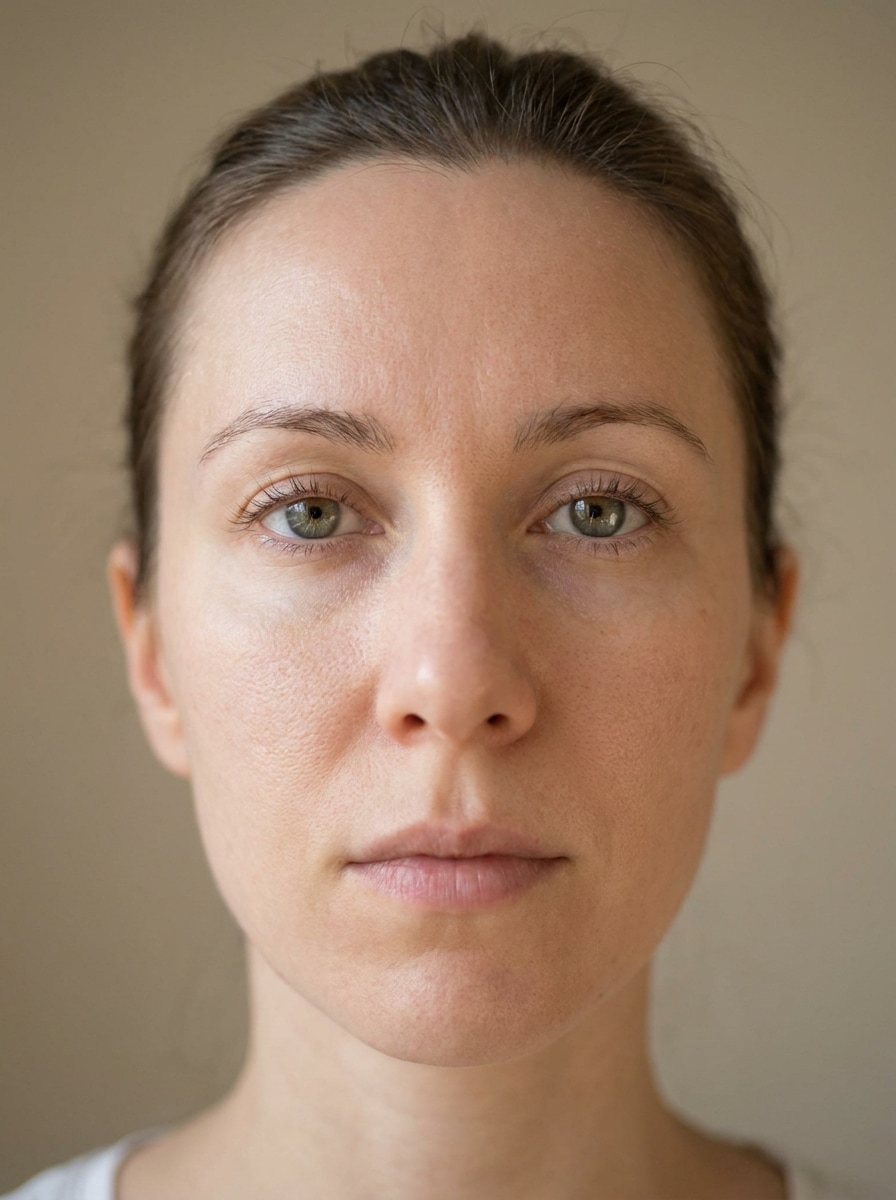
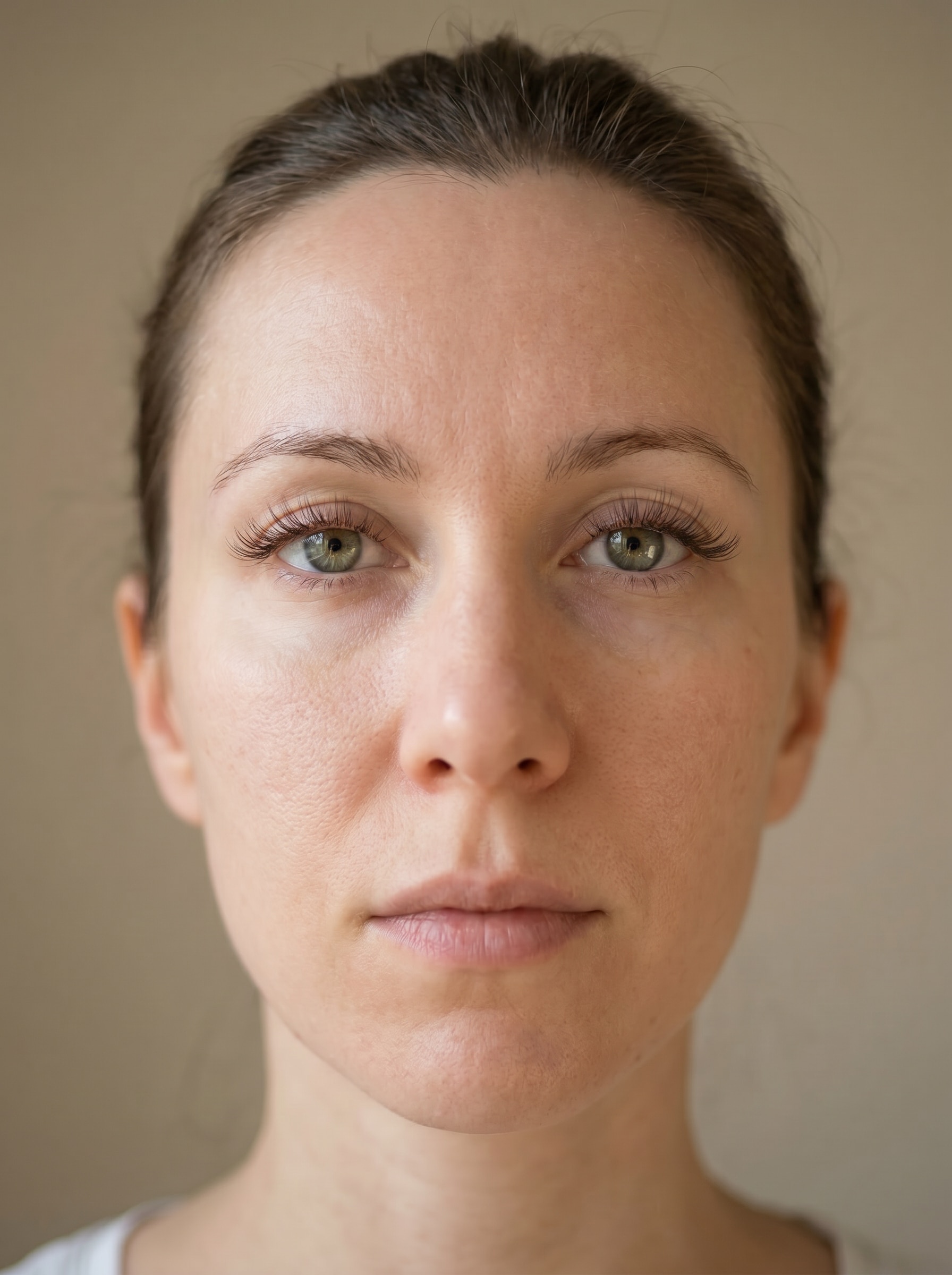
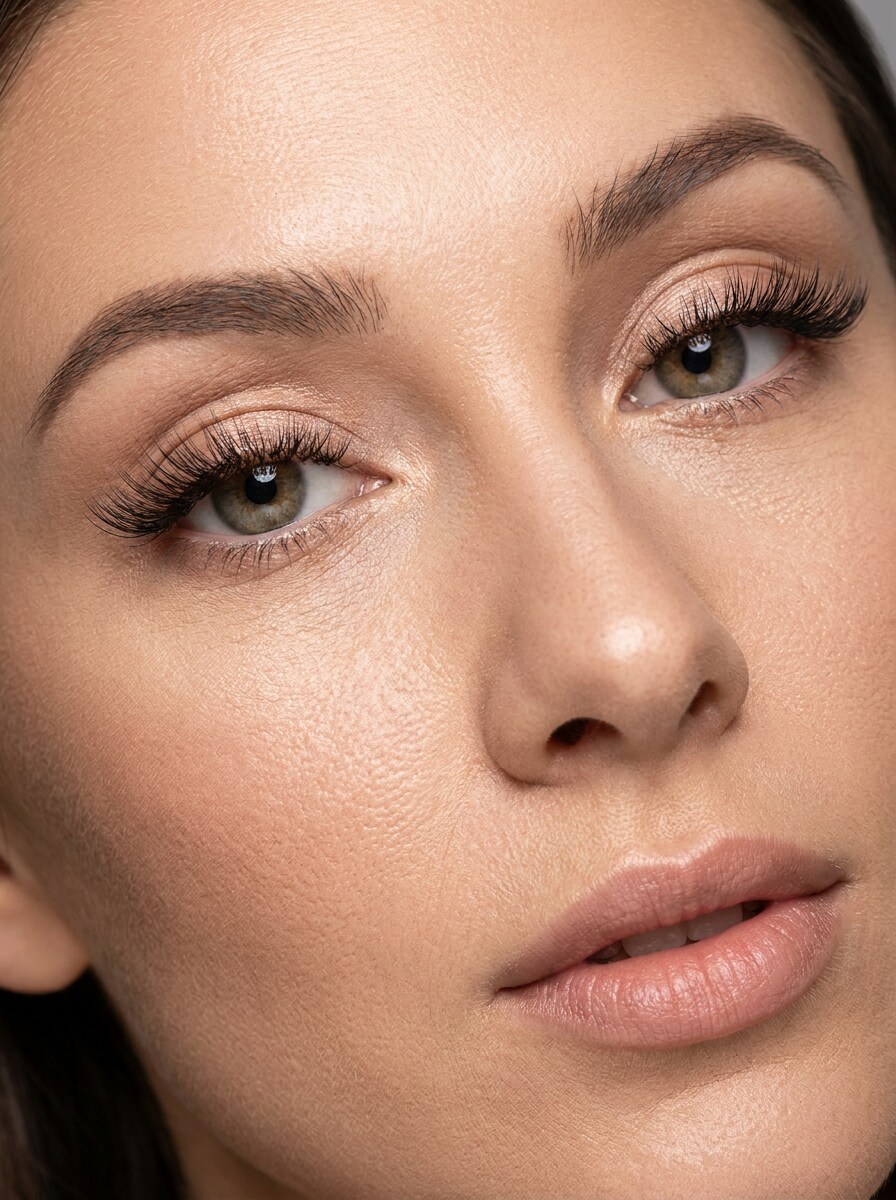
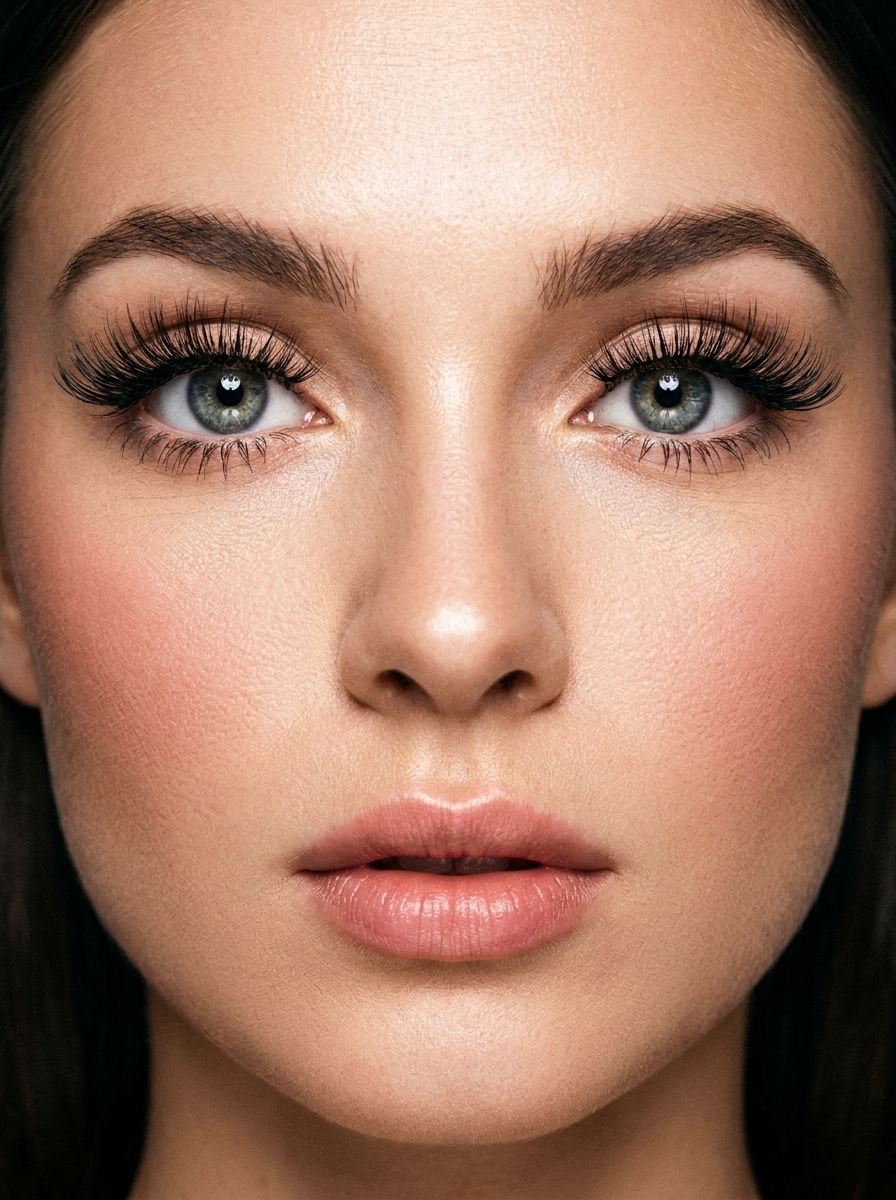
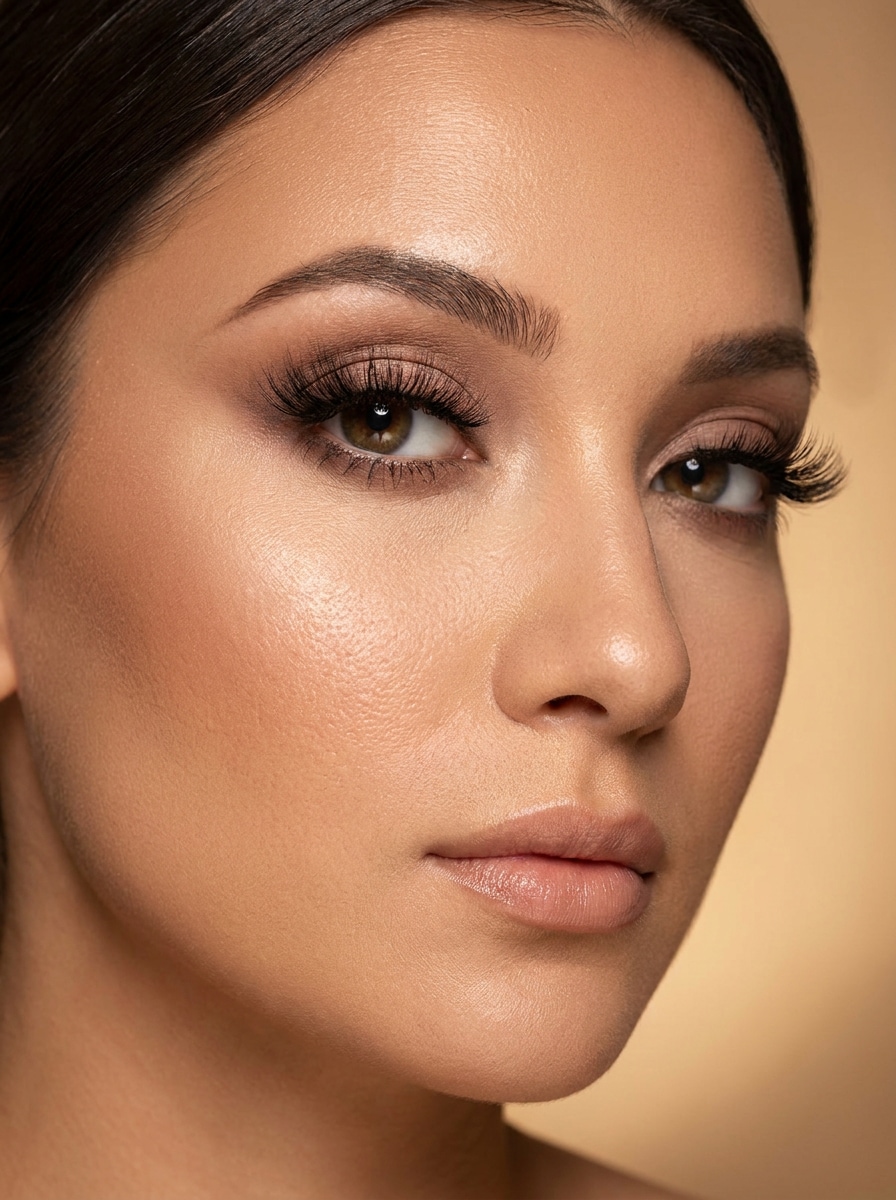
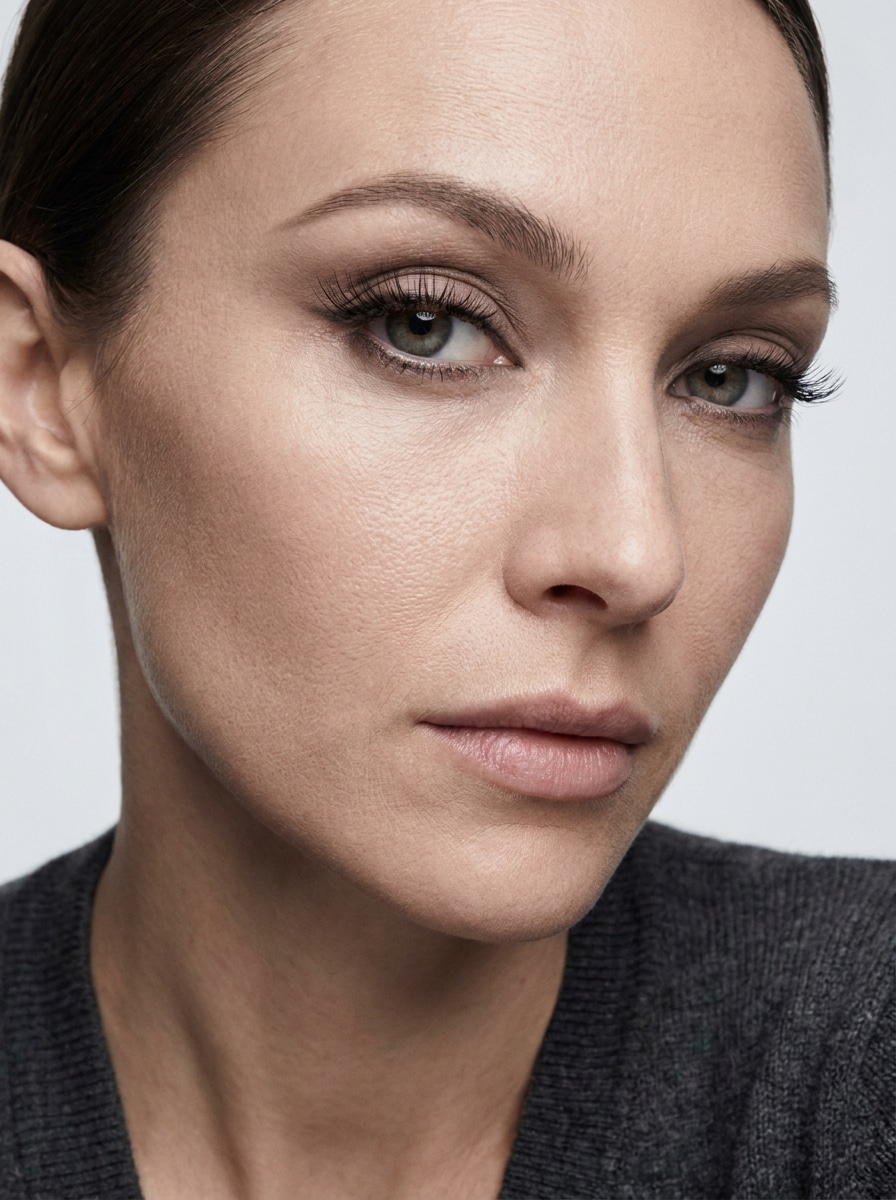
Upload a selfie to preview fuller, longer, or more dramatic lashes in seconds. This eyelash filter lets you try natural, glam, cat-eye, doll-eye, and hybrid looks online with realistic eye detail, making it easy to use as a lashes filter before editing, posting, or comparing styles.
Review these example directions, then tailor the prompt details to get stronger results with this Media.io Eyelash Filter, including more precise prompts for an AI lash try on.
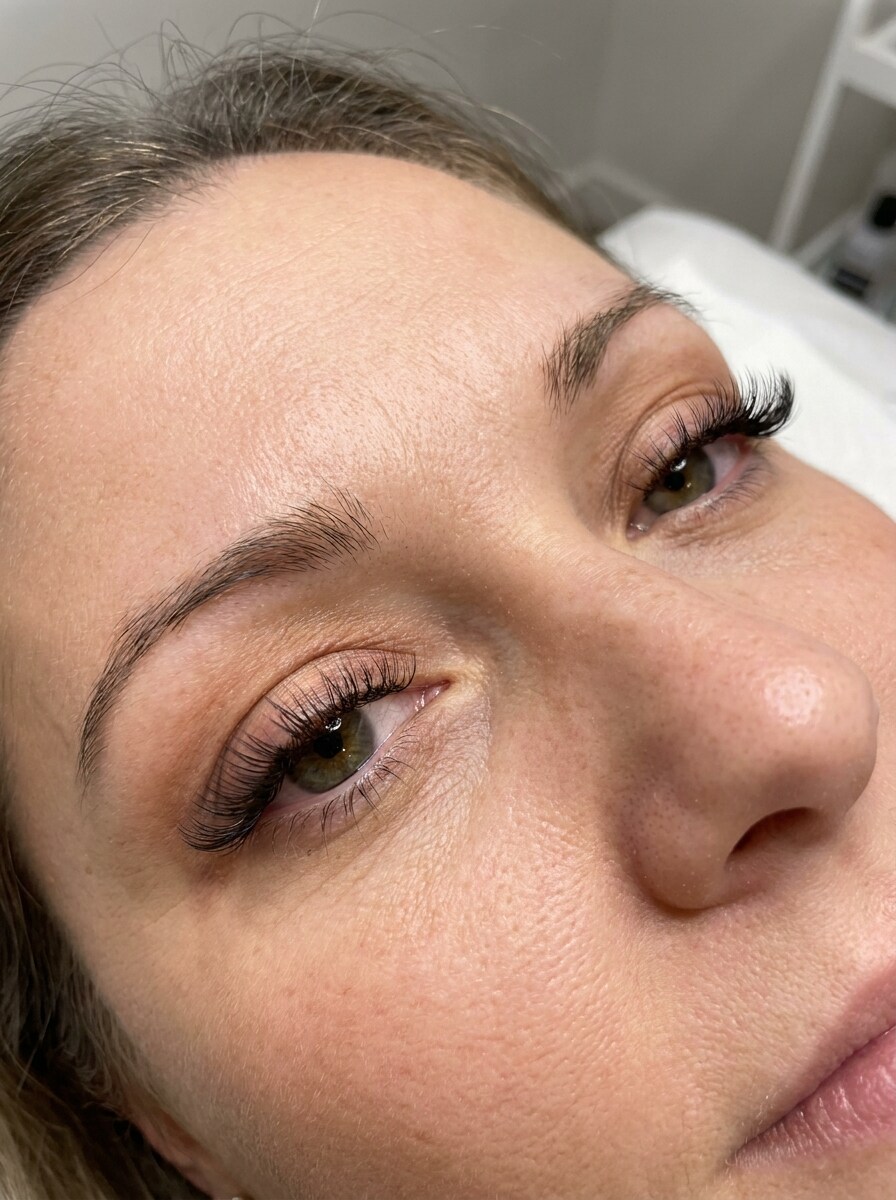
Wispy Natural Lash
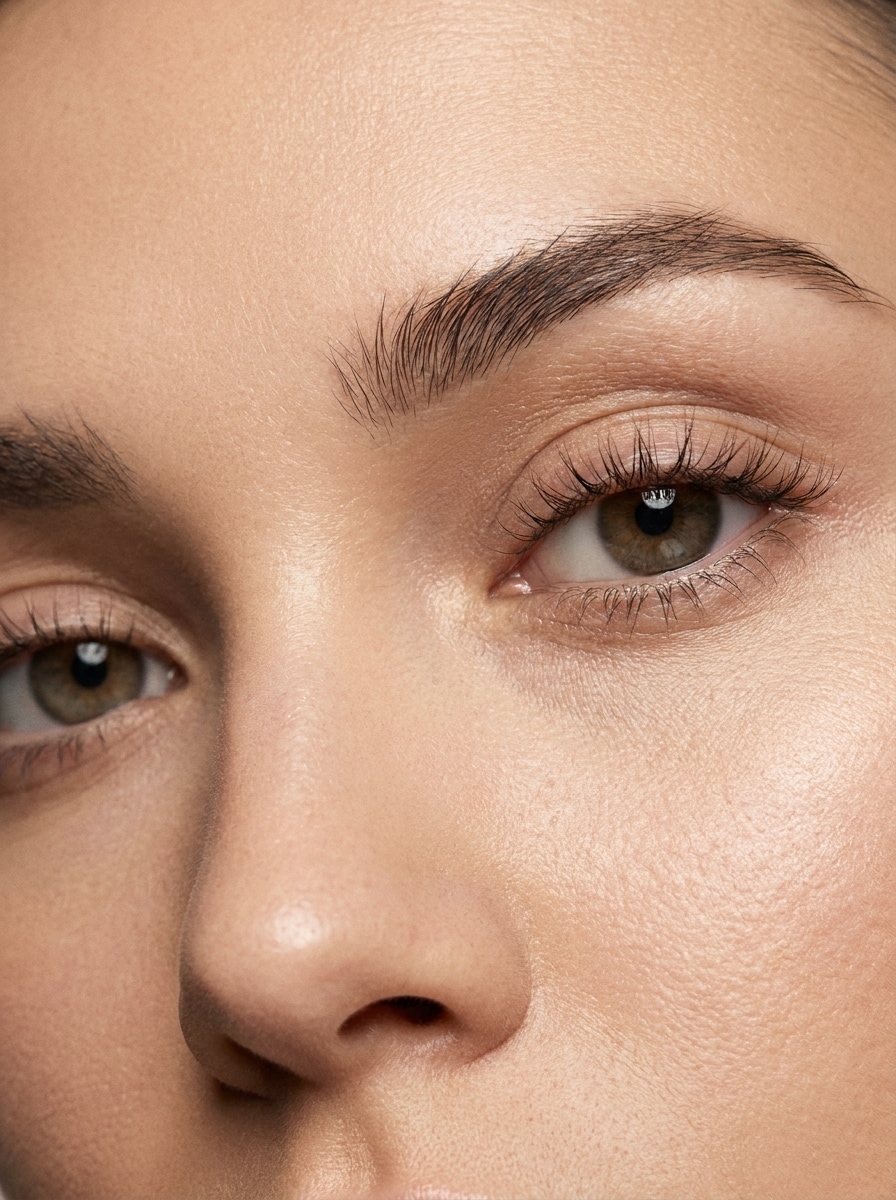
Use the uploaded image as the subject and transform the eye area with soft wispy natural eyelashes. Keep the real eye shape, skin texture, and lighting intact. Add fine separated lash strands, gentle curl, lightweight volume, neutral tones, and a clean beauty portrait finish with photorealistic detail.
Classic Mascara Effect
Use the uploaded image as the subject and apply a clean mascara-style eyelash enhancement. Keep the result subtle and believable with slightly darker, longer lashes, natural separation, soft definition at the lash line, realistic highlights in the eyes, and an everyday polished portrait look.
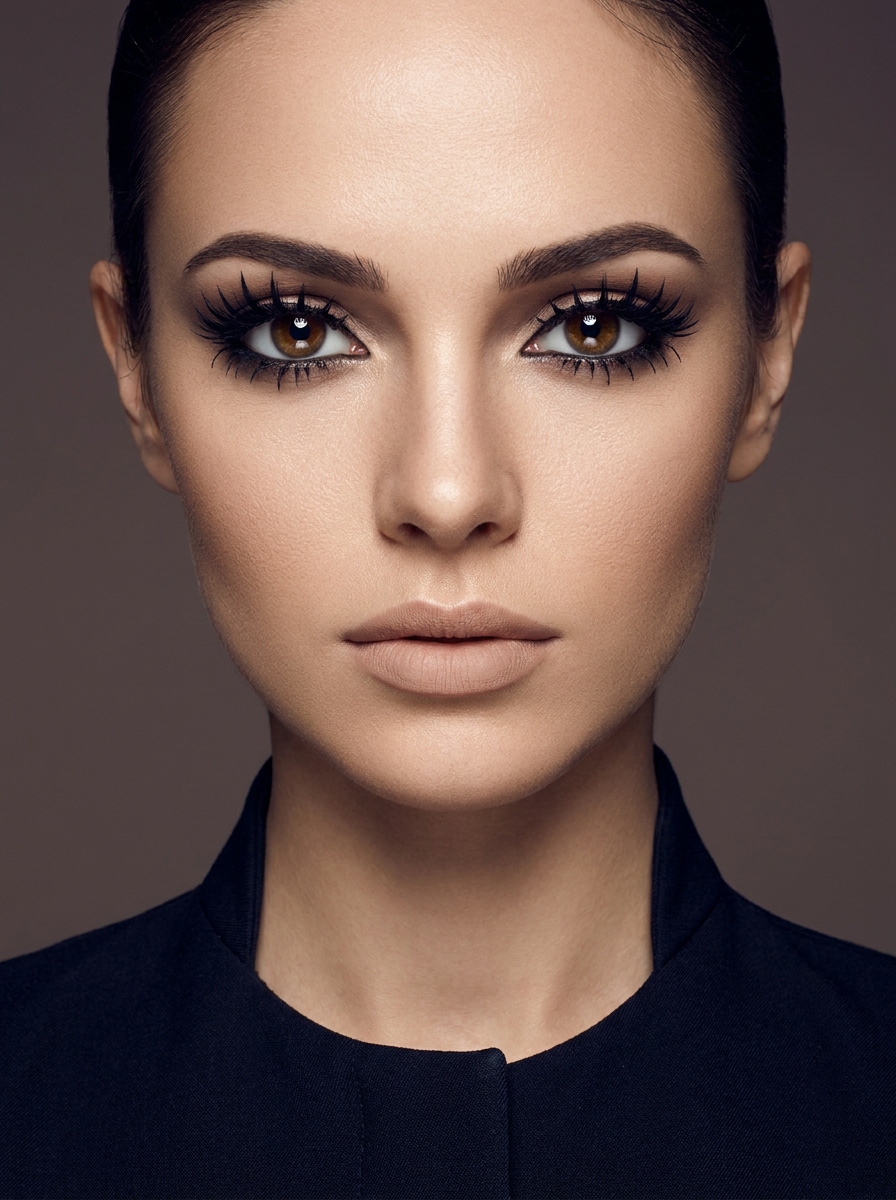
Cat-Eye Lash Extension
Use the uploaded image as the subject and create a salon-inspired cat-eye lash extension effect. Keep inner-corner lashes shorter and outer corners longer for a lifted shape. Preserve facial identity, skin pores, and original lighting while adding elegant volume, refined curl, and realistic strand detail.
Doll-Eye Lash
Use the uploaded image as the subject and add doll-eye lashes that make the eyes appear more open and rounded. Concentrate the longest lashes above the iris, keep the effect soft yet noticeable, and maintain realistic skin texture, catchlights, and a flattering feminine beauty aesthetic.
Soft Glam Volume Lash
Use the uploaded image as the subject and transform the lashes into a fluffy soft glam set. Add denser volume, smooth curl, and a fuller lash line while preserving eye shape and skin realism. Keep the mood polished, flattering, and camera-ready with soft warm portrait lighting.
Fox-Eye Lash Lift
Use the uploaded image as the subject and apply a lifted fox-eye lash style. Emphasize elongated outer corners, sleek directional lashes, and subtle liner definition while keeping the portrait realistic. Preserve skin detail and facial proportions for a refined, modern beauty edit.
Hybrid Lash Extensions
Use the uploaded image as the subject and create a hybrid lash extension look that blends natural definition with added volume. Mix airy texture and fuller clusters, keep the eye area realistic, and maintain skin tone, facial identity, and portrait lighting for a believable salon preview.
Anime-Inspired Lash
Use the uploaded image as the subject and apply anime-inspired lashes with defined spikes and dramatic upper-lash emphasis. Keep the style wearable rather than cartoonish by preserving real skin texture, facial structure, and lighting, while adding crisp lash clusters and bold eye framing.
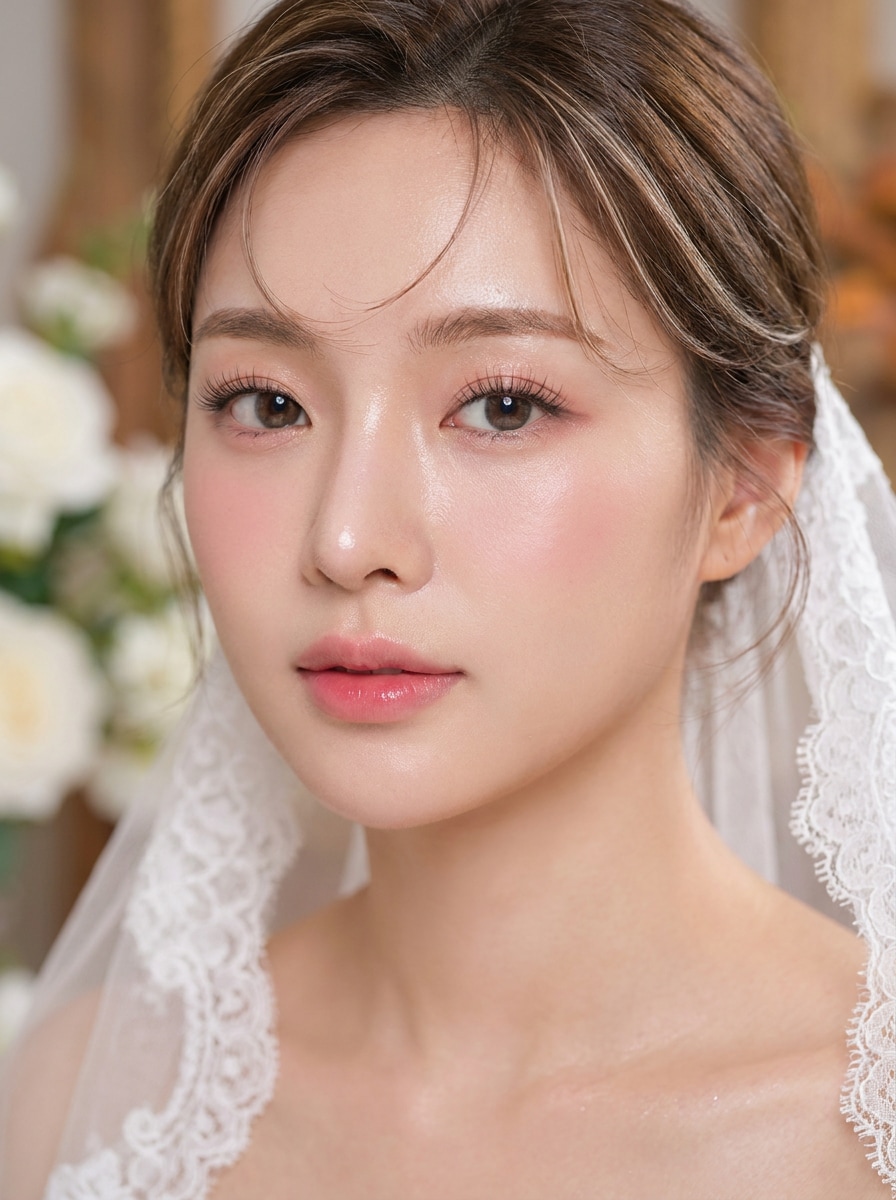
Bridal Soft Volume Lash
Use the uploaded image as the subject and add elegant bridal soft-volume lashes. Make them full yet refined, with gentle curl, soft density, and a photo-ready finish. Preserve the natural eye shape, skin texture, and romantic lighting for a graceful portrait transformation.
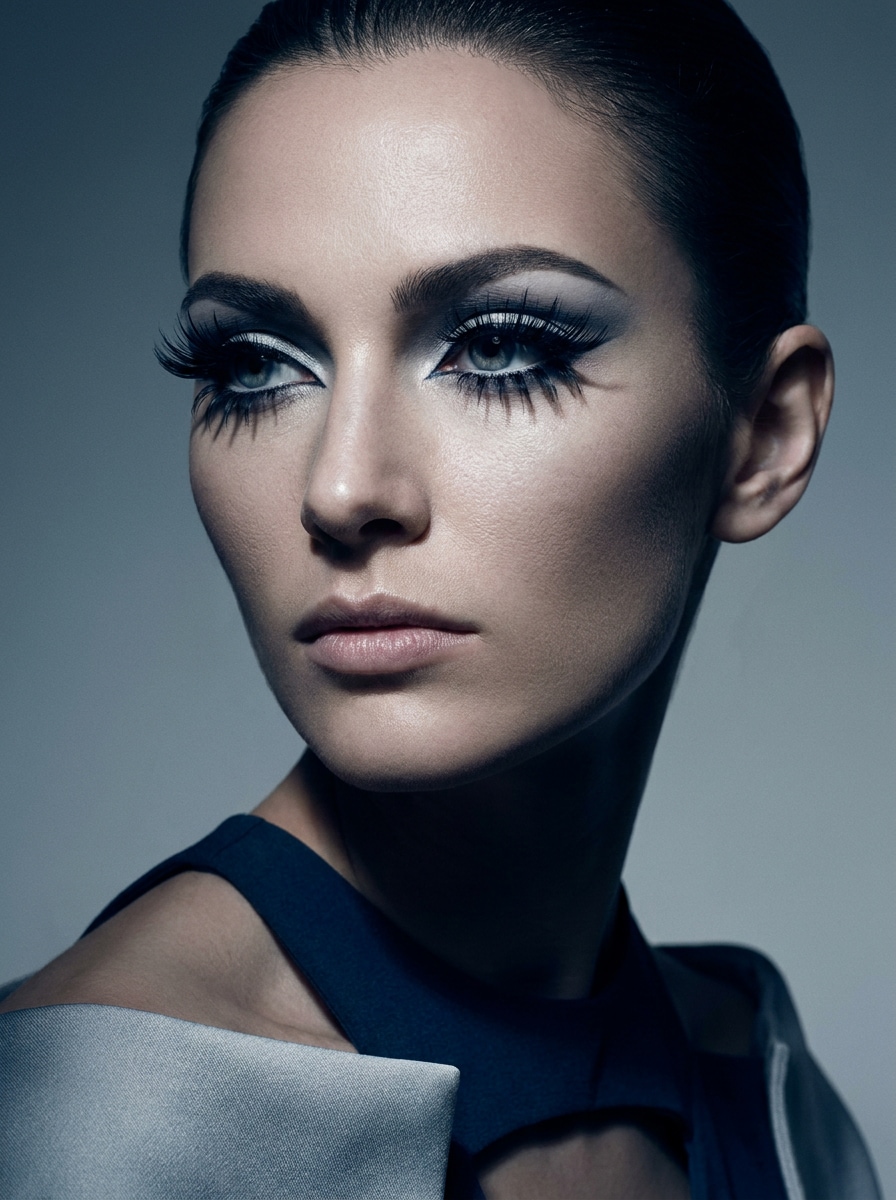
High-Fashion Editorial Lash
Use the uploaded image as the subject and create a bold editorial lash look with sculpted shape and high-definition eye emphasis. Keep the portrait luxurious and modern with precise lash structure, clean skin texture, dramatic yet elegant lighting, and a premium fashion beauty mood.
Why Use Media.io for Eyelash Photo Edits
Keep Eyes, Skin, and Facial Identity Realistic
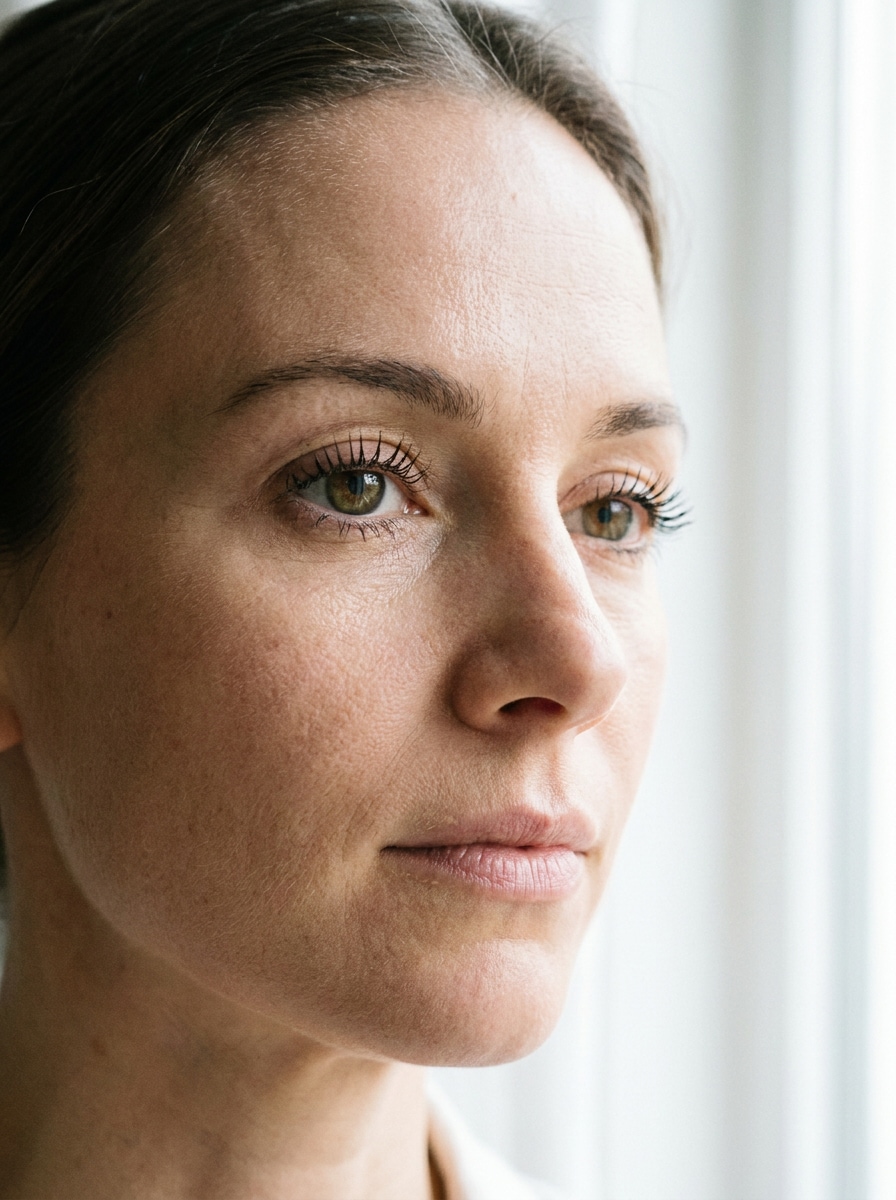
For selfies, profile photos, or beauty content, Media.io enhances lashes without flattening the portrait with a sticker-like overlay. By preserving skin texture, eye shape, and natural lighting, Media.io gives you a more believable fake eyelash filter result.
Preview Lash Styles on Your Own Selfie
Different outputs call for different aesthetics. Media.io helps you explore varied treatments of the same eyelash filter visual concept so the final visual lands in the right tone faster.
Create High-Resolution Images for Real Use
Publishing-ready visuals need to stay sharp, not just look good in preview. Media.io delivers clearer output up to 4K for eyelash filter edits, helping your images hold detail across presentations, backgrounds, and reused creative assets.
Create in Browser Across Devices
Moving between desktop and mobile is simple with Media.io because the workflow stays in your browser. That helps the process stay practical when you are not tied to one device.
How to Use an Eyelash Filter Online
Turn your words into stunning visuals in three simple steps, then continue refining the result if you want to take it further.
Step 1
Upload Your Reference Image
Upload a clear selfie or portrait in JPG, PNG, or JPEG format. Choose an image with visible eyes, balanced lighting, and enough detail around the lashes so the edit can follow your features naturally.
Step 2
Describe the Change and Set Options
Enter the lash look you want, such as natural wispy, cat-eye, doll-eye, hybrid, or a long lashes filter effect. Then choose your model and adjust aspect ratio, resolution, and the number of image variations.
Step 3
Generate, Download, and Keep Improving
Generate your lash edit, compare the results, and download the version you like best. If needed, refine the prompt, test another false lashes filter style, or create new variations for a softer or fuller finish.
See how creators use this Media.io Eyelash Filter for content, marketing, and personal projects, then adapt each idea to fit the brief.
Test salon-inspired looks before your next appointment
Compare wispy, cat-eye, doll-eye, and hybrid lash maps on your own portrait before booking extensions. It is a practical way to see whether a subtle enhancement or a more dramatic fake lashes filter style suits your eye shape and makeup preferences.
Polish selfies for beauty posts and creator content
Turn casual close-ups into cleaner, more camera-ready portraits by adding fuller upper lashes while keeping skin and eyes believable. This works well for beauty reels, thumbnails, profile photos, and before-and-after social content that needs quick visual impact, including a soft false lashes filter look.
Create mock previews for makeup artists and lash brands
Show clients or followers multiple lash directions on one face without manual retouching. Artists, salons, and beauty marketers can use Media.io to present style options, visualize campaign concepts, and produce consistent portrait edits faster, whether they want subtle enhancement or a long lashes filter effect.
What Users Say About This Lash Filter
Maya T.
Beauty Creator
"Looks realistic on close-up selfies" I wanted a quick eyelash edit that did not look pasted on. Media.io kept my skin texture and eye shape intact, and the cat-eye version looked surprisingly natural in my close-up content.
Jenna R.
Lash Technician
"Helpful for showing clients style options" I use it to mock up different lash directions before appointments. Being able to preview wispy, doll-eye, and hybrid looks on a real selfie makes consultations faster and easier.
Olivia C.
Social Media Manager
"Fast browser workflow for beauty visuals" We needed quick portrait edits for beauty posts without asking the team to install anything. The browser-based workflow is simple, and the output is clean enough for campaign drafts and social testing.
Sofia L.
Makeup Enthusiast
"Easy way to try fuller lashes online" I was mostly looking for a quick virtual try-on from my phone. Uploading a selfie and testing soft glam versus natural lashes took only a few minutes, and the before-and-after difference was clear.
An AI eyelash filter works by using your uploaded photo as a reference image, then applying the lash style described in your prompt to the eye area. In Media.io, you can upload a selfie, choose a model, and generate realistic lash variations while keeping your portrait structure, skin texture, and lighting aligned with the original image.
2. Can I add realistic eyelashes to a selfie online for free?
Media.io free users can try realistic lash edits with free credits, which is useful if you want to test a quick virtual try-on before upgrading. For more usage and watermark-free high-resolution downloads, you can check the pricing page.
3. What lash styles can I try with an eyelash filter?
You can try a wide range of looks, including natural wispy lashes, mascara-style enhancement, cat-eye, doll-eye, soft glam volume, fox-eye, hybrid extensions, bridal softness, and editorial styles. That makes Media.io useful whether you want a subtle long-lash effect or a more noticeable salon-inspired transformation.
4. Do I need to use my camera, or can I upload a picture?
You do not need to use your camera. Media.io supports uploaded reference images, so you can add lashes to an existing selfie or portrait in JPG, PNG, or JPEG format. That makes it easy to edit saved photos, compare looks side by side, or test a false lashes filter effect on a carefully chosen image.
5. Will the eyelash filter work on iPhone, Android, and desktop?
Media.io is a web-based tool, so it works on iPhone, Android, Windows, and Mac as long as you have a browser. You can start a lash edit on mobile for convenience or use desktop when you want a larger screen for reviewing small eye-area details.
6. How realistic are the lash results in high-resolution images?
Results can look highly realistic when you start with a clear portrait and use a detailed prompt. Media.io offers resolution options up to 4K, which helps preserve finer lash strands, eye definition, and skin texture in close-up beauty edits instead of creating a flat overlay effect. Free users may have watermarks.