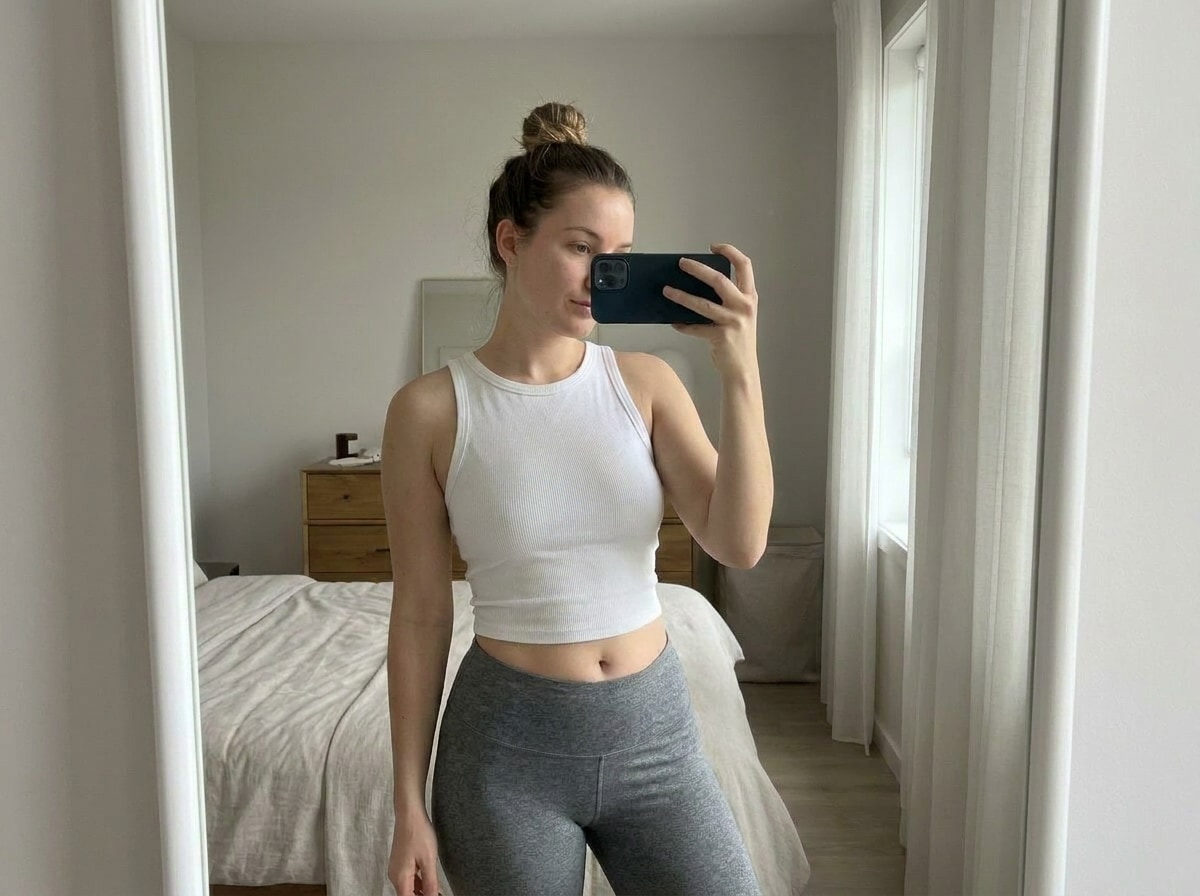
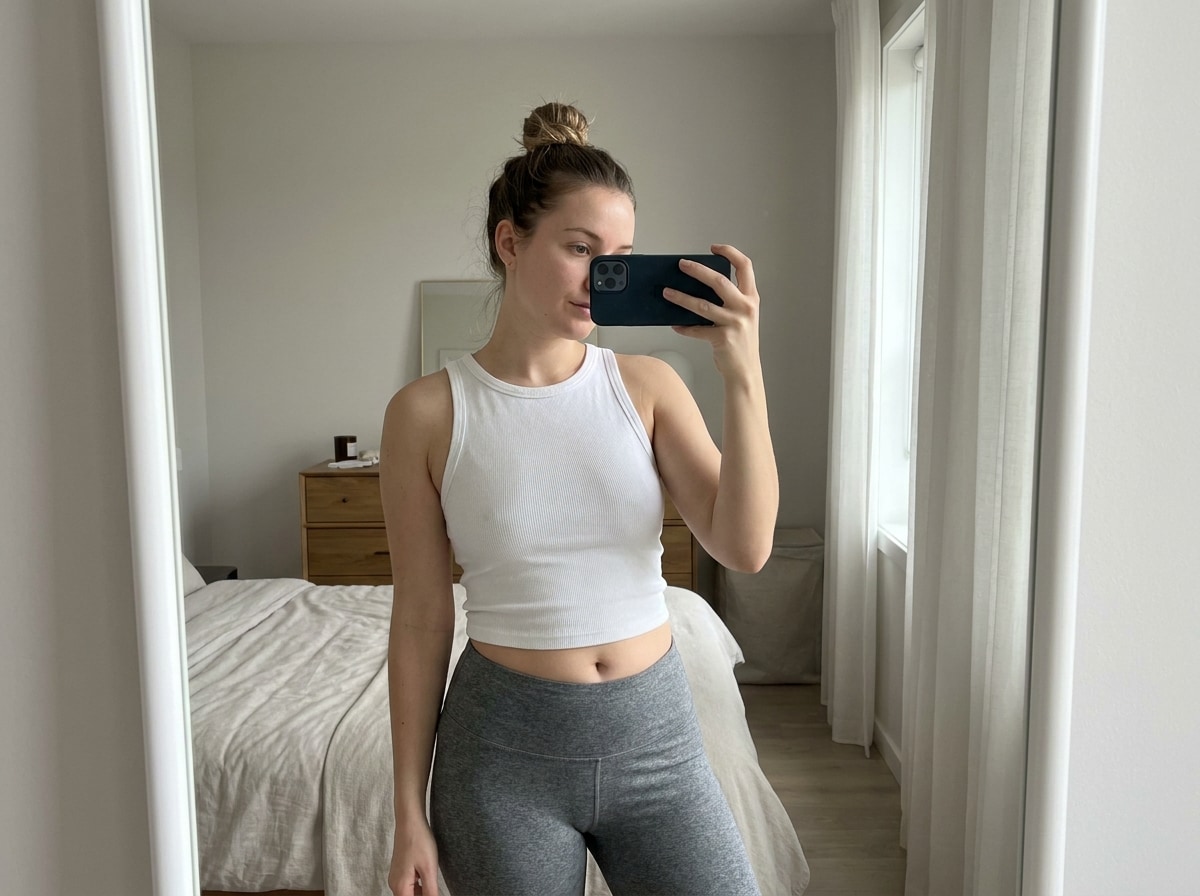
Selfie de espelho de cintura fina
um clássicoeditor de corpo de rostoCaso de uso para selfies diárias. A imagem editada deve parecer mais fina através da cintura e da barriga, mantendo as bordas do espelho, azulejos e linhas de fundo realistas.
 Nano Banana Pro
 Desbloqueie seu potencial criativo e experimente a magia da IA de mídia hoje!














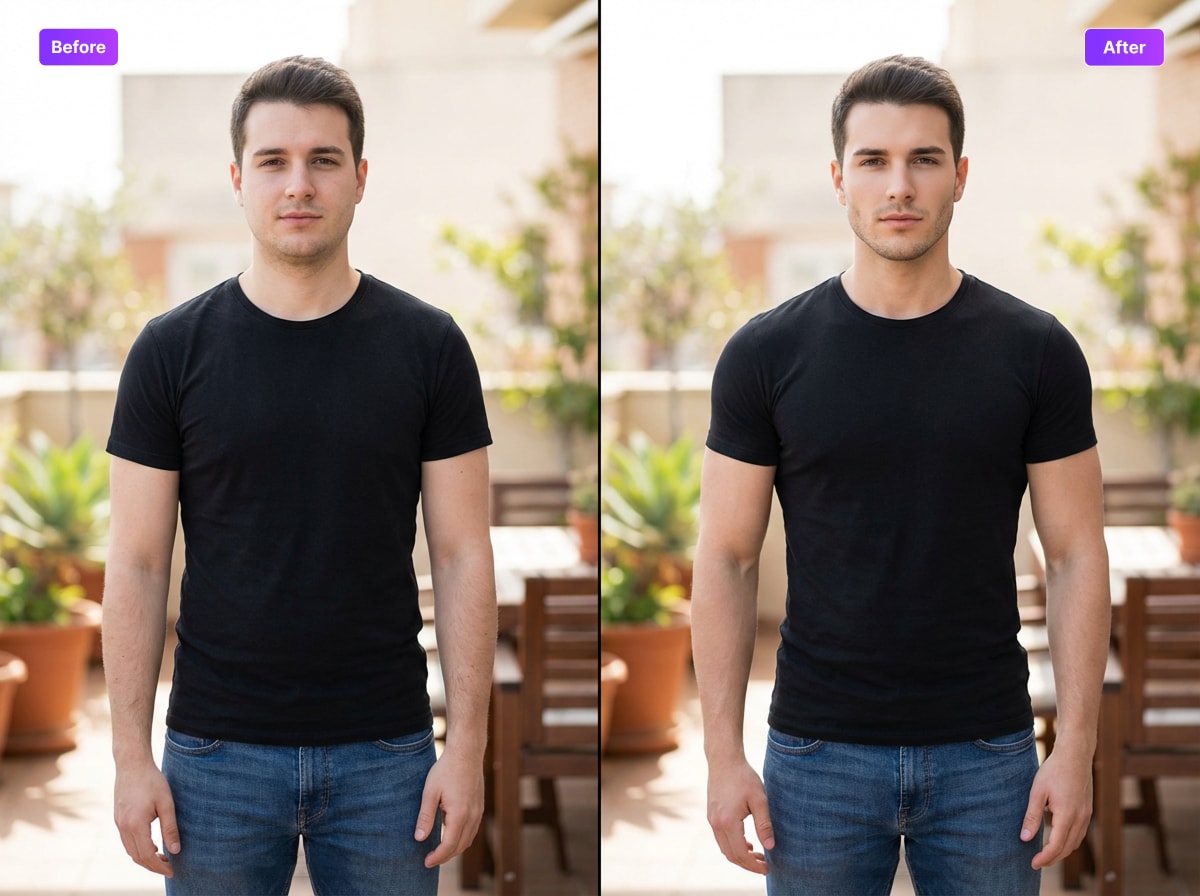
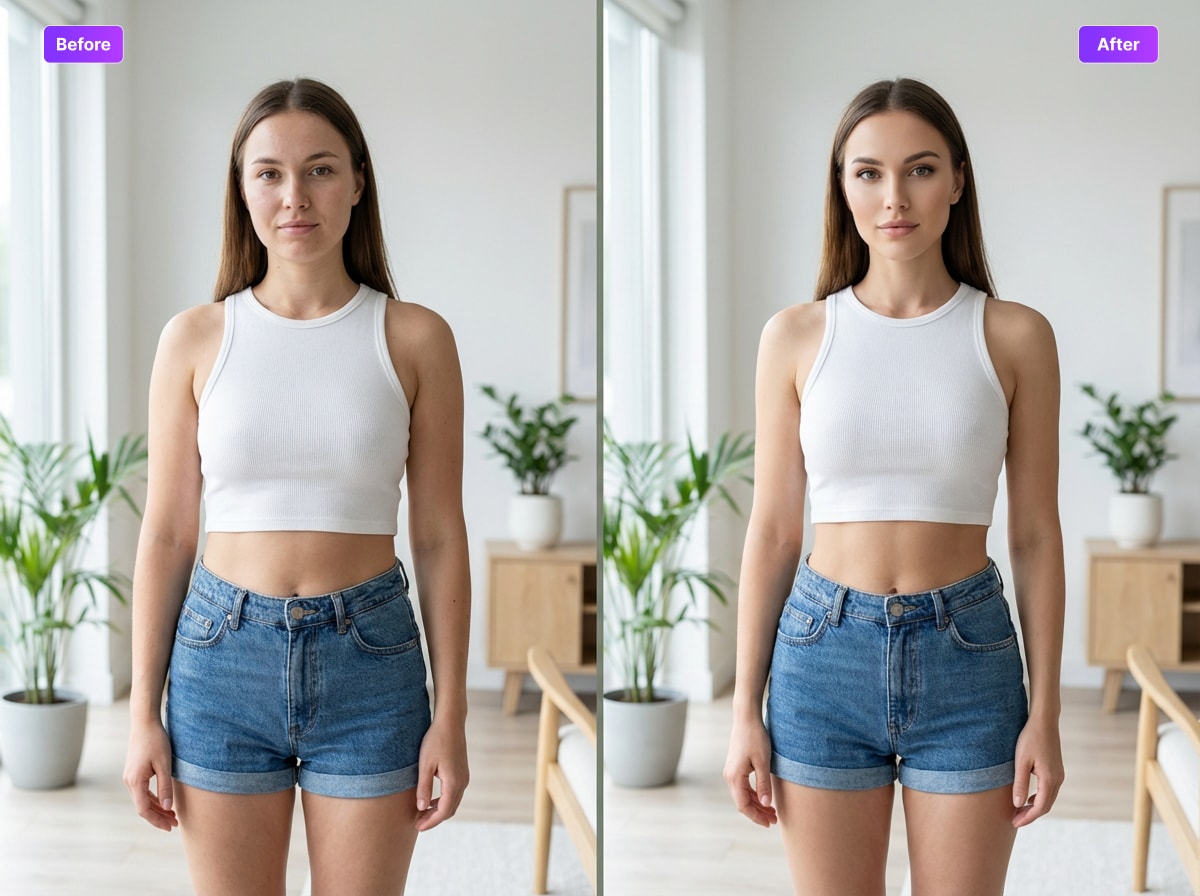
Carregue sua foto para Media.io, descreva o look que deseja e faça um retoque natural com o nossoeditor de rosto e corpoRefine as cinturas, pernas, tônus muscular ou contornos faciais, mantendo a foto crível e as linhas de fundo mais consistentes.
um clássicoeditor de corpo de rostoCaso de uso para selfies diárias. A imagem editada deve parecer mais fina através da cintura e da barriga, mantendo as bordas do espelho, azulejos e linhas de fundo realistas.
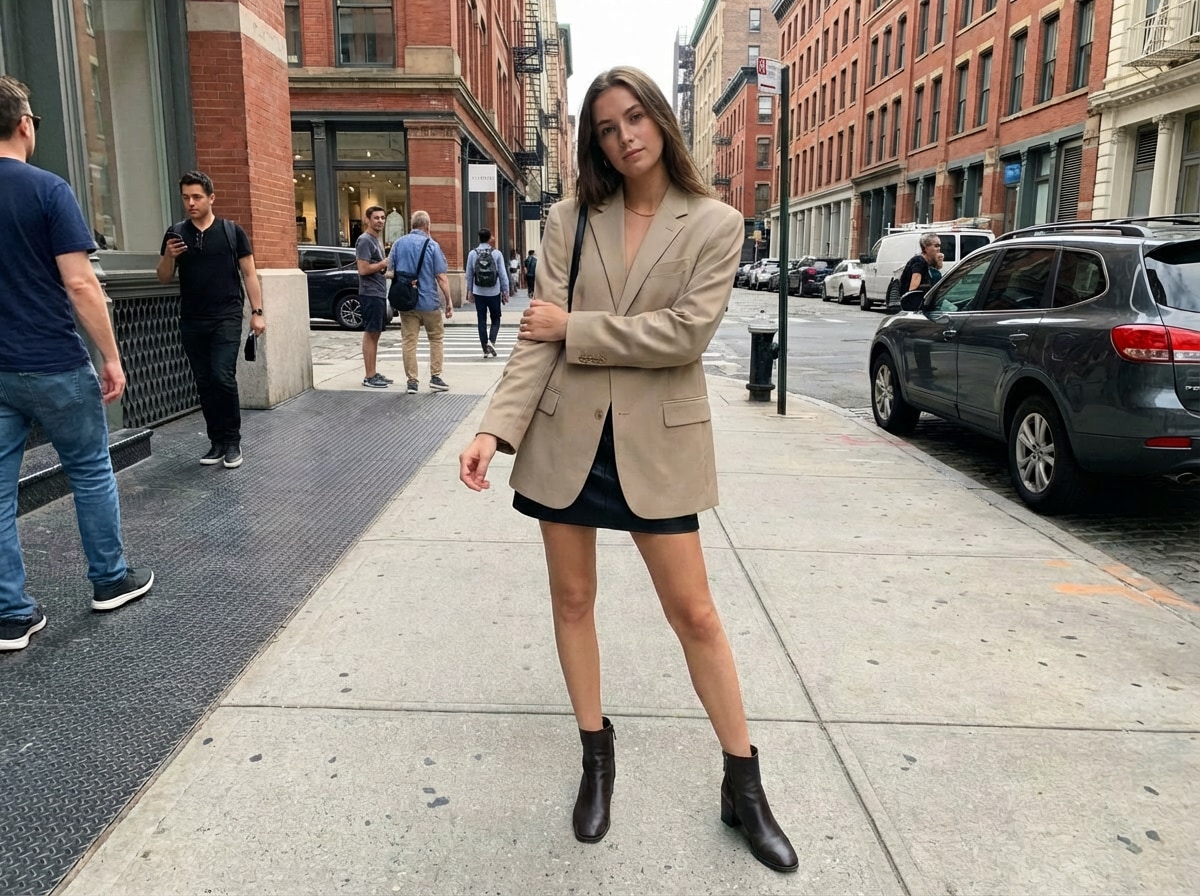
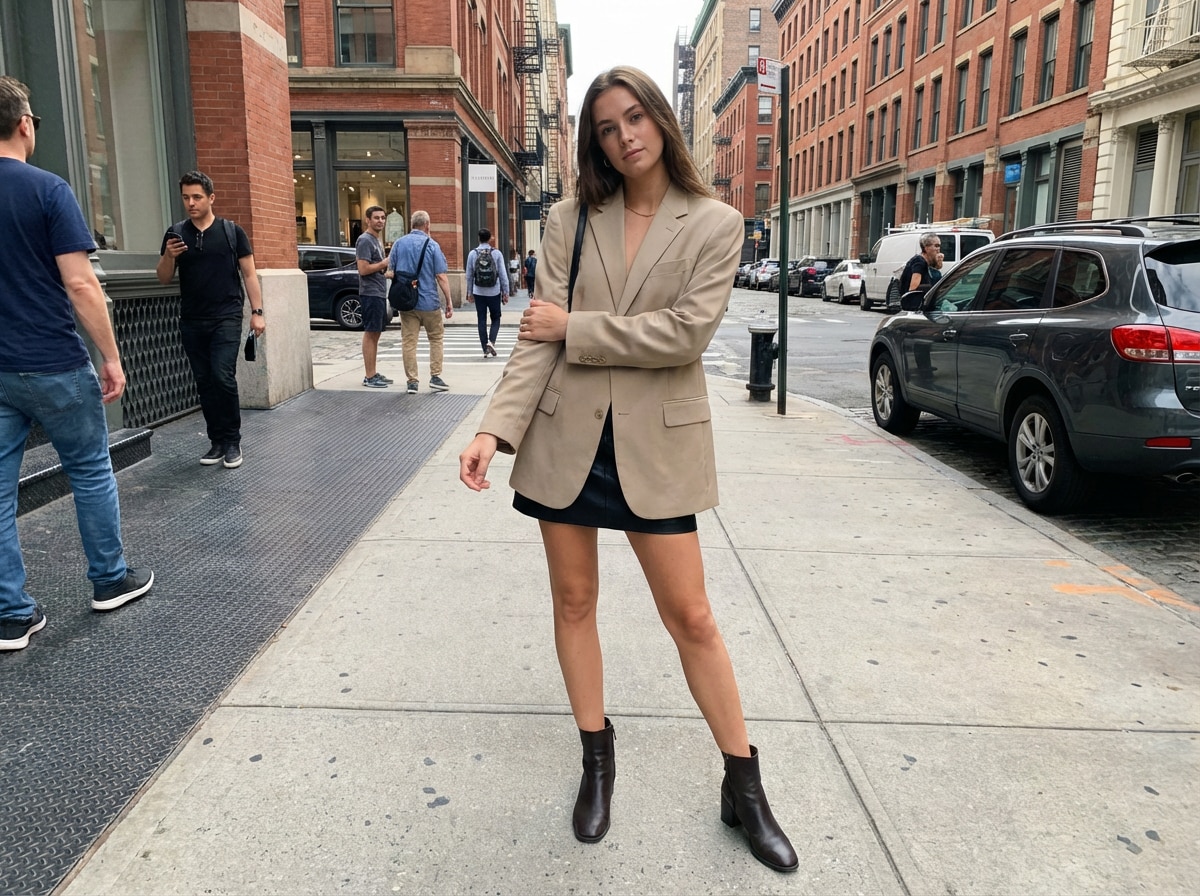
Este exemplo mostra como umface and body editor appPode refinar as proporções para o conteúdo da moda. O resultado deve alongar as pernas e melhorar a simetria sem criar um visual de pista exagerado.
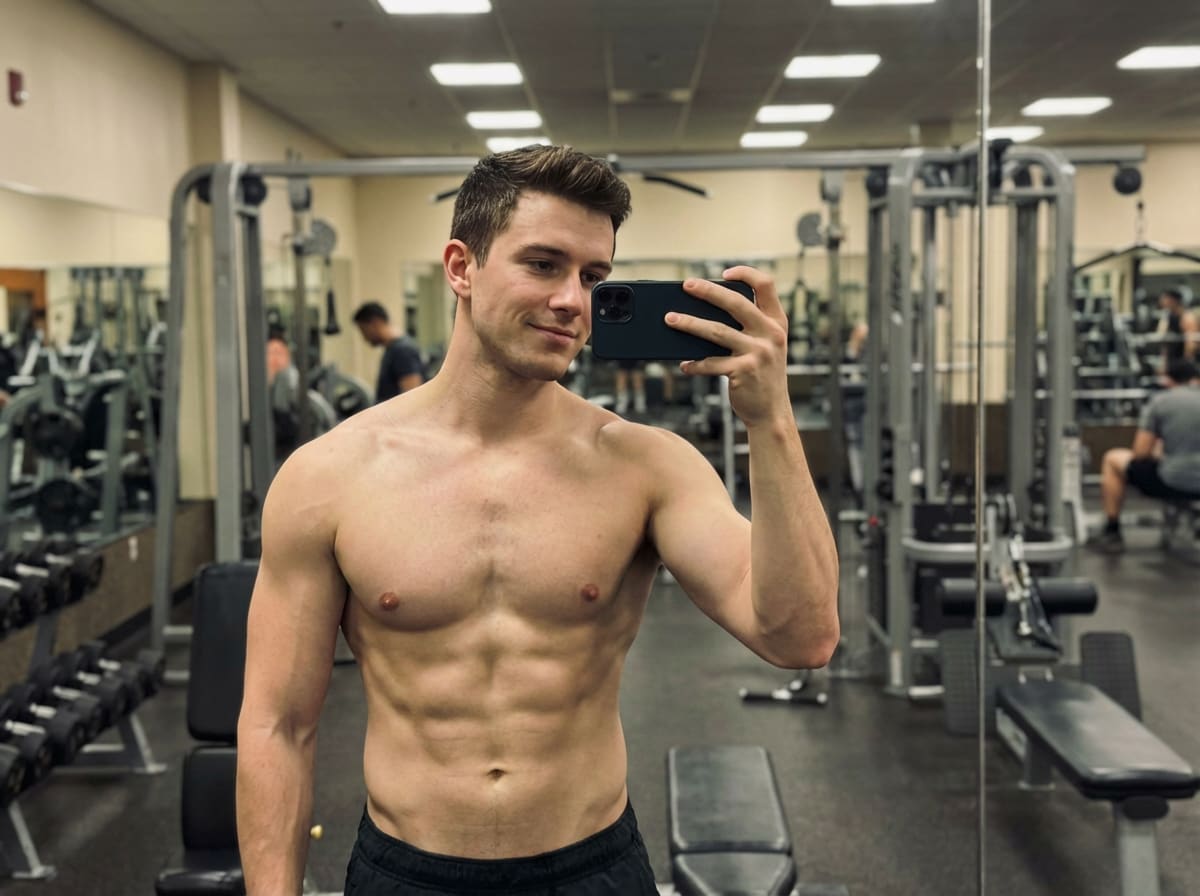
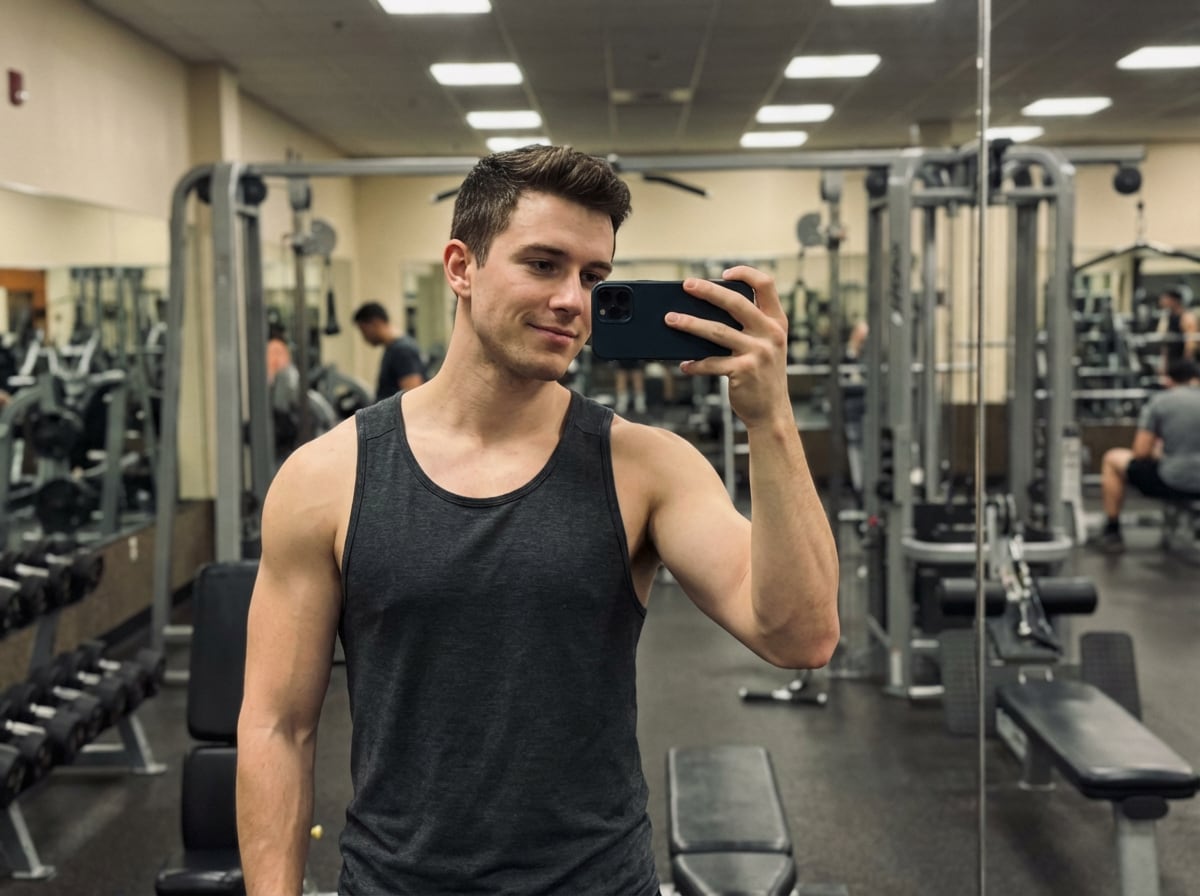
O aprimoramento muscular é uma das solicitações de edição corporal mais comuns em conteúdo estilo TikTok, incluindo olhares com os quais as pessoas costumam associareditor de corpo de vídeo PrettyUp. O resultado deve adicionar abdominais, peito e definição de braço, mantendo o físico crível.
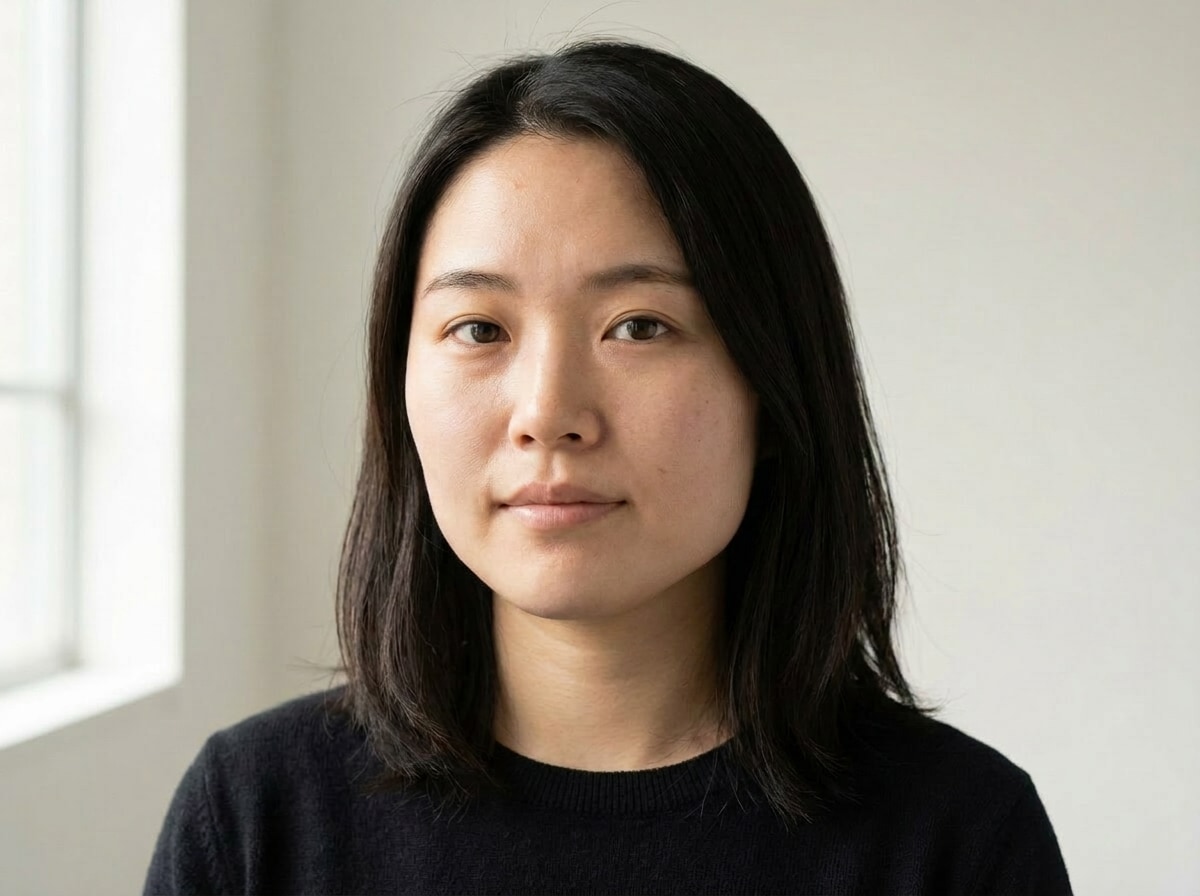
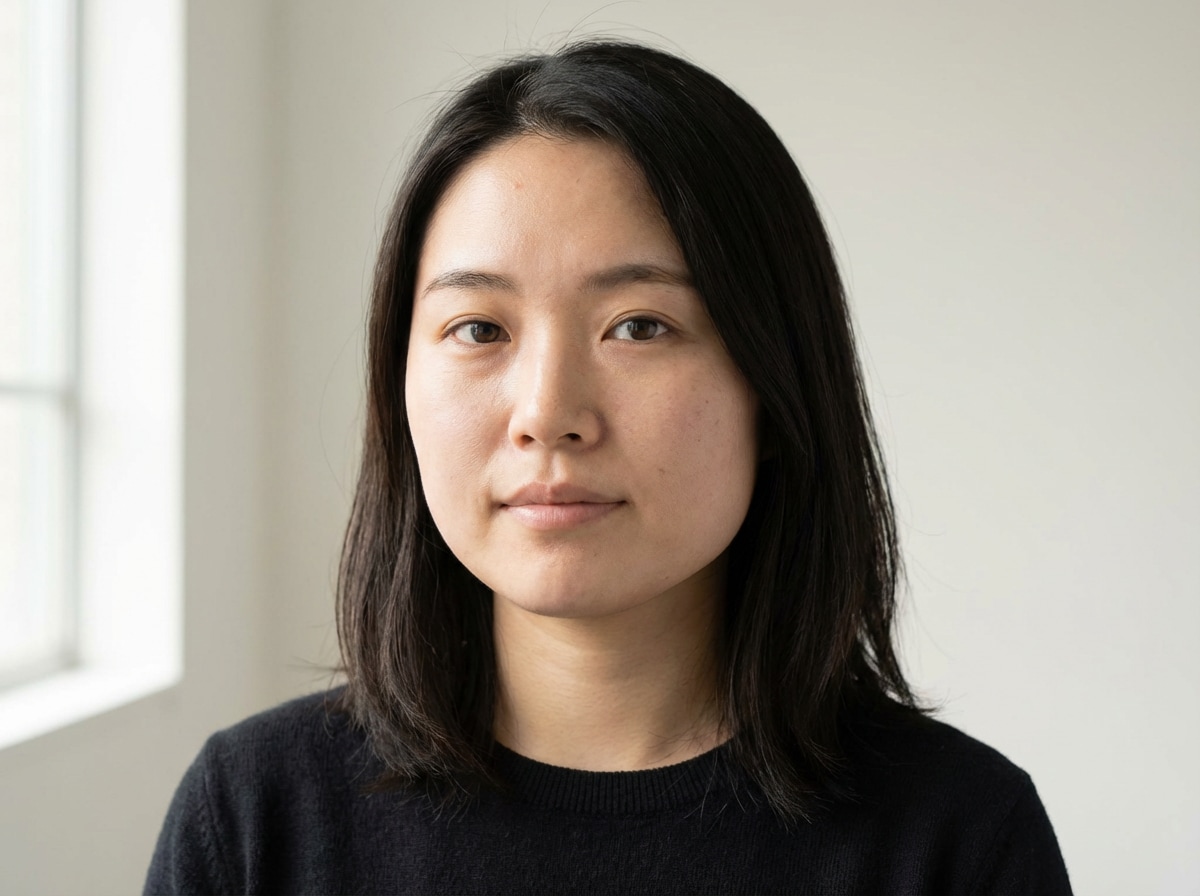
Este exemplo focado no retrato destaca o emagrecimento do rosto e o refinamento do contorno, semelhantes às edições que os usuários podem procurar emPeachy face & body editorOu Perfect Me face & body editor. A imagem editada deve melhorar a definição da linha da mandíbula, o contorno das bochechas e a simetria sem perder a textura ou identidade da pele.
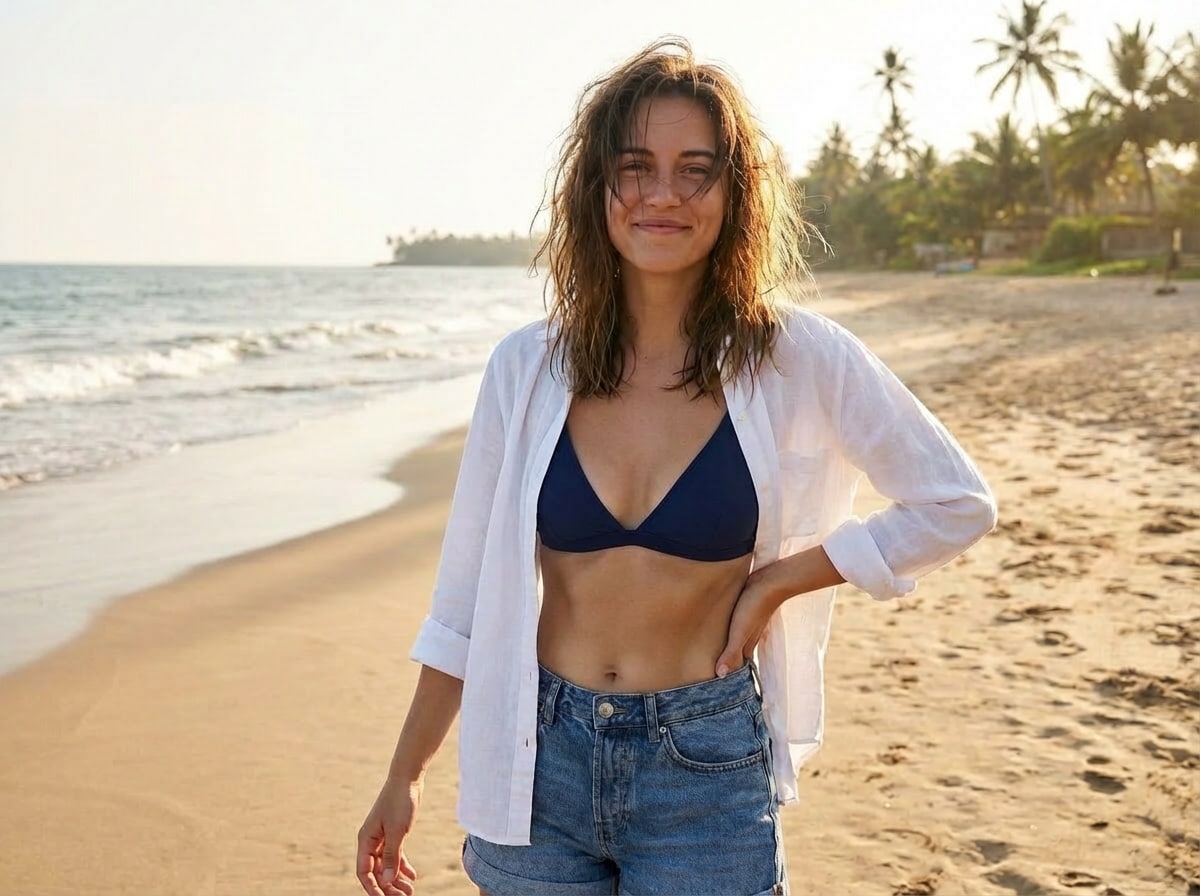
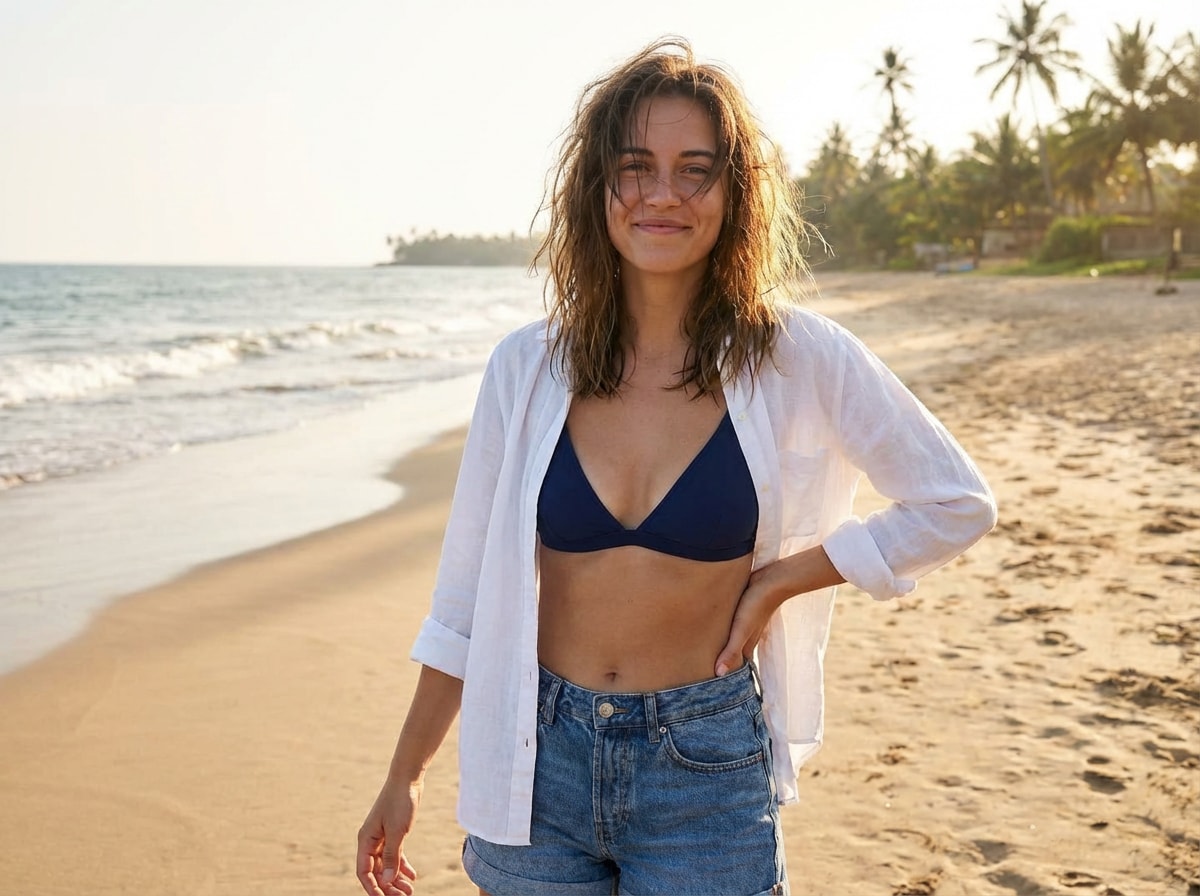
Edições de verão e férias são um padrão visual importante nas plataformas sociais. O resultado deve tonificar levemente os braços e a seção média, preservando uma vibração descontraída e natural de foto de praia.
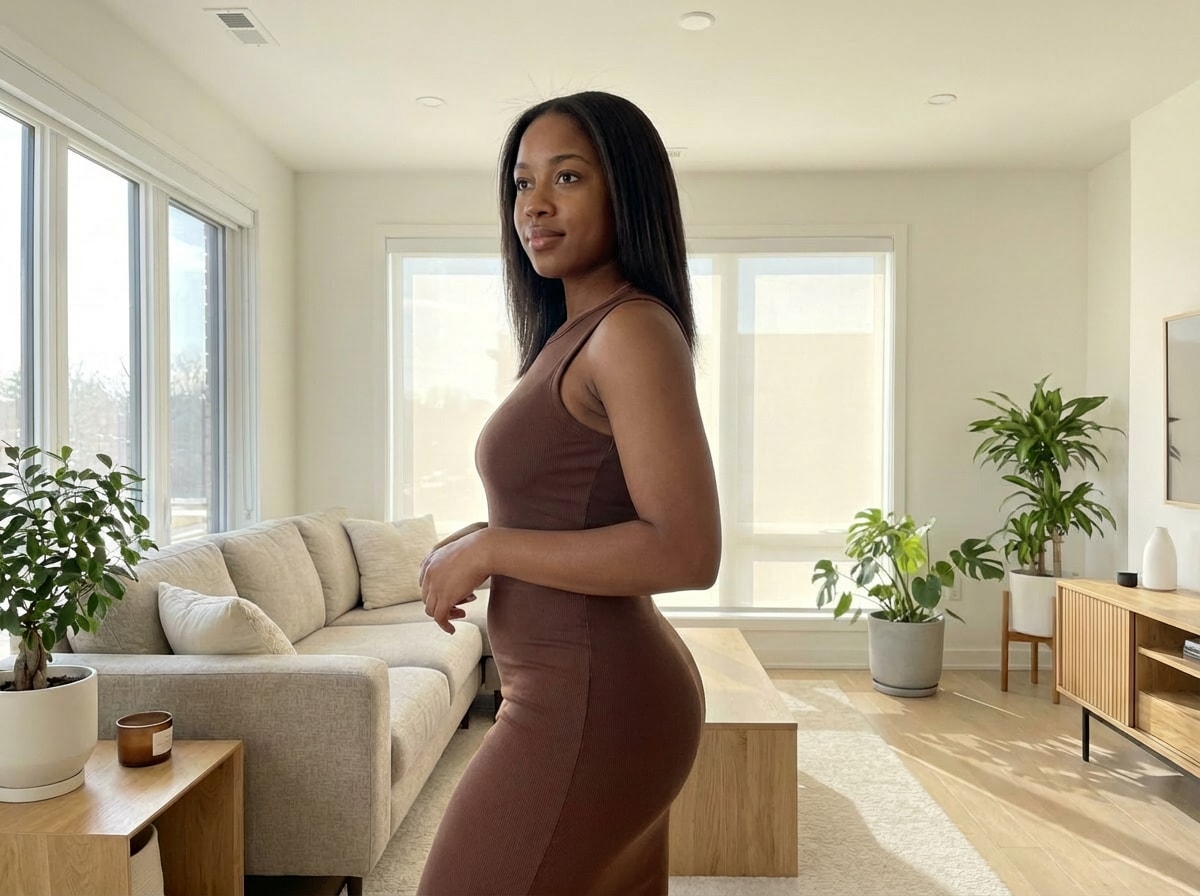
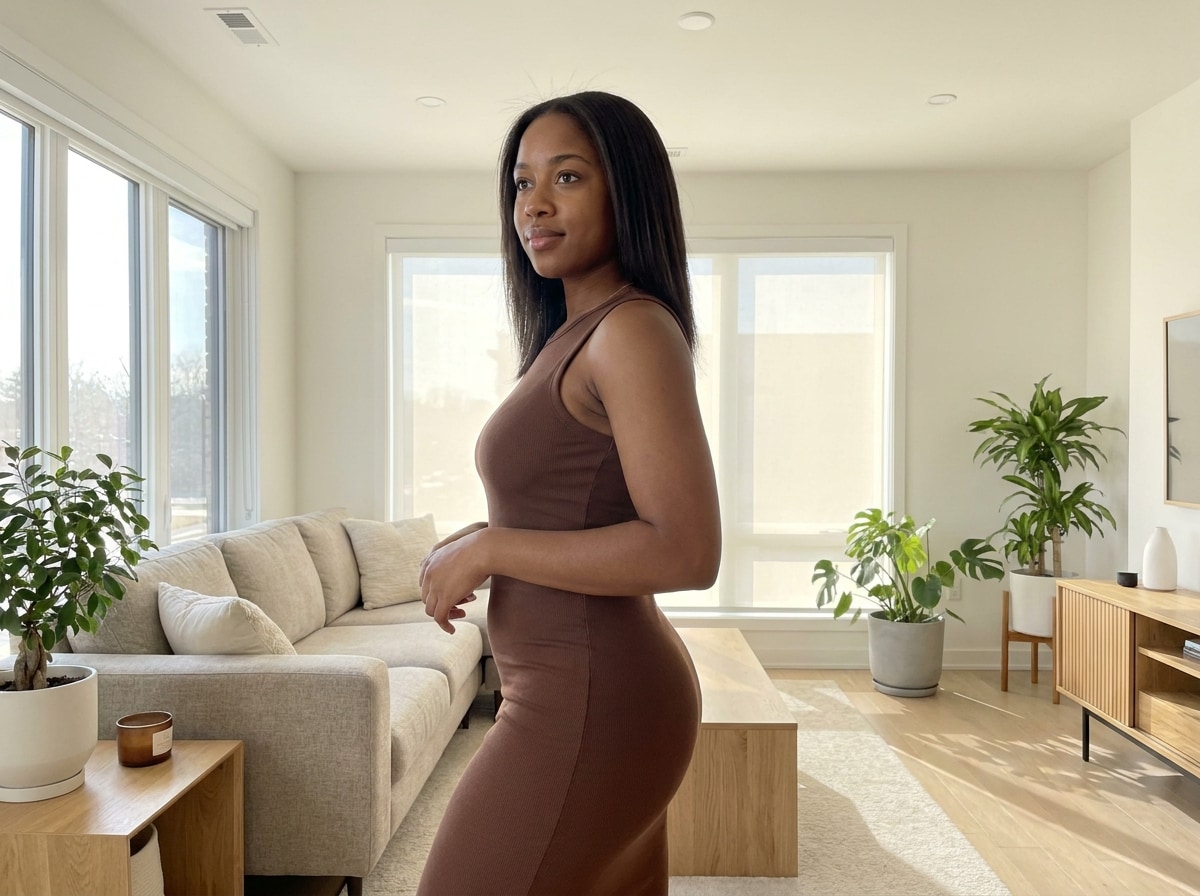
As edições de estilo influenciador muitas vezes se concentram em uma silhueta de ampulheta mais equilibrada. A imagem depois deve realçar os quadris e glúteos de uma maneira sutil que ainda se parece com uma foto real.
O Media.io estrutura os resultados do editor de rosto e corpo em torno de cenários de alta intenção a partir de pesquisas de palavras-chave reais, incluindo Selfie de espelho de cintura fina, foto de moda de rua de pernas mais longas, definição de músculos de IA para fotos de ginásio, para que os usuários possam revisar resultados direcionados em vez de uma pontuação genérica e identificar rapidamente diferenças acionáveis.
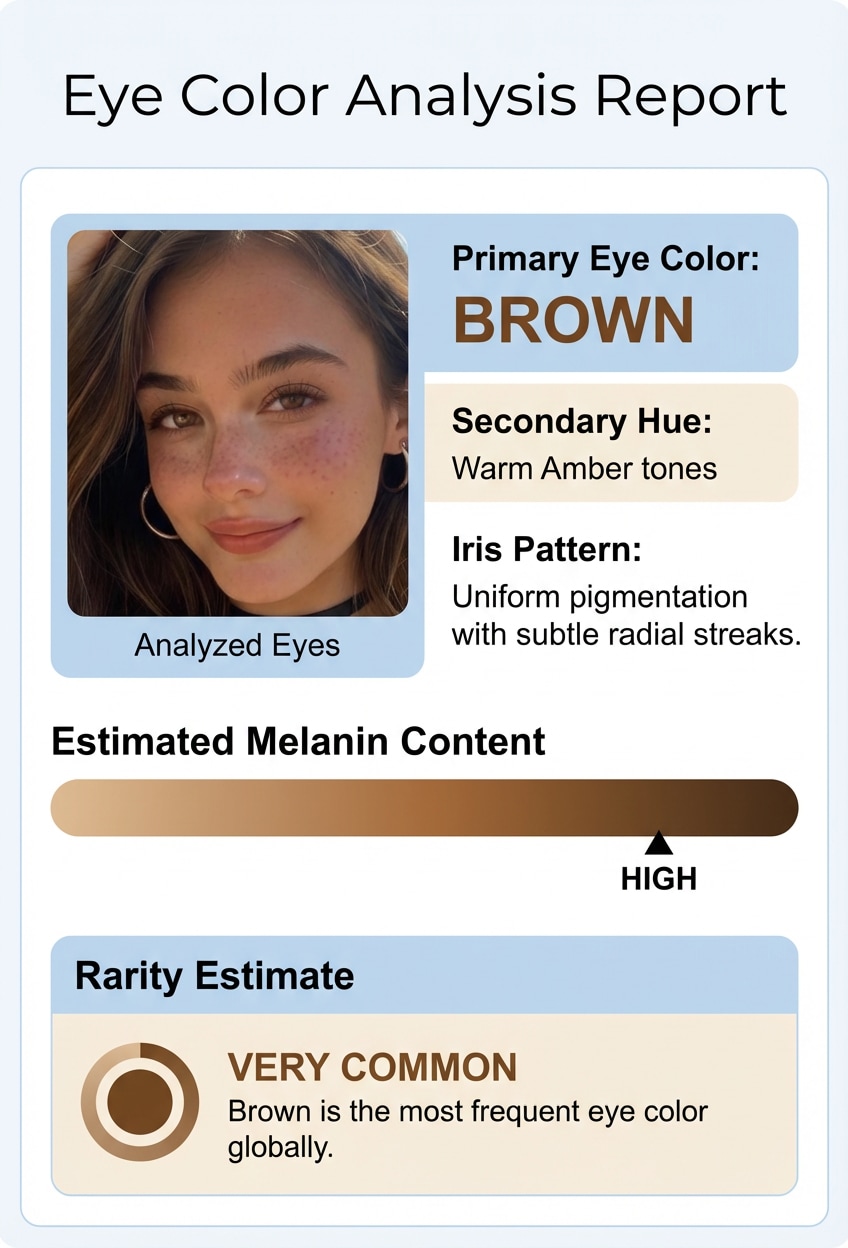
Cada resultado é apresentado com sobreposições lado a lado antes/depois de prova e estilo relatório, tornando as mudanças observáveis e mais fáceis de explicar. Este fluxo de trabalho transforma o face and body editor de um conceito vago em evidências visuais concretas que os usuários podem comparar com confiança.
Desenvolvido por Nano Banana Pro (Flagship) e Nano Banana 2. Inclui modelos especializados como Media 2.0 (consistência de caracteres de grau profissional e controle de roupas), Seedream 5.0 Lite e Media 1.0. Os usuários gratuitos podem ter marcas d'água. Os assinantes pagos podem baixar imagens de alta resolução sem marca d'água. Combinado com o controle baseado em prompts, o Media.io ajuda as equipes a gerar visuais consistentes do editor de rosto e corpo que podem ser usados para landing pages, testes de conteúdo e demonstrações repetíveis baseadas em casos.
Media.io é uma ferramenta baseada na web que funciona em qualquer dispositivo com um navegador (Windows, Mac, iOS, Android). As imagens carregadas são automaticamente excluídas de nossos servidores após 7 dias para garantir a privacidade do usuário. Os usuários gratuitos podem usar créditos gratuitos. Para mais uso, os usuários podem assinar um plano na página de preços. Isso mantém o fluxo de trabalho do editor de rosto e corpo acessível para usuários iniciantes, ao mesmo tempo em que suporta um uso mais profundo quando um volume de saída maior ou exportações mais limpas são necessárias.
Calculadora de rosto da proporção dourada
Quer uma análise facial mais focada na proporção? Experimente o nosso Golden Ratio Face Calculator Para comparar suas medidas faciais com referências clássicas de proporções de beleza e obter uma análise visual mais baseada em números.
Abrir Media.io Imagem de IA para imagem E adicione uma imagem JPG, PNG ou JPEG ao Media.io do seu telefone ou computador e escolha a relação de aspecto ou resolução, se necessário.
Digite um prompt claro, como emagrecer a cintura, alongar as pernas, definir os abdominais ou refinar a linha da mandíbula, mantendo o fundo realista.
Deixe o Media.io processar a foto, revisar o resultado e baixar sua imagem editada com créditos gratuitos ou exportar versões sem marca d'água de qualidade superior em um plano pago.

Criador de estilo de vida

"" Eu consertei uma selfie de espelho sem os azulejos se dobrarem. ""Enviei uma foto do espelho do banheiro e solicitei ao Media.io que afinasse ligeiramente a cintura e suavizasse a linha da mandíbula. O resultado manteve a moldura do espelho e as linhas do chão muito mais retas do que as edições que tentei em aplicativos como o peachy face & body editor ouperfect me face & body editor .

Você pode editar seu corpo em uma foto enviando uma imagem JPG, PNG ou JPEG para um editor de rosto e corpo on-line e, em seguida, usando as ferramentas reshape ou AI image-to-image para ajustar áreas como cintura, pernas ou postura. Para obter o resultado mais natural, faça pequenas alterações e compare as visualizações antes e depois antes de exportar.

Você pode retocar um rosto em sua foto enviando a imagem para um editor de rosto e corpo e fazendo edições leves na pele, forma facial ou equilíbrio geral. Em um fluxo de trabalho de IA, você também pode usar um prompt de texto simples para descrever o retoque desejado, mantendo o retrato natural.
O melhor editor de fotos gratuito para retoque de rosto e corpo é fácil de usar, funciona no seu dispositivo e oferece resultados de aparência natural com controles flexíveis de IA. Media.io oferece créditos gratuitos para experimentar seu editor de rosto e corpo online, e se você precisar de mais uso ou exportações de alta resolução sem marca d'água, você pode verificar a página de preços. VerMedia.io Preços.
Sim, você pode remodelar sua cintura, pernas ou rosto sem fazer a foto parecer falsa se você aplicar edições sutis e manter as proporções do corpo consistentes. Um bom editor de rosto e corpo funciona melhor quando você se ajusta em pequenos passos e evita emagrecimento extremo ou alongamento.
Sim, um editor de rosto e corpo pode distorcer o fundo ou dobrar linhas retas se a edição for muito agressiva ou o assunto estiver perto de fundos padrão. Para reduzir a distorção, use ajustes menores e verifique bordas, molduras de portas, azulejos ou linhas de horizonte antes de salvar a imagem final.
Sim, pode ser seguro fazer upload de fotos privadas para um editor de rosto e corpo online quando a ferramenta indica claramente como lida com seus arquivos. No Media.io, as imagens carregadas são automaticamente excluídas dos servidores após 7 dias para ajudar a proteger a privacidade do usuário.
Sim, você pode usar um editor de rosto e corpo no iPhone, Android e desktop se ele for baseado na web e executado em um navegador. O Media.io funciona em Windows, Mac, iOS e Android, para que você possa editar fotos na maioria dos dispositivos sem instalar software extra, quer você tenha usado anteriormente o Peachy face and body editor ou aplicativos semelhantes.
Não, você nem sempre precisa de habilidades de edição, porque a IA pode editar sua foto a partir de um prompt de texto em um moderno editor de rosto e corpo. O fluxo de trabalho de imagem para imagem do Media.io também suporta uploads de imagens de referência e modelos avançados, o que pode ajudar a orientar retoques mais precisos e mudanças de estilo para usuários comparando ferramentas como o peachy face e body editor.
 4,7 (162.357 votos)