As criações são armazenadas por apenas 7 dias. Os recursos criados após o upgrade para um plano de assinatura serão armazenados permanentemente.
Desbloqueie seu potencial criativo e experimente a magia da IA de mídia hoje!
Crie um Look Fofo com Filtro de Bubble Tea a partir de Qualquer Foto
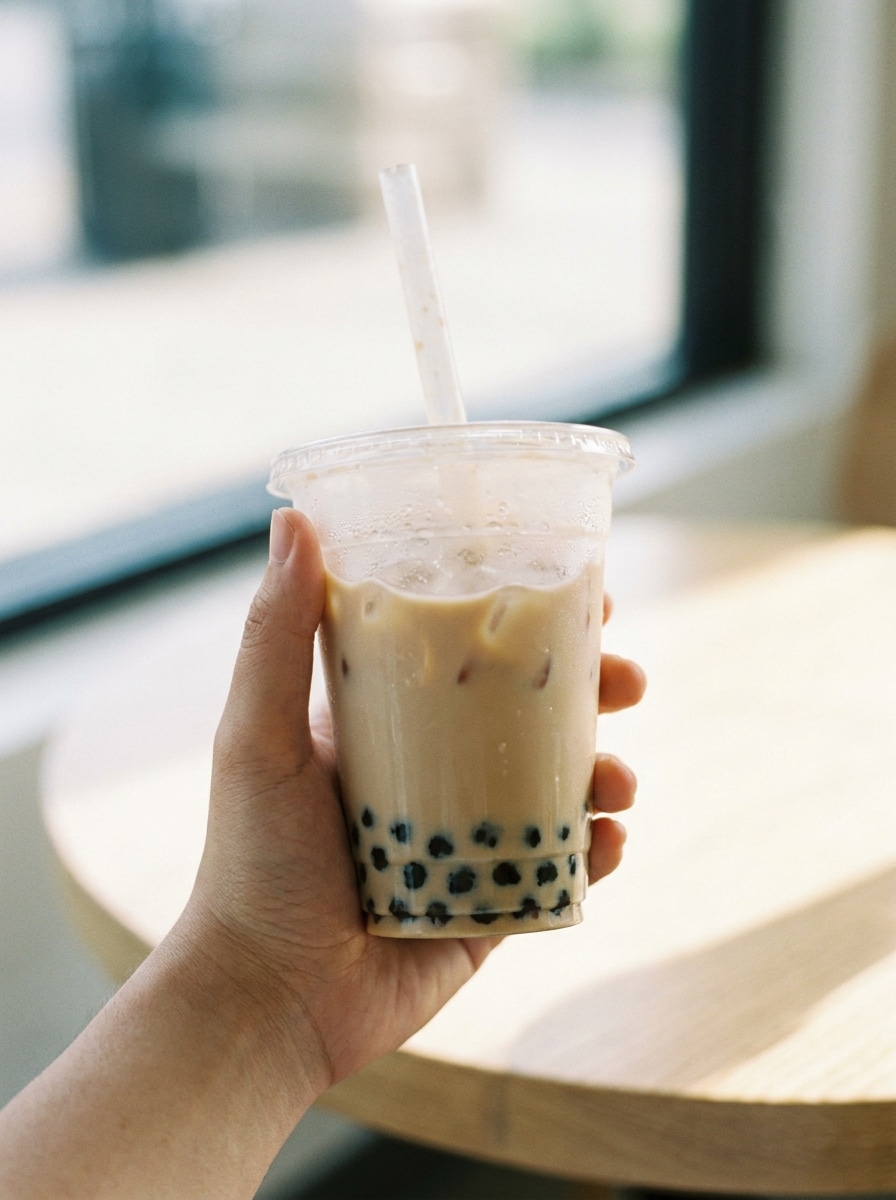
Transforme selfies, fotos de pets e retratos em arte divertida inspirada em boba com um filtro de bubble tea. O Media.io permite que você envie uma imagem, aplique estilos kawaii inspirados em bebidas e gere uma foto estética boba em segundos com matcha, filtro de chá com leite ou com vibes pastel de bubble tea. Este fluxo de trabalho é especialmente útil para filtro de boba por IA.
Digite sua ideia -> A IA desenha para você. Grátis para testar.
Revise estes exemplos de instruções e personalize os detalhes do prompt para obter resultados melhores com o Filtro de Bubble Tea do Media.io.
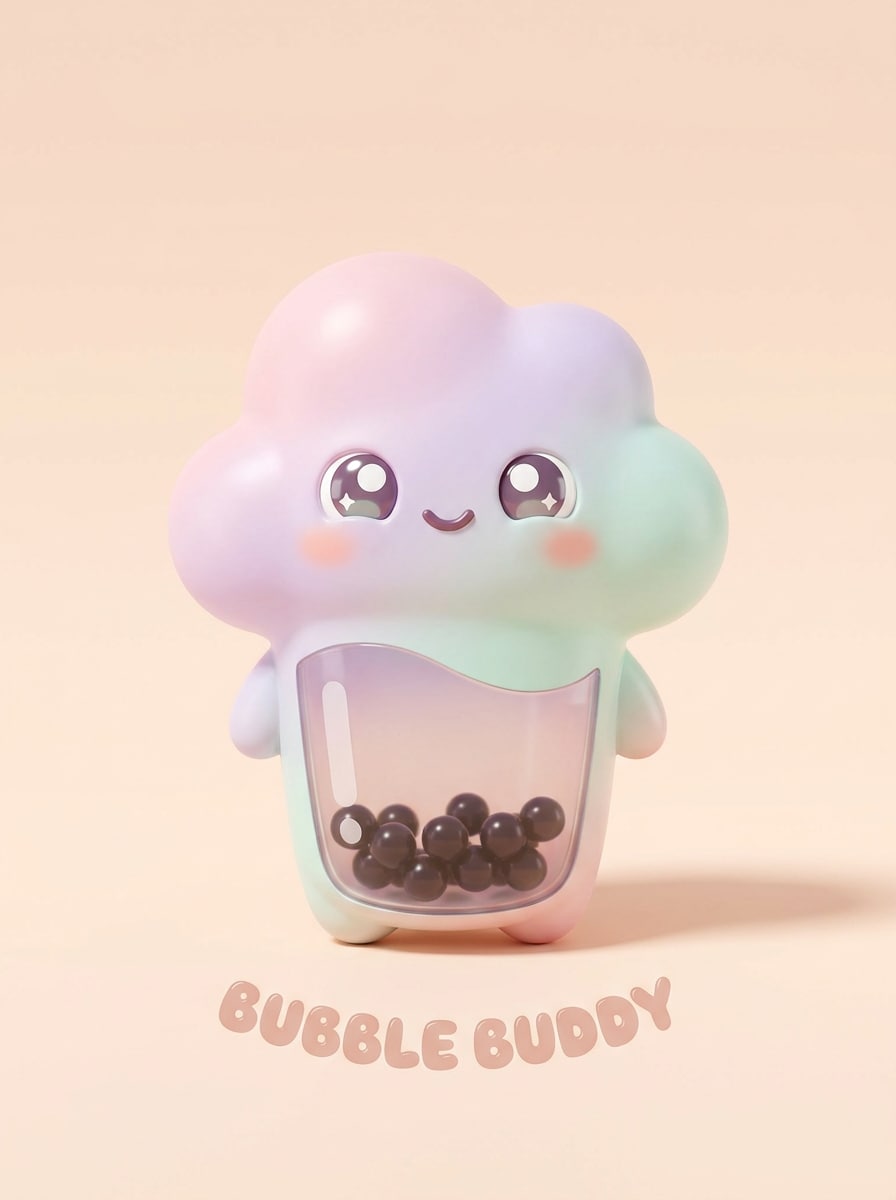
Avatar Kawaii de Boba
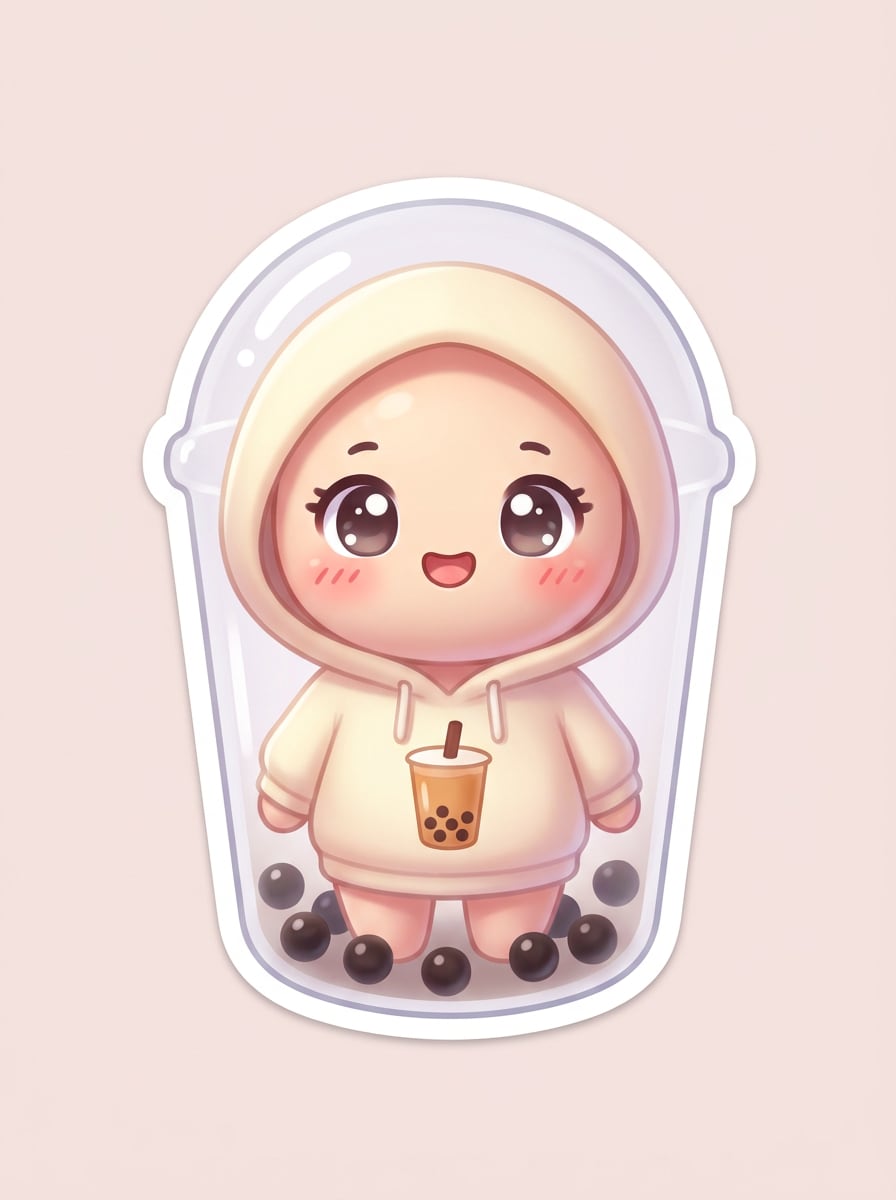
Use o retrato enviado como tema e transforme-o em um personagem kawaii de bubble tea. Adicione efeito de copo transparente, pérolas de tapioca ao fundo, olhos brilhantes estilo anime, bochechas rosadas, tons pastel de creme e cacau, destaques suaves, charme tipo adesivo e fundo limpo e minimalista.
Retrato Chibi de Chá com Leite
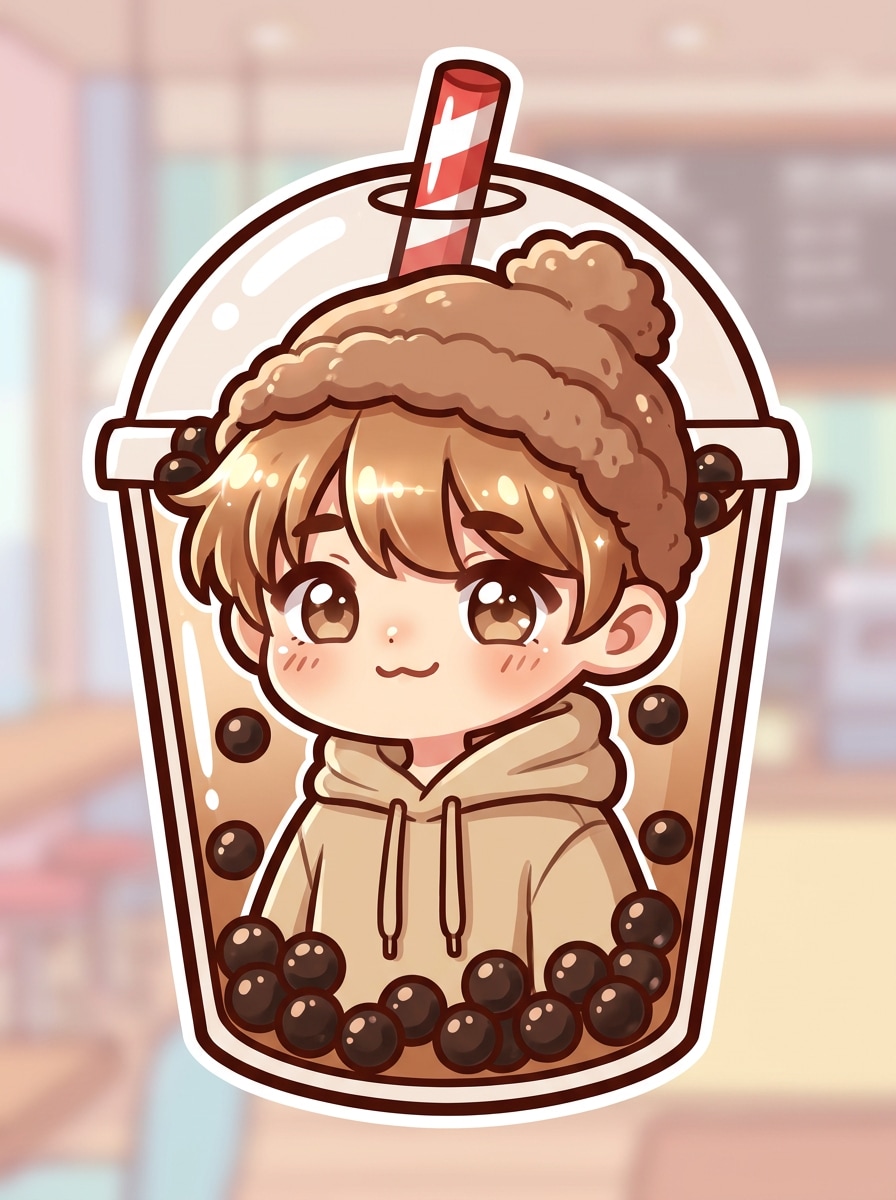
Use a imagem enviada como tema e transforme-a em uma ilustração chibi de chá com leite. Mantenha o rosto reconhecível, adicione uma cabeça mais arredondada, paleta de açúcar mascavo suave, contorno sutil de copo, pérolas de boba, acessório divertido de canudo, contraste brilhante e um acabamento fofo pronto para redes sociais.
Brilho de Boba com Açúcar Mascavo
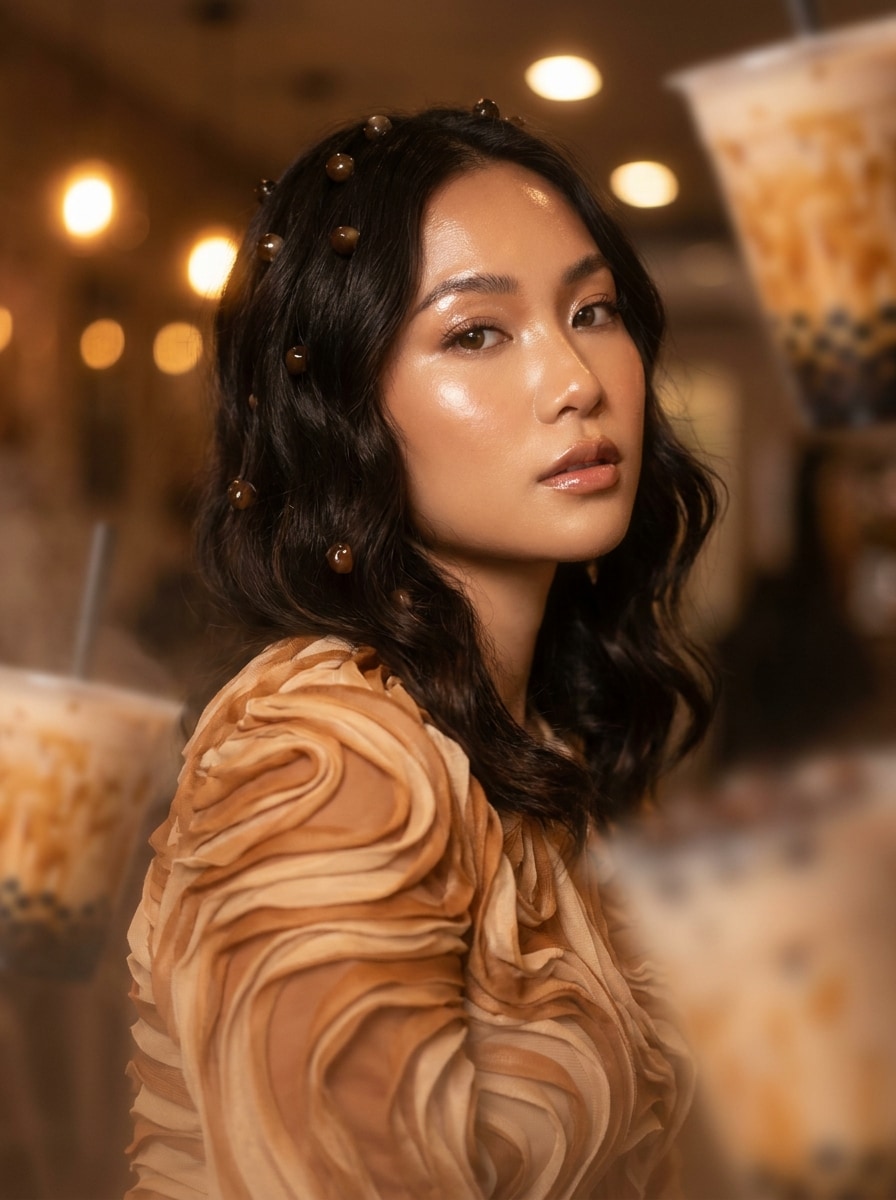
Use a foto enviada como base e aplique uma transformação rica de bubble tea com açúcar mascavo. Misture redemoinhos de caramelo, destaques brilhantes, iluminação bege quente de café, detalhes flutuantes de tapioca, texturas cremosas e um acabamento polido para redes sociais que parece aconchegante, moderno e inspirado em sobremesas.
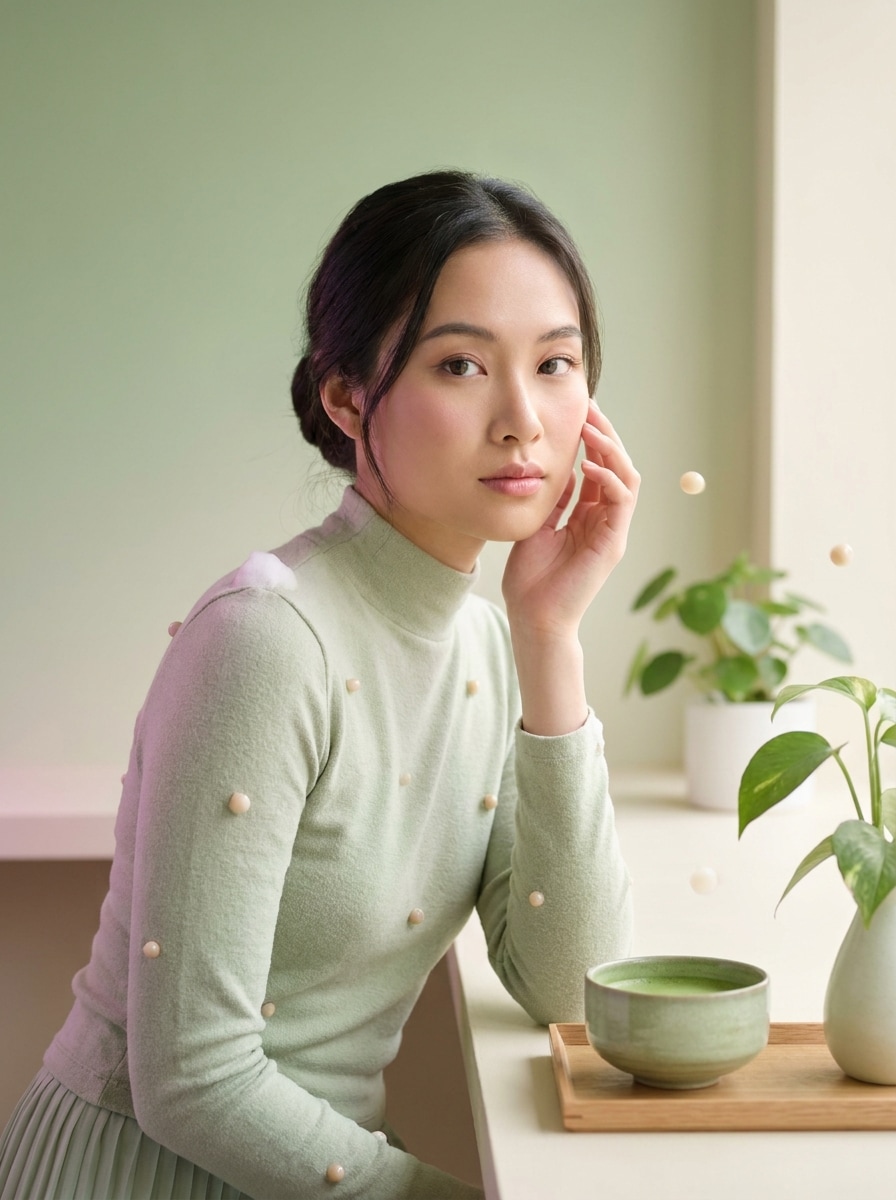
Sonho de Matcha Bubble Tea
Use a imagem enviada como referência e transforme-a em uma cena de bubble tea com matcha dos sonhos. Adicione um gradiente verde suave, texturas cremosas de espuma, delicadas pérolas de boba, sombras pastéis, brilho gentil e um mood de café calmo com visual editorial limpo e arejado.
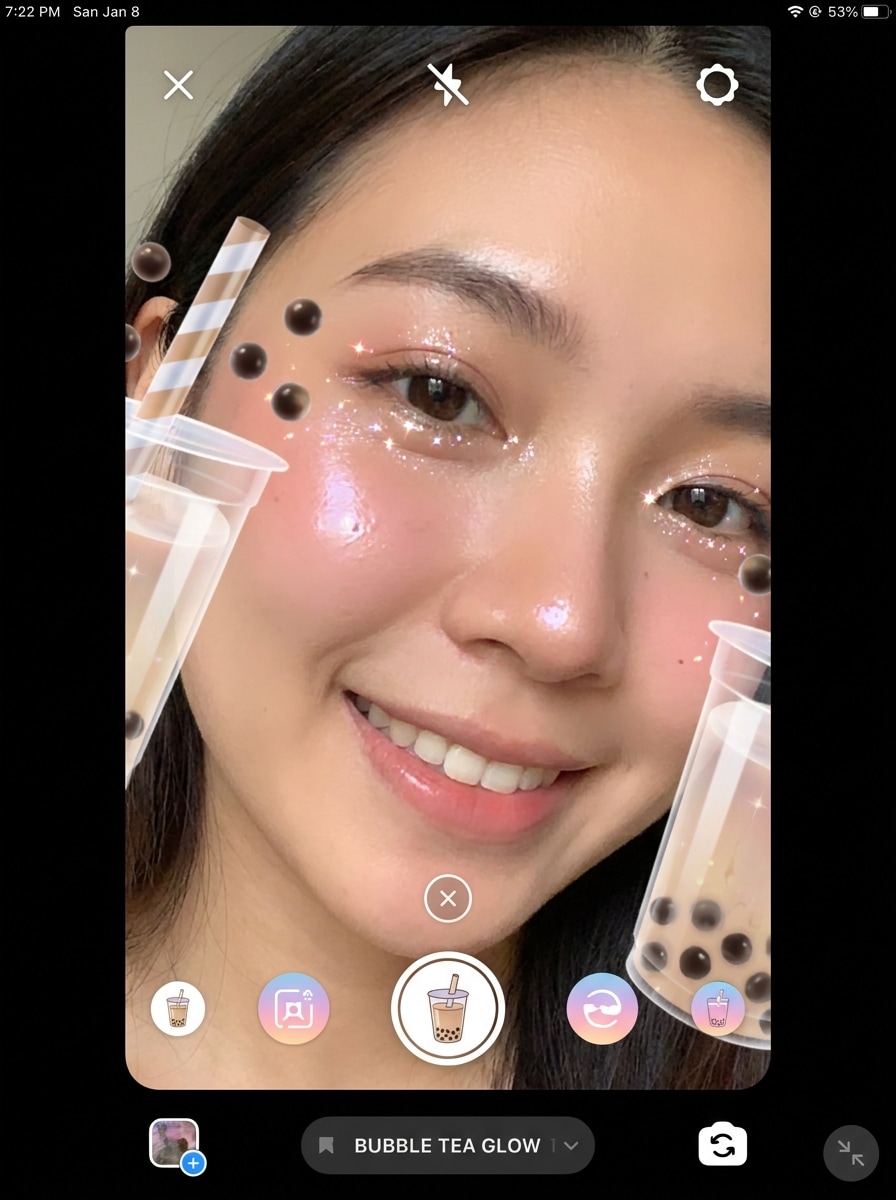
Lente Bubble Tea para o Rosto
Use o selfie enviado como tema e crie um efeito divertido de bubble tea estilo AR no rosto. Adicione moldura de copo ao redor do rosto, pérolas flutuantes, canudo próximo à cabeça, bochechas brilhantes, brilhos, tons de blush e uma composição vertical vivaz feita para compartilhamento social.
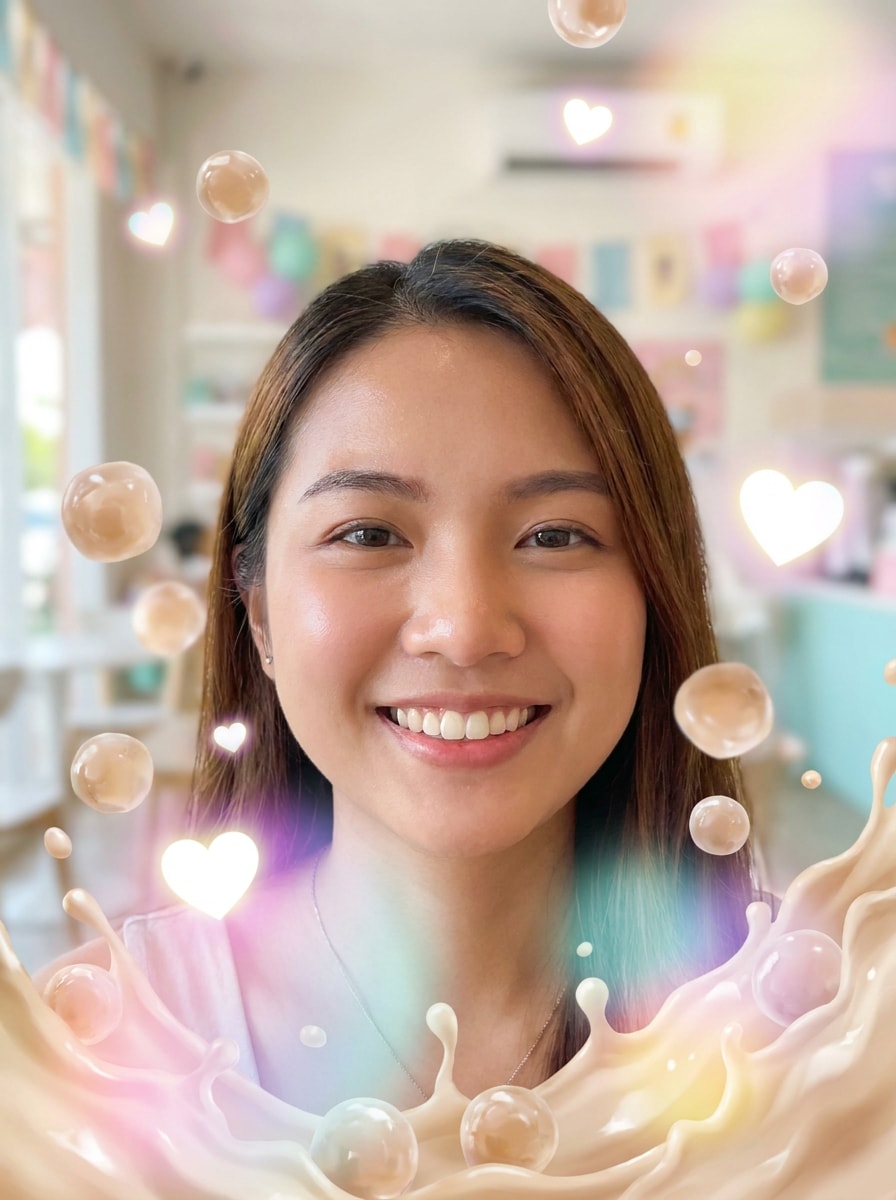
Sobreposição de Boba Flutuante
Use a foto enviada como base e adicione uma sobreposição moderna de boba flutuante. Inclua pérolas de tapioca atravessando a imagem, efeito de splash cremoso de chá com leite, desfoque suave, corações brilhantes, destaques pastéis e layout vertical divertido com charme energético estilo lente.
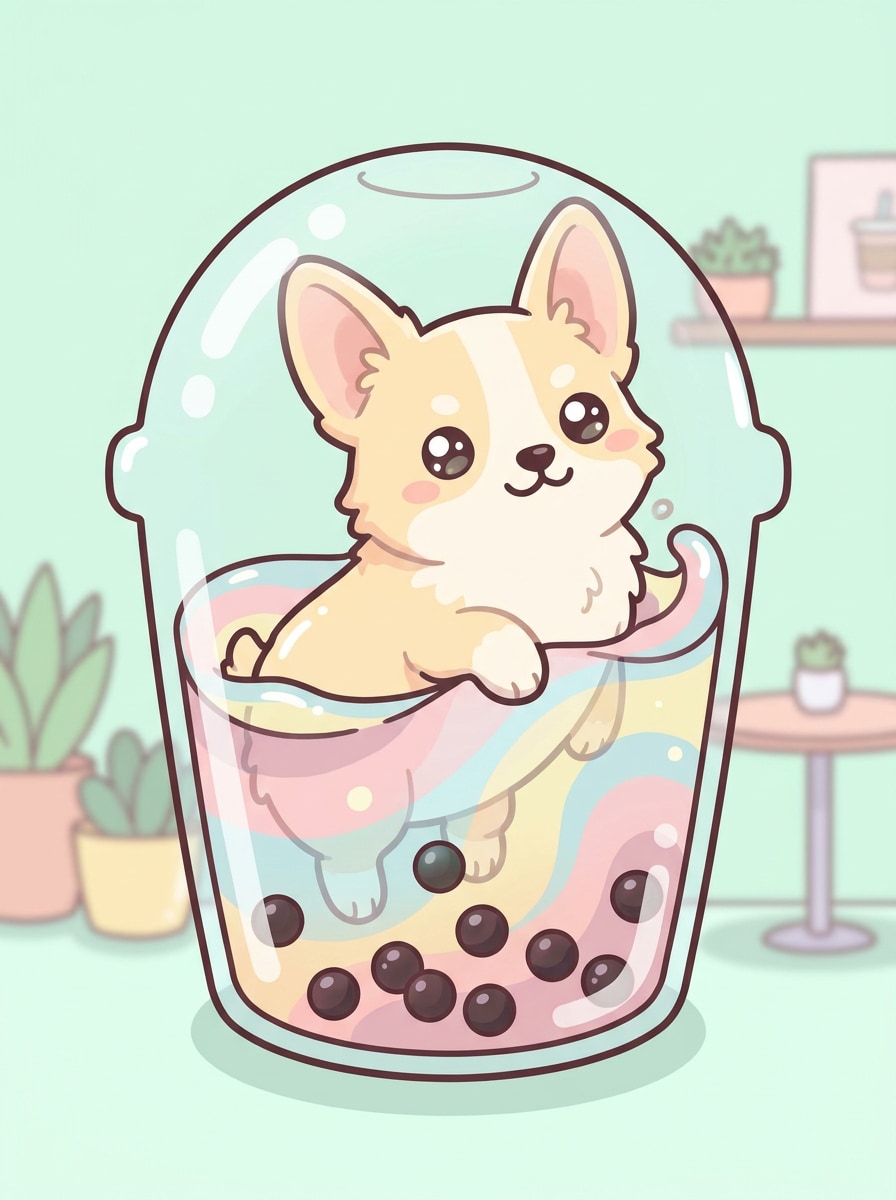
Filtro Boba para Pet
Use a foto do pet enviada como tema e transforme-o em um personagem adorável de bubble tea. Adicione silhueta de copo, pérolas visíveis, cores pastel de café, texturas suaves de cartoon, destaques arredondados e expressão divertida mantendo seu pet reconhecível e super compartilhável.
Foto do Produto Mascote Bebida
Use a foto do objeto enviado como referência e estilize-a como um mascote de bubble tea. Adicione elementos de design em formato de copo, pérolas de tapioca, detalhes faciais kawaii, gradientes suaves, iluminação limpa para foto de produto e fundo comercial para um visual fofo de marca.
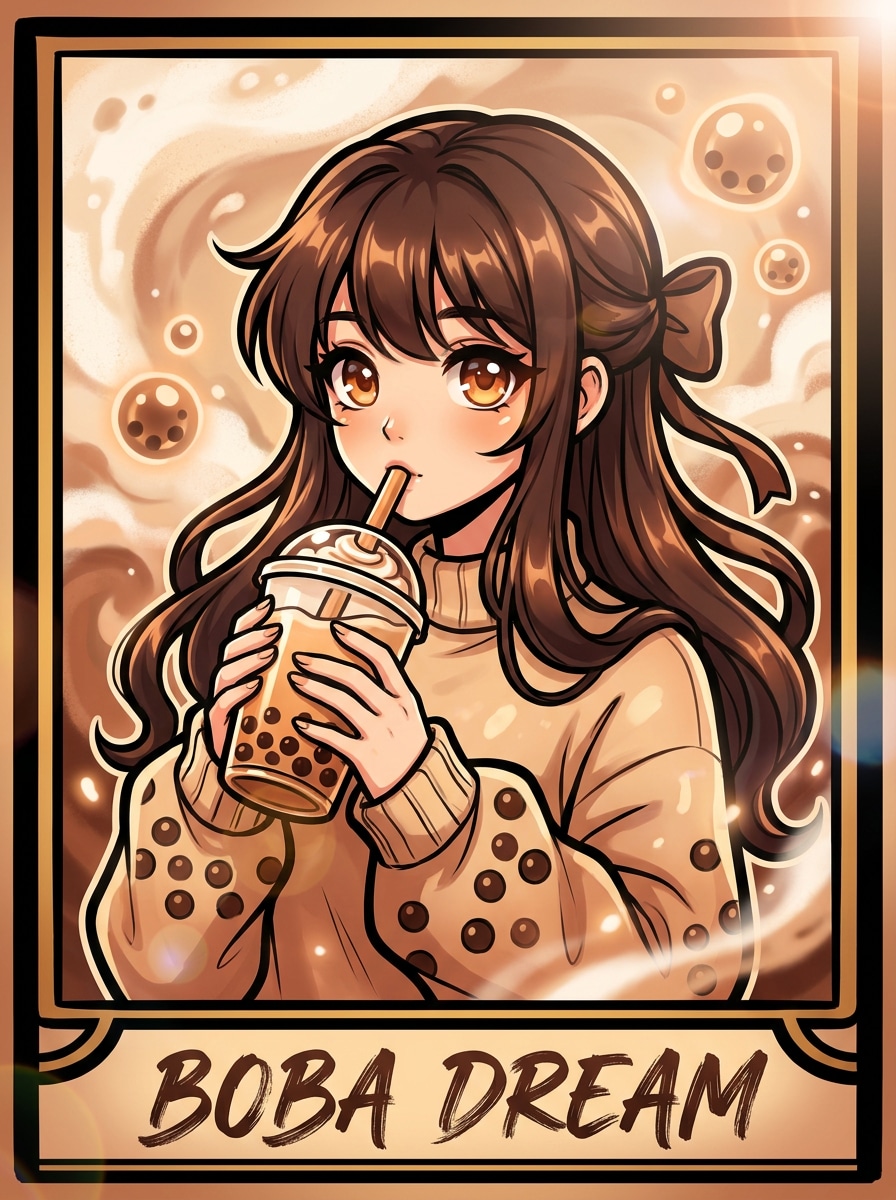
Poster Anime Boba
Use o retrato enviado como tema e transforme-o num poster inspirado em anime de bubble tea. Adicione traços dramáticos, olhos brilhantes, paleta de chá com leite, motivos de tapioca, tratamento de cor suave e vibrante, moldura de poster e um mood estilizado e confiante pronto para redes sociais.
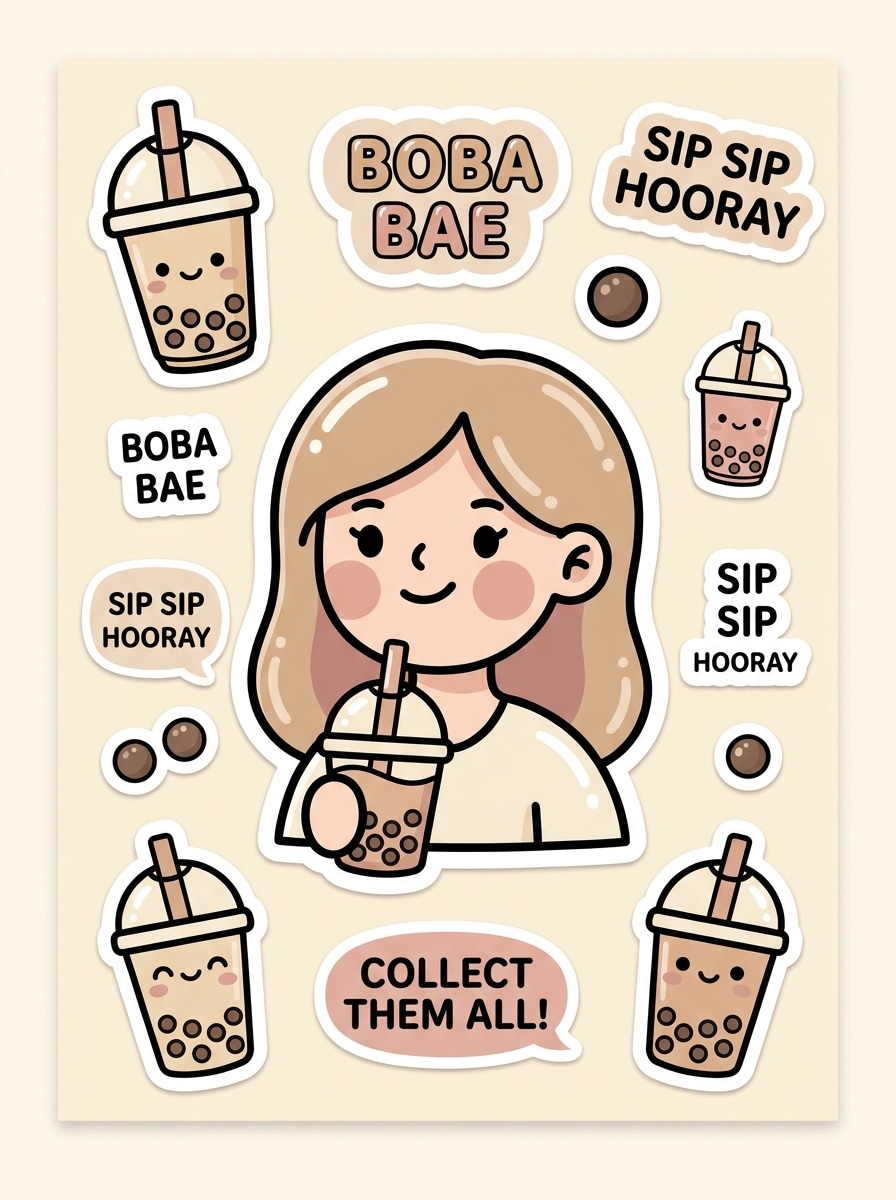
Arte Boba para Pacote de Adesivos
Use a foto enviada como tema e converta-a em arte de adesivos de bubble tea. Adicione contornos marcantes, formas simplificadas, cores pastel, ícones fofos de boba, destaques brilhantes, sensação crisp recortada e um visual colecionável divertido para fotos de perfil e posts sociais.
Por que Usar Media.io para Efeitos de Foto Bubble Tea
Edições Baseadas em Referências Que Ainda Parecem Você
Para edições feitas com upload, o Media.io mantém o tema visualmente consistente enquanto altera o visual final do filtro de bubble tea, tornando os resultados personalizados mais fáceis de usar com confiança.
Combine o Estilo Certo para Cada Versão
Um conceito pode gerar várias direções criativas. O Media.io ajuda a reinterpretar a mesma ideia de filtro de bubble tea em diferentes estilos visuais, assim cada versão pode se encaixar melhor em um post, briefing de marca ou mood board pessoal.
Crie Imagens em Alta Resolução para Uso Real
Saída polida é importante quando a imagem vai além de um rascunho. O Media.io ajuda a criar visuais com filtro de bubble tea com até qualidade 4K, assim os detalhes permanecem nítidos ao recortar, apresentar ou reutilizar o design final.
Fluxo de Trabalho Fácil no Navegador, no Celular ou Computador
Trocar entre celular e computador é mais simples com Media.io, pois o fluxo de filtro de bubble tea roda no navegador. Isso torna prático começar uma ideia no celular e refinar depois no desktop sem mudar de ferramentas.
Como Criar uma Imagem de Filtro Bubble Tea Online
Transforme suas palavras em visuais incríveis em três passos simples e continue aprimorando o resultado se quiser ir além.
Passo 1
Envie Sua Imagem de Referência
Comece com um selfie claro, foto de pet, retrato ou imagem de objeto em formato JPG, PNG ou JPEG. Uma referência bem iluminada ajuda o estilo bubble tea a ficar mais limpo, fofo e reconhecível no resultado final.
Passo 2
Descreva a Mudança e Defina as Opções
Digite o visual que deseja, como avatar kawaii, mood de café de matcha ou efeito brilhante de açúcar mascavo. Escolha o modelo preferido e ajuste proporção, resolução ou quantidade de imagens para se adequar ao uso em post ou perfil.
Passo 3
Gere, Baixe e Continue Aprimorando
Crie sua imagem, compare variações e baixe a versão que mais gostar. Se necessário, refine o prompt, teste outro estilo ou gere mais versões até que seu resultado inspirado em bubble tea fique perfeito.
Veja como criadores usam este Filtro de Bubble Tea para conteúdo, marketing e projetos pessoais e adapte cada ideia conforme necessário.
Transforme Selfies em Avatares Divertidos para Redes Sociais
Converta um retrato do dia a dia em um personagem divertido inspirado em bebida para fotos de perfil, stories ou ícones de chat. O Media.io pode transformar uma imagem simples em um visual fofo com filtro de boba, mais original do que sobreposição básica de adesivo ou edições manualmente feitas.
Crie Edições Compartilháveis de Pets e Amigos
Dê a fotos de pets ou retratos em grupo um makeover com vibes de café boba para aniversários, páginas de fãs e posts casuais. Uma foto estilizada com estética boba feita com Media.io torna assuntos familiares mais memoráveis e fáceis de compartilhar.
Desenhe Visuais Promocionais Fofos para Lojas e Criadores
Use estilos inspirados em drinks para criar mascotes, arte de menu, posts de criadores ou gráficos amigáveis à marca com uma paleta suave de sobremesa. O Media.io é ideal quando você deseja filtro de foto boba tea para conteúdo de café, campanhas sazonais ou visuais charmosos com apelo imediato em miniatura.
O Que Dizem os Usuários
Ava Lin
Criadora de Lifestyle
"Minhas selfies ficaram instantaneamente mais fofas" Enviei um selfie simples e recebi um visual polido de personagem bubble tea em minutos. Os estilos de matcha e açúcar mascavo ficaram incríveis, e os resultados pareciam mais personalizados do que um filtro social típico.
Jordan Reyes
Dono de Conta de Conteúdo Pet
"Perfeito para edições de pets" Testei nas fotos do meu gato e os resultados com tema boba foram hilários de um jeito ótimo. A ferramenta manteve o rosto reconhecível e adicionou um acabamento cartoon suave, ideal para fotos de perfil.
Mina Cho
Assistente de Marketing de Café
"Útil para gráficos promocionais fofos" Usamos a ferramenta para criar visuais de personagens com tema de bebida para posts sociais. Os resultados limpos e tamanhos flexíveis de imagem facilitaram testar ideias sem precisar de designer para cada conceito.
Ethan Walker
Designer Estudante
"Fácil de usar no meu celular" Queria uma imagem divertida de perfil com boba e fiz uma direto no navegador do celular sem instalar nada. A interface era simples e gerar algumas variações me ajudou a escolher um estilo que queria mesmo guardar.
Explore os efeitos de vídeo e imagem de IA mais quentes
Um filtro de bubble tea para fotos é um efeito de imagem por IA que transforma uma foto enviada em um estilo inspirado em boba. Com o Media.io, isso pode incluir moldura de copo, detalhes de pérola de tapioca, cores pastel de café, características anime ou um visual divertido aplicado a selfies, pets e retratos.
2. Como faço uma imagem com filtro bubble tea online?
Envie uma foto JPG, PNG ou JPEG para o Media.io, depois descreva o visual que deseja, como kawaii, matcha, açúcar mascavo ou arte estilo adesivo boba. Em seguida, ajuste as configurações de imagem, gere o resultado e baixe a versão favorita.
3. Posso usar o filtro boba para selfies, pets ou fotos de perfil?
O Media.io foi feito para edição de imagem para imagem, então você pode usar o mesmo fluxo para selfies, fotos de pets, retratos e ideias de perfil. A imagem enviada atua como referência, ajudando a transformação final ser reconhecível e com visual temático.
4. O filtro de bubble tea é grátis para testar?
Sim, o Media.io oferece créditos gratuitos para testar o filtro de bubble tea antes de fazer upgrade. Os resultados gratuitos podem incluir marca d’água, enquanto planos pagos suportam mais créditos e downloads sem marca d’água em alta resolução; compare opções na página de preços.
5. Meu efeito bubble tea vai ficar bom em alta resolução?
O Media.io suporta opções de resolução 1K, 2K e 4K, então sua imagem final pode ficar nítida além de um preview rápido para rede social. Isso ajuda caso queira usar o efeito bubble tea para imagem de perfil, gráficos de story, cartões, capas ou outros materiais visuais; usuários gratuitos podem ver marca d’água.
6. Posso usar o filtro bubble tea no iPhone, Android ou computador?
O Media.io é uma ferramenta baseada em web, então você pode usar no iPhone, Android, Windows ou Mac com um navegador. Isso facilita criar uma edição bubble tea no celular e depois refinar no desktop.