Selecione / @ personagem, descreva a cena que você deseja gerar.
0/2000
9:16
1K
1
Modo Ilimitado do Banana Pro
Criações
Hub de Ideias
Como funciona
Todos
Recursos populares
Ver tudo
História de Frutas com IA
Ver tudo
Vídeo de História com IA
Ver tudo
Vídeos Virais Hoje
Ver tudo
Vídeos de Produto com IA
Ver tudo
Personagem AI
Ver tudo
Tendências de Dança
Ver tudo
GPT Image 2
Ver tudo
Seedance 2.0
Ver tudo
Correspondência de Celebridade por IA
Ver tudo
Dicas de Poses para Casais
Ver tudo
Prompts de Poses de Garota AI Estética
Ver tudo
Sugestões de Pose de Garoto Elegante com IA
Ver tudo
Lista de geração
As criações são armazenadas por apenas 7 dias. Os recursos criados após o upgrade para um plano de assinatura serão armazenados permanentemente.
Desbloqueie seu potencial criativo e experimente a magia da IA de mídia hoje!
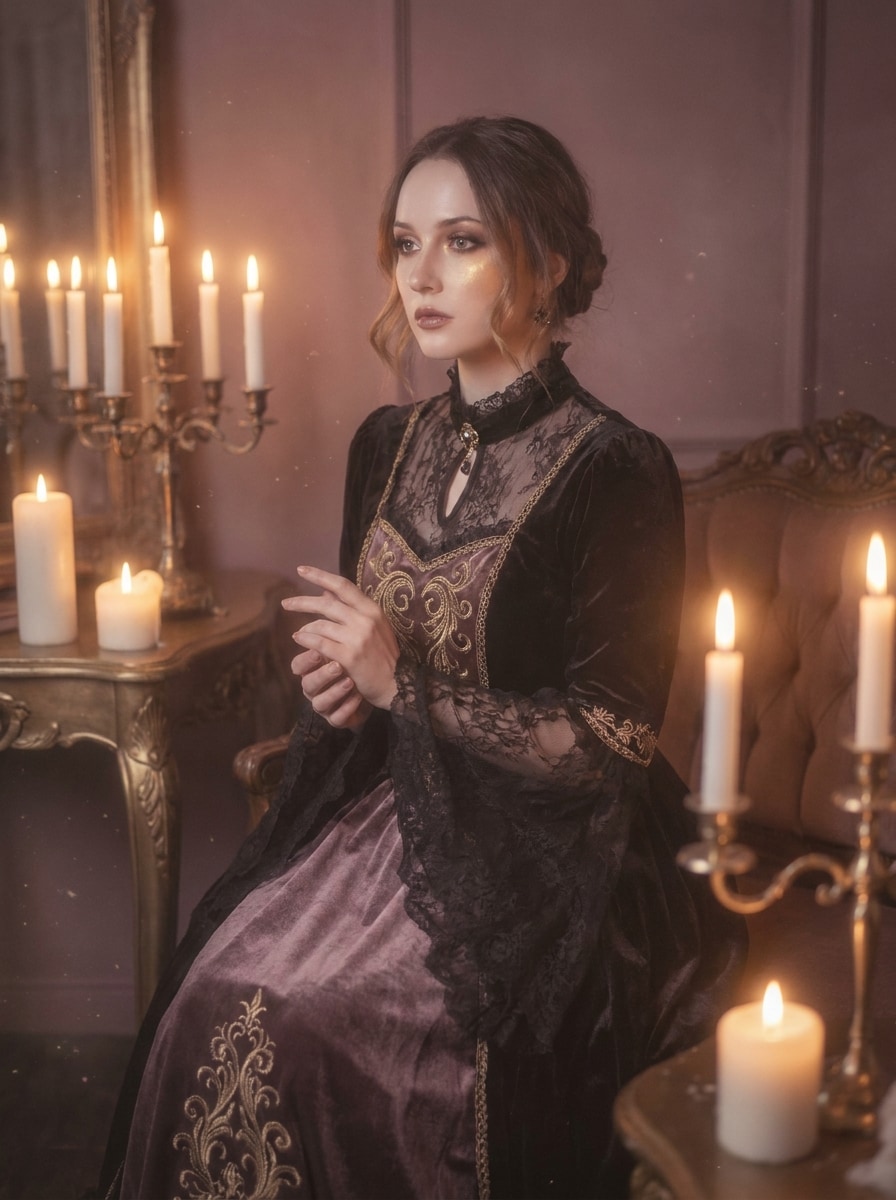
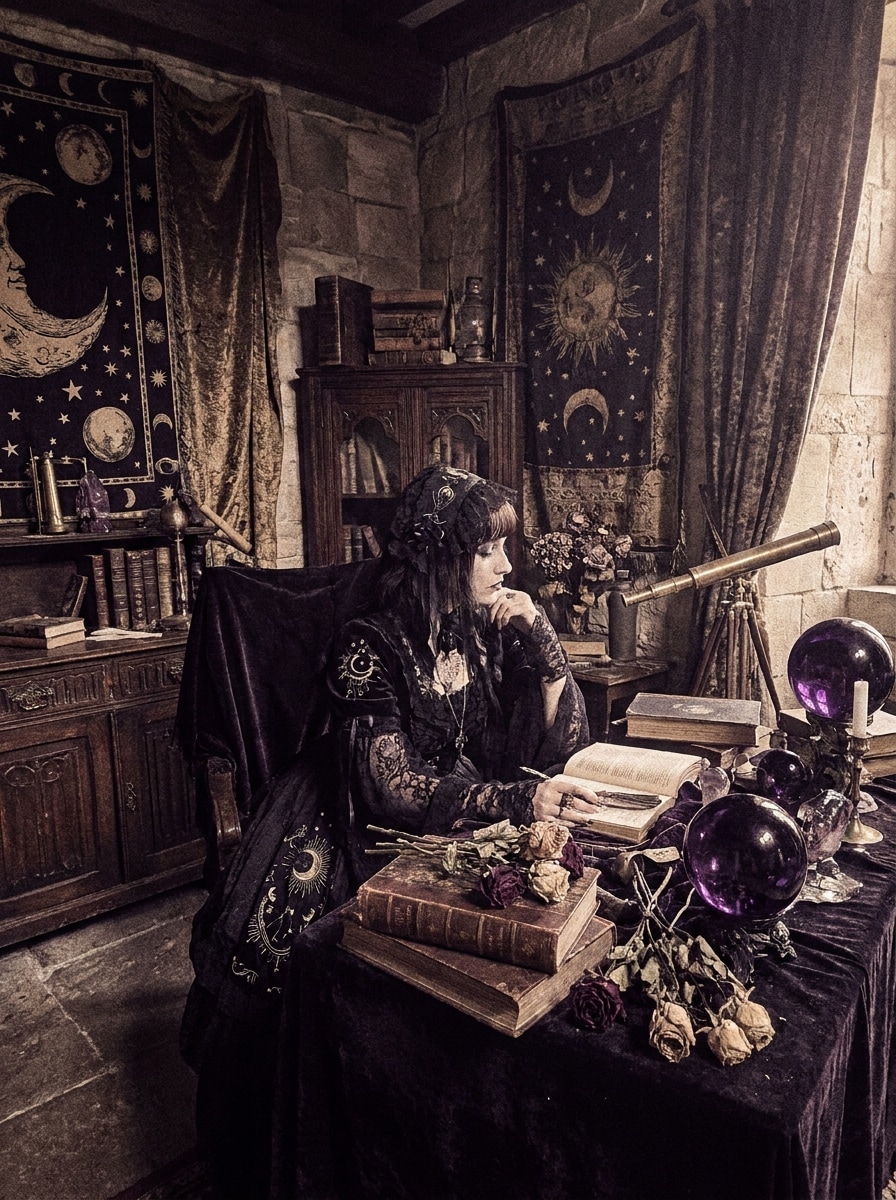
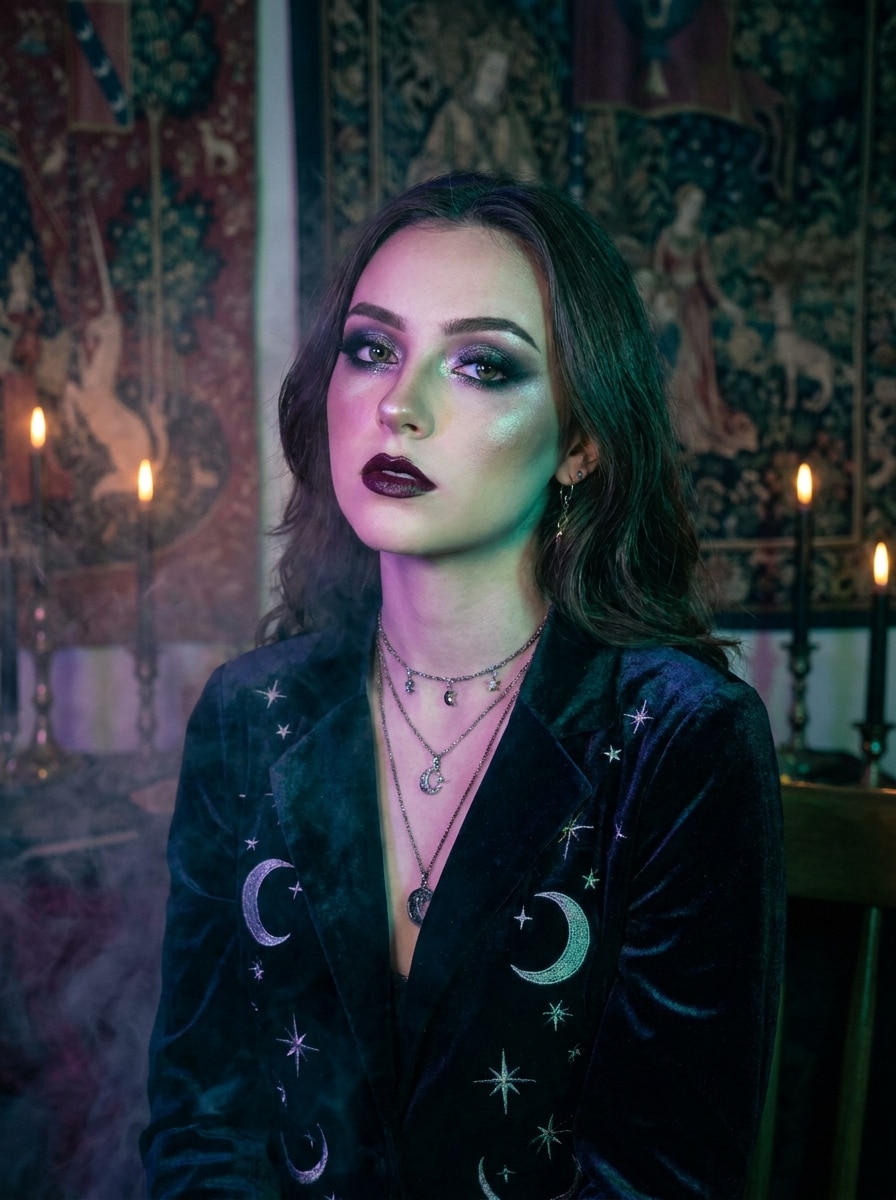
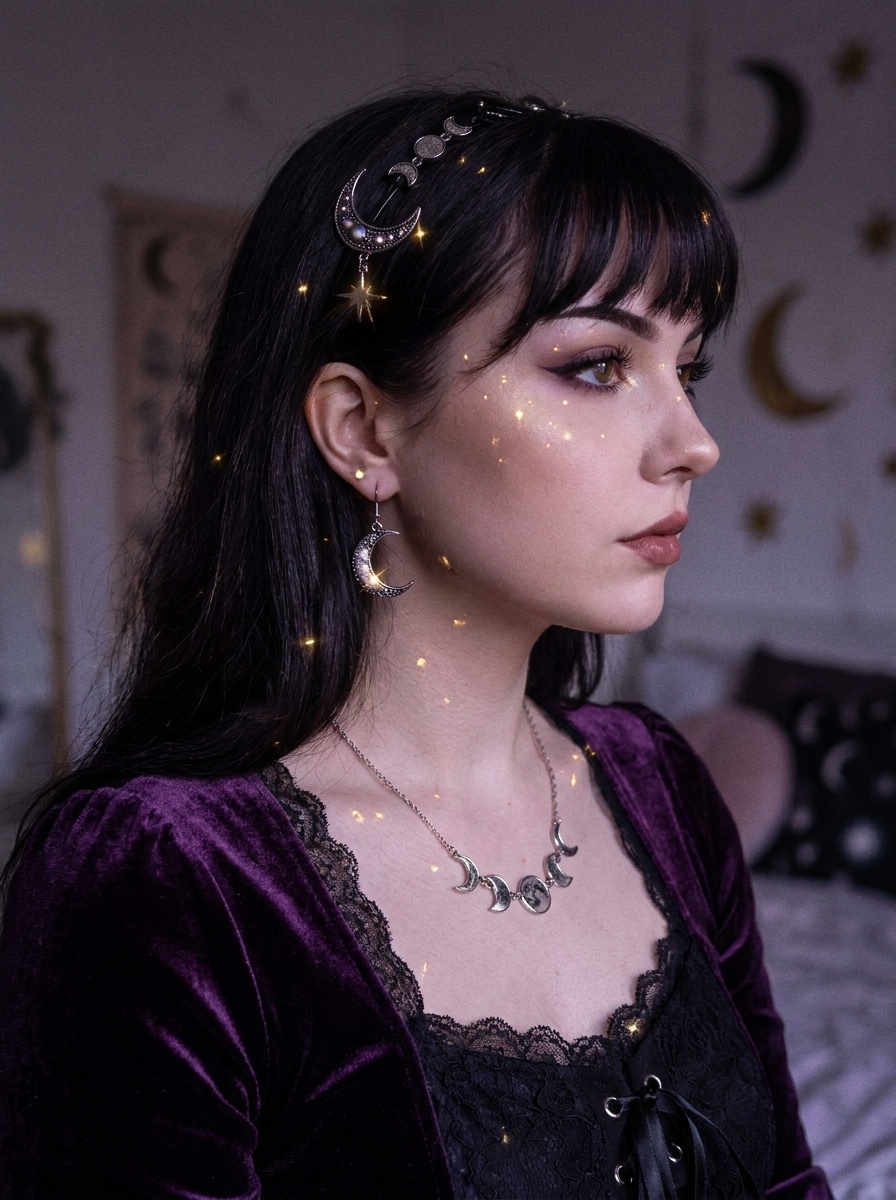
Filtro Whimsigoth com IA para Transformações Fotográficas Celestiais e Oníricas
Crie edições sombrias e místicas a partir de selfies, retratos e fotos de ambientes com um AI filtro whimsigoth. O Media.io ajuda você a transformar imagens do cotidiano em cenas celestiais com flash vintage, tons de joias, névoa suave, texturas aveludadas e um acabamento gótico-boho refinado em minutos.
Digite sua ideia -> a IA a cria. Gratuito para experimentar.
Confira esses exemplos de direcionamentos e personalize os detalhes do prompt para obter resultados mais precisos com este Filtro Whimsigoth.
Retrato Celestial Aveludado
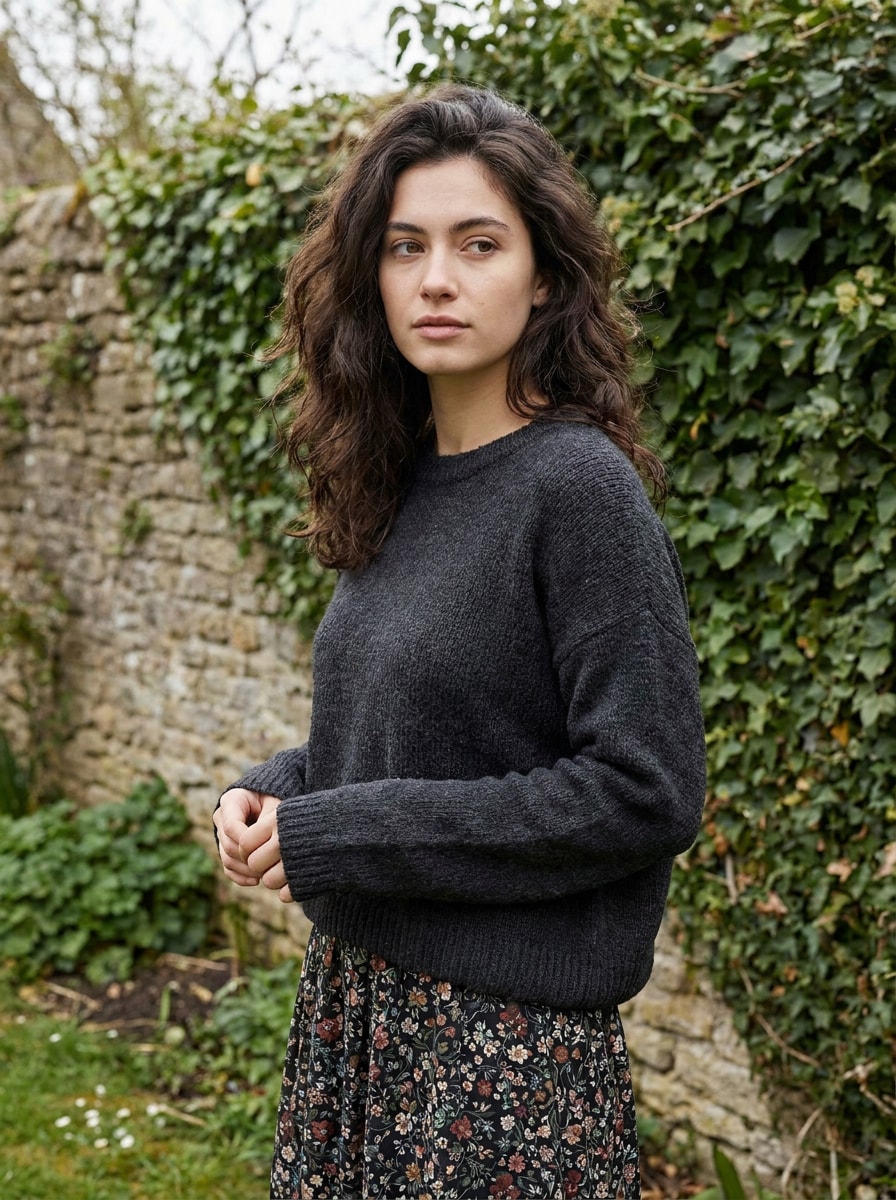
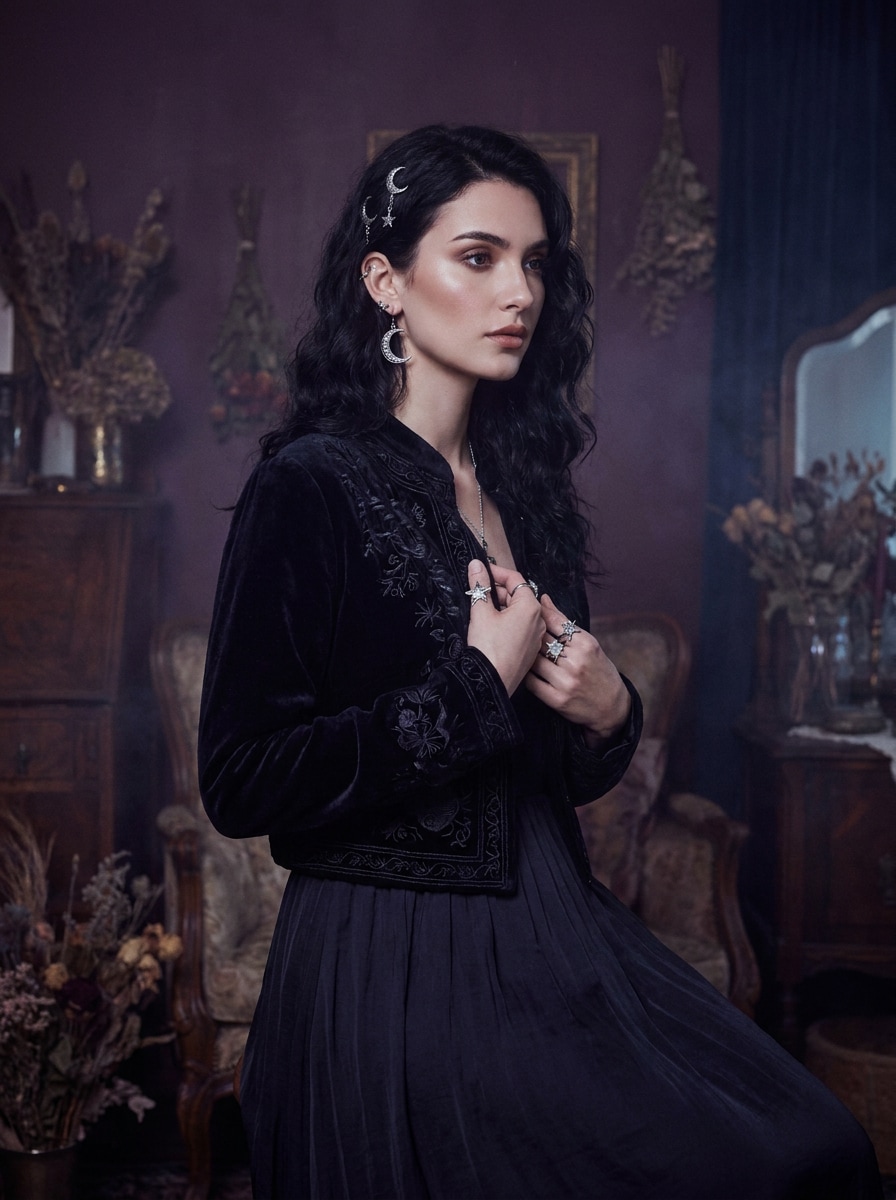
Use a imagem enviada como sujeito e transforme-a em um retrato whimsigoth com tons profundos de ameixa e azul meia-noite, iluminação suave de flash vintage, texturas aveludadas, joias celestiais, névoa sutil, delicado grão de filme e um clima gótico-boho onírico com detalhes faciais valorizados.
Flash Místico dos Anos 90
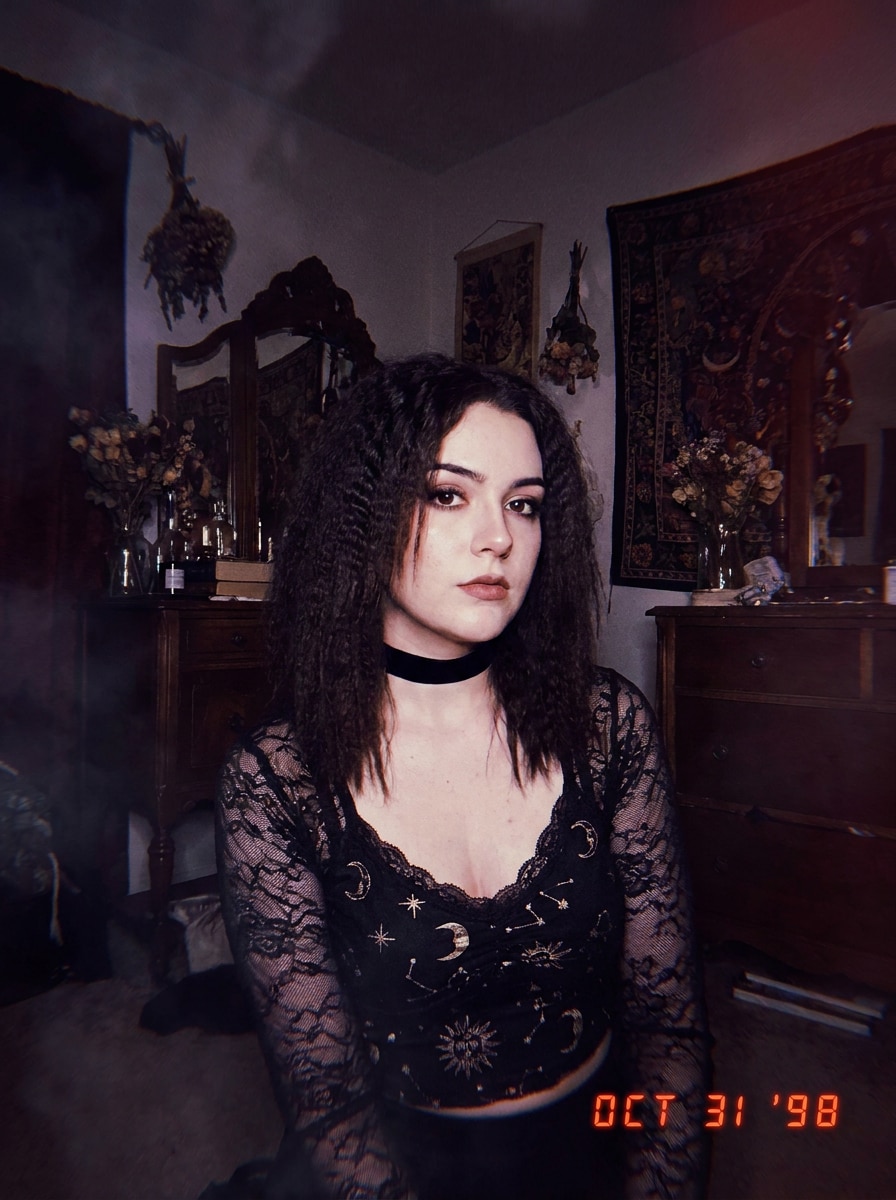
Use a foto enviada como base e reestilize-a em um retrato whimsigoth de flash dos anos 90 com flash direto de câmera, sombras esfumaçadas, gradação de cores em bordô e índigo, desfoque suave, grão vintage, acessórios místicos e uma sensação editorial de câmera descartável que permanece valorizada e reconhecível.
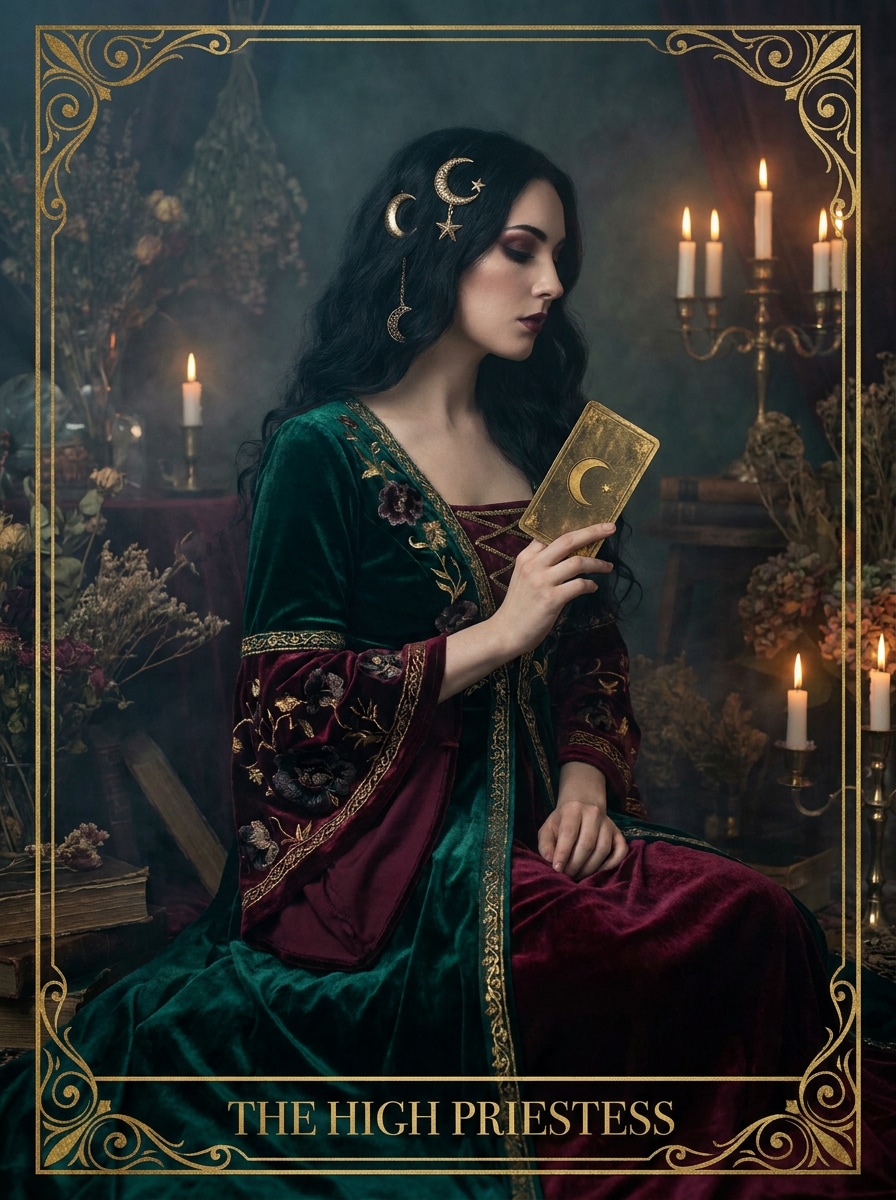
Musa do Tarô
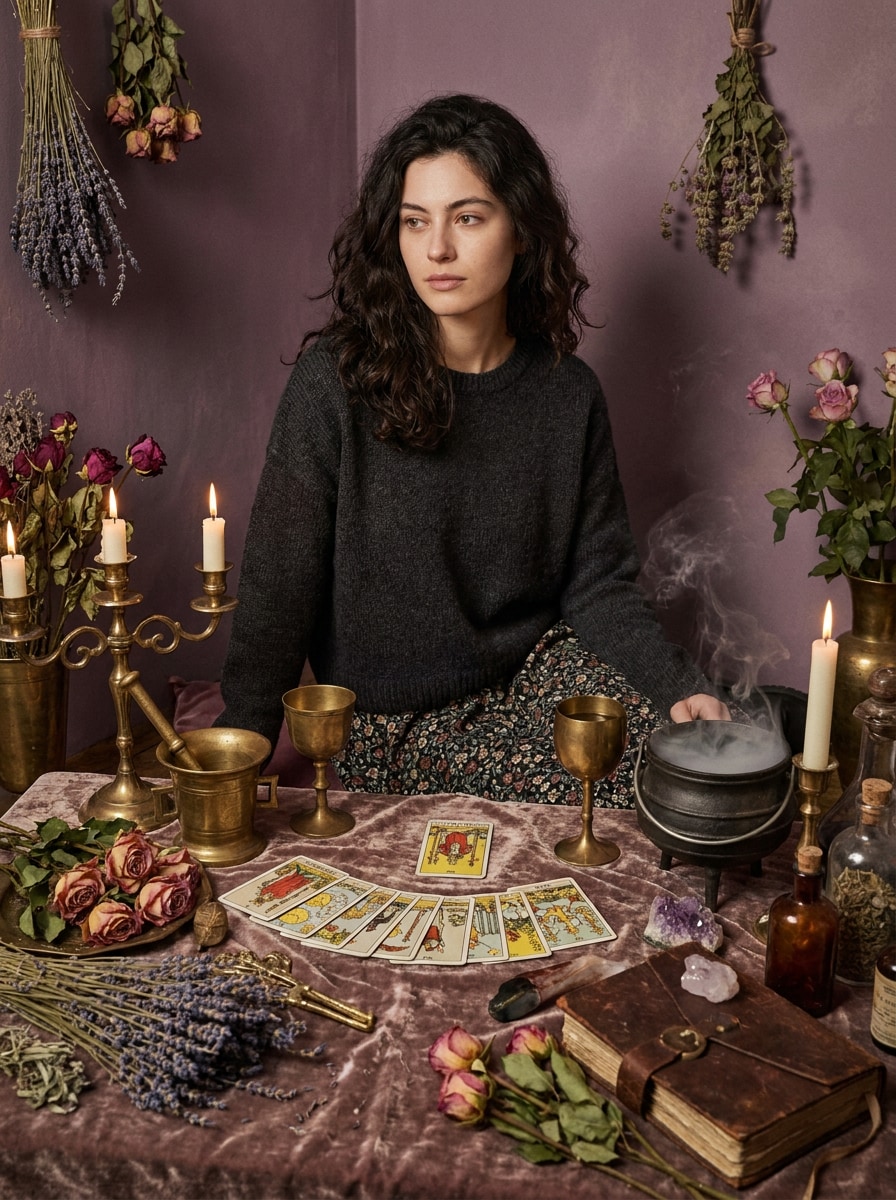
Use a imagem enviada como sujeito e dê a ela uma transformação whimsigoth inspirada no tarô com motivos lunares, detalhes em ouro envelhecido, florais escuros, tons ricos de joias, contraste suave, brilho nebuloso, estilo místico elegante e uma composição editorial que parece mágica em vez de dramática.
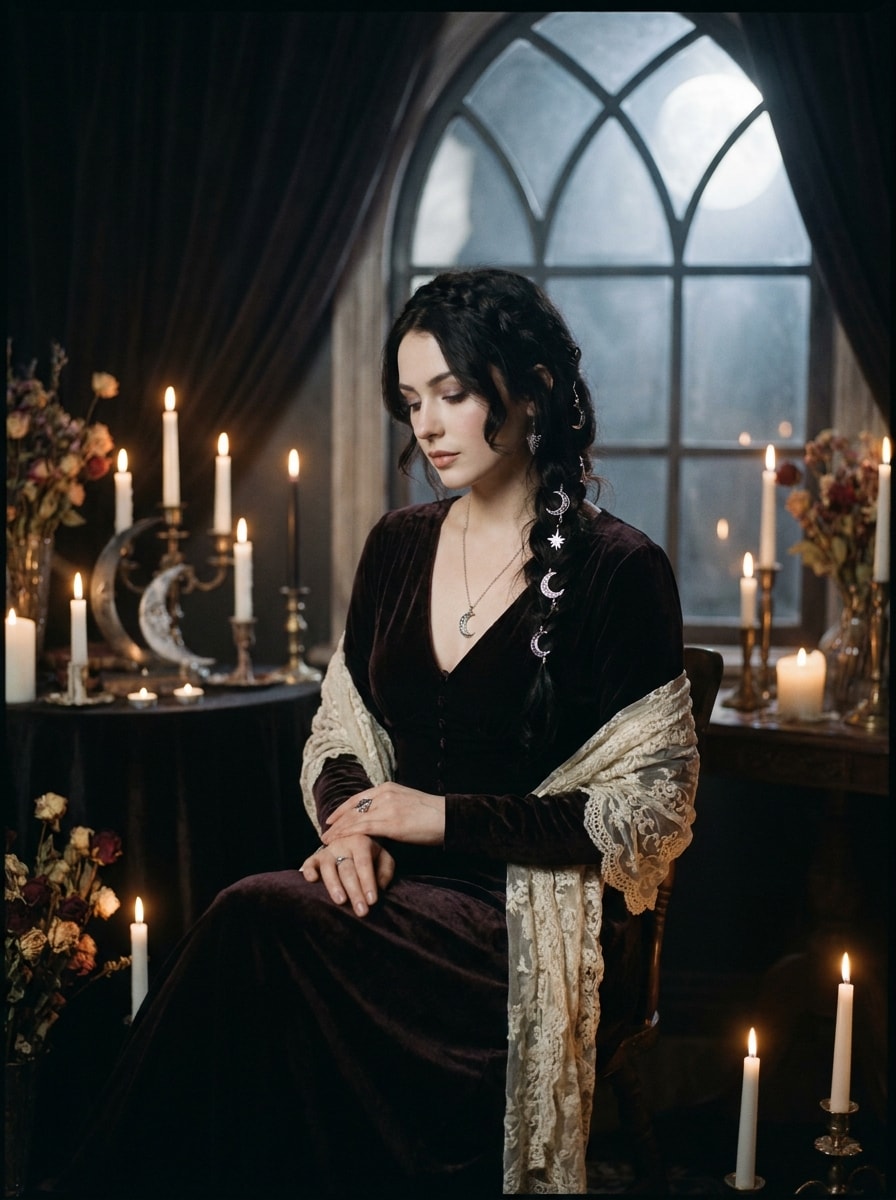
Boho Gótico ao Luar
Use a foto enviada como referência e transforme-a em uma cena boho gótica ao luar com realces prateados, sombras profundas, estilo em renda e veludo, ambiente de luz de velas, símbolos celestiais e grão cinematográfico suave para um acabamento místico, romântico e inspirado na noite.
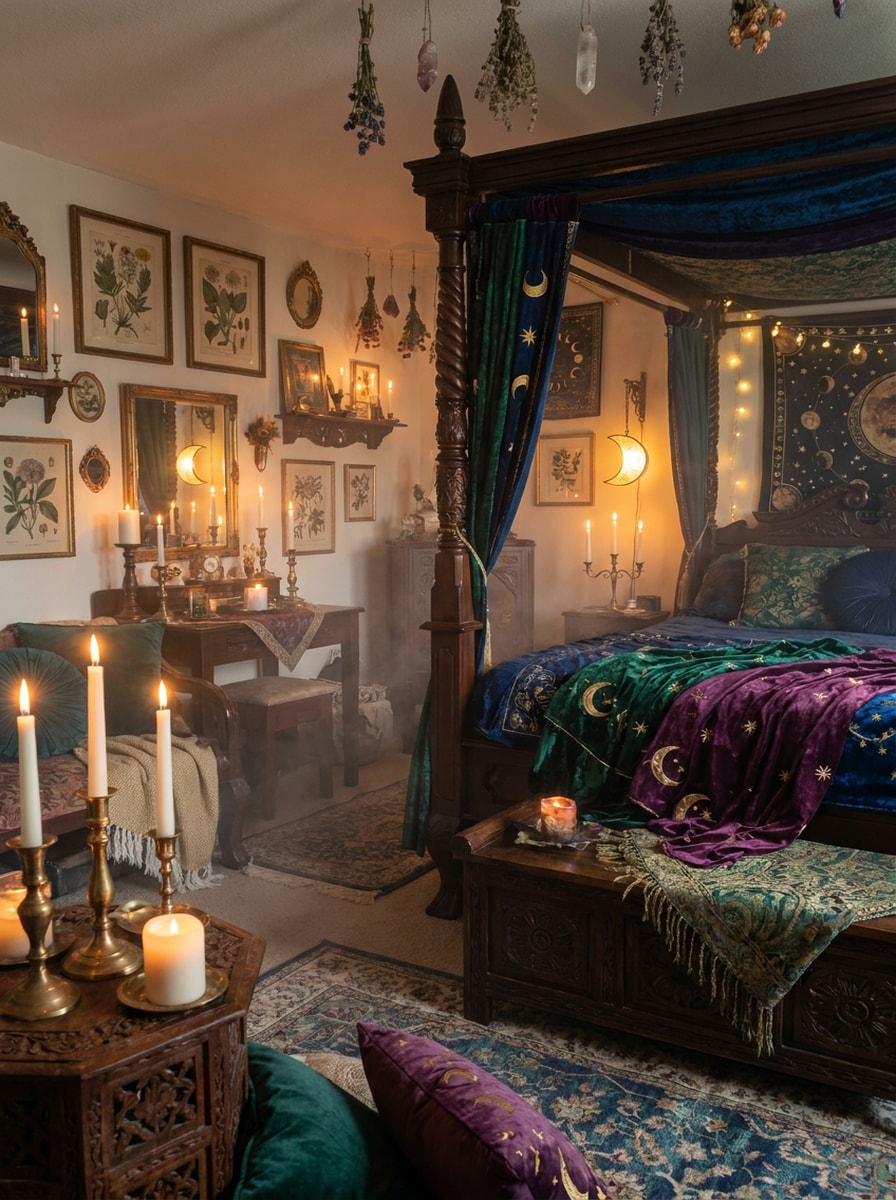
Decoração de Quarto Whimsigoth
Use a foto do ambiente enviada como base e transforme-a em um interior whimsigoth com detalhes de lua e estrelas, móveis em madeira escura, tecidos em tons de joias, velas, molduras antigas, texturas em camadas, névoa suave e uma atmosfera mística e onírica com profundidade visual aconchegante.
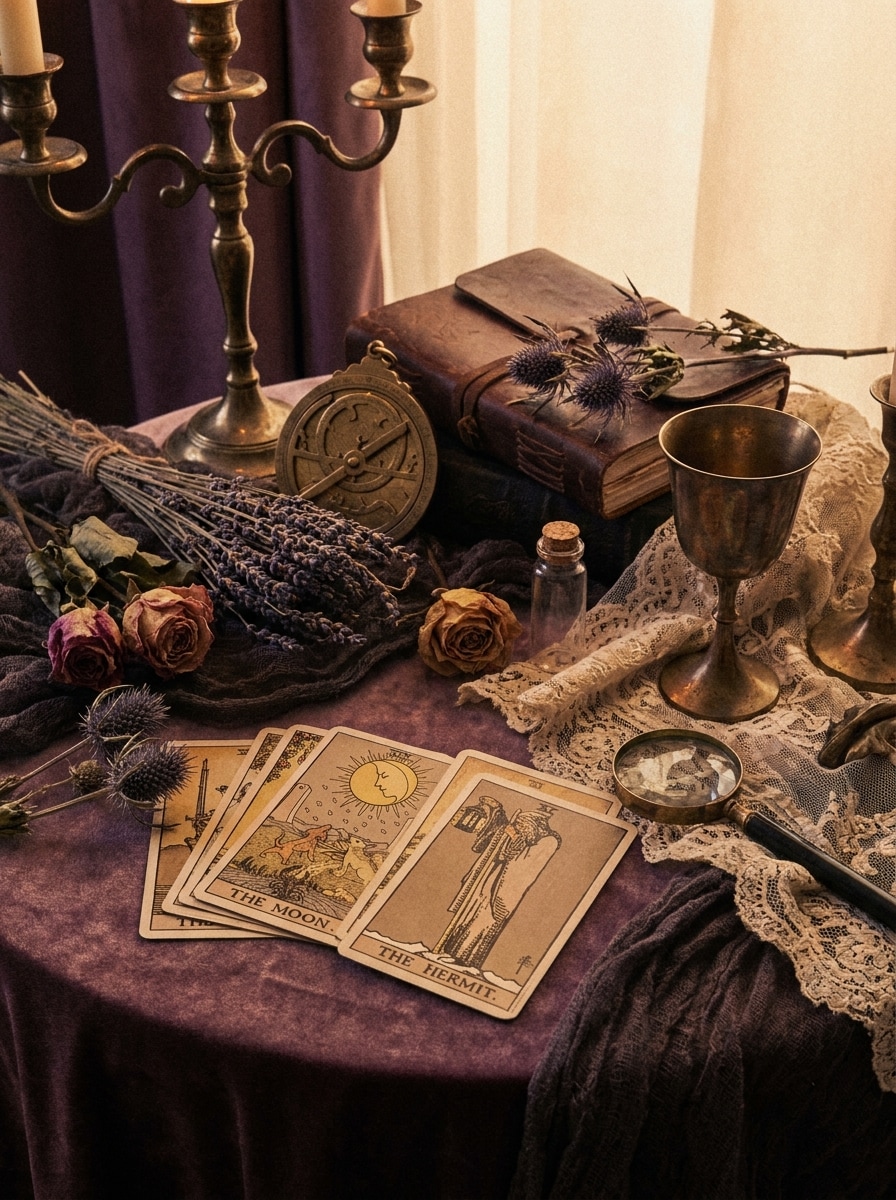
Natureza-Morta Vintage Bruxesca
Use a imagem enviada como referência e transforme-a em uma natureza-morta whimsigoth vintage bruxesca com sombras em roxo empoeirado, objetos em bronze envelhecido, cartas de tarô, flores secas, brilho suave, grão sutil de filme e um acabamento editorial nostálgico rico em textura e atmosfera.
Brilho Gótico Romântico
Use a imagem enviada como sujeito e adicione um brilho whimsigoth romântico e suave com tons de malva, ameixa, preto e dourado, calor de luz de velas, realces nebulosos, estilo gótico elegante, contraste suavizado e um acabamento mágico que permanece delicado em vez de agressivo.
Mistura Whimsigoth de Dark Academia
Use a foto enviada como sujeito e combine o dark academia com o estilo whimsigoth usando tons terrosos vintage, sombras roxo-preto, texturas envelhecidas, adereços celestiais, grão de filme e um clima intelectual e onírico que parece literário, místico e visualmente refinado.
Edição Viral Antes e Depois
Use a foto enviada como ponto de partida e transforme-a em uma transformação whimsigoth pronta para viralizar com gradação dramática em tons de joias, clima celestial, contraste esfumaçado, energia de flash vintage, composição refinada e um resultado marcante de antes e depois feito para compartilhamento nas redes sociais.
Foto de Perfil Mística
Use a imagem enviada como referência e transforme-a em uma foto de perfil whimsigoth com detalhes faciais valorizados, iluminação gótica suave, paleta em roxo e preto, realces sutis com brilhos, acessórios inspirados na lua, enquadramento centralizado nítido e um acabamento limpo pronto para avatar.
Por Que Usar o Media.io para Edições de Fotos Whimsigoth
Estilo Reconhecível a Partir da Sua Própria Foto
Trabalhos baseados em referência precisam de mais do que uma simples mudança de estilo. O Media.io ajuda a manter os principais detalhes de identidade reconhecíveis enquanto retrabalha o visual do filtro whimsigoth, para que o resultado pareça pessoal em vez de genérico.
Ajuste Fino do Clima: Do Místico Suave ao Gótico Mais Intenso
Quando o estilo faz parte do processo de decisão, o Media.io ajuda você a comparar múltiplas direções a partir da mesma base visual do filtro whimsigoth, tornando a seleção criativa mais eficiente.
Mantenha os Visuais Finais Nítidos para Projetos Reais
Seja para atualizar conteúdo no Instagram, criar um papel de parede para celular ou testar uma pequena impressão artística, o Media.io suporta exportação em até 4K para que seus visuais editados mantenham atmosfera, textura e clareza além do compartilhamento rápido em tela.
Fluxo de Trabalho Fácil no Navegador em Qualquer Dispositivo
O trabalho criativo raramente fica em uma única tela. O Media.io mantém o fluxo de trabalho do filtro whimsigoth no seu navegador, para que você possa começar no celular e terminar no desktop sem precisar instalar softwares adicionais.
Como Aplicar um filtro estético whimsigoth no Media.io
Transforme suas palavras em visuais impressionantes em três etapas simples e continue refinando o resultado se quiser ir além.
Passo 1
Envie Sua Imagem de Referência
Comece com uma selfie nítida, retrato, foto de ambiente ou foto de estilo de vida no formato JPG, PNG ou JPEG. Escolha uma imagem com detalhes visíveis do sujeito e iluminação simples para que os tons celestiais, o clima de flash vintage e as texturas em camadas se traduzam com mais clareza.
Passo 2
Descreva a Mudança e Configure as Opções
Insira um prompt que explique o visual desejado, como texturas aveludadas, motivos lunares, gradação em bordô e ameixa, brilho de velas ou grão suave. Em seguida, escolha seu modelo preferido e ajuste a proporção, qualidade ou quantidade de imagens para o resultado que você precisa.
Passo 3
Gere, Baixe e Continue Aprimorando
Crie várias variações, compare o clima e os detalhes e baixe sua versão favorita. Se quiser um visual místico mais suave ou um acabamento gótico mais intenso, edite o prompt, gere novamente e continue refinando até que a transformação corresponda à sua visão.
Desbloqueie o Potencial do Filtro Estético Whimsigoth
Veja como os criadores usam este Filtro Whimsigoth para conteúdo, marketing e projetos pessoais, e adapte cada ideia ao seu contexto.
Transforme Selfies do Cotidiano em Retratos Místicos
Renove um retrato simples com tons de joias, acessórios celestiais, energia de flash vintage e névoa onírica. Ideal para fotos de perfil, publicações no feed ou branding de criadores quando você quer um visual mágico que ainda pareça valorizado e reconhecível.
Reestilize Ambientes com Energia de Decoração Celestial
Envie uma foto de quarto ou cantinho e explore motivos lunares, madeira escura, velas, molduras antigas e tecidos em camadas antes de fazer mudanças reais na decoração. É uma maneira rápida de visualizar um espaço sombrio e criar painéis de inspiração para compartilhar.
Crie Conteúdo de Antes e Depois que Para o Scroll
Os criadores podem usar o Media.io como um fluxo de trabalho rápido de filtro whimsigoth com IA para transformações dramáticas que têm bom desempenho em reels, carrosséis e vídeos curtos. Mudanças fortes de clima, gradação refinada e detalhes consistentes do sujeito ajudam as edições a parecerem prontas para as redes sociais em vez de excessivamente processadas.
O Que os Usuários Dizem
Nina R.
Criadora de Conteúdo de Lifestyle
"Exatamente o clima de retrato místico que eu queria" Enviei uma selfie comum e obtive um visual rico em roxo e luz de velas em minutos. O resultado pareceu onírico e gótico sem deixar meu rosto artificial.
Marcus L.
Designer de Redes Sociais
"Ótimo para experimentos estéticos rápidos" Usei para testar edições sombrias para fotos de perfil e de ambientes. É muito mais rápido do que empilhar predefinições manuais, e o efeito de antes e depois é forte o suficiente para conteúdo nas redes sociais.
Sabrina T.
Blogueira de Decoração Vintage
"Útil tanto para retratos quanto para interiores" A maioria das ferramentas pende demais para o lado de terror, mas esta manteve o visual mágico e elegante. Gostei de usar a mesma direção de estilo nas fotos do meu quarto e nos meus retratos pessoais.
Jade P.
Criadora Estudante
"Amigável para celular e fácil de refinar" Editei no meu celular, mudei o prompt duas vezes e obtive um resultado muito melhor a cada rodada. A imagem final ficou nítida o suficiente para postar e salvar como papel de parede.
Explore os efeitos de vídeo e imagem de IA mais quentes
Perguntas Frequentes sobre o Filtro Whimsigoth com IA
1. O que é um filtro whimsigoth com IA?
Um filtro whimsigoth com IA é um efeito de edição de imagem para imagem que transforma sua foto enviada em um visual sombrio e místico inspirado em detalhes celestiais, flash vintage, tons de joias, névoa suave e estilo gótico-boho. No Media.io, você envia uma imagem de referência e orienta a transformação com prompts e configurações de modelo.
2. Como faço para deixar uma foto com aparência whimsigoth online?
Envie sua selfie, retrato ou foto de ambiente para o Media.io e descreva o estilo desejado com indicações como motivos lunares, texturas aveludadas, gradação em ameixa e bordô, brilho de velas ou grão suave de filme. Escolha seu modelo e as configurações de imagem, gere variações e refine o prompt até que o filtro estético whimsigoth visual corresponda à sua visão.
3. O filtro whimsigoth com IA é gratuito?
Usuários gratuitos podem experimentar o Media.io com créditos gratuitos. Se precisar de mais gerações, uso em maior volume ou downloads sem marca d'água, você pode verificar a página de preços para os planos disponíveis. Usuários gratuitos podem usar créditos gratuitos. Para mais uso, os usuários podem assinar um plano na página de preços. Faça upgrade para um plano pago na página de preços para obter mais créditos e downloads em alta resolução sem marca d'água.
4. Posso aplicar um filtro whimsigoth em selfies e fotos de ambientes?
O Media.io suporta uploads de imagens de referência para diferentes sujeitos, então você pode aplicar este estilo a selfies, retratos, interiores e outras fotos de estilo de vida. Isso o torna útil para edições pessoais, fotos de perfil, conceitos de decoração e publicações criativas nas redes sociais com um clima místico consistente. O Media.io é uma ferramenta baseada na web que funciona em qualquer dispositivo com um navegador (Windows, Mac, iOS, Android).
5. Quão realista ou artística será a imagem final?
O resultado depende do seu prompt, do modelo escolhido e da imagem de origem. O Media.io pode criar uma mudança de clima mais suave e realista ou uma transformação editorial mais estilizada, para que você possa buscar uma gradação de cores vintage sutil, detalhes celestiais mais fortes ou um acabamento de filtro whimsigoth mais marcante.
6. Minha imagem editada terá resolução suficiente para o Instagram ou impressão?
O Media.io oferece opções de resolução em 1K, 2K e 4K, o que o torna adequado para publicações no Instagram, papéis de parede e muitos usos criativos de impressão. Você também pode definir proporções como 1:1, 9:16, 16:9, 4:3 e 3:4 para combinar melhor com seu formato de publicação. Usuários gratuitos podem ter marcas d'água.