Explore Runway-Ready Scenes
Try Fashion Week AI photo prompts for catwalk entrances, runway finales, backstage portraits, front-row appearances, paparazzi arrivals, and city street-style photos.
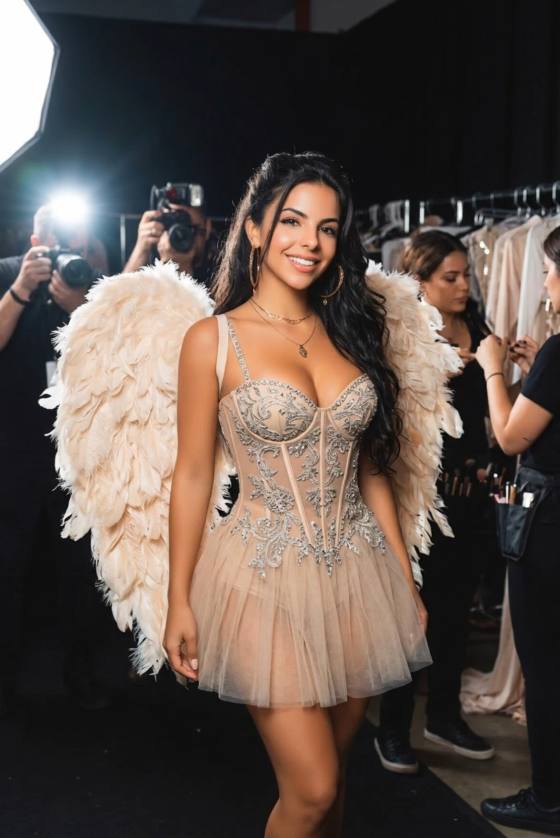
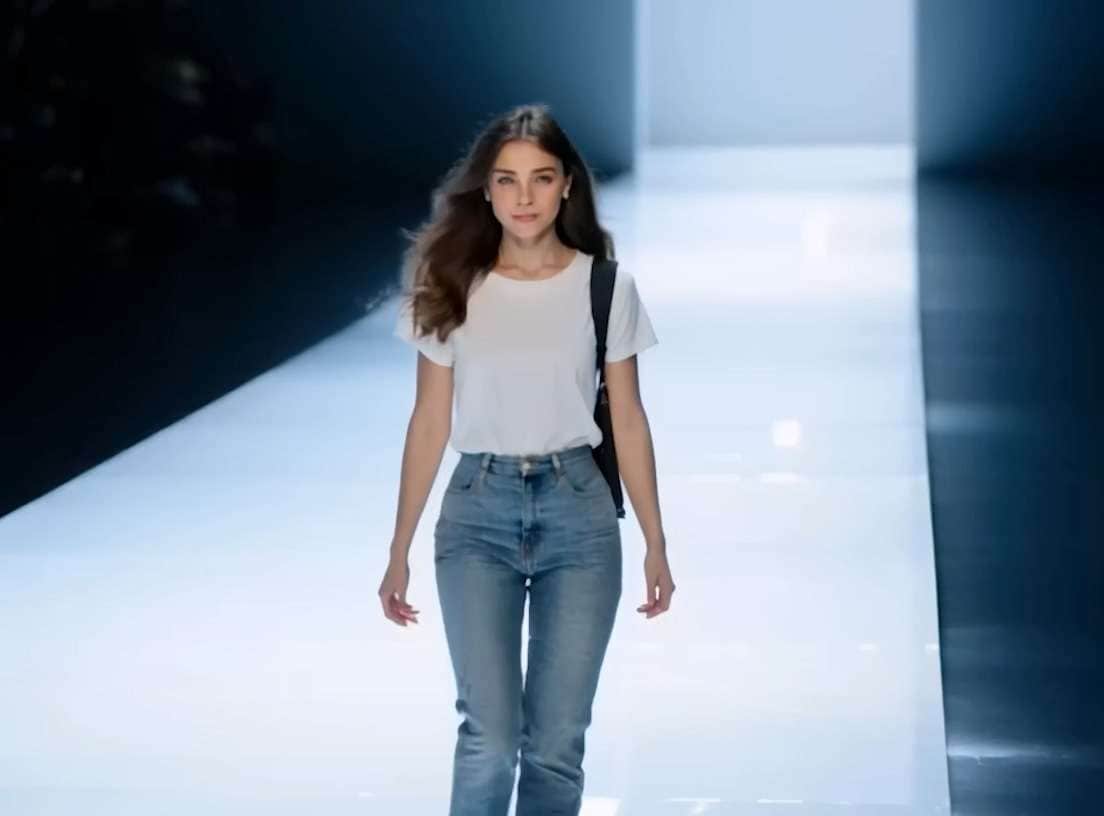
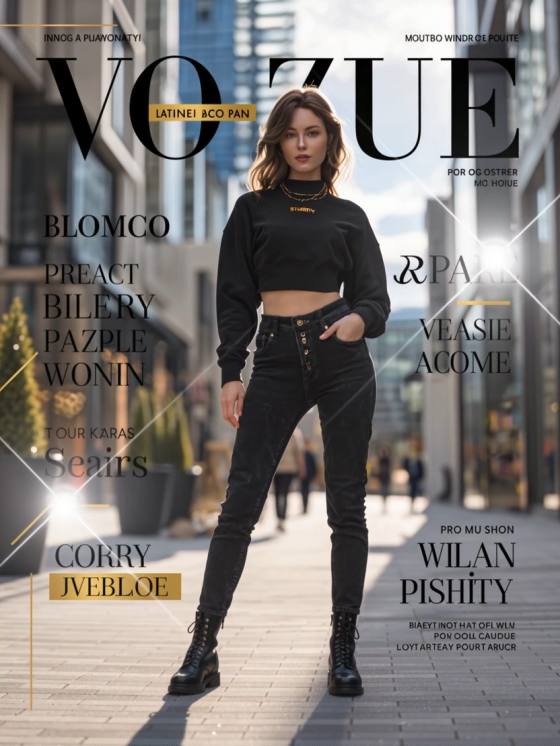
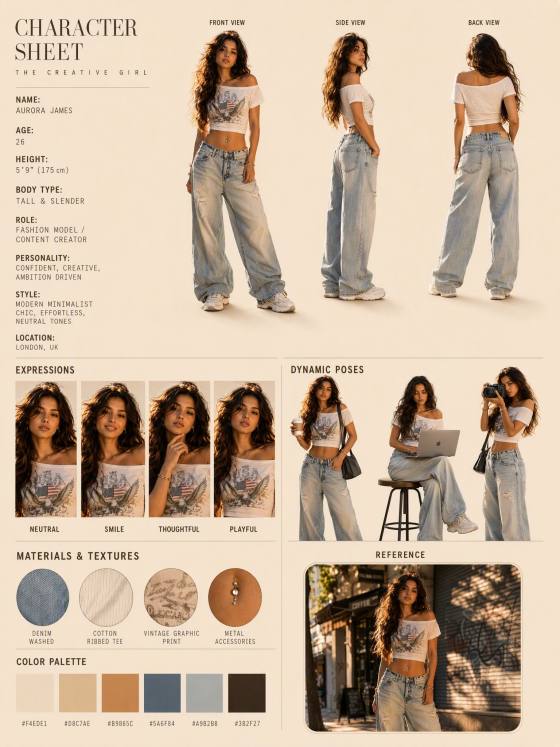
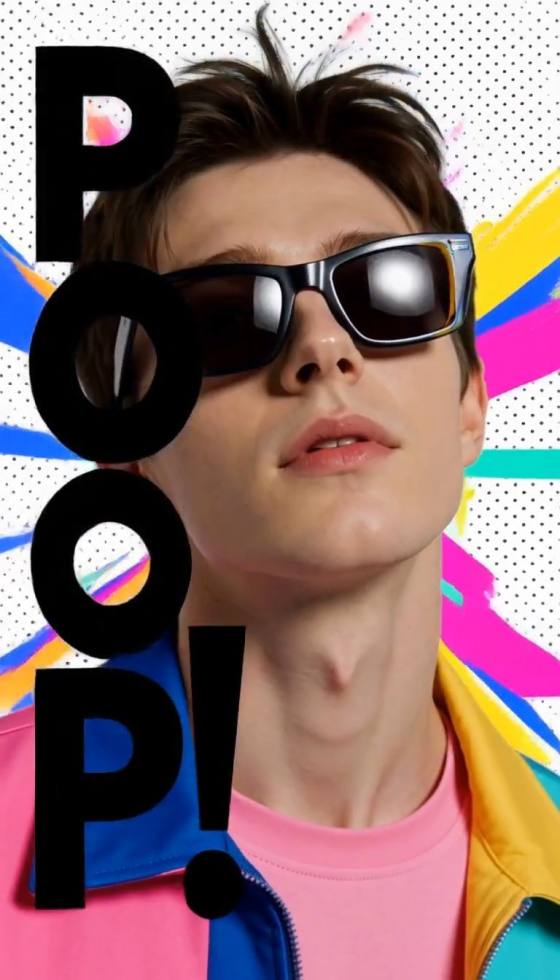
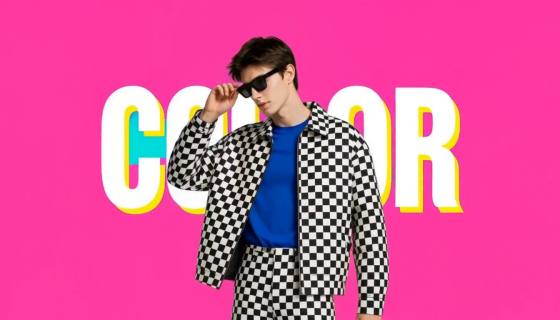
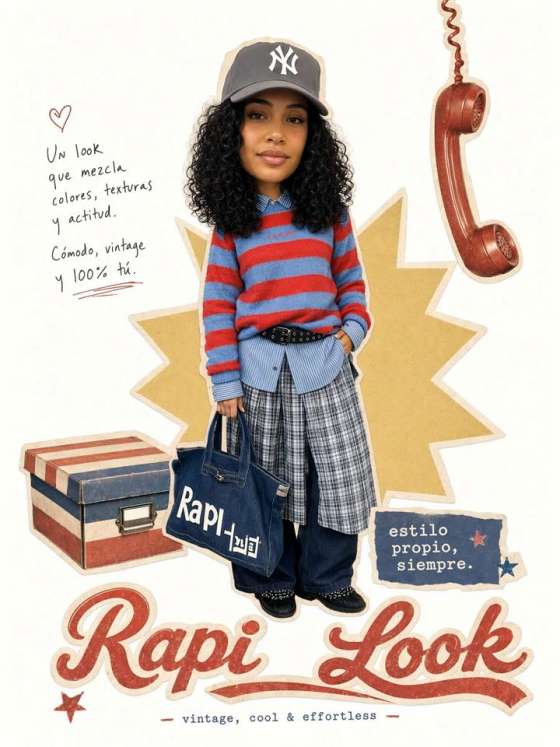
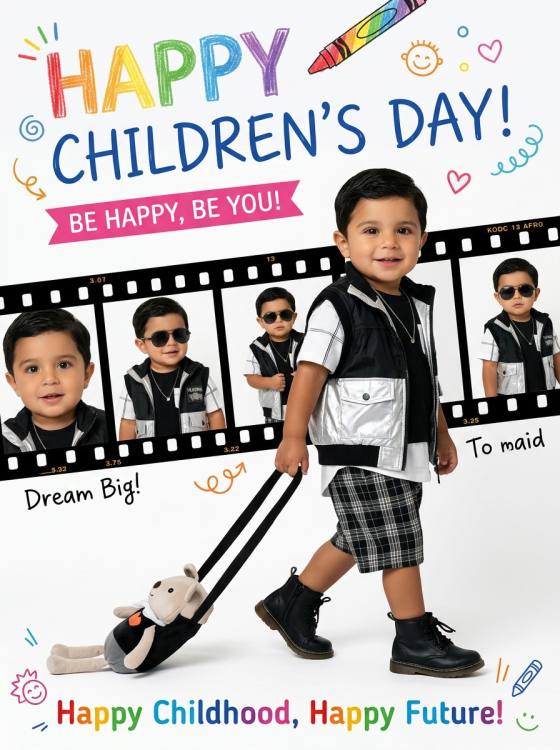
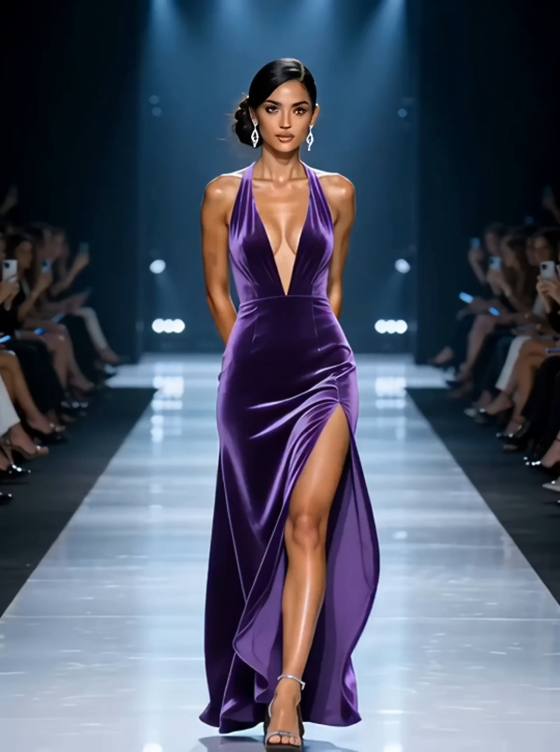
Copy a Fashion Week AI photo prompt and turn your picture into a runway walk, backstage portrait, front-row moment, or street-style editorial. Keep your face recognizable while changing the outfit, pose, lighting, and fashion-show setting.
Upload a clear portrait or full-body photo, choose a fashion prompt, and customize the runway, outfit, pose, lighting, and image format.
Try Fashion Week AI photo prompts for catwalk entrances, runway finales, backstage portraits, front-row appearances, paparazzi arrivals, and city street-style photos.
Tell the AI fashion photo generator to preserve your facial structure, skin tone, age, hairstyle, expression, and natural proportions while changing the styling and scene.
Define the outfit silhouette, fabric texture, pose, camera angle, runway lighting, audience, photographer flashes, background, and social-ready aspect ratio.
Copy a detailed ChatGPT or Gemini fashion prompt, then adjust the city, clothing, runway pose, editorial mood, camera framing, negative space, or aspect ratio.
Pick a runway walk, Fashion Week street style, backstage scene, front-row guest portrait, or magazine-style AI fashion photo prompt.
Upload a sharp, well-lit portrait or full-body photo you have permission to edit. A clearly visible face, hands, outfit, and natural pose help the AI preserve your identity and proportions.
Generate the image, then check the face, hands, feet, clothing seams, fabric texture, and runway perspective. Refine one detail at a time if the AI changes your identity or distorts the outfit.

Fashion Week Runway Walk

“Fashion Week Runway Walk” Transform the uploaded full-body photo into a professional Fashion Week runway photograph. Keep the person's facial identity, skin tone, hairstyle, age, and natural body proportions clearly recognizable. Show the person walking confidently down a long minimalist catwalk, captured mid-stride in a sophisticated contemporary outfit with realistic tailoring, seams, folds, and fabric movement. Add soft overhead spotlights, photographers and guests blurred along both sides, subtle camera flashes, dramatic directional lighting, and crisp editorial detail. Eye-level camera, vertical 4:5 composition. Preserve realistic hands, feet, facial features, garment construction, and runway perspective. No brand logos, text, watermarks, extra fingers, duplicate limbs, or distorted anatomy.

New York Fashion Week Street Style
“New York Fashion Week Street Style” Turn the uploaded photo into a candid New York Fashion Week street-style photograph. Preserve the person's facial identity, hairstyle, skin tone, age, and natural body proportions. Show them walking confidently outside a contemporary Manhattan fashion venue in a polished statement outfit with layered textures, structured tailoring, and tasteful accessories. Add photographers raising cameras, blurred fashion guests, yellow taxis, and modern city architecture in the distant background. Use clear late-afternoon light, subtle movement in the coat and hair, realistic sidewalk shadows, shallow depth of field, and authentic editorial street photography. Vertical 4:5 composition. No brand logos, celebrity likenesses, fake text, extra fingers, distorted feet, or duplicated people.

Fashion Week Backstage Moment
“Fashion Week Backstage Moment” Convert the uploaded portrait into a candid backstage Fashion Week photograph while preserving the person's exact facial identity, skin tone, hairstyle, and natural features. Show them preparing moments before a runway show beside illuminated makeup mirrors, clothing racks, garment bags, and softly blurred stylists. Style the subject in an editorial outfit with realistic tailoring and detailed fabric texture. Add warm vanity bulbs mixed with cool ambient light, a natural focused expression, shallow depth of field, subtle background activity, and documentary-style fashion photography. Vertical 4:5 composition. Keep the main face sharp and recognizable. Avoid brand logos, mirror inconsistencies, duplicate reflections, unreadable text, extra fingers, or distorted facial features.

Front Row Fashion Week Guest
“Front Row Fashion Week Guest” Recreate the uploaded person as a stylish front-row guest at an international Fashion Week show. Preserve their recognizable face, age, skin tone, hairstyle, and natural body proportions. Seat them elegantly beside other well-dressed guests near a glowing runway, wearing a refined contemporary outfit with tasteful accessories. Give the person a composed expression and a natural seated posture, with both hands and legs positioned realistically. Add subtle runway reflections, softly blurred models in motion, low cinematic lighting, restrained camera flashes, and premium event photography. Vertical 4:5 framing with the main subject in sharp focus. Do not include celebrities, brand logos, invitation text, extra limbs, duplicated faces, or malformed seating.
A Fashion Week AI photo prompt is an image-editing instruction that transforms a portrait into a runway, backstage, front-row, street-style, or fashion-editorial photo. It tells the AI which identity details to preserve and describes the outfit, pose, setting, lighting, camera framing, and output ratio.
Upload a clear portrait or full-body image and paste a Fashion Week photo editing prompt. Describe the runway scene, outfit, pose, camera angle, lighting, and aspect ratio. Ask the generator to preserve your face, skin tone, age, hairstyle, height, and natural body proportions.
Yes. These copy-ready ChatGPT and Gemini fashion prompts can be adapted for Media.io and other tools that support reference-photo editing or image-to-image generation. Results vary by model, so refine the face, hands, outfit, fabric, runway background, and lighting one detail at a time.
Specify realistic skin texture, natural hands and feet, accurate tailoring, visible garment seams, believable fabric movement, and consistent runway perspective. Keep the background secondary to the subject. Avoid plastic skin, impossible poses, floating accessories, duplicate people, distorted clothing, excessive camera flashes, and unreadable signage.
Start with a sharp reference photo showing your face and body clearly. Tell the generator to preserve your identity, age, skin tone, hairstyle, height, and proportions. Describe the required outfit details and exclude face swapping, plastic skin, extra fingers, duplicate limbs, warped footwear, changed prints, or invented subjects.
 4.7 (162,357 Votes)



