Clique ou arraste para enviar, ou escolha de Meu HistóricoClique para carregarMeu Histórico
Sem ideias? Gere uma imagem primeiro >
Faça upload de imagens jpg, jpeg ou png de até 50 MB, com largura/altura mínima de 300 px.
See Yourself with a Bixie Cut Before You Chop
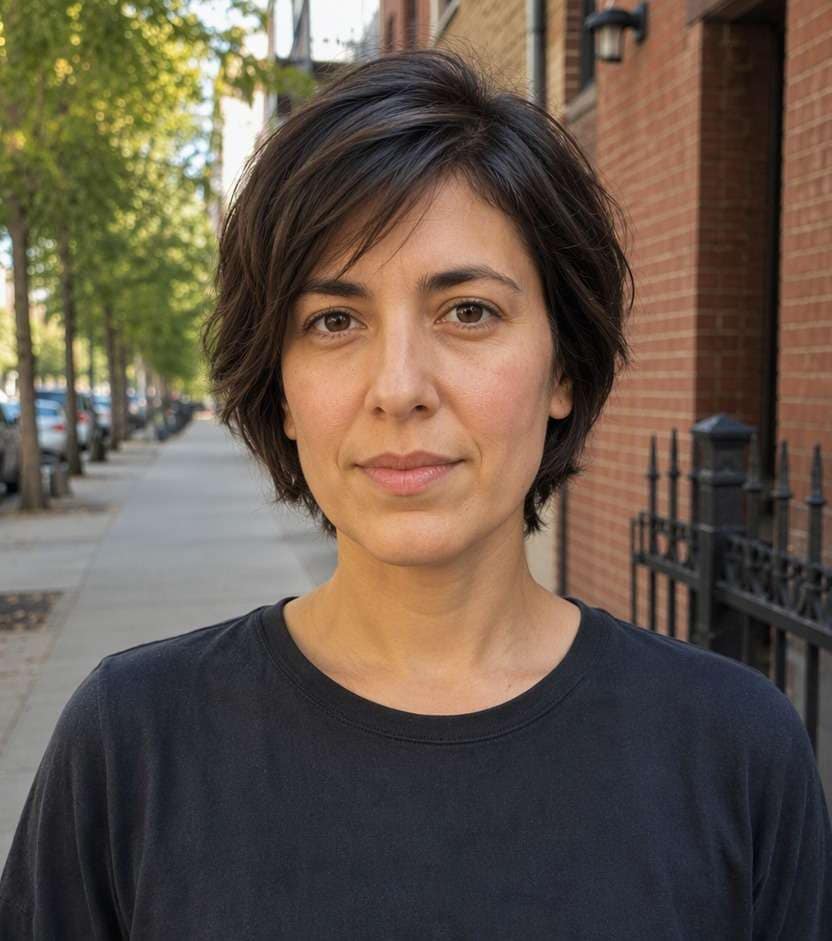
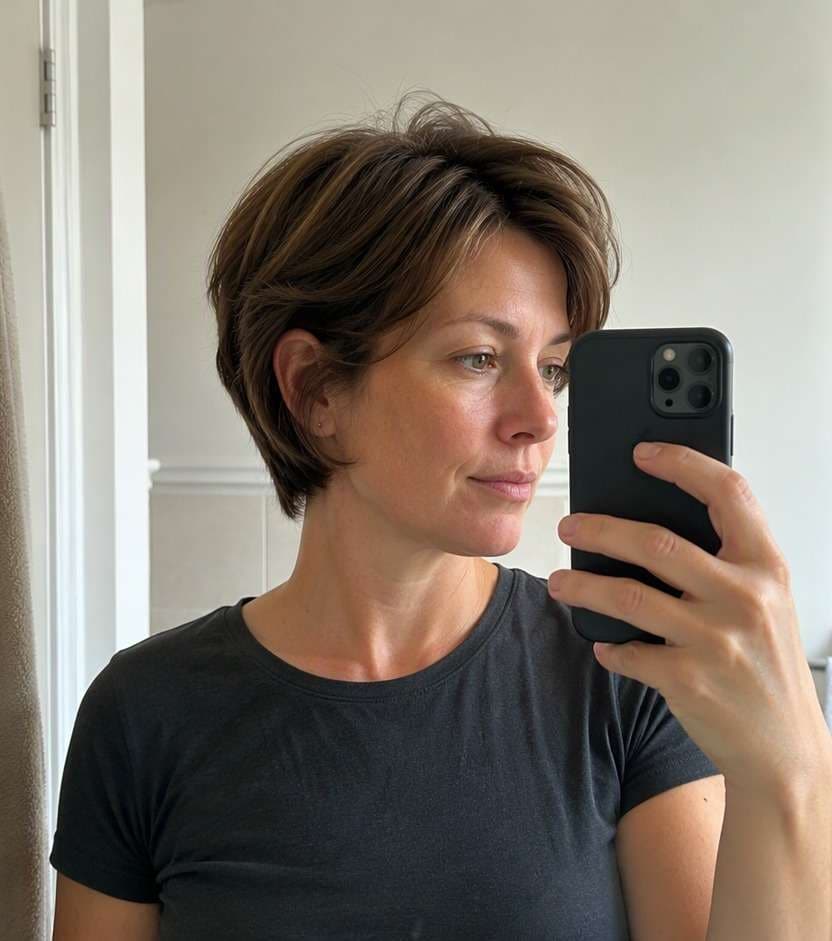
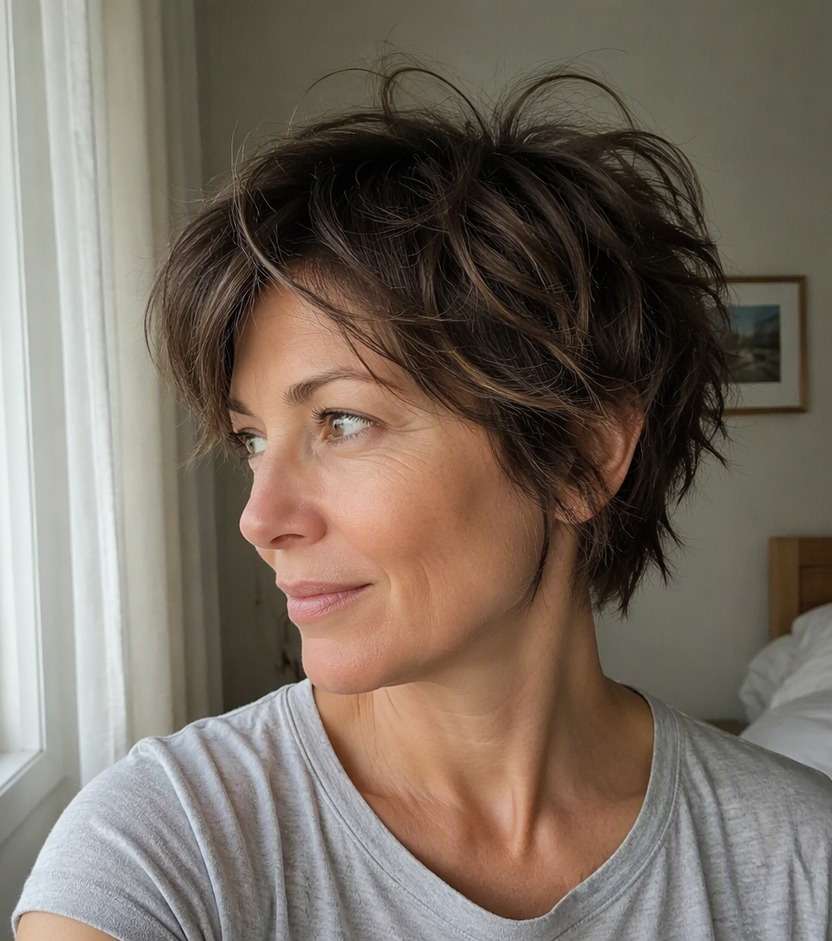
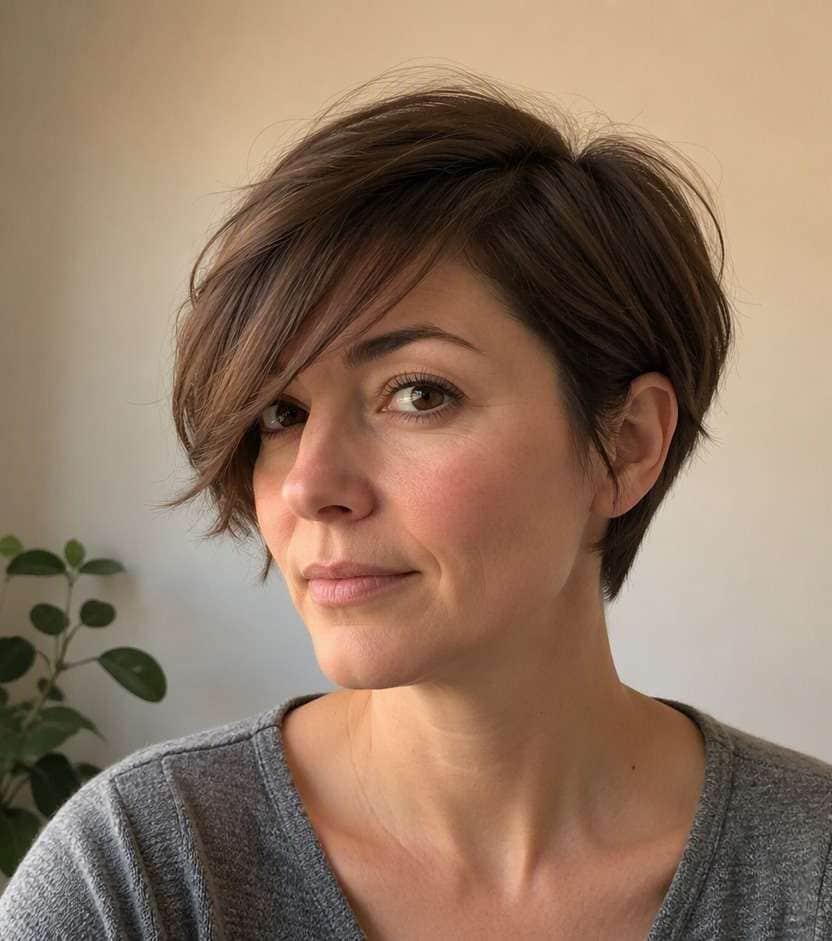
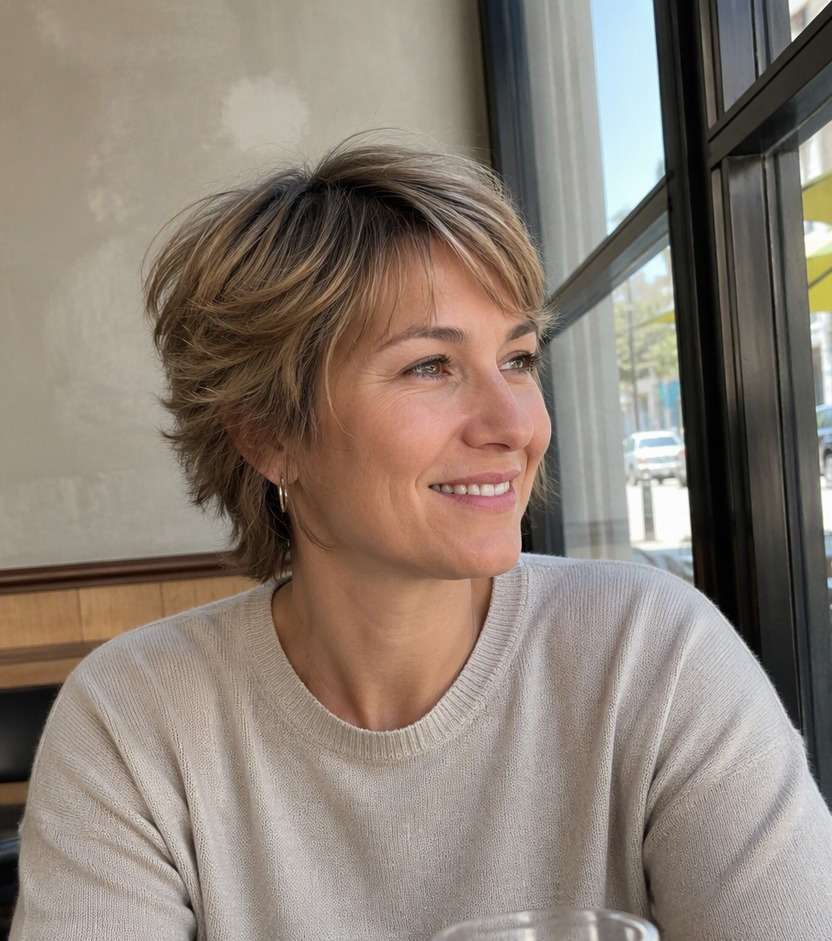
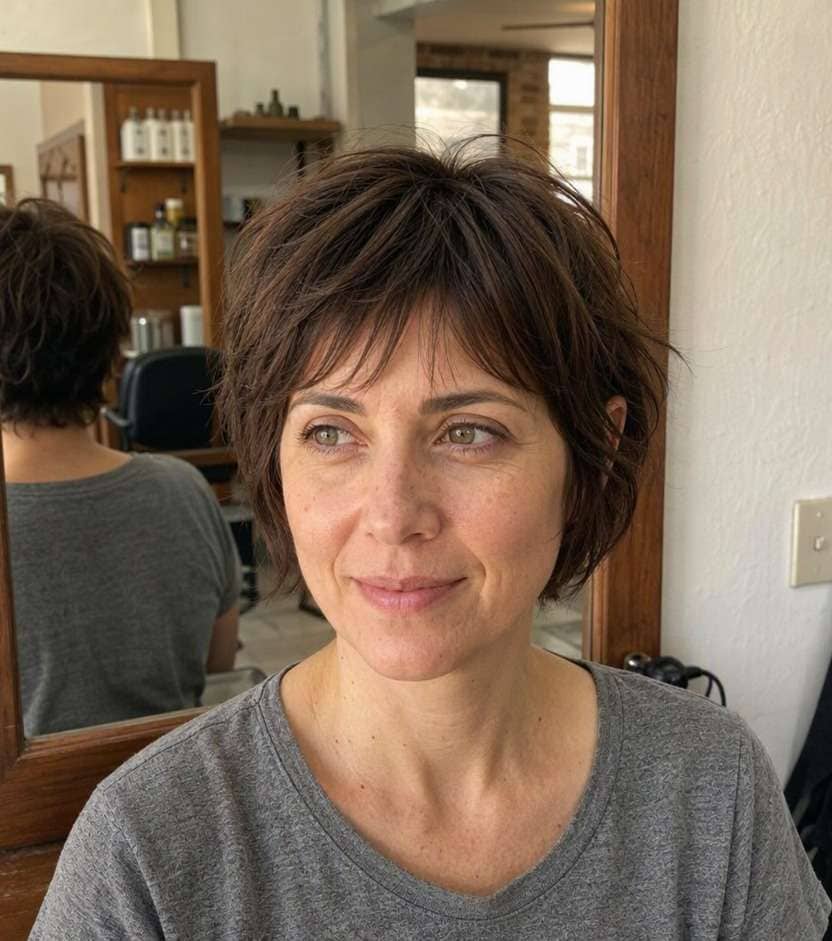
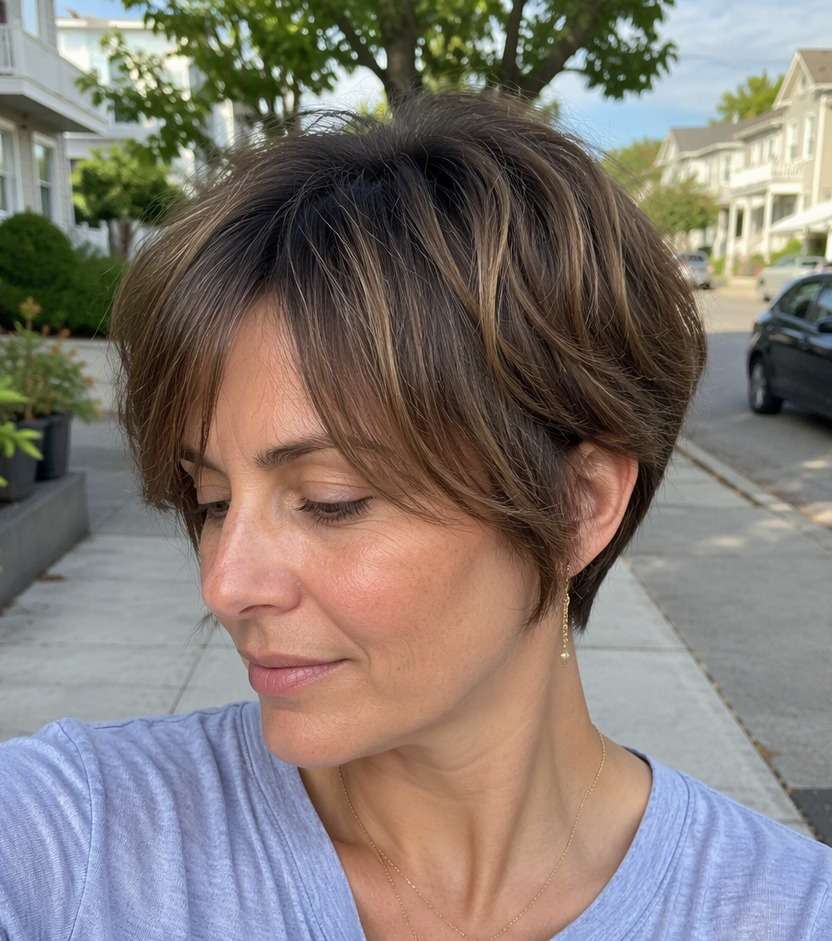
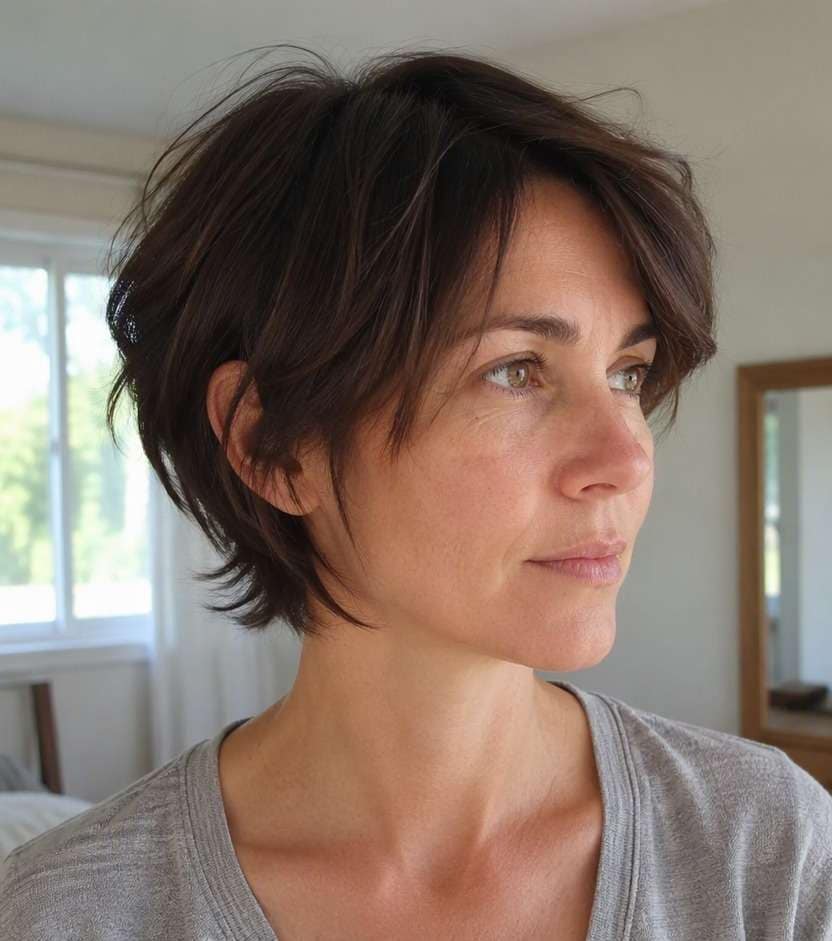
Want short-hair texture without committing to a cropped pixie? The bixie cut filter lets you try the in-between silhouette on your own photo: cropped layers at the back, movement around the crown and enough length near the ears to feel like a short bob. Compare a soft, wearable bixie with choppier versions before asking for scissors.
Choose a clear image that shows your ears and neckline.
Bixie AI Haircut Try-On Prompts
The bixie lives between a bob and a pixie. The nape can be tidy or tousled, the top can be smooth or piecey and a fringe changes the whole front view. Explore ten realistic directions.
Classic Rounded Bixie
Use the uploaded photo as the reference. Create soft rounded bixie with short layered nape, ear-skimming sides and light crown volume. Preserve facial identity, age appearance, expression, hair color, clothing, camera angle and room or street background. Do not crop the top into a buzzed pixie. Show natural strand direction and a credible hairline. Keep a casual real-life photographic finish, with no captions, branding or beauty-ad lighting.
Piecey Textured Bixie
On this exact portrait, preview choppy short layers with separated soft ends and a messy but wearable bixie shape. Preserve facial identity, age appearance, expression, hair color, clothing, camera angle and room or street background. Avoid spiked gel styling. Show natural strand direction and a credible hairline. Keep a casual real-life photographic finish, with no captions, branding or beauty-ad lighting.
Side-Swept Bixie
Edit only the hair in this reference image to show long sweeping side bangs over a short layered bixie with one ear partially visible. Preserve facial identity, age appearance, expression, hair color, clothing, camera angle and room or street background. Leave some length around the temple. Show natural strand direction and a credible hairline. Keep a casual real-life photographic finish, with no captions, branding or beauty-ad lighting.
Soft Feminine Bixie
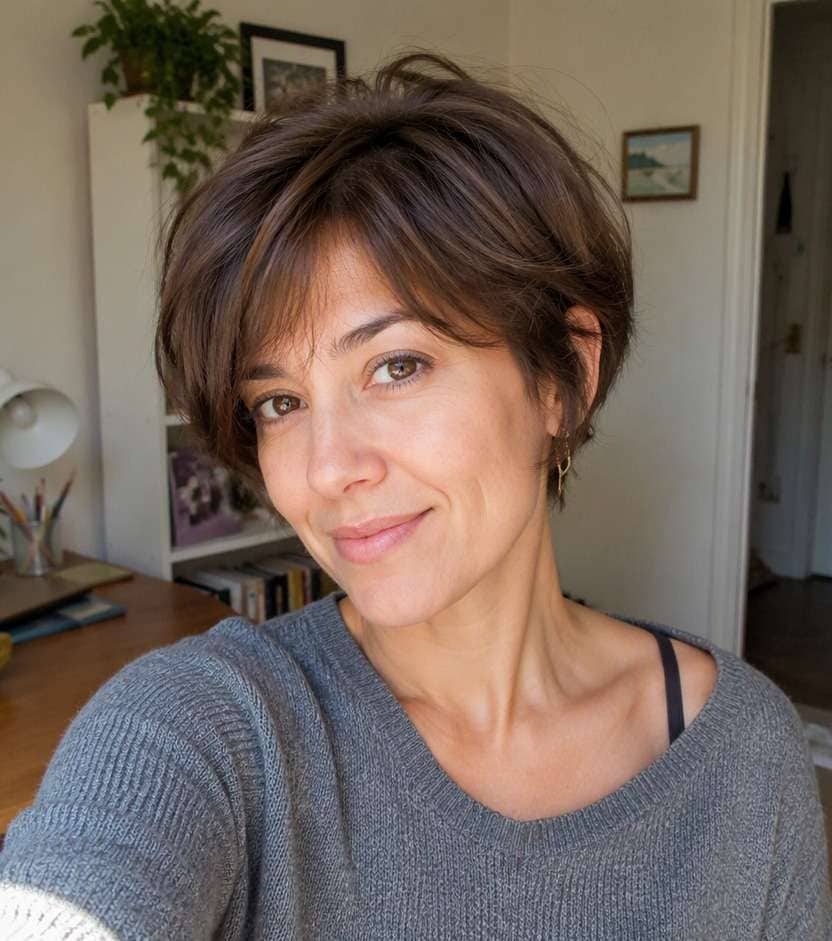
Make a believable hairstyle try-on with feathered bixie layers with gentle fringe, tapered nape and natural movement. Preserve facial identity, age appearance, expression, hair color, clothing, camera angle and room or street background. No exaggerated bouffant crown. Show natural strand direction and a credible hairline. Keep a casual real-life photographic finish, with no captions, branding or beauty-ad lighting.
Curly Bixie
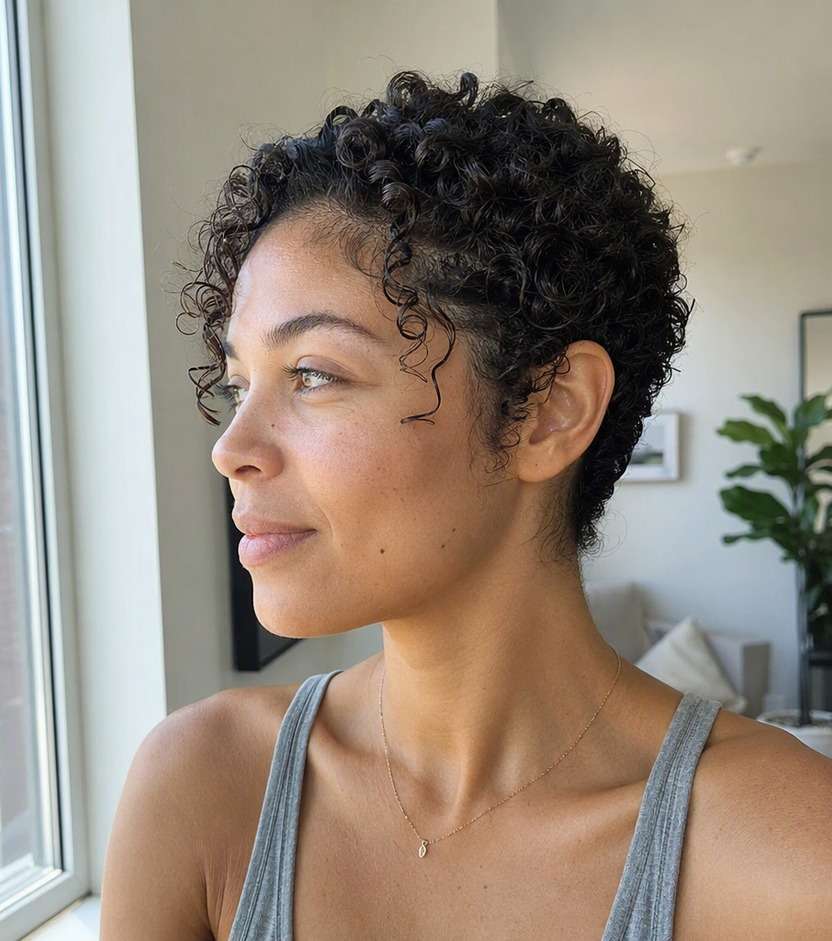
Use the uploaded photo as the reference. Create short defined curls with loose ear-framing pieces and softly tapered back. Preserve facial identity, age appearance, expression, hair color, clothing, camera angle and room or street background. Respect existing curl pattern and shrinkage. Show natural strand direction and a credible hairline. Keep a casual real-life photographic finish, with no captions, branding or beauty-ad lighting.
Fine-Hair Bixie
On this exact portrait, preview airy bixie with a restrained rounded crown and fuller-looking ends near the ears. Preserve facial identity, age appearance, expression, hair color, clothing, camera angle and room or street background. Avoid excessive thinning or dramatic height. Show natural strand direction and a credible hairline. Keep a casual real-life photographic finish, with no captions, branding or beauty-ad lighting.
Asymmetric Bixie
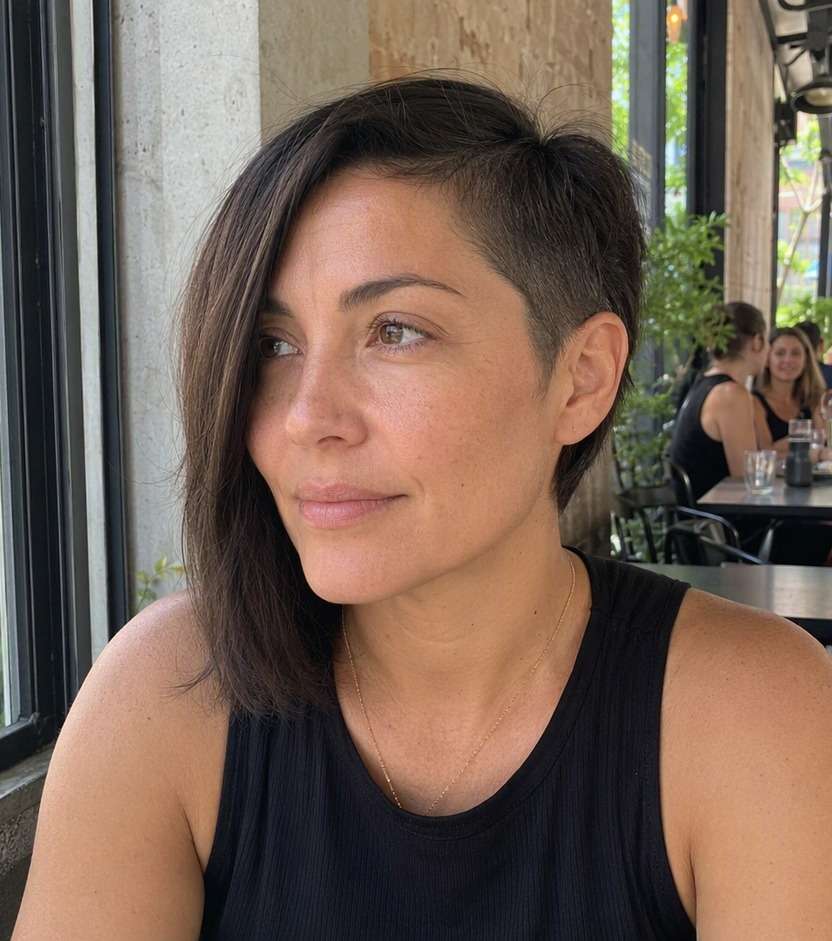
Edit only the hair in this reference image to show slightly longer front section on one side and subtly shorter opposite temple. Preserve facial identity, age appearance, expression, hair color, clothing, camera angle and room or street background. Keep asymmetry understated and intentional. Show natural strand direction and a credible hairline. Keep a casual real-life photographic finish, with no captions, branding or beauty-ad lighting.
Bixie with Wispy Fringe
Make a believable hairstyle try-on with textured bixie with narrow semi-sheer forehead fringe and soft short layers. Preserve facial identity, age appearance, expression, hair color, clothing, camera angle and room or street background. No full blunt bang line. Show natural strand direction and a credible hairline. Keep a casual real-life photographic finish, with no captions, branding or beauty-ad lighting.
Sleek Minimal Bixie
Use the uploaded photo as the reference. Create smooth close-to-head layered bixie with natural shine and neat short nape. Preserve facial identity, age appearance, expression, hair color, clothing, camera angle and room or street background. Retain bob-pixie hybrid length. Show natural strand direction and a credible hairline. Keep a casual real-life photographic finish, with no captions, branding or beauty-ad lighting.
Grown-Out Bixie
On this exact portrait, preview longer bixie with pieces curving below ears and subtle nape layering. Preserve facial identity, age appearance, expression, hair color, clothing, camera angle and room or street background. Do not turn the shape into a chin bob. Show natural strand direction and a credible hairline. Keep a casual real-life photographic finish, with no captions, branding or beauty-ad lighting.
See Whether the Bixie Fits Your Everyday Look
Find Your In-Between Short Length
A bixie leaves more movement than a close pixie and less bulk than a traditional bob. Compare the ear coverage and the nape before deciding whether the cut feels short enough.
Preview the Shape from the Front
A fuller crown can make a bixie look rounded, while side-swept fringe makes it feel longer. Test both so you are choosing the silhouette, not only copying one model photo.
Keep Texture Realistic
Fine hair may show separated layers differently from thick hair, and curls can lift the shape above the ears. Describe your normal texture so the simulated cut is a useful starting point. This is especially helpful when comparing a bixie haircut try on with another closely related look.
Avoid an Accidental Pixie Preview
Ask for layered bixie hair with visible length around the ears and a soft perimeter. A clear reference helps prevent an AI edit from turning the look into an ultra-short pixie.
How to Try Bixie Cut on Your Photo
Upload a clear portrait, describe the exact change you want, and compare a realistic hairstyle preview before visiting a stylist.
Step 1
Upload Your Photo
Upload a well-lit portrait showing your face, hairline and hair around your temples. Choose a familiar photo so you can judge whether the new bixie cut look fits you.
Step 2
Choose a Haircut Filter or Enter a Prompt
Choose a suitable haircut preset or write a custom prompt describing bixie cut. Specify what should change, and ask the editor to preserve your face, clothing, hair color and background.
Step 3
Click Generate
Click Generate to preview the hairstyle on your portrait. If the shape is not quite right, adjust the length, density or direction in your description and compare another result.
Compare your preferred look on the same familiar photo, then save the version that fits your usual style and the amount of change you want.
Testing a First Very Short Haircut
Use a bixie haircut try on when you are coming from shoulder-length hair and need to see how much of your neck and ears become visible. Keep the outfit and pose unchanged.
Growing Out a Pixie
A fuller bixie can be a useful visual target while the top and sides grow. Compare longer ear pieces with a neat nape instead of trying to jump straight to a full bob.
Looking for Easy Tousled Texture
Piecey layers can create a relaxed look without perfect symmetry. Preview a low-key everyday finish before choosing a version that relies on heavy blowout volume. For a quick visual reference, describe the bob pixie hybrid haircut ai option using your own natural texture.
What Media.io Users Say About Bob Hairstyle Previews
Alyssa M.
Salon Client
"Much more useful than a social filter" I wanted to know if a bob would actually suit my face, not just get a funny effect. Media.io gave me previews that looked polished and realistic enough to show my stylist.
Jenna R.
Beauty Content Creator
"Easy to compare several bob styles" I tested blunt, wavy, and curtain-bang versions from one selfie. The ability to generate multiple looks made this feel more like a real makeover tool than a random app filter.
Priya S.
Frequent Mobile User
"Worked well on my phone" I used it in my mobile browser without downloading anything. The results were quick, and the hairstyle blending looked surprisingly natural around my jawline and forehead.
Monica T.
Hair Stylist Assistant
"Helpful for consultation prep" Clients often ask to try a bob hairstyle before cutting. This made it easier to show different lengths and bangs visually, which helped narrow down the best direction faster.
1. What is the difference between a bixie and a pixie?
A bixie blends the cropped layering of a pixie with the softer, longer perimeter of a short bob. A pixie typically exposes more of the ear and nape, although exact lengths vary.
2. Would a bixie suit fine or thick hair?
Either texture can work with different cutting decisions. Fine hair often benefits from restrained layering and a more solid outline; thick hair may need internal weight removal so the crown does not look bulky.
3. Can I use a bixie cut filter on long hair?
Yes, an AI preview can illustrate a shorter silhouette using a portrait with visible shoulders. Treat the image as inspiration, then discuss your hair density and styling time with a stylist before cutting.
4. Which selfie works best for this bixie cut look?
Use a bright, front-facing photo that clearly shows your forehead, hairline and both temples. Avoid sunglasses and strong beauty filters. Keep the same source portrait when comparing alternatives so differences reflect the hairstyle rather than changes in lighting.
5. Can I try this haircut online with my own hair color?
Yes. Ask for the hairstyle change only, preserving your existing hair color, skin tone, facial features, clothing and background. The preview is a visual idea rather than a precise prediction of how your hair grows or settles after cutting.
6. What if the AI preview changes more than the fringe?
Try again using a more specific prompt that names the exact fringe or layers and asks for every other feature to stay unchanged. Comparing two or three controlled versions is more informative than accepting a large unrelated makeover.