Dungeons and Dragons Map Generator for Fast AI Fantasy Maps
Turn ideas into detailed Dungeons & Dragons maps in seconds with Media.io. Use this online dungeons and dragons map generator to create dungeon battlemaps, parchment world maps, tavern layouts, castle interiors, and regional fantasy maps from text prompts, then download high-resolution visuals for campaigns, sharing, or virtual tabletop planning.
Explore our curated collection of styles for a flexible d&d map generator that can handle everything from dungeon layouts to world-scale regions.
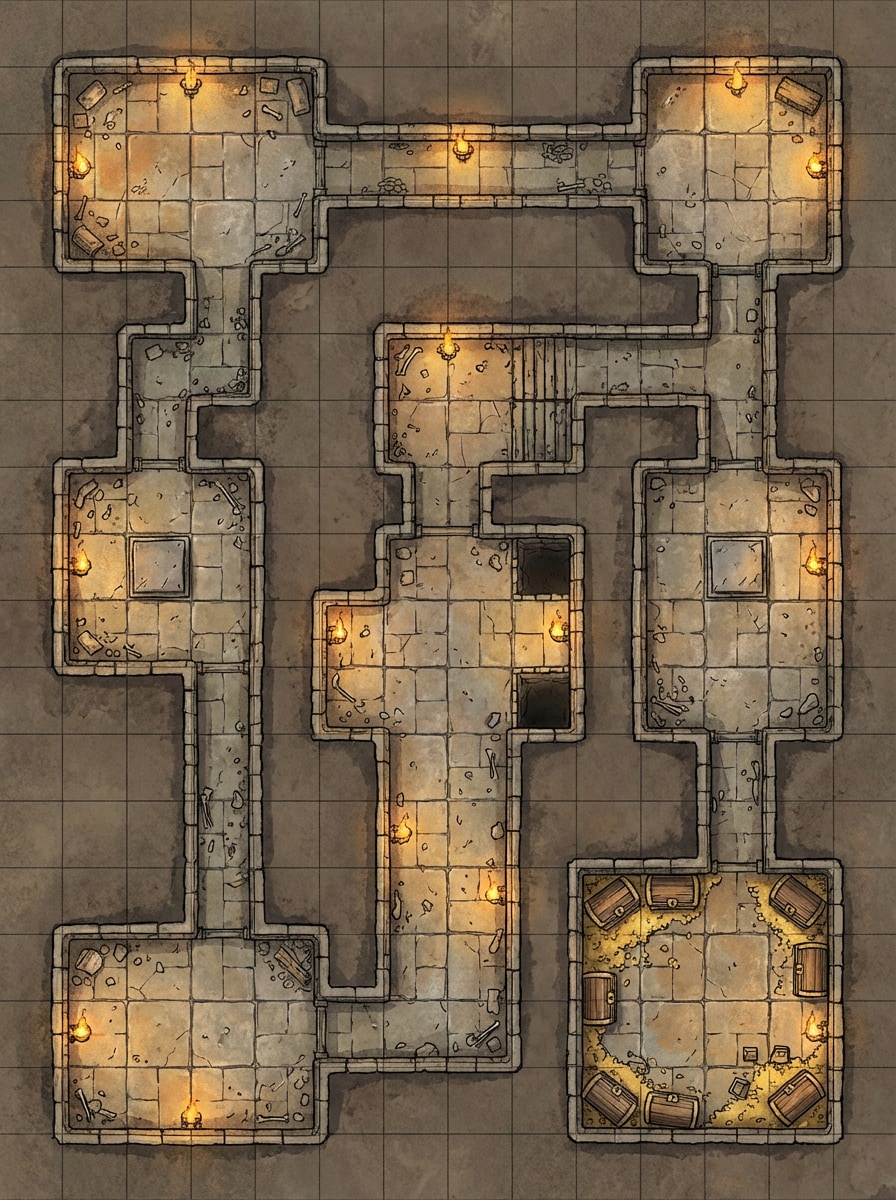
Classic Grid Dungeon
Top-down Dungeons & Dragons dungeon battlemap with interconnected stone rooms, narrow corridors, trap chambers, a treasure vault, torch-lit walls, worn flagstone floors, subtle debris, and a clean square grid overlay. Use muted earth tones, high readability, crisp fantasy cartography, and tabletop-ready composition.
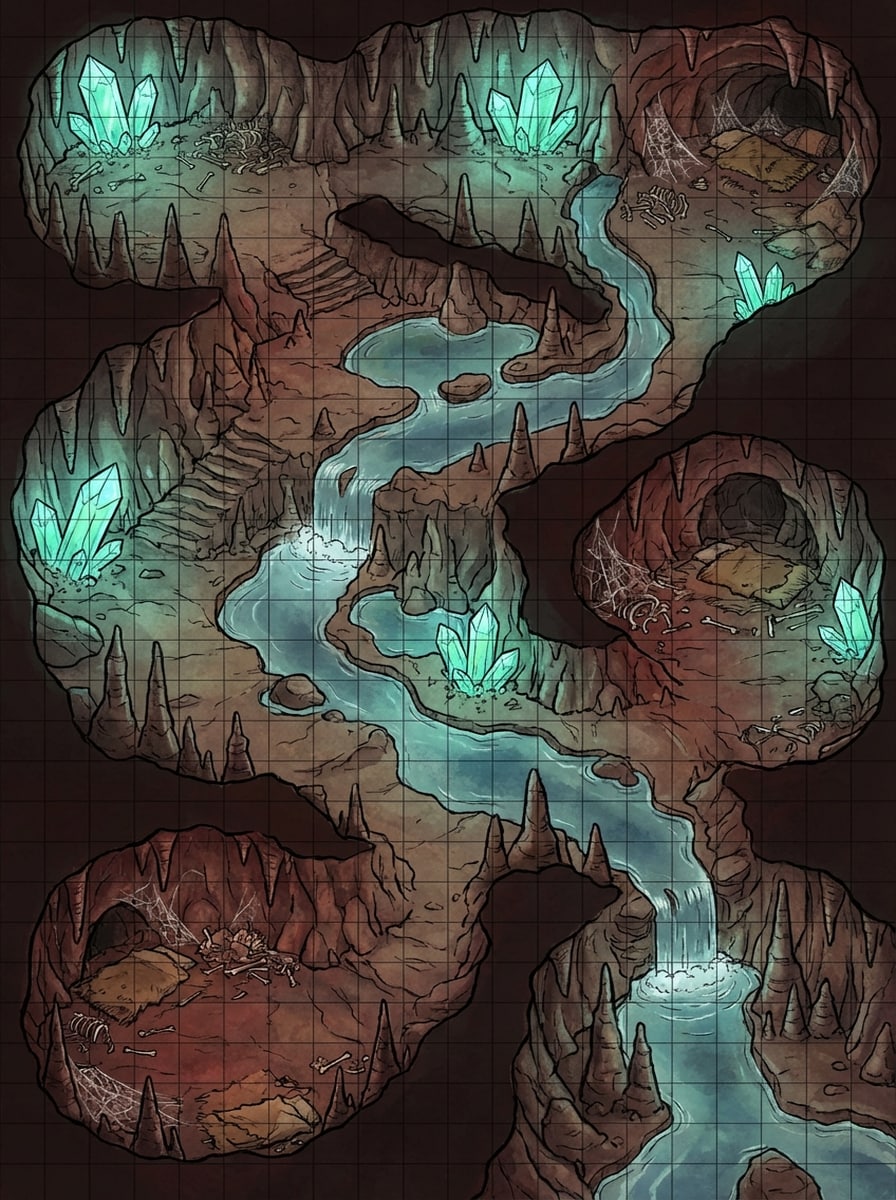
Cave Encounter Map
Create a top-down fantasy cave battlemap for D&D with an underground river, jagged stalagmites, glowing crystals, monster lair areas, rough stone textures, shallow pools, and a tactical square grid. Add atmospheric shadows, cool blue-green highlights, earthy rock tones, and an encounter-ready layout with clear paths.
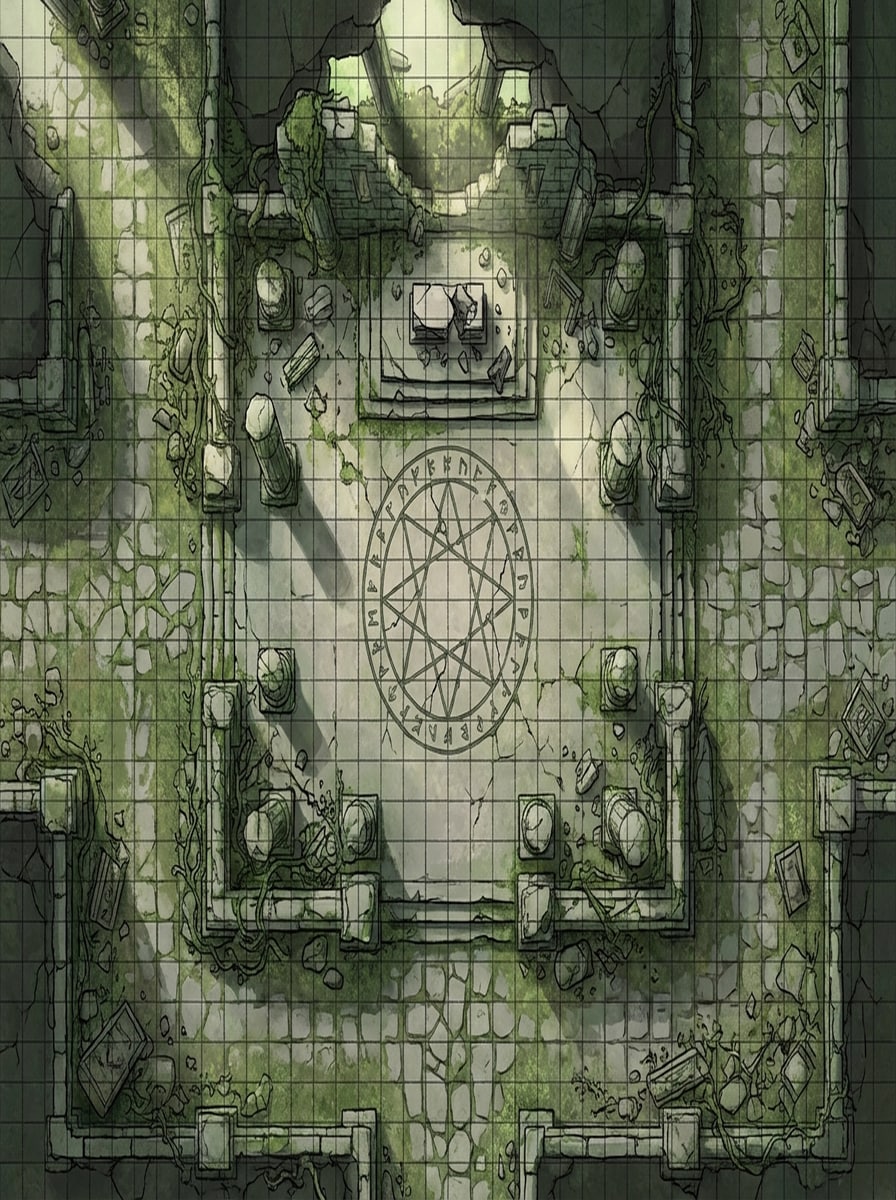
Ruined Temple Battlemap
Generate a top-down ruined temple battlemap with broken columns, a central ritual chamber, cracked stone floors, overgrown vines, mossy paths, scattered altar pieces, and visible combat grid lines. Use dramatic lighting, weathered textures, desaturated greens and gray stone, and a balanced layout for fantasy encounters.
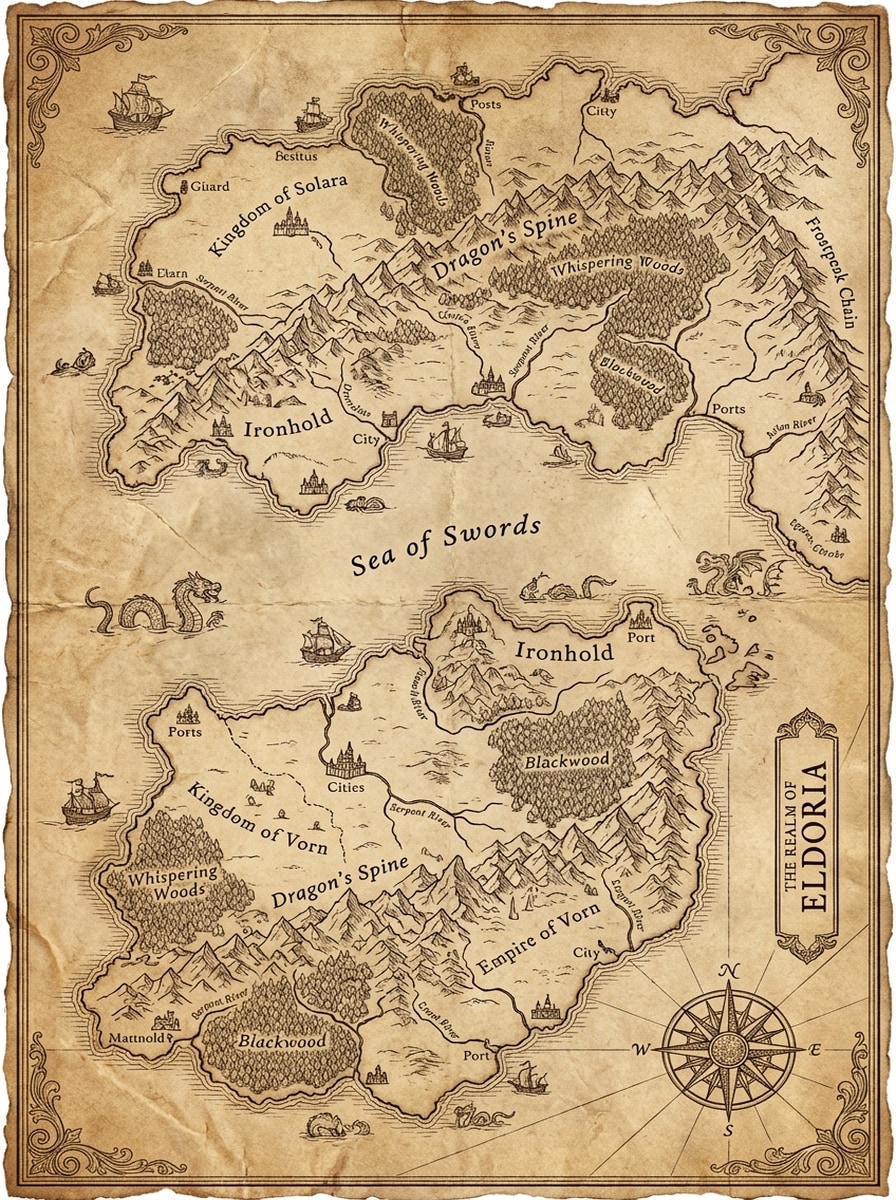
Parchment Continent Map
Design a fantasy world map on aged parchment with sweeping continents, mountain ranges, dense forests, kingdoms, rivers, coastal borders, labeled regions, and an ornate compass rose. Use sepia ink linework, medieval cartography details, elegant border flourishes, and high-detail texture for a classic D&D campaign setting.
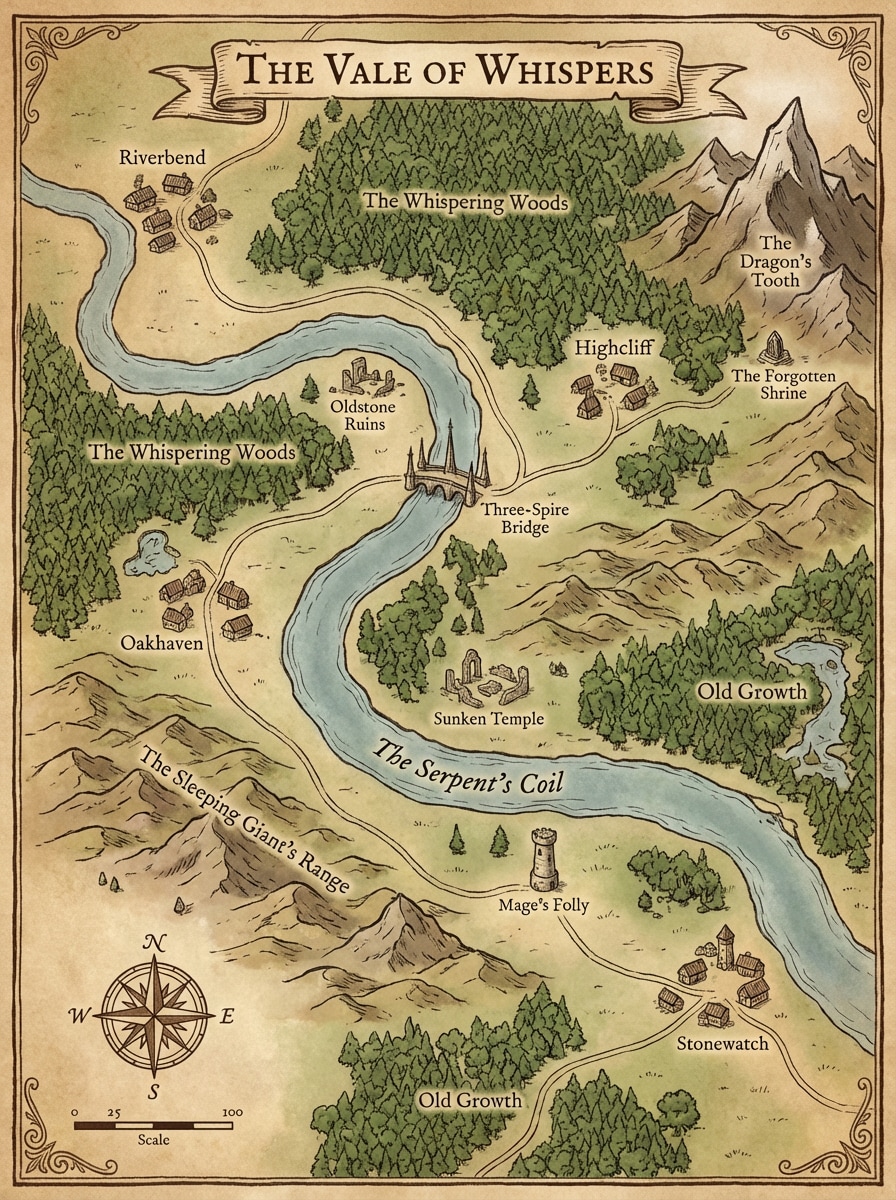
Regional Adventure Map
Create a regional D&D map featuring villages, winding roads, forests, ruins, towers, rivers, hills, and key landmarks for a campaign journey. Use parchment texture, hand-drawn fantasy cartography, warm brown and moss-green tones, readable icon placement, and a storytelling composition that feels practical for game prep.
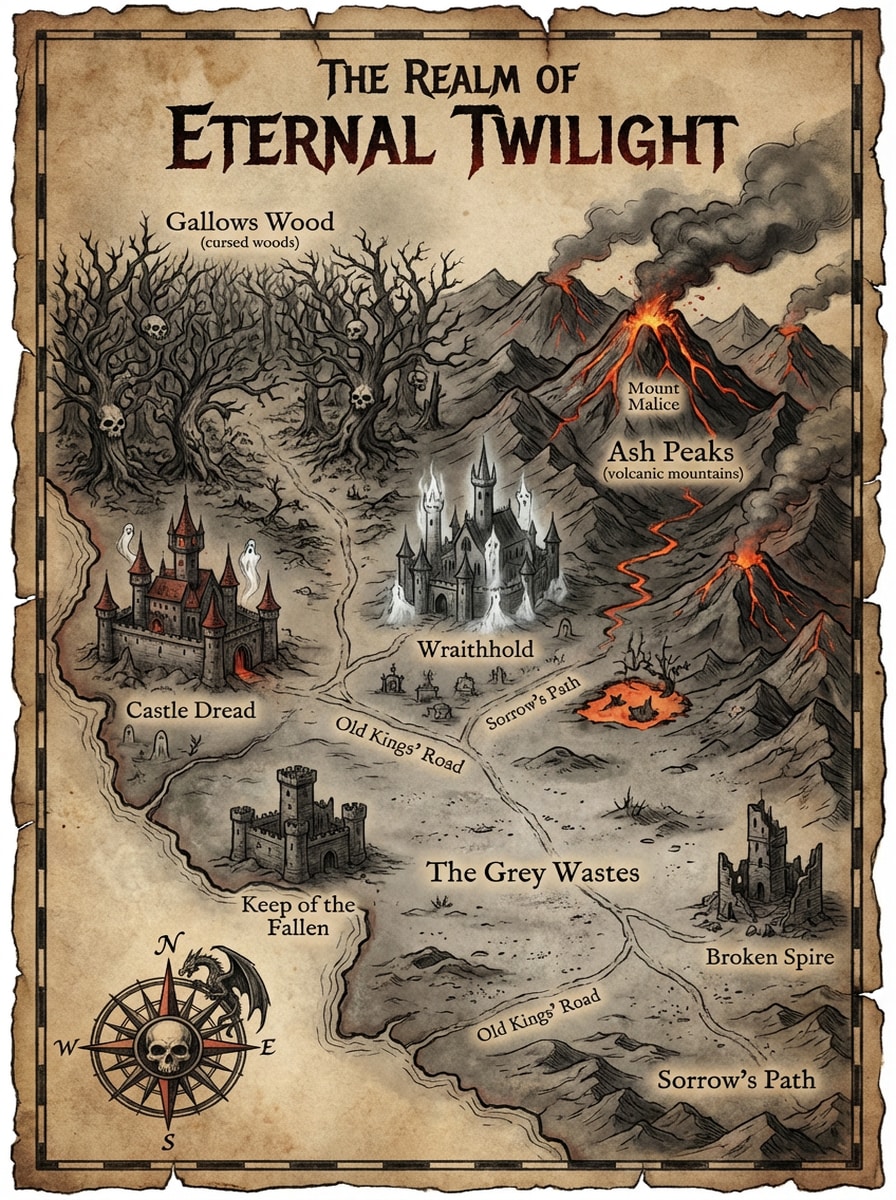
Dark Fantasy Realm Map
Generate a dark fantasy realm map with cursed woods, volcanic mountains, haunted castles, ruined keeps, ash-covered plains, and ancient roads. Use ominous parchment textures, charcoal and ember-red accents, dramatic contrast, intricate medieval cartography symbols, and a moody high-detail layout suitable for grim campaign worlds.
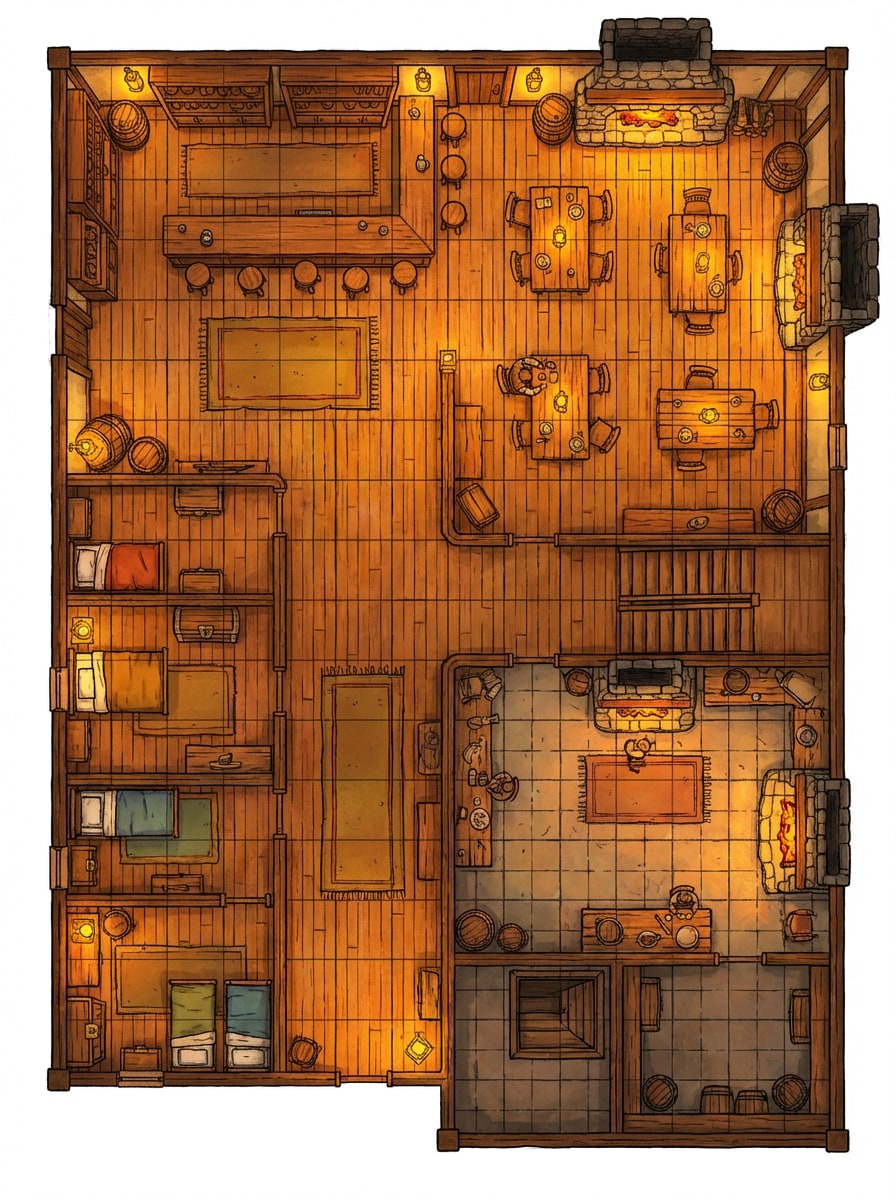
Tavern Floorplan
Make a top-down fantasy tavern map with a bar counter, dining hall, guest rooms, kitchen, cellar, wooden stairways, fireplaces, and a square battle grid. Use warm lantern lighting, rich wood textures, cozy amber tones, clean room separation, and a readable tabletop floorplan for D&D encounters.
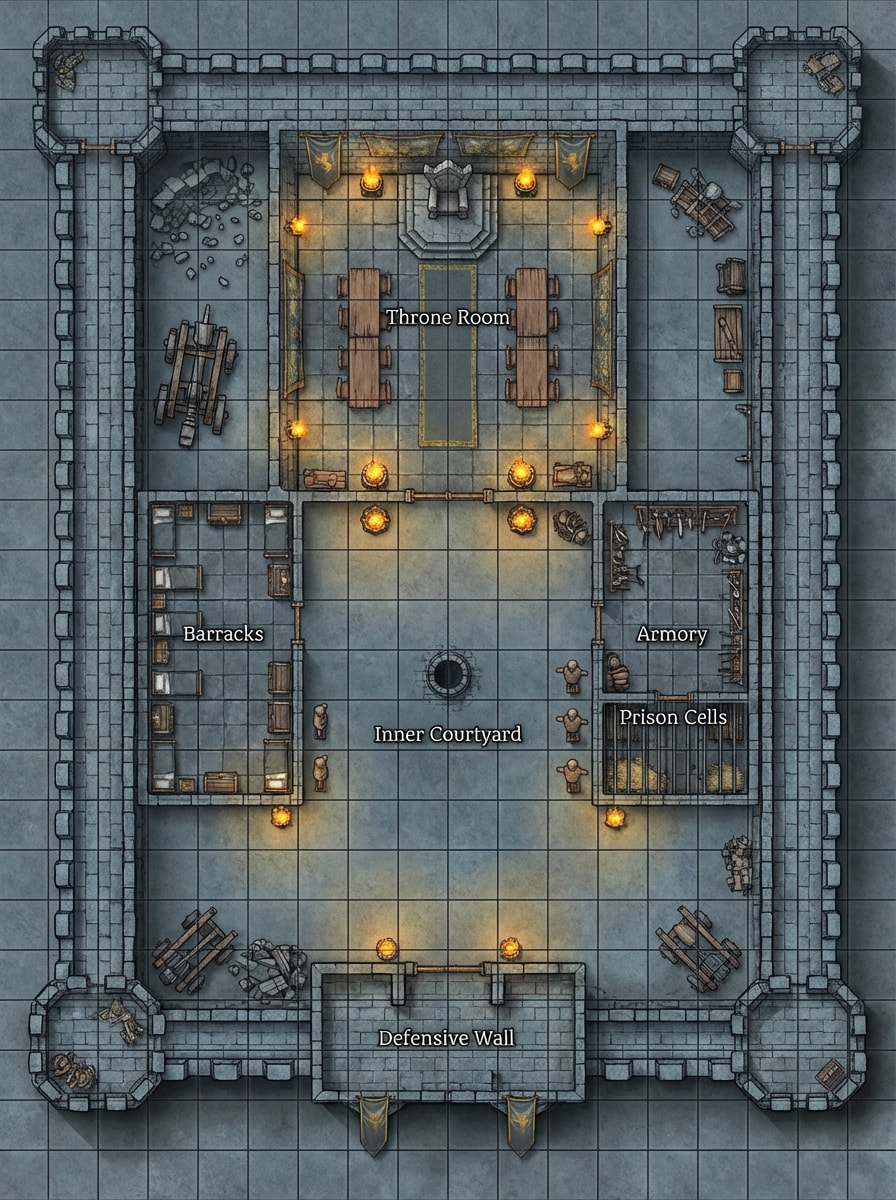
Castle Keep Layout
Create a top-down castle keep map with a throne room, barracks, armory, prison cells, inner courtyard, defensive walls, and tactical grid overlay. Use cold stone textures, medieval architectural details, torchlight highlights, muted gray and gold tones, and a practical composition for infiltration or siege encounters.
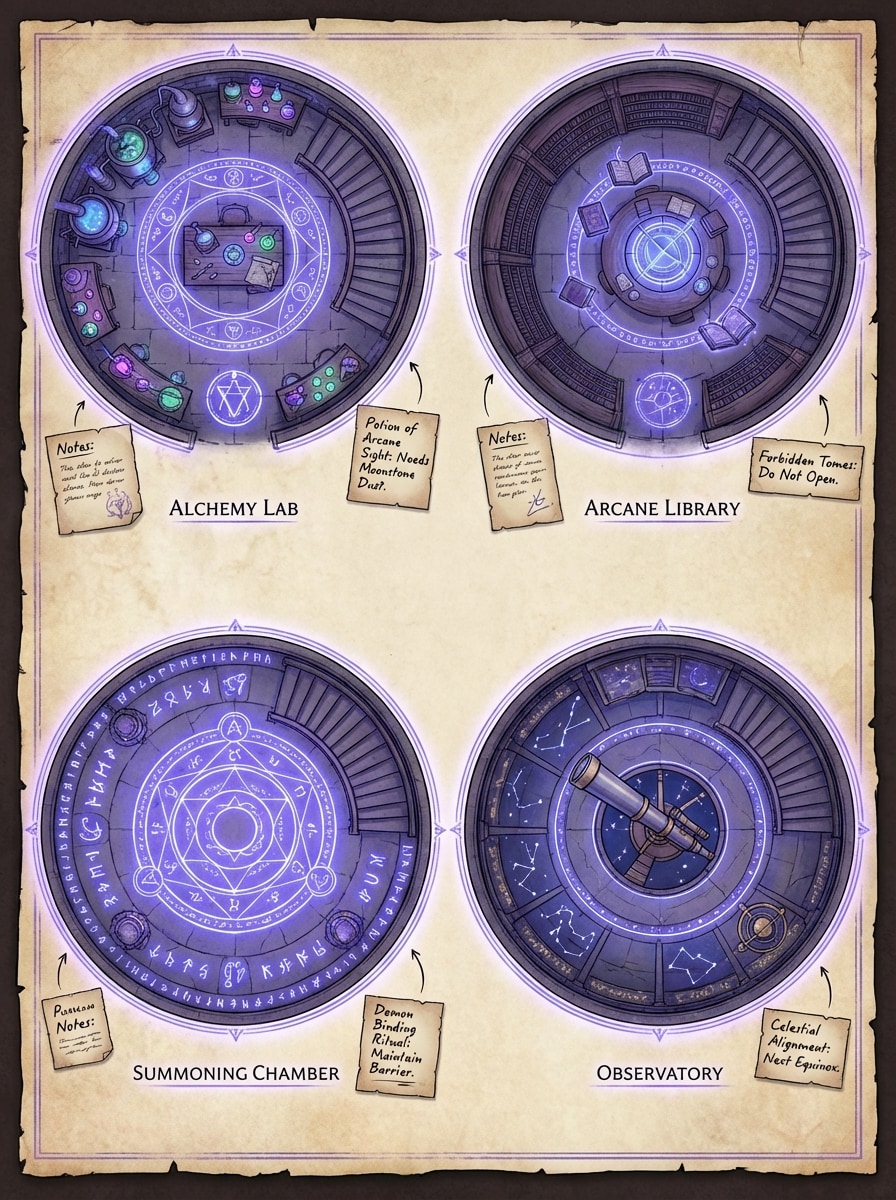
Wizard Tower Blueprint
Generate a fantasy wizard tower interior floorplan with an alchemy lab, arcane library, observatory, summoning chamber, spiral stairs, magical symbols, and distinct room zones. Use top-down map styling, luminous violet-blue accents, parchment notes, precise linework, and a readable tabletop-ready design with mystical atmosphere.
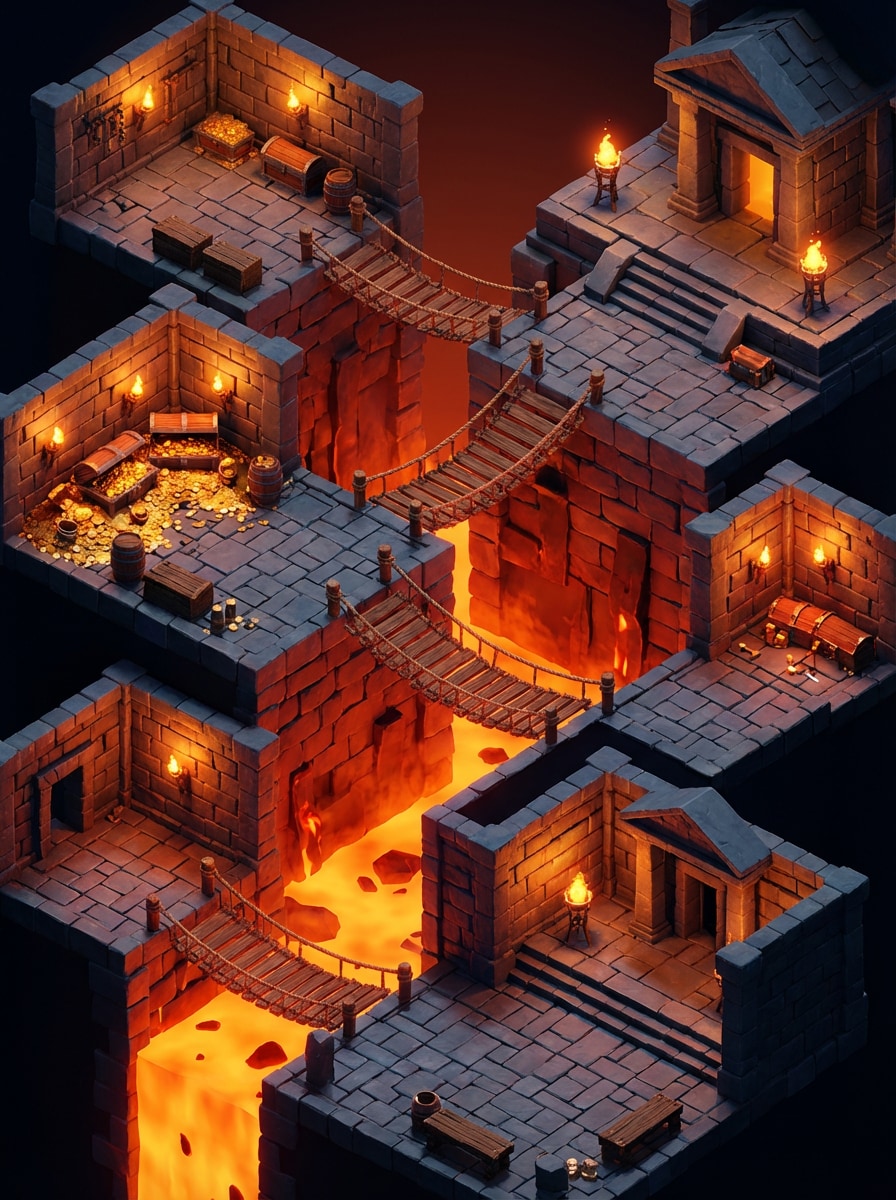
Isometric Dungeon Scene
Design an isometric fantasy dungeon scene with layered stone rooms, lava pits, rope bridges, treasure vaults, glowing torches, and dramatic depth. Use cinematic lighting, rich red-orange and slate color contrast, textured masonry, stylized 3D cartography, and a polished composition that feels game-ready and highly shareable.
Why Use Media.io for Dungeons and Dragons Map Generation
Generate D&D Maps from Text in Seconds
Skip complex editors when you need quick ideas. Describe a dungeon battlemap, world map, tavern interior, or fantasy region, and turn your concept into AI-generated map art fast with this streamlined d and d map generator.
Choose Powerful AI Models
Media.io supports advanced text-to-image models including Nano Banana Pro, Nano Banana 2, Seedream 5.0 Lite, Seedream 4.0, Imagen 4, Nano Banana, and Soul Character for flexible creative results, whether you are building a dnd map generator 5e encounter or a full campaign setting.
High Resolution and Flexible Aspect Ratios
Create map visuals in 1K, 2K, or 4K resolution and choose from aspect ratios like 1:1, 16:9, 9:16, 4:3, 3:4, 3:2, 2:3, or Auto to suit virtual tabletops, sharing, and printing, from tight dnd battle map generator scenes to sprawling continents.
Works on Any Device in Your Browser
Media.io is web-based, so you can generate fantasy maps on Windows, Mac, iPhone, iPad, or Android devices without installing desktop software, making it easy to use as a portable dungeons and dragons world map generator or city planner wherever you play.
How to Use the Dungeons and Dragons Map Generator
1
2
3
1
Open Media.io AI Image Generator
Go to Media.io and open the AI Image Generator under AI -> Text to Image. This online tool runs in your browser, so you can start making Dungeons and Dragons maps on desktop or mobile without installing software.
2
Enter a Detailed Map Prompt
Type a clear prompt such as "top-down D&D dungeon battlemap with stone corridors, torch lighting, trap room, treasure vault, and square grid overlay." Then choose your preferred model, aspect ratio, and resolution for the style of map you want.
3
Generate, Refine & Download
Click Generate to create your fantasy map. If needed, revise the prompt to change layout, mood, or cartography style, then download the final image in high resolution for campaign prep, sharing, or virtual tabletop use.
"Fast concept maps for weekly sessions" I use it when I need a quick dungeon or tavern layout before game night. Instead of drawing from scratch, I type a prompt and get a solid concept map in seconds.
Elena R.
Fantasy Writer
"Great for worldbuilding visuals" The parchment-style world map prompts are especially useful. I can explore region ideas, kingdom placement, and overall mood without learning a full map editor.
David P.
TTRPG Content Creator
"Helpful for battlemap ideation" I like how easy it is to test different map styles, from cave encounters to castle keeps. It is a practical tool for brainstorming visuals before polishing a final encounter setup.
Sophie K.
Indie Game Designer
"Simple and beginner-friendly" Media.io feels much more approachable than traditional map software when I just want fast AI-generated ideas. The prompt-based workflow makes experimentation easy.
1. How do I generate a Dungeons and Dragons map with AI?
Open Media.io AI Image Generator, enter a detailed text prompt describing the type of D&D map you want, then choose settings like aspect ratio and resolution before generating. For best results, write prompts in English and specify whether you want a battlemap, regional map, world map, or interior layout, similar to how you would brief a dedicated world map generator d&d tool.
2. Can AI generate a D&D battlemap or fantasy world map from text?
Yes. Media.io is a text-to-image tool that can generate visuals from prompts, including fantasy-style map concepts such as dungeon battlemaps, parchment world maps, castle interiors, and tavern floorplans. You can experiment with different prompts and supported AI models to explore different map aesthetics, using Media.io much like a flexible dungeons and dragons city generator when you need districts, streets, or neighborhoods.
3. What is the best way to make my own D&D map on Media.io?
The easiest approach is to start with a descriptive prompt that covers layout, perspective, key rooms or landmarks, lighting, mood, and style. For example, mention details like top-down view, grid overlay, parchment texture, torch lighting, rivers, forests, or ruins so the AI can generate a more usable fantasy map concept that works for city generator d&d needs as well as wilderness or dungeon maps.
4. What resolution can I use for AI-generated D&D maps?
Media.io supports 1K, 2K, and 4K image generation, along with multiple aspect ratios including Auto, 1:1, 9:16, 16:9, 4:3, 3:4, 3:2, and 2:3. This gives you flexibility when creating map visuals for sharing, printing, or different display layouts, whether you are designing a compact encounter or a full dungeons and dragons world map generator style overview.
5. Can I use Media.io on mobile or only on desktop?
Media.io is web-based, so it works on any device with a browser, including Windows, Mac, iOS, and Android. That means you can create D&D map concepts on desktop, tablet, or phone without installing separate software, and still enjoy capabilities similar to a dedicated dnd battle map generator, world builder, or town layout tool.
6. Is the Dungeons and Dragons map generator free to use?
Free users get 3 credits per day to try Media.io. Free exports may include watermarks, while paid subscribers can download watermark-free high-resolution images. If you need more credits or cleaner exports, you can compare plans here: https://www.media.io/pricing.html
Beyond AI-Powered Online Dungeons And Dragons Map Generator