AI Naruto Generator for Cinematic Ninja Art and Original Shinobi Designs
Create Naruto-inspired anime ninja art from text in seconds. Media.io helps you design portraits, battle scenes, wallpapers, and posters with a fast browser-based naruto AI workflow, whether you want a polished naruto character generator experience or a dramatic original shinobi concept.
Review these example directions, then tailor the prompt details to get stronger results with this Naruto.
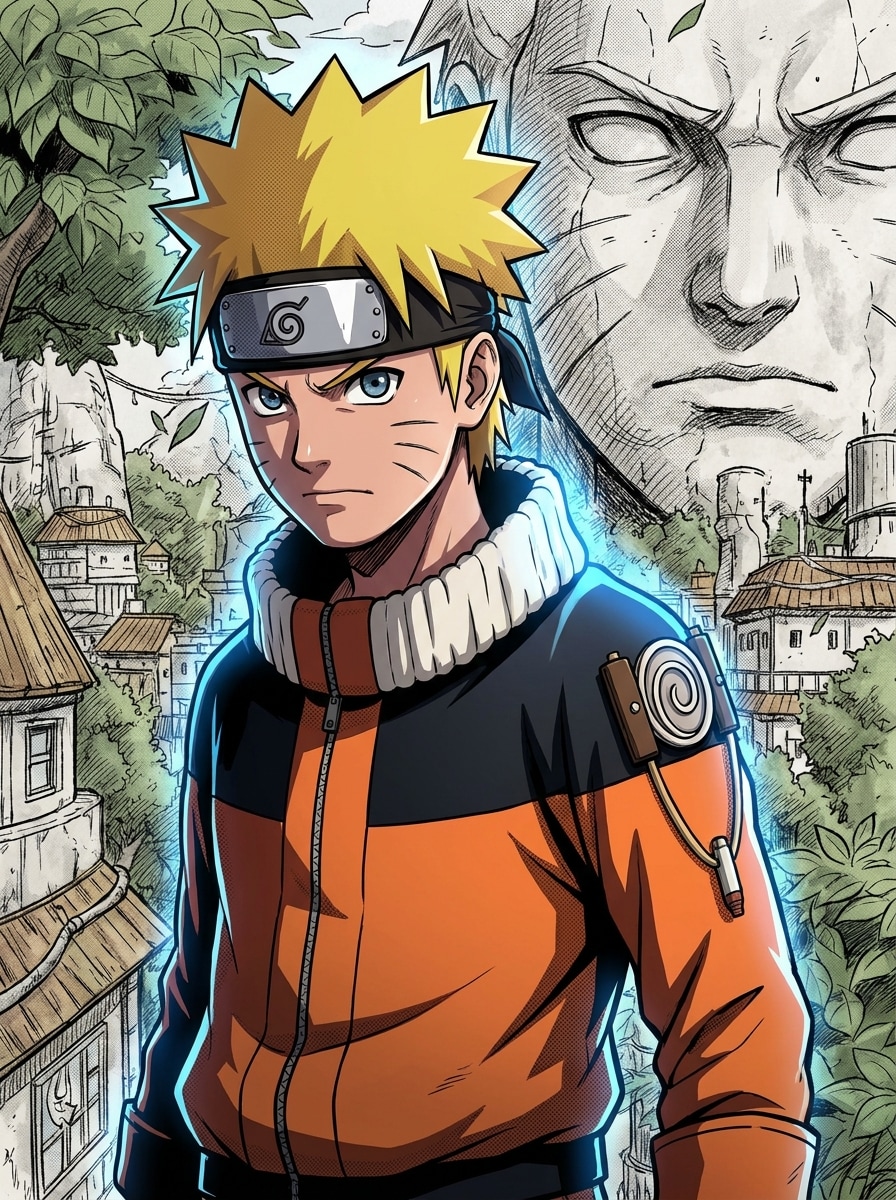
Shonen Hero Portrait
Create a Naruto-inspired anime hero portrait of a teenage ninja with spiky blond hair, whisker-like cheek marks, and an orange-black outfit. Use sharp cel shading, clean line art, blue chakra glow around the shoulders, dramatic rim lighting, a determined expression, and a simple manga-style background with high detail.
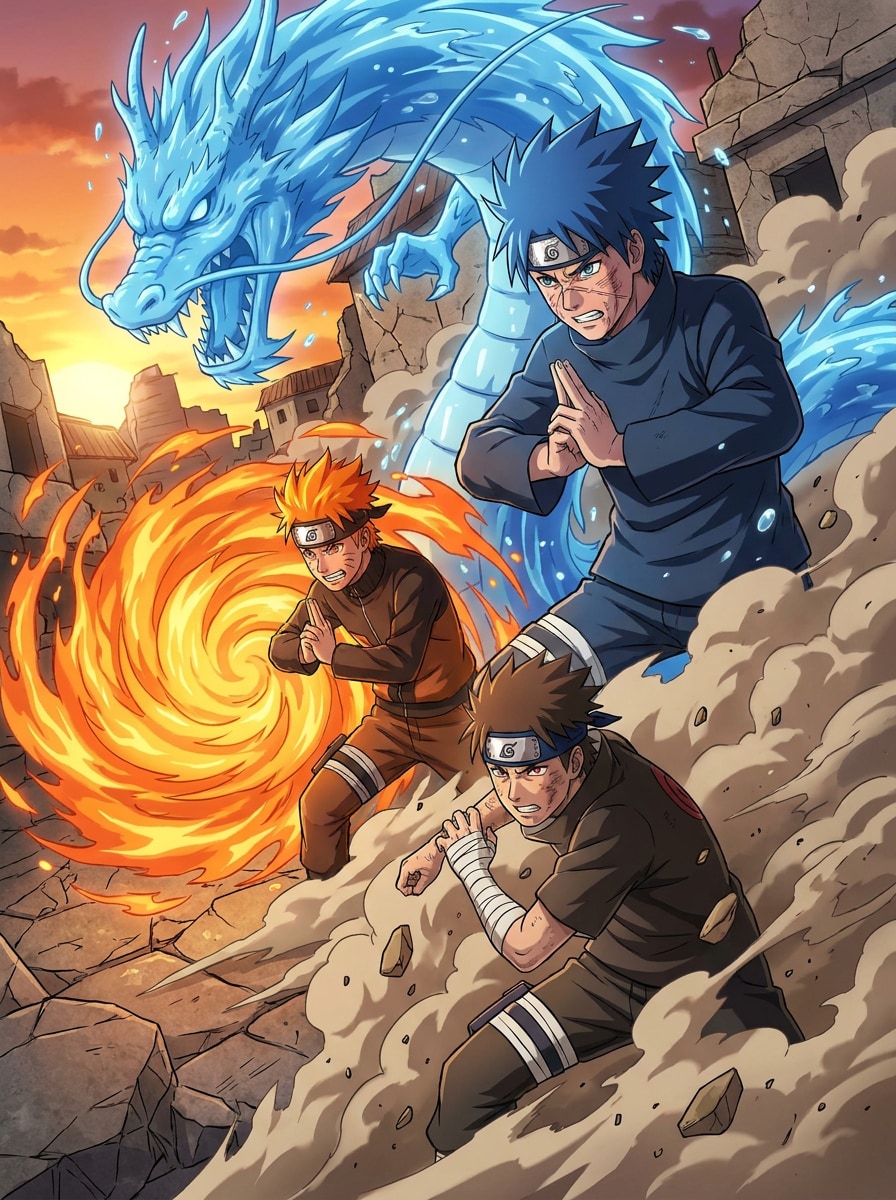
Team Battle Scene
Generate an anime ninja team battle scene with three shinobi forming hand signs in a ruined village street. Add swirling energy attacks, dust motion, cracked stone textures, cinematic action composition, vivid orange-blue contrast, dramatic side lighting, and polished cel-shaded detail that feels dynamic and intense.
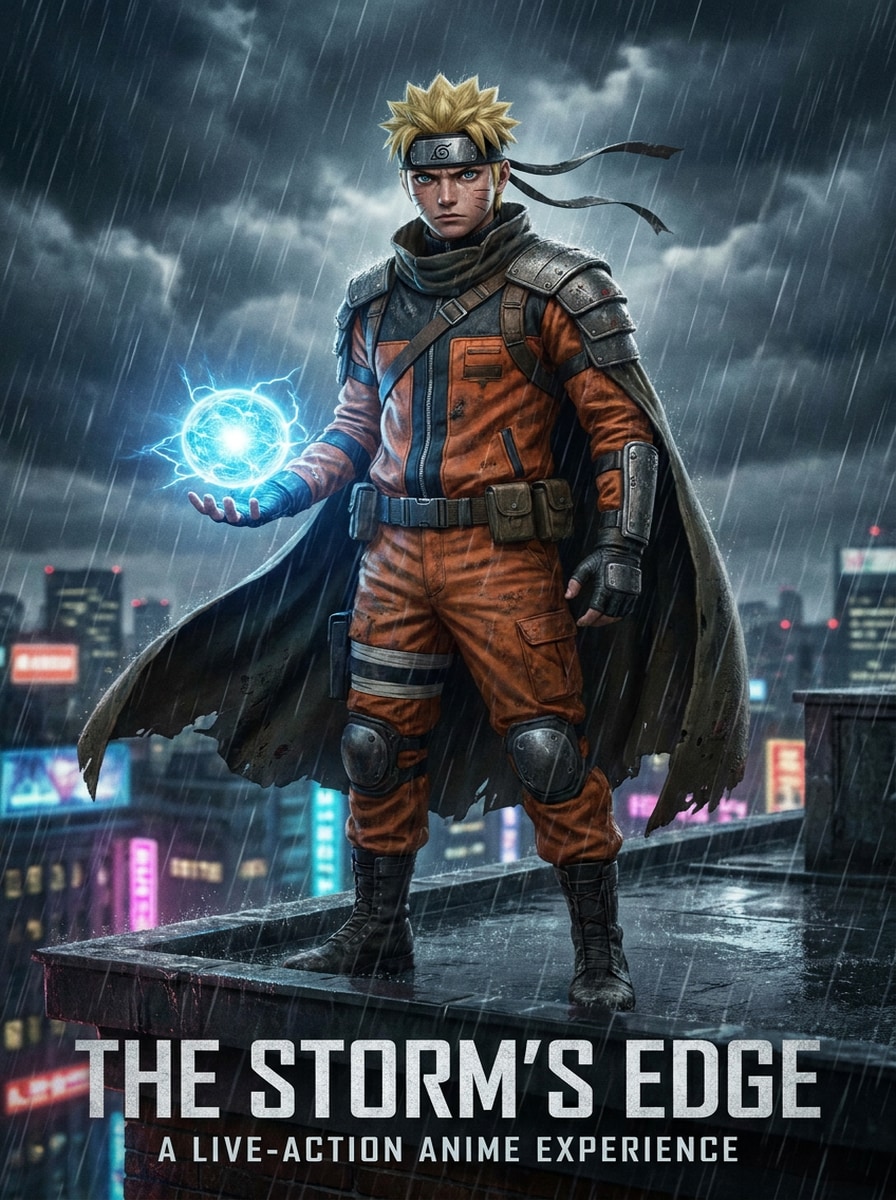
Live-Action Anime Poster
Make a cinematic live-action anime-inspired ninja poster featuring a serious young hero in an orange tactical outfit standing in rain. Use realistic fabric texture, blue energy glow in one hand, blockbuster lighting, shallow depth of field, moody storm clouds, poster-ready framing, and ultra-detailed facial features.
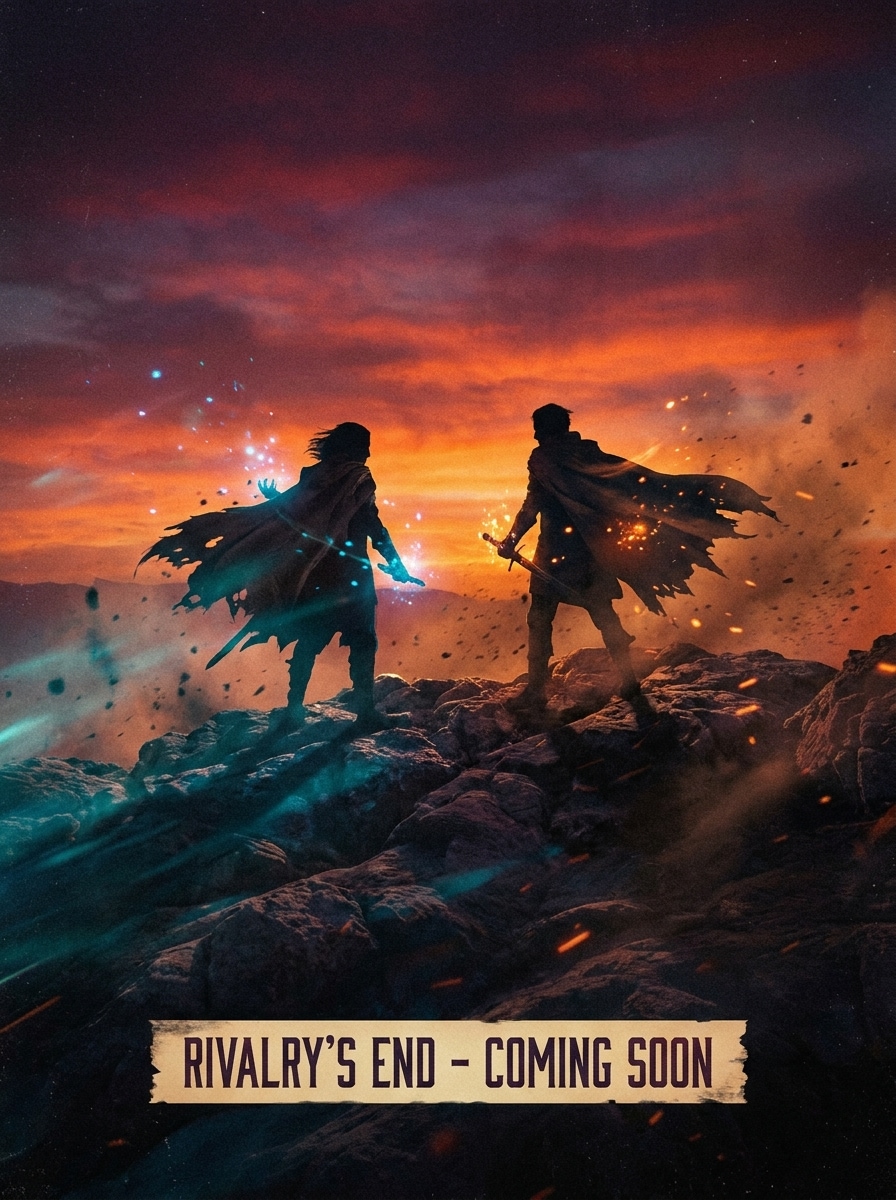
Epic Trailer Frame
Create a dramatic trailer-style frame of two rival ninja facing each other at sunset on a rocky battlefield. Include wind-blown cloaks, glowing chakra particles, emotional tension, a wide-angle cinematic camera view, warm orange skies balanced with cool blue highlights, subtle film grain, and anime-realism hybrid detail.
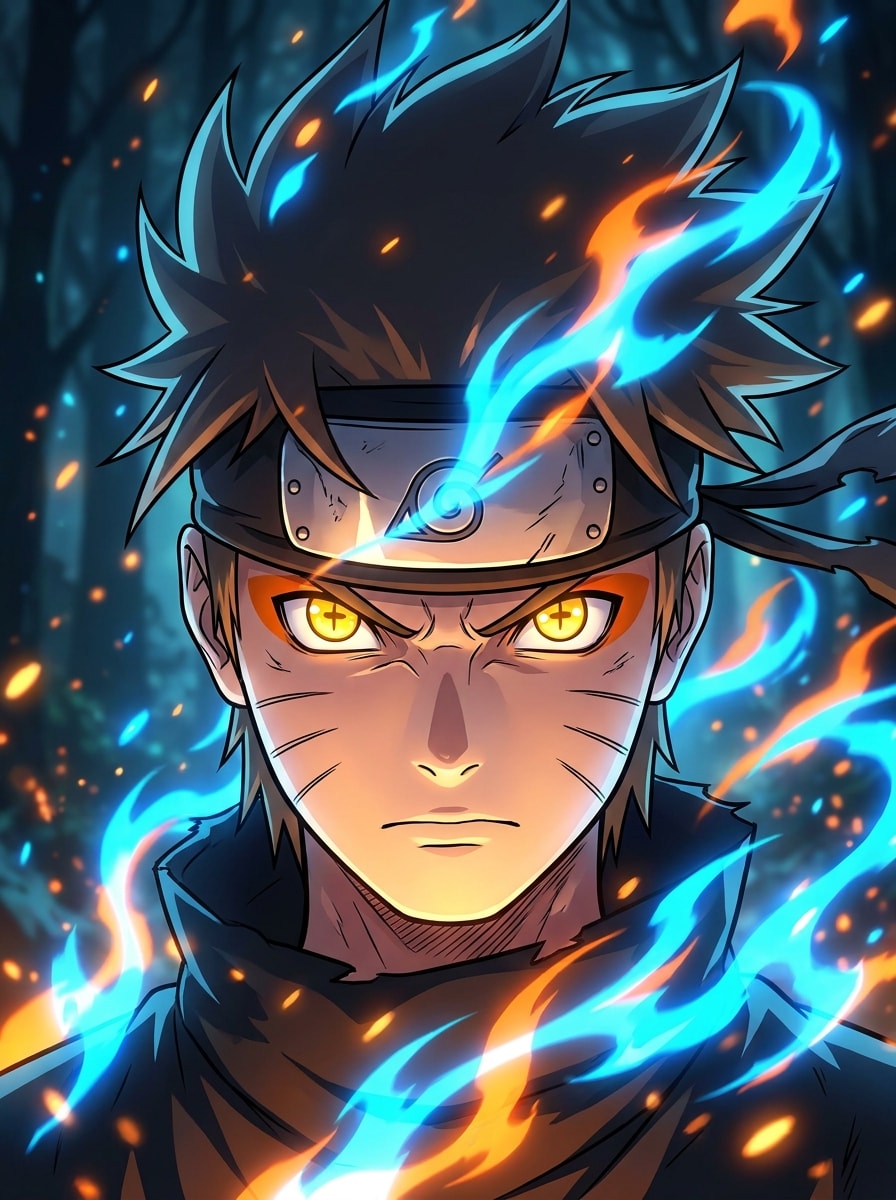
Chakra Aura Close-Up
Generate a close-up anime ninja portrait with intense eyes, whisker-like cheek details, and a bright blue-orange chakra aura surrounding the face. Use high-contrast cel shading, crisp line work, wind-swept hair, a dark blurred background, glowing energy particles, and dramatic lighting that emphasizes emotional power.
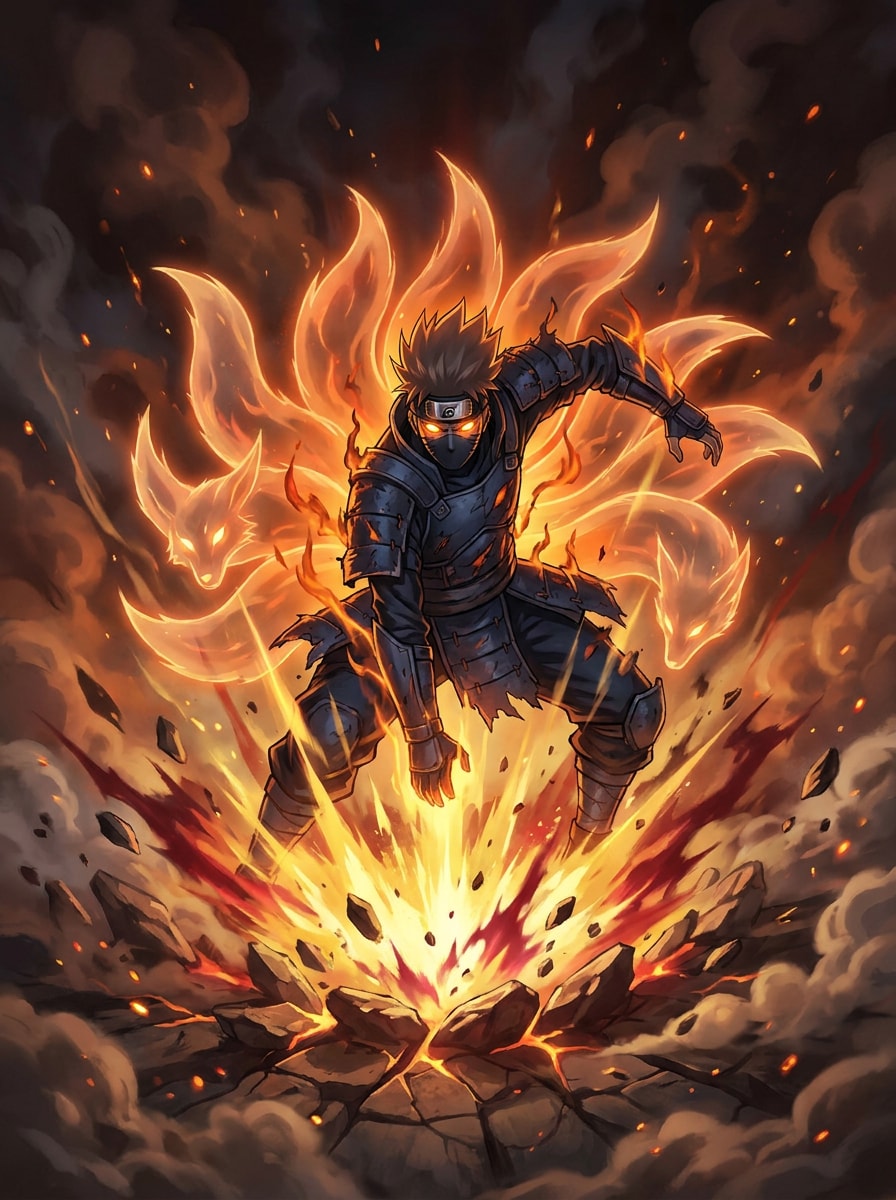
Fox Spirit Energy Form
Create an anime transformation scene of a ninja warrior surrounded by fox-like energy tails and a fiery orange aura. Show an explosive chakra burst, glowing eyes, swirling smoke, torn ground, dynamic forward motion, rich warm highlights, dark contrast, and highly detailed fantasy action illustration with epic intensity.
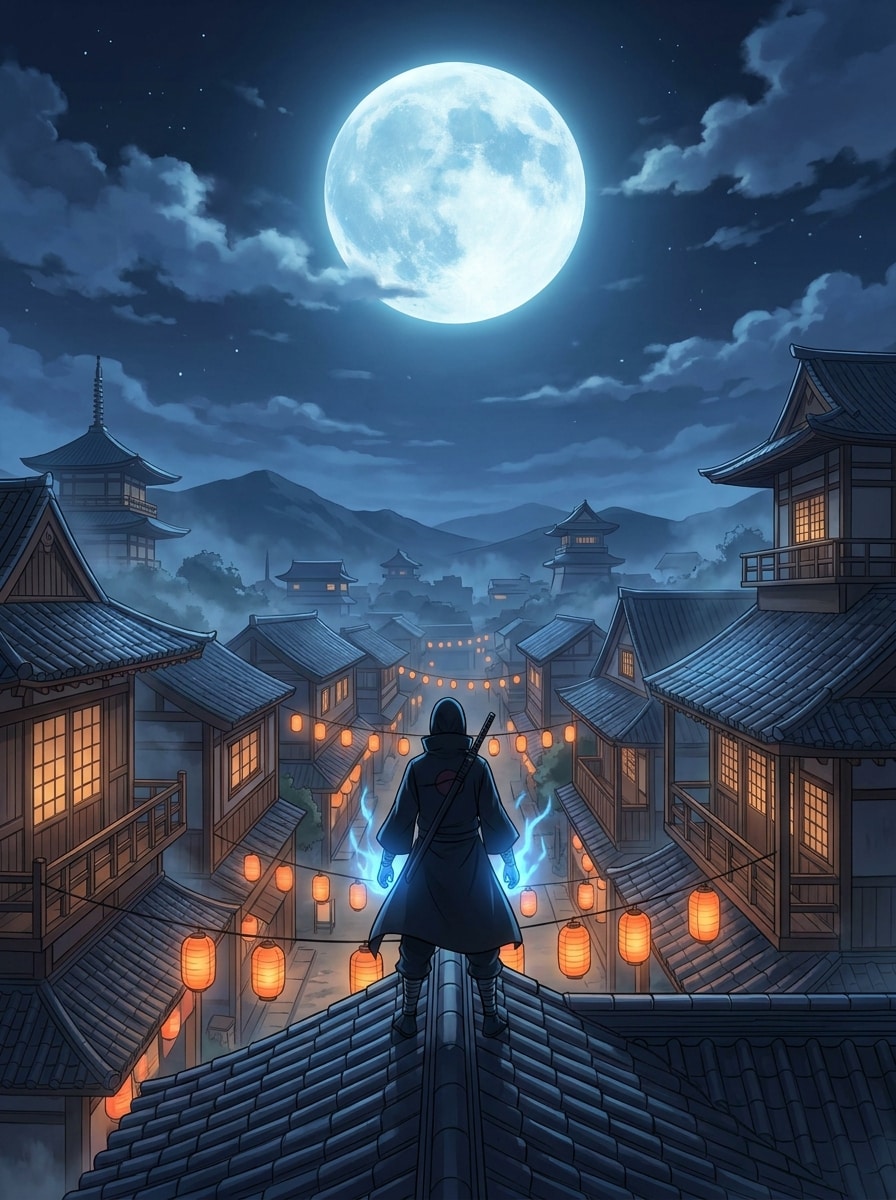
Village at Night Wallpaper
Create a wallpaper-ready anime ninja village at night with a lone hero standing on a rooftop beneath a full moon. Add lantern-lit streets, tiled roofs, cool blue moonlight, soft mist, subtle chakra glow, clean poster composition, deep perspective, and a polished background rich with atmospheric detail.
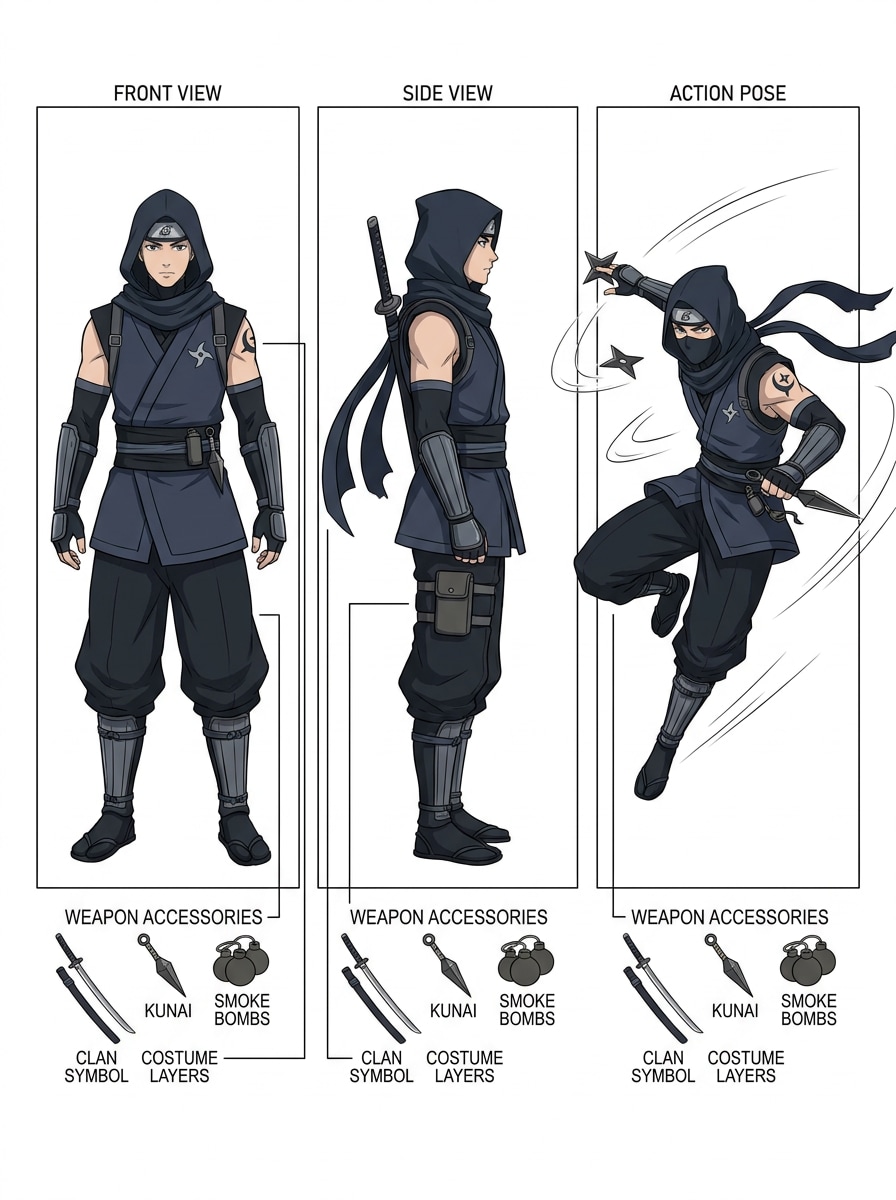
Character Sheet Concept Art
Generate a full-body anime ninja character sheet for an original shinobi with front view, side view, and action pose. Include layered costume details, weapon accessories, clan-inspired symbols, neat labels, clean white presentation layout, balanced cel shading, and crisp concept-art quality for design exploration.
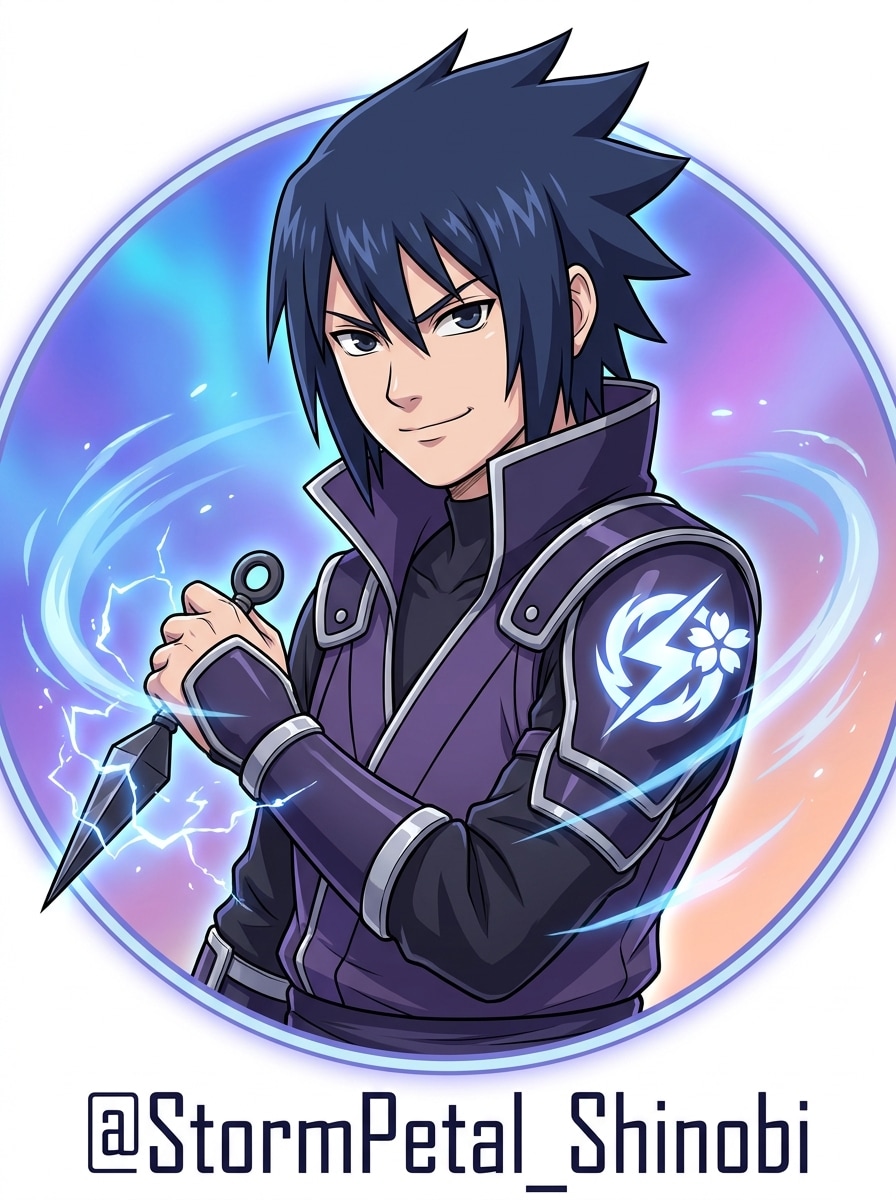
Custom Shinobi Avatar
Design an original anime shinobi avatar with a unique clan symbol, elemental power effect, and layered ninja costume. Frame the character as a profile-ready portrait with vivid colors, clean cel shading, confident expression, polished line art, subtle background gradients, and a modern social-media-friendly finish.
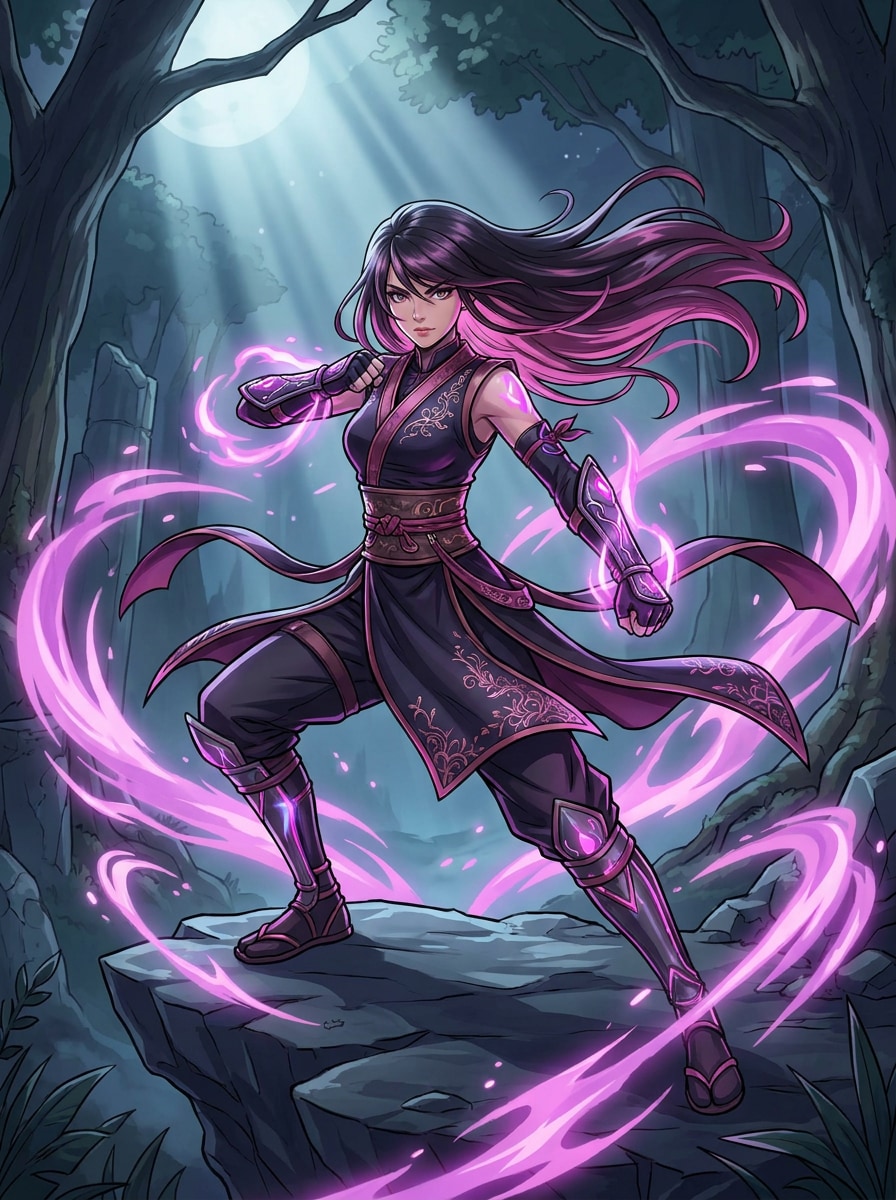
Female Ninja Fantasy Art
Create a stylish female anime ninja warrior with an elegant combat outfit and pink-purple chakra effects. Use flowing hair, a confident battle stance, glowing energy accents, polished cel shading, strong contrast, detailed fabric textures, cinematic lighting, and a fantasy anime mood that feels powerful and refined.
Why Use Media.io for AI Naruto-Style Art
Go From Prompt to Usable Artwork Faster
For early-stage ideation, Media.io helps shape short text into polished naruto visuals so the jump from rough thought to workable visual feels faster and less manual.
Turn Simple Ideas Into Polished Anime Ninja Scenes
A single idea often needs more than one look. Media.io helps reinterpret the same naruto visual across different styles so each version can better match the project brief.
Generate Cleaner Output Up to 4K
If the final naruto visual will be reused beyond a small preview, Media.io helps deliver sharper results up to 4K so the image stays more reliable in practical design and presentation work.
Create Anywhere With a Fast Browser-Based Workflow
Some naruto visual concepts get drafted on the go and finished later at a desk. Media.io keeps that process online, so you can return to the same workflow without extra installs or setup.
How to Make Naruto-Style AI Art Online
1
2
3
1
Open Media.io Text to Image
Go to AI Text to Image Generator and open the Text to Image tool under AI -> Image. This online tool runs in your browser, so you can create anime ninja art on desktop or mobile without installing anything.
2
Enter a Prompt
Type a detailed prompt such as “anime ninja hero portrait, orange-black outfit, glowing blue chakra, sharp cel shading, dramatic rim light, clean manga background.” Adjust style, aspect ratio, and resolution to match your poster, wallpaper, or avatar idea.
3
Generate, Refine & Download
Click Generate. Tweak the prompt or settings if you want a different mood, pose, or energy effect. Then download your high-resolution image for sharing, wallpapers, concept art, or social posts.
See how creators use this Naruto for content, marketing, and personal projects, then adapt each idea to fit the brief.
Build Original Shinobi Avatars
Design a personal ninja persona with custom outfits, clan symbols, elemental effects, and signature color palettes. This is ideal if you want a naruto generator feel without copying a known character, or if you need standout profile art for social platforms.
Create Wallpaper and Poster Visuals Fast
Turn a short idea into vertical posters, phone wallpapers, or dramatic desktop scenes with moonlit villages, battle silhouettes, and glowing energy effects. Media.io makes it easy to shape one concept into multiple formats for sharing, collecting, or printing.
Explore Random Character Concepts for Fun
Use prompt variations to mimic a random naruto character generator or random naruto generator workflow, generating fresh ninja combinations with different villages, powers, hairstyles, and battle moods whenever you want new inspiration.
What Users Say
Ethan M.
Anime Fan Artist
"Great for fast anime concepts" I wanted Naruto-style character art without spending hours sketching. Media.io gave me clean anime portraits with strong chakra effects and surprisingly good prompt control.
Kayla R.
Content Creator
"Perfect for posters and thumbnails" I used it to make cinematic ninja poster art for social content. The lighting, color contrast, and wallpaper formats made the results feel much more polished than I expected.
Jordan T.
Roleplay Community Member
"Easy original shinobi builder" What I liked most was creating original characters instead of copying existing ones. It feels like a smart naruto character generator for building your own clan, costume, and power style.
Mia L.
Mobile User
"Works smoothly on my phone" I tried it on mobile during a commute and still got sharp anime battle scenes in minutes. It is simple enough for quick experiments but flexible enough for more detailed prompts.
1. How do I create AI Naruto-style images from text?
Open Media.io Text to Image, type a detailed prompt describing the ninja character or scene you want, then choose your preferred style, aspect ratio, and resolution before generating. For the best results, write in clear English and include visual details like clothing, energy effects, lighting, pose, and background.
2. Can I use Media.io as a free AI Naruto generator?
Media.io offers free credits, so you can try it as a free AI naruto image generator before upgrading. Free exports may include watermarks, while paid plans unlock more usage and watermark-free high-resolution downloads. You can compare options on the pricing page. Free users can use free credits. For more usage, users can subscribe to a plan on the pricing page. Upgrade to a paid plan on the pricing page for more credits and watermark-free high-resolution downloads.
3. What prompts work best for Naruto-inspired anime art?
The strongest prompts are specific and visual. Mention the subject, outfit, mood, pose, energy effect, lighting, background, and style direction. For example: “anime ninja warrior, orange-black outfit, glowing chakra aura, rooftop at night, sharp cel shading, dramatic rim light, high detail.” This kind of wording works well for a naruto AI or anime ninja art concept.
4. Can I make original shinobi characters instead of existing Naruto characters?
Media.io is well suited for original character design, so you can generate custom shinobi with unique clan symbols, hairstyles, elemental powers, outfits, and character-sheet layouts. That makes it useful as a creative naruto generator for fan concepts, roleplay identities, and anime-inspired worldbuilding.
5. What image quality and resolution can the text-to-image tool generate?
Media.io supports 1K, 2K, and 4K image generation, giving you flexibility for social posts, wallpapers, posters, and presentation graphics. Free users may have watermarks.
6. Does the AI Naruto generator work on mobile and desktop?
Media.io is web-based, so it works on any device with a browser, including Windows, Mac, iOS, and Android. You can start a prompt on your phone, tablet, or computer and create anime-style ninja art without installing separate software.