AI Mage Image Generator for Fast Fantasy Art and Portraits
Create fantasy portraits, anime characters, posters, and painterly scenes from text in seconds. Media.io turns the ambiguous idea of AI mage into a simple browser-based image workflow, whether you want polished concept art, social avatars, or a quick mage AI art experiment.
Review these example directions, then tailor the prompt details to get stronger results with this Mage.
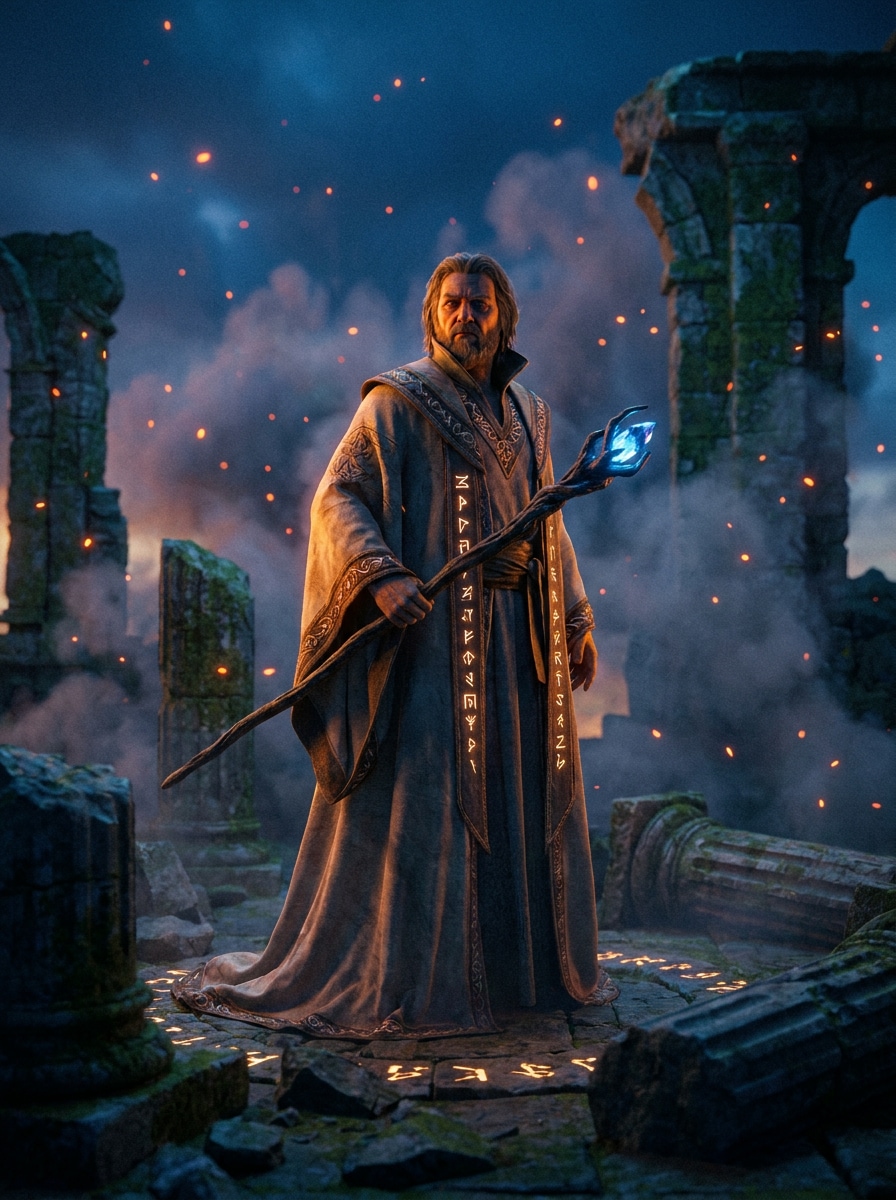
Cinematic Fantasy Portrait
Create a cinematic fantasy portrait of a powerful mage standing in glowing ancient ruins, centered mid-shot composition, dramatic rim lighting, deep blue and amber color grading, ultra-detailed embroidered robes, floating sparks, volumetric fog, sharp facial detail, realistic textures, epic and mysterious mood, premium fantasy artwork quality.
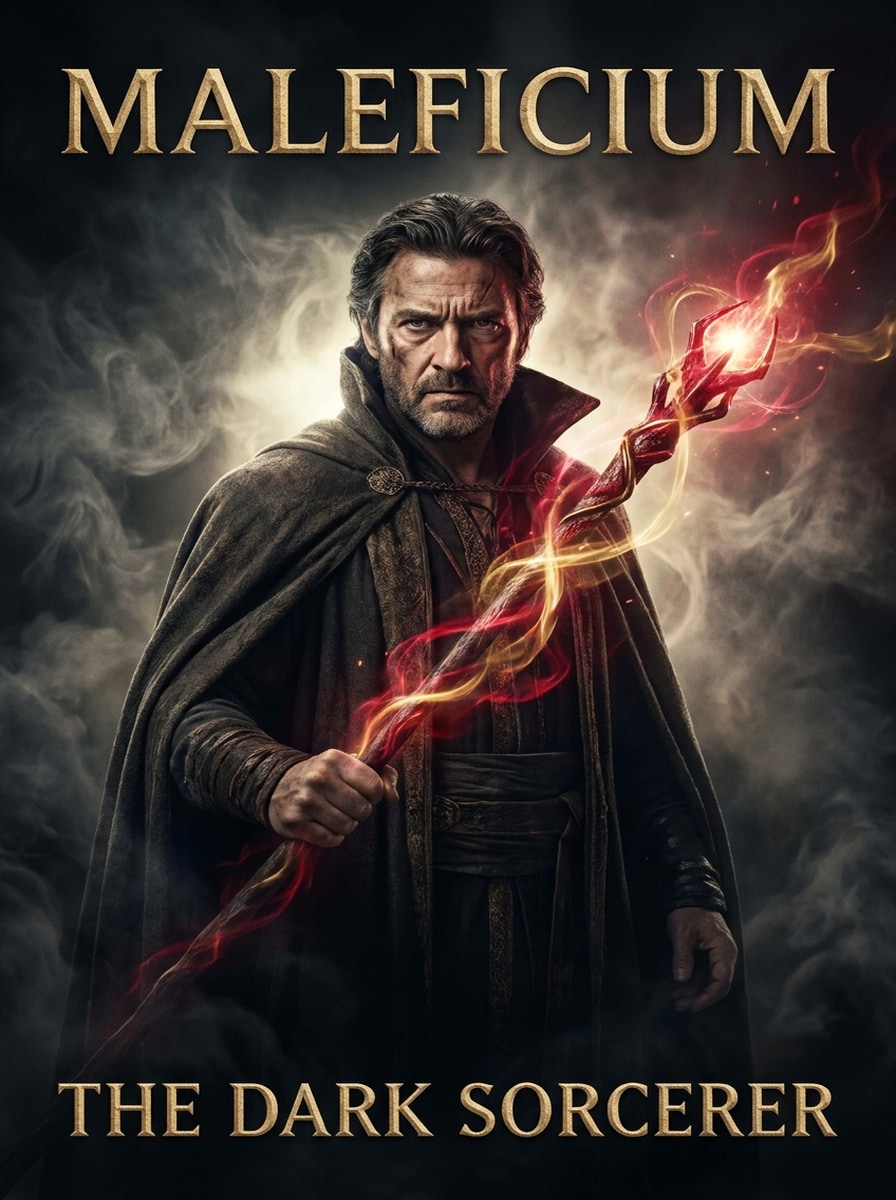
Dark Wizard Poster Art
Generate a dark wizard movie-poster portrait with a glowing staff, strong vertical composition, swirling smoke, bold contrast, rich charcoal, crimson, and gold palette, weathered cloak textures, intense expression, dramatic backlight, fantasy cinema atmosphere, polished poster layout, and crisp high-end details.
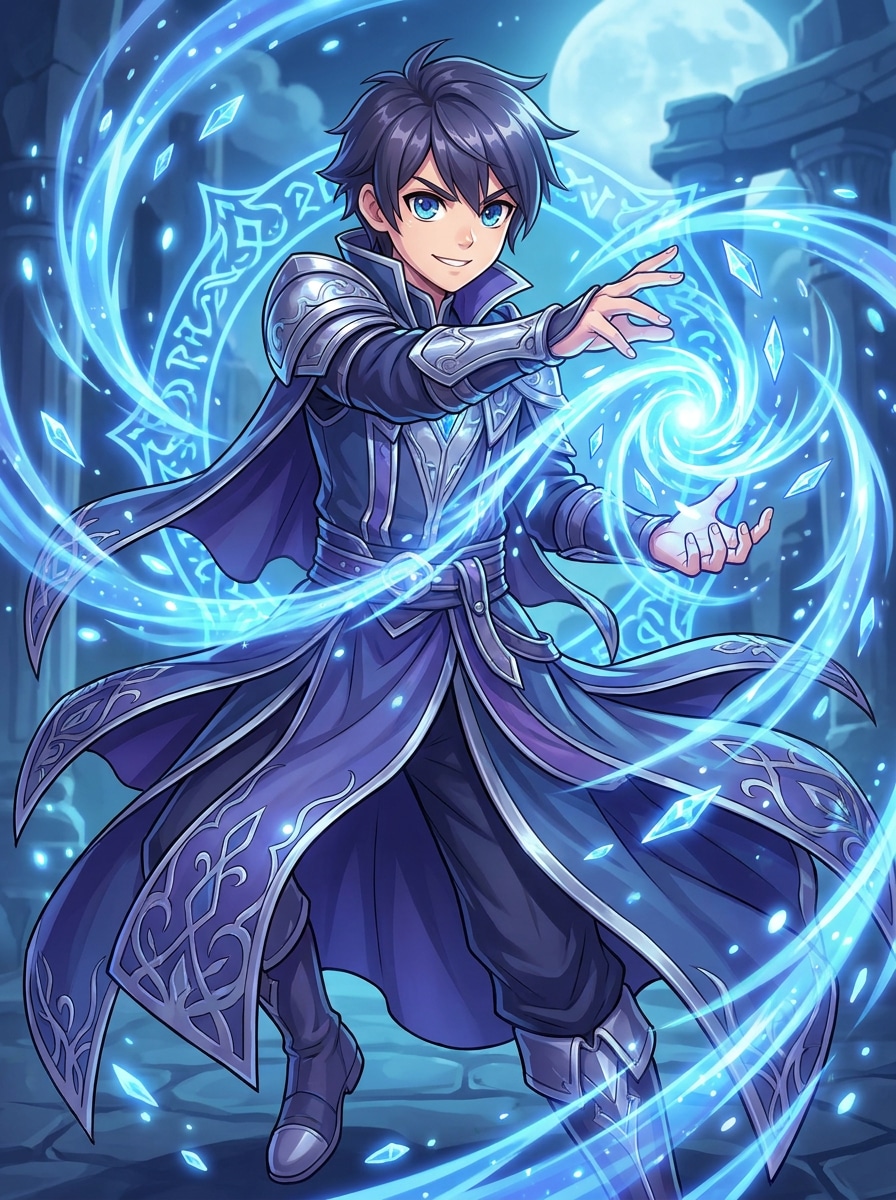
Anime Mage Character
Illustrate an anime-style mage character with luminous blue spell effects, dynamic three-quarter pose, layered fantasy robes, expressive eyes, clean cel shading, glossy highlights, magical particles, cool-toned palette, simple but atmospheric background, energetic heroic mood, and highly refined character design quality.
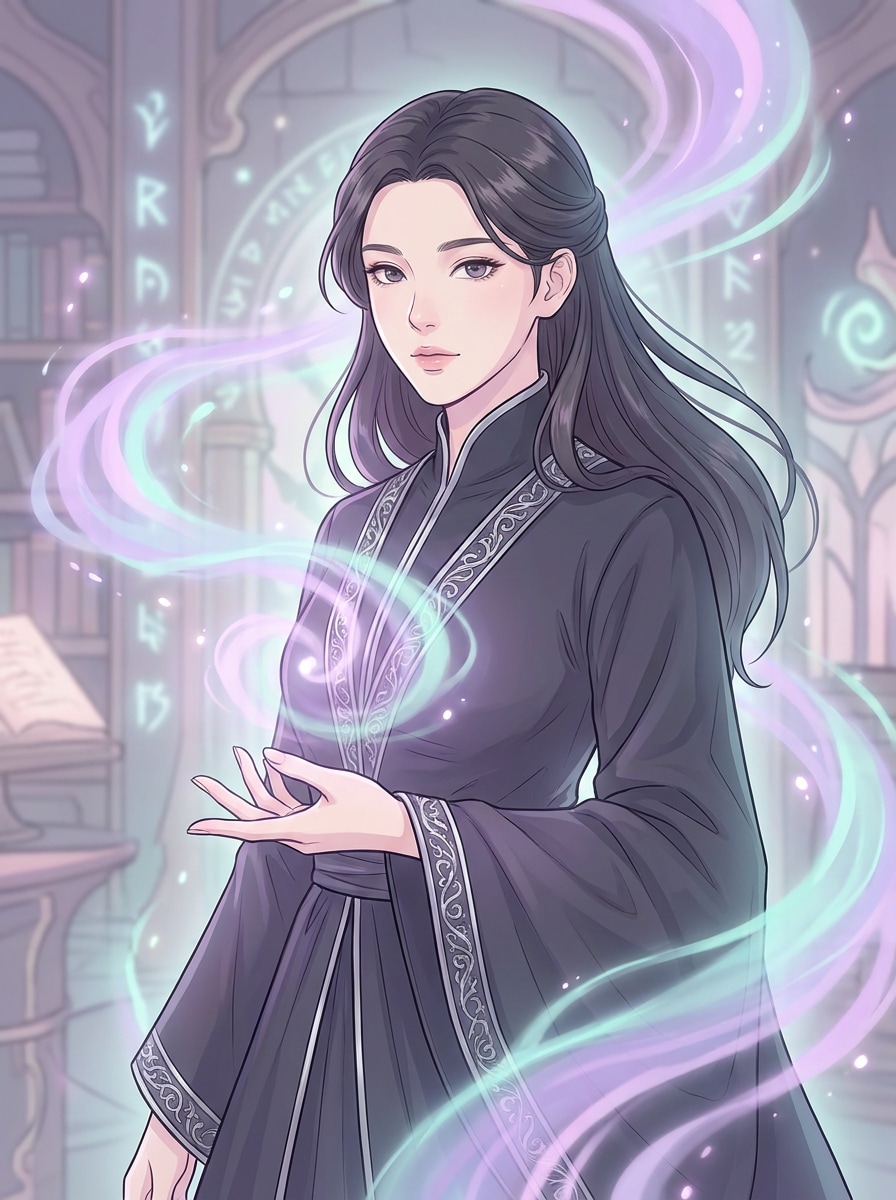
Manhwa Fantasy Hero
Create a manhwa-inspired fantasy spellcaster portrait with elegant magical lighting, clean linework, soft gradients, refined facial features, flowing dark robes with silver trim, graceful hand pose, subtle glow effects, pastel violet and teal palette, polished webtoon aesthetic, and a calm, premium editorial mood.
Watercolor Spell Scene
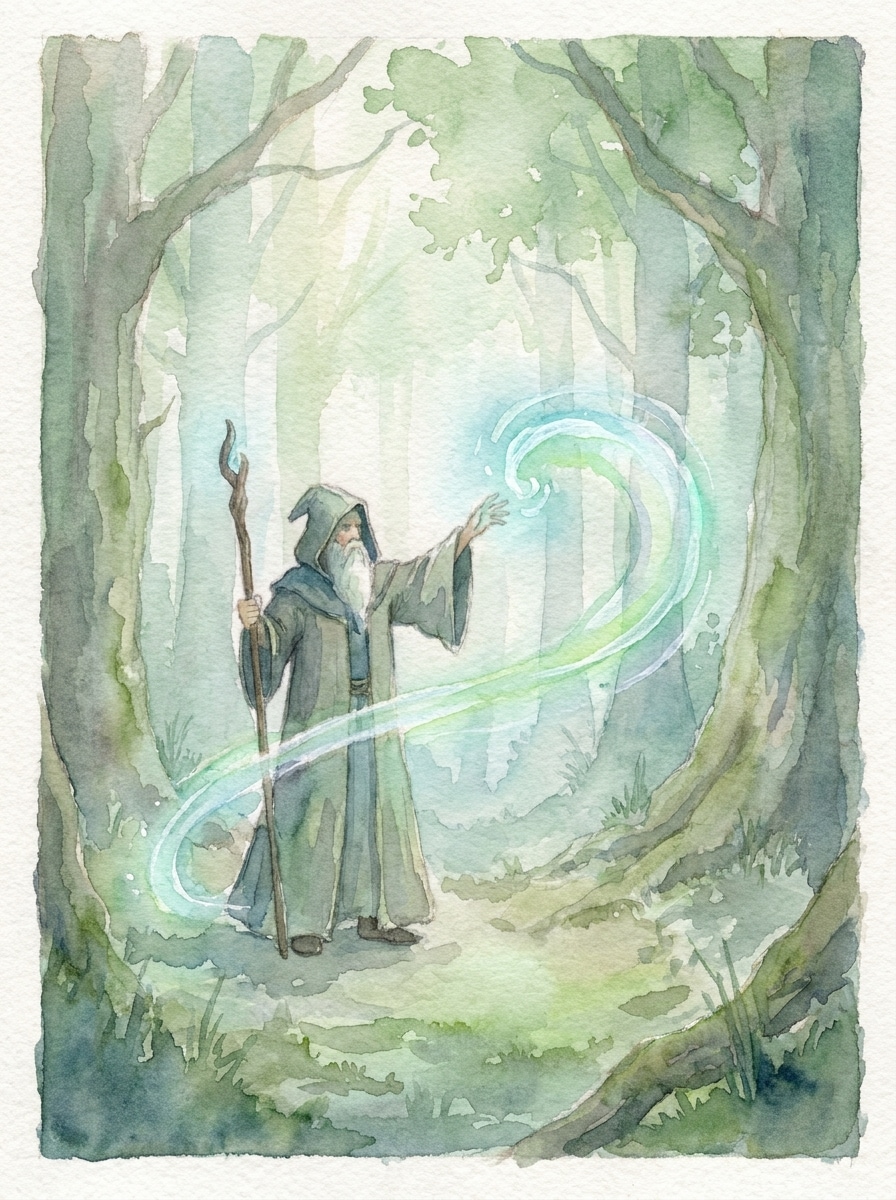
Create a watercolor-style painting of a mage casting a spell in an enchanted forest, wide composition, soft pigment blooms, textured paper grain, gentle green and blue palette, diffused morning light, flowing brush movement, misty trees, luminous magic trail, tranquil storybook mood, and handcrafted artistic detail.
Oil Painting Fantasy Portrait
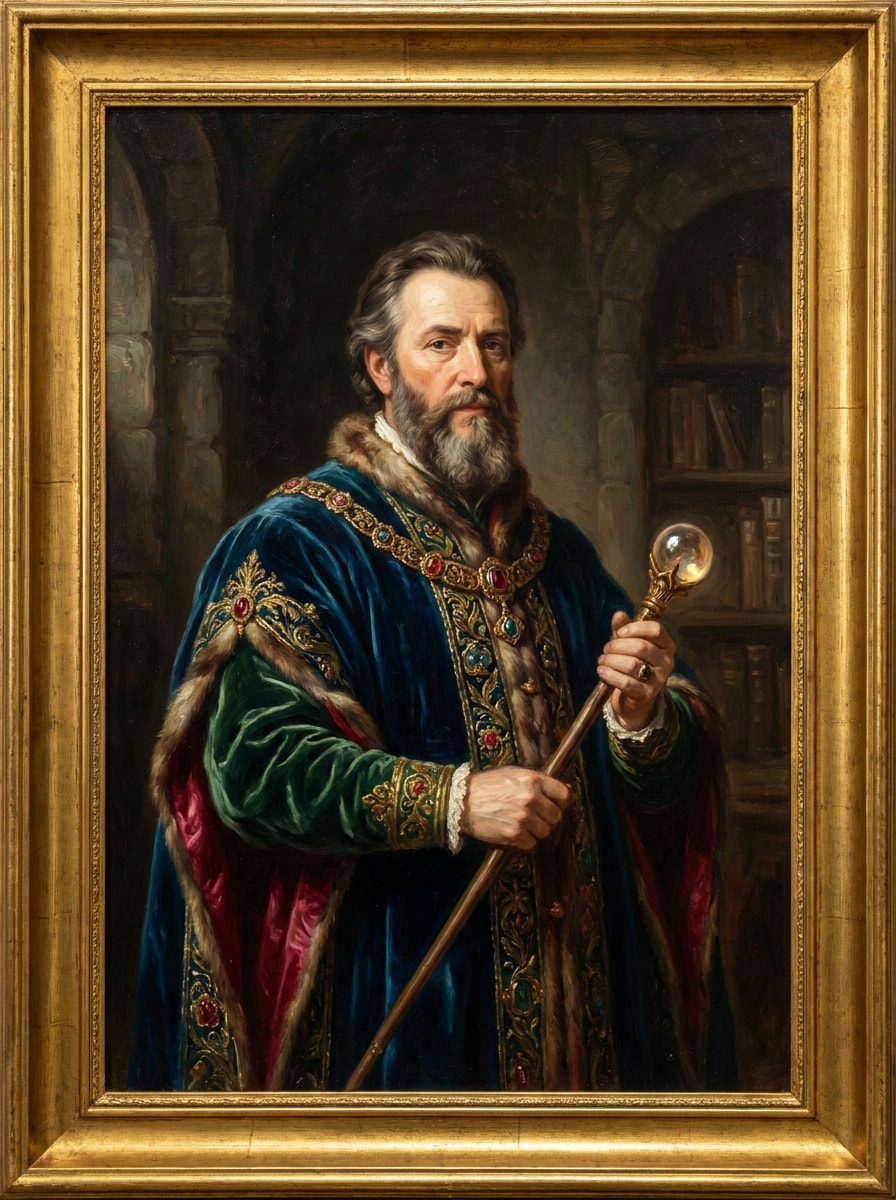
Generate a classical oil painting of a royal mage wearing ornate fantasy garments, regal half-body composition, museum-style brushwork, deep jewel-tone colors, velvet and gold textures, soft directional light, dignified expression, dark painterly backdrop, rich layered strokes, and timeless high-art portrait quality.
Stylized 3D Sorcerer
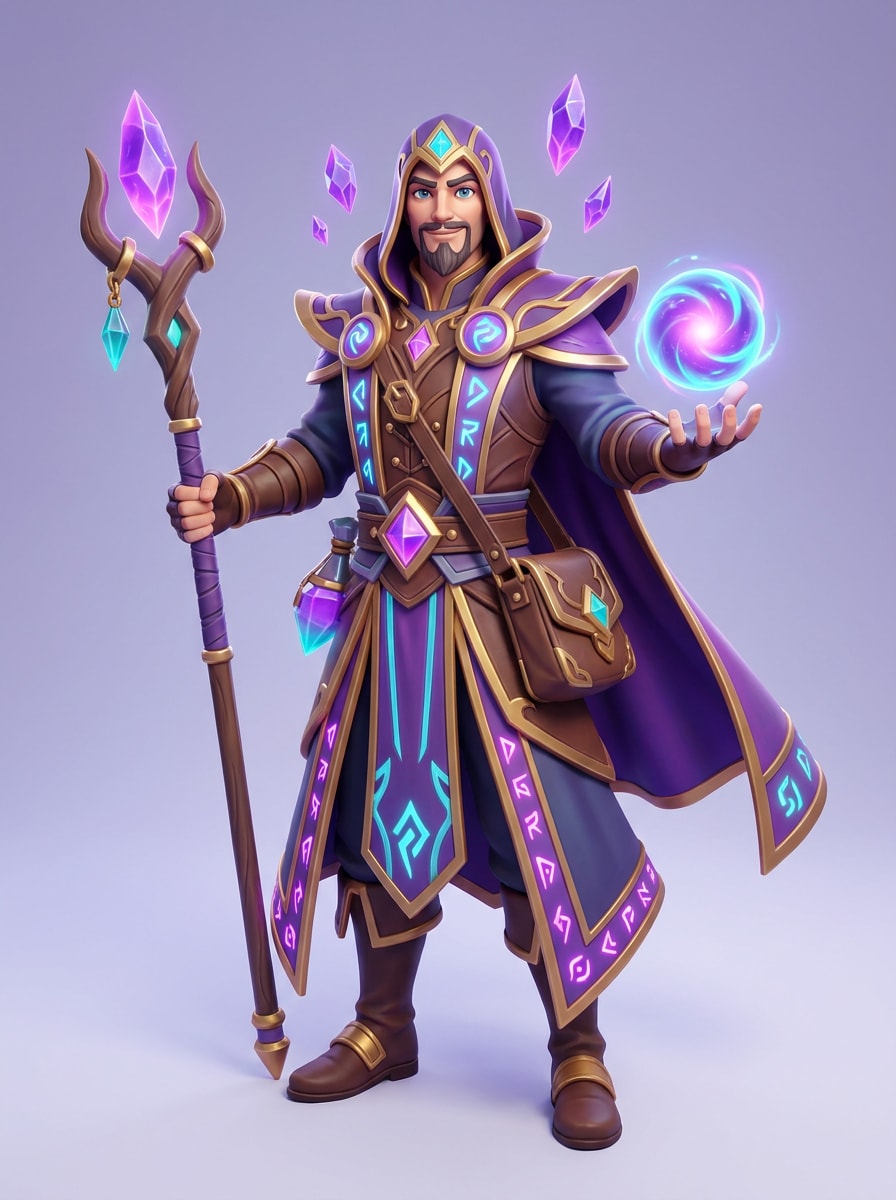
Design a stylized 3D sorcerer character holding a glowing magic orb, full-body character showcase, soft studio lighting, smooth rendered materials, high-detail costume pieces, vivid purple and cyan palette, game-ready fantasy design, clean background, friendly heroic mood, and polished collectible-quality 3D finish.
RPG Character Select Art
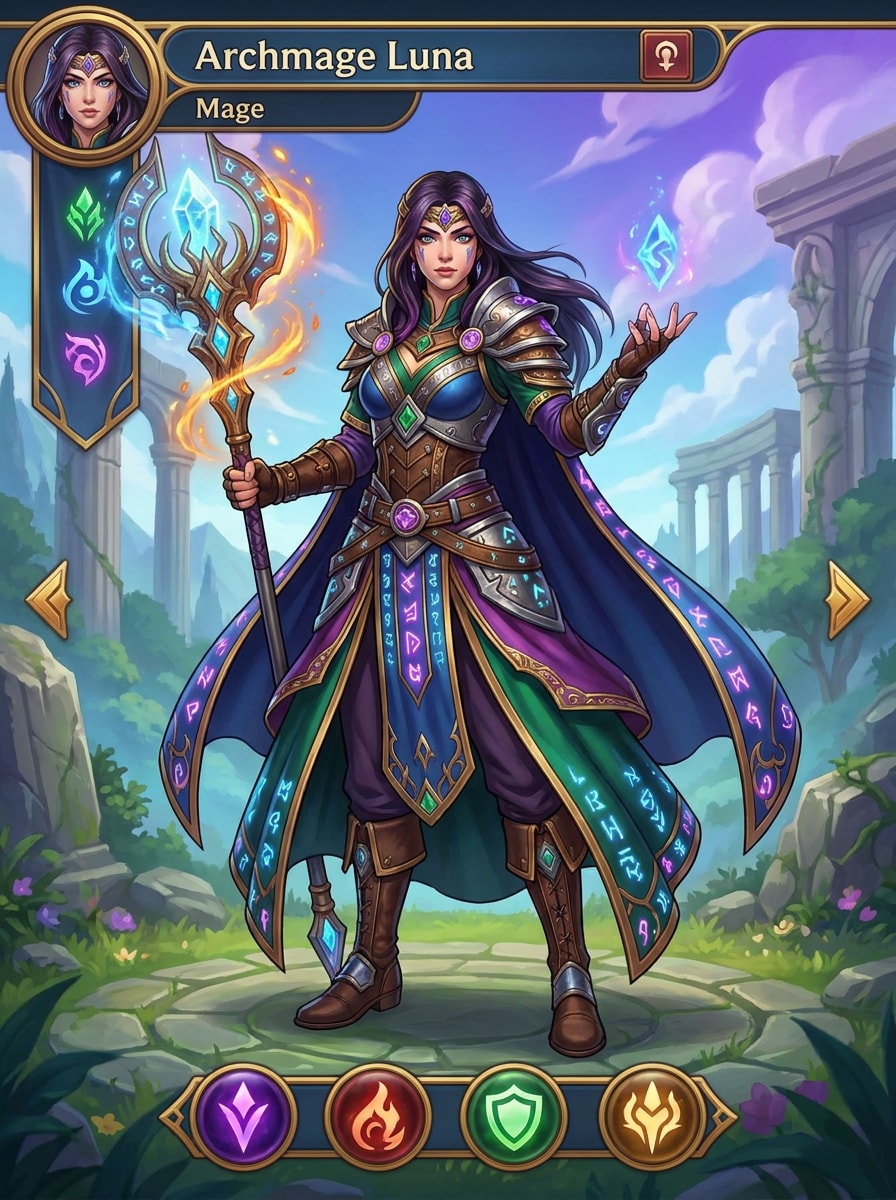
Create RPG character select artwork of a fantasy mage with a front-facing hero pose, intricate staff and accessories, polished game UI-inspired framing, vibrant jewel-tone colors, clean silhouette, layered armor and fabric textures, magical runes, balanced lighting, adventurous mood, and premium fantasy game illustration quality.
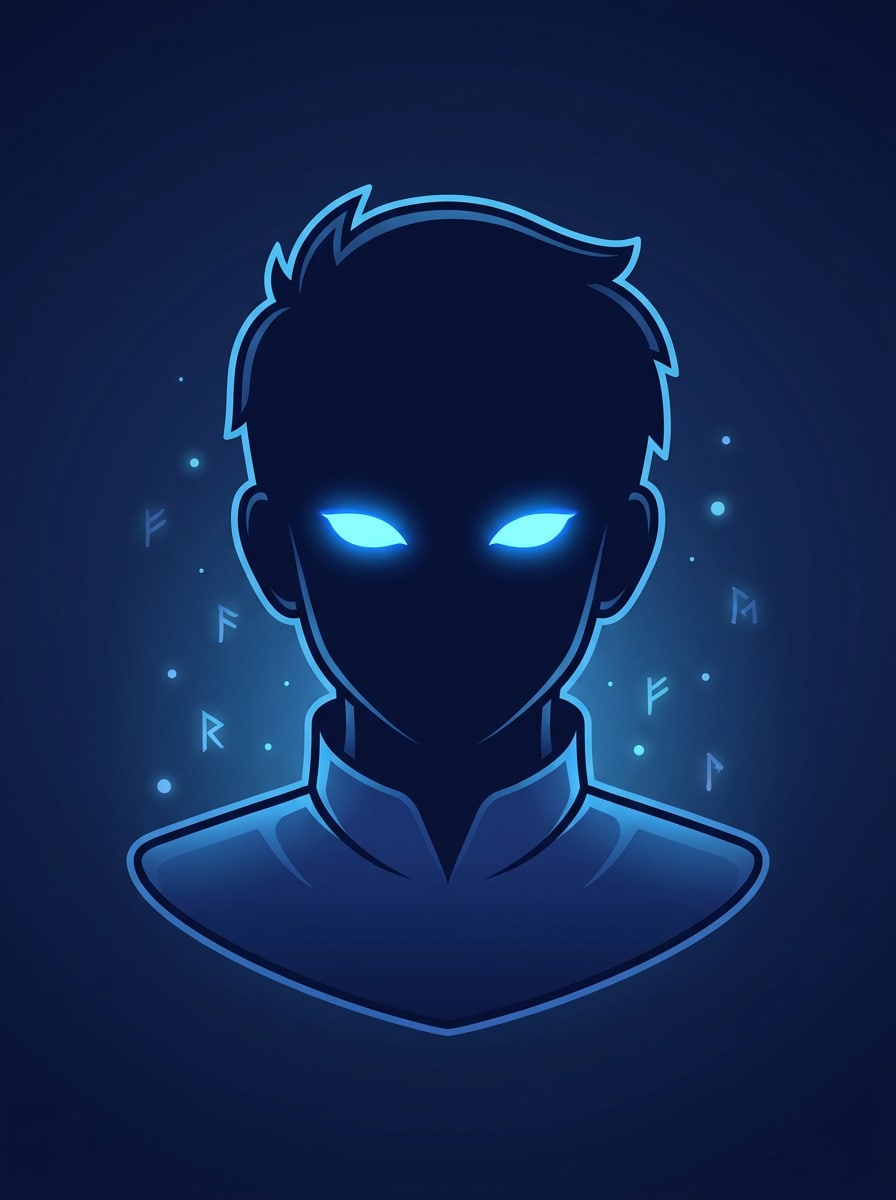
Magic Avatar Icon
Generate a clean social avatar icon of a young mage with glowing eyes, centered close-up composition, bold silhouette, smooth soft lighting, crisp outlines, rich navy and electric blue palette, subtle magical particles, minimal background, approachable fantasy mood, and profile-picture-friendly detail that reads clearly at small size.
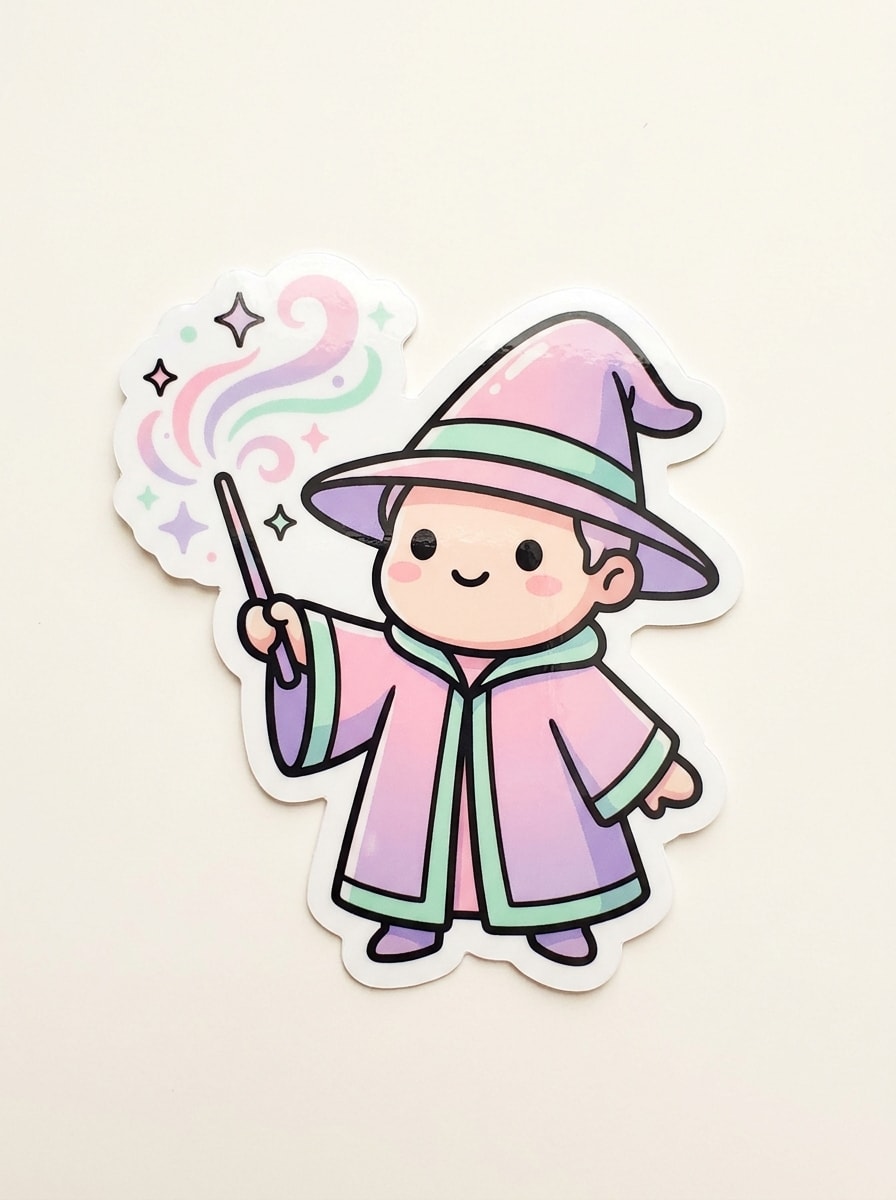
Chibi Wizard Sticker
Create a cute chibi wizard sticker with pastel spell effects, simple front-facing composition, rounded facial features, soft pink, lavender, and mint palette, clean outlines, playful wand sparkles, plain background, glossy sticker-like finish, cheerful mood, and high readability for social posts, chats, or printable sticker sheets.
Why Use Media.io for AI Mage Creations
Build Visual Concepts with Less Restarting
For early-stage ideation, Media.io helps shape short text into polished mage visuals so the jump from rough thought to workable visual feels faster and less manual.
Turn text ideas into fantasy art quickly
Different outputs call for different aesthetics. Media.io helps you explore varied treatments of the same mage visual concept so the final visual lands in the right tone faster.
Create High-Resolution Images for Real Use
Some results need to do more than look good in a preview. Media.io helps generate cleaner mage visuals with output up to 4K so the final image holds up in wallpapers, decks, and mockups.
Create on any device without extra software
Whether you sketch ideas on a phone or finish assets on a laptop, Media.io runs in a browser on mobile and desktop, making it easy to test an AI generator mage concept wherever inspiration hits and download the final.
How to Make AI Mage Art Online
1
2
3
1
Open Media.io Text to Image
Go to AI Text to Image Generator and open the Text to Image tool under AI -> Image Generator. This online tool runs in your browser, so you can start creating fantasy portraits, poster art, and character concepts without installing extra software.
2
Enter a Prompt
Type a detailed prompt, for example: “cinematic fantasy mage portrait in glowing ruins, dramatic rim light, blue and amber color palette, ultra-detailed robes, volumetric fog.” Adjust style and image settings to match the look you want, from anime to realistic.
3
Generate, Refine & Download
Click Generate. Tweak the prompt or settings if needed to explore variations, then download your high-resolution image for social posts, wallpapers, presentations, or creative projects.
See how creators use this Mage for content, marketing, and personal projects, then adapt each idea to fit the brief.
Design standout fantasy profile pictures
Create character-focused portraits for Discord, YouTube, TikTok, or gaming communities with clean composition and dramatic magic effects. This is a practical way to turn a rough idea into recognizable avatar art without drawing from scratch.
Build concept art for stories and game worlds
Writers, indie devs, and tabletop creators can quickly visualize spellcasters, factions, and scene moods before commissioning final assets. Media.io helps you test different visual directions fast, which is especially useful for an AI art mage concept pipeline.
Make posters, covers, and printable wall art
Use one fantasy concept across social graphics, cover mockups, or decorative prints by changing style and aspect ratio. If you're comparing tools like a mage AI generator, this flexibility makes it easier to create polished artwork for real publishing formats.
What Users Say
Lena Brooks
Fantasy Content Creator
"Fast and visually impressive" I tested several prompts for wizard portraits, and Media.io gave me usable results very quickly. It feels much easier than a complicated art app when I just want strong fantasy visuals.
Marcus Hale
Indie Game Designer
"Great for character exploration" I use it to prototype spellcaster classes and loading-screen art. The style range is helpful because I can try realistic, anime, and RPG-inspired looks from the same core idea.
Ava Chen
Social Media Manager
"Useful on mobile and desktop" I like that it runs in the browser, so I can build quick fantasy post concepts on my phone and finalize them later on my laptop. That flexibility saves time.
Noah Rivera
Hobby Artist
"Easy for beginners" I’m not a professional illustrator, but the prompt workflow is simple enough that I can still make polished mage-themed artwork. It’s a fun tool for experimenting with new styles.
1. What is AI mage and how does it create images from text?
On this page, AI mage means using Media.io as an AI image generator to create mage-themed artwork, portraits, and fantasy scenes from written prompts. You describe the subject, style, lighting, colors, and composition, and the tool turns that text into an image using its text-to-image models.
2. Is this AI image generator free to use?
Yes, free users can try Media.io with free credits. If you need more generations, higher-volume use, or watermark-free downloads, you can compare options on the pricing page. Free users can use free credits. For more usage, users can subscribe to a plan on the pricing page. Upgrade to a paid plan on the pricing page for more credits and watermark-free high-resolution downloads.
3. How do I write a good text-to-image prompt?
Start with the subject, then add visual details that matter most: style, camera angle or composition, lighting, color palette, mood, and texture. For better results in a text prompt to image AI workflow, write something specific like “anime mage character, three-quarter pose, glowing blue magic, layered robes, soft cinematic lighting, clean background.”
4. What image styles can I create with AI mage?
You can customize the AI mage result by adjusting theme, color palette, layout, illustration style, and empty space directly in the prompt.
5. What quality or resolution can the generated images have?
Media.io can generate images in 1K, 2K, and 4K resolution. Free users may have watermarks.
6. Can I use this text to image tool on mobile and desktop?
Media.io is web-based, so you can use it in a browser on desktop and mobile devices, including Windows, Mac, iOS, and Android. That makes a quick AI art mage workflow easy to start wherever you are. Media.io is a web-based tool that works on any device with a browser (Windows, Mac, iOS, Android).