Creative RGB Split & Glitch Visuals
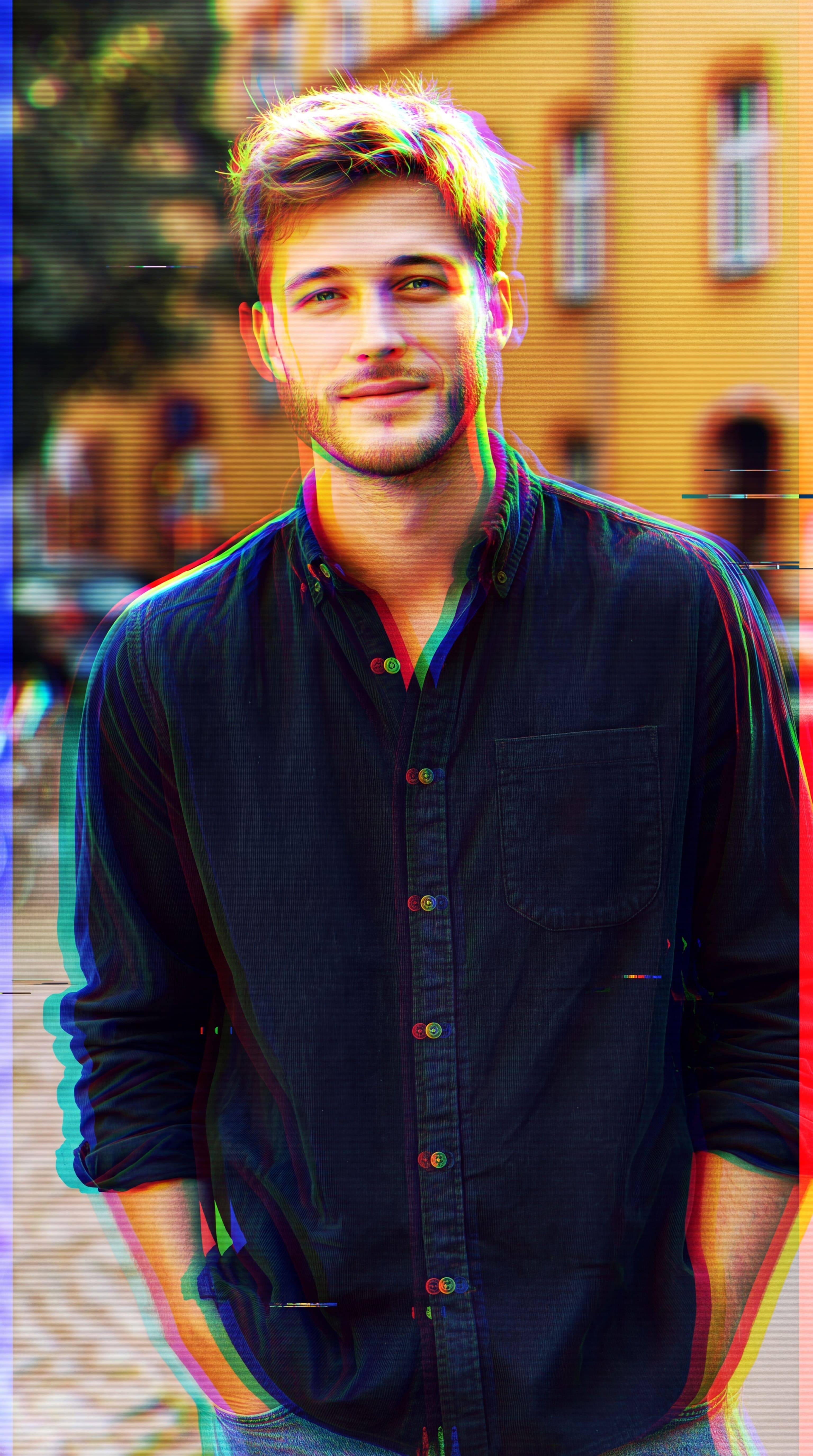
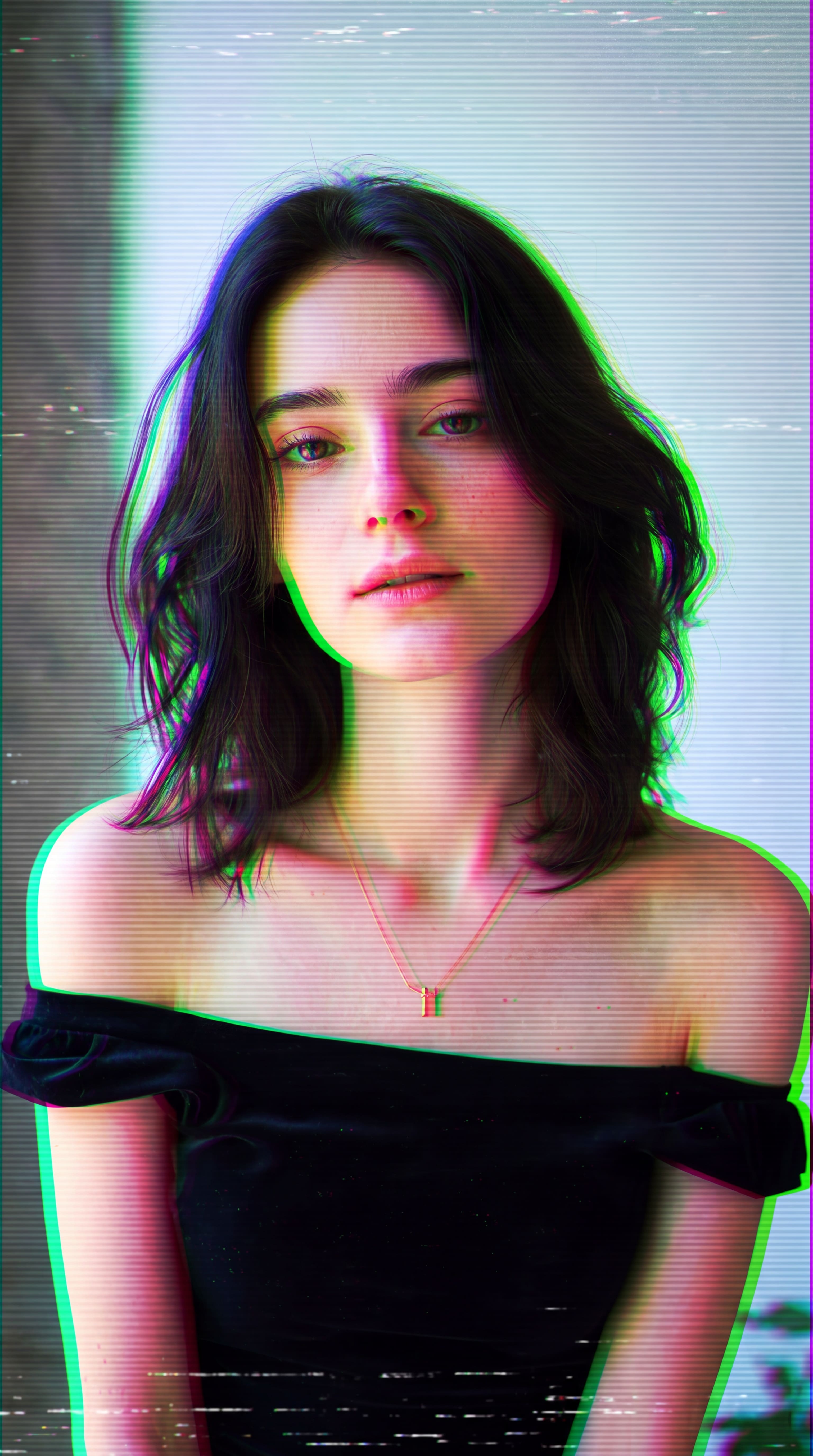
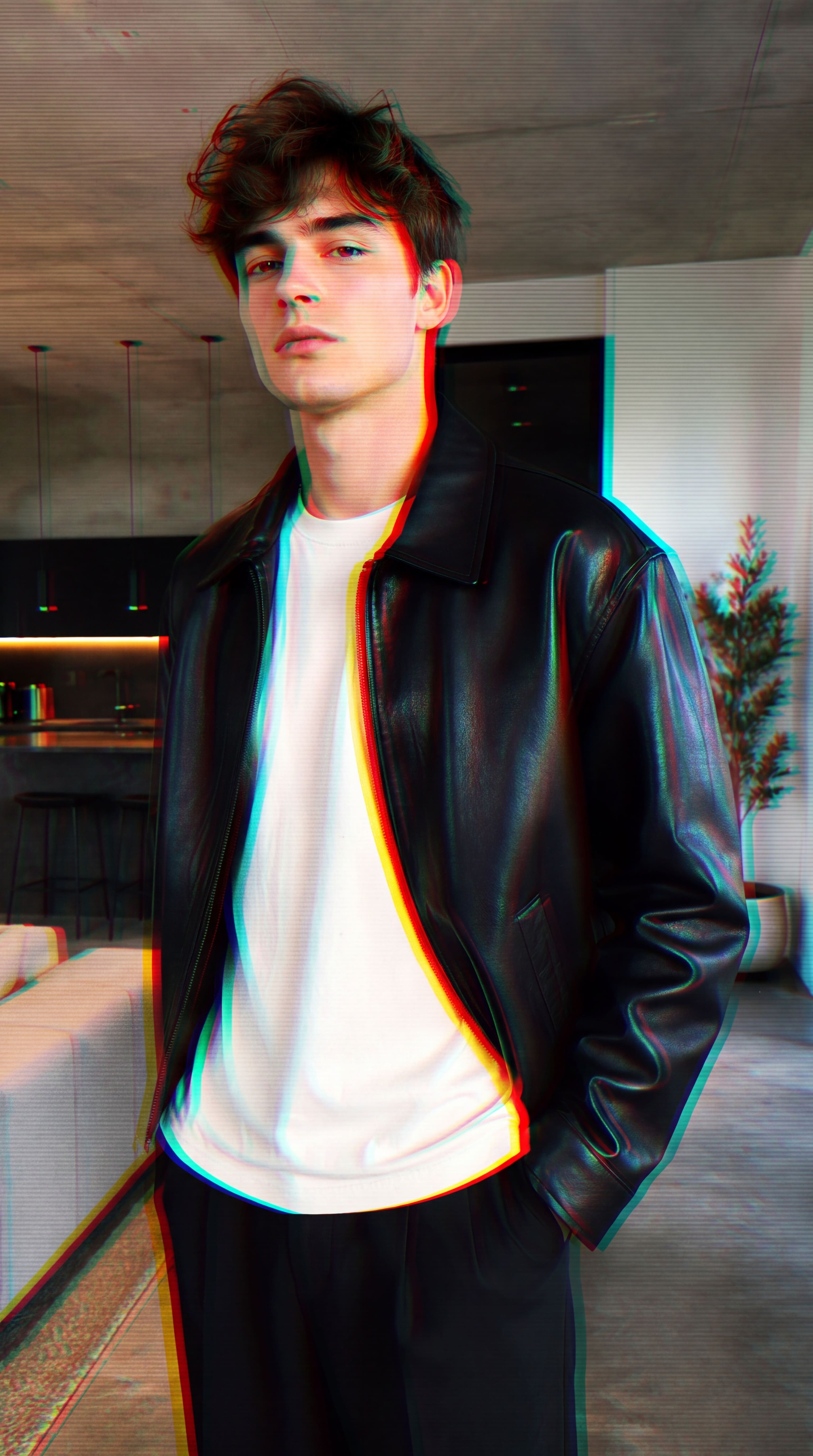
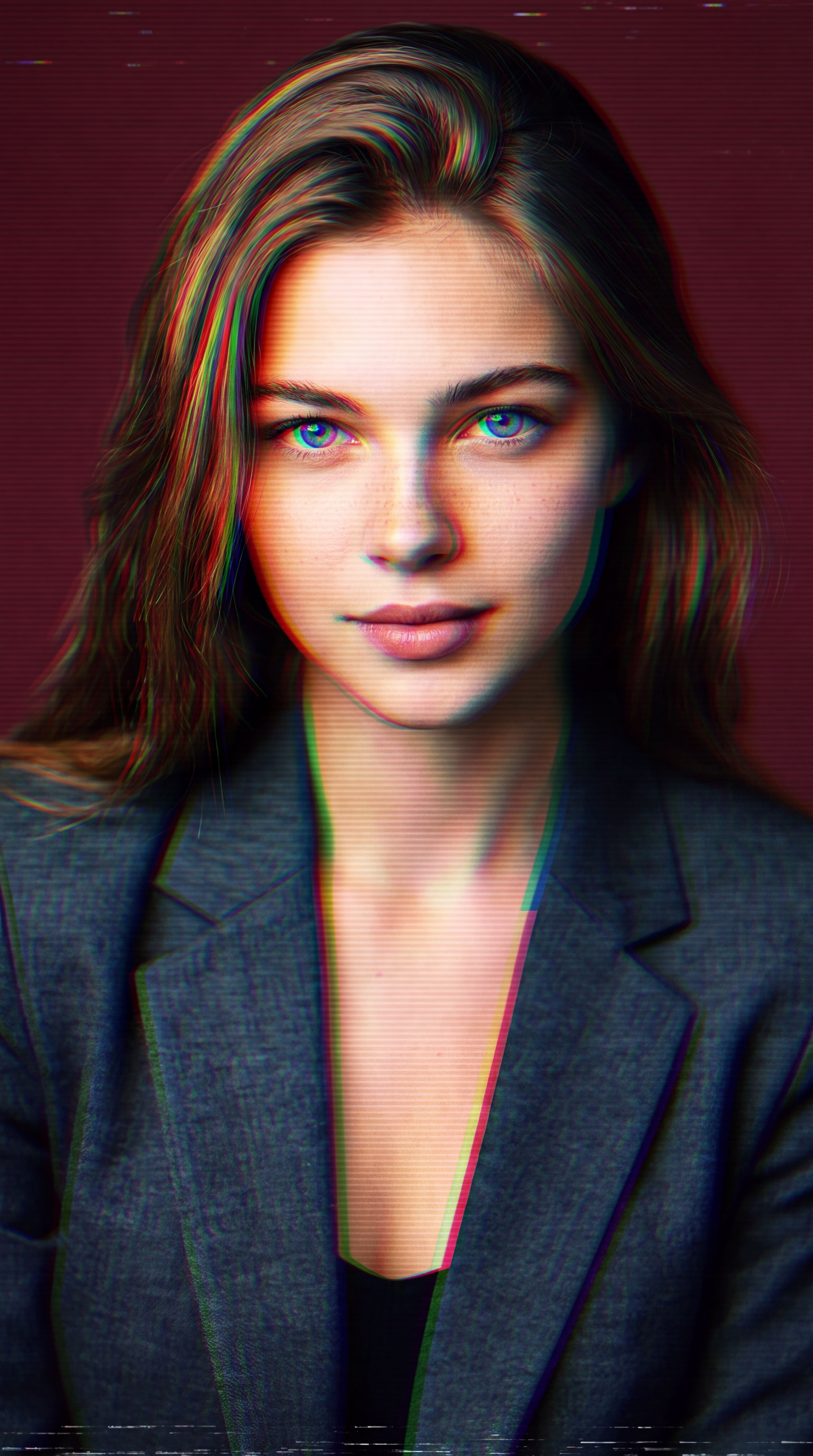
Achieve stunning RGB split effects and red-cyan fringing with a single click. Ideal for designing retro-futuristic visuals, digital portraits, or modern music poster art.
 Nano Banana Pro
 立即释放你的创造潜力,体验Media AI的魔力!
Instantly apply high-end RGB split effects, dreamy color fringing, and red-cyan outlines online. Generate stylized, modern glitch-style portraits and creative poster art in seconds while keeping your central subject perfectly recognizable.
Free credits on signup.
Achieve stunning RGB split effects and red-cyan fringing with a single click. Ideal for designing retro-futuristic visuals, digital portraits, or modern music poster art.
Unlike standard lens distortion effects that blur the entire photo, our advanced AI limits color fringing effects to the edges and background, keeping faces and expressions fully clear.
Have full creative control over your style. Keep the automated settings for quick results, or adjust the prompt to achieve deep digital glitch or subtle, retro lens distortion effects.
Add stylized chromatic aberration filter aesthetics online with free credits upon signup. Export high-quality, watermark-free images that are perfect for social media sharing.
Drag and drop or browse to upload your portrait or image. Replace the preset sample image with your own to get started.
The stylized chromatic aberration effect prompt is already filled in for you. Keep it as is, or edit it if you want a different level of RGB glitch style.
Generate, preview, and optionally refine your artwork. Save your custom chromatic aberration filter design in high resolution.

Poster Artist

“Instant professional RGB splits in seconds.” I used to spend ages tweaking channels in Photoshop to get a realistic chromatic aberration effect. This AI does it instantly while keeping my main subject perfectly sharp.

Social Media Manager
“Stunning lens distortion and glitch art.” I needed a quick red cyan effect for an Instagram campaign header. The chromatic aberration filter generated beautiful edge fringing online with zero hassle.

Digital Creator
“Real lens look without uniform blur.” Unlike standard filters that blur everything, Media.io's AI applies the RGB glitch effect naturally along borders, keeping the face recognizable while looking incredibly professional.

Freelance Illustrator
“Incredible custom prompts.” Being able to refine the AI prompt is fantastic. I added terms for a heavier color fringing effect and a dark cyber theme, and it turned my artwork into a masterpiece.
The AI chromatic aberration effect is a stylized digital filter that mimics a physical camera lens artifact where different wavelengths of light fail to focus on the exact same focal point. Instead of fixing it, Media.io lets you creatively apply this RGB split effect, producing stunning red-cyan edge fringing, dreamy lens distortion, and retro digital glitch art while keeping your main subject clear and recognizable.
You can apply an RGB split effect in three easy steps on Media.io: First, upload your portrait or image. Second, keep the pre-configured prompt designed for chromatic aberration (or tweak it to modify intensity). Finally, click generate and download your high-quality, watermark-free digital art.
This specific tool is designed to add a stylized chromatic aberration effect to your photos for creative, trendy, and artistic aesthetics. It behaves as an artistic filter rather than an optical correction tool, helping you turn normal portraits into futuristic glitch art or cinematic poster designs.
Yes, absolutely! Media.io uses advanced text-to-image/image-to-image AI prompt architecture. You can easily modify the preset prompt by adding phrases like "subtle edge fringing," "heavy red cyan outlines," or "strong cyber neon glitch" to precisely adjust the styling and lens distortion effect to your taste.
Yes, our advanced AI chromatic aberration filter is trained to detect the focal subject of your photo. It keeps key elements—like facial structures, expressions, and central figures—perfectly recognizable, while applying the RGB glitch and color fringing effects predominantly along outlines, contours, and backgrounds.
 4.7 (162,357 Votes)