图生图
ToMoviee Lite
上传
0 / 3
点击或拖拽上传,或选择 历史记录
没灵感?先生成一张图片试试 >
支持上传格式:jpg、png、jpeg。
提示
0/2000
Auto
1
示例视频

Add Grain to Photo Online Free

Add grain to photo online free with Media.io. Apply film grain, subtle noise, vintage texture, and cinematic photo effects in seconds. Make overly clean digital images feel more natural, artistic, and analog-inspired for social posts, portfolios, edits, and creative projects.

Add Grain to Photo Free

Unlimited free generation.

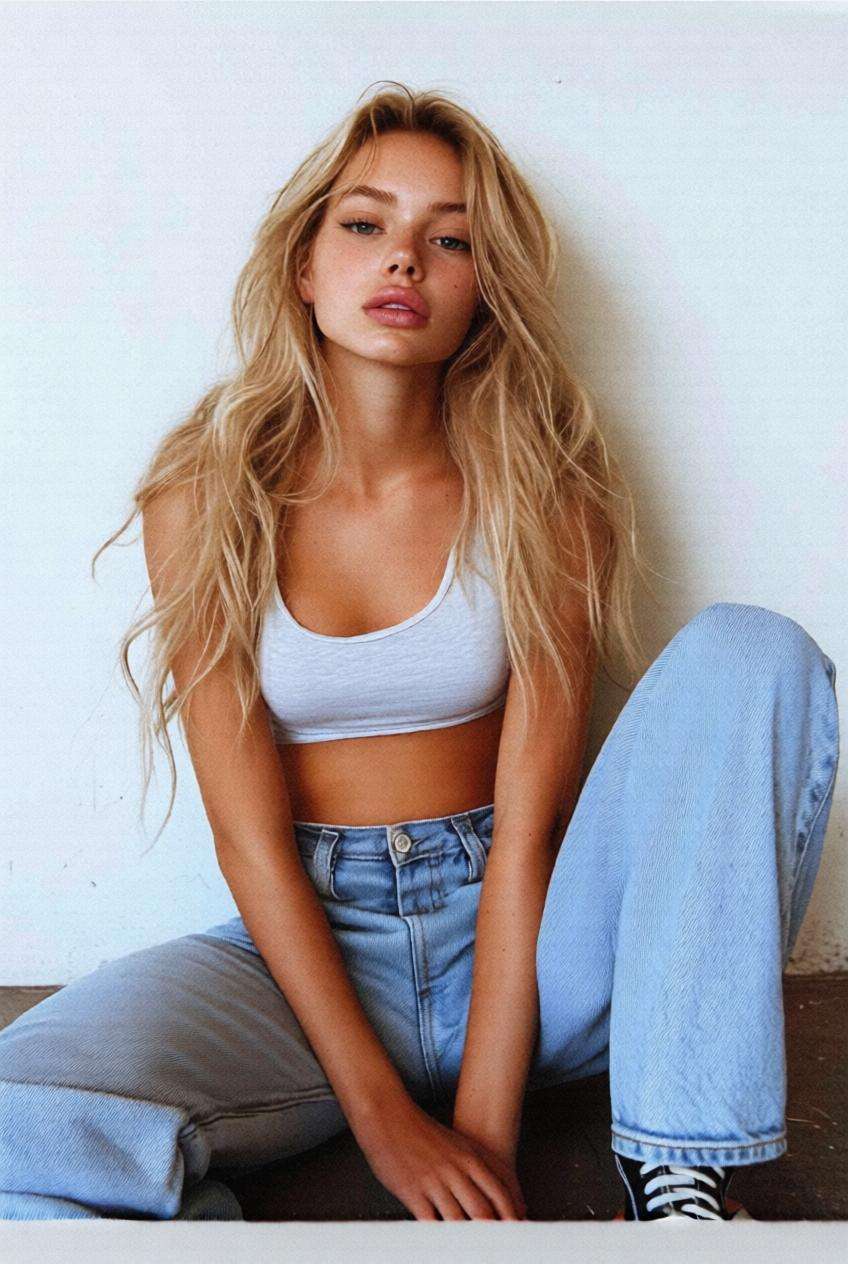
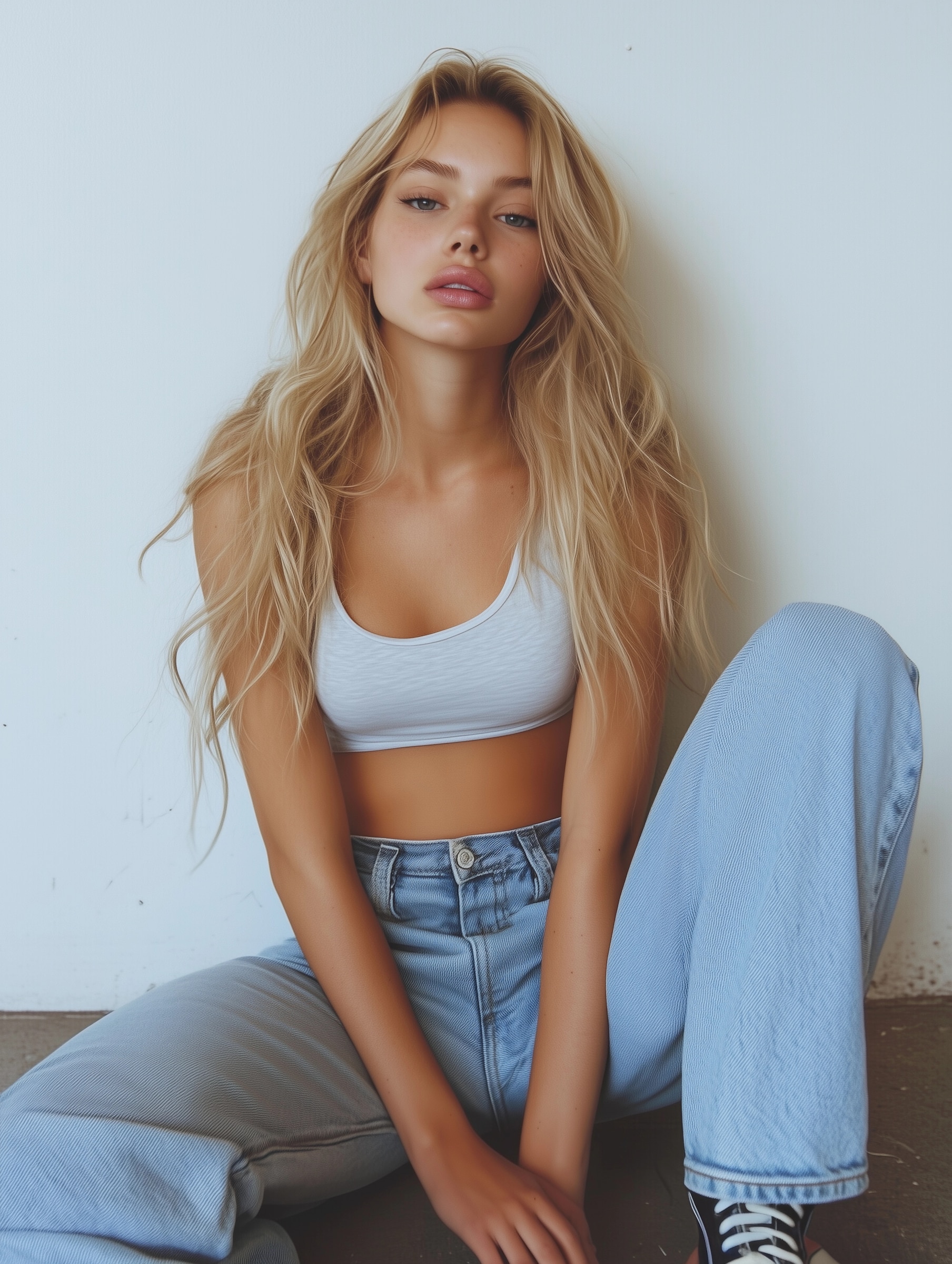
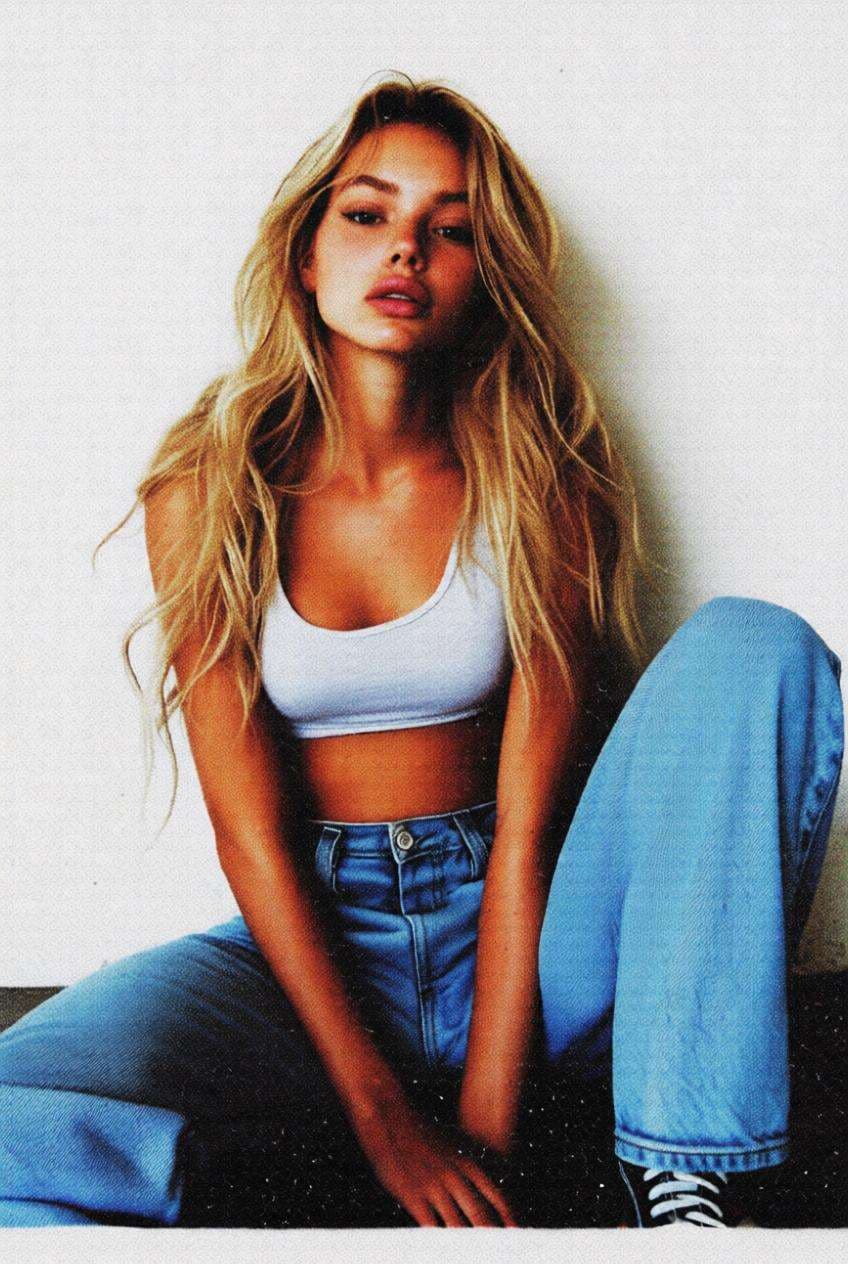
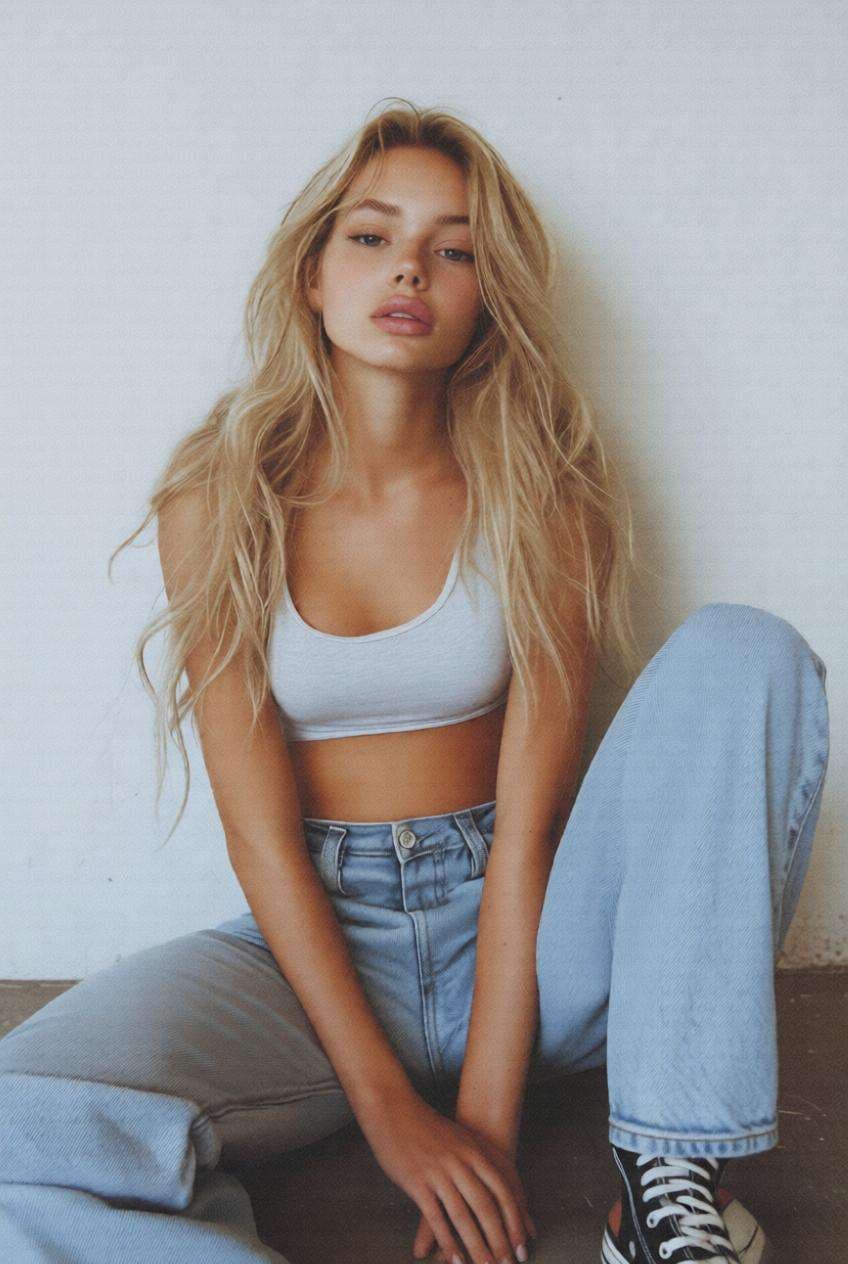
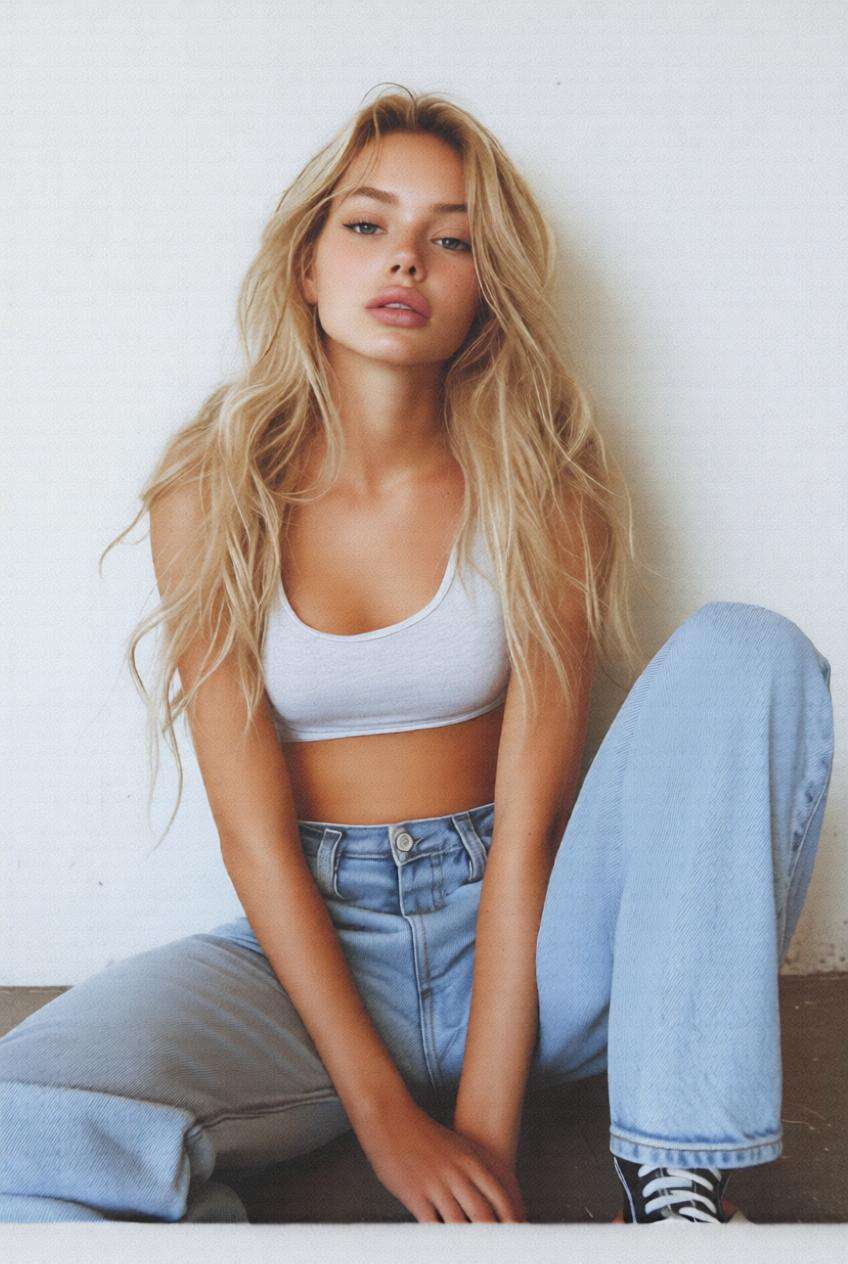
Clean digital portrait before adding grain to photo Before
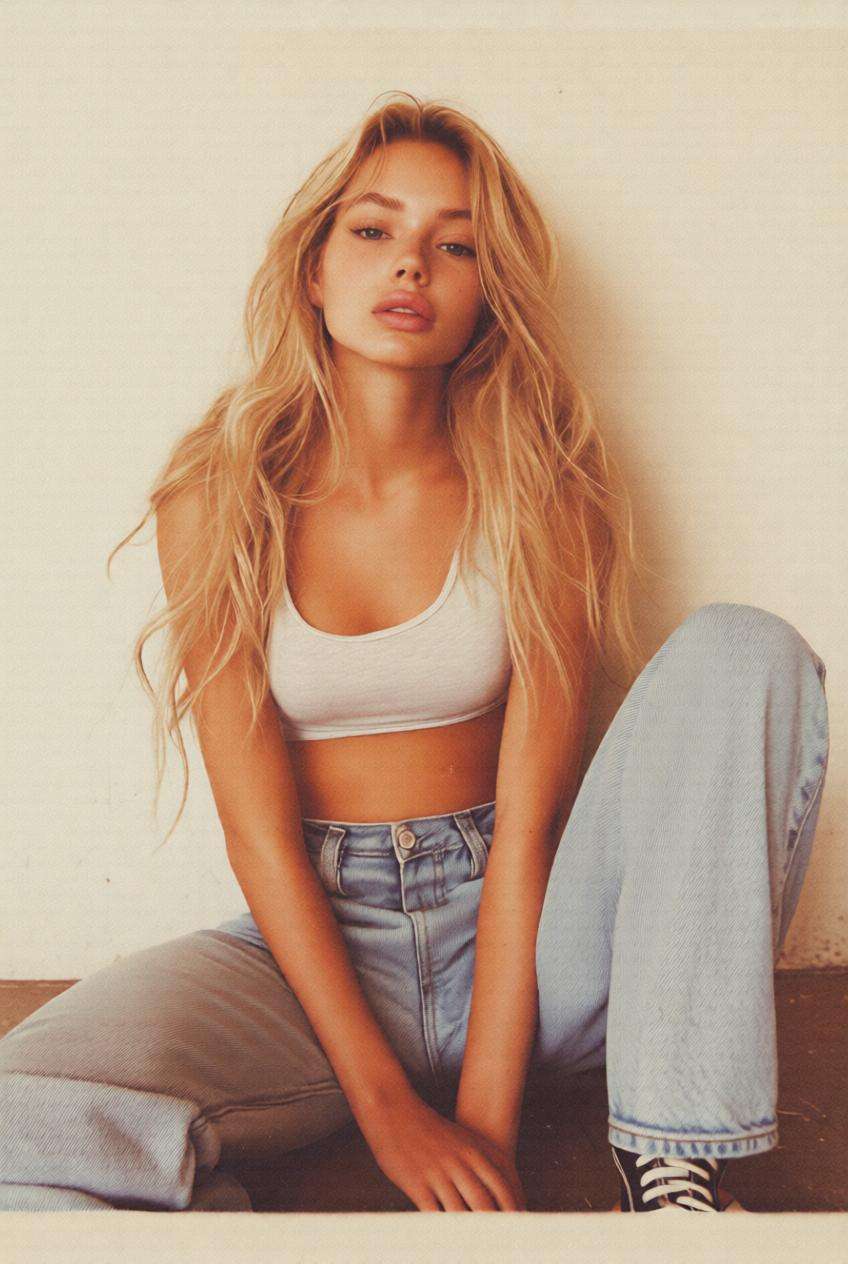
Portrait after applying cinematic film grain effect After
Smooth digital image before grain pictures effects Before
Image after adding vintage grain and realistic noise texture After

Explore 5 grain filter styles

Cinematic Film Grain effect

Cinematic Film Grain

Use the uploaded image as the base and apply a cinematic film grain effect with subtle noise, soft contrast, slightly muted colors, and analog film texture. Keep the subject sharp while adding natural grain across shadows and midtones for a realistic movie-like finish.
Vintage Retro Grain filter

Vintage Retro Grain

Transform the image with a vintage grain filter featuring visible film noise, warm tones, slight fade, and retro color grading. Preserve the original composition while making the image feel nostalgic and analog-inspired.

Soft Natural Grain effect

Soft Natural Grain

Apply a soft grain texture to the image with fine noise, balanced exposure, and clean highlights. Keep skin tones and details natural while adding just enough grain to reduce digital smoothness.

Strong Artistic Grain effect

Strong Artistic Grain

Add a strong grain effect with visible texture, high contrast, and stylized noise distribution. Create an artistic, editorial look while maintaining recognizable subject details.

AI realism grain filter

AI Realism Grain

Enhance the image by adding realistic grain and noise to reduce artificial smoothness. Blend grain naturally into lighting and textures so the final result feels more photographic and authentic.

Why Users Love Add Grain to Photo Effects

Add Film Grain to Flat Digital Photos

Turn overly clean digital images into cinematic visuals with subtle grain texture that mimics analog photography.

It’s a quick way to make ordinary edits feel more atmospheric, textured, and professional.

Create Vintage and Retro Photo Looks

Use grain pictures effects to give portraits, lifestyle shots, and creative posts a warmer, more nostalgic film-style finish.

That makes them feel more expressive than a standard clean digital image.

Add Noise to Image for Realism

A subtle layer of grain can make AI-generated or heavily edited photos feel less artificial and more photographic.

It helps restore natural texture without damaging important subject details.

Works Across Photo, Video, and Mobile Edits

Add grain to photo online, prepare grain-style visuals for video projects, or create textured edits from iPhone and Android shots in one simple workflow.

You get a fast browser-based solution without heavy desktop tools.

How to Add Grain to Photo Online

01

Step 1 – Open the Grain Filter Tool

Go to Media.io in your browser and open the add grain to photo tool.

No complex editing software or manual layer work is needed to begin.

02

Step 2 – Upload Your Image and Apply Grain

Upload your image, then choose the film grain or noise effect you want to apply.

You can create cinematic, retro, soft, or stronger textured looks depending on your style.

03

Step 3 – Generate and Download the Final Image

Click Generate to add grain to your photo in seconds.

Download the final result for social media, portfolios, creative edits, or cinematic visual projects.

What Users Say About Media.io Grain Filter

user
Alex

Photographer

star star star star star

“Perfect cinematic grain effect” I use it to add film grain to my digital photos. The result looks much more natural than standard filters.

user
Mia

Content Creator

star star star star star

“Makes images feel real” Adding grain helps my AI images look less artificial. It’s subtle but makes a big difference.

user
Ryan

Designer

star star star star star

“Fast and easy workflow” Way easier than Photoshop. I just upload and adjust—done in seconds.

Frequently Asked Questions about Add Grain to Photo

1. How do I add grain to a photo online free?

You can use Media.io to add grain to photo online free in just a few clicks. Upload your image, choose a grain filter or noise effect, adjust the overall style, and generate the result instantly. This is useful for creating film-inspired visuals, softening overly clean digital images, or adding a more realistic texture to edited content.

2. Can I add grain to photo on iPhone or Android?

Yes. Media.io works directly in your browser, so you can add grain to photo on iPhone, Android, tablet, or desktop without downloading a separate app. That makes it a convenient option when you want to create vintage or cinematic image effects from mobile photos quickly.

3. What is the difference between grain and noise in an image?

Grain usually refers to a film-like texture used for artistic styling, especially in cinematic or retro photo editing. Noise is a broader term for small visual texture or random variation in an image. In creative editing, both can help reduce overly smooth surfaces and make pictures feel more natural or analog-inspired.

4. How to add grain to photos in Canva, Picsart, or other apps?

Basic tools like Canva or Picsart can apply simple overlays, but AI grain filters can produce more natural and adaptive results because they blend better with lighting, shadows, skin tone, and fine textures. If you want the image to look less artificial and more photographic, a dedicated AI grain workflow is often a better choice.

5. Can I add grain to video or use grain pictures effects for free?

Yes. Grain effects are commonly used for both photos and videos when creators want a cinematic, vintage, or textured look. You can start with photo-based grain pictures effects on Media.io for free, then use the same visual direction across broader creative projects, including short-form video edits and stylized promotional content.