Copy-and-Paste Prompt Library
Start with ready-made ChatGPT photo prompt copy paste templates for portraits, fashion, products, anime, cinematic photography, and trending social content instead of writing every prompt from scratch.
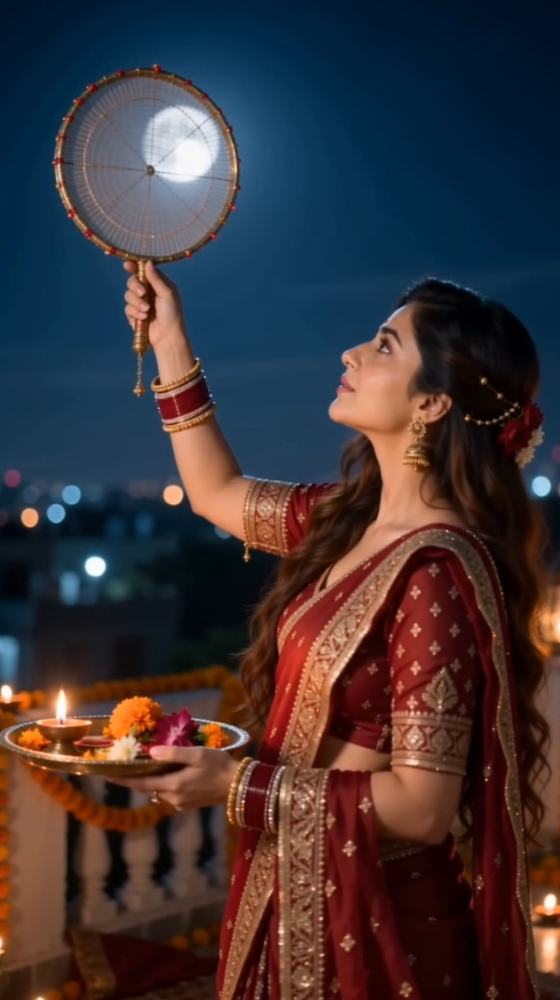
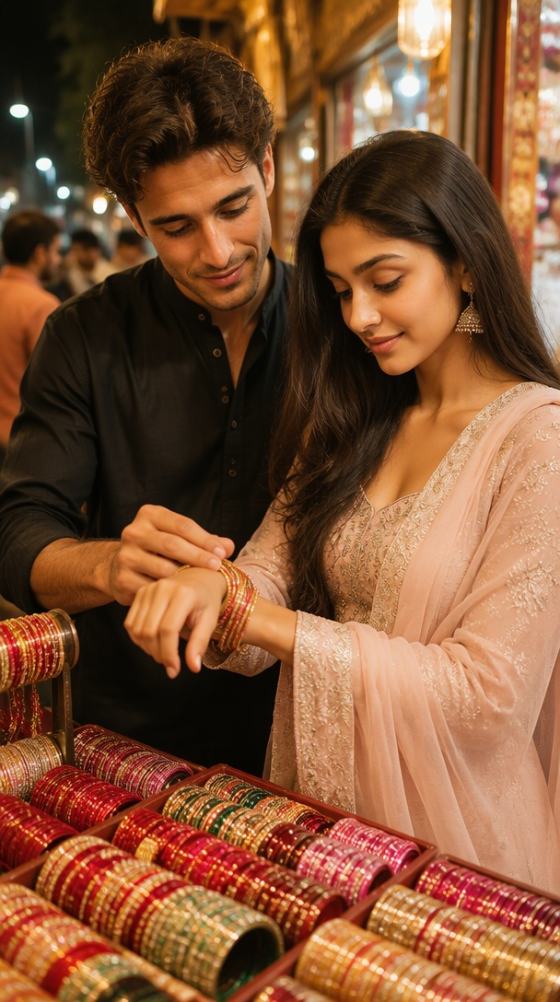
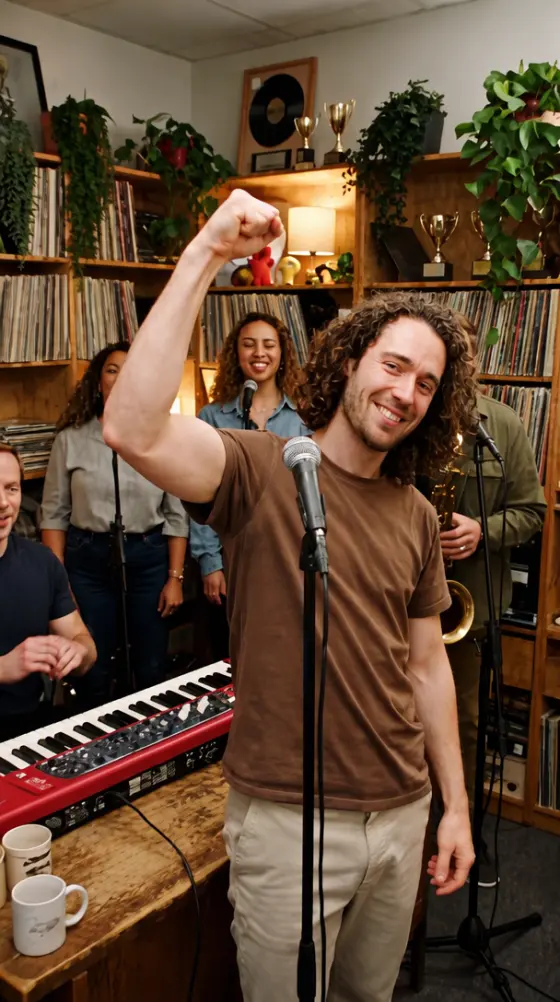
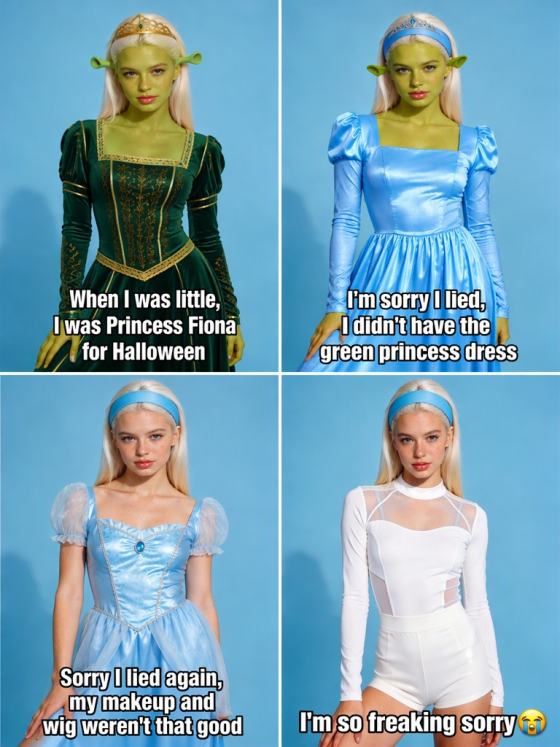
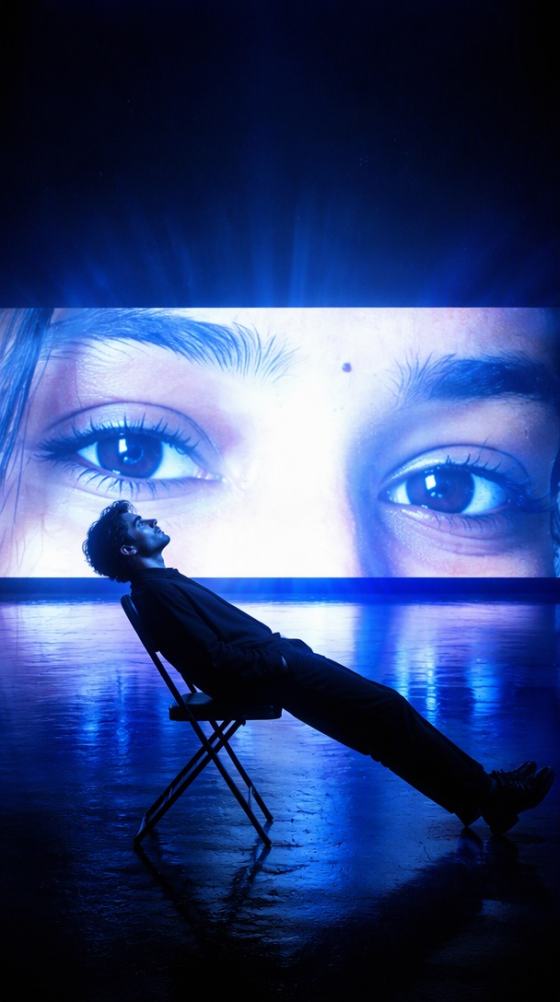
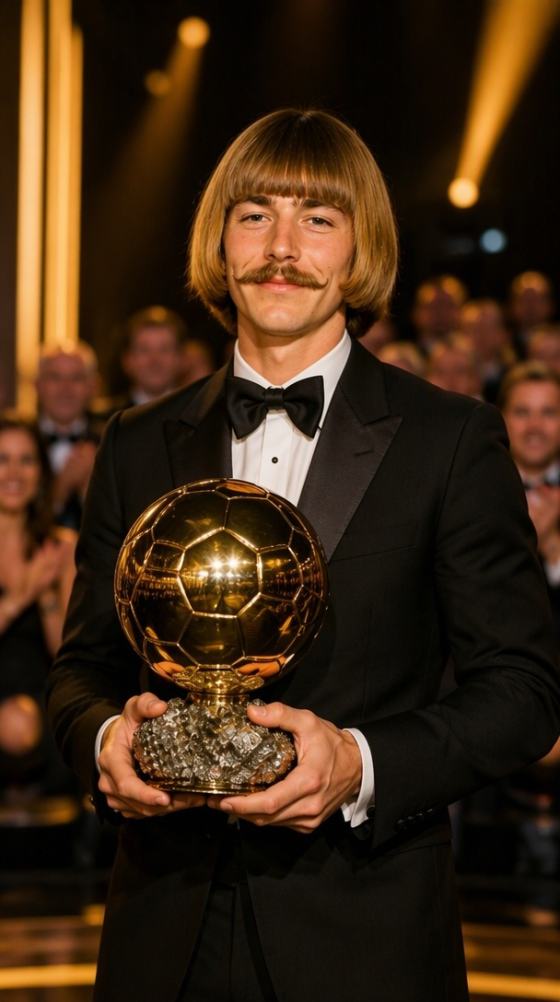
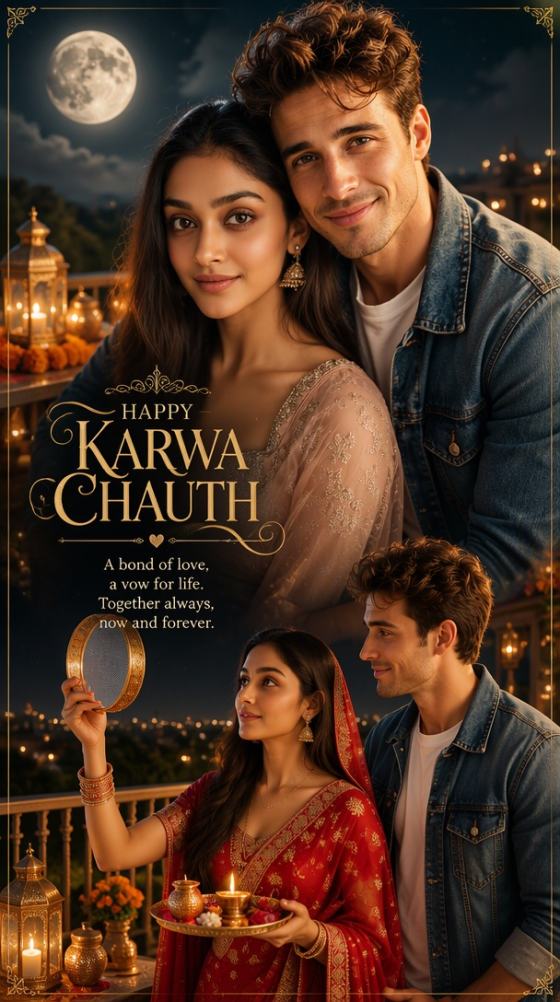
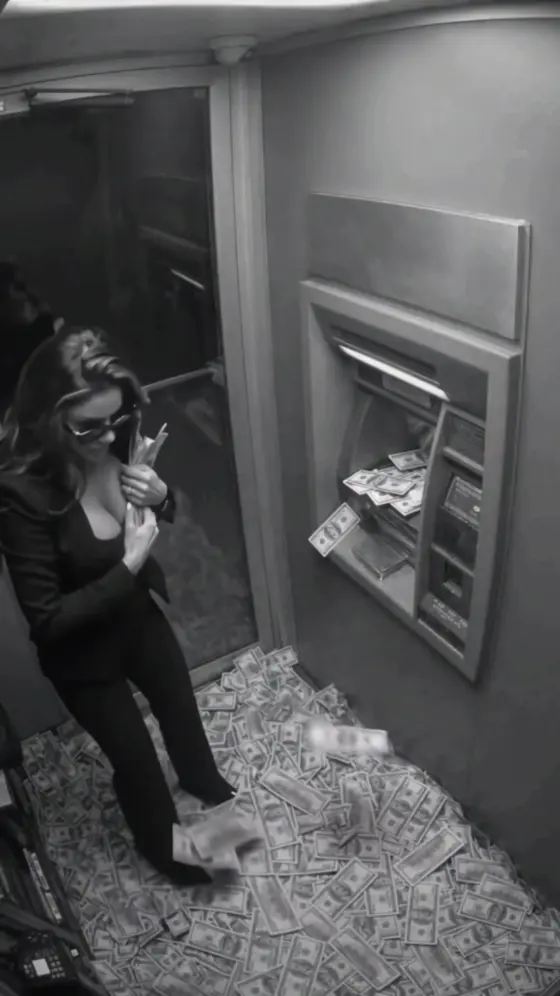
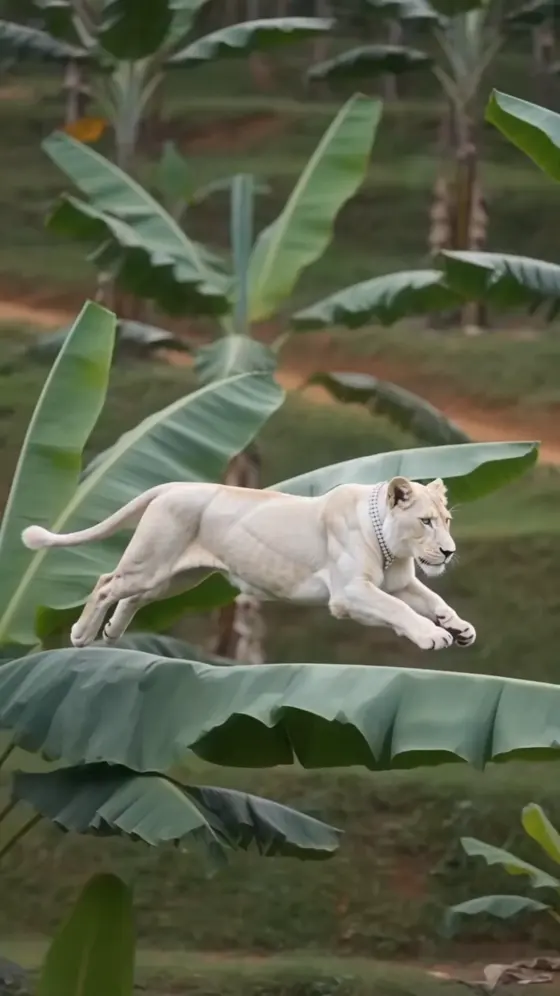
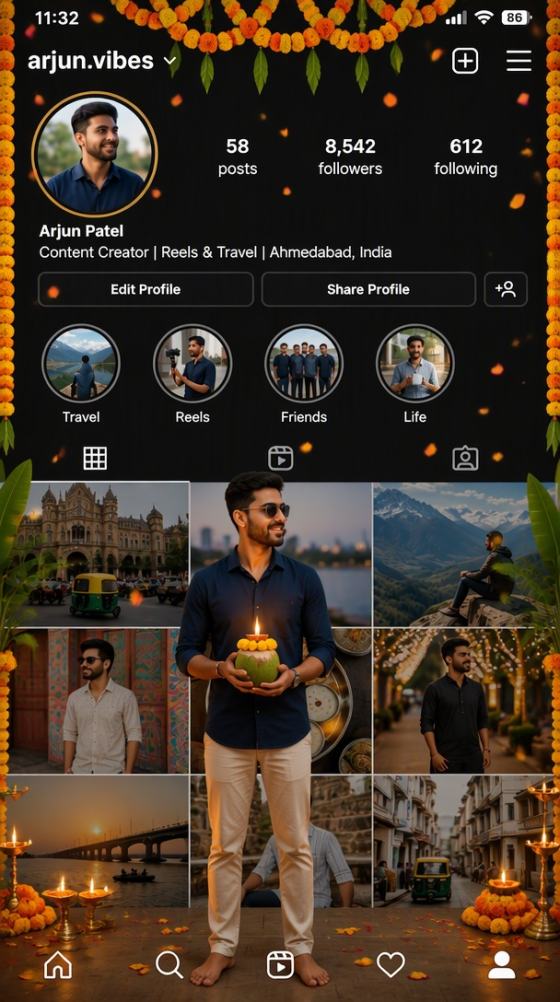

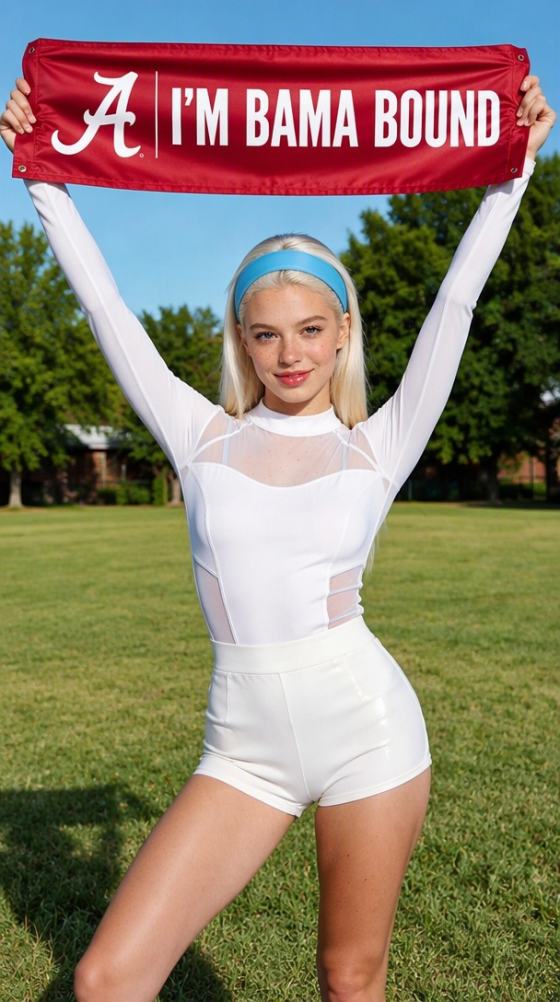
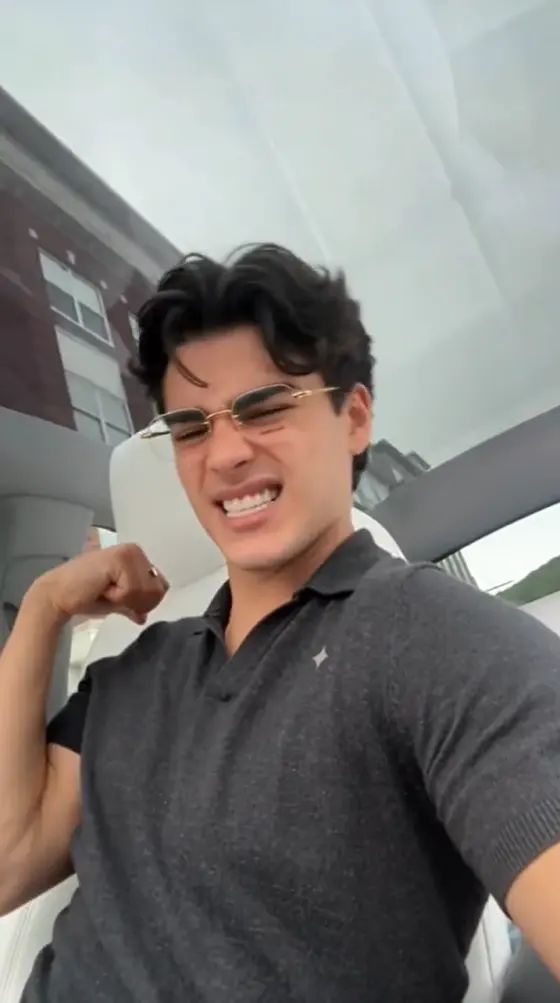


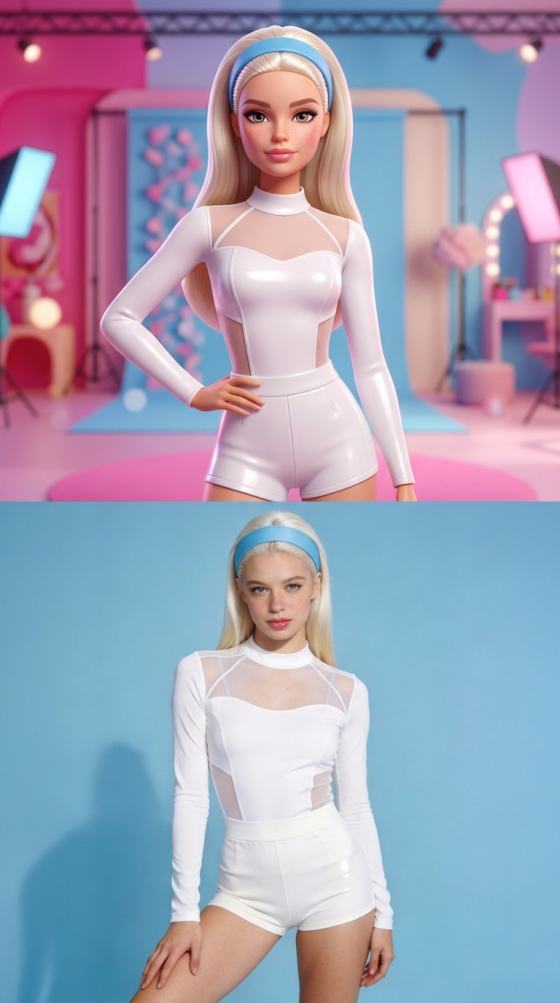
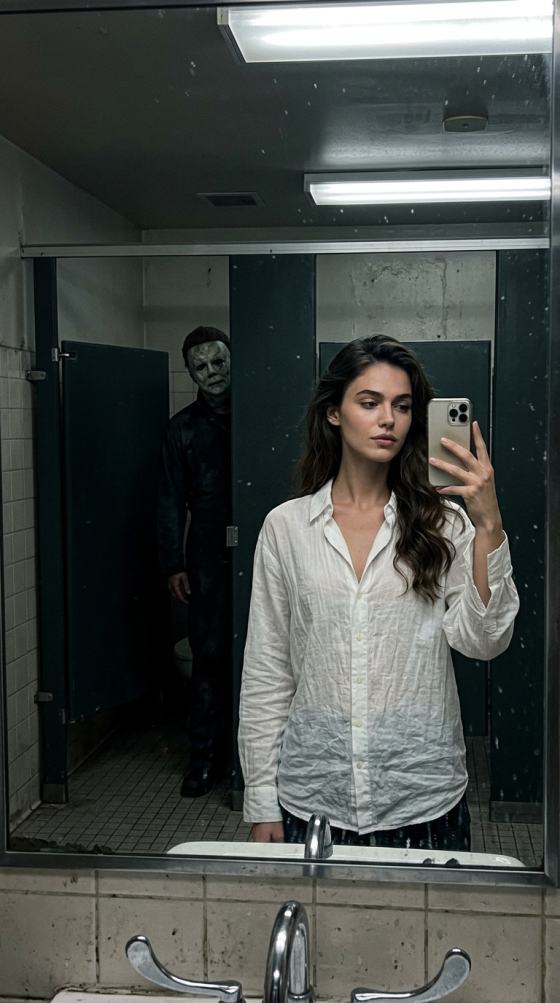
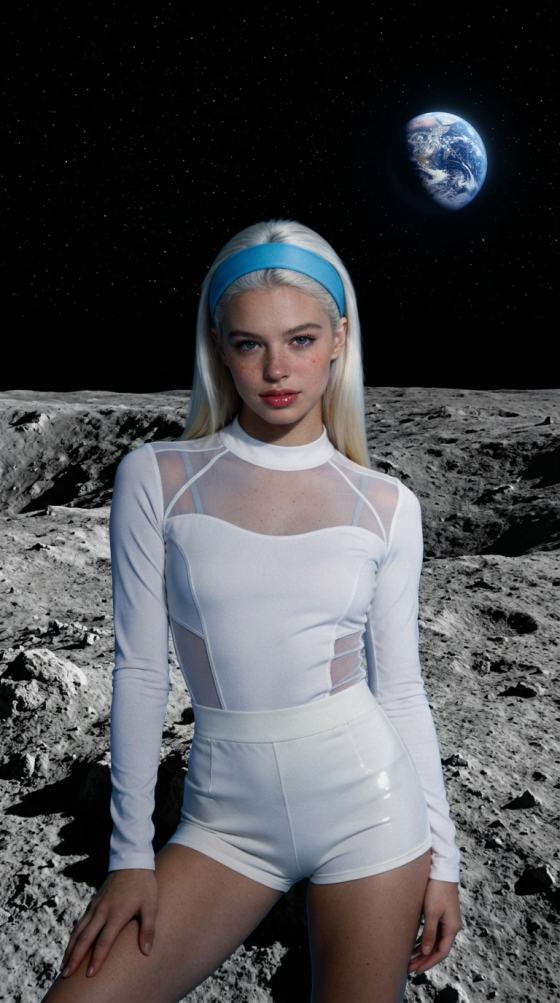

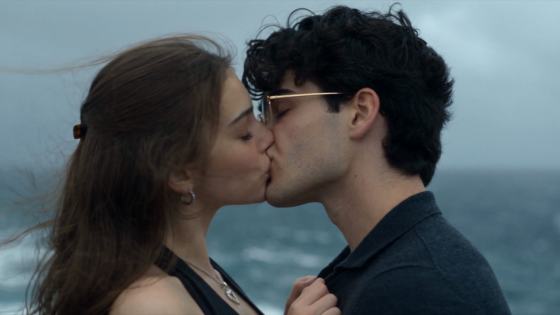
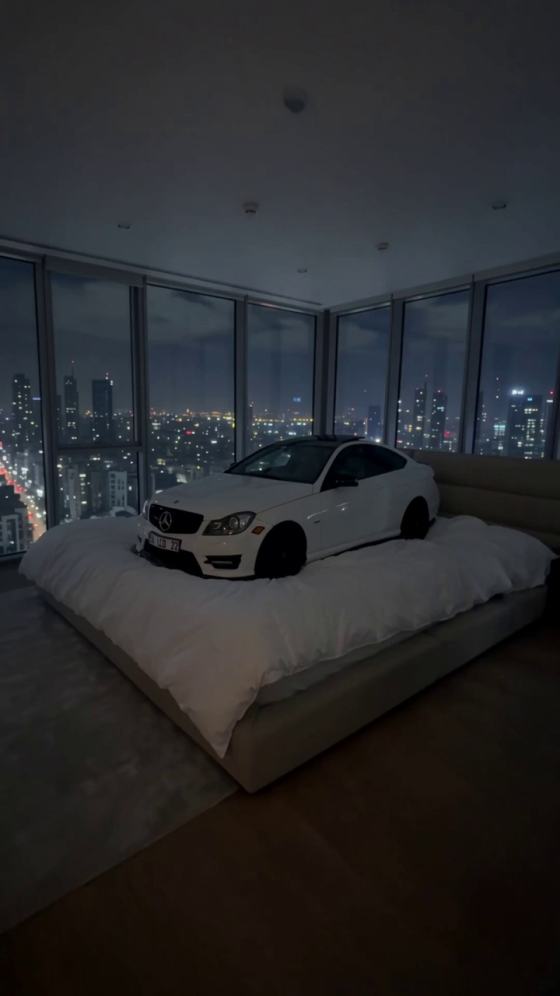
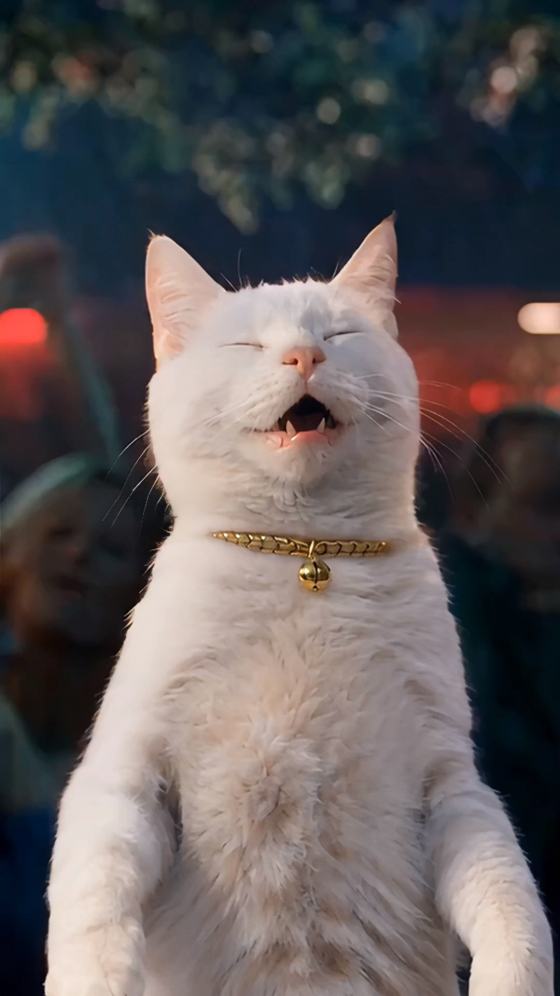
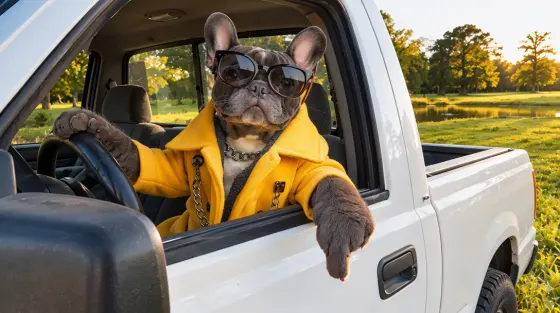
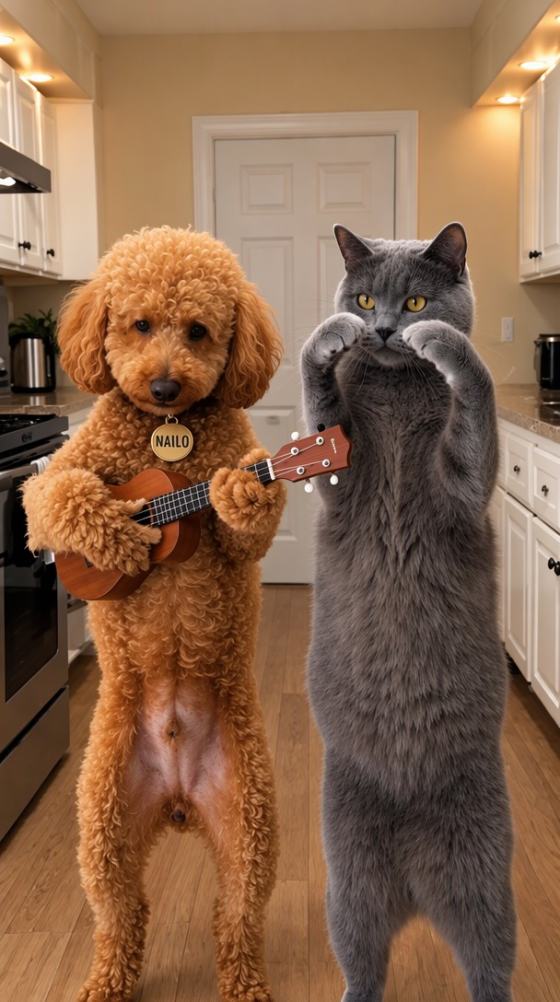
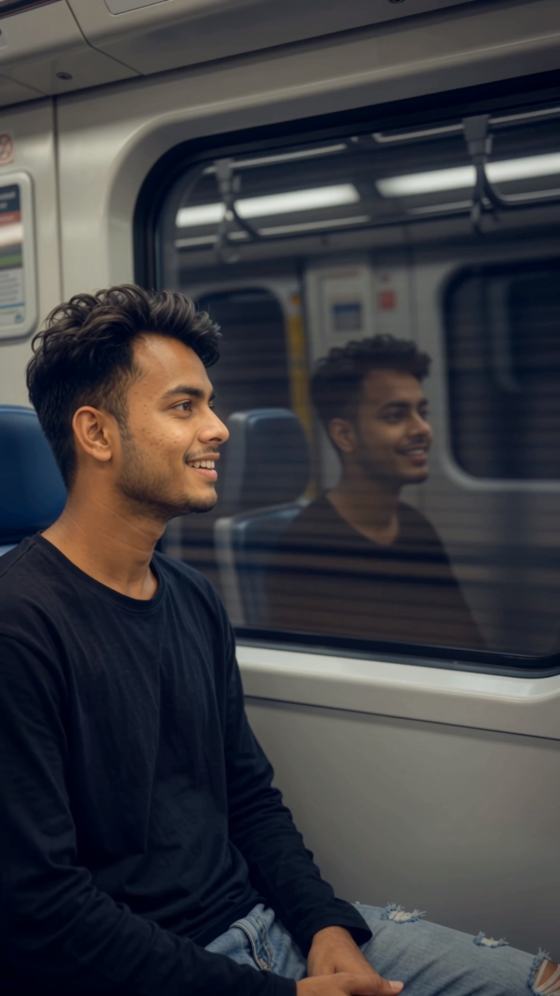
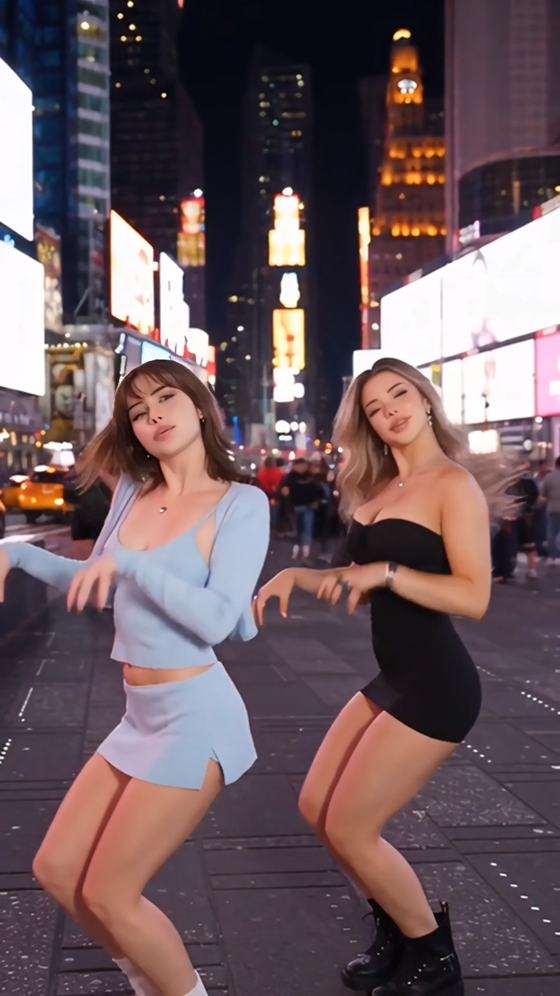

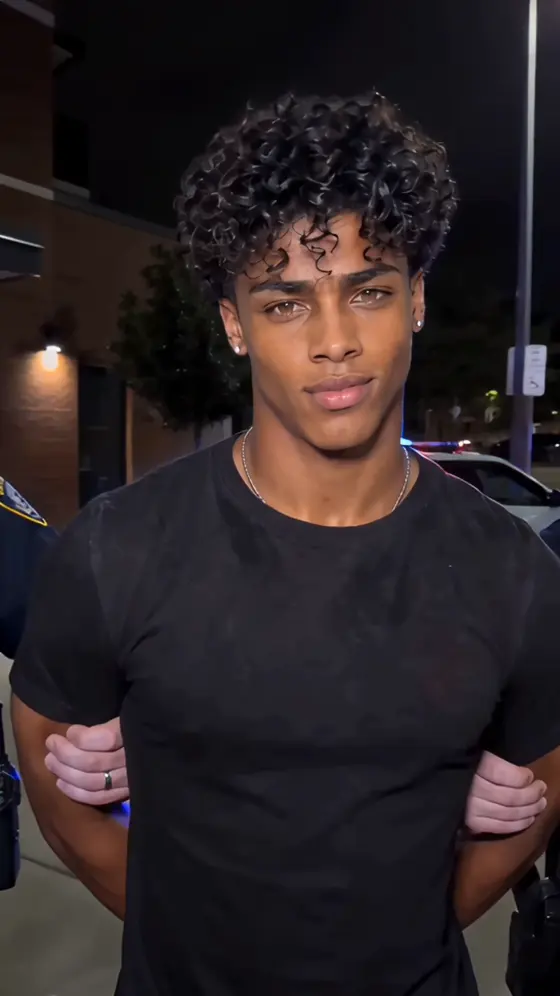

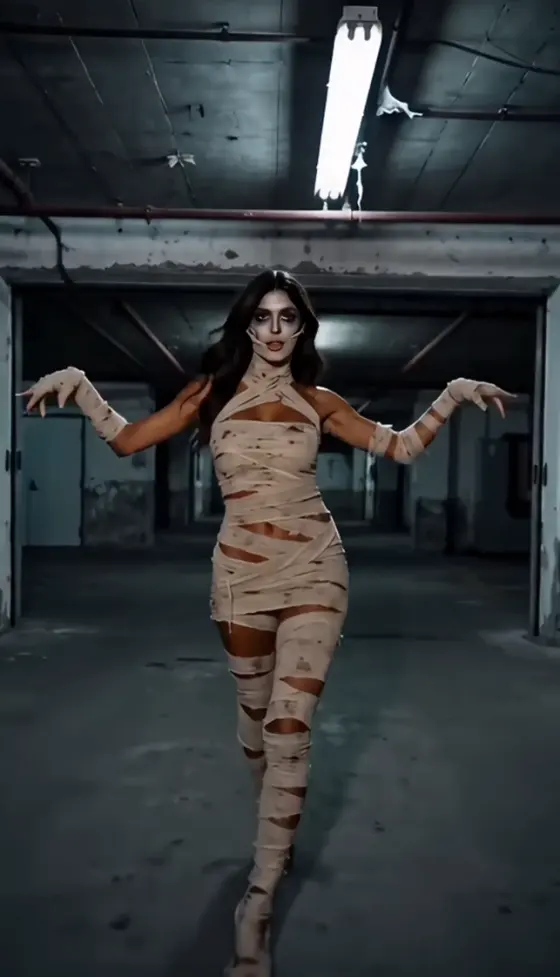


























Explore ready-to-use ChatGPT photo editing prompts text for girls, boys, couples, products, and trending social media styles. Copy a prompt, upload your photo, and create polished AI-edited images with Media.io AI Image Generator—no advanced editing skills required.
Free credits on signup.
Start with ready-made ChatGPT photo prompt copy paste templates for portraits, fashion, products, anime, cinematic photography, and trending social content instead of writing every prompt from scratch.
Use specialized ChatGPT photo editing prompts for girl and ChatGPT photo editing prompts for boy to customize hairstyles, outfits, poses, lighting, backgrounds, and overall mood while keeping the subject recognizable.
Build stronger prompts by describing the subject, camera angle, composition, lens, lighting, color grading, environment, and image quality. Media.io helps turn a simple idea into a clear AI editing instruction.
Create trending photo editing prompt looks such as Y2K flash, luxury editorial, cinematic street portraits, vintage collage, anime, fantasy, and product photography directly in your browser.
Select a ready-made prompt for portraits, products, fashion, anime, cinematic scenes, or social media. You can also customize the subject, mood, lighting, background, and style.
Open Media.io AI Image Generator, upload a clear image, and paste your ChatGPT photo editing prompt. Add details such as camera lens, pose, outfit, color grading, or facial expression.
Generate your image, compare the results, adjust the prompt if needed, and download the final photo for Instagram, TikTok, YouTube thumbnails, ecommerce, marketing, or personal projects.
Use these core scenes to create realistic, sharp, and shareable AI portraits. They work well for cinematic portrait, creative portrait, trending portrait, retro portrait, solo portraits, and couple photo editing prompt styles.
Turn a simple selfie into a bold cinematic portrait with dramatic shadows, stylish outfit, sharp face details, street background, warm highlights, and viral trending photo editing mood.
Create romantic couple edits with golden-hour lighting, coordinated outfits, soft background blur, natural expressions, and polished composition for Instagram and WhatsApp sharing.
Use AI photo editing prompts for outdoor lifestyle photos, festive portraits, bike poses, travel scenes, desi fashion shots, and cinematic color grading with natural skin texture.
Explore 12 ChatGPT photo prompt copy paste examples for portraits, fashion, beauty, couples, and trending edits. Copy any prompt, upload your photo, and create a similar look with Media.io.
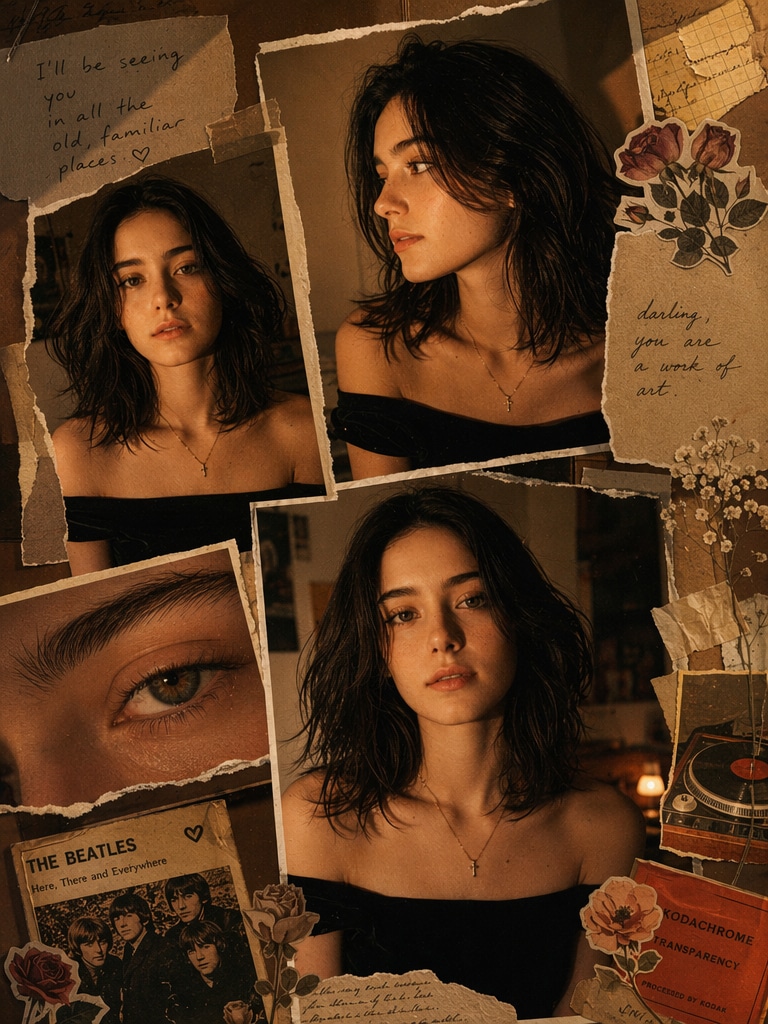 ChatGPT Photo Editing Prompt
A warm, moody scrapbook-style portrait collage of the uploaded person with messy dark hair, glowing tan skin, black shirt, and a gold cross necklace. Multiple overlapping printed portrait photos of the same person, including front view, side profile, and extreme eye close-up. Add torn paper, masking tape, vintage floral stickers, aged notebook scraps, and a retro music-card detail. Use amber low light, flash-photo look, deep shadows, subtle grain, brown-orange vintage color grading, and an intimate indie Tumblr/Pinterest moodboard aesthetic.
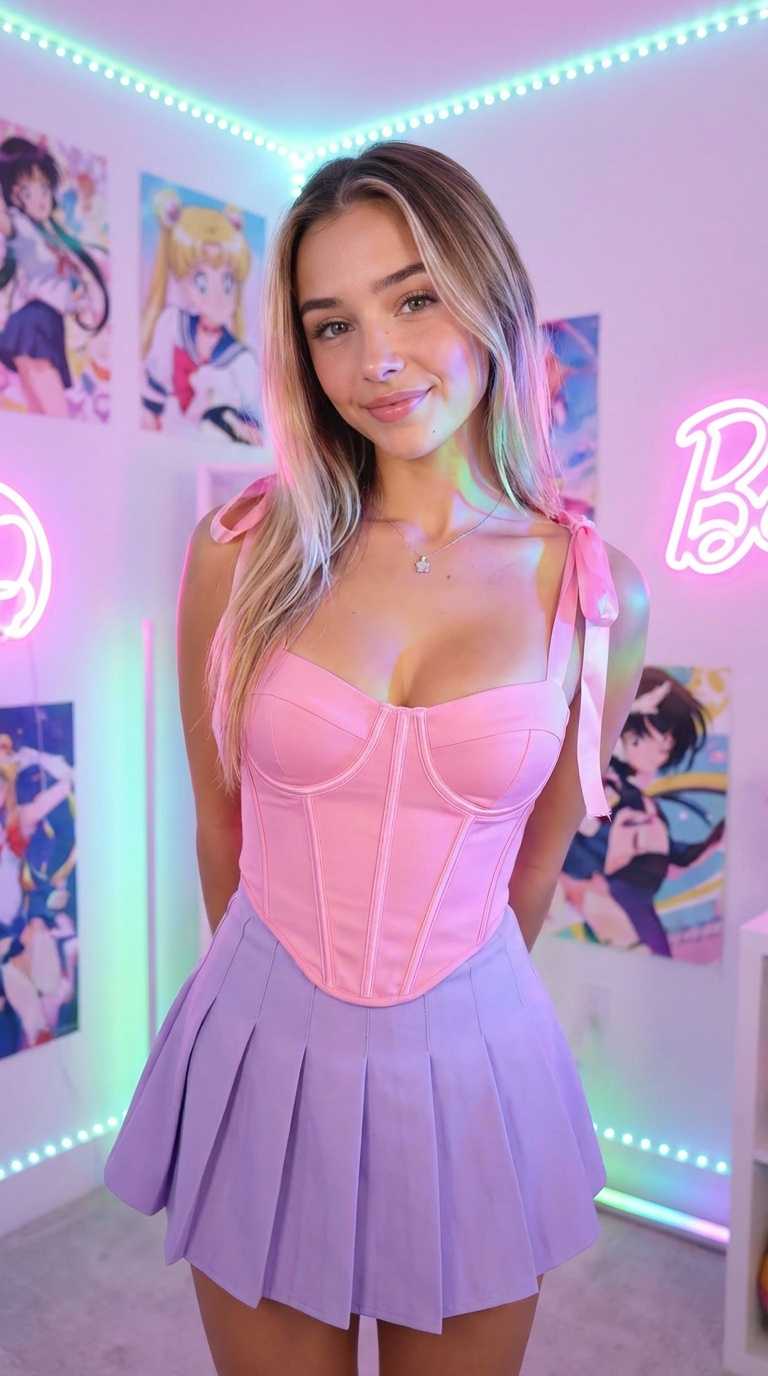 ChatGPT Photo Editing Prompt
Vintage magazine collage, retro fashion model, sepia tones mixed with muted colors, torn paper edges, analog textures, classic editorial layout, soft grain, nostalgic lighting, layered composition, ultra detailed.
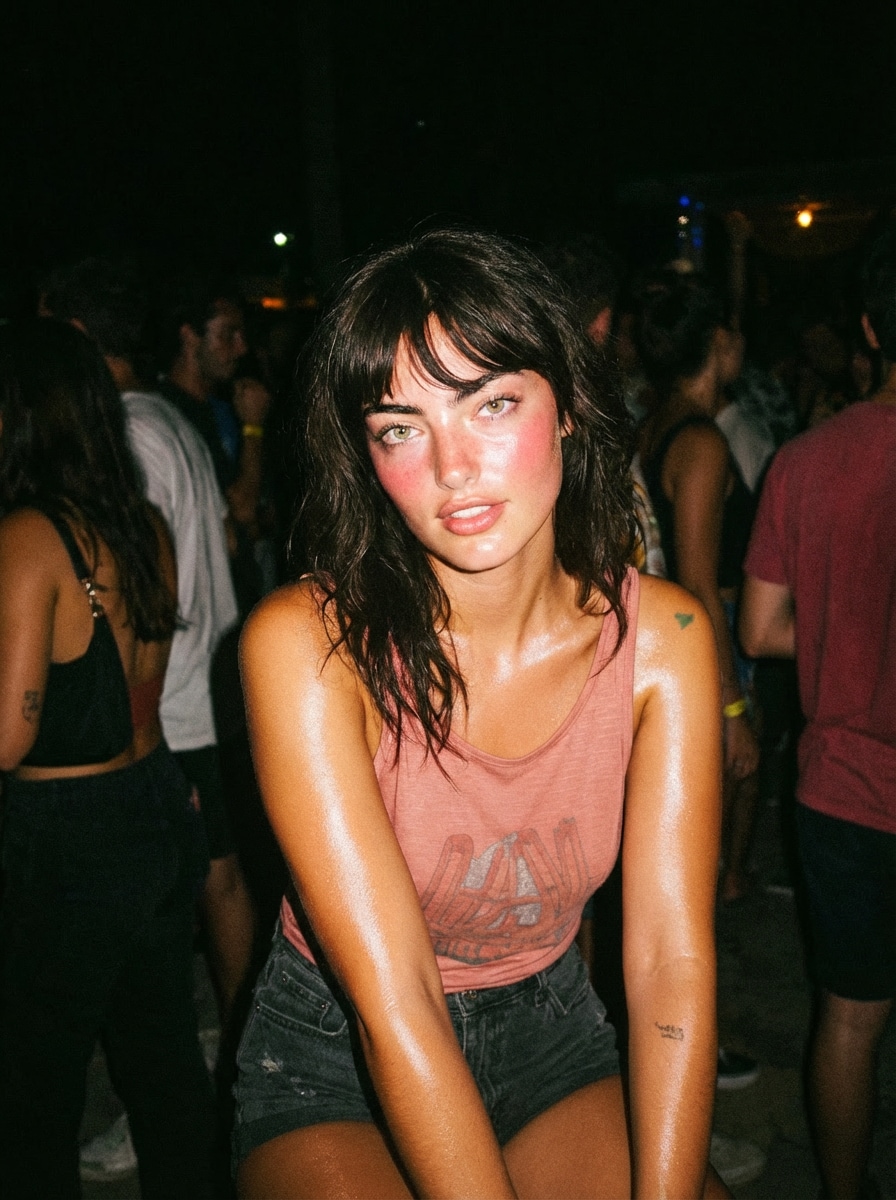 ChatGPT Photo Editing Prompt
Young woman at night party, direct camera flash, overexposed highlights, shiny skin, dark background, candid pose, 2000s Instagram flash filter effect, high contrast, grainy texture.
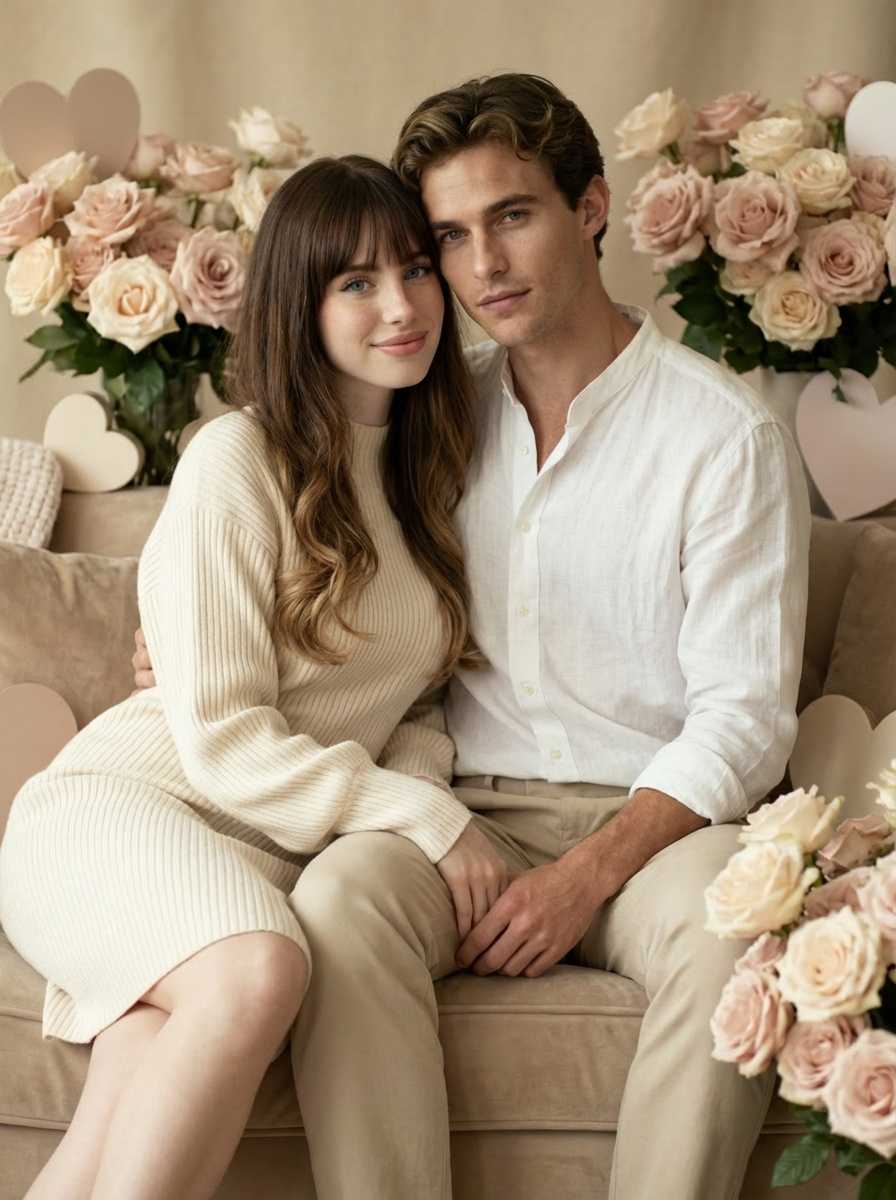 ChatGPT Photo Editing Prompt
Create a personal color analysis graphic using this portrait, show 4 seasonal palettes: spring, summer, autumn, winter side by side. Apply clothing color overlays on the subject, highlight best match with glow effect, clean layout, short labels only, no paragraphs, visual-first, modern UI style.
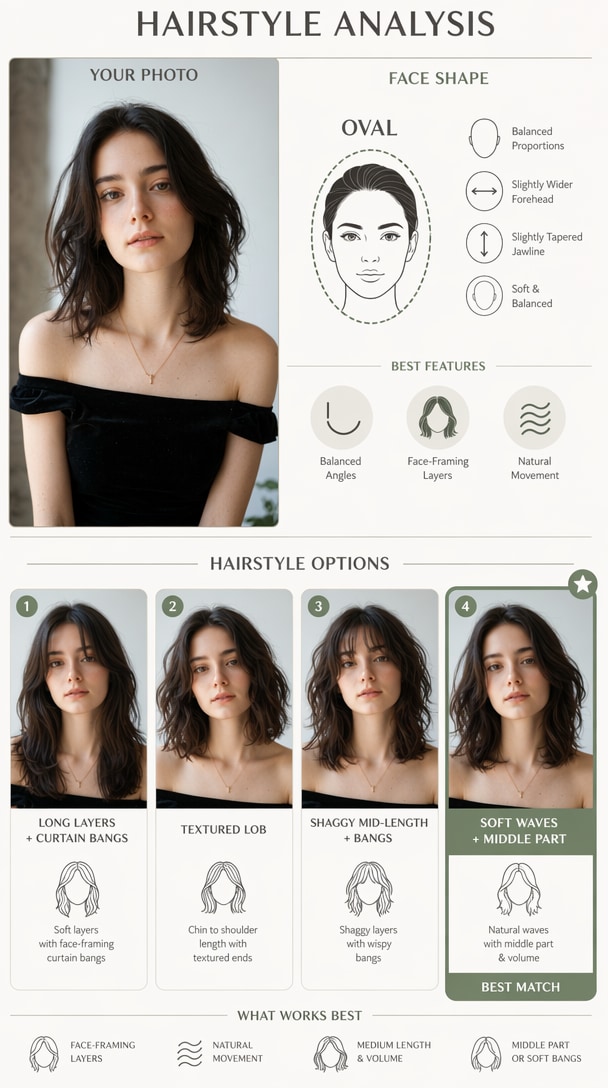 ChatGPT Photo Editing Prompt
Create a hairstyle analysis graphic using this portrait, detect face shape and show 4 hairstyle options side by side, highlight best match, clean infographic layout, short labels only, no paragraphs.
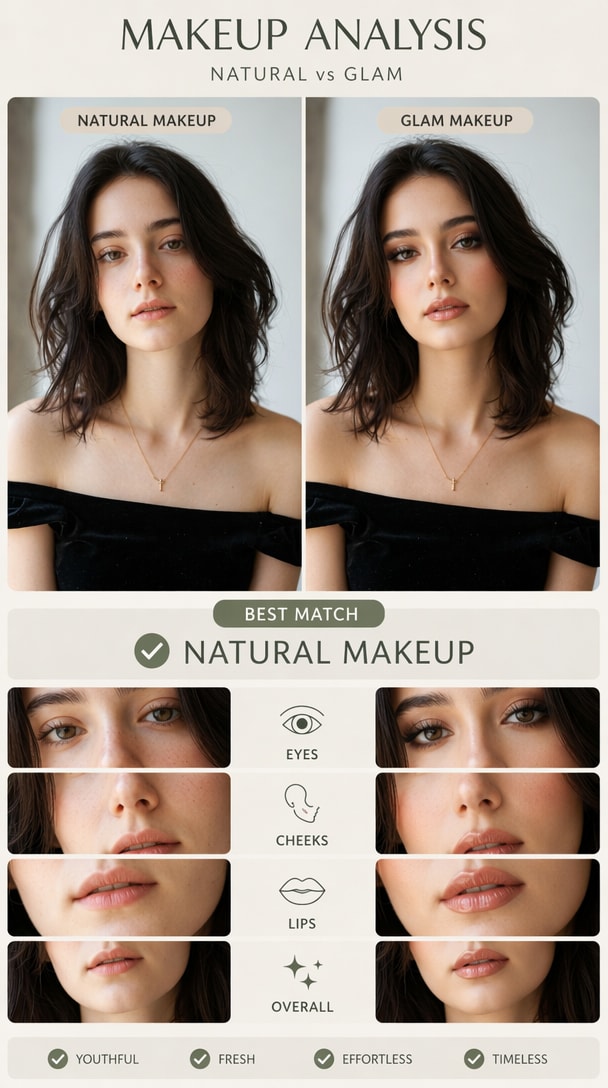 ChatGPT Photo Editing Prompt
Create a visual makeup analysis graphic using this portrait, compare natural makeup vs glam makeup side by side, highlight which suits the subject better, short labels only, no paragraphs.
 ChatGPT Photo Editing Prompt
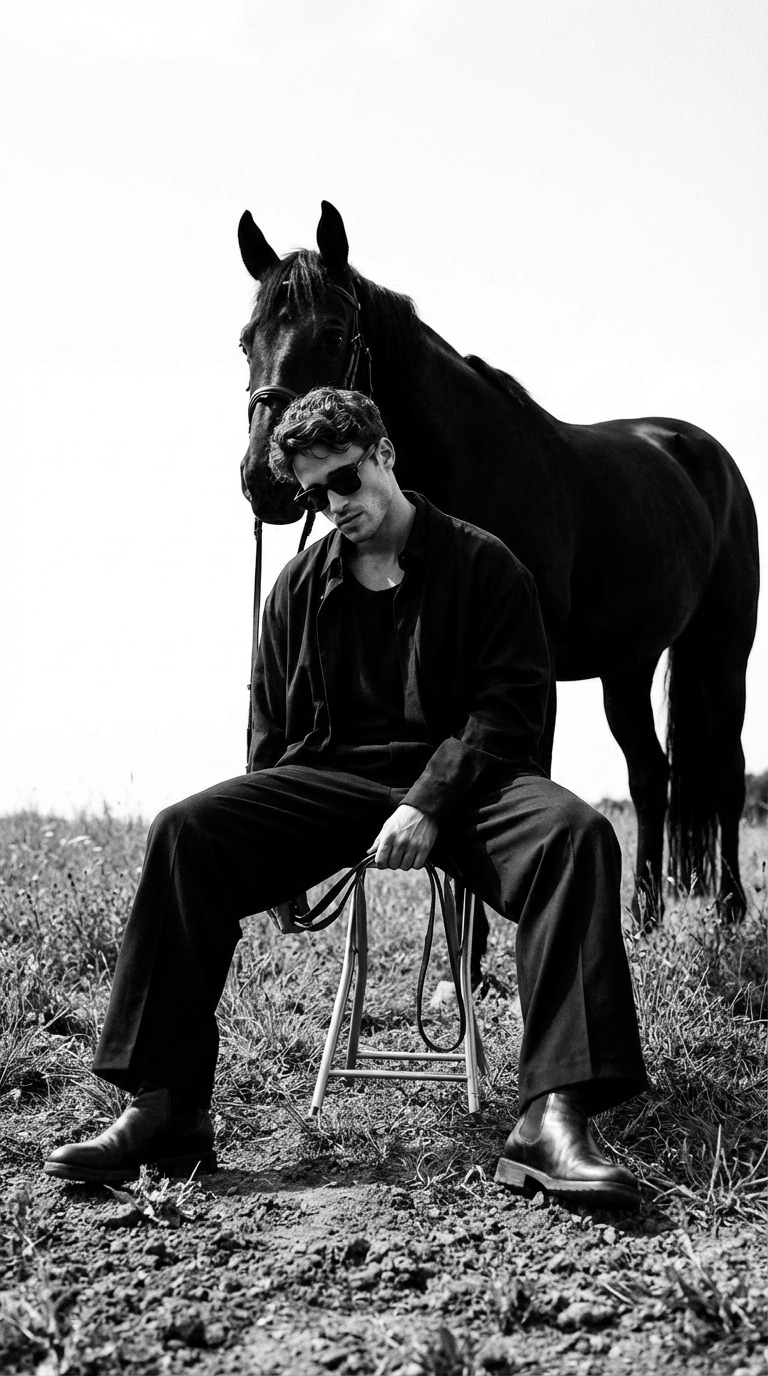
A high-fashion, monochrome editorial emphasizing grounded posture, restrained authority, and symbolic tension between human and horse. Cinematic composition, matte textures, and conceptual luxury aesthetics with introspective calm.
 ChatGPT Photo Editing Prompt
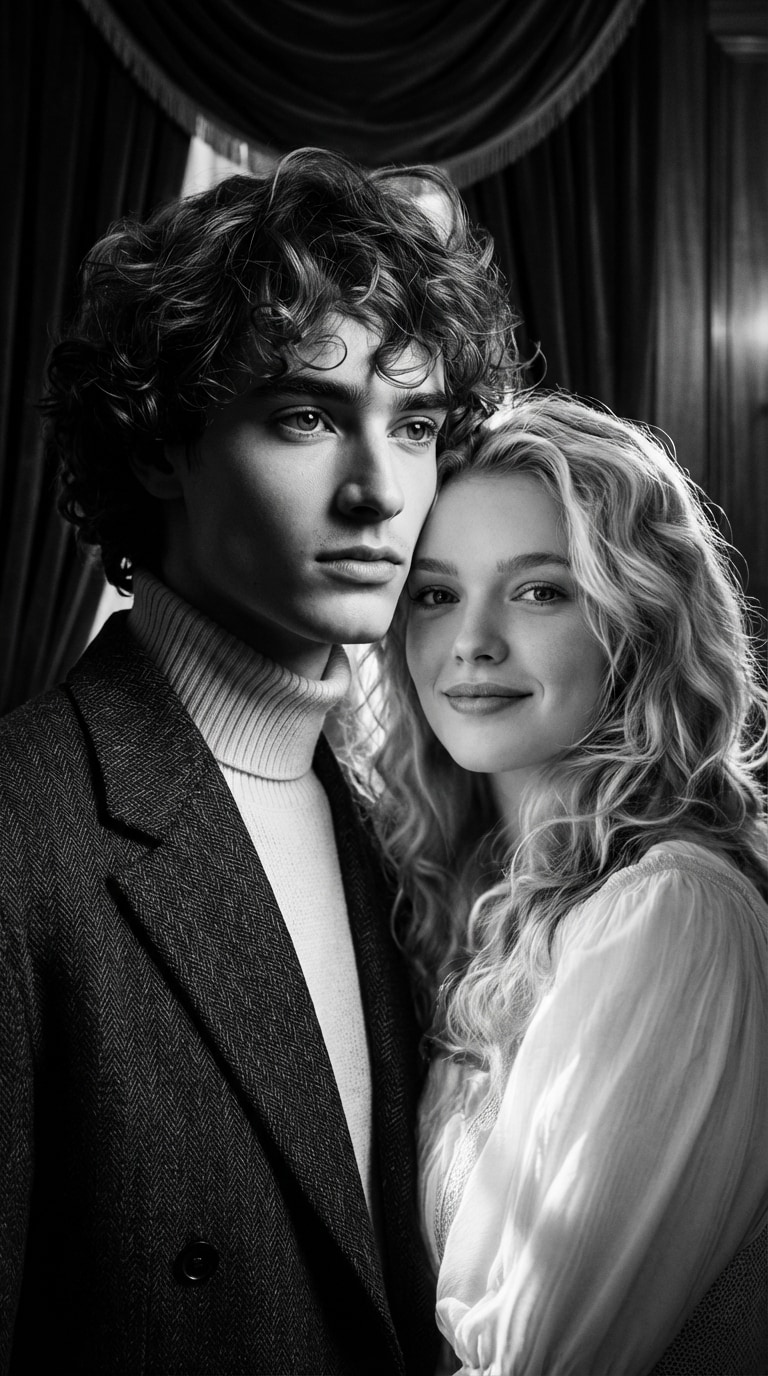
Classic Hollywood black and white cinema, 1950s film photography, high contrast lighting, elegant and timeless couple portrait with emotional storytelling and romantic composition.
 ChatGPT Photo Editing Prompt
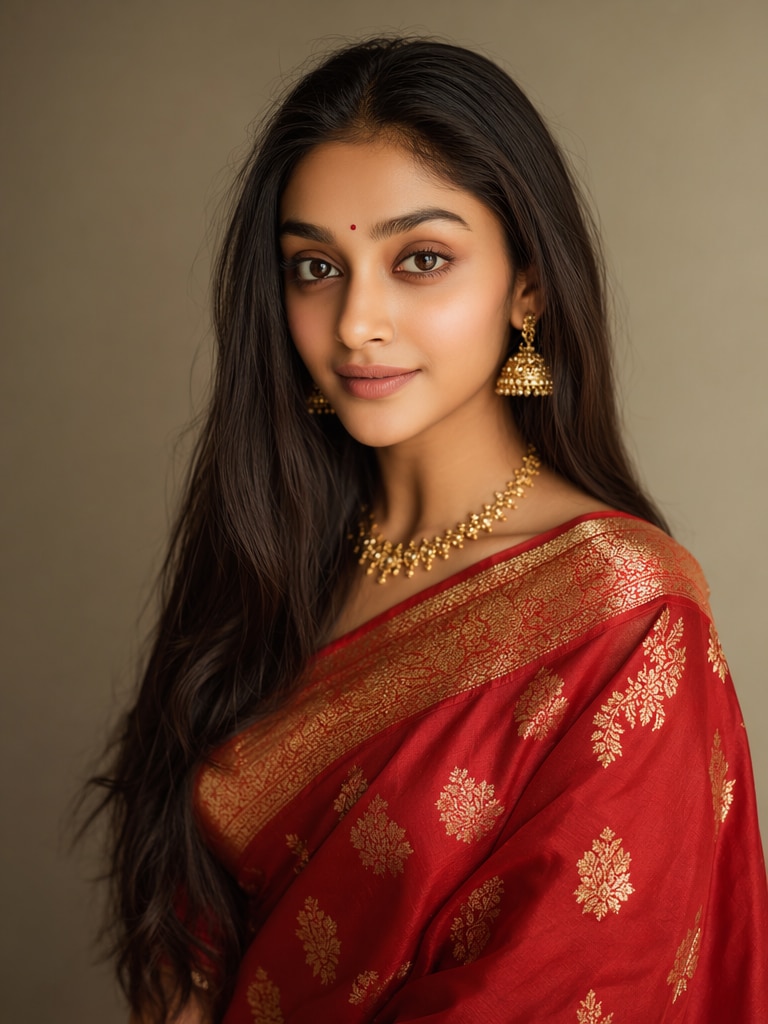
Ultra-realistic Indian saree transformation, traditional red silk saree with golden zari embroidery, preserve original face identity, natural skin texture, studio lighting, DSLR photography, high detail fabric folds, cinematic portrait.
 ChatGPT Photo Editing Prompt
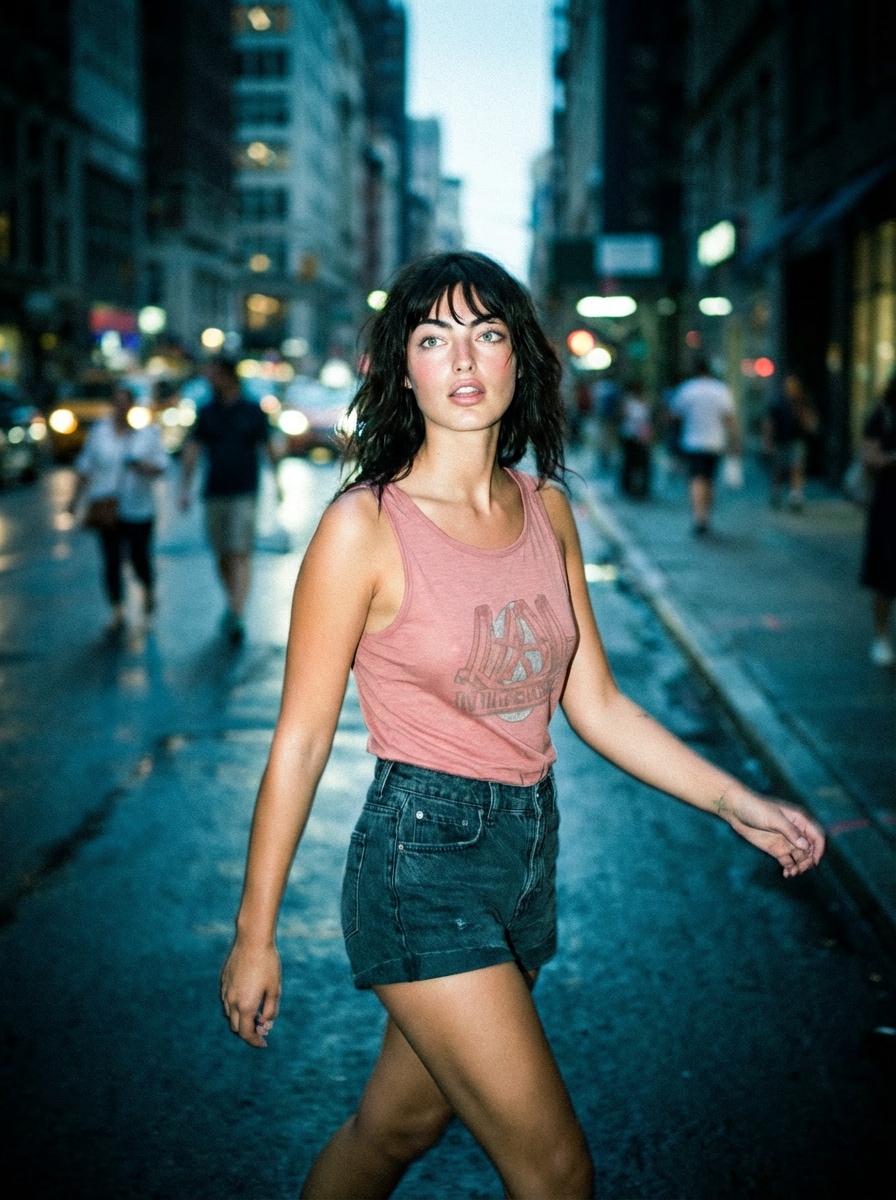
Urban street at night, subject walking, harsh flash lighting, deep shadows, paparazzi style, motion blur, Instagram flash effect, cinematic realism, cool tones.
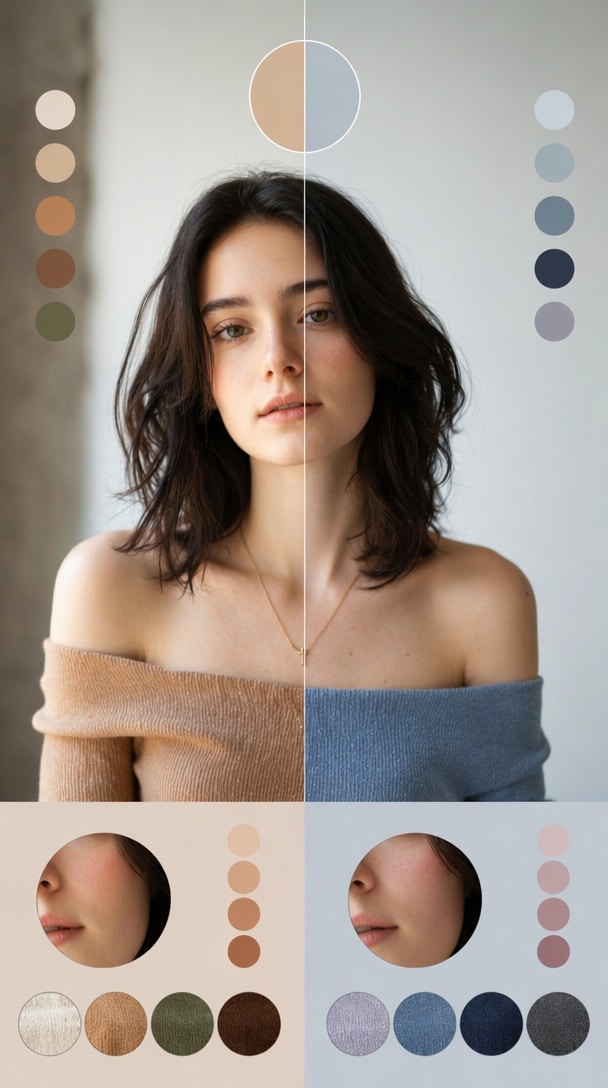 ChatGPT Photo Editing Prompt
Create a color analysis graphic using this portrait, split into warm tones vs cool tones comparison, apply different outfit colors on each side, highlight skin harmony differences, minimal labels, no text blocks, aesthetic infographic style.
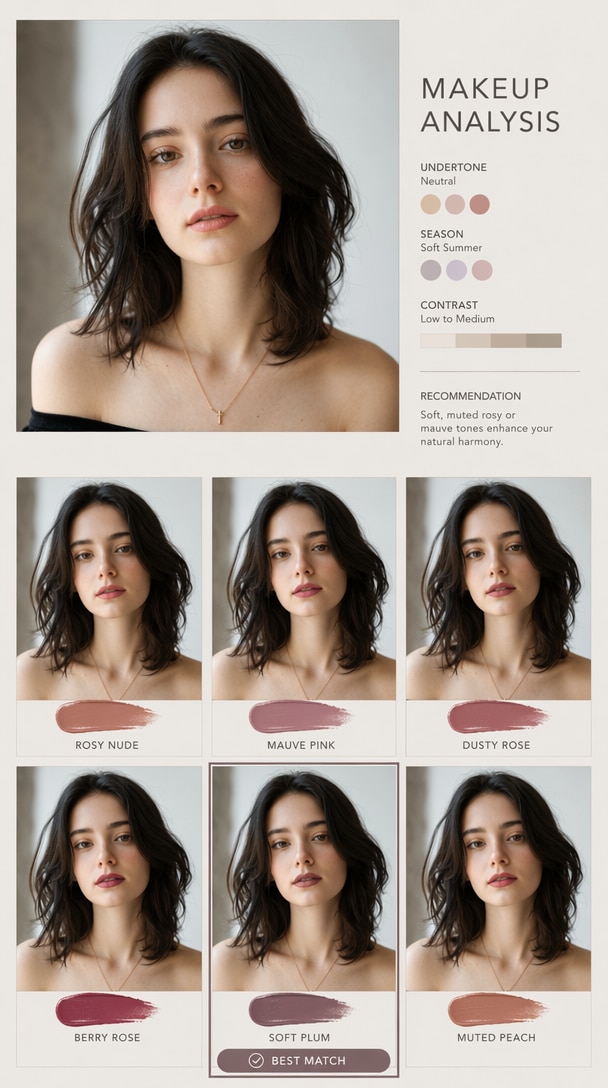 ChatGPT Photo Editing Prompt
Create a makeup analysis graphic using this portrait, show different lipstick shades applied side by side, highlight best matching color, clean visual grid, minimal labels.

Lifestyle Creator

“Perfect Prompt Collection.” I no longer spend time guessing how to describe a photo edit. The copy-and-paste prompts give me strong starting points for polished portraits and social posts.
Digital Artist
“Great Creative Results.” The prompt examples help me test different art directions quickly. I can refine the wording, regenerate, and compare several styles without rebuilding the edit from scratch.
Marketing Designer
“Ideal for Commercial Work.” I use Media.io for campaign visuals, product photos, and social graphics. The prompts are detailed enough to guide the image while still leaving room for customization.
An ChatGPT photo editing prompt is a text instruction used to turn a normal photo into a cinematic Editz-style image. It usually describes the pose, outfit, background, camera angle, lighting, contrast, color grade, and social media framing. Media.io makes this easier because you can upload your image, paste the prompt, and generate the final look online.
Yes. You can use prompt keywords such as cinematic portrait, creative portrait, trending portrait, and retro portrait to guide the mood. For better results, combine those names with specific visual details like “cinematic street background,” “warm golden light,” “stylish outfit,” “realistic skin,” and “high-contrast mobile photography.”
Upload a clear couple photo and use an couple photo editing prompt prompt that describes romantic lighting, coordinated outfits, natural expressions, golden-hour color, soft background blur, and realistic face details. Avoid overly complex instructions in one prompt; a clean scene description usually gives more natural results.
MB photo editing com cinematic is commonly searched by users who want cinematic photo editing ideas, presets, or AI prompts. In Media.io, you can recreate a similar look with prompt-based editing: warm light, dramatic shadows, sharp face focus, blurred background, and rich contrast.
Yes. AI photo editing is beginner-friendly because you do not need to manually cut out backgrounds, adjust curves, install presets, or retouch faces. Start with a clear photo, use a detailed prompt, generate a preview, and refine the prompt if you want a different outfit, pose, or background.
 4.7 (162,357 Votes)



