Photo-to-Video Car Motion
Turn one car photo into a moving scene with realistic wheel motion, road movement, reflections, headlights, and camera tracking. It is ideal when you have a strong still image but no driving footage.
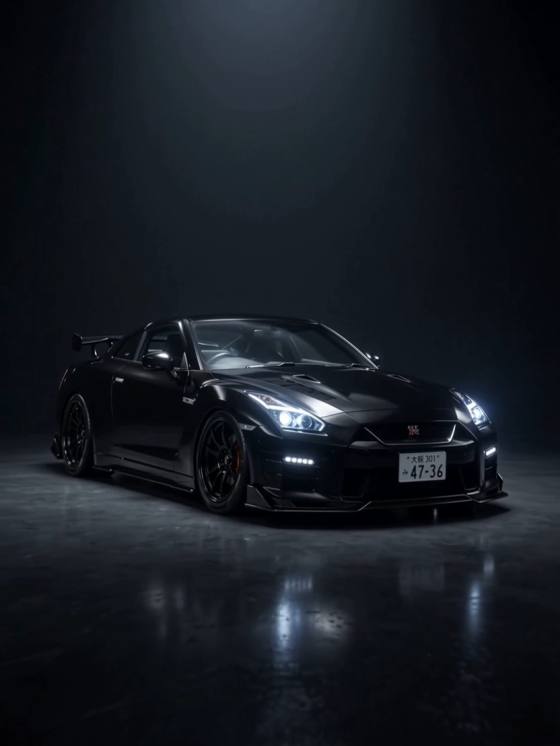
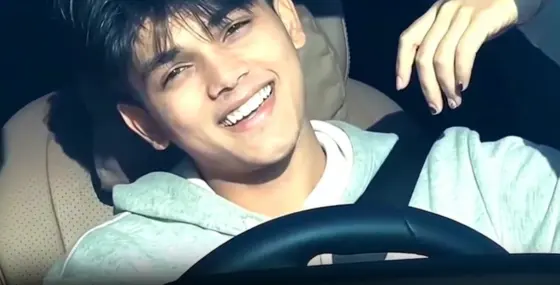
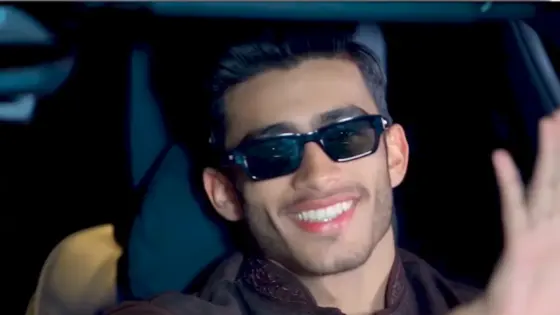
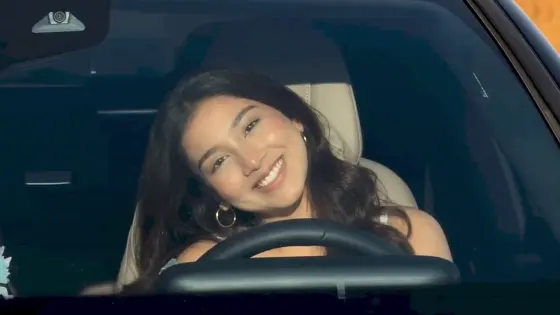
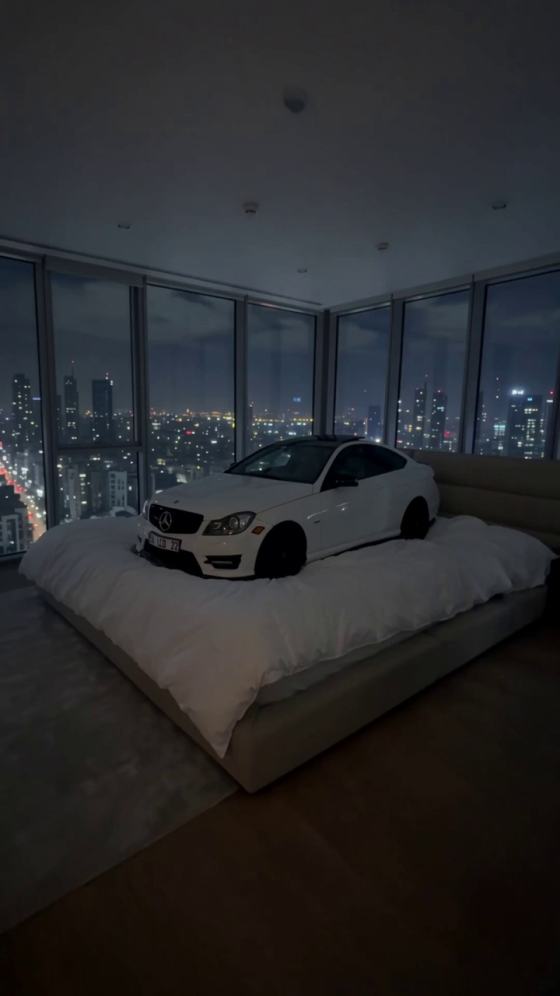
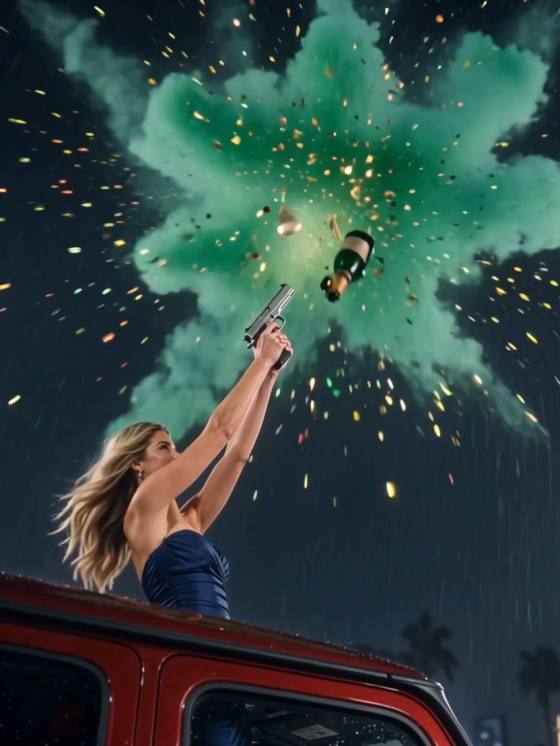

Turn a car photo or prompt into a cinematic driving clip with the AI Car Video Generator. Create rolling shots, night-drive scenes, speed-ramp edits, luxury-car reels, and social-ready videos without filming on the road or building every effect manually.
Upload a car photo or start from a prompt, choose the motion, and generate your cinematic car edit online.
Create polished car reels from still images or text ideas, then control how the vehicle, camera, lights, and environment move. It is a practical way to prototype automotive content without a full production crew.
Turn one car photo into a moving scene with realistic wheel motion, road movement, reflections, headlights, and camera tracking. It is ideal when you have a strong still image but no driving footage.
Direct low-angle tracking shots, front follow shots, side rolling shots, slow orbit moves, dramatic push-ins, or aerial-style reveals to give simple car content a premium commercial feel.
Use an AI car prompt generator workflow to specify the vehicle type, paint, road, weather, lighting, lens, speed, and mood. Refine one idea into multiple visual directions without reshooting.
Create vertical clips for TikTok, Instagram Reels, Shorts, dealership promos, car-page posts, and enthusiast edits. Generate a clean base video, then add music, speed ramps, text, or transitions as needed.
Start with a clear front, side, rear, or three-quarter car photo. You can also describe the car, setting, weather, lighting, and visual style if you want to generate from an idea.
Tell the AI how the car and camera should move: rolling on a highway, drifting through a turn, cruising through neon streets, accelerating from a low angle, or slowly revealing a parked luxury car.
Generate the clip, check vehicle consistency, wheel motion, reflections, road movement, and camera direction, then refine the prompt if needed. Export your finished AI car video download for editing or sharing.
Create a premium showroom or city-night sequence with a glossy luxury car, slow push-ins, moving reflections, shallow depth of field, dramatic headlights, and polished commercial lighting.
Build an energetic highway clip with side tracking, spinning wheels, road blur, subtle camera shake, realistic suspension movement, and speed-ramp-ready motion for viral car edits.
Place the car in a rainy neon city with wet-road reflections, glowing signs, headlight bloom, cinematic fog, and smooth follow-camera motion for a moody night-drive aesthetic.

Car Content Creator
“Rolling shots without reshoots.” I started from a clean parked-car photo and generated a moving highway shot. The biggest win was testing several camera directions before choosing the final reel.

Social Video Editor
“Great base for car reels.” The AI clip gave me the motion and camera feel I needed, then I added music and speed ramps in the final edit. It saved me from searching for extra driving footage.

Automotive Marketer
“Fast concept testing.” I can try a showroom reveal, a night drive, and a city rolling shot from the same vehicle image before deciding which creative direction to use in a campaign.
An AI car video generator turns a car image or text description into a moving video scene. Instead of filming every shot, you describe the motion you want—such as a rolling highway shot, low-angle tracking shot, drift, orbit, showroom reveal, or night drive—and the AI generates motion for the car, camera, road, lights, and environment.
You can start an AI car video generator free workflow on Media.io and test supported generation options online. Availability, credits, model access, output length, and export settings can vary by tool or plan, so check the current generation panel before creating your final clip.
A useful AI car prompt generator structure is: vehicle + setting + time/weather + car motion + camera motion + lighting + visual style. For example: “black sports coupe driving through a rainy neon city at night, low-angle side tracking shot, realistic spinning wheels, wet-road reflections, soft motion blur, cinematic commercial lighting.” Clear motion instructions usually work better than adding many unrelated style words.
Media.io can be used as part of an AI car video editor workflow: first generate motion from an image or prompt, then continue editing the result with available video tools. For a polished car reel, creators often combine AI-generated footage with trimming, music, text, transitions, speed changes, and other finishing edits.
Yes. ChatGPT can help you draft or refine car-video prompts, while a video generation model creates the actual footage. If you are searching for a ChatGPT video generator workflow, a practical setup is to use ChatGPT for prompt planning, then paste the final prompt into Media.io's AI video generator. Describe the car, location, camera movement, driving action, lighting, and mood for more controlled results.
See what creators are making on TikTok, Reels & Shorts — watch the effects and try your next viral idea.
Explore All AI Trends