First Subscription up to50% OFF
Buy Now

AI Lion Friend Video Generator

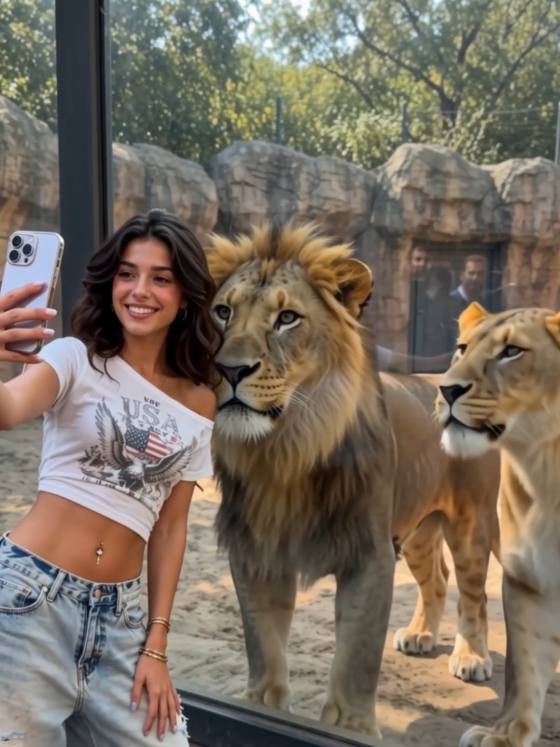
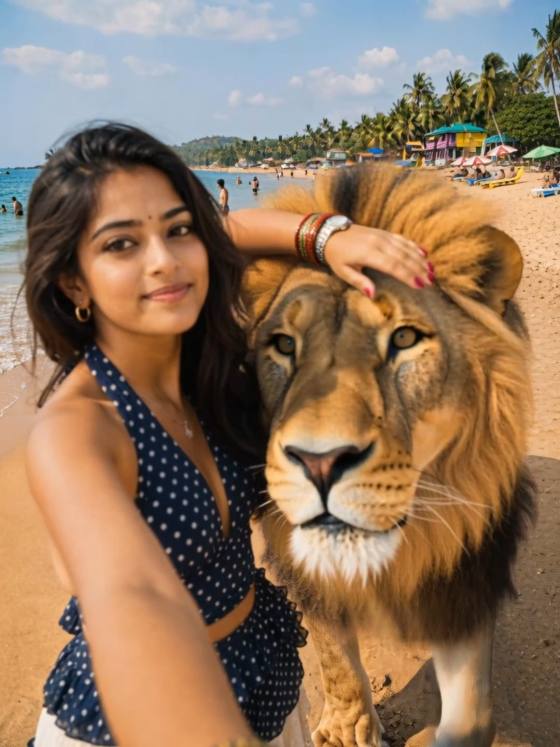
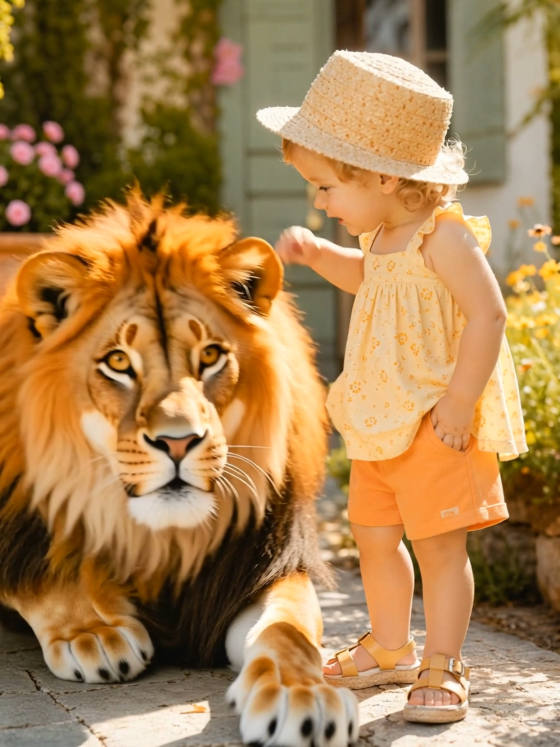
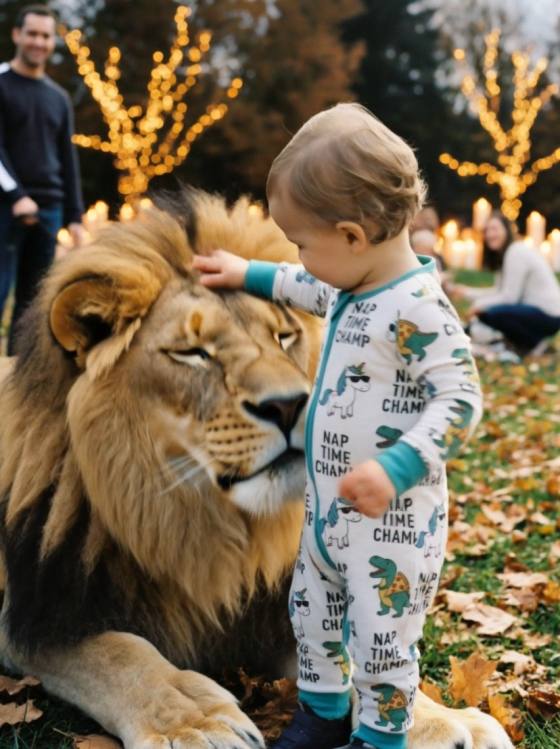
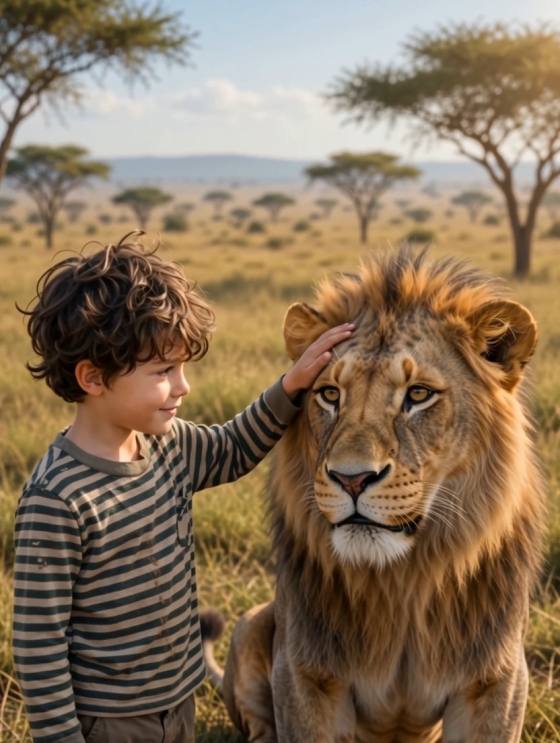
Create an AI Lion Friend video from your photo. Explore lion companion prompts, generate cinematic AI wildlife moments, and share your video with Media.io.
All Submissions

AI Lion Friend Video

Bring a friendly lion into your photo with AI. Create a cinematic AI Lion Friend video featuring a gentle lion walking beside you, resting nearby, or sharing a calm, playful moment. Make a memorable animal-companion clip for TikTok, Reels, and Shorts using Media.io Image to Video.

Create My Lion Friend Video

Use a photo you own or have permission to animate. Lion behavior, facial consistency, and available exports vary by model.

Why Create an AI Lion Friend Video with Media.io?

A Gentle Lion Companion

Imagine a majestic lion calmly approaching, walking beside you, or sitting close like a trusted friend. Describe relaxed, non-threatening body language and keep the interaction simple for a more believable AI Lion Friend scene.

Cinematic Wildlife Atmosphere

Choose a golden-hour savanna, quiet garden, or dreamy outdoor setting. Soft lighting and a steady camera can help blend your portrait and the AI lion into a cohesive, cinematic video.

Personalized Lion Friend Moments

Start with your own clear portrait and choose the lion’s appearance, position, and movement in the prompt. Review the output carefully: AI may alter faces, hands, or animal anatomy.

Shareable Animal Trend Videos

Create a short AI Lion Friend trend clip for TikTok, Instagram Reels, or YouTube Shorts. Add captions or licensed audio afterward, and select a suitable aspect ratio when supported.

How to Make the AI Lion Friend Video in 3 Steps

01

Step 1: Upload Your Photo

Choose a well-lit photo showing one person with enough space around them for a lion to appear. A simple background and clear pose help the model interpret the scene.

02

Step 2: Add an AI Lion Friend Prompt

Describe a friendly lion walking slowly into frame, settling beside the person, and looking calmly toward the camera. Request natural proportions, gentle movement, and a steady shot.

03

Step 3: Generate, Review & Share

Generate your clip in Media.io Image to Video. Check the lion’s paws, face, scale, and interaction with the person. If the result looks unnatural, simplify the action and regenerate.

AI Lion Friend Video FAQs

What is the AI Lion Friend video trend?

The AI Lion Friend trend is a creative photo-to-video concept that places a lifelike, friendly lion near a person in an imagined scene. Videos often show the lion approaching, walking alongside, or resting beside its human companion. These are AI-generated interactions, not real encounters with wild animals.

How to make the AI Lion Friend video with Media.io?

Open Media.io Image to Video, upload a clear photo, and enter an AI Lion Friend prompt describing a calm lion entering the scene. Generate the clip, review facial and animal consistency, and revise the movement if necessary. Available duration and resolution depend on the selected model.

What are good AI Lion Friend prompts?

Try: “A majestic golden lion slowly walks into a sunlit meadow and sits peacefully beside the person in the reference photo. The person smiles gently while the lion looks toward the camera. Natural fur movement, realistic scale, warm golden-hour light, stable camera, cinematic realism, no aggressive behavior.” Keep actions short to reduce visual artifacts.

Can I create an AI Lion Friend video from just one photo?

Yes, you can start from one portrait using Media.io Image to Video. A sharp image with the subject fully visible and room beside them gives the model more context. The lion and its movement are generated by AI, so exact positioning and identity preservation are not guaranteed.

Is the AI Lion Friend video generator free, and can I post it on TikTok?

Media.io offers online AI video creation, but free credits, generation settings, and download options vary by plan. You can share an AI Lion Friend video on TikTok or Reels if you have the rights to your source photo and any added music. Label synthetic wildlife interactions clearly where appropriate.