Image to Image
Nano Banana Pro
0/2000
1K
Auto
1
Unlimited Banana Pro
儲存至角色
Creations
Ideas Hub
All
Generate List
Creations are stored for only 7 days. Assets created after upgrading to a Membership plan will be stored permanently.
ai_video_generatorUnlock your creative potential and experience the magic of Media AI right away!


Image to QR Code Generator for Fast, Branded Visual Sharing

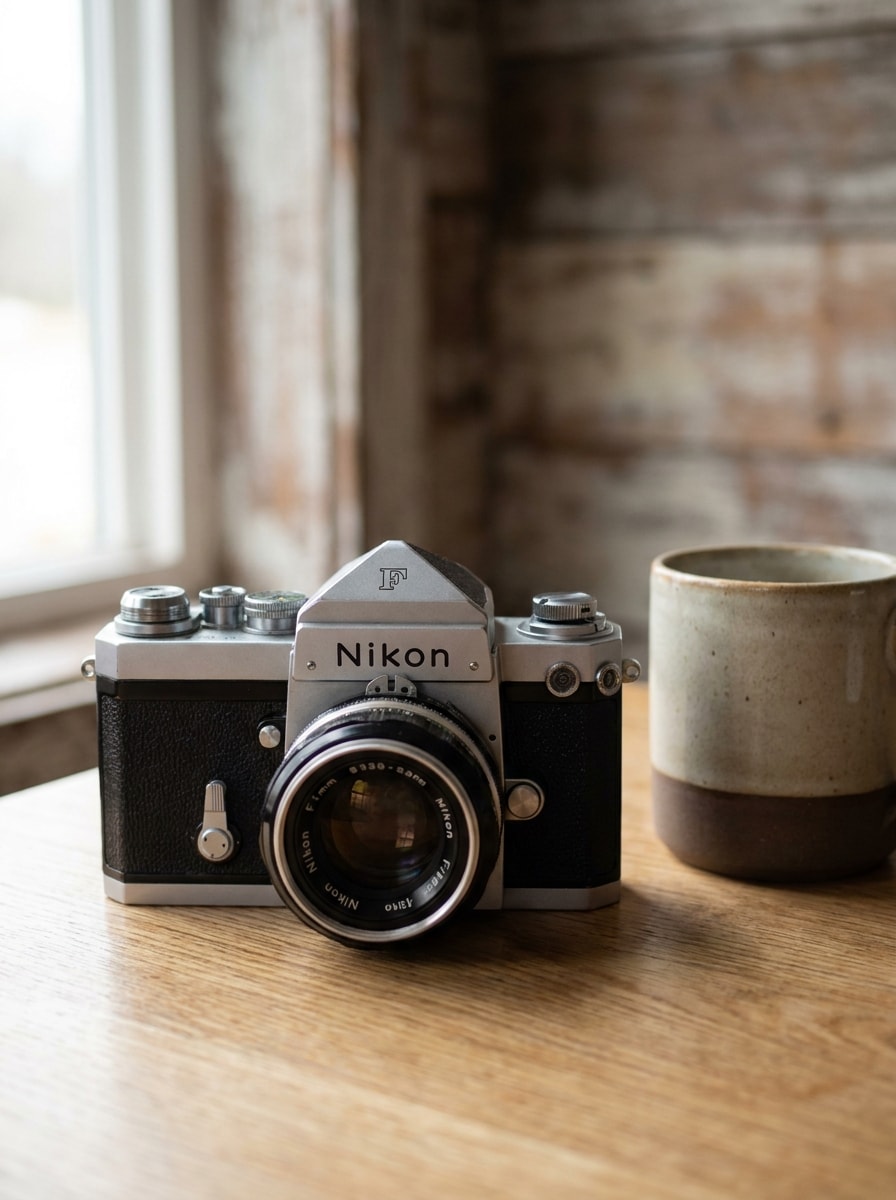
Image To Qr Code Generator Before
Image To Qr Code Generator After

Create a scannable QR design from your uploaded image in a simple workflow. This image to QR code generator helps you turn photos into shareable, printable visuals for menus, packaging, events, and promotions, while also supporting workflows that convert a picture into qr code style campaign mockup.

Create My Image QR Code

Type your idea -> AI designs it. Free to try.

Review these example directions, then tailor the prompt details to get stronger results with this Image To Qr Code Generator.

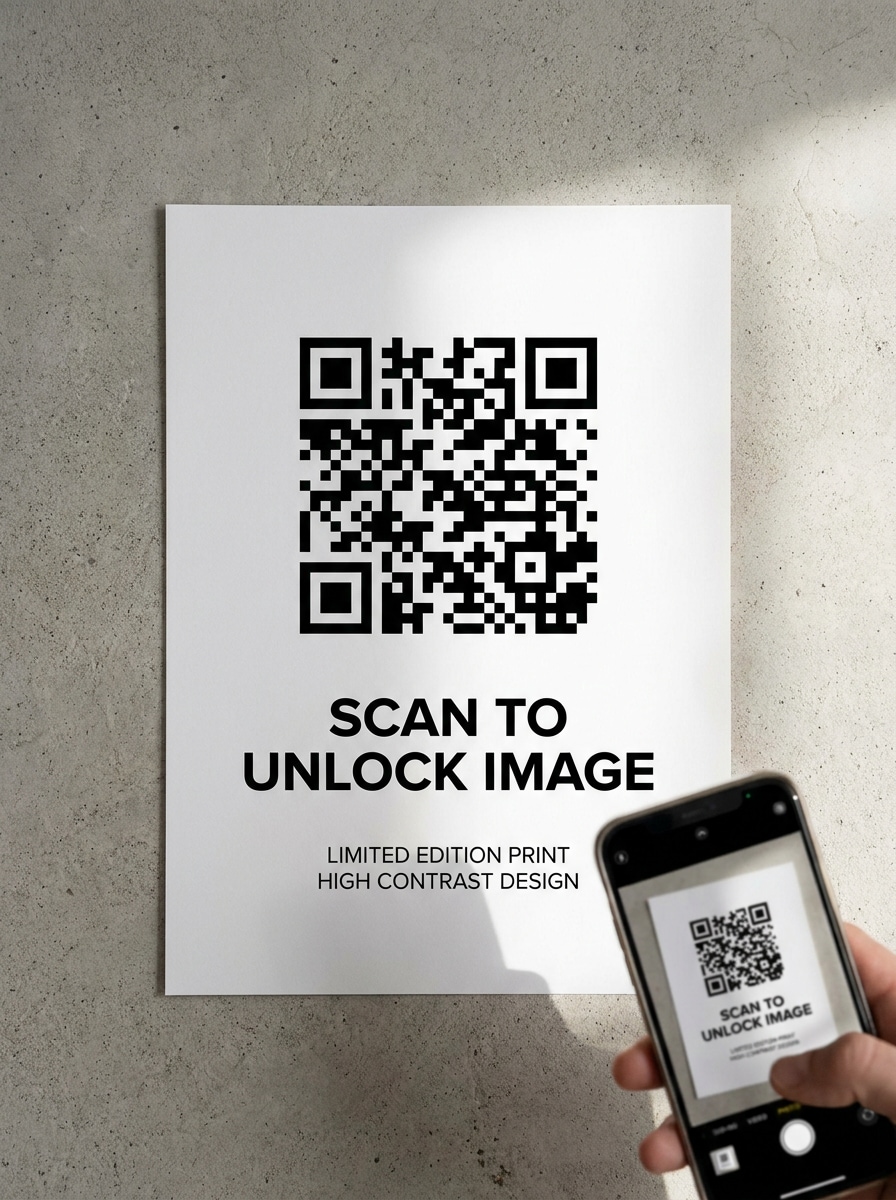
Clean Black and White QR

Clean Black and White QR

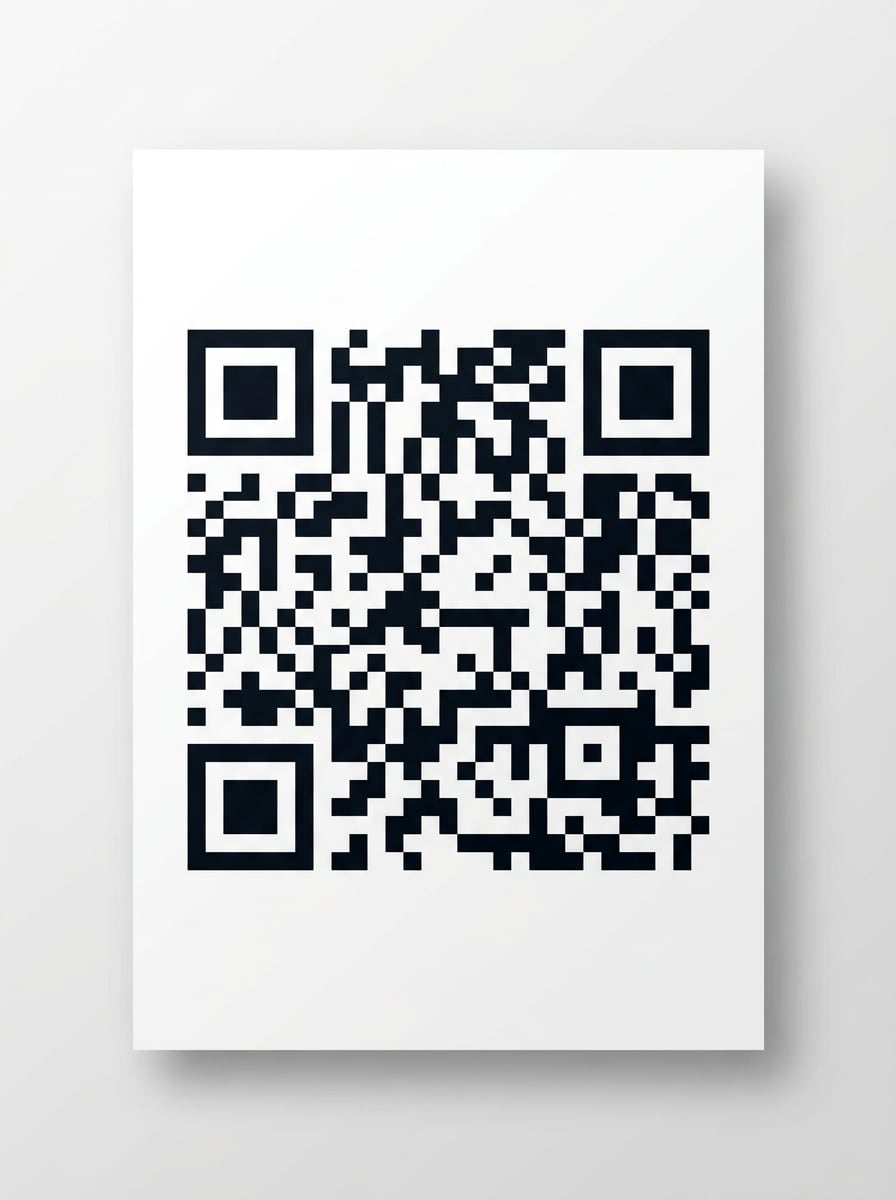
Use the uploaded image as the content destination and transform it into a clean black-and-white QR code presentation. Keep the code centered with square modules, crisp white margins, neutral studio lighting, minimal layout, strong contrast, and a practical print-ready look that emphasizes reliable smartphone scanning.

Print-Ready Flyer QR

Print-Ready Flyer QR

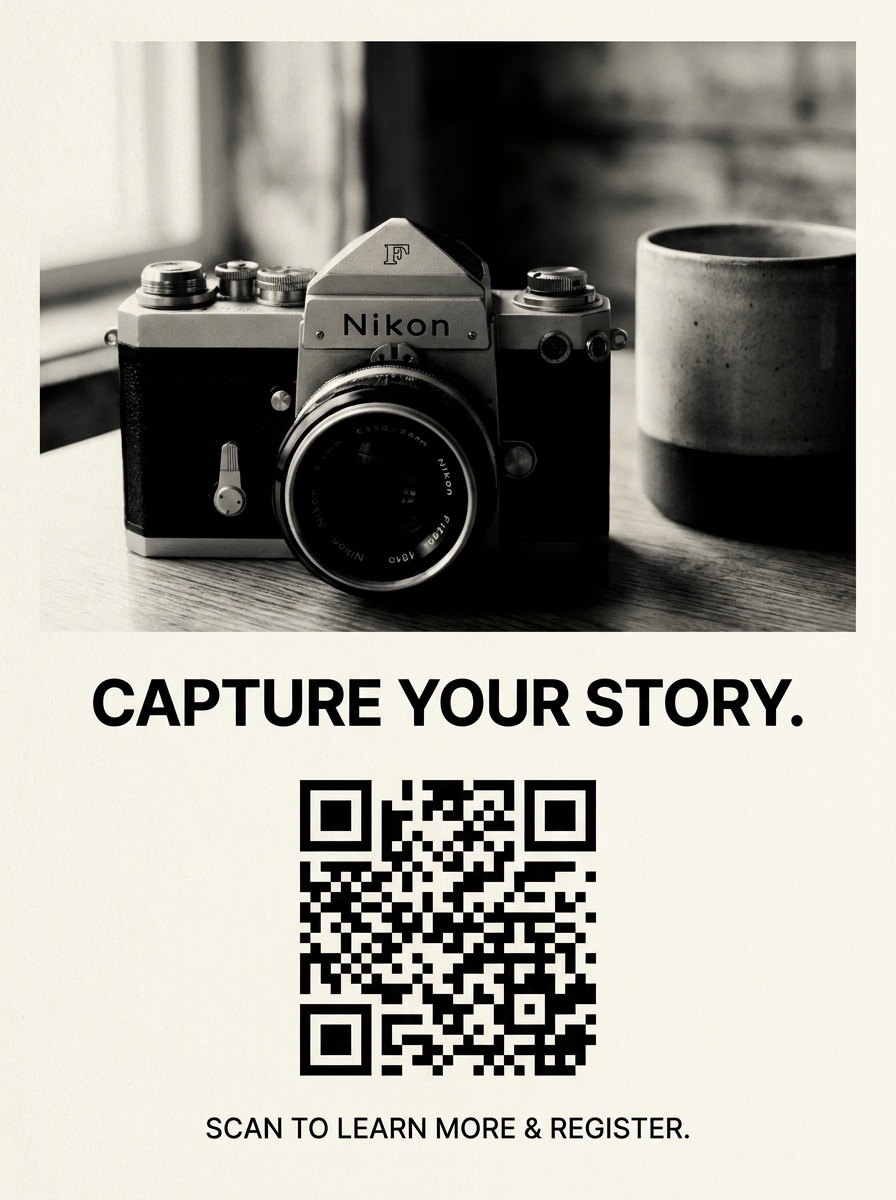
Use the uploaded image as the linked visual and turn it into a printable flyer concept featuring a bold QR code. Include a clean headline area, simple call-to-action text placement, balanced spacing, matte paper texture, high contrast, and an editorial layout optimized for posters, handouts, and bulletin boards.

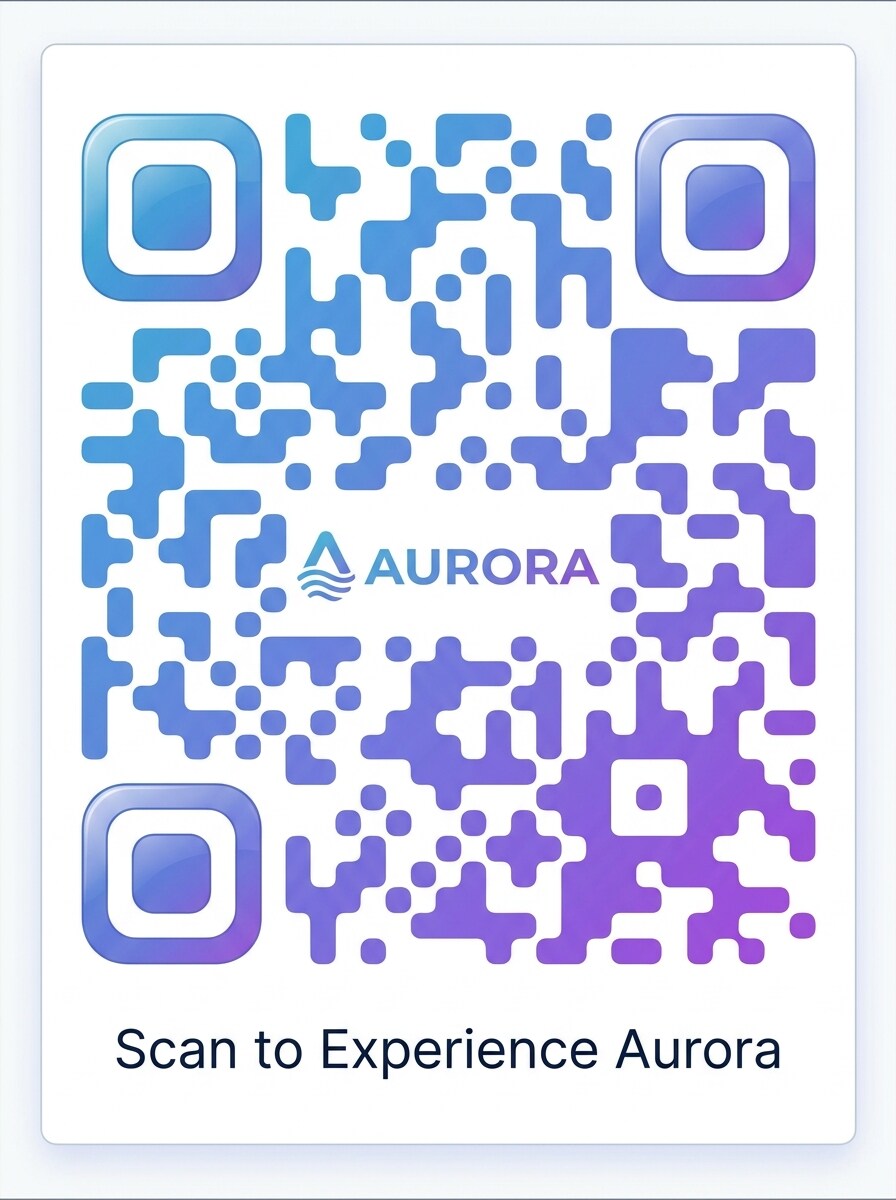
Gradient Brand QR

Gradient Brand QR

Use the uploaded image as the linked asset and redesign the result as a branded QR code with a smooth color gradient. Keep rounded modules, white margins, polished marketing composition, soft reflections, modern brand aesthetic, and a premium finish that feels ready for social posts, product cards, or landing-page visuals.

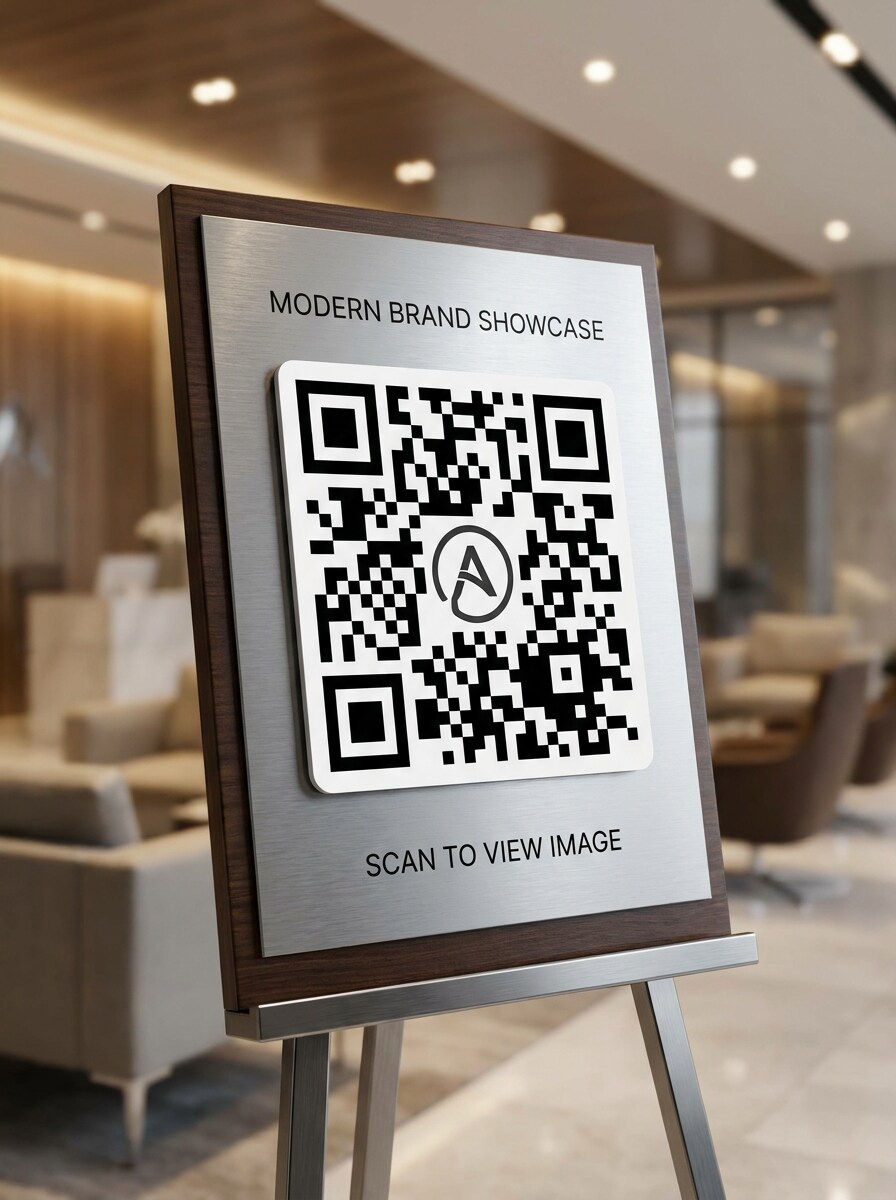
Logo Center QR

Logo Center QR

Use the uploaded image as the target content and create a premium QR design with a centered logo area. Maintain strong contrast, balanced module spacing, elegant business styling, subtle depth, and a presentation-ready composition that looks refined while still feeling practical for mobile scanning and brand-led campaigns.

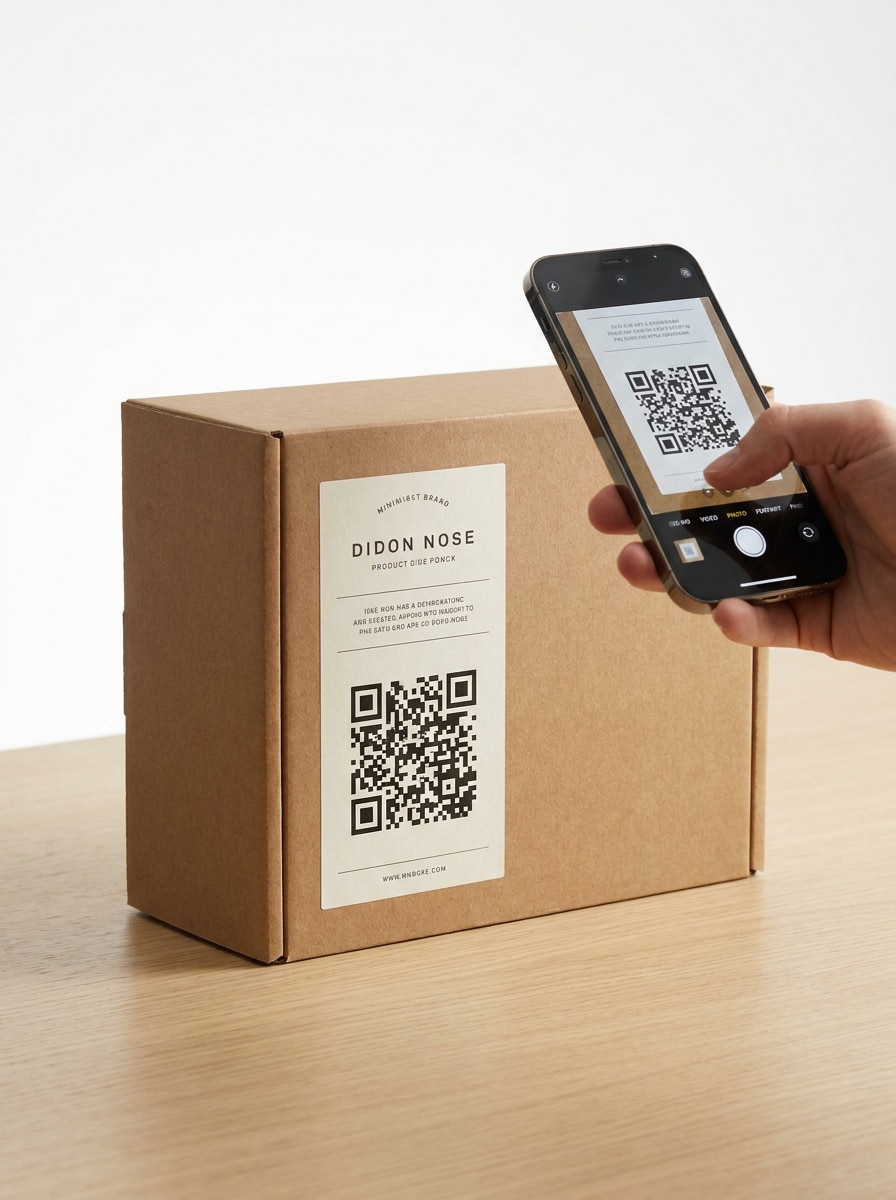
Packaging Scan Experience

Packaging Scan Experience

Use the uploaded image as the linked content and place the QR code into a realistic packaging mockup. Show a modern retail label, clean box surfaces, bright studio lighting, high contrast code placement, product-centered composition, and a mobile-friendly presentation that feels ready for shelf packaging or shipping inserts.

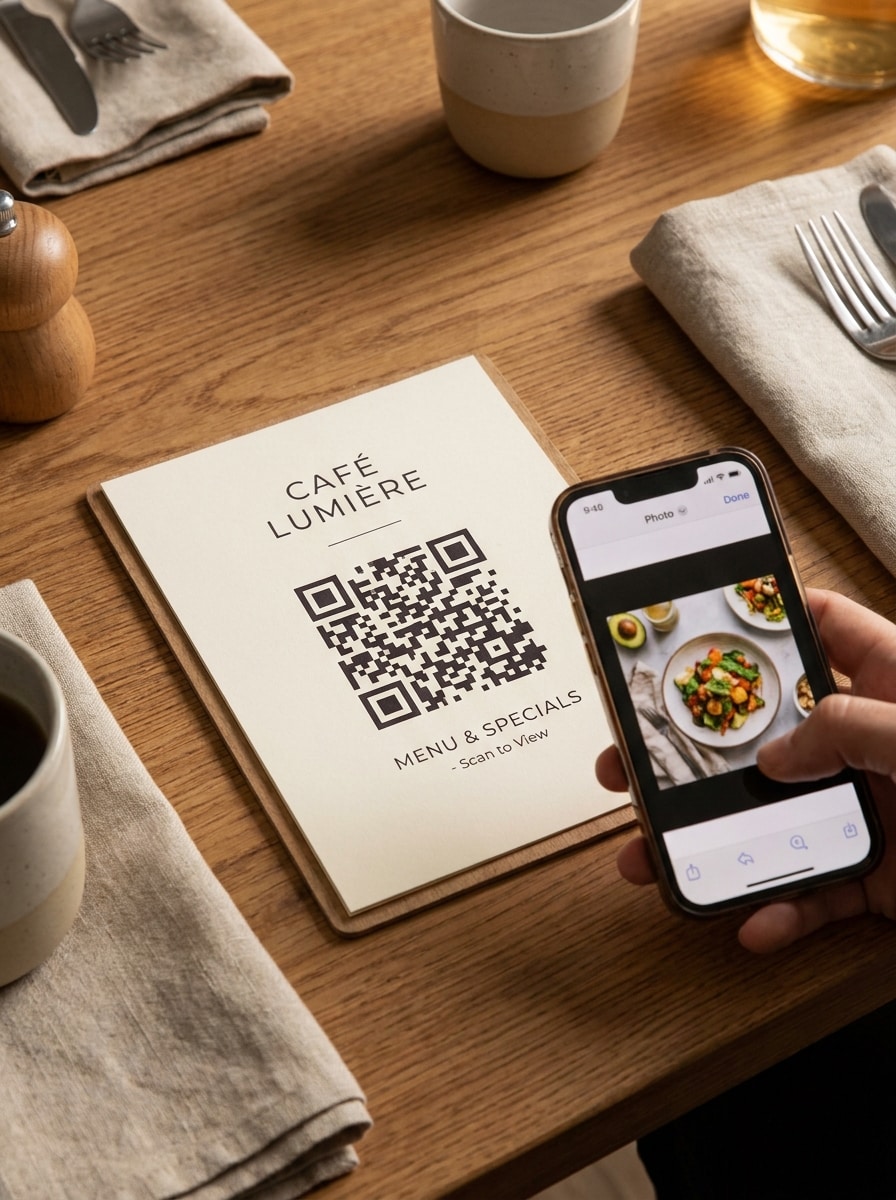
Menu and Table Display QR

Menu and Table Display QR

Use the uploaded image as the linked destination and create a hospitality-style QR display for tables or menus. Include a neat stand or menu card, warm ambient lighting, clean typography spacing, strong code contrast, inviting mood, and a practical composition that guides guests to scan and view food or product visuals.

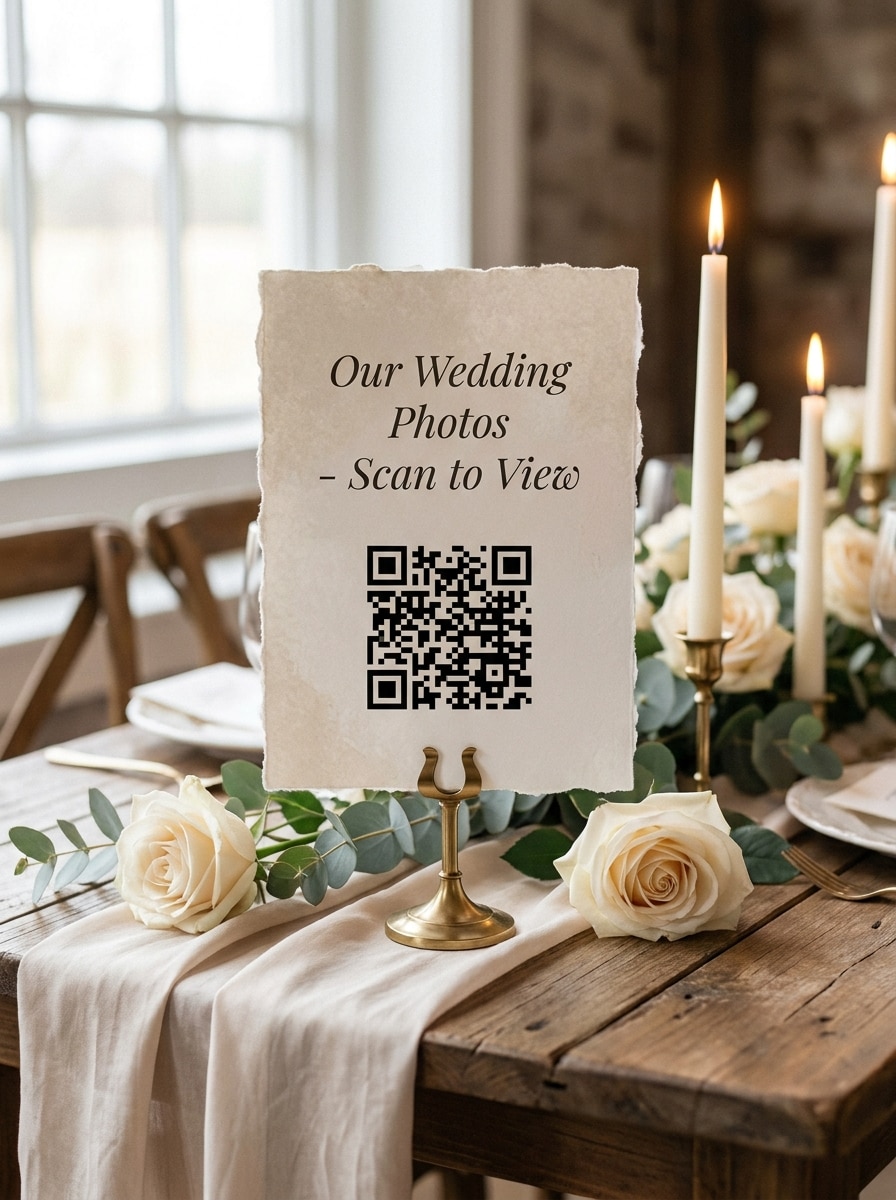
Wedding or Event Photo QR

Wedding or Event Photo QR

Use the uploaded image as the shared memory and transform it into an elegant event QR sign. Add soft neutral tones, delicate paper texture, tasteful spacing, romantic lighting, high contrast for scanning, and a refined composition suited for wedding tables, welcome signage, guest books, or photo-sharing stations.

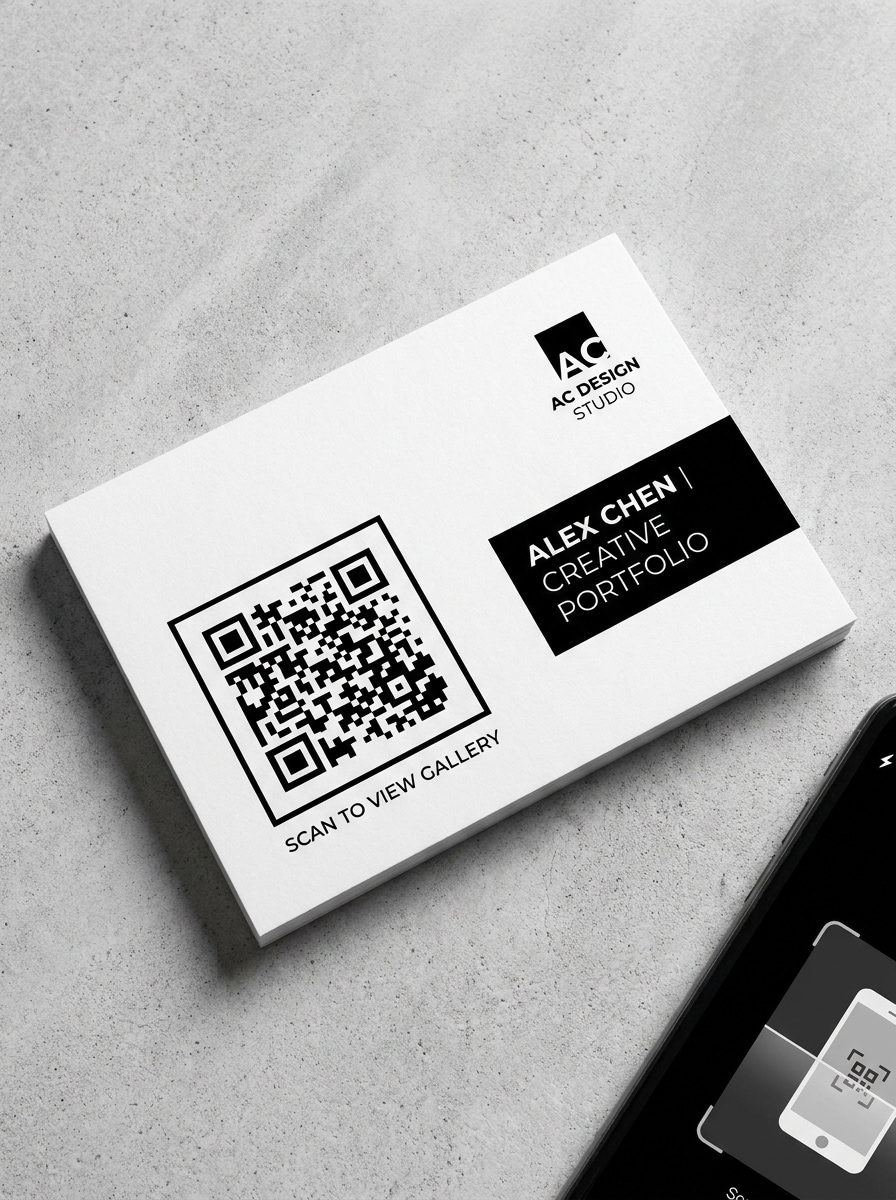
Portfolio and Gallery QR

Portfolio and Gallery QR

Use the uploaded image as the linked portfolio asset and convert it into a polished gallery QR presentation. Keep the layout modern and creative-industry focused, with monochrome accents, subtle shadows, crisp margins, professional typography placement, and a sleek composition suitable for resumes, booths, business cards, or exhibitions.

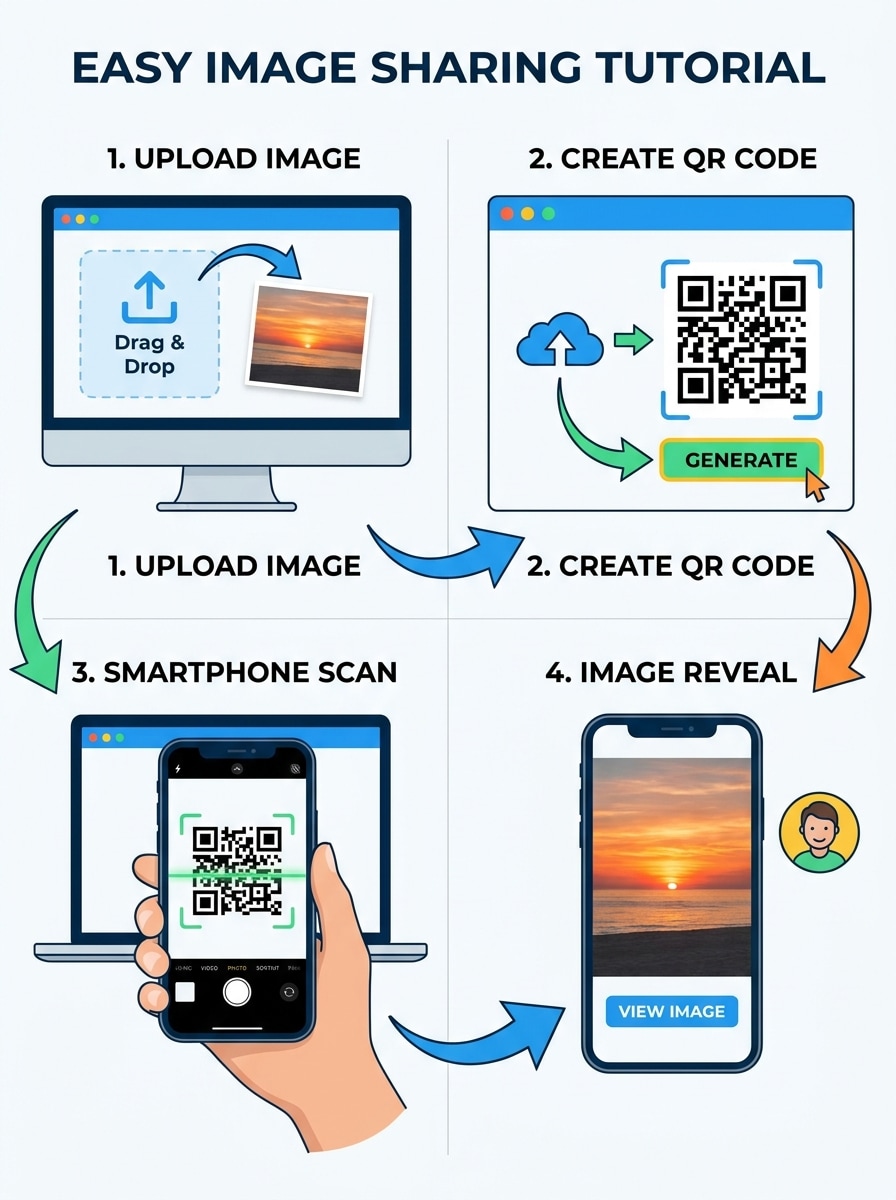
Upload to Scan Demo

Upload to Scan Demo

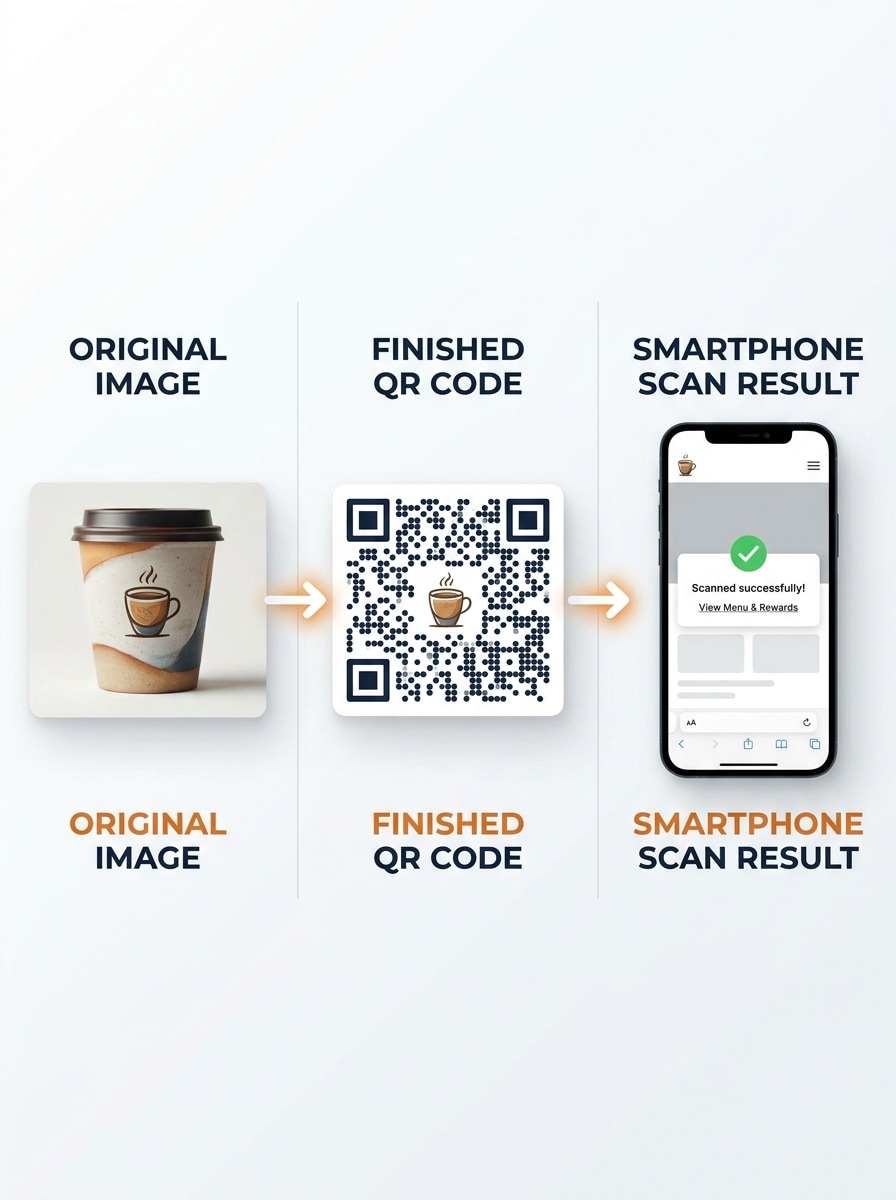
Use the uploaded image as the source content and create a step-by-step visual demo of the workflow. Show image upload, QR generation, phone scanning, and image reveal in a clean sequence with instructional panels, bright interface styling, clear arrows, modern colors, and social-friendly tutorial composition.

Before and After Comparison

Before and After Comparison

Use the uploaded image as the before-state reference and create a split-screen comparison that shows the original image, the finished QR code, and the phone scan result. Keep the layout clean, instructional, high contrast, and visually balanced with a modern social-post aesthetic and clear transformation story.

Why Use Media.io for Image QR Workflows

Reference-Based Results That Match Your Original Visual

For upload-driven edits, Media.io keeps the reference subject visually consistent while changing the final image to QR code direction, which makes personalized outputs easier to use with confidence.

Rework One Subject Into Multiple Styles

If the subject still needs to look like itself after the transformation, Media.io helps hold onto core identity cues while updating the final image to QR code style for a cleaner finished result.

Keep Final Visuals Sharp for Real Projects

When a image to QR code is headed for real publishing use, Media.io gives you sharper output up to 4K, which helps the image stay clear across presentations, backgrounds, and reused assets.

Works Smoothly Across Desktop and Mobile Browsers

Switching devices should not slow production. Media.io lets you build, adjust, and download image to QR code in the browser, which makes it easier to keep momentum when you move between screens.

How to Create an Image QR Visual with Media.io

Turn your words into stunning visuals in three simple steps, then continue refining the result if you want to take it further.

how to use image to image AI for image to qr code generator step 1
Step 1

Upload Your Reference Image

Upload a clear photo, poster, product shot, menu image, or other source visual in JPG, PNG, or JPEG format. Choose an image that matches the final QR concept you want to present, especially if you are creating a branded sharing mockup.

how to use image to image AI for image to qr code generator step 2
Step 2

Describe the Change and Set Options

Enter a detailed prompt that explains the QR layout, style, mood, color treatment, and usage context. Then choose your preferred model and adjust aspect ratio, resolution, and number of image variations to fit print, social, or presentation needs.

how to use image to image AI for image to qr code generator step 3
Step 3

Generate, Download, and Keep Improving

Generate your results, compare the different QR-style visuals, and download the version you like best. If needed, refine the prompt, test another composition, or continue editing for a cleaner branded look before sharing or presenting the final concept.

Unlock the Potential of Picture Into Qr Code

See how creators use this Image To Qr Code Generator for content, marketing, and personal projects, then adapt each idea to fit the brief.

Show Clients a Branded Scan Concept Fast

Designers and marketers can turn an uploaded photo into a polished QR campaign mockup for pitches, packaging previews, or promo boards. It is a useful way to visualize how a scannable image experience could look before final production.

Create Event and Venue Sharing Materials

Use the tool to build elegant sign, table card, or poster concepts that guide guests to scan and view albums, menus, or featured visuals. This works well for weddings, pop-ups, exhibitions, and hospitality displays that need a clean scan-first presentation.

Build Social Demos and Before-After Content

Creators can produce tutorial graphics that explain how to upload a visual, generate a code-style asset, and preview the phone scan result. These assets are especially helpful for short-form demos, carousel posts, and educational landing page sections.

What Users Like About Media.io

user
Elena Brooks

Brand Designer

star star star star star

"Great for quick pitch mockups" I used Media.io to create QR-style packaging concepts from a product photo, and the workflow was much faster than building every visual from scratch. The layout options made the presentation feel client-ready.

user
Marcus Chen

Restaurant Marketing Lead

star star star star star

"Helpful for menu and table visuals" We needed scan-focused promo images for tabletop displays, and Media.io made it easy to test multiple looks from one uploaded reference. The results were clean enough for both social previews and print comps.

user
Talia Morris

Event Planner

star star star star star

"Useful for elegant event signage ideas" I liked how simple it was to upload a couple photo and generate polished event-sharing sign concepts. It saved time during planning and gave us strong visual directions for wedding QR displays.

user
Ruben Patel

Content Creator

star star star star star

"Good for tutorial-style comparisons" The side-by-side and demo prompts worked really well for explainer content. I could create a clear before-and-after visual around turning a photo into a scanable campaign asset without complicated software.

Image QR Code Generator FAQs

1. What is an image QR code generator?

An image QR code generator is a tool that helps you create a QR-based visual workflow around an uploaded image. On this Media.io page, you upload a reference photo and generate styled QR concept images for presentations, marketing mockups, signage ideas, or other creative assets based on that source visual.

With Media.io, you start by uploading your source image, then describe the QR-style result you want, such as a flyer mockup, packaging preview, or table display concept. After that, choose your image options, generate variations, review the outputs, and download the version that best fits your project.

Yes, free users can try Media.io with available free credits. If you need more generation volume or extra downloads, you can check the pricing page for subscription options. Free users can use free credits. For more usage, users can subscribe to a plan on the pricing page. Upgrade to a paid plan on the pricing page for more credits and watermark-free high-resolution downloads.

Media.io supports uploading JPG, PNG, and JPEG files as reference images. That makes it practical if you want to start from common photo or design formats and generate a styled visual for an image-sharing or QR presentation workflow.

In Media.io, you can upload a different reference image and regenerate new results, or revise your prompt to change the layout, mood, or presentation style. The tool is designed for iterative image creation, so it is easy to compare updated versions when your source visual or creative direction changes.

Whether Internet access is required depends on where the final QR destination points. In general, if a QR code is meant to open an online image or hosted page, the scanning device usually needs an Internet connection to load that content.

Media.io Online AI Tools Quality Rating:
vote 4.7 (162,357 Votes)