Image to Image
Nano Banana Pro
0/2000
1K
Auto
1
Unlimited Banana Pro
儲存至角色
Creations
Ideas Hub
All
Generate List
Creations are stored for only 7 days. Assets created after upgrading to a Membership plan will be stored permanently.
ai_video_generatorUnlock your creative potential and experience the magic of Media AI right away!


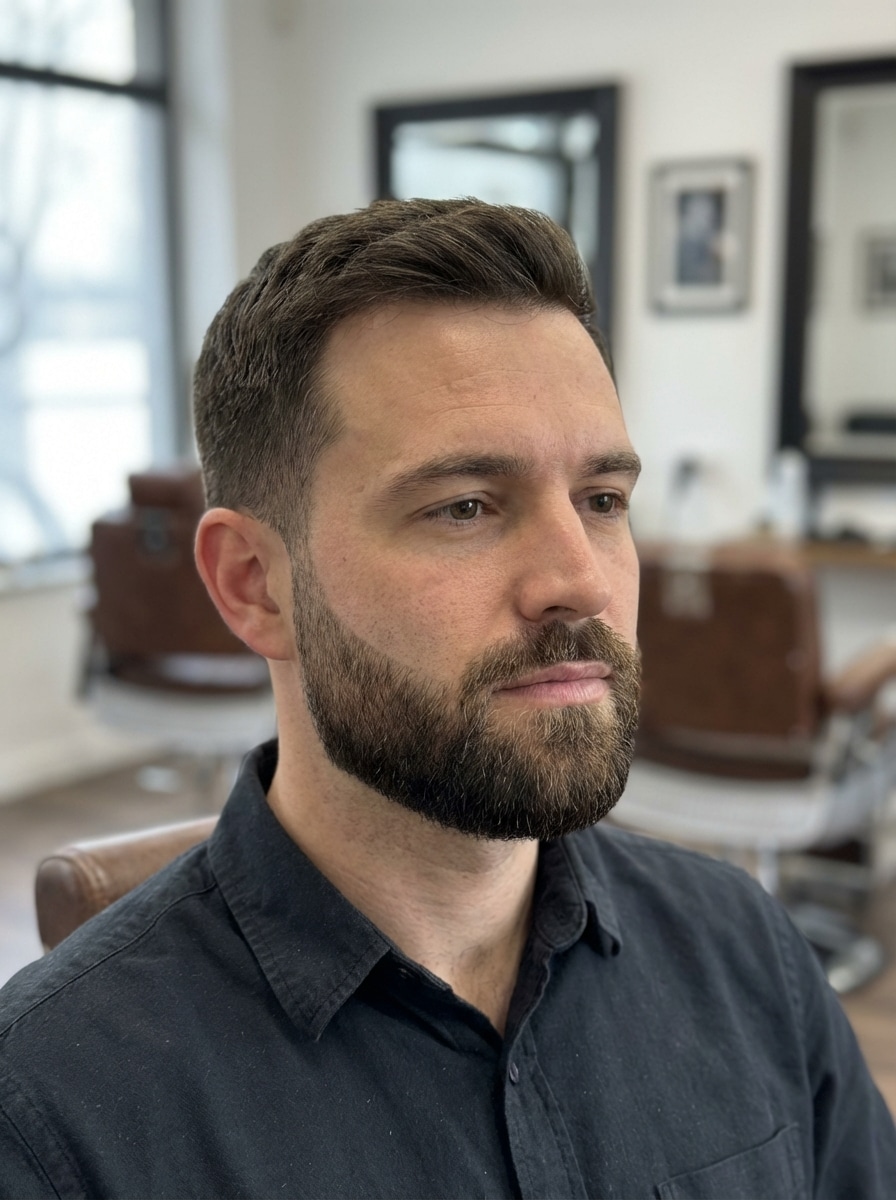
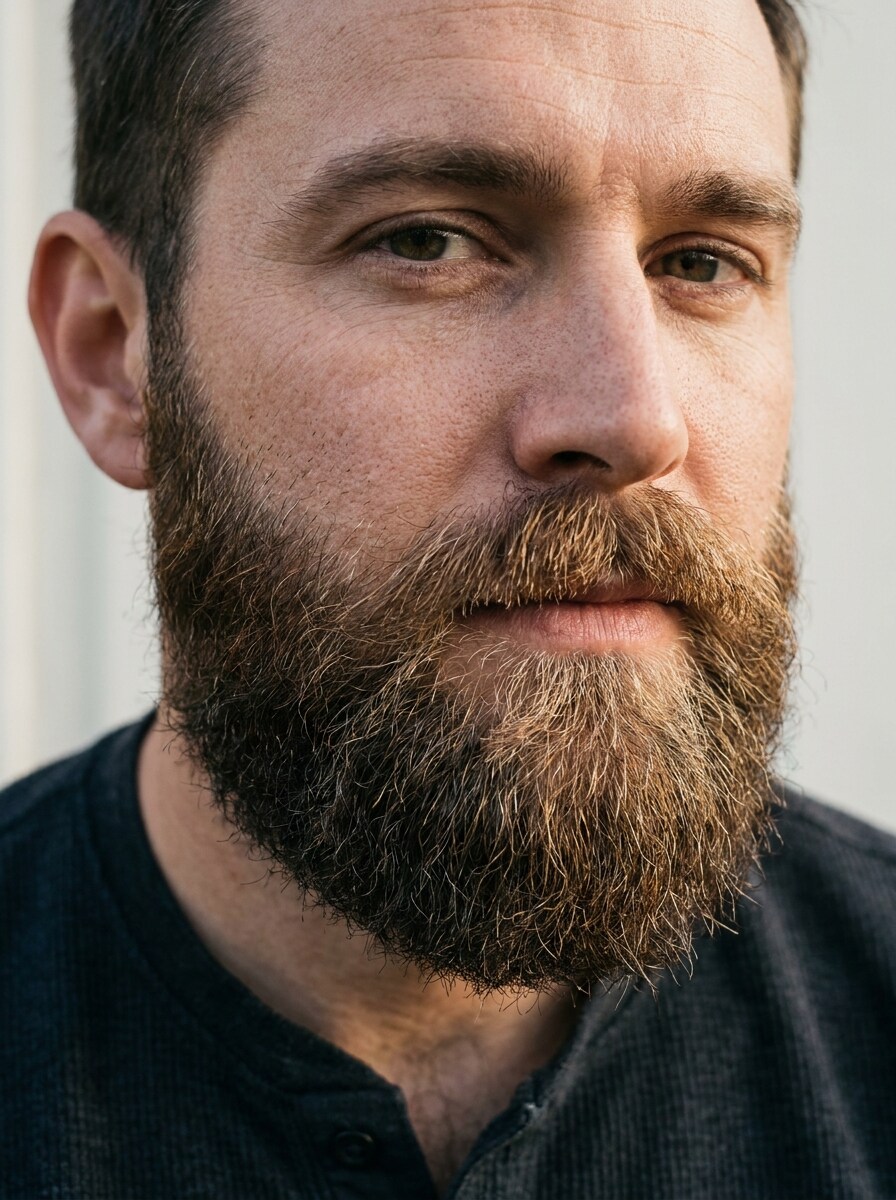
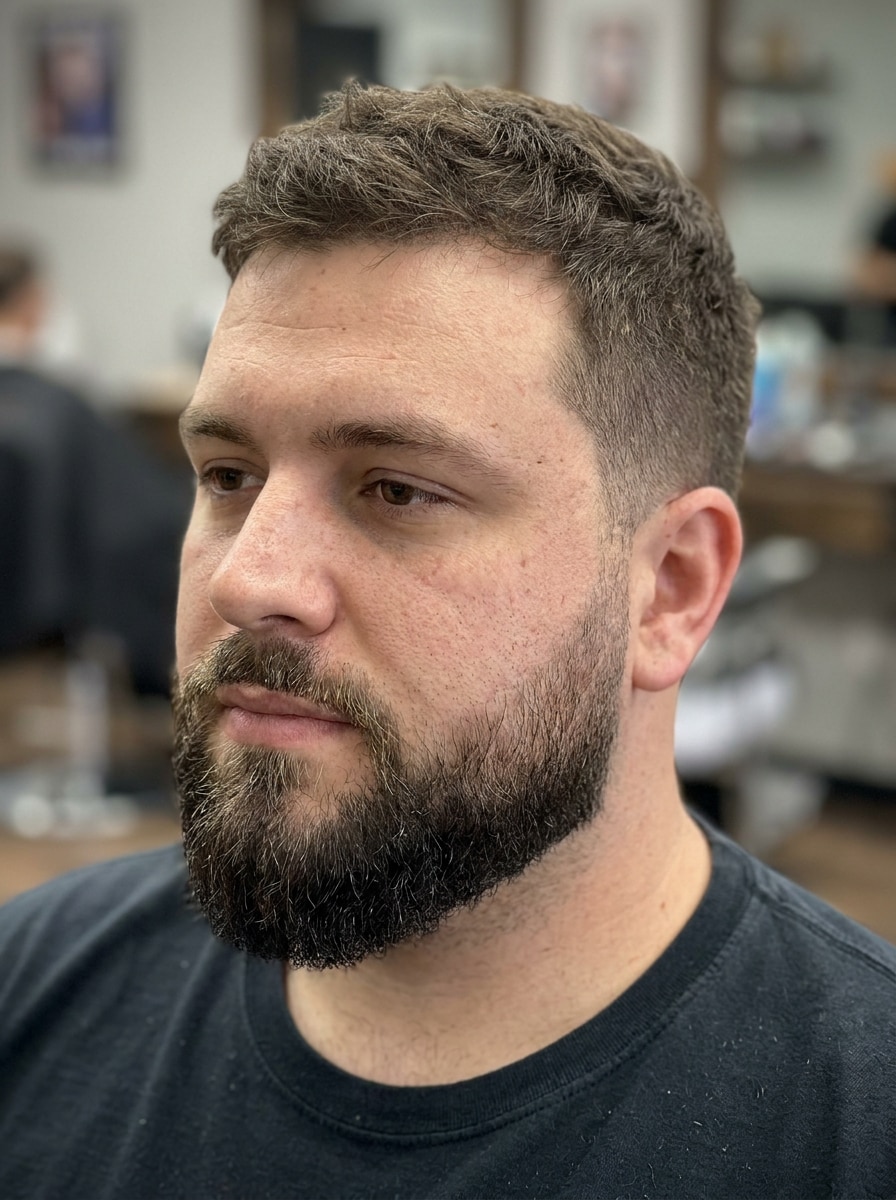
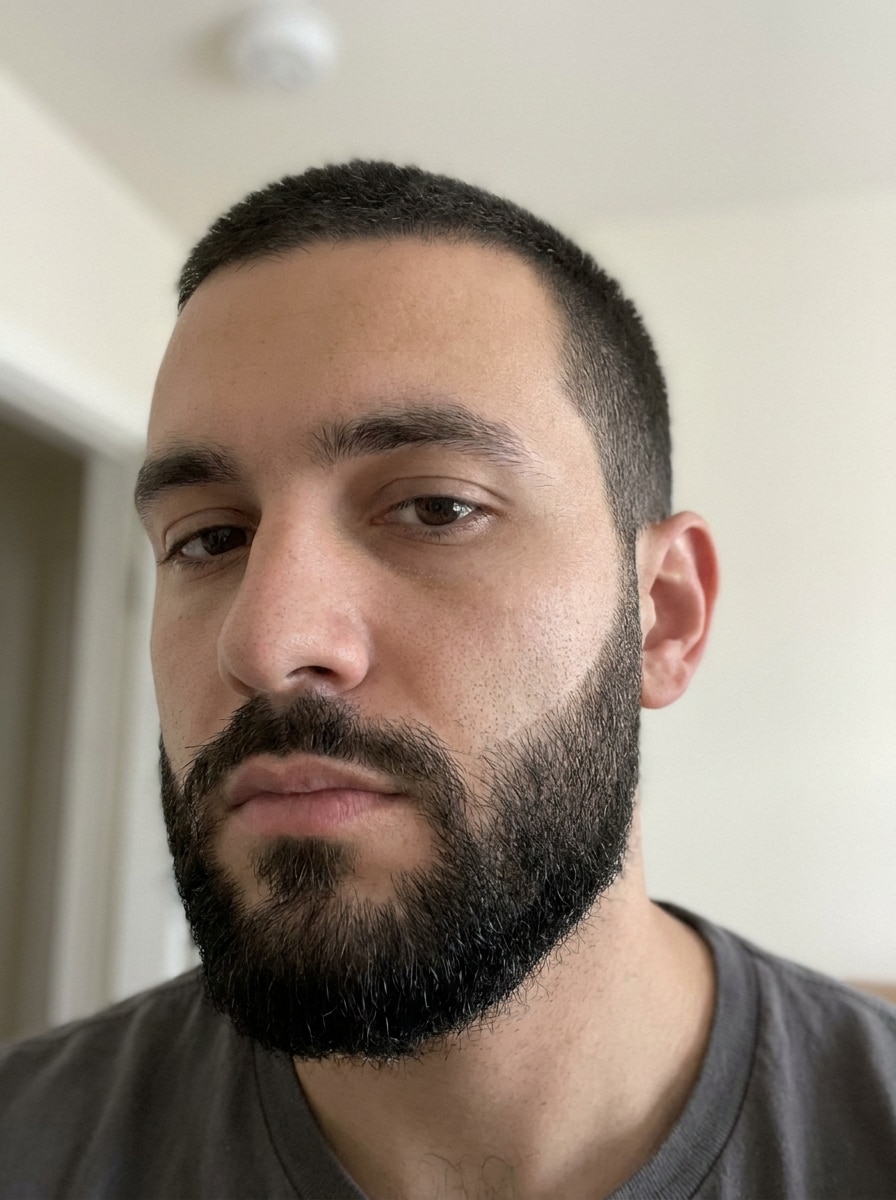
Beard Style Finder That Shows Realistic Looks on Your Photo

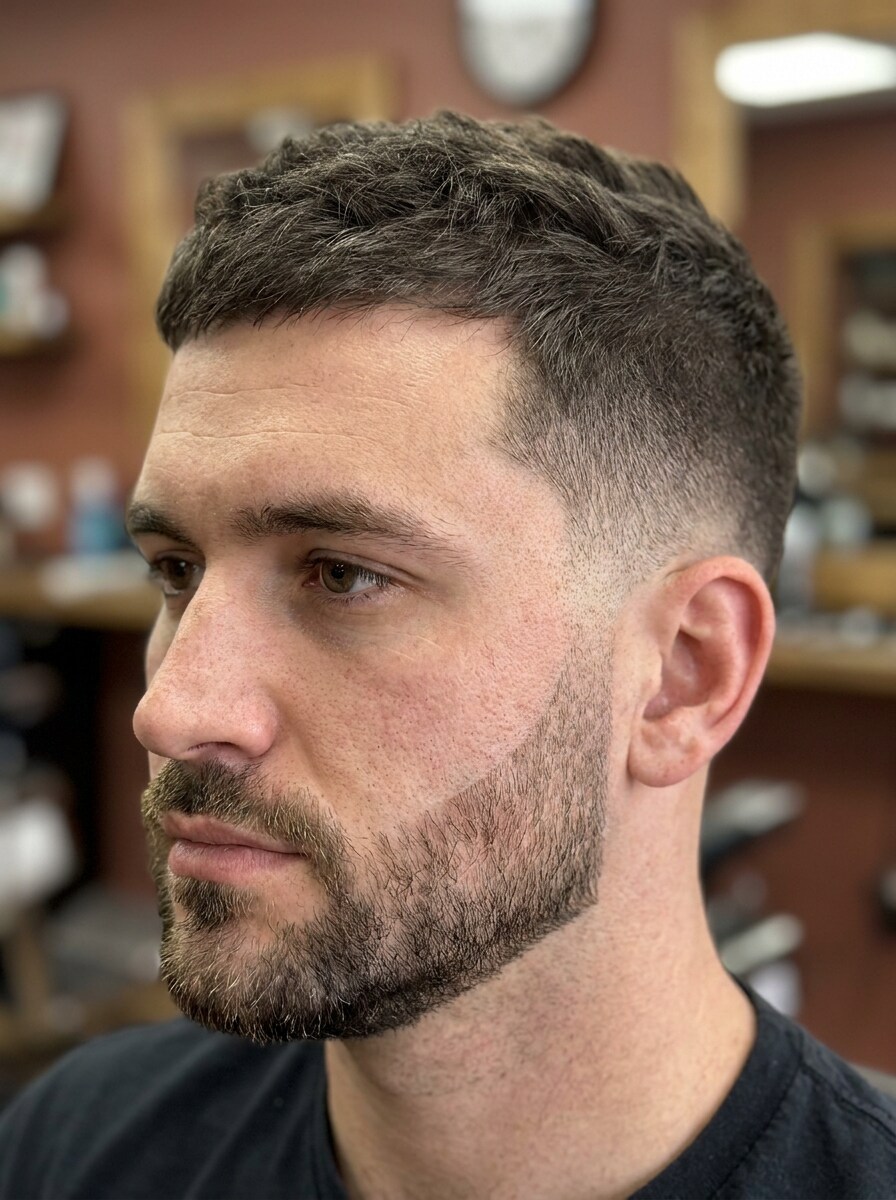
Beard Style Finder Before
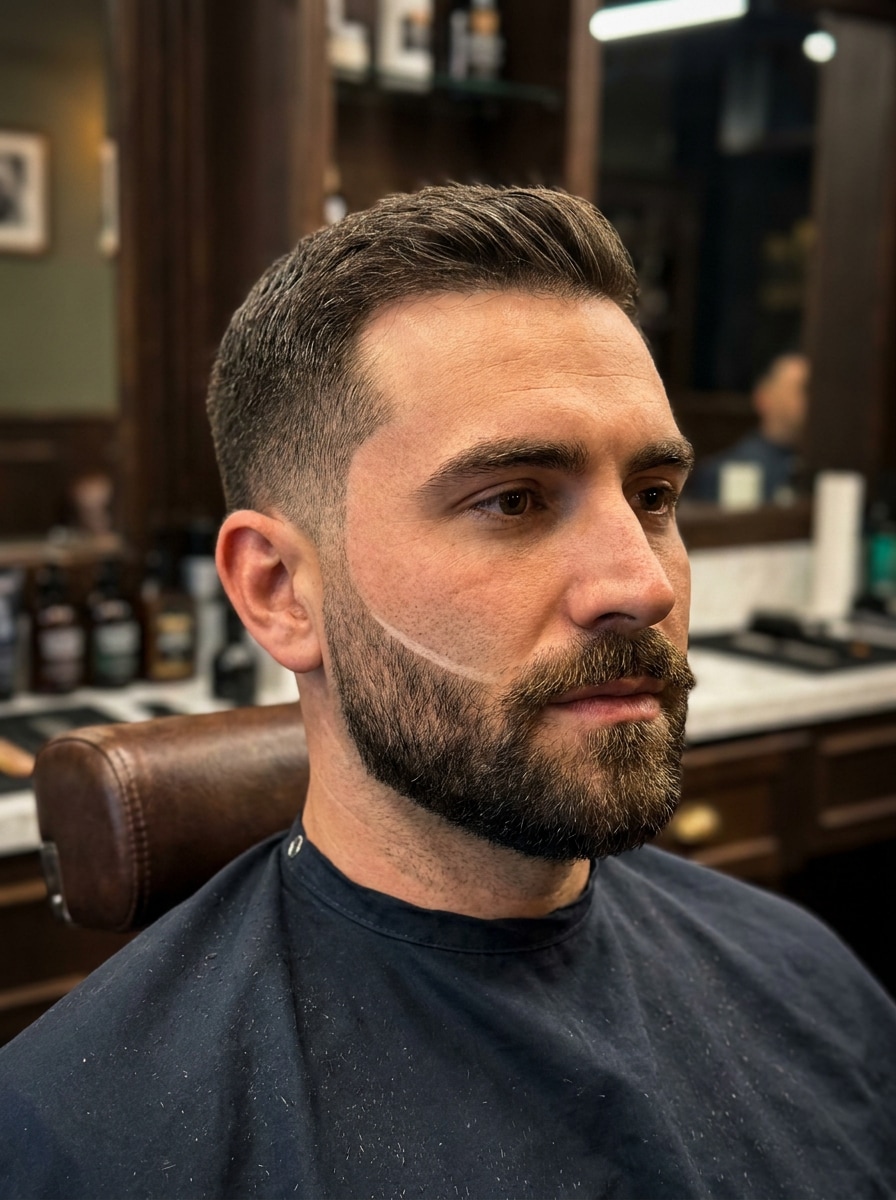
Beard Style Finder After

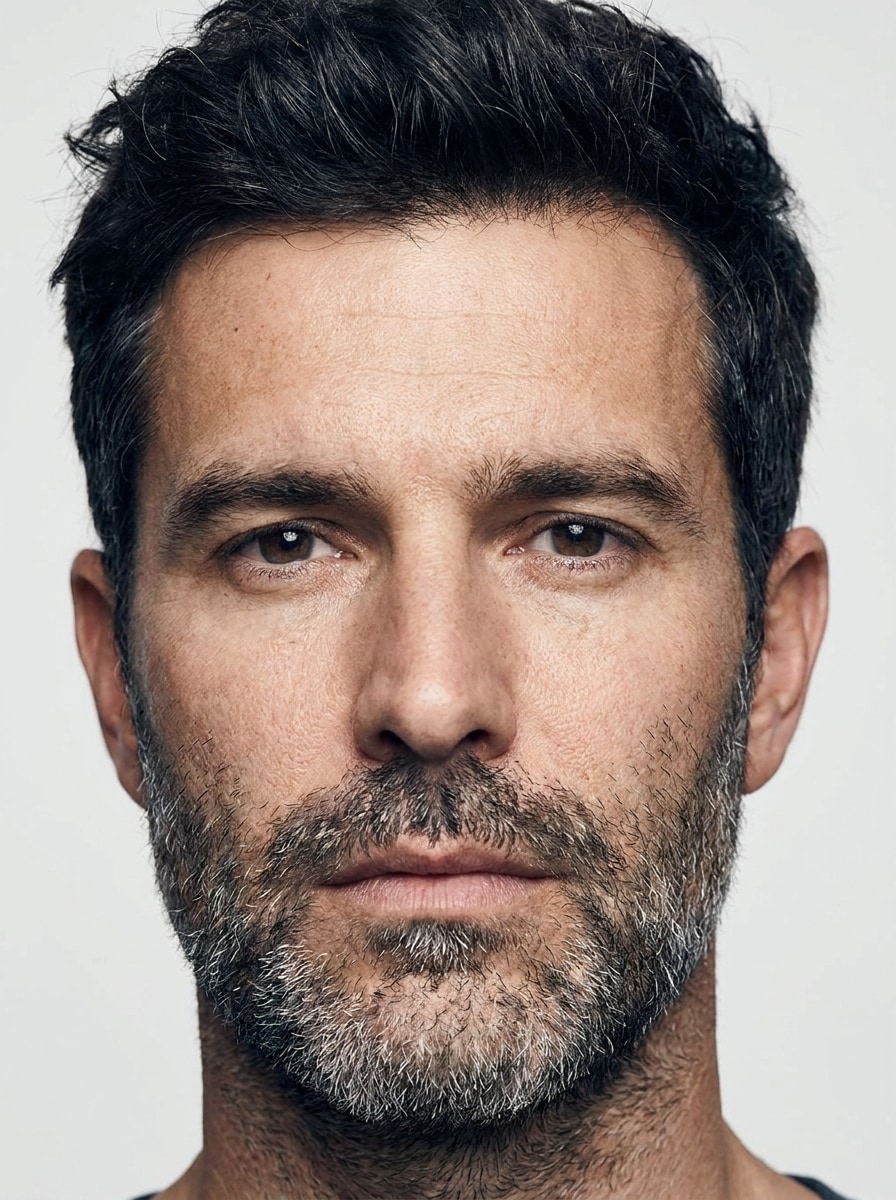
Use this beard style finder to preview stubble, goatee, boxed, and full beard looks on your own selfie. Media.io helps you see what beard suits my face, compare styles quickly, and find a flattering beard for your face shape without downloading an app. It is also a practical option for best beard style for my face.

Try My Beard Styles

Type your idea -> AI designs it. Free to try.

Review these example directions, then tailor the prompt details to get stronger results with this Beard Style Finder in Media.io.

Natural Heavy Stubble

Natural Heavy Stubble

Use the uploaded image as the subject and transform it with realistic natural heavy stubble. Keep the same face, hairstyle, skin texture, and expression, with soft even beard density across the jaw, chin, and upper lip, natural hair direction, balanced contrast, clean grooming, and true-to-life lighting.

Classic Goatee

Classic Goatee

Use the uploaded selfie as the subject and apply a classic goatee with a connected moustache and neatly shaped chin beard. Preserve the original face shape, lighting, and skin detail while adding crisp edges, realistic hair density, a polished barbershop finish, and natural tonal blending around the mouth and chin.

Short Boxed Beard

Short Boxed Beard

Use the uploaded portrait as the subject and transform it with a short boxed beard. Keep the face recognizable while adding sharp cheek lines, trimmed jaw coverage, controlled beard volume, realistic texture, smooth blending near the sideburns, and clean masculine structure with natural lighting and detailed skin preserved.

Full Beard

Full Beard

Use the uploaded face as the subject and generate a realistic full beard with balanced volume across the cheeks, jaw, chin, and moustache. Maintain the same identity, hairstyle, and lighting while adding detailed strand texture, natural growth direction, soft edge transitions, and a confident, well-groomed finish.

Beard for Round Face

Beard for Round Face

Use the uploaded selfie as the subject and apply a beard style flattering for a round face. Add more length at the chin, keep the sides tighter, and shape the beard to create a leaner silhouette, sharper jaw definition, realistic texture, natural density, and seamless lighting consistency.

Beard for Oval Face

Beard for Oval Face

Use the uploaded photo as the subject and create a beard style that suits an oval face. Keep the proportions balanced with clean cheek lines, moderate fullness, defined chin structure, realistic beard strands, and a natural professional finish that enhances the face without overpowering it.

Jawline Enhancing Beard

Jawline Enhancing Beard

Use the uploaded image as the subject and add a beard designed to sharpen the jawline. Shape precise cheek lines, fuller coverage along the jaw and chin, and controlled side density while preserving facial identity, natural skin texture, realistic hair growth, and flattering depth with clean lighting.

Fade Beard Blend

Fade Beard Blend

Use the uploaded portrait as the subject and generate a faded beard blended smoothly into the sideburns and haircut. Keep edges crisp, beard density realistic, and transitions subtle, while preserving the original face, skin texture, background, and lighting for a modern barbershop-inspired look.

Designer Beard

Designer Beard

Use the uploaded selfie as the subject and transform it with a sharp designer beard. Add precise contours, crisp cheek lines, clean moustache shaping, and even beard density while keeping the original face recognizable, the lighting natural, and the skin texture realistic for a premium groomed appearance.

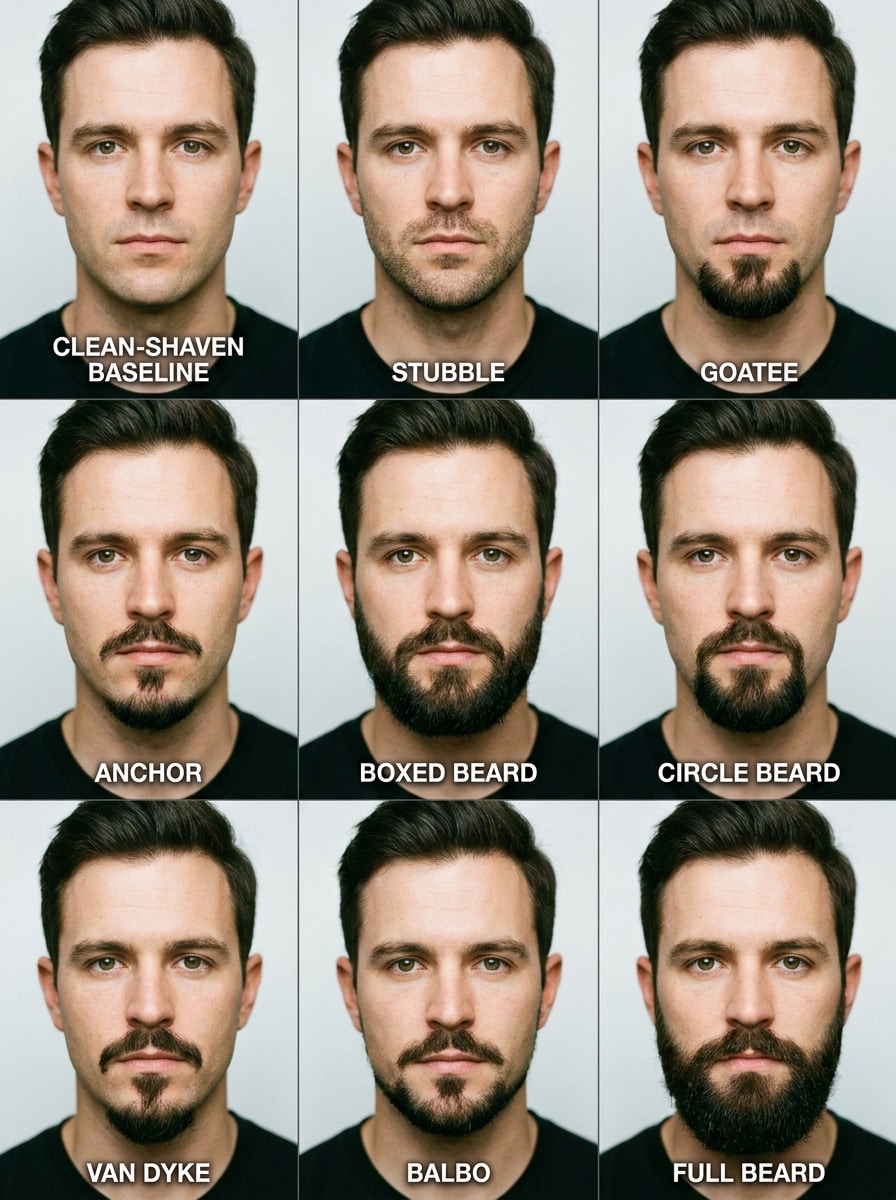
9-Style Comparison Grid

9-Style Comparison Grid

Use the uploaded selfie as the subject and create a 3x3 comparison grid showing nine realistic beard variations. Include stubble, goatee, anchor, boxed beard, circle beard, van dyke, Balbo, full beard, and clean-shaven, keeping the same face, angle, lighting, and labeled layout for easy decision-making.

Why Use Media.io for a Virtual Beard Try-On

Personalize Results Around a Reference Subject

If you are asking which beard suits my face, Media.io lets you upload a real selfie and preview facial-hair changes on your actual features, so you can see which beard will suit my face before making a real grooming decision.

Rework One Subject Into Multiple Styles

For visuals you want to reuse in presentations, content mockups, or branded assets, Media.io can generate a sharper beard style finder image up to 4K, helping every beard preview stay clear and polished.

Create High-Resolution Images for Real Use

If the final beard style finder visual will be reused beyond a small preview, Media.io helps deliver sharper results up to 4K so the image stays more reliable in practical design and presentation work.

Try beard ideas anywhere without installing an app

Some beard style finder visual concepts get drafted on the go and finished later at a desk. Media.io keeps that process online, so you can return to the same workflow without extra installs or setup.

How to Use This AI Beard Style Finder

Turn your words into stunning visuals in three simple steps, then continue refining the result if you want to take it further.

how to use image to image AI for beard style finder step 1
Step 1

Upload Your Reference Image

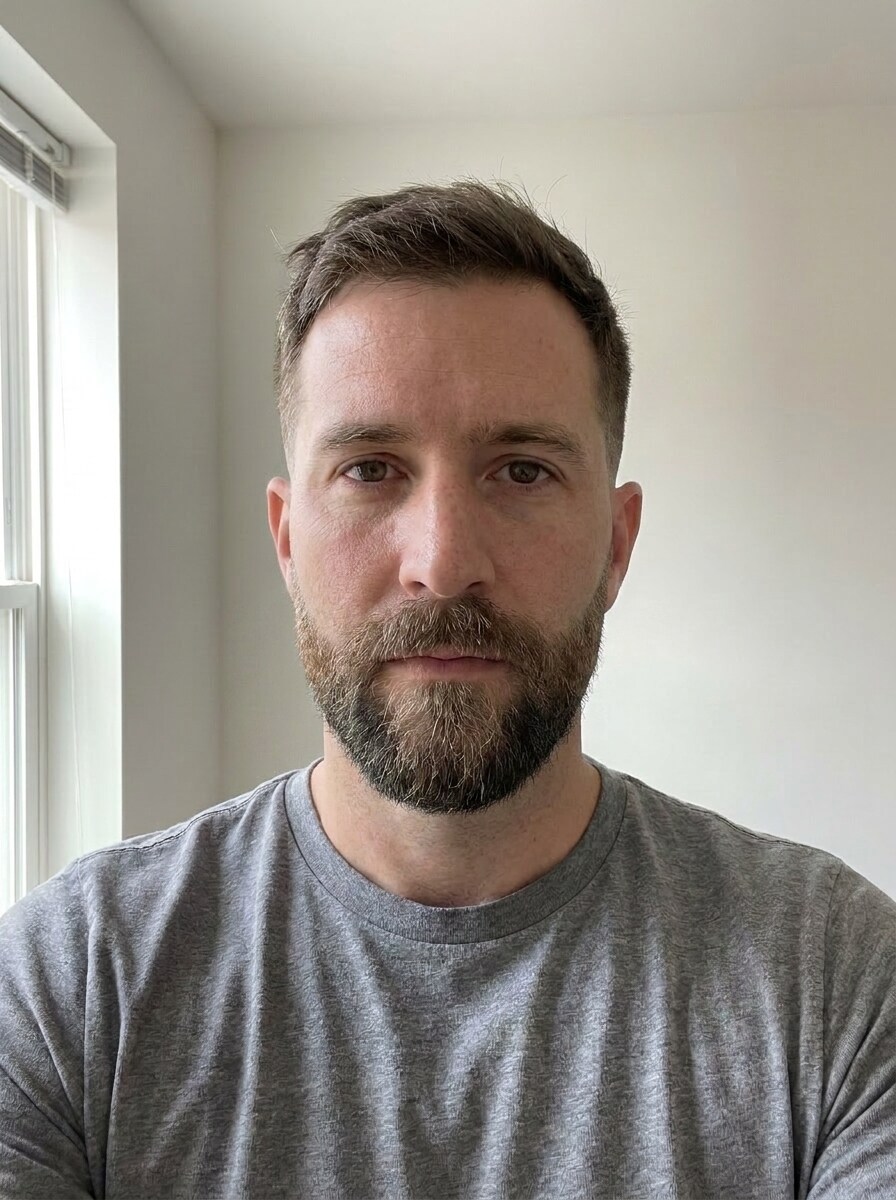
Start with a clear selfie or portrait where your face is easy to see. A front-facing image with good lighting helps the AI beard style finder place stubble, goatee, or fuller beard shapes more accurately on your features.

how to use image to image AI for beard style finder step 2
Step 2

Describe the Change and Set Options

Type the beard look you want to test, such as a short boxed beard, jawline-enhancing beard, or a style for a specific face shape. Then choose your model and adjust aspect ratio, quality, or image count if you want multiple variations.

how to use image to image AI for beard style finder step 3
Step 3

Generate, Download, and Keep Improving

Create the preview, compare results, and download the beard looks you like best. If you are still deciding which beard style suits my face, edit the prompt, try another beard shape, or generate more versions until one feels right.

Unlock the Potential of Beard For Your Face Shape

See how creators use this Beard Style Finder for content, marketing, and personal projects, then adapt each idea to fit the brief.

Preview a new look before a barber visit

Test stubble, goatee, or a fuller cut on your selfie before committing in the chair. Media.io gives you a practical way to answer questions like beard for your face shape, best beard for my face shape, and best beard shape for my face with a visual preview instead of guesswork.

Compare face-shape-friendly styles side by side

If you are asking which type of beard suits my face, what type of beard suits my face, or what beard style suits my face, generate several variations in Media.io and review how each one changes chin length, cheek width, and jaw definition.

Create realistic content for grooming decisions and social shares

Use an on-face preview to build before-and-after posts, reveal videos, or personal style boards. A visual beard analyzer or beard style recommender in Media.io is often more helpful than generic charts when you want to see which beard style suits my face.

What Users Say

user
Marcus T.

Content Creator

star star star star star

"Much better than a beard quiz" I wanted to know the best beard for my face, and this gave me actual image previews instead of generic advice. Seeing multiple styles on my own selfie made the choice way easier.

user
Ethan R.

Barbershop Client

star star star star star

"The side-by-side comparison helped a lot" I tested heavy stubble, a goatee, and a boxed beard before my appointment. The results looked surprisingly natural, especially around the jawline and moustache area.

user
Daniel C.

Marketing Designer

star star star star star

"Easy to use on desktop and phone" I opened it in my browser, uploaded one selfie, and got several beard variations fast. It felt straightforward and was useful for deciding what style looked most balanced.

user
Noah P.

Style Blogger

star star star star star

"Useful for face-shape testing" I was specifically looking for the best beard for your face shape, and the previews made the differences clear. The jawline-enhancing and short boxed options were especially convincing.

Beard Style Finder FAQs

1. How does an AI beard style finder work?

An AI beard style finder uses your uploaded selfie as a reference image, then applies the beard look described in your prompt. In Media.io, you can upload a JPG, PNG, or JPEG photo, choose an image-to-image model, and generate realistic beard variations that keep your face recognizable while changing facial hair style, shape, and density.

Yes, free users can try beard styles with free credits on Media.io. If you need more generations or want watermark-free high-resolution downloads, you can check the pricing page for available plan options.

The best choice depends on how much length, width, and jaw definition you want to emphasize in your portrait. Media.io helps you test different looks on your own face, so if you are wondering best beard for my face, best beard for your face shape, or which beard style suits my face, you can compare realistic results instead of relying only on beard charts.

Results can look very realistic because Media.io uses your original selfie as the reference and preserves core facial features while editing the facial hair. Realism improves when you upload a clear photo with good lighting, since the beard texture, edge lines, and shading can match the face more naturally.

Media.io supports batch generation, so you can create more than one variation in a session and compare different beard looks faster. That is especially useful if you want to review stubble, goatee, boxed, or full beard options side by side before choosing a final style.

Media.io is web-based, so the beard simulator works on any device with a browser, including phones, tablets, laptops, and desktop computers. You do not need to install a separate app to upload a selfie and test beard styles.

Media.io Online AI Tools Quality Rating:
vote 4.7 (162,357 Votes)