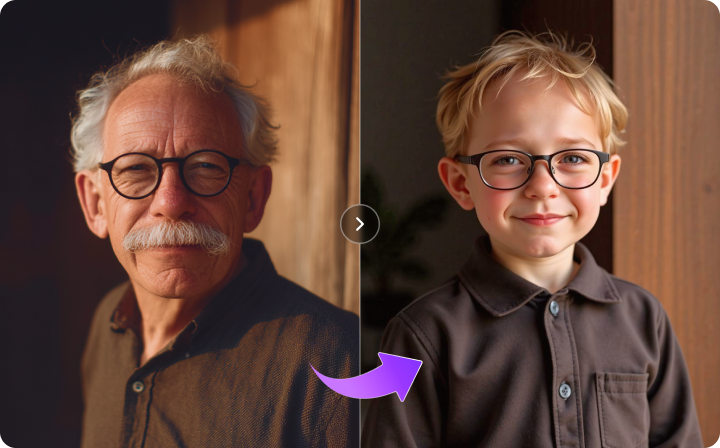
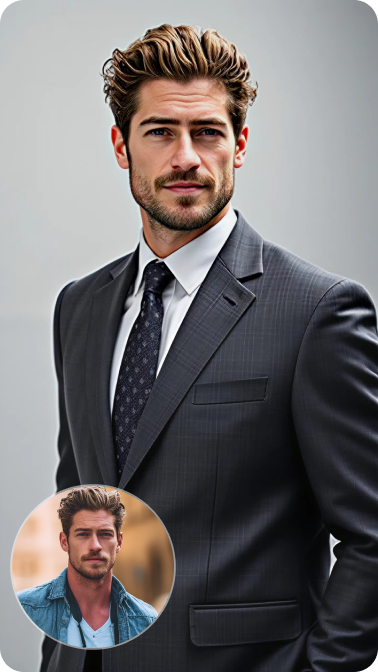
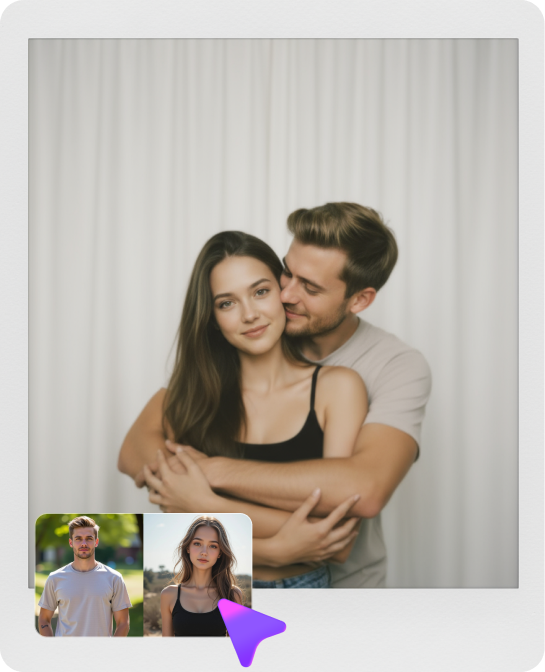
您的圖片坐上駕駛座
透過將您上傳的圖片作為駕駛的身份參考,讓飛行車時刻更加個人化。將您的臉放在方向盤後方,圍繞您可辨識的特徵、髮型和表情來建構場景。
使用 Tesla 飛行車 AI 影片編輯提示詞,將塞車拋在腦後。用您的圖片化身駕駛,按下儀表板按鈕,從滿是車輛的道路上起飛。探索可直接複製的提示詞,包括逃離車陣、電影感 Roadster 風格飛行,以及保留您可辨識特徵的參考影片混搭。
透過將您上傳的圖片作為駕駛的身份參考,讓飛行車時刻更加個人化。將您的臉放在方向盤後方,圍繞您可辨識的特徵、髮型和表情來建構場景。
將日常的塞車延誤變成科幻逃脫:在車陣中等待、按下按鈕、飛升到其他車輛之上。冷靜的駕駛與不可思議的起飛之間的反差,正是這段影片的亮點。
打造電影感的飛行車場景,包含密集車流、玻璃大樓、逼真的反射光影,以及清晰的向上升空。讓周圍的車輛留在路面上,使逃脫過程從第一幀起就一目了然。
將駕駛場景圖片製成動畫,或更換參考影片中的駕駛。選擇簡單的車陣起飛、Roadster 風格的城市飛行,或趣味寵物駕駛版本,為同一個創意賦予不同的個性。
選擇一張您本人或經授權成人的清晰圖片。若使用圖片轉影片,請準備一張顯示人物坐在車陣中車內的起始圖片。若使用參考影片混搭,請使用清晰的肖像作為身份參考。
複製下方的Tesla 飛行車 AI 影片提示詞,並與您的素材配對。定義按鈕按壓、垂直起飛、飛行方向和鏡頭運動,或使用參考影片提示詞來跟隨現有片段。
生成並預覽您的個人化飛行車 AI 影片。檢查駕駛的臉部、按鈕按壓、車身形狀和起飛方向。下載您滿意的版本,然後加上字幕和音效,發佈到 Reels、TikTok 或 Shorts。

駕駛場景圖片 + 動態提示詞

將駕駛場景圖片變成飛越車陣的電影感逃脫。 提示詞:"Animate Image 1 into an 8-second, 9:16 fictional Tesla flying car AI video. Use the uploaded driving scene as the starting frame. SAME IDENTITY: preserve the driver's face, hair, outfit, and seated position. Keep the same car body, paint, windows, and four wheels. Begin with the car stopped in dense city traffic, viewed through a smooth exterior three-quarter tracking shot. The driver lowers their phone, presses one console button, and returns their hand to the wheel. The car rises vertically above the surrounding vehicles, levels out, then flies forward in the direction of traffic. Other vehicles stay on the road. Keep the driver visible through the side window, with coherent shadows, reflections, and city perspective. One continuous shot. NO DUPLICATE driver or car, NO NEW SCENES, no wings, transformation, barrel roll, collisions, distorted hands, changing car geometry, text, or watermark."
車內視角圖片 + 起飛提示詞
從車內視角捕捉「飛行 Roadster 第一天」的時刻。 提示詞:"Animate Image 1 into a 10-second, 9:16 fictional Roadster-style flying-car video. Start from the uploaded wide-angle cabin image with one adult driver wearing a seatbelt. SAME IDENTITY throughout: preserve the face, hairstyle, clothing, and body proportions. Use one fixed dashboard-mounted fisheye camera that shows the driver, steering wheel, and city outside the windows. The driver glances at the stopped traffic, gives a small amused smile, and presses a console button. The car lifts smoothly above the road, pauses briefly, then glides forward above the traffic. The driver keeps both hands on the wheel during flight and reacts with a delighted expression. Show the street receding naturally below the windows. Keep the cabin, dashboard, window frames, and lighting consistent. NO DUPLICATE people, NO NEW SCENES, no camera cuts, spinning cabin, barrel roll, warped face, extra fingers, detached seatbelt, text, or watermark."
一張身份圖片 + 參考影片
使用相容的參考影片工作流程,將自己放入現有的飛行汽車片段中。提示詞:「使用 Video 1 作為精確的動態、場景和編輯參考。僅將原始駕駛的臉部和頭髮更換為 Image 1 中的成年人。每個相關鏡頭中保持相同身份:保留 Image 1 的臉部結構、膚色、髮型和面部毛髮。保留參考駕駛的身體、服裝、座位位置、手勢和動作時間點。遵循實際的參考鏡頭順序、攝影機角度、運動、時長和長寬比。保留手機互動、按鈕按壓、起飛、飛行路徑以及 Video 1 中已存在的任何其他動作。不要自行創造翻轉、降落或額外的飛行序列。保持汽車、儀表板、周圍交通、建築物、光線、反射和色彩分級不變。將更換應用於每個可見的駕駛特寫、側面和廣角鏡頭。不要重複、不要新增場景、不要回復原始臉部、不要臉部混合、不要額外乘客、不要在車窗上出現臉部、不要添加翅膀、不要車輛變形、不要服裝閃爍。」
準備好的寵物駕駛圖片 + 動態提示詞
讓您的狗狗或貓咪來一場趣味的逃離塞車之旅。 提示詞:"Animate Image 1 into an 8-second, 9:16 fictional pet flying-car video. Start from the prepared image of one pet sitting upright in the driver's seat of a parked futuristic electric sports car. Preserve the pet's exact fur colors, markings, ear shape, muzzle, and eye color. SAME IDENTITY throughout. Keep the same car, seat harness, steering wheel, and city traffic. From a stable exterior side-window view, the pet looks ahead, presses one large console button with a front paw, then places the paw back near the steering wheel. The car rises smoothly above the surrounding vehicles and glides forward while the camera tracks alongside it. The pet stays seated with a calm, curious expression. Keep all other cars on the road and maintain consistent scale, reflections, and lighting. Exactly one pet driver, NO DUPLICATE, NO NEW SCENES, no human hands, extra paws, changing fur, wings, transformation, collisions, text, or watermark."
Tesla 飛行車 AI 影片趨勢將塞車變成虛構的逃脫:駕駛按下按鈕,車輛升空,飛越下方的車陣。個人化版本會將上傳圖片中的人物放在方向盤後方。這些創意 AI 場景並非展示真實的車輛功能。本頁面與 Tesla 無任何關聯或背書關係。
可以。若使用圖片轉影片,請從一張顯示您的角色坐在車陣中車內的圖片開始,然後製作起飛動畫。如果您只有一張肖像,請先建立駕駛場景圖片。若要更換現有片段中的駕駛,請將您的肖像搭配支援參考影片的工作流程使用。
使用清晰的身份圖片,並將該人物僅指定為駕駛。在相容的參考影片工作流程中,指定原始的鏡頭順序、手勢、按鈕按壓、飛行路徑和鏡頭運動。要求在每個可見的駕駛鏡頭中保持相同身份。僅靠文字提示詞會引導出新的詮釋,而非精確重現現有片段。
第一次嘗試時保持簡單:一次按鈕按壓、一次垂直升空、一段短距離向前飛行。指定一致的車身、車漆顏色、車輪和車艙。讓附近的車輛留在路面上,並保留自然的陰影。只有在基本起飛看起來連貫之後,才加入複雜的鏡頭變化、翻轉或降落。
Reels、TikTok 和 Shorts 請使用 9:16,留出足夠空間同時顯示駕駛和起飛畫面。試試「塞車塞到受不了」或「我的通勤,升級了」之類的字幕。在編輯時加入按鈕點擊聲和上升呼嘯音效。音訊支援因模型而異;請將完成的場景標示為 AI 生成。
 4.7(162,357 票)