















Create Realistic AI Sound Effects with Media.io
Explore realistic AI sound effects generated with Media.io. From cinematic impacts and nature sounds to game audio, social media SFX, and custom sound effects, discover how Media.io's AI sound effects generator turns simple text prompts into high-quality audio in seconds.
Cinematic Impact


Nature Ambience
Game UI Sound
Sci-Fi Laser
Horror Suspense
Social Media Pop
Everything You Need in Media.io's
AI Sound Effect Generator
Media.io’s AI sound effects generator makes it easy to turn text prompts into realistic, custom SFX for videos, games, podcasts, ads, and social media. No sound design skills needed—just describe the sound you want and generate high-quality audio in seconds.
Less Searching, Turn Text into Sound Effects in Seconds
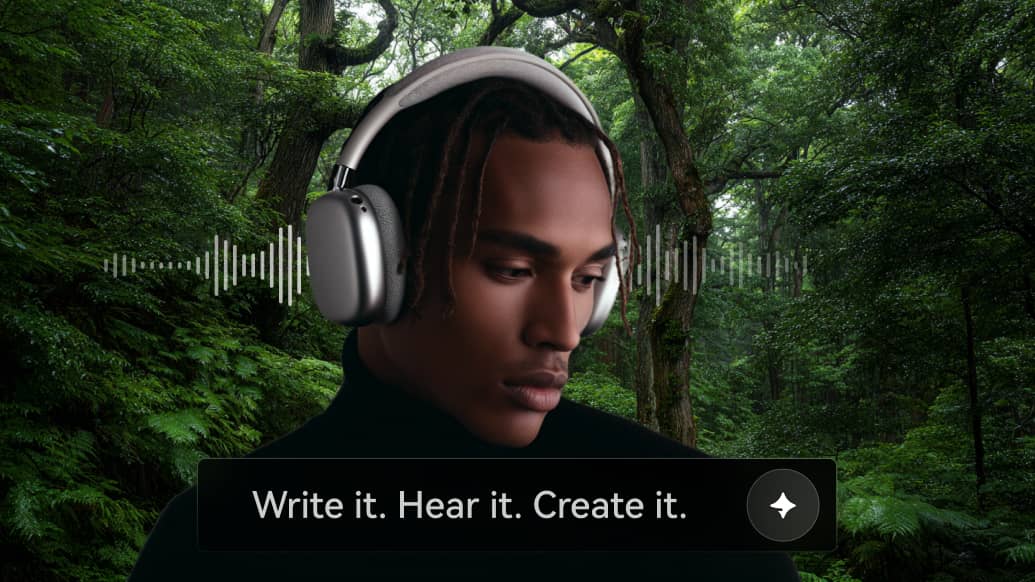
Simply describe the sound you want—such as "heavy rain in a forest" or "futuristic laser shot"—and Media.io's AI will instantly generate it. This advanced AI text to sound effect technology eliminates the need for manual recording or complex audio editing. Instead of searching through large sound libraries, you can create exactly what you need on demand.
Precise Control with Smart Prompt Optimization
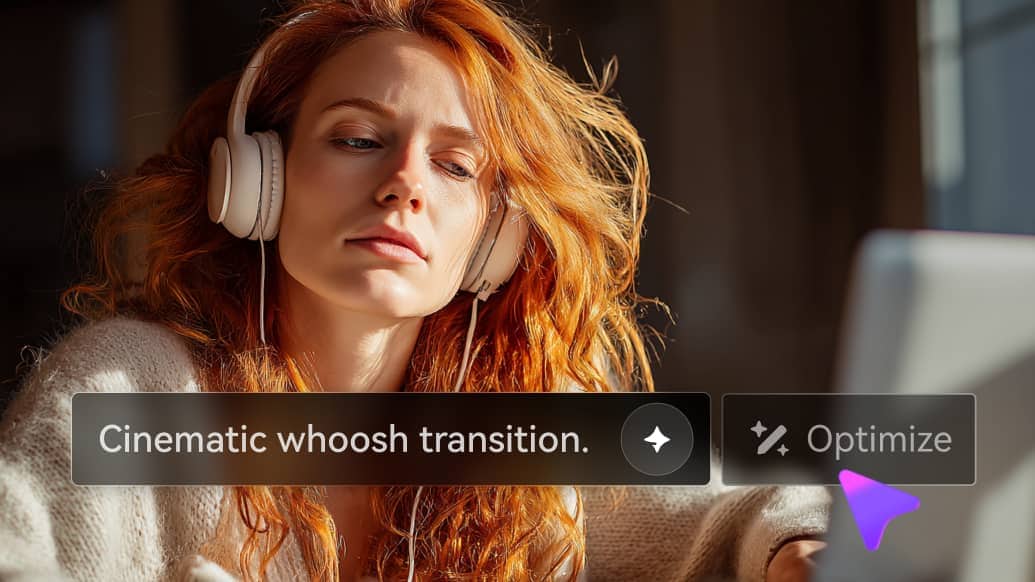
Take full creative control with detailed prompts—while letting AI enhance them for you. In addition to manually describing your desired sound (such as environment, mood, intensity, or style), Media.io's AI Sound Effect Generator can automatically refine and expand your input using built-in prompt optimization. This means even simple or vague descriptions can be transformed into richer, more structured prompts, helping the AI text to sound effect engine generate more accurate and high-quality results.
Built for Multiple Use Cases & Sound Styles
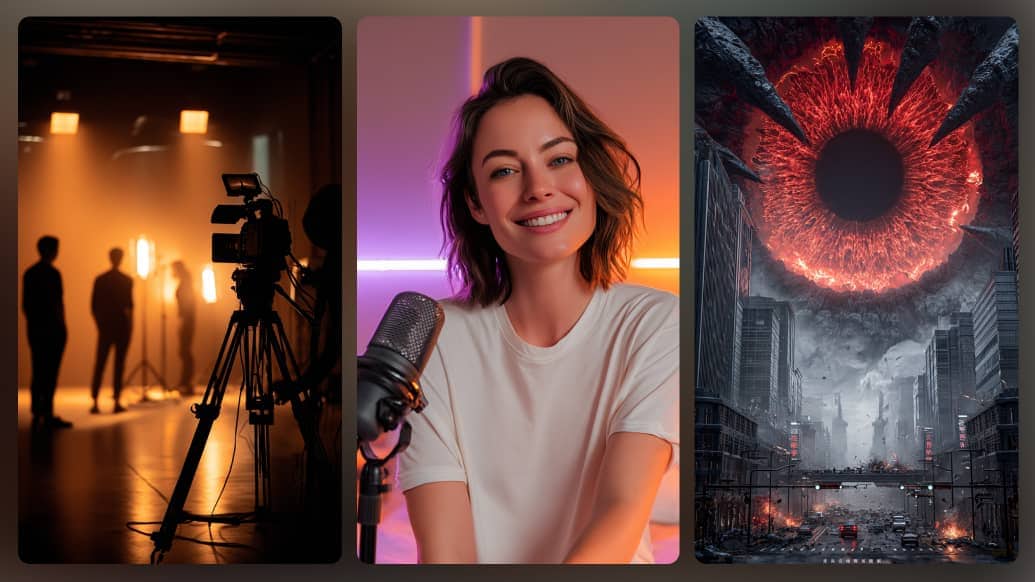
Generate sound effects across a wide range of use cases—from video production and game development to podcasts and UI design. Our AI sound effect generator supports diverse sound styles, including ambient, cinematic, action, and sci-fi, allowing you to create the right audio for any scene or creative need.
Generate Multiple Variations in One Click
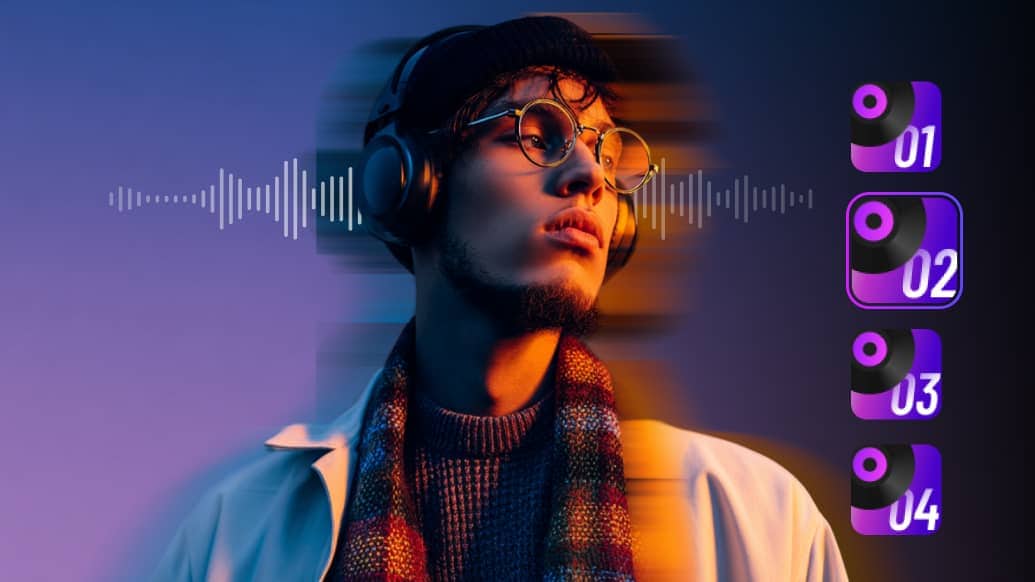
Create up to 4 sound effect variations at once, giving you multiple options to choose from. This not only speeds up your workflow but also helps you quickly find the best match without repeated generation—making the AI sound effect generator more efficient and flexible for creative exploration.
The Best Free AI Sound Effect Generator
Media.io combines cutting-edge AI with a creator-first experience. Here's why thousands of professionals choose our platform.
Lightning Fast
Generate professional sound effects in under 10 seconds. No waiting, no rendering queues.
Royalty-Free
All generated sounds are yours to use commercially. No copyright concerns, no attribution needed.
Studio Quality
High-fidelity WAV output at professional sample rates. Indistinguishable from manually designed SFX.
Online-No Download
Everything runs in your browser. No software to install, no plugins, no system requirements. Just open and create, on any device.
Sound Effects Generator
Active Creators
Average Generation Time
Max Duration
How to Generate AI Sound Effects Online
Create custom AI sound effects in just a few simple steps. Describe the sound you need, let Media.io generate it, then download and use your SFX in videos, games, podcasts, ads, or social media content.
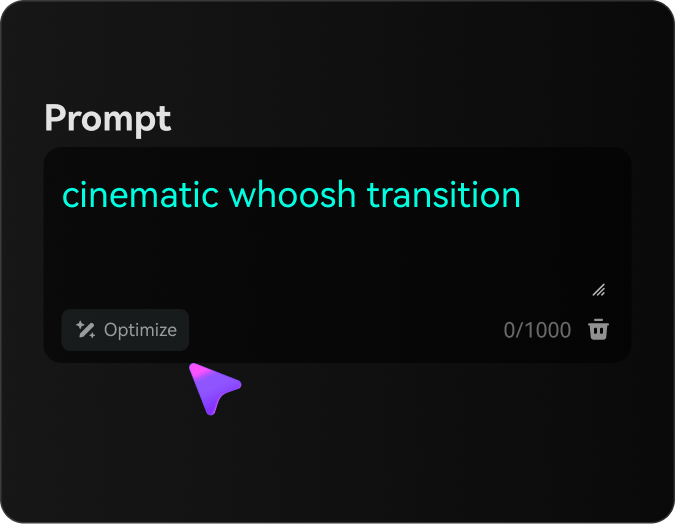
Enter Your Sound Prompt
Describe the sound effect you want, such as a cinematic boom, forest ambience, game reward sound, or sci-fi laser.
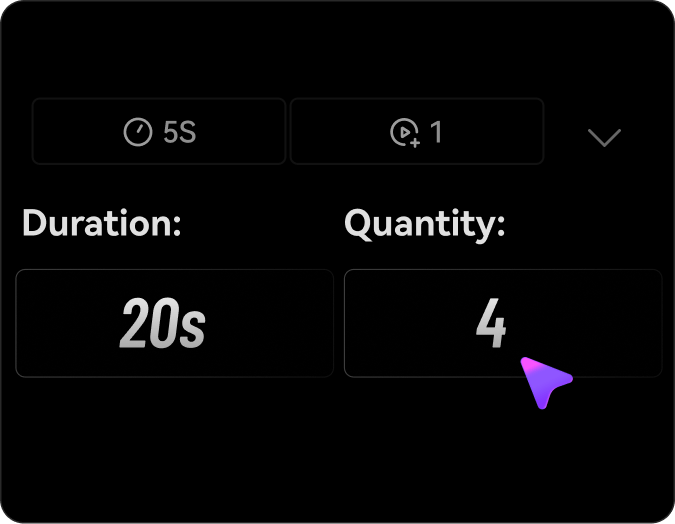
Generate AI Sound Effects
Click generate and let Media.io turn your text prompt into realistic, custom sound effects in seconds.
Preview and Download
Listen to your AI-generated sound effect, choose the result you like, and download it for your creative project.
FAQs on AI Sound Effects Maker
What can I use AI-generated sound effects for?
You can use AI-generated sound effects for videos, games, podcasts, animations, ads, social media posts, trailers, presentations, and other creative projects. Media.io helps creators generate custom SFX without searching through large sound libraries.
How should I write a good AI sound effects prompt?
Write a clear and specific prompt that describes the sound source, scene, mood, intensity, and environment. For example, instead of “rain sound,” try “heavy rain hitting a glass window at night with distant thunder and a calm cinematic atmosphere.” If you are not sure how to describe your idea, Media.io's prompt optimization feature can help refine your text prompt, add useful details, and make it easier to generate more accurate AI sound effects.
Can I use AI sound effects for commercial projects?
AI sound effects can be useful for commercial videos, games, ads, podcasts, and social media content. Before using generated audio commercially, please review Media.io’s terms and make sure your content complies with applicable copyright rules and third-party rights.
What makes Media.io different from traditional sound effect libraries?
Traditional sound libraries require you to search, preview, and compare many files before finding the right sound. Media.io lets you create sound effects from your own text prompts, helping you get custom audio faster and match your creative idea more closely.
Are AI-generated sound effects unique?
AI-generated sound effects are created based on your text prompt, so different prompts can produce different results. To make your sound effect more unique, add details about the scene, mood, style, environment, distance, and intensity.
Can I generate multiple variations at once?
Yes. You can generate up to 4 variations from a single prompt and set the duration anywhere from 5 to 40 seconds, making it easy to compare different styles and quickly choose the best result.
Explore More AI Tools from Media.io

 4.7 (162,357 Votes)