Yüzünüzü Yükleyin
 Nano Banana Pro
 Unlock your creative potential and experience the magic of Media AI right away!
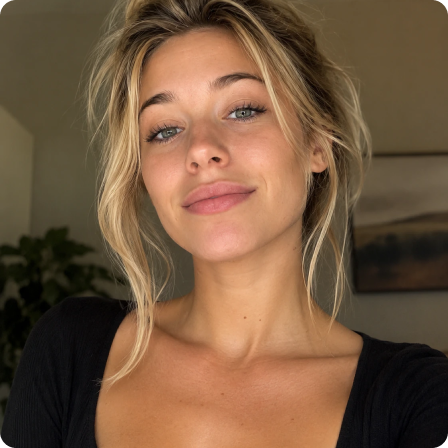
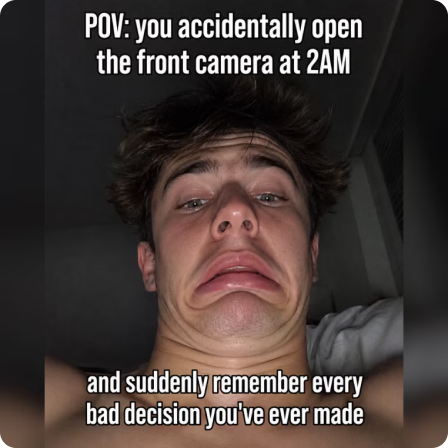
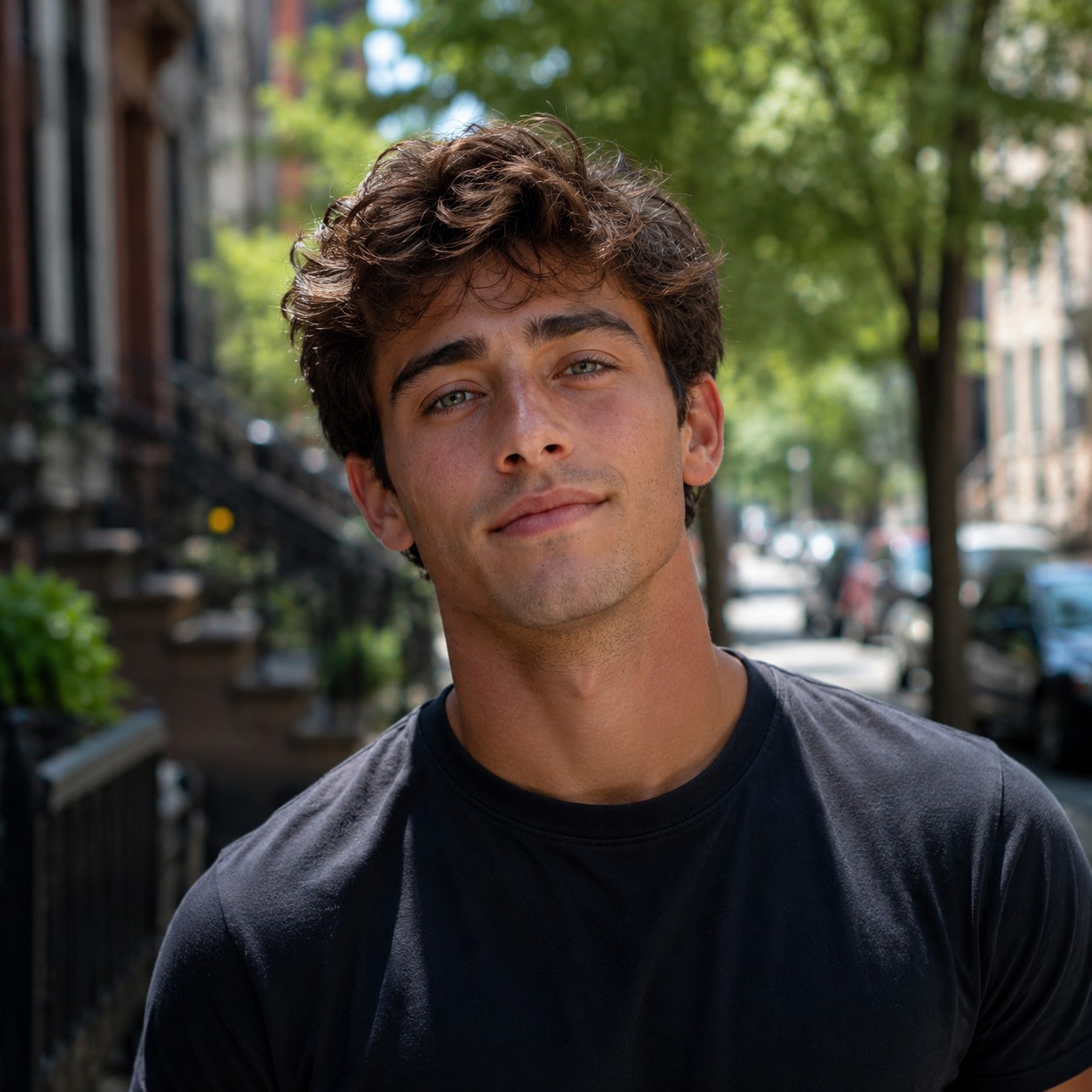
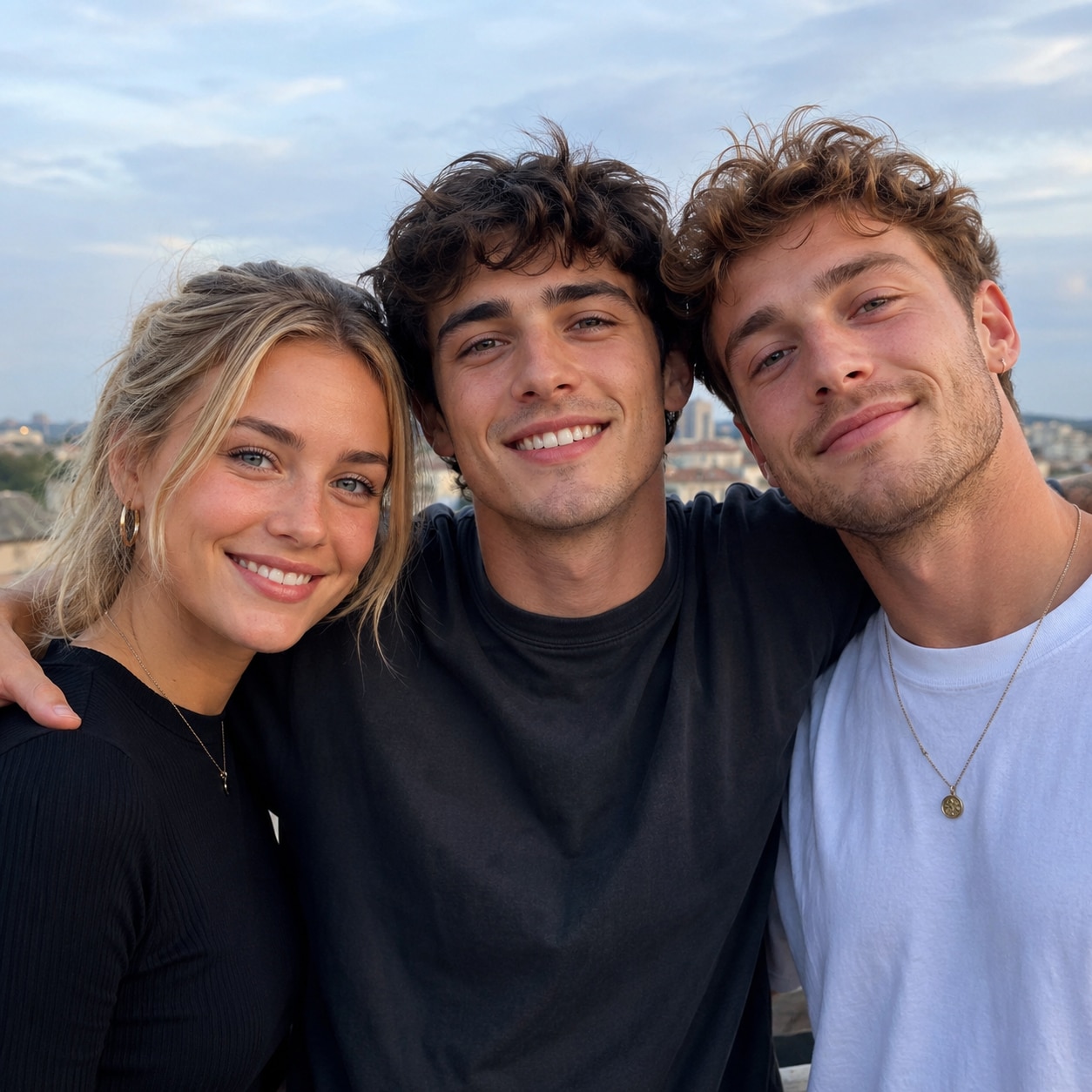
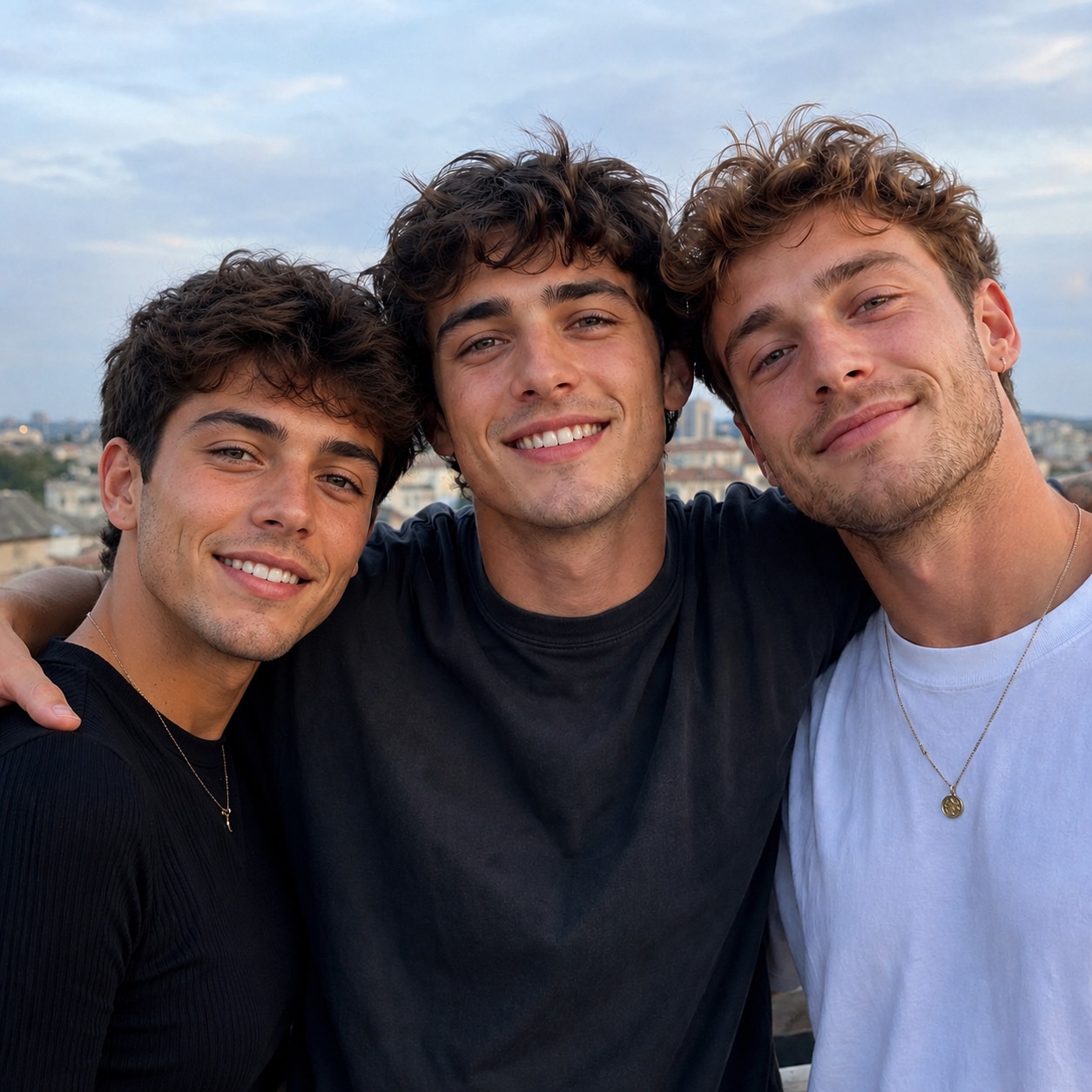
Kendi selfie'leriniz veya yetkili görüntülerle eğlenceli düzenlemeler keşfetmek için Kısıtlamasız Yapay Zeka Fotoğraf Yüz Değiştirme'yi kullanın. Temel fotoğrafın açısını, ışığını ve kompozisyonunu göz önünde bulundurarak bir kaynak yüzü çift fotoğraflarına, grup çekimlerine, cosplay görüntülerine, portrelere ve memlere yerleştirin. Temel fotoğrafı ve kaynak yüzü yükleyin, düzenlemeyi oluşturun, sonucu inceleyin ve Media.io ile tercih ettiğiniz görüntüyü indirin.




Kayıt olurken ücretsiz kredi.
Yetkili bir buluşma fotoğrafını, paylaşılan selfie'yi veya grup çekimini görünür bir yüzü değiştirerek yeniden hayal edin. Halihazırda sahip olduğunuz fotoğraflardan iç şakalar, temalı varyasyonlar ve kişiselleştirilmiş görseller oluşturmanın basit bir yoludur.
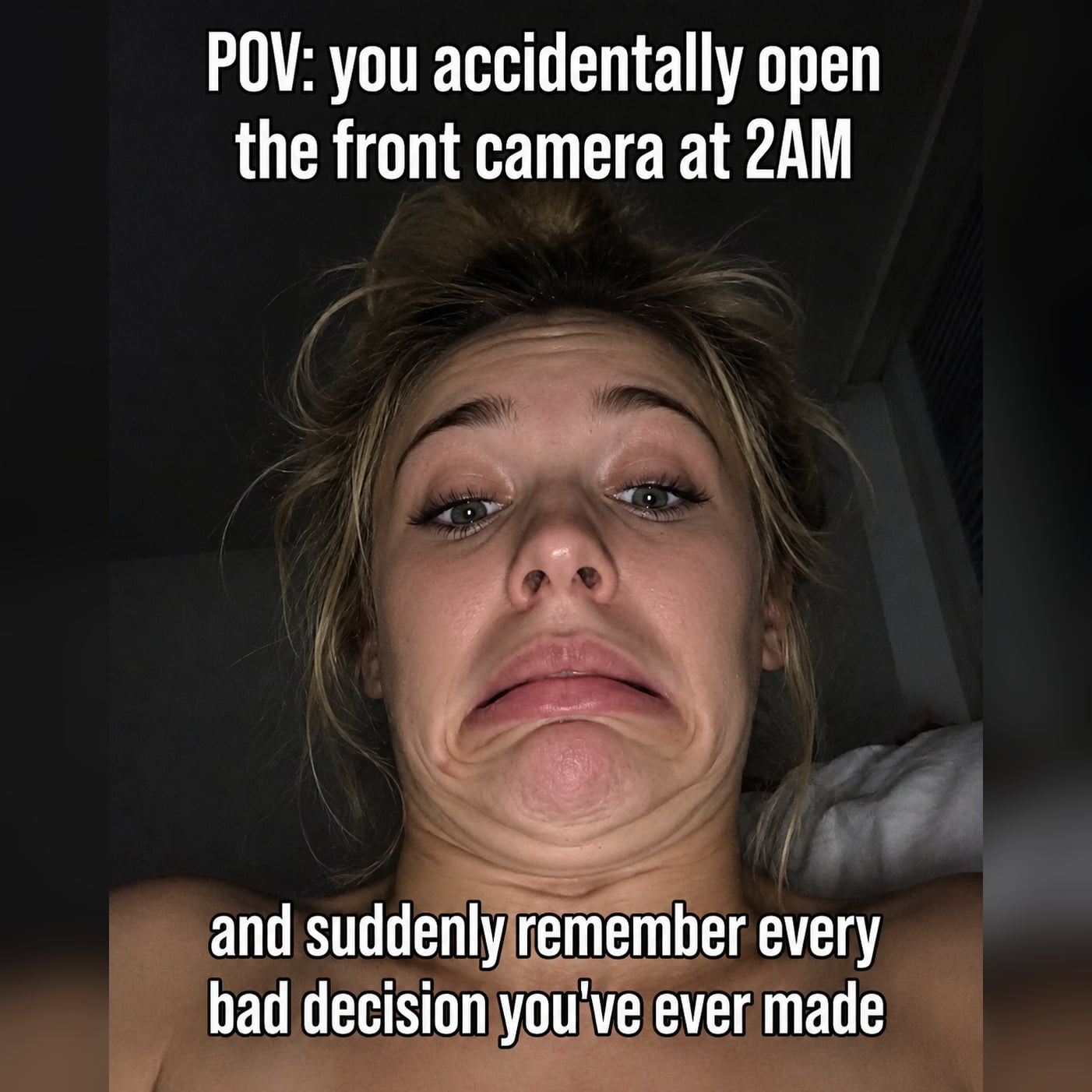
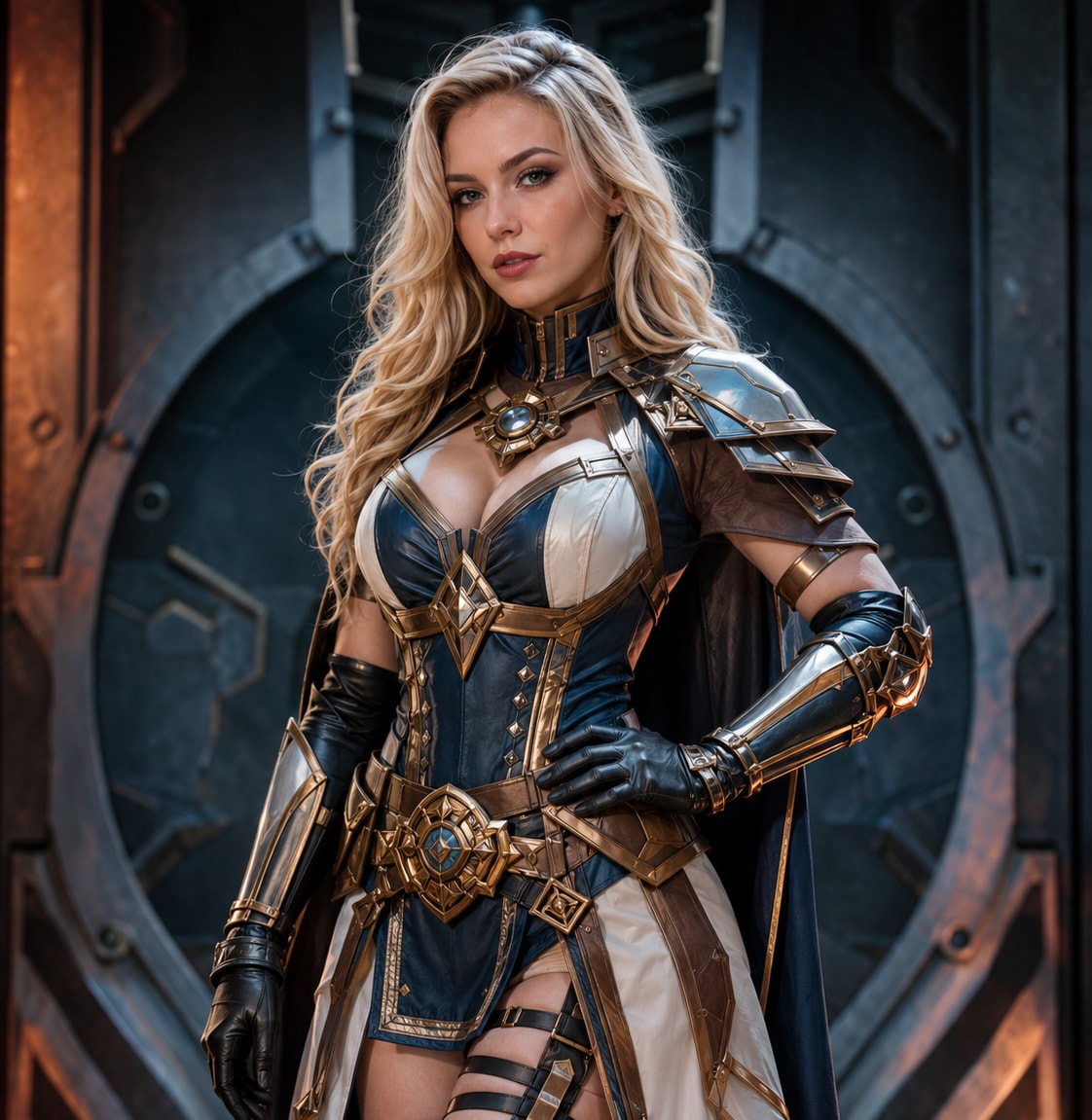
Kendi kostüm görüntünüzle yeni bir karakter görünümü deneyin, bir portre düzenini kişiselleştirin veya onaylı medyayı kullanarak bir memi yeniden düzenleyin. İş akışı, içerik üreticilerine manuel maskeleme olmaksızın farklı görsel yönleri test etme alanı sunar.
Temel görüntü poz, çerçeveleme, arka plan ve ışık bağlamını sağlar. Uyumlu bir açıya sahip net bir kaynak yüz seçmek, oluşturulan sonucun orijinal sahneye daha doğal biçimde uymasına yardımcı olabilir.
Değiştirmeyi oluşturun, yüz hizalamasını ve sahne tutarlılığını inceleyin, ardından gerektiğinde başka bir uygun kaynak görüntü deneyin. İfade, ışık ve genel kompozisyon yaratıcı hedefinizle örtüştüğünde indirin.
Size ait veya yetkili bir selfie, çift fotoğrafı, grup çekimi, cosplay görüntüsü, portre veya mem seçin. Açıkça görünür bir hedef yüz, iş akışına daha güçlü bir temel sağlar.
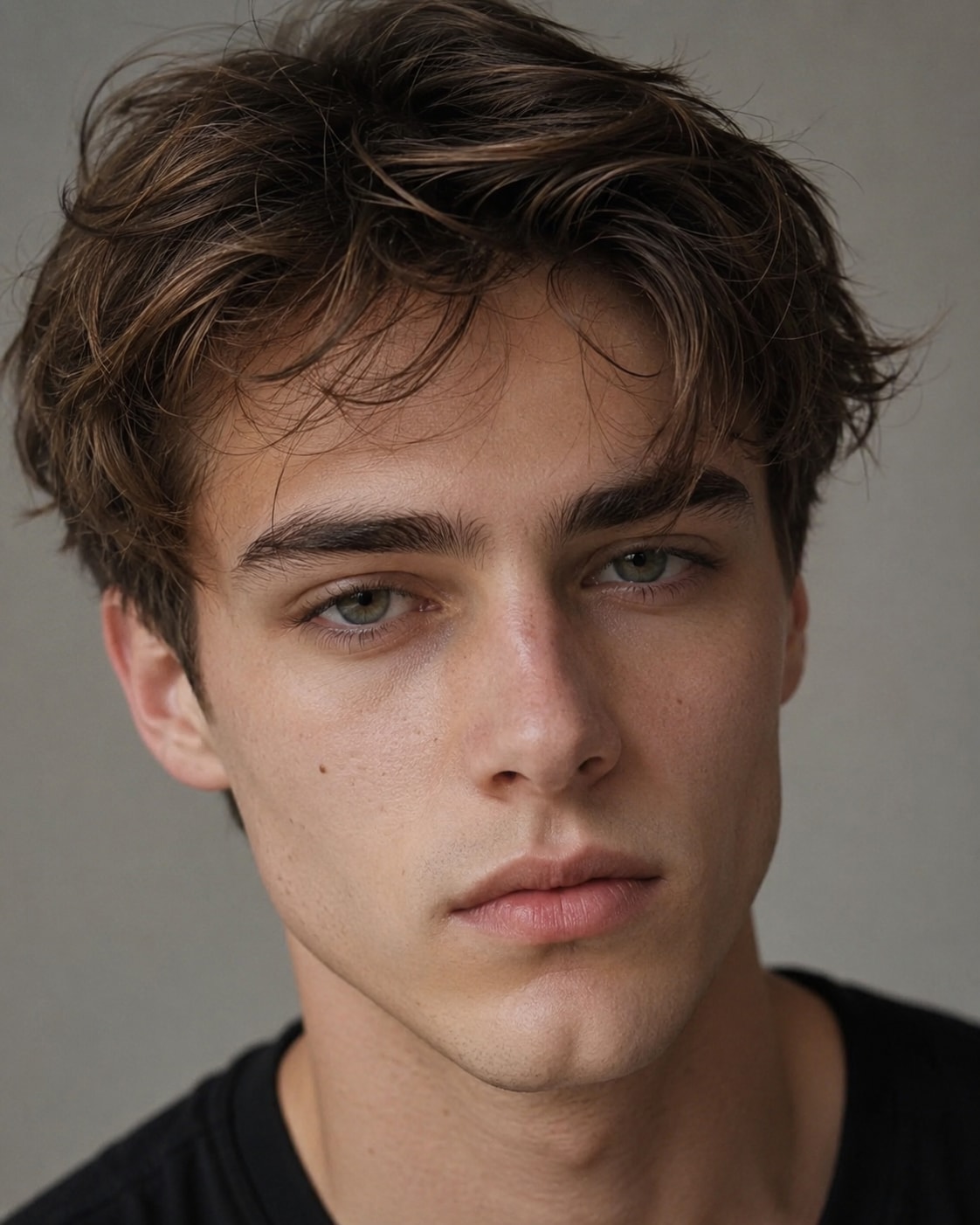
Net bir kaynak yüz görüntüsü yükleyin ve gerektiğinde değiştirilecek yüzü seçin. Daha iyi bir görsel eşleşme için, oluşturmadan önce her iki görüntüdeki açıyı, ifadeyi ve ışığı göz önünde bulundurun.
Oluşturulan görüntüyü tam boyutunda inceleyin ve yüzü fotoğrafın kompozisyonuyla karşılaştırın. Gerekirse başka bir uygun kaynak deneyin ya da onaylı kullanımınız için nihai sürümü indirin.

Çift Fotoğrafı İçerik Üreticisi

"Kendi çift selfie'mizi gerçekten komik bir alternatif versiyona dönüştürdük."Temel fotoğrafı ve kaynak yüzü yüklemek oldukça kolaydı; sonucu önce incelemek daha iyi görüntüyü seçmemize yardımcı oldu.

Grup Sohbeti Mem Yapıcısı
"Gruptaki herkesin onayladığı fotoğrafları yeniden düzenlemek için harika."Net bir öne dönük kaynak kullandım, grup çekimine nasıl uyduğunu kontrol ettim ve iç şaka olarak iyi işe yarayan bir sürümü kaydettim.

Cosplay Fotoğrafçısı
"Başka bir çekim öncesinde kostüm portre konseptini test etmek için çok yararlı."Kaynak açısını kendi cosplay fotoğrafımızla eşleştirmek fark yarattı ve manuel kesim olmadan birkaç fikri inceleyebildim.

Portre Hobicisi
"İnceleme adımı beni yalnızca yüze değil, tüm fotoğrafa odaklı tutuyor."Işığı, pozu ve kompozisyonu birlikte kontrol ediyorum, ardından portreye uymadığında kaynak görüntüyü değiştiriyorum.
Burada "kısıtlama yok" ifadesi, çeşitli yetkili fotoğraf fikirleri için daha esnek bir yaratıcı iş akışı anlamına gelir. Bu, aldatıcı kimlik taklidi, dolandırıcılık, taciz veya zararlı kullanım için izin değildir. Rızaya, kimlik haklarına, yürürlükteki yasalara ve platform kurallarına saygı gösterin.
Yetkili selfie'leri, çift fotoğraflarını, grup çekimlerini, cosplay görüntülerini, portreleri ve memleri keşfedebilirsiniz. Net yüz görünürlüğü yararlıdır ve çıktı görüntü kalitesi, açı, ışık ve kompozisyona göre değişebilir.
Kendinizin veya düzenlemeye onay veren bir kişinin net görüntüsünü kullanın. Benzer bir açıya ve uyumlu ışığa sahip bir yüz, ağır gölgeli veya kısmen örtülü bir referansa kıyasla temel fotoğrafa daha doğal uyabilir.
Hedeflenen yüz görünür olduğunda ve iş akışı bunu tanımlayabildiğinde grup çekimi kullanabilirsiniz. Doğru kişinin değiştirildiğini ve düzenlemenin çevredeki yüzlerle hâlâ uyumlu olduğunu doğrulamak için sonucu dikkatlice inceleyin.
Kaynak yüzün temel görüntünün pozu ve aydınlatması içinde çalışması gerekir. Benzer açılar, net özellikler ve uyumlu ışık yönü, oluşturulan yüzün mevcut kompozisyona yerleşmesini kolaylaştırabilir.
Media.io kayıt olurken ücretsiz kredi sunar, böylece tarayıcı tabanlı fotoğraf iş akışını test edebilirsiniz. Kredi kullanımı ve mevcut seçenekler mevcut ürün ayarlarına ve planlara göre değişebilir.
 4.7 (162.357 Oy)


