Realistic Celebrity Selfie Prompts
Use detailed prompts that define the pose, lighting, background, camera angle, facial expression, and photo style. This makes each realistic selfie with celebrity prompt more natural than a basic one-line request.
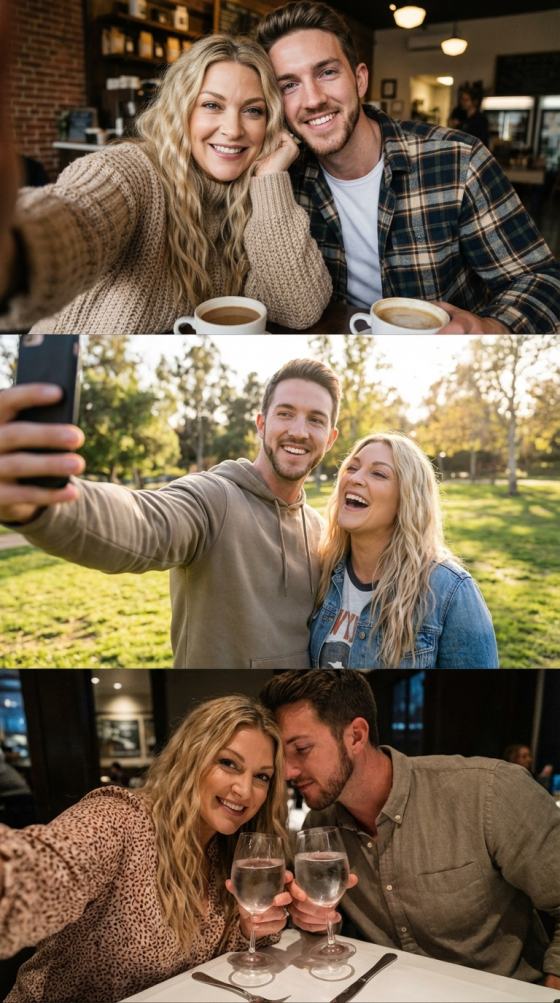
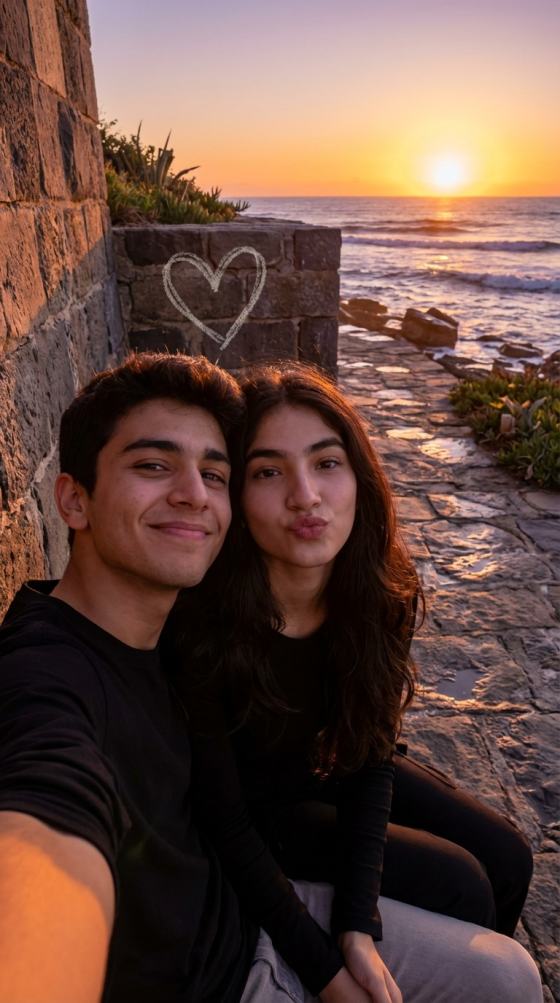
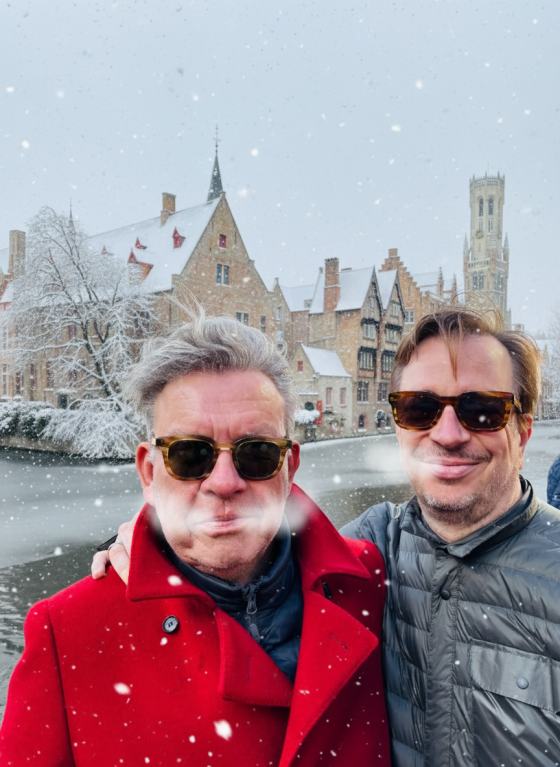
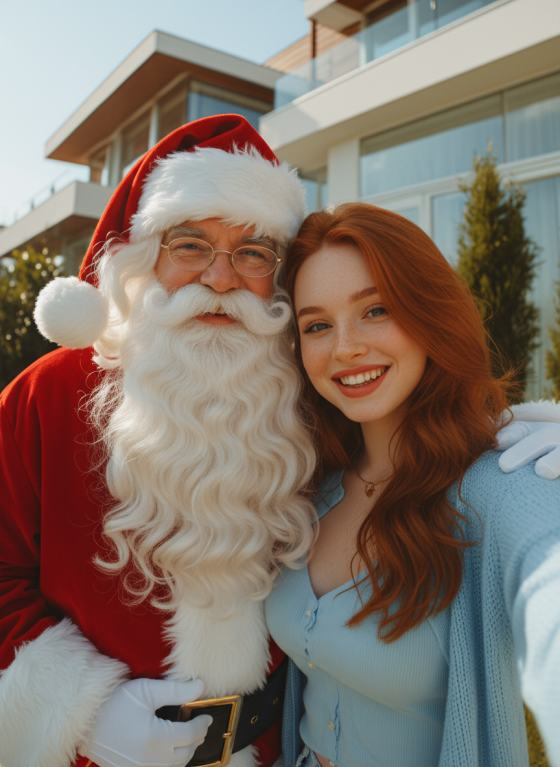
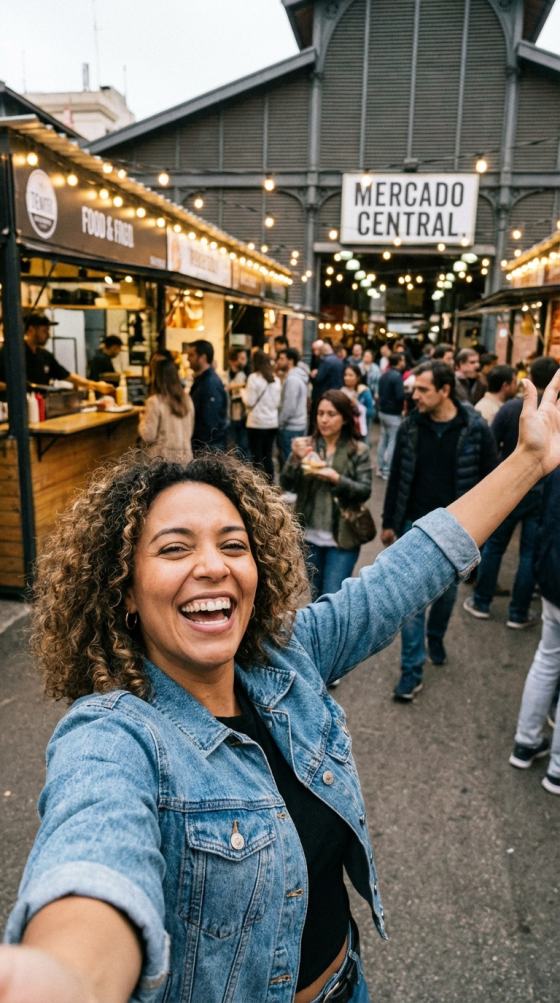
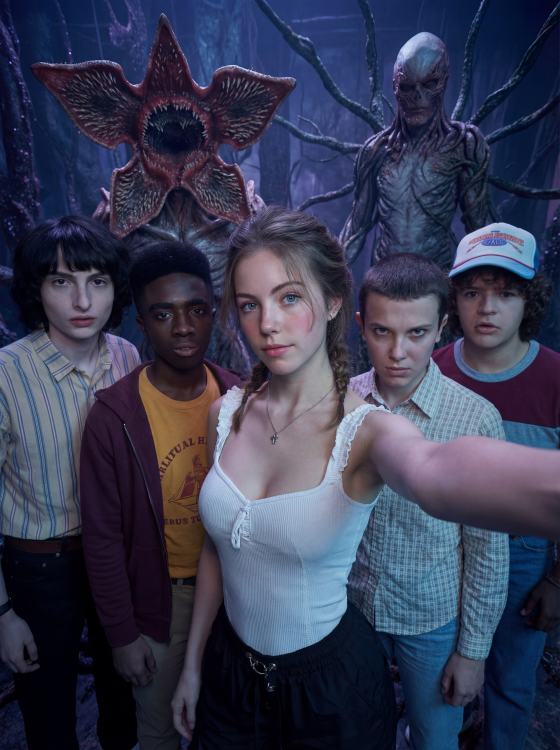
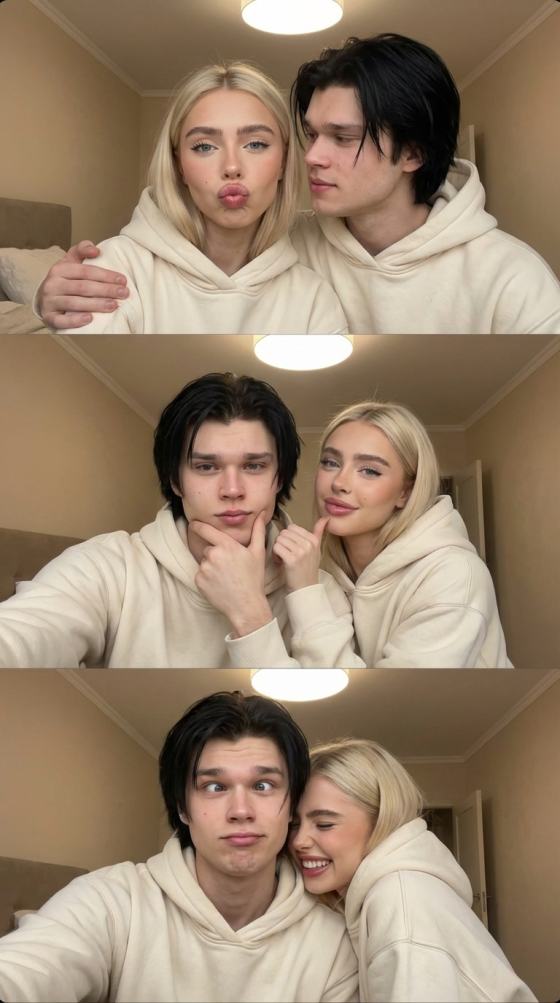
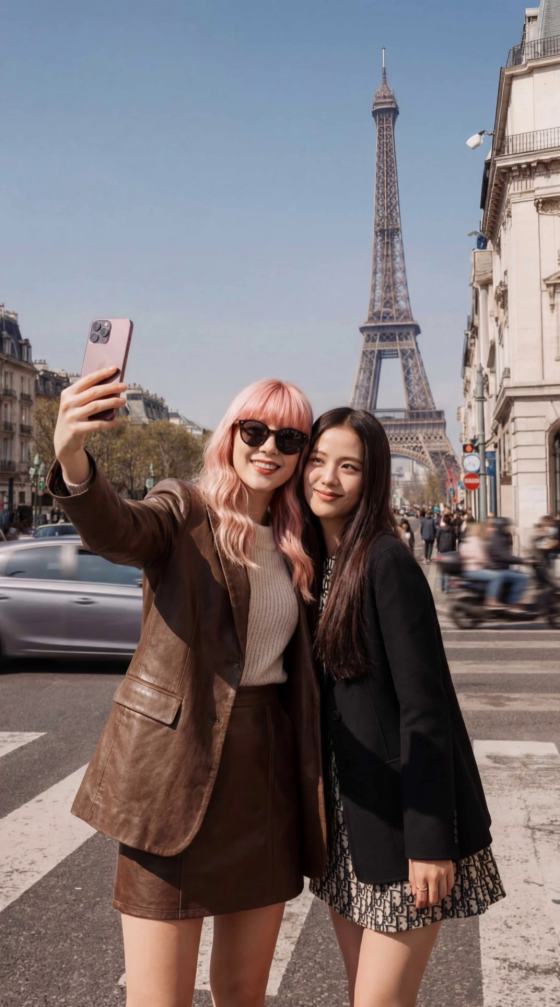
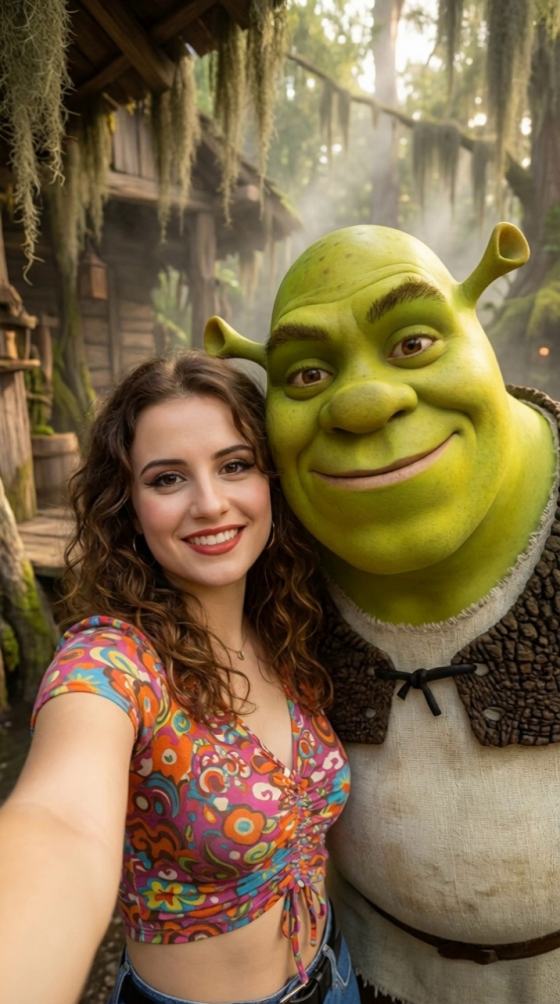
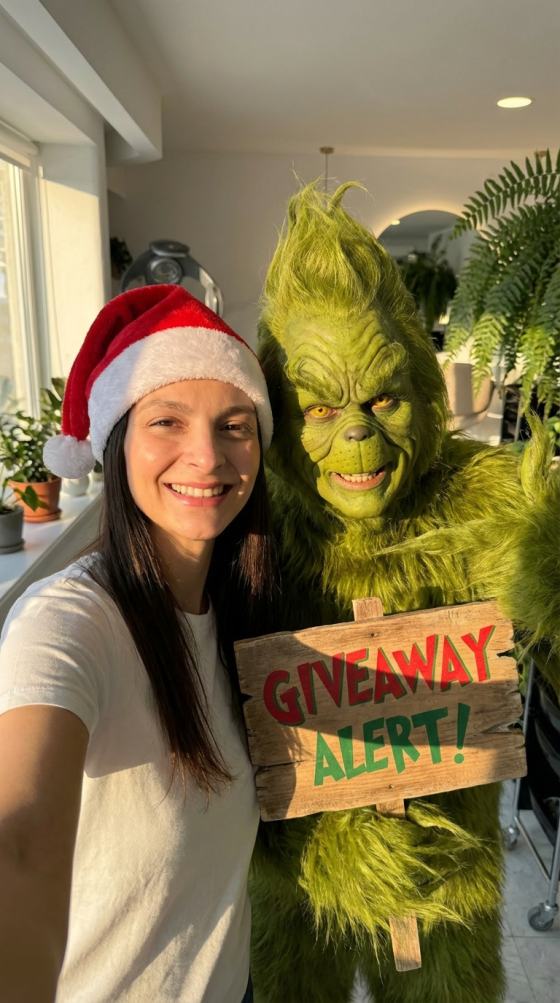
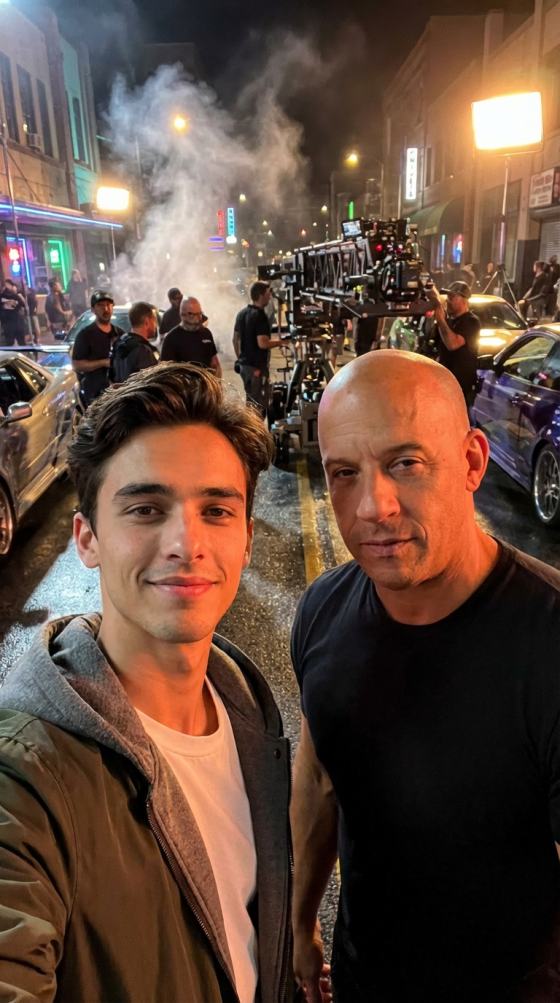
Create a realistic selfie with your favorite celebrity using ready-made AI prompts. Upload your photo, choose a scene, copy a ChatGPT or Gemini prompt, and generate a natural-looking celebrity selfie or short AI video online with Media.io.
Free credits on signup.
Use detailed prompts that define the pose, lighting, background, camera angle, facial expression, and photo style. This makes each realistic selfie with celebrity prompt more natural than a basic one-line request.
Copy a selfie with celebrity AI prompt Gemini users can understand, or adapt it as a ChatGPT selfie with celebrity prompt . Media.io gives you a practical prompt-first workflow without complicated editing.
Generate backstage concert photos, stadium selfies, red-carpet shots, café meetings, film-set moments, or street-style snapshots. Change the celebrity, outfit, location, and mood while keeping your face recognizable.
Use the Media.io AI selfie with celebrity generator for a still image, then animate the result with an AI celebrity selfie video generator workflow for Reels, TikTok, Shorts, fan edits, and profile content.
Choose a sharp, front-facing photo with even lighting. Avoid heavy filters, blocked facial features, or extreme angles so the AI celebrity selfie generator can preserve your identity more accurately.
Pick a selfie with celebrity prompt below. Replace the celebrity, setting, clothes, lighting, and expression while keeping instructions for realistic skin texture, natural proportions, and a handheld phone-camera look.
Generate the photo, review face consistency and scene realism, then refine the prompt if needed. Download the image or animate it into a short celebrity selfie video for social media.
Start with one of these high-intent scenes, then customize the celebrity, location, outfit, lighting, expression, and camera style.
Create a backstage concert photo, red-carpet snapshot, movie-premiere selfie, café meeting, or film-set moment with a favorite actor, singer, or pop star.
Generate realistic stadium, locker-room, trophy celebration, training-ground, or courtside selfies with footballers, basketball players, racers, and other athletes.
Animate a generated photo with a subtle smile, camera movement, crowd motion, flash photography, or a short greeting using an AI celebrity selfie video generator .

Lifestyle Creator
“Looks Surprisingly Real.” The prompt gave me a believable backstage selfie with natural lighting and much better face consistency than my earlier attempts.
Short-Form Creator
“Perfect For Fan Content.” I copied a football celebrity prompt, changed the stadium scene, and had a strong social post ready without manual compositing.
Student Creator
“Easy Prompt Workflow.” The examples explained exactly what to include, so I could create a realistic celebrity selfie even without prompt-writing experience.
A selfie with celebrity prompt is a detailed instruction that tells an AI image model who should appear, where the photo takes place, how both people pose, what lighting and camera style to use, and which facial details to preserve. Strong prompts usually mention realistic skin texture, natural proportions, eye direction, hand placement, background depth, and a handheld smartphone perspective.
Start with the uploaded person and the celebrity, then define the setting, pose, expression, wardrobe, lighting, camera angle, and realism requirements. For example: “Create a realistic front-camera selfie of the uploaded person beside a famous football star in a stadium tunnel, both smiling naturally, with bright stadium lighting, accurate facial proportions, realistic hands, shallow depth of field, and authentic iPhone photo quality.” Avoid vague requests and contradictory styles.
Yes. Each selfie with celebrity AI prompt Gemini users copy from this page can also be adapted as a ChatGPT selfie with celebrity prompt . Upload a reference selfie when the model supports image input, paste the prompt, and replace the celebrity or scene description. Results vary by model, so keeping the prompt specific and using a clear source image usually improves consistency.
Media.io provides free signup credits that let new users test the selfie with celebrity AI free workflow before purchasing additional generation credits. Credit use can vary by model, image size, and generation settings. You can preview the prompt, upload your photo, generate a result, and refine the scene online without installing desktop software.
Yes. After creating the image, use an AI celebrity selfie video generator to add subtle head movement, blinking, smiles, camera motion, crowd activity, paparazzi flashes, or a short greeting. Keep movement modest for a more believable result, especially when the source selfie has a close-up face. Export the video for TikTok, Reels, Shorts, or fan edits.
 4.7 (162,357 Votes)



