Try the Viral Burgundy Hair Filter
Preview a rich burgundy or wine-red hairstyle without visiting a salon. Animate a dye bowl, brush application, and dramatic hair color reveal from your selfie.
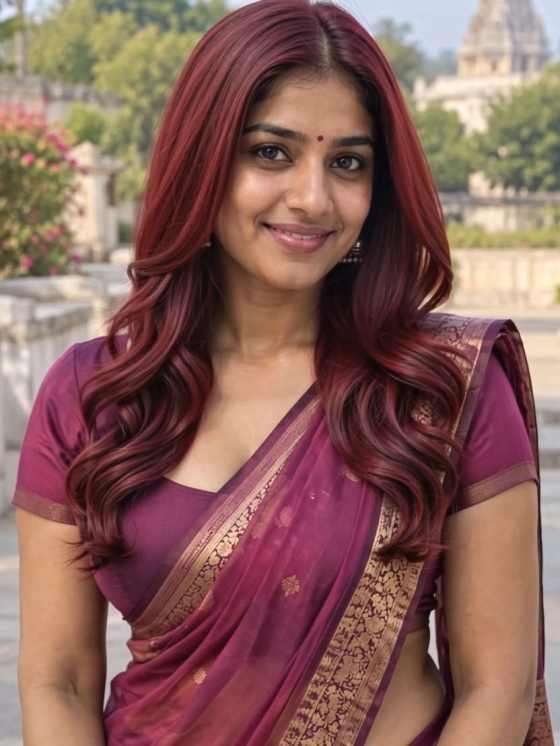
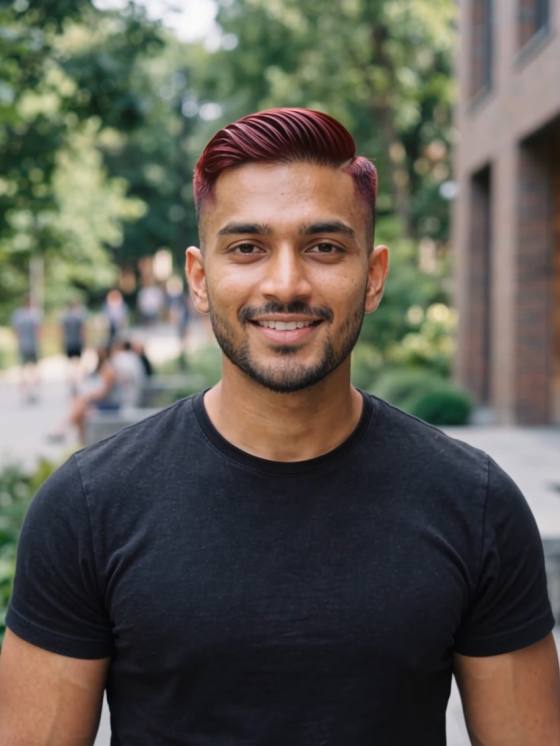
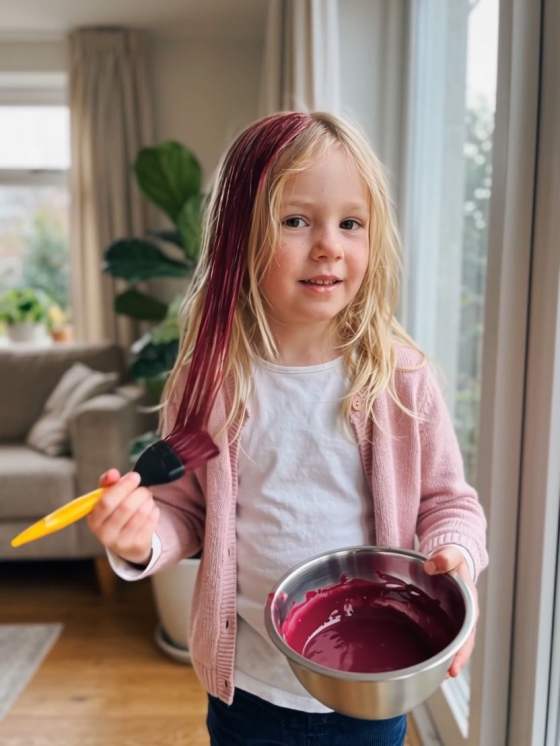
Turn one selfie into a viral burgundy hair transformation. Watch yourself pick up a dye bowl and brush, apply rich wine-red color, straighten your hair, reveal glossy curls, and smile at the camera—all in a realistic-looking AI beauty video.
Upload a photo you have permission to use. Hair color, hand movements, tools, and transition quality may vary by AI model. The video is a visual simulation, not a prediction of actual dye results.
Preview a rich burgundy or wine-red hairstyle without visiting a salon. Animate a dye bowl, brush application, and dramatic hair color reveal from your selfie.
Start with one clear portrait instead of filming an actual salon session. Describe each step in your prompt to create a realistic-looking AI hair dye video.
Show freshly colored straight hair, a hair straightener, and a final transition into soft, glossy curls. Check hands and hair texture for consistency.
Create a vertical 9:16 hair makeover for Reels, TikTok, or Shorts. Use your own photo and appropriately licensed audio; this is not an official CapCut filter.
Choose a clear, front-facing photo with your face and hair visible. Good lighting and an unobstructed hairstyle help preserve your appearance.
Describe picking up a dye bowl and brush, applying burgundy dye, revealing straight hair, using a straightener, and finishing with glossy curls. Keep your facial identity consistent.
Generate and review the transitions, tools, hands, hair texture, and final hairstyle. If the sequence is unstable, simplify the prompt or generate shorter clips.
The AI Hair Dye Filter is a beauty-video trend that animates a selfie into a multi-stage hair makeover: a dye bowl and brush, burgundy color application, straightening, and a glossy curly-hair reveal. The process is AI-generated rather than a recording of real hair coloring.
Upload a clear selfie to Media.io Image to Video and describe a realistic beauty transformation: pick up a dye bowl and brush, apply burgundy hair dye, transition to sleek straight hair, use a hair straightener, then reveal glossy curls and smile. Keep facial features consistent and use vertical 9:16 framing. Check the result because multi-stage motion may require several attempts.
Yes. You can use an AI video to visualize a burgundy, wine-red, or cherry-toned hairstyle without applying real dye. It is a creative simulation, not a reliable prediction of real coloring results, which depend on your starting hair color, texture, and dye.
The visual trend may be similar, but Media.io Image to Video uses available AI models and prompts rather than claiming to be an official CapCut filter. Available effects, transition quality, and generation controls can differ.
Yes. When supported, export a vertical 9:16 clip and review the hair transitions, hands, and tools before posting. Use photos and music you have rights to use and follow applicable platform rules for synthetic media.
See what creators are making on TikTok, Reels & Shorts — watch the effects and try your next viral idea.