Two-Person Storytelling
Use two clear reference photos to guide the characters in a shared thriller scene. Describe each person’s role and keep their outfits distinct to reduce identity confusion.

Turn two photos into a suspenseful AI couple thriller video. Create a cliff-edge story with stormy skies, a tense embrace, a sudden reversal, and a dramatic slow-motion ending. Use Media.io Image to Video to bring your own cinematic couple scene to life.
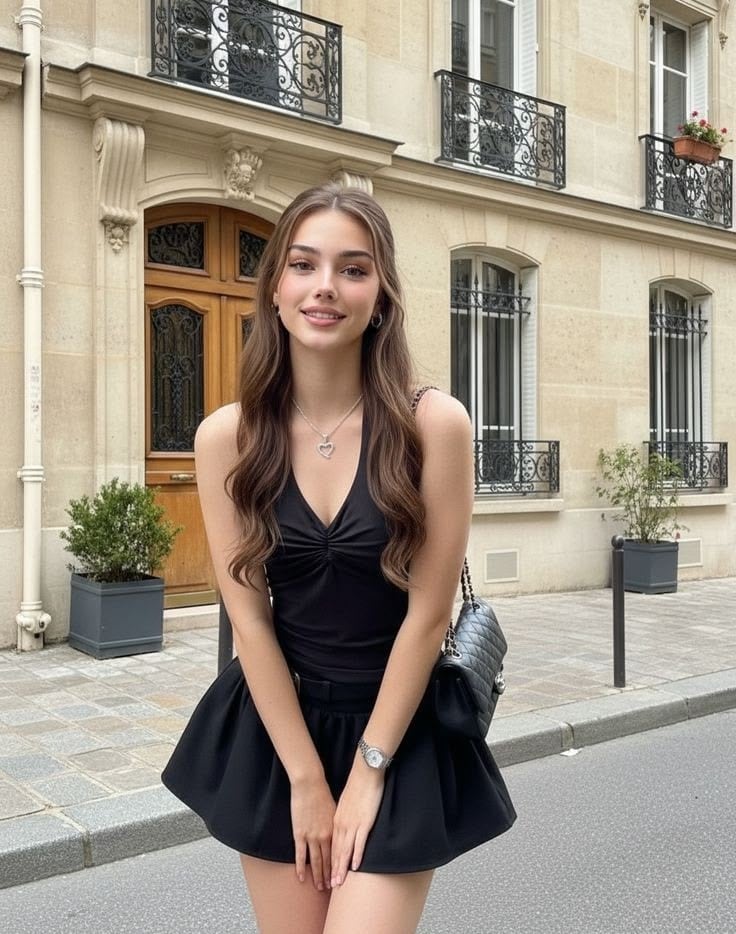
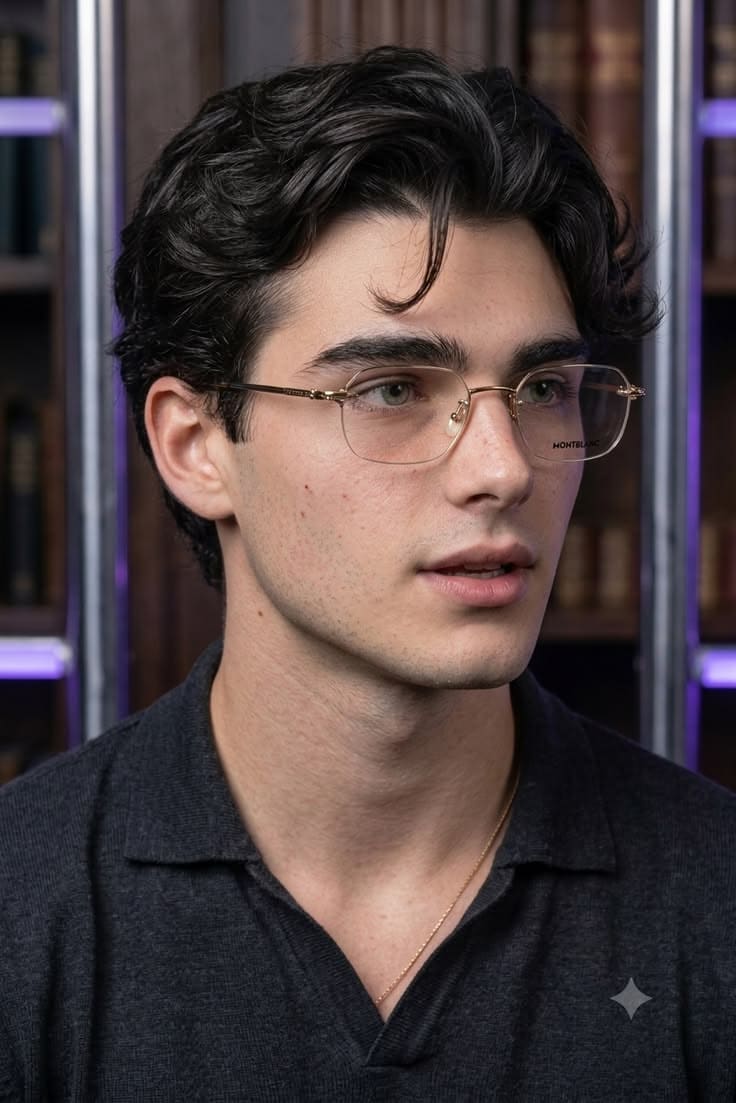
Two portraits become one cinematic cliff-edge thriller scene.
Use photos you have permission to animate. Character consistency and complex action may vary by model.
Use two clear reference photos to guide the characters in a shared thriller scene. Describe each person’s role and keep their outfits distinct to reduce identity confusion.
Build suspense with a windy coastal cliff, dark clouds, dramatic eye contact, and a carefully framed confrontation. Atmospheric details help convey the story without dialogue.
Create a reversal with a sudden step back, a dramatic reaction, and a stylized slow-motion fall. Keep the action fictional and cinematic rather than graphic.
Make a short couple thriller for TikTok, Reels, or Shorts. Add captions and appropriately licensed sound afterward to clarify the twist and build anticipation.
Choose clear individual photos of both participants. If the selected workflow accepts only one starting image, first combine the two people into a single scene using Media.io Image to Image.
Prompt a stormy coastal cliff, a tense couple interaction, a dramatic reversal, and a slow-motion cinematic ending. Specify camera movement, each character’s appearance, and non-graphic action.
Generate the scene and check face consistency, positioning, and continuity. For a multi-shot story, create short clips separately and join them in an editor with licensed sound.
The AI Couple Thriller Trend turns couple photos into a dramatic mini-movie, often featuring a cliff-edge confrontation, an emotional twist, and a stylized fall. The Cliff Edge and Cliff Edge: Her Turn concepts illustrate two alternate endings. Different creators may use different scenes and soundtracks.
Start with clear, authorized photos of both people. If your chosen Media.io model supports only one input image, combine them into a single image first. Describe the cliff setting, each character, camera movement, and sequence of actions, then generate and review the result.
Try: “Animate the two people in the reference image on a windy coastal cliff at dusk. They exchange a tense look as the camera slowly circles. One steps back dramatically; the scene ends with a wide cinematic shot and a non-graphic slow-motion fall. Preserve both faces and outfits, realistic movement, stormy lighting, no gore, no extra people.” For complex plots, split the story into separate shots.
You can make an original fictional variation in which the apparent power dynamic reverses at the cliff. Use distinct character descriptions and a controlled sequence of shots. Exact replication of another creator’s template, footage, or soundtrack may require permission, and results will vary by model.
Media.io model availability, credits, output length, and pricing depend on the selected workflow. An 18-second example from another provider does not guarantee the same duration on Media.io. If the model supports shorter clips, generate multiple segments and combine them in an editor.