Consejos: Utilice consejos en inglés para obtener mejores resultados.
1K
9:16
1
Modo Ilimitado Banana Pro
Creaciones
Centro de Ideas
Cómo funciona
Todo
Funciones populares
Ver todo
Historia de Frutas con IA
Ver todo
Video de Historia de IA
Ver todo
Videos Virales Hoy
Ver todo
Videos de Productos de IA
Ver todo
Personaje de IA
Ver todo
Tendencias de Baile
Ver todo
GPT Image 2
Ver todo
Seedance 2.0
Ver todo
Emparejamiento de Celebridades con IA
Ver todo
Indicaciones de Poses para Parejas
Ver todo
Prompts de Poses de Chica AI Estética
Ver todo
Sugerencias de Pose Elegante para Chicos AI
Ver todo
Lista de generación
Tus creaciones solo se guardan durante 7 días. Los recursos creados después de actualizar a Membresía se almacenarán de forma permanente.
¡Desbloquea tu potencial creativo y experimenta la magia de Media AI ahora mismo!
Generador de Imágenes por Chat para Arte AI Rápido, Fotos y Conceptos
Convierte ideas en imágenes conversando de manera natural con Media.io generador de imágenes por chat. Crea arte anime, retratos realistas, fotos de productos, publicaciones para redes sociales e imágenes conceptuales en segundos con estilos flexibles, opciones de alta resolución y un flujo de trabajo fácil desde el navegador.
Escribe tu idea -> La IA la diseña. Prueba gratis.
Explora nuestra colección seleccionada de generador de imágenes por chat estilos.
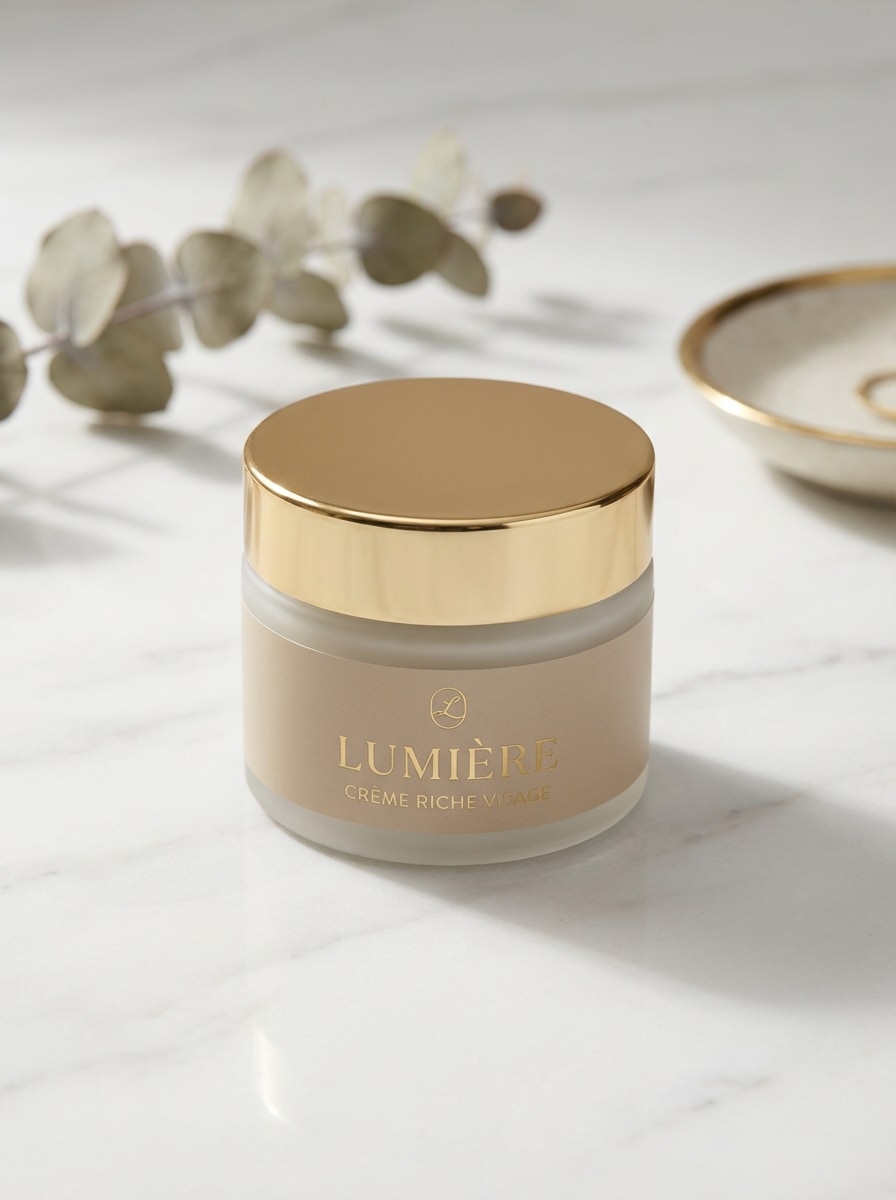
Fotografía de Productos de Lujo
Crea un frasco de cuidado de la piel premium mostrado sobre mármol blanco pulido con luz de estudio difusa y suave, sombras naturales sutiles, detalles elegantes en beige y dorado, poca profundidad de campo, composición editorial limpia, texturas realistas de vidrio y metal, ambiente de lujo refinado, fotografía comercial de belleza ultra detallada en alta resolución.
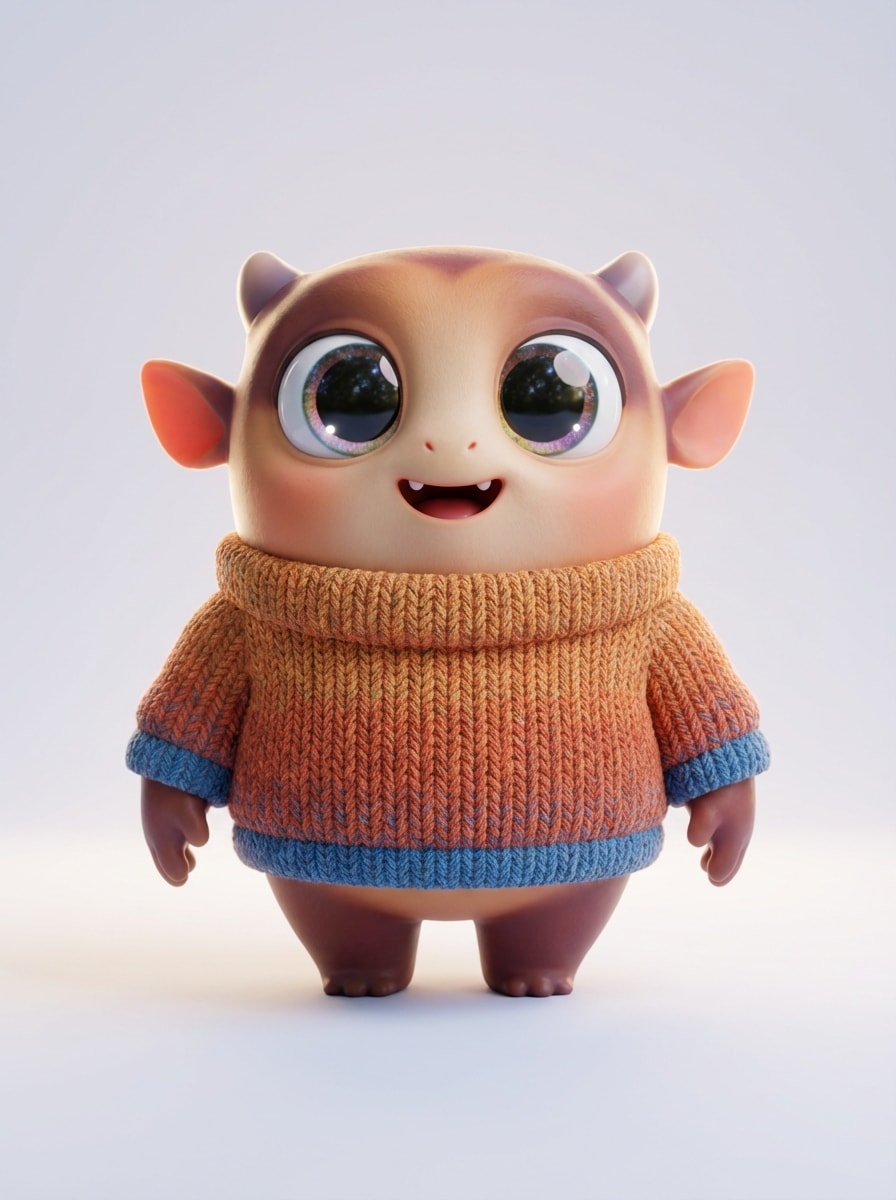
Personaje de Dibujos Animados 3D
Genera un personaje de dibujos animados 3D adorable con grandes ojos expresivos, estilo pulido de película animada, iluminación suave global, luz de borde cinematográfica, colores vibrantes pero equilibrados, pliegues de ropa detallados, materiales lisos, composición centrada, estado de ánimo amistoso y juguetón, y un fondo de estudio limpio en una renderización de personaje de alta gama.
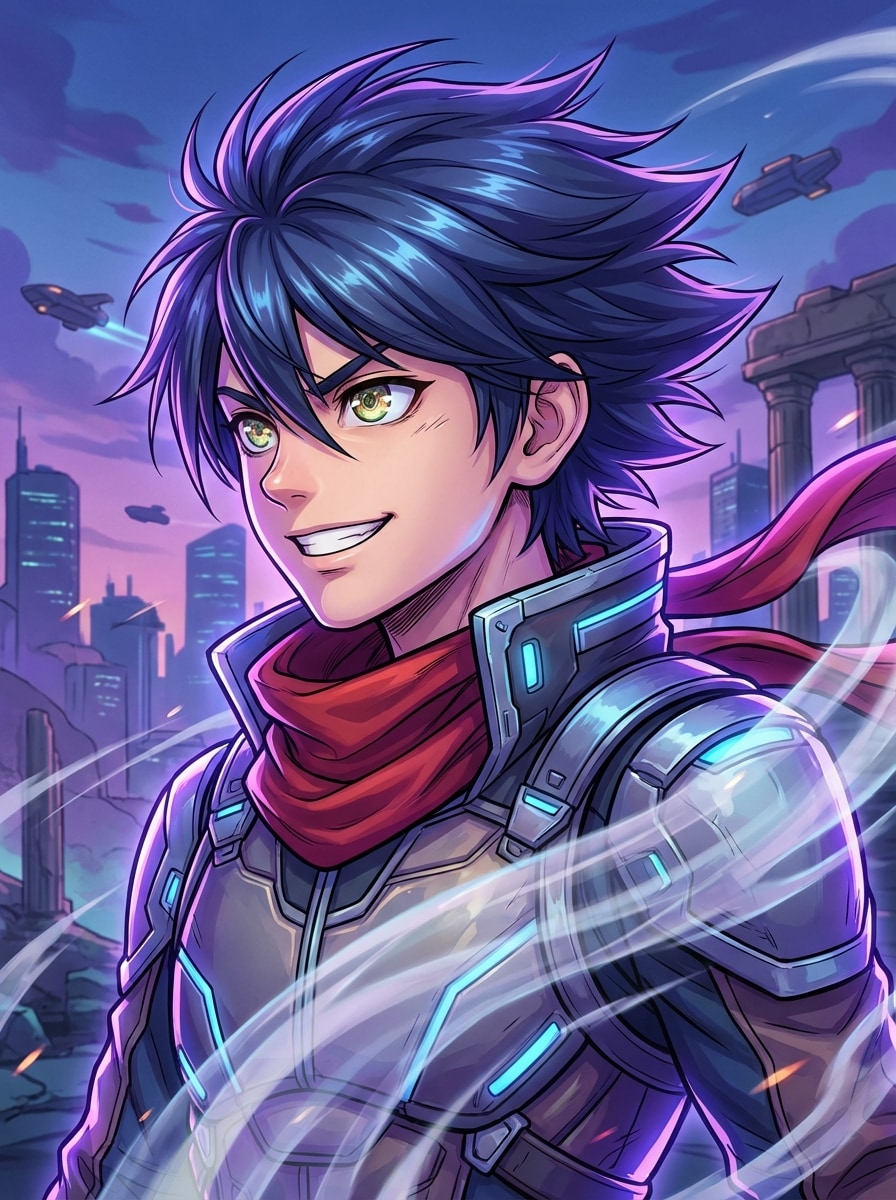
Retrato de Héroe Anime
Crea un retrato dinámico de héroe anime con contraluz dramático, un horizonte futurista de ciudad neón, sombreado cel-shading nítido, mechones de cabello detallados, pose confiada, paleta vívida magenta y azul, rasgos faciales definidos, encuadre de póster cinematográfico, atmósfera energética y calidad visual premium con alto nivel de detalle.
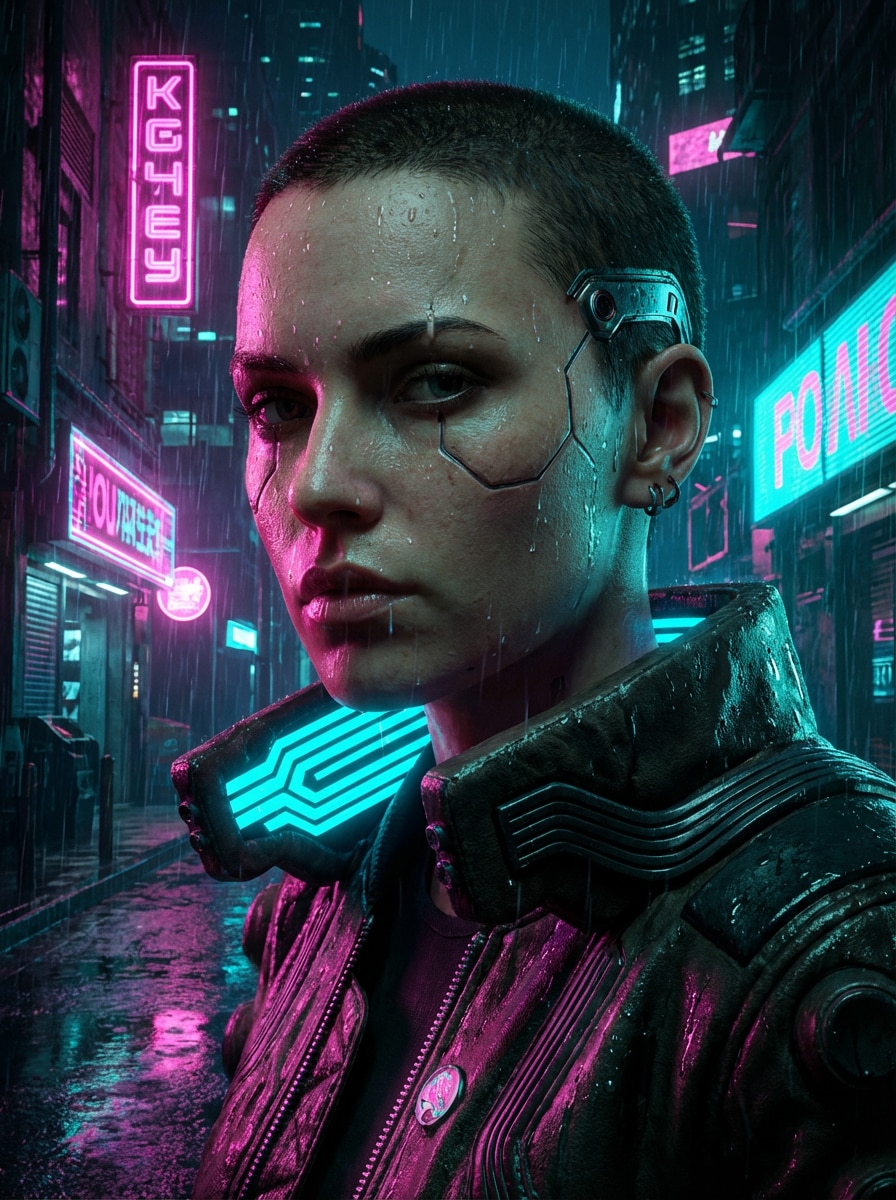
Retrato Neón Cyberpunk
Crea un retrato cyberpunk en una ciudad futurista lluviosa con reflejos neón rosa y cian, calles mojadas, contraste dramático, textura realista de piel, letreros luminosos, iluminación cinematográfica de ambiente, composición cercana, atmósfera sci-fi de alto detalle, superficies reflectantes y una paleta de colores urbanos para arte digital impactante.
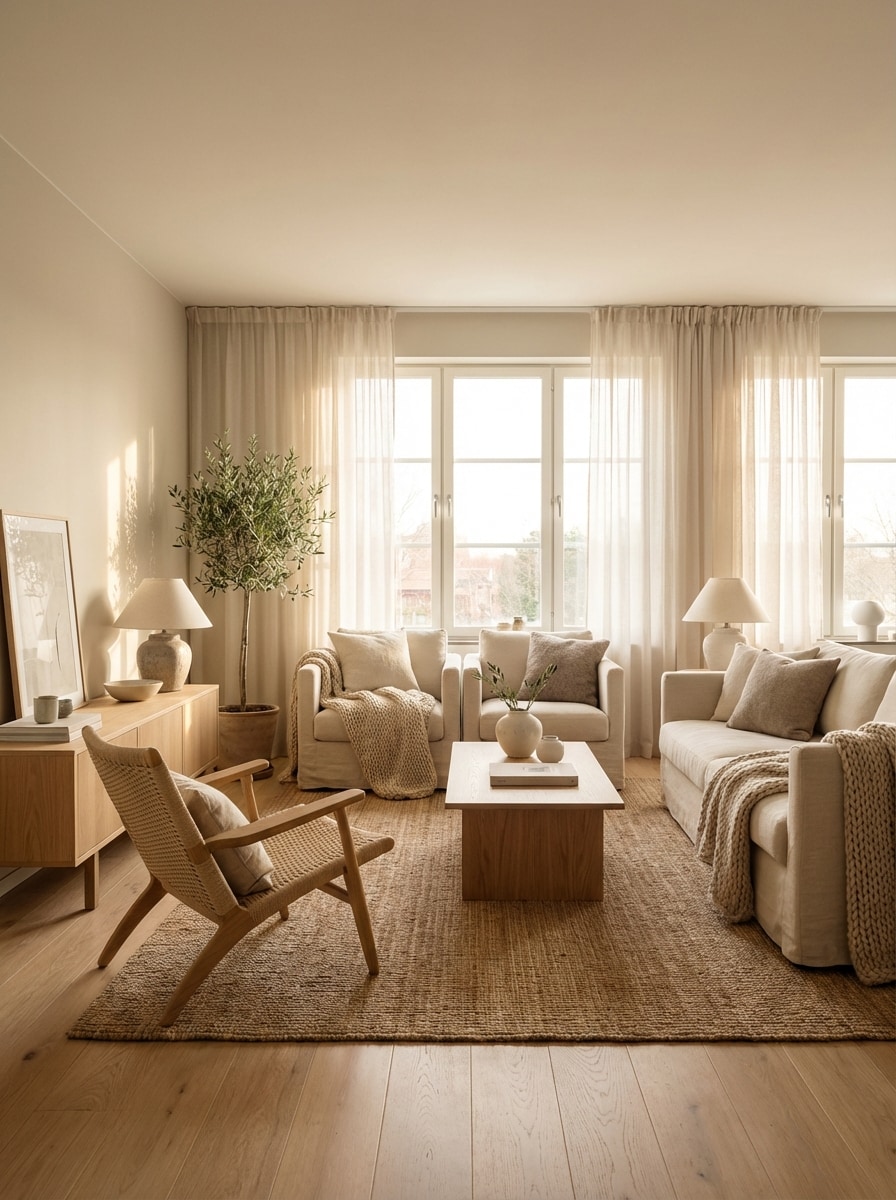
Render de Ambiente Interior
Diseña una sala de estar escandinava con madera de roble natural, tonos beige y crema, luz suave de la mañana, texturas realistas de tela y madera, composición editorial aireada, estilo moderno y acogedor, equilibrio de espacios negativos, ambiente calmado y acogedor y realismo fotográfico de interiores en alta resolución ideal para tableros de inspiración.
Por Qué Usar Media.io para Generar Imágenes por Chat
Modelos Avanzados de IA para Mejores Resultados
Crea imágenes con potentes modelos de texto a imagen como Nano Banana Pro, Nano Banana 2, Seedream 5.0 Lite, Soul Character, Seedream 4.0 e Imagen 4, ofreciéndote opciones flexibles para arte realista, anime, imágenes conceptuales y más.
Alta Resolución y Relaciones de Aspecto Flexibles
Genera resultados de chat a imagen en resoluciones 1K, 2K o 4K y elige entre relaciones útiles como 1:1, 9:16, 16:9, 4:3, 3:4, 3:2 y 2:3 para publicaciones, miniaturas, anuncios, portadas y presentaciones.
Múltiples Estilos Visuales desde una Idea
Transforma un simple prompt de chat en muchas apariencias con versatilidad de estilos integrada, incluyendo Anime, Realista, Render 3D, Pintura al Óleo, Cyberpunk y más, para explorar rápidamente diferentes direcciones creativas sin tener que comenzar de nuevo.
Funciona en Línea en Cualquier Dispositivo
Utiliza Media.io directamente en tu navegador en Windows, Mac, iPhone, iPad o Android. Sin configuraciones complejas, haz que sea fácil generar imágenes por chat donde sea que llegue la inspiración.
Cómo Utilizar el Generador de Imágenes por Chat
1
2
3
1
Abre el Generador de Imágenes por Chat de Media.io
Ve a Generador de Texto a Imagen IA y abre el Generador de Imágenes por Chat en IA -> Texto a Imagen. Esta herramienta online funciona en tu navegador, así que puedes empezar a crear en Windows, Mac, iOS o Android sin instalar software adicional.
2
Ingresa un Prompt
Escribe un prompt detallado como "un retrato de héroe anime cinematográfico con luces de ciudad neón, contraluz dramático, tonos azul y magenta vibrantes, sombreado cel-shading nítido". Elige tu estilo, relación de aspecto, resolución y modelo preferido para el tipo de imagen que deseas.
3
Genera, Refina y Descarga
Haz clic en Generar. Revisa el resultado, refina tu prompt de chat si lo necesitas y crea más variaciones rápidamente. Cuando estés satisfecho con la imagen, descarga tu resultado final en alta resolución para uso social, de diseño o marketing.
Desbloquea el Potencial del Generador de Imágenes por Chat
Descubre cómo creadores y profesionales utilizan nuestro Generador de Imágenes por Chat impulsado por IA para transformar sus flujos de trabajo creativos y dar vida a ideas únicas.
Crea Publicaciones Sociales y Miniaturas Más Rápido
Usa prompts conversacionales para convertir ideas en imágenes impactantes para publicaciones de Instagram, miniaturas de YouTube, portadas de TikTok y gráficos para historias. Es ideal para creadores que necesitan nuevos estilos rápidamente sin conocimientos avanzados de diseño.
Crea Bocetos de Productos y Marcas
Genera escenas de productos pulidas, conceptos de campaña, ideas de empaques y composiciones listas para anuncios a partir de simples instrucciones de chat. Pequeñas empresas y marketers pueden probar direcciones visuales antes de comprometerse con sesiones de fotos o proyectos de diseño completos.
Explora Arte de Personajes y Mundos Creativos
Desde héroes anime hasta avatares de dibujos animados 3D y retratos cyberpunk cinematográficos, el flujo de trabajo de chat a imagen con IA hace más flexible la conceptualización. Escritores, gamers y artistas pueden visualizar rápidamente personajes, ambientes y escenarios en múltiples estilos.
Qué Dicen los Usuarios Sobre Media.io
Lena Brooks
Creadora de Contenido
"Genial para imágenes sociales rápidas" Me gusta poder describir una idea de manera natural y obtener imágenes de calidad en poco tiempo. Ha sido especialmente útil para miniaturas, conceptos de publicaciones y probar diferentes estilos sin complicarme con la redacción de los prompts.
Marcus Chen
Marketer de Ecommerce
"Útil para pruebas de campañas" El flujo de trabajo con el generador de imágenes por chat es simple y la variedad de estilos es práctica. Lo he usado para crear conceptos de escenas de producto e imágenes para anuncios antes de enviar ideas al equipo de diseño.
Priya Nair
Aficionada a la Ilustración
"Fácil para explorar estilos de arte" Cambio entre estilos anime, realista y cyberpunk según el proyecto. El sistema desde el navegador es conveniente y parece fácil para principiantes, pero da resultados de alta calidad.
Daniel Ortiz
Fundador de Startup
"Útil tanto en laptop como en móvil" A menudo pruebo ideas primero en el móvil y luego las finalizo en el escritorio. Media.io lo hace fácil, y la posibilidad de generar muchas direcciones visuales rápidamente me ha ahorrado mucho tiempo.
Explora los efectos de video e imagen con IA más populares
Preguntas Frecuentes sobre el Generador de Imágenes por Chat
1. ¿Qué es un generador de imágenes por chat?
Un generador de imágenes por chat te permite crear imágenes describiendo lo que quieres en lenguaje natural. Con Media.io, introduces un prompt de texto y la IA lo transforma en una imagen, siendo una forma sencilla de generar imágenes desde instrucciones tipo chat.
2. ¿Cómo genero una imagen a partir de texto con Media.io?
Abre la herramienta de Texto a Imagen de Media.io, escribe tu prompt en inglés para mejores resultados, elige un estilo, relación de aspecto, resolución y modelo, luego haz clic en Generar. Puedes perfeccionar el texto y crear nuevas versiones hasta que la imagen coincida con tu idea.
3. ¿Existe un generador de imágenes por chat con IA gratuito?
Sí. Los usuarios gratuitos obtienen 3 créditos al día para probar las funciones de generación de imágenes IA de Media.io. Las descargas gratuitas pueden incluir marcas de agua, mientras que los suscriptores pagos pueden descargar imágenes de alta resolución sin marca de agua. Si necesitas más créditos o exportaciones más limpias, consulta los planes en https://www.media.io/es/pricing.html.
4. ¿Puedo crear imágenes realistas, anime o arte 3D?
Sí. Media.io admite múltiples estilos para la creación de imágenes desde texto, como Anime, Realista, Render 3D, Pintura al Óleo, Cyberpunk y más. Así resulta útil, tanto para retratos realistas como para arte de personajes estilizados o imágenes conceptuales creativas.
5. ¿Qué resoluciones y relaciones de aspecto admite Media.io?
Media.io puede generar imágenes en resolución 1K, 2K y 4K. También admite una amplia gama de relaciones de aspecto, como Auto, 1:1, 9:16, 16:9, 4:3, 3:4, 3:2 y 2:3, para optimizar los resultados en redes sociales, presentaciones, anuncios o fondos de pantalla.
6. ¿Media.io funciona en móviles y mis datos son privados?
Sí. Media.io es una herramienta web y funciona en cualquier dispositivo con navegador, incluido Windows, Mac, iOS y Android. Por privacidad, las imágenes cargadas se eliminan automáticamente de los servidores de Media.io a los 7 días.
Más Allá del Generador de Imágenes por Chat Online con IA